
Privacy in practice
Rename private photos and files on iPhone without changing their format
Give Vault Max photos and documents useful names with gallery batch rename. Keep extensions, understand numbering, and check the name that leaves with a shared file.
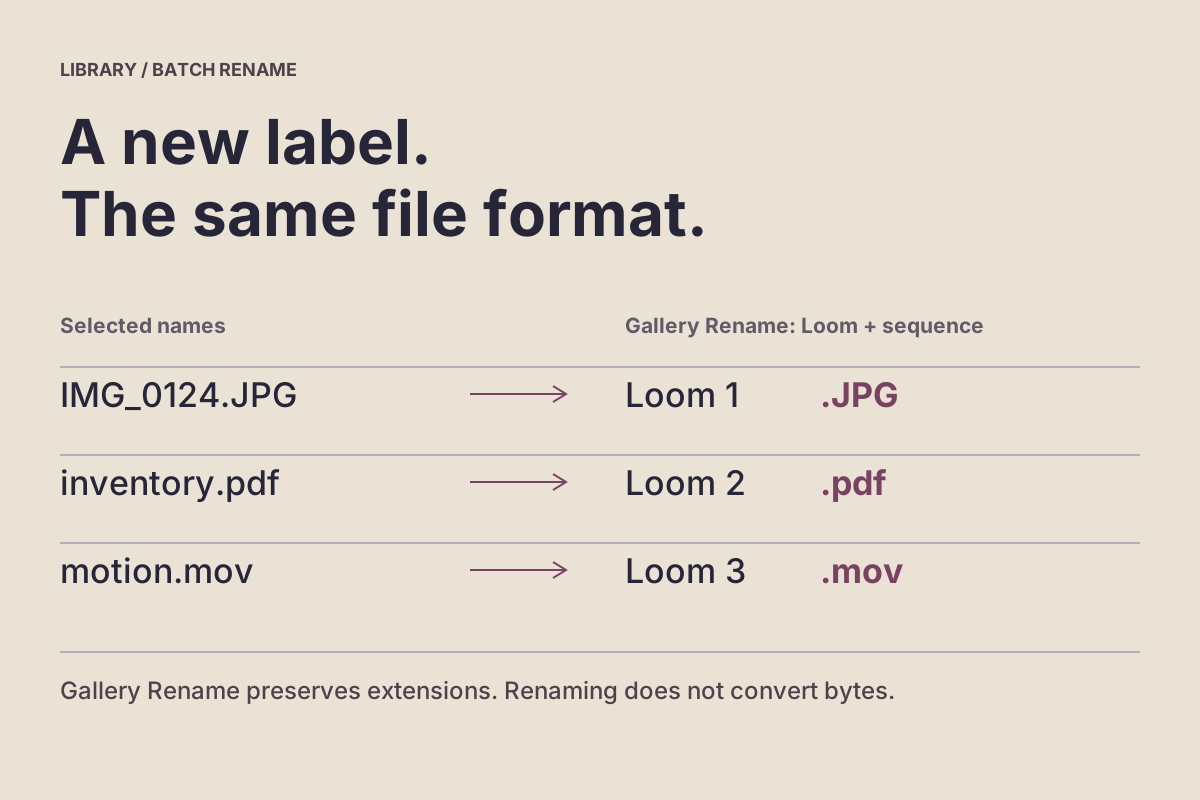
Use Vault Max's gallery Rename sheet to give selected items a useful base name while retaining their existing extensions. For a batch, it adds numbers to that base. Renaming helps identify an item; it does not convert its format, remove embedded information or make an outgoing copy private.
Imagine several project pictures named IMG_4102.HEIC and a document with a vague title. A short project name can make them easier to retrieve later. The important choices are which items receive the name, how numbering maps to them, and whether the words are appropriate outside the vault.
Choose a name that describes the task
A useful name answers a small question: what is this, and which version matters? A project word plus a plain subject is often enough, such as Workshop reference or Equipment inventory. Add a date or revision only when it helps distinguish genuine versions.
Avoid putting passwords, full account numbers or unnecessary personal details into a filename. You may understand those details inside the private collection, but the name can travel with a later export. Keep longer context in an appropriate private note instead of turning the filename into a record of everything you know.
The workbench below uses fictional examples to show the proposed names, extensions and ordering. It does not read, rename or upload your files.
Edit a name, inspect the result
Try the name before applying the batch
Select fictional rows in this workbench, enter a sample base name and inspect the proposed names. The model follows Vault Max’s gallery Rename route, with numbering in the listed order.
Use invented words, such as Workshop reference. Do not enter a real private filename. This example limits the base to 80 characters for readability.
2 proposed names; 2 would change. Numbers follow the visible row order, not the order you checked the boxes.
Last action in this example
Preview only. No example names have changed yet.
- Photo
- Outside sourceIMG_2048.JPGCurrent example share nameIMG_2048.JPGContent type remains
image/jpeg - Outside sourceWorkshop checklist.pdfCurrent example share nameWorkshop checklist.pdfContent type remains
application/pdf
Read the complete rename preview and its limits
Single item or batch
For one selected photo named IMG_2048.JPG, a gallery Rename base of Workshop reference proposes Workshop reference.JPG. For all four example rows in their displayed order, the batch proposes:
- Workshop reference 1.JPG
- Workshop reference 2.pdf
- Workshop reference 3.mov
- Workshop reference 4
The extensionless Readme example gets a base and number without an invented extension. Clearing the selection or using only spaces provides no proposal. Previewing names does not apply them.
Keep the editing route explicit
Vault Max’s gallery Rename sheet preserves each selected item’s existing extension. Its viewer Info Name field edits the full filename instead; that field does not automatically add the old extension back. Keep a known extension when using the full-name editor.
A name is not a conversion or privacy scrub
A renamed JPG is still the same content type in this model. Adding format-looking text to the base does not convert the file, remove embedded location information or change its visible contents. Two items with similar names are still separate items; renaming does not detect or merge duplicates.
Check the outward-facing name
The saved vault filename is used when an ordinary export is prepared, so a useful private label may also become an outgoing attachment name. The existing source outside the vault keeps its own name. Reopen and inspect the actual destination when sharing; a name preview is not a delivery or file-integrity check.
A fixed, source-based teaching model. It does not select, rename, upload, convert or share your files. Text entered here only changes this example’s in-memory state; the workbench does not send or save it. Use fictional words and reset when finished.
Select the intended items in the gallery
Open the vault containing the collection, then check the visible album and type filter. Use Select and choose the items you intend to rename. If the job includes pictures and a document, a Photos-only view will not include the document.
Keep the first batch small enough to inspect. Open uncertain items before selecting them, and distinguish a final document from an earlier draft. A shared base name makes a collection look consistent; it cannot establish that every selected item belongs to the same project.
Choose Rename from the selection actions. The gallery route opens the rename sheet for the selected items. Cancel if the selection or proposed naming does not match the job; you do not need to apply a rename to investigate it.
Read the batch rule before applying it
With one selected item, the sheet uses your chosen base plus the existing extension. With several, each gets the base, a space and a number beginning at 1, followed by its own existing extension. Leading and trailing whitespace around the entered base is trimmed.
For a mixed selection, the result could be Workshop reference 1.HEIC, Workshop reference 2.png and Workshop reference 3.pdf. The extensions remain different because the underlying item types differ. Enter the descriptive base rather than adding a new extension to it.
The numbers follow the selected items' order in the current visible gallery. They do not express the order in which you tapped the items, and they should not be treated as capture dates or document page numbers. Check the current arrangement before using a numbered batch for a sequence where identity matters.
The native sheet shows the first and last proposed names for a batch. Read that range before choosing Rename, then inspect the actual renamed items afterward. If each item needs a different descriptive title, use separate renames instead of forcing unrelated subjects under one base.
Vault Max · Actual Duo and iPad rename sheets, fictional practice files. Select a screen for a closer look.
Keep gallery Rename and Info Name distinct
The Info sheet has a Name field that starts with the full filename. Editing it changes that full name; it is not the gallery sheet's base-name workflow. Do not assume that it will restore an extension you remove there.
For a straightforward name change where you want the existing extension retained, use the gallery Rename route. If you deliberately edit the full name in Info, review the complete value before finishing. Keep the original name available when you need to correct a mistake.
This distinction prevents a common surprise: instructions about one name editor may not describe another editor, even inside the same app. Apple similarly documents Files rename as an operation on the chosen file or folder. It does not rename every copy of that file across your apps.
Vault Max · Actual iPad Info screen, generated reference image. Select a screen for a closer look.
A new suffix does not create a new format
Changing .HEIC to .jpg in a full-filename editor does not perform image conversion. A filename helps software identify an object, but changing those characters does not rewrite the stored image or video data into another format.
Apple's Preview management guide lists Rename and exporting to a different format as separate operations. Use an actual conversion workflow when a recipient requires another format, retain the source and open the saved output to check it.
Likewise, a neutral project name does not erase location data, a face, text printed in a photograph or words inside a PDF. Review the contents and any relevant export options separately. A renamed file can still reveal the same subject when opened.
Check retrieval after the rename
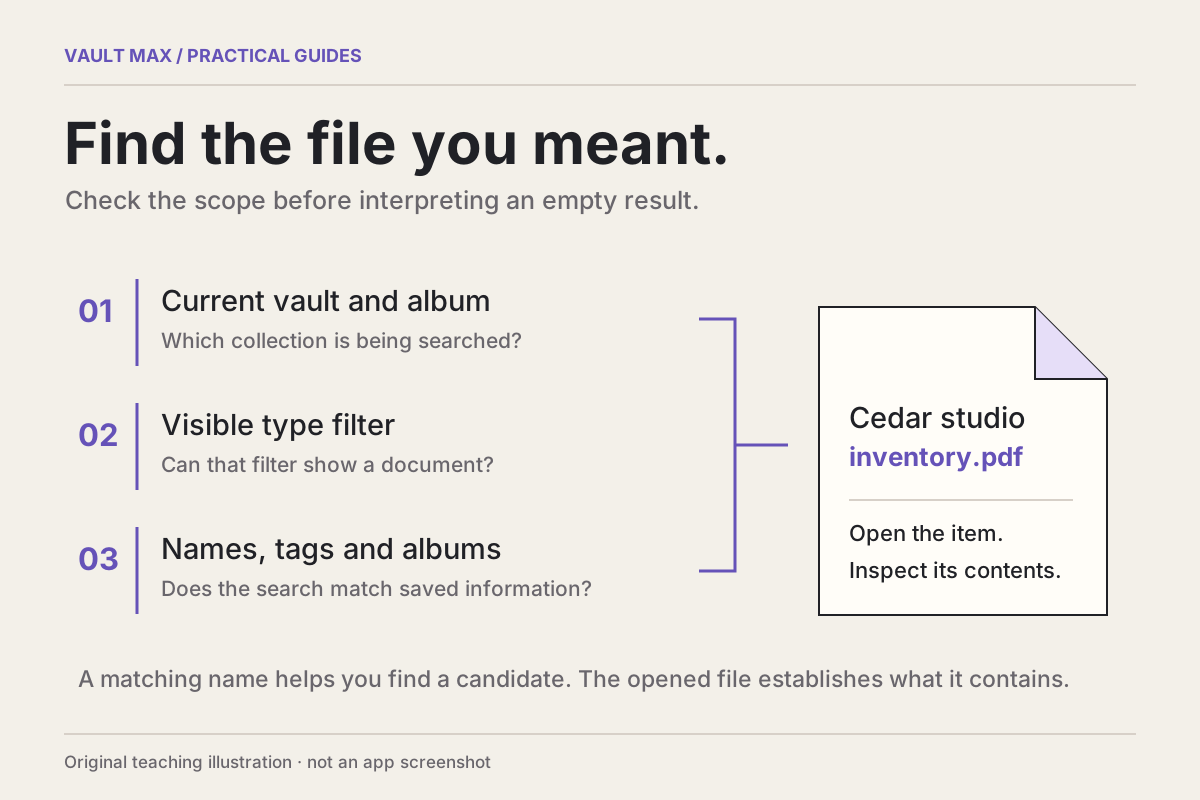
Return to the library and try a distinctive fragment of the new base name. If the item is absent, check the album, type filter and current query before changing the name again. The retrieval guide follows that search boundary in detail.
Open at least one picture and one document when the batch includes both. Confirm that the title identifies the expected object and that you can still inspect its contents. Reopen the collection normally and repeat the route for an item you will need later.
Renaming a saved Vault Max item updates its name in that collection. It is not a command to rename the source in Photos, every Files copy or another device's library. Keep those locations distinct when comparing an original with an imported copy.
Review the outgoing identity before sharing
Vault Max uses the current item name when preparing an outgoing file. If your private label includes information the recipient does not need, choose a suitable name before preparing that share. A receiving app or service may subsequently apply its own naming rules.
Vault Max · Actual Duo share preparation, silent fictional clip. Select a screen for a closer look.
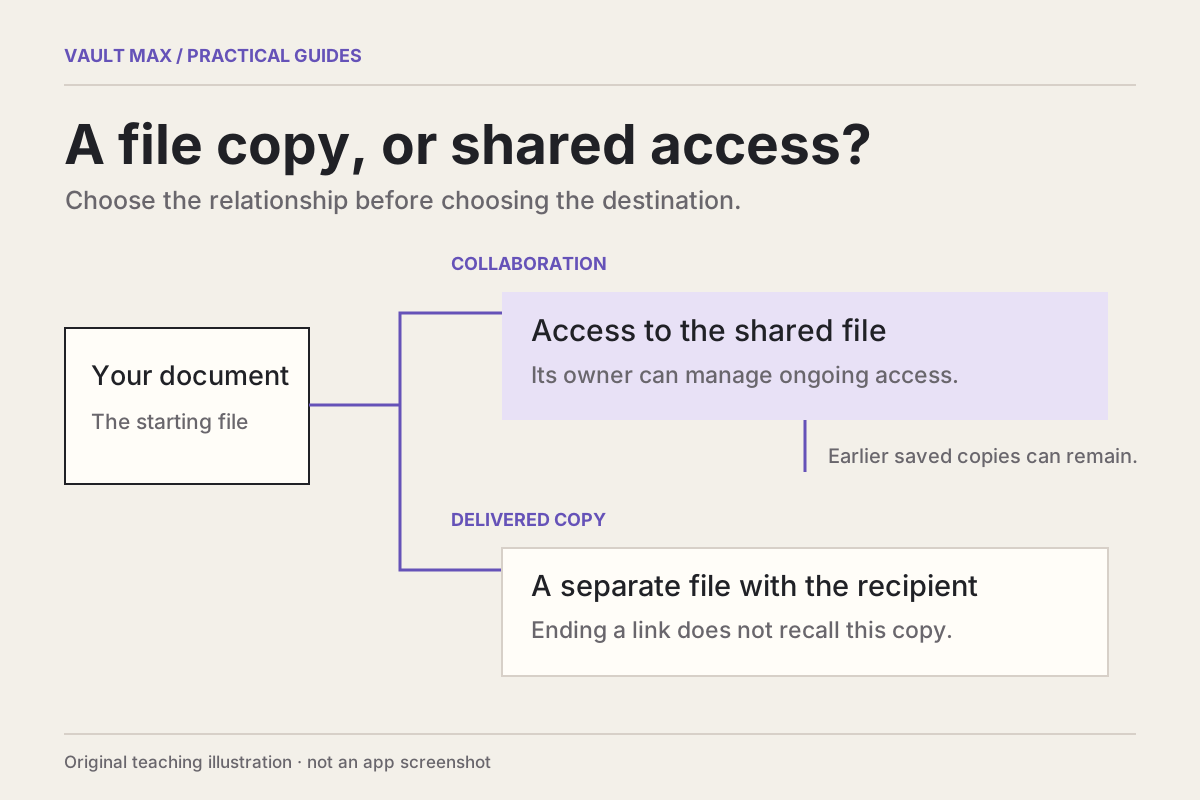
For a saved copy, inspect the destination filename and open the result. Confirm the correct version and contents rather than relying only on a familiar name. Our copy-versus-link guide explains why the recipient's independent copy has a different lifetime from a managed link.
Finish with a small, repeatable naming routine: recognize the item, select the intended scope, review the proposed names and check one saved result where sharing is involved. That gives the next retrieval a clear starting point without treating a label as a privacy or conversion feature.
Common questions
Does Vault Max batch rename preserve file extensions?
The gallery Rename sheet keeps each item's existing extension. One selected item gets the chosen base name; multiple items get that base followed by a space and a number, then their own extension. The separate Info Name field edits the full filename and does not provide that same extension-preserving behavior.
Does renaming HEIC to JPG convert the photo?
No. Changing a name does not convert the stored image format. Use an appropriate conversion or export workflow when another format is required, then inspect the saved result. Vault Max's gallery Rename sheet preserves the existing extension rather than offering format conversion.
Can a private filename appear when I share a file?
Yes. Vault Max uses the item's current filename when preparing an outgoing file, so avoid unnecessary private details in that name. Check the prepared share and, when saving a copy, the destination result; a receiving app or service can apply its own naming behavior.
Continue reading
More guides
Practical tips for your private library. Swipe or scroll to choose your next guide.

5 guides to explore