
Privacy in practice
Keep private photos separate on iPhone, and keep the collection useful
Build a private iPhone collection with Vault Max albums, favorites, encrypted notes and separate credentials. Keep originals, access and recovery clear.
A useful private collection needs more than a place to put pictures. It needs a way to find them, understand them and close access when you finish. Vault Max combines local encrypted media and files with private writing, albums, favorites and separately credentialed vaults. There is no Vault Max account or app analytics alongside that collection.
Start with the material you actually want to keep: personal photographs, reference pictures, a private creative project or memories you do not want mixed into everyday browsing. Choose a small, understandable routine you can maintain. A complicated filing system that you abandon after the first import is not much help when you return months later.
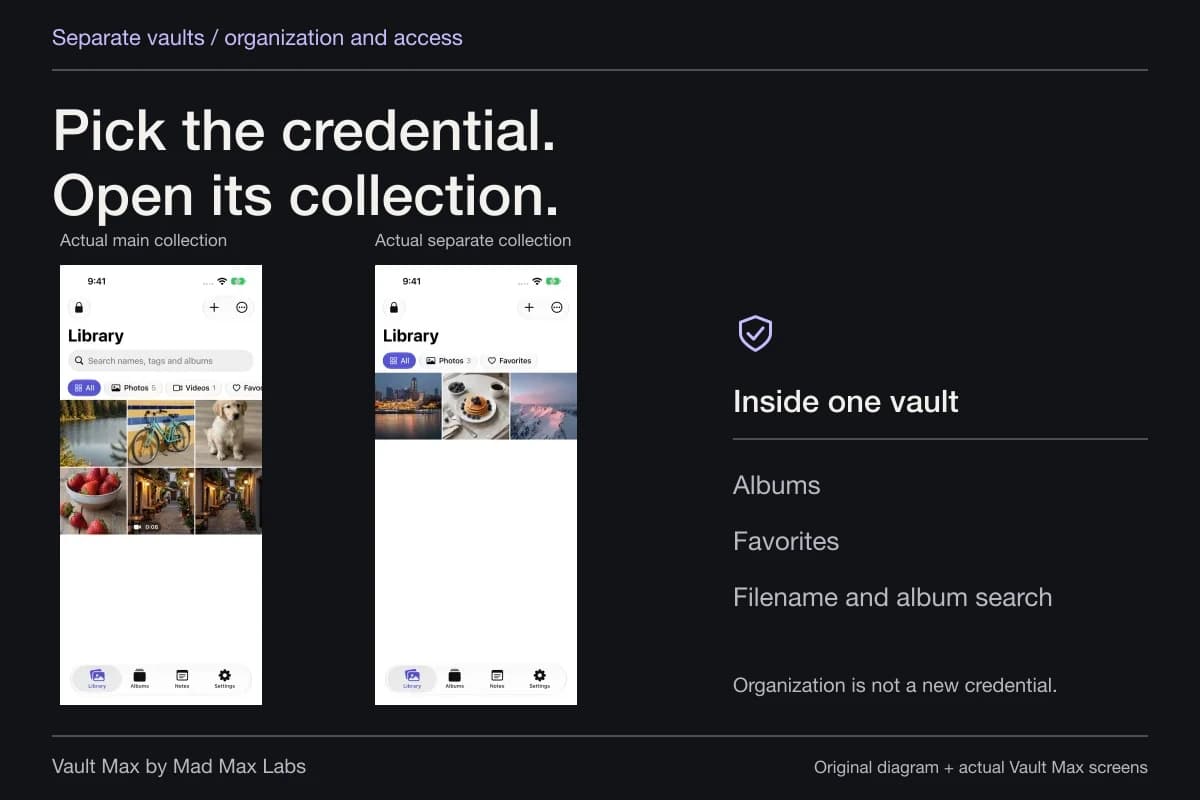
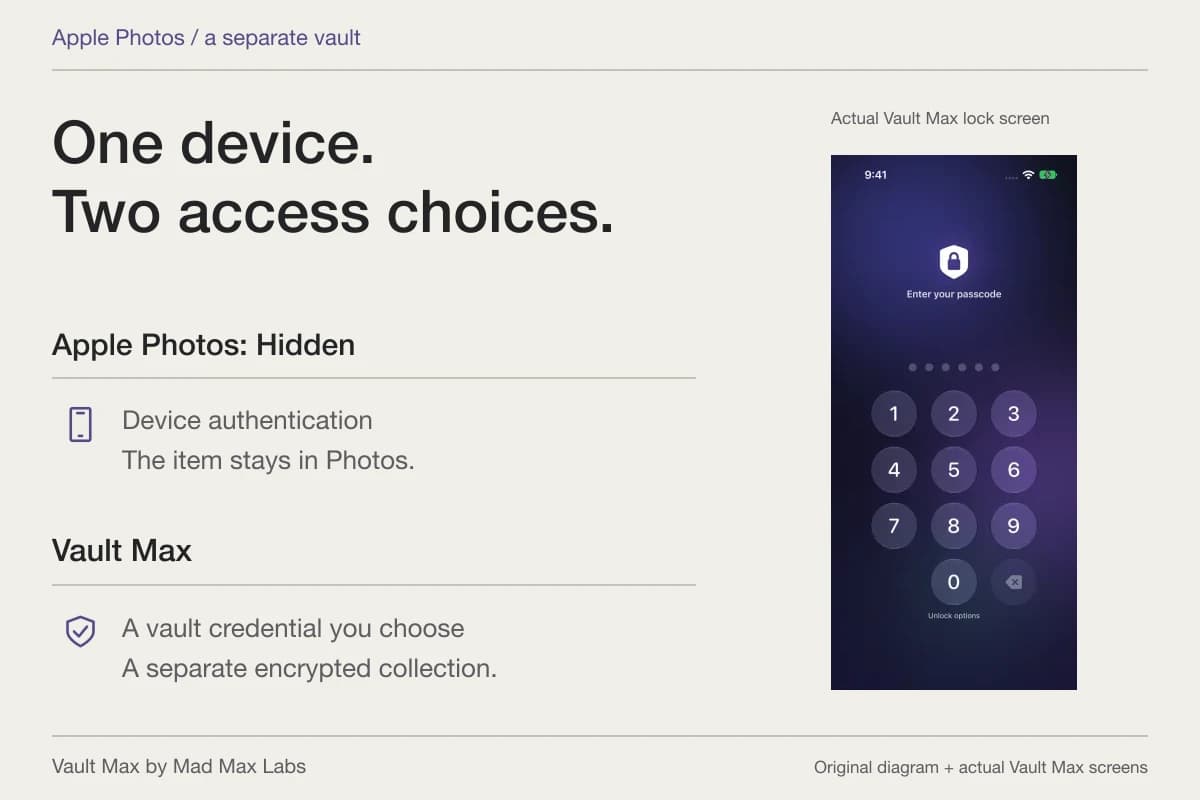
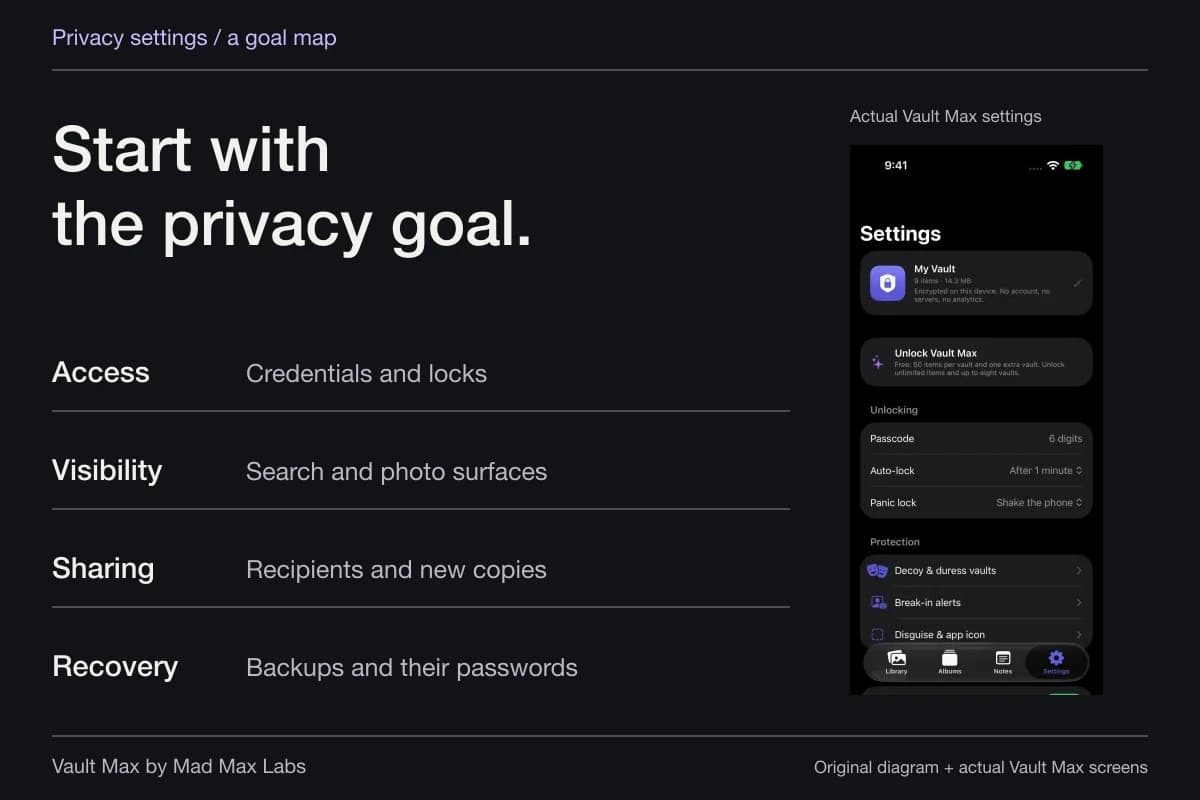
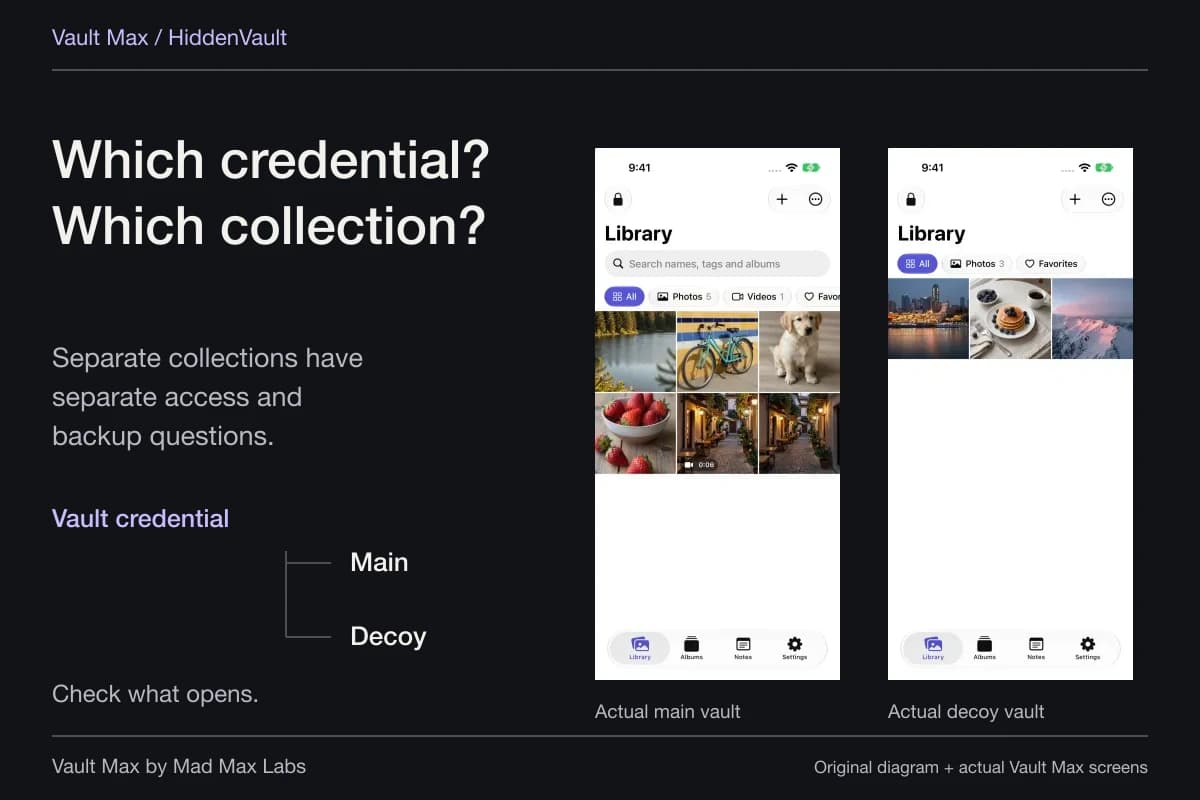
The credential chooses the collection
Main collection
- Albums organize items
- Favorites marks chosen items
- Search helps find filenames and albums
Separate collection
Its own imported media and saved notes, including a decoy collection if you choose to create one.
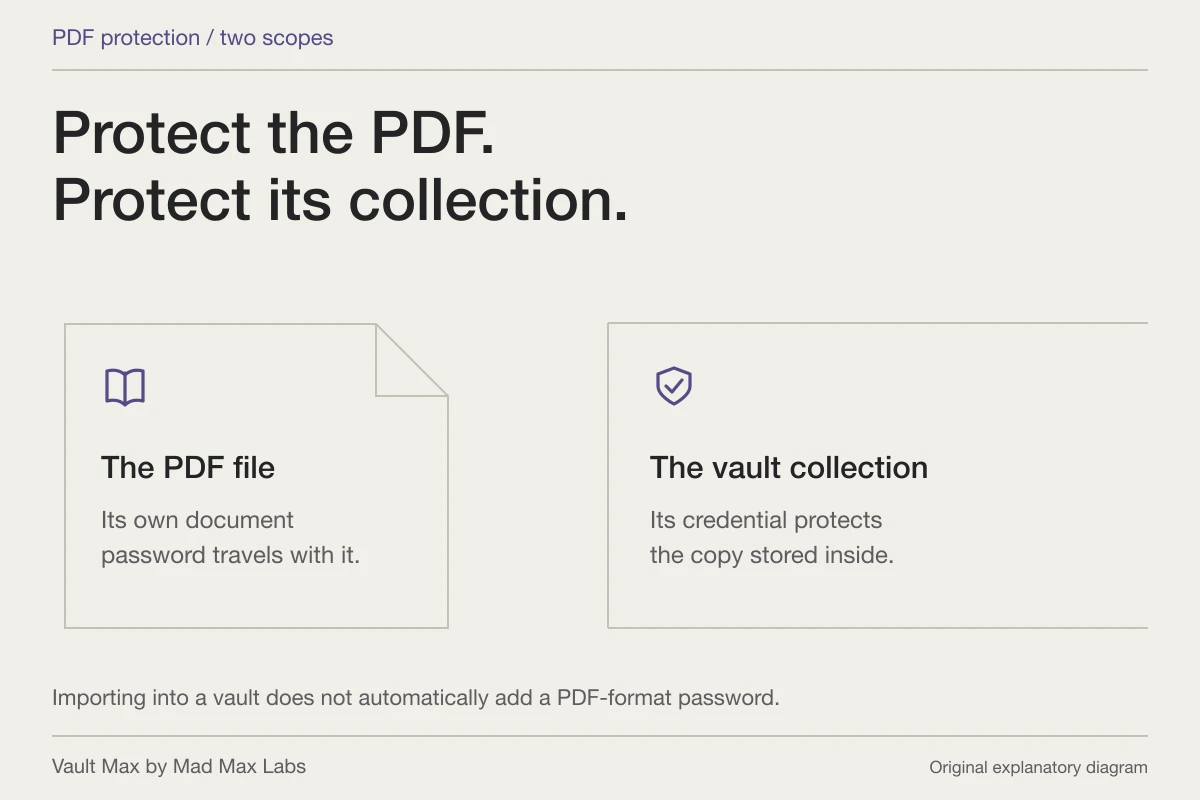
An album or Favorites selection is a view inside its vault. A separate collection has a separate access and recovery routine.
Decide what the collection is for
Give the collection a purpose before giving every item a destination. A personal project might need progress photographs, a reference PDF and a dated explanation. A private archive of memories might need fewer groups and more context about dates. The right arrangement follows the job, rather than the number of folders an app can display.
Use neutral sample material while learning the controls. You should be able to recognize the expected result without exposing anything private. Once the route makes sense, the import walkthrough covers Photos, Files and supported shared attachments in detail.
Keep the first organization scheme small. One clearly named album and one useful note can be enough to establish whether you will find the material again. Add another group when it answers a real retrieval problem, not because every new subject appears to demand another access code.
Separate retaining something from sharing it
An old relationship can leave photographs you want to retain without placing them among pictures you casually show someone. A creator's working collection can contain reference images, drafts and private writing that are separate from the finished material intended for publication. Private adult photographs and ordinary reference images can both benefit from a deliberate home and a clear access routine.
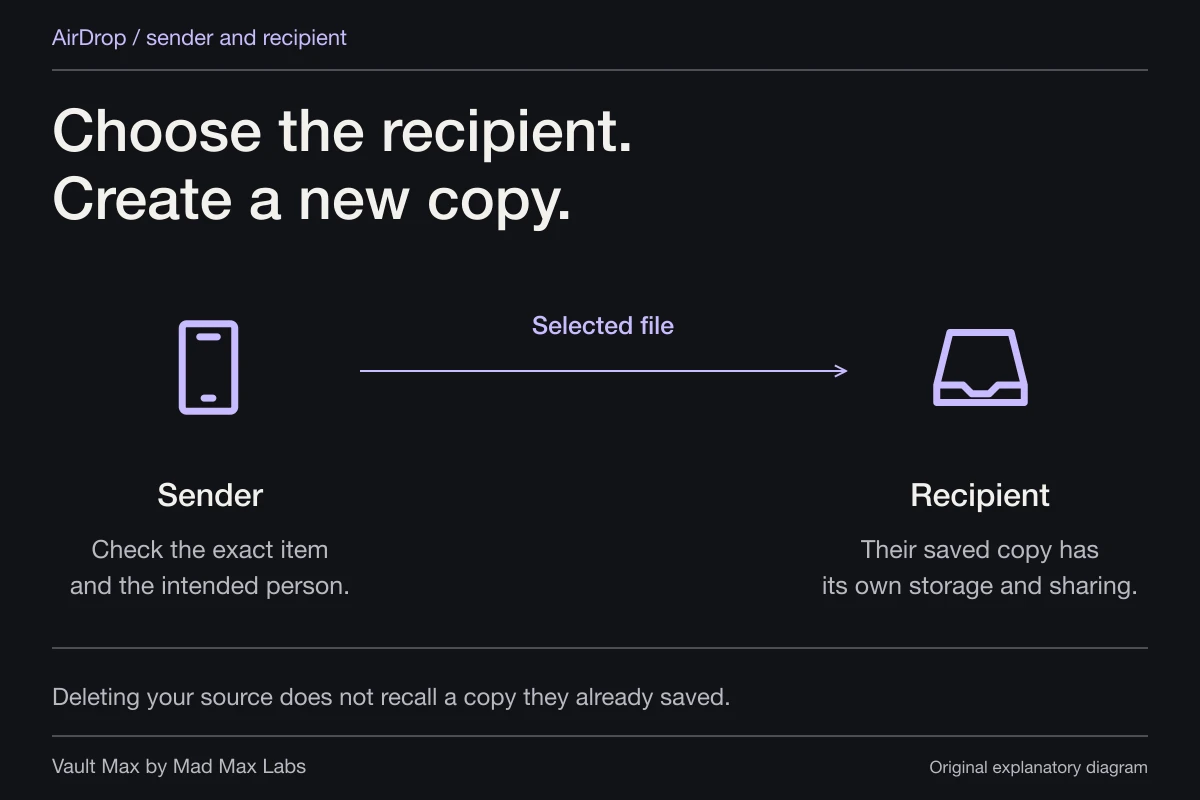
For those situations, decide which files belong in the private working collection and which, if any, you intend to send or publish. Keep the dated explanation with the material you retain. Importing into Vault Max does not withdraw anything another person already received, and opening an ordinary decoy does not change the audience of a published copy. Maintaining the local collection and choosing an outside audience remain separate decisions.
An album, a favorite and another vault do different work
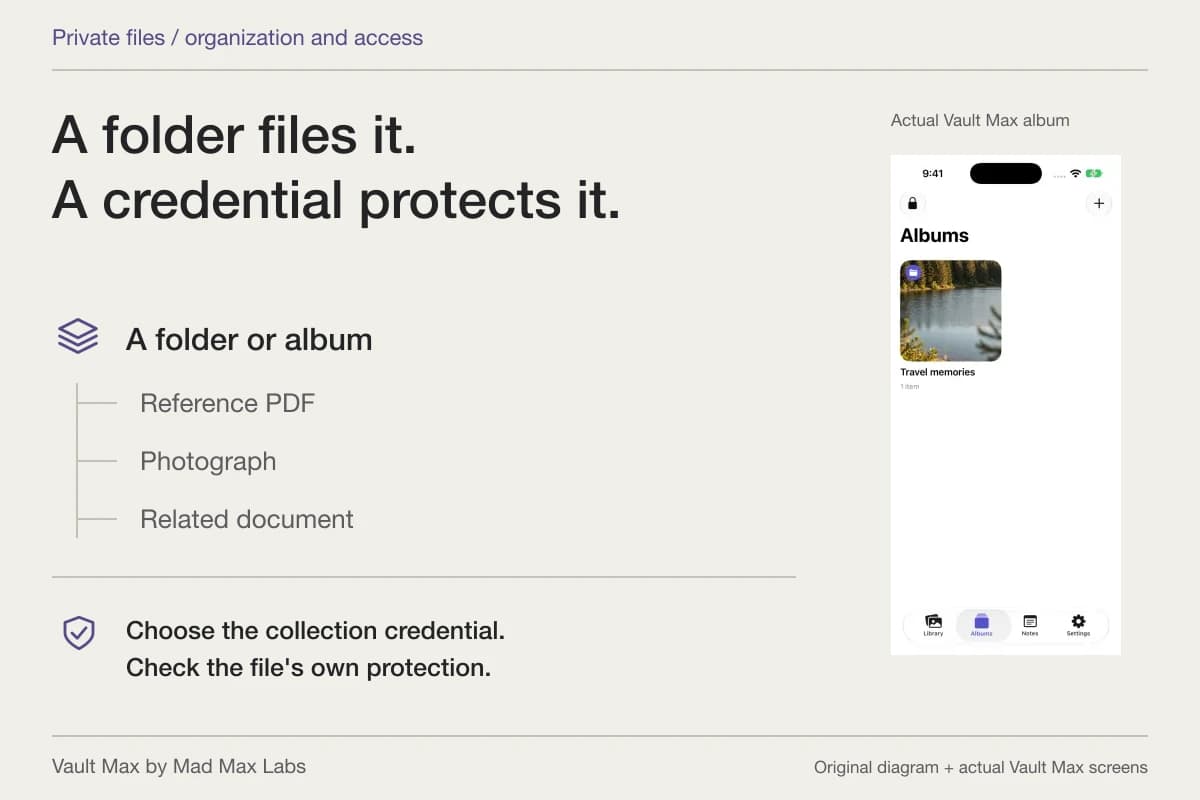
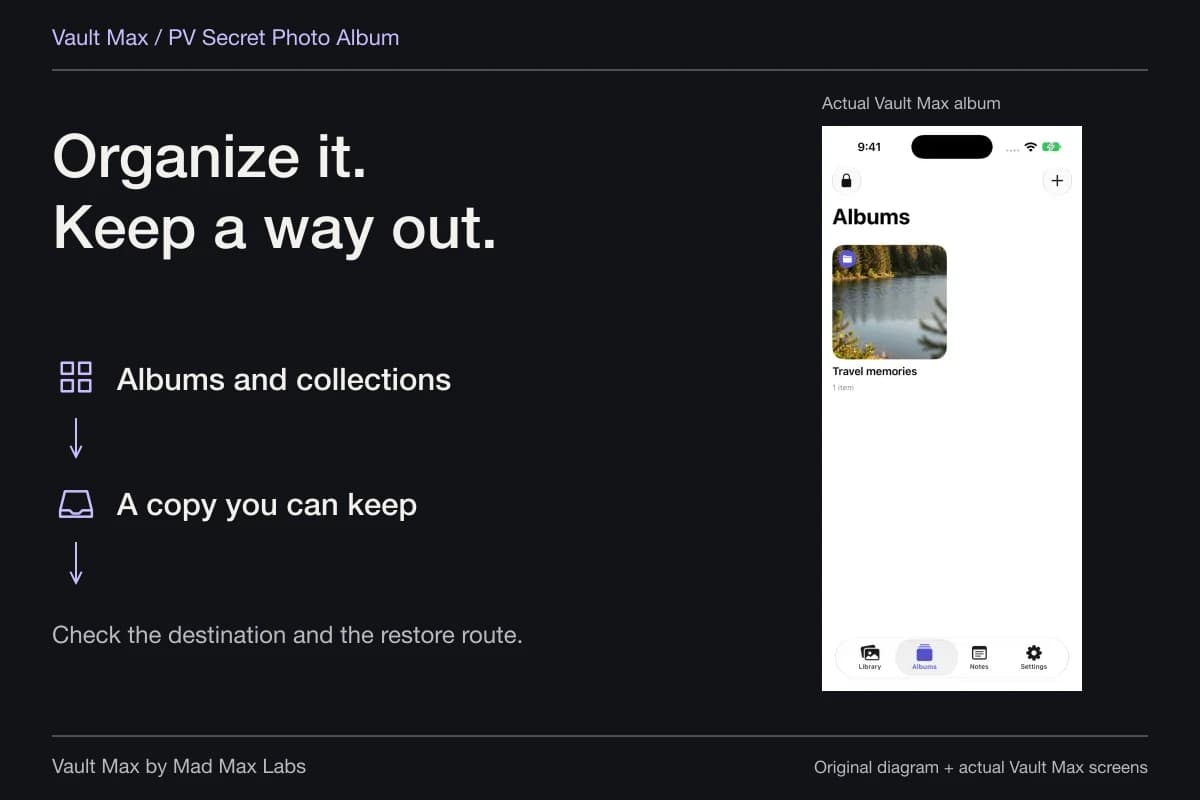
An ordinary Vault Max album groups related content inside the current vault. Favorites marks items you want to return to quickly. A separately credentialed vault changes the collection reached by a credential. Those are three useful choices, with different purposes.
Suppose you keep several reference photographs and return to one most often. Put the related material in an album, then favorite the picture you actually use. Creating another vault just for that favorite would introduce another credential when the real requirement was quicker retrieval.
| What you want | Control to use | What the result means |
|---|---|---|
| Keep related media and documents together | Album | Organization inside the open vault |
| Return quickly to a particular item | Favorites | A flag on the saved item, not another imported copy |
| Reach different content with a different credential | Separate ordinary vault | A distinct collection selected at unlock |
| Keep an explanation or journal entry | Encrypted note | Private text in the vault's Notes view |
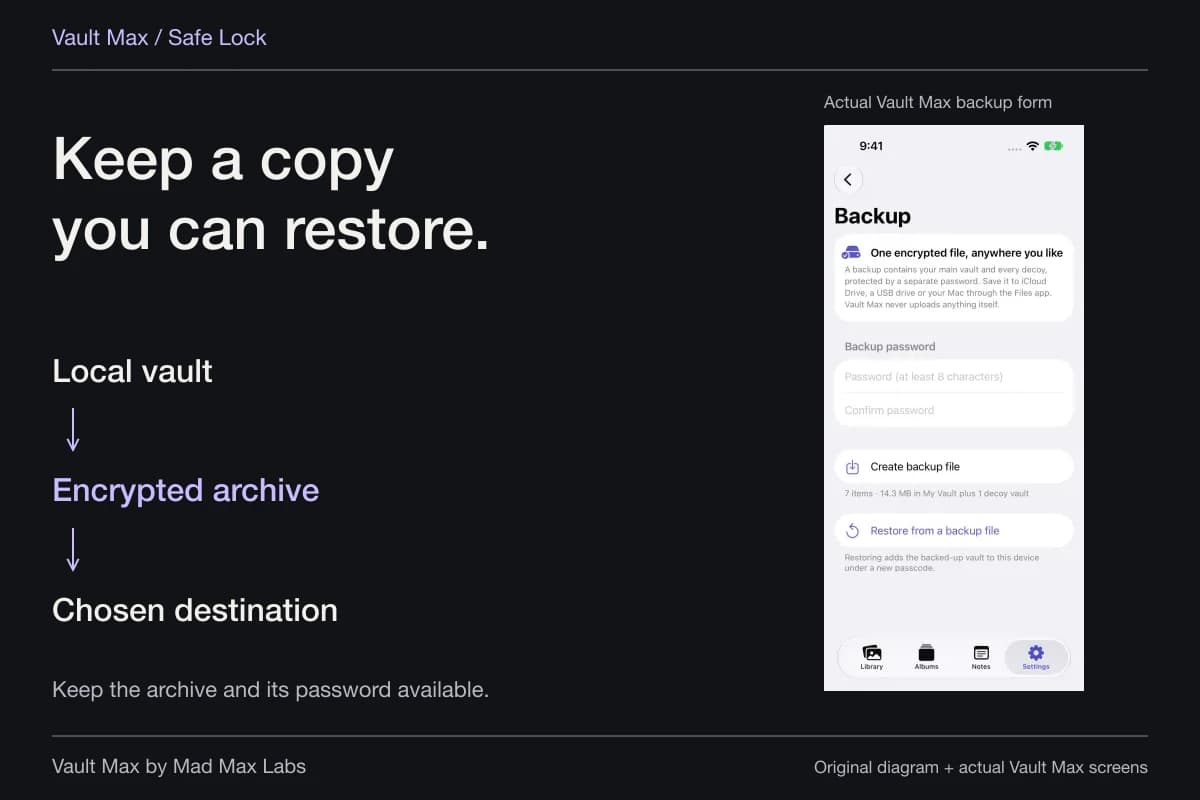
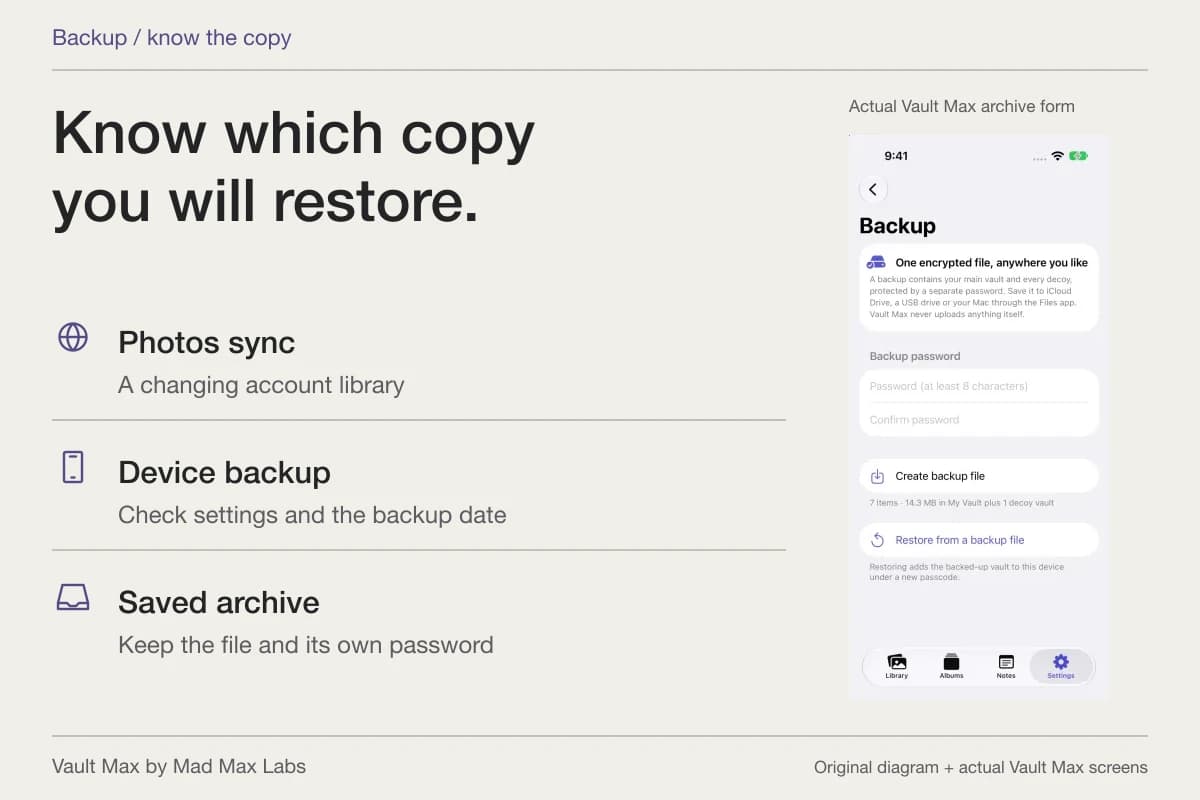
| Recover the saved collection later | Encrypted archive | A password-protected snapshot at the chosen destination |
Build a filing scheme around words you will remember
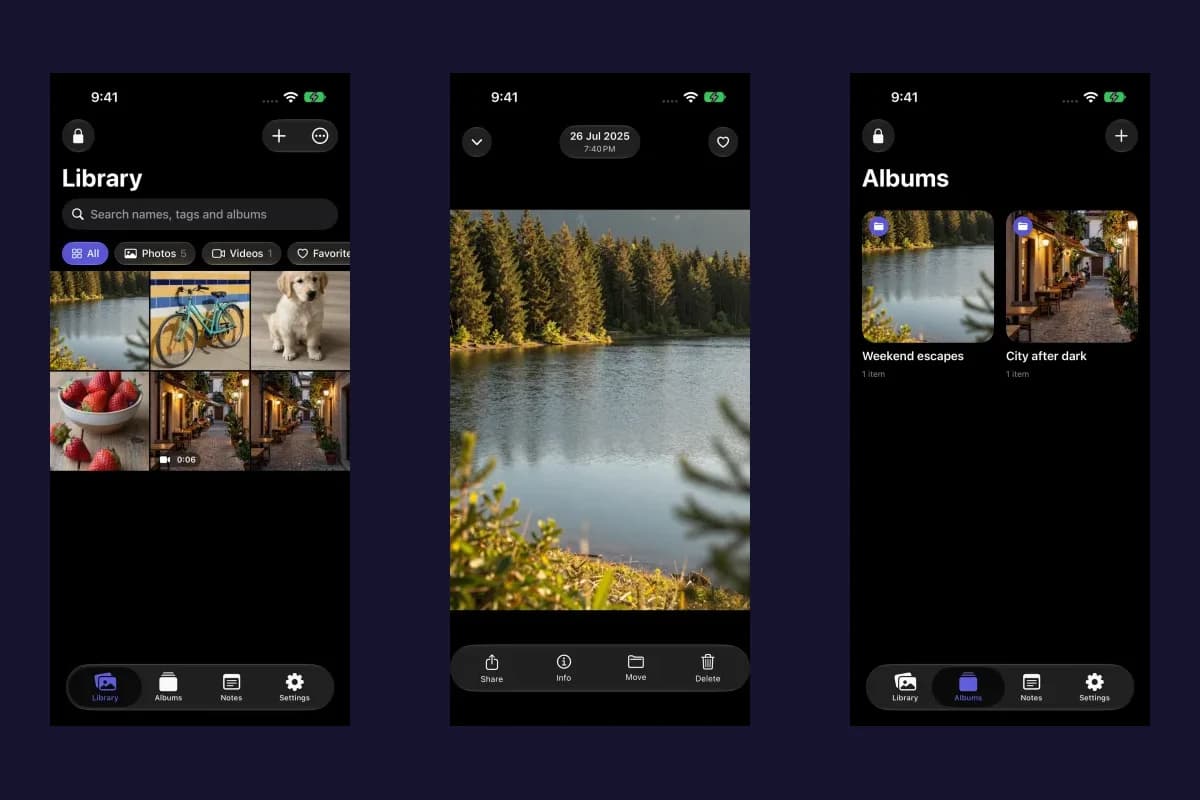
Vault Max albums can have a name, icon and color. Choose a name that remains recognizable without a long explanation. A date and project can be more useful than a string of ambiguous initials. Color and icons can help you scan the collection, but the name still needs to do the work.
An item has one album assignment. Favorites is independent, so you can flag an important item without inventing a second album membership or importing it again. Moving an item changes its organization; it is not the same as making a recovery copy.
Vault Max with sample content. Use the controls to pause or replay.
After adding material, return after locking and find a specific item. If you cannot identify it, improve the filing choice before expanding the collection. A small correction now is easier than renaming hundreds of indistinguishable files later.
Name files for retrieval, not for a feature checklist
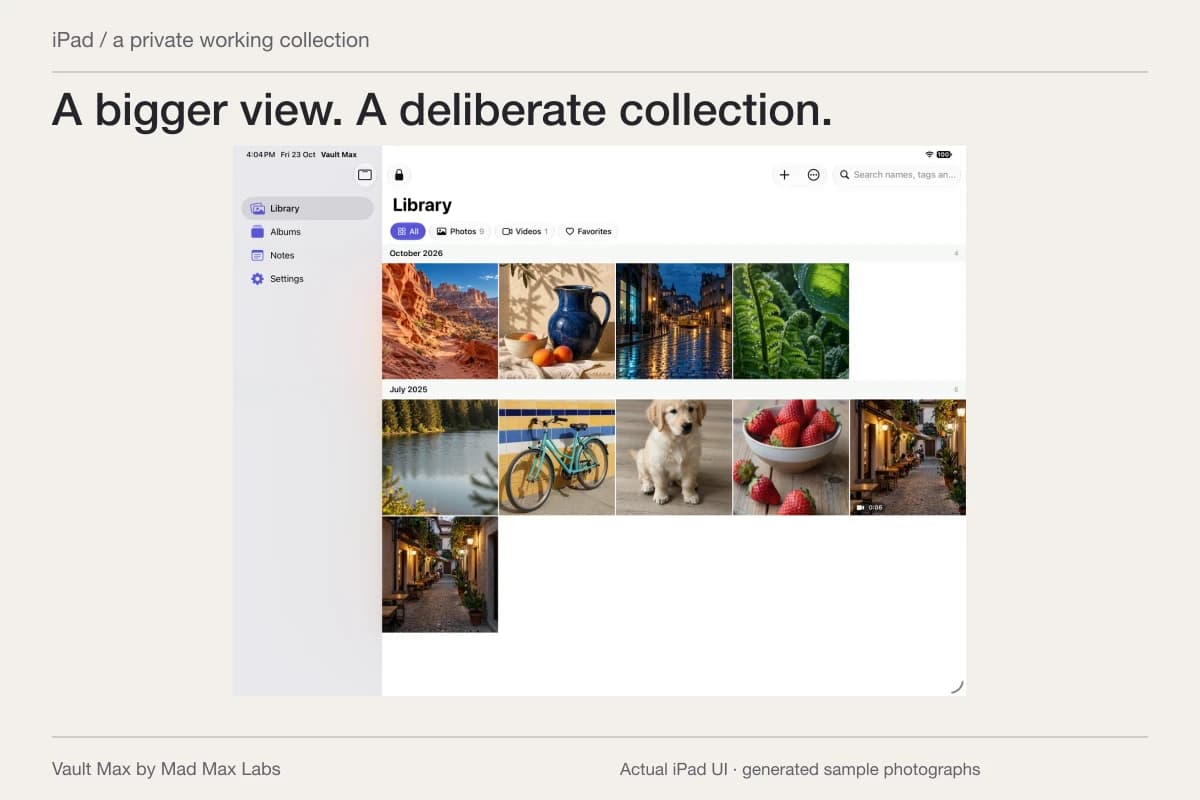
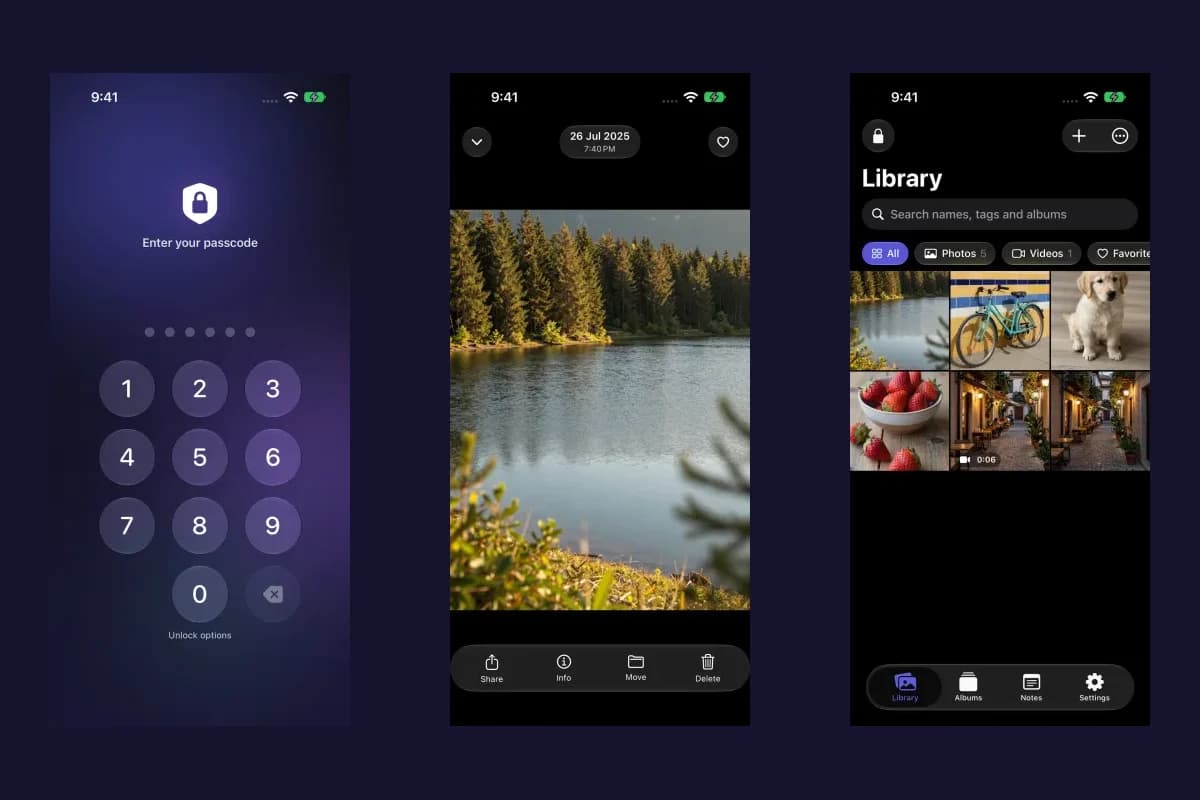
The Vault Max gallery can search filenames and album names within the current scope and filter. A descriptive filename and album therefore give you useful handles. Check which scope is open before deciding that an item is missing from the collection.
For example, a file named with the project and date is easier to distinguish from several camera-generated names. Single and batch rename controls can help maintain that system. Keep enough of the name to recognize the file's purpose without placing credentials or unnecessarily personal details in it.
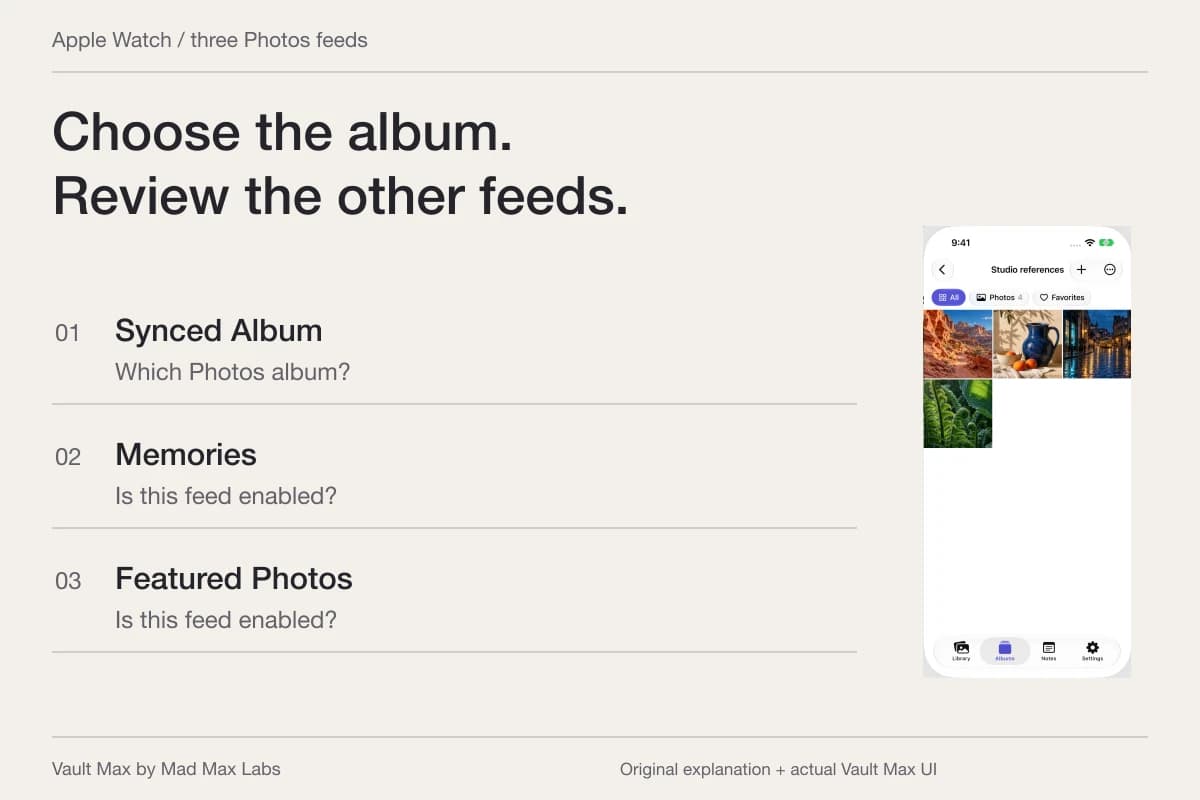
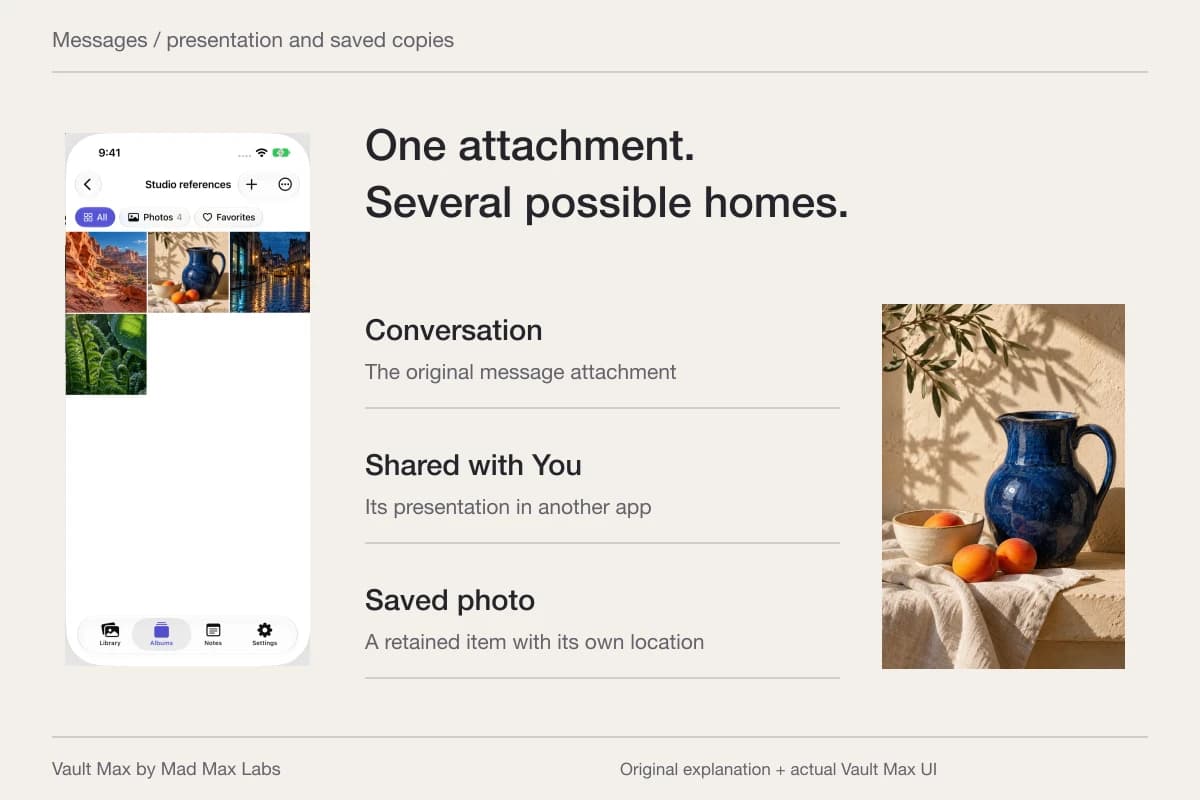
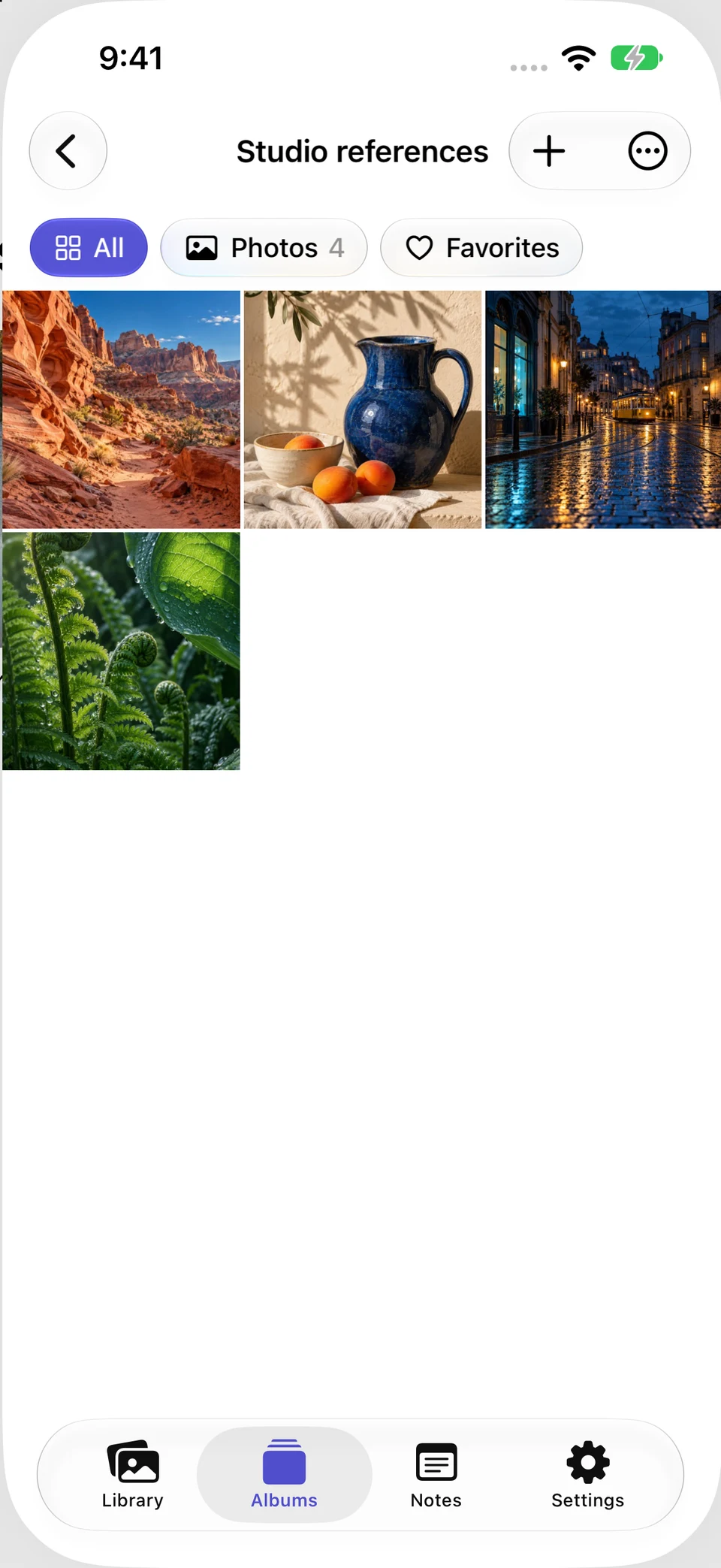
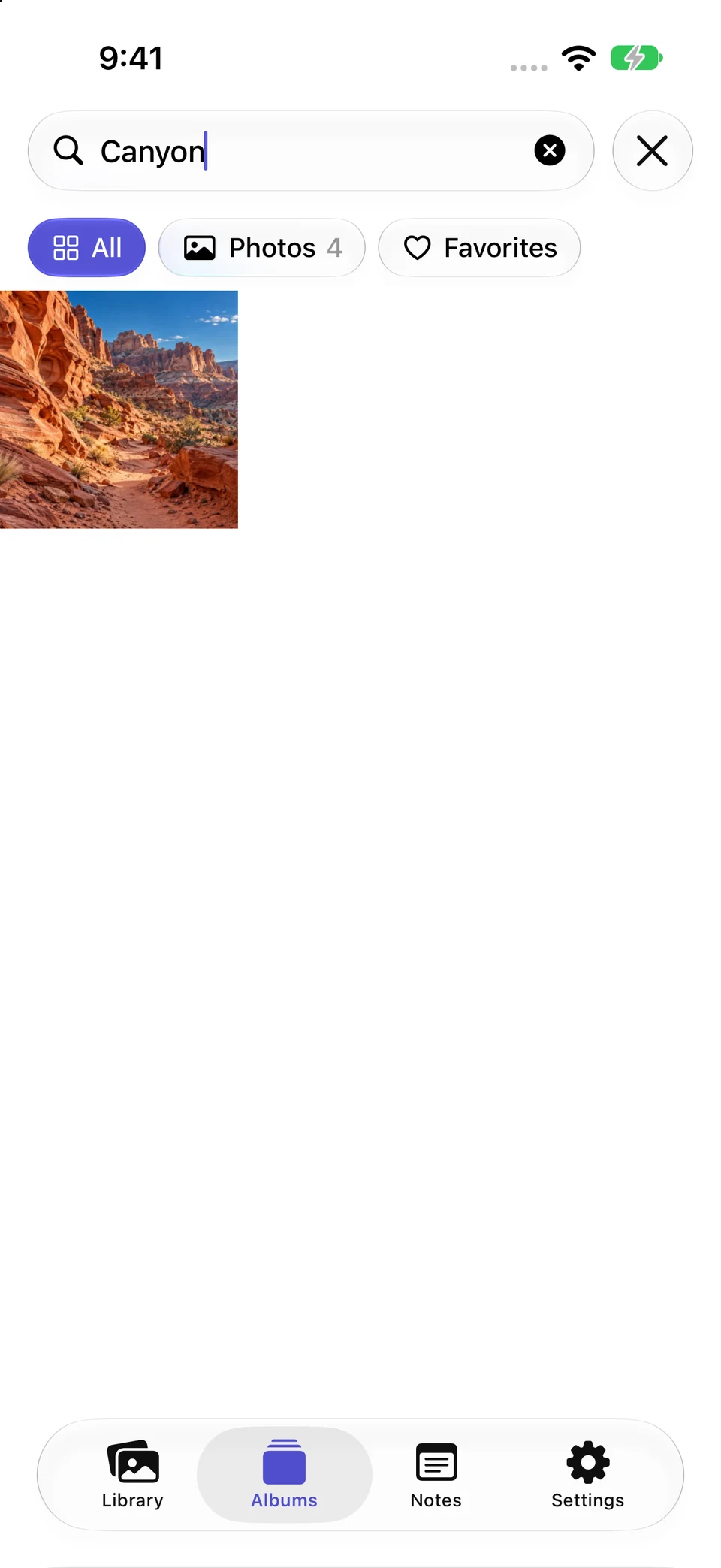
In the fresh example, Studio references holds four generated sample photographs. One saved image is named Canyon light reference.png. Searching for Canyon finds that filename, giving you a direct route back to the reference instead of another pass through the whole album.
Actual Vault Max simulator screens show the four-item Studio references album and a search for Canyon with one matching thumbnail. The Photos 4 filter still counts the album's four items; it does not mean four search results. The scene content is generated sample photography inside the real app.
Actual Vault Max · QA simulator, generated sample photographsFour items in the album
Open original image: Four items in the albumOne filename match for Canyon
Open original image: One filename match for CanyonSearching the gallery is not a search through every PDF paragraph or encrypted note body. Use the Files filter for the saved documents you expect to find, and the Notes view for your writing. A simple, accurate expectation is more useful than assuming every search box understands all content inside the vault.
Keep the explanation instead of relying on memory
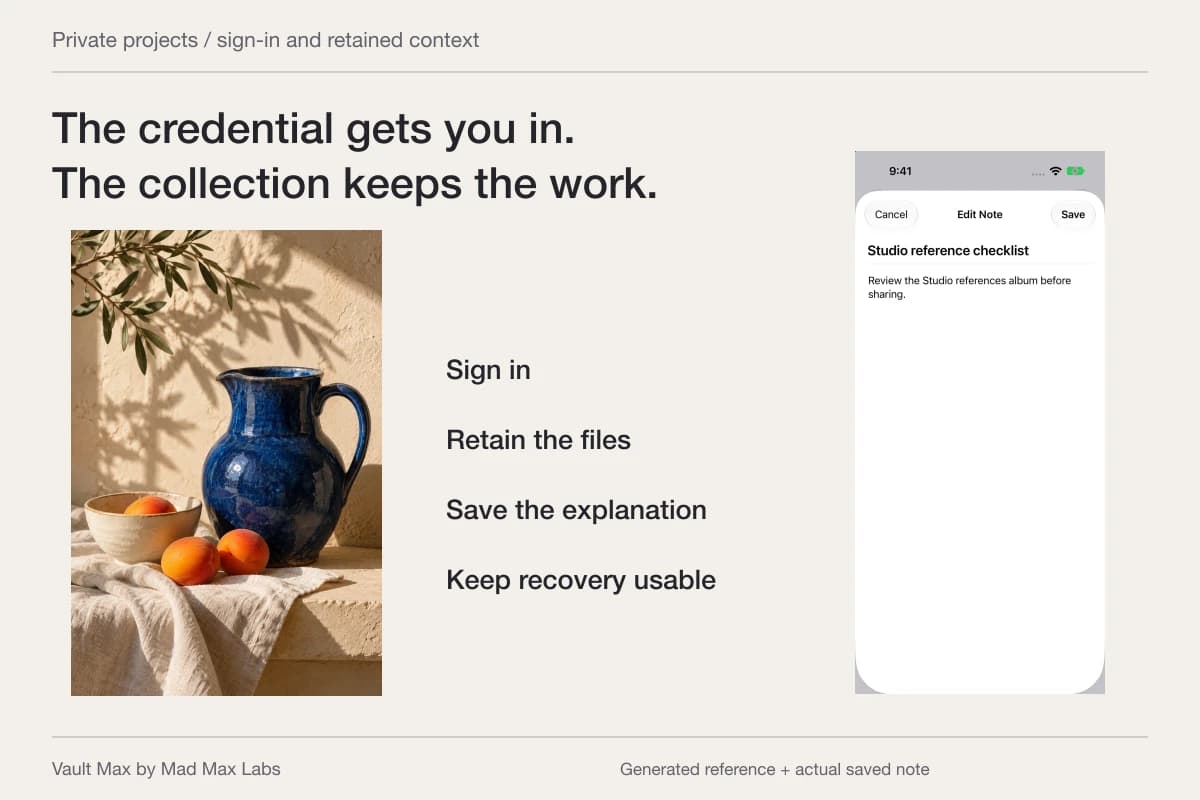
A picture may be self-explanatory today and puzzling next year. Write the date, what it records and why you retained it in an encrypted note. For a private project, that can be more useful than importing another almost-identical image.
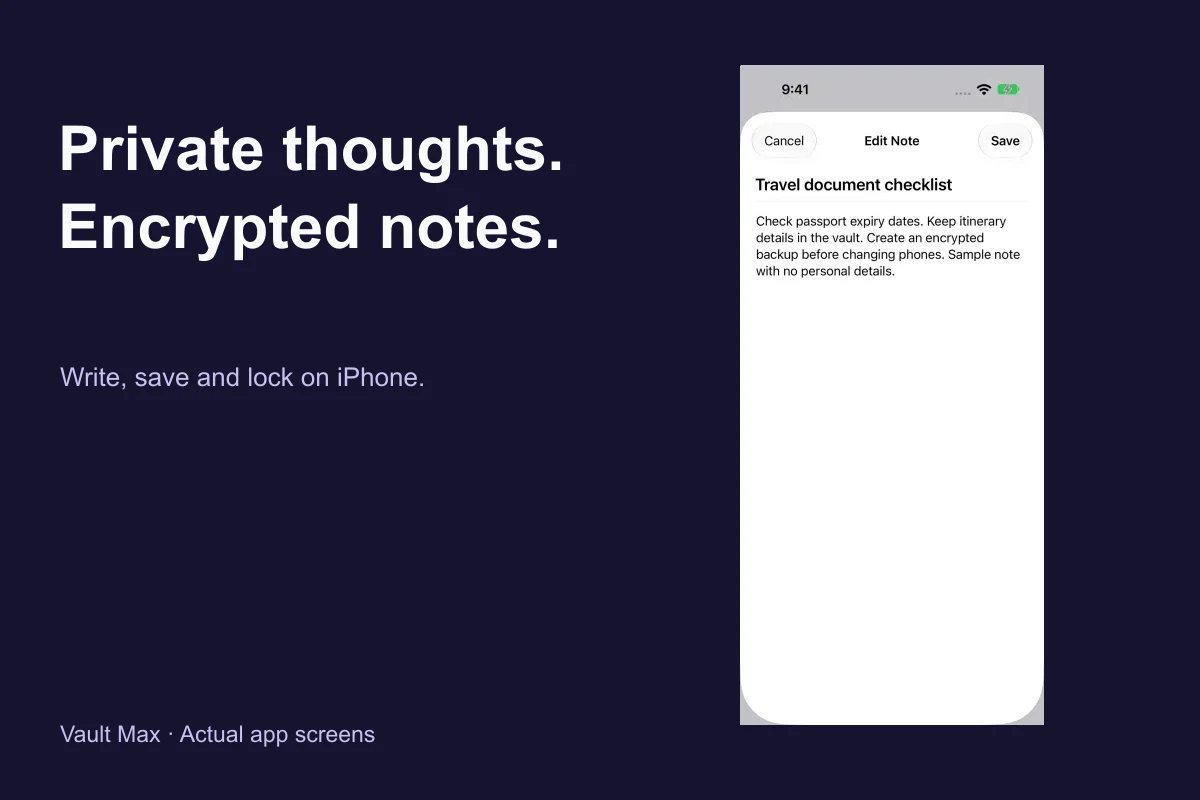
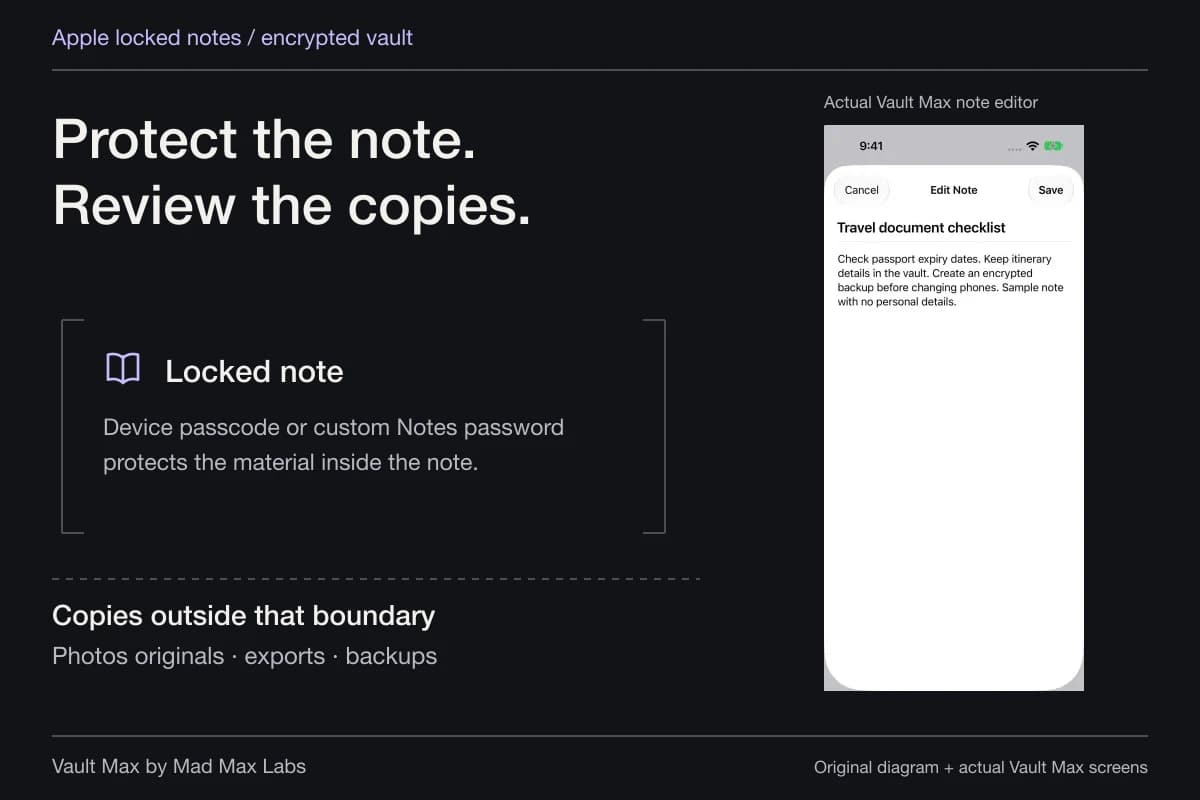
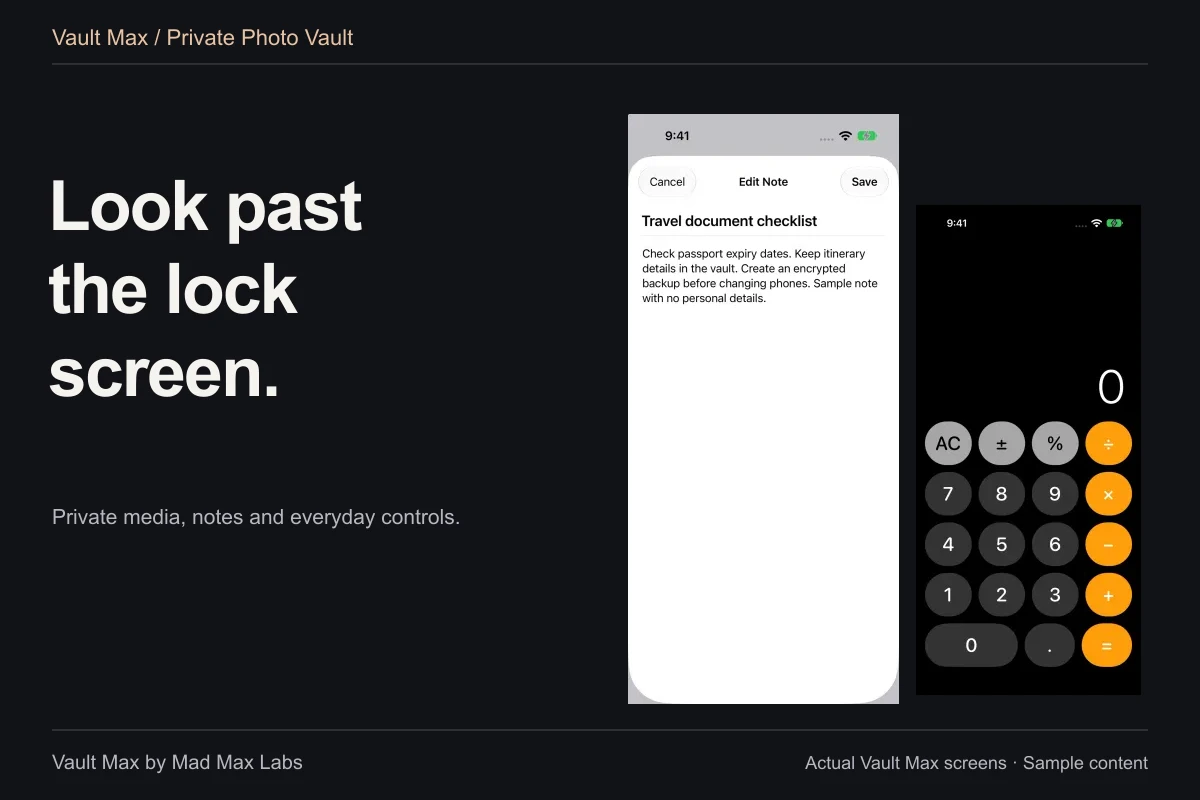
Give the note a recognizable title, choose Save, then reopen it. Vault Max's note workflow supports explicit saving, editing and deletion; the notes are included in encrypted archives. The notes guide shows that routine with actual sample writing.
Use the same recognizable project words in the album and the note title. The writing remains in Notes rather than becoming another photograph in the gallery. That keeps the arrangement understandable without assuming a note has been attached to an album or that a gallery search will locate every sentence inside it.
For example, the pictures can show a sequence of changes while the note records the dates and explains which version you decided to keep. When you return, the title helps you choose the right writing from the list. Notes do not count toward the free media/document allowance, so adding a useful explanation does not use another counted photo slot. Include that writing in the recovery plan along with the images it explains.
Use another credential when the collection should differ
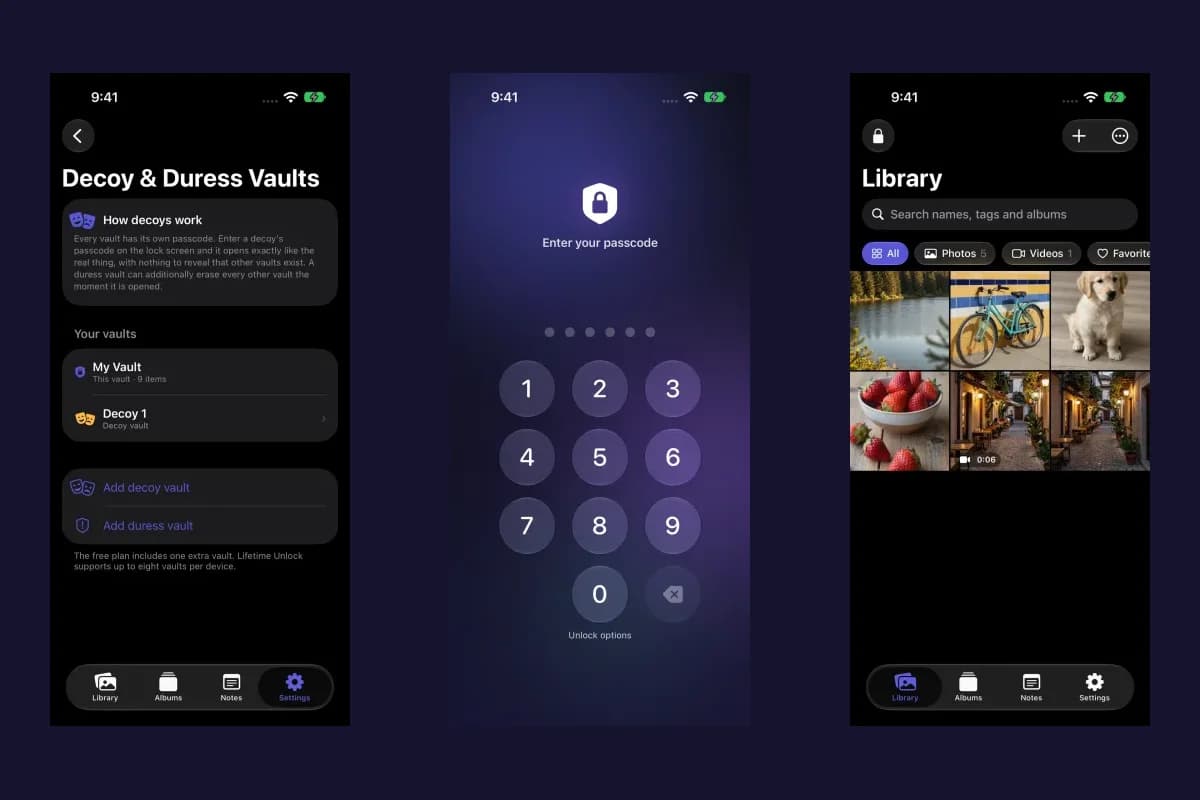
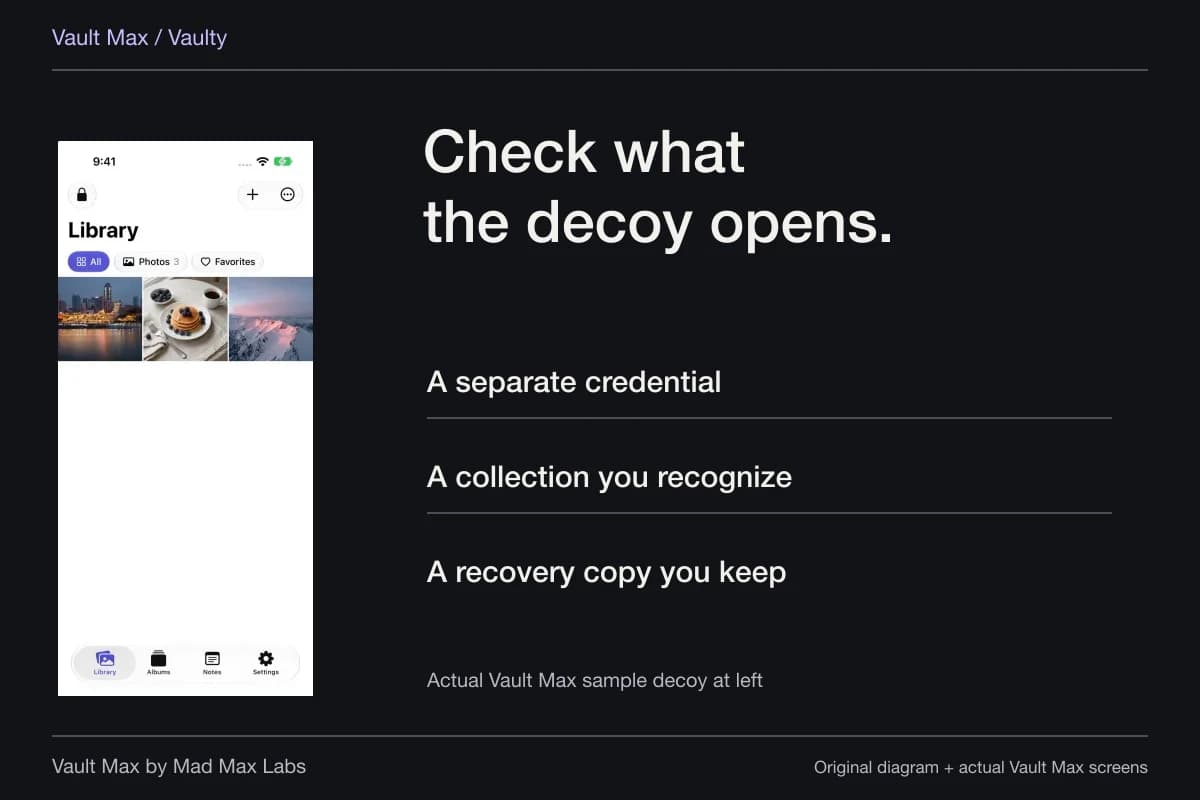
Vault Max's ordinary decoy opens separate content with its own credential. Prepare recognizable sample pictures and check which known credential opens which collection. The decoy guide gives the setup steps, so this maintenance routine does not need another version of that tutorial.
Keep ordinary alternate content separate from the optional destructive duress role. That role has different consequences and is not needed to learn normal collection switching. An everyday album, a populated decoy and a destructive setting should never be treated as interchangeable labels.
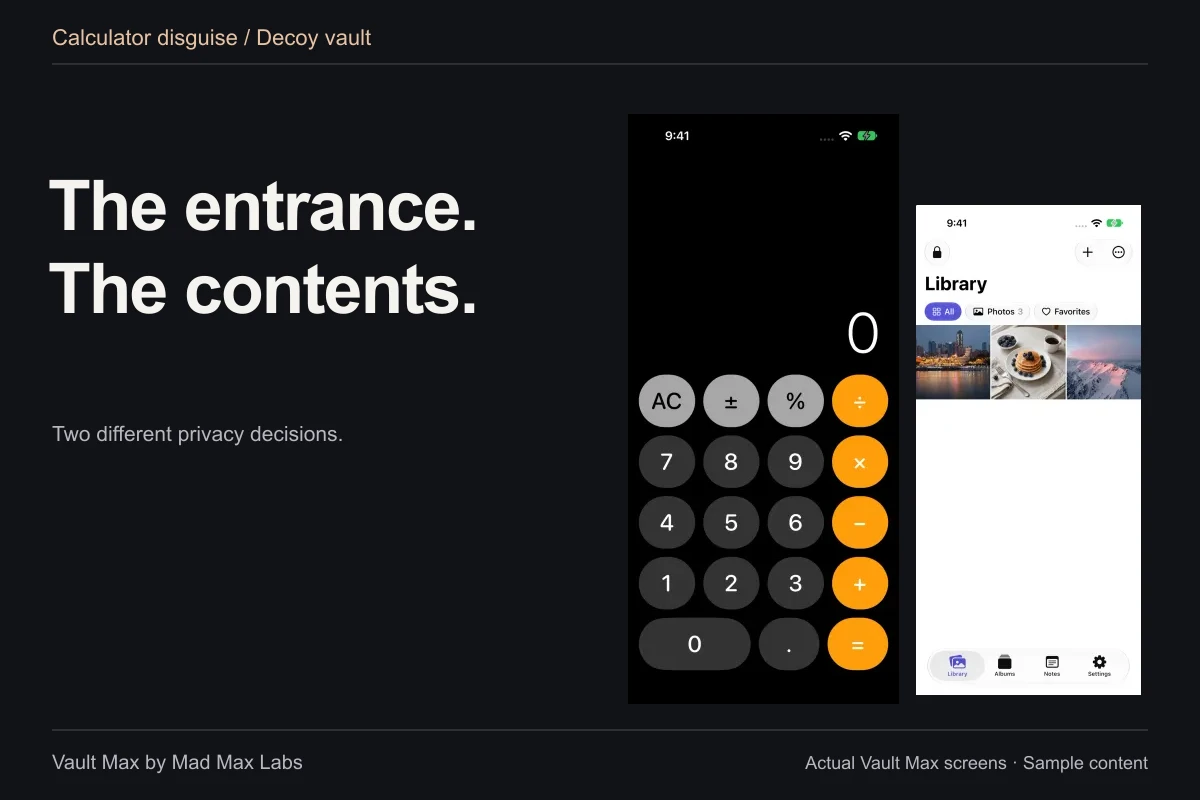
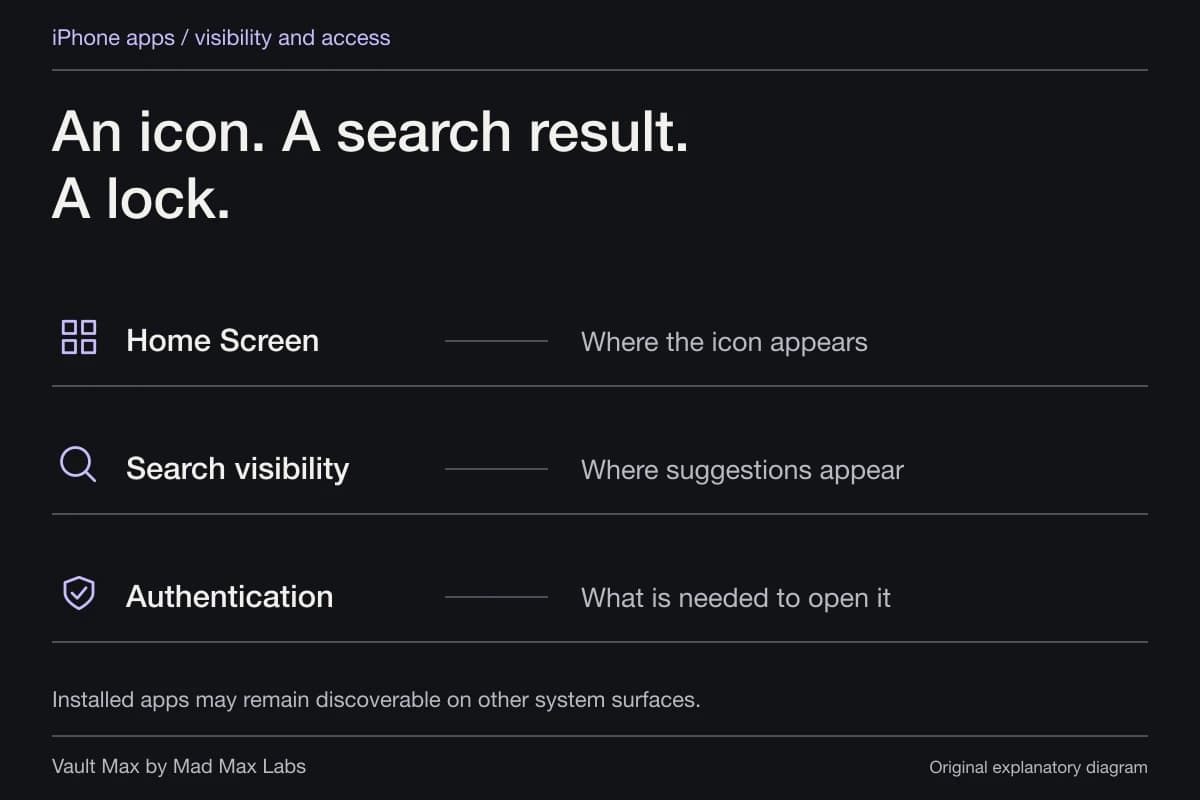
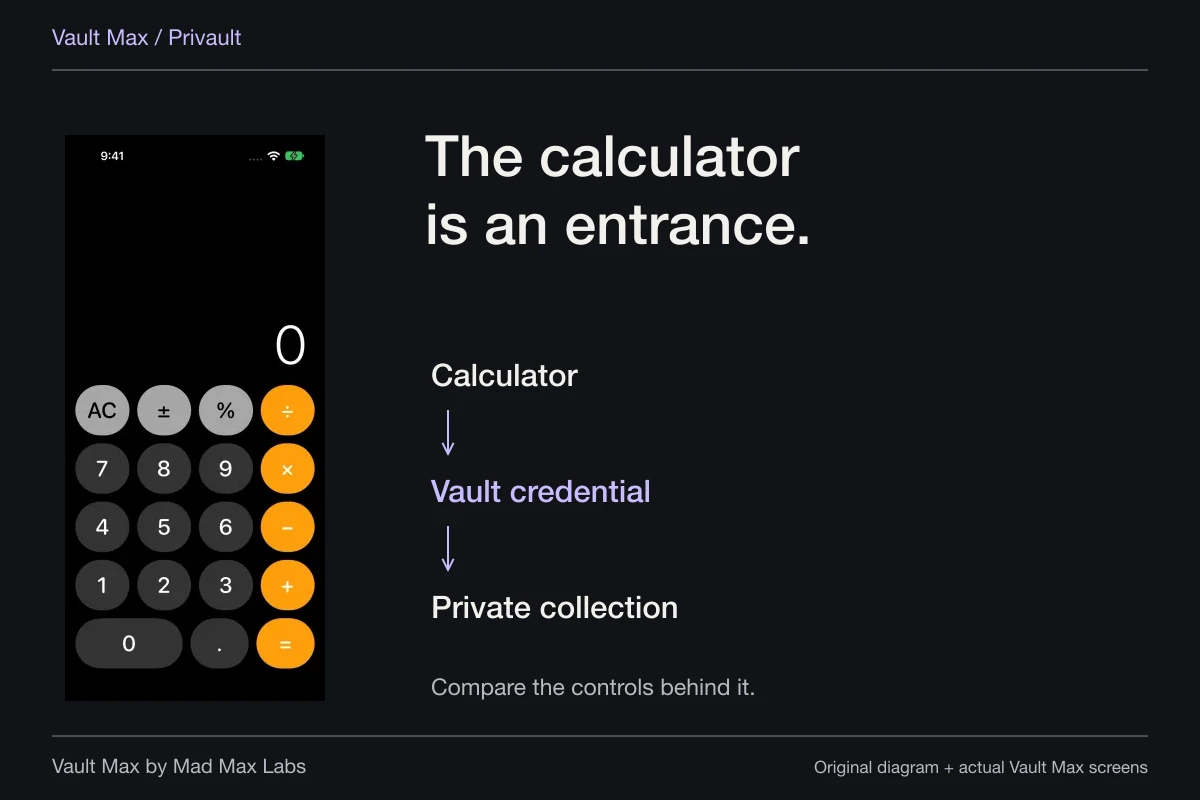
The working calculator provides a different kind of discretion: it changes entry presentation. PIN followed by equals opens the matching vault, and a long press on equals reveals regular entry. It does not rename the installed app everywhere in iOS. Choose the calculator entrance because its actual routine suits you, not because its appearance promises invisibility.
Decide deliberately which outside copies remain
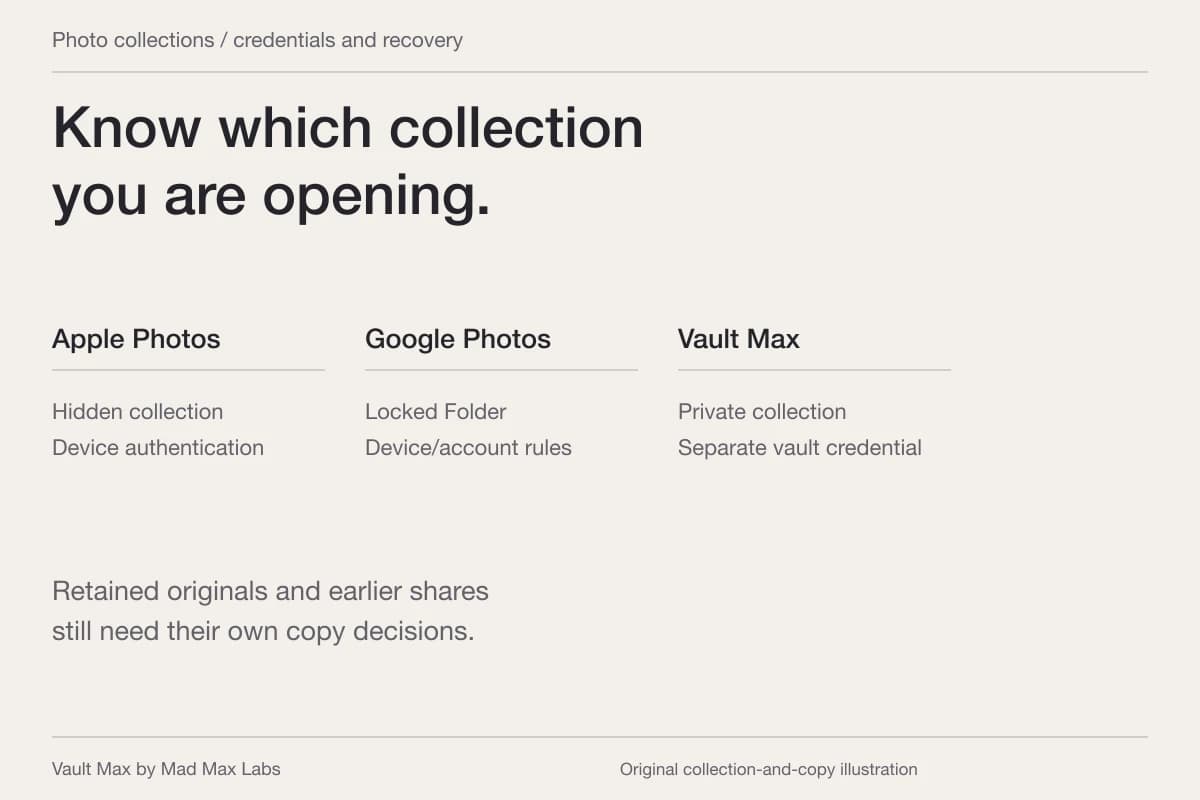
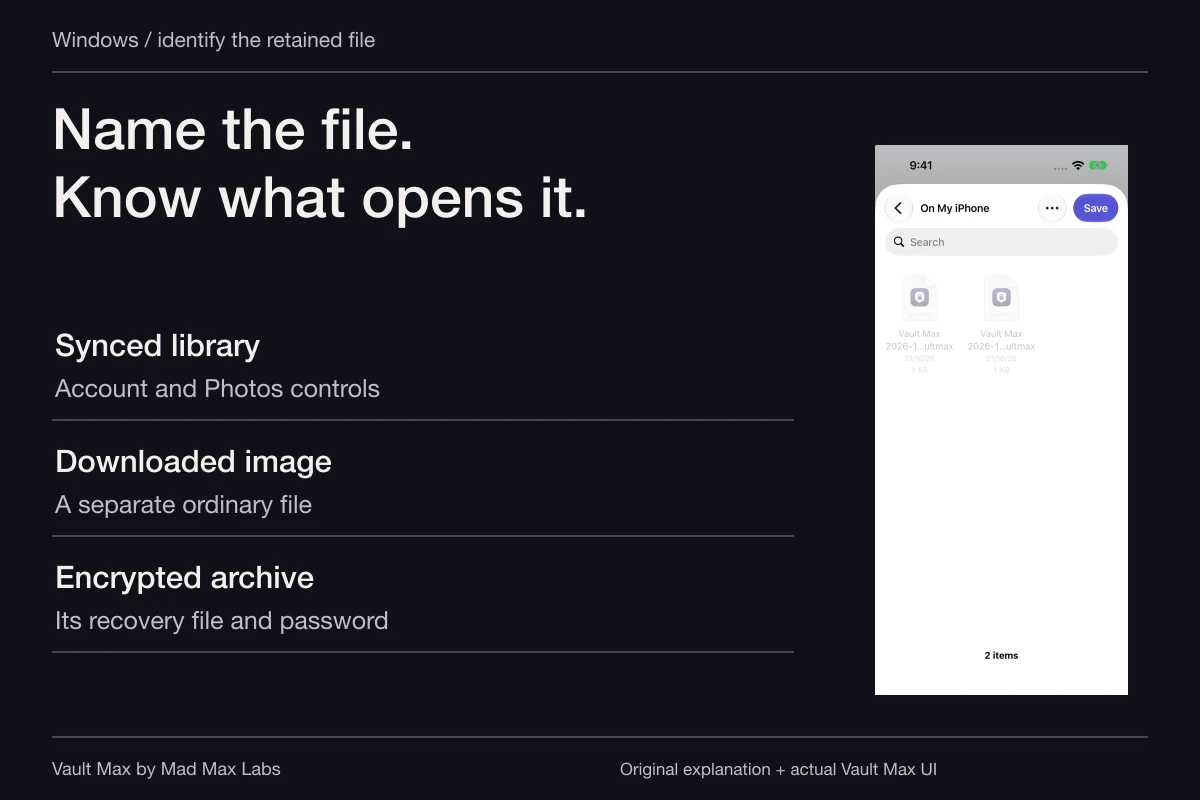
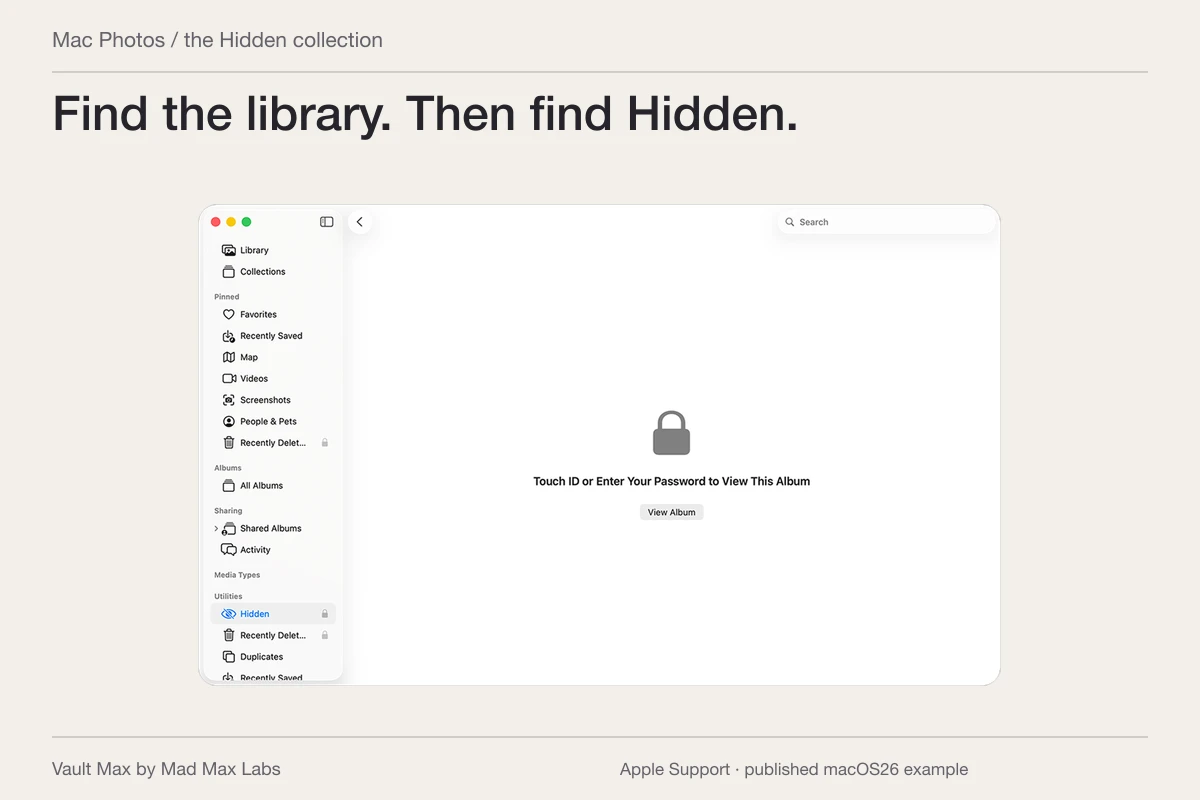
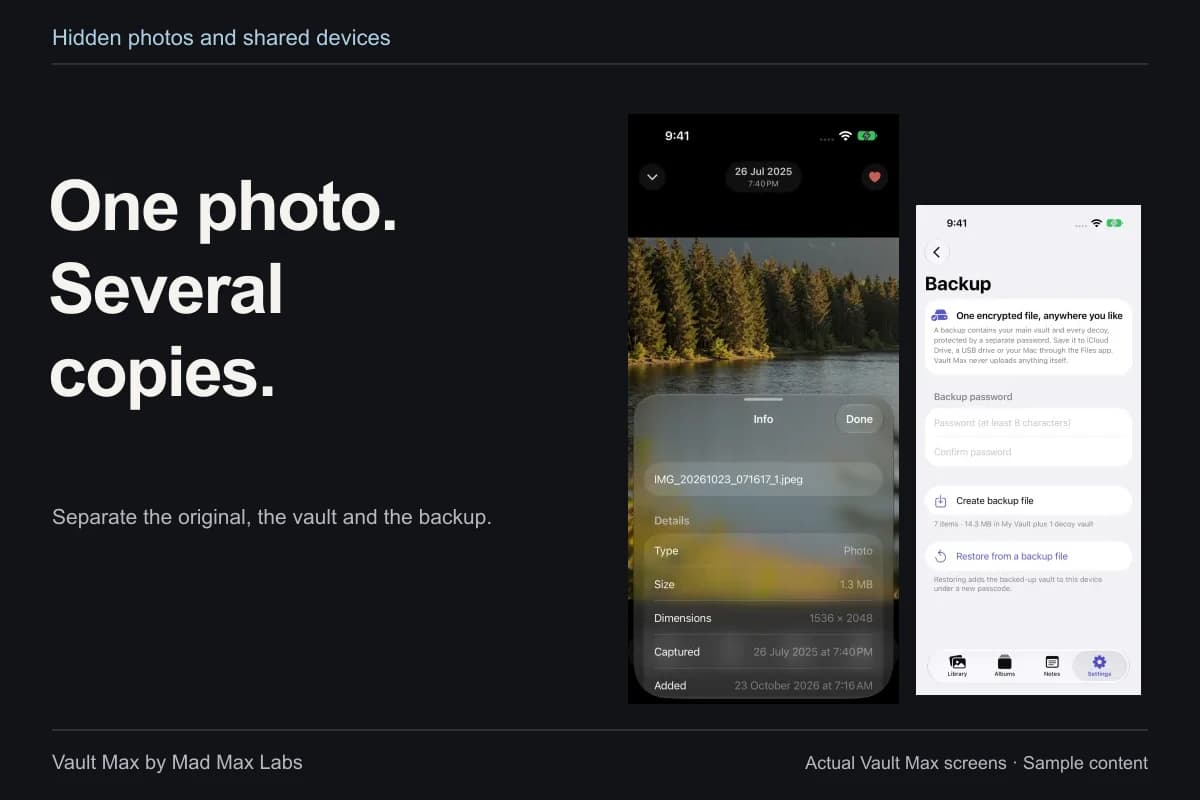
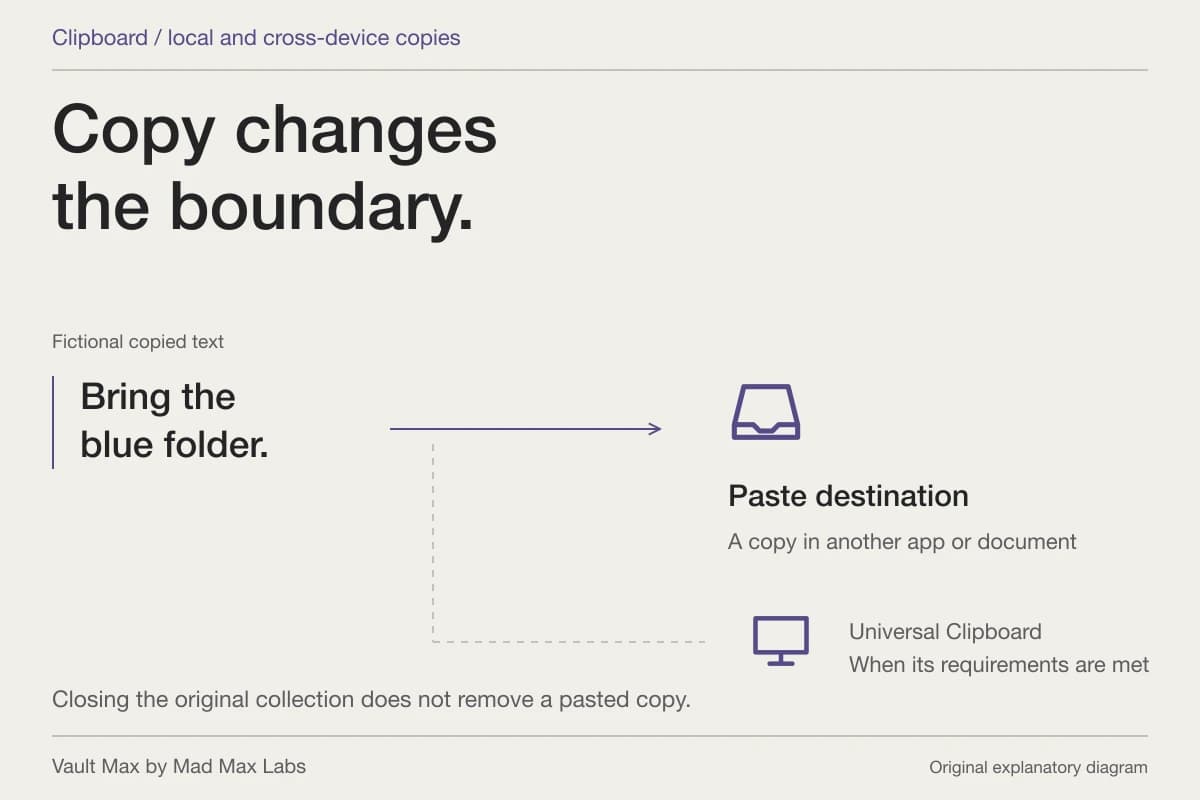
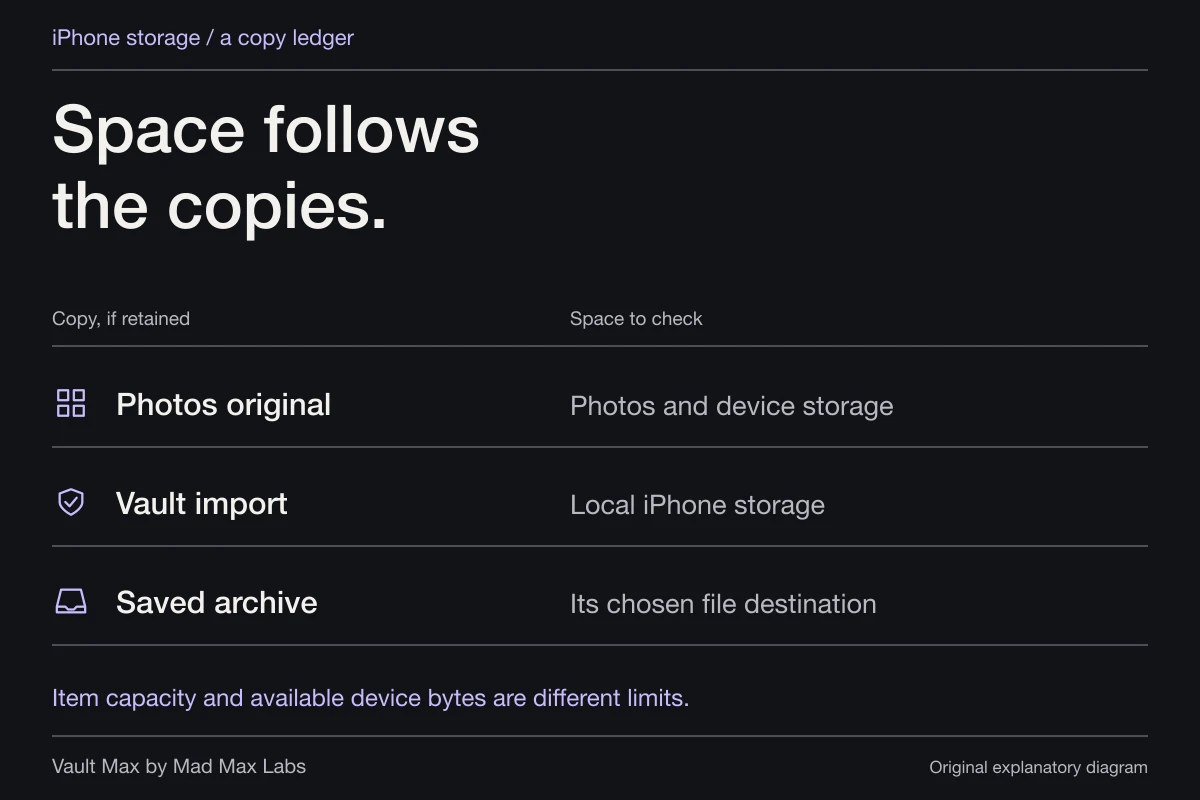
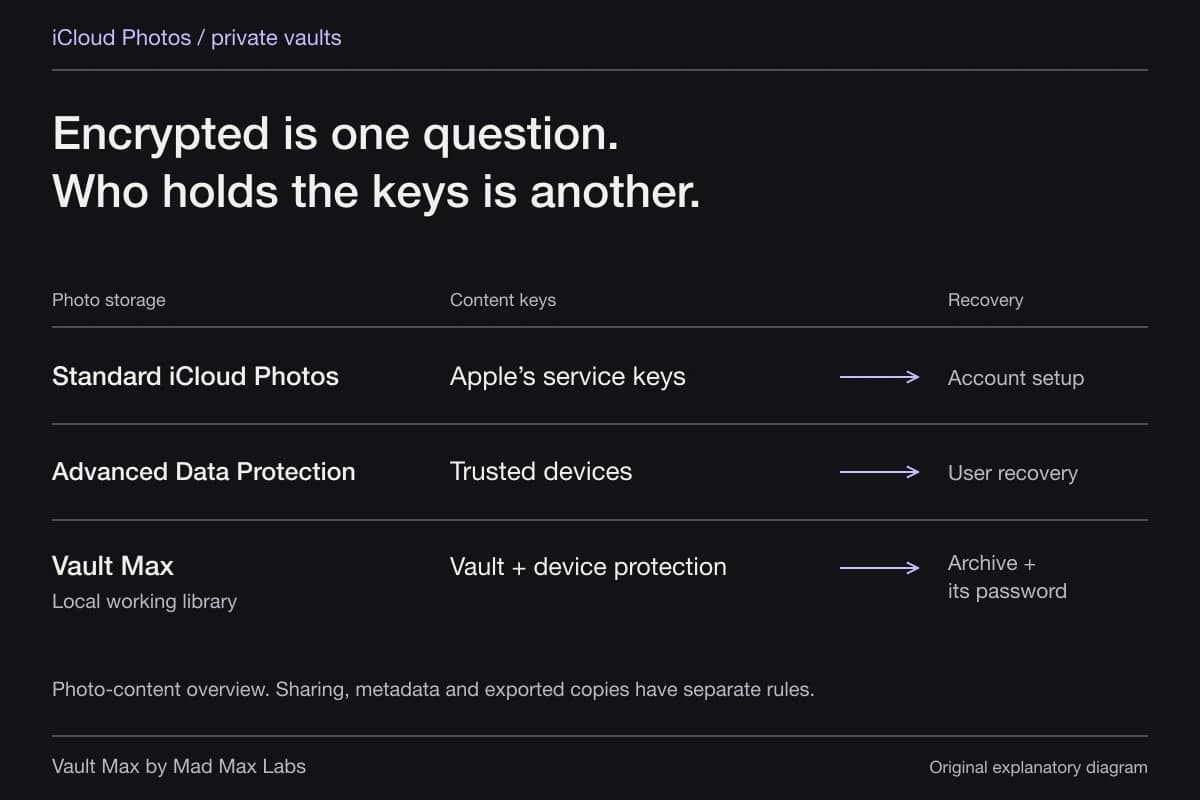
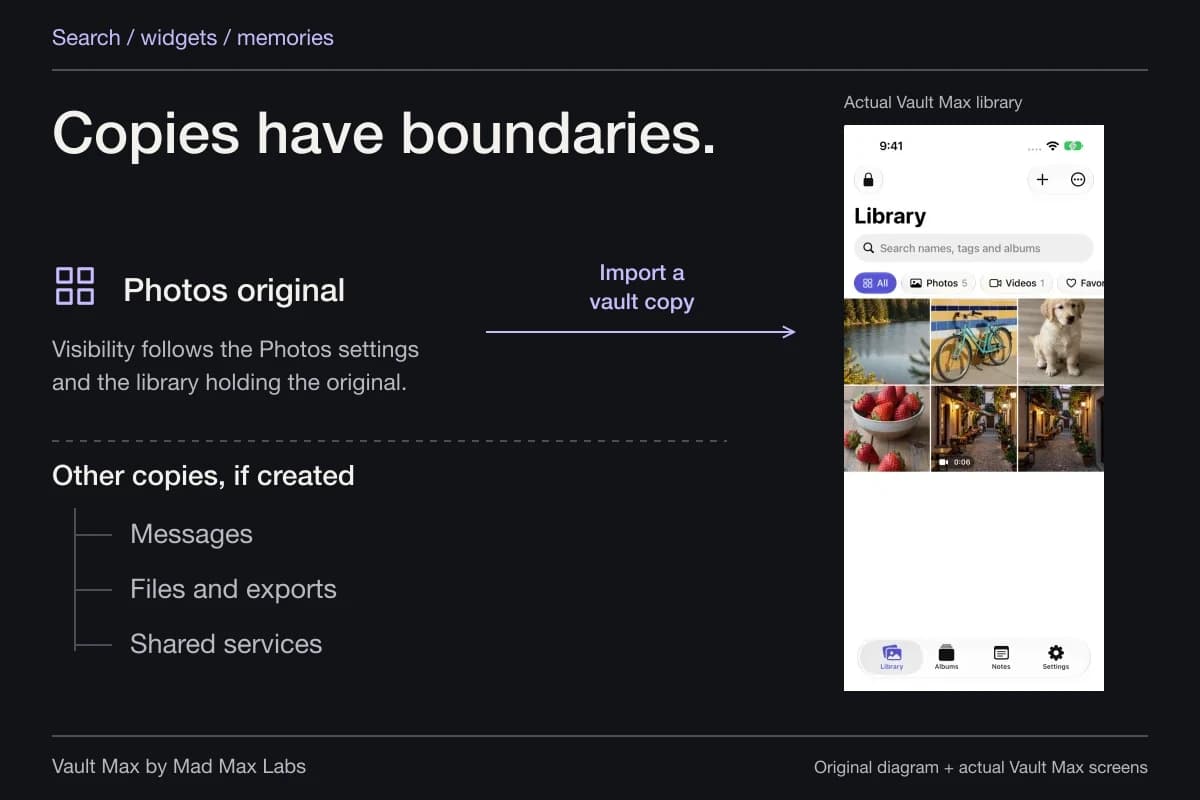
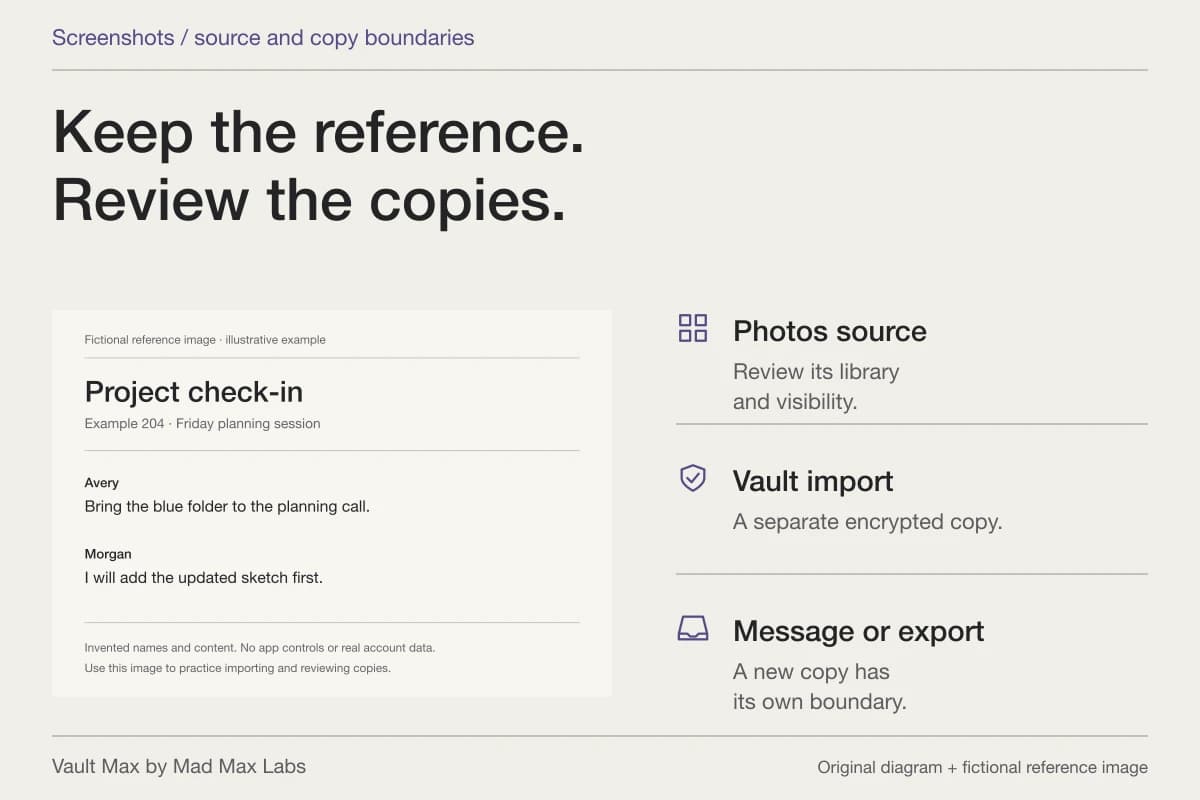
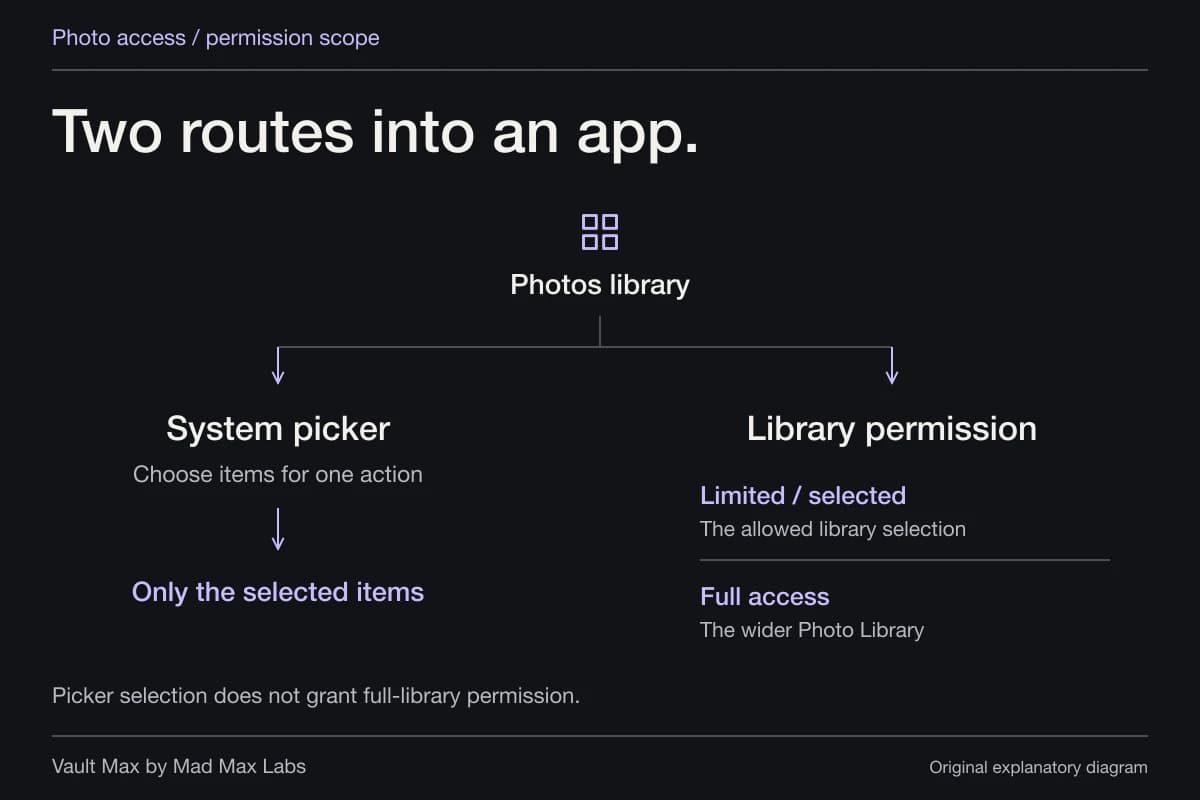
Apple's Hidden album guidance explains hiding within Photos. Importing into Vault Max creates a separate item rather than silently changing every other copy. If you retain a Photos original, it still belongs to that library and its own settings.
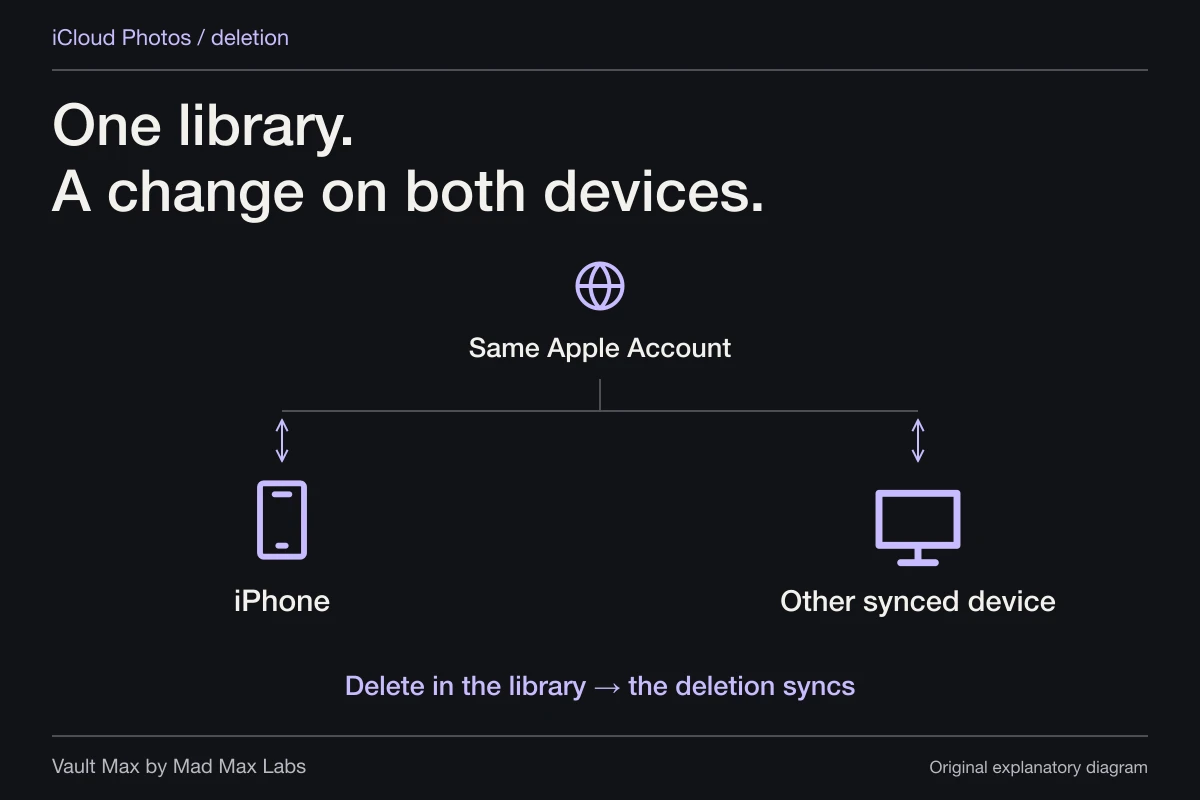
That matters with iCloud Photos: Apple says library changes follow its sync arrangement. A message attachment, previous export or recipient download is another location again. Your private collection can be well organized while those outside copies still need attention.
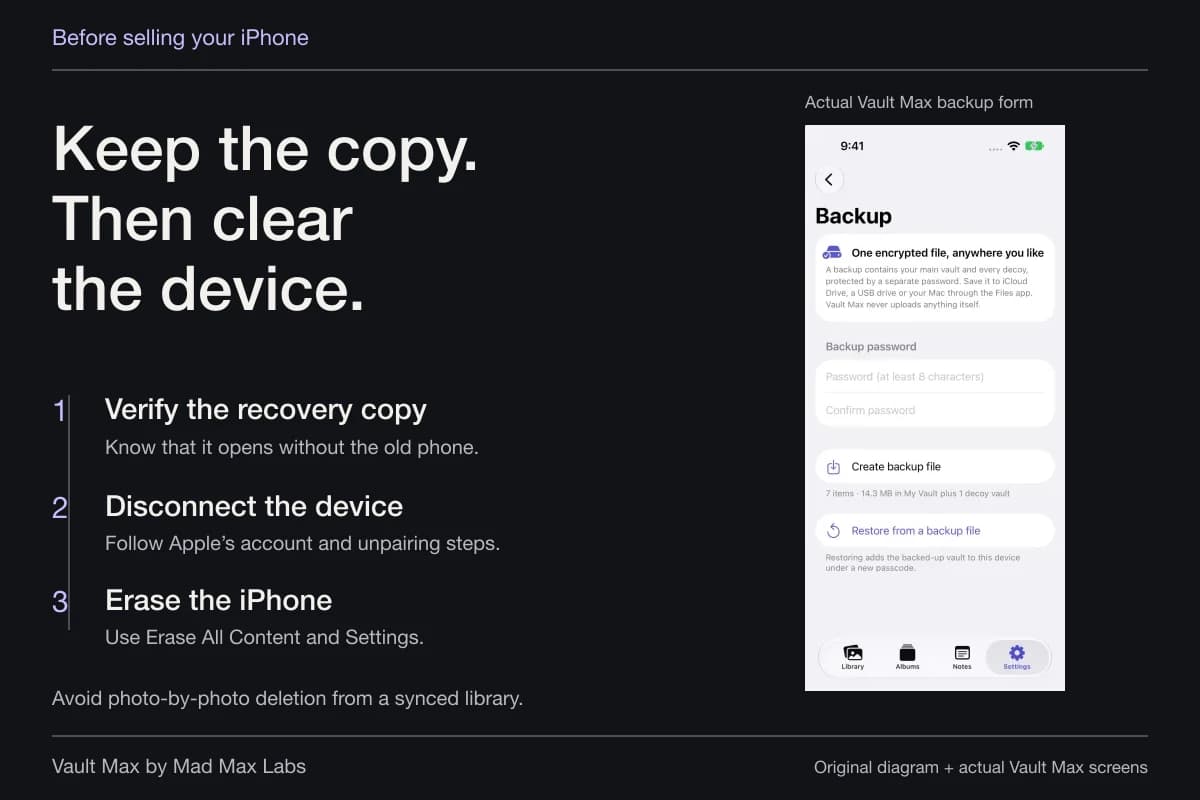
Open the private result before considering source removal. For important material, establish a usable recovery copy as well. A deletion you understand can be deliberate; deleting first and hoping an archive exists reverses the useful order.
Give the collection a short maintenance habit
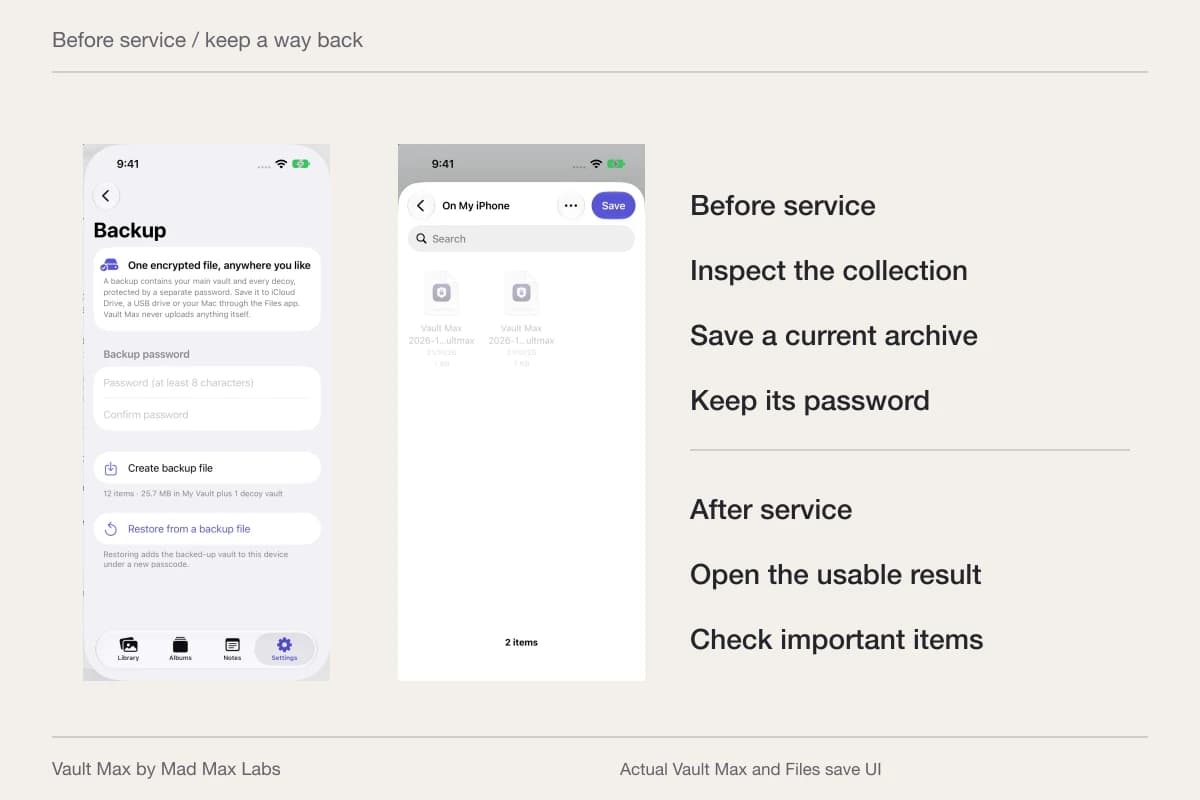
After an important addition, do four concrete things: put it in the intended place, update its explanation if needed, make a current archive and close the vault session. You do not need to rebuild the whole library each week. You need confidence that the newest useful material can be found and recovered.
- Check the album, filter and recognizable filename you expect.
- Confirm that the explanation was saved in Notes.
- Known ordinary credentials should reach the intended sample collections.
- Keep a current archive and use the vault's lock action when finished.
Tap a box as you go. Checks reset when you leave this page.
This is where Vault Max's features become one practical product: a private collection with media, writing, distinct access and an explicit recovery file. Start free with all security features included, then choose more capacity when the collection needs it.
Common questions
Should I use an album or another vault?
Use an album to organize related items inside the open vault. Use a separate ordinary vault when a different credential should reach a different collection. Naming an album does not give it an independent password.
Can I keep notes with my private photos?
Vault Max includes encrypted text notes. Create a recognizable title, save deliberately and reopen the note to check the result. Notes have their own view and are included in encrypted backups; the photo gallery is not a search of note bodies.
Does putting a photo in Vault Max remove every other copy?
Importing creates a vault item. Photos originals, messages, earlier exports and recipient copies need separate review. Check the saved item and a usable recovery copy before removing a source you still need.
Continue reading
More guides
Practical tips for your private library. Swipe or scroll to choose your next guide.
74 guides to explore