
App comparisons
Vault Max vs SPV: local storage is the start of the comparison
Compare Vault Max and Maple Labs' SPV: local storage, calculator entry, encrypted notes, separate collections, recovery and public U.S. plan labels.

We recommend Vault Max for a focused encrypted collection, useful private notes, no app analytics and an explicitly priced one-time capacity option. A working calculator, separately credentialed vaults and a clear archive route complete that daily routine. SPV also advertises local storage, so the comparison needs to go beyond that shared claim.
The app here is SPV - Secret Photo Vault by Maple Labs Co., Ltd, App Store ID 1449239240, currently subtitled Hidden Calculator & Video Safe. We publish Vault Max. This comparison uses official material checked October 23, 2026; it does not claim that we installed SPV, purchased Premium or tested its recovery.
Local storage answers one question, not the whole routine
SPV's listing says its media stays in device storage rather than on its servers. Vault Max likewise has an on-device working library and no Vault Max-hosted media collection. For someone who wants to avoid a provider-hosted photo account, that is an overlap to recognize.
Next ask what you need to do with that collection. Open it discreetly? Keep written context beside pictures? Maintain different collections under separate credentials? Move to a replacement phone? These tasks determine whether a local collection remains useful once the first import is over.
An app can keep the working files locally while collecting information about app use. You can also choose to save a backup with a cloud provider. Treat working storage, usage disclosures and recovery destinations as separate decisions; none can safely be inferred from the word “local” alone.
Inspect the interface around the job you actually have
Choose an example that resembles your material without being private. For a reference collection, use a photo, a short video and a written explanation. Give each a name or title you can recognize and decide how you will find it again after locking. The question is whether the collection remains useful when you need one particular item.
Vault Max's text notes belong to the encrypted collection alongside media and files. You can give a note a recognizable title, save it, reopen it and finish at the vault's lock screen. A dated explanation can make a set of pictures understandable months later, without moving that writing to another app.
Follow one private collection from start to finish: add a picture, keep its written context, return to the intended album, close access and preserve a usable recovery copy. These are the steps we use to assess the media-and-notes workflow.
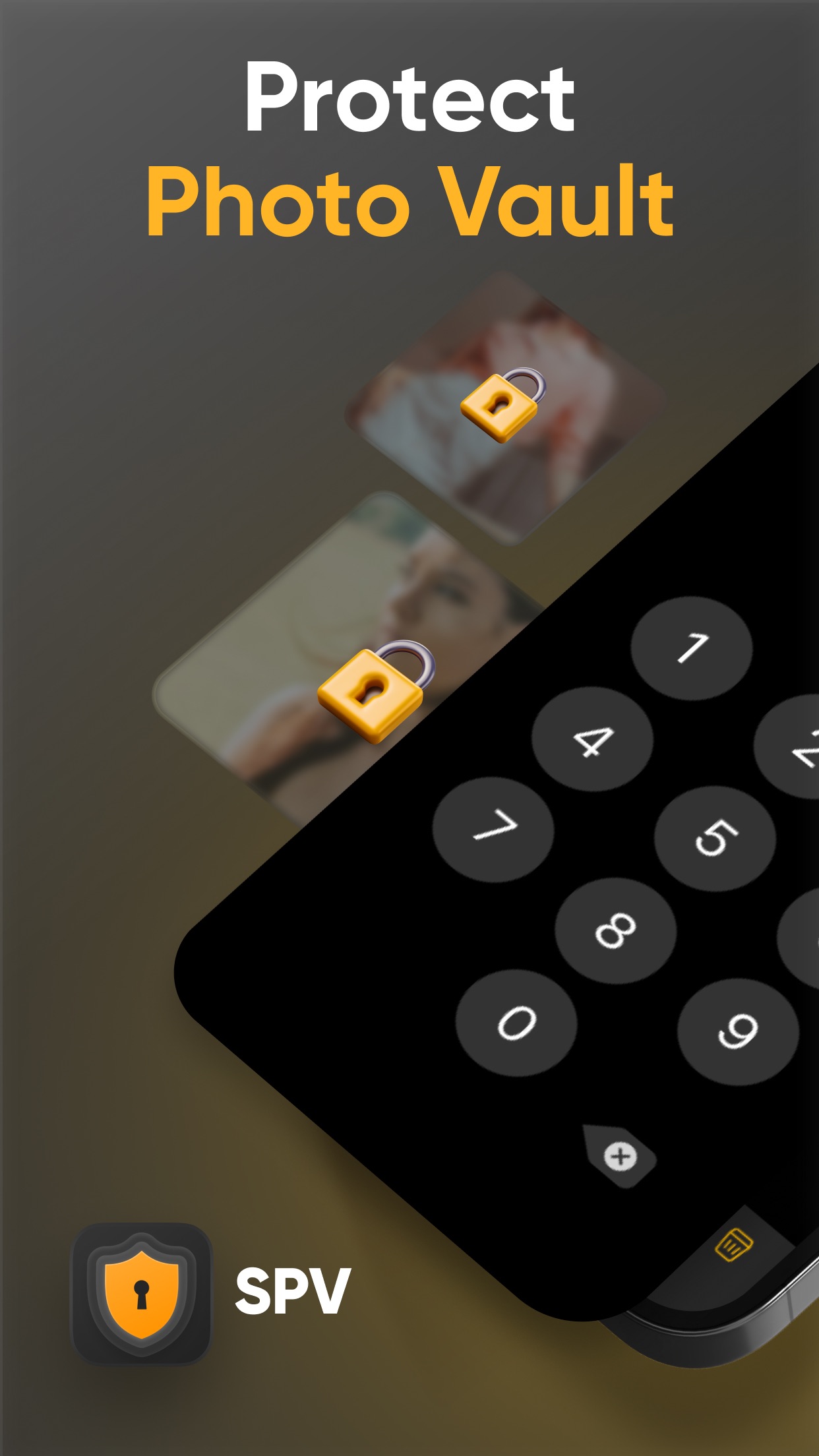
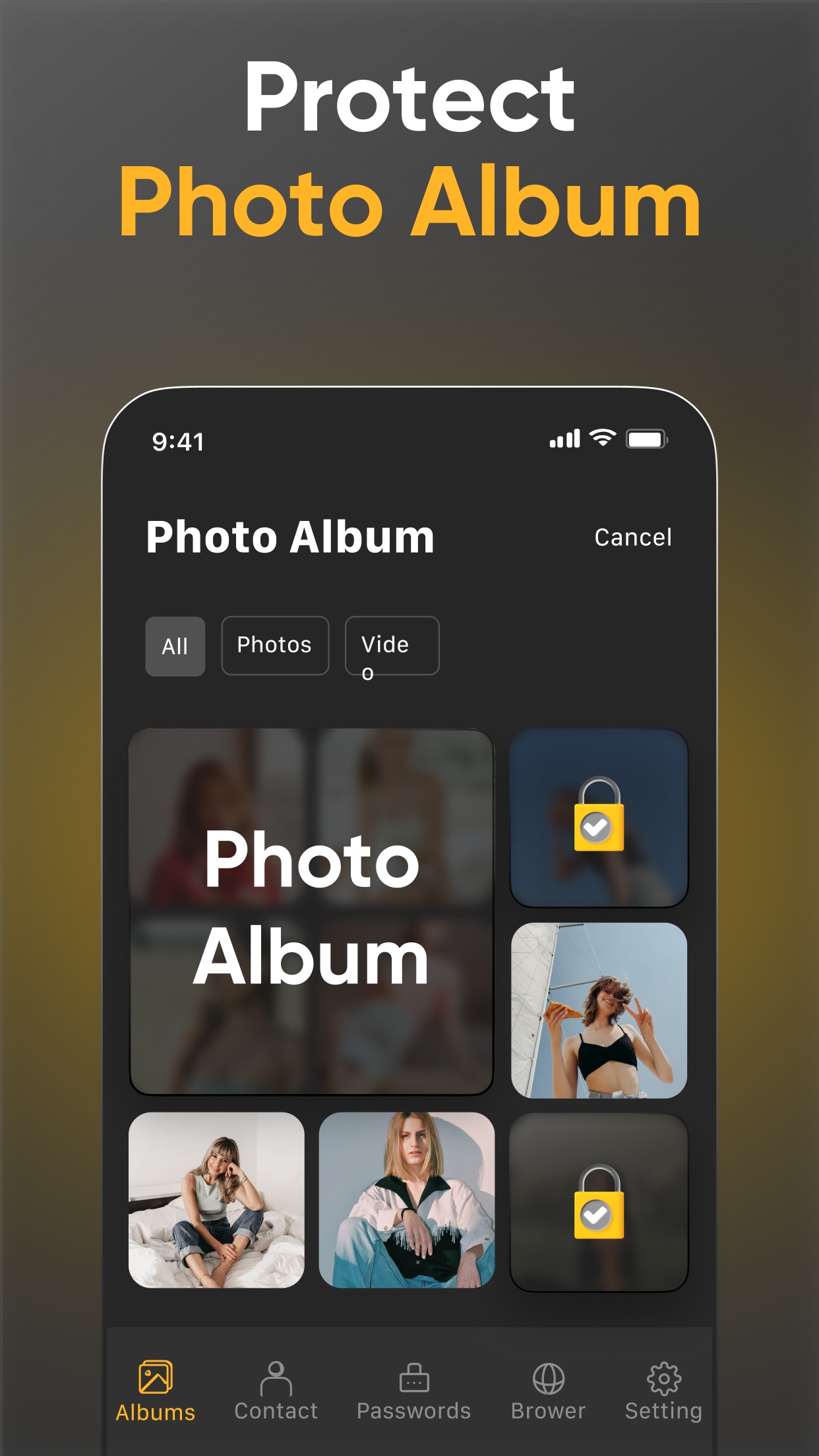
Publisher-supplied screenshots. Source material, not a hands-on test.
The publisher presents a passcode around private media. Compare the actual credential and lock-session choices rather than relying on an app name or security adjective.
Open the full-size source imageThe album view illustrates private-media organization. Its source is the Maple Labs listing, not another similarly named SPV or photo-vault app.
Open the full-size source imageSample Vault Max library. Select a screen for a closer look.
A calculator title is a reason to inspect behavior
SPV's current subtitle explicitly mentions a hidden calculator. We will not treat calculator presentation as an exclusive Vault Max feature or infer SPV's current arithmetic behavior from an old comparison page.
What we can show is Vault Max's working calculator. It performs ordinary arithmetic. With PIN entry configured, the matching PIN followed by equals opens its vault; a long press on equals reveals regular credential entry. Those are specific actions you can explore in the calculator walkthrough.
Vault Max with sample content. Use the controls to pause or replay.
For either product, check the fallback before adopting a disguise. What happens if you choose another credential type, clear the calculation or return after the app locks? Use harmless content and the app's current instructions. An entrance you cannot reliably remember is a poor reason to move irreplaceable material.
Compare collection controls with the contents visible
Vault Max supports separate credentials for separate vaults. Its ordinary decoy opens a distinct collection; albums organize items within an already-open vault. An optional destructive duress role is a different configuration and should stay out of a normal switching exercise.
Create a small ordinary decoy only if that feature serves your needs. Give the two collections visibly different sample content and deliberately check known credentials. Do not use guessed codes or a destructive duress credential to explore the interface.
For SPV, inspect the current collection and access controls you expect to rely on rather than assuming every app uses “album,” “vault” or “password” in the same way. This source review does not establish identical separation of keys, content or owner-management routes between the products.
| Private-collection task | Vault Max | SPV |
|---|---|---|
| Keep the working media | On-device encrypted collection | Publisher describes device-only media storage |
| Add written context | Encrypted note editor beside media | Check the current controls for the material you want to keep |
| Use calculator entry | Working arithmetic, PIN plus equals and regular-entry fallback | Hidden Calculator named in current subtitle; inspect current behavior |
| Understand app-use disclosures | No app analytics or telemetry | Publisher policy describes analytics and advertising services |
| Retain a recovery object | Separately password-protected .vaultmax snapshot | Listing recommends exporting media before deleting the app |
Read the usage policy separately from media storage
Maple Labs' linked policy, dated December 2022, describes analytics and advertising services across its products. Because it is a broader publisher policy, it cannot prove which exact SDK or event runs in today's SPV installation. Its App Store declaration separately lists tracking-related data categories.
Those disclosures do not establish that private photographs are sent to an advertiser. Equally, device-only media storage does not mean no information about app usage is disclosed. Vault Max has no app advertising, analytics or telemetry; Apple download and purchase services still operate separately.
The inspected SPV material does not establish its complete cipher and key-management design. We do not convert that unanswered question into a claim that no encryption exists. Vault Max documents AES-256-GCM, per-file keys and an encrypted index. That is useful implementation information, with the ordinary limits of an unlocked screen and copies you intentionally keep elsewhere.
Plan what happens when the phone is unavailable
SPV's listing warns that deleting the app deletes its local media and recommends exporting needed files first. That is an important instruction, not evidence that every user has already made a recovery copy. Establish what you would do after a lost phone, not only before a planned uninstall.
Vault Max's archive route starts while you can still unlock the collection. Create a .vaultmax snapshot with a separate password and save it somewhere reachable without the source phone. A file kept only on that phone does not solve loss of that phone.
An export to Photos and an encrypted recovery archive also have different consequences. Photos may participate in your iCloud arrangement, and a loose media copy follows that destination's access rules. A Vault Max archive stays password-protected and is restored through the app. Choose deliberately and keep its password independently available.
Before removing originals, inspect the destination. Open a representative picture, play the video and read the note. If you restore an archive, check the latest important items rather than relying only on the library count. An older snapshot cannot contain later additions, and restoring a purchase entitlement does not supply media or keys.
Public Premium entries do not establish matched prices
Before getting to the price, give each candidate one short, repeatable job. Add an ordinary picture and a short video, make an organizational choice, return after locking and find the video. In Vault Max, create a dated note explaining why that sample belongs in the collection and reopen it too. You now have a useful result to compare instead of a screen full of feature names.
End that exercise deliberately. In Vault Max, check the manual lock route and your background auto-lock delay. A grace period means leaving the app and explicitly closing access can produce different immediate results. With any candidate, confirm what appears when you reopen it before handing the phone to someone else.
Do this while the content is disposable. You can then decide which inconvenience you are willing to live with: an extra action to unlock, a filing scheme you find awkward, a manual archive habit or an account arrangement elsewhere. Paying for more capacity will not change a workflow you already know you dislike. It should expand a routine you have checked, rather than serve as the experiment that determines whether the basics work for you.
SPV's U.S. IAP list contains entries named Premium, including $4.99, $6.99, $12.99, $29.99, $35.99 and $39.99. Its description discusses weekly, monthly and yearly subscriptions. The listing does not reliably map each generic name to a billing interval or entitlement, so we cannot manufacture an annual comparison from those numbers.
Vault Max's U.S. pricing explicitly identifies $3.99 monthly, $14.99 annually and $19.99 Lifetime Unlock, with a weekly option. The free plan holds 50 counted photos, videos and documents per vault and includes every security feature. Paid plans expand counted capacity and support up to eight total vaults per device.
| Plan question | Vault Max | SPV public information |
|---|---|---|
| Free local item capacity | 50 counted media/document items per vault | A free download is listed; verify the current item limits |
| Security before paying | Every security feature included | Check the current free/Premium feature boundary |
| Named billing terms | $3.99 monthly; $14.99 annually; $19.99 Lifetime Unlock | Weekly, monthly and yearly terms mentioned; generic IAP labels do not map the prices |
| Paid collection capacity | Unlimited counted items and up to eight total vaults per device | Confirm the selected package's current benefits |
Unlimited paid item capacity remains bounded by actual device storage. Lifetime Unlock also does not purchase cloud hosting or promise a future release schedule. If a clear one-time capacity option is important, Vault Max supplies one; that is more precise than declaring every unidentified rival offer more expensive.
Vault Max is our recommendation for a private media-and-notes routine whose access, pricing and archive path are easy to explain. Its working calculator and separate credentials support everyday access, while its documented encryption and absence of app analytics support the local-library choice. Keep a small trial collection until you have verified the actions you will need when the files matter.
Common questions
Which SPV is compared with Vault Max?
SPV - Secret Photo Vault by Maple Labs Co., Ltd, App Store ID 1449239240. Its current subtitle is Hidden Calculator & Video Safe.
Does SPV upload the private collection to its publisher?
Its official listing says the media uses device storage and is not kept on its servers. We have not inspected a current installation's network activity. Its app-usage disclosures are a separate question.
Can you match SPV's annual price to Vault Max's?
The checked SPV U.S. IAPs are generically named Premium, without reliable billing-term labels. The description mentions weekly, monthly and yearly subscriptions but does not map every listed price to a term. Check the actual offer.
Continue reading
More guides
Practical tips for your private library. Swipe or scroll to choose your next guide.


















































50 guides to explore