
App comparisons
Vault Max vs Encamera: private capture, notes and a recovery plan
Compare Vault Max and Encamera for iPhone: private capture, encrypted notes, separate collections, app privacy, archive recovery and named U.S. plans.

Choose Vault Max for a private workspace with a working calculator, encrypted notes, separate vault credentials and a $19.99 U.S. one-time capacity option. Both products describe encrypted media storage without requiring an app account. Vault Max brings capture, imports, private writing and deliberate archive recovery into the same collection, without app telemetry.
We make Vault Max. This guide uses our implementation and Encamera's official information checked October 23, 2026. We have not installed Encamera for this comparison, audited its source or run a head-to-head camera test.
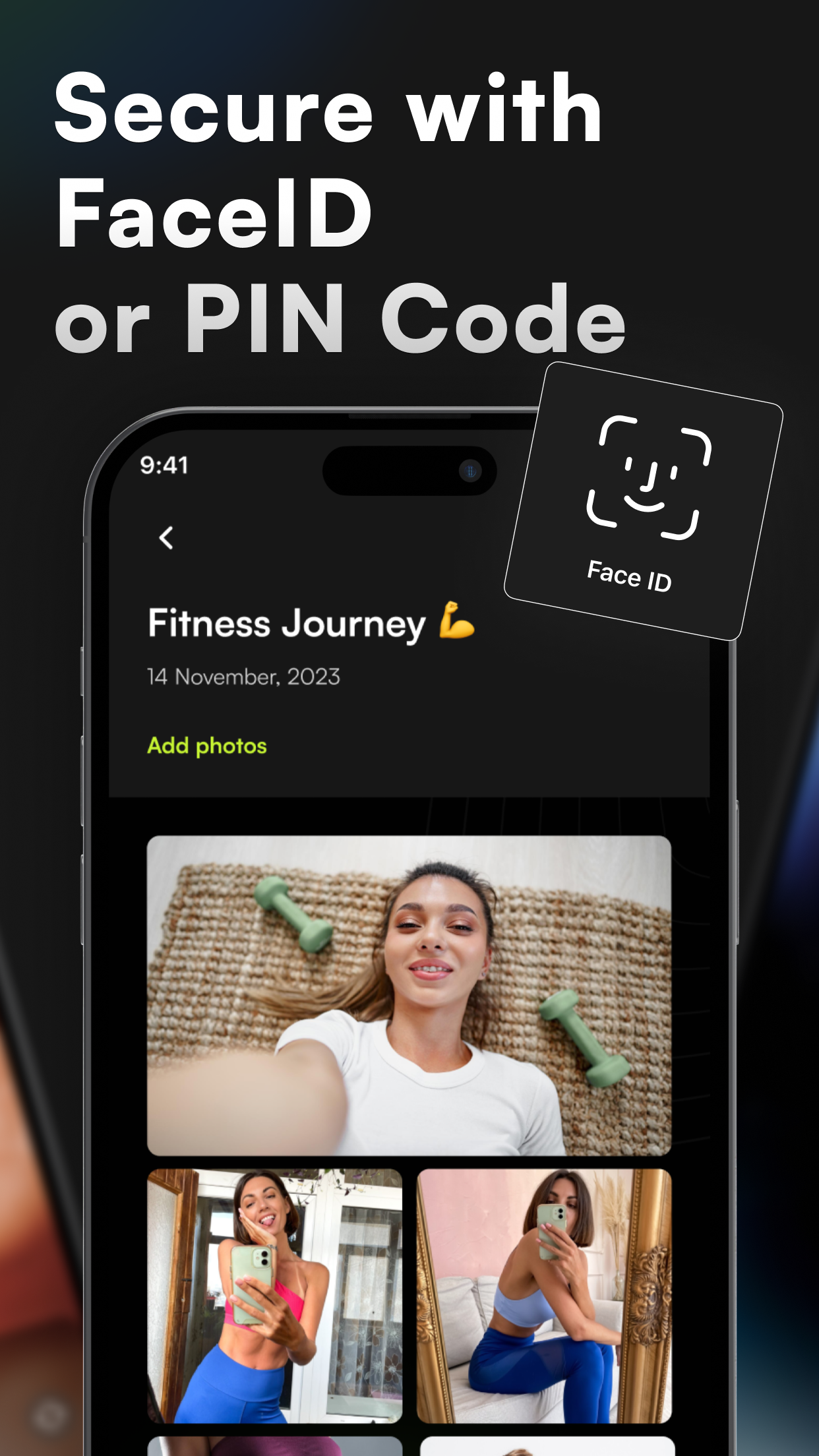
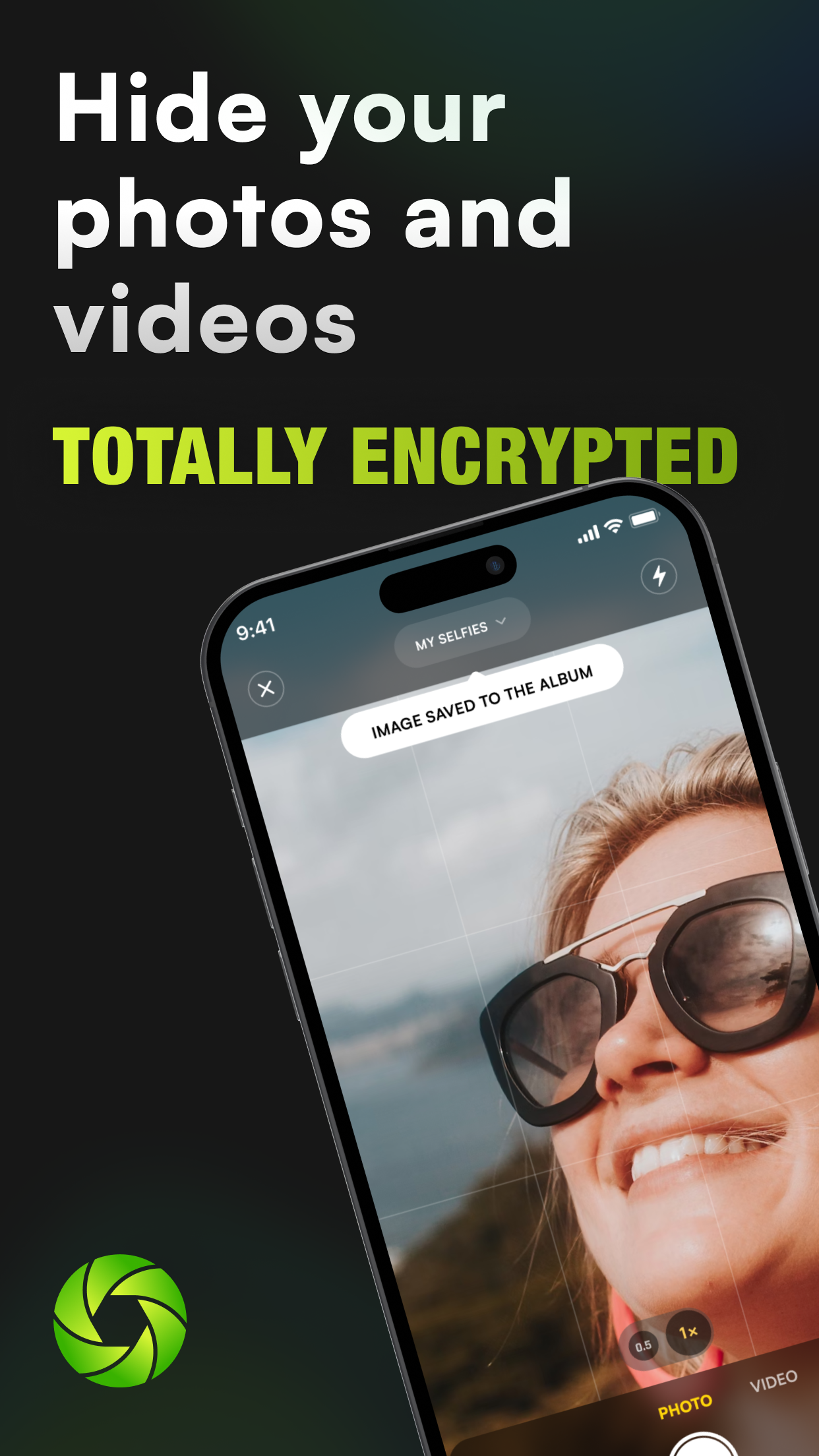
See how the publisher presents its camera
Encamera's App Store gallery is a useful introduction to the capture experience it markets. Match the pictures to Encamera LLC and App Store ID 1639202616, then look for the particular route you want to try: opening capture, choosing an album or returning to saved media.
The competitor images accompanying this guide are credited publisher material. They are not screenshots from a session we operated. A pictured camera control can help you decide what to investigate; it cannot establish where a newly taken file was saved, whether a cloud transfer completed or how much of a shipped app matches public source code.
Publisher-supplied screenshots. Source material, not a hands-on test.
Encamera advertises both a private collection and authentication. The comparison concerns the surrounding writing, storage and recovery workflow too.
Open the full-size source imageBoth products offer private capture. Compare the entry route, destination collection and usable recovery copy rather than awarding the camera feature to either app alone.
Open the full-size source imageStart with the pictures you have not taken yet
Someone recording private progress pictures needs a different routine from someone sorting an existing library. For the first person, opening the camera quickly and keeping a new capture out of Photos may be the deciding task. For the second, importing, finding and recovering older files may matter more.
Encamera's own site emphasizes encrypted capture, a Lock Screen widget, Live Photos and a choice of local or personal-iCloud storage. Its public EncameraCore repository contains core file-handling and encryption functionality. That makes this portion available for inspection; it does not establish that the complete app is public, independently audited or matched by us to the installed binary.
Vault Max also has a Private Camera. It saves new photos and videos into the current vault when the relevant permissions and camera are available. There is no need to describe ordinary private capture as an exclusive advantage. Our emphasis is what surrounds the camera: different collections, private writing, import routes and a calculator entrance.
Sample Vault Max library. Select a screen for a closer look.
Compare the choices you will use every week
| Decision | Vault Max | Encamera |
|---|---|---|
| Opening the collection | Working calculator or normal vault entry | PIN/Face ID and camera-focused entry described |
| Private capture | Camera saves into the current vault | Encrypted capture advertised |
| Storage arrangement | Local working library; exported recovery archive | Local or personal iCloud, chosen by album |
| Recovery material | Archive file and independent archive password | Key phrase and separately retained encrypted files |
| App analytics | No app analytics or telemetry | Privacy policy describes Piwik analytics |
Try the sequence that resembles your life. Add two pictures, give them a useful album, write any context you need and come back after locking. An attractive first screen matters less if the third step is awkward for your routine. We have not timed those tasks against Encamera, so the table is a shortlist, not a speed ranking.
If the capture widget is your reason to consider Encamera, include it in your trial. Check what appears before authentication, where the result lands and how you return to the camera after locking. Use a still image and a short clip with nothing private in either. Permission prompts, interruptions and finding the result are part of the camera experience too; a shortcut that opens quickly is only one step.
Vault Max requests camera access for private capture, with microphone access relevant when recording sound. Those permissions are separate from importing selected pictures through Apple's Photos picker. If you mostly import existing photographs, do not assume you must enable every capture permission to use a private collection. Inspect Encamera's own current permission sequence rather than inferring it from our screens.
Choose the storage arrangement before building albums
Encamera's local-or-personal-iCloud album choice may suit someone who wants everyday reference pictures available elsewhere while keeping another album local. Read what the current choice includes: the location of the working files, any downloaded copies and the behavior when the device is offline. We have not tested those album transitions.
In Vault Max, albums organize a local vault; moving an item between ordinary albums does not create a cloud-sync rule. The deliberate off-device step is a separately password-protected archive or another explicit export. Decide which routine you will actually maintain, rather than treating an optional iCloud destination as either compulsory or inherently unsafe.
No account and no analytics are different promises
Encamera's App Store-linked privacy policy describes anonymous Piwik usage/crash analytics and RevenueCat subscription management. It also says the publisher does not receive your media or PIN. Those statements can coexist: collecting app-usage information does not mean uploading the private library.
Vault Max has no app analytics or telemetry. Apple still handles downloads, purchase verification and subscription status. If you are looking for a vault that leaves out an additional app-analytics service, that is a concrete reason to prefer Vault Max. It is more useful than treating every use of the word “private” as the same architecture.
The local-storage guide also separates the working library from explicit exports and device backups. Saving an archive in iCloud Drive is a choice to store that encrypted file in the cloud, even though the vault itself has no provider-hosted library.
Ask for both the key and the files
Encamera's key-phrase instructions explain its recovery words and an option to back up key material to iCloud Keychain. A recovery key and the encrypted photographs are separate things. Before replacing a phone, establish how both will reach the replacement.
Its security descriptions also deserve a careful read: that article names XChaCha20-Poly1305, while the linked privacy policy names AES-256. We have not resolved the difference by inspecting code or a shipped build. Both are descriptions from the publisher; the inconsistency does not establish a security flaw.
Vault Max's recovery route uses a separately password-protected .vaultmax archive. Keep the saved file somewhere accessible without the old phone, and keep its password independently available. Restoring a purchase restores an eligible entitlement, not the private photographs. A backup snapshot also needs refreshing after important additions.
Sample Vault Max library. Select a screen for a closer look.
Read the exact plan name before comparing prices
Vault Max's U.S. plans include $14.99 annually and $19.99 for Lifetime Unlock. All paid plans provide the same capacity benefits: unlimited counted items and up to eight total vaults per device. The calculator and security controls are included free.
Encamera's public U.S. IAP list shows several distinct offers. Premium Yearly is $17.99 and 12 Months is $19.99; Premium Monthly is $2.99 and 1 Month is $3.99. It also lists Limited Lifetime at $49.99 and Lifetime at $99.99. Eligibility and the actual purchase sheet matter. Vault Max is not cheaper than the $2.99 monthly entry.
Encamera's lifetime explanation distinguishes permanent access to acquired features from rights to later major features. Its older announcement quotes a different Unlimited price, so we use the observed listing labels here rather than presenting that older number as today's offer. Check what the specific package buys, not just whether its name contains “lifetime.”
| Duration or package | Vault Max | Encamera named offers |
|---|---|---|
| Weekly | $1.49 | 1 Week $1.99 |
| Monthly | $3.99 | Premium Monthly $2.99; 1 Month $3.99 |
| Annual | $14.99 | Premium Yearly $17.99; 12 Months $19.99 |
| One-time | $19.99 Lifetime Unlock | Limited Lifetime $49.99; Lifetime $99.99 |
If you only need a month, Encamera's $2.99 monthly entry deserves the same attention as its camera extras. For Vault Max, the weekly price is $1.49 and the monthly price is $3.99. A buyer who intends to keep a collection for years may instead favor our one-time capacity purchase. Existing Vault Max items remain available to open, export, delete and back up after a subscription ends; ask Encamera about the exact access policy attached to the offer you select.
Rehearse the phone-change question without erasing anything
Write down two recovery ingredients: the media copy and the material needed to open it. Encamera's key-phrase guide addresses the second ingredient, including its optional iCloud Keychain route. It does not mean that remembering the phrase creates missing photographs. Check how the chosen local or iCloud albums would supply those files on a replacement device.
For Vault Max, the archive should be accessible without the old phone and the password should be independently available. A saved file in an on-phone folder is still tied to that phone's survival. Keep the working collection intact while checking the recovery plan with disposable material. An Apple purchase receipt answers who owns a paid entitlement; it does not answer where either app's photographs went.
Which one belongs on your phone?
Our recommendation is Vault Max when the combination matters: a working calculator, useful private notes, separate vault credentials, no app telemetry and a $19.99 one-time capacity upgrade. Try those pieces with unimportant files before importing a large collection.
Vault Max's combination is useful beyond the first capture: pictures have a place, writing stays with them and a separately protected archive supplies the recovery object. Finish the decision by checking an export and writing down how you will recover both the encrypted files and their credentials. That gives the one-time purchase a practical context beyond a price tag.
Common questions
Which app would you choose: Vault Max or Encamera?
We choose Vault Max for its working calculator, encrypted notes, separate vault credentials, no app telemetry and $19.99 U.S. Lifetime Unlock. This publisher-written comparison checks its collection and recovery workflow against Encamera's official descriptions.
Does Encamera require a cloud library?
No. Encamera describes local storage and optional personal iCloud storage. Having an iCloud option does not mean every collection must be uploaded.
Does Encamera collect analytics?
Its App Store-linked privacy policy describes anonymous usage analytics through Piwik and purchase management through RevenueCat. That is separate from the policy's statement that the publisher cannot access your private media.
Continue reading
More guides
Practical tips for your private library. Swipe or scroll to choose your next guide.


















































50 guides to explore