
App comparisons
Vault Max vs Safe Lock: look at the backup as closely as the lock
Compare Vault Max with Safe Lock on iPhone: notes, fake galleries, quick locking, file transfers, recovery plans and limits of public pricing information.

We recommend Vault Max for a working calculator, encrypted media and notes, separate credentials, a user-controlled recovery archive and a clearly priced $19.99 U.S. Lifetime Unlock. The useful comparison with Safe Lock follows the whole collection: what opens it, what closes it and what copy you can recover without the old phone.
Mad Max Labs publishes Vault Max. The other app here is Safe Lock - Hidden Photo Vault, by Katerina Akhlebinina, App Store ID 1195429570. We read its official listing and linked policy on October 23, 2026. We have not installed Safe Lock, tested its transfer services or audited its encryption.
Read the publisher's pictures alongside its transfer claims
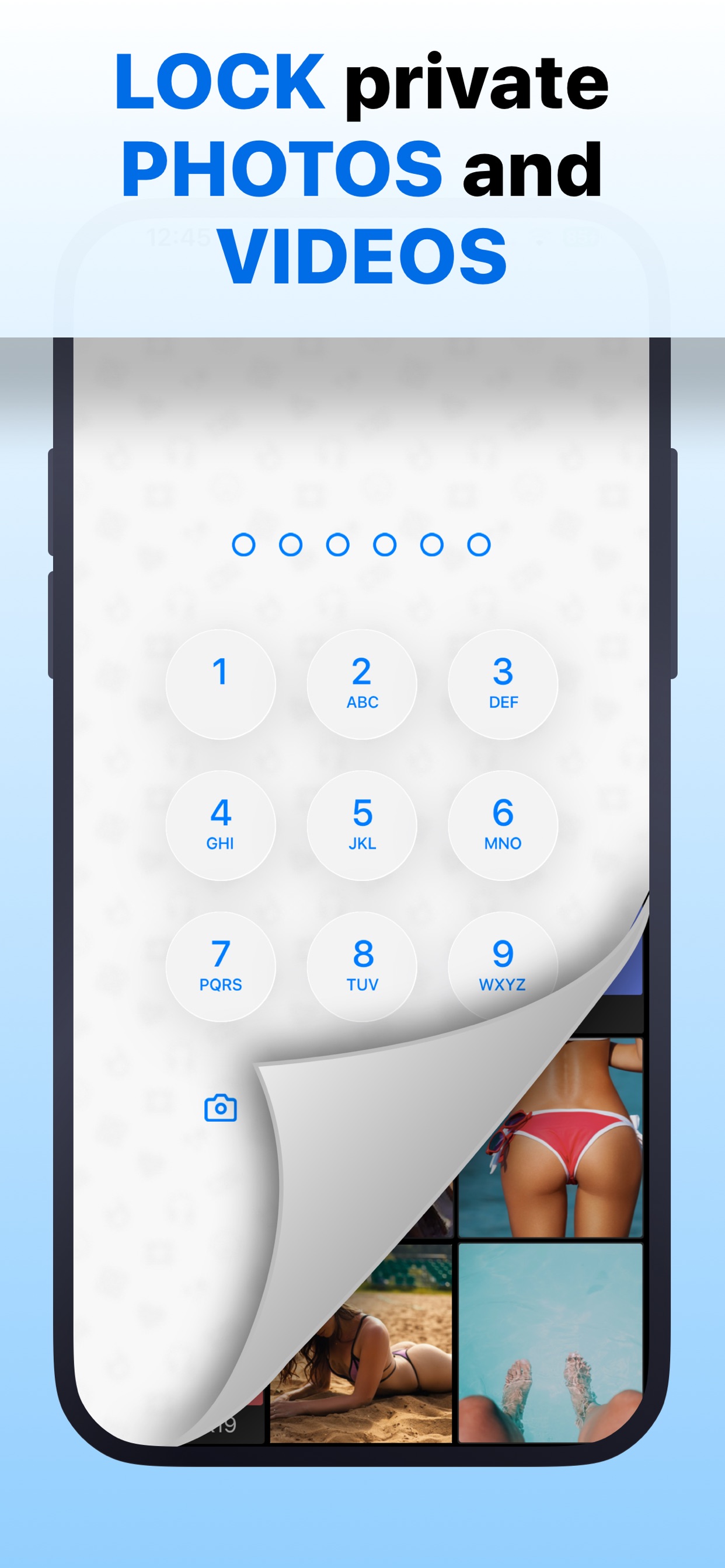
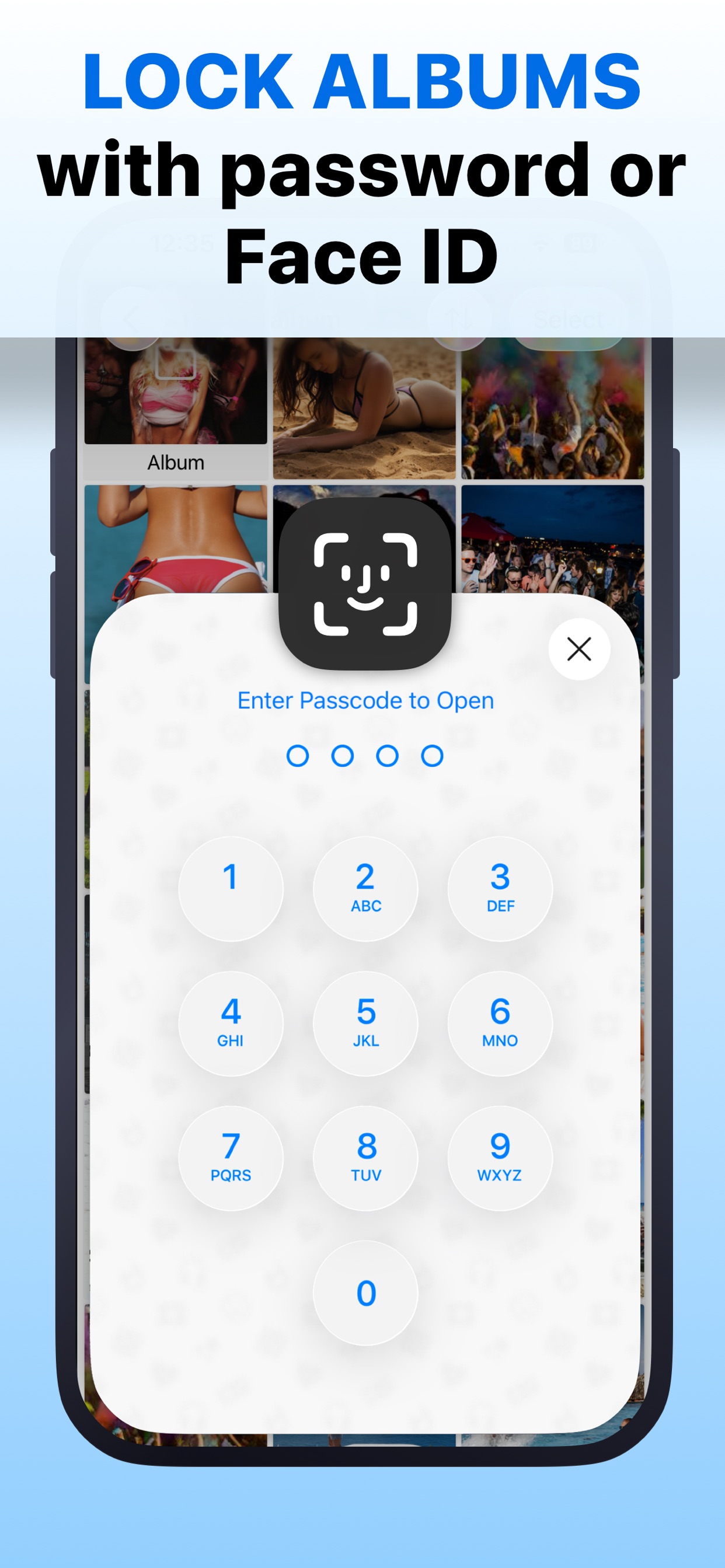
Safe Lock's official App Store gallery helps identify the collection and access choices its publisher is offering. Match it to the developer and numerical ID above, because similarly named lockers can have different purchase terms, recovery routes and feature sets.
The competitor images accompanying this guide are credited publisher marketing material. They are not screenshots from a Safe Lock installation we operated. A pictured setting can tell you what to investigate, while the actual transfer instructions and a sample received file answer different questions. An image alone cannot establish that a cloud connection preserves every item or that a lock gesture responds on your device.
Publisher-supplied screenshots. Source material, not a hands-on test.
Safe Lock advertises PIN-protected media. Compare how the session closes and which credential is needed when it opens again.
Open the full-size source imageThe publisher also advertises album protection and biometric entry. These are overlapping features, rather than points awarded to Vault Max alone.
Open the full-size source imageMany of the headline features overlap
Safe Lock advertises private media and notes, several credential choices, a fake gallery, private camera capture, shake/flip locking and break-in photos. It also lists Wi-Fi and cloud-platform transfers. Those capabilities belong in the comparison; it would be misleading to award them all to Vault Max alone.
The better question is how you will combine them. Do you primarily want to write and browse privately? Transfer material from a computer? Put a quick lock between your collection and a borrowed phone? Those routines place different demands on the app.
For private writing, both products deserve a place on the shortlist. Try a short disposable note: save it, leave the editor, reopen it and inspect the route for getting the text back out. We have not tested Safe Lock's editor, so do not assume that two apps offering notes have the same formatting or export behavior. Vault Max's note walkthrough shows the writing workflow we publish.
For Vault Max, the calculator is an additional entrance to a separate private workspace. Different vault credentials can open different collections, and the note editor gives writing a home beside media. Paid capacity reaches eight total vaults per device; it does not mean unlimited vault creation or unlimited physical storage.
| Everyday choice | Vault Max | Safe Lock |
|---|---|---|
| Private text | Encrypted note editor | Secret notes advertised |
| Alternate collection | Separate vault credentials and ordinary decoy | Fake password and fake gallery advertised |
| Quick closure | Manual lock, timer and configurable panic gestures | Shake/flip and immediate lock advertised |
| Transfers | Photos, Files and supported share-sheet imports/exports | Wi-Fi and several cloud-provider routes advertised |
| Recovery archive | Separately password-protected .vaultmax export | Current backup format and credentials need checking |
| Paid-plan clarity | $14.99 annual; $19.99 Lifetime Unlock in U.S. | Public Premium Account labels do not establish billing terms |
Check what happens when you finish viewing
Encryption at rest protects stored content. It does not prevent someone beside you from seeing an open picture or reading a note already on the screen. A quick-lock route matters because ordinary use eventually ends with putting the phone down or handing it to someone else.
In Vault Max, learn manual lock first. Set background auto-lock to a delay you understand, then explore shake or face-down locking if useful. A grace period means leaving the app and explicitly locking it can produce different immediate results.
Sample Vault Max library. Select a screen for a closer look.
Safe Lock lists quick-lock gestures too. Try the supported action on your own device and check the screen that appears, including while viewing a file. A setting you have enabled but never practiced is a poor substitute for knowing how to close access deliberately. Our panic-lock guide explains Vault Max's supported routes and their limits.
Build that check around an ordinary interruption. Open a sample item, close access deliberately and then return as though someone had handed the phone back. Confirm that the expected credential screen appears. Separately check any configured background delay; switching apps during a grace period is a different action from manually locking. This small routine tells you more than treating a checked settings switch as proof that every exit path closes immediately.
Distinguish an alternate view from a destructive choice
A fake gallery can offer an ordinary collection when you do not want to open your main one. Safe Lock advertises that feature. In Vault Max, an ordinary decoy has its own credential and separate content.
Set up a small alternate collection and check which pictures appear. Try locking and reopening it before you rely on it. A changed icon is a presentation choice; an alternate credential changes the collection reached. Neither automatically prevents someone from discovering an installed app through system surfaces.
Vault Max's optional duress behavior is a separate, destructive configuration that can erase other local vaults. It is not necessary for an ordinary decoy, and it cannot erase copies already exported or stored elsewhere. Keep those distinctions clear when you read any product's “decoy” or “privacy” feature list.
A transfer destination is not a complete backup description
Safe Lock names Wi-Fi transfers and connections to services such as Dropbox, Google Drive and iCloud. A service name tells you where a transfer can go; it does not by itself describe the exported file's encryption, the recovery credential or the exact restore process.
The inspected sources do not establish Safe Lock's file-key design or end-to-end protection for each transfer route. We do not infer that its files or backups are unencrypted. Ask the publisher what the current export contains and what is required to recover it, particularly before replacing a phone.
Someone moving a folder from a computer may value Wi-Fi transfer more than calculator entry. Use an unimportant image and short clip for the first attempt, then inspect the received files and their destination. Check how the current transfer session is started and ended, and whether it requires another account or credential. We have not measured Safe Lock's transfer speed, network authentication or offline behavior.
The same care applies to a named cloud provider. Connecting a service, completing an upload and opening a restored library are separate outcomes. Before retiring the old phone, establish which of those you have actually completed. A provider logo or purchase receipt cannot replace that information.
Vault Max offers a defined recovery object: a .vaultmax archive protected by a separate password. You choose its destination through Files. Saving it with a cloud provider puts that encrypted archive there; keeping it only on the phone will not protect against losing the phone.
The archive contains the selected vault and its included descendants, rather than silently promising every unrelated vault is covered. Record the intended scope, refresh the snapshot after additions and keep its password independently available. On restore, Vault Max can place the saved collection under a new vault credential; that route depends on possessing the archive and its password, not on support reconstructing a forgotten original password.
Sample Vault Max library. Select a screen for a closer look.
Privacy declarations need to match your question
Safe Lock's developer App Store declaration says Data Not Collected. Its linked policy contains broader service-registration/data language. Those sources do not give us a reliable basis for stating what a current installation transmits. We have not observed its network activity.
Vault Max has no app analytics, telemetry or developer-hosted library. Explicit exports, Apple purchase services and device-backup choices are separate from that statement. Read the storage explanation if “local only” is central to your choice; the whole copy arrangement matters more than a single label.
Compare the purchase sheet, not an anonymous price point
Safe Lock's public U.S. IAP list shows Premium Account entries at $4.99, $19.99 and $29.99. The names do not establish monthly, annual or lifetime terms. A $19.99 entry is not a matched lifetime comparison just because Vault Max's one-time price is also $19.99.
Vault Max's published plans are $1.49 weekly, $3.99 monthly, $14.99 annually or $19.99 once. All paid options increase capacity with the same benefits. Existing content remains available to open, export, delete and back up after a subscription expires.
| Offer | Price | What can be established |
|---|---|---|
| Vault Max Weekly | $1.49 | Weekly paid-capacity subscription |
| Vault Max Monthly | $3.99 | Monthly paid-capacity subscription |
| Vault Max Annual | $14.99 | Annual paid-capacity subscription |
| Vault Max Lifetime Unlock | $19.99 | One-time paid-capacity entitlement |
| Safe Lock Premium Account | $4.99 / $19.99 / $29.99 | Three public entries; terms and included benefits need the actual purchase sheet |
Vault Max's free plan lets you evaluate its security controls, notes and calculator before adding capacity. Paid capacity means unlimited counted items and up to eight total vaults per device, with the phone's available storage still the physical limit. For Safe Lock, confirm the offer's duration, renewal amount, included transfer services and cancellation conditions before accepting it. We cannot supply those terms from a generic public price label.
For us, the combination makes Vault Max the better fit: a working calculator, useful notes, separate private collections, no app telemetry and a clear archive-recovery model at a modest one-time price. Import a harmless file, close and reopen the collection, export a sample and confirm how a recovery copy would survive losing the phone. You can learn those security controls free before deciding on paid capacity.
Common questions
Which Safe Lock app is compared here?
Safe Lock - Hidden Photo Vault by Katerina Akhlebinina, App Store ID 1195429570. Other similarly named Safe Lock apps are different products.
Does Safe Lock have notes and decoy access?
Its listing advertises notes, a fake gallery opened by a fake password, private capture, shake/flip locking and break-in photos. Those are not Vault Max exclusives.
Can you compare Safe Lock's annual price with Vault Max?
The checked U.S. entries are labeled only Premium Account, without reliable billing terms. We cannot assign them annual or lifetime status. Vault Max's current U.S. annual plan is $14.99 and Lifetime Unlock is $19.99.
Continue reading
More guides
Practical tips for your private library. Swipe or scroll to choose your next guide.


















































50 guides to explore