
App comparisons
Vault Max vs Keepsafe: your phone, your account, your backup
Compare Vault Max and Keepsafe for iPhone: app accounts, encrypted storage, optional cloud backup, decoy features and clearly named U.S. pricing plans.

Vault Max is our pick if you want your private library on your iPhone without creating another app account. It combines a working calculator, encrypted notes and separate vault credentials with a low one-time capacity upgrade. Keepsafe also documents encryption. Compare the everyday access, package price and recovery routine instead of treating encryption itself as an exclusive feature.
Mad Max Labs makes Vault Max. We checked Keepsafe's official support pages and U.S. App Store listing on October 23, 2026; we have not audited Keepsafe's code or tested every paid feature ourselves.
Start with the account decision
Vault Max creates a local vault credential. There is no Vault Max email login and no provider dashboard holding a server copy of your library. Apple's App Store handles downloads and purchases separately.
Keepsafe uses an account email in its access and recovery flow. That can help someone who would otherwise lose a purely local credential. It also gives you another account to maintain, including keeping access to the email address behind it.
Vault Max with sample content. Use the controls to pause or replay.
An account requirement is not evidence of weak encryption. It is a different recovery and service relationship. Start with which relationship you want, then compare the features inside it.
The feature comparison that matters
| Question | Vault Max | Keepsafe |
|---|---|---|
| Another app account? | No Vault Max account | Keepsafe account/email flow |
| Encrypted stored photos? | Yes; local vault encryption | Yes; vendor describes AES-256 at rest |
| Recovery copy | Encrypted archive with a password and destination you choose | Account-based Backup & Sync; vendor documents an Off switch |
| Calculator entrance? | Working calculator and PIN-and-equals entry | No equivalent confirmed in the sources checked |
| Separate decoy entry? | Separate vault credentials | Fake PIN listed among premium features |
| Named annual plan | $14.99/year | $23.99 Yearly Premium |
| Named monthly plan | $3.99/month | $9.99 Monthly Premium |
| Lifetime plan | $19.99 once | Lifetime offered; current price not verified |
Keepsafe’s subscription guide lists fake-PIN decoys and intruder alerts among its paid features. Check the current Keepsafe purchase screen for what your plan includes. The public listing contains other product names and price points that do not identify a clean monthly or yearly comparison.
What the free and paid packages include
Vault Max gives the free user its security controls, unlimited notes within device storage, 50 counted photos, videos and files per vault, and one extra vault. The optional subscriptions and Lifetime Unlock increase counted-item capacity and allow up to eight total vaults per device. You can learn the credential, calculator and locking routine without first buying an upgrade.
Keepsafe Basic is ad-supported, according to its App Store description. Its Premium package lists benefits such as album locks, ad removal, a larger private cloud allowance, Space Saver and trash recovery. Its support article also documents fake-PIN decoys and intruder alerts. Read the current offer for the package on your device; older support descriptions are useful explanations, but not a substitute for checking today’s included limits.
That means the payment decision is not only about fitting more photos on the phone. Keepsafe’s price includes its cloud/account package. Vault Max’s paid capacity enlarges the local collection you have already tried, with the security tools included from the start and an archive whose destination you choose.
Inspect the publisher’s album and sharing screens
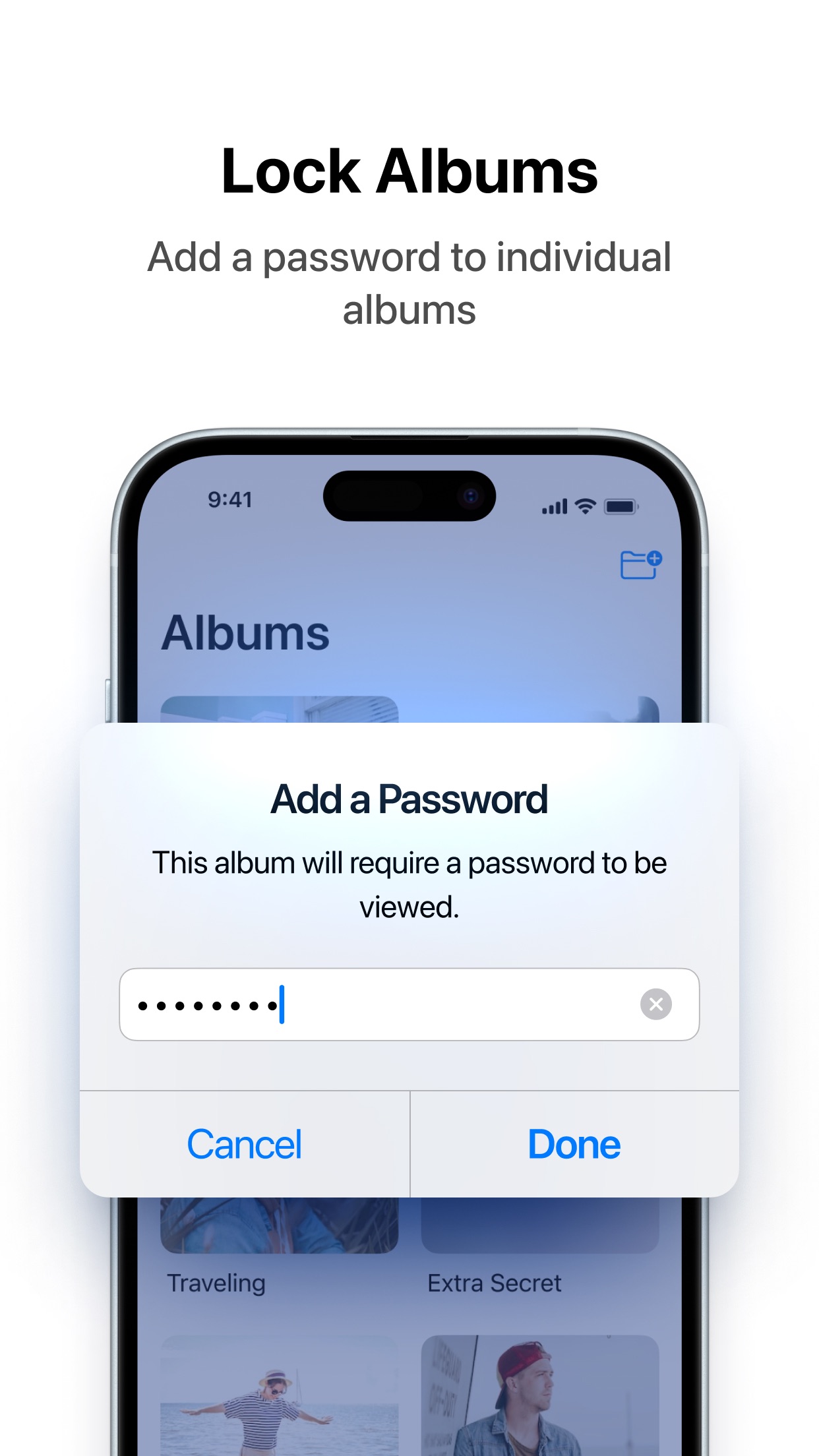
The supplied Keepsafe images below present album-password and shared-album features. An album lock is worth evaluating if you want extra separation inside an everyday library. Sharing is another task again: consider who receives access and whether a recipient can keep an independent copy.
Compare those controls with Vault Max’s separate vault credentials. A credential that selects a different library and a PIN applied to an album should be assessed by what each actually opens. Neither screenshot alone establishes a complete recovery route or an independent encryption test.
Publisher-supplied screenshots. Source material, not a hands-on test.
An album password is a useful access choice. Check the current plan and how it differs from the account and whole-library credentials.
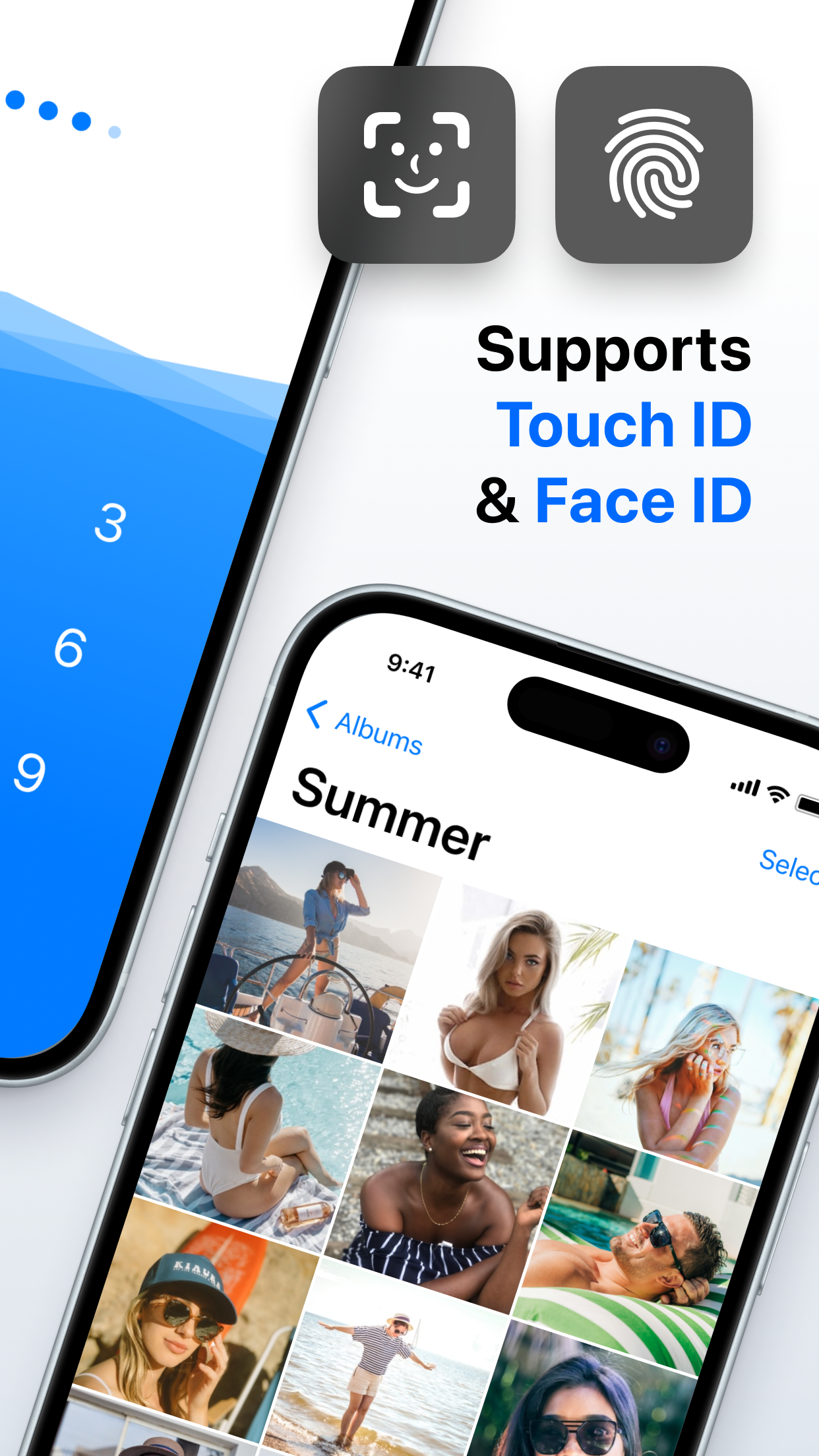
Open the full-size source imageThe publisher advertises biometric convenience around a private collection. Compare the credential, open session and recovery routine you would use with either app.
Open the full-size source imageEncryption is not an exclusive feature
Keepsafe explains how it protects stored data, including AES-256 encryption at rest. We would not describe it as a simple unencrypted folder.
Vault Max's design stores encrypted files locally and has no Vault Max-hosted library. It also provides a working calculator entrance, separate vaults, encrypted notes, a private camera route and quick locking controls. Try the controls you expect to use every day before deciding.
Sample Vault Max library. Select a screen for a closer look.
The calculator guide lets you try the sample entrance. The notes guide shows composing, saving, reopening and locking an actual note.
Cloud backup is a setting with consequences
Keepsafe documents enabling and disabling Backup & Sync. It is inaccurate to say that using Keepsafe means every library must always upload. Read its instructions about existing remote copies and account behavior before changing the setting.
Vault Max takes a more manual route. Make an encrypted archive, choose where it goes, and keep its separate password available. Saving the archive to a cloud-backed Files provider still uses that provider. A local working library and a cloud-free backup plan are related choices, not the same choice.
Sample Vault Max library. Select a screen for a closer look.
Make the archive part of your routine after important additions. Keeping control over the destination and avoiding an app-provider account work best when the recovery copy stays current. Use the recovery checklist before trusting either model with your only copy.
Ask which credential restores which copy
Keepsafe’s protection documentation describes access codes sent to the account email, including for a PIN reset. Keep that email correct, accessible and protected if your recovery plan depends on it. Also confirm that the files you expect to recover have actually been backed up. Account access and the existence of a particular saved photograph are different things.
Vault Max has no equivalent provider-account reset. Its vault credential opens the local collection; its archive password protects the separately exported backup. A usable archive can be restored under a new vault credential. Losing both the original access path and a usable recovery copy leaves us with no server library to retrieve.
Do not test this by deleting an app that holds your only copies. Start with a harmless item, read the restore procedure and check a disposable recovery exercise before making a larger move. Keeping an untouched original during that trial gives you a way to recover from a mistake in the trial itself.
Consider the exit as well as the import
Before importing a large collection, check how you would open it, export it or make a backup later. For Vault Max, existing files remain accessible to open, export, delete and back up after a subscription expires; further additions follow the free capacity limits. Buying extra capacity does not become an automatic backup habit.
For Keepsafe, check the current subscription and export guidance for the plan you choose. We have not tested its cancellation or recovery behavior in this comparison, and we do not assume it is the same as Vault Max’s. An honest buying decision includes those unanswered questions instead of treating a familiar brand or a low headline price as their answer.
The price gap is easy to understand
The Keepsafe U.S. listing names Yearly Premium at $23.99 and Monthly Premium at $9.99. Vault Max’s current plans are $14.99 annually, $3.99 monthly and a $19.99 Lifetime Unlock. Prices were checked for this comparison on October 23, 2026 and can change.
At those annual prices, Vault Max costs $9 less for a year. Its lifetime plan is also less than one year of Keepsafe's named annual product. That is a price comparison, not a promise that either app will retain its current prices forever.
We would choose Vault Max for the no-account setup, calculator entrance and low one-time capacity upgrade. Try a harmless photo first, inspect the full copy and keep a recovery archive. The no-account setup and one-time option make a clear package for a private collection you control.
Common questions
Does Keepsafe encrypt photos?
Yes. Keepsafe's official support documentation describes AES-256 encryption at rest. It would be inaccurate to say that Keepsafe only hides unencrypted files.
Can Keepsafe cloud backup be turned off?
Keepsafe documents a Backup & Sync switch on iOS. Turning it off does not turn Keepsafe into Vault Max's no-account product, and existing cloud-copy handling should be checked in Keepsafe's own instructions.
Which app has the lower named annual price?
On October 23, 2026, the named U.S. annual products checked were Vault Max $14.99 and Keepsafe Yearly Premium $23.99. Other offers and regional prices may differ.
Continue reading
More guides
Practical tips for your private library. Swipe or scroll to choose your next guide.


















































50 guides to explore