
App comparisons
The best calculator vault for iPhone should be a calculator
Looking for an iPhone calculator vault? Compare a working calculator with an icon disguise, try Vault Max entry, and check encryption, recovery and price.

Vault Max is our calculator-vault recommendation for iPhone: ordinary arithmetic in front, an encrypted media-and-notes collection behind it, and a clear $19.99 one-time upgrade when you need more capacity. The calculator and security controls are available free, so you can learn the entrance before buying anything.
We make Vault Max. This is a publisher's recommendation, supported by real Vault Max screens and official competitor sources checked October 23, 2026. Calculator#, Obscura and other apps also advertise calculator access. We did not install or benchmark them, and we do not treat an advertised feature as an exclusive of our own.
First, try the calculator as a calculator
A calculator entrance should handle ordinary calculations and give you a predictable route into your collection. A Home Screen icon is a separate presentation choice. Before importing important files, work out a simple sum, clear it and try your chosen unlock sequence.
In Vault Max, your configured PIN followed by equals opens the vault. Long-press equals to return to the regular credential route. Learn that fallback while you are setting things up; you should not have to rediscover it when you need a file.
Vault Max with sample content. Use the controls to pause or replay.
The interactive calculator walkthrough lets you practice arithmetic, enter an example PIN and browse sample media. It demonstrates a flow with example data and never connects to your actual vault.
The iPhone calculator-vault shortlist
| App | Calculator evidence | Price or setup detail |
|---|---|---|
| Vault Max — our pick | Working calculator; configured PIN followed by equals; regular credential fallback | $19.99 Lifetime Unlock or $14.99/year; free security features |
| Calculator# Hide Photos Videos | Official iOS listing and publisher images advertise calculator entry | $4.99 Yearly Subscription; Premium Features Pack is not a verified lifetime term |
| Obscura Photo Vault | Publisher documents a working calculator alongside separate vaults | $39.99 outright or $29.99/year |
| PV - Secret Photo Album | Official FAQ documents calculator theme: passcode followed by percent | $17.99 named annual membership; separate cloud packages |
| SPV - Secret Photo Vault | Current listing uses Hidden Calculator & Video Safe subtitle | Generic Premium labels do not establish exact terms or arithmetic behavior |
| Photo Vault - Vaultaire | Official documentation says calculator icon still opens pattern entry | $39.99 individual lifetime; alternate icon differs from calculator entry |
The distinction is practical. Vaultaire's icon page directly explains that its calculator icon opens the pattern screen. A calculator-named purchase or subtitle, by itself, tells you less about arithmetic, gesture handling and fallback entry than an actual walkthrough.
Calculator# is a real alternative, including on price
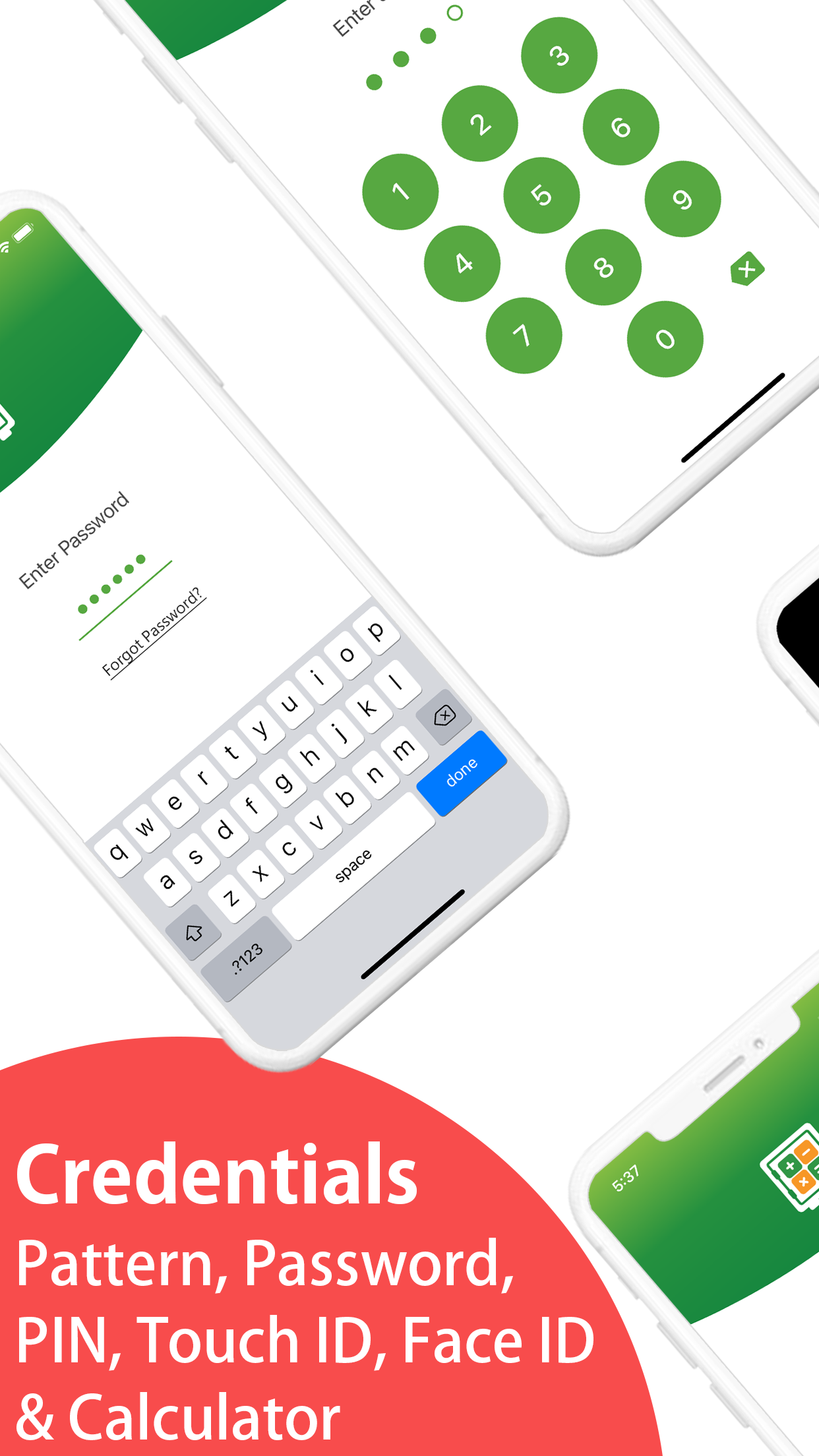
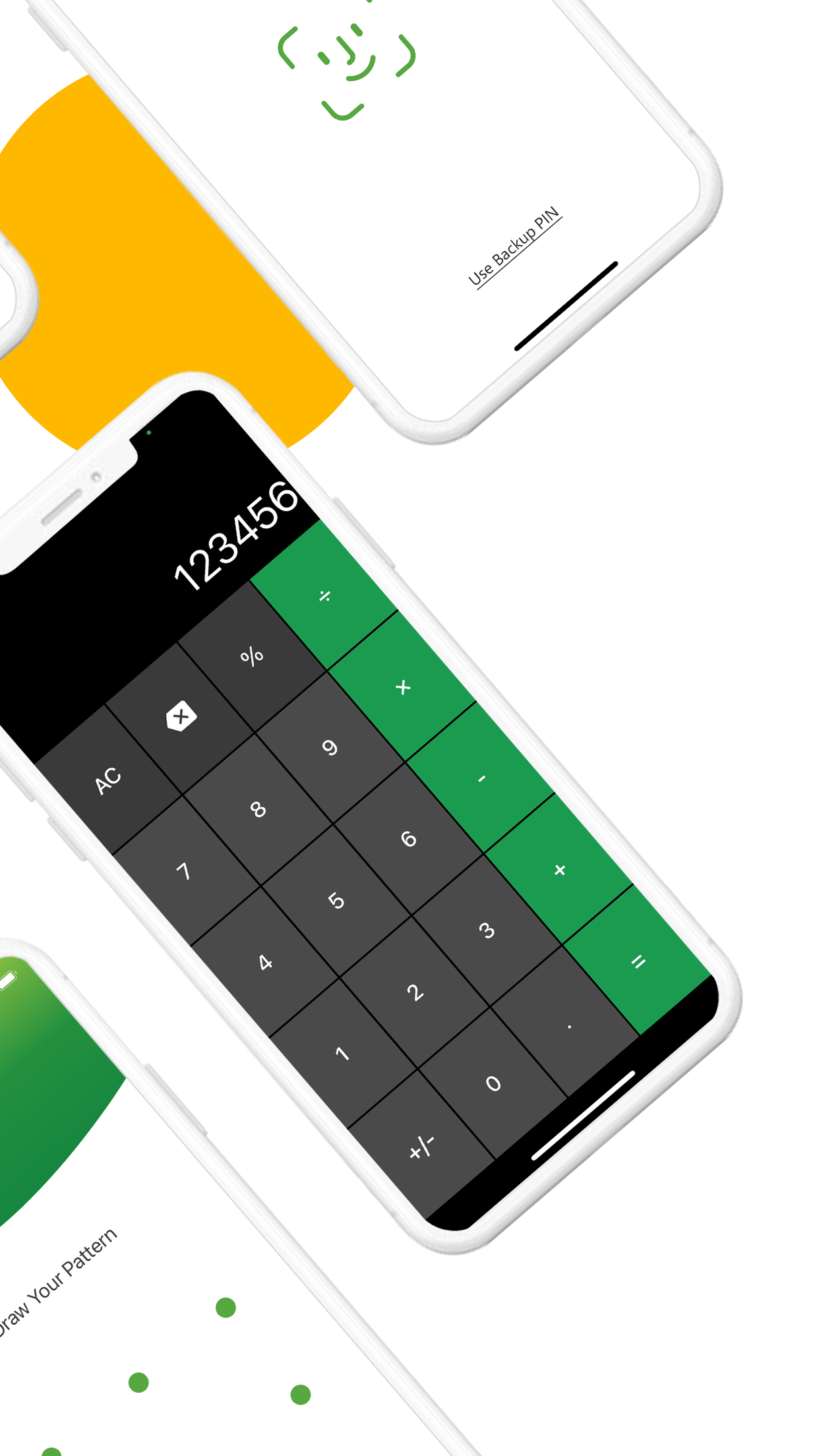
Calculator# Hide Photos Videos, from NewSoftwares.net, advertises calculator entry, media, private notes and several credential options. Its current named annual subscription is $4.99, below Vault Max's $14.99 annual plan. The similarly priced Premium Features Pack does not establish a lifetime purchase or identical benefits.
Publisher-supplied screenshots. Source material, not a hands-on test.
The listing advertises PIN, password, pattern and biometric options. The useful question is which entry and recovery routine fits your collection.
Open the full-size source imageA calculator entrance is also part of this rival's advertised feature set. The choice has to include plan terms, files, recovery and everyday use.
Open the full-size source imageThese publisher images make the shared feature visible. They do not establish how a current installation handles every calculation, a forgotten credential or a restored collection. Our Calculator# comparison follows those questions through instead of ranking the apps by calculator appearance alone.
Vault Max's recommendation rests on the complete local workflow, absence of an app account and app telemetry, encrypted writing, and a clearly labeled one-time purchase. It does not depend on pretending the lowest annual price belongs to us.
Obscura, PV and SPV: look beyond the name
Obscura Photo Vault documents a working calculator, separate vaults and encrypted archive exports. It also describes local AES-GCM storage without an account or app analytics. Its stated outright Pro price is $39.99, twice Vault Max's $19.99 Lifetime Unlock. Those overlapping features make the full comparison about how the collection, credentials and recovery file work together.
PV's official FAQ describes entering the passcode and pressing percent in its calculator theme. Its U.S. listing names a $17.99 annual membership and separate cloud-capacity purchases. Match the package to the collection you intend to keep; a cloud offer and a membership are not the same item.
SPV's listing uses the subtitle Hidden Calculator & Video Safe. That is evidence of its advertised positioning, rather than a hands-on arithmetic test. Its generic Premium prices do not map cleanly to annual or lifetime terms. The SPV comparison explains why local storage and a calculator label still leave credential, collection and recovery decisions to make.
Judge the collection after entry
Import an ordinary photo and play a short video. Add a note with a recognizable test sentence. Can you find all three after locking and reopening? An entrance you enjoy is useful only if the library behind it is easy to keep organized.
Sample Vault Max library. Select a screen for a closer look.
Vault Max encrypts its stored media and notes on the phone. The free plan allows 50 counted media/files per vault, one extra vault and unlimited notes within available device storage. Paid plans raise counted-item capacity and allow eight total vaults per device. Neither the calculator nor the encryption is reserved for a paid tier.
Different credentials can open separate collections, including a decoy collection you populate deliberately. A decoy is distinct from a calculator: one changes which collection opens; the other changes the entrance. The disguise-versus-decoy guide explains how to set expectations for each.
A useful trial takes you through an entire session
Begin with an ordinary calculation, such as nine plus six. Clear the result, enter your configured vault sequence and open the harmless photo you imported. Lock the vault, then use the regular credential route. This checks that you understand the entrance and the fallback rather than remembering only a promotional animation.
Now create a second sample collection if you plan to use separate credentials. Give its files names you can recognize. Check which credential opens which collection, and practice closing it before putting the phone down. A populated decoy and your main collection should be deliberate choices, rather than two passwords whose effects you have not checked.
Repeat the ordinary unlock after leaving the app. Decide whether optional biometric entry fits your routine and keep the regular credential available. Features such as quick lock and break-in capture have their own configuration and permission requirements; turning on a calculator appearance does not configure every security control for you. The panic-lock walkthrough is a separate exercise.
Choose a billing term after that trial
Vault Max's $19.99 Lifetime Unlock increases paid capacity without another renewal. Its annual option is $14.99; shorter plans are also listed in current pricing. The calculator, encrypted notes and security controls remain available in the free plan, so a small trial does not require you to start a subscription.
Read the actual purchase sheet for any rival. Confirm the term and included capacity, especially when one listing contains both a named annual subscription and a generically named pack. A low number can be a real advantage, as Calculator#'s annual price shows. It becomes useful buying evidence only when the term and collection you are paying for are clear.
Disguise is presentation; recovery needs a file
A calculator appearance cannot make an installed app undiscoverable. Settings, Screen Time, purchase history and other surfaces may reveal it, depending on the surface and configuration. It also cannot protect an already exported picture or guarantee what happens during an inspection. See the iPhone app-visibility guide for the separate controls.
Make an encrypted Vault Max archive and save it somewhere that will survive loss of the phone. Keep the archive's separate password available away from the device. A calculator PIN is not a replacement for that password, and restoring a purchase entitlement does not recreate missing media.
- Use ordinary arithmetic, unlock the vault and try the regular credential fallback.
- Verify the imported media before deciding what to do with the original in Photos or another synced location.
- Locate your saved archive and read the password requirements before changing phones.
Tap a box as you go. Checks reset when you leave this page.
We recommend Vault Max because the calculator leads to a useful private collection, with no extra account and an understandable one-time upgrade. Try that complete routine free, rather than buying on the strength of an icon.
Common questions
Which calculator vault do you recommend for iPhone?
We recommend Vault Max for a working calculator entrance backed by a local encrypted collection, separate credentials and a low one-time capacity upgrade. We publish the app; this is not an independent test of every calculator vault.
Is a calculator app icon enough?
An icon changes the Home Screen appearance. A calculator entrance also performs arithmetic after the app opens. Confirm the behavior you want rather than assuming the two are equivalent.
Can a calculator disguise make an app impossible to find?
No. A disguise is not a guarantee against inspection. iPhone Settings, purchase history and other system surfaces can still reveal installed or downloaded apps.
Continue reading
More guides
Practical tips for your private library. Swipe or scroll to choose your next guide.


















































50 guides to explore