
App comparisons
Vault Max vs Calculator#: private media, notes and one-time value
Compare Vault Max and Calculator# on iPhone: calculator entry, notes, organizer tools, privacy policies, recovery options and clearly named U.S. prices.

We recommend Vault Max for its combination of a private media-and-notes collection, working calculator entry, separate vault credentials and a $19.99 one-time capacity option. There is no app account or telemetry to configure. Here is how that everyday workflow compares with Calculator#, including its lower named annual price and the package details a price alone cannot explain.
We make Vault Max. This comparison concerns Calculator# Hide Photos Videos, App Store ID 1165276801, by NewSoftwares.net, with seller Salman Ashraf. We checked its official pages on October 23, 2026. We have not installed it, audited its storage or tested its paid services.
Read the publisher's gallery with a task in mind
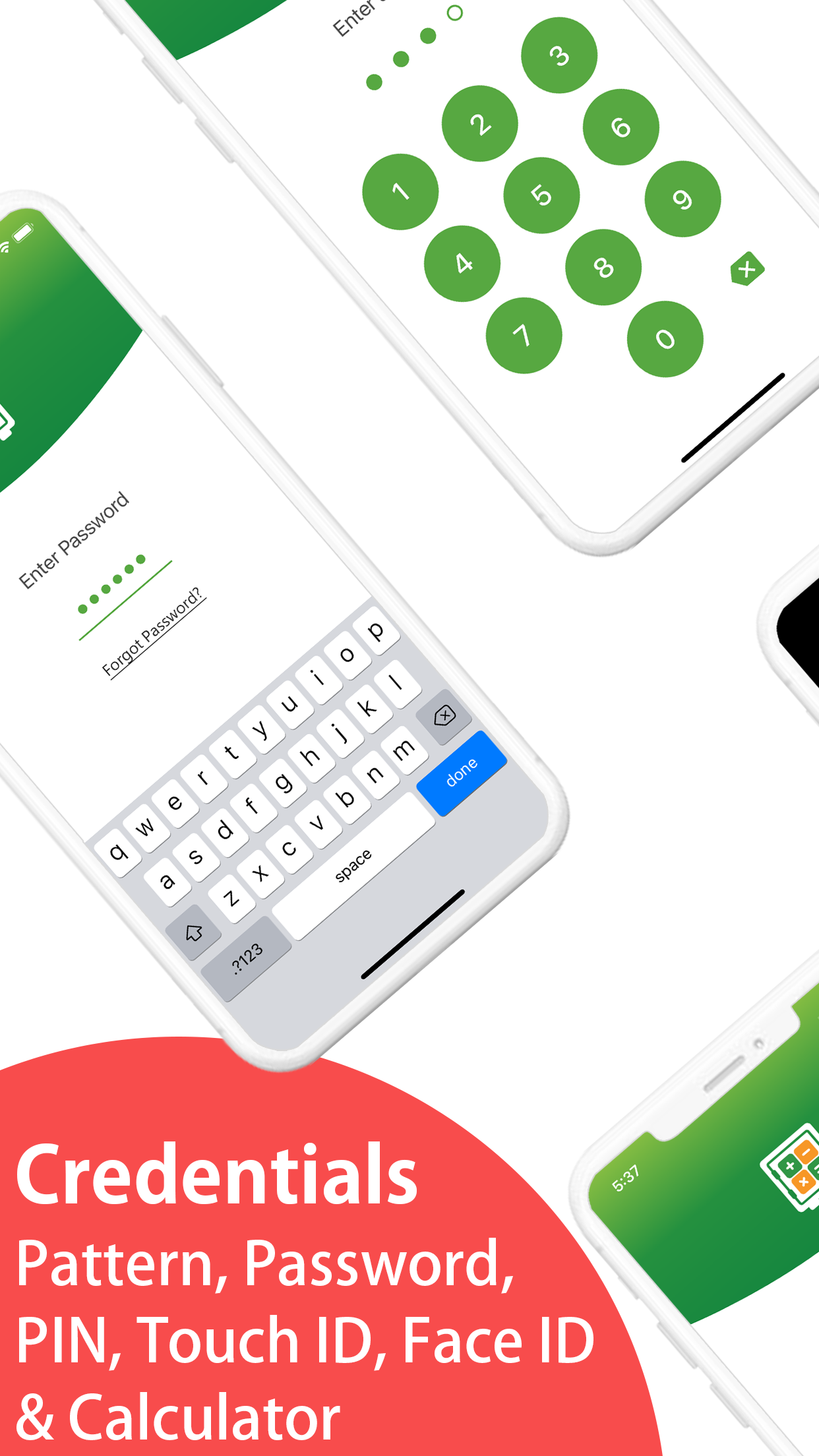
Calculator# is marketed as a broad private organizer. Its official App Store gallery is useful when you want to understand how that collection of jobs is presented before installing. Match the pictured offer to the written description and the exact app ID; another NewSoftwares product can have a similar visual style without being this package.
A publisher screenshot can help you ask where a document, note or account record would go. It cannot establish encryption at rest, the contents of an export or the outcome of a lost-password request. The competitor images accompanying this comparison are publisher marketing material, separately credited, rather than screens from an account we operated.
Publisher-supplied screenshots. Source material, not a hands-on test.
The listing advertises PIN, password, pattern and biometric options. The useful question is which entry and recovery routine fits your collection.
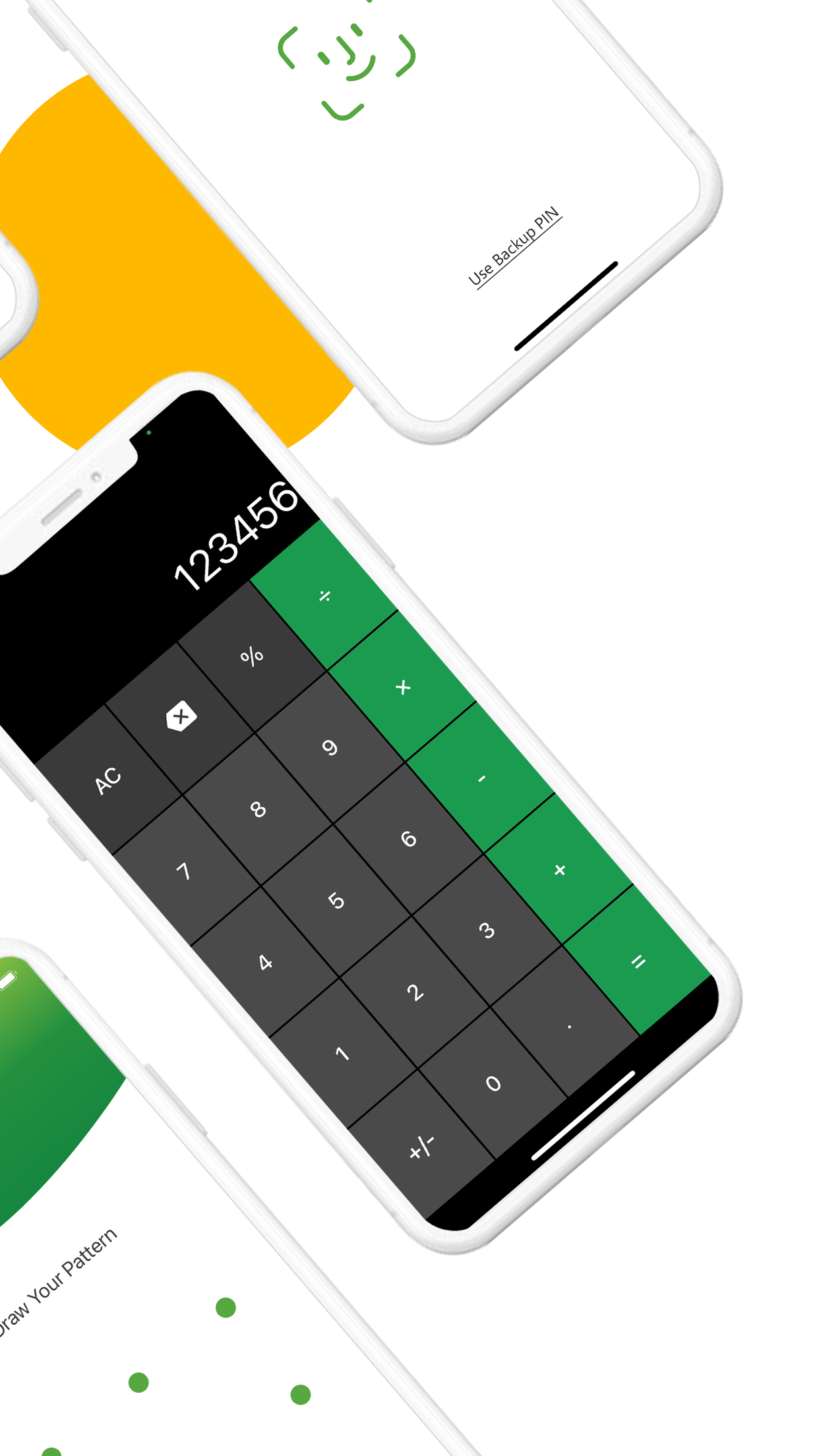
Open the full-size source imageA calculator entrance is also part of this rival's advertised feature set. The choice has to include plan terms, files, recovery and everyday use.
Open the full-size source imageThe calculator is the front door
Vault Max's calculator performs arithmetic. Enter your configured PIN and press equals to reach the vault; a regular credential route remains available. You can try sample arithmetic and entry in the calculator explorer, then browse the example collection and lock it again.
Calculator# also positions itself around calculator entry. Its official product page describes a disguised launch icon and secret-code access. That is a shared category of feature, not a reason to pretend that every competing calculator is merely an icon.
Vault Max with sample content. Use the controls to pause or replay.
Try the entrance you intend to use every day. Check ordinary arithmetic, a wrong code, the correct code and the lock action. A calculator that looks discreet but leaves you uncertain how to reopen your files has not solved the practical problem. Appearance also cannot make an installed app undiscoverable in system settings or download history.
Keep the pictures and their private context together
Calculator#'s listing advertises media and document storage, voice notes, passwords, a wallet, browser and to-dos. That is the broader package behind its product name. For this comparison, the central job is the one Vault Max is designed around: keeping private pictures, files and writing in a collection you can open, organize, close and recover.
Vault Max puts media and files in one private workspace, organized into albums with encrypted writing and separate credentials for different vaults. Open a personal project, review its pictures, add a dated explanation and lock the collection again. The point is a complete routine you can learn, rather than collecting unrelated feature names on a checklist.
For a journal accompanying personal photographs, save a date and the context you want to remember. Reopen that note after locking, check the intended text and add a change. This follows the actual job of private writing from creation to later use. A screenshot of an editor does not establish that complete routine, so try it with disposable material first.
Imagine keeping three things about a personal project: progress photographs, a PDF receipt and a short explanation of what changed. Vault Max gives those media/files and writing a shared private home. You can decide whether that is the workspace you need without also moving your everyday logins or scheduling into it.
An app's extra categories do not establish how its core collection behaves. In a trial, follow a picture, document and piece of writing from import to retrieval before considering an additional organizer tool. A note editor exporting text, a wallet exporting a structured record and a media gallery exporting pictures are not equivalent exit paths. Keep the buying decision connected to the private material you actually intend to store.
Keep the organizer's own access code distinct from any account password you store inside it. If your only copy of a login sits behind a forgotten vault credential, a successful password reset at the website does not necessarily reopen the organizer. Plan where those essential credentials remain available before consolidating them into any private collection.
Sample Vault Max library. Select a screen for a closer look.
Compare the package, not the number of feature names
| Buying question | Vault Max | Calculator# |
|---|---|---|
| Calculator access | Working arithmetic and PIN-and-equals entry | Calculator disguise and secret-code access advertised |
| Private content | Photos, videos, files and encrypted notes | Media, documents, notes and organizer tools advertised |
| Recovery copy | Separate password-protected archive through Files | Personal-cloud backup advertised |
| Named U.S. annual plan | $14.99/year | $4.99 Yearly Subscription |
| One-time option | $19.99 Lifetime Unlock | Premium Features Pack label does not establish lifetime scope |
Pick a small task before paying: a sample picture, a disposable document and a short note. Make sure each opens, remains findable after locking and can be exported through the route you expect. Testing those three content types is more useful than counting categories you will never use.
Read the storage and data-handling information together
NewSoftwares' Calculator# privacy page describes encryption before online backup. It does not supply the detailed iOS file/key specification needed for us to verify every storage boundary. Missing details do not establish that Calculator# files are unencrypted.
The Apple developer declaration also includes contact information used for tracking. That declaration is not independently verified by Apple, and it is not proof that all private photographs are uploaded or shared. Ask what applies to the feature you intend to use and whether a local-only setup is supported without an optional service.
Vault Max has no app telemetry, analytics or developer-hosted library. Apple handles purchase-related communication. Explicit exports and device backups remain separate paths for copies to leave the working vault. Our local-storage explanation names those boundaries so that “no app account” is not mistaken for “no backup responsibility.”
Check permissions at the moment the feature needs them
Vault Max's Photos import uses Apple's system picker, so selecting a few pictures does not require general library permission. Asking to delete originals or save an export to Photos is a separate action with a separate access request. A camera or microphone permission also belongs to the capture action you choose.
For Calculator#, inspect the current request when you use its advertised capture, audio or import tools. This comparison does not establish its permission sequence, and a feature name alone cannot tell you whether it asks for selected items, broader library access or another system permission.
Keep one unimportant picture outside the test collection so you can recognize the boundary. After importing the chosen item, review the permission in Settings and remember that revoking future library access does not remove independent copies already received. If you need that distinction explained in detail, use the photo-access guide before granting a broader scope to any app.
A recoverable archive needs a destination and a password
Cloud backup can be convenient if it is the routine you will maintain. Before relying on Calculator#'s advertised backup, check what the current offer includes, how credentials work and which copy survives deleting the app. We have not performed that restore and do not promise its outcome.
Vault Max exports a .vaultmax archive protected by a separate password. Choose its Files destination deliberately. A cloud-backed folder stores that encrypted file with the selected provider; a folder only on the same phone does not survive losing the phone. Refresh the snapshot after important additions and retain the password independently.
Do the small recovery check before removing originals. An imported copy that opens today and a recovery copy that will open on a replacement phone answer different questions. The backup checklist helps keep those questions separate from restoring a paid entitlement.
Compare the annual and one-time packages
The current public U.S. list names Yearly Subscription at $4.99 and Premium Features Pack at $4.99. The second label does not establish a renewal term or all future benefits. A matching number is not a matching package.
| Product | Stated price | What the public name establishes |
|---|---|---|
| Vault Max Weekly | $1.49 | Weekly subscription for paid capacity |
| Vault Max Monthly | $3.99 | Monthly subscription for the same paid capacity |
| Vault Max Annual | $14.99 | Annual subscription for the same paid capacity |
| Vault Max Lifetime Unlock | $19.99 | One-time paid-capacity entitlement |
| Calculator# Yearly Subscription | $4.99 | An annual subscription; check included services |
| Calculator# Premium Features Pack | $4.99 | A named pack; period and scope are not established by this label |
Vault Max's published U.S. plans include $14.99 annually and $19.99 for Lifetime Unlock. We prefer its one-time option for a private collection you intend to keep, but do not describe it as the cheapest annual purchase here. Confirm the actual offer, device scope and renewal conditions before paying either publisher.
Also ask what stays usable if a subscription ends. In Vault Max, existing content remains available to open, export, delete and back up; paid capacity limits govern further additions. For Calculator#, read the current terms and test a sample exit route before depending on it. Do not assume that a feature pack, service subscription and restored Apple purchase all preserve the same access rights.
Vault Max wins our recommendation for the complete combination: encrypted writing beside media, separate vaults, calculator entry, no app telemetry and a clearly named one-time capacity upgrade. Finish the trial by retrieving a sample file and identifying a backup that would still be usable without the current phone. Those results matter more than how many organizer categories fit on a product page.
Common questions
Which Calculator# app is compared here?
Calculator# Hide Photos Videos by NewSoftwares.net, App Store ID 1165276801, whose seller is Salman Ashraf. Other calculator vaults and other NewSoftwares apps are separate products.
Is Vault Max cheaper on the annual plan?
No. Calculator# lists a U.S. Yearly Subscription at $4.99, below Vault Max's $14.99 annual price. Vault Max also offers a $19.99 Lifetime Unlock. Check the actual package and renewal terms.
Does Calculator# offer more than photos?
Its official listing describes documents, audio, secure notes and other organizer tools. This comparison follows the core private-collection job: media, writing, calculator entry, retrieval and recovery. Vault Max combines that workflow with no app telemetry and a clearly named one-time capacity upgrade.
Continue reading
More guides
Practical tips for your private library. Swipe or scroll to choose your next guide.


















































50 guides to explore