
Privacy in practice
iPhone photo privacy settings: find the control for the problem
Find the iPhone privacy control that fits your photo problem. Review missing app permissions, restrictions, sharing, visibility and separate vault access.
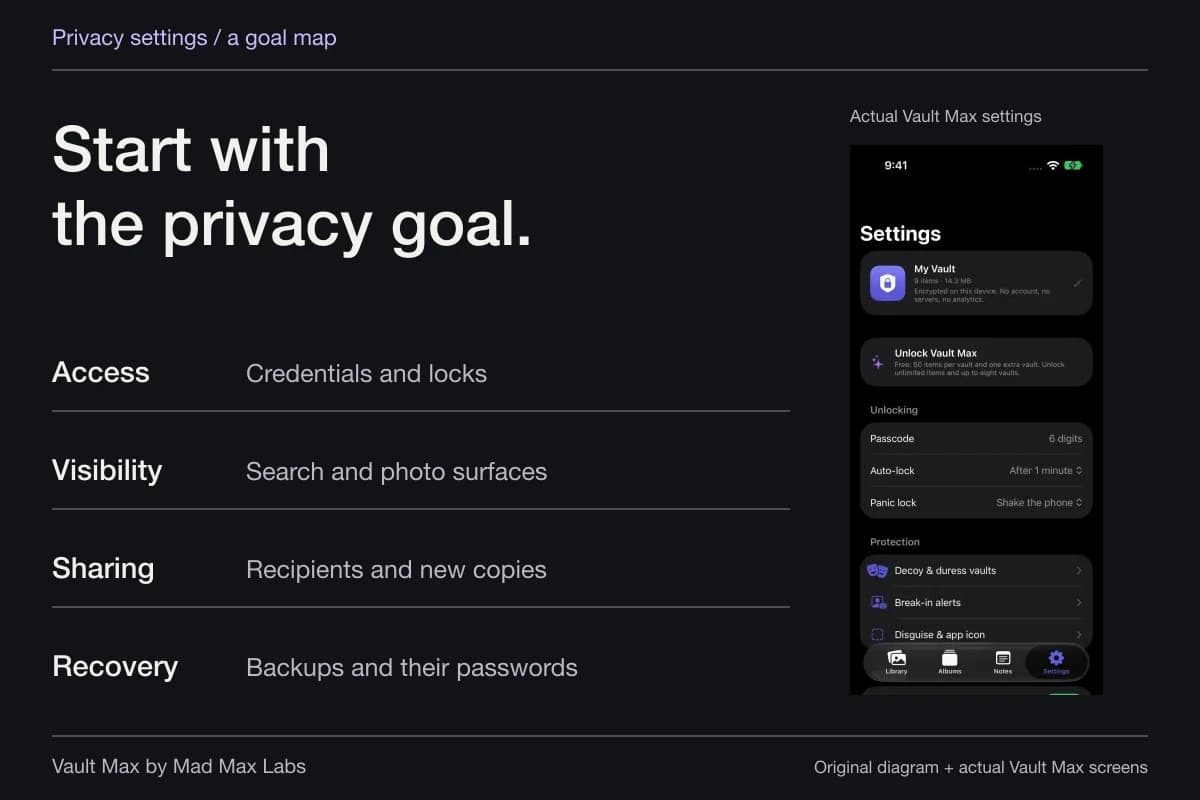
Start an iPhone photo-privacy review with the problem you want to solve. An app reading too much of Photos, a picture appearing in a widget, a family device sharing a library and a person knowing the phone's passcode each lead to different controls.
If a privacy option is missing, first identify the relevant app action and installed iOS version. Then check the current setting and any authorized restrictions. You can usually investigate one route without changing the whole device at once.
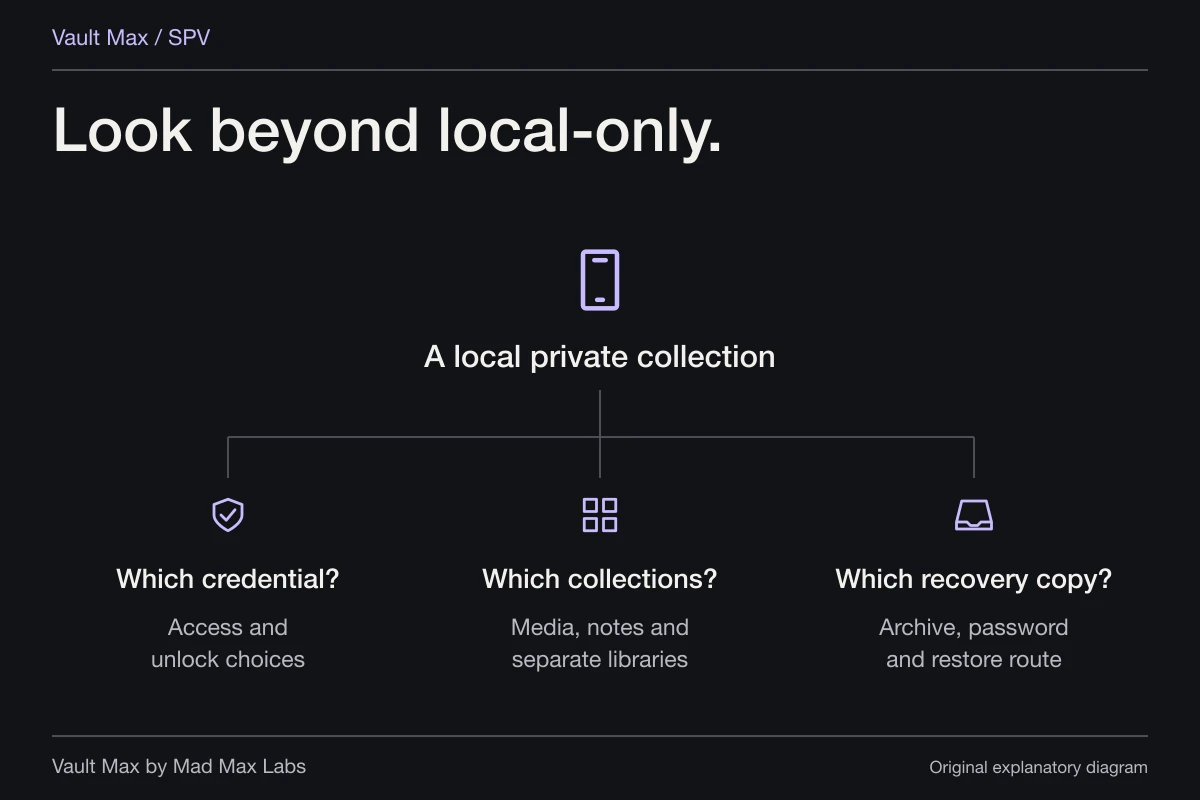
This is a routing checklist: use it to find the right detailed walkthrough and complete one useful check. Vault Max adds a separate encrypted collection for selected media, files and notes; the iPhone still supplies its own permissions, sharing and device controls.
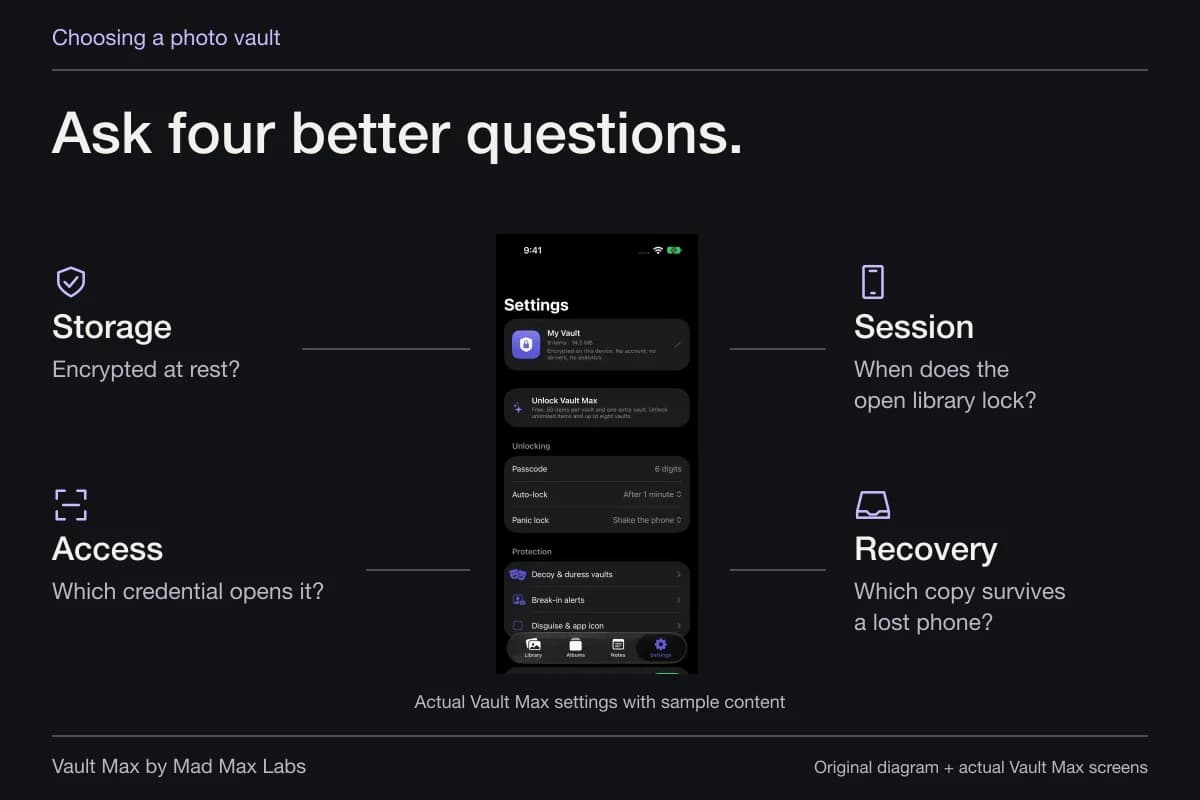
- Control who opens a collection
- Vault credentials, optional biometrics and lock-session settings
- Limit an app’s photo access
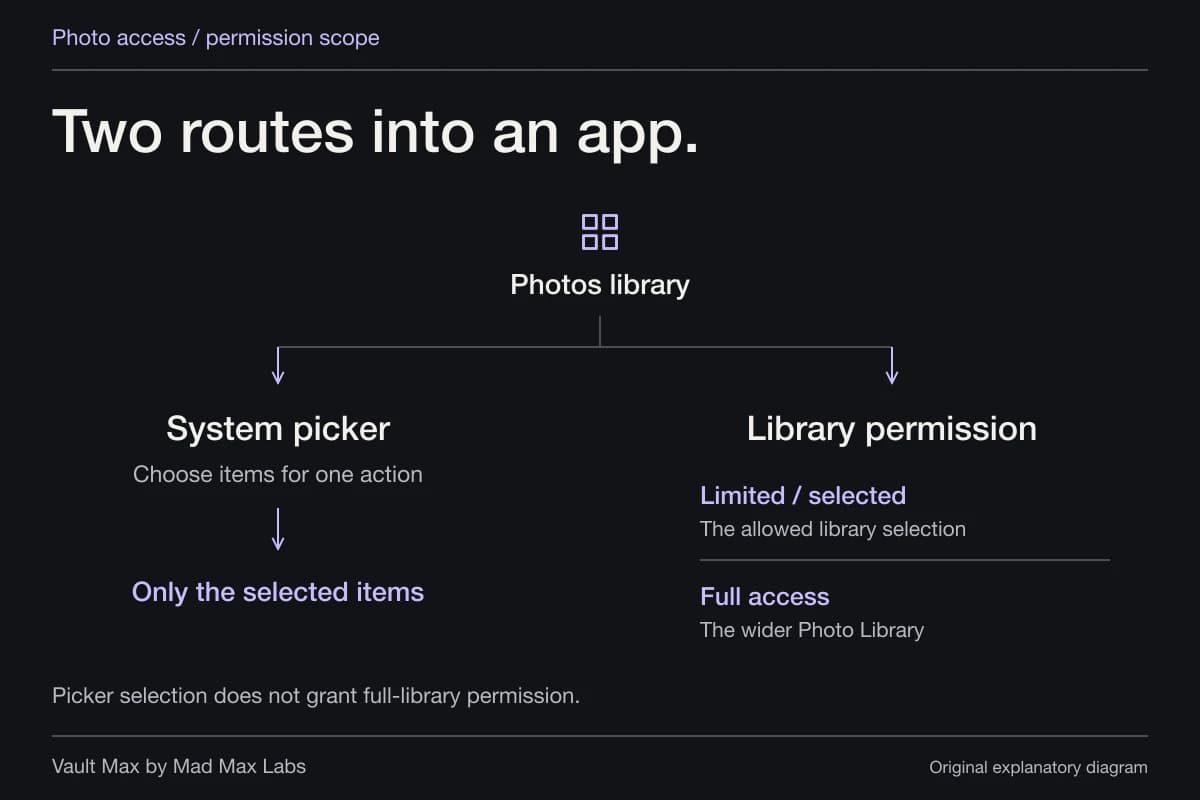
- System picker choices and the app’s Photo Library permission scope
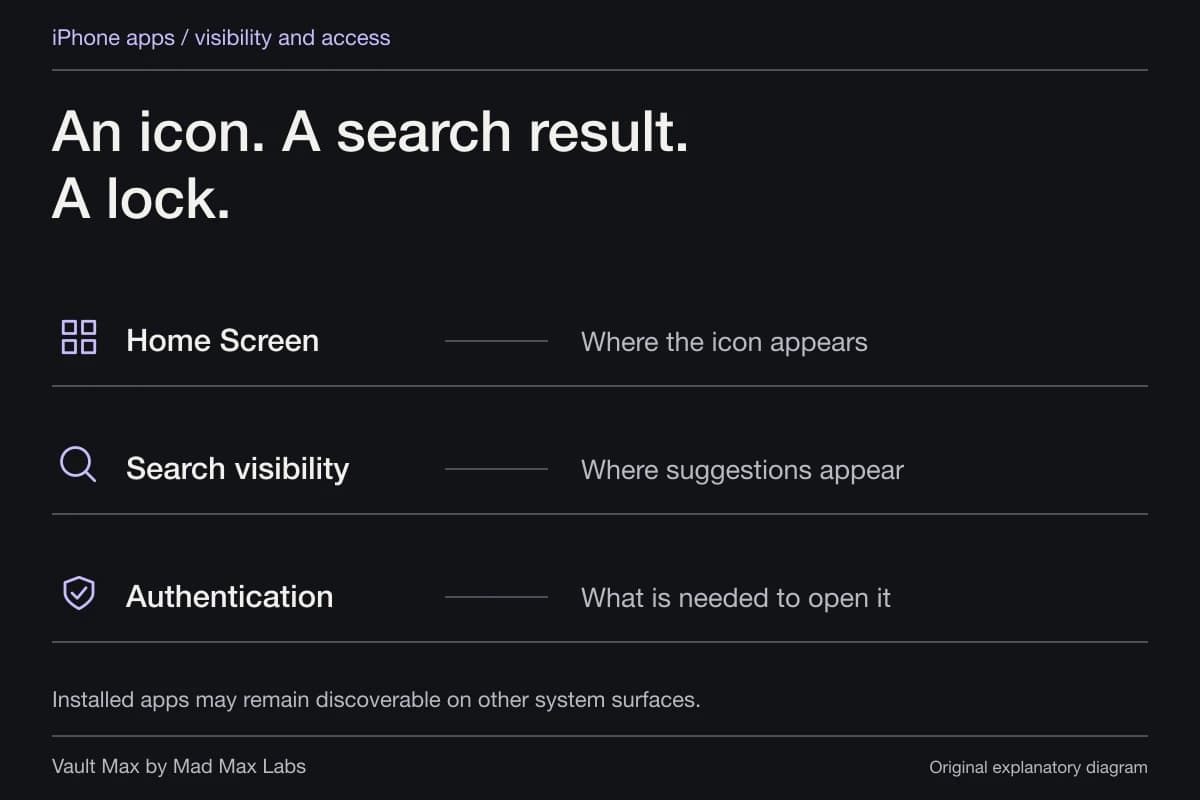
- Review where content appears
- Search, suggestion and Photos visibility settings for the relevant surface
- Control new shared copies
- Recipient selection, AirDrop receiving controls and sharing options
- Survive a lost or replaced phone
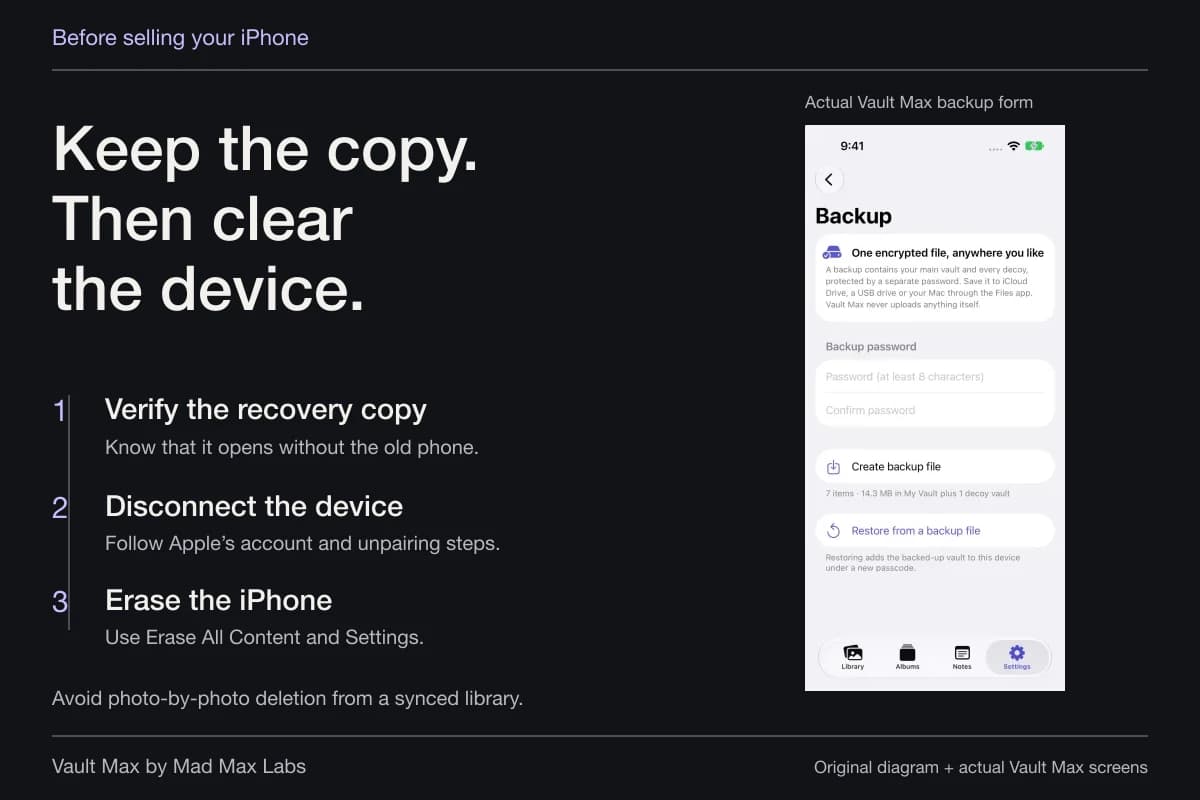
- Current backups, archive destinations and separately available recovery credentials
Name what you want to change
Write the problem as an action. “This editor should receive one picture” is more useful than “make Photos private.” So is “this widget should stop showing this subject” or “the private collection should use a different credential from the phone.”
That wording identifies a result you can inspect. You can try the editor with a harmless selection, look at the widget's current setup or check which credential opens the vault. It also prevents a distracting settings hunt when two controls happen to contain the word “privacy.”
| Your problem | Start here | Detailed next step |
|---|---|---|
| An app should receive selected pictures | Picker route and Photos permission | Review the app's access and intended import |
| A picture appears in suggestions | Photos featured content and the particular surface | Review the widget/Search/Memories control |
| Another device has a copy | The actual account, library or sharing arrangement | Identify sync, Shared Album or saved recipient copy |
| Someone knows the phone's passcode | The credential protecting the private collection | Choose a distinct vault credential and recovery plan |
| A setting is missing or disabled | System version, requested action and restrictions | Follow the missing-control checks below |
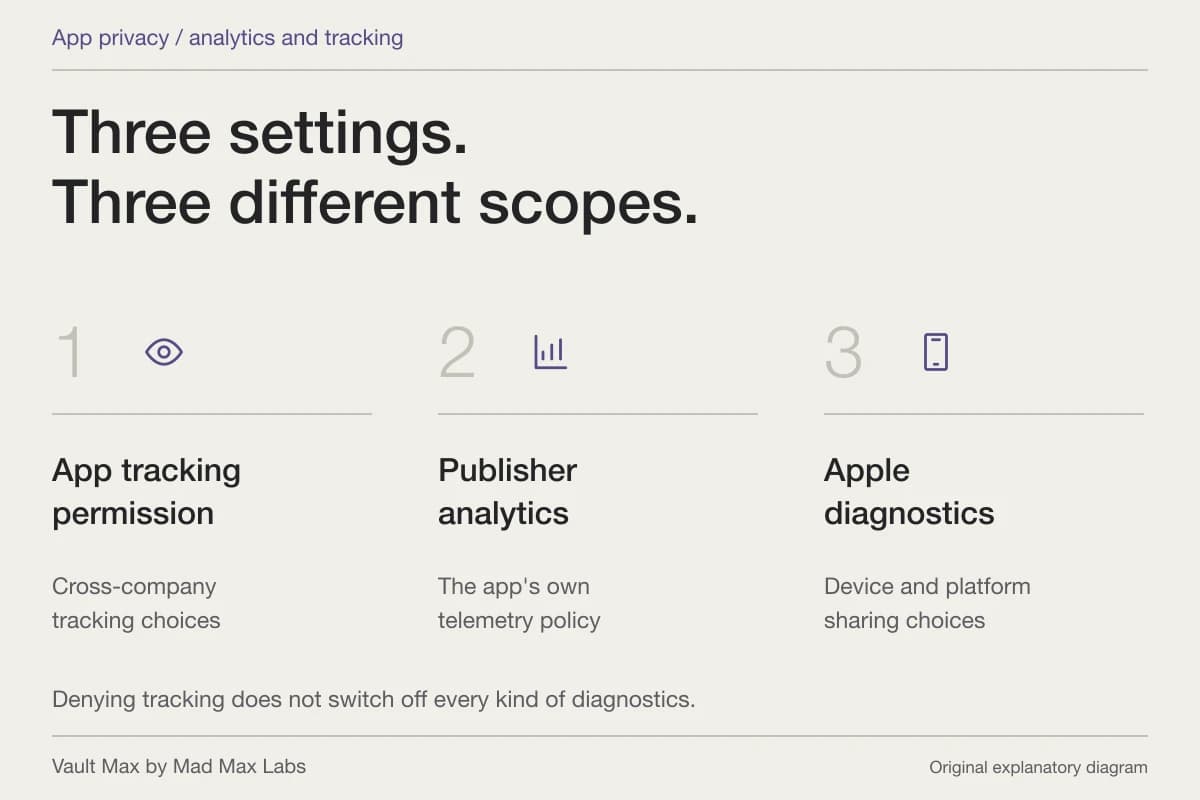
| You want less diagnostic sharing | Apple diagnostics, tracking and the app's policy | Read each control for its own purpose |
Find the setting on your installed system
Apple's current Settings guide explains searching for controls. It also separates sections such as Privacy & Security, Apps, Search, Screen Time and the Apple Account/iCloud area. Settings can move between releases, so start with the system version and the actual task.
Use the search term from the feature you need. Search for Photos when investigating Photos behavior, for example, then check whether the result is an app preference, permission or account setting. The label alone does not tell you which copy it governs.
If following an older screenshot, match the feature rather than forcing the same tap sequence. A missing label can reflect a reorganized page. It does not establish that the device has lost its privacy protection or that a vault app must repair it.
Check why an app is absent from a permission category
Apple's privacy permission overview says the relevant list contains apps that have requested access. Open the app and identify the supported action that needs the permission. Read its explanation at that point.
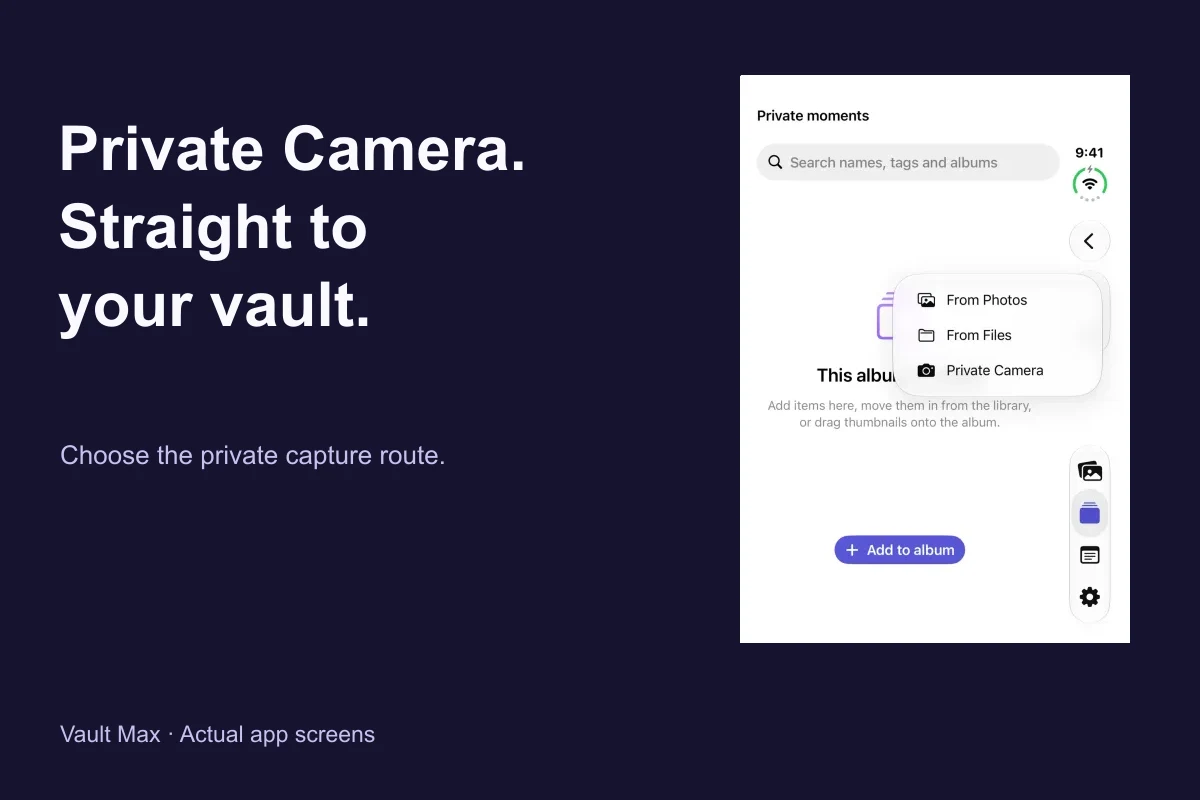
There is an important photo-specific distinction: a system picker can provide the items you choose without granting continuing library access. Vault Max uses that route for Photos imports. Another action, such as saving an export back to Photos, can have its own access request.
Choose the actual task
Select the items needed
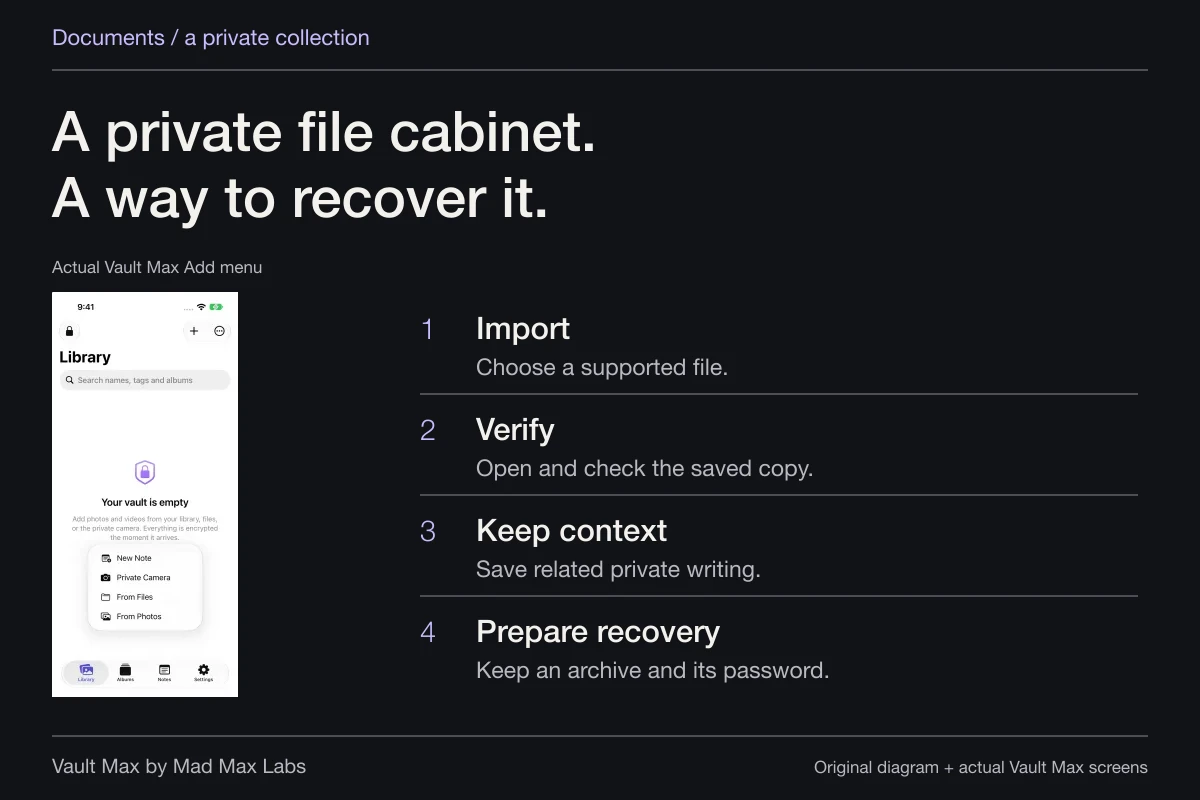
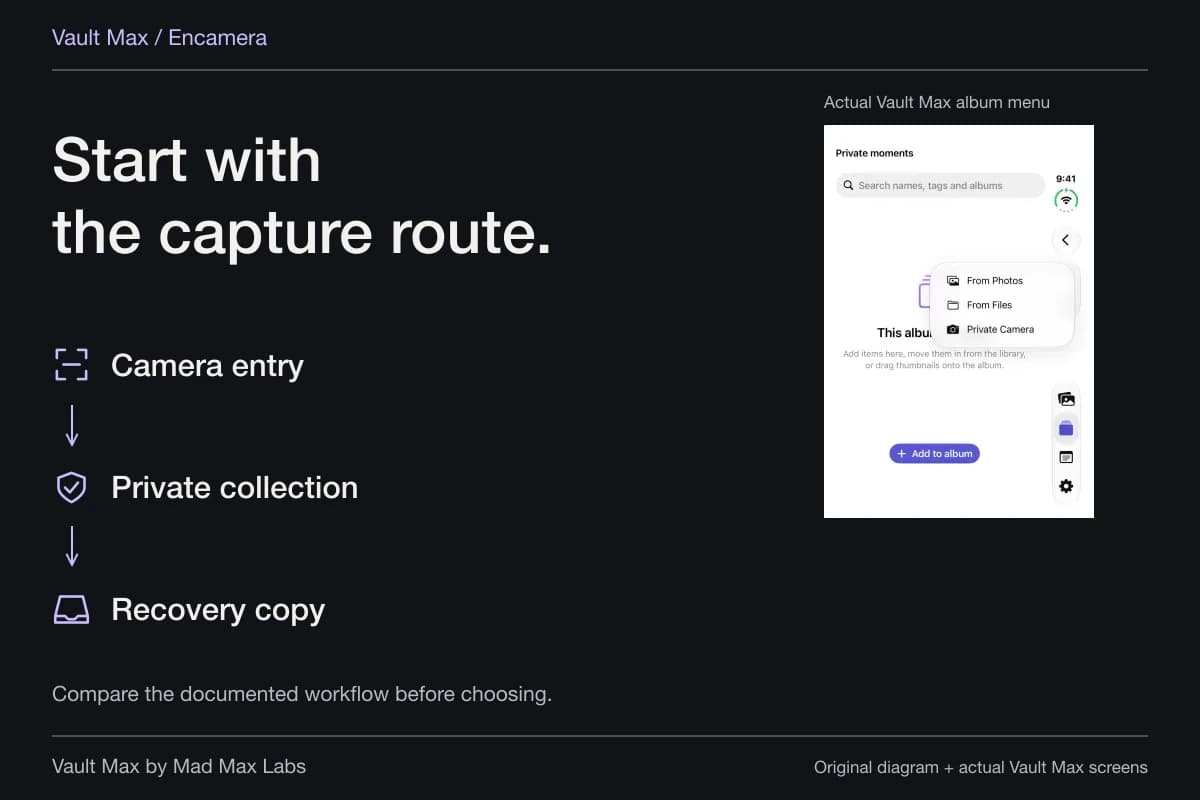
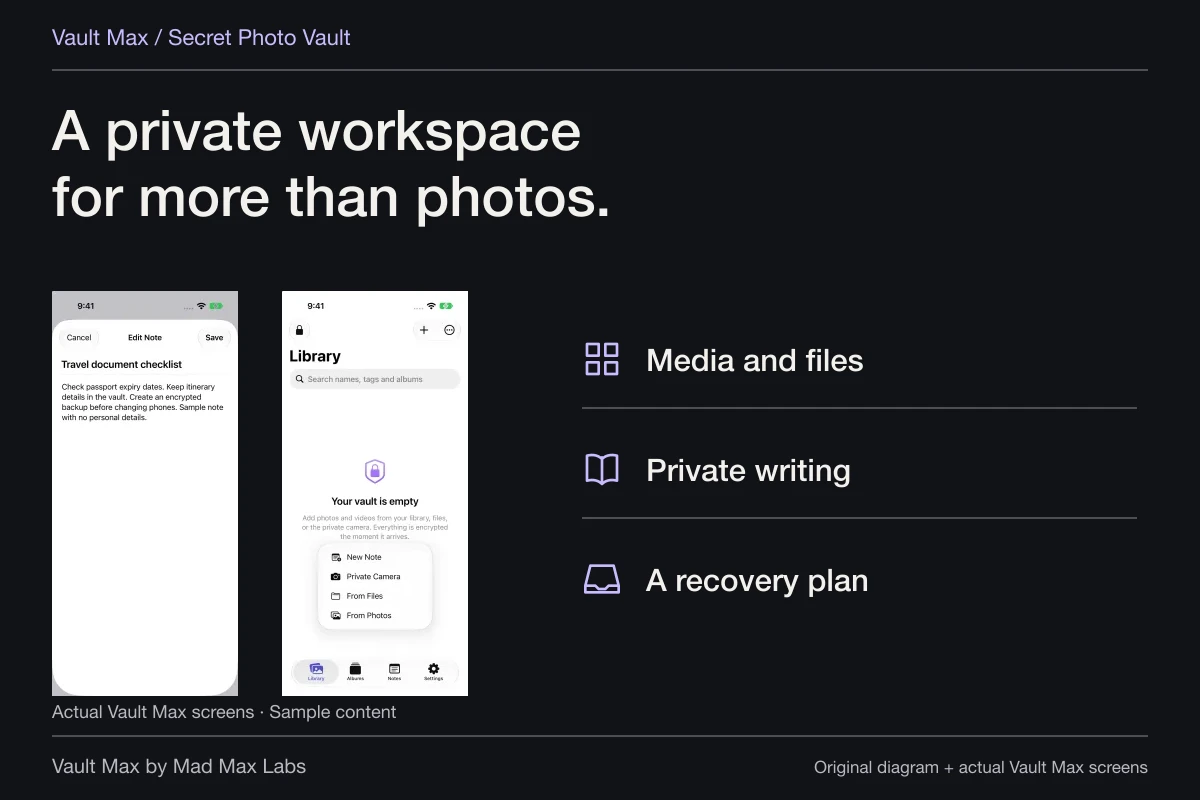
These actual sample screens show the import menu and selected Photos items. The choice of task determines which access route is relevant. It is different from granting an app continuing access to the whole library.
Use the photo-permissions guide for picker, limited-access and Full Access details. It also explains the differing Apple documents about locked Hidden items; this checklist does not promise a universal Hidden-album exclusion.
Investigate a disabled control through its actual restriction
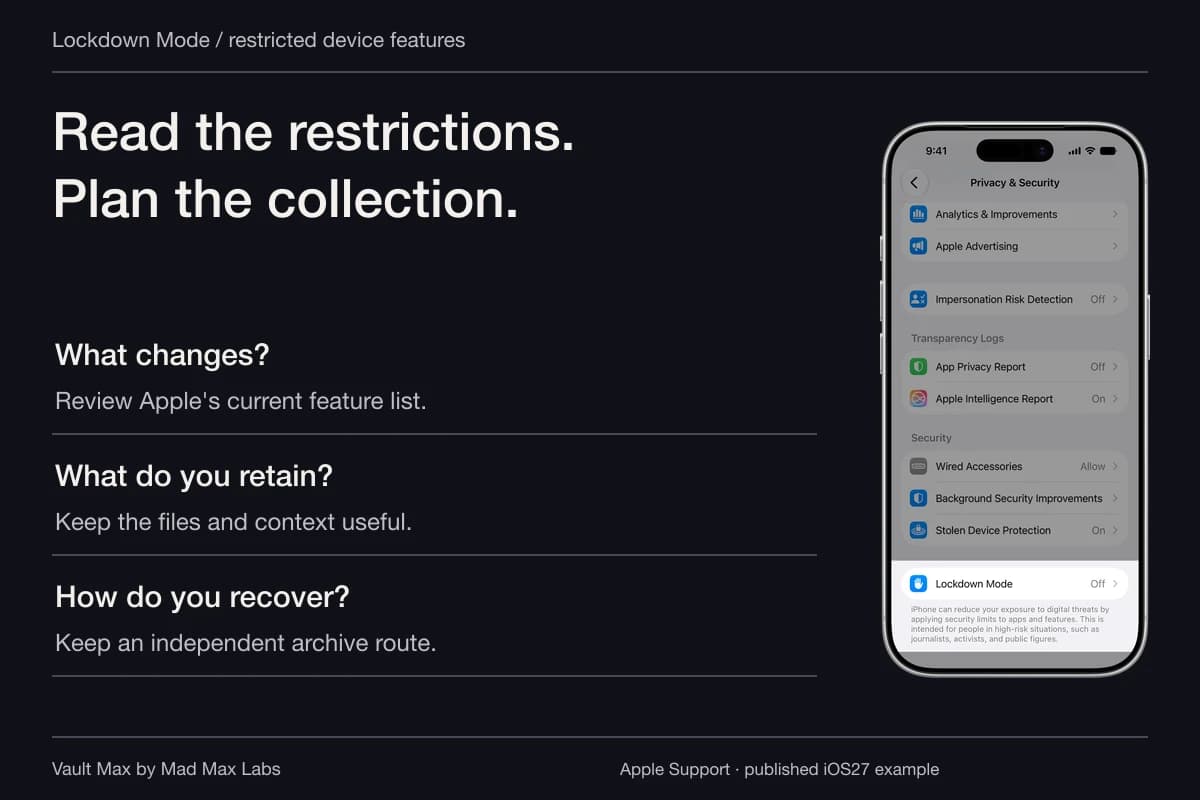
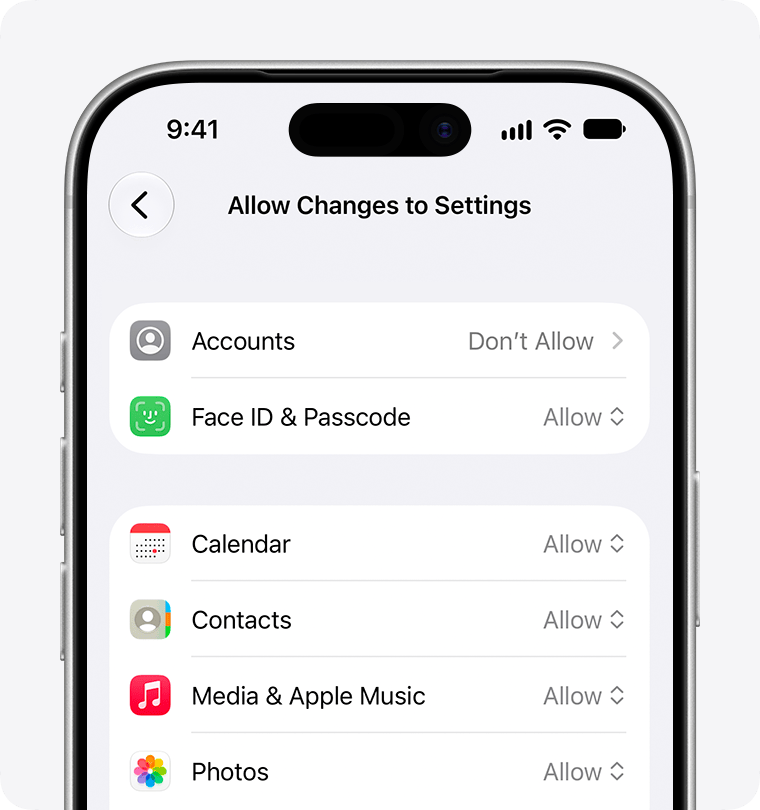
Screen Time and managed-device configuration can limit changes. Apple's current restriction help shows how an account setting can become unavailable and how authorized Screen Time controls relate to it. That is a specific troubleshooting example, not a universal explanation for every missing switch.
Publisher-supplied screenshots. Source material, not a hands-on test.
A restriction can make a control unavailable. This is Apple’s iOS 27 support example; review the authorized Screen Time or device-management setup before changing restrictions.
Open the full-size source imageFor a family-managed device, involve the person authorized to manage the restriction. For a work or school phone, use the organization's supported process. Apple's configuration-profile guidance identifies the device-management area and explains that removing a profile can remove associated settings and data. Do not treat profile deletion as a routine way to find a photo preference.
An unavailable tracking switch can also have account-specific conditions. The analytics and privacy settings guide points to Apple's current explanation. Keep the cause tied to the control you are investigating.
Follow the copy when the problem is on another screen
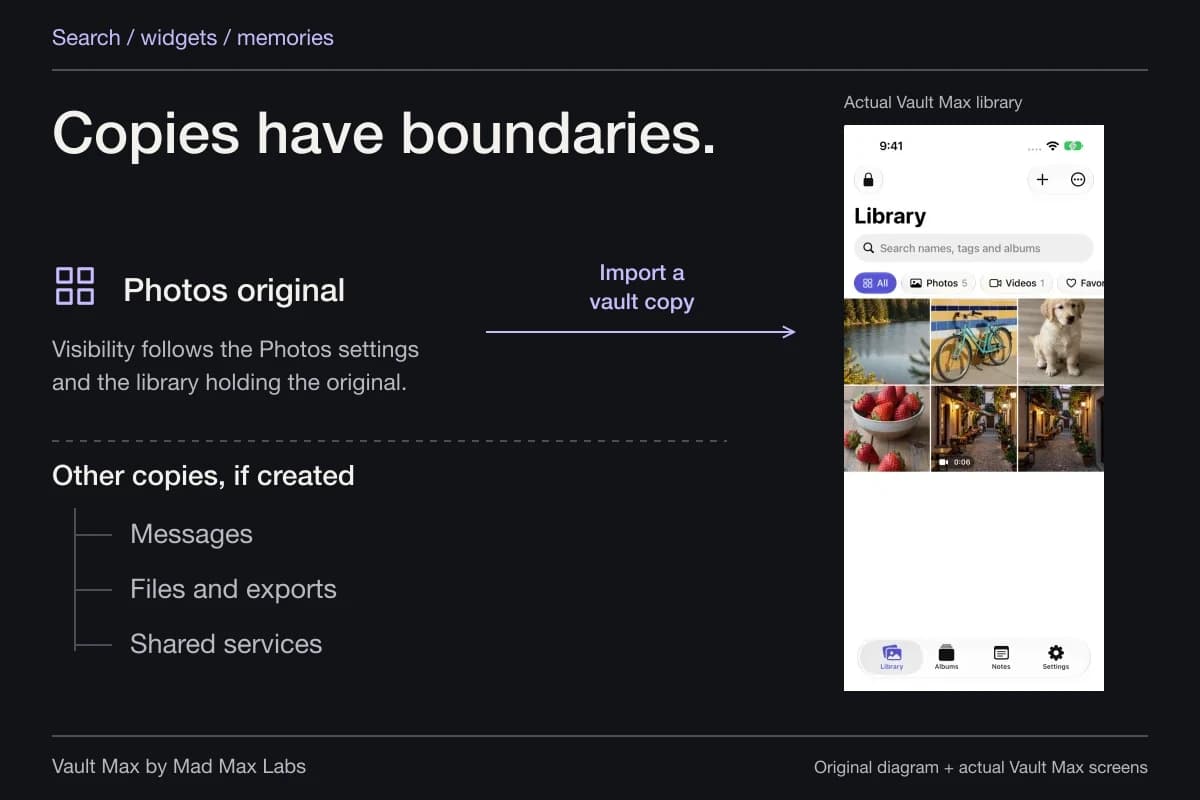
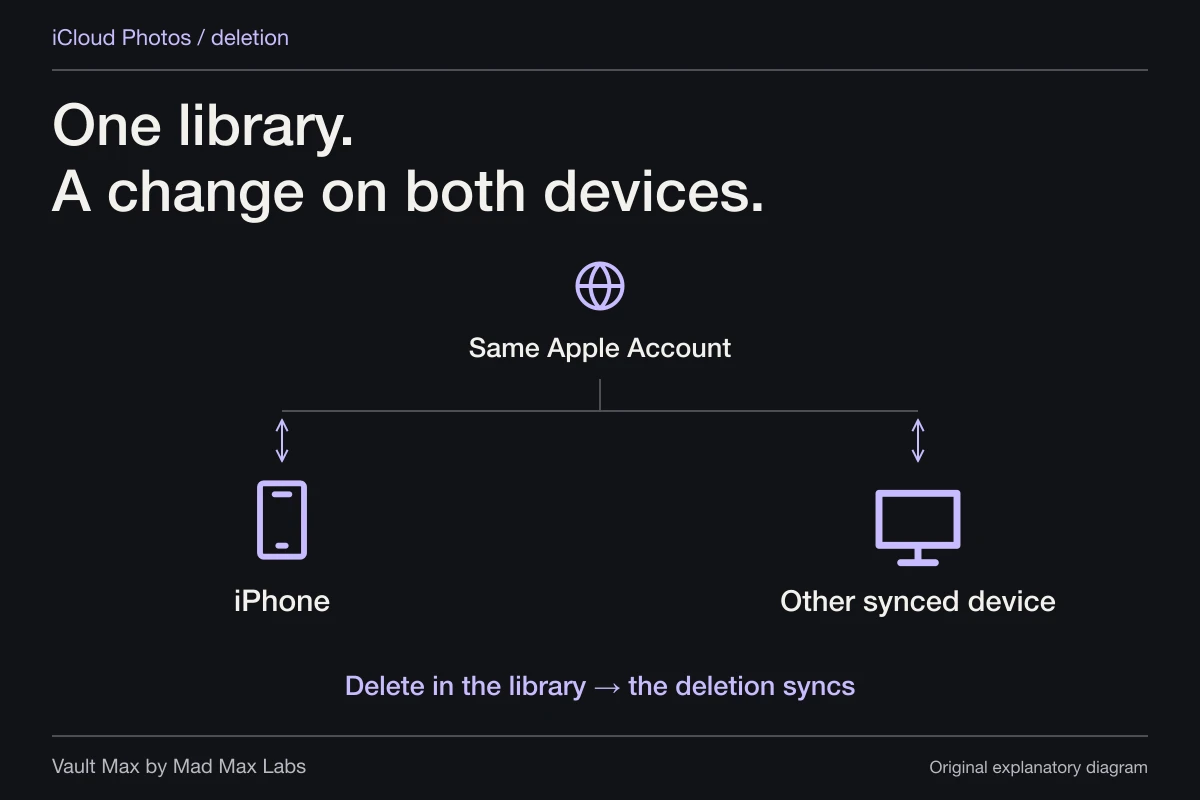
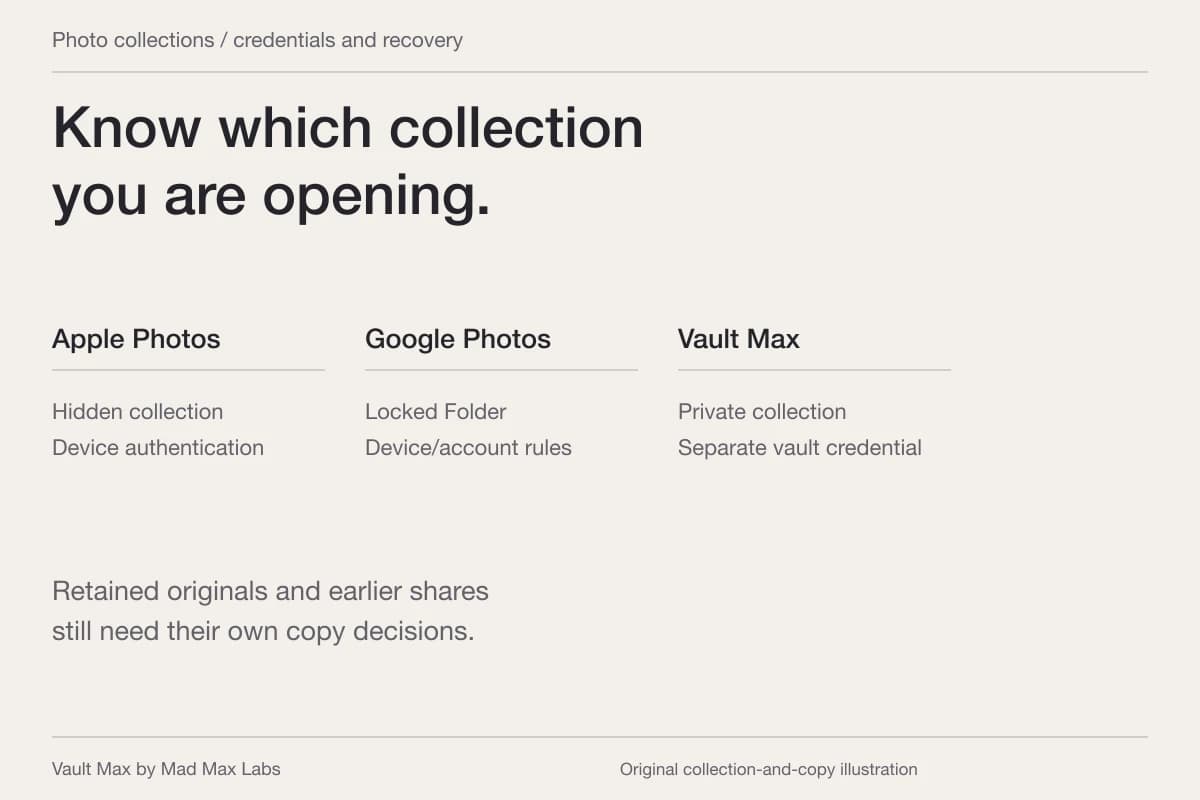
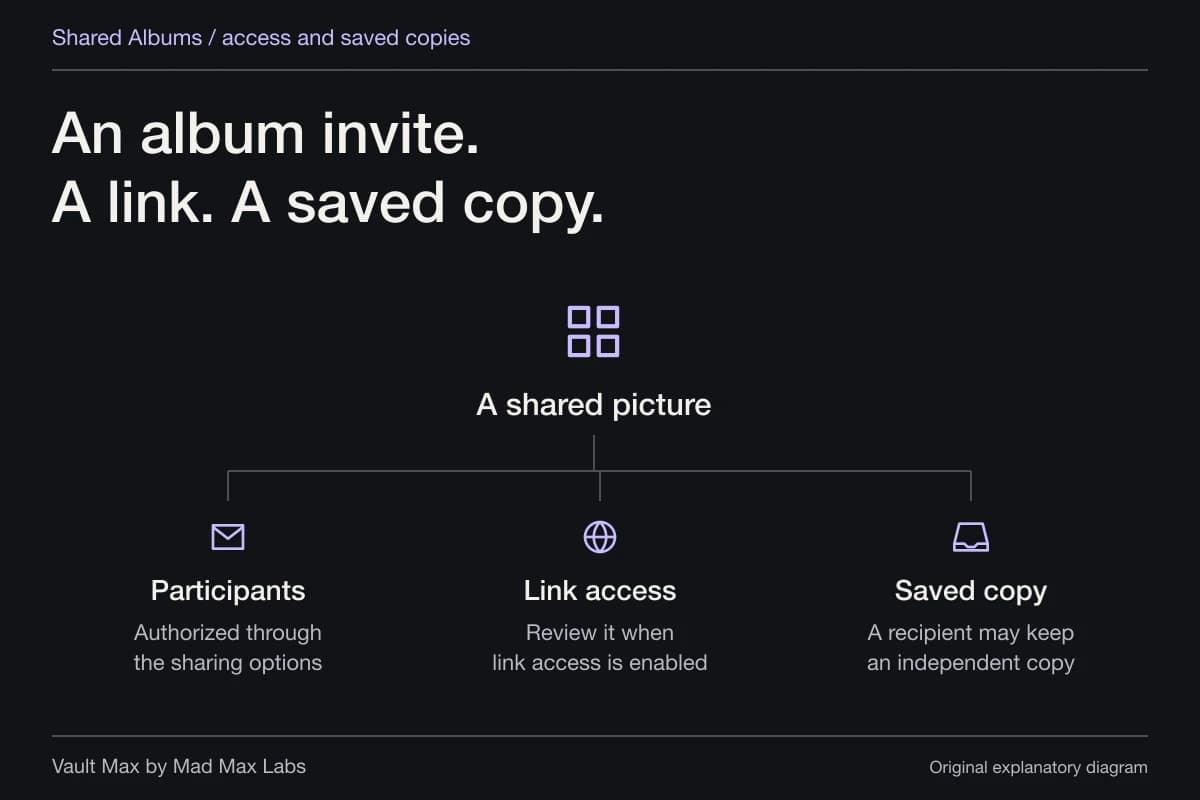
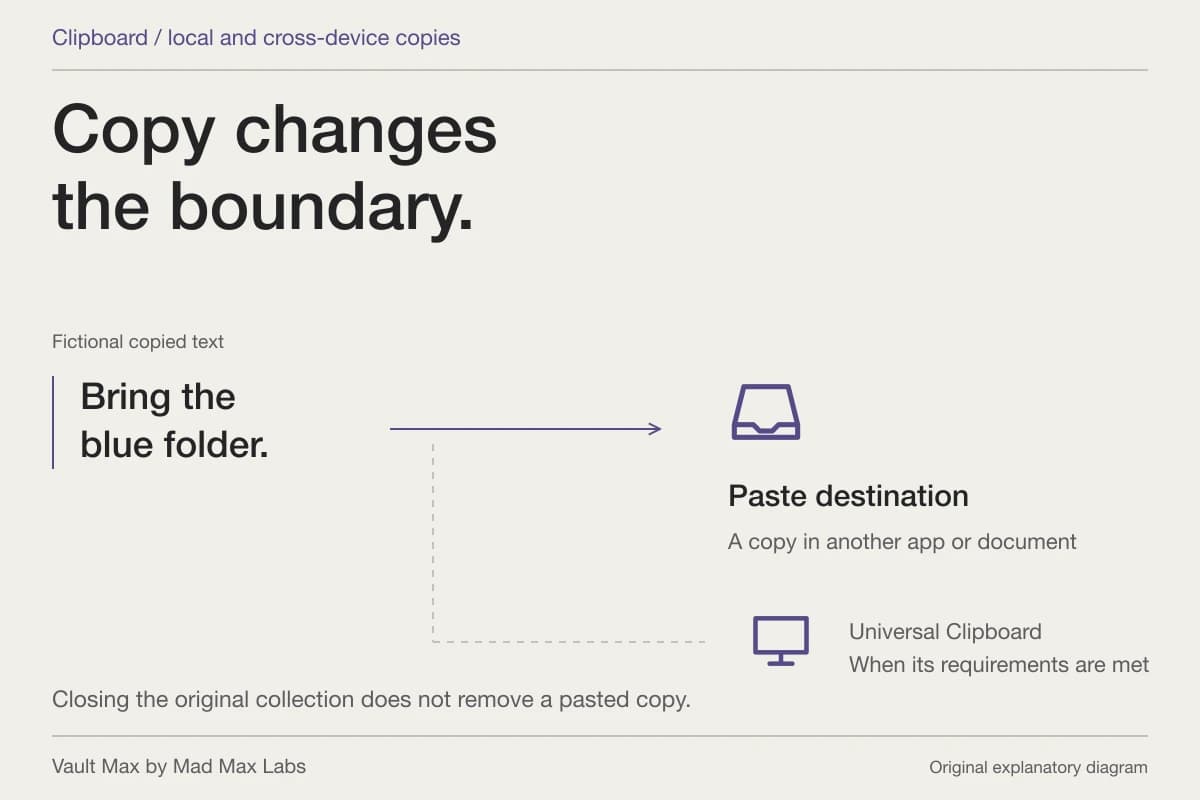
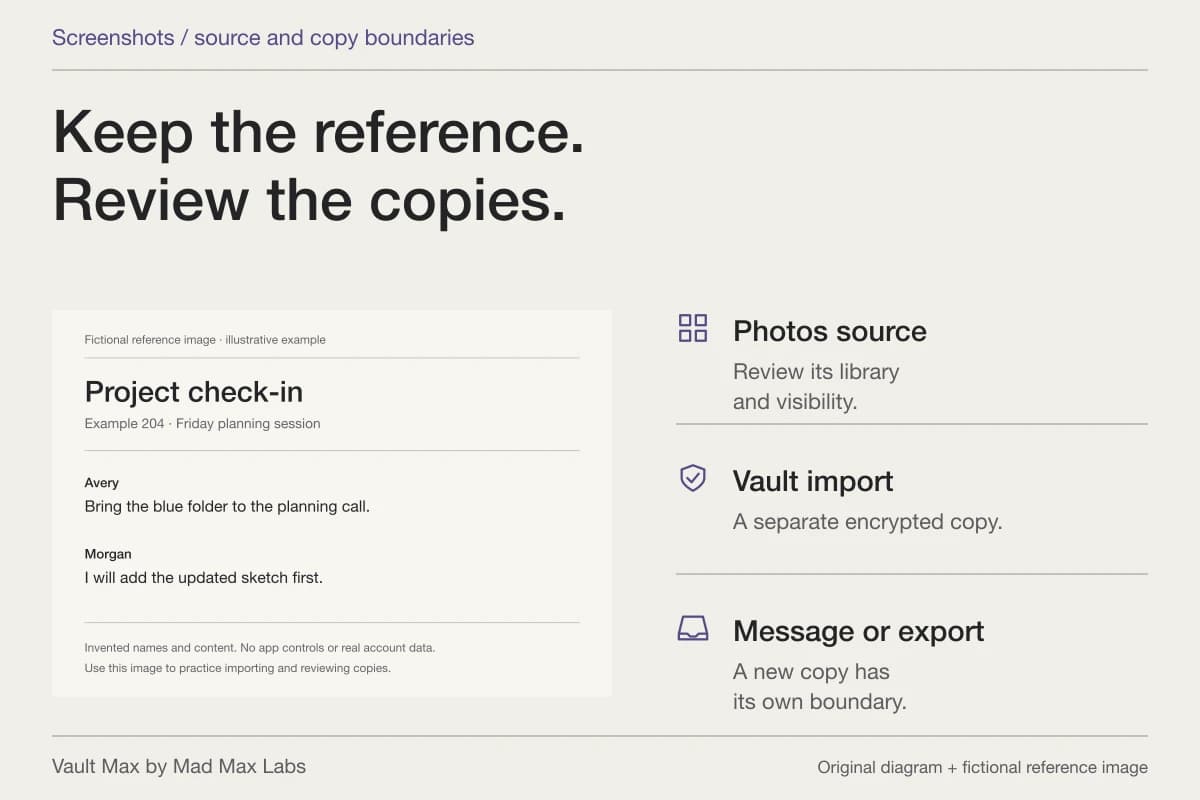
If a photograph appears on another device, first establish which copy that device has. It may be the same iCloud Photos library, a Shared Album contribution, a message attachment or an independently saved file. Changing a local permission does not silently administer all of those places.
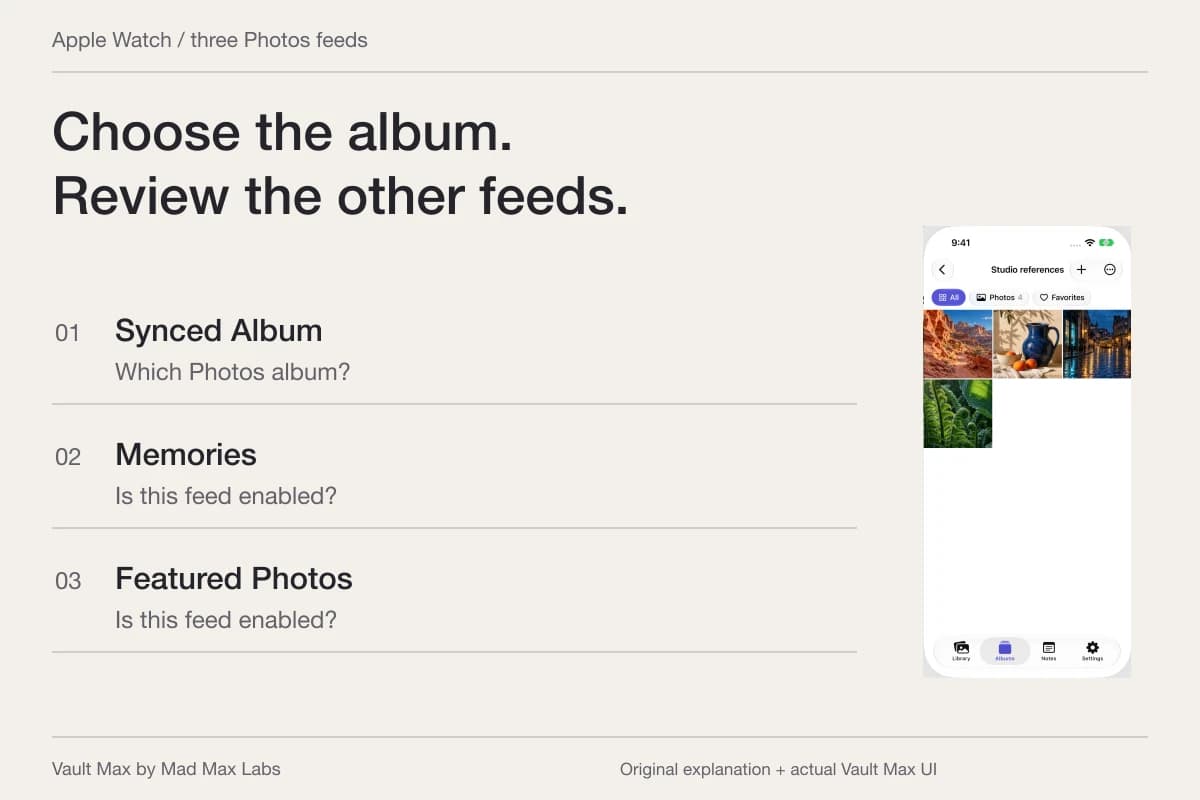
For suggestions on the same phone, identify the surface: a Photos widget, Search result or Memories presentation. Follow the Search, widgets and Memories guide for those controls. For another device or shared account, start with Photos, iCloud and shared devices.
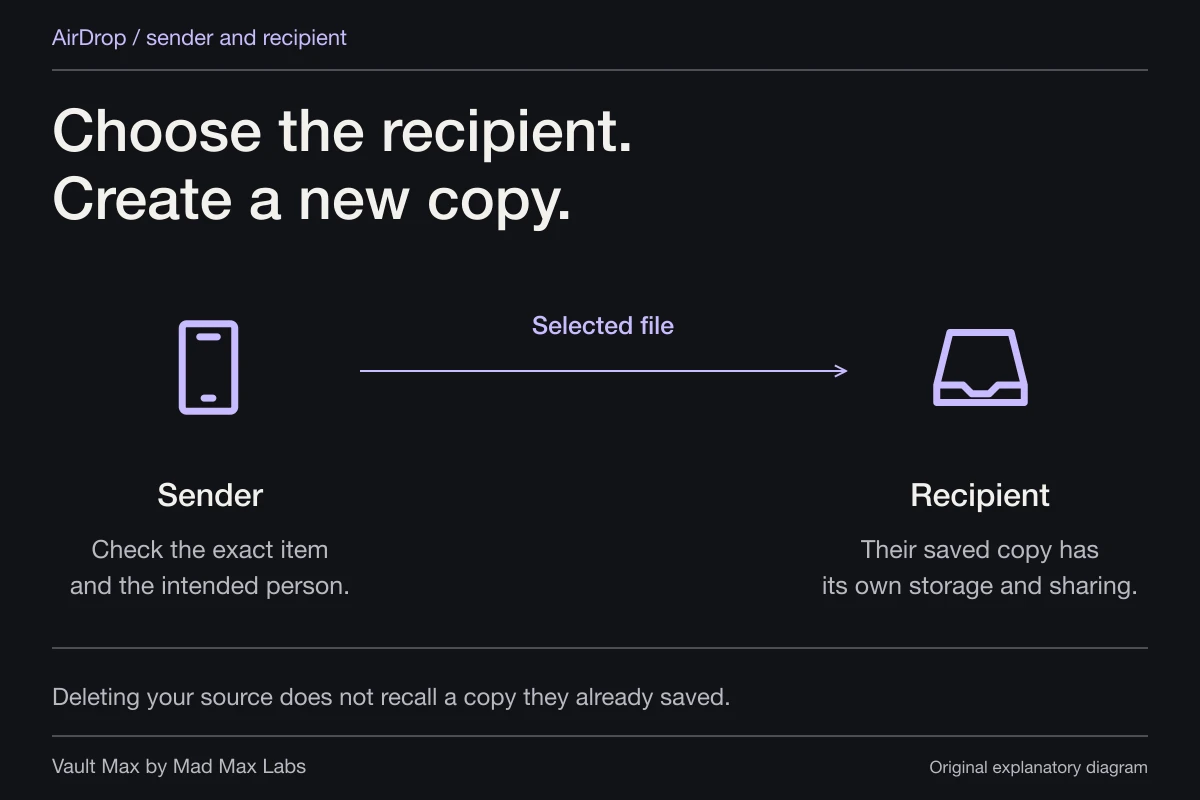
The practical check is to revisit the exact place that exposed the picture. A setting change is the action; the updated visible result is what you inspect. Keep in mind that an independent recipient copy can remain available even after the original sharing relationship changes.
Set the vault controls for the private collection
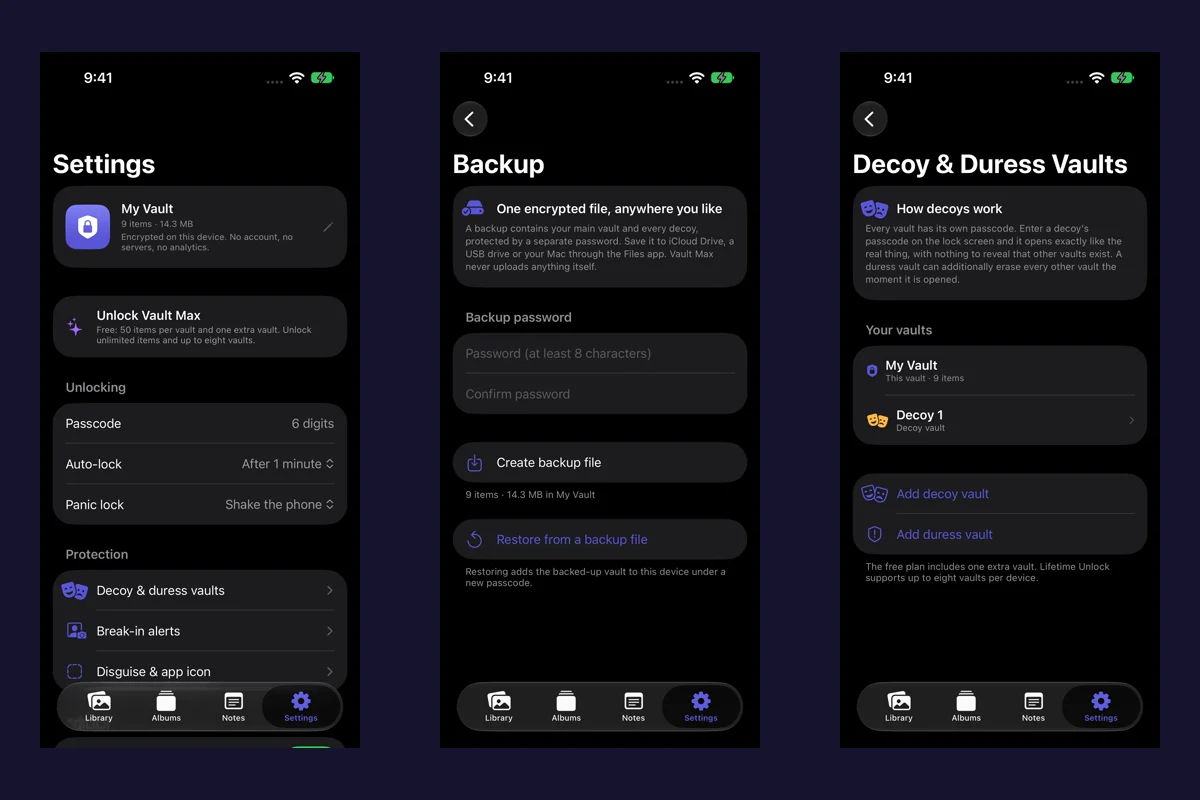
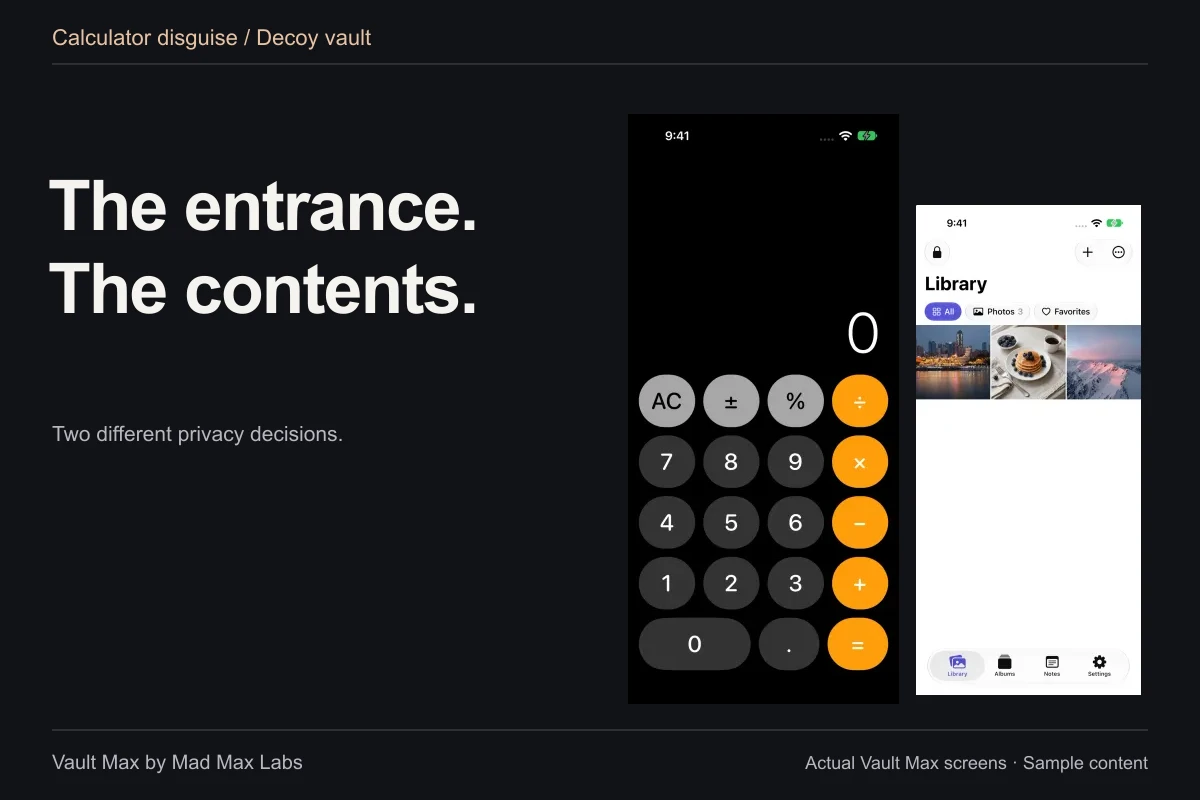
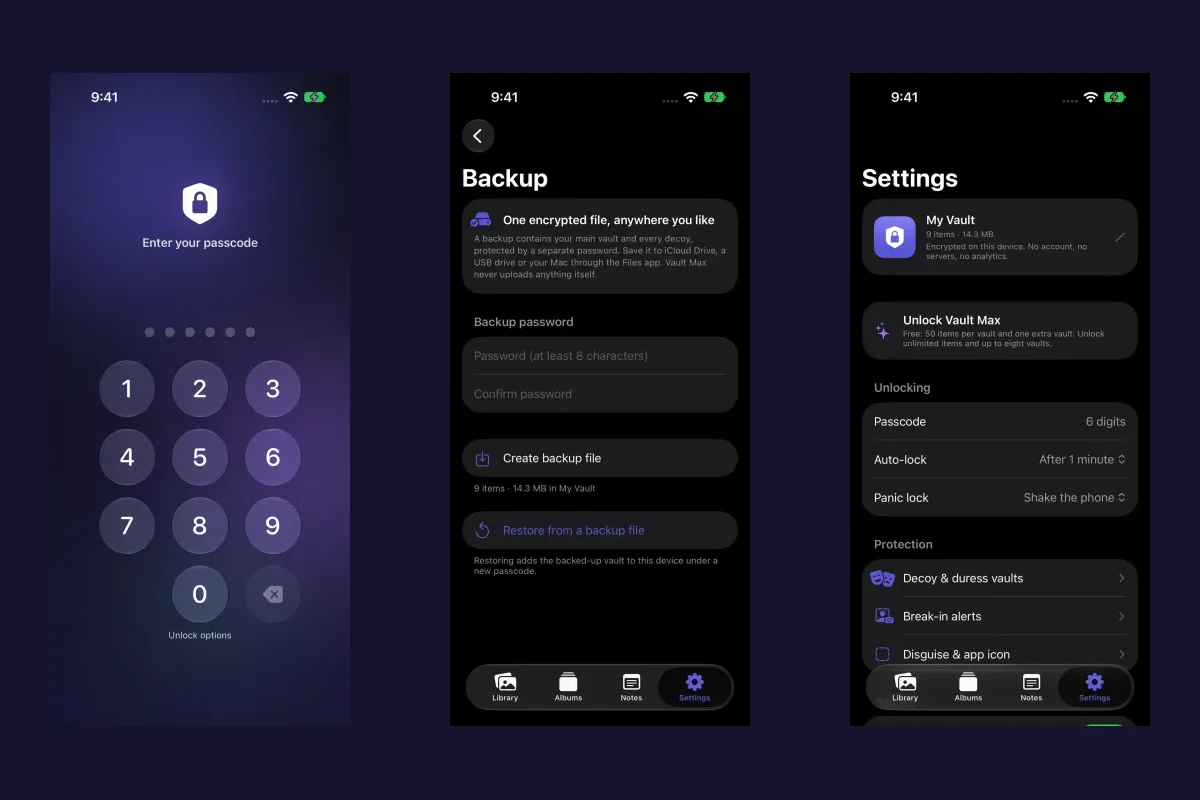
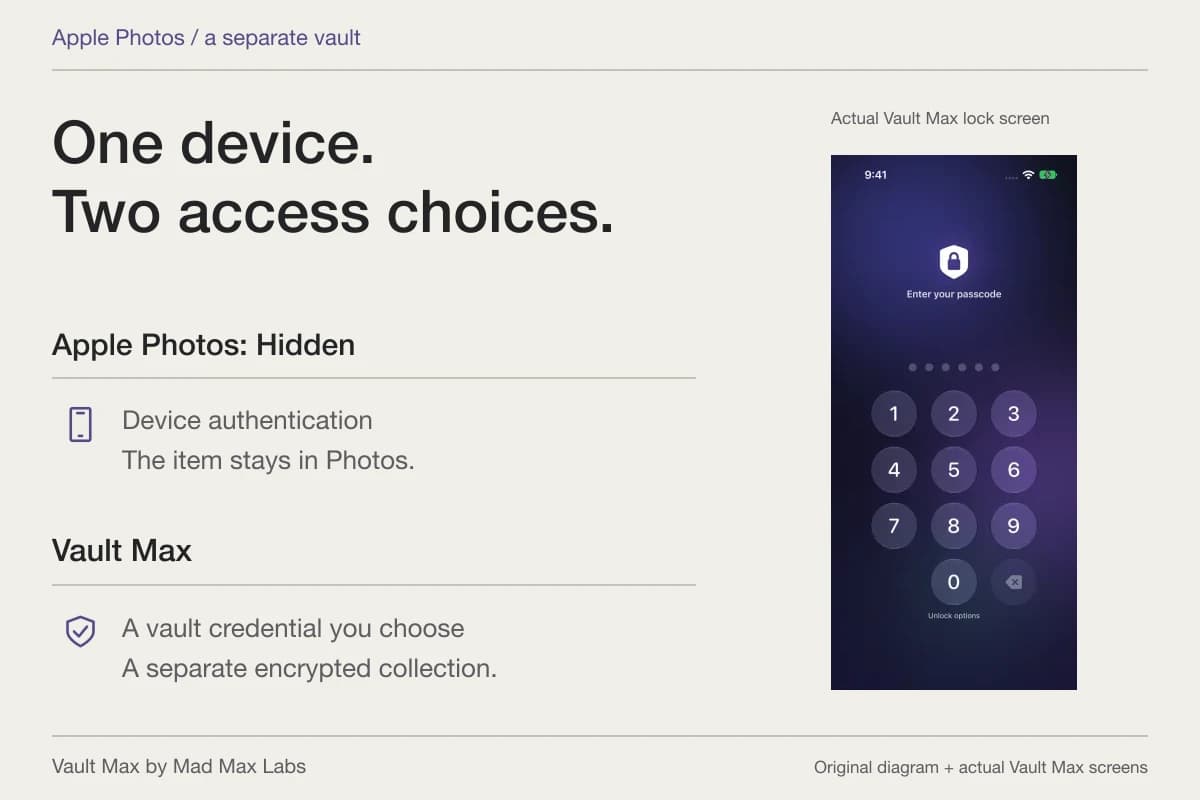
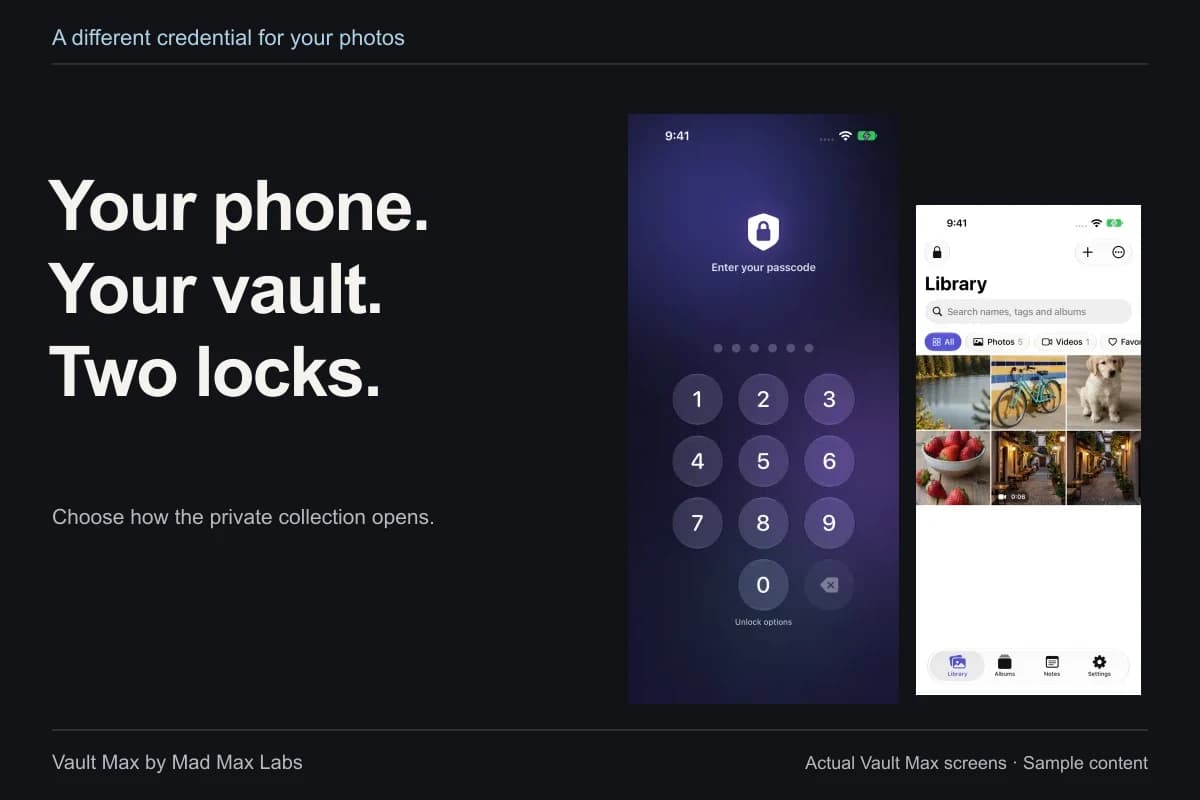
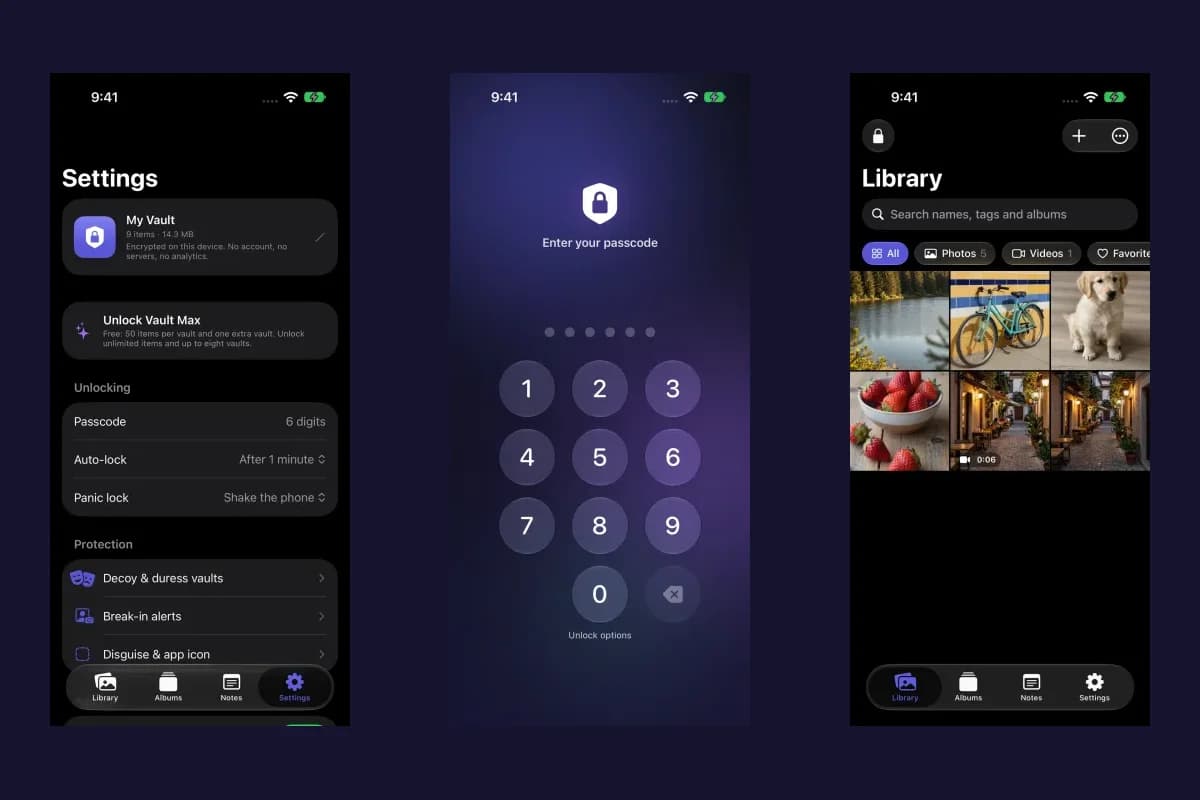
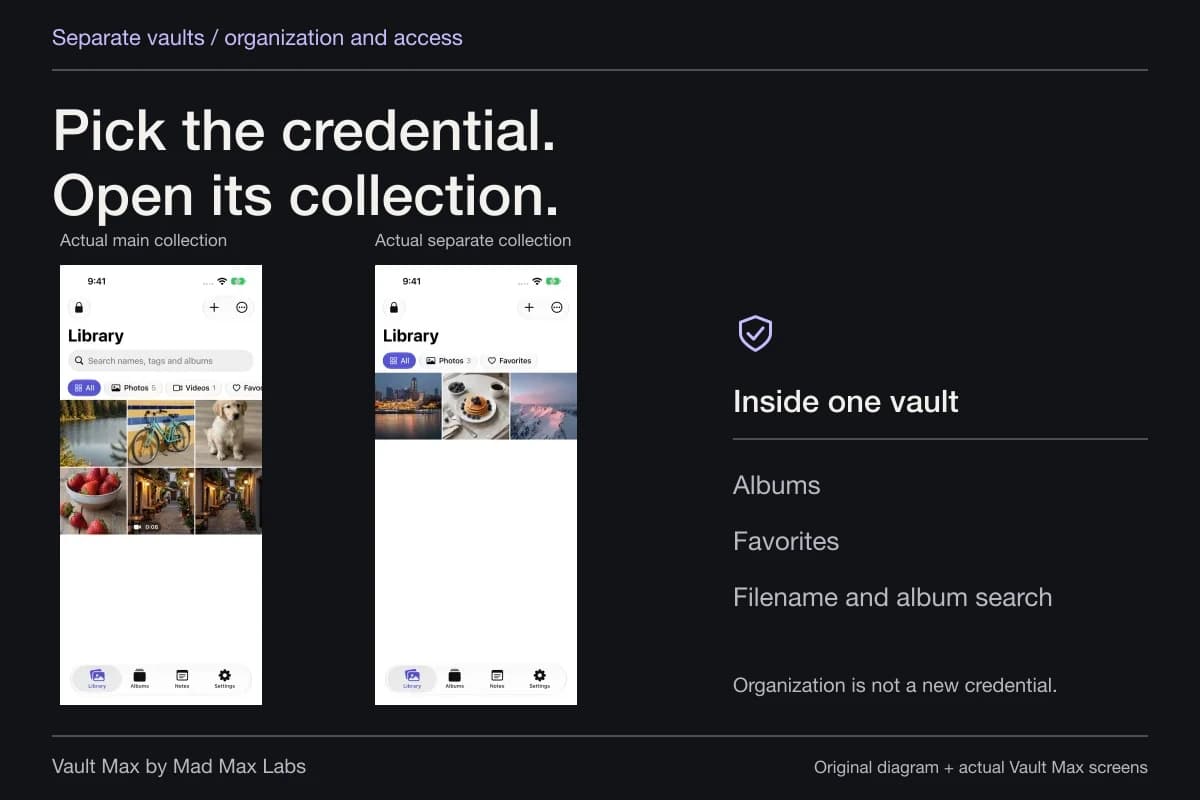
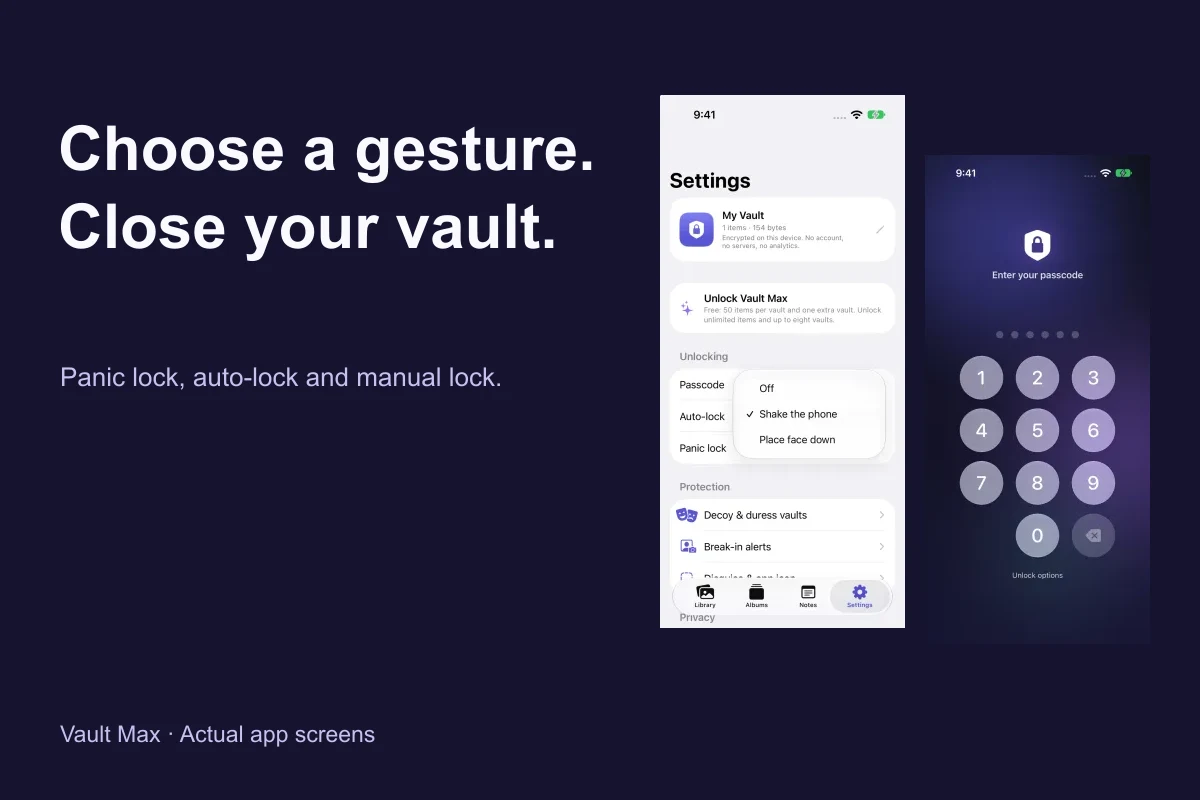
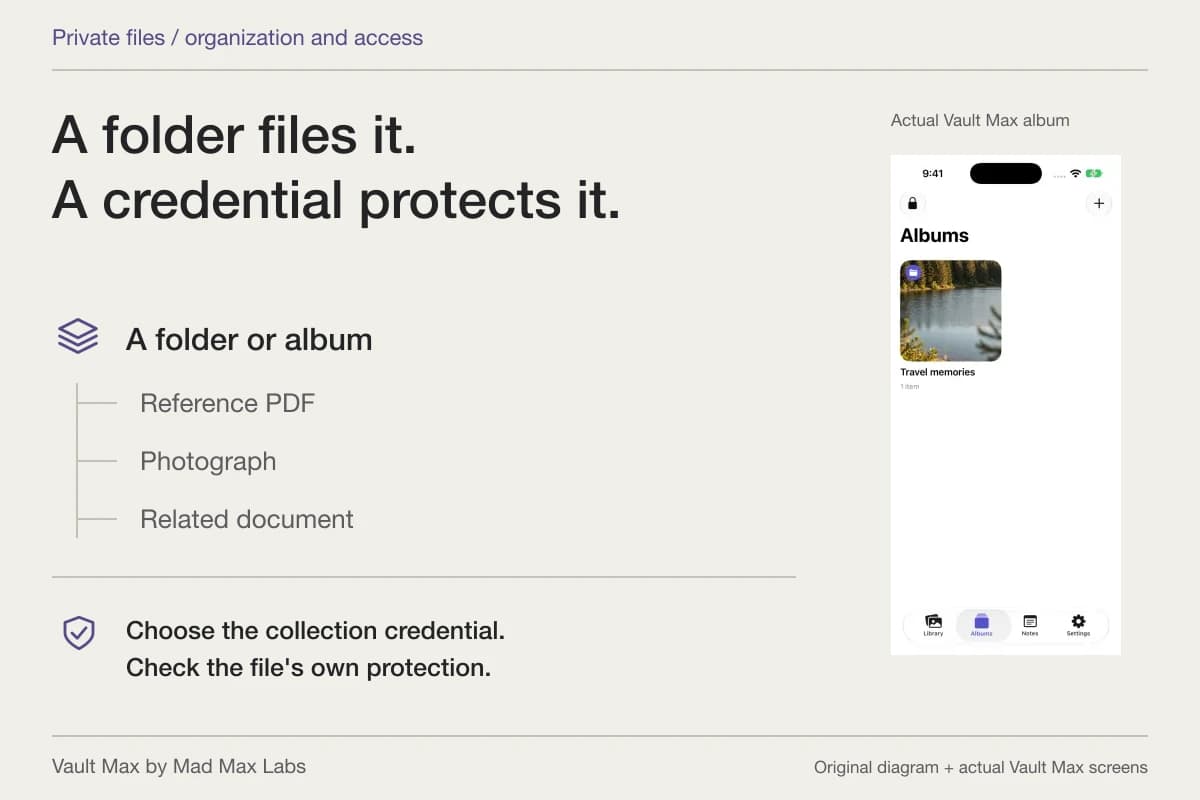
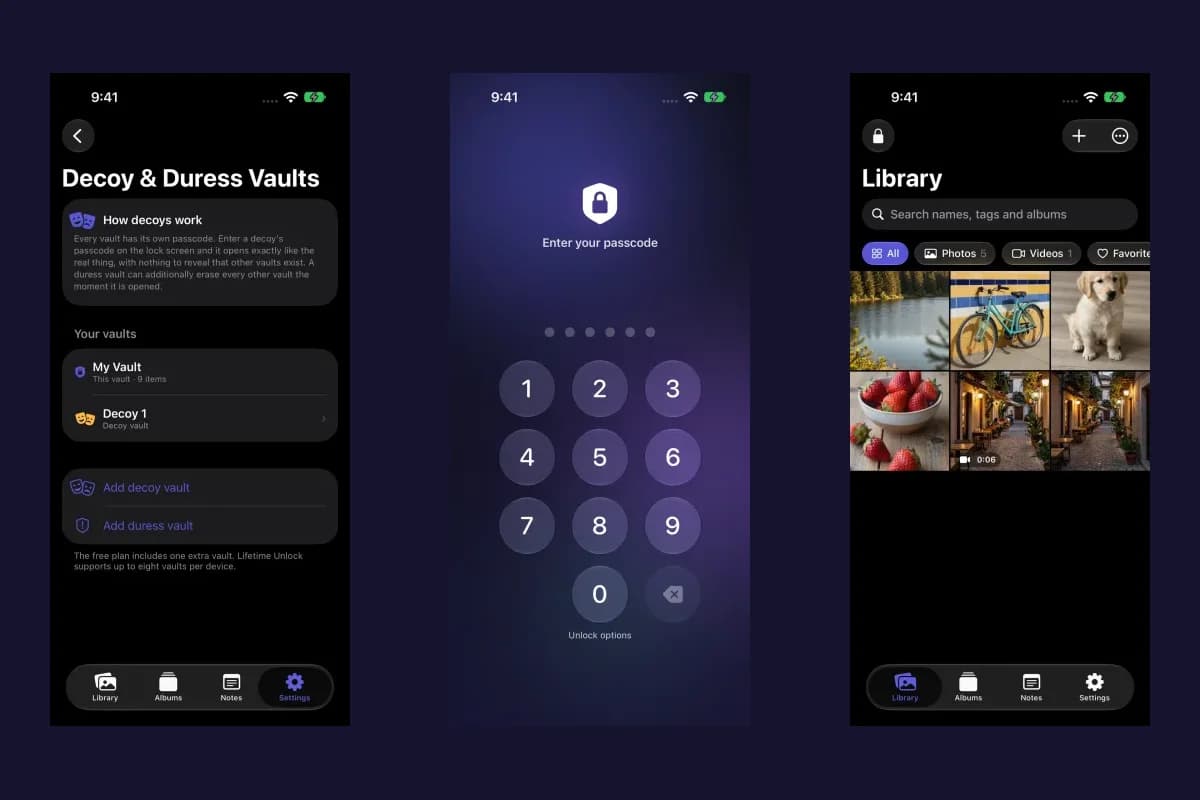
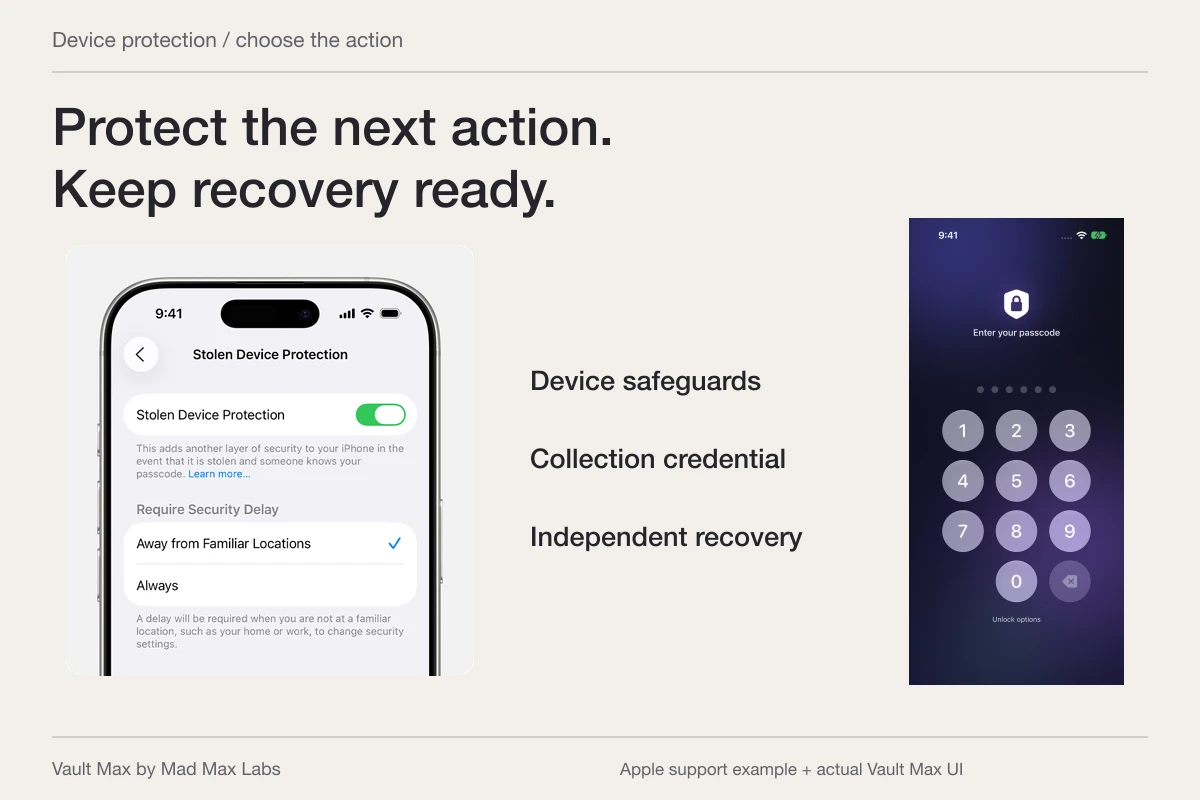
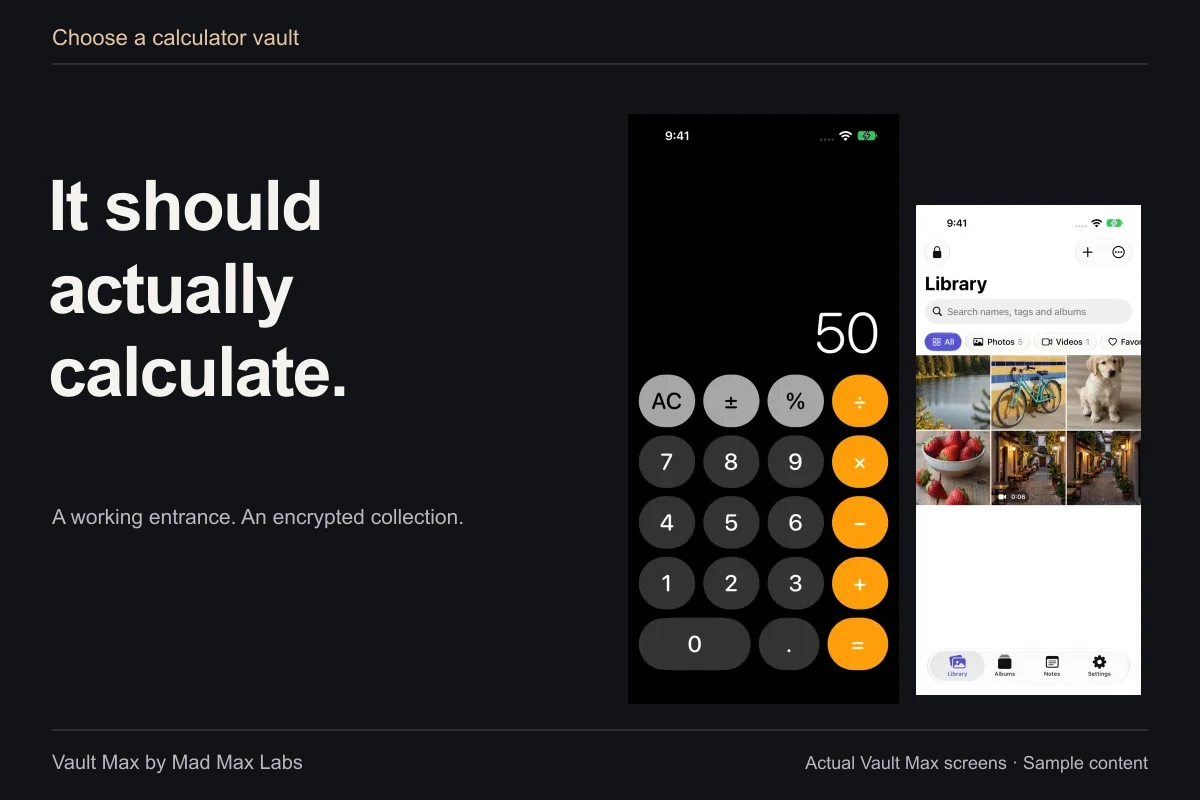
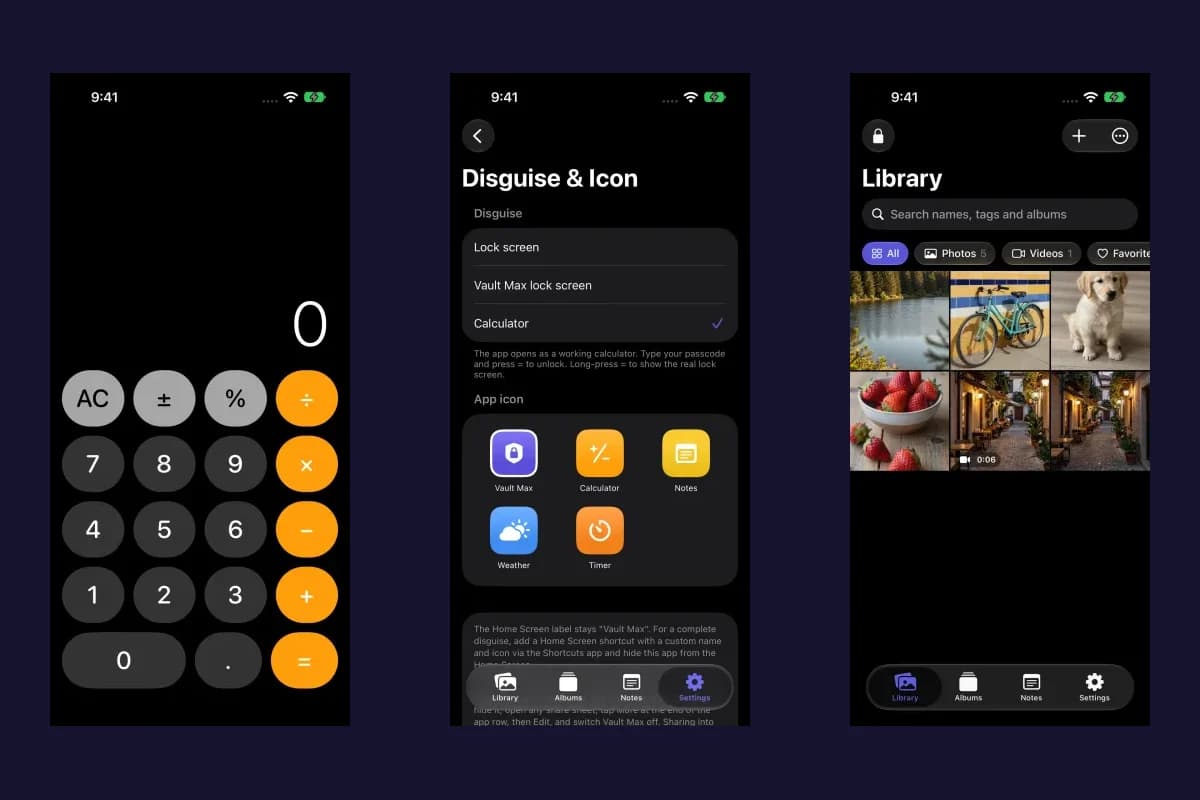
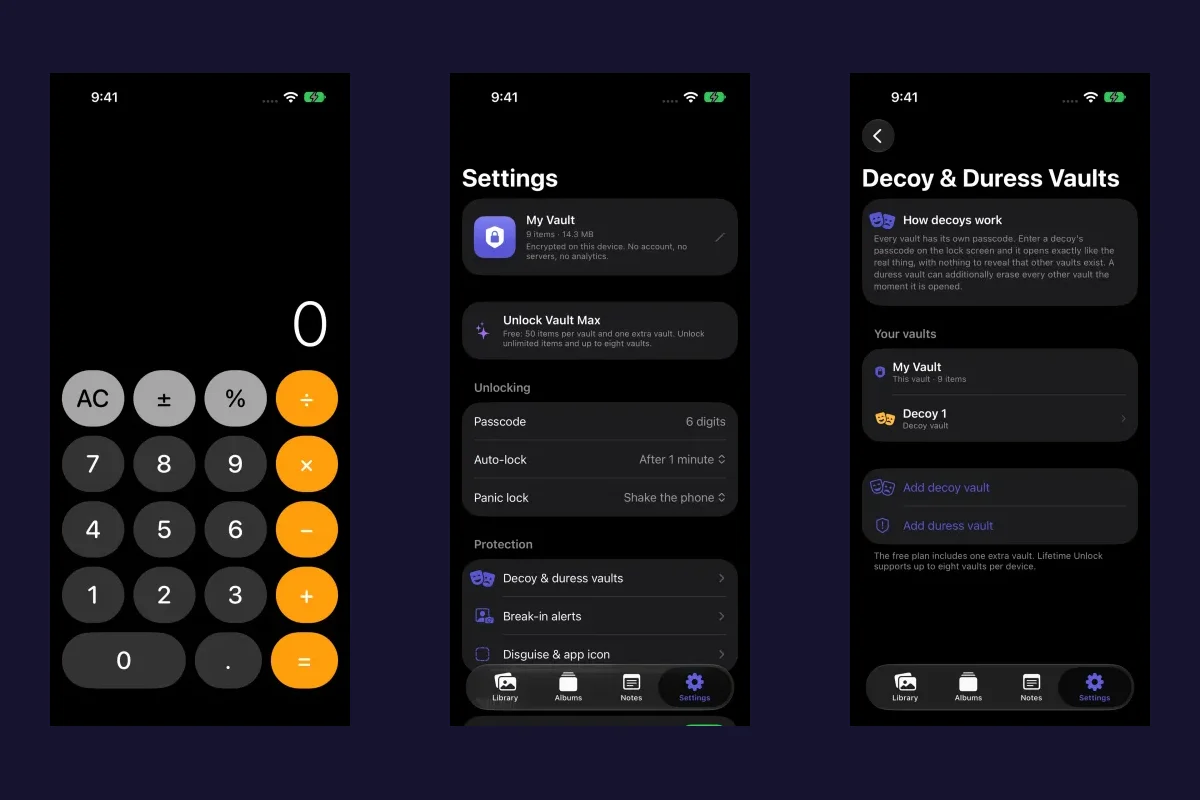
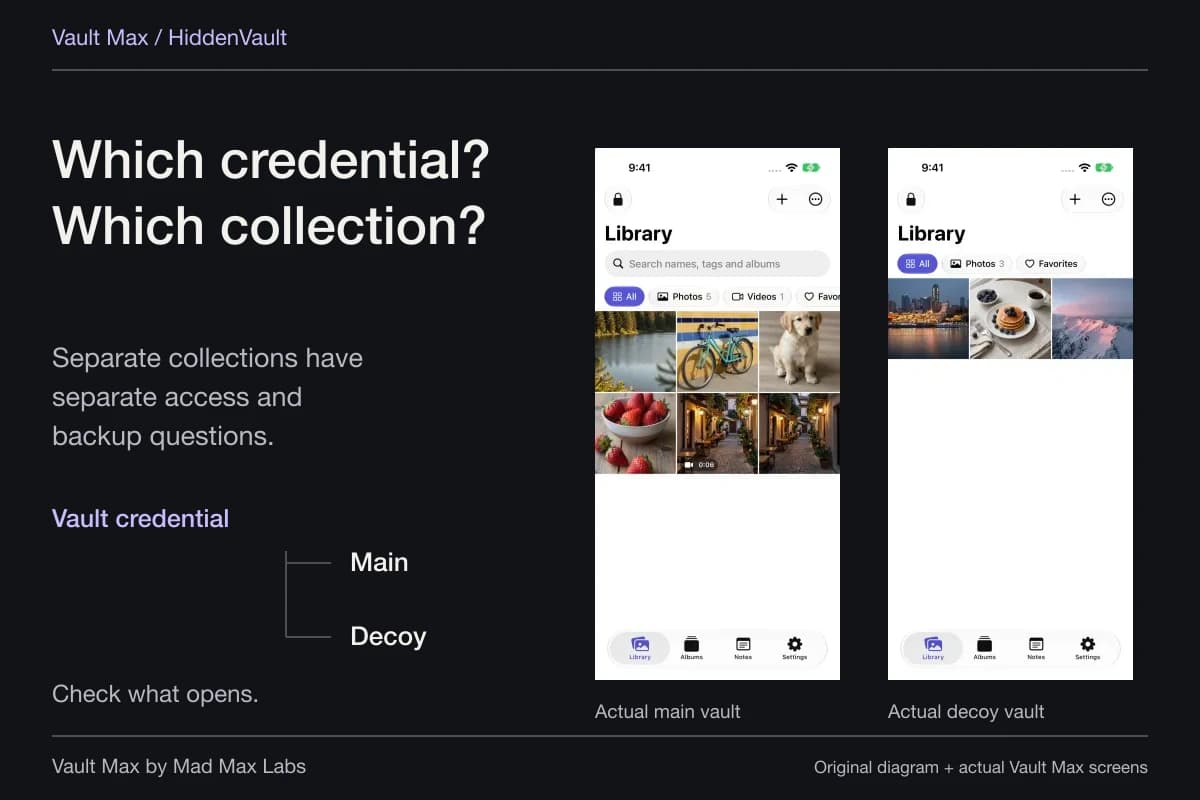
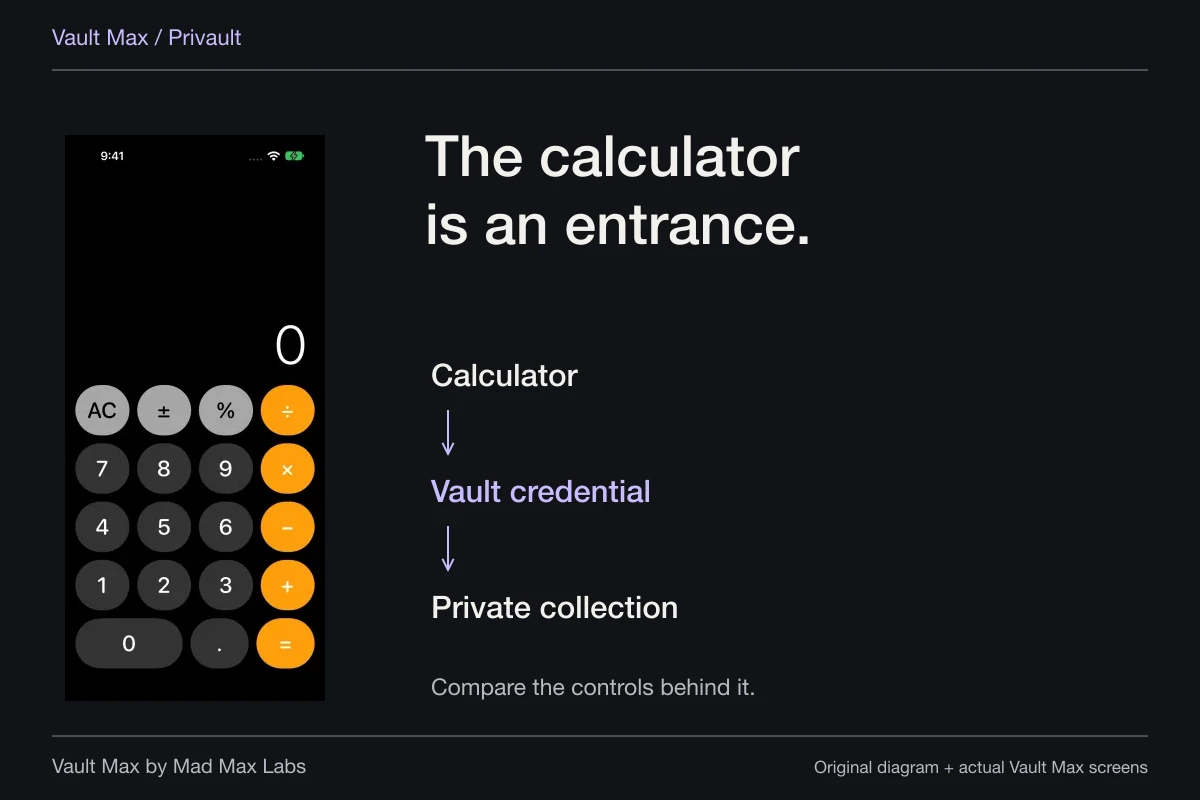
When your goal is a separate private library, configure its own access deliberately. Vault Max supports a credential for the collection, optional biometric convenience and ways to close an open session. A working calculator can change the entrance while the matching vault credential still controls access.
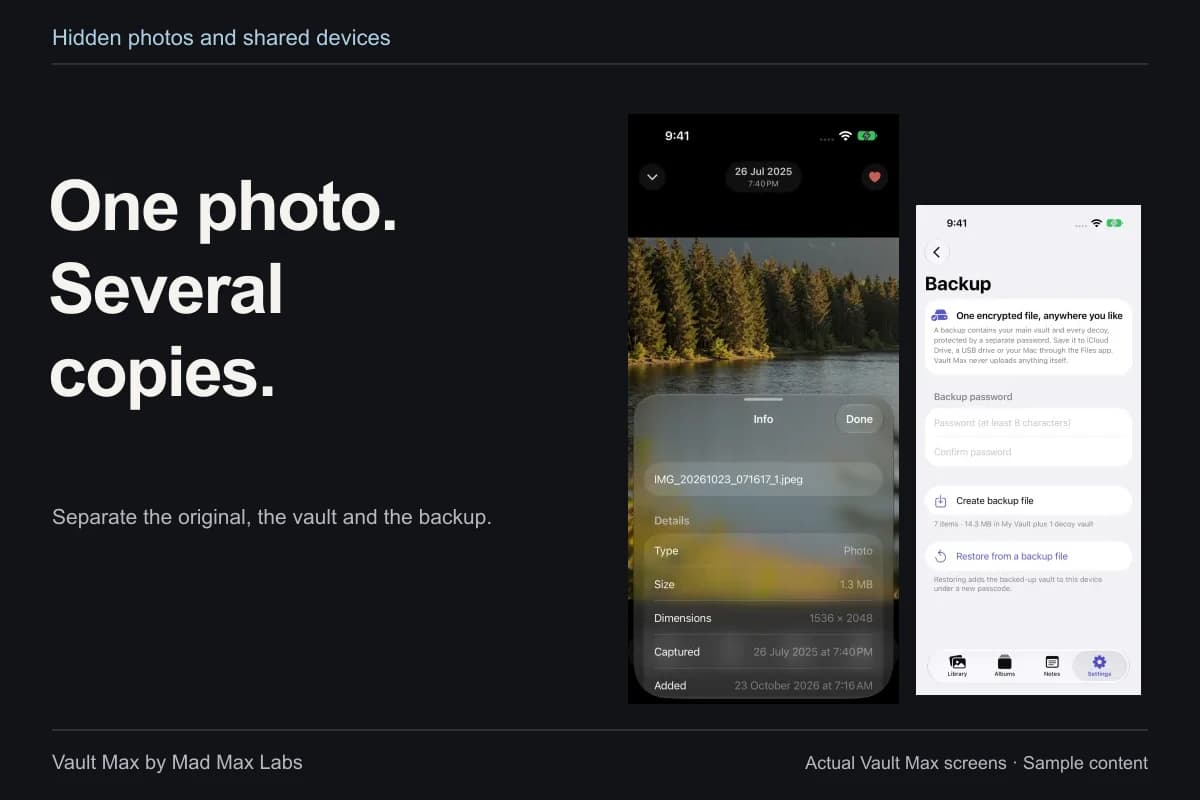
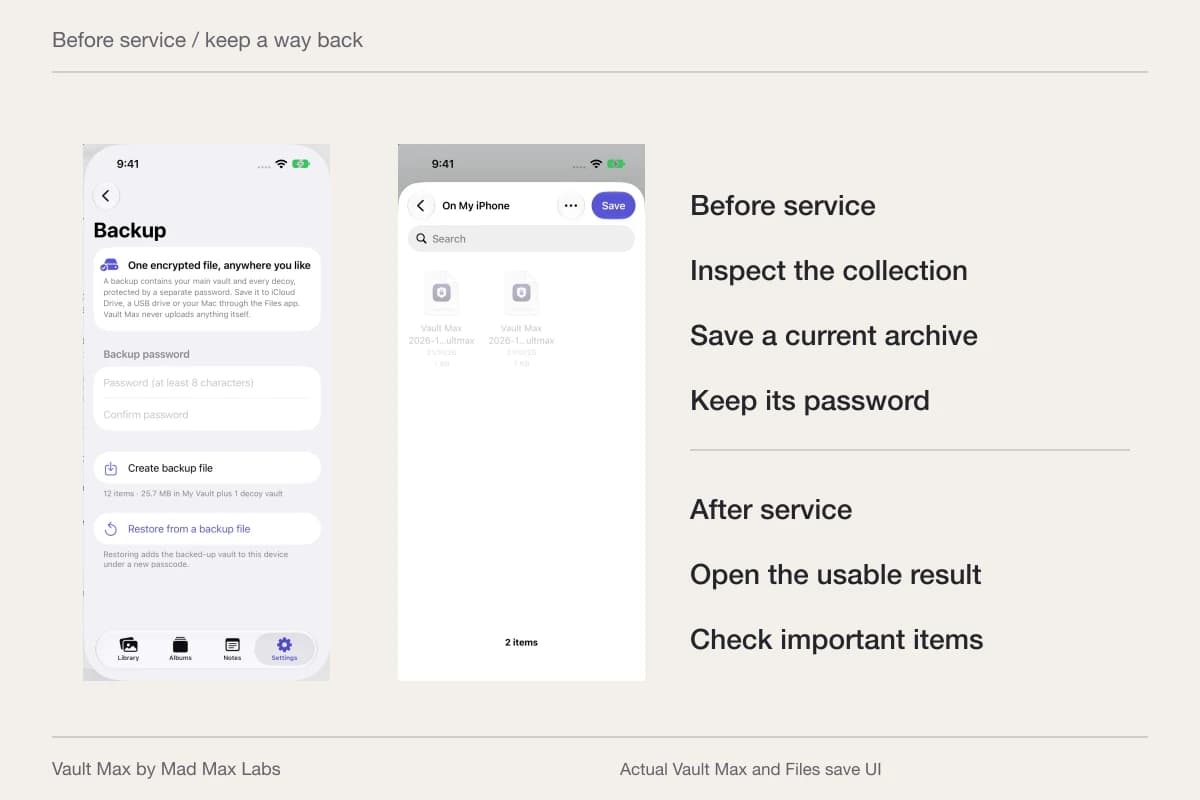
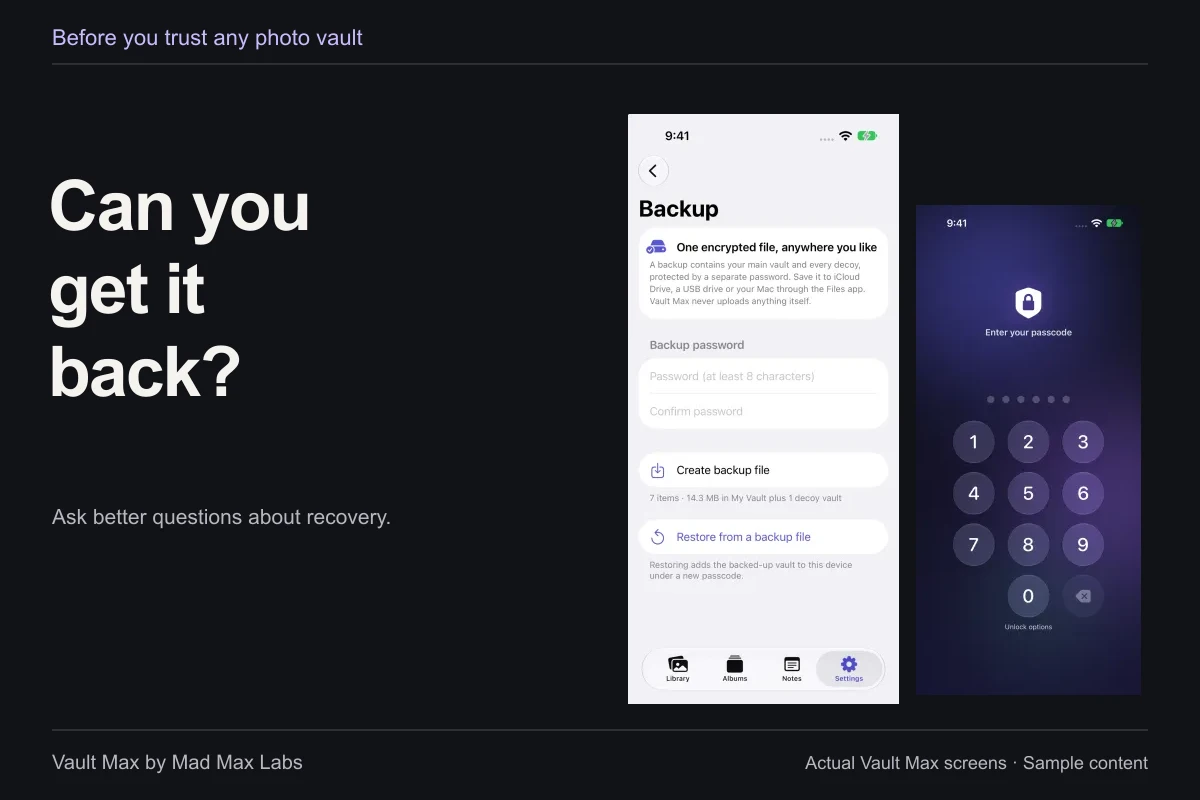
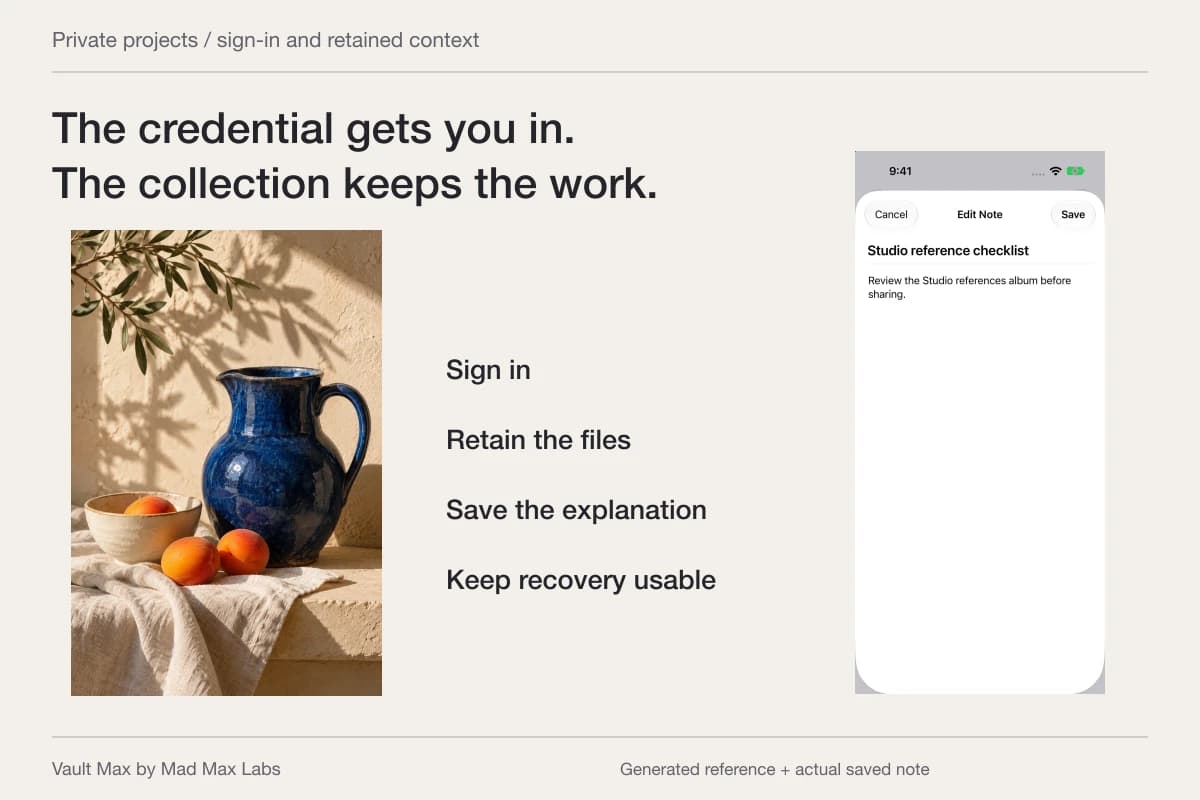
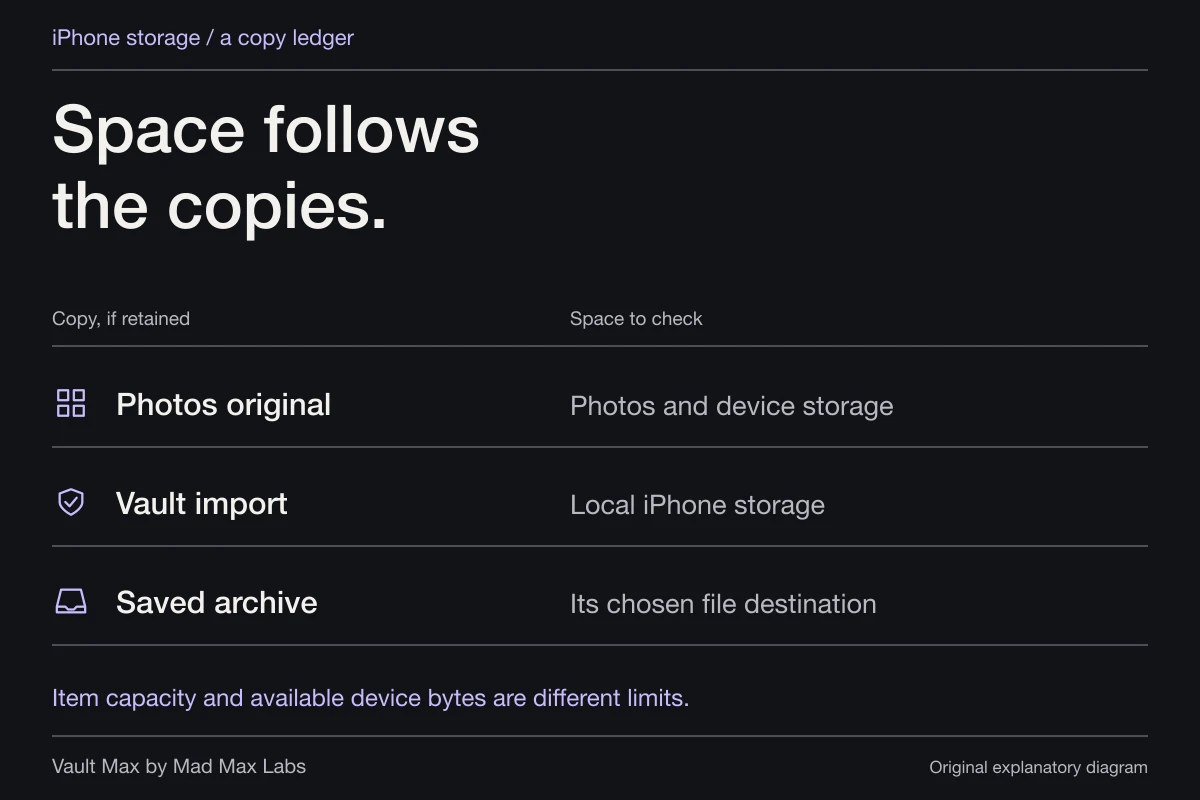
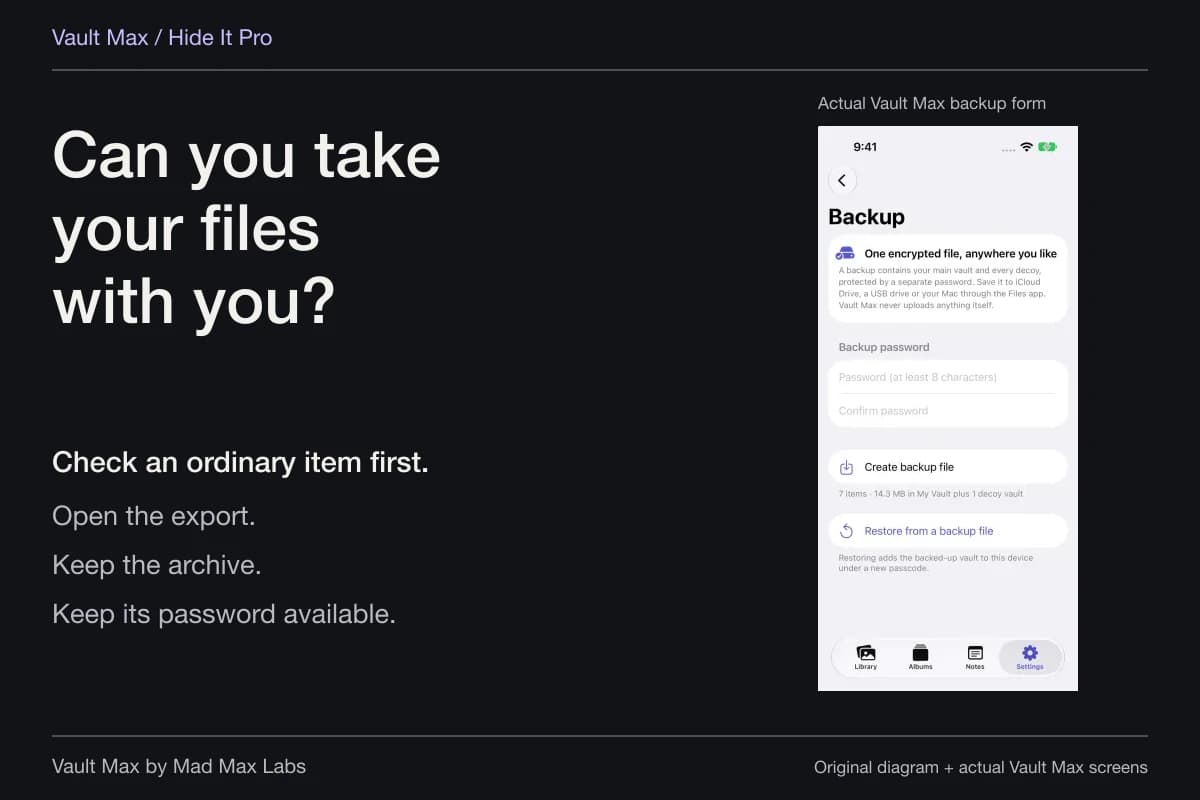
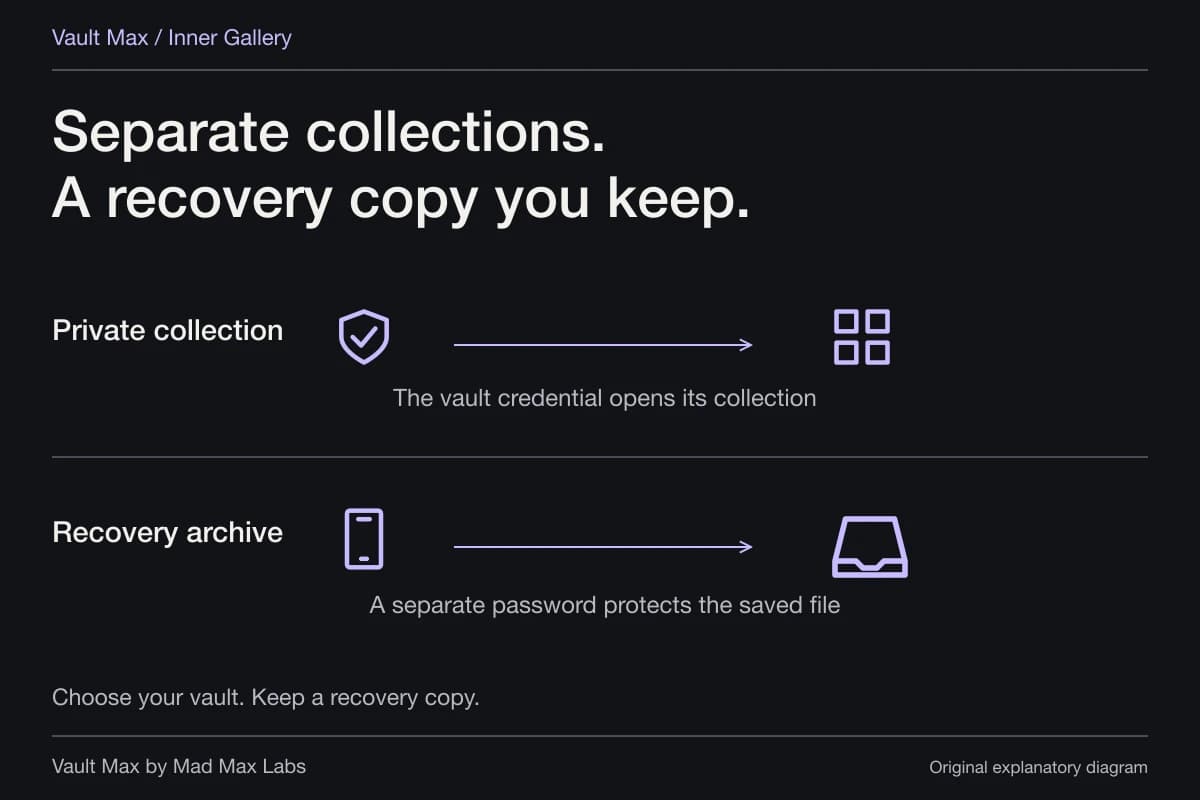
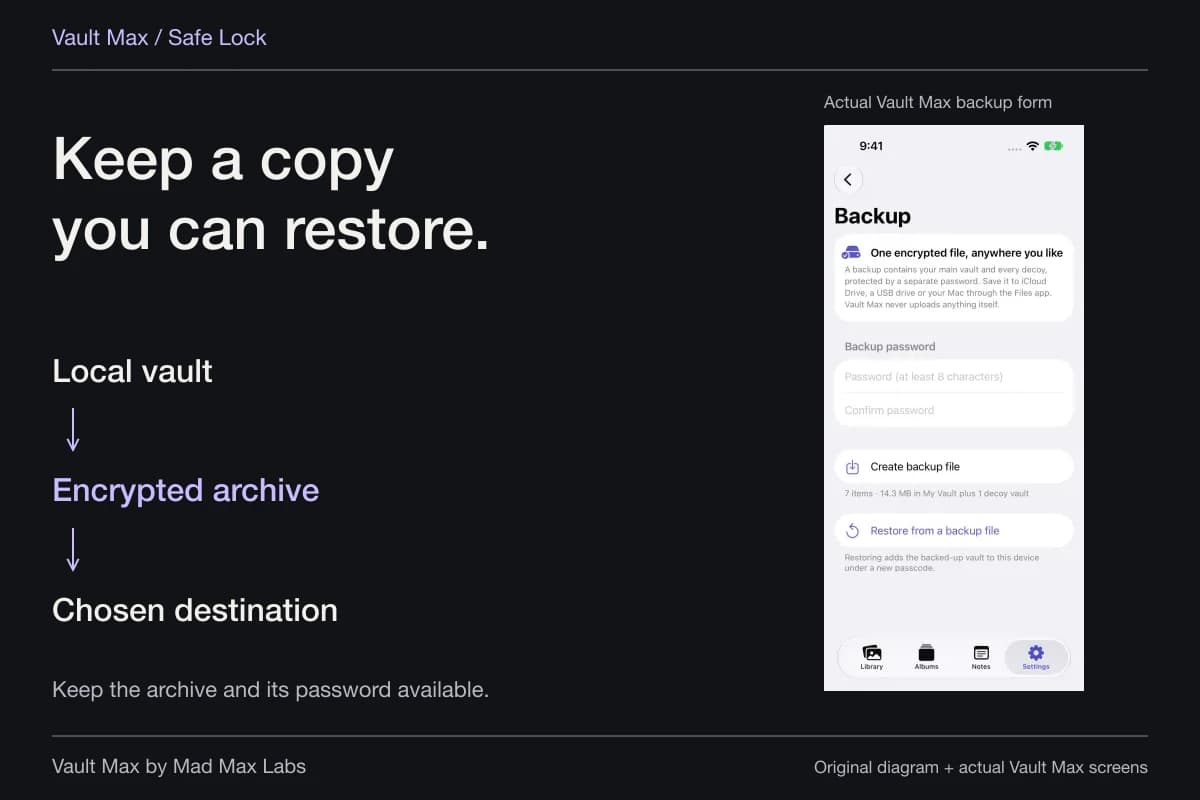
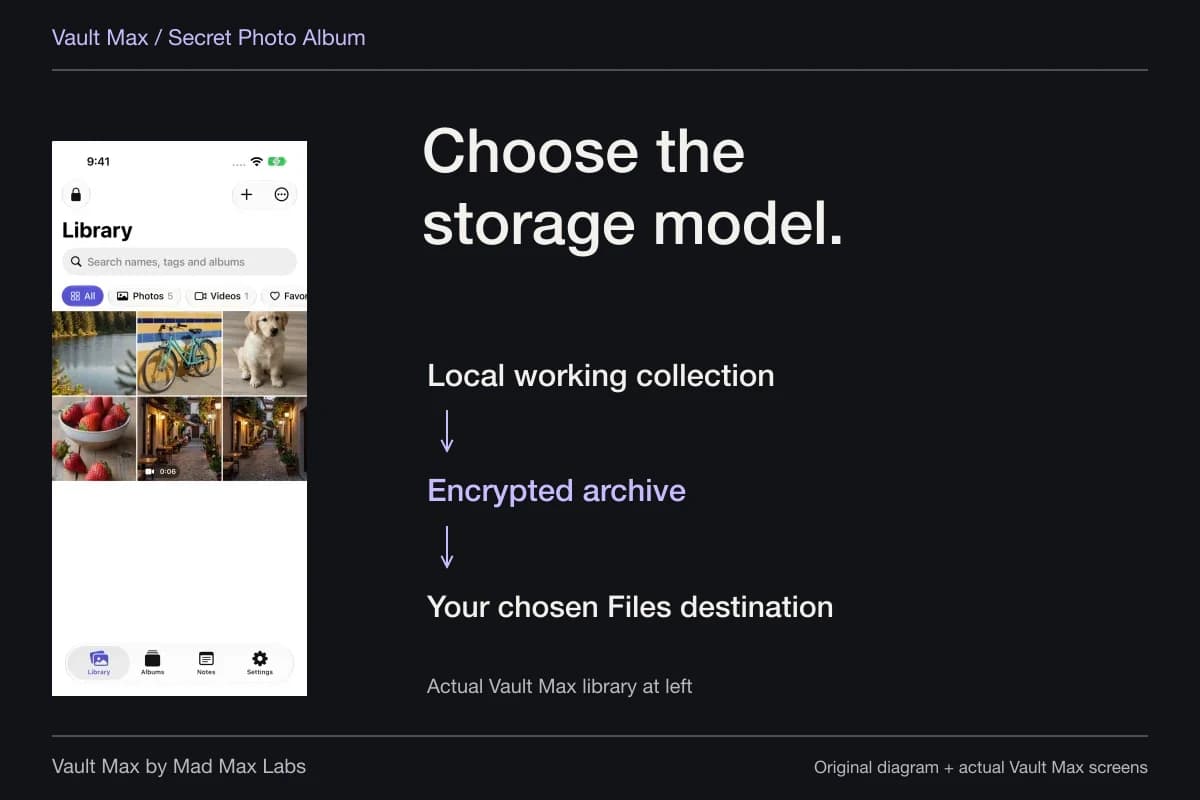
Use the separate-password guide to consider a different secret from the device code. Then read the archive instructions before depending on the collection. The working library, its retained Photos originals and the recovery file are separate things to maintain.
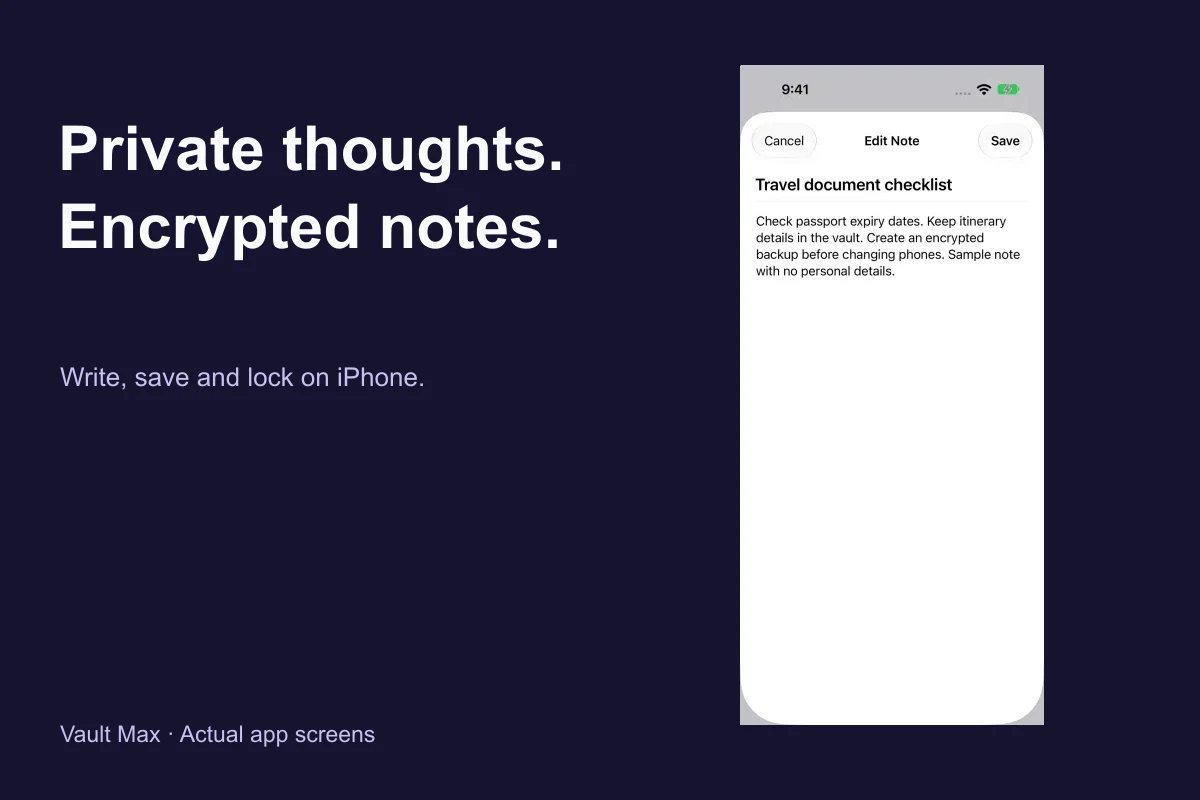
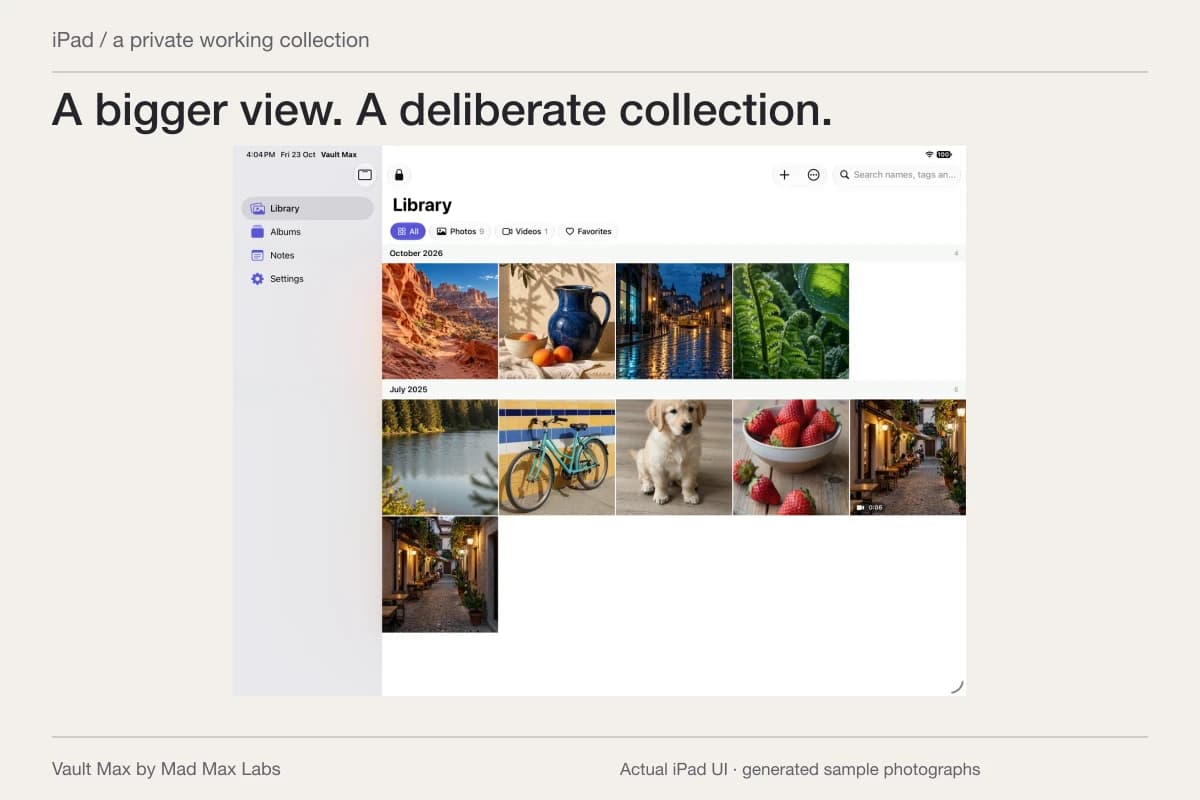
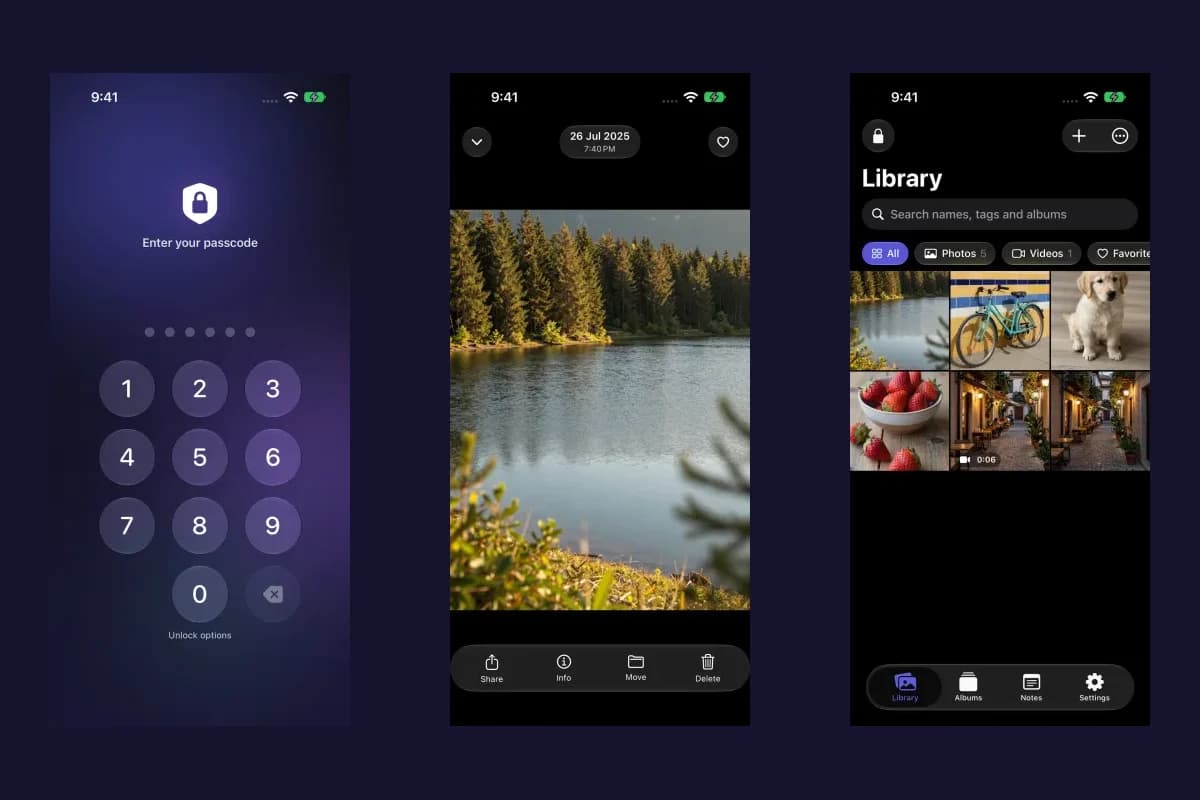
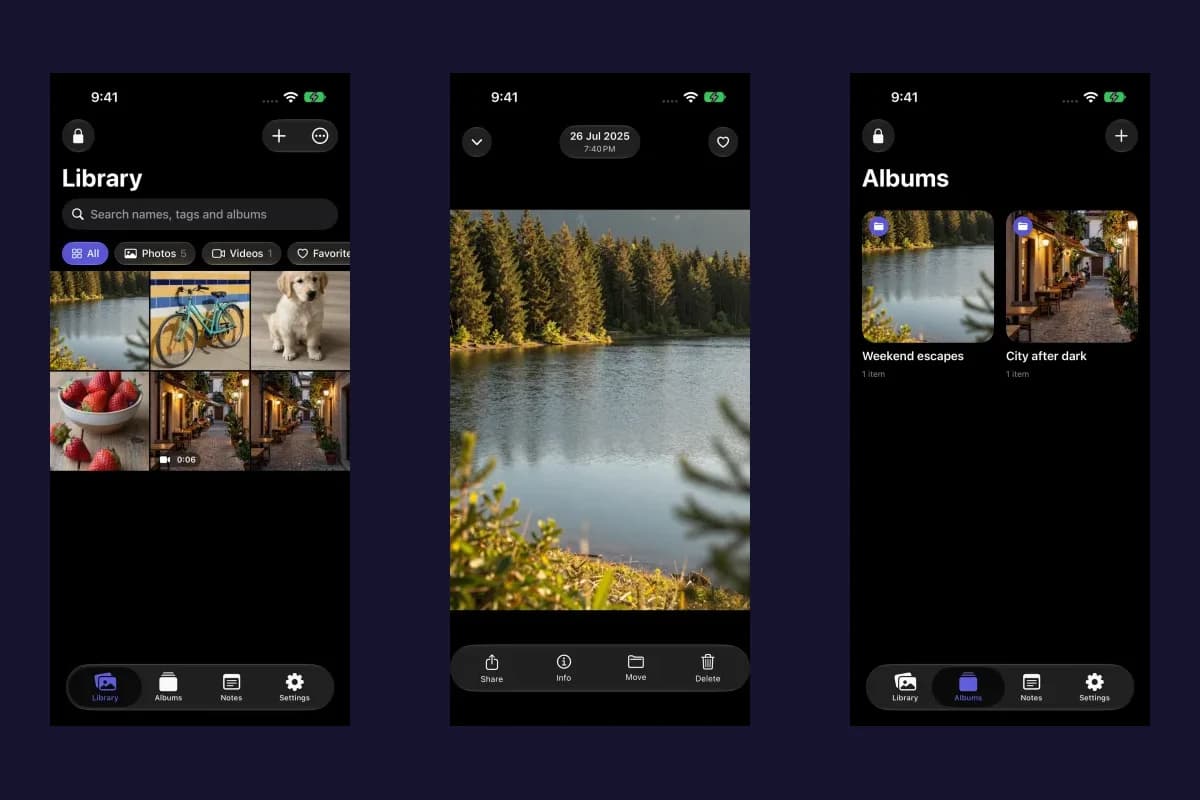
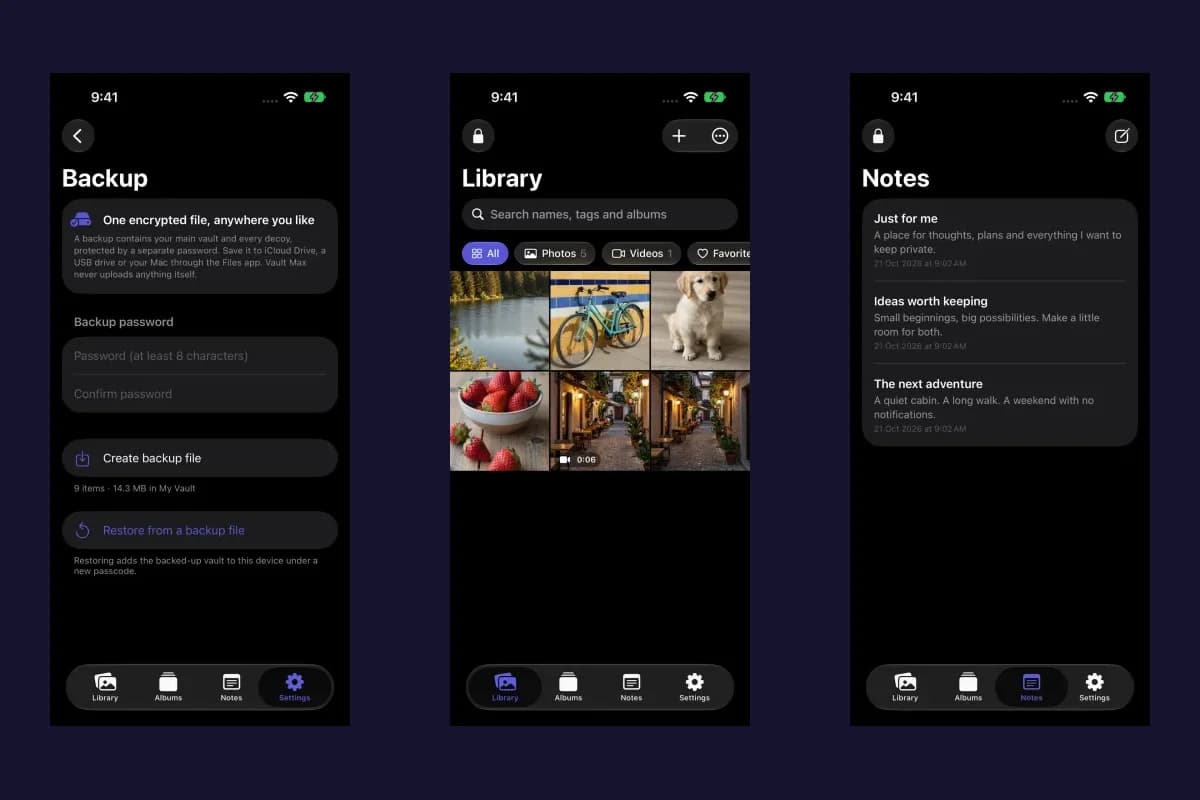
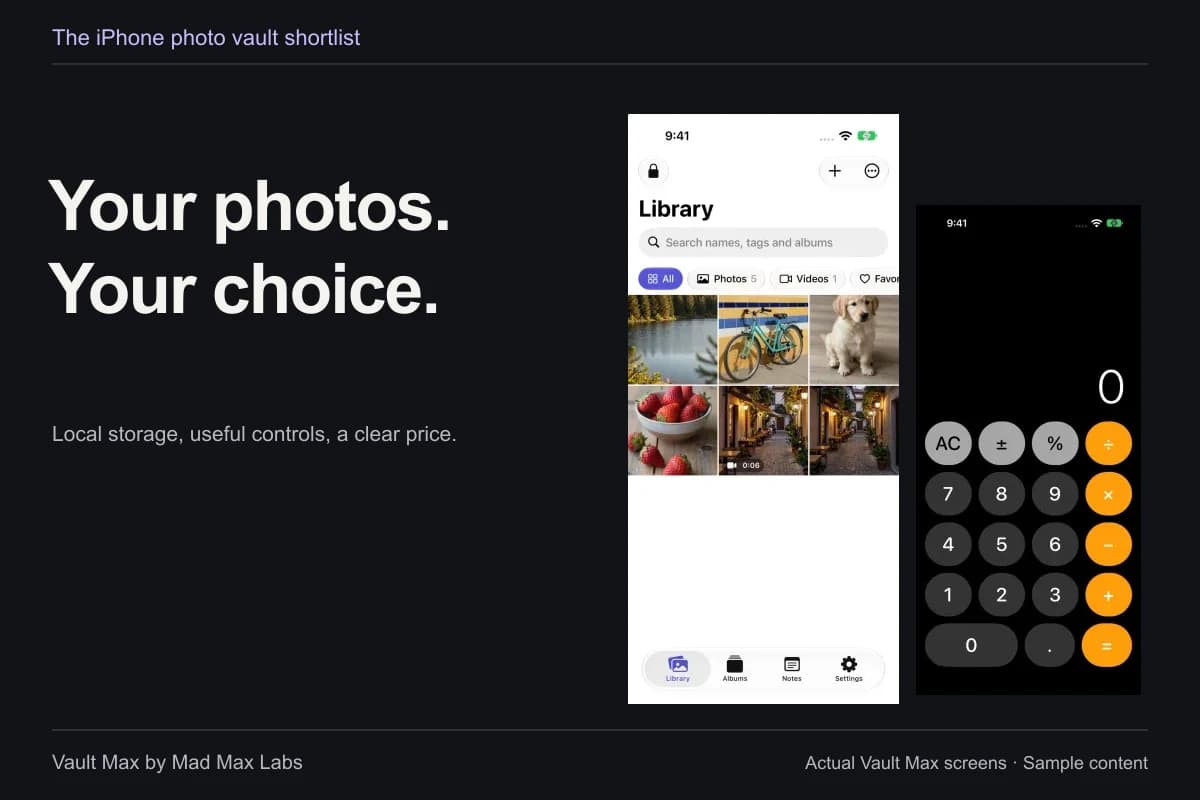
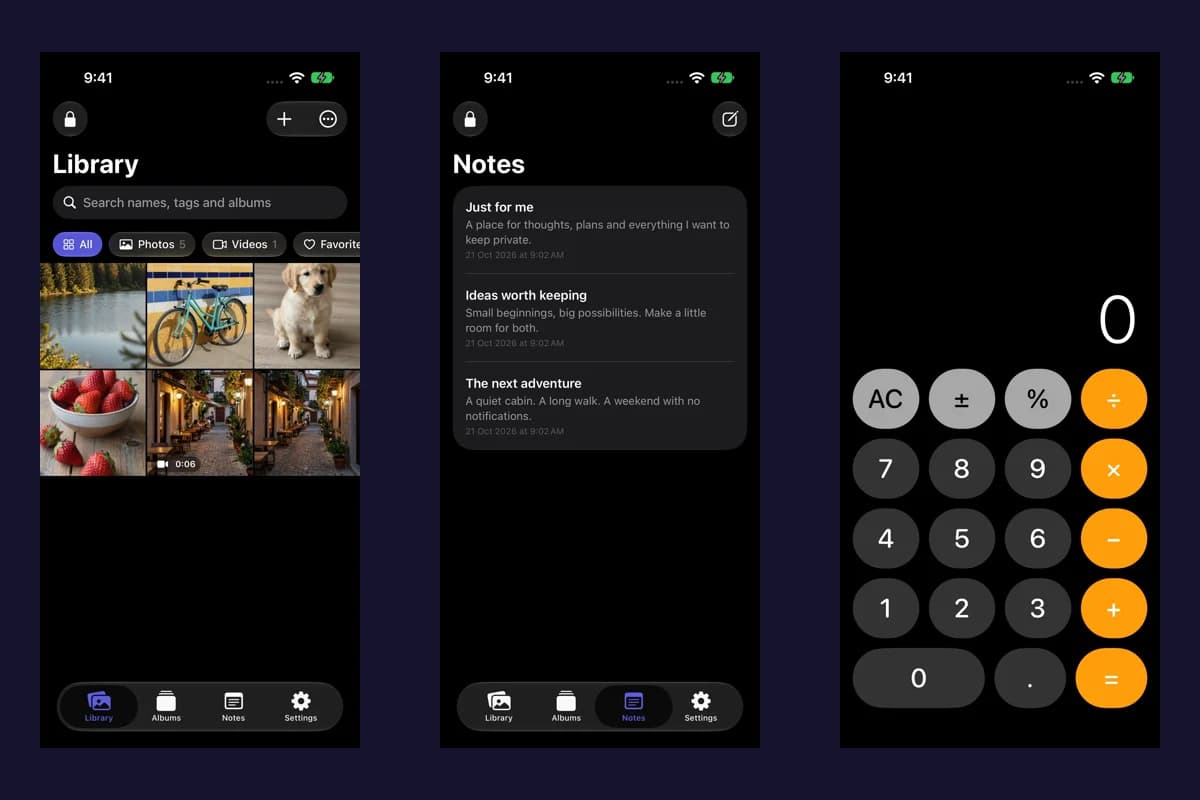
Sample Vault Max library. Select a screen for a closer look.
Finish one review before widening the scope
Keep the first review small enough to understand. Choose a harmless item, follow the applicable route and record the result. If the control is still unavailable, retain the app name, system version and exact action for the relevant support request; you do not need to attach the private content itself.
- Name the app, surface or other device involved and the result you want.
- Check the installed system version and use Settings search or current primary instructions.
- Identify the supported action that needs access, or the authorized configuration that limits changes.
- Return to the actual task and check its outcome before changing unrelated settings.
Tap a box as you go. Checks reset when you leave this page.
Common questions
Why is an app missing from an iPhone privacy permission list?
Apple says permission categories show apps that have requested that access. An app may use a system picker for selected items instead of requesting general Photo Library permission. The app's task, system version and any restrictions also matter.
Should I reset every privacy setting to find one missing control?
First identify the intended feature, installed system version and the app action that should request access. Review relevant Screen Time or device-management restrictions. A broad reset changes more than the one task you are trying to understand.
Does changing an app's Photos permission remove its imported copies?
A permission change controls future authorization. An app or service may already hold a separate copy. Review that destination's own storage and deletion controls before assuming the file has been recalled.
Continue reading
More guides
Practical tips for your private library. Swipe or scroll to choose your next guide.
74 guides to explore