
Privacy in practice
Did someone open your private photos? Separate the record from the guess
Interpret iPhone Screen Time, battery activity and privacy reports without inventing a photo-view log. See what Vault Max's optional break-in records show.
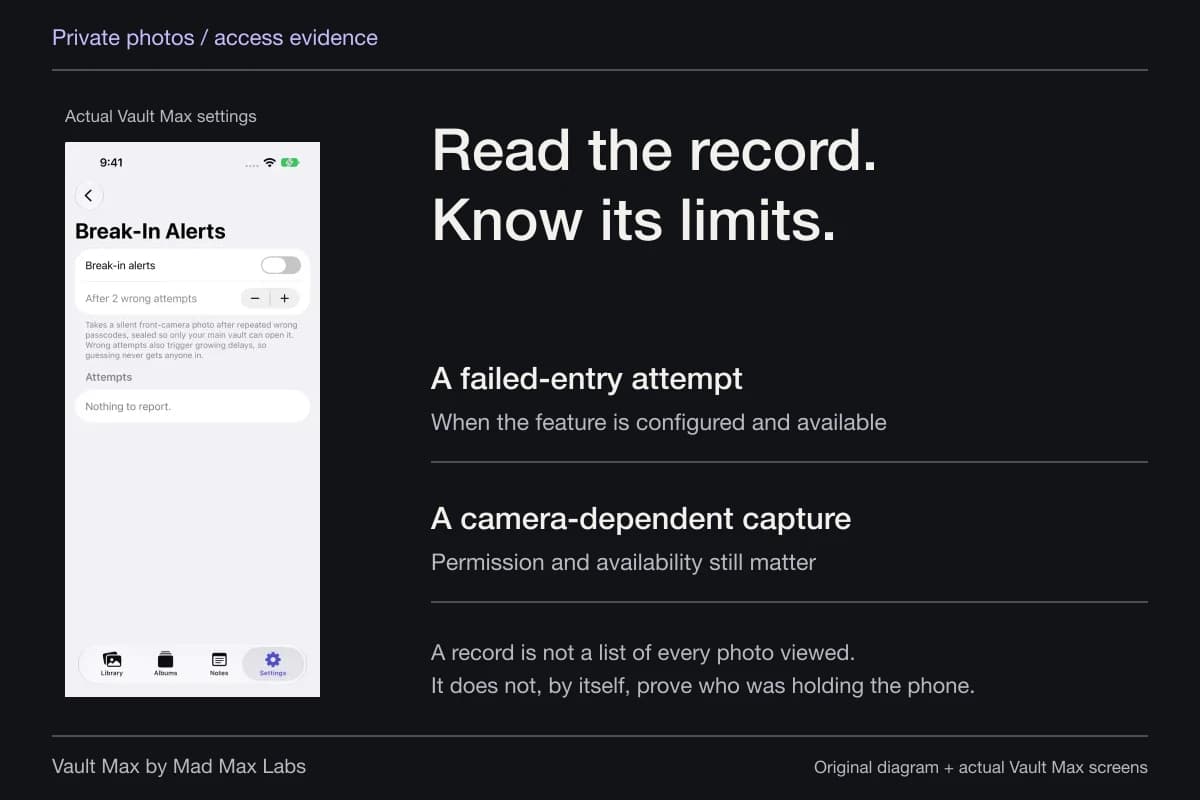
An app-usage graph can show activity without telling you who held the phone or which picture they saw. Vault Max's optional break-in records answer a narrower, useful question: whether configured incorrect vault-code attempts produced saved records. Keep those two kinds of evidence separate.
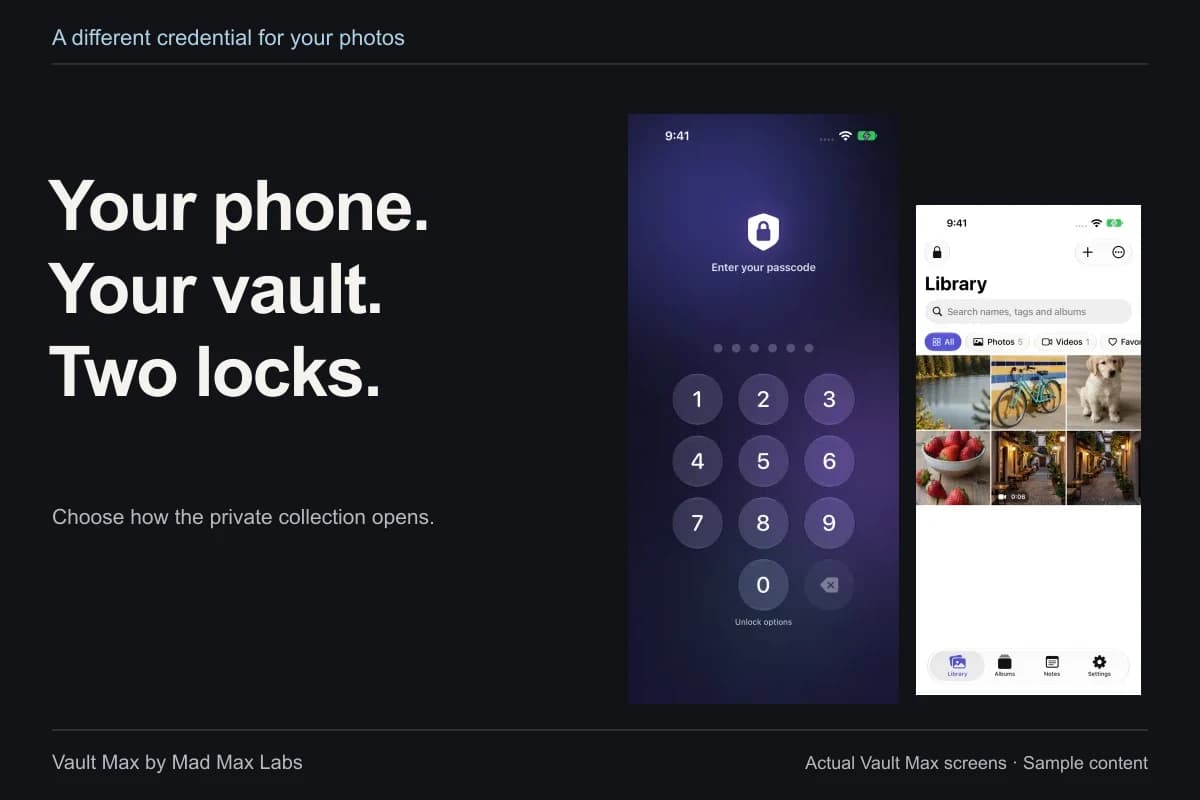
If you want selected photographs behind a secret different from the phone's code, Vault Max provides a separate encrypted collection, plus manual and quick-lock controls. That is a concrete access decision you can make now. It does not require pretending that a battery chart can reconstruct every past interaction.
- App activity
- What it may show
That an app was used during a period.
Does not identify the person or prove which photo was viewed. - A wrong-code capture
- When configured and available
A record tied to a failed unlock attempt; capture depends on permission and camera availability.
Does not record every successful entry or every item opened. - No visible record
- What remains unknown
Missing evidence does not prove that nobody had access.
Review credentials and the open-session routine before drawing a conclusion.
Start with what you actually observed
Write down the event before interpreting it. Was a picture already on screen, an app listed in a usage report, a camera permission shown, or an attempted-access record saved inside the vault? Those are different observations. Give the time and device the same attention as the app name.
For example, “Photos shows activity during this period” is more precise than “someone read my private album.” The first describes a report you can inspect. The second adds a person, intent and specific content that the report may not establish.
Preserve the working installation while you check. Deleting an app or clearing reports to see whether they reappear can remove information you meant to understand. If you make a private note of what you observed, avoid copying attempted credential details into a place another person can read.
Screen Time is a usage summary
Apple's current Screen Time guide describes app/device-use summaries, pickups and notifications. In its iOS 27 instructions, open Settings → Screen Time → Daily Average, then choose the available daily or weekly view. Earlier system versions can present different labels.
Check whether reports are shared across devices. A combined report and a report for one iPhone answer different questions. Also check that the displayed period is the period you are worried about before treating a total as evidence about a specific moment.
App activity is still not an identity check. A summary does not tell you which person used a shared device, whether they opened the Hidden album or which thumbnail they selected. Use it to describe the activity it reports, rather than silently adding those missing details.
Battery activity can have an ordinary background explanation
Apple's battery-usage guide distinguishes on-screen activity from background work. It lists examples such as photo syncing and fetching mail. Read the activity type, not only a percentage beside an app's name.
A background entry is therefore not the same observation as seeing an app open on the screen. An on-screen entry is more specific about presentation, but it still does not identify a person or produce a list of photographs viewed. Neither percentage is a substitute for that missing information.
Suppose a chart covers the day while the event you remember lasted a few minutes. Keep that difference visible in your own explanation. A broad total can be worth reviewing without being precise enough to settle what happened during those minutes.
App Privacy Report follows permissions, not the viewer's identity
App Privacy Report can show when apps access privacy-sensitive data, including Photos, and which domains are contacted. Apple says it starts gathering information after you enable it and that switching it off clears the report. Its documented data/sensor view covers the past seven days.
That can help you investigate an app's use of permission. It is not a diary naming every person who looked at an image. An app accessing Photos data and a person browsing a particular album are different events, even when both involve the same library.
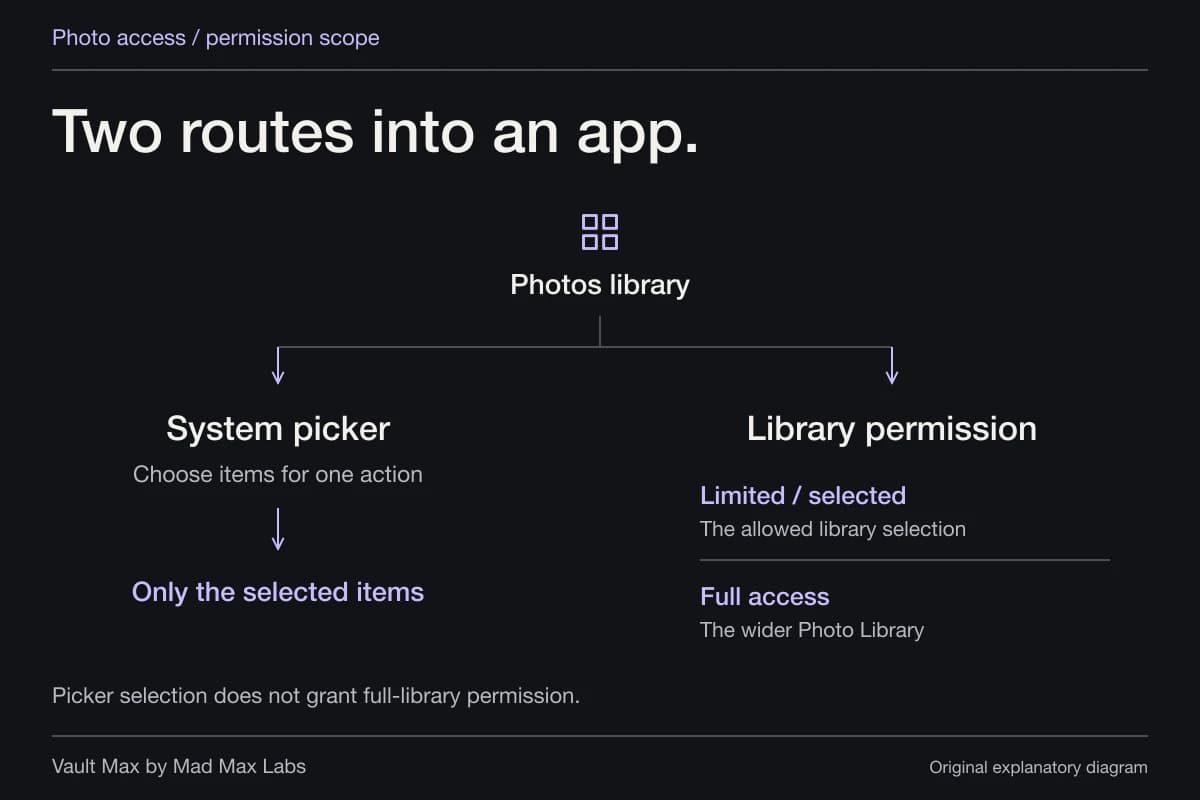
An empty report also needs its configuration and time window attached. It is not a clean bill of health for every past action. The photo-access guide explains another important distinction: an app receiving a selected copy is not the same as receiving unrestricted ongoing library access.
| Observation | What you can reasonably describe | What it does not establish |
|---|---|---|
| Screen Time app activity | Usage reported for the selected device and period | A named viewer or a particular photo |
| Battery background activity | An app/system task used energy in the background | A person browsing private content |
| App Privacy Report Photos access | Recorded access to a protected data category | A complete human photo-viewing history |
| Vault Max incorrect-code record | The saved attempted-access event and its details | Every successful unlock or the person's intent |
| No saved attempt record | No record visible in that log | That nobody had an open session or a valid credential |
What Vault Max's optional break-in records add
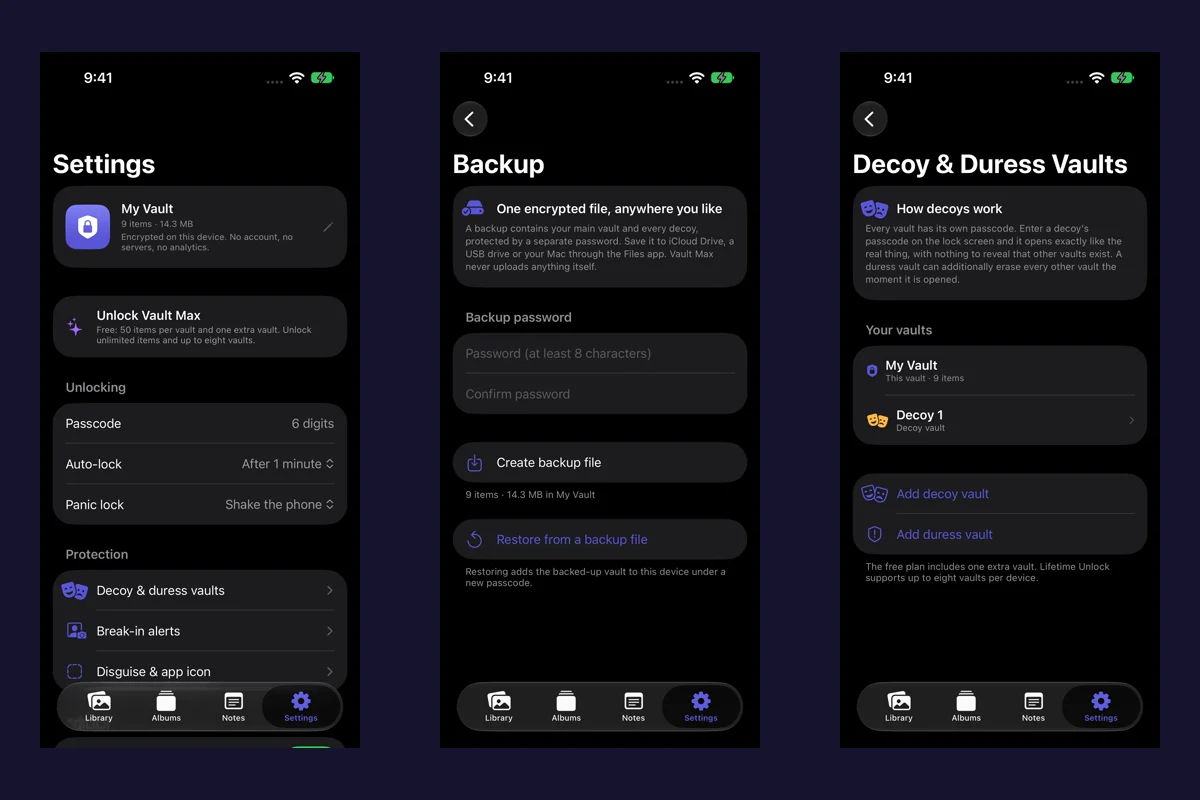
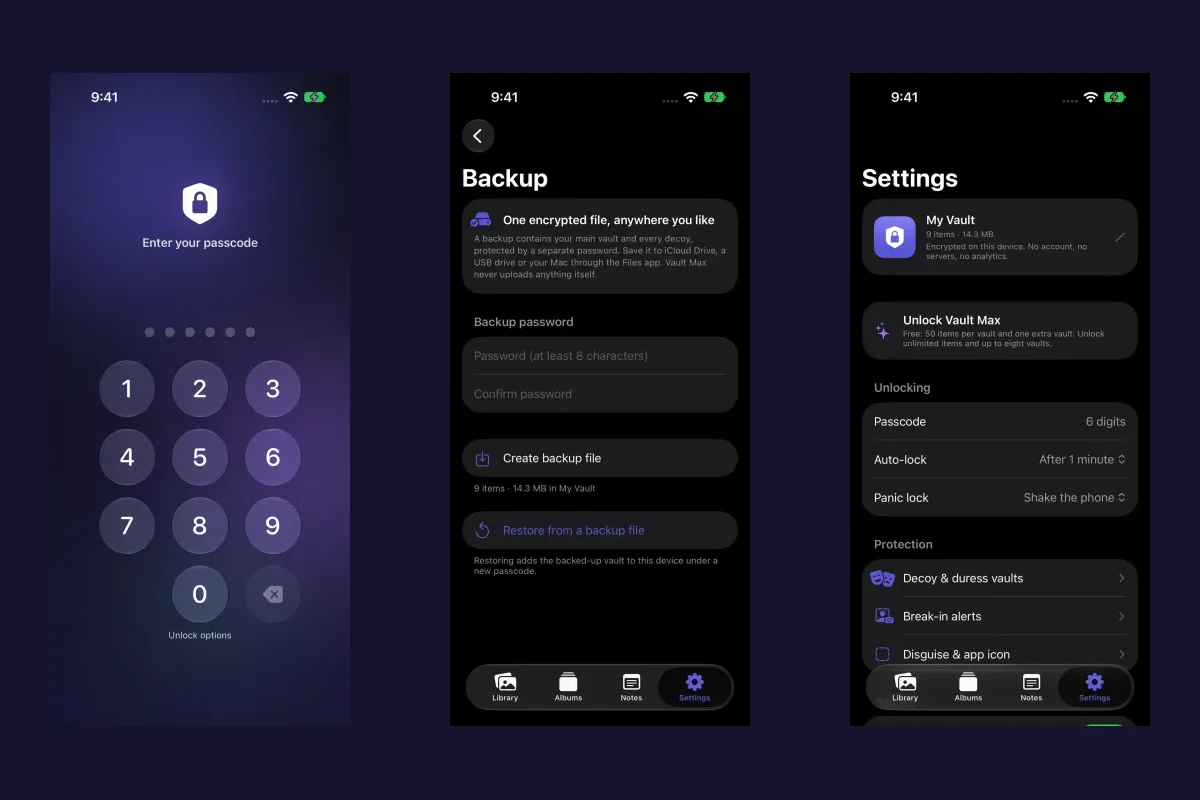
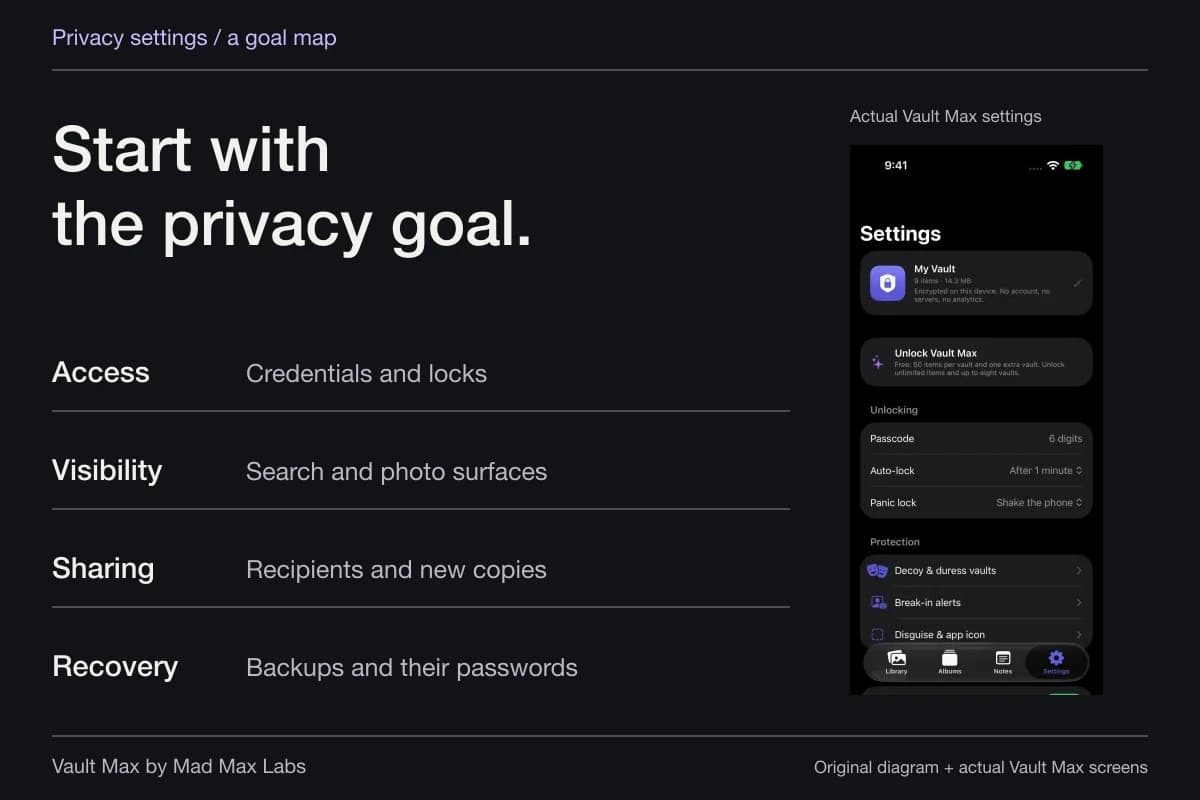
Vault Max lets you configure Break-in alerts while the main vault is open. Choose a threshold from one to five incorrect attempts and grant camera permission if you want attempted front-camera capture. The feature responds to wrong vault credentials; it does not make a correct credential invalid or record every successful photo view.
After unlocking the main vault, review the saved Attempts section. Records can include time, failed-attempt count, the attempted credential and a photograph when capture succeeded. Keep those details private: a typo can resemble your real credential, and your own mistakes can explain an event.

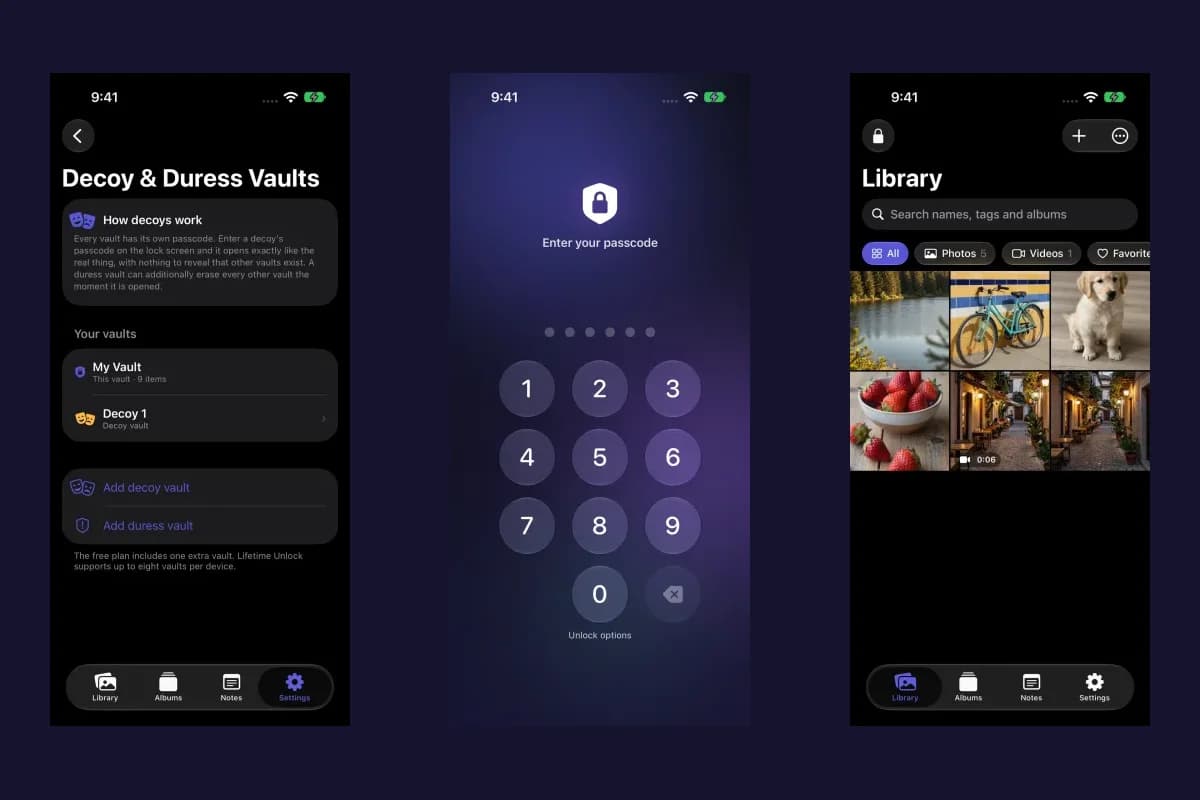
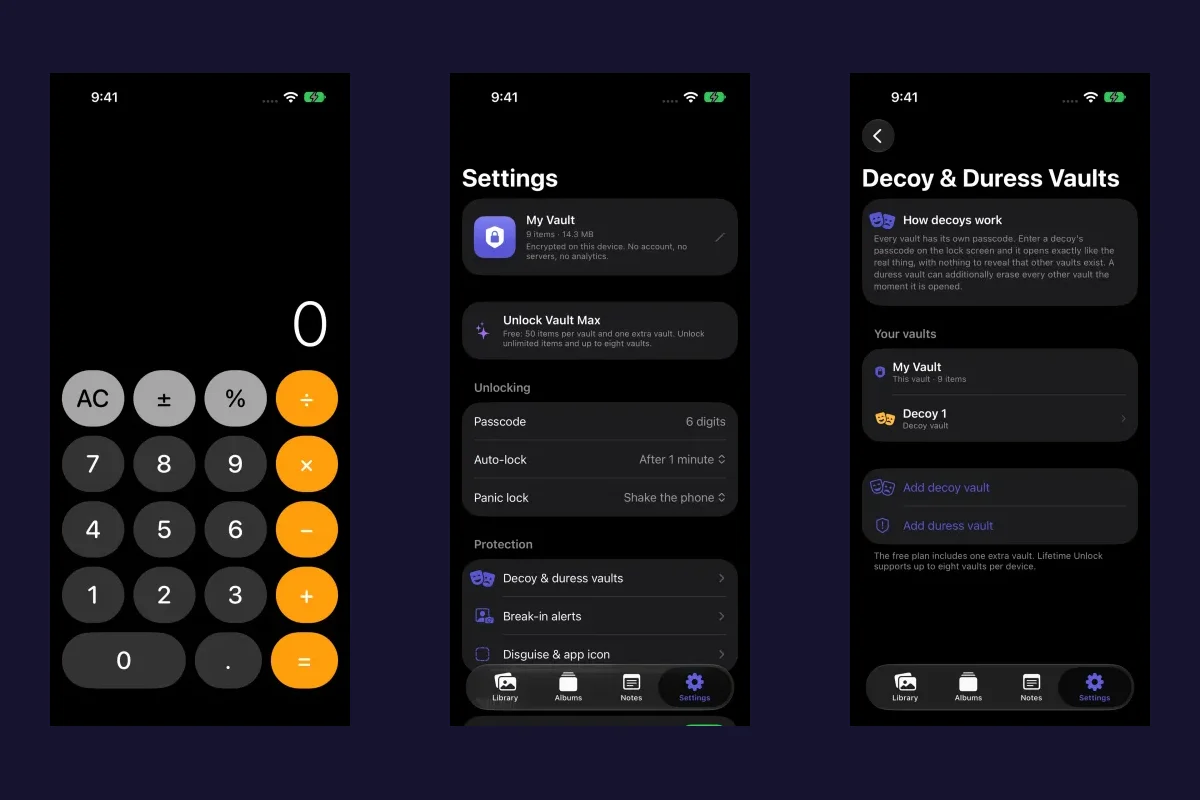
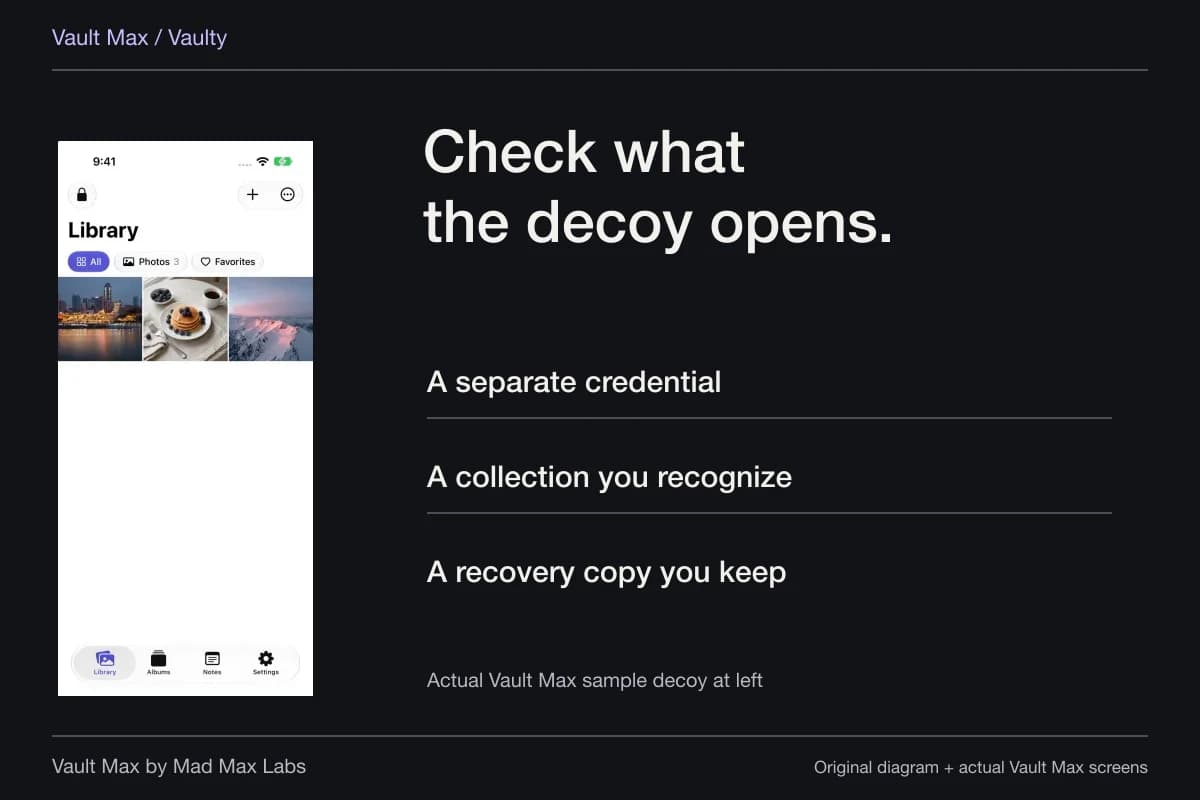
This example explains the possible subject of a successful front-camera photo. It is shown outside app UI. The real simulator screens below demonstrate setup and unavailable-camera behavior; no populated attempt record or hardware photo was captured.
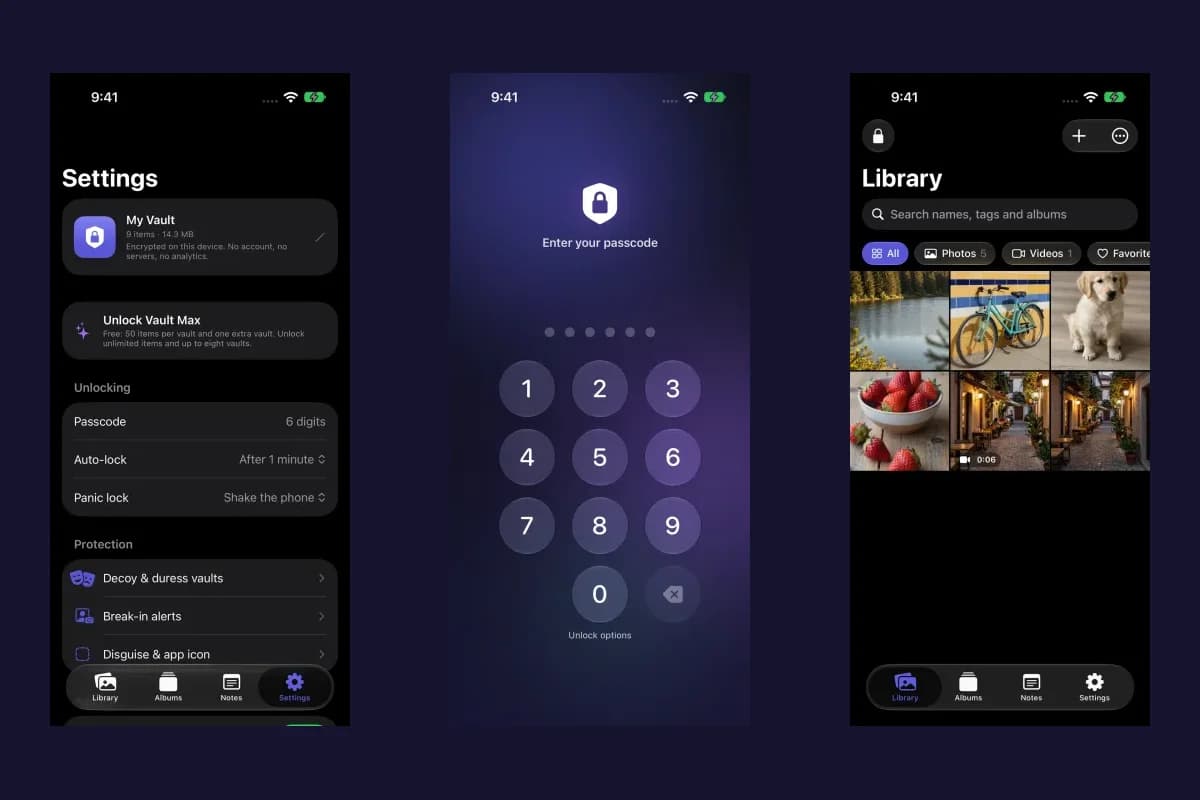
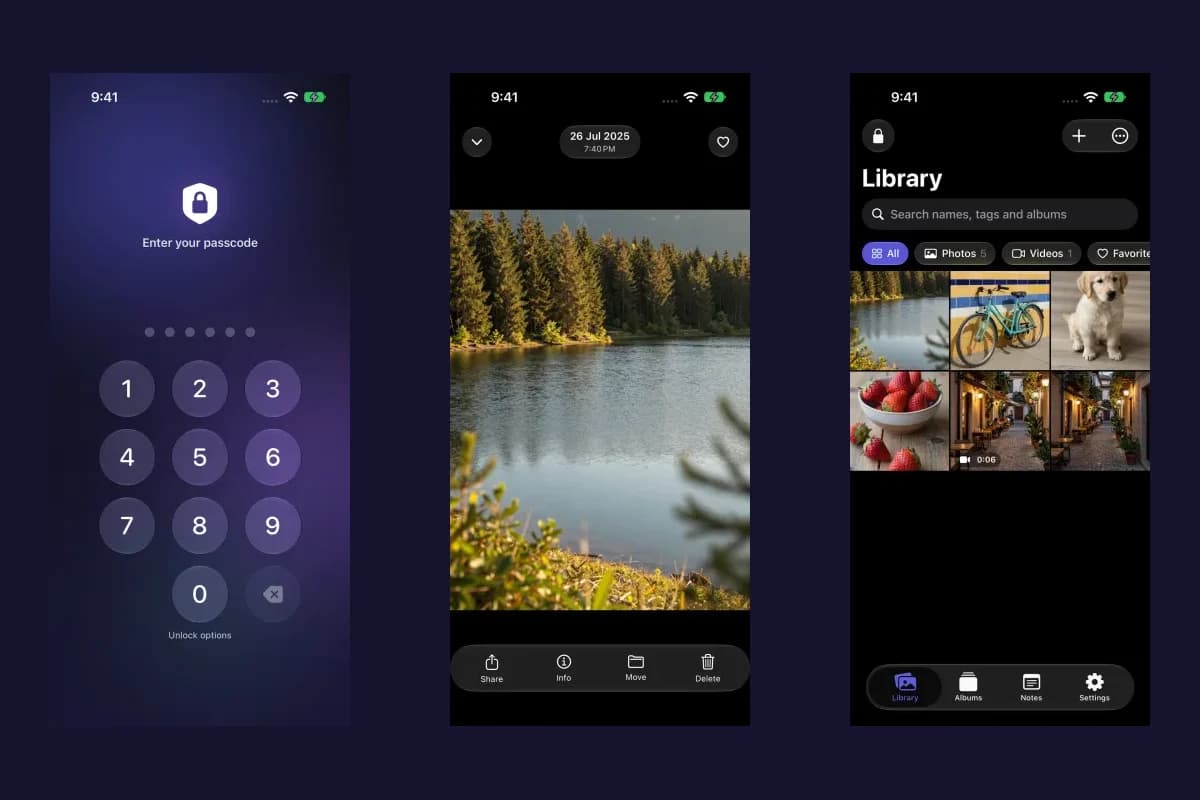
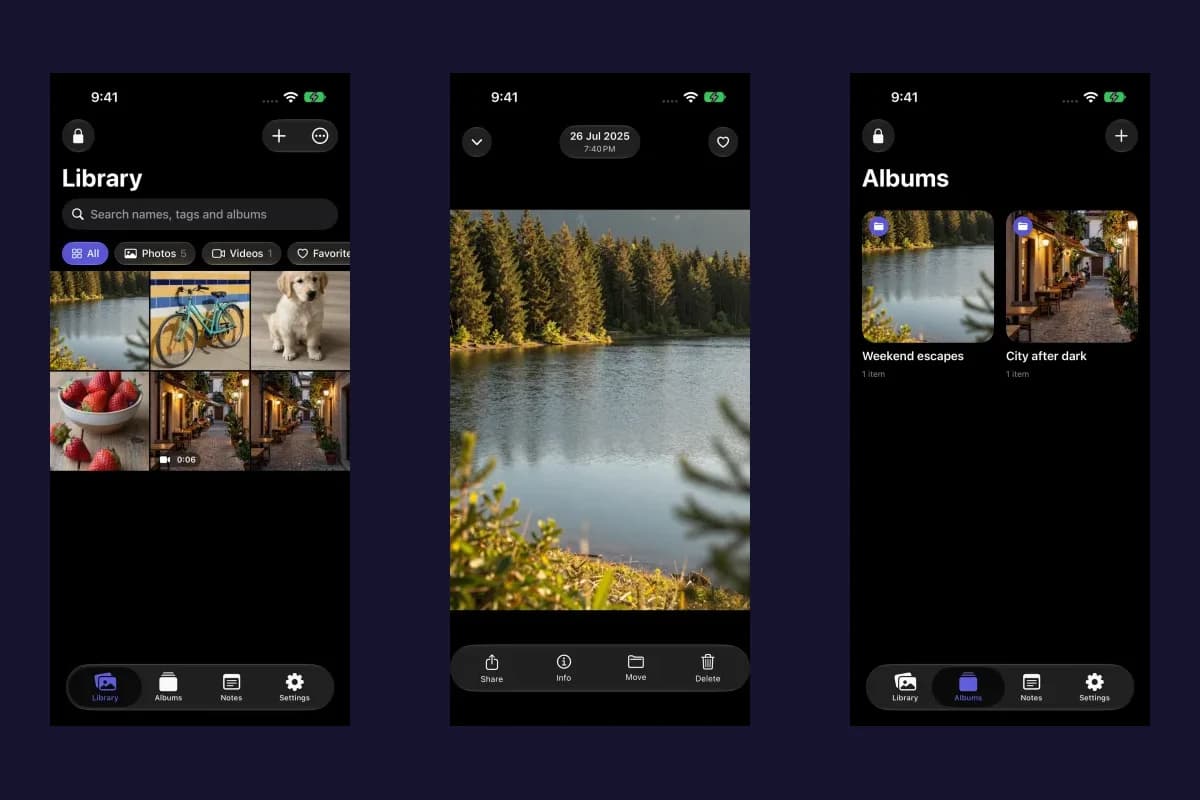
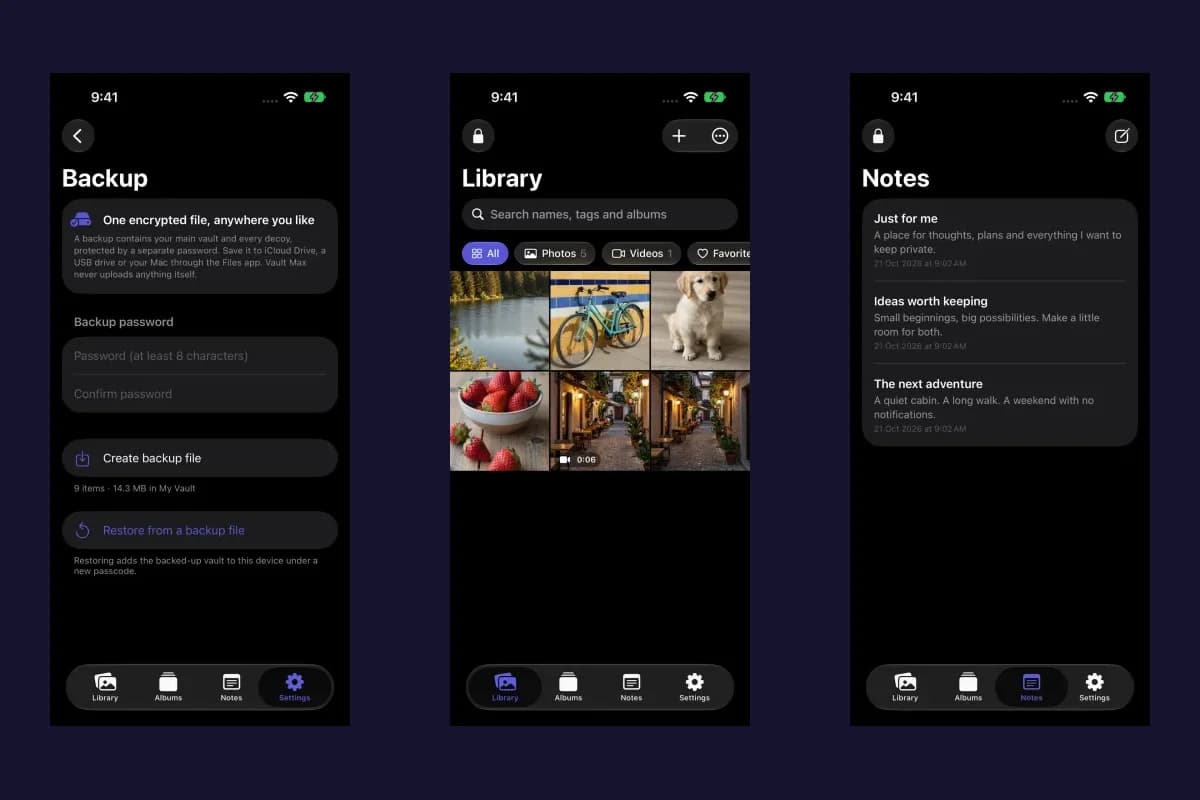
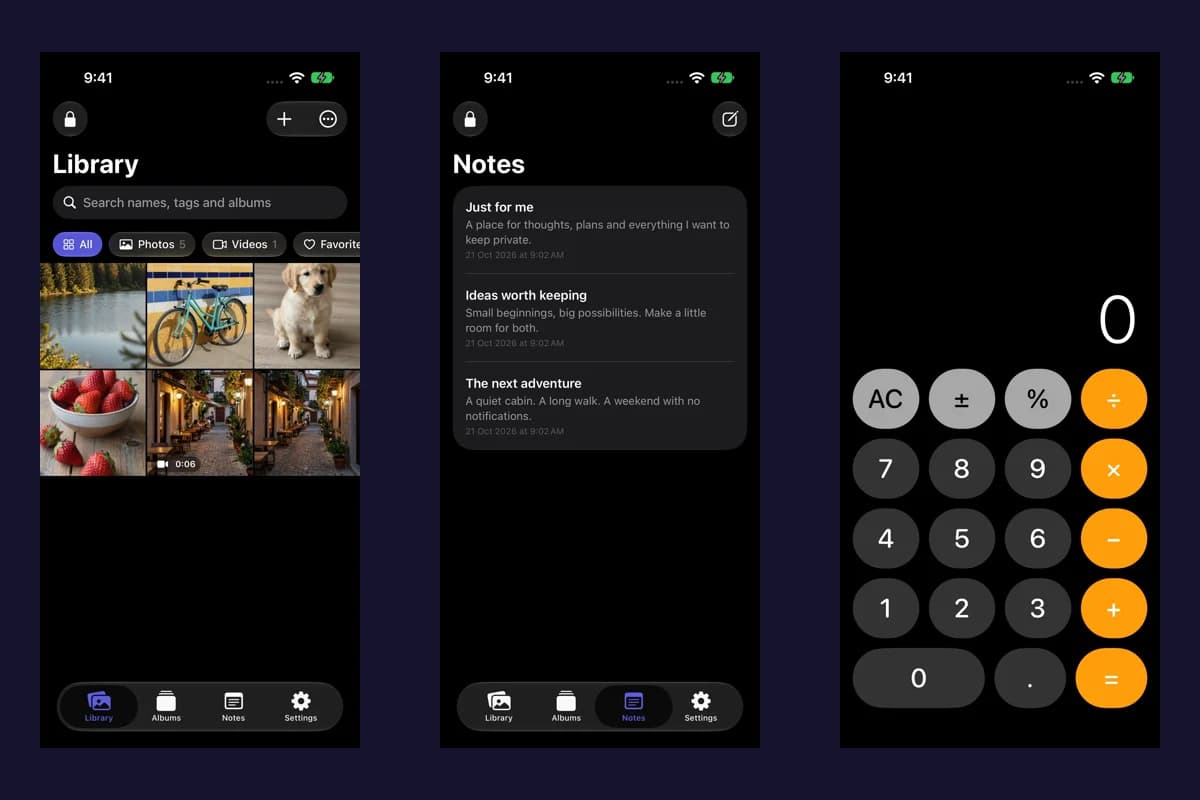
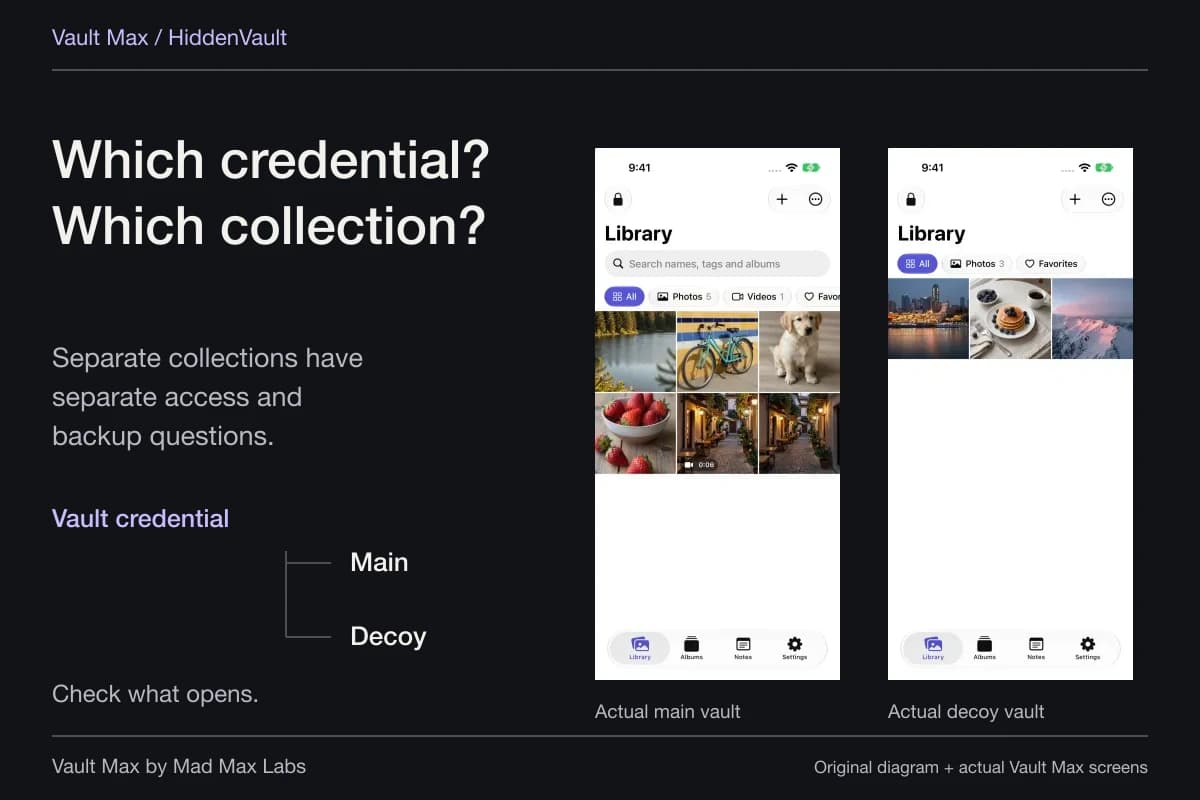
Sample Vault Max library. Select a screen for a closer look.
The record is protected for the main vault. Its useful role is reviewing the event inside the app after unlock. Do not assume that the feature name promises an email, a remote monitoring service or a complete history of who handled the phone.
A missing photograph needs a narrower explanation
An attempted capture needs configuration, permission and an available camera. It can fail to produce a usable frame. The absence of a picture is not evidence that a particular face was present, and a saved face by itself is not proof of intent or every action taken.
Likewise, an empty log cannot tell you whether someone already had an open session or knew the correct credential. Read the event the feature is designed to record. The break-in setup guide covers thresholds, permission, increasing wrong-code delays and unavailable-camera behavior.
Vault Max with sample content. Use the controls to pause or replay.
Make the next access boundary understandable
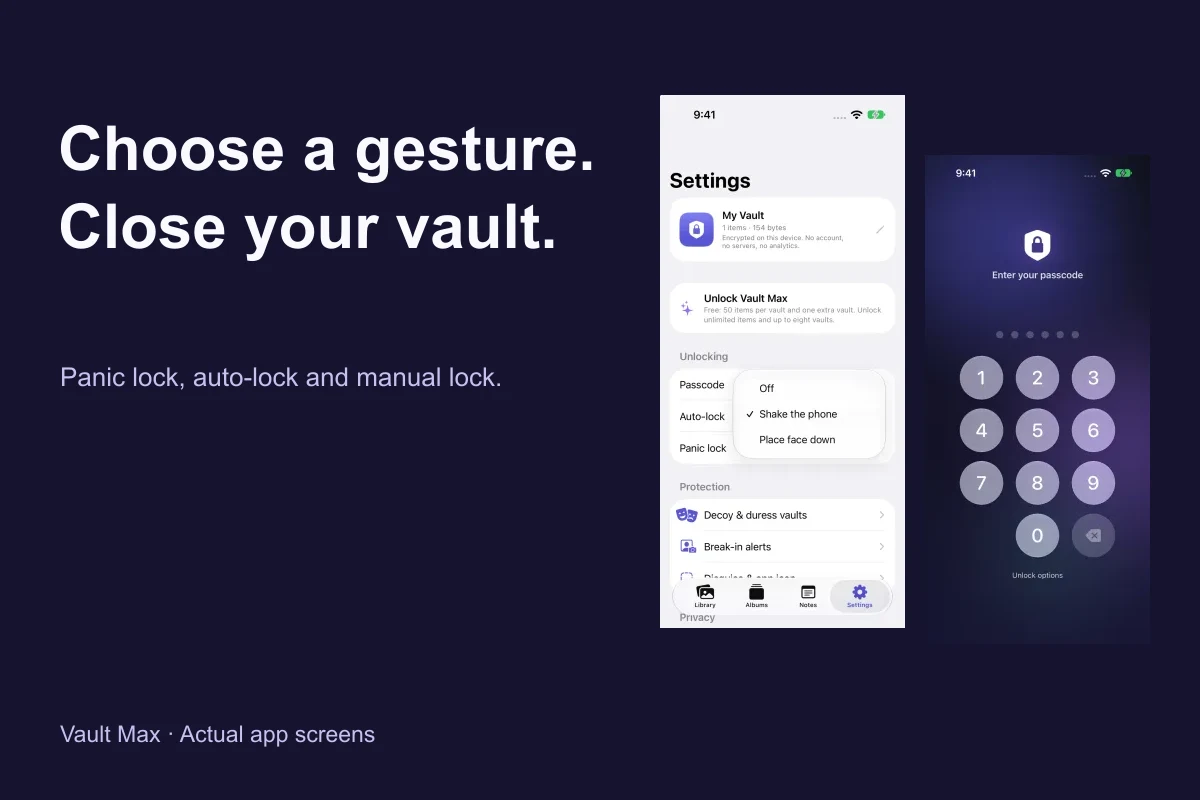
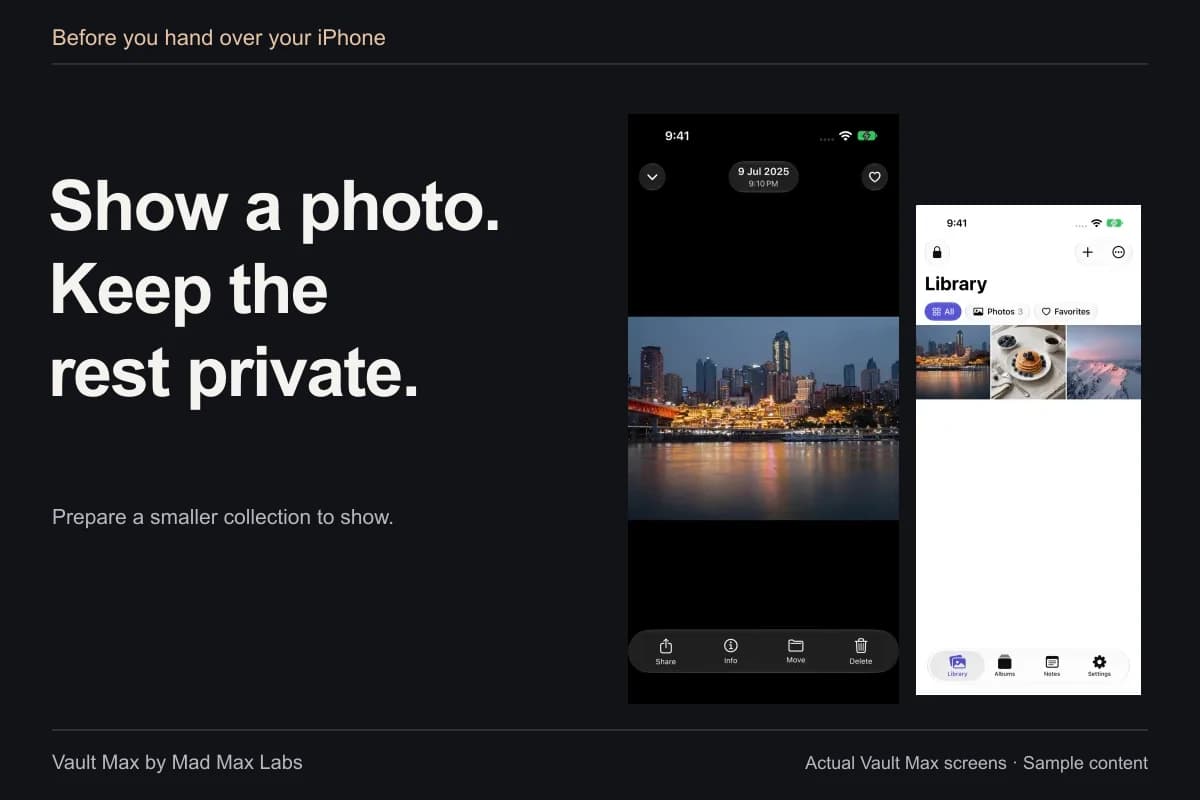
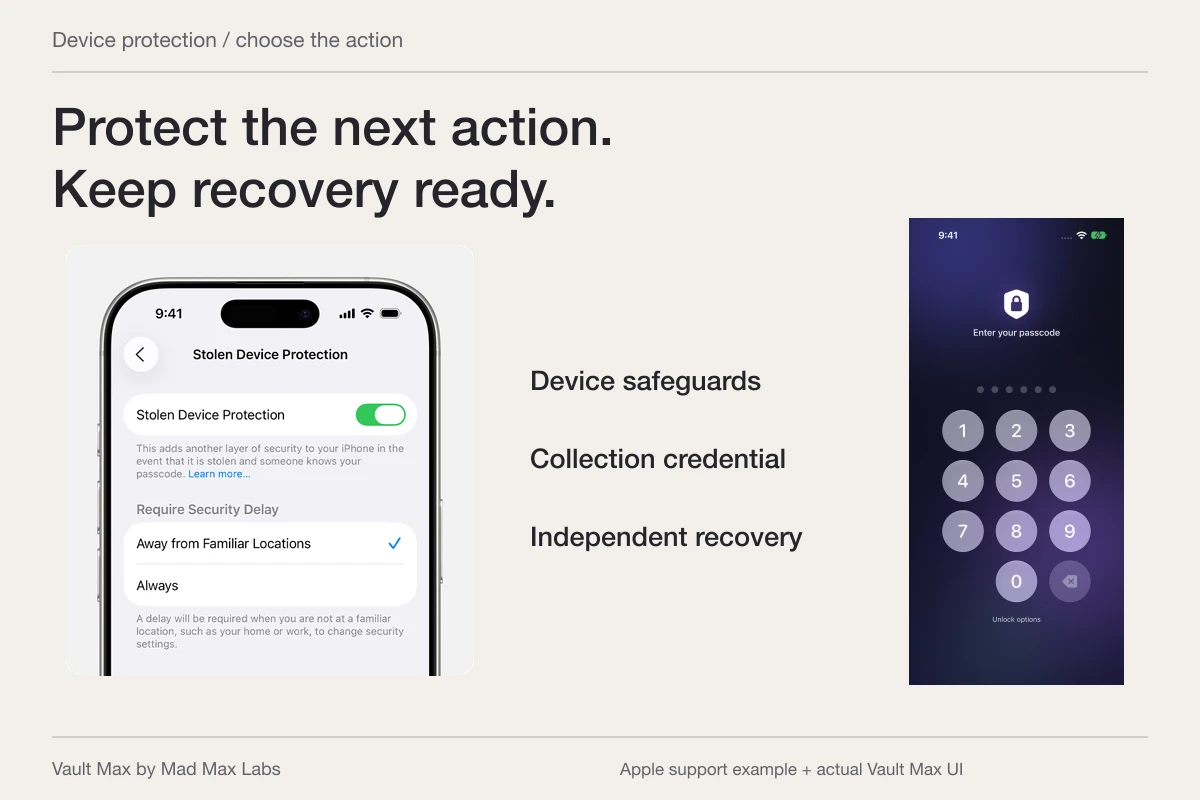
Use a vault credential you can distinguish from the phone's code, learn the ordinary lock action and review the background auto-lock delay. A configured grace period and explicitly locking the collection can have different immediate results. Check the return screen with disposable sample content before handing the phone over.
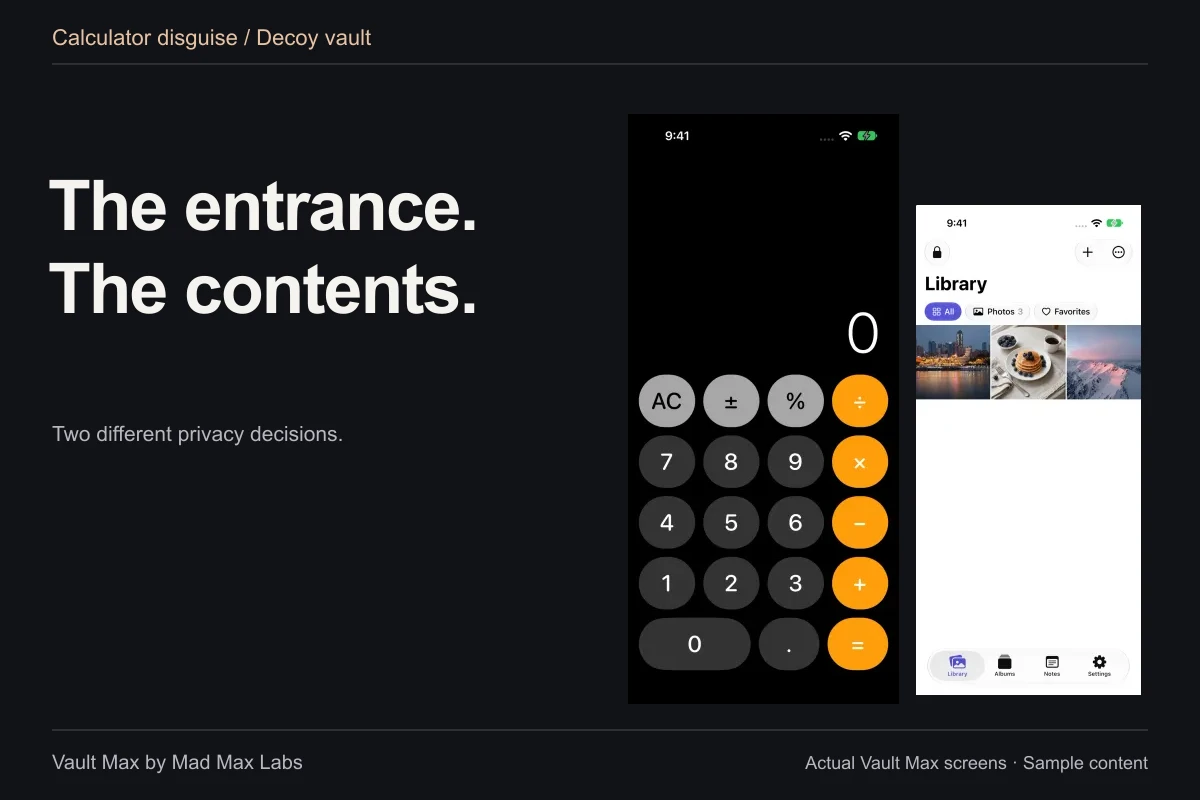
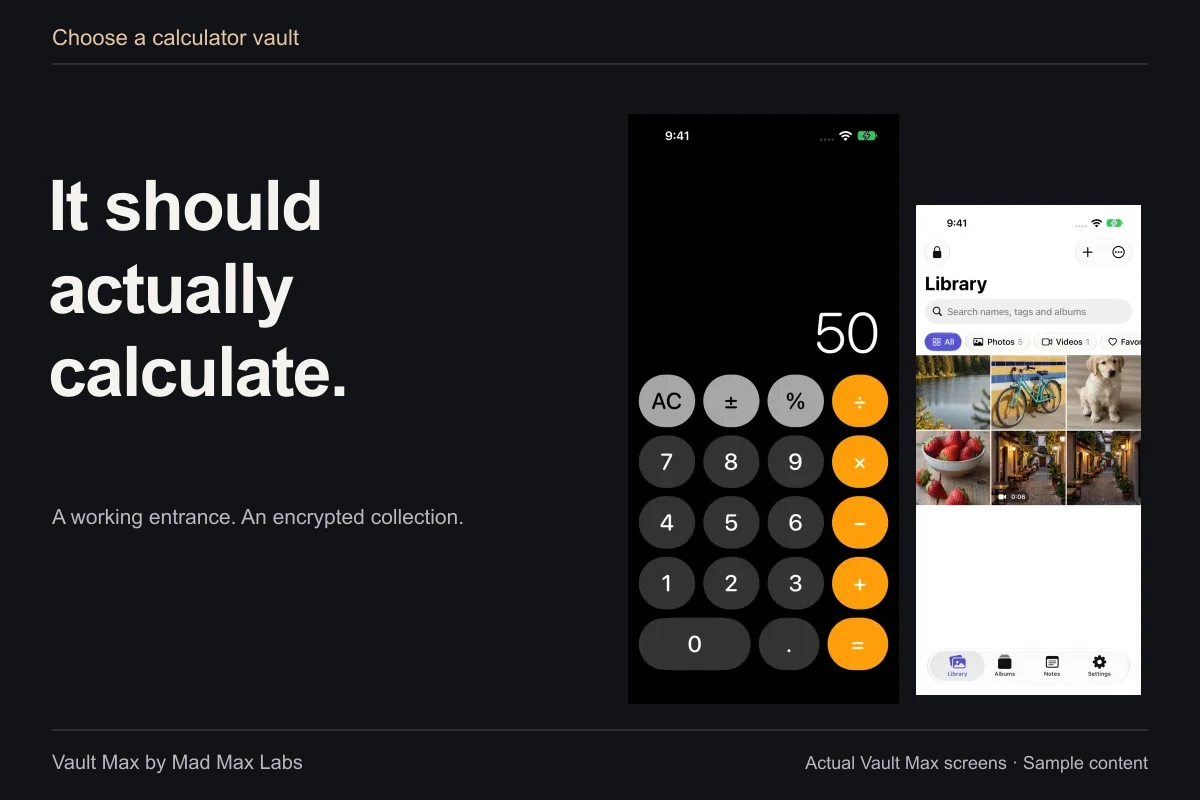
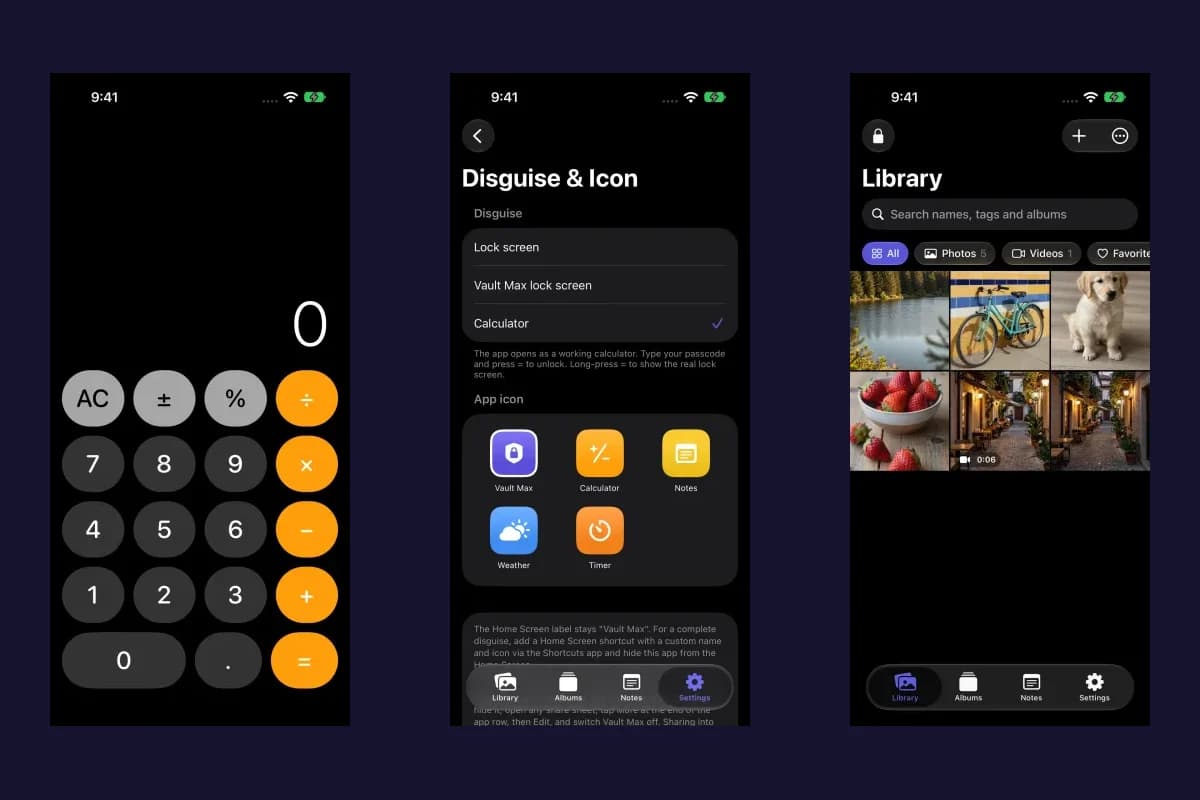
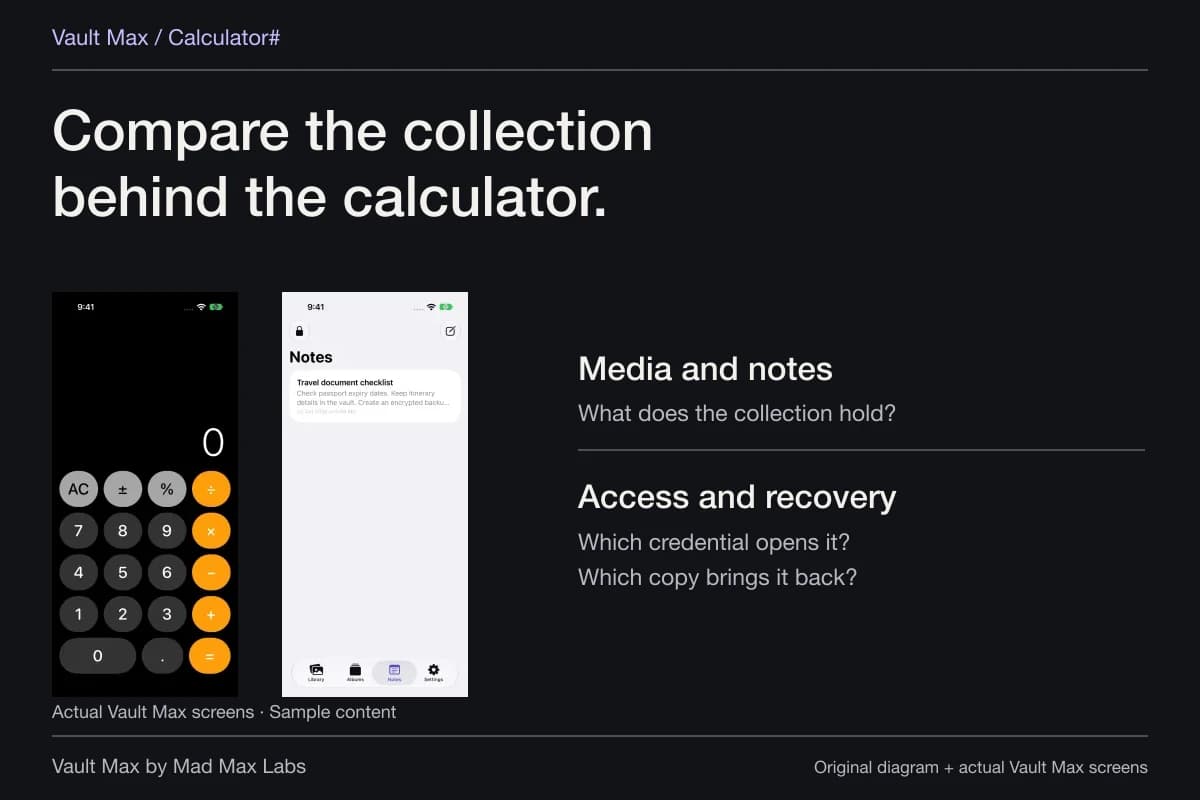
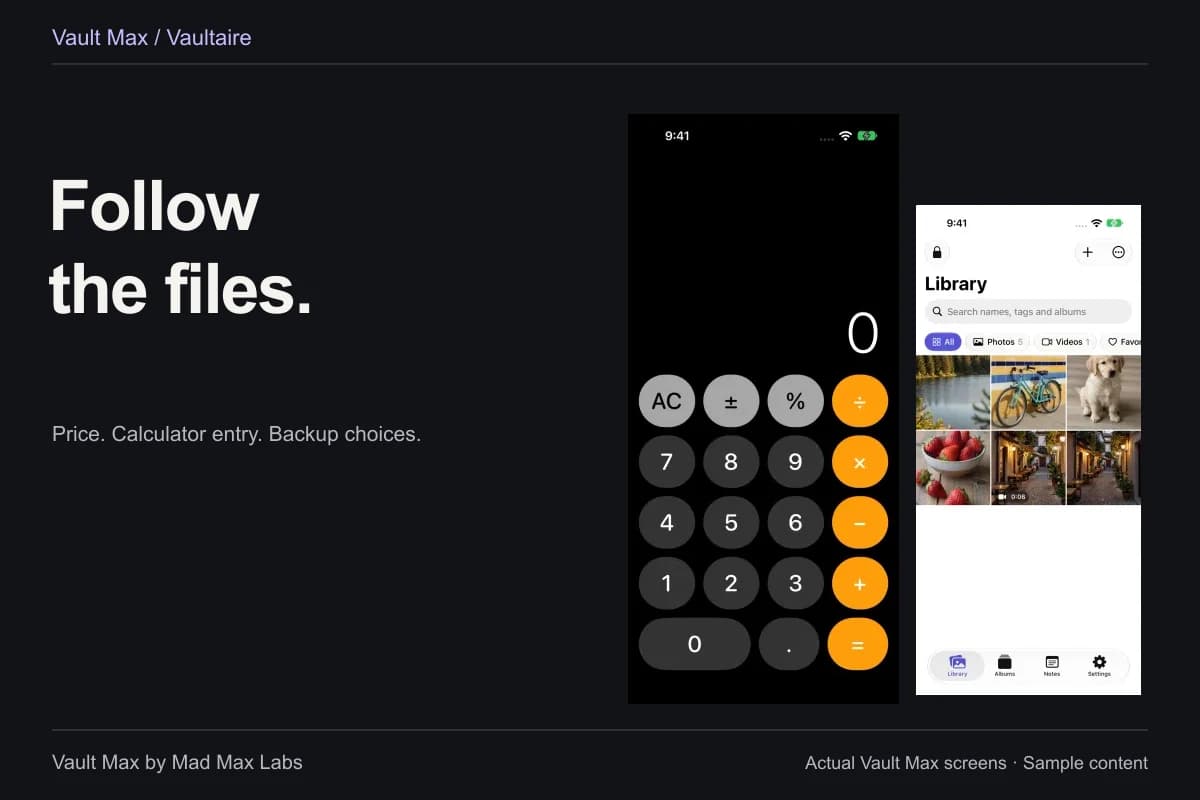
If the calculator entrance suits your routine, it provides working arithmetic and a deliberate PIN-plus-equals route. Keep the regular credential fallback familiar too. Discretion, a separate credential and an attempted-access record are useful features with distinct purposes.
Change the forward routine without rewriting the past
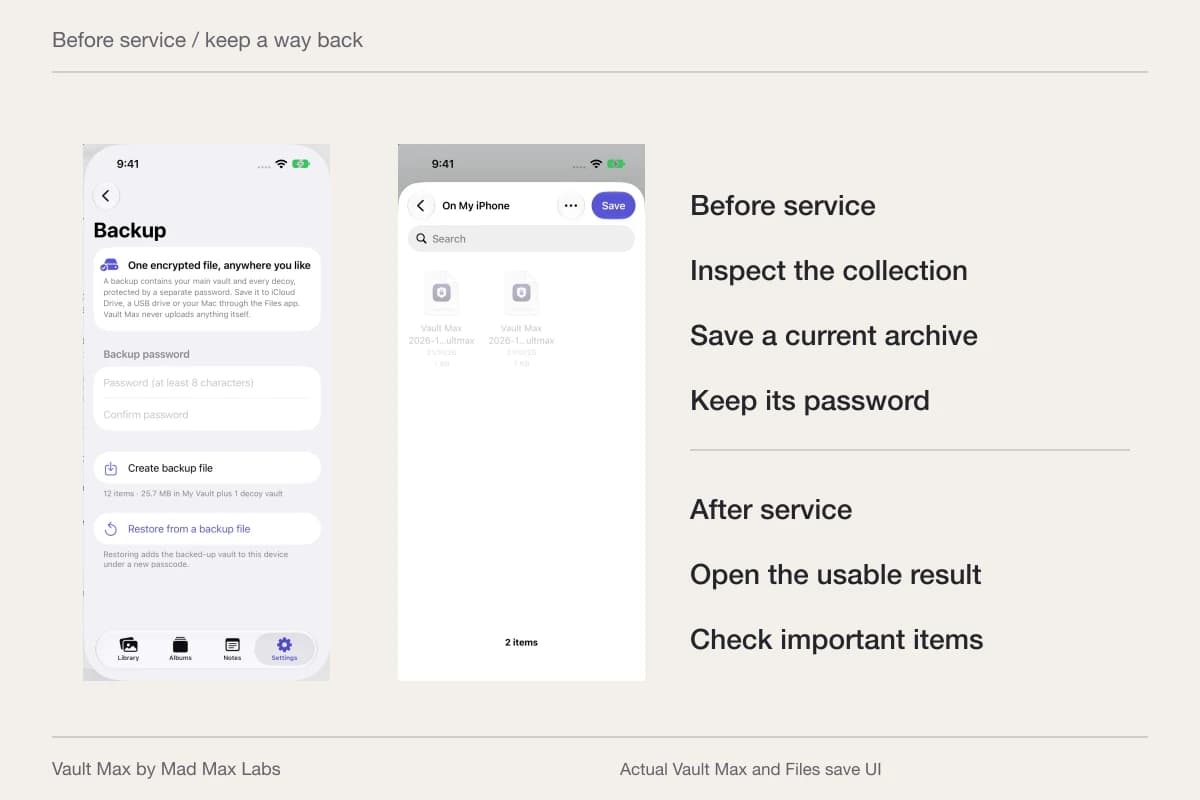
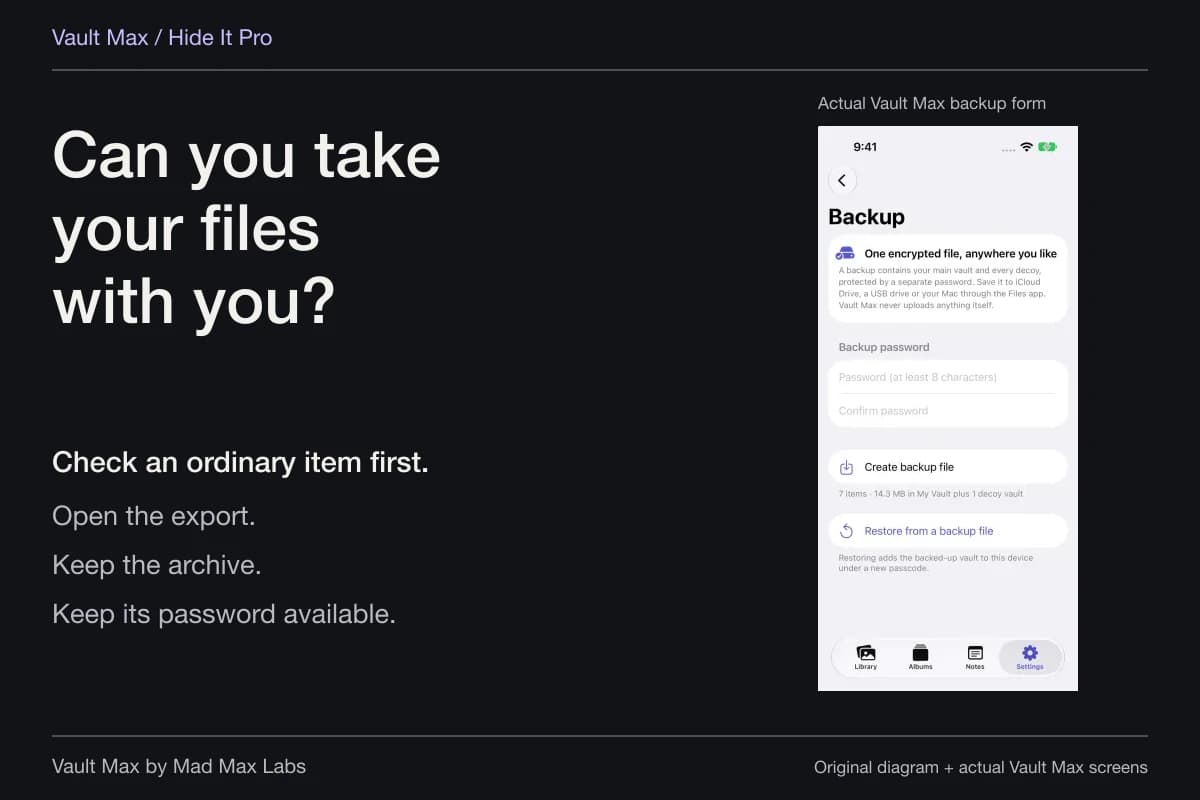
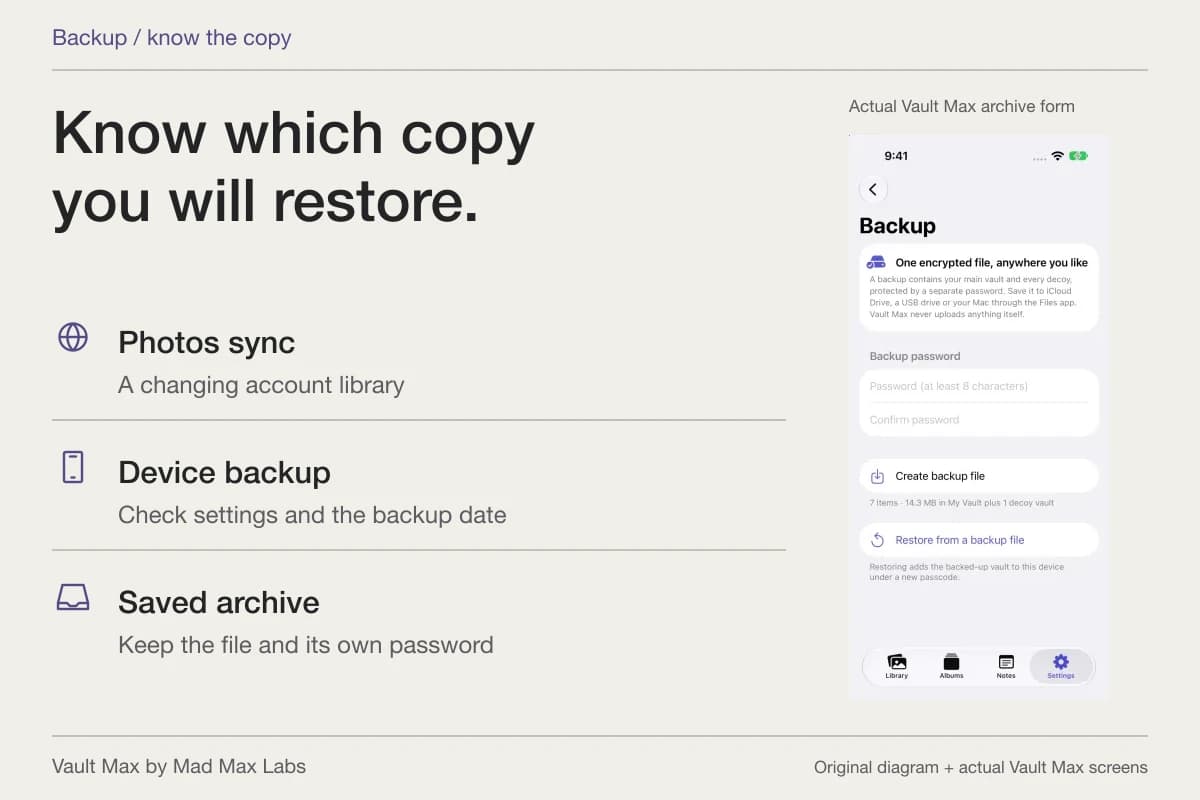
If another person knows a valid vault credential, the useful question is how you want future access to work. Make sure your own important content has a usable archive, then review the app's supported credential controls while you still have access. Vault Max's change-passcode screen requires the current credential; already-enabled biometrics can preserve access without supplying a forgotten typed code to that screen.
Likewise, choosing a shorter background delay changes your future closing routine. It cannot tell you whether an earlier session was left open. Learning the manual lock action gives you a clear completion step you can inspect after a task, rather than treating the Home Screen alone as evidence that the vault closed.
Keep both conclusions in your private record if needed: what the earlier observation actually established, and what you deliberately changed afterwards. A sensible improvement in access control does not require declaring an unproved explanation of the earlier activity to be true.
- Which report, saved event or visible screen did you see?
- Do not interpret a combined total or an inactive feature as a precise history.
- A usage entry does not name a viewer or a particular photo.
- Use known sample credentials, a clear lock action and an independent recovery plan.
Tap a box as you go. Checks reset when you leave this page.
Vault Max includes break-in alerts and its other security controls free, without app analytics or an account monitoring your library. Use the controls for the events they actually handle, and let an unexplained observation remain unexplained until the evidence supports more.
Common questions
Does Screen Time tell me which photo someone viewed?
Apple describes device and app-usage summaries. Those summaries do not identify the person holding the phone or supply a per-photo viewing history. Check the selected device and time window before interpreting activity.
Do Vault Max break-in alerts record every successful view?
No. The optional feature responds to configured incorrect vault-credential attempts. It is not a log of every successful unlock, opened photo or person holding the device. Your own mistyped codes can also create attempt records.
Does an empty attempt log prove nobody accessed the collection?
No. Configuration, threshold and the event being recorded matter. A person could already have an open session or know a valid credential. Camera permission and availability also affect whether an attempted capture produces a picture.
Continue reading
More guides
Practical tips for your private library. Swipe or scroll to choose your next guide.
74 guides to explore