
Backup & recovery
What is in an iPhone photo backup? Name the copy before trusting it
Separate iCloud Photos, iPhone backups, computer backups and Vault Max archives. Identify which copy exists, what opens it and where private notes belong.
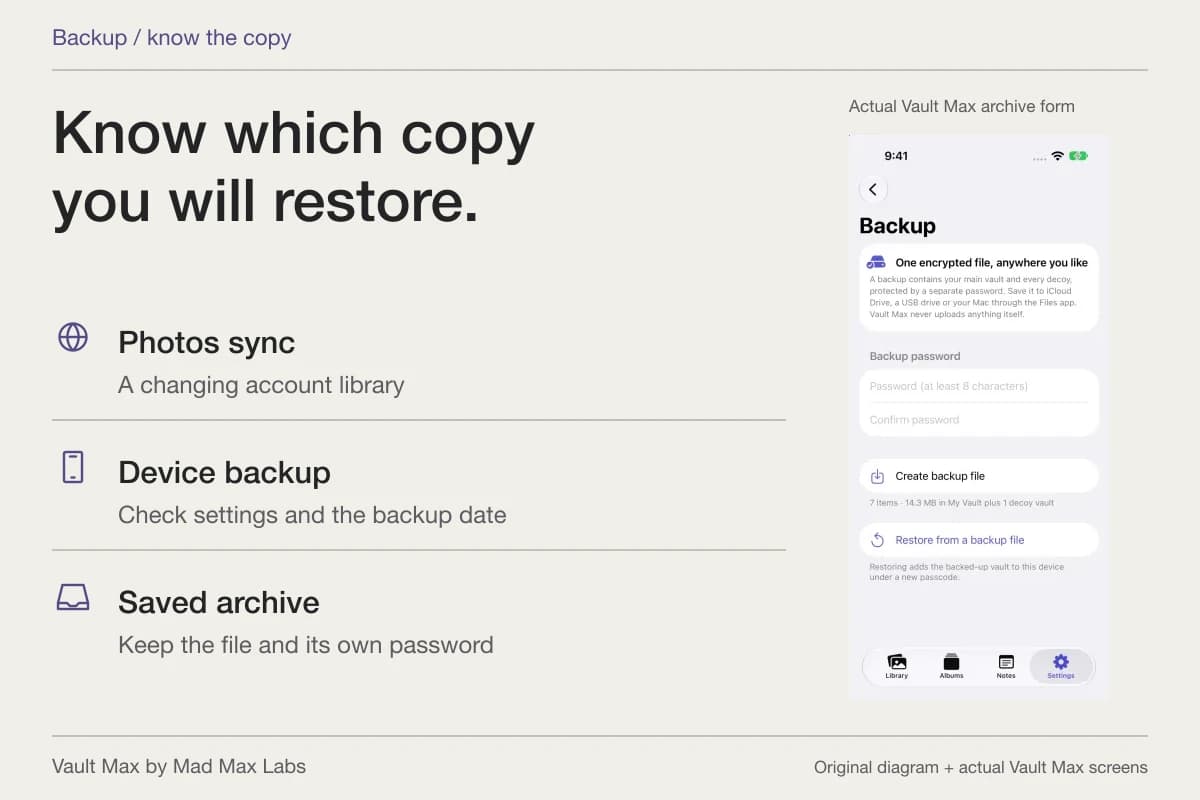
Your iPhone can have a synced photo library, an Apple device backup and a separate Vault Max archive at the same time. They are different objects with different recovery requirements. Before trusting “it's backed up,” identify the copy, its date, its location and what opens it.
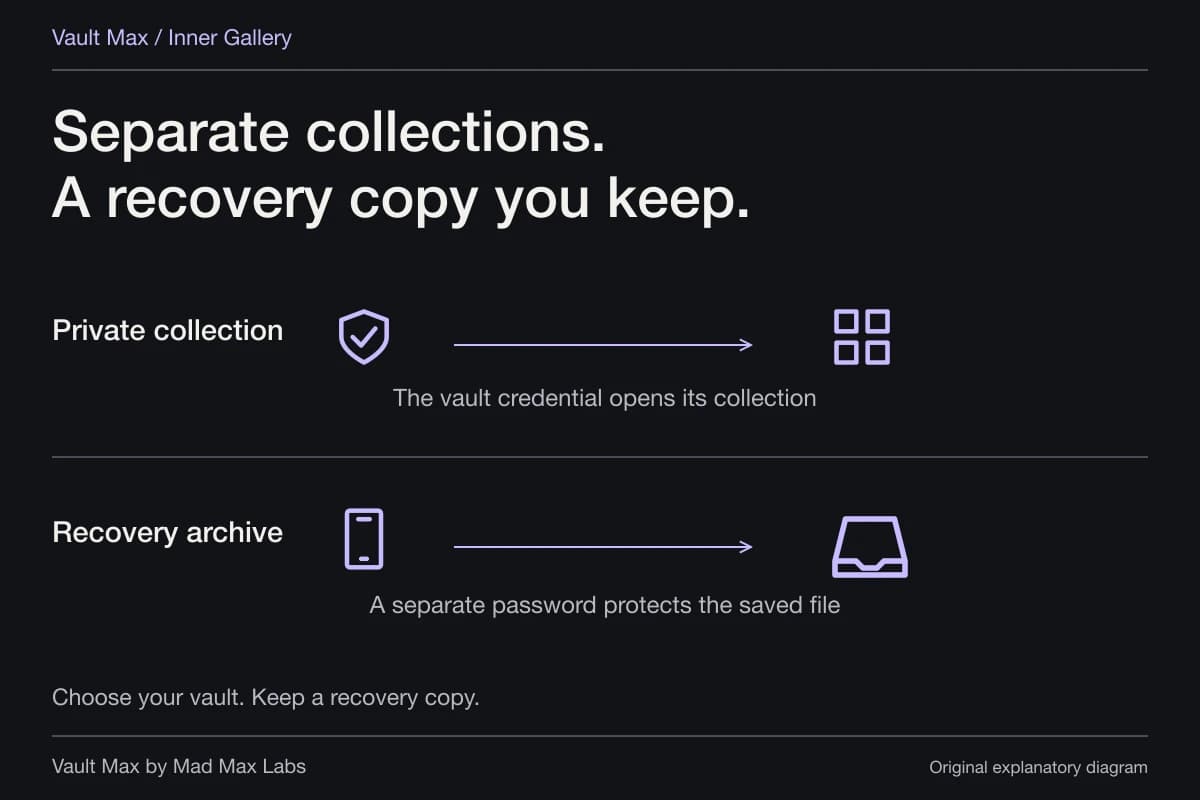
For Vault Max, the explicit recovery object is a .vaultmax archive protected by a separate password. It can include the selected collection's photos, videos, files, notes and included child vaults. There is no Vault Max account holding a server library to fetch later. That makes the file you saved, and the password you kept, concrete parts of the plan.
- Photos sync
- A changing library
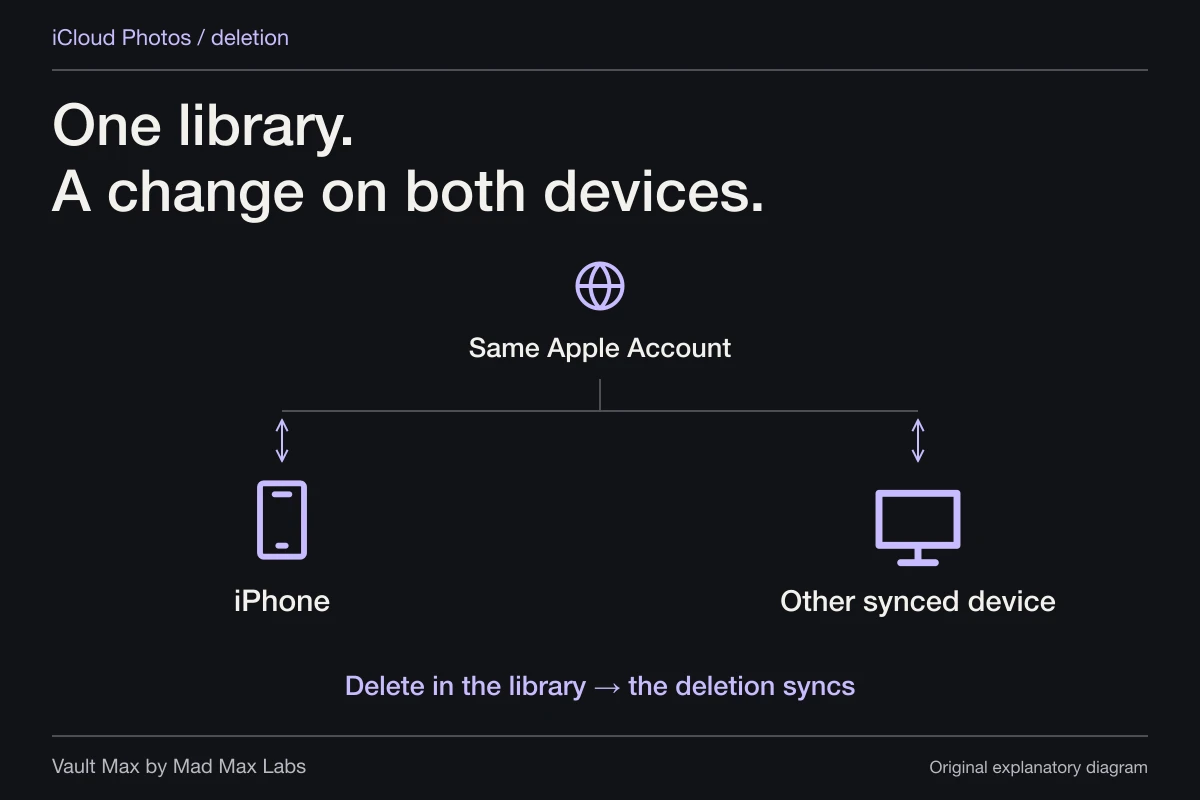
When enabled, iCloud Photos synchronizes its library. A synced view is not an independent recovery archive.
Check the Photos account and sync settings. - Apple device backup
- A device-backup route
What it contains depends on the backup and app settings. Vault Max’s Include in iPhone Backups option defaults on.
Check the backup destination, date and restore requirements. - Vault Max archive
- A saved collection snapshot
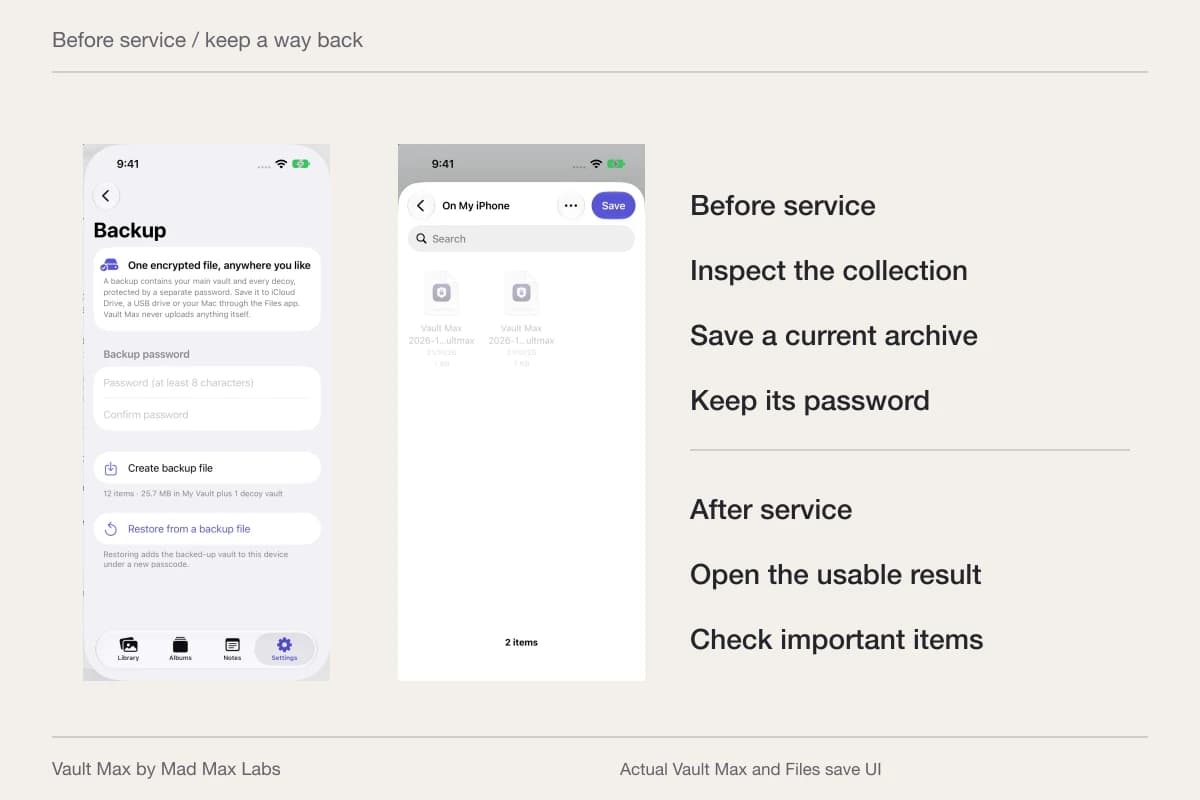
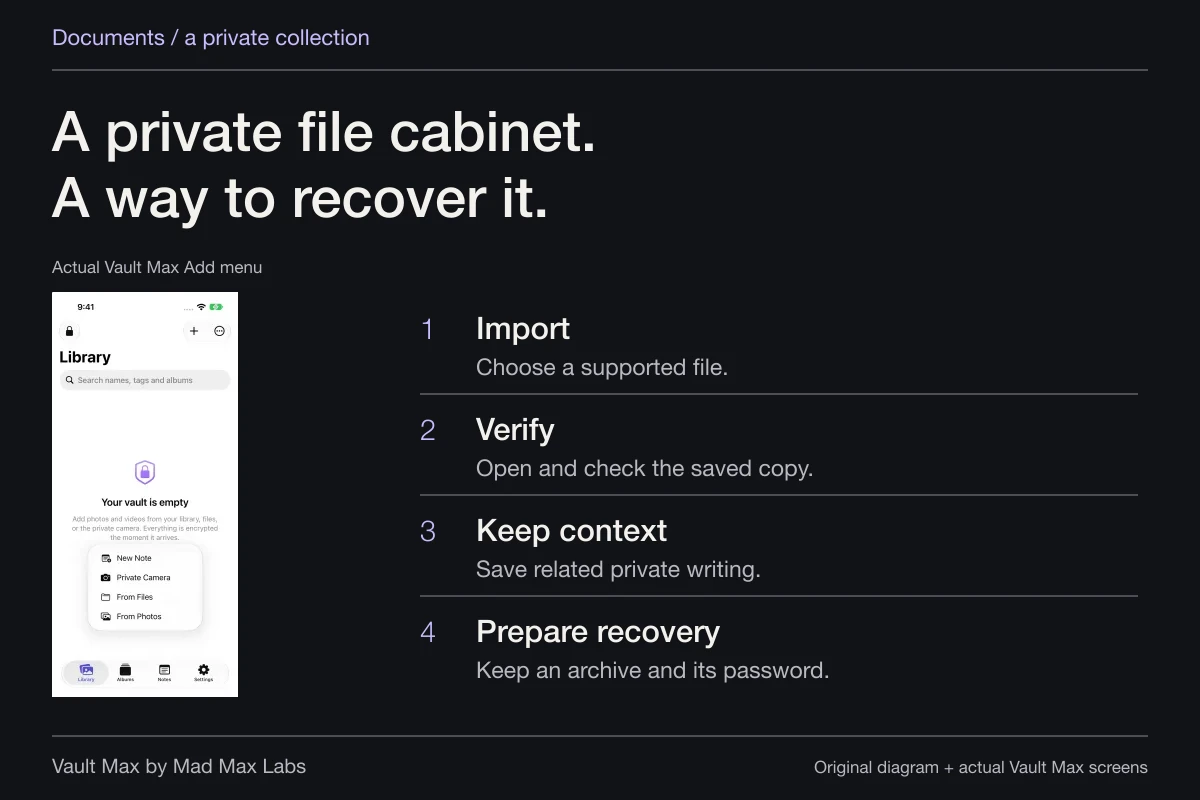
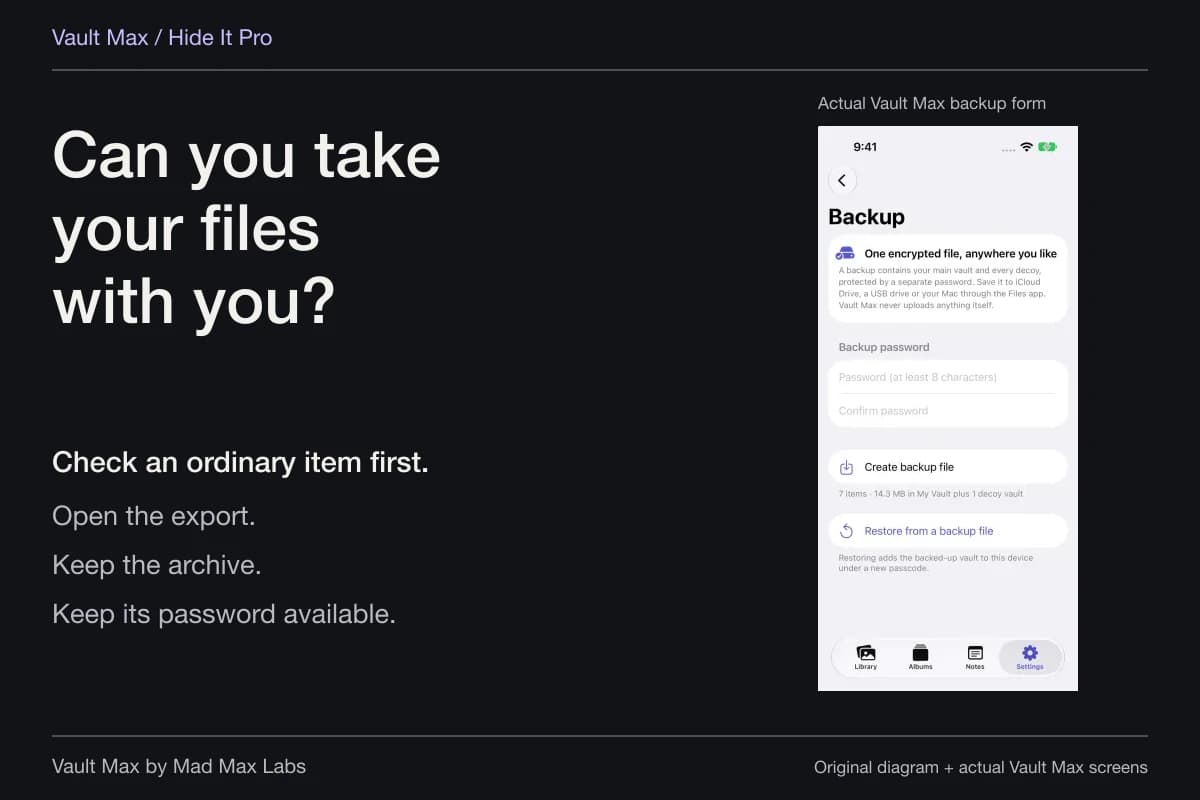
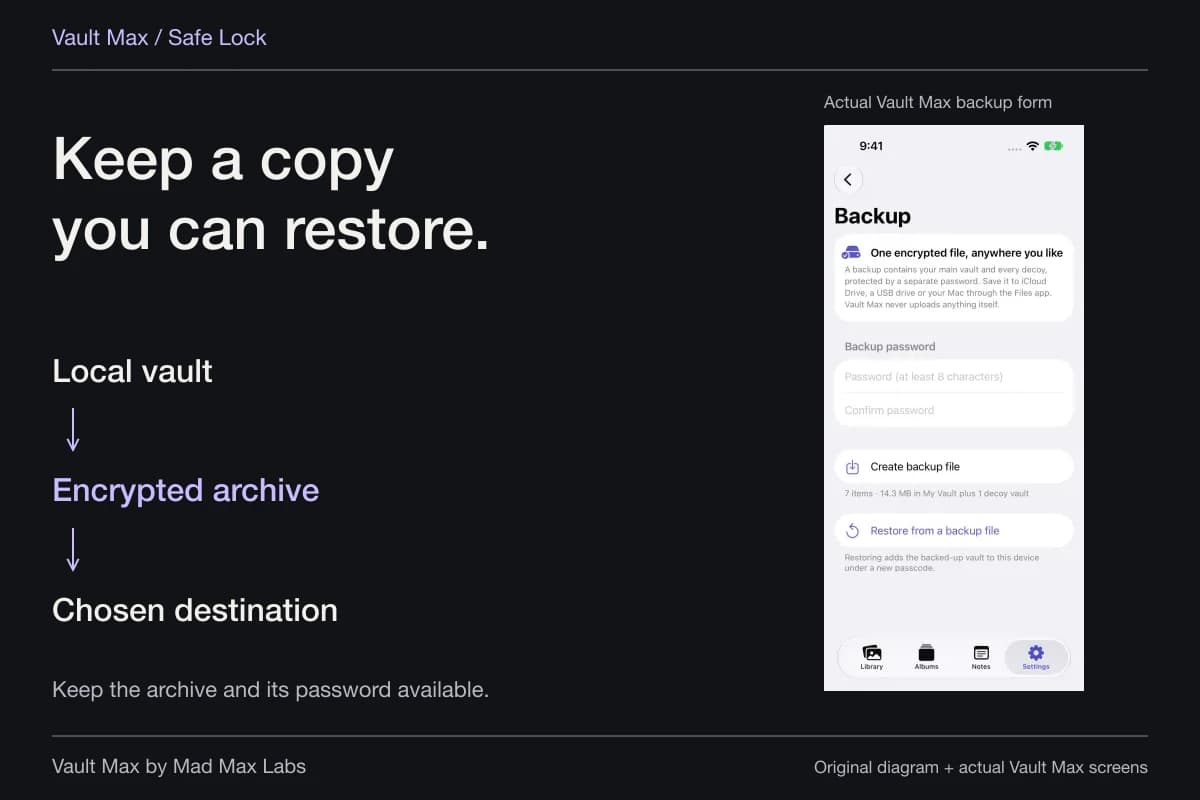
You create the encrypted archive, choose its Files destination and keep its separate password.
Update it after important additions.
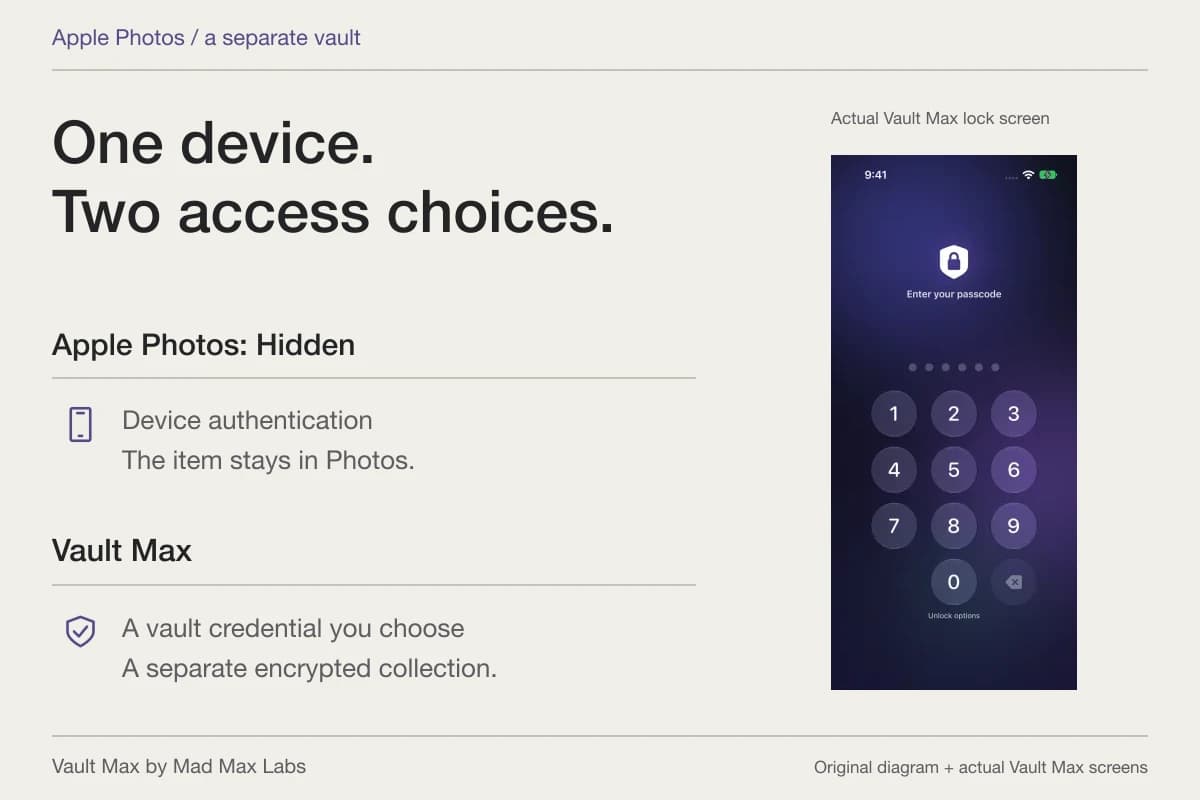
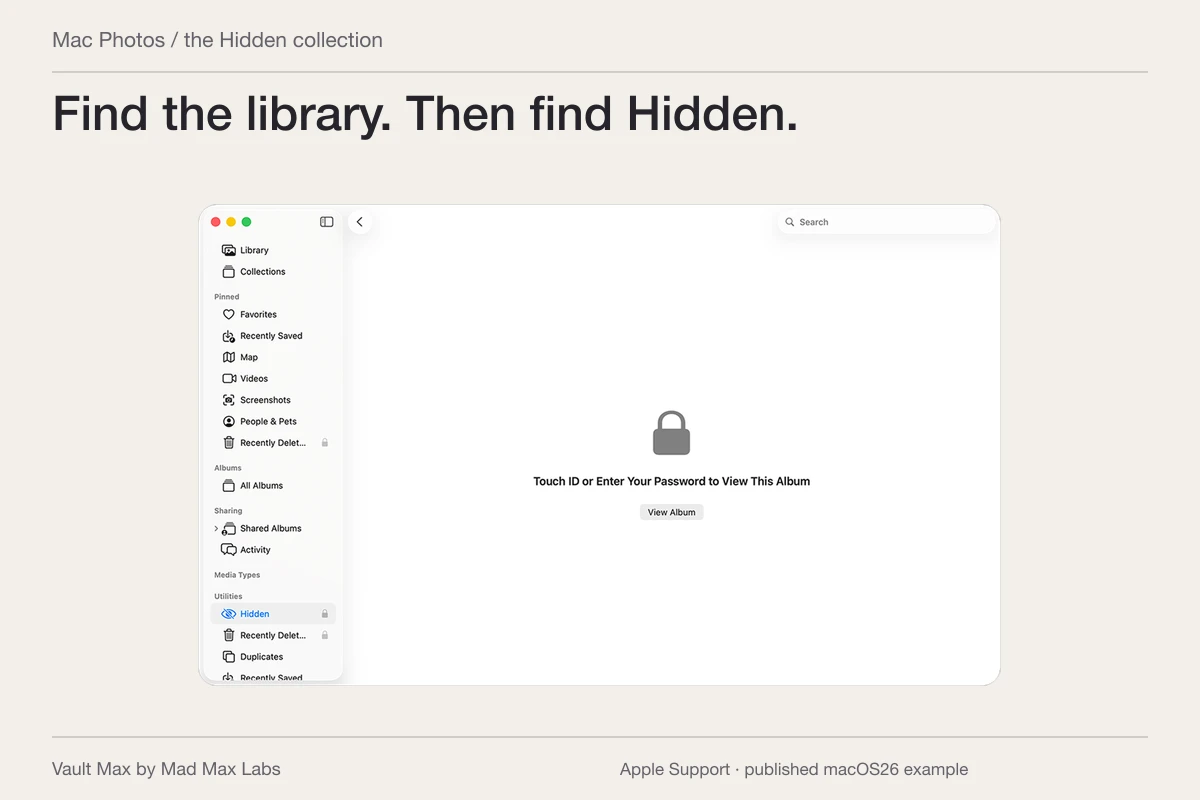
A hidden photo still belongs to a library
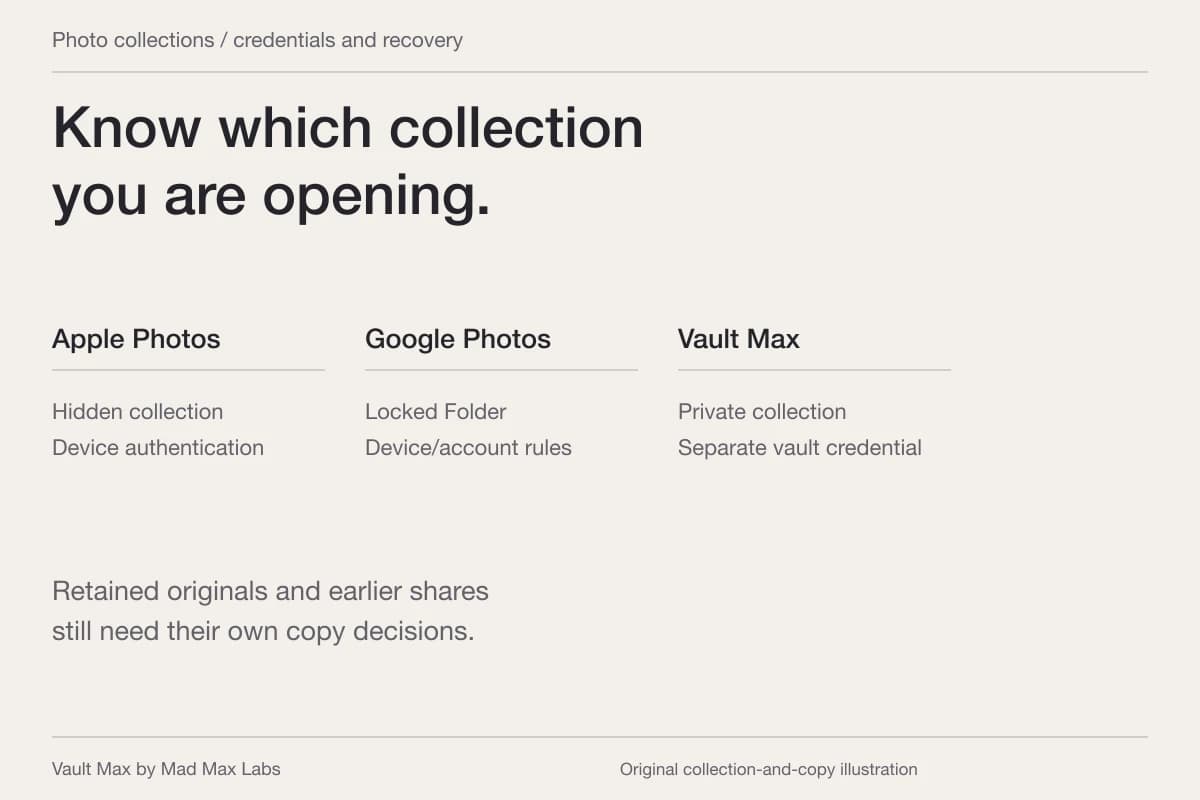
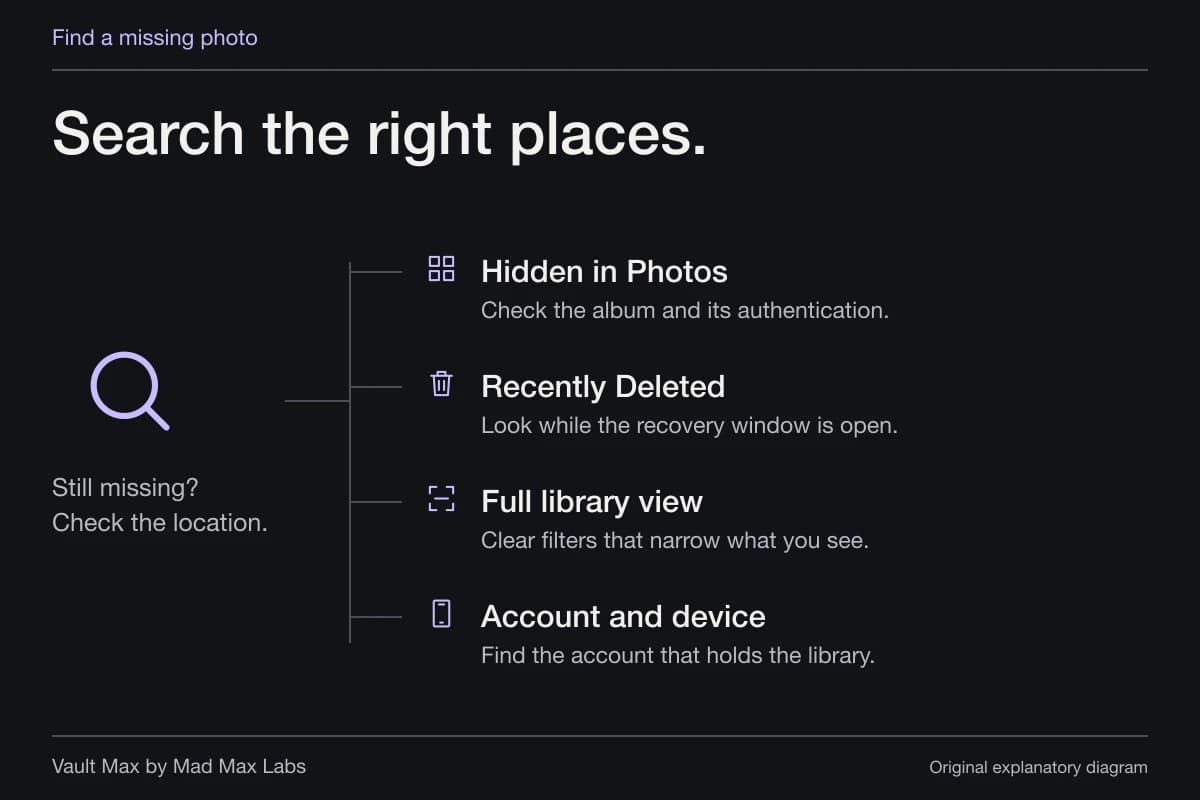
The Hidden album describes a Photos visibility choice. It does not create another cloud service with its own recovery identity. Apple's backup explanation says that photos using iCloud Photos sync separately and are not duplicated in the daily device backup. Without iCloud Photos, that backup may include photos and videos on the device.
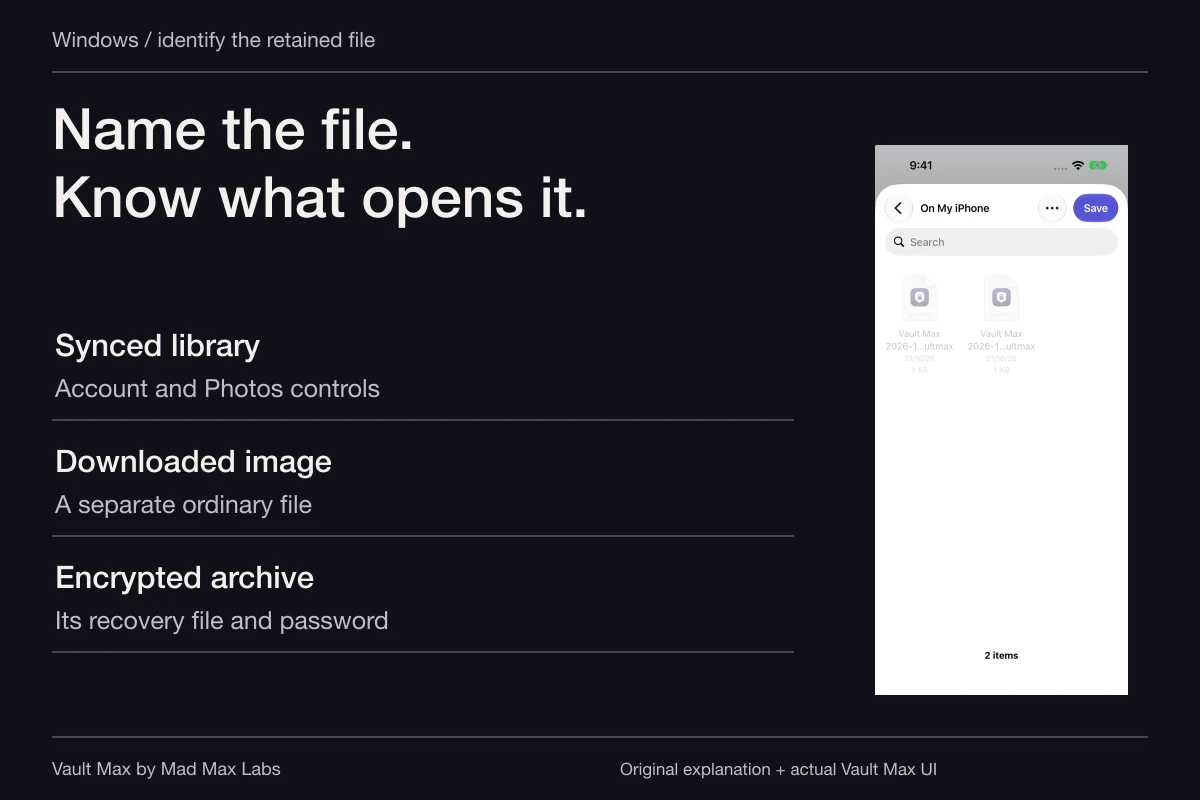
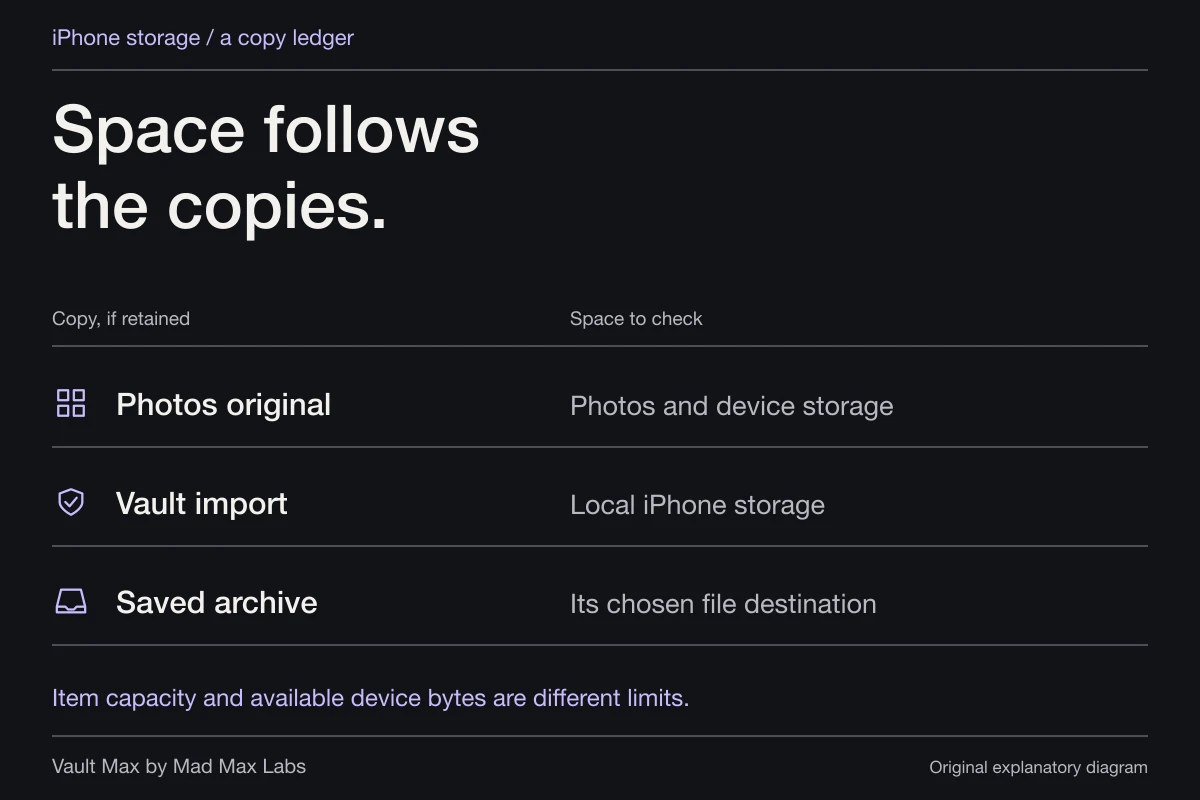
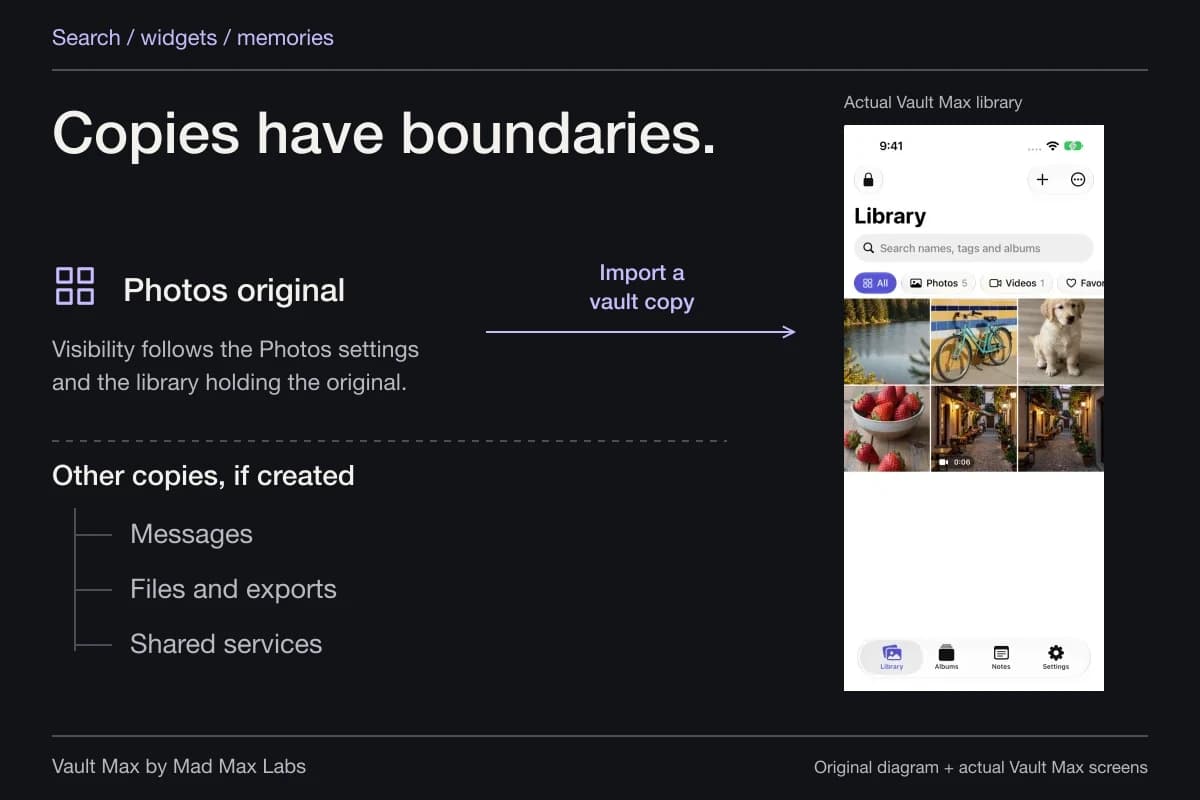
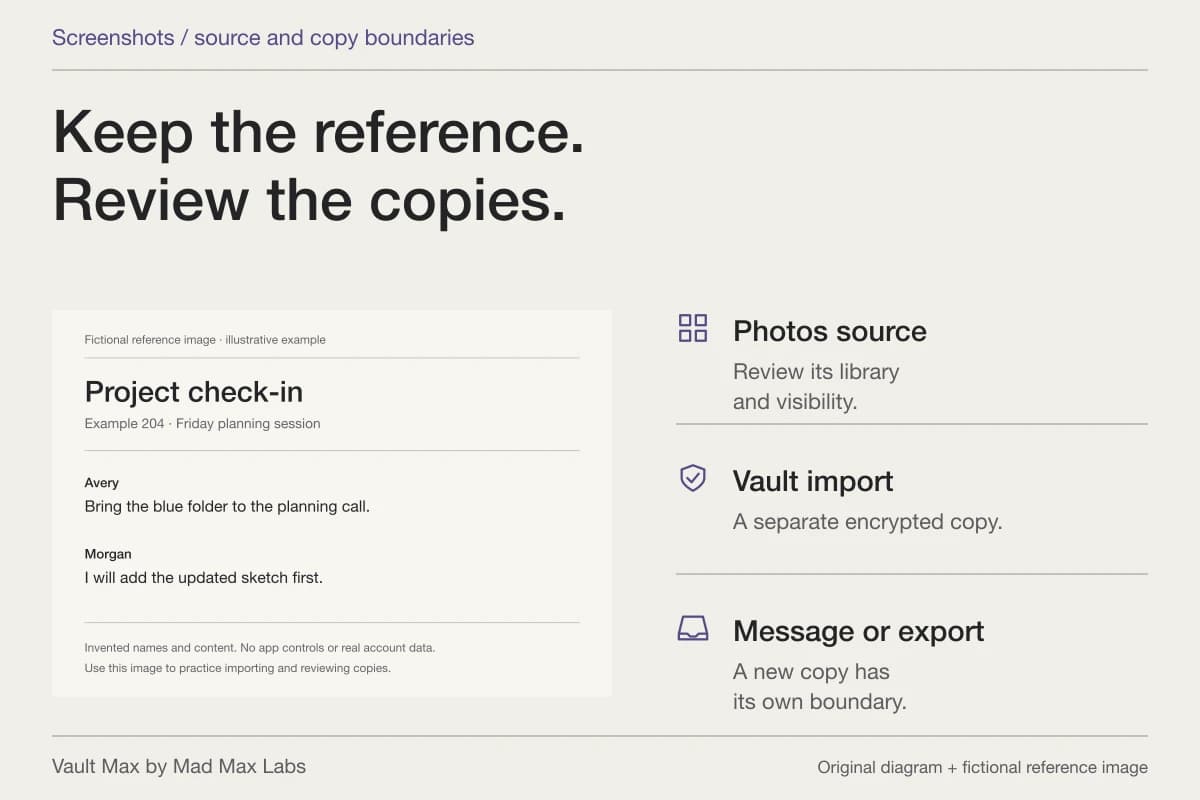
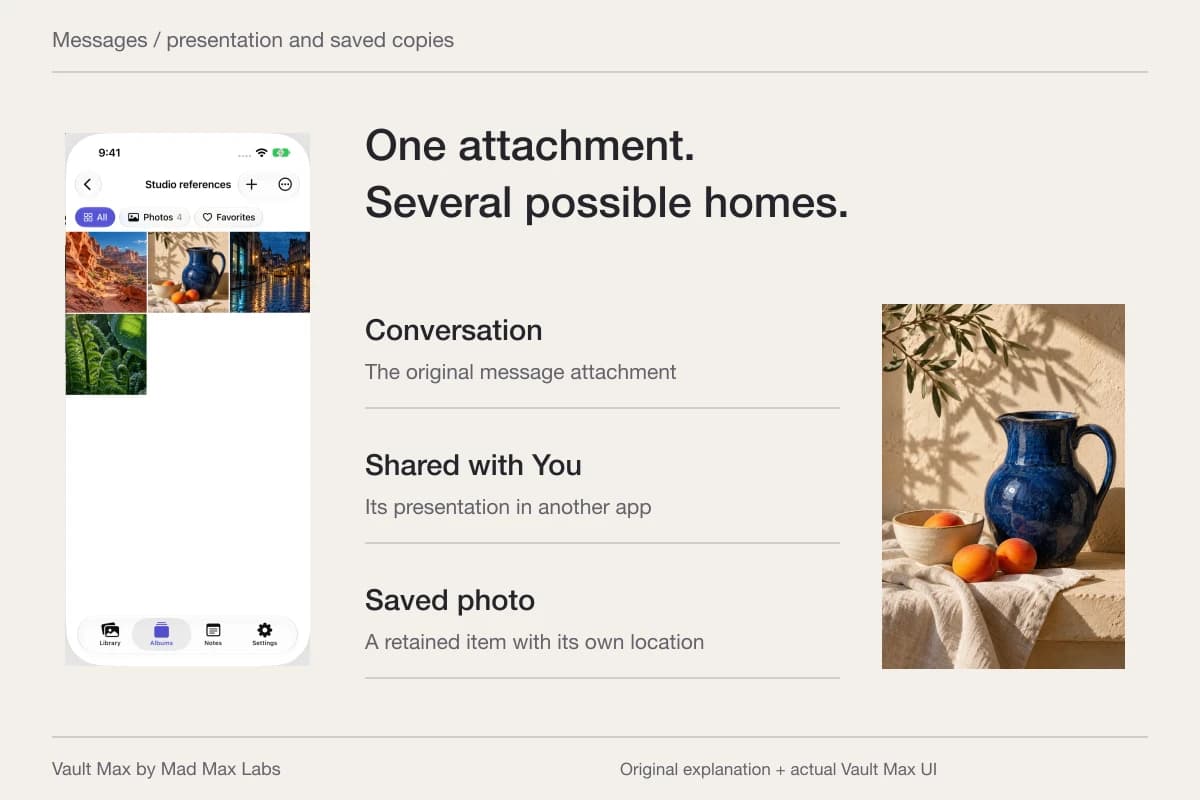
So start by asking which library holds the picture. A Photos original, a Vault Max import and an image saved from a message are not automatically the same protected copy. Similar thumbnails can make them feel interchangeable until you need to recover one of them.
For a simple inventory, choose one unimportant picture and write down every location you intentionally gave it. You are not performing a destructive restore test. You are checking whether your backup explanation refers to an actual object rather than a setting whose purpose you have forgotten.
Sync keeps a library current; a snapshot has a date
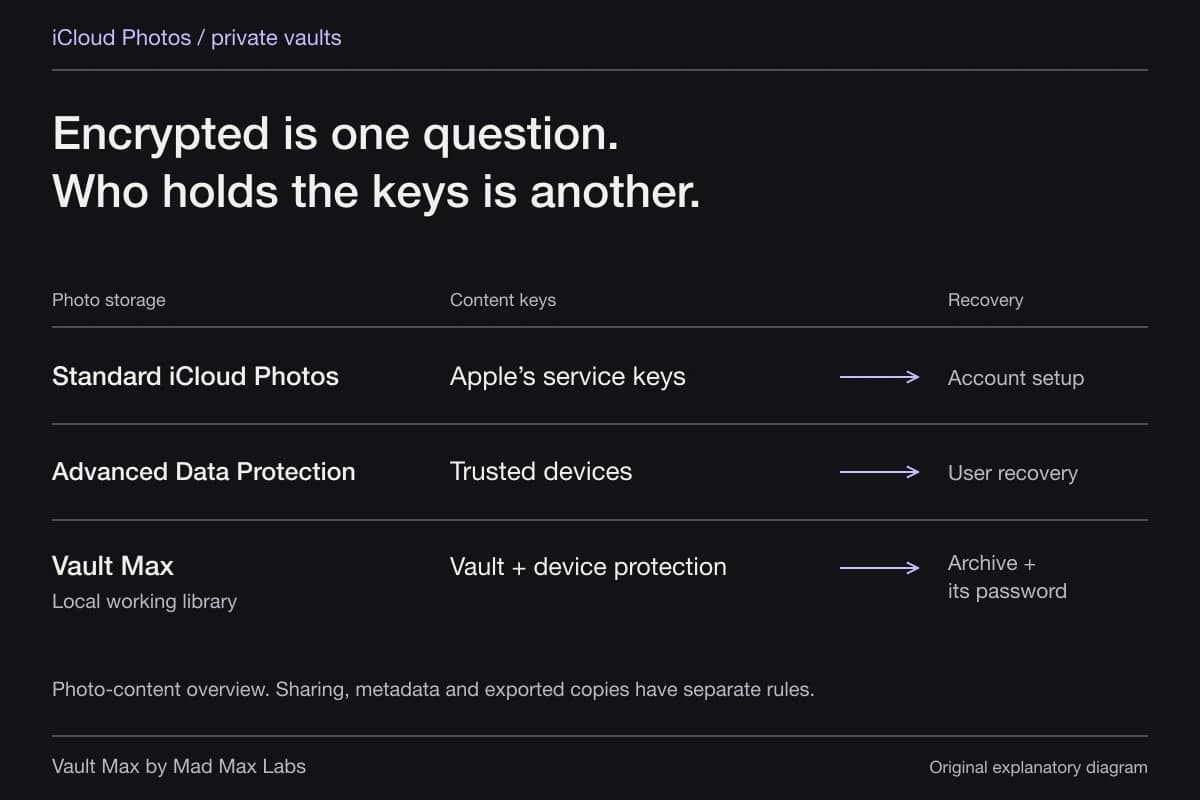
iCloud Photos keeps changes current across its participating devices. That includes deletion. Apple advises keeping backup copies of the library rather than treating its synchronized presence as another independent archive.
A saved snapshot has a different relationship to time. It contains what was saved when it was made. Material added later needs a newer snapshot. That can be exactly what you want for an independent recovery object, provided you know its age and keep it somewhere usable.
Imagine adding an important document on Friday when your newest archive is from Monday. The archive may be perfectly readable and still be the wrong recovery copy for that document. “I have the password” and “the file contains the latest material” are separate checks.
Know what Apple means by a device backup
Apple's comparison of backup methods distinguishes iCloud and computer backups from syncing. Both have inclusion rules. A computer backup is not simply a directory of ordinary pictures you can assume contains every cloud library and all credentials.
For a computer backup, inspect Encrypt local backup and retain its password. Apple's encrypted-backup guidance says encryption is off by default for that route and changes which sensitive information can be included. Its password is a separate credential from your Vault Max archive password.
Vault Max's native design uses a Keychain secret alongside the vault credential. Copying encrypted vault files without the required key material is not a replacement for a supported recovery route. In particular, an unencrypted computer backup of file data should not be assumed sufficient to reopen the collection on another device.
This is a reason to identify your backup method precisely. It is not a claim that we restored your phone, checked your computer or proved a particular device backup complete.
Vault Max permits device-backup inclusion by default
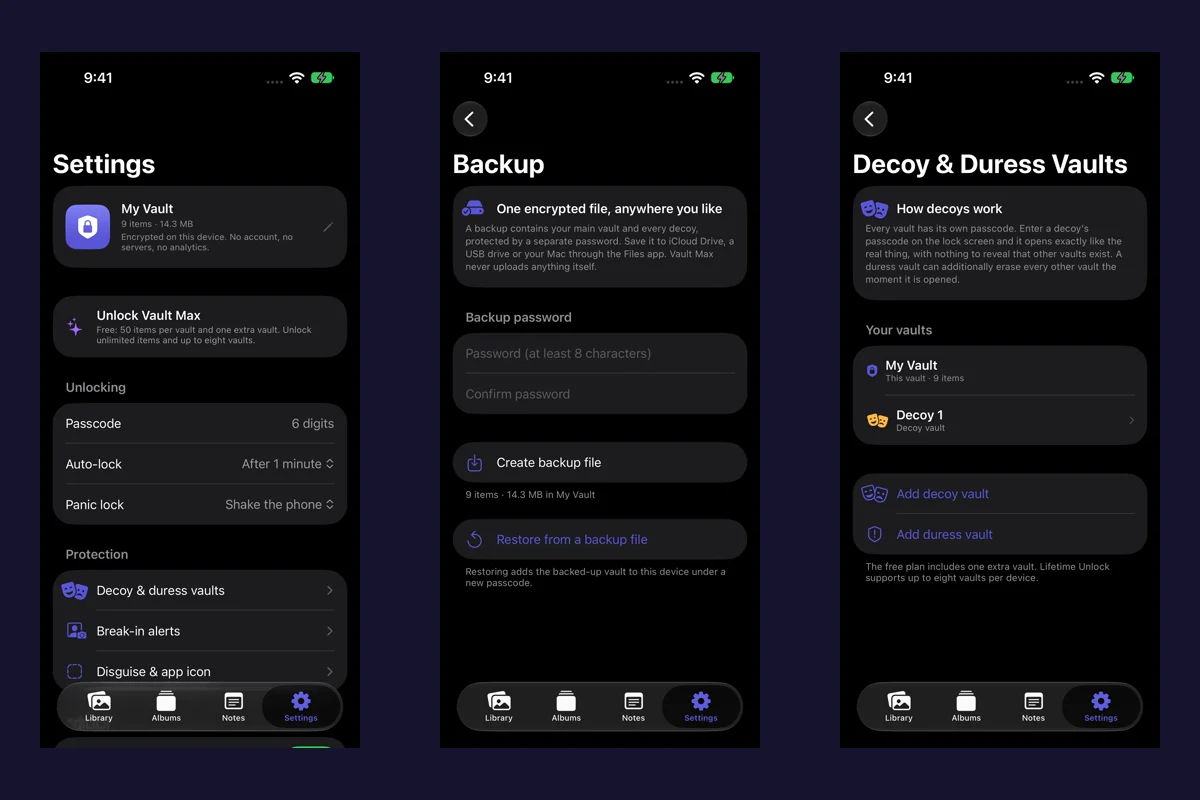
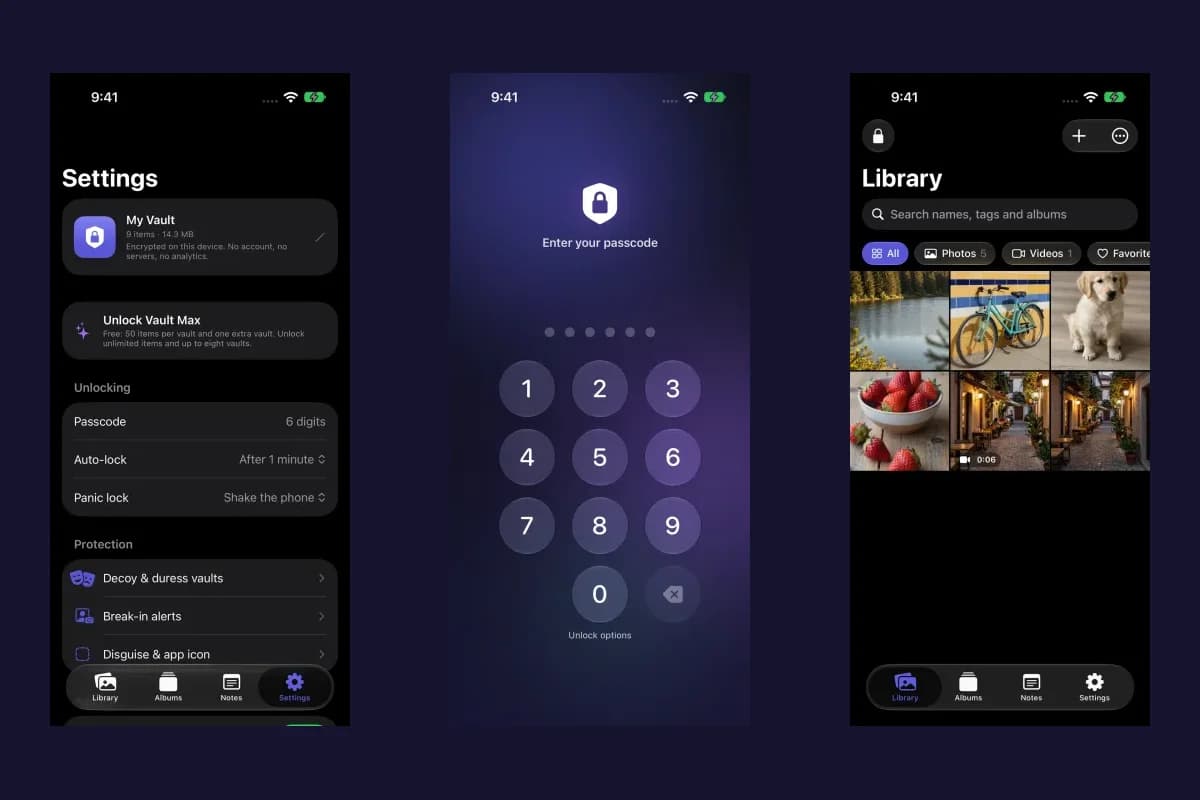
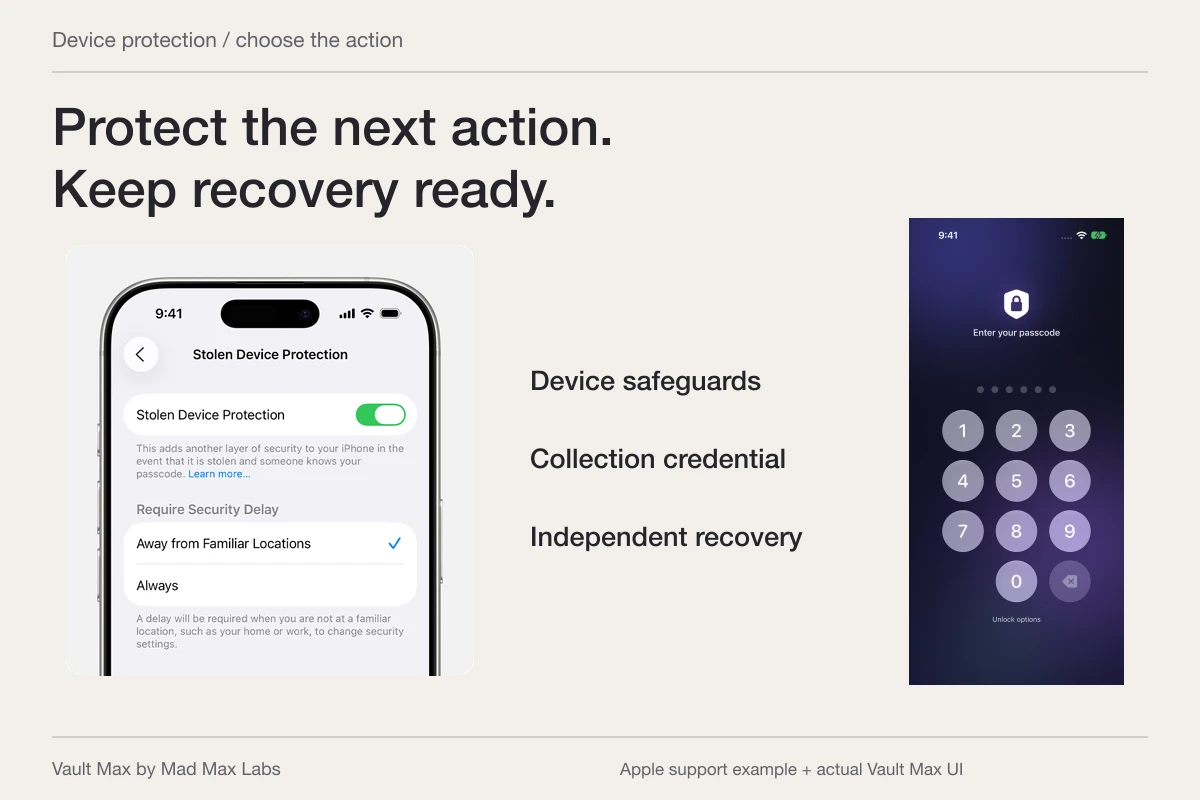
In Vault Max, Include in iPhone backups defaults on. You can review it under Backup & storage. It governs whether the app's vault storage is excluded from the operating system's backup; it does not press Apple's Back Up Now button or confirm that a recent backup finished.
Keep that setting distinct from both the phone's own backup configuration and the manual encrypted archive. A switch can allow participation while the actual backup still depends on the surrounding device/account arrangement. Read the current state rather than inferring a completed copy from an enabled control.
If you choose to turn inclusion off, understand which recovery object will remain. Do not remove the only backup route while planning to create an archive later. Create and preserve the usable archive while the working collection still opens, then make an informed settings decision.
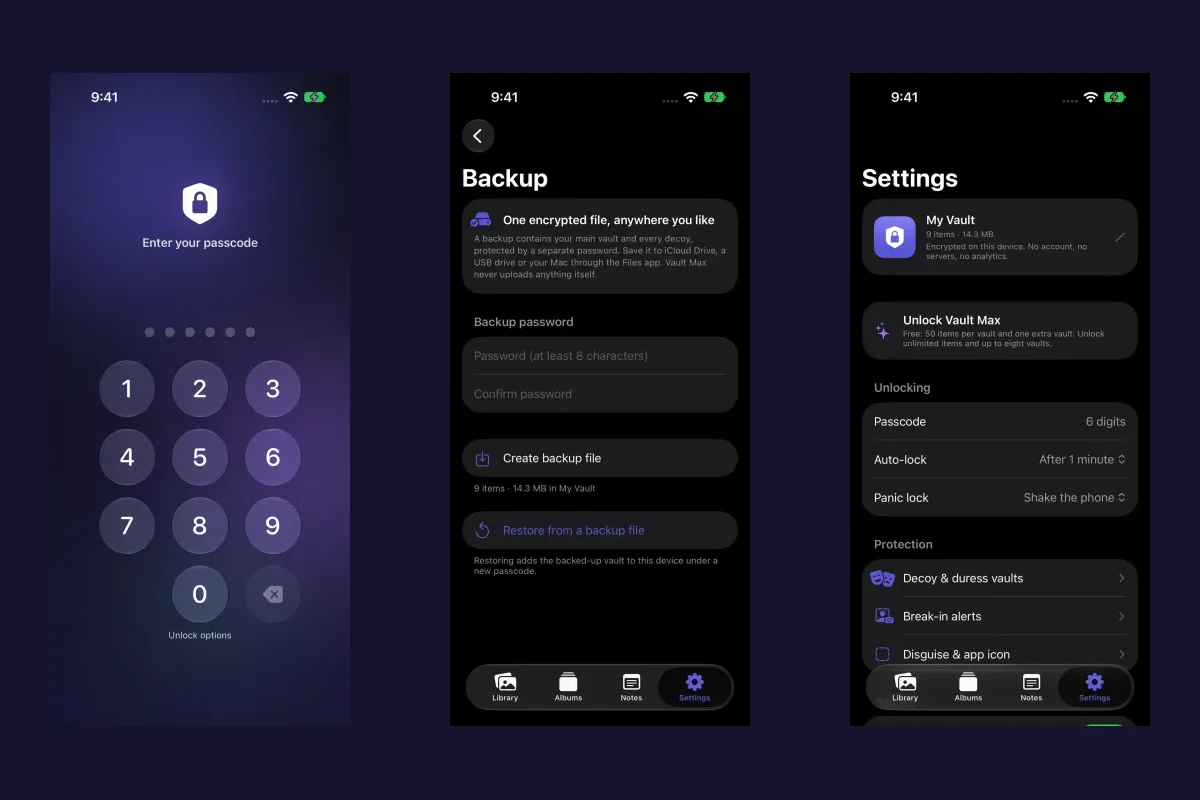
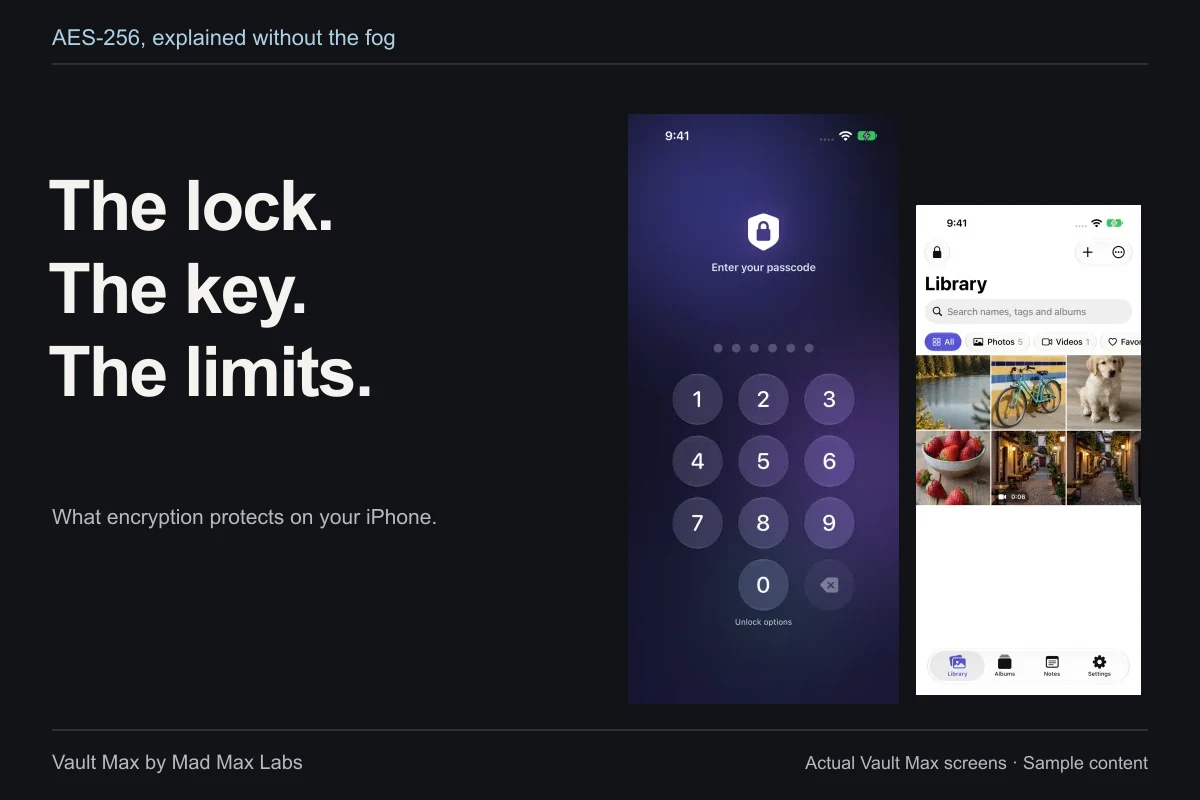
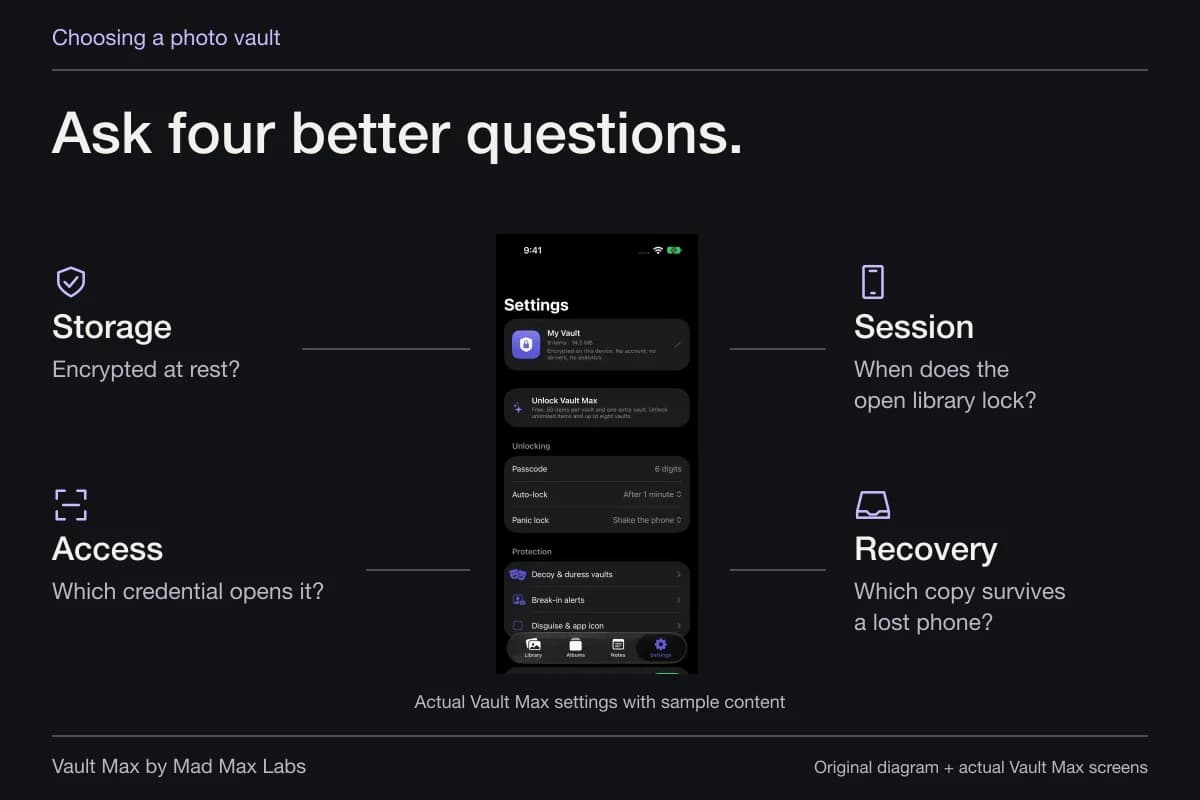
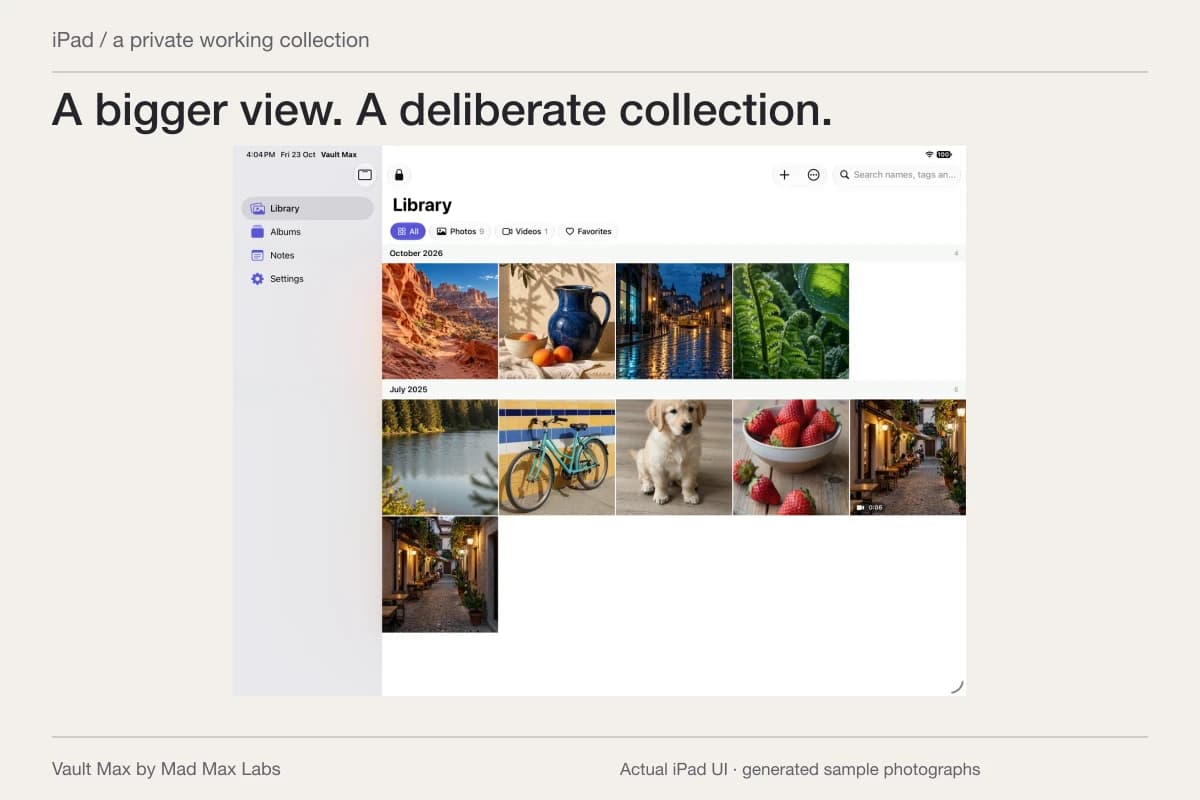
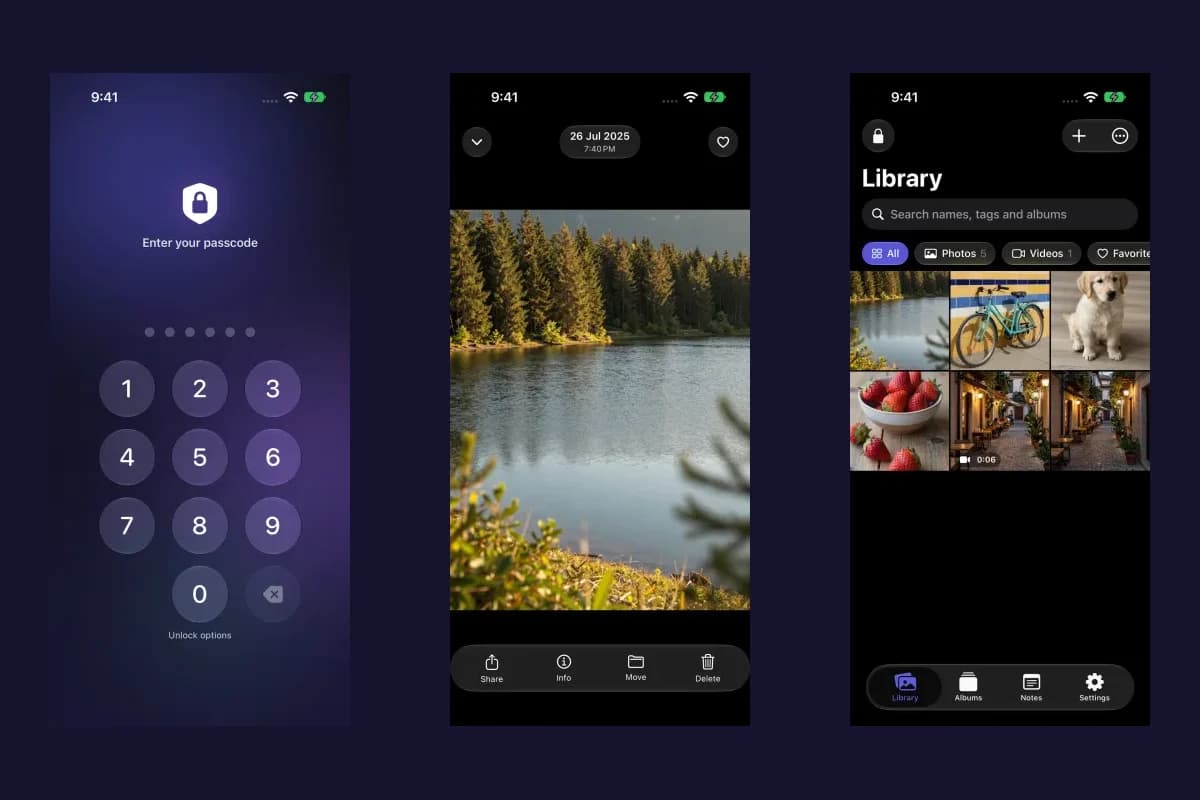
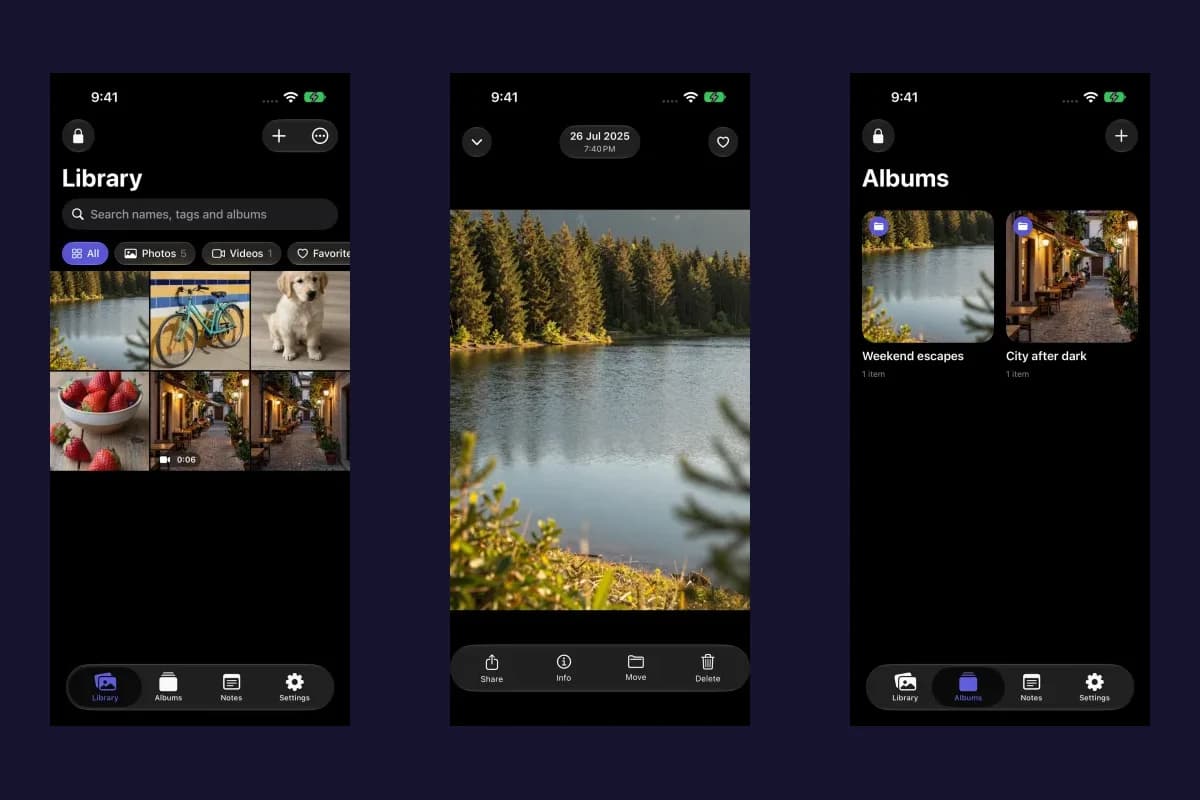
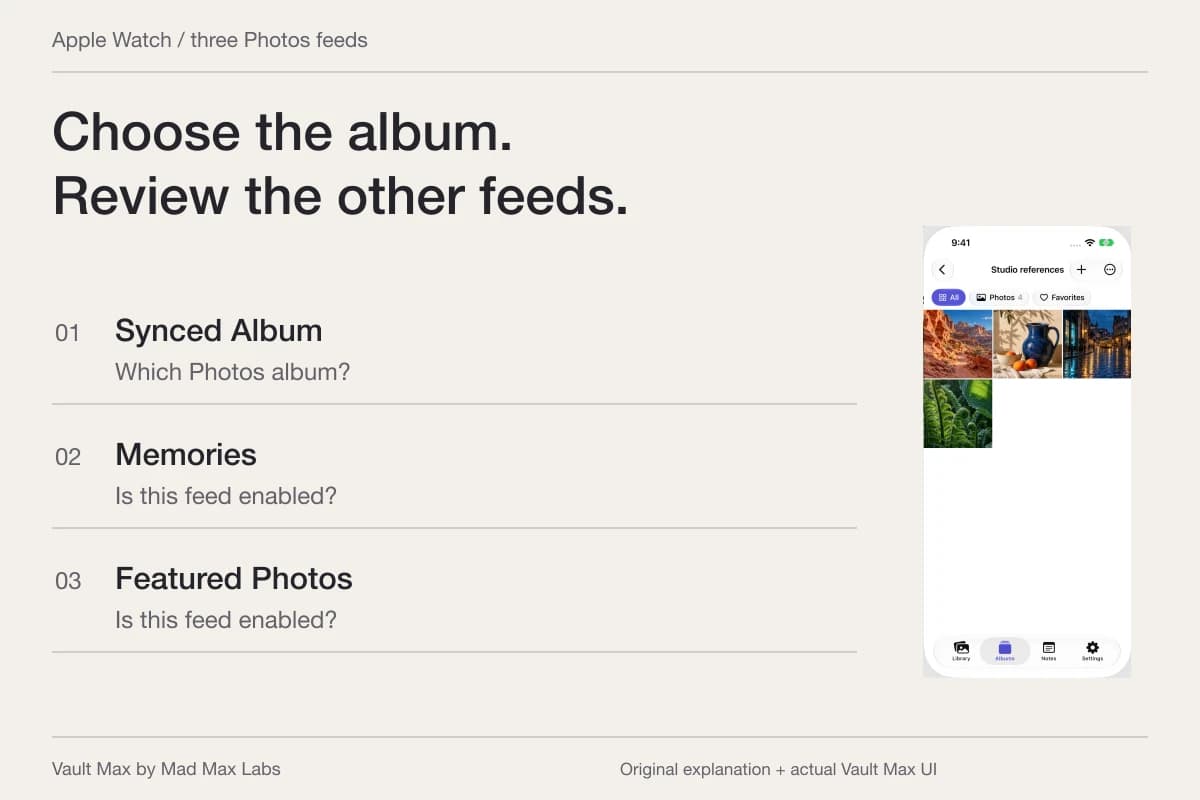
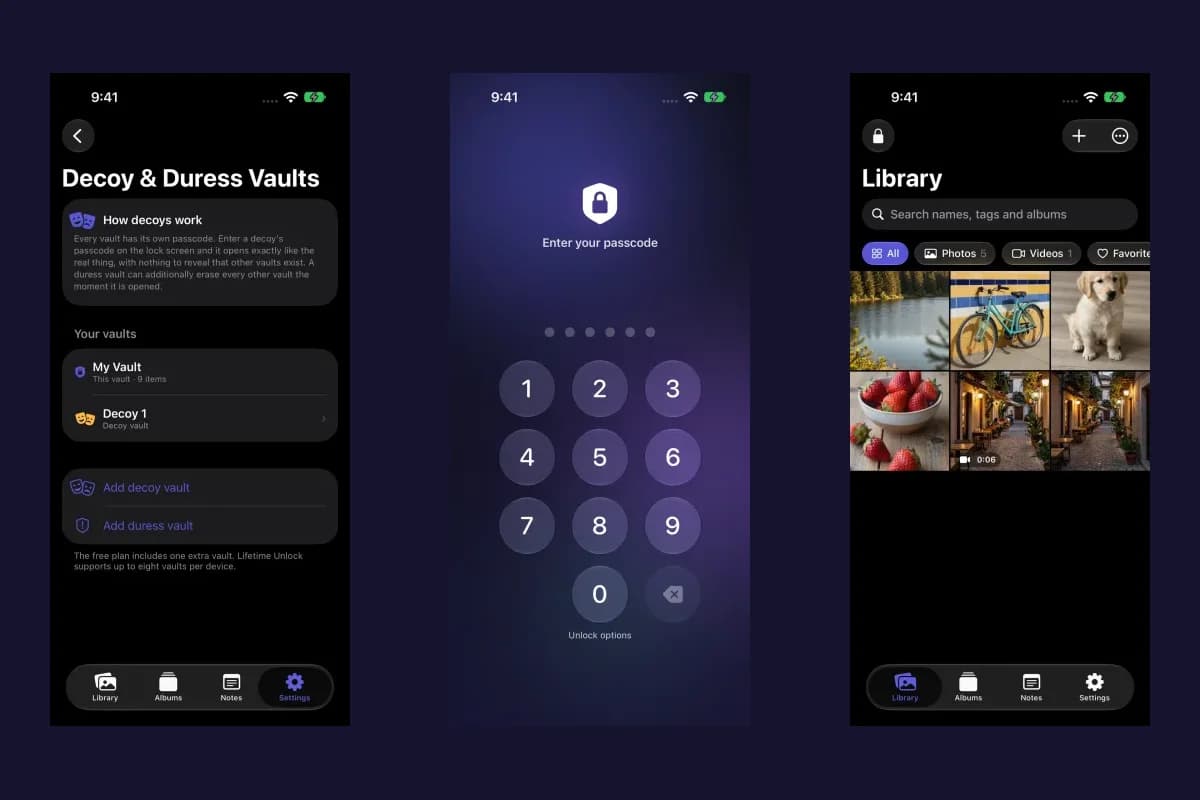
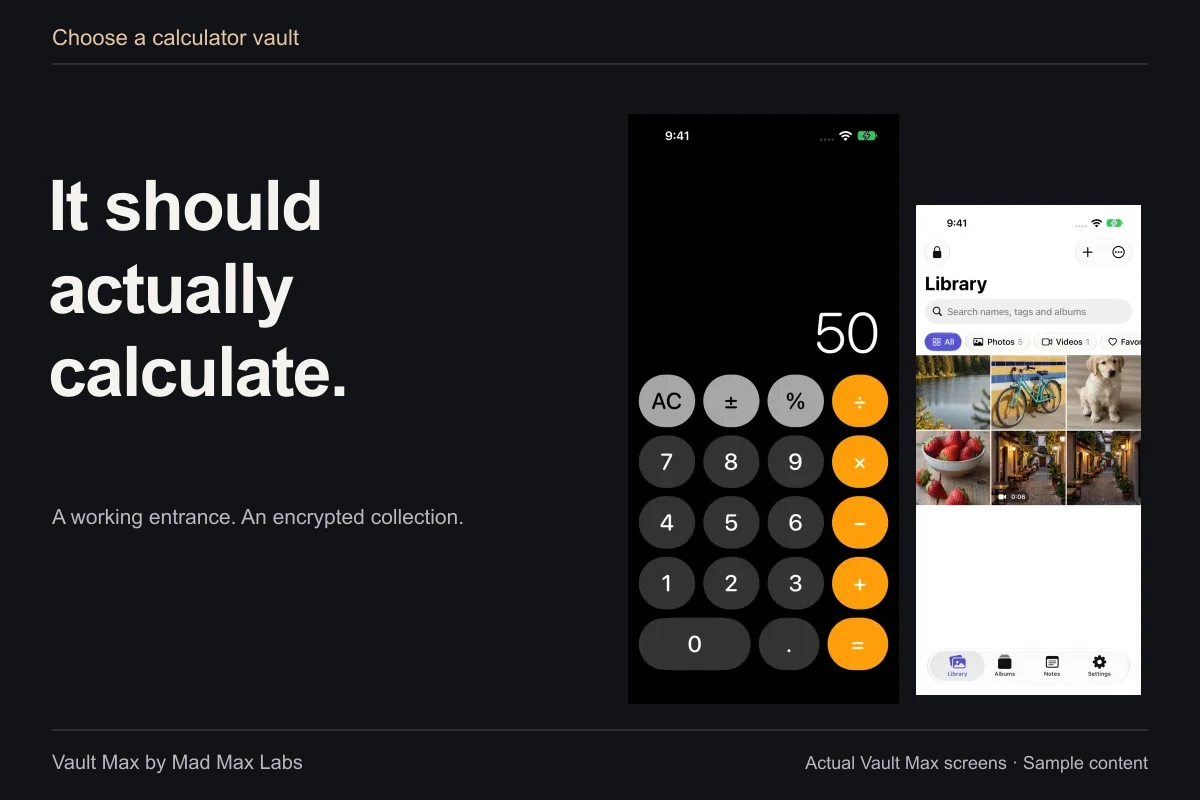
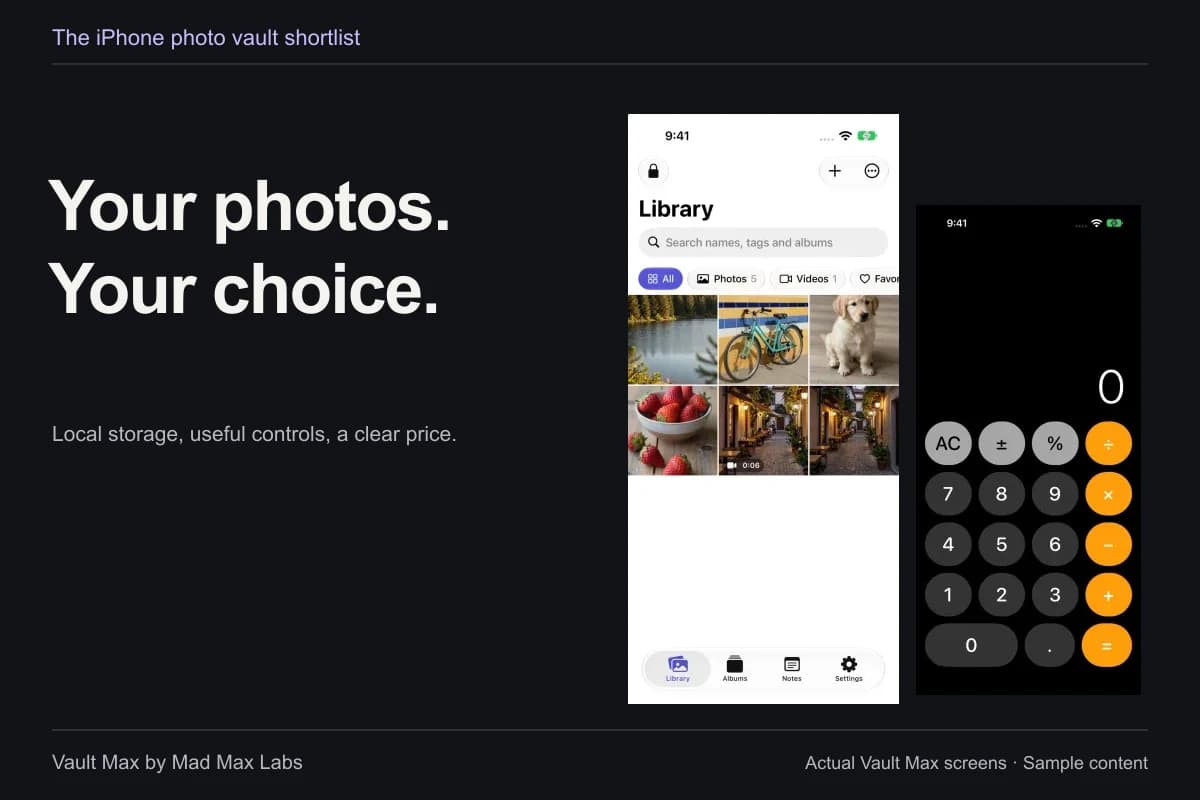
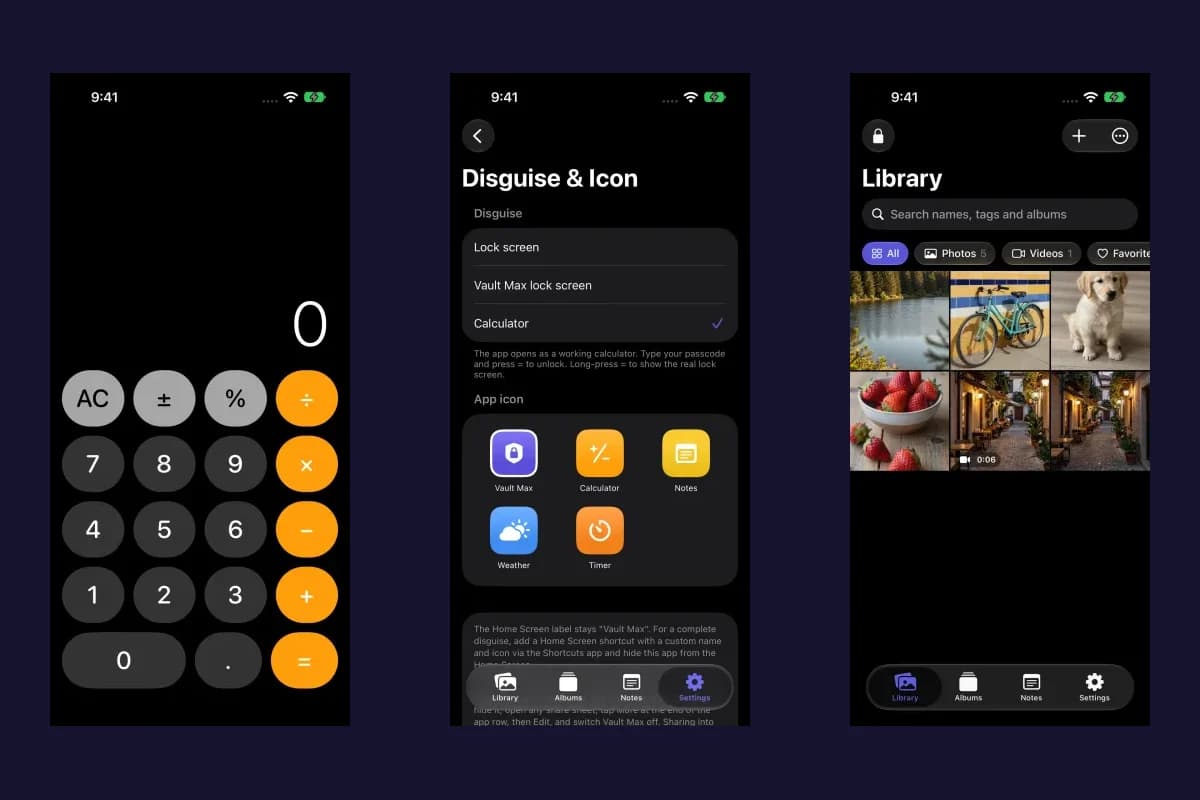
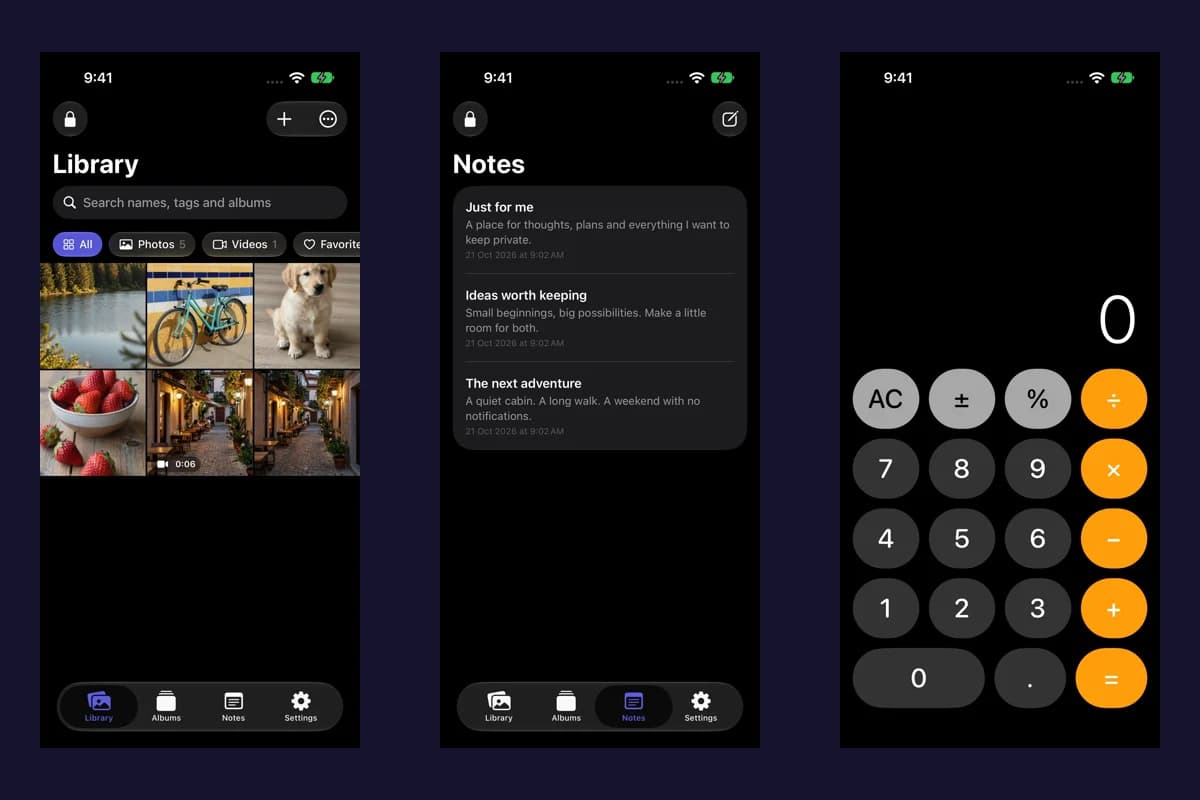
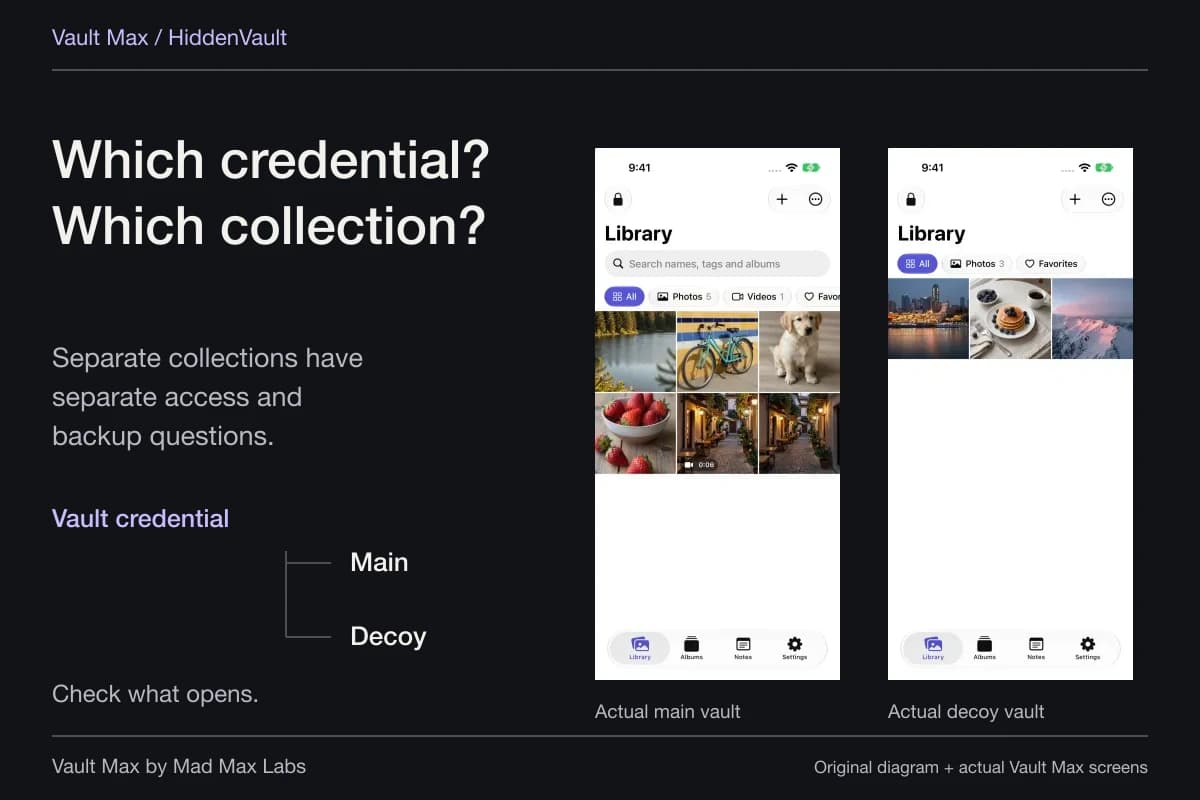
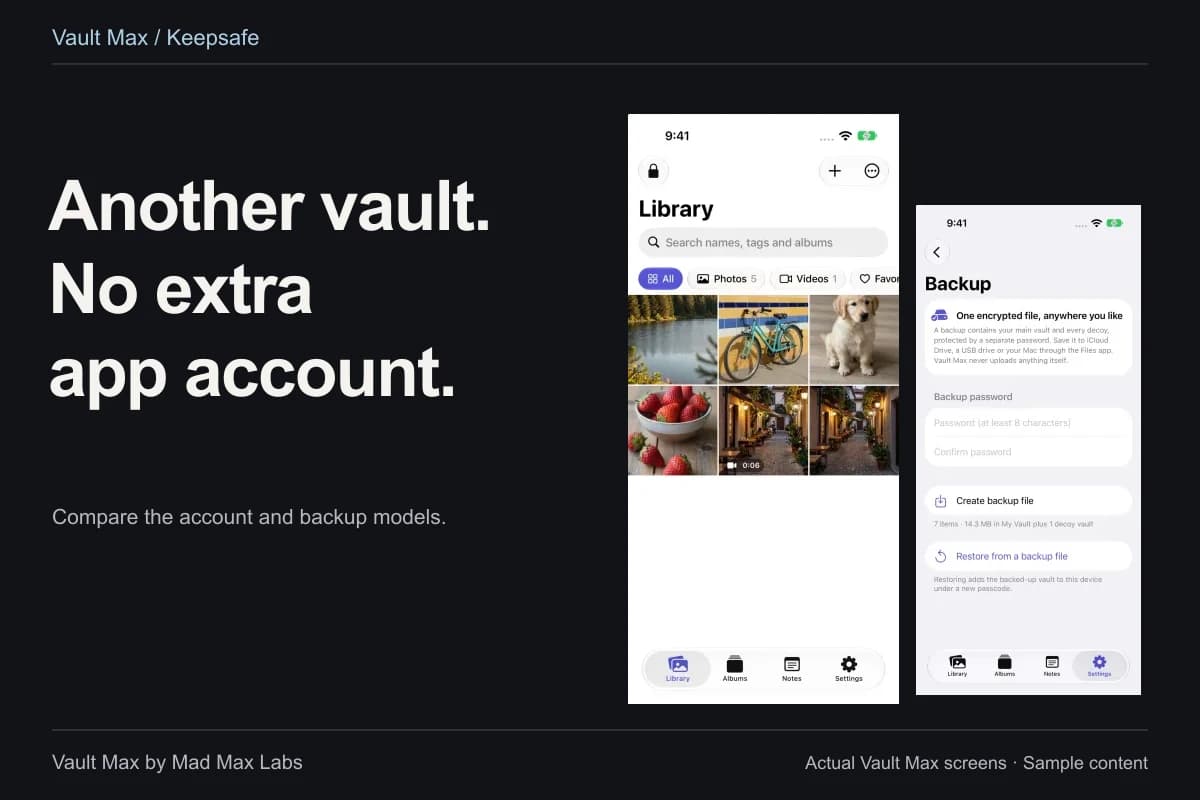
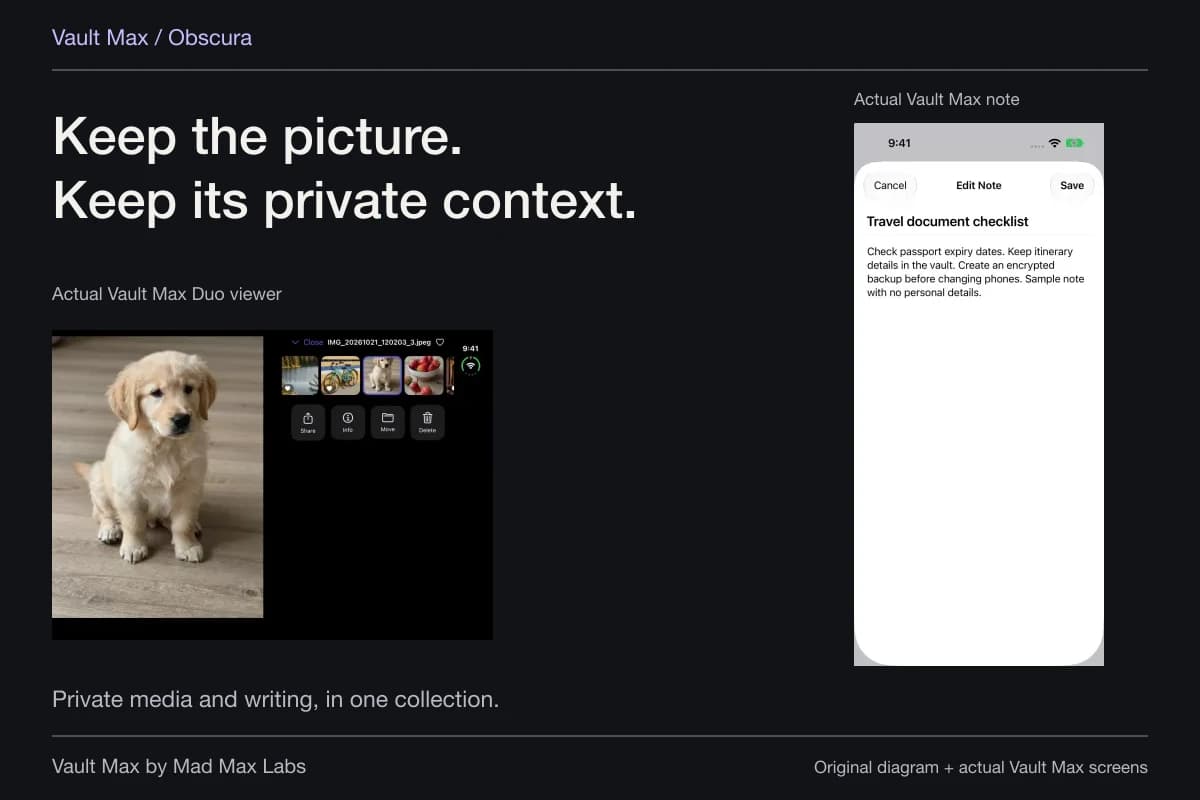
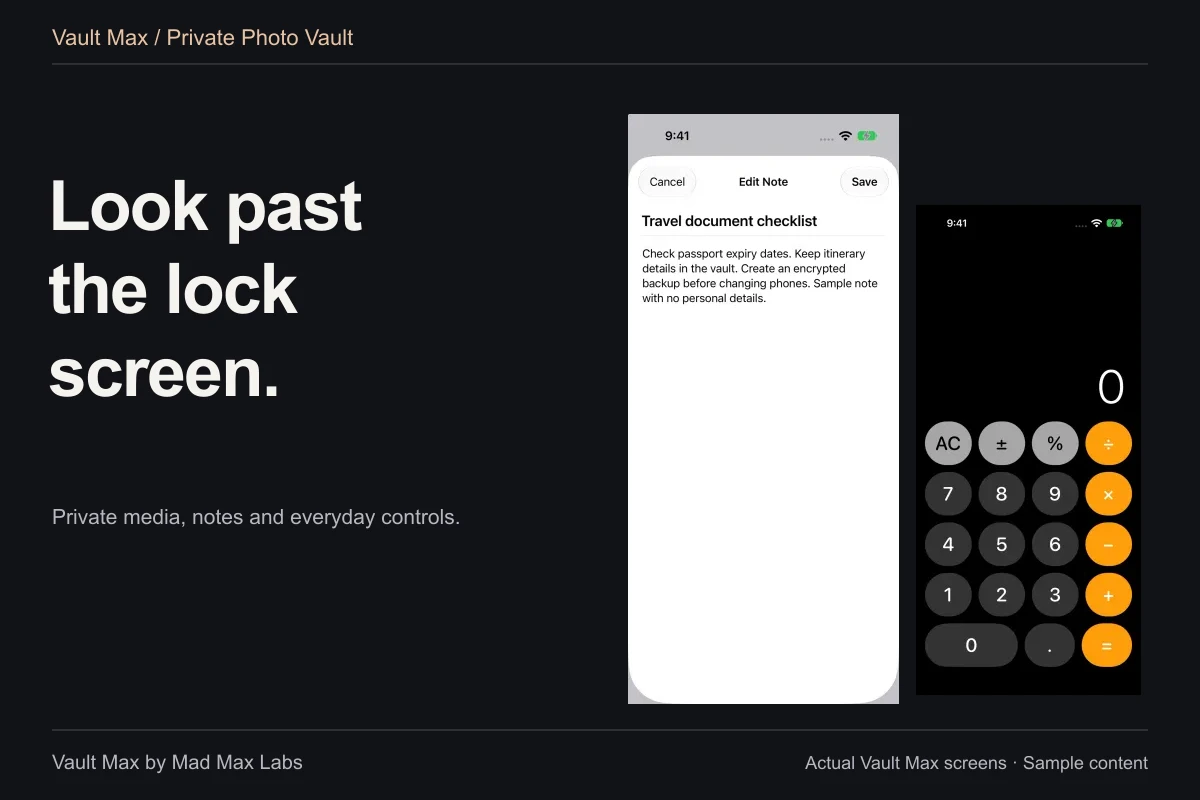
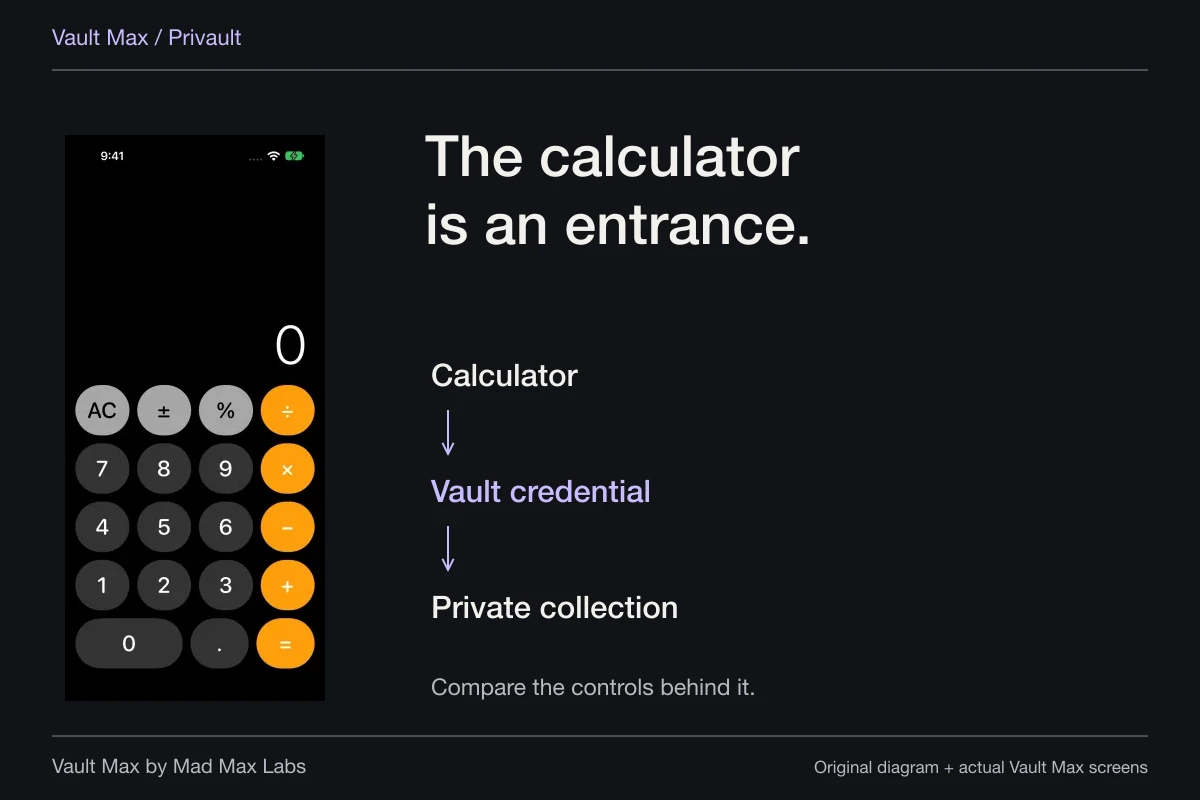
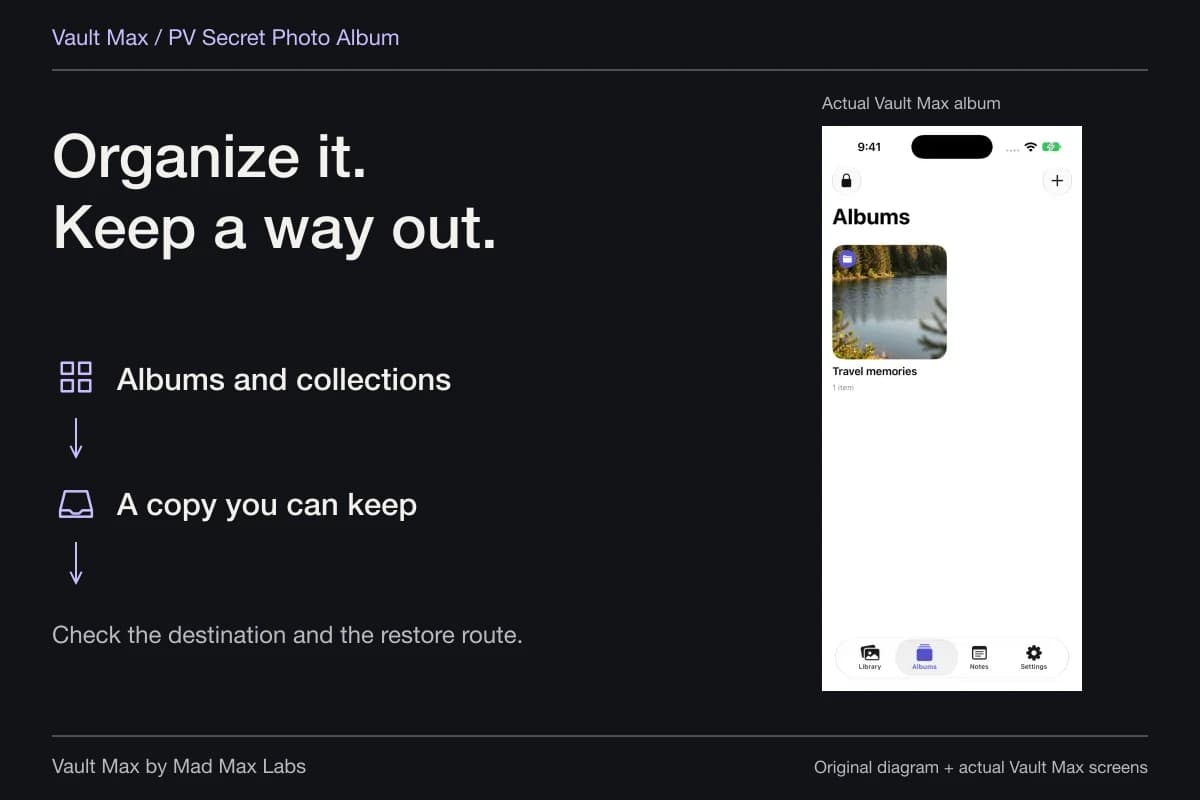
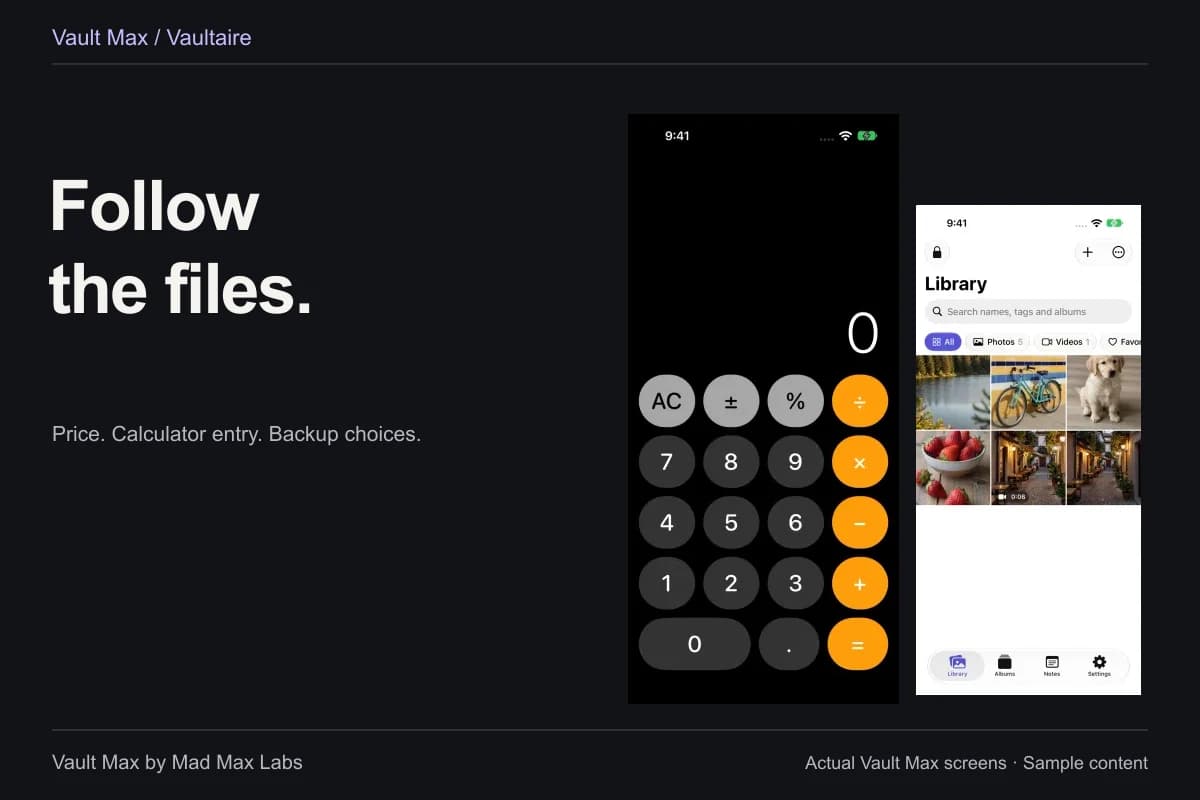
Sample Vault Max library. Select a screen for a closer look.
Give the archive a location and a scope
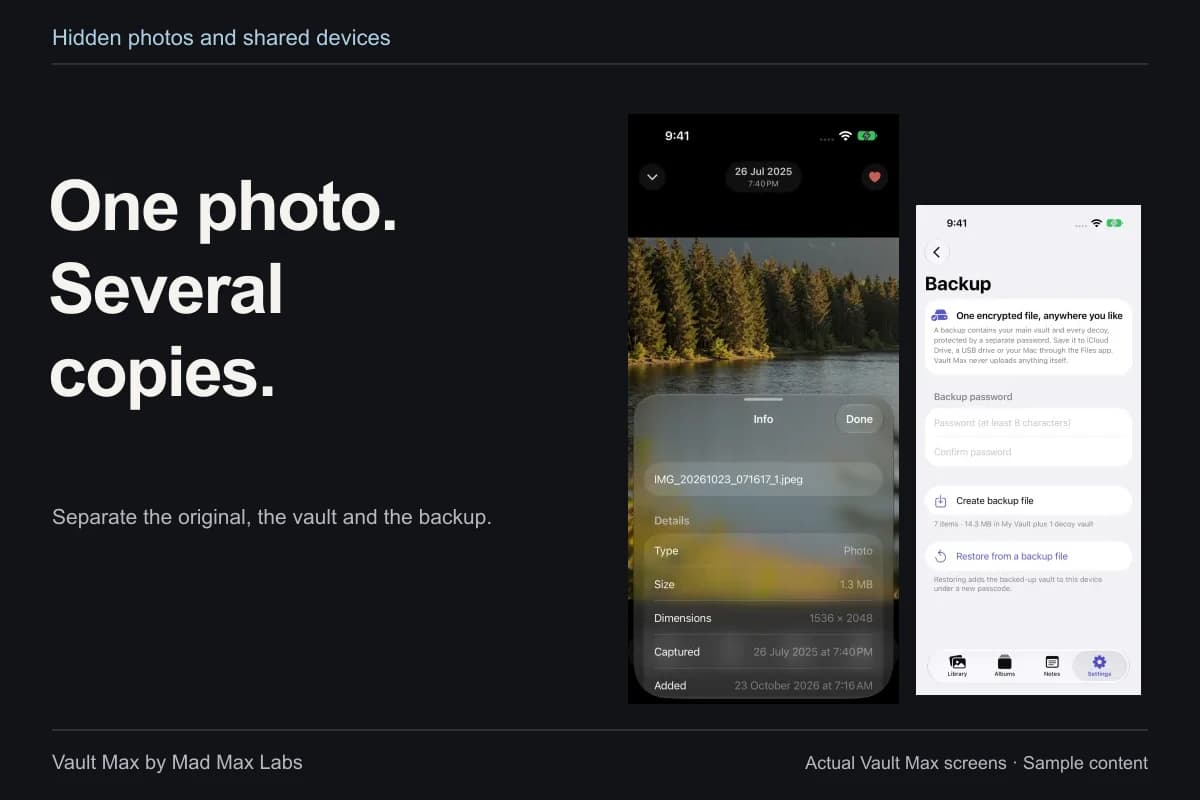
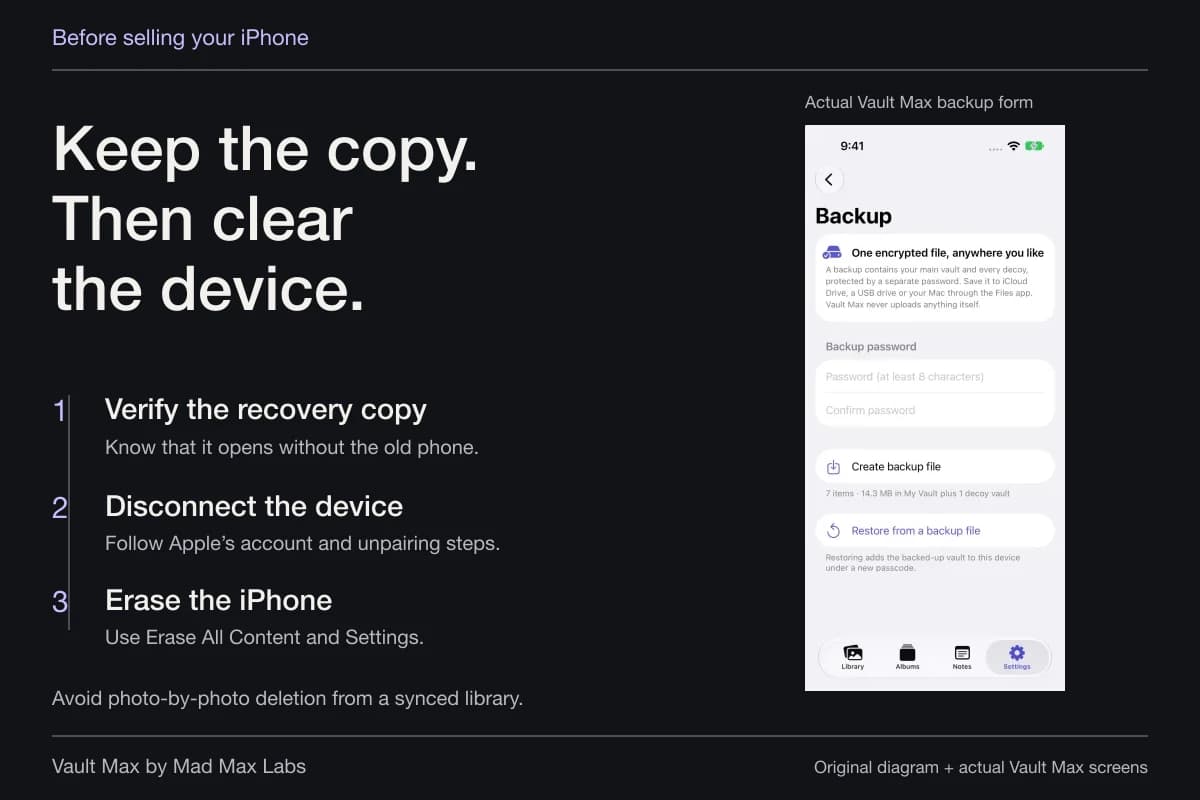
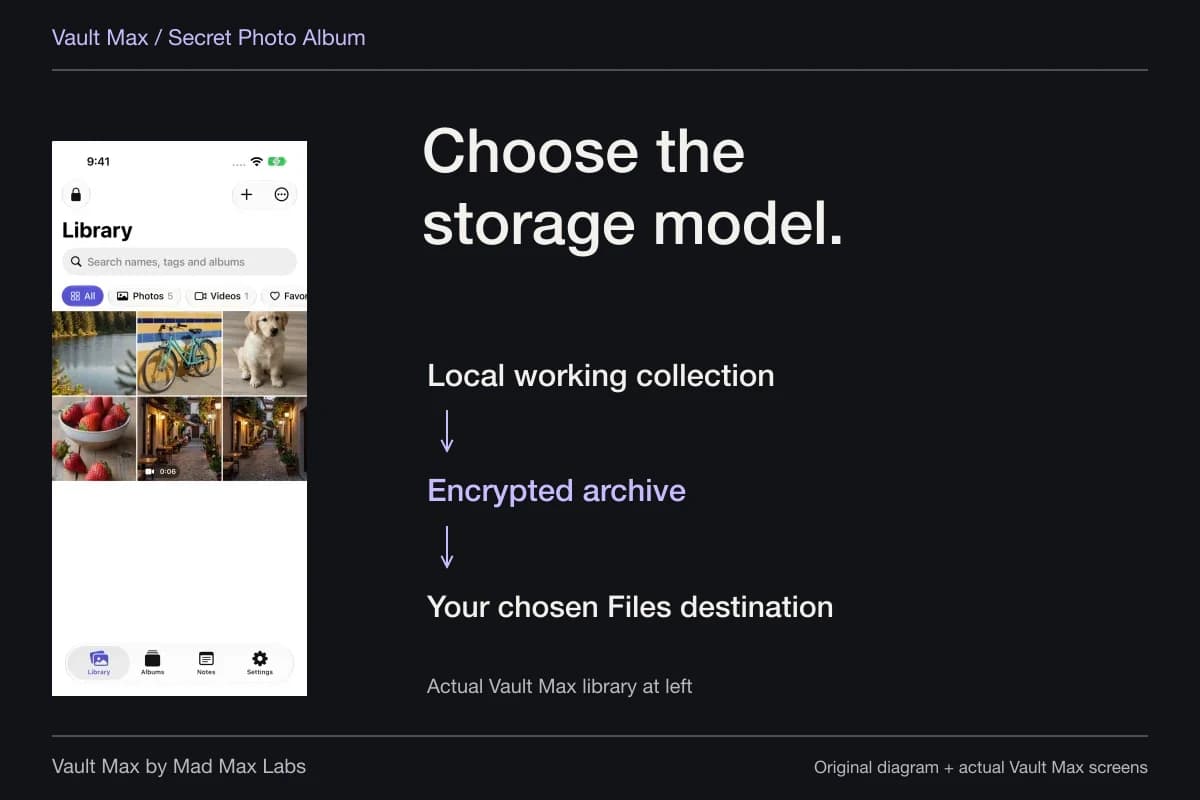
Vault Max's manual backup saves an encrypted file through Files. Choose a destination that remains accessible without the source phone. That can include a cloud-backed Files provider; the exported archive stays a distinct object, and the provider/account controls access to that destination.
Saving to iCloud Drive does not turn Vault Max into a continuously synchronized cloud library. A later addition remains a later addition until you make another archive. Likewise, a file retained only on the phone does not solve losing the entire phone.
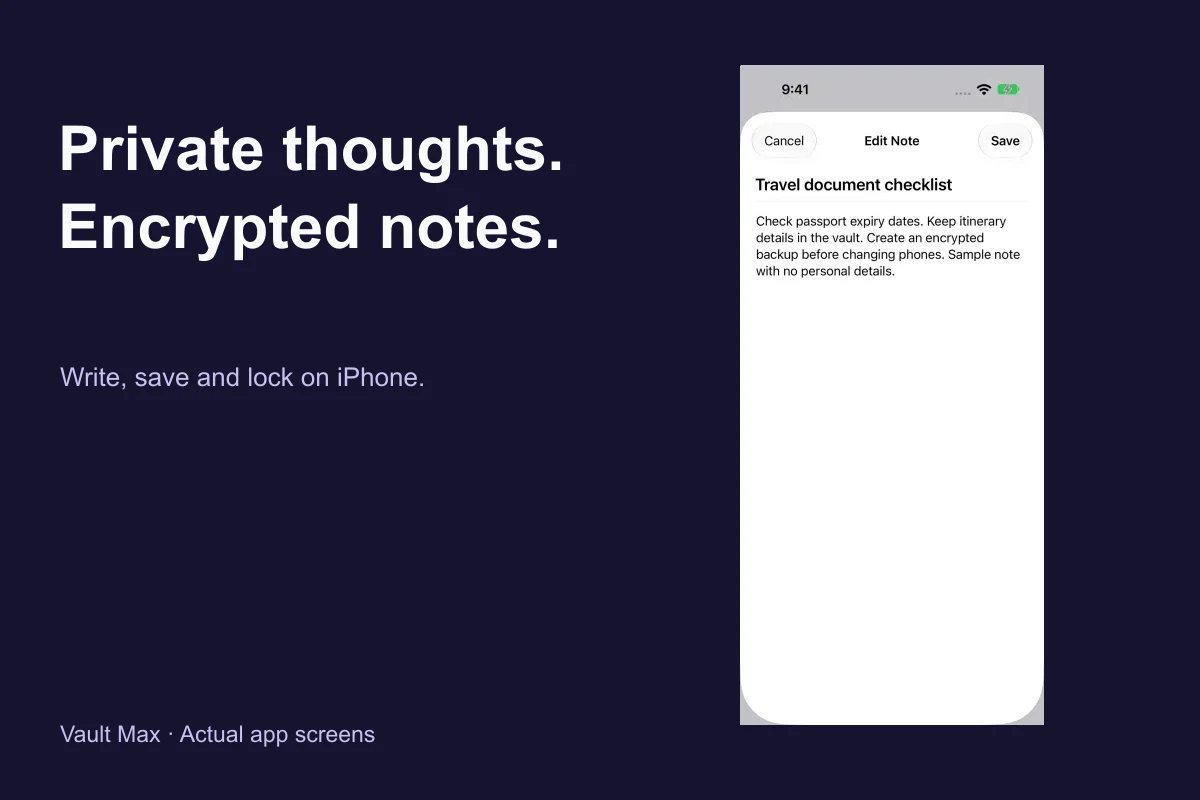
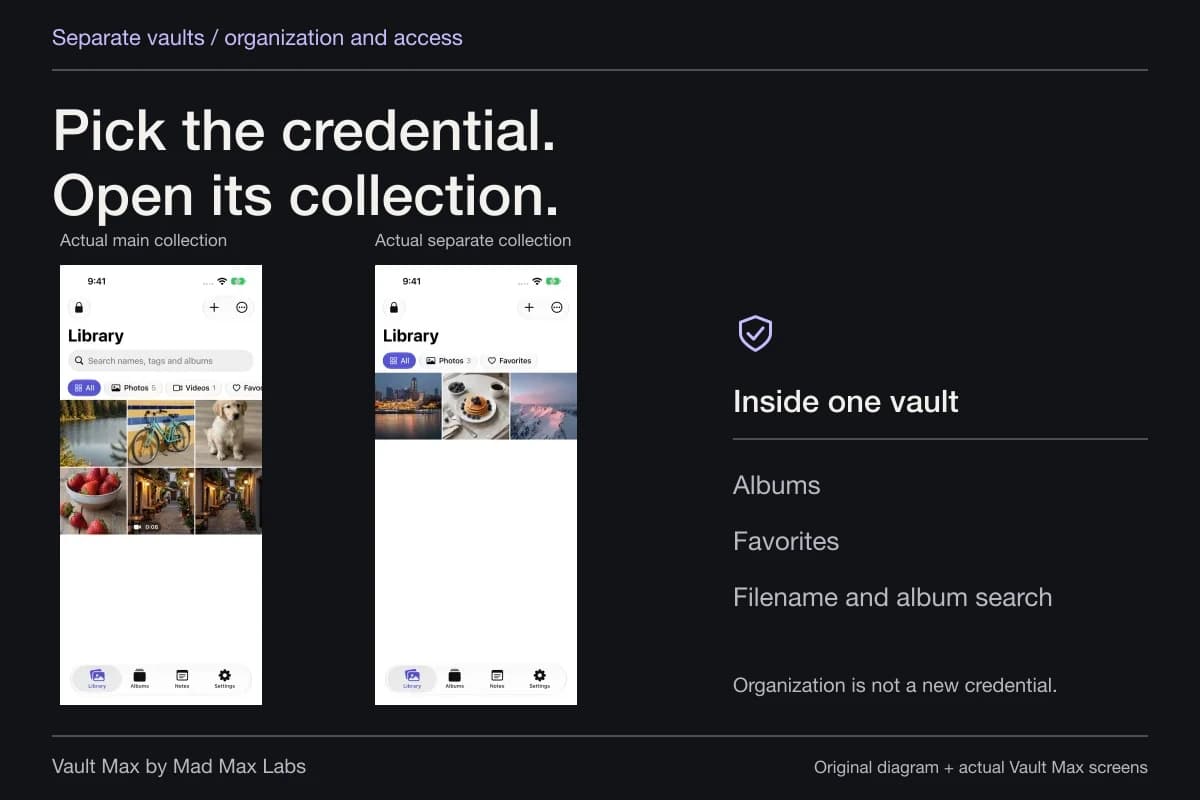
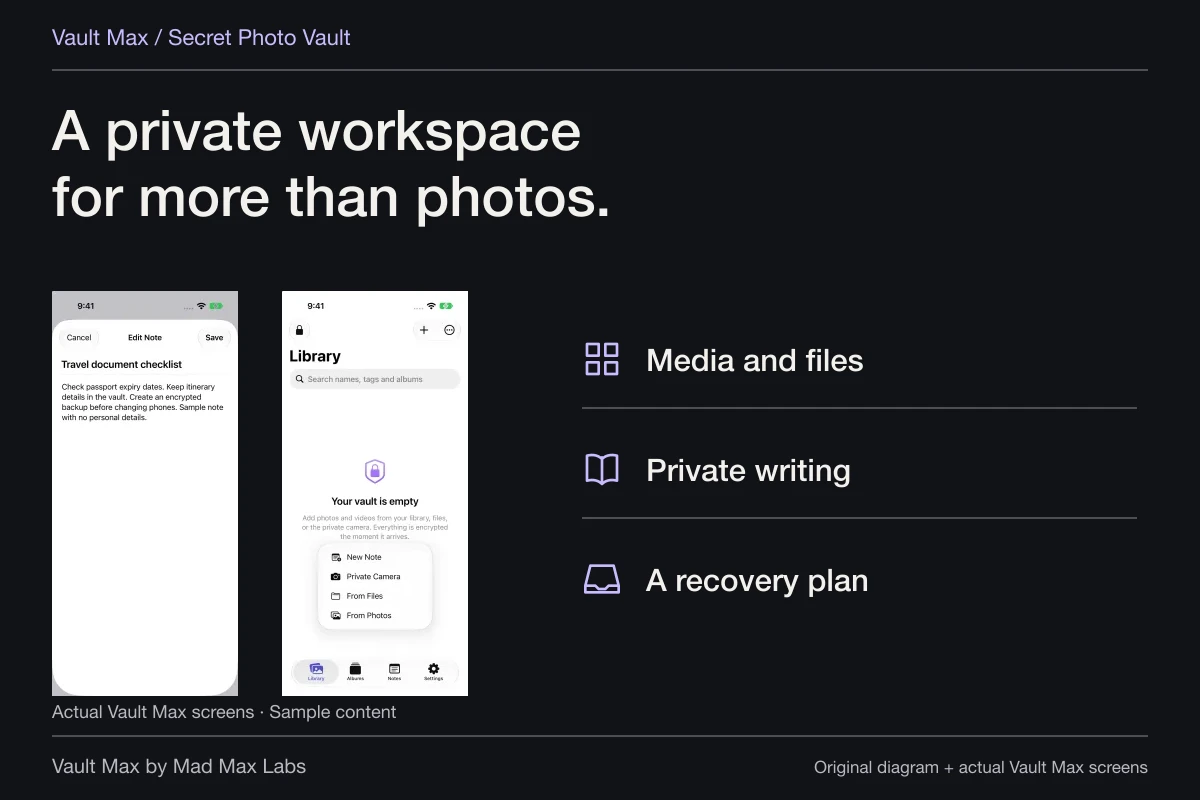
The archive contains the selected vault and its included descendants. Notes are part of that content, even though their writing lives in the separate Notes view. Check the intended collections rather than assuming that one export necessarily includes every unrelated vault you have ever created.
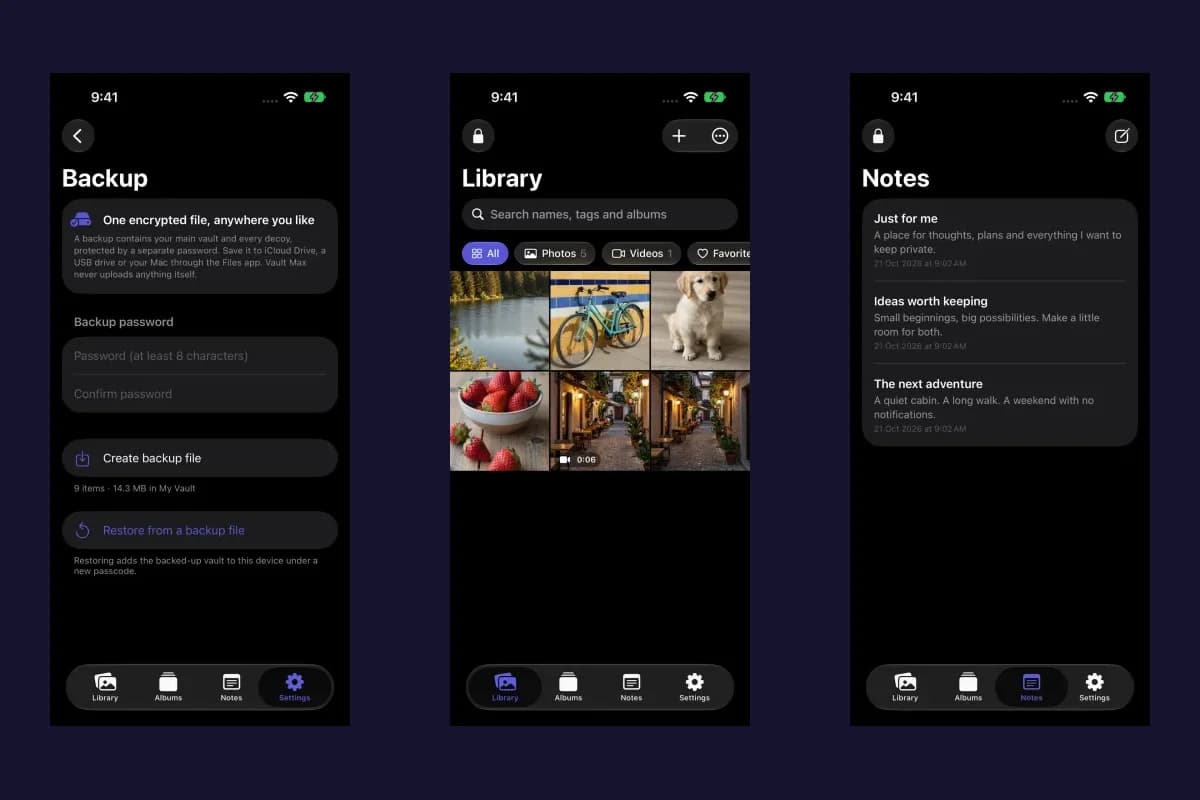
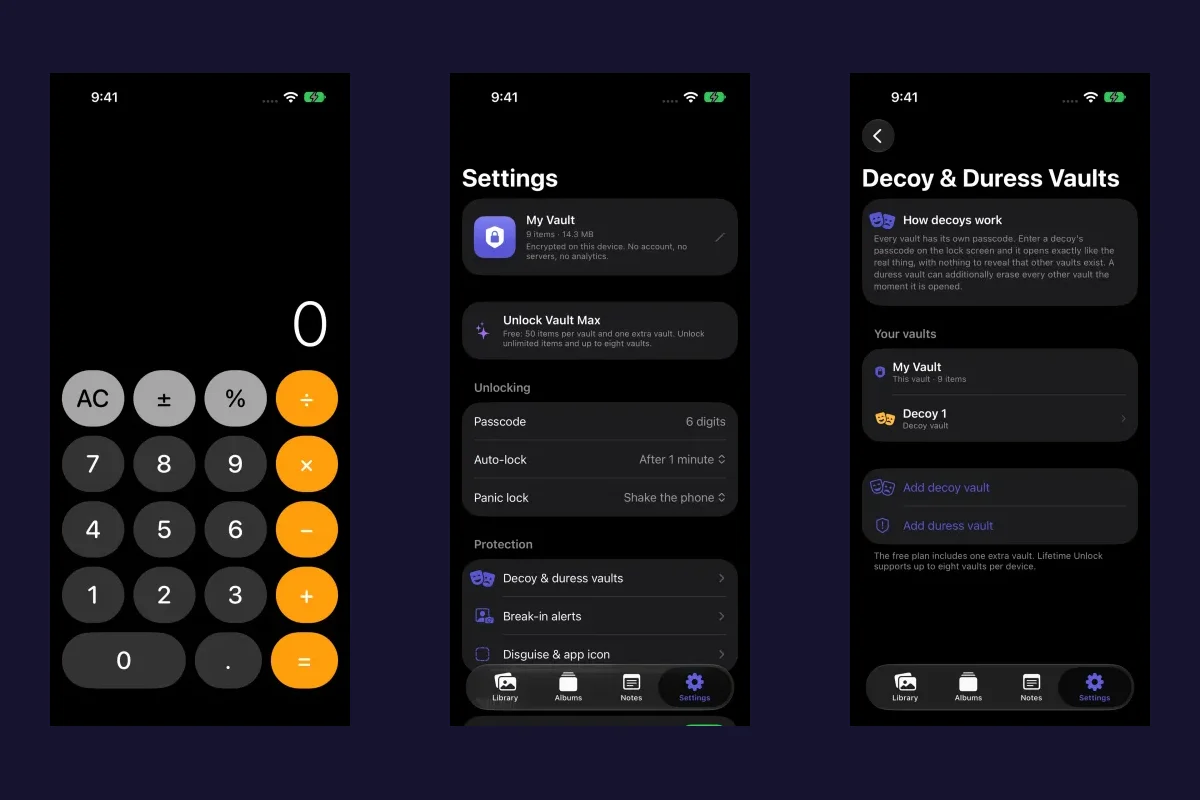
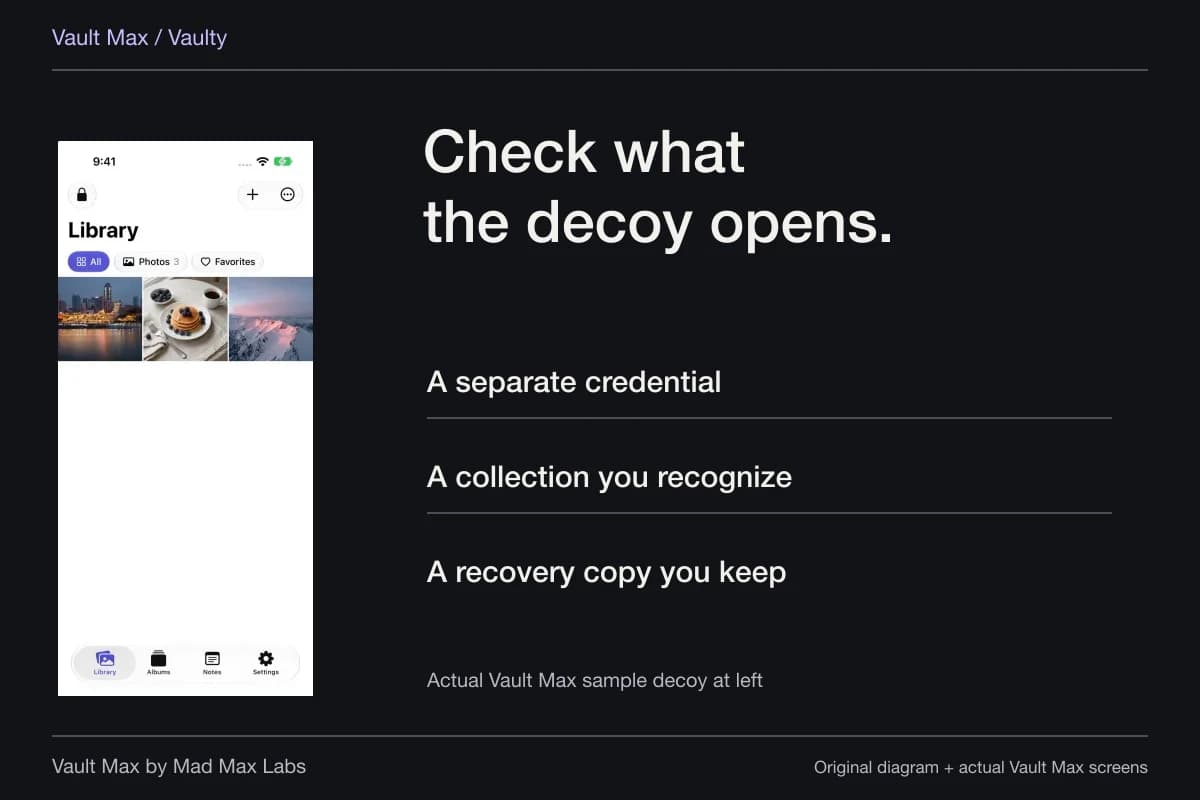
Sample Vault Max library. Select a screen for a closer look.
Keep the passwords attached to their proper jobs
Your current vault credential opens the working collection. The manual archive password opens the saved .vaultmax snapshot. A computer-backup password belongs to Apple's encrypted computer-backup route. An Apple Account or Files-provider login can be necessary to reach a destination without being the password that decrypts its archive.
Record those roles privately and clearly. A password labelled only “phone backup” becomes difficult to interpret when you have several different recovery objects. The label should tell future you which file or service it opens without exposing the secret to another person.
Restoring a usable Vault Max archive lets you choose a new vault credential. Included child-vault credentials are assigned afterwards in Settings → Decoy & duress vaults. An old archive with an unknown archive password does not become readable merely because you restored a purchase or remembered the original phone code.
An archive also remains a separate saved object when you change the working collection later. Updating the current vault credential is not a command that reaches into old exported files and replaces their archive passwords. Treat an older archive according to the password and contents it was given when created.
If the working vault still opens but the old archive password is lost, create a fresh archive with a new password and preserve that new record carefully. That gives the currently accessible collection a new recovery object; it does not decrypt the old file. Keeping the roles clear prevents a future restore from beginning with a series of guesses at the wrong password.
Review old copies without deleting the useful one
Apple's backup-management instructions show how to inspect computer backups and archive a backup so a later one does not replace it. Identify the device and date before removing an old copy. Its unfamiliar age is not enough to tell you whether it contains something you still need.
Apply the same discipline to manual archives. Keep a private record of the archive date, destination and intended collection. After important additions, create a newer copy deliberately. Avoid turning cleanup into an experiment with the only remaining files.
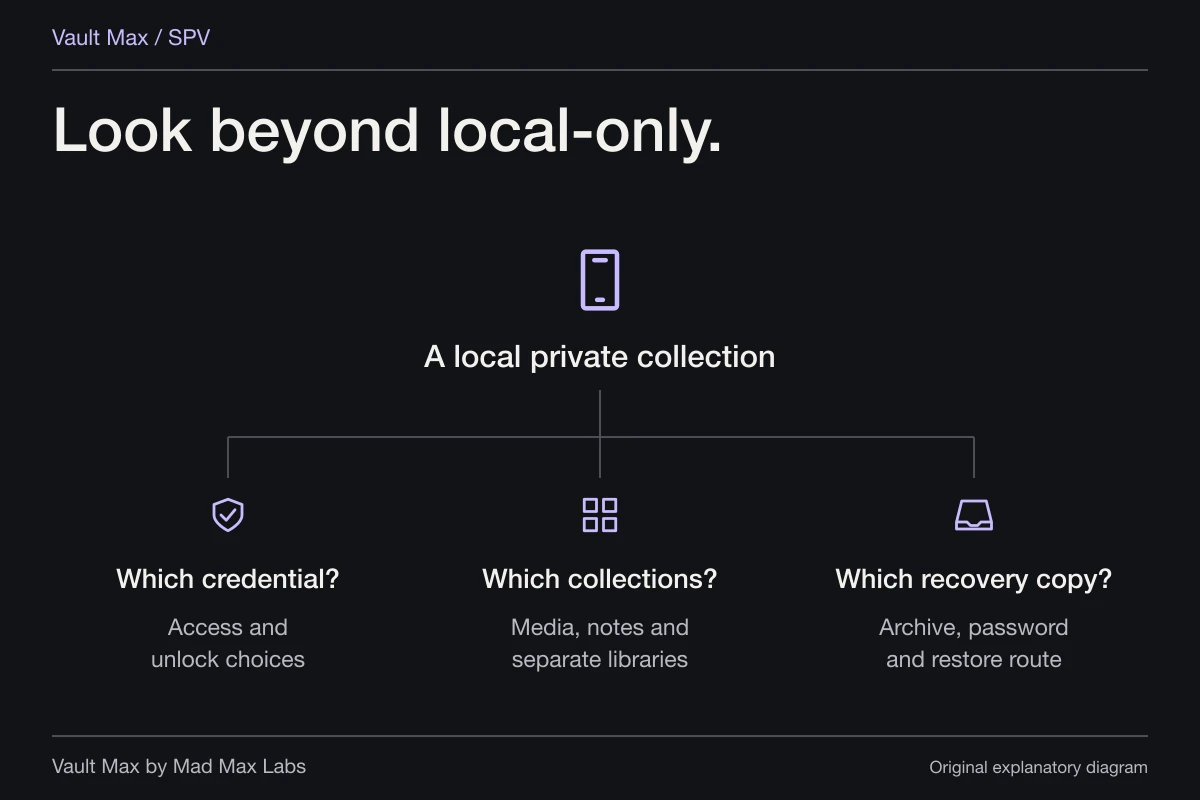
- Synced Photos library, Apple device backup or .vaultmax archive?
- Which collection and newest important items should it contain?
- Can you reach the destination and its required credentials without the phone?
- Check the intended recovery result before removing an irreplaceable copy.
Tap a box as you go. Checks reset when you leave this page.
Use the archive walkthrough for the actual controls and the recovery checklist for lost-phone and forgotten-credential decisions. A clear inventory lets Vault Max's local privacy and explicit archive work together, instead of leaving recovery to an unnamed copy somewhere else.
Common questions
Are Hidden photos in a separate hidden backup?
The Hidden album is part of Photos, not a separate backup product. Apple says iCloud Photos content syncs separately and is not duplicated in the daily iCloud device backup. Without iCloud Photos, that backup may include device photos and videos.
Is Vault Max included in iPhone backups?
Vault Max's Include in iPhone backups setting defaults on. The operating system's backup settings and the required key material still matter. Inclusion is different from independently creating a password-protected .vaultmax archive; this guide does not claim a tested whole-device restore.
Can Restore Purchases bring back my private library?
It restores eligible App Store entitlements. It does not retrieve a Vault Max server library, because there is none. Recovering private content requires a supported usable copy and the credentials or keys that copy needs.
Continue reading
More guides
Practical tips for your private library. Swipe or scroll to choose your next guide.
74 guides to explore