
Privacy in practice
Protect private files on iPhone: choose a boundary, then organize inside it
Protect private iPhone files with a separate vault credential. Understand folders, file copies, imports, albums, ordinary exports and encrypted recovery.
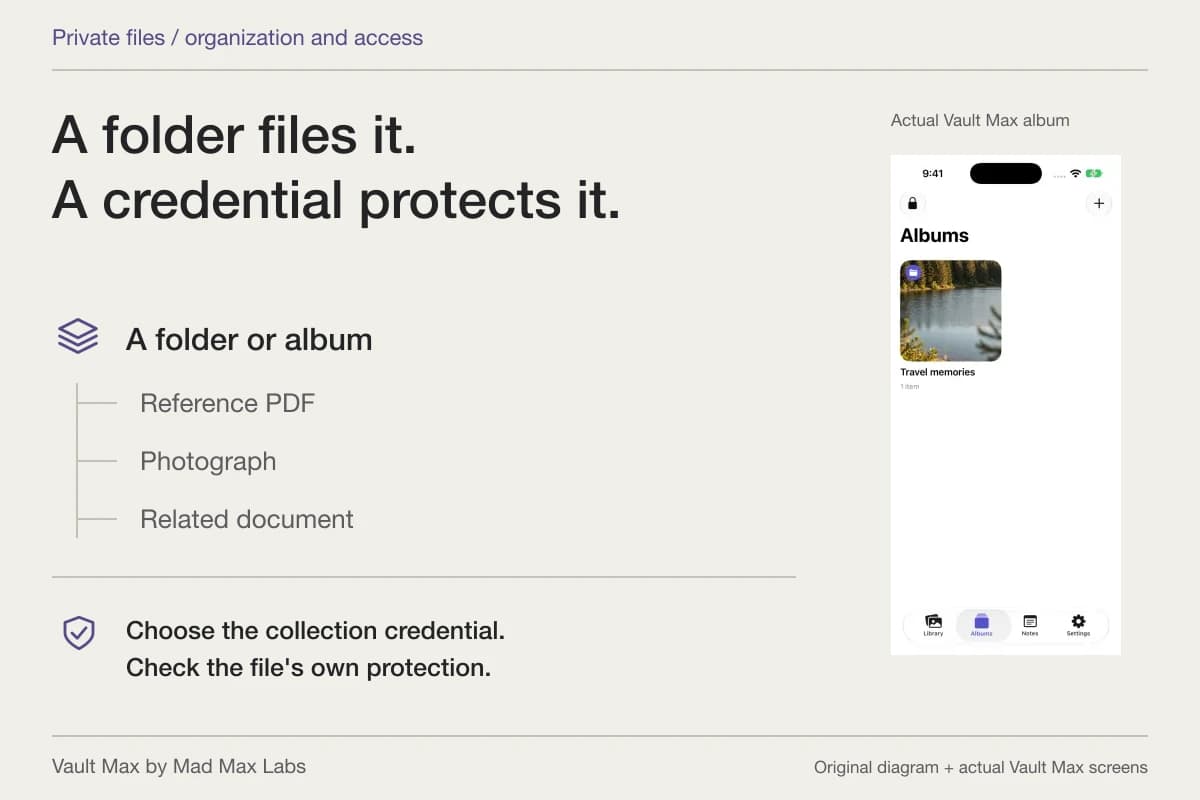
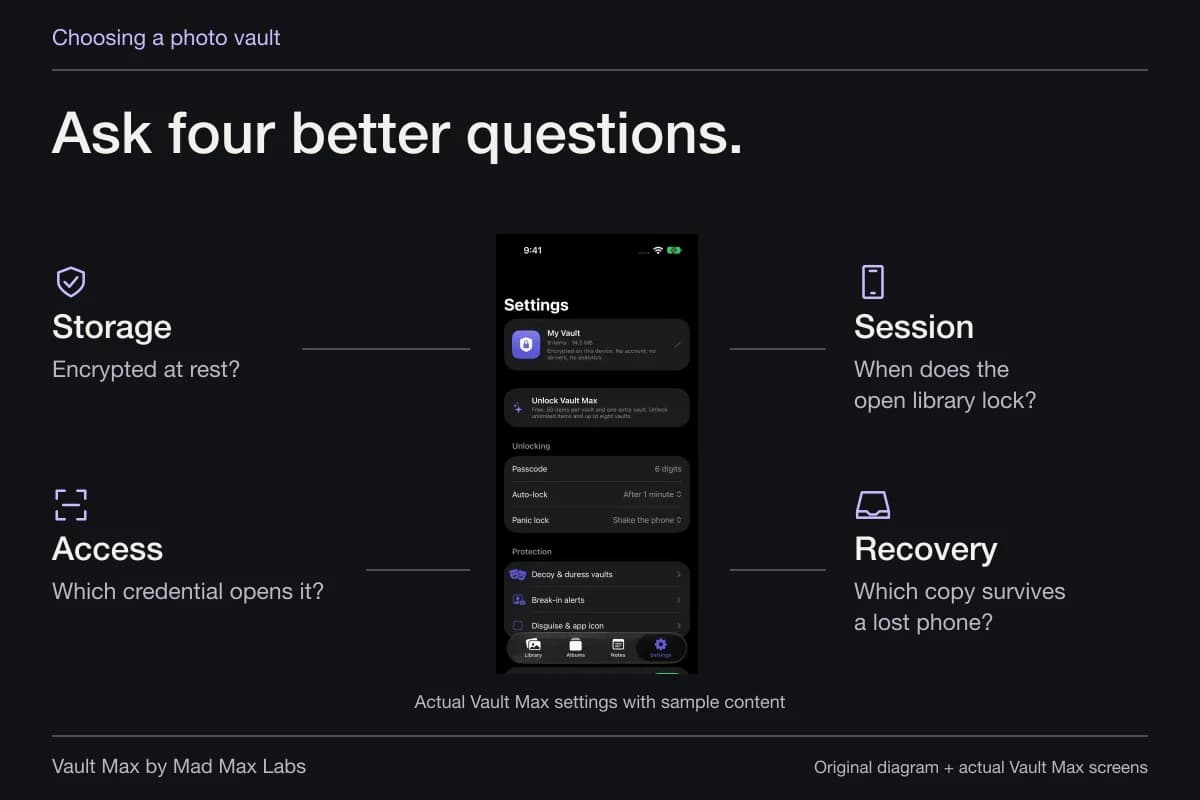
To protect private files with a separate secret, use a credential-protected collection and organize the files inside it. A folder name helps you find something; the access control decides who can open it. Vault Max combines an encrypted local collection, separate vault credentials, albums and private notes without an app account or developer-hosted library.
Start with one file you can afford to experiment with. Decide where its working copy should live, which credential should open it and what you would use to recover it if the phone disappeared. Those three decisions are more useful than putting a vague name on a folder and assuming the job is finished.
Separate the folder from the lock
Apple's current Files organization guide describes creating folders and actions such as moving, copying, renaming and compressing items. These are useful organization tools. A move or a newly created folder does not, by itself, establish a new password independent of the phone or storage provider.
Before changing anything, identify the location shown in Files. A provider folder, a local app location and an iCloud Drive folder are different places for a copy to live. The same filename can appear in several of them. Follow the location and file itself, rather than treating the Files app as a single storage bucket.
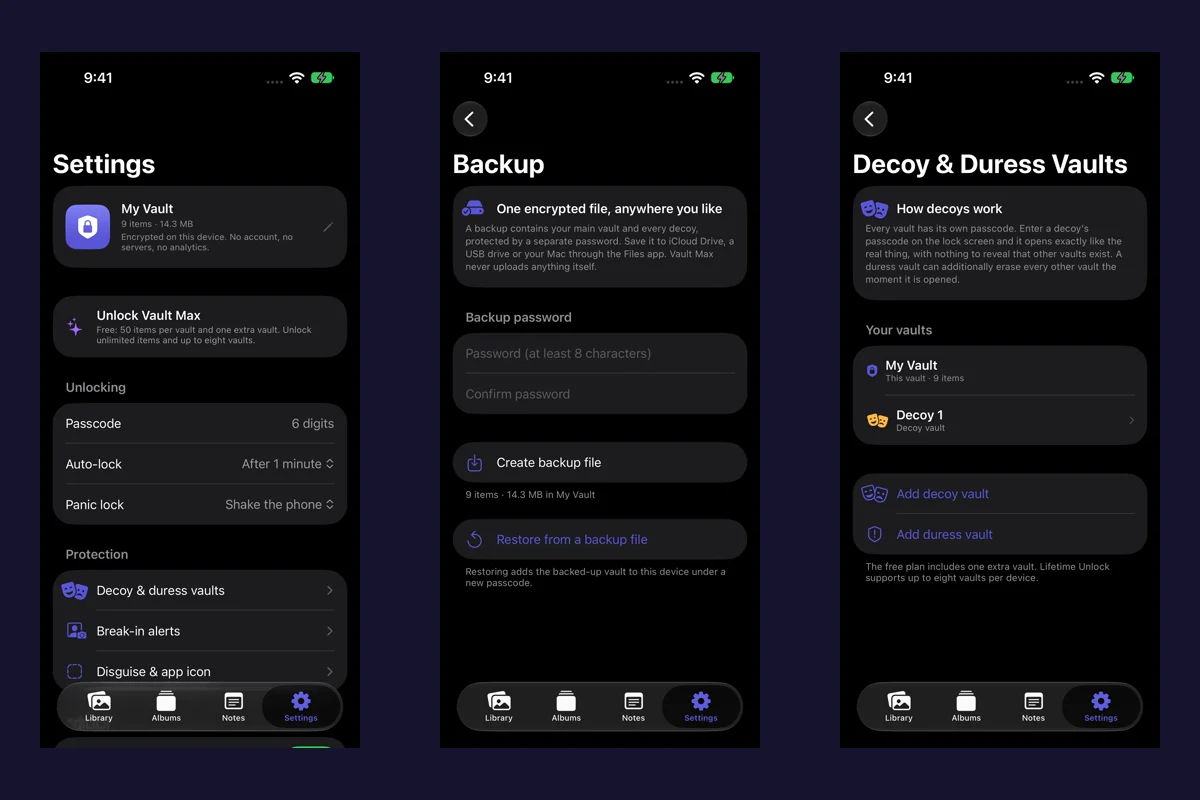
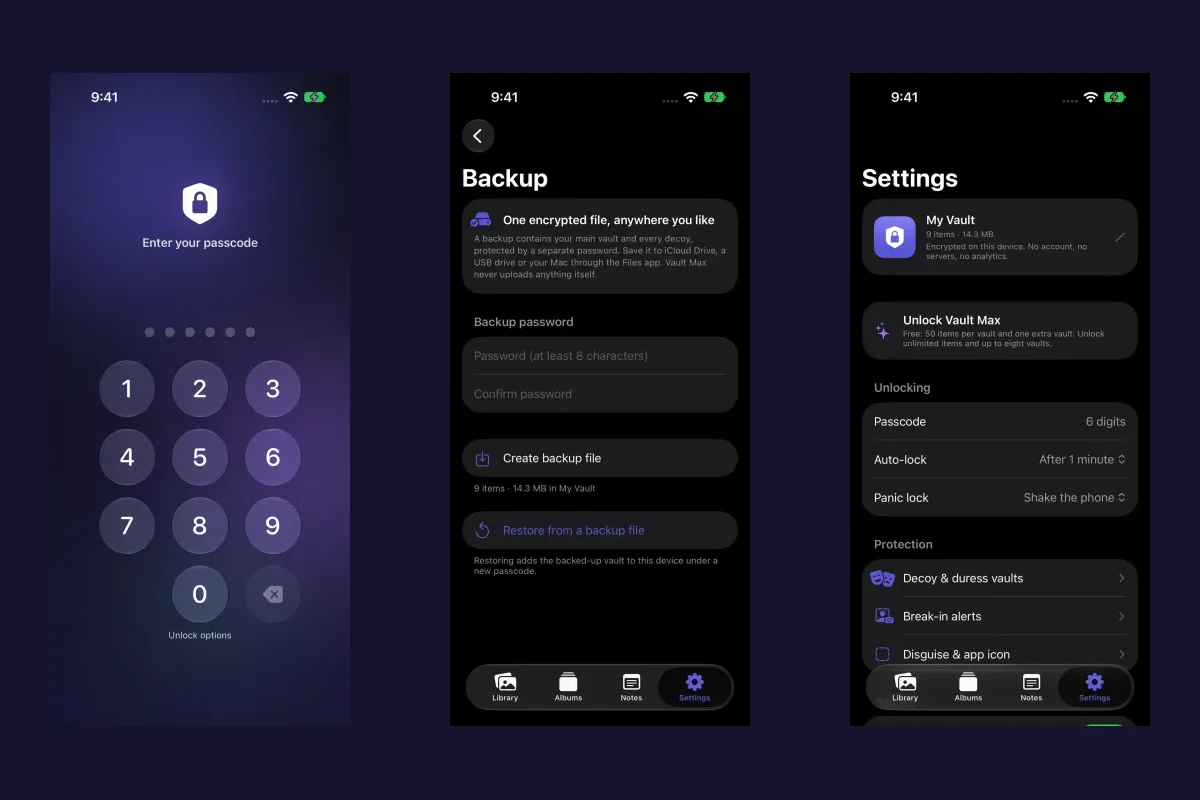
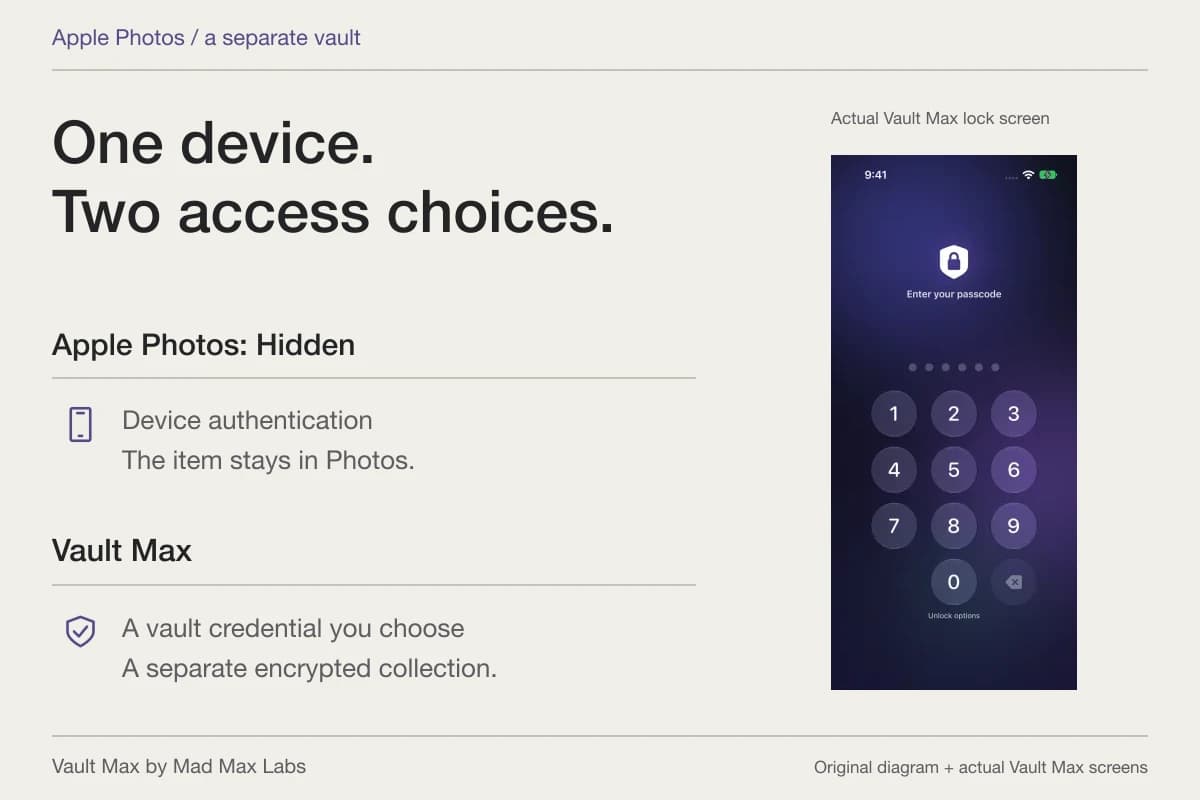
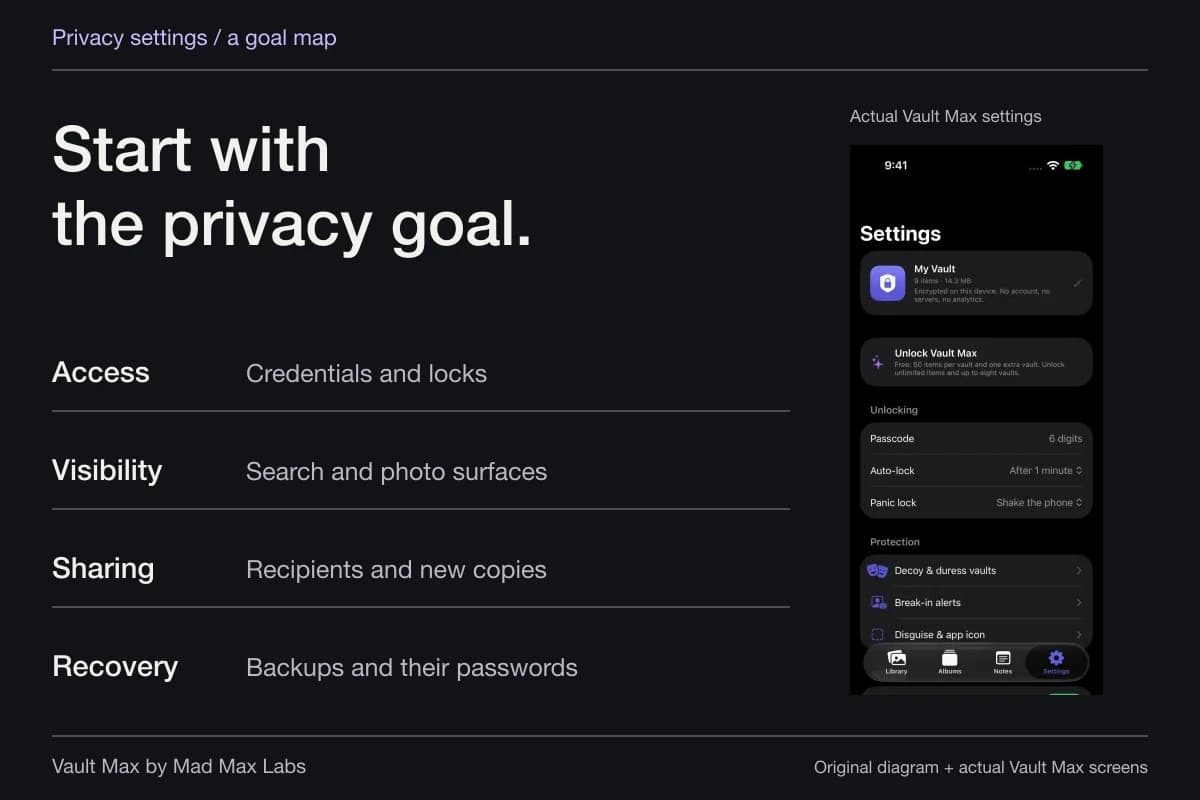
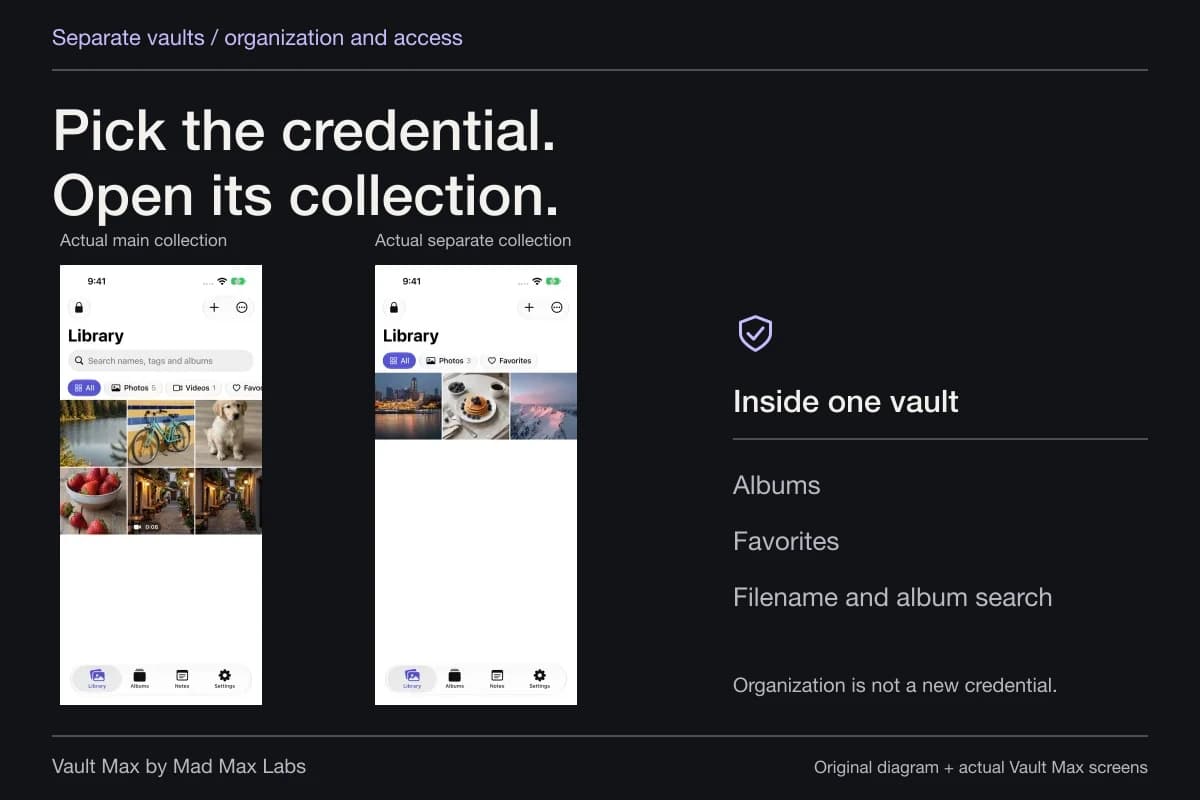
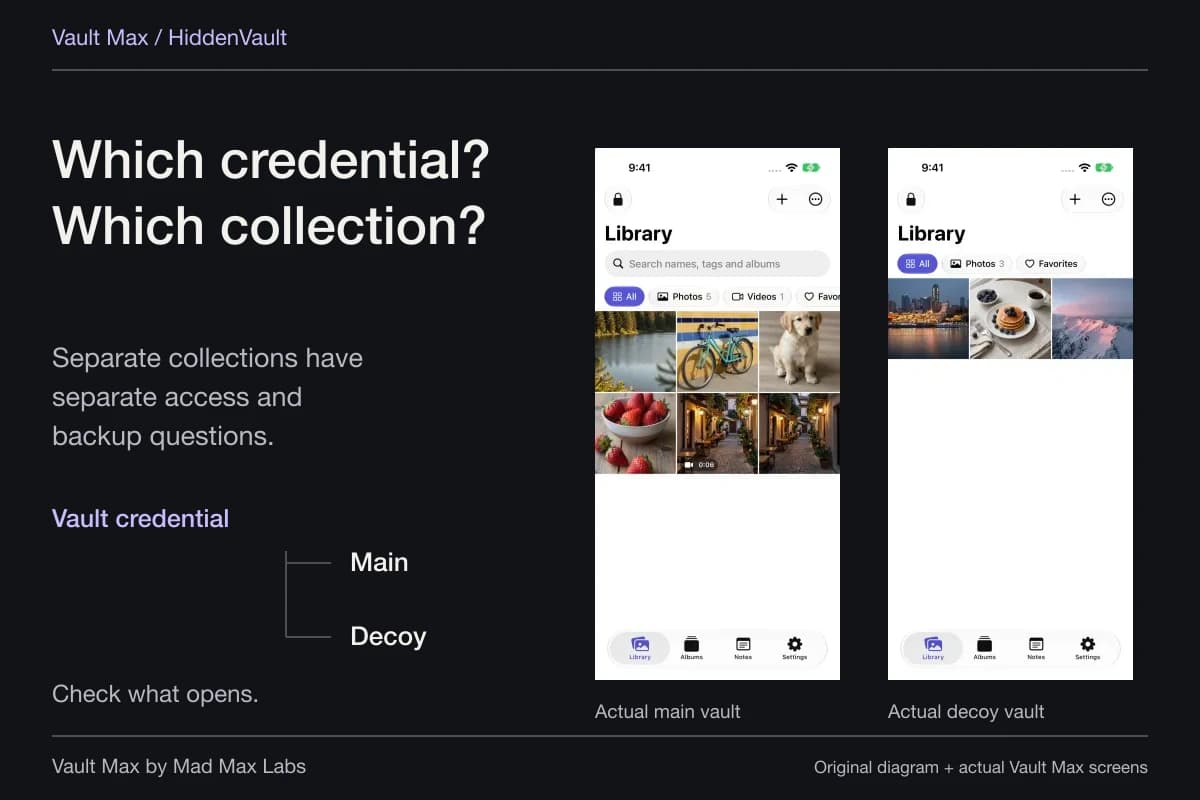
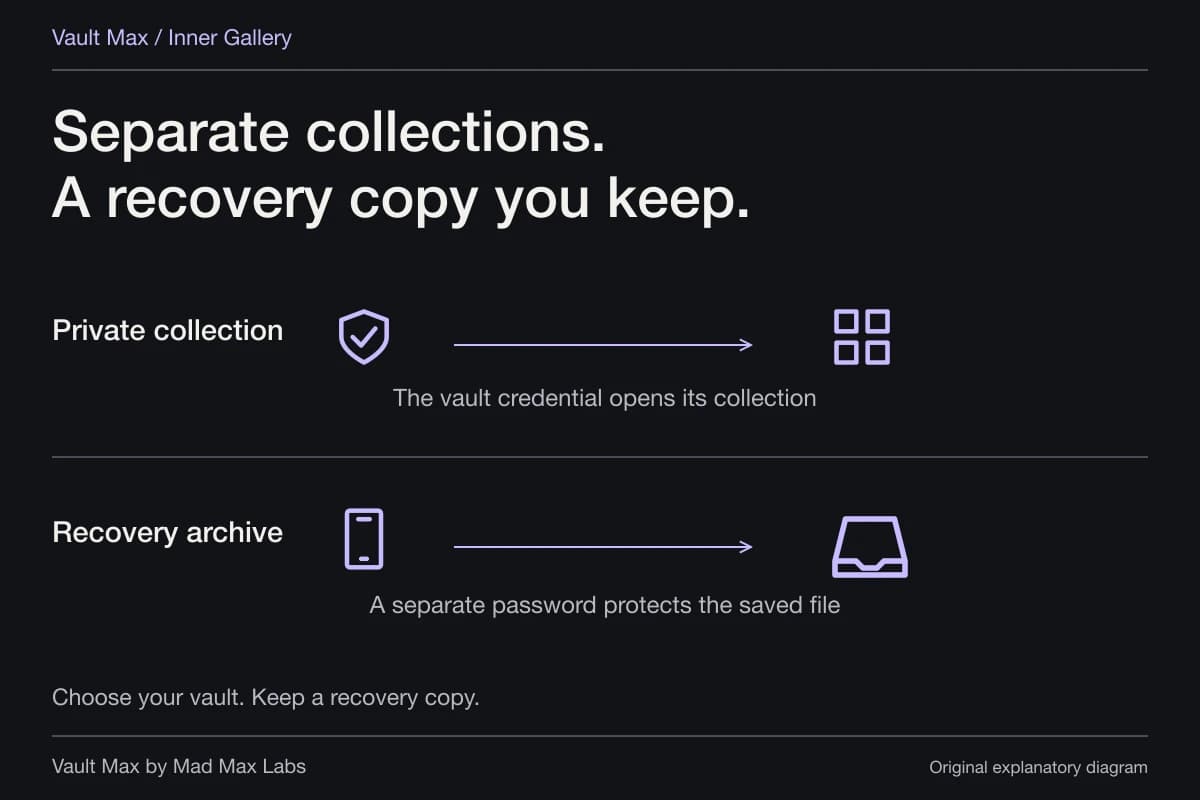
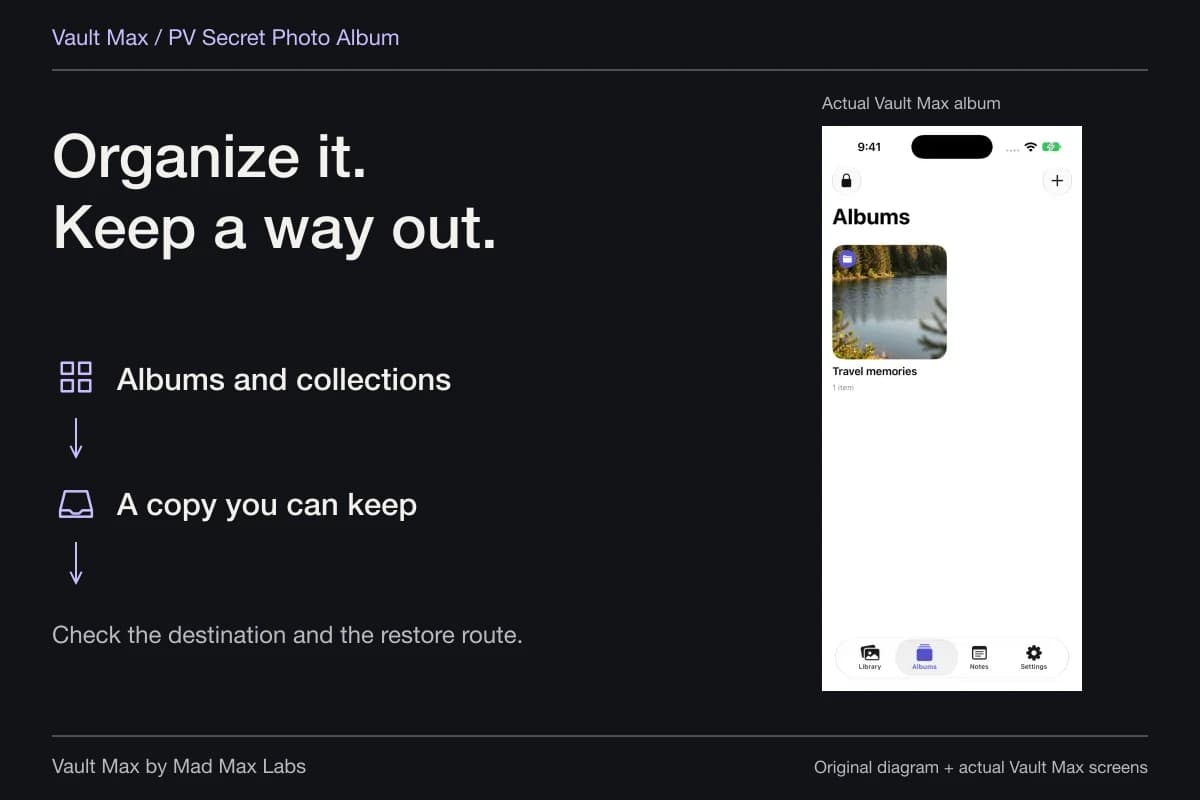
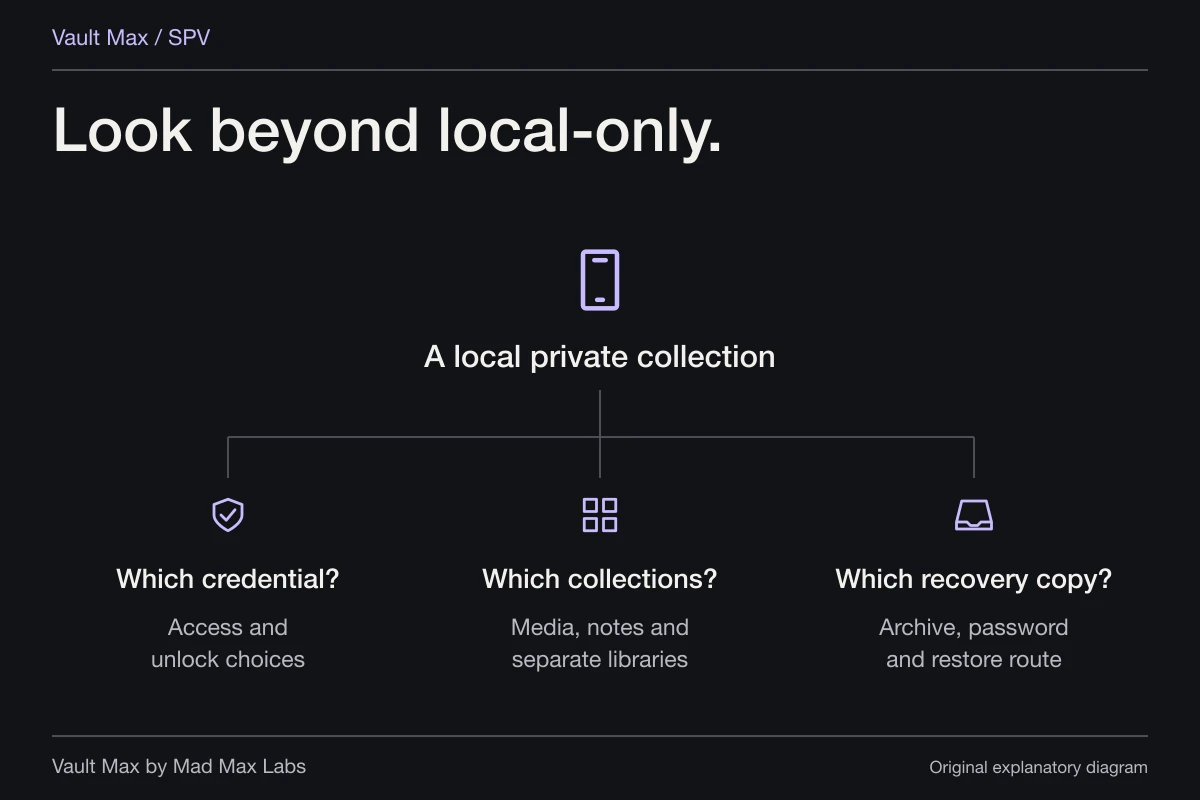
In Vault Max, the vault credential supplies the access boundary. Albums arrange the files after that vault opens. If two groups require different secrets, use separate vaults with their own credentials. If the goal is simply to separate two projects while using the same access routine, albums do that organizational job.
A folder or album
Organization- A reference PDF
- A photograph
- A related document
Grouping files does not, by itself, give them a new password.
- Collection access
- A Vault Max credential opens its separate encrypted collection.
- File access
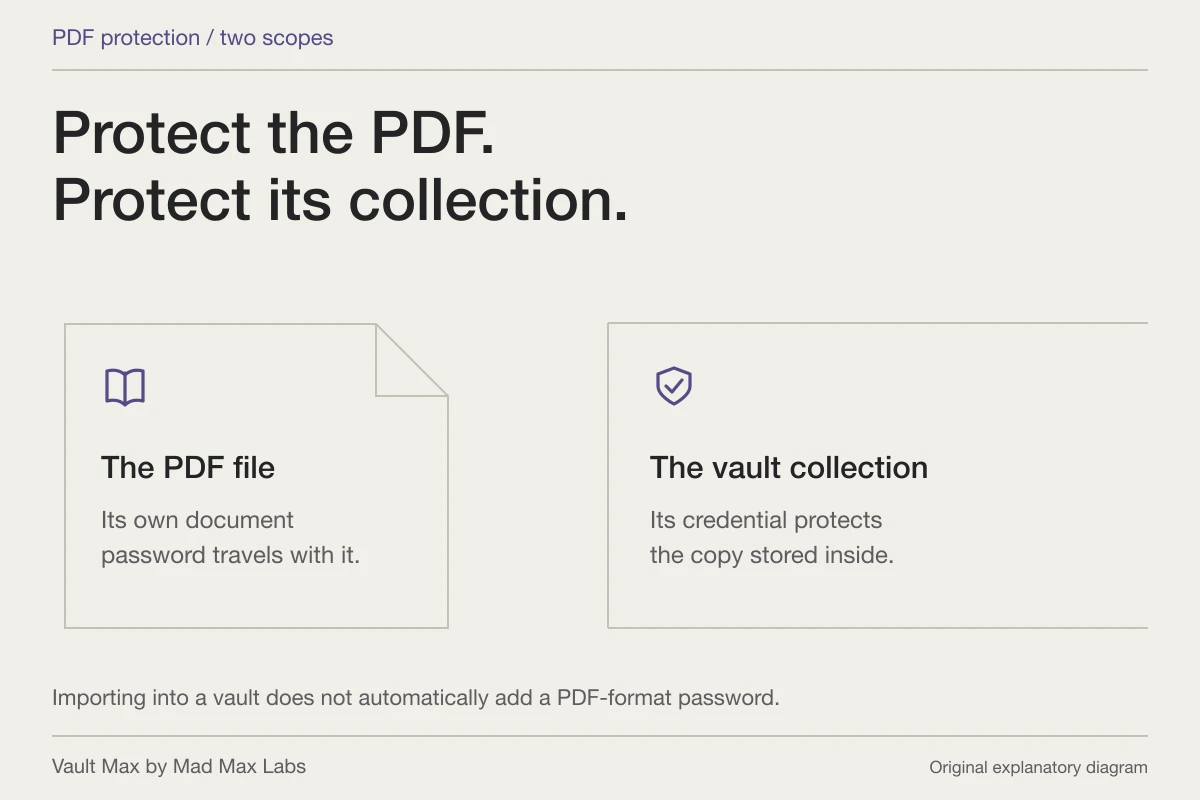
- A password-protected PDF retains its own document password when copied.
- Recovery access
- A saved Vault Max archive uses its own separately chosen password.
Choose what belongs behind the same credential
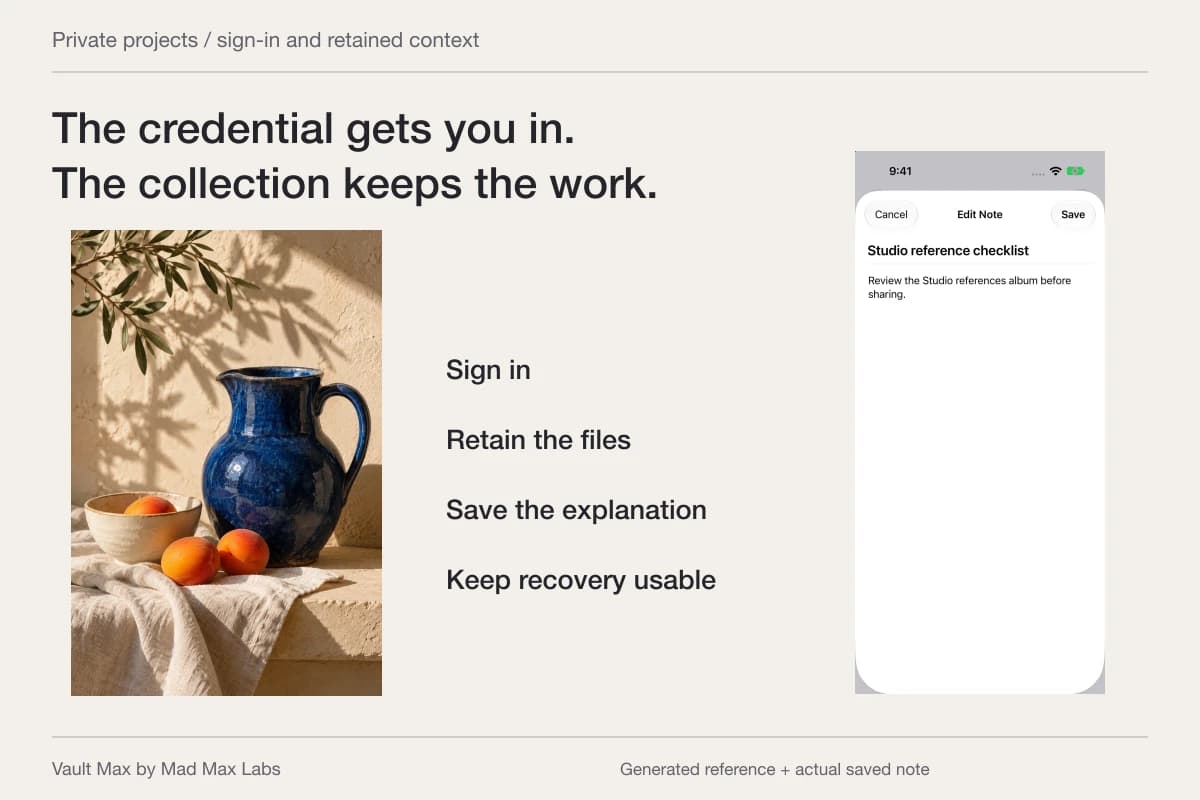
Consider a personal project with photographs, a PDF and a short written explanation. Those items can belong to one private collection even though their formats differ. The practical question is whether opening that collection should reveal all three to the same person.
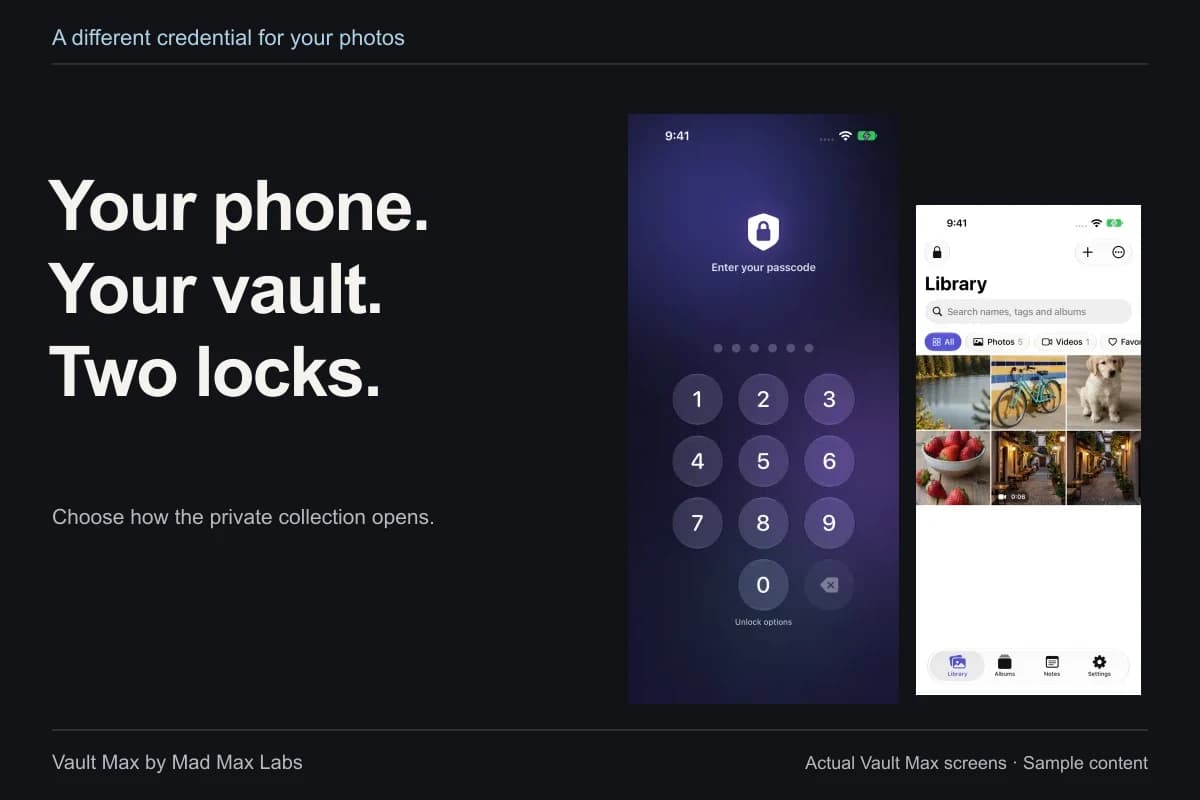
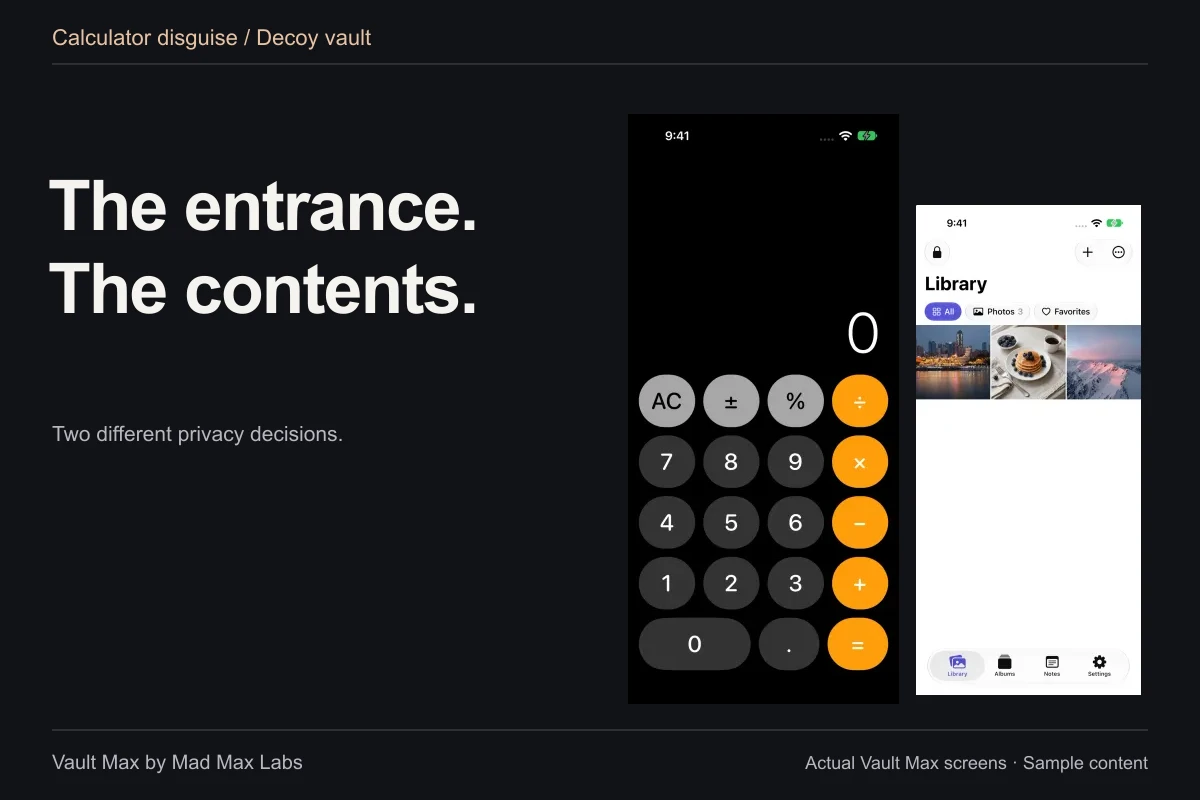
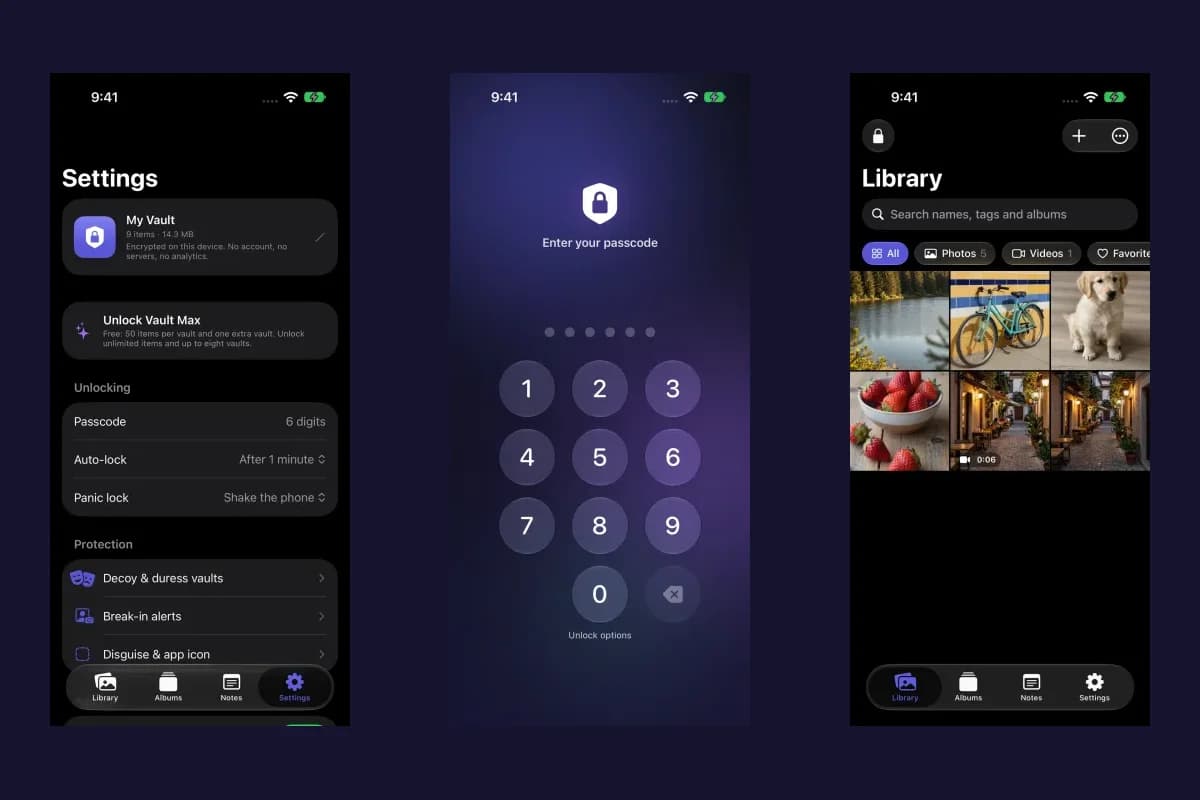
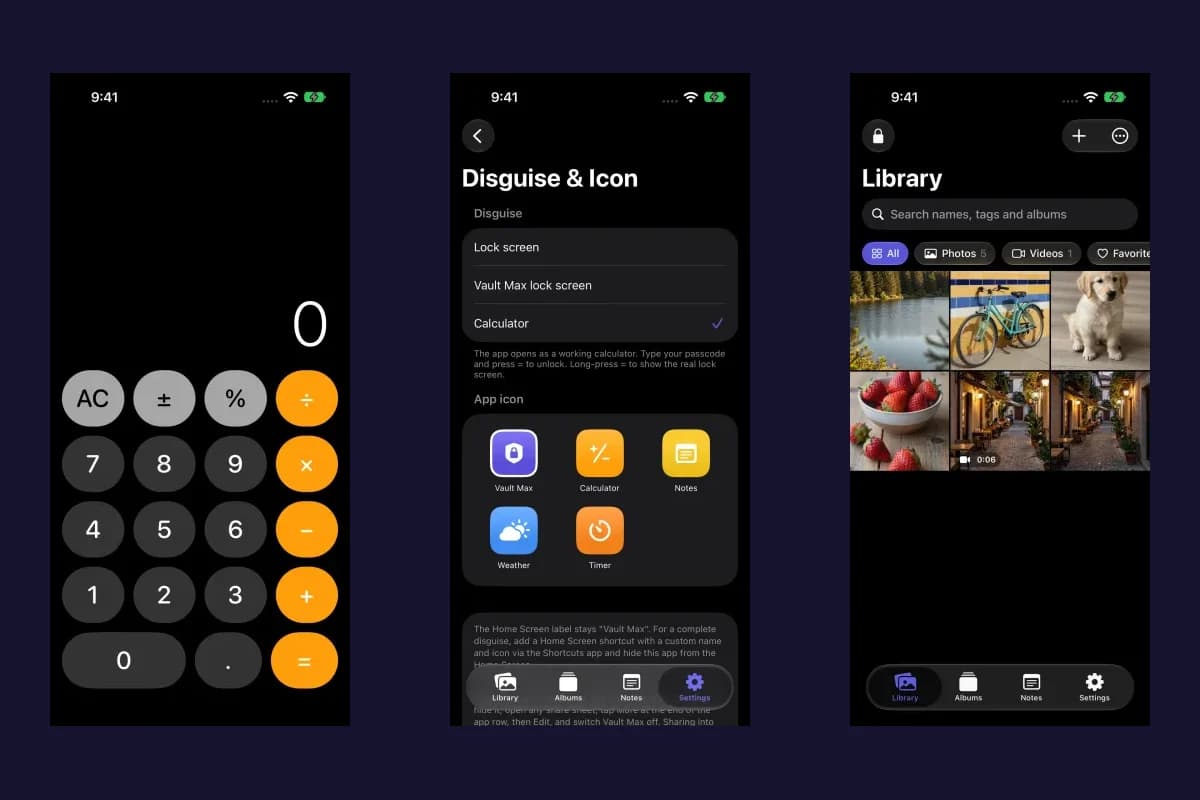
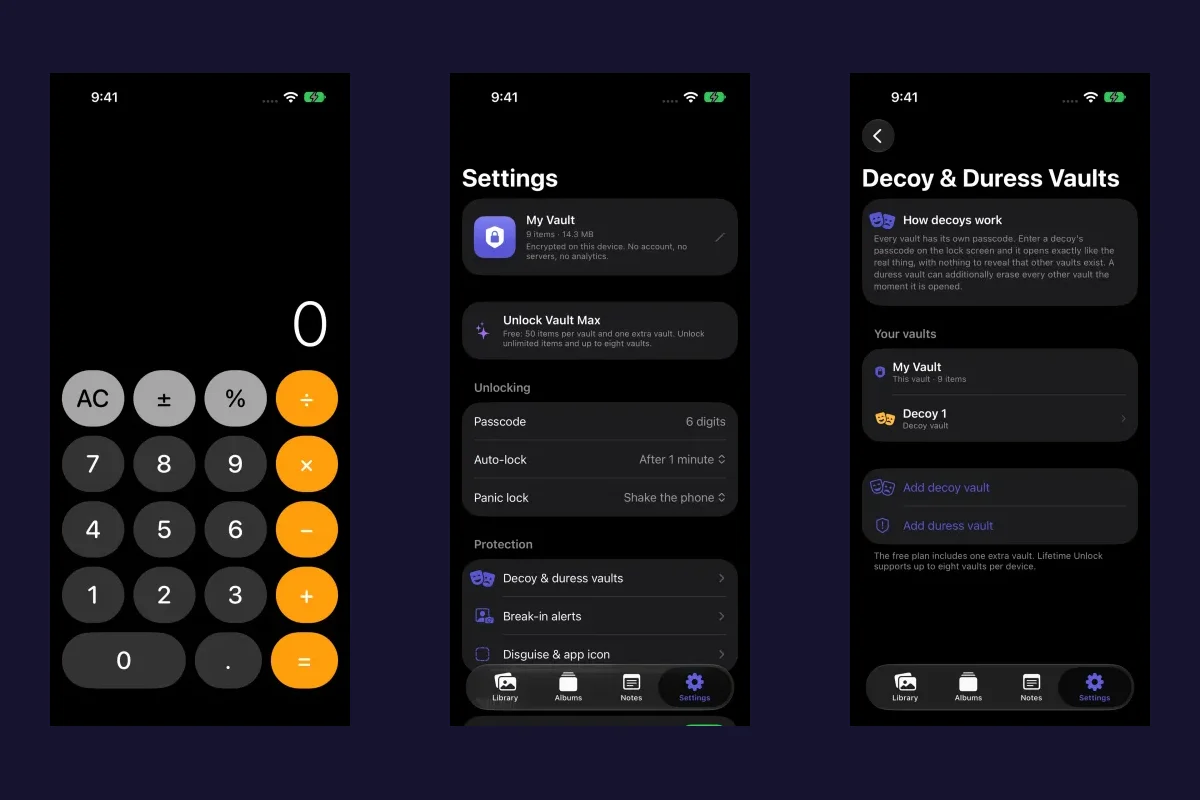
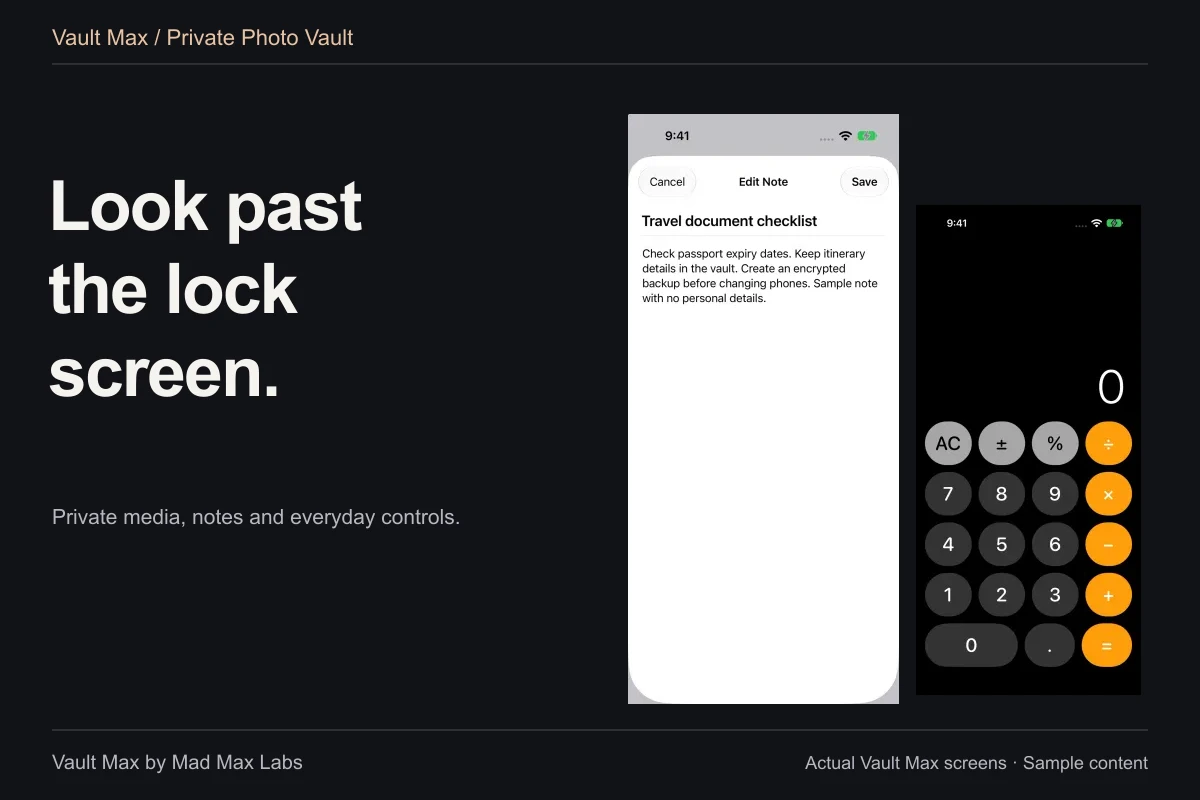
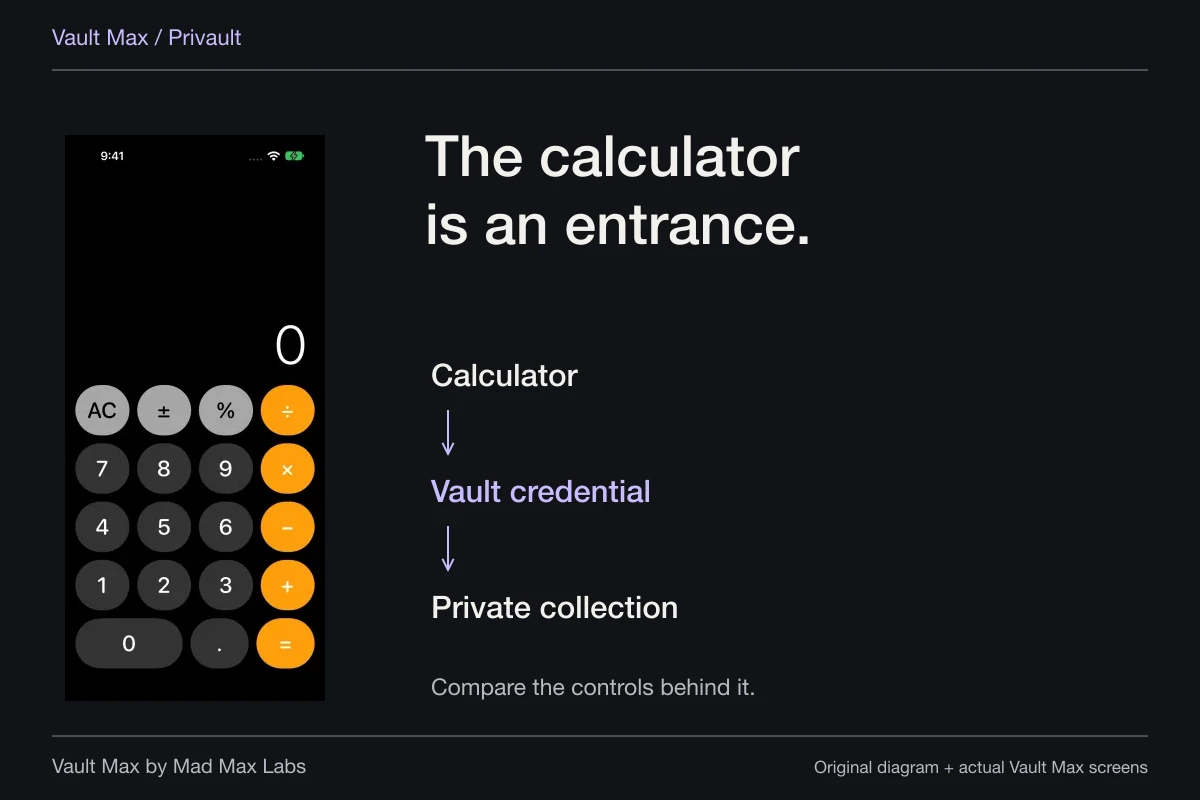
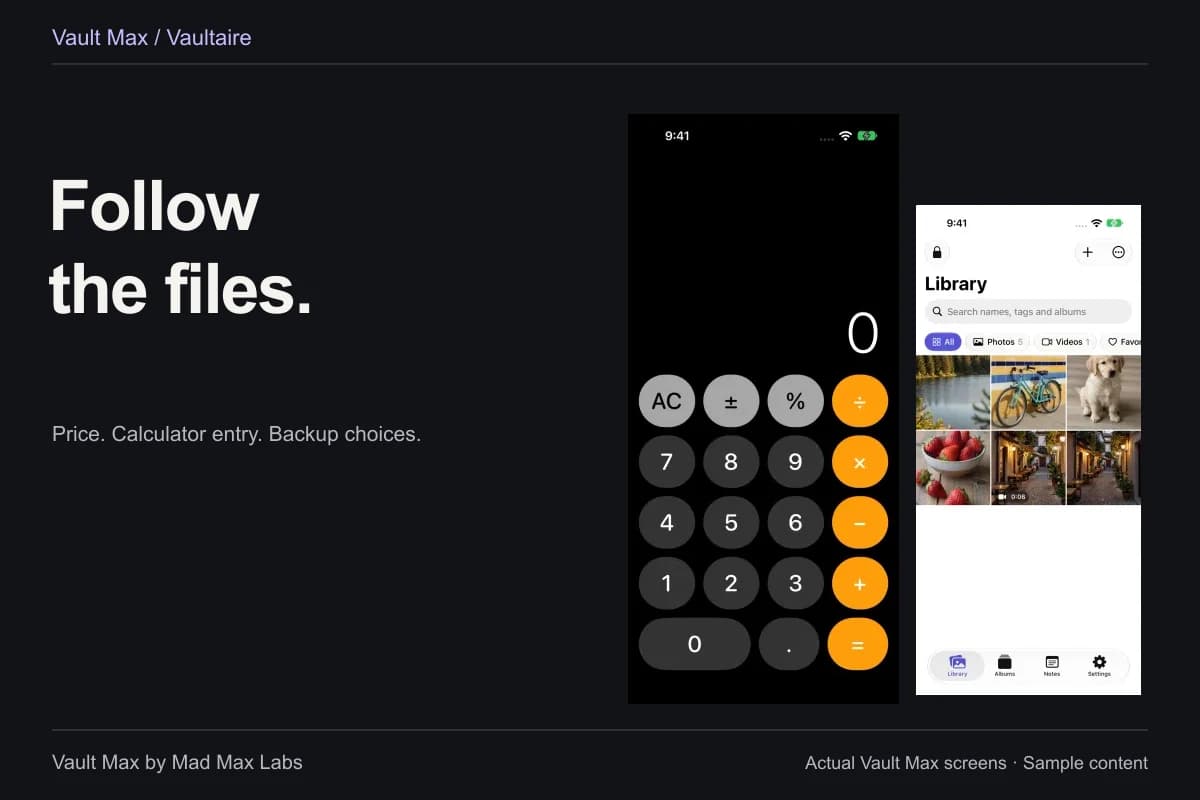
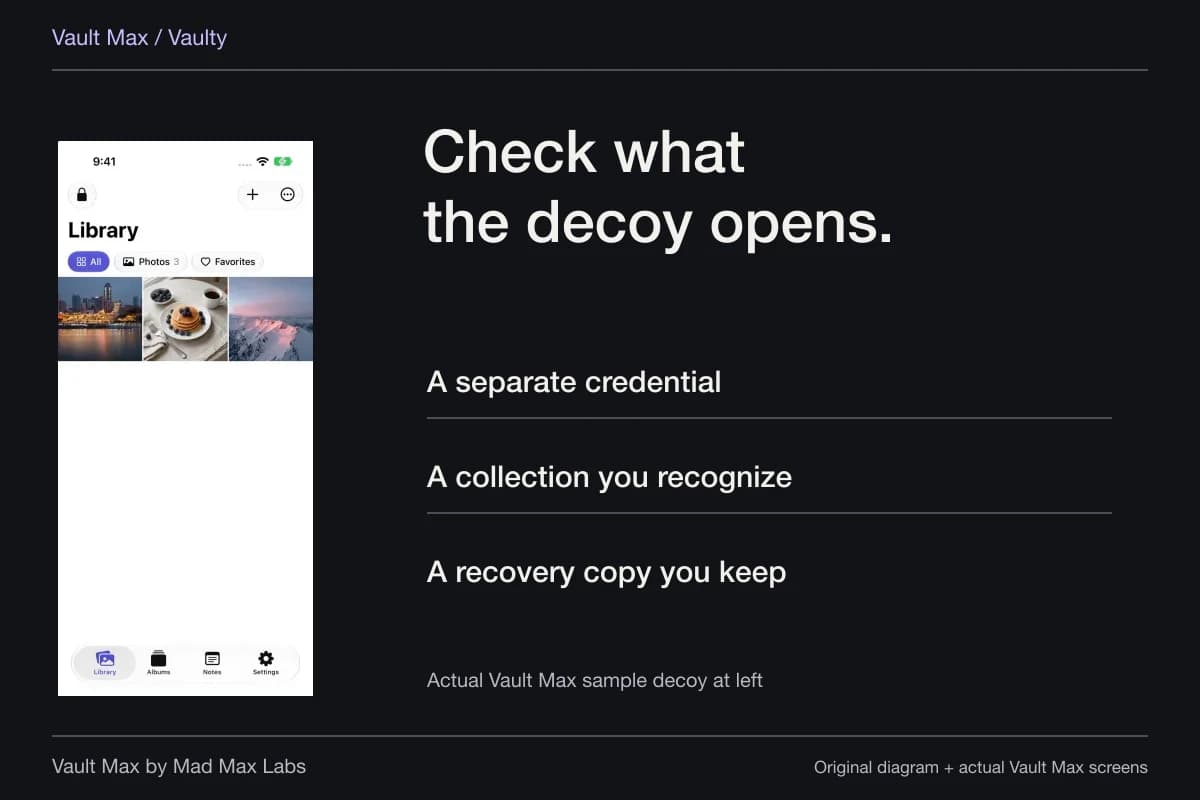
Create a sample vault with a credential distinct from the phone's passcode if that separation is your goal. Learn the ordinary unlock route before trying optional calculator entry or biometric convenience. Our separate-password guide explains those choices without turning a different entrance into a different storage system.
Name the collection so you can recognize it when managing your own vaults. An ordinary album inside it does not acquire another independent password. That distinction keeps the setup understandable: one credential opens a collection, and its albums help you navigate the contents you intentionally placed together.
Import the file, then inspect the result
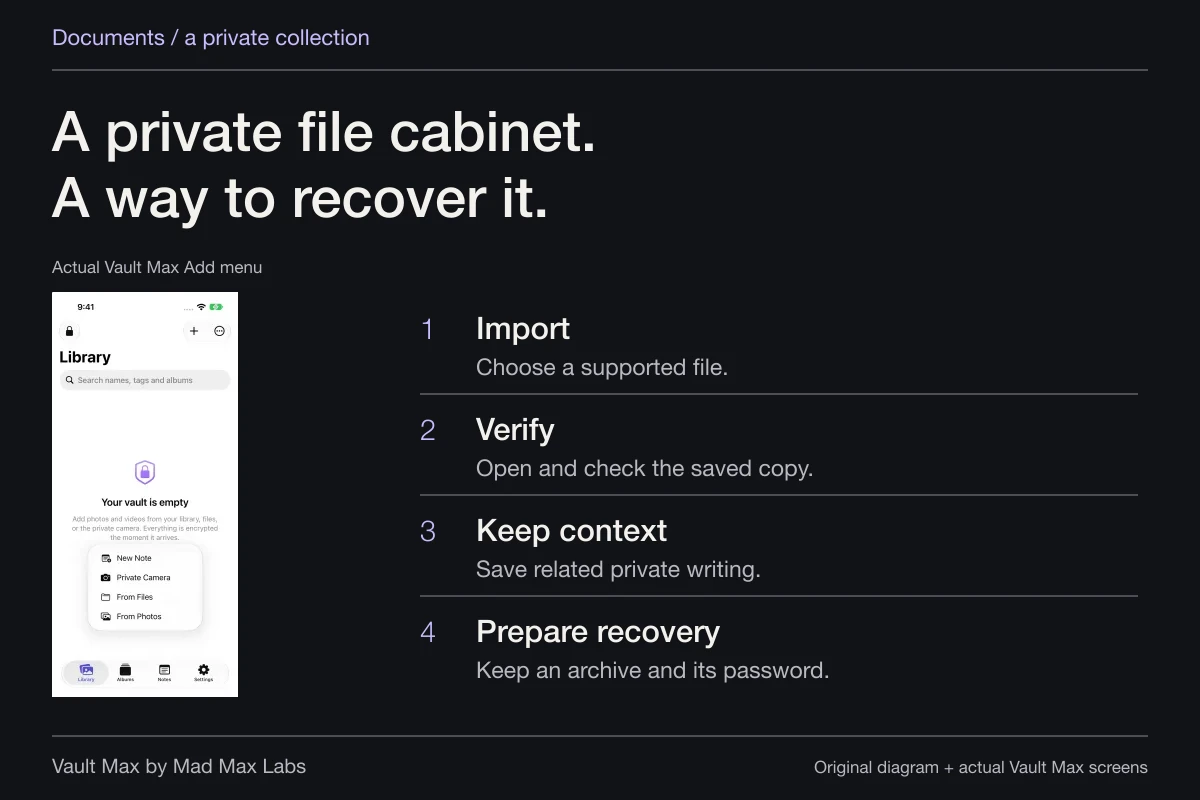
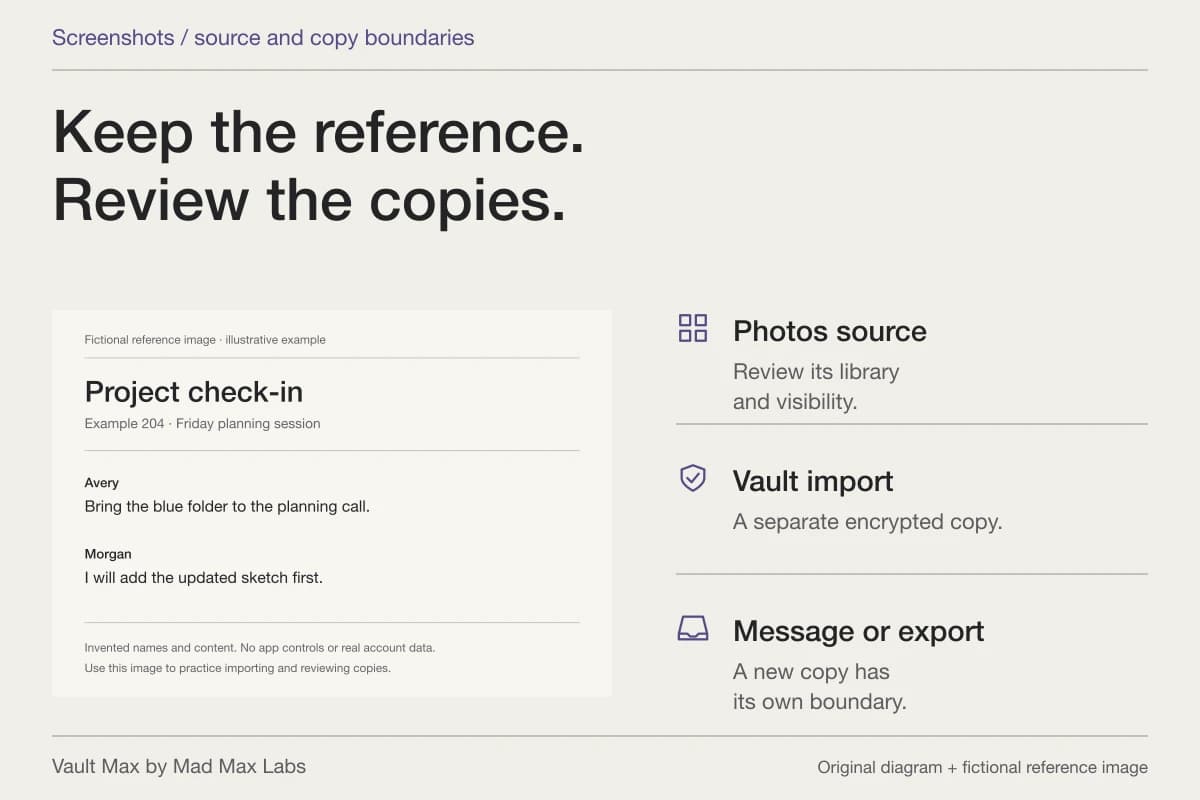
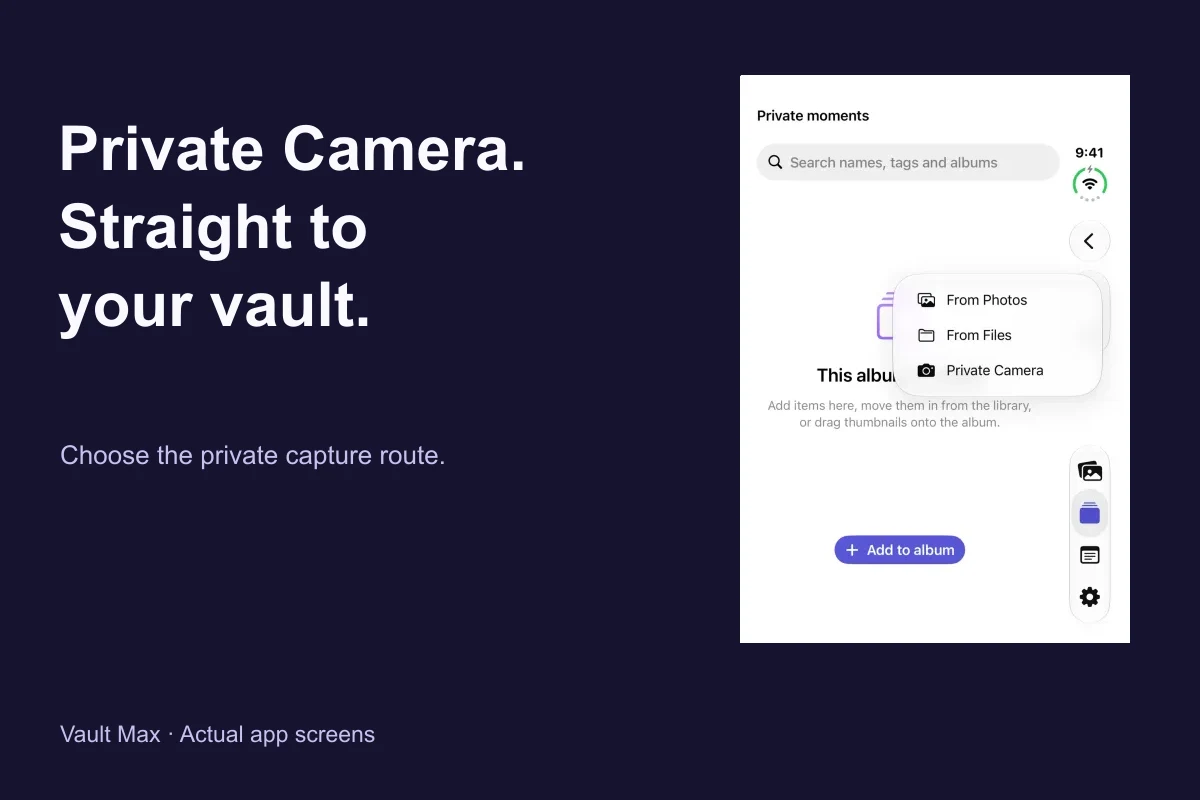
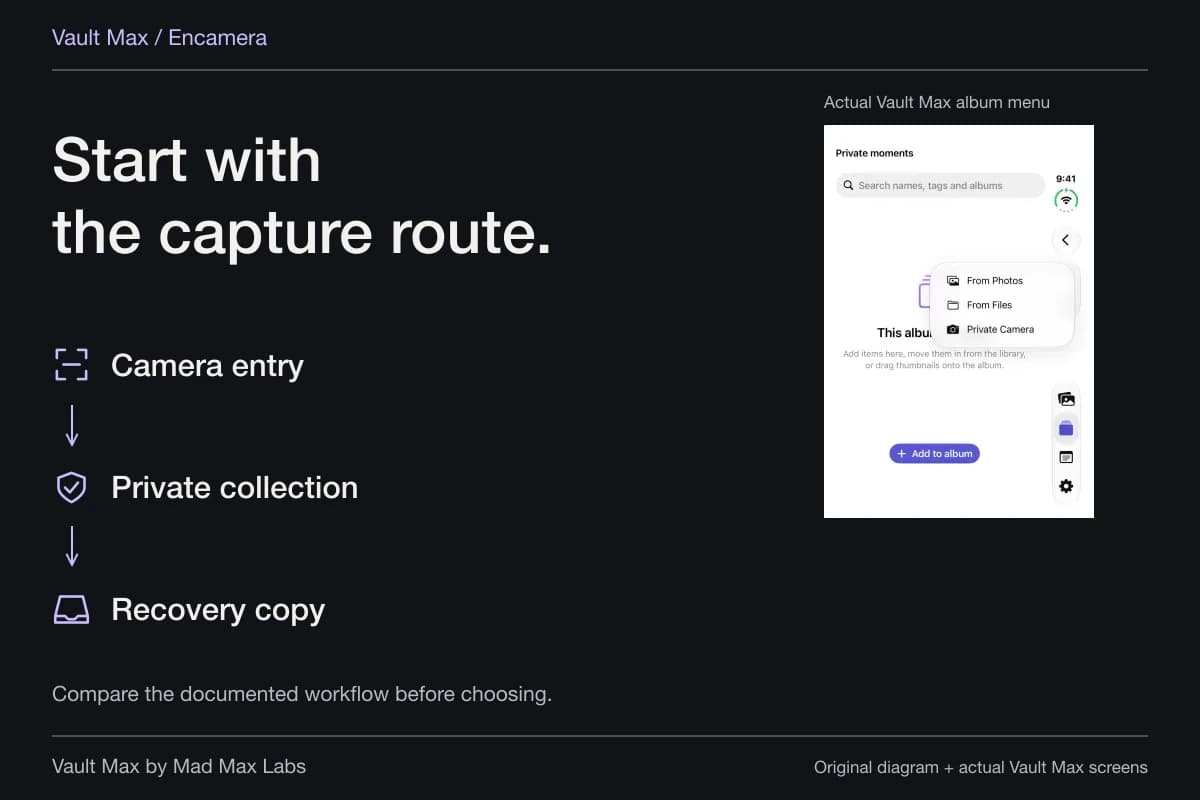
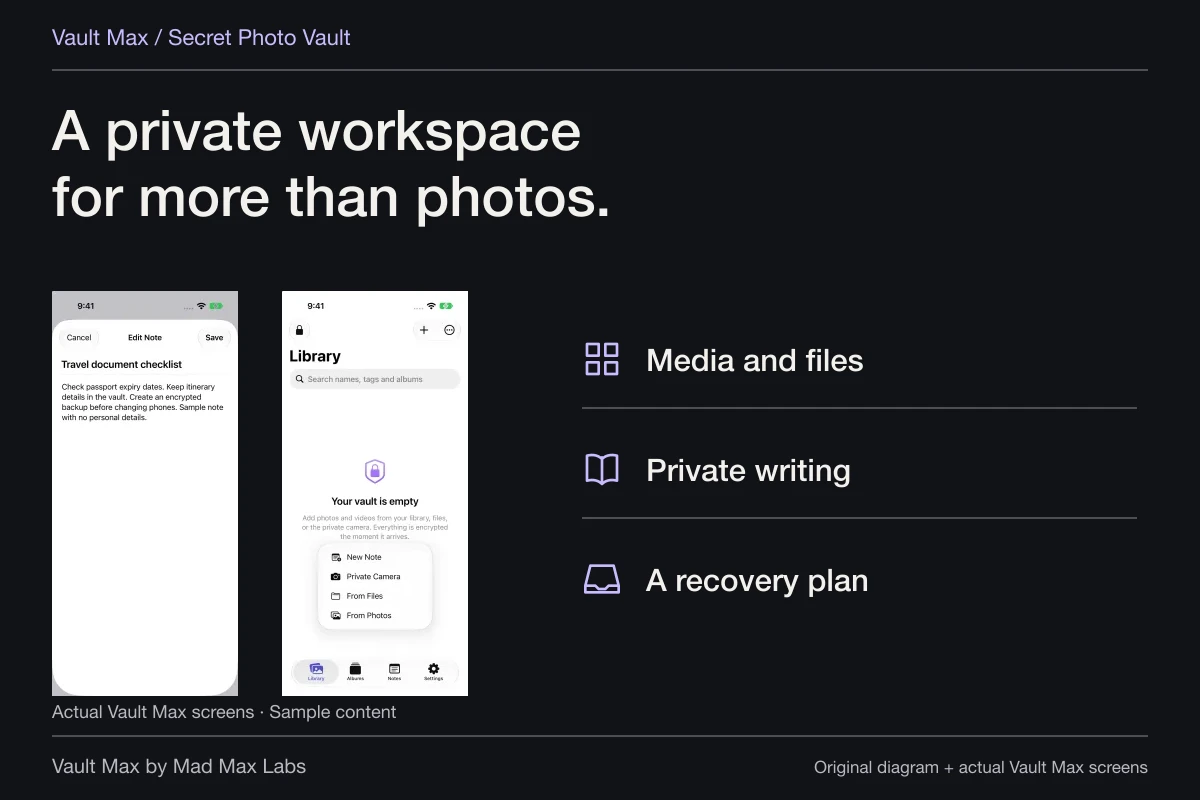
In the open vault, use the Add menu and choose From Files. Select the individual files you want to copy into the collection. Vault Max's file-import route accepts multiple selections and encrypts the imported contents. The source remains a separate copy; this operation does not rewrite its access settings in place.
Wait for the import to finish, then open the result. For a PDF, inspect the relevant pages and their legibility. For another document type, check that the current system can preview it. Vault Max uses Quick Look for document viewing, so storing a file and rendering every feature of its format are different capabilities.
An unreadable preview does not prove the import is empty. Check the item's name and size, retain the source and try an ordinary sample export in an appropriate app before drawing a conclusion. Do not remove the only usable original merely because a new thumbnail has appeared.
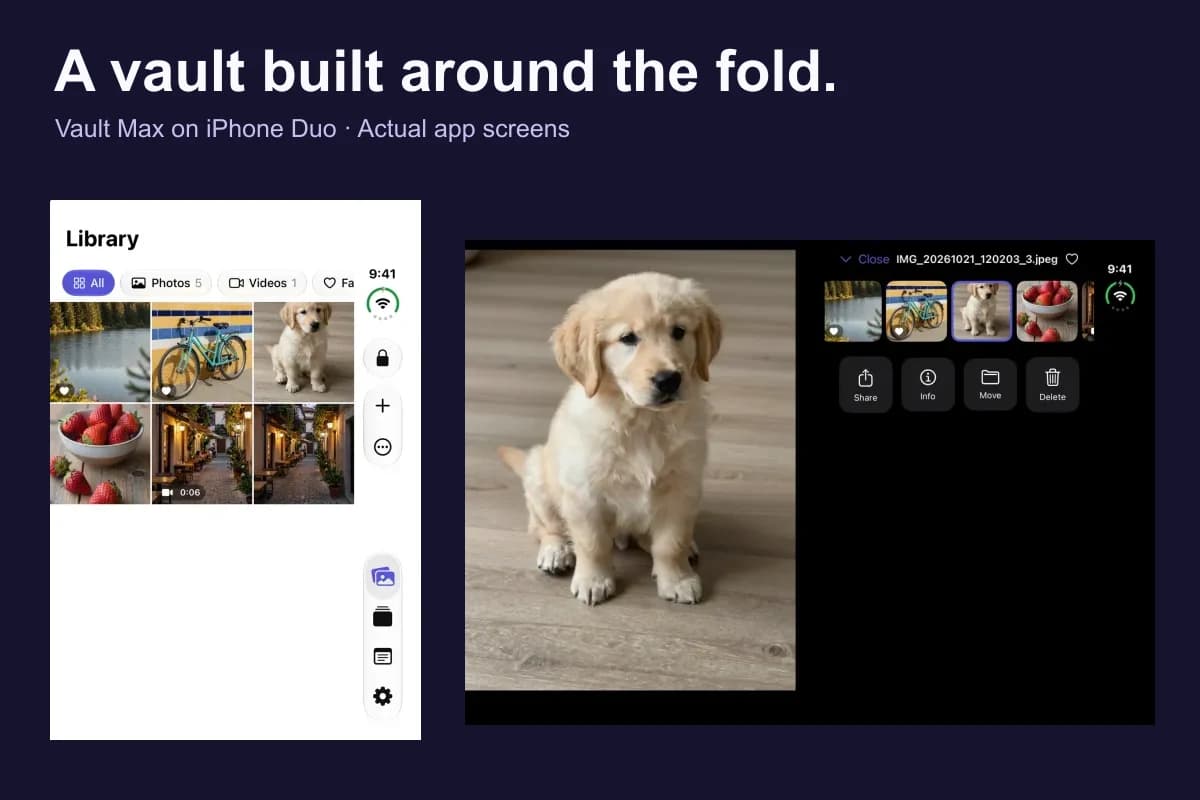
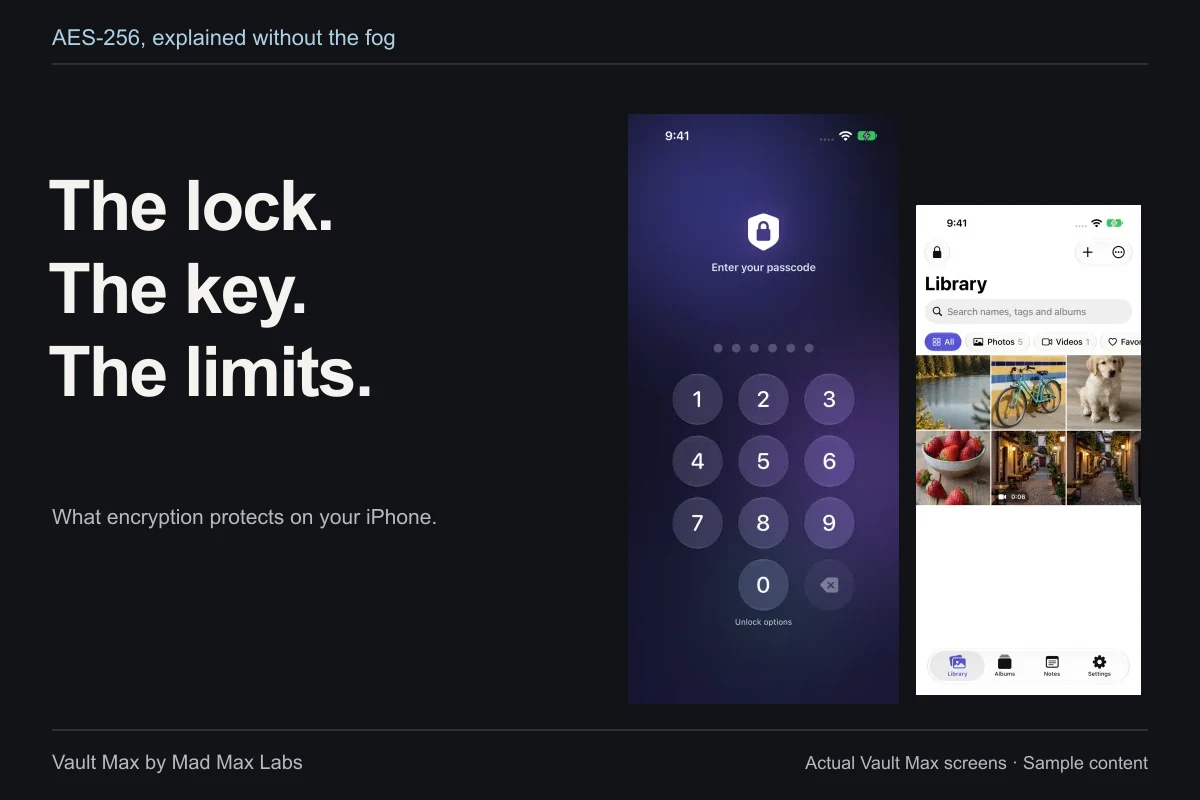
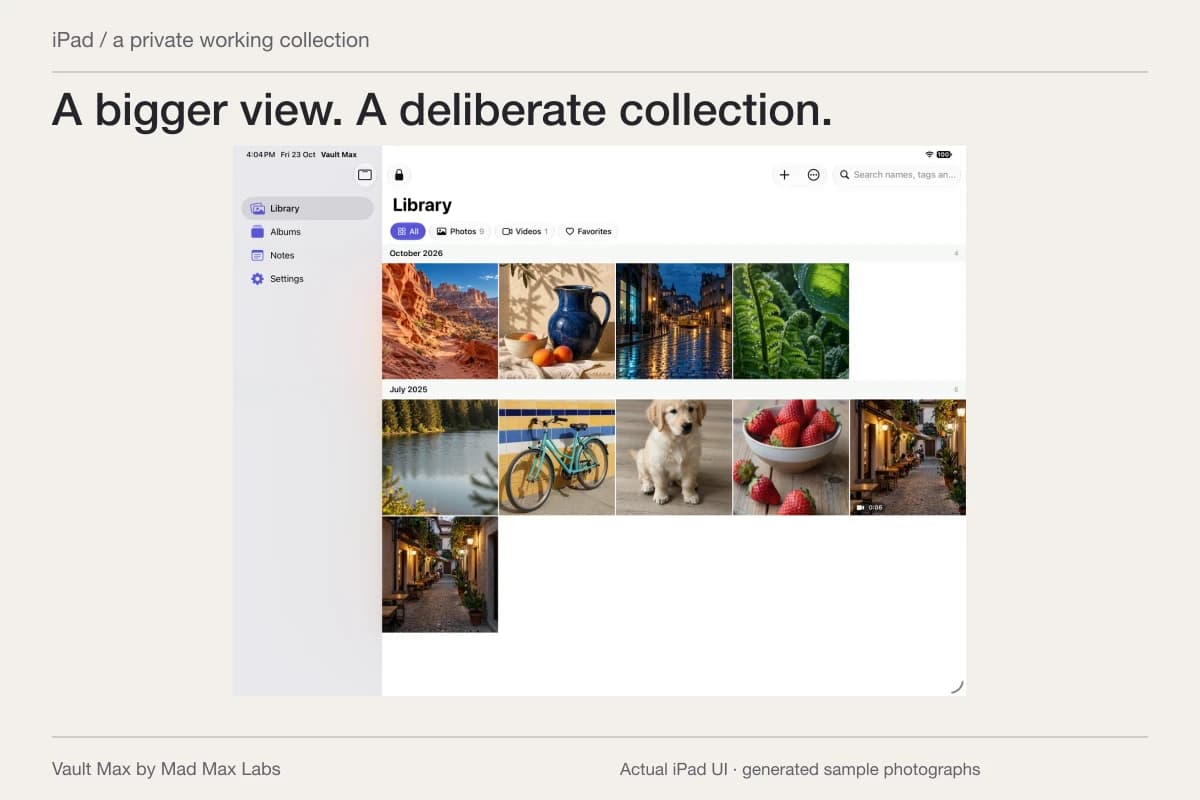
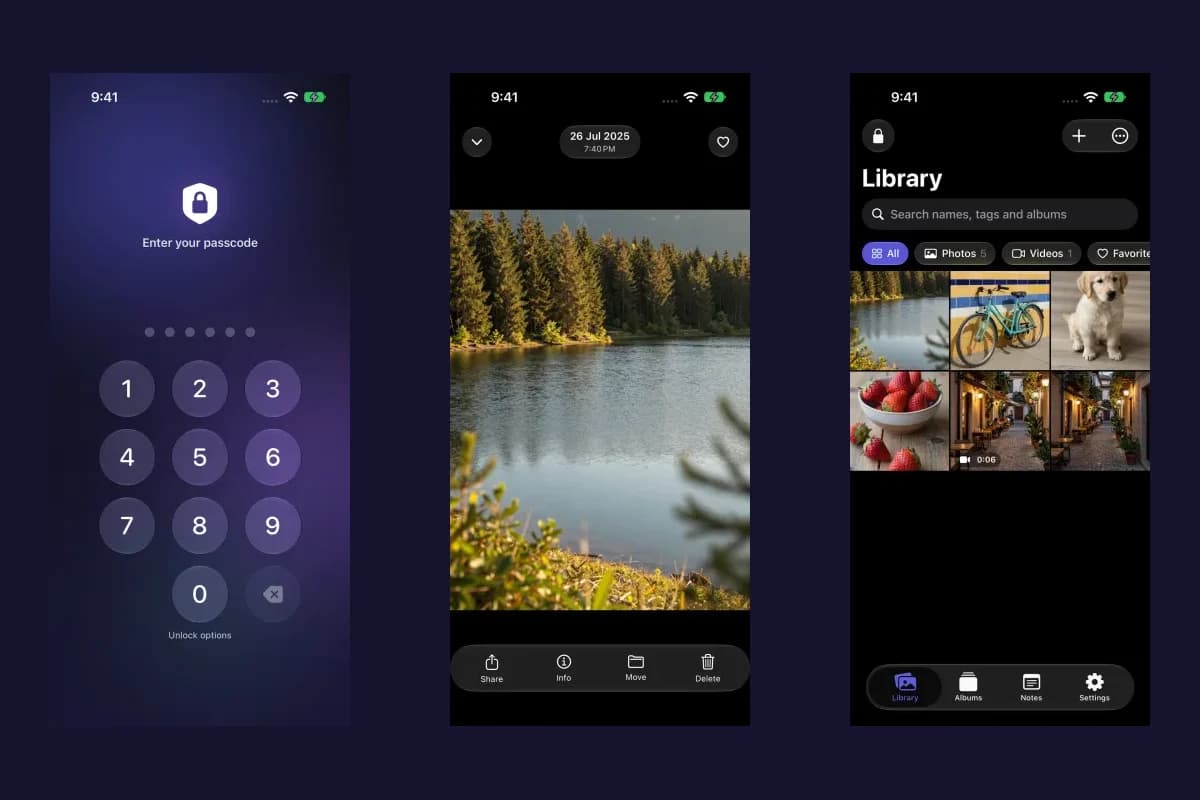
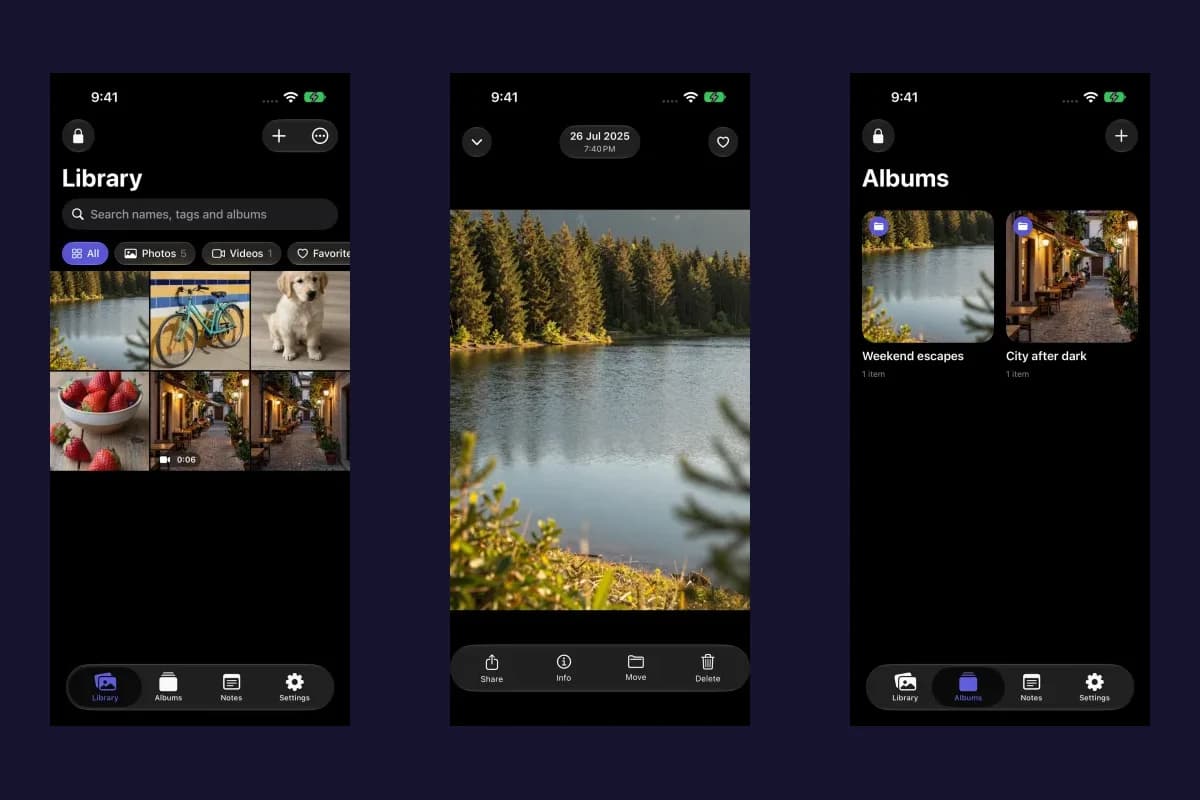
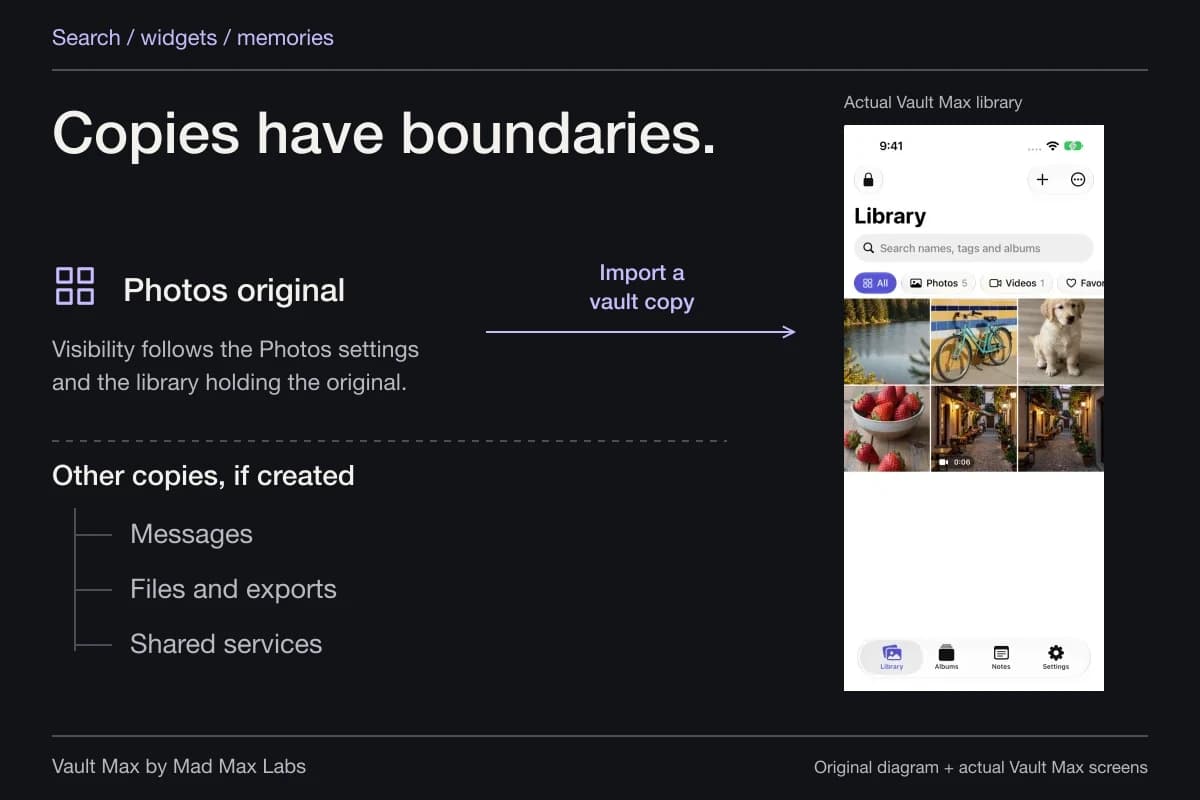
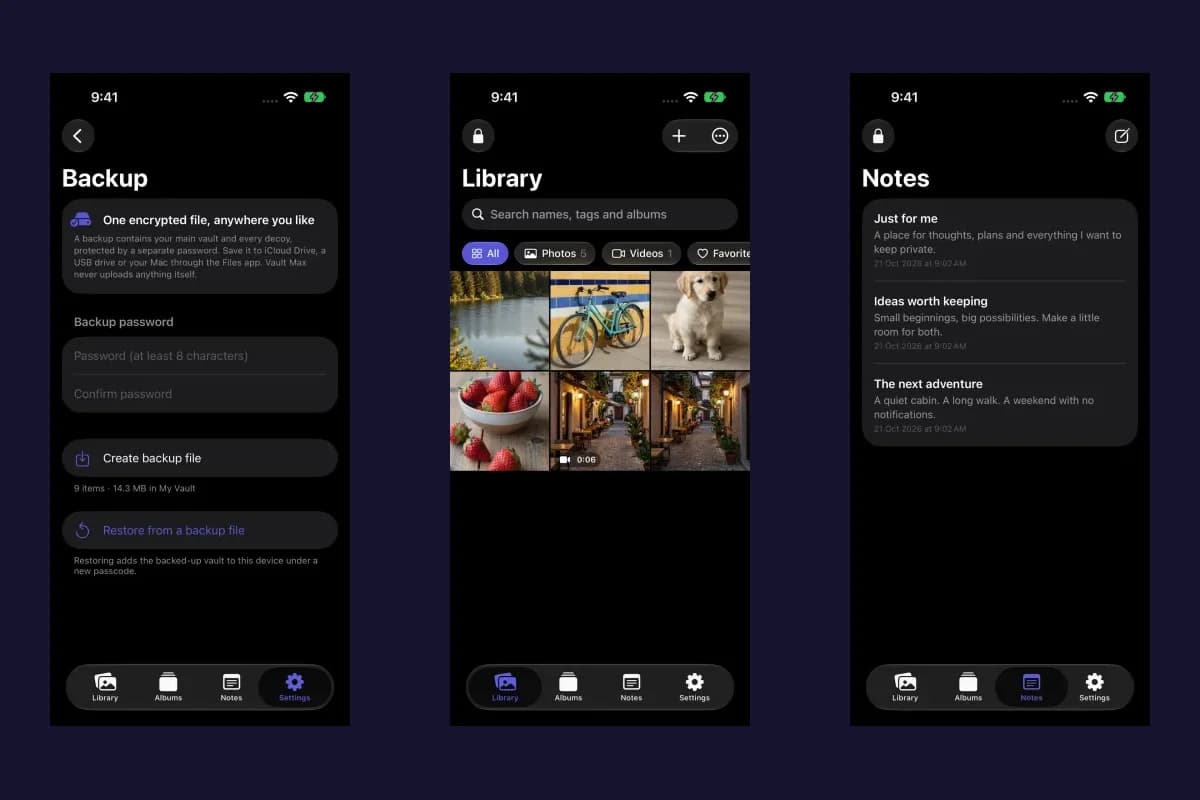
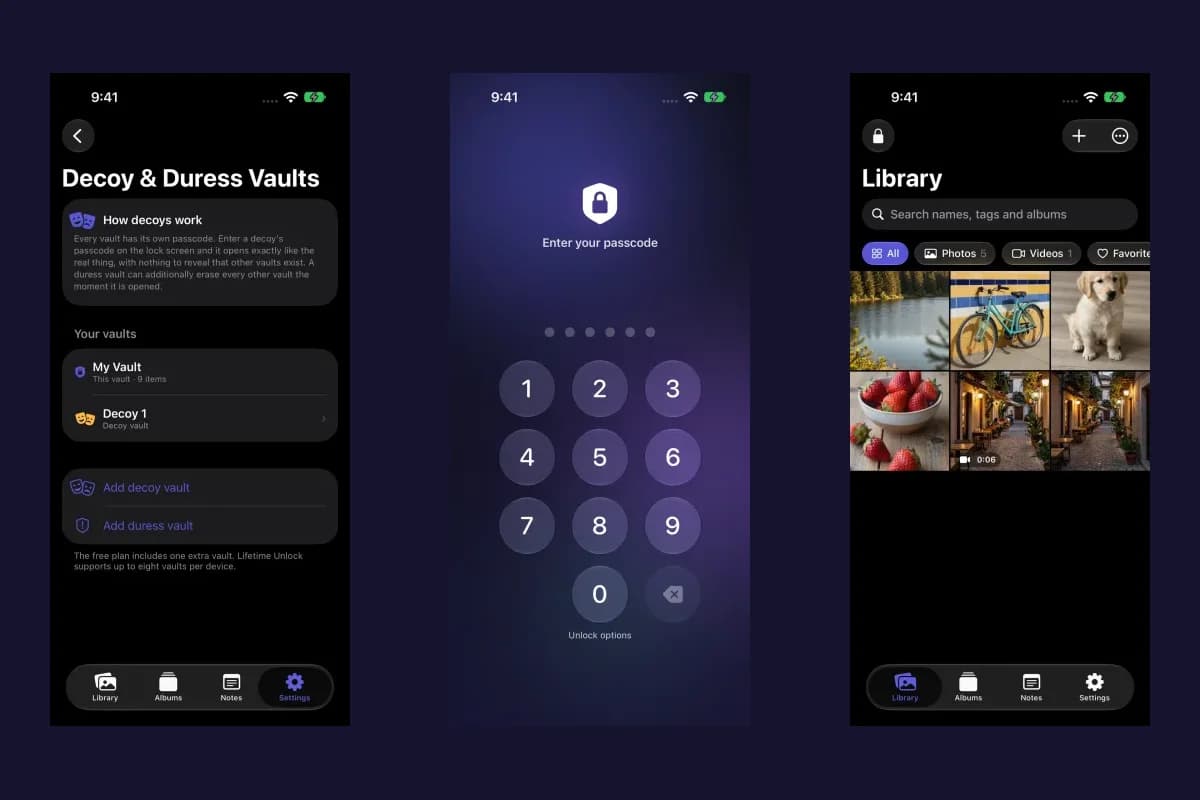
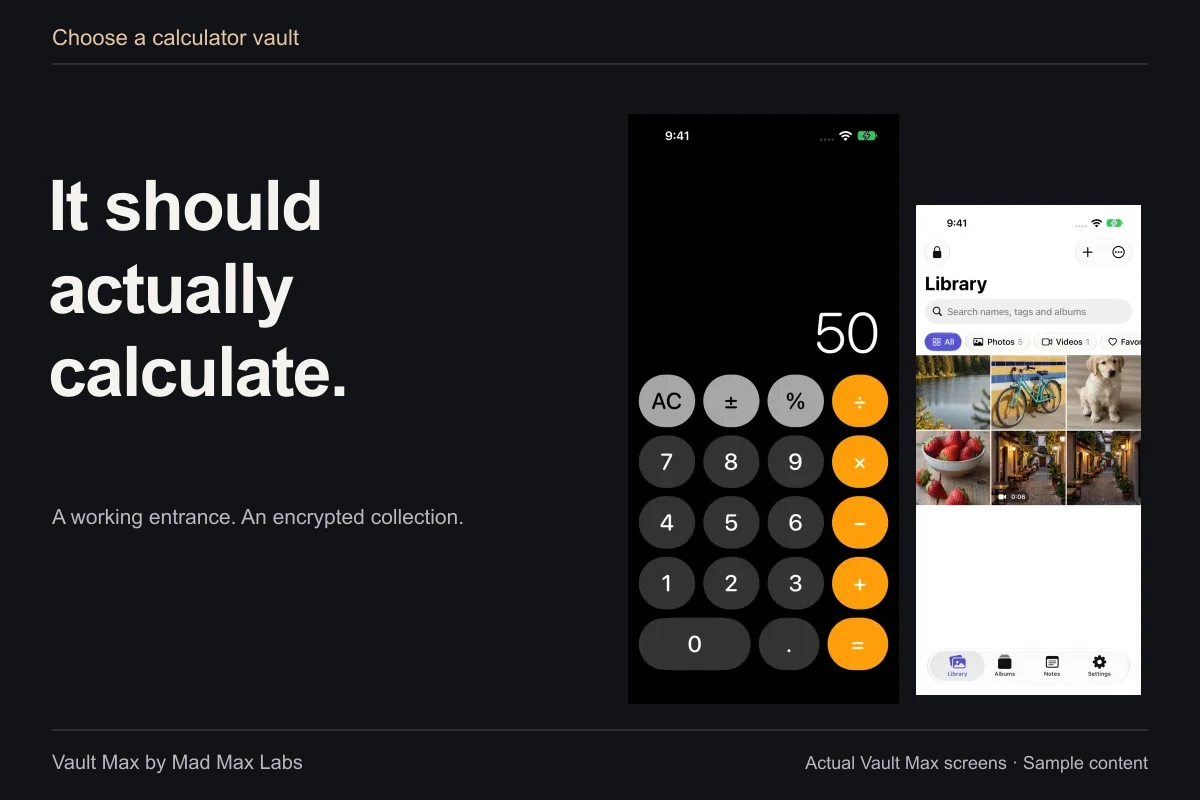
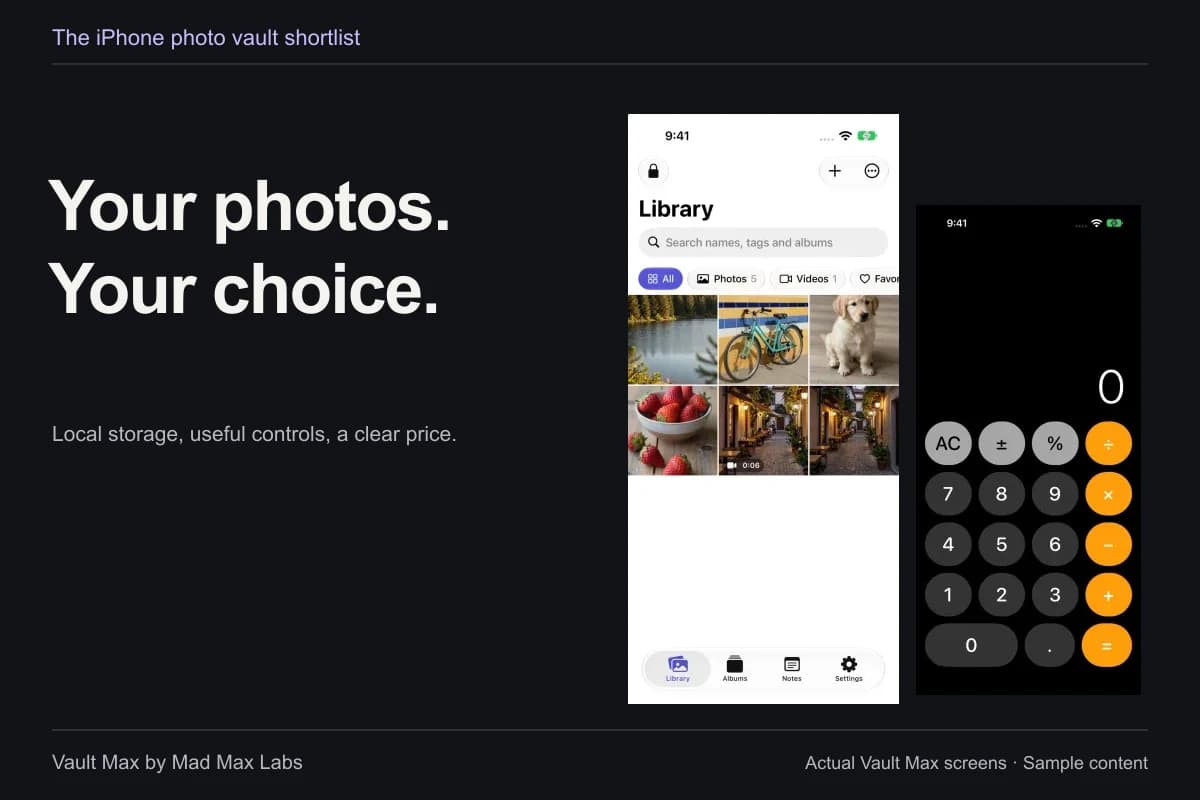
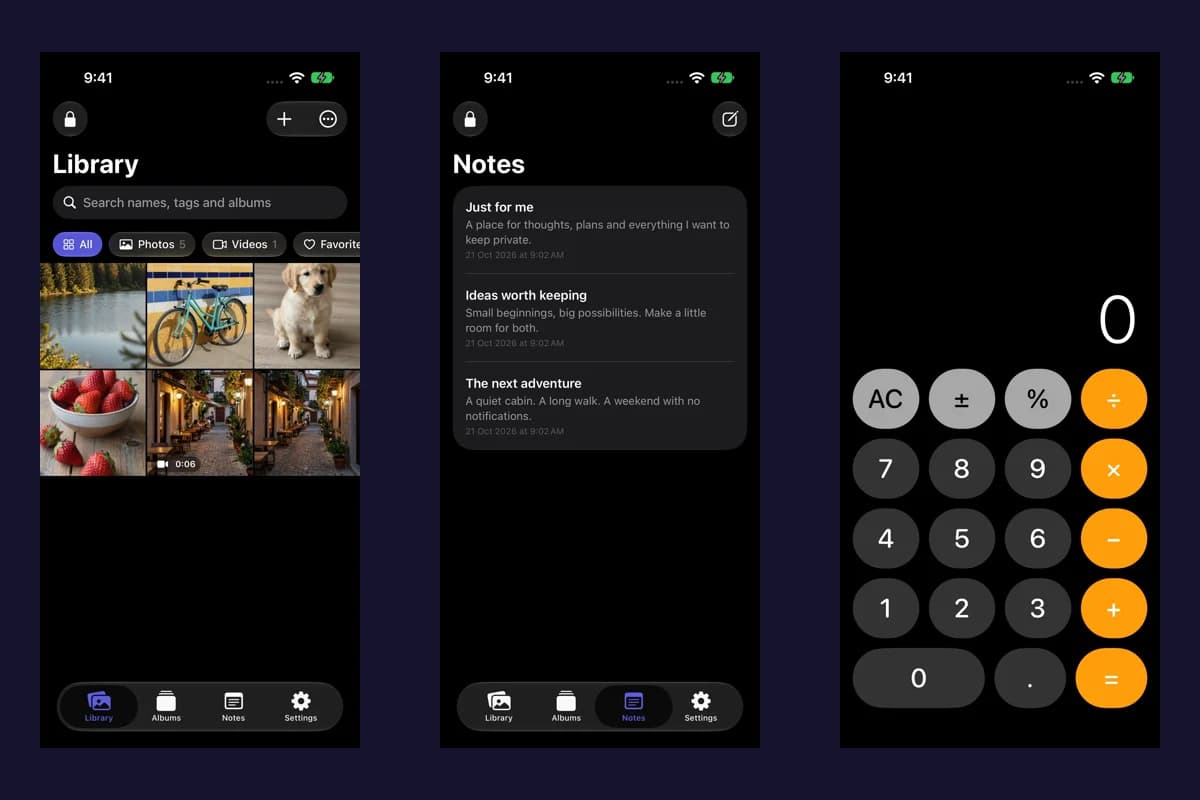
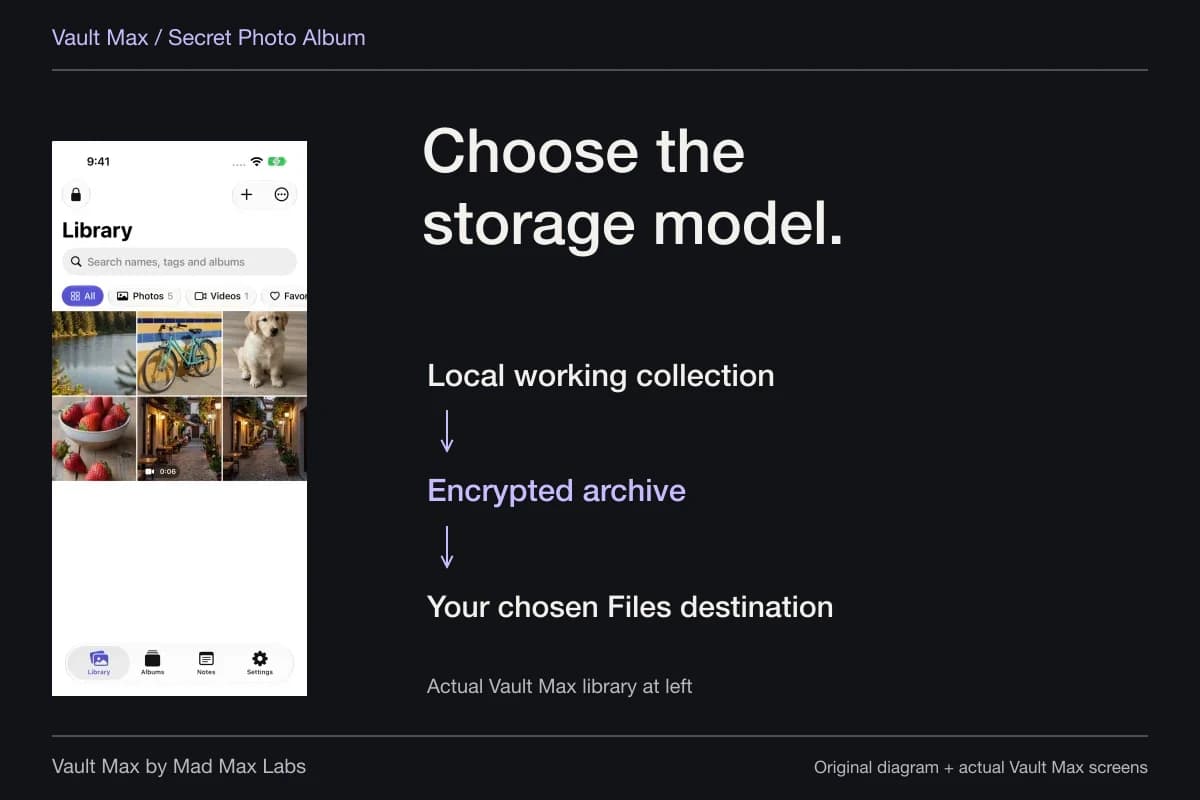
Sample Vault Max library. Select a screen for a closer look.
Use names and albums you can recognize later
Choose a naming pattern with enough context to distinguish versions. A project name, date and short description is usually more useful than several files called “final.” Vault Max supports renaming an individual gallery item and giving selected items a shared base name with numbering. The batch rename route preserves extensions.
Move related files into a useful album. An item has one album assignment; a favorite is a separate flag that lets you return to it without making another file. Deleting an album through the current album menu keeps its contents in the vault rather than silently erasing the underlying collection.
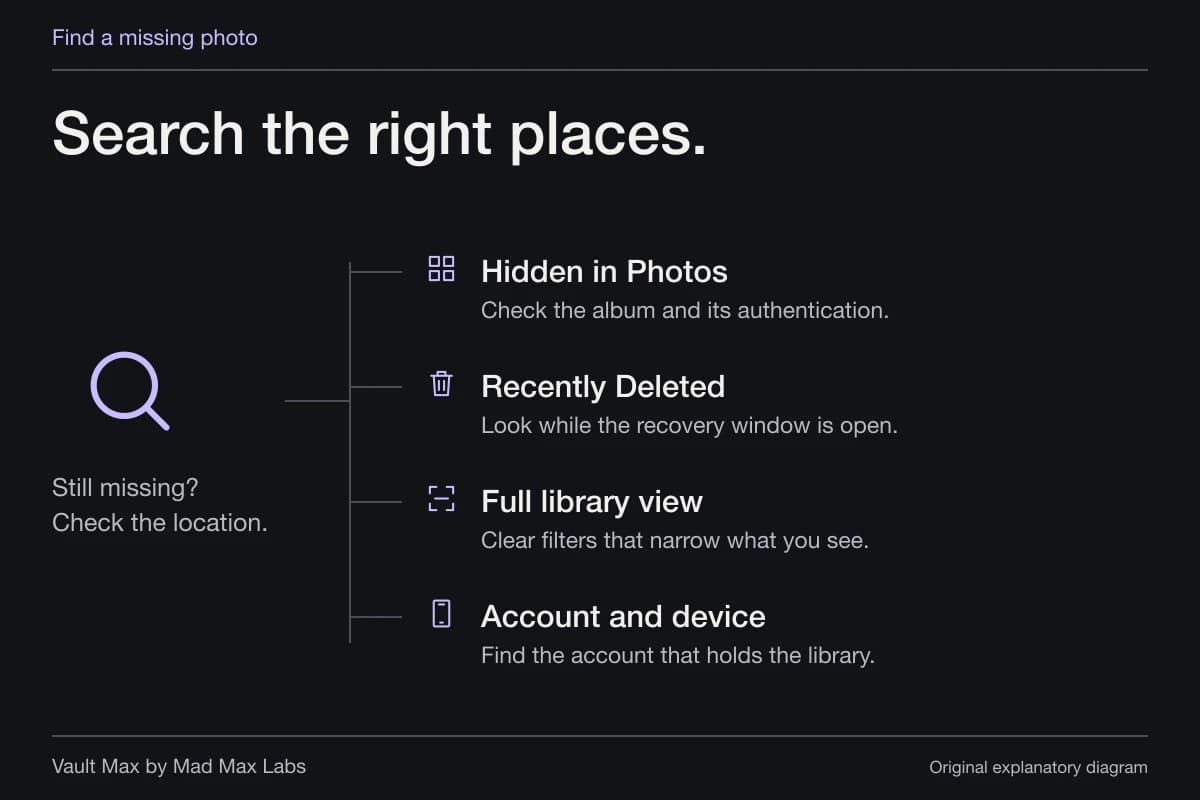
Gallery search matches filenames and album names within the current scope and filter. Start by checking those settings if an expected item does not appear. Do not assume the search reads the body of a PDF or the text of an image. A precise filename is useful because it gives the supported search something meaningful to match.
Try moving a sample between two albums and finding it again from All. That checks your organization without confusing a changed view with a missing file.
Keep the ordinary export distinct from the recovery archive
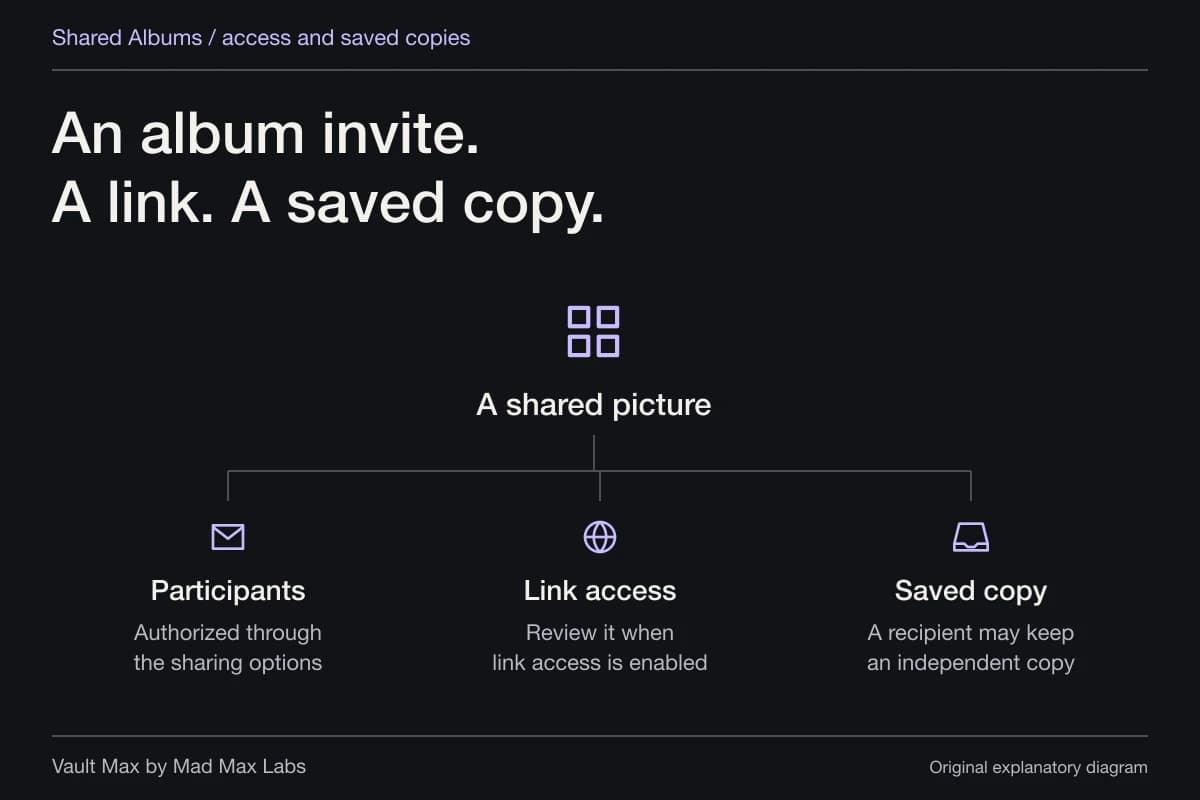
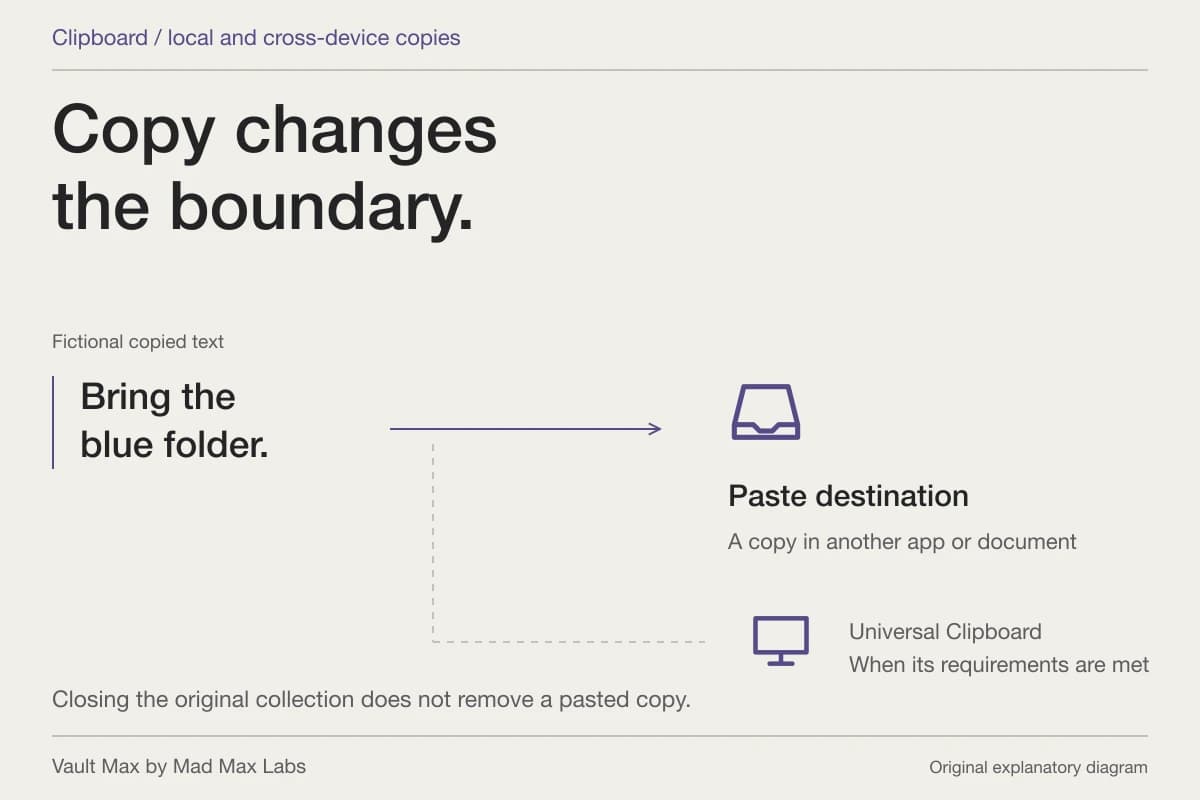
Sharing a file out of Vault Max prepares an ordinary usable copy for the destination. A recipient can open that copy according to the file's own format and any protection already built into it. The vault credential does not travel with an ordinary document simply because the document came from a vault.
If a PDF needs its own password after leaving the collection, apply that protection to the PDF using an appropriate tool. The PDF password guide explains Apple's current Preview route and the separate job of a vault. A protected collection and a protected portable document can be used together without pretending they are the same object.
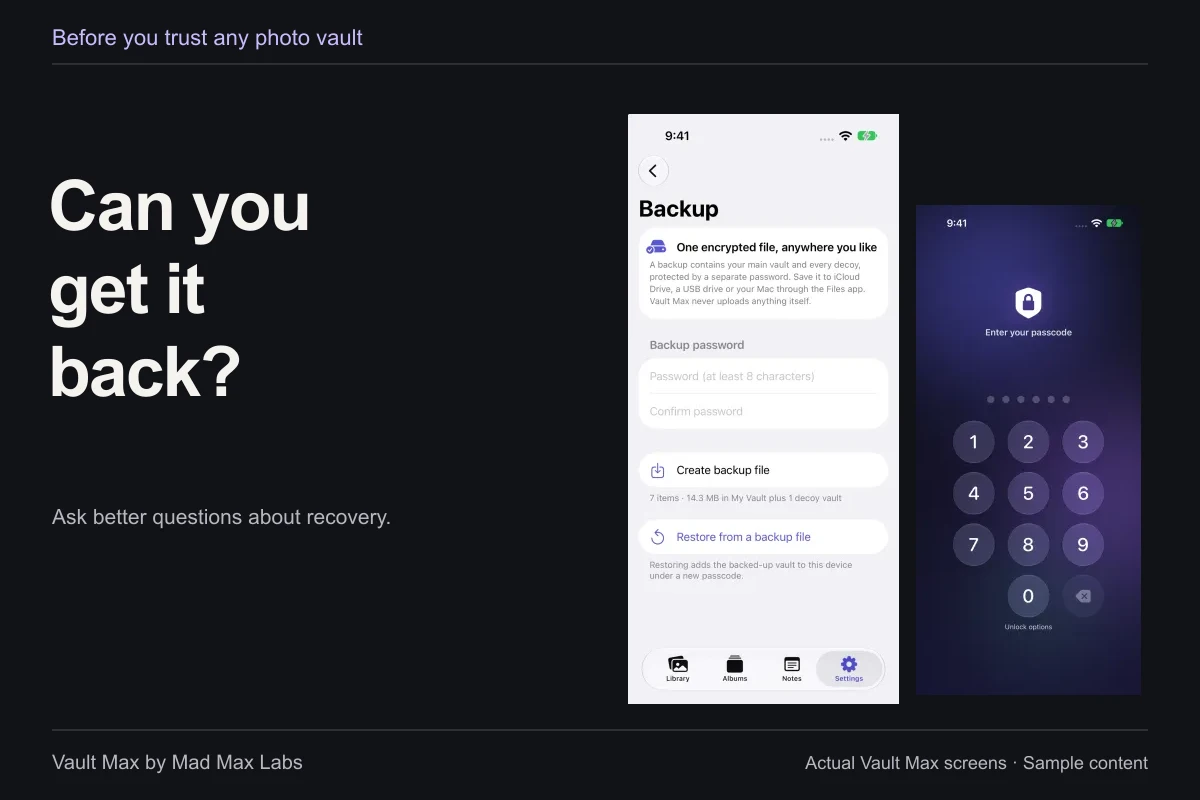
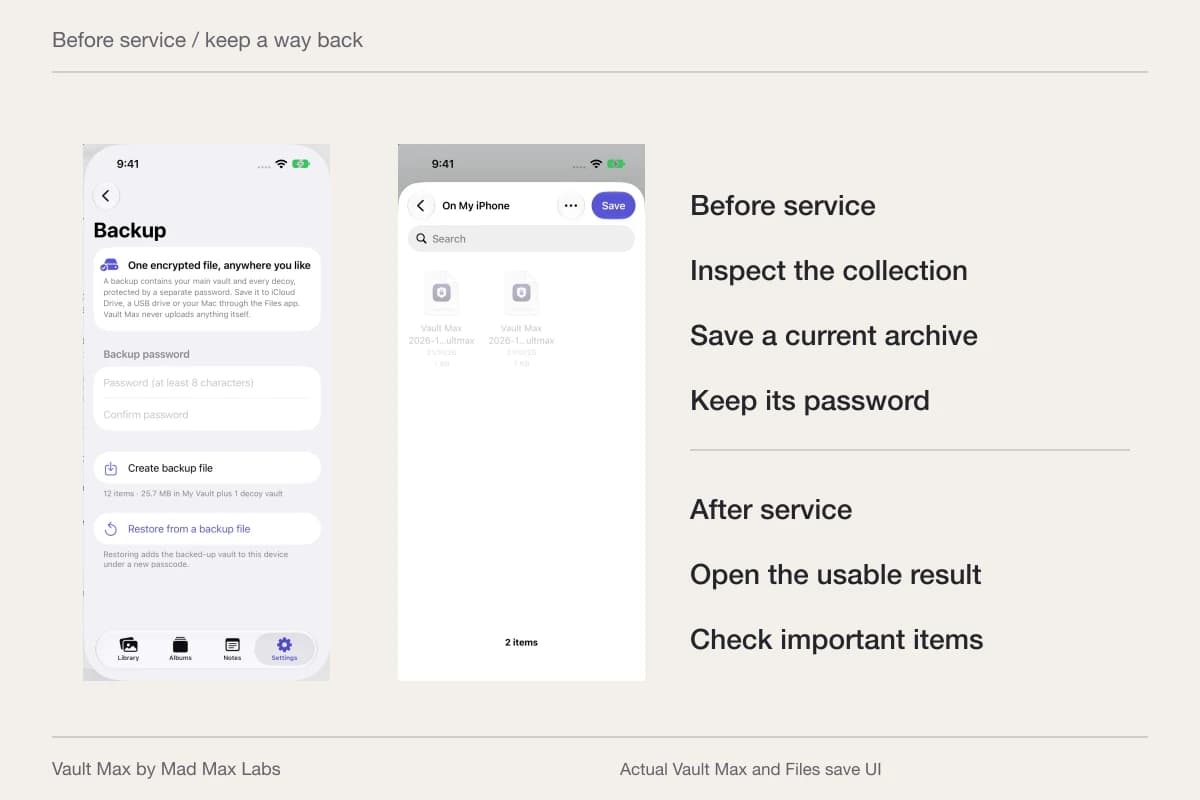
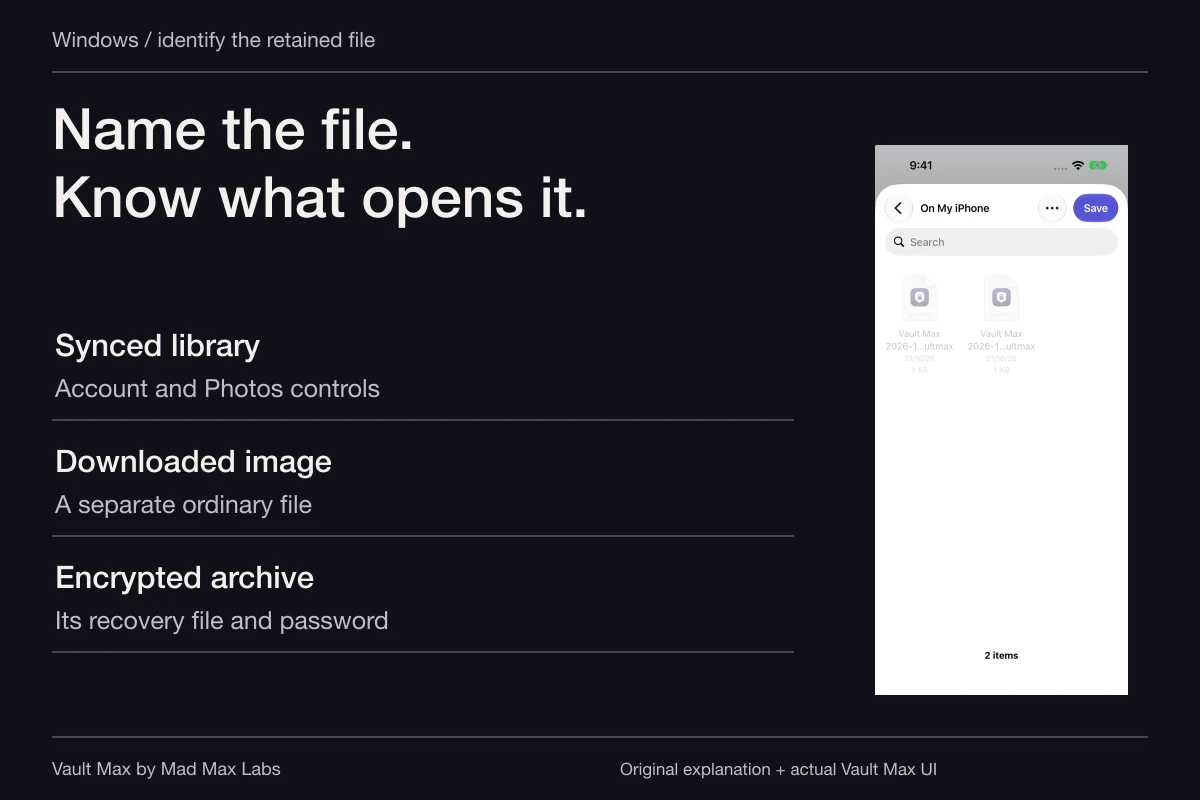
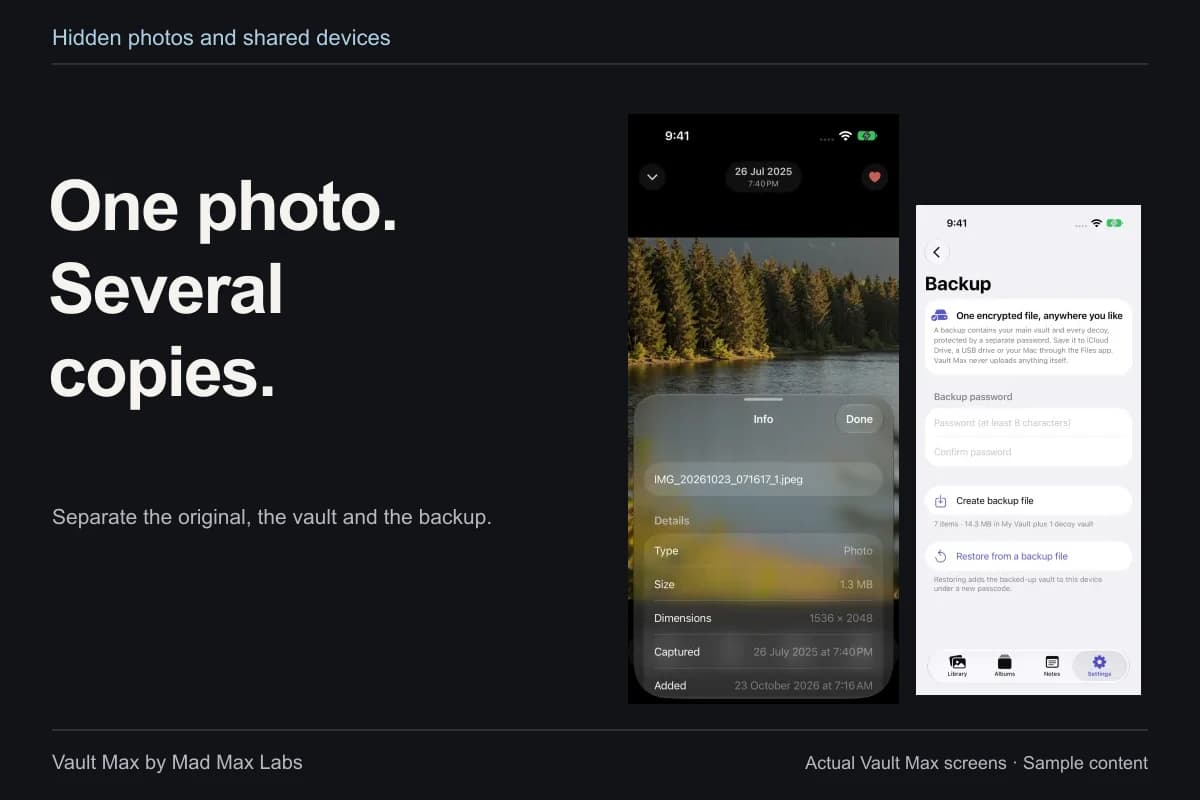
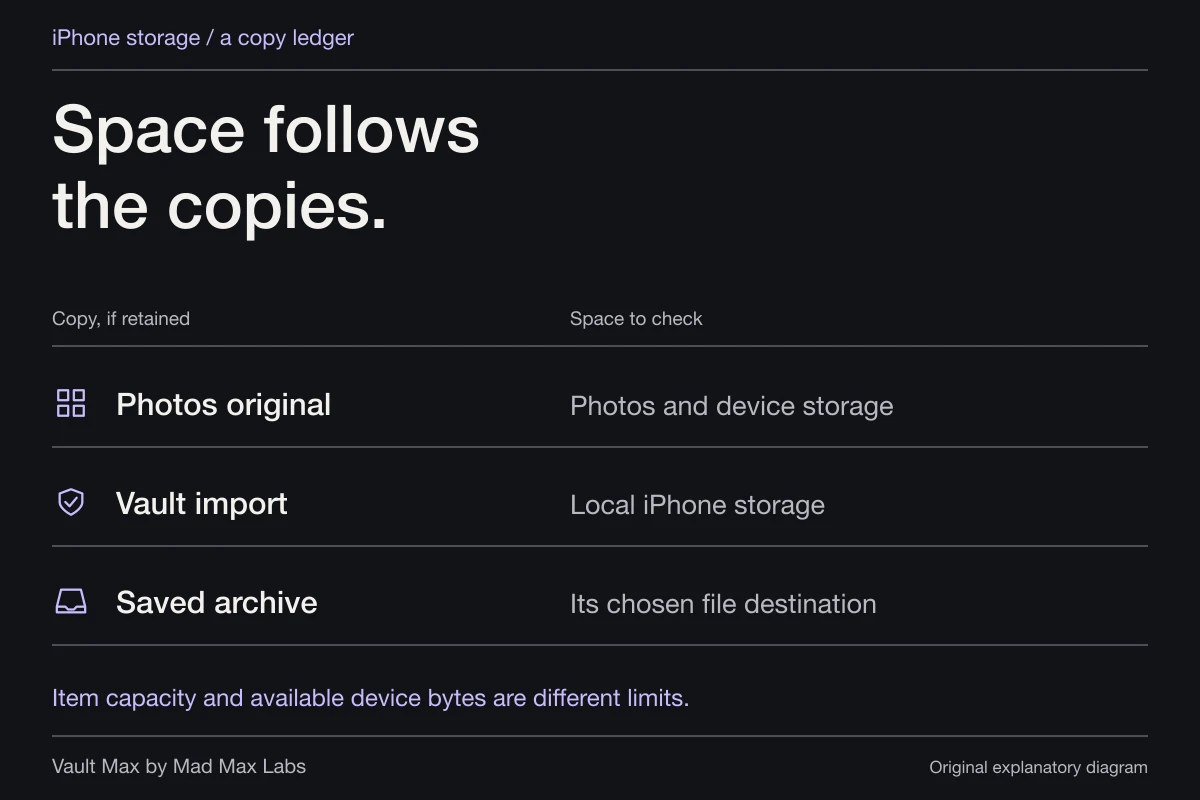
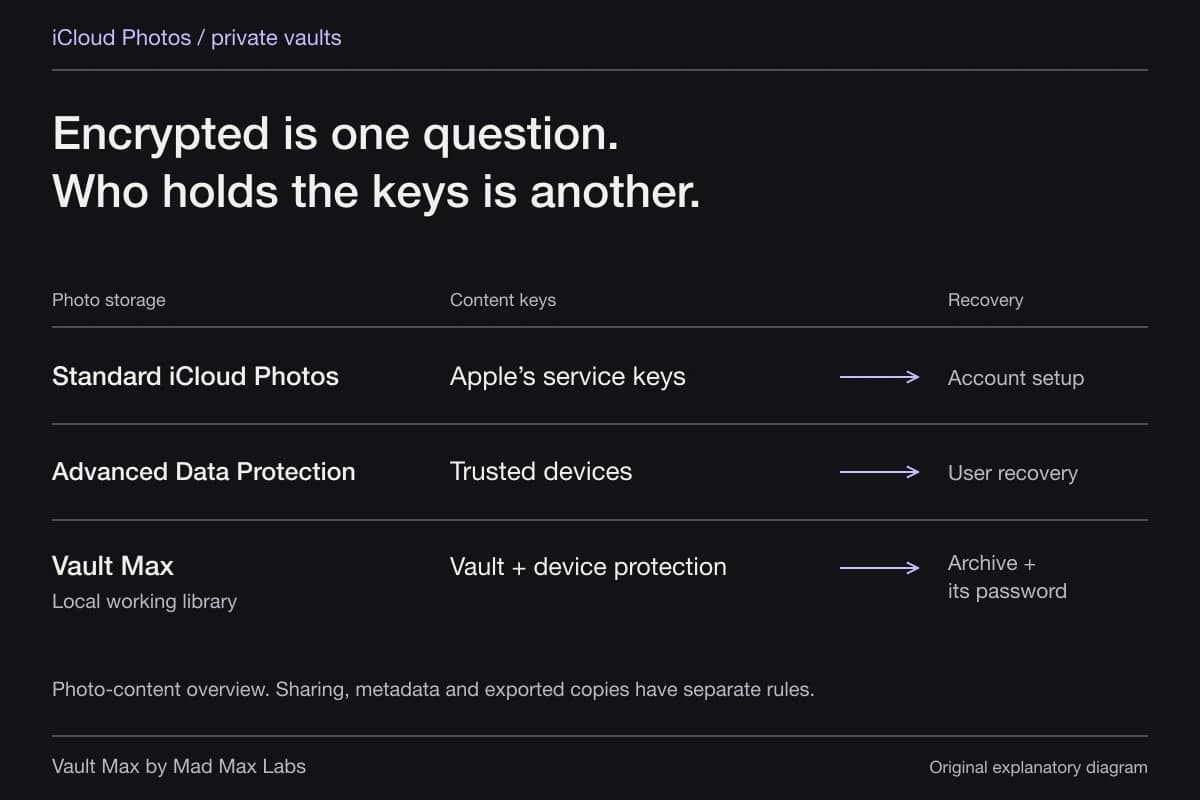
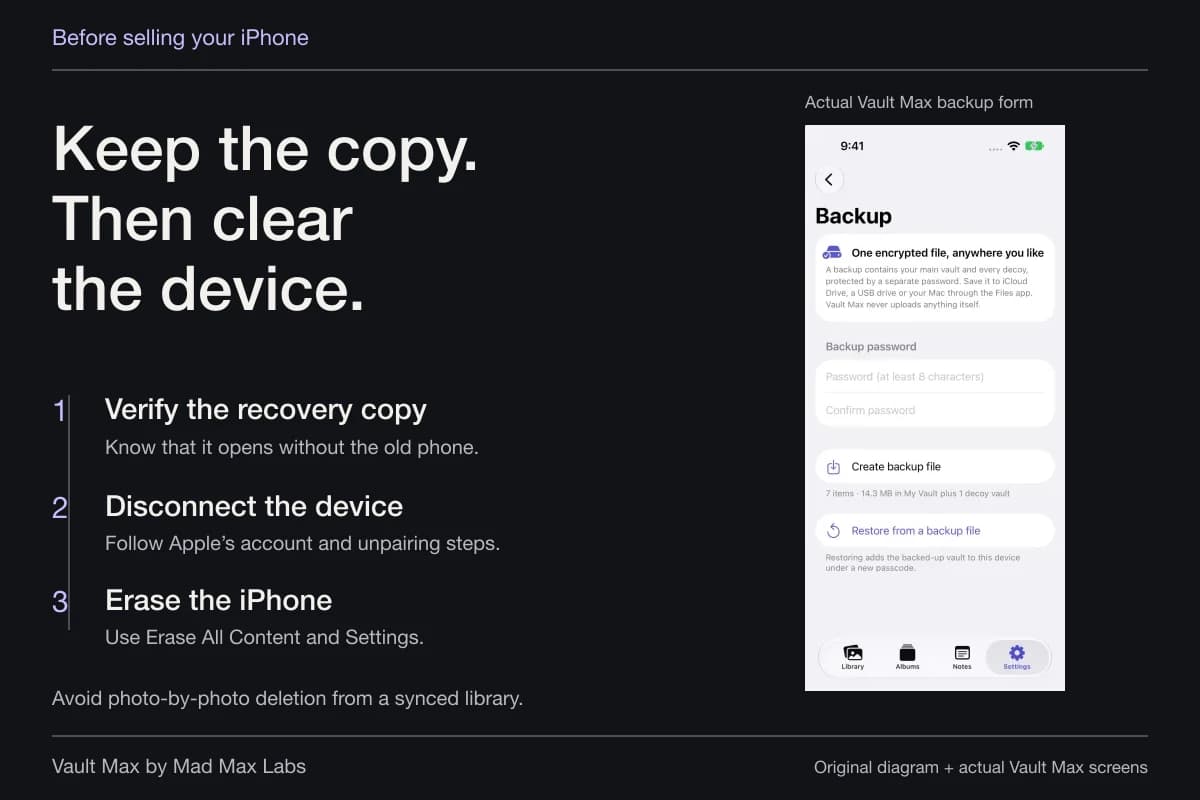
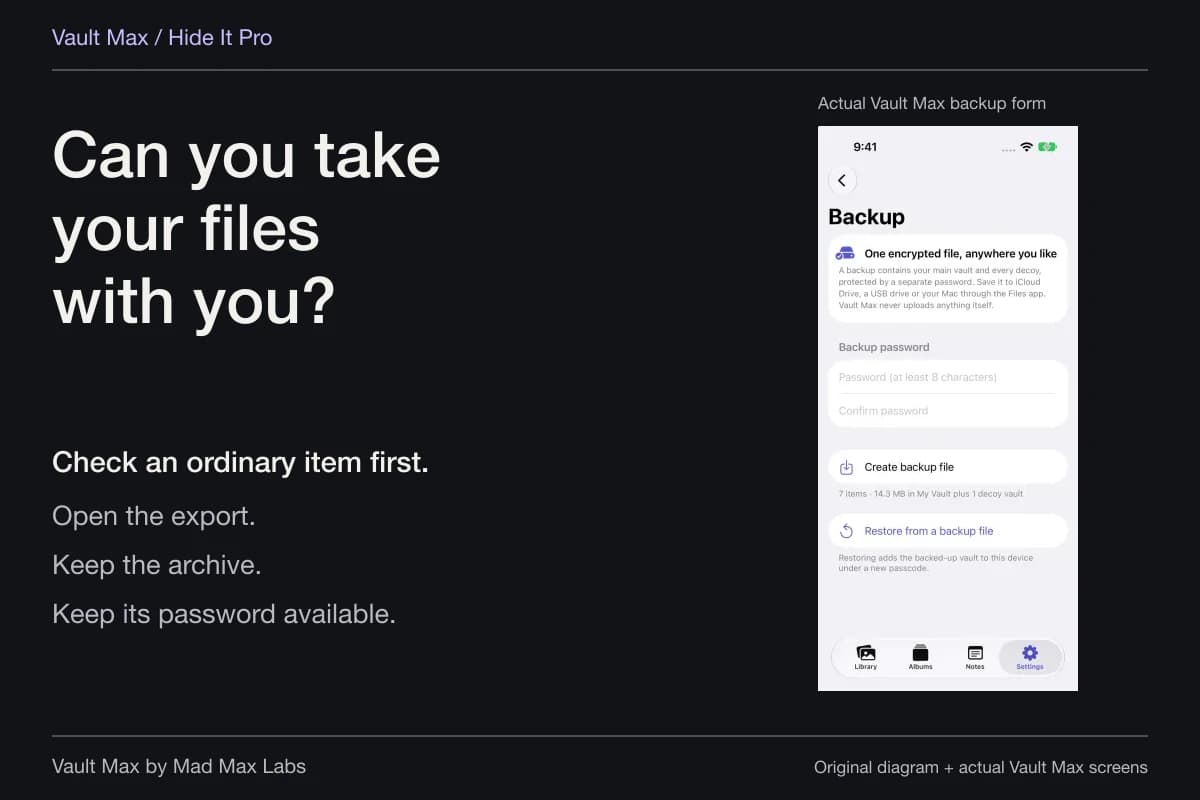
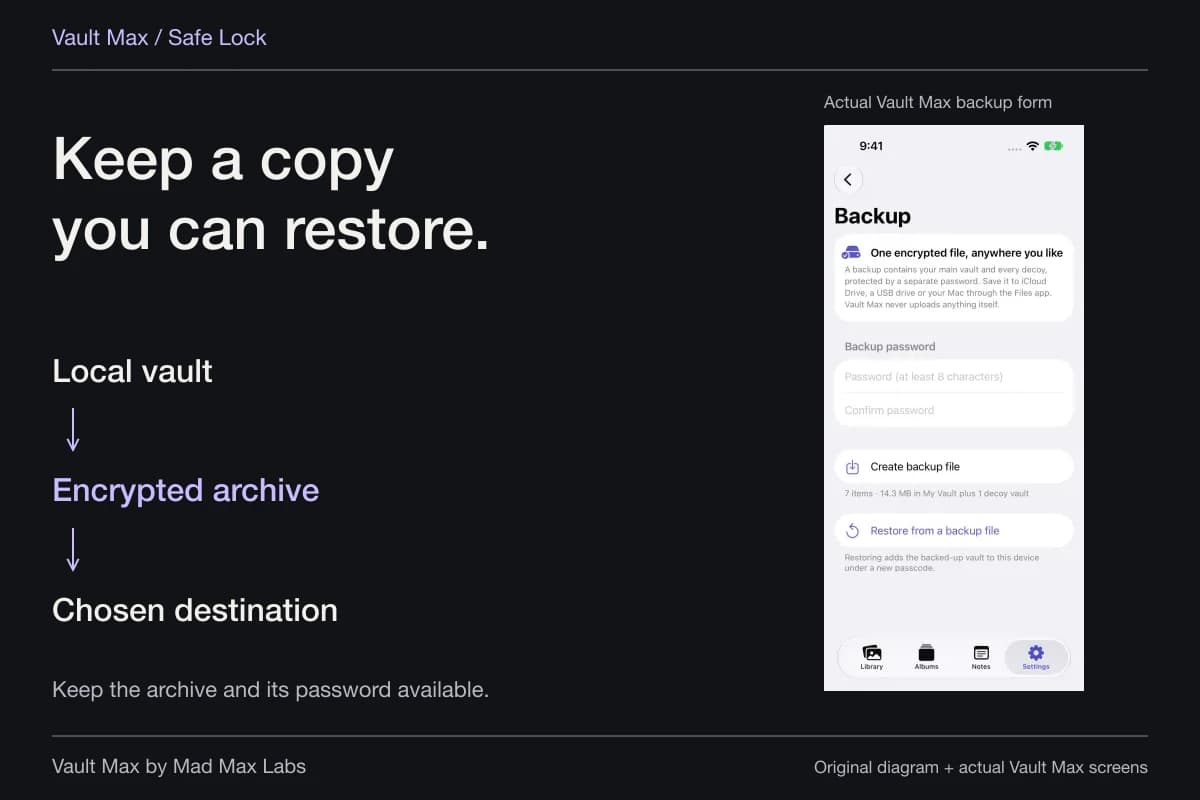
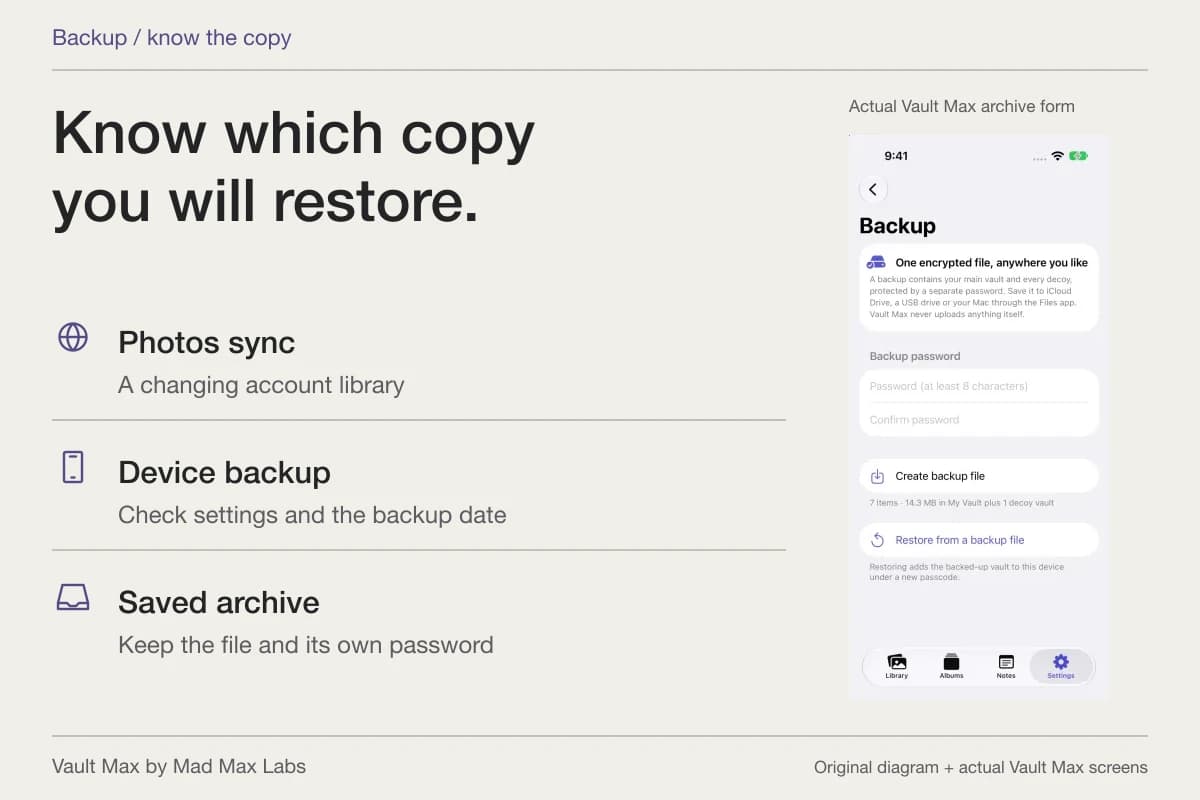
For recovery of the collection, create a separately password-protected .vaultmax archive. Choose its Files destination deliberately and keep the password independently available. An archive is a snapshot: files added or changed later require a refreshed backup. An archive stored only on the same phone is still vulnerable to losing that phone.
Review the copies that remain outside
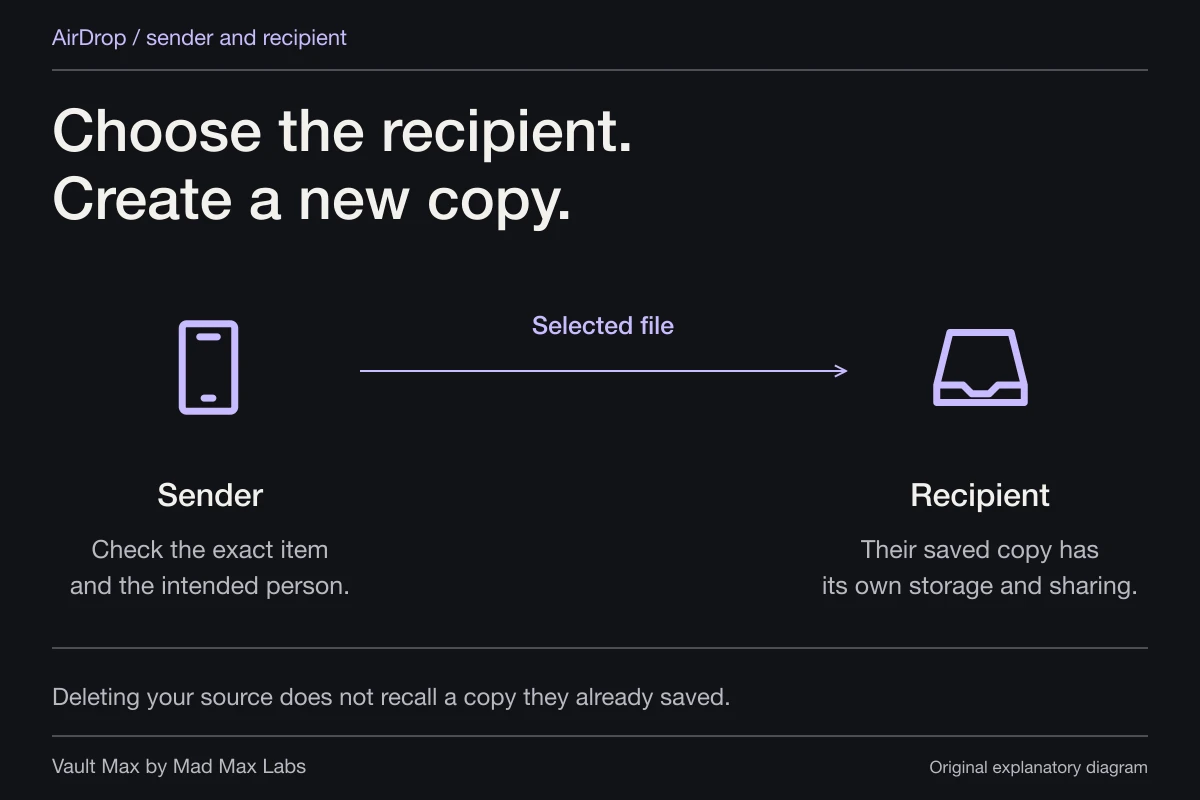
After confirming the private copy and its recovery plan, review any source you no longer need. That might be a download, an email attachment, a shared folder or an earlier message. Importing into Vault Max does not recall those copies or change another person's access to a file already received.
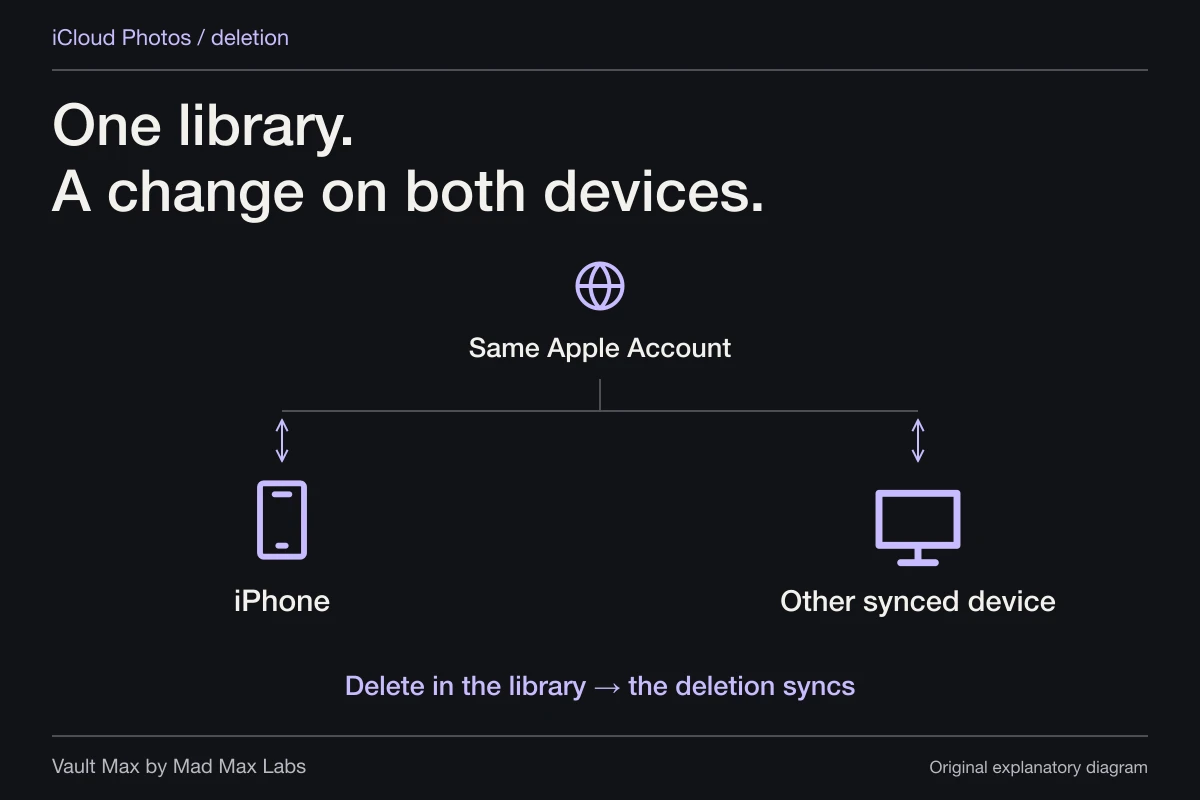
Use the source application's own supported controls if you decide to remove an outside copy. Understand any sync relationship before deleting: a cloud location may represent the same item on other devices, rather than a disposable local duplicate. A cleanup decision should follow a verified copy, not substitute for one.
Viewing a document also requires readable content while it is open. Vault Max prepares a temporary decrypted file for Quick Look and clears its scratch copies when the preview closes or the vault locks. That is different from leaving the stored collection unencrypted, and it avoids an unrealistic promise that a displayed file never exists in readable form.
- Record the provider or local folder holding the usable source.
- Decide which vault credential should open this group of files.
- Open the file and confirm its name, contents and useful preview.
- Distinguish an ordinary share from a separately protected recovery archive.
- Keep a verified recovery route before changing sources or deleting anything needed.
Tap a box as you go. Checks reset when you leave this page.
Vault Max's free security features let you learn this routine before buying more capacity. The value is the complete private workspace: files you can find, a credential you understand, useful writing beside them and a recovery copy you know how to open.
Common questions
Does a folder name create a separate password on iPhone?
A folder is an organization choice. Check the actual access control separately. Vault Max uses a vault credential for its encrypted collection; albums organize items inside the open vault.
Can I import files from Files into Vault Max?
Yes. Choose From Files from the Add menu and select the files. Vault Max encrypts its imported copies. Preview support depends on the file format and the system's Quick Look support.
Does importing a folder encrypt its contents in their original location?
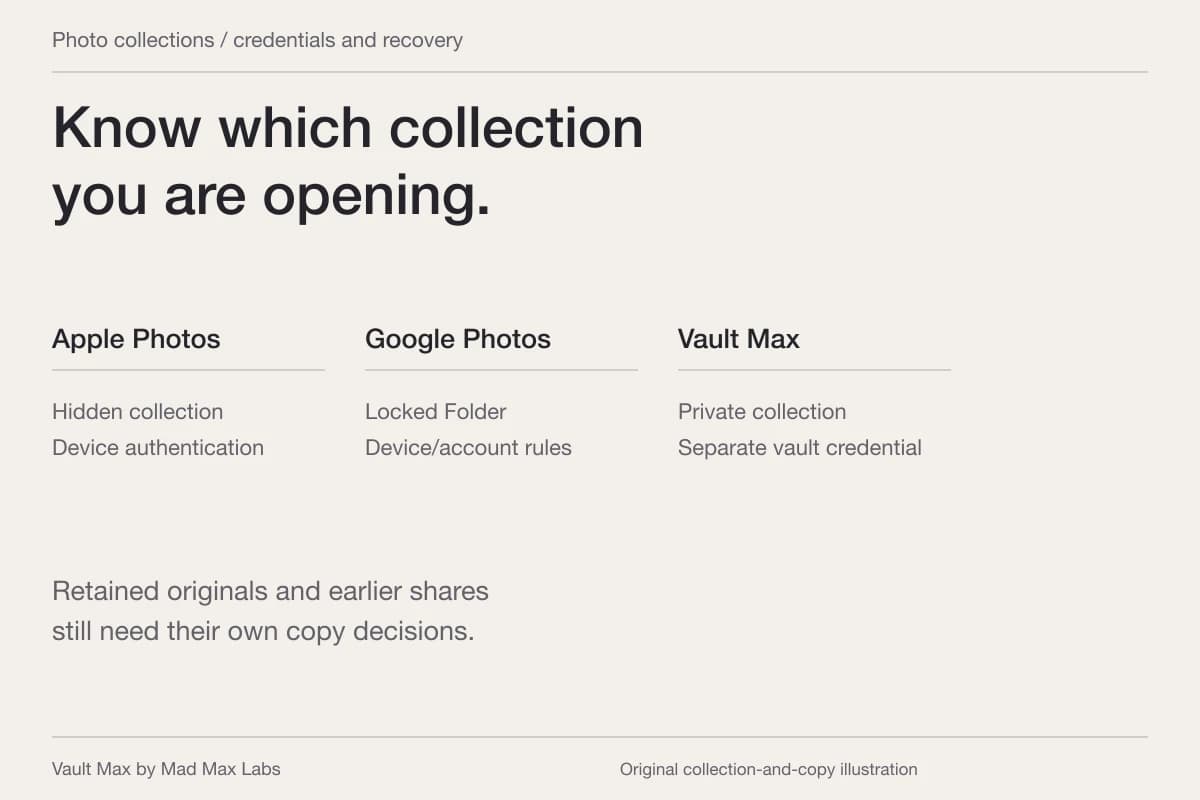
No. Select the files you intend to import and verify their separate vault copies. Existing Files items, cloud-provider copies and earlier shares retain their own storage and access settings.
Continue reading
More guides
Practical tips for your private library. Swipe or scroll to choose your next guide.
74 guides to explore