
Privacy in practice
Google Photos Locked Folder or iPhone Hidden album? Follow the copy
Compare Google Photos Locked Folder, Apple's Hidden album and a separate vault. Check credentials, cloud backup and surviving copies before moving photos.
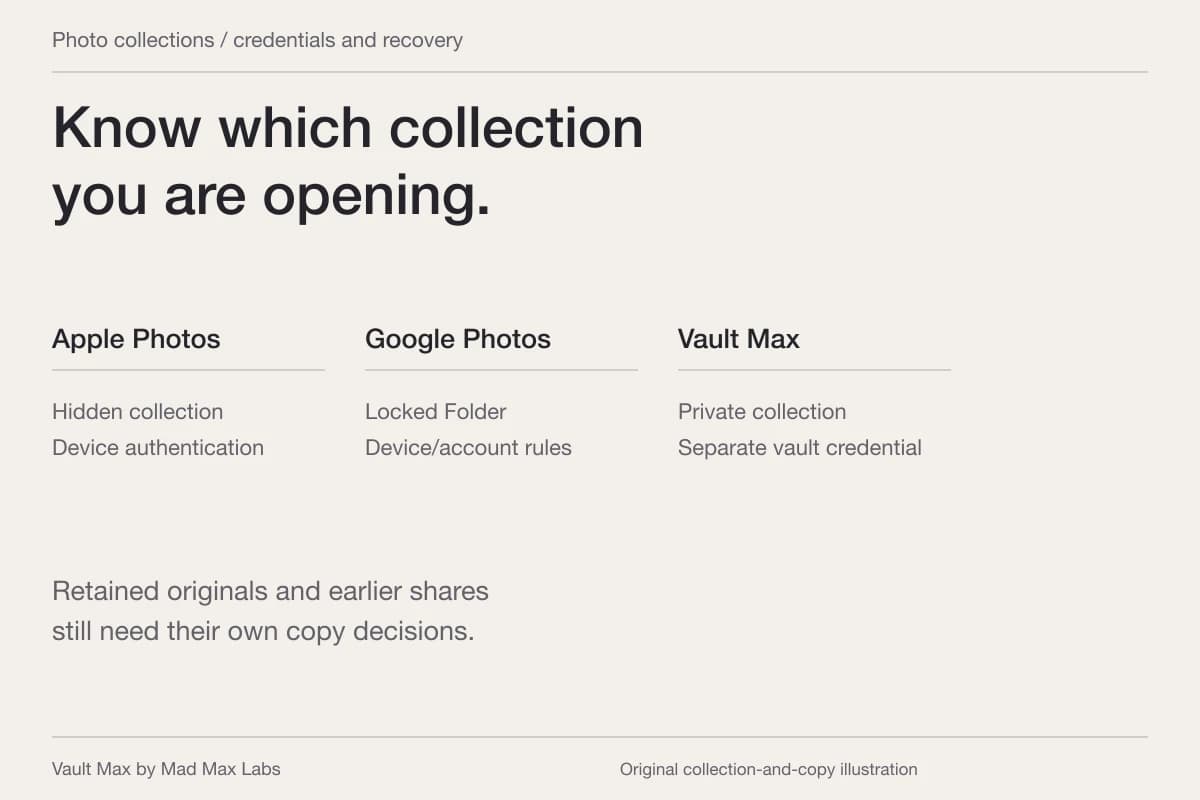
Choose Vault Max when you want selected private photos behind a credential separate from the iPhone unlock code, together with files and encrypted notes. Google Photos Locked Folder and Apple's Hidden album also control private-photo access, but they belong to different libraries and have different backup choices. Identify the copy and its credential before moving an important image.
Mad Max Labs publishes Vault Max. This comparison uses current first-party documentation and our app's implementation; it is not a hands-on Google Photos test or an independent security audit. The useful question is which collection, access rule and recovery plan fit the pictures you intend to keep.
Start with the library holding the picture
A photograph may appear in Apple Photos, Google Photos and a message without those interfaces all representing one managed record. A visible thumbnail also does not establish that Google has finished backing it up. Google's backup guide explains account selection and backup status separately.
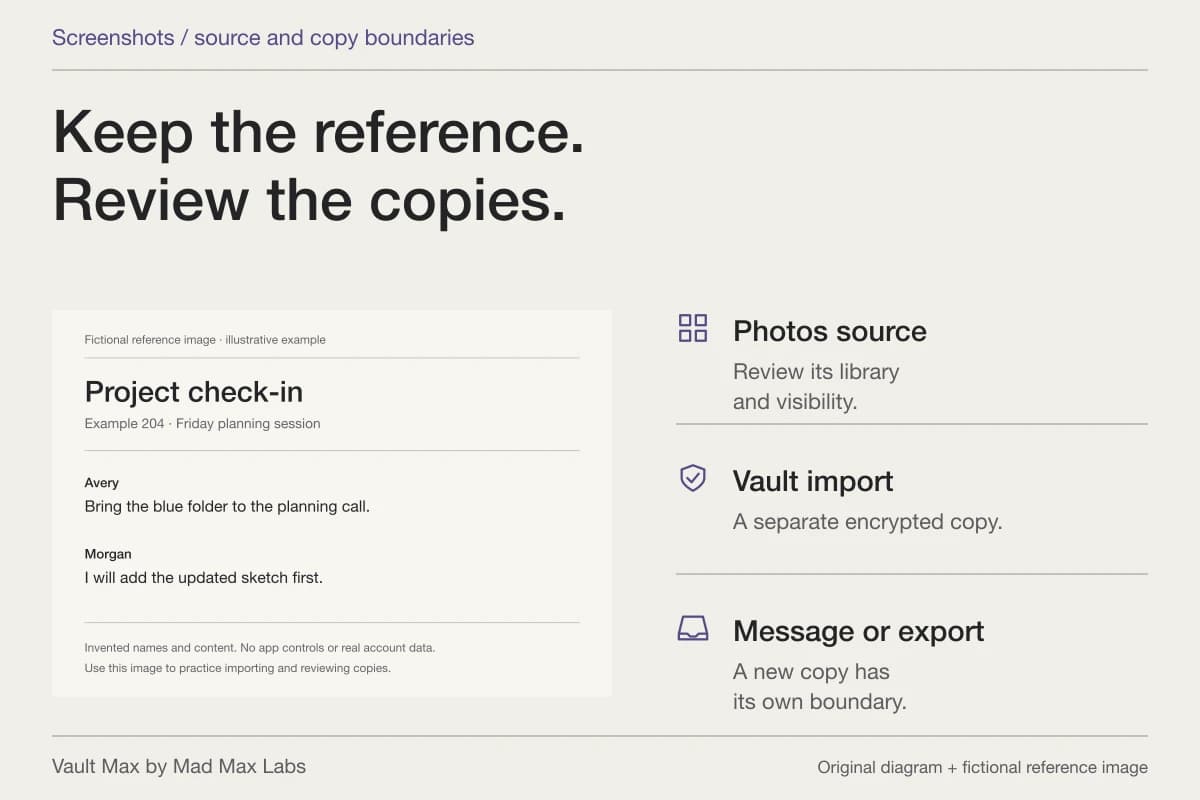
Before changing a setting, open the intended image and note where you are viewing it. If you edited it, saved a second version or sent it to another person, include those destinations in your review. Moving one item cannot sensibly be treated as proof that every related version moved with it.
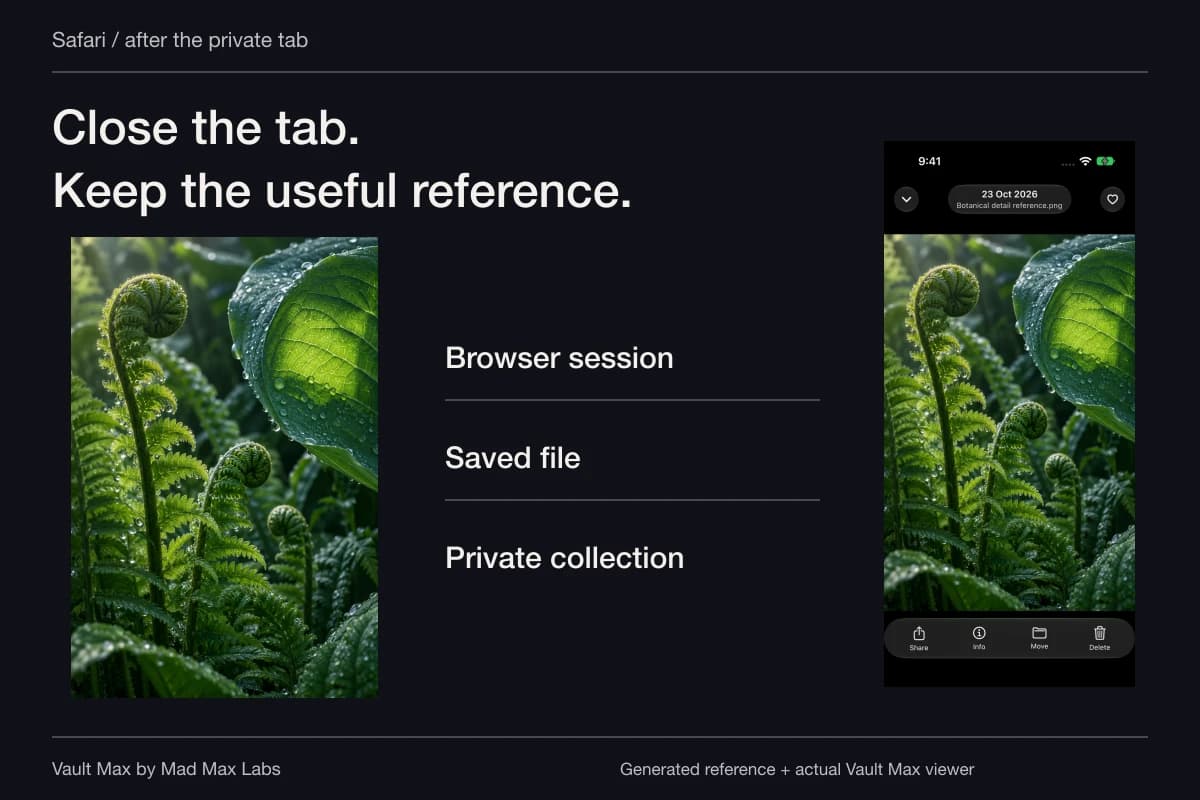
Consider a private reference photo you want to retain for a few months. The immediate job is to keep it out of routine browsing. The next job is to know who can unlock it. The third is to recover it if the phone is unavailable. Answering only the first question can leave the other two unresolved.
Google Photos
Locked Folder
- Entry on iPhone
- Device Face ID, Touch ID or passcode.
- Recovery choice
- Optional folder or individual-item backup. Check the actual state before moving.
- Retained item
- Inside Google Photos’ Locked Folder arrangement.
Apple Photos
Hidden
- Entry
- Photos’ supported authentication.
- Recovery choice
- Review the Photos library, iCloud settings and separate retained copies.
- Retained item
- Still part of that Photos library, including its sync arrangement.
Vault Max
Working collection
- Entry
- Your configured vault credential, with optional biometric access.
- Recovery choice
- A manual encrypted archive with its own password and chosen destination.
- Retained item
- A separate encrypted local copy, alongside saved private writing.
Check outside copies in every case. Edits, earlier exports, original library items and recipient copies need their own review.
Google Locked Folder: check access and backup before moving
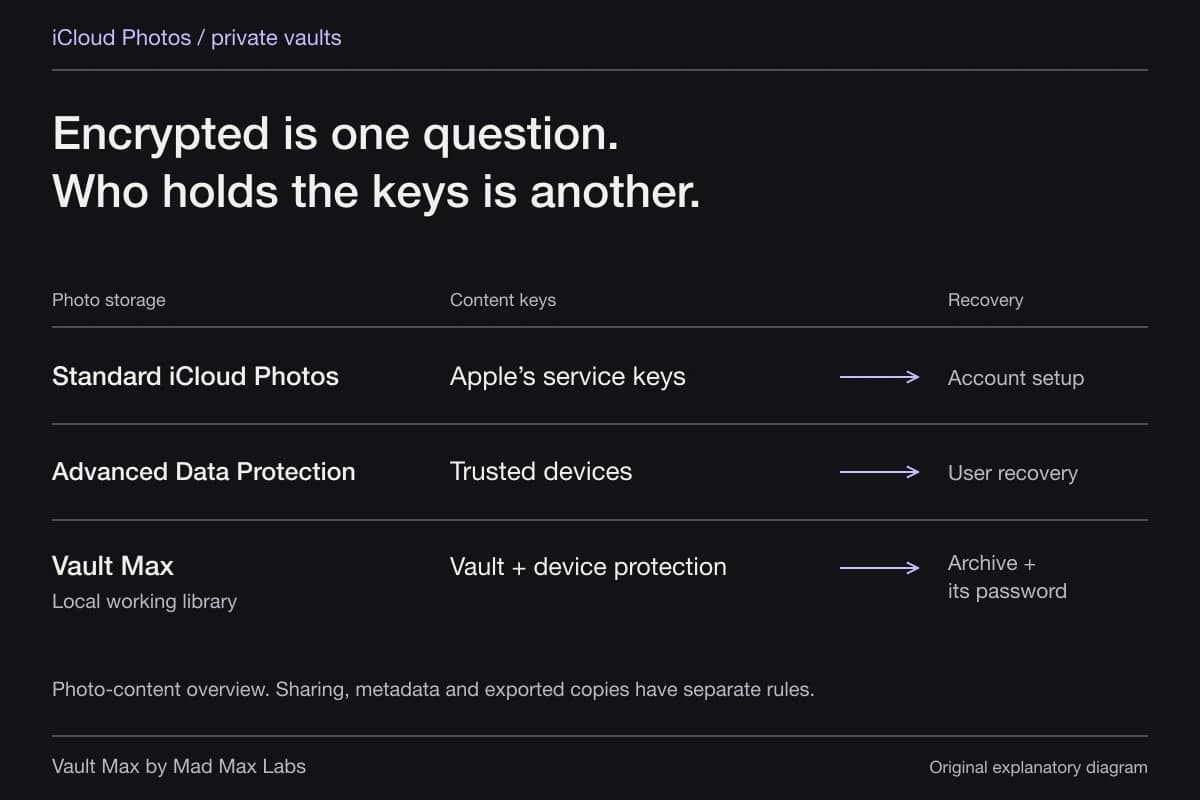
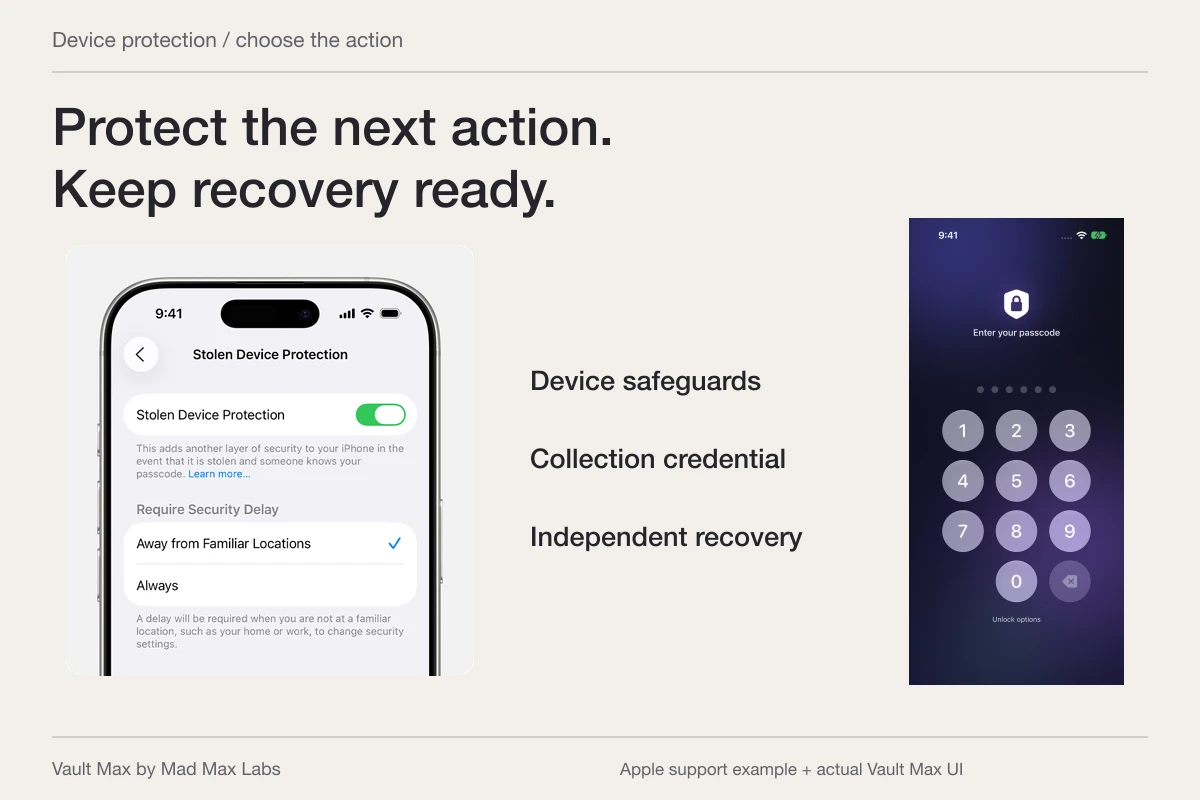
Google's current iPhone and iPad instructions place Locked Folder under Collections → Locked. Setup uses the device's Face ID, Touch ID or passcode; Google says you cannot choose a different folder password.
The same documentation explains that moving an item does not move its copies, edited versions or previously shared recipient copies. It also warns that moving items with Locked Folder backup off deletes their Google Photos backups. Read that condition before acting on a needed image.
Backup is optional, including manual backup of individual items. Unbacked-up Locked Folder items can be lost if you uninstall Google Photos or lose or damage the device. Reinstalling is therefore a poor first troubleshooting step for a picture whose recovery state you have not established.
Google's announcement of cross-device Locked Folder access explains the alternative: with backup enabled, the collection can be accessed on other signed-in devices while remaining outside the normal grid, Memories, albums and search in Google Photos. That announcement establishes the model; use the current Help instructions for today's controls.
Apple Hidden: a protected part of the Photos library
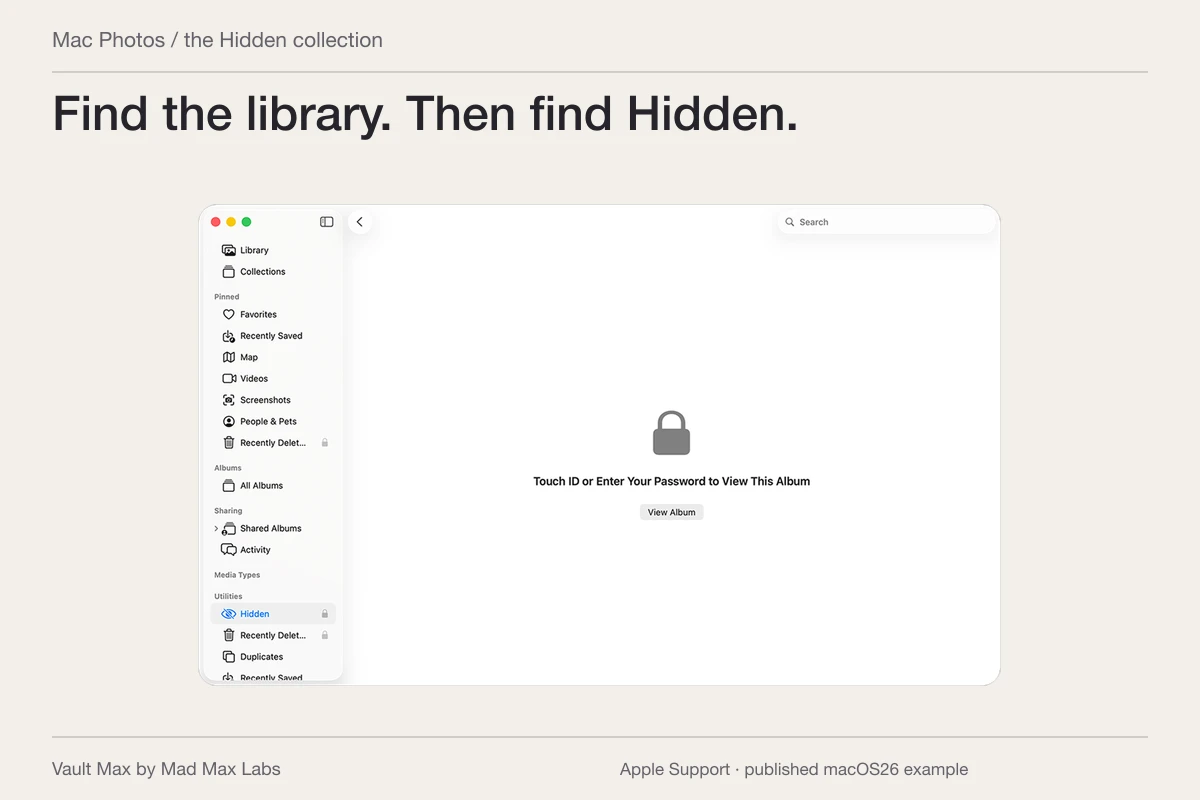
Apple's Hidden album instructions explain hiding pictures within Photos and the authentication used to open the Hidden album. On current supported software, the album is locked by default. Hiding its presence in the interface is an additional visibility setting, rather than a new separately chosen photo password.
With iCloud Photos, hidden status follows the library across participating devices. A picture hidden on the iPhone can therefore remain part of a library available through the same account elsewhere. Check which devices and accounts are involved instead of assuming “Hidden” means the item has left iCloud.
Apple also documents Hidden photos on iCloud.com. For an item in an iCloud Shared Photo Library, hiding it moves it into Hidden for the participants, who can still view or unhide it. That shared-library condition matters when deciding which collection should hold a private reference.
| Collection | Access boundary to understand | Recovery or copy decision |
|---|---|---|
| Google Photos Locked Folder on iPhone | Device Face ID, Touch ID or passcode; no separate folder password | Review optional backup and any related copies before moving |
| Apple Photos Hidden | Photos authentication and the participating Apple library | Review iCloud Photos, other devices and shared-library status |
| Vault Max private collection | A vault credential you choose separately | Verify imports and maintain a password-protected recovery archive |
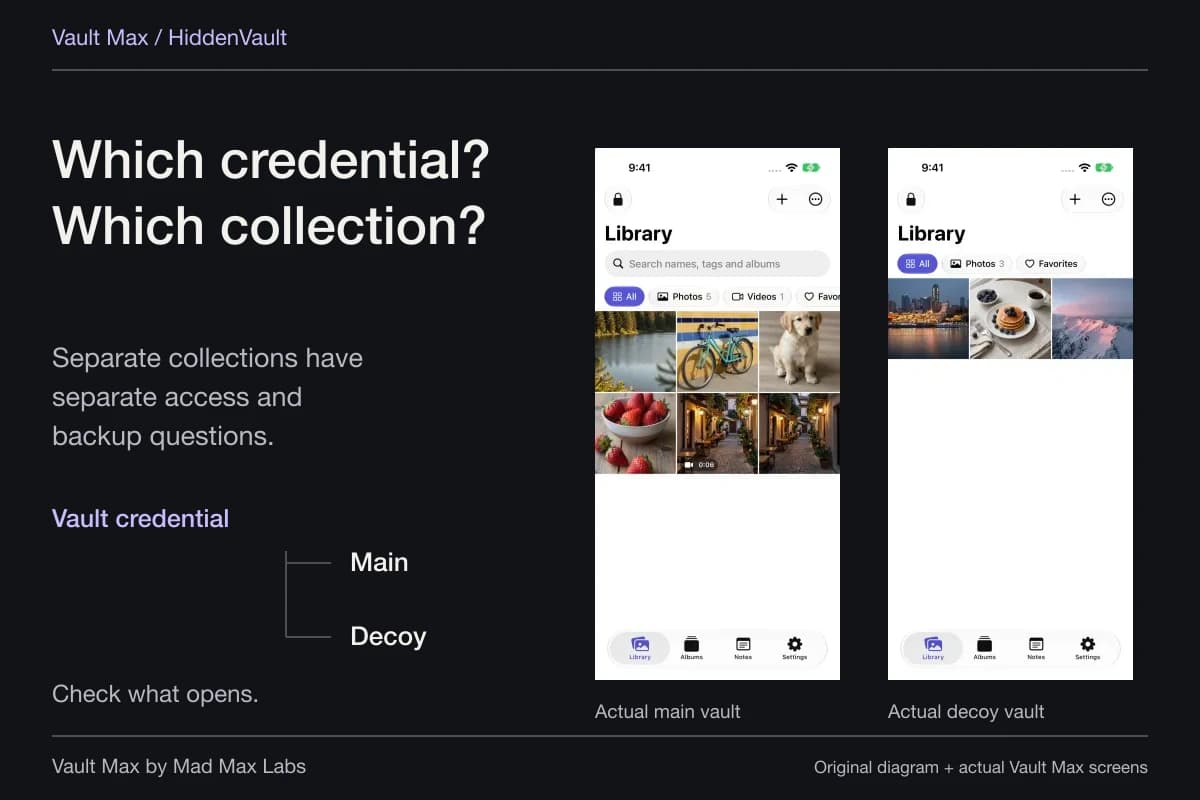
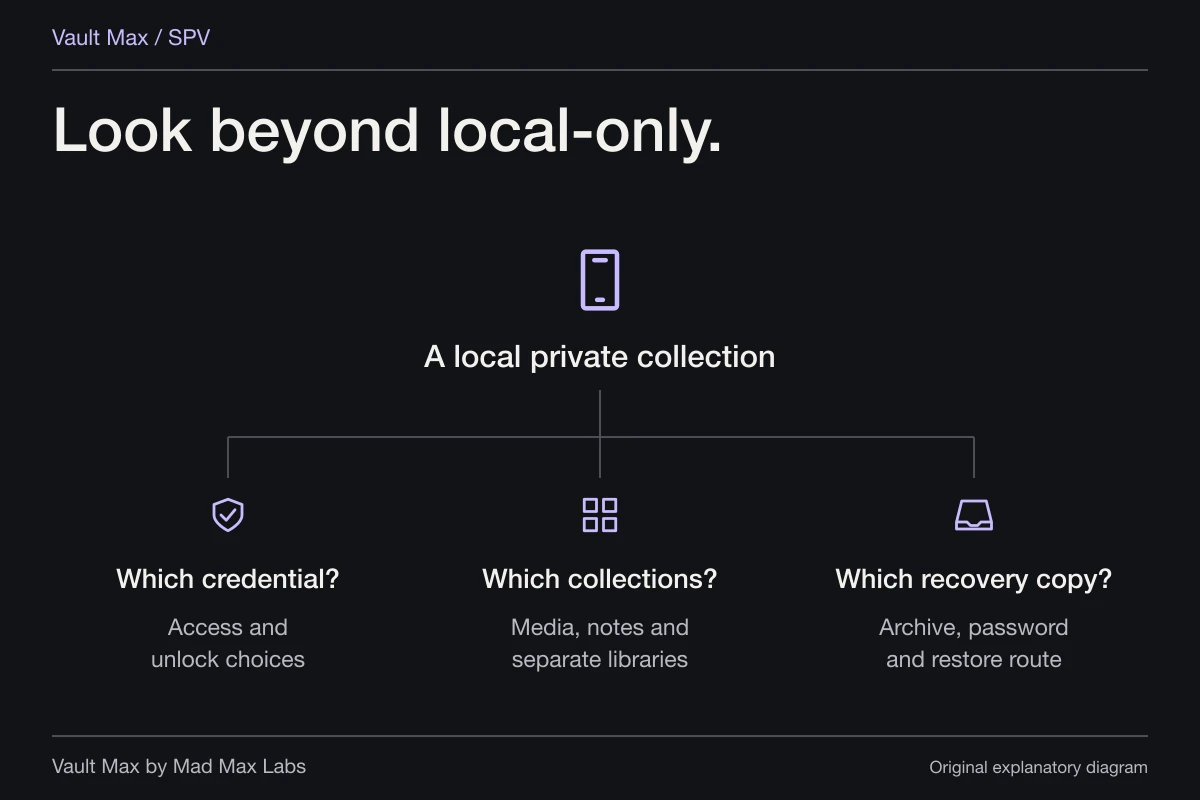
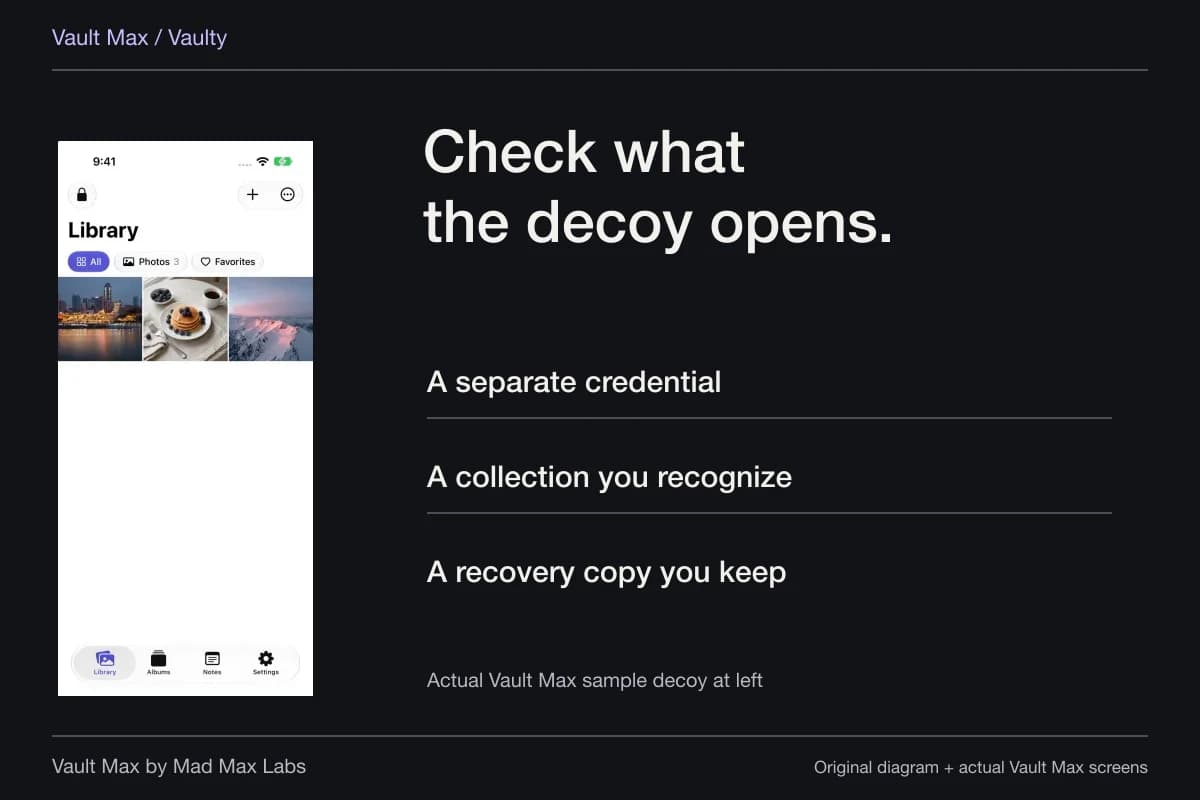
A separate credential gives the private collection its own routine
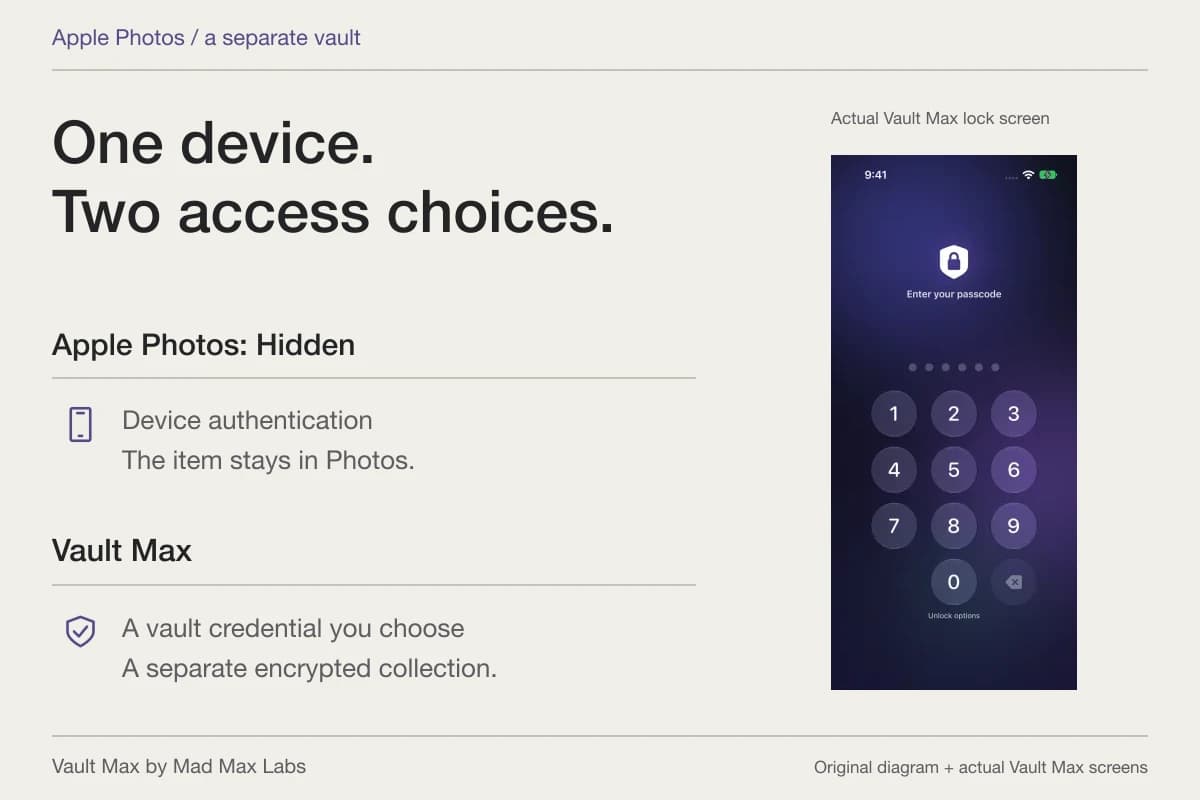
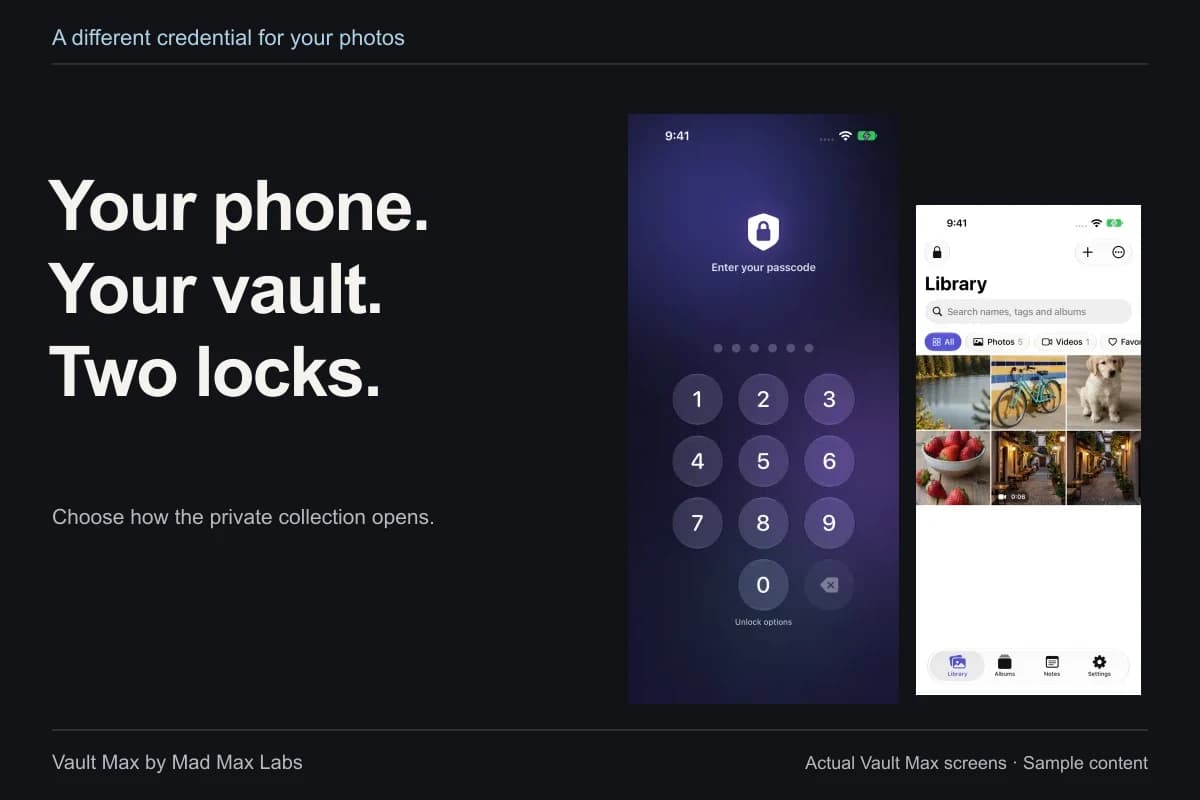
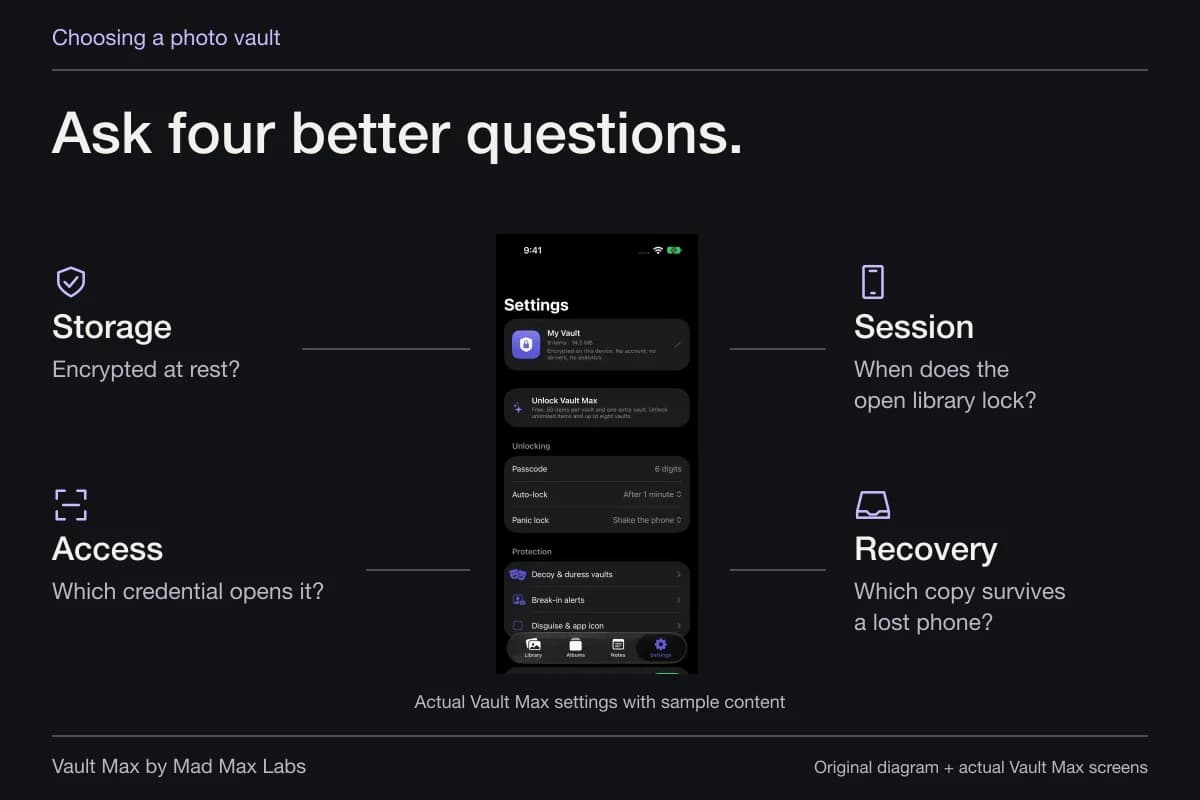
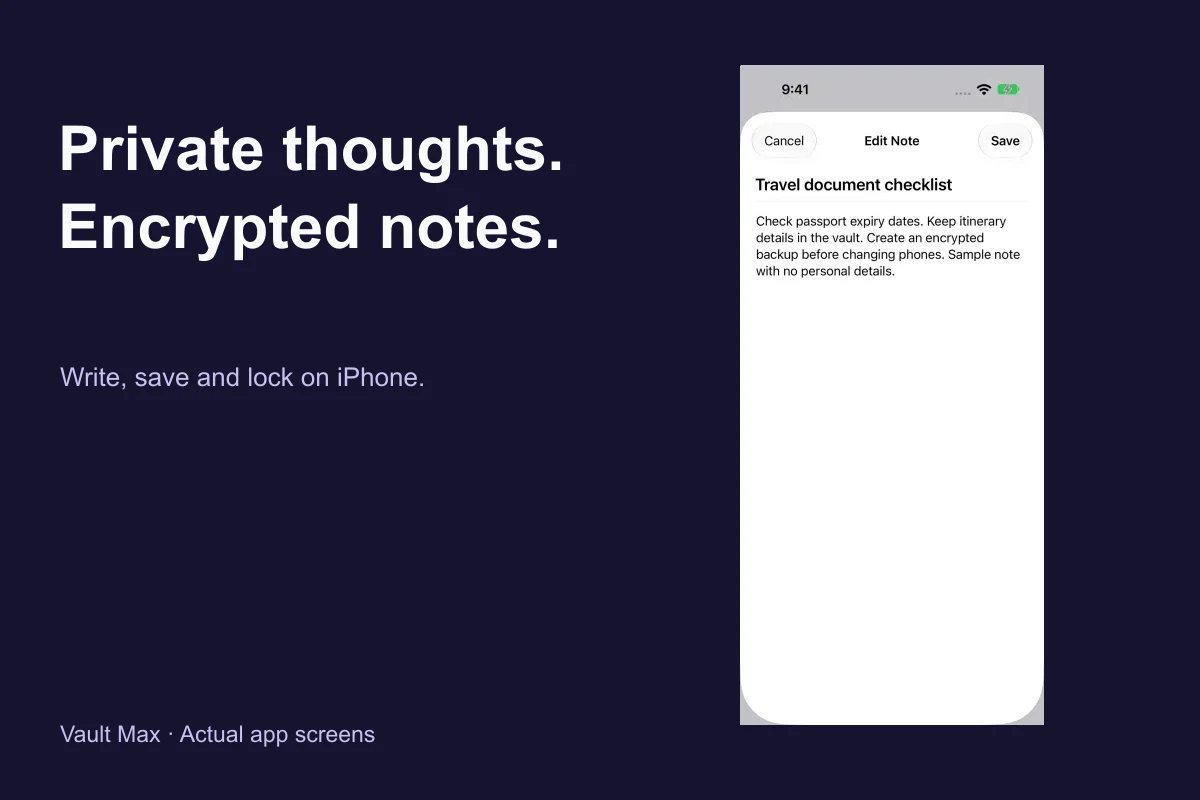
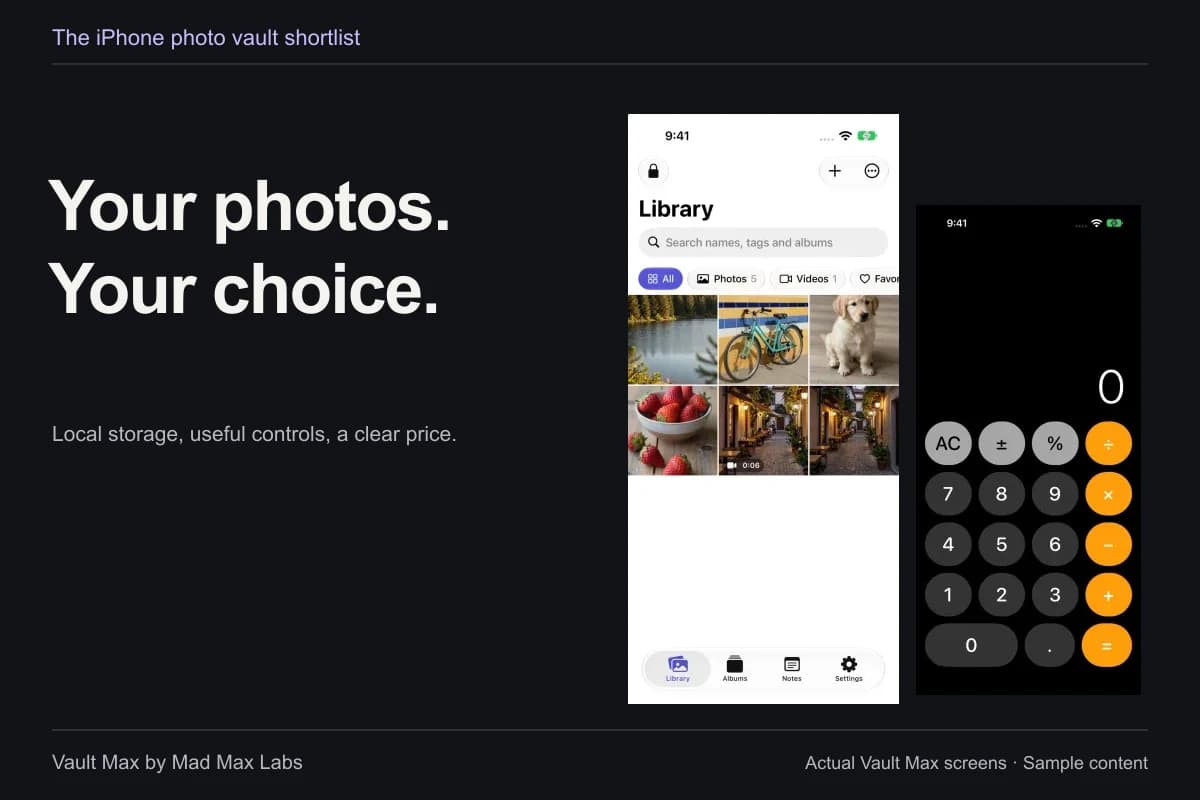
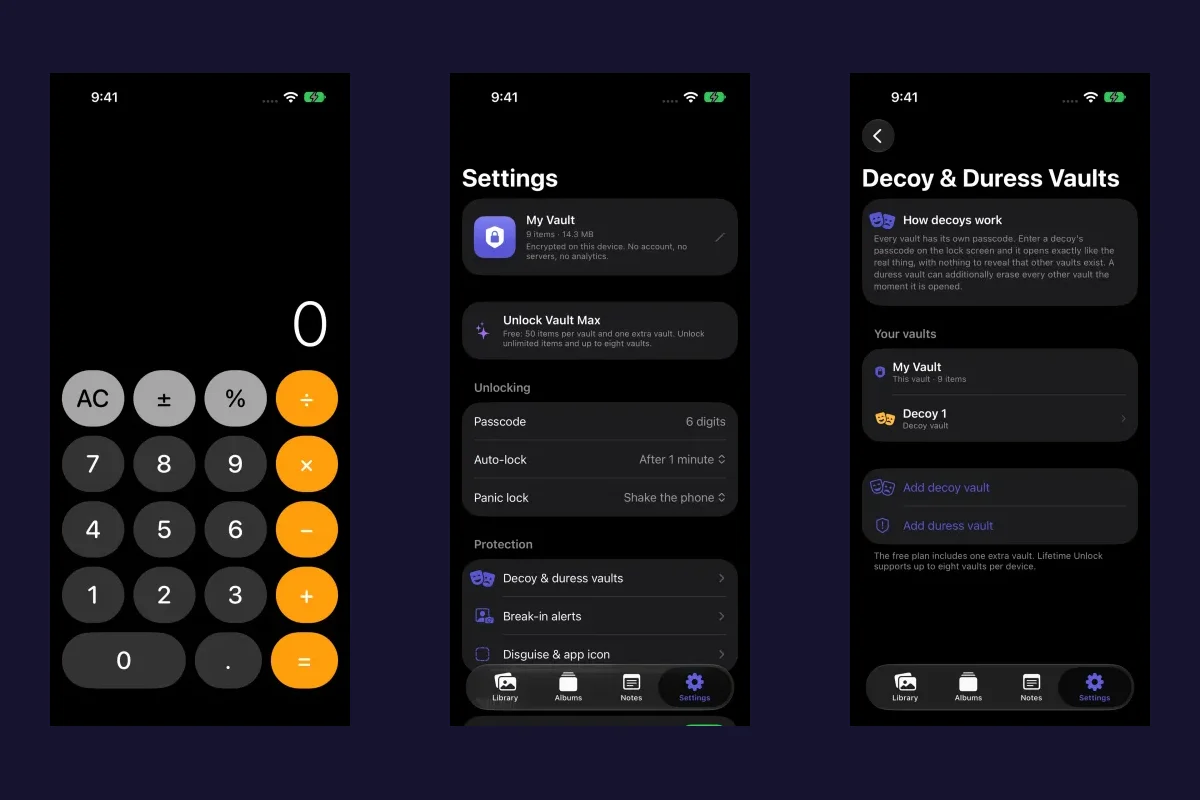
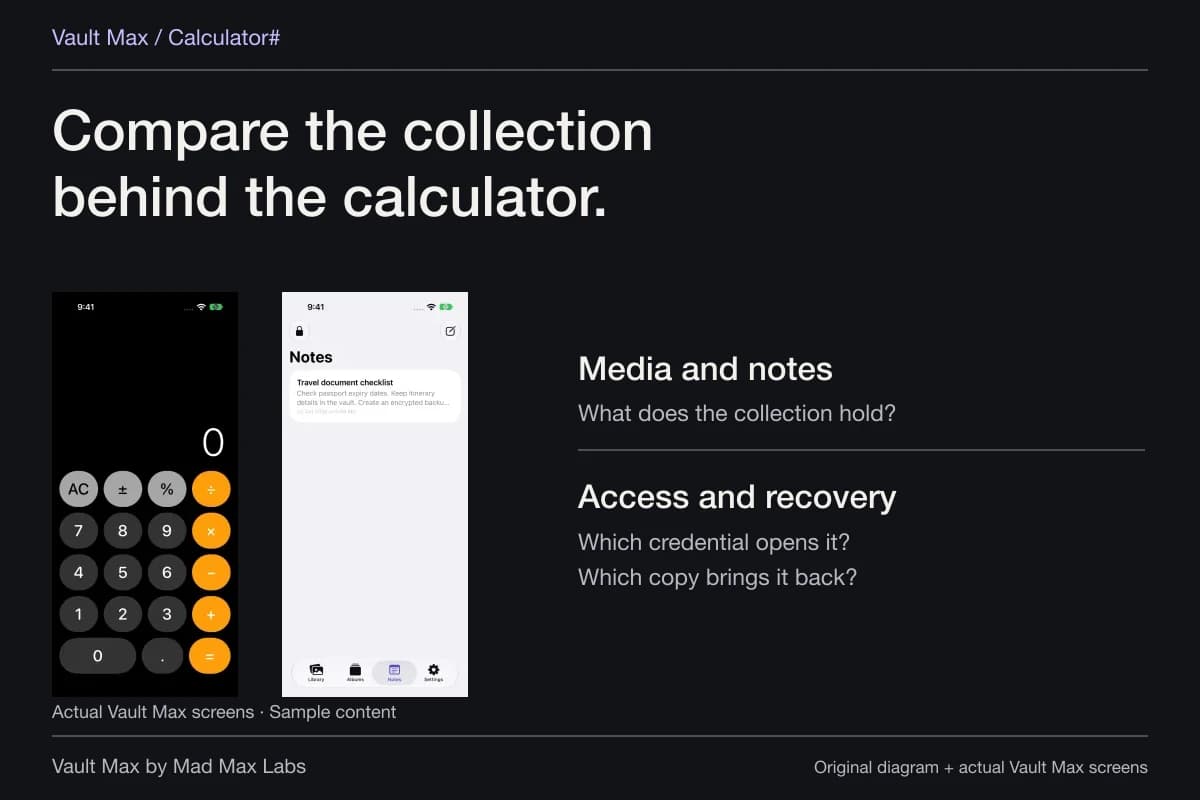
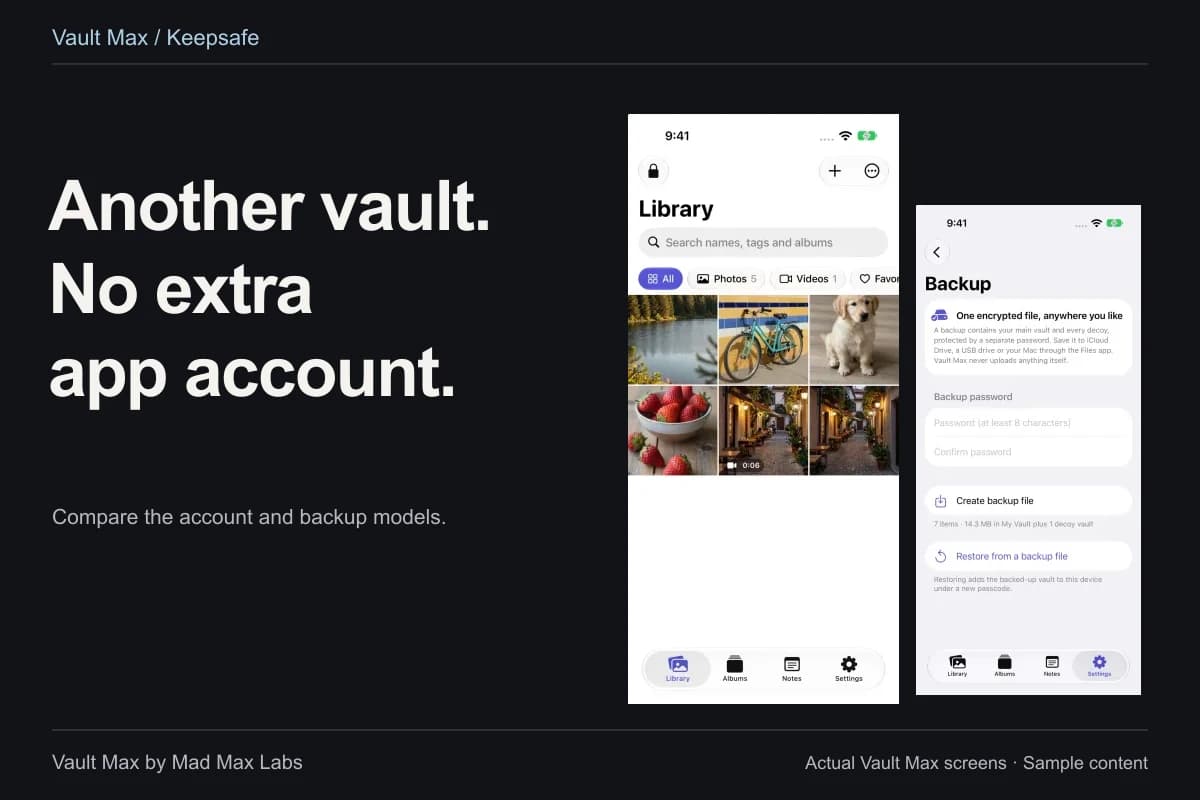
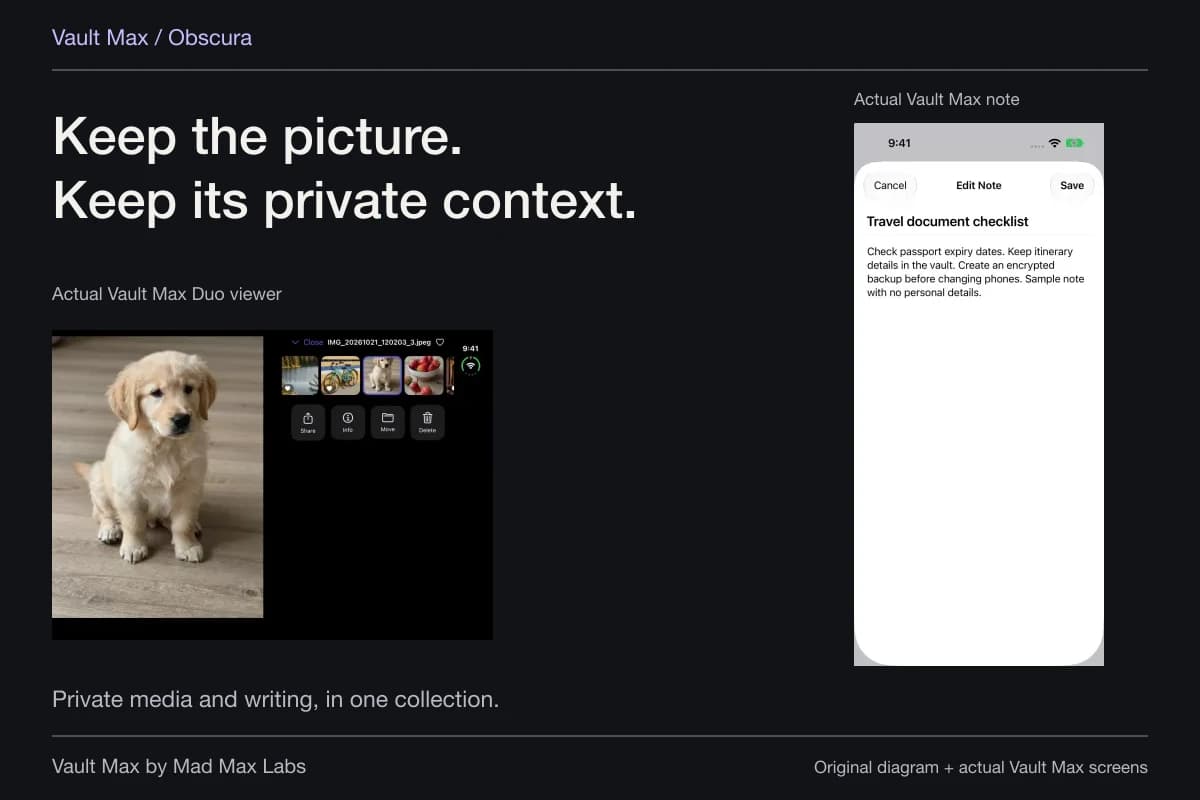
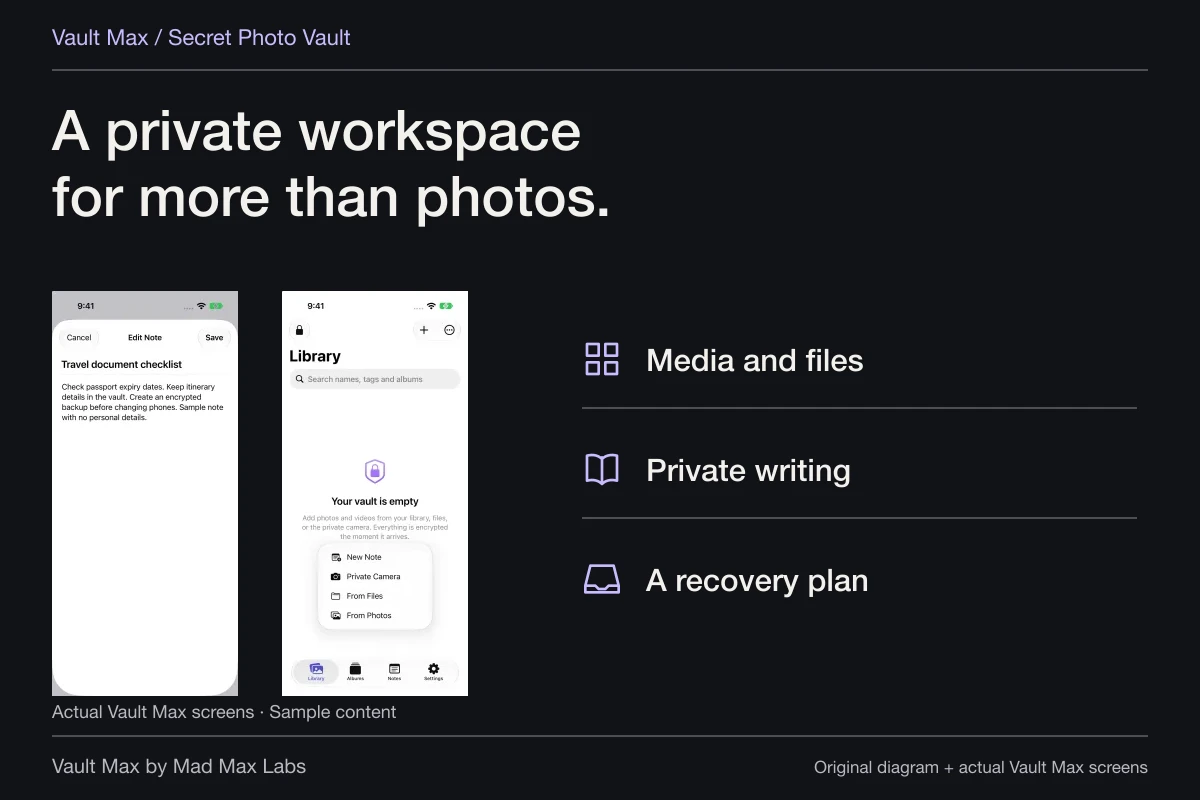
Vault Max encrypts selected imported content locally and lets you choose a vault credential distinct from the iPhone's unlock code. It does not require a Vault Max account. The same collection can hold photos, videos, documents and encrypted text notes, so a useful private reference and its written context can stay together.
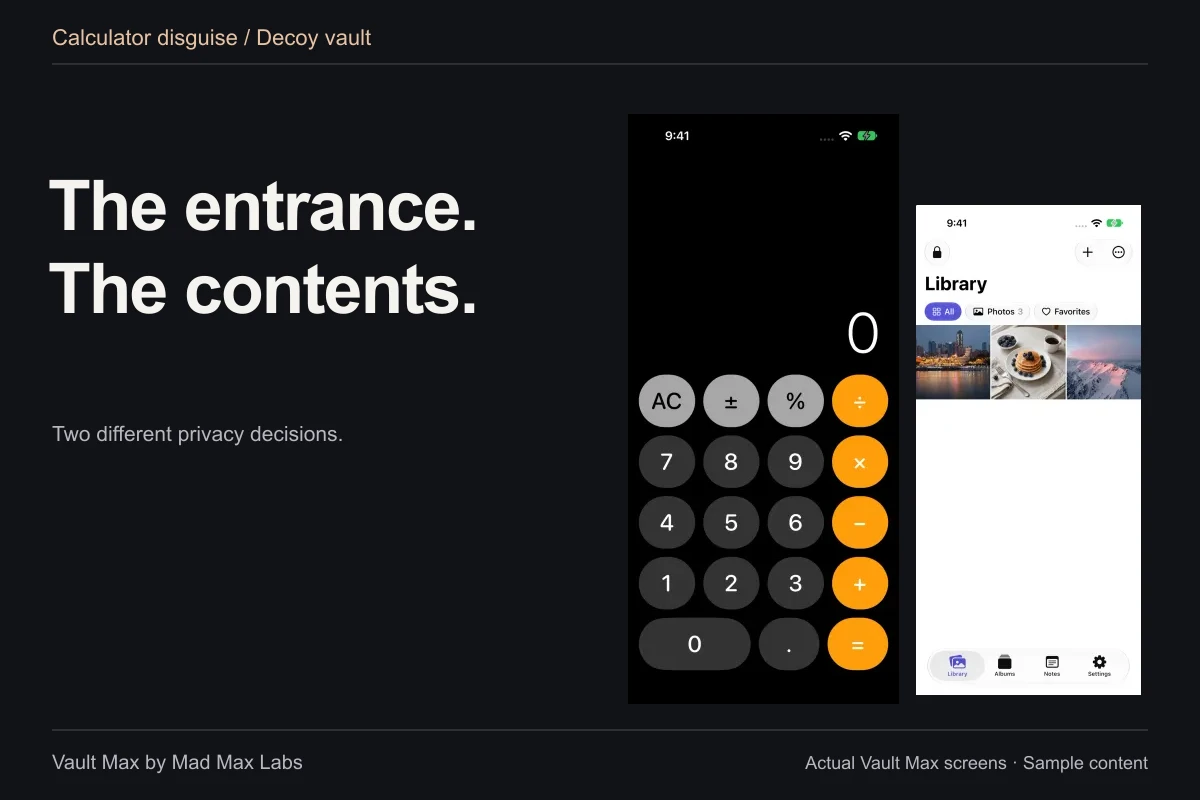
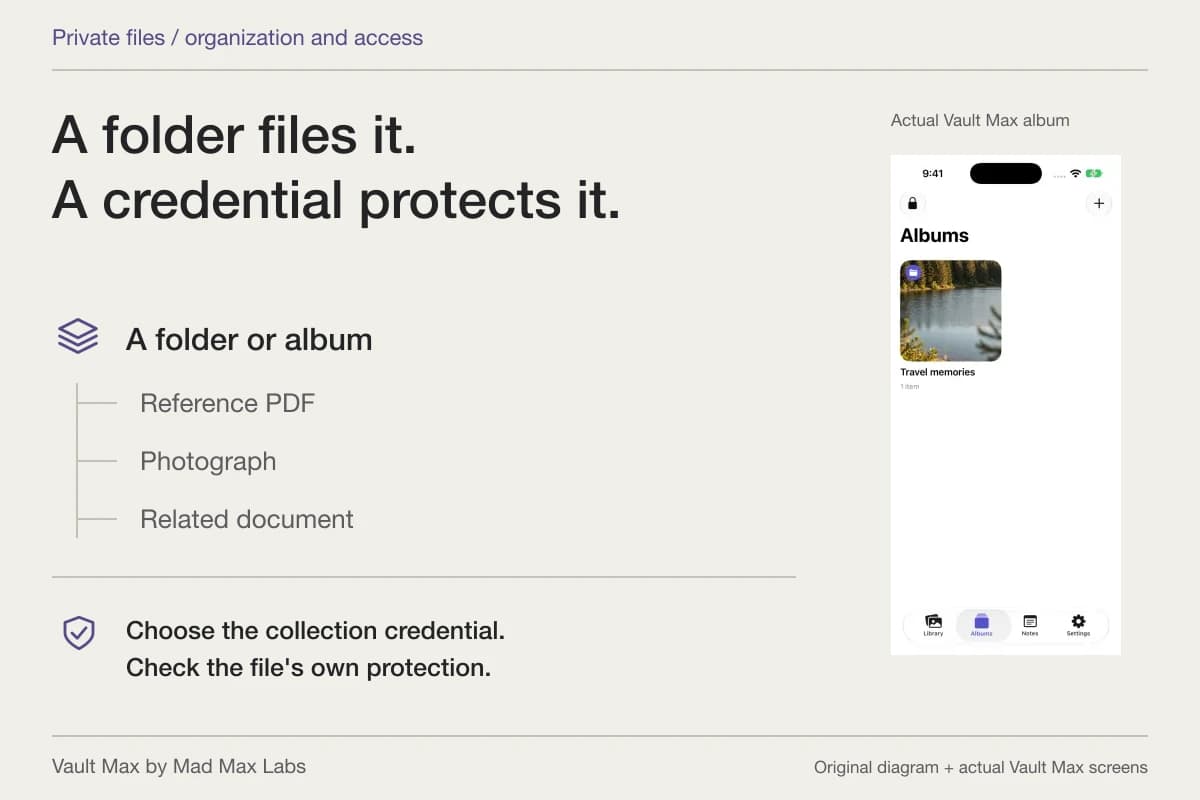
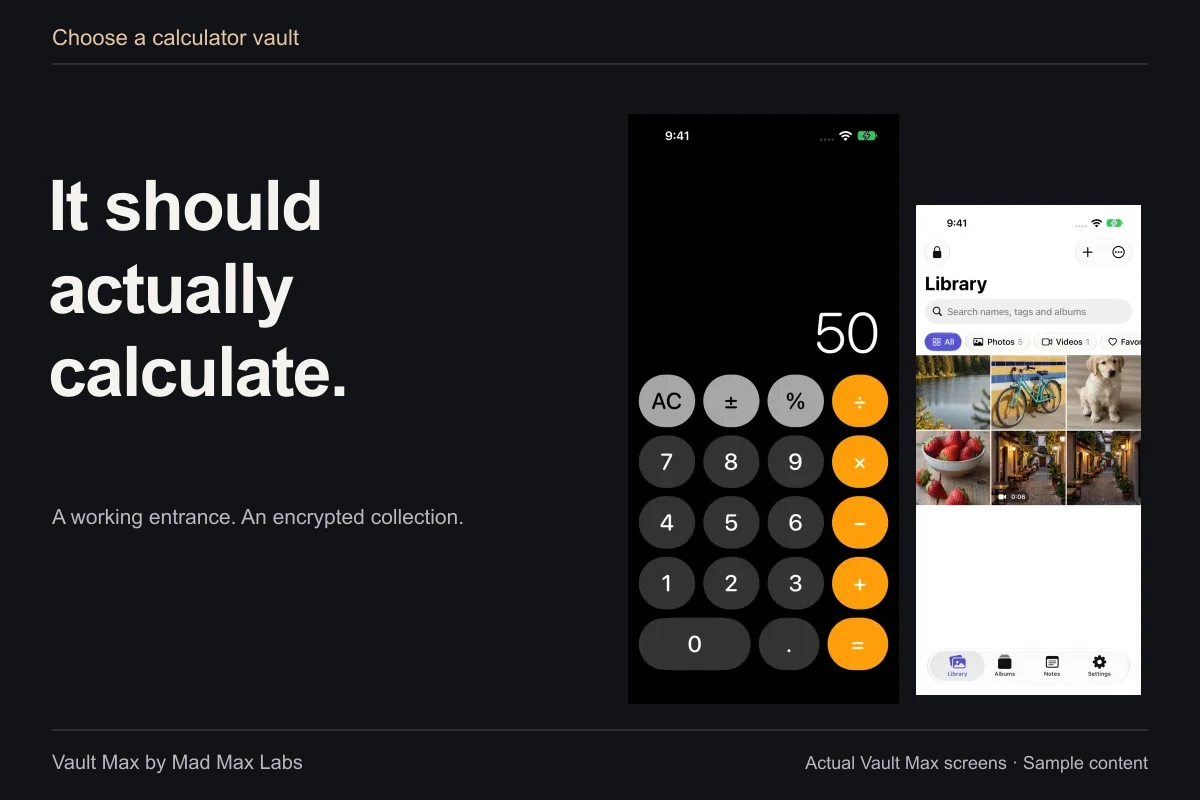
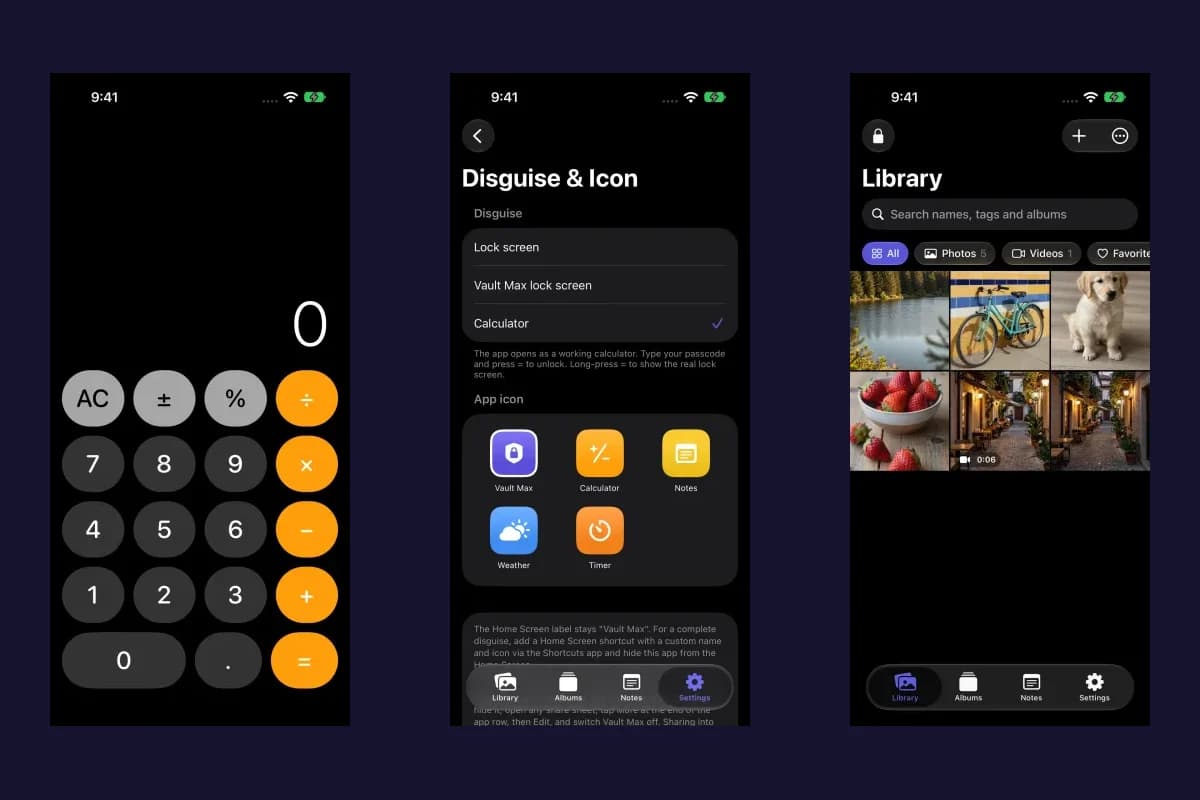
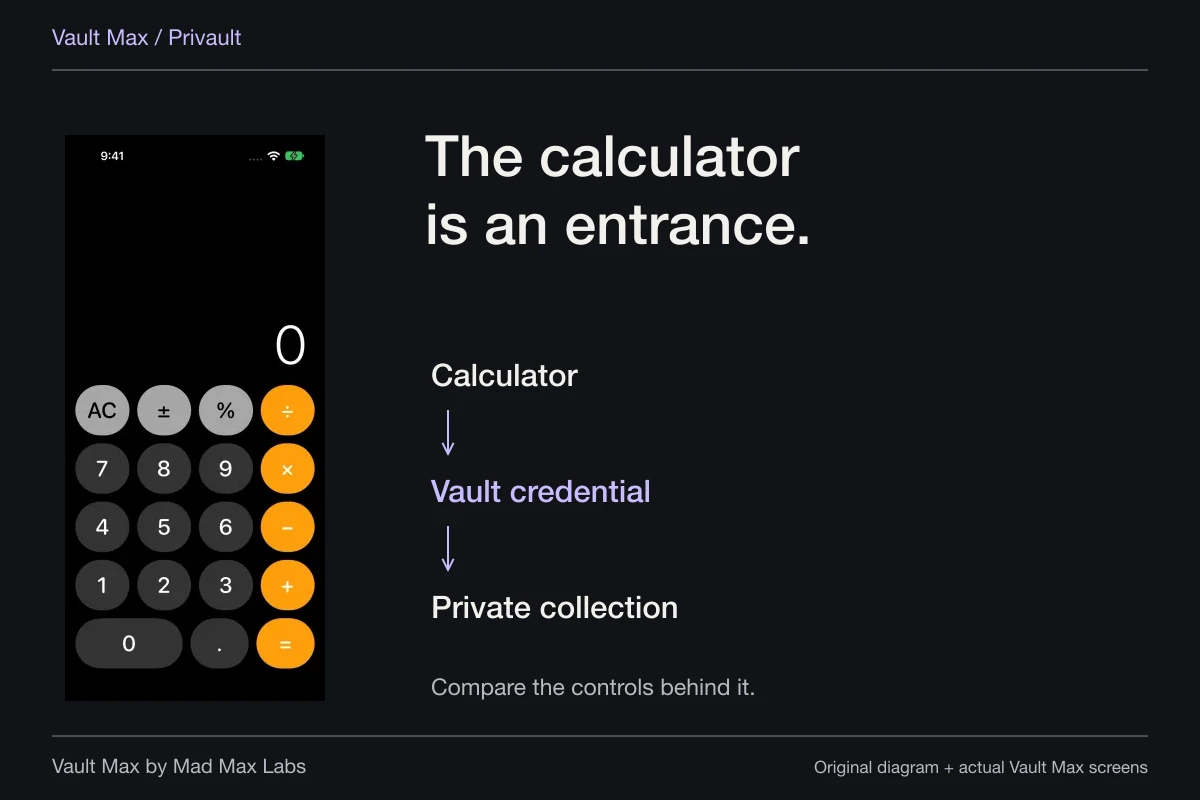
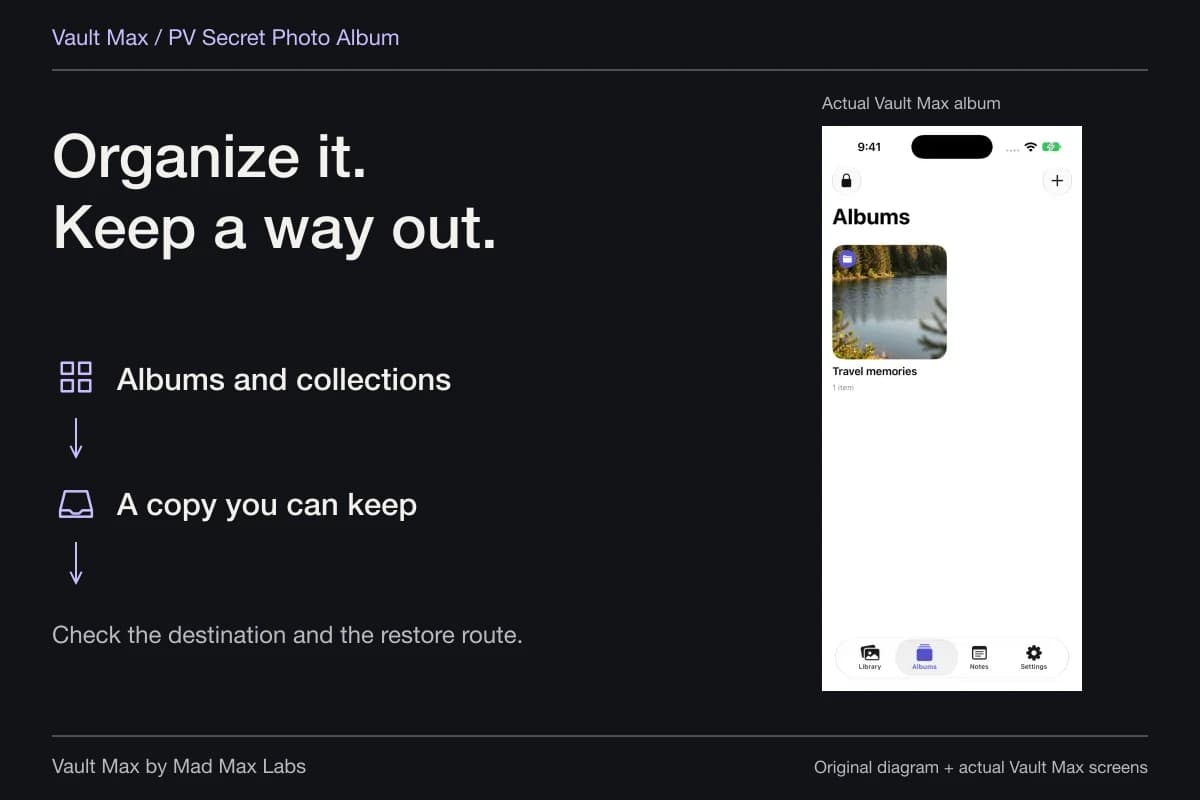
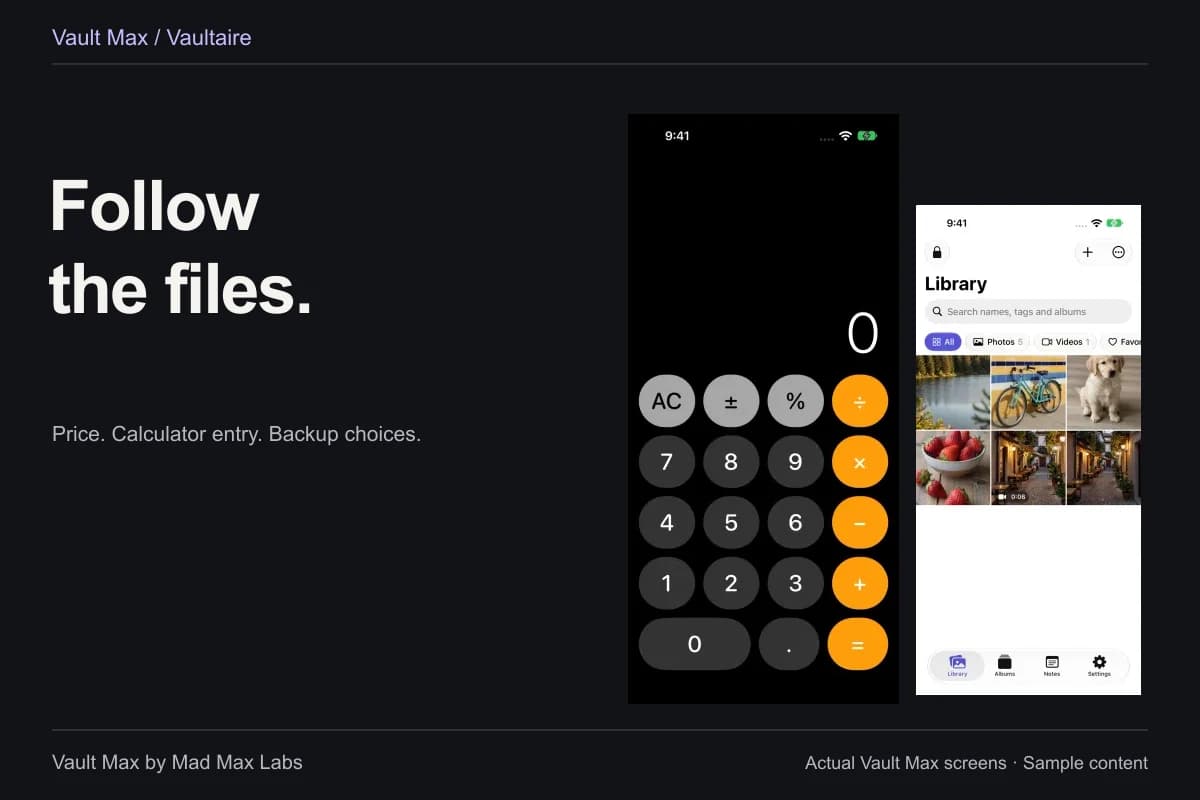
That combination is the reason to choose it. You can organize material into albums, mark a useful item as a favorite and use the working calculator entrance when it suits your routine. The credential and the lock remain the access controls; an album name or a discreet entrance is not a substitute for closing the session.
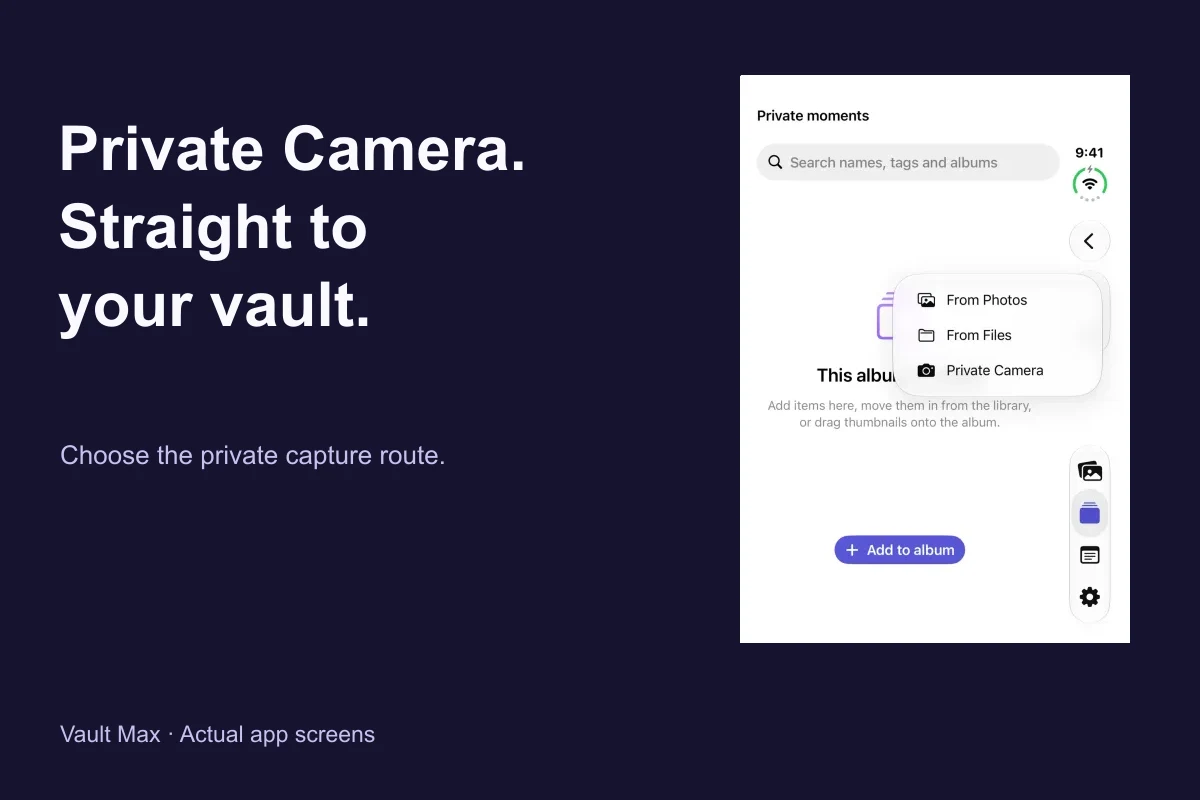
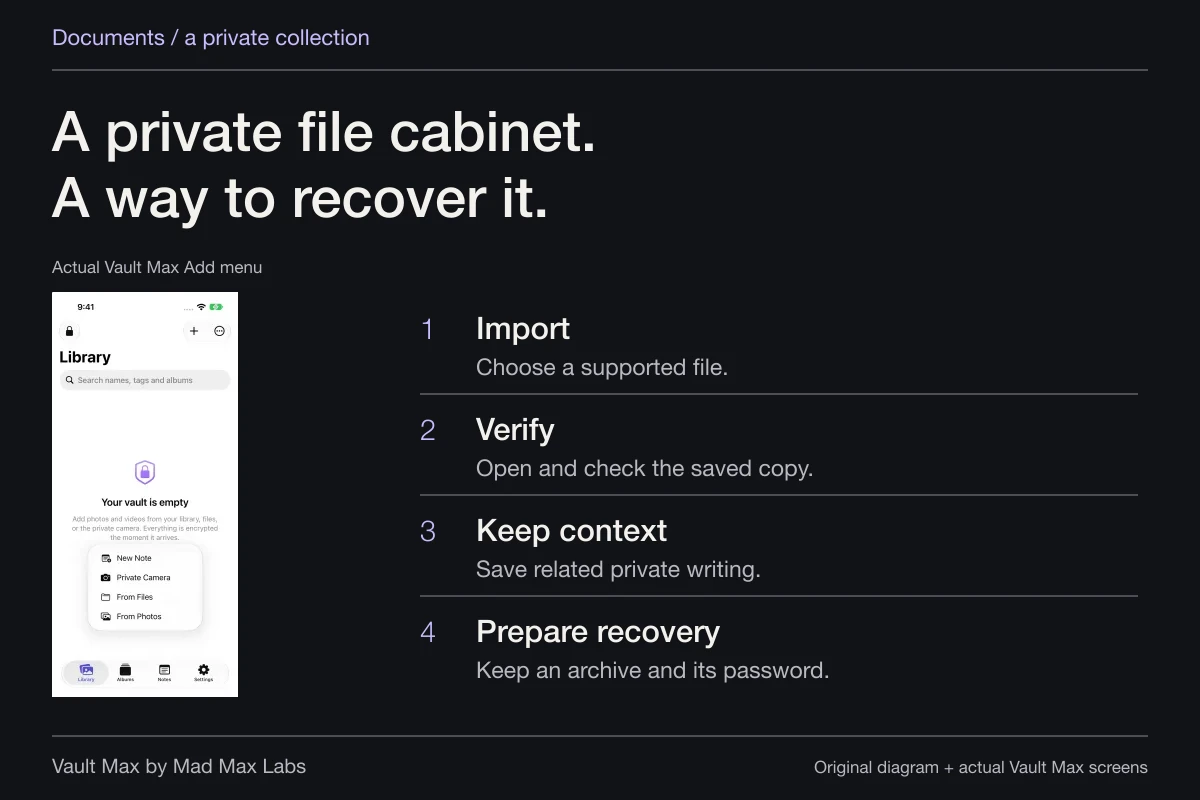
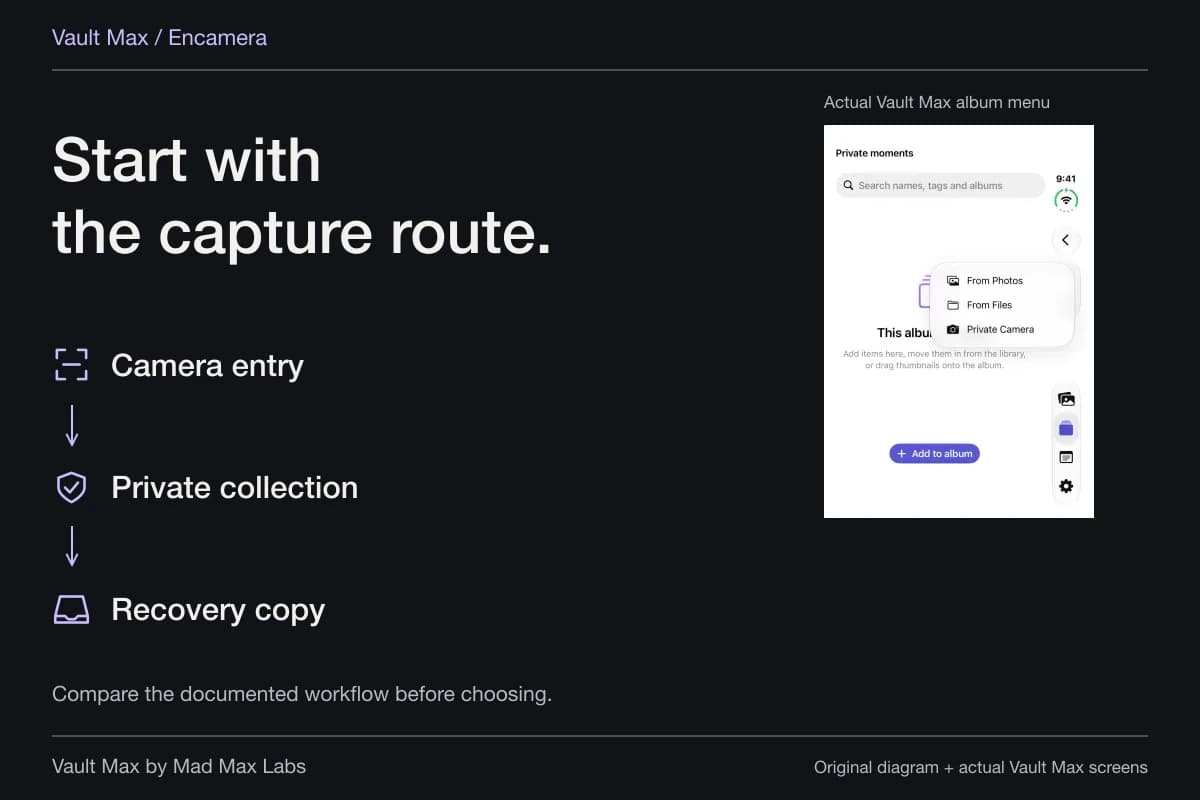
Start with a harmless sample. Use From Photos, wait for the import, open the saved result and check that it is the intended image. Then lock the vault and reopen it through the credential path you plan to use. The import walkthrough develops that task step by step.
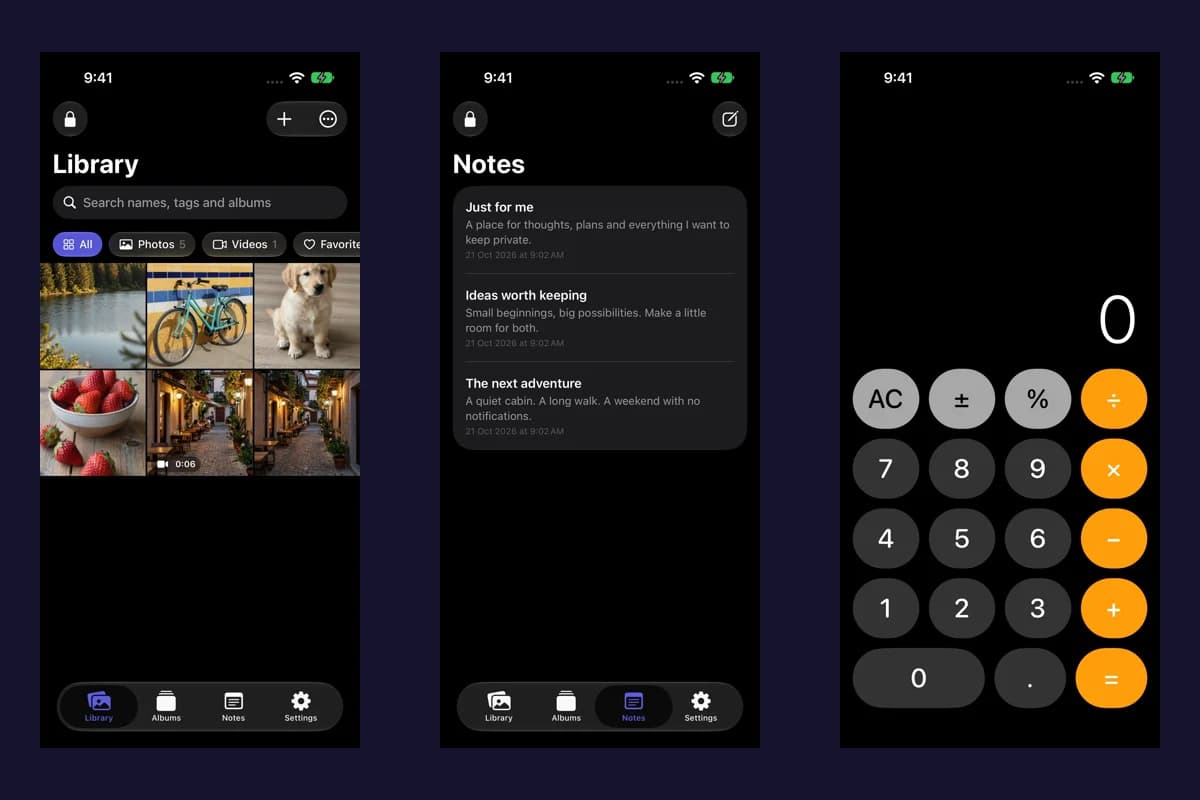
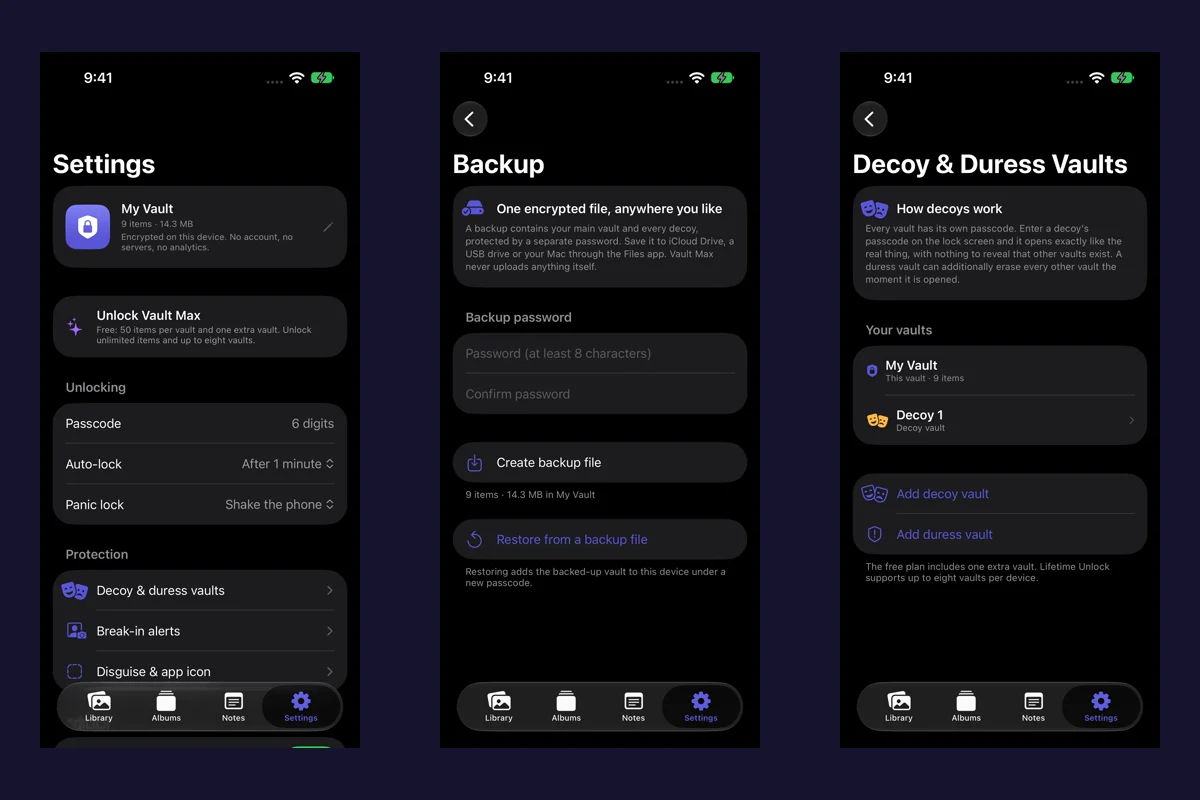
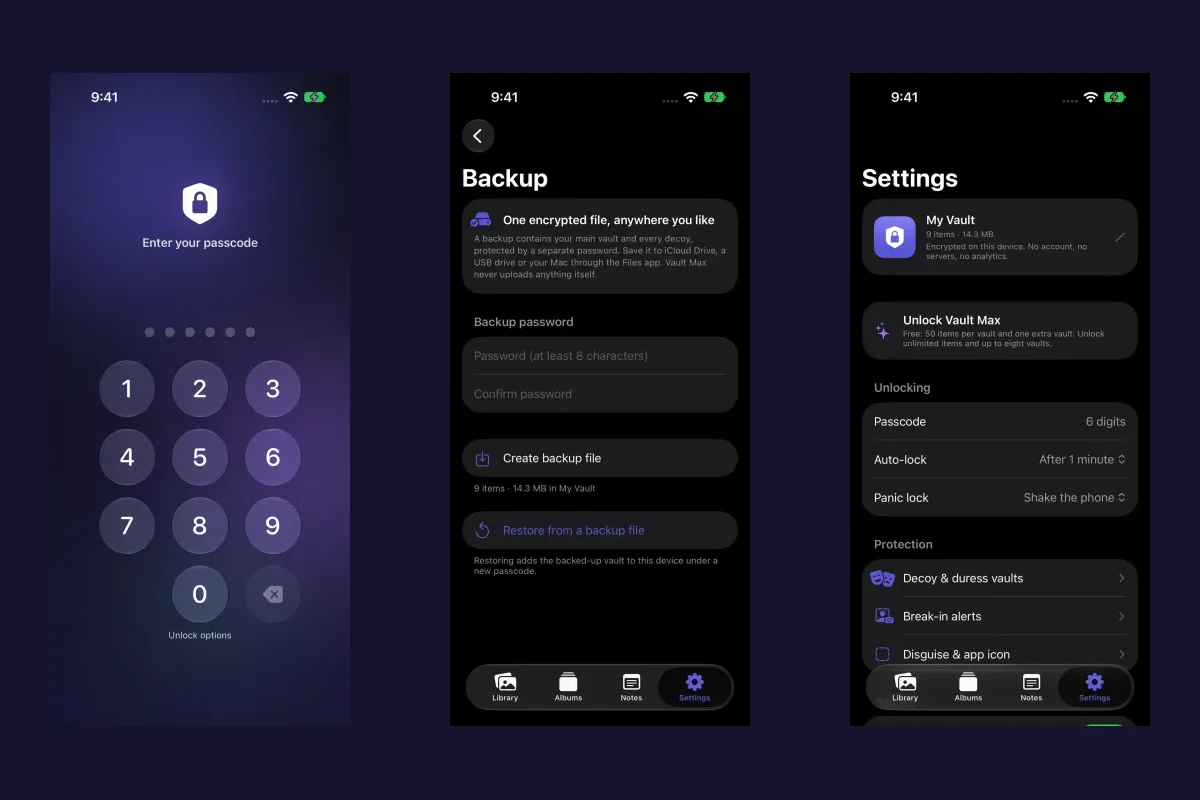
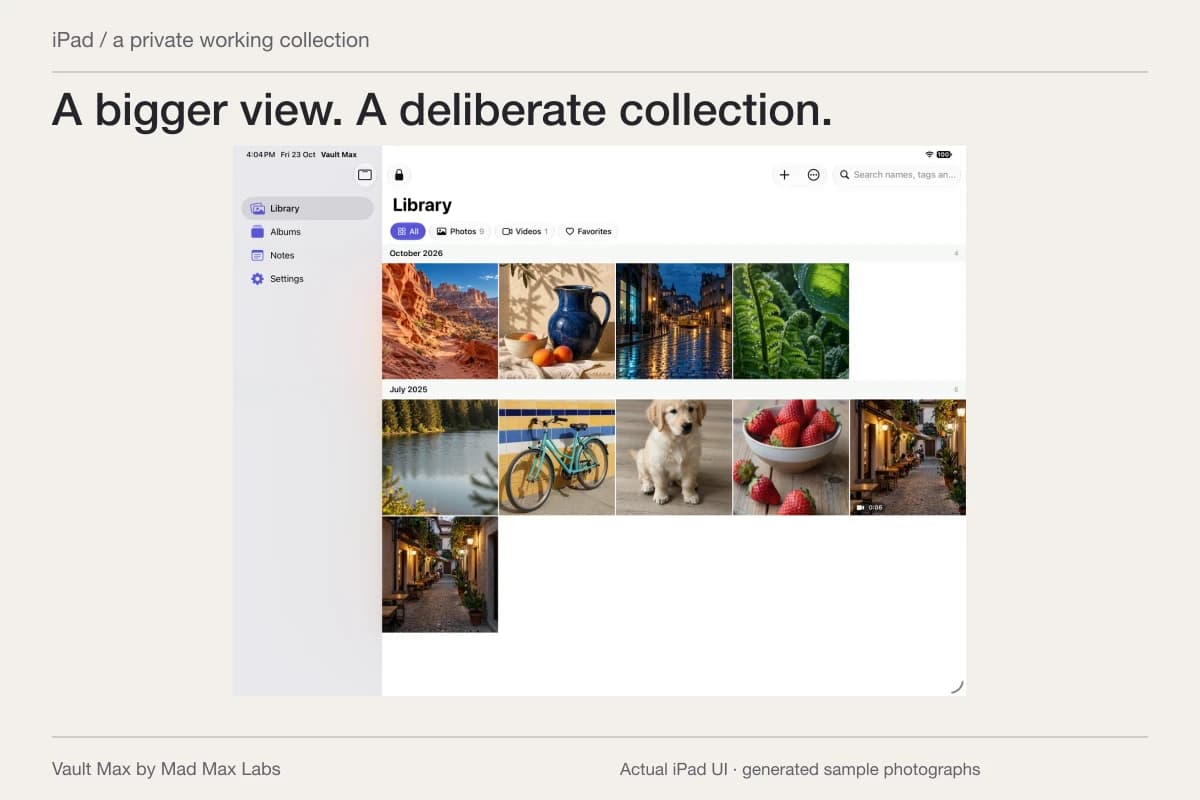
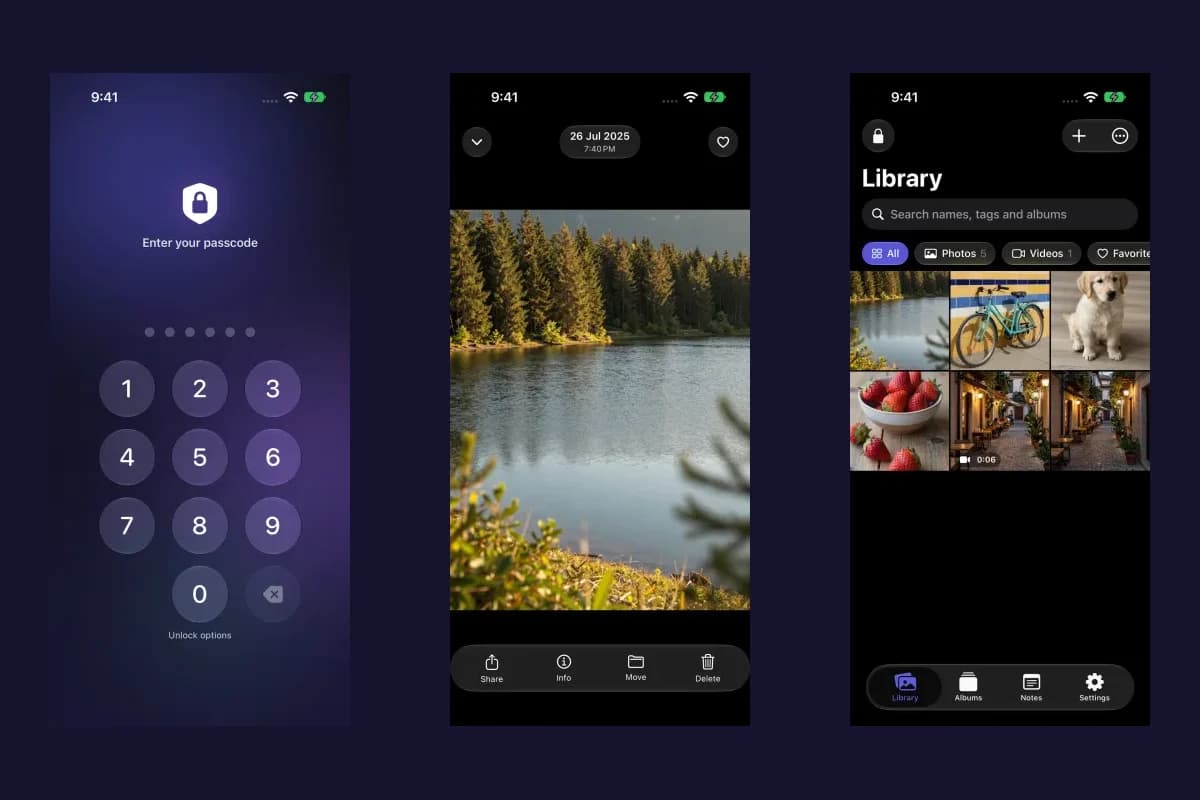
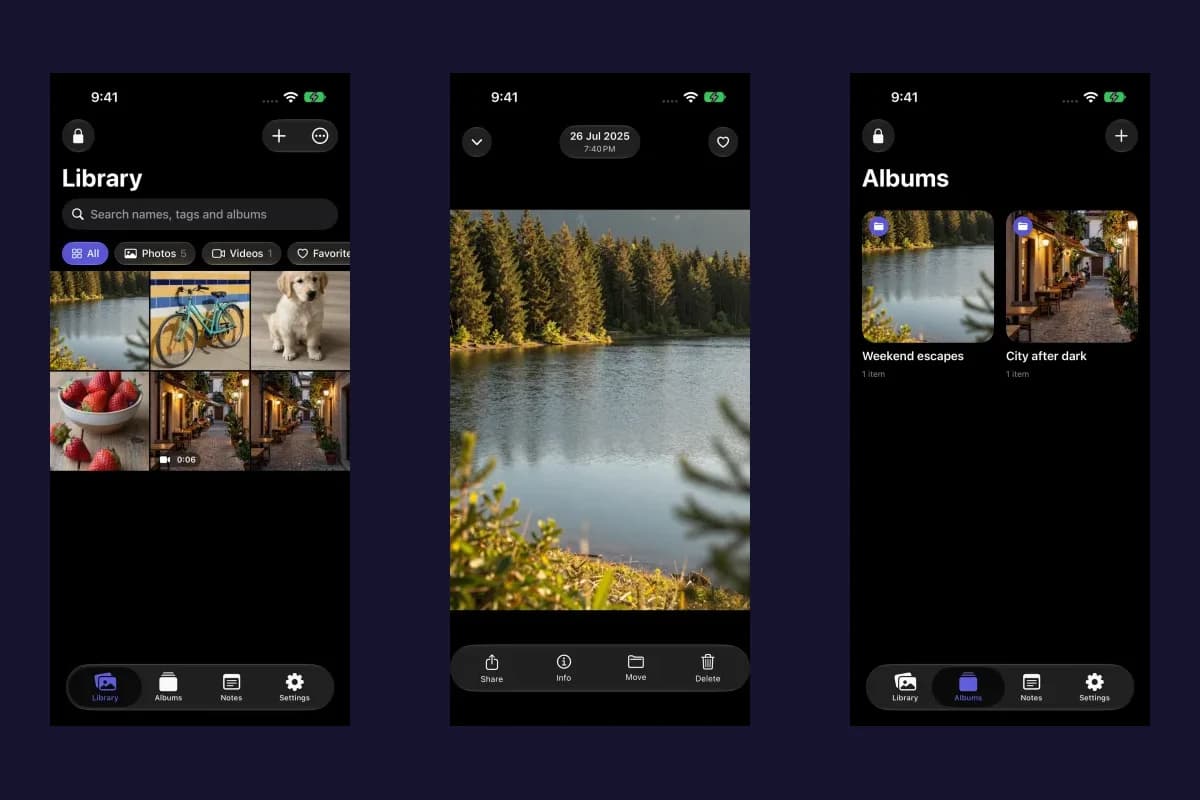
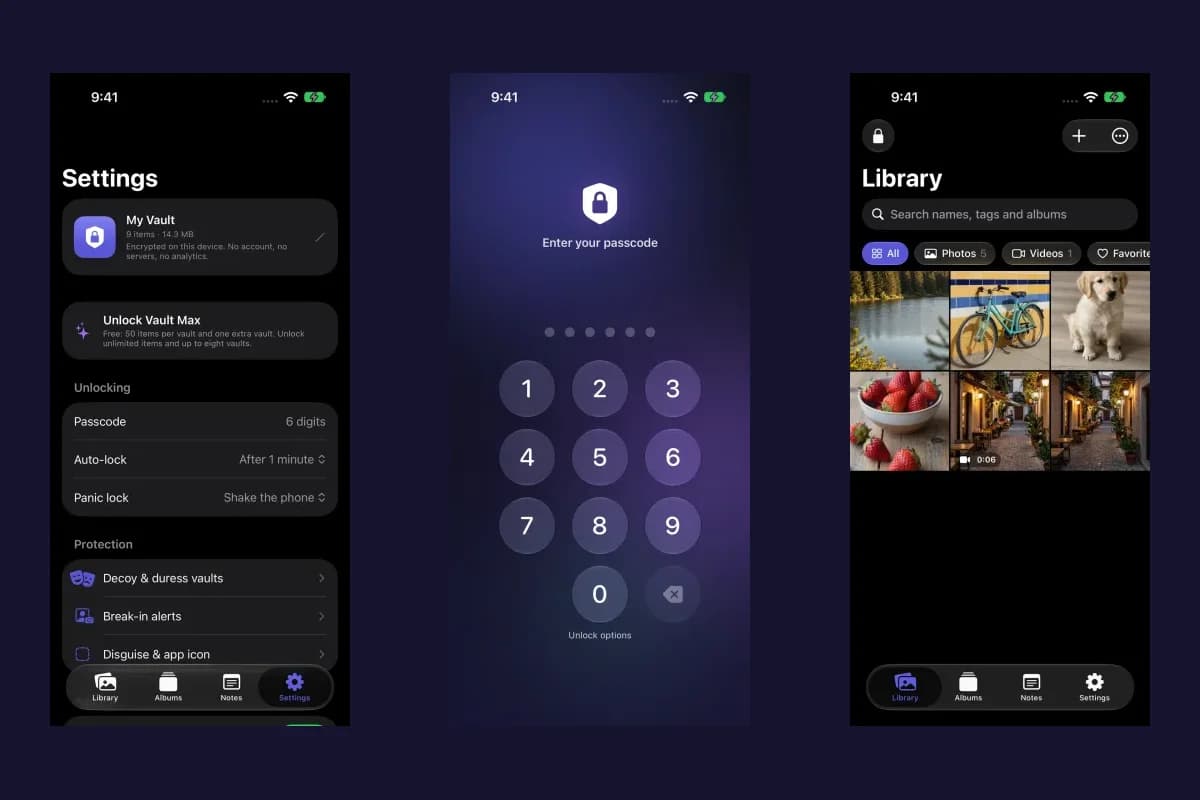
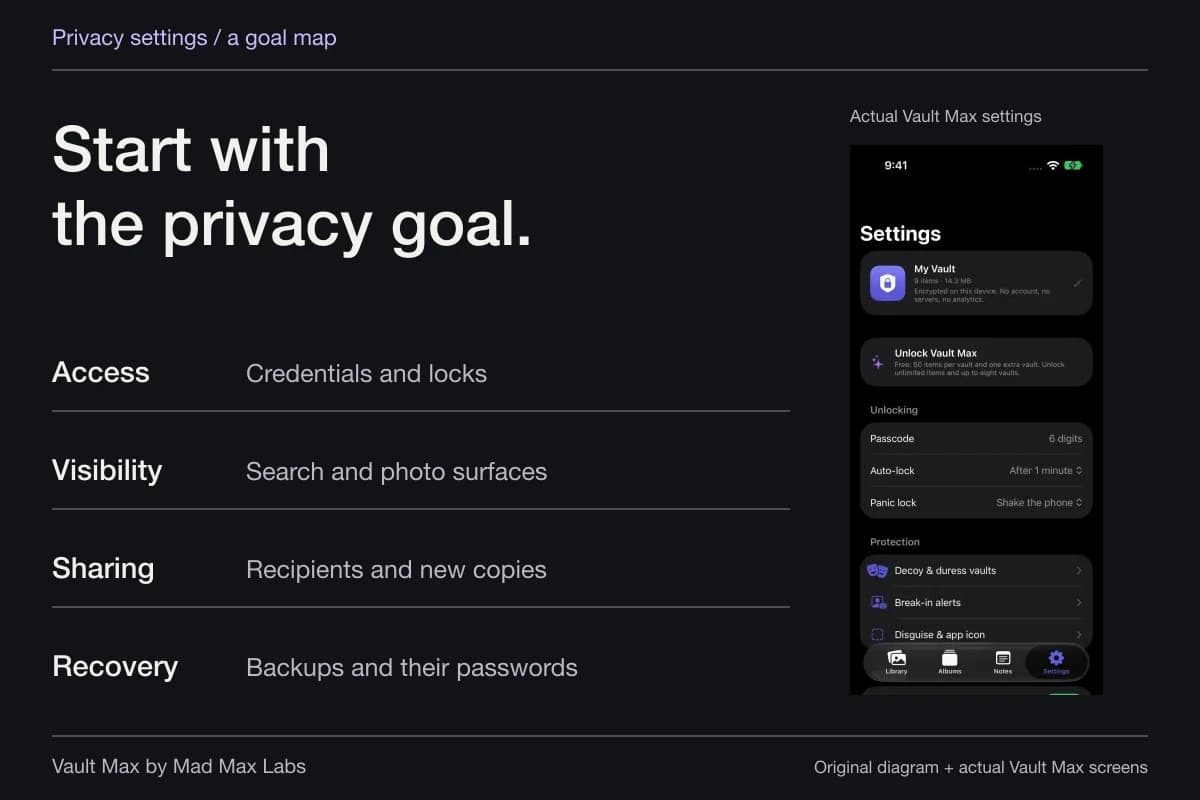
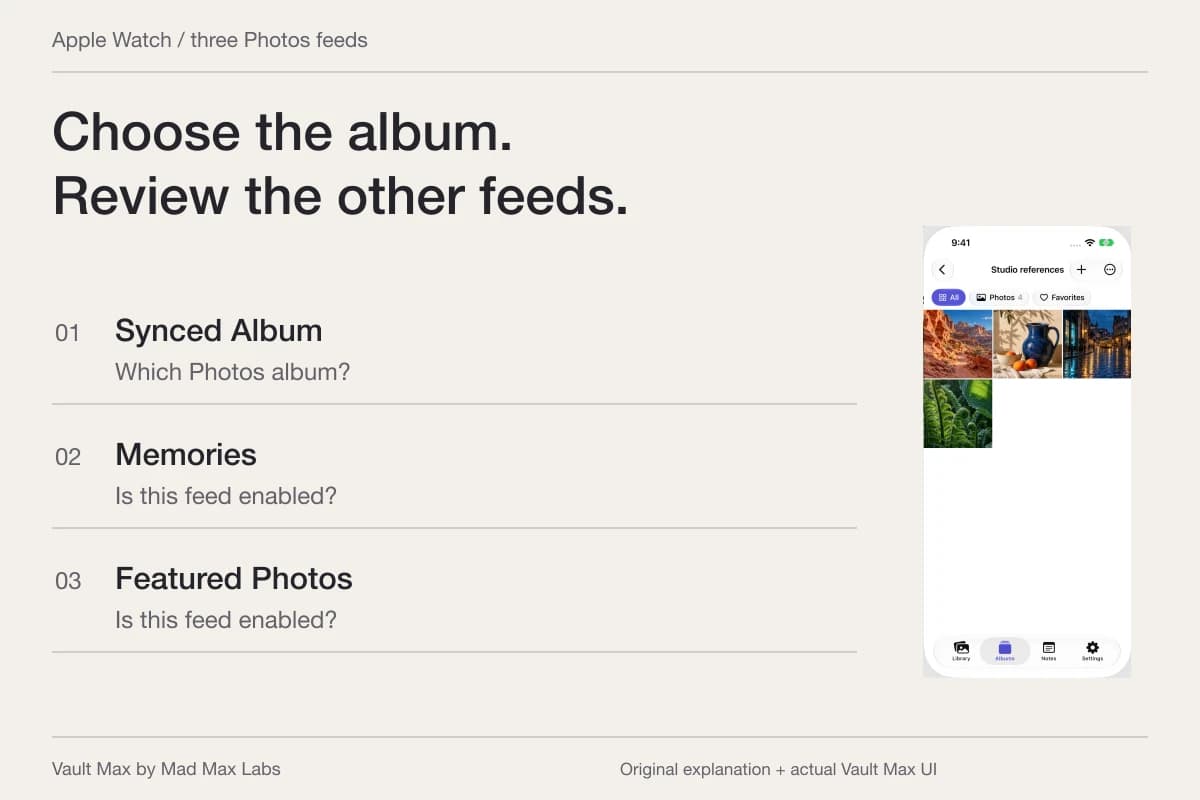
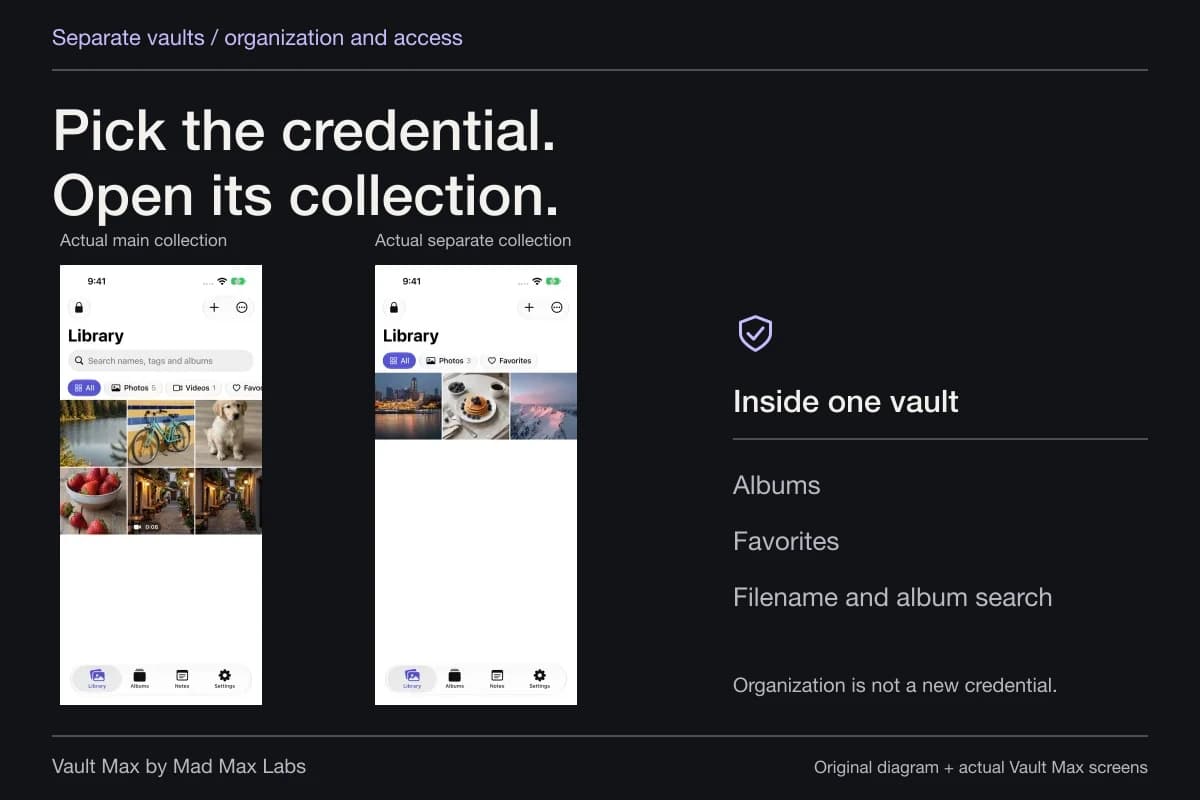
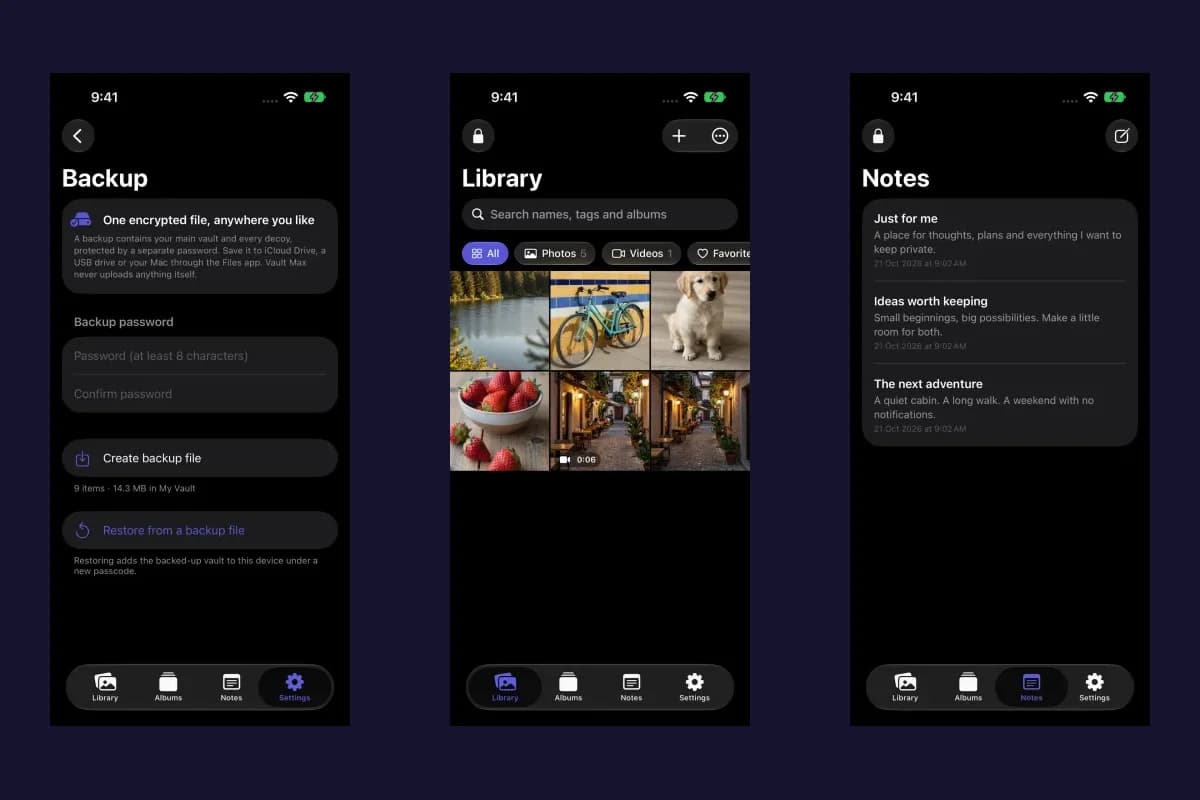
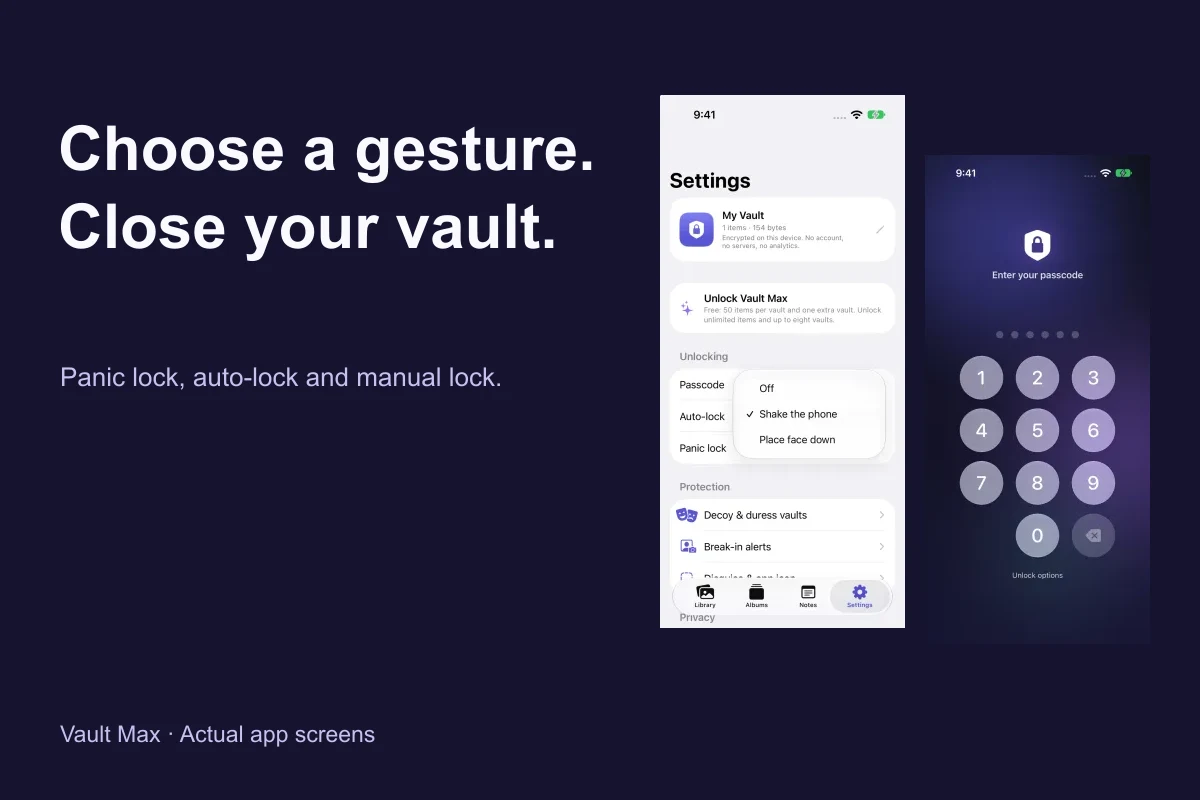
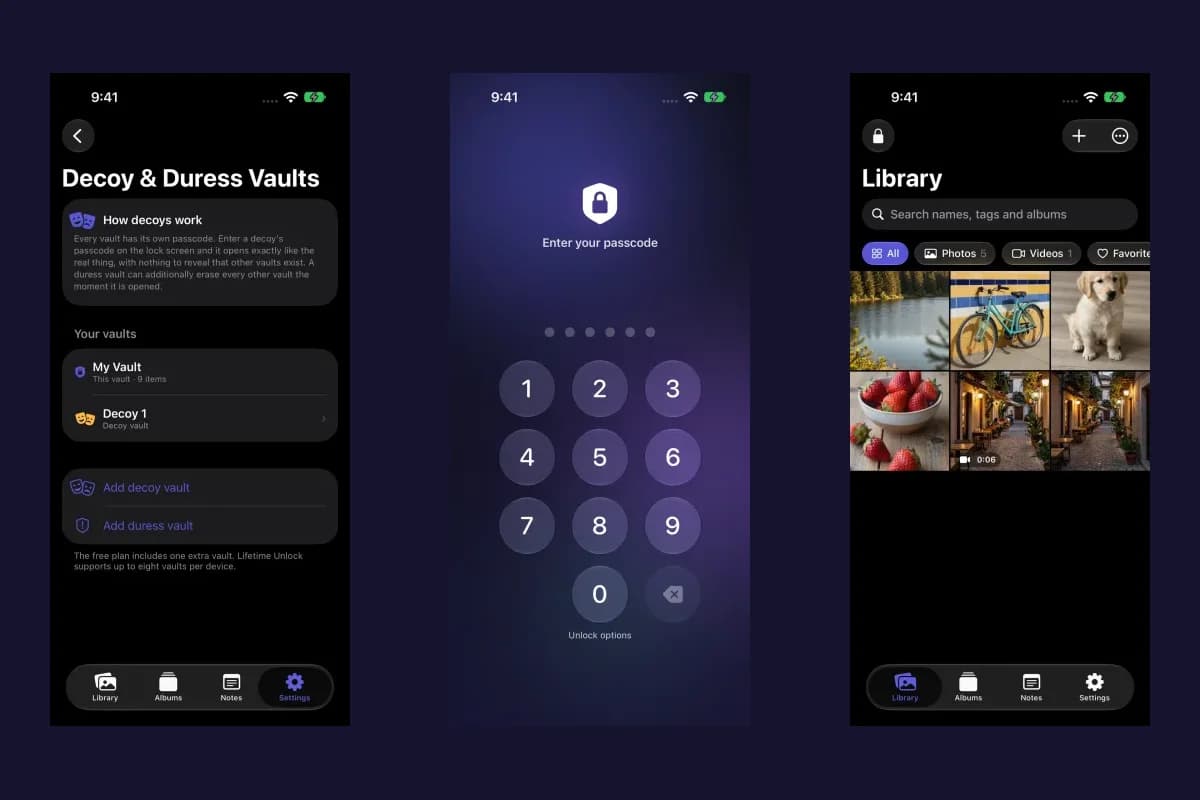
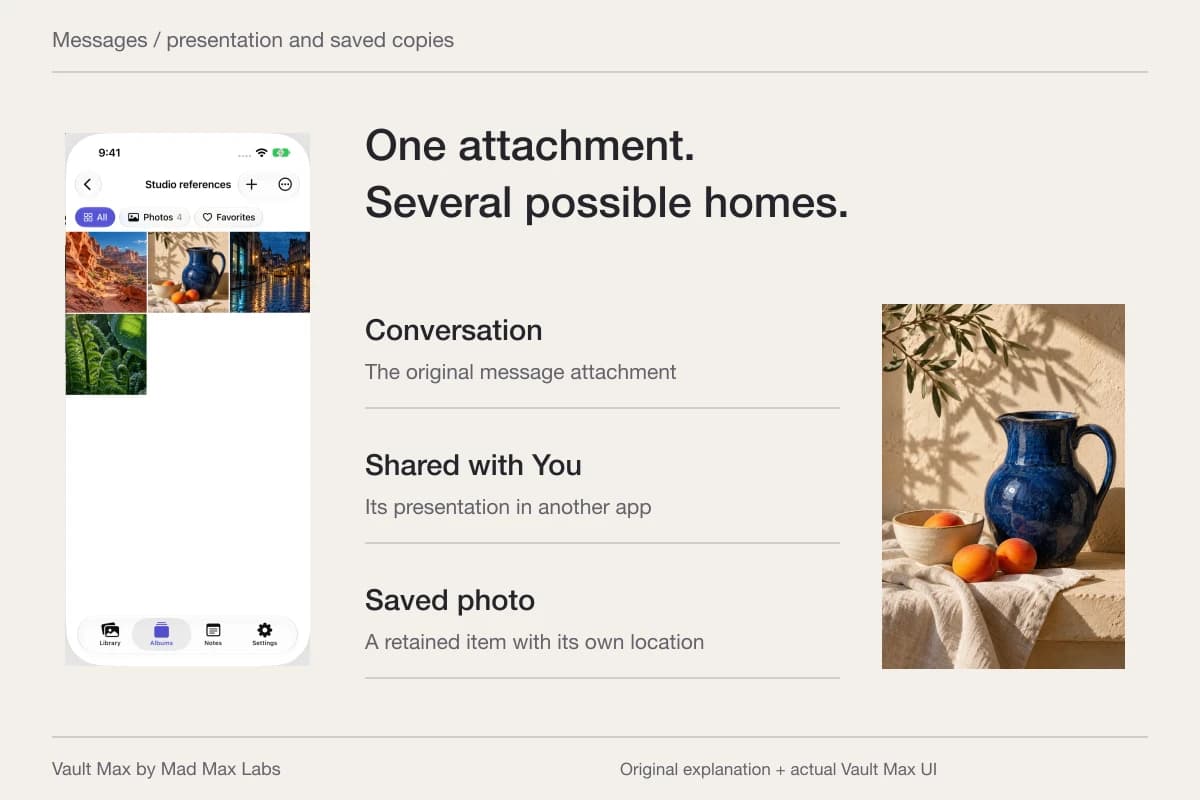
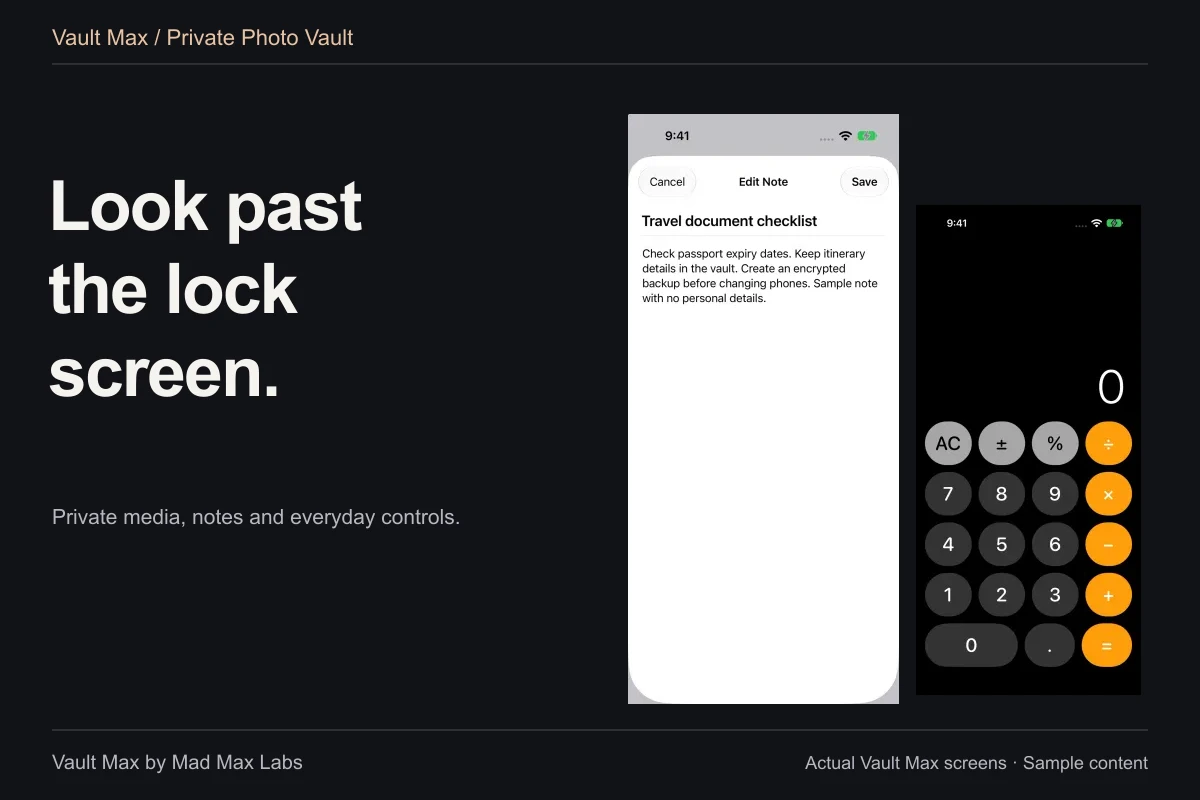
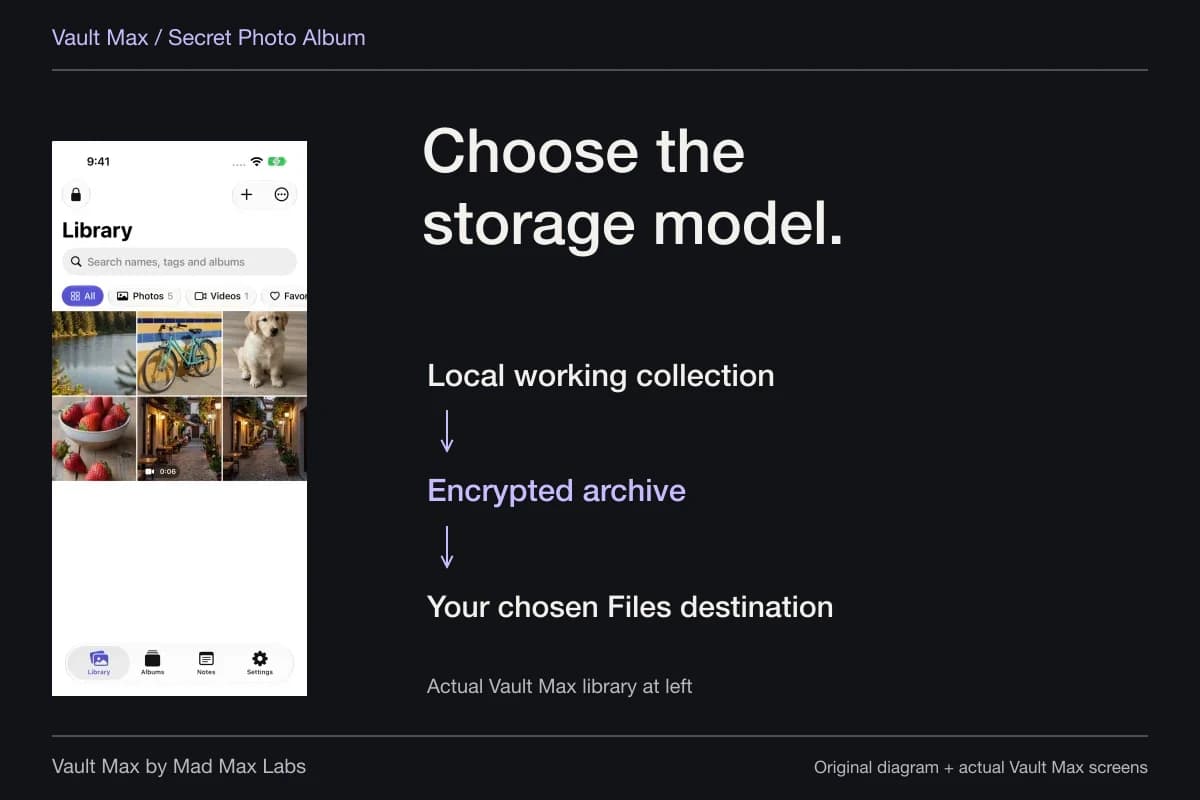
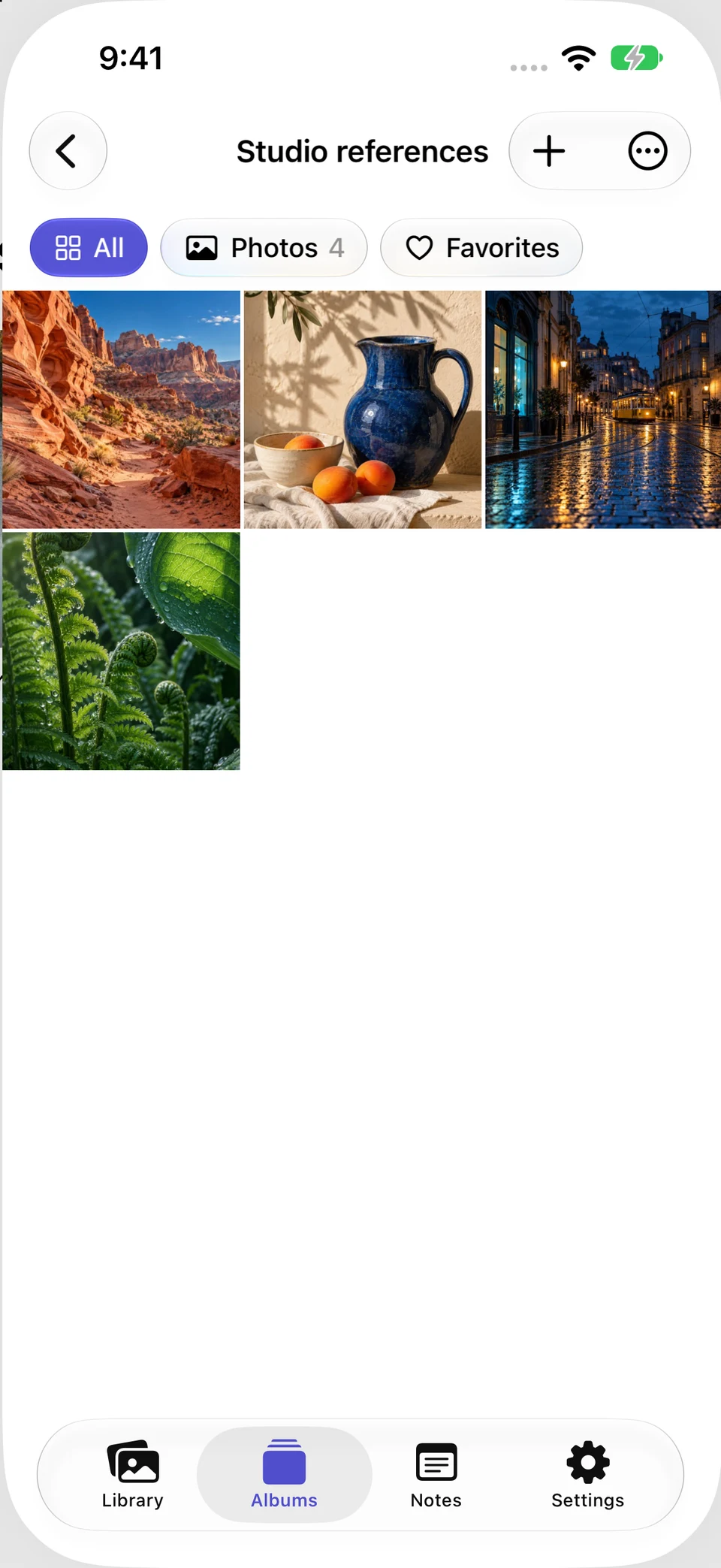
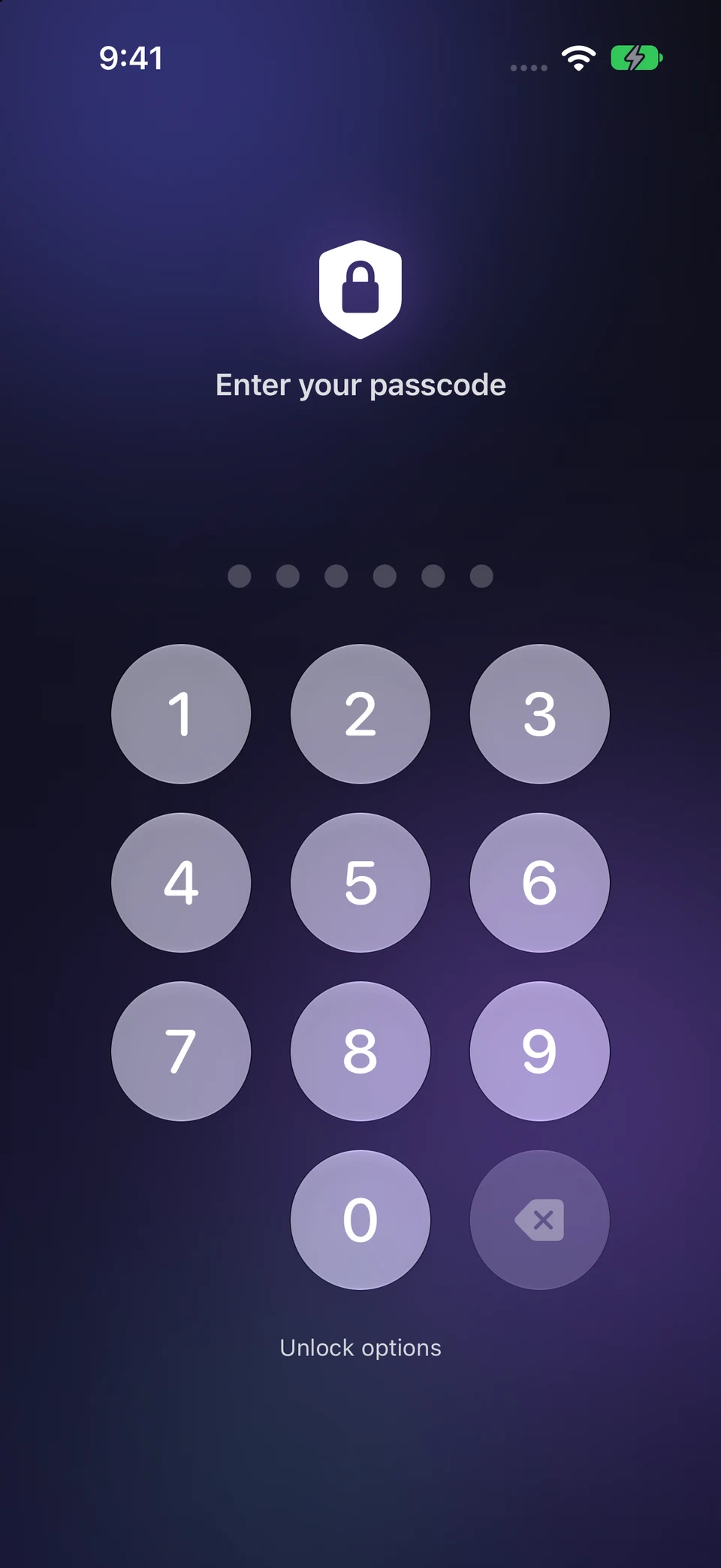
Actual Vault Max captures show a prepared Studio references album and the manually closed credential state. The photos are generated examples. These are Vault Max screens, not Google Photos or Apple Photos captures and not a migration test.
Actual Vault Max · QA simulator, generated sample photographsThe working collection
Open original image: The working collectionA separate entry step
Open original image: A separate entry stepReview the original without turning cleanup into data loss
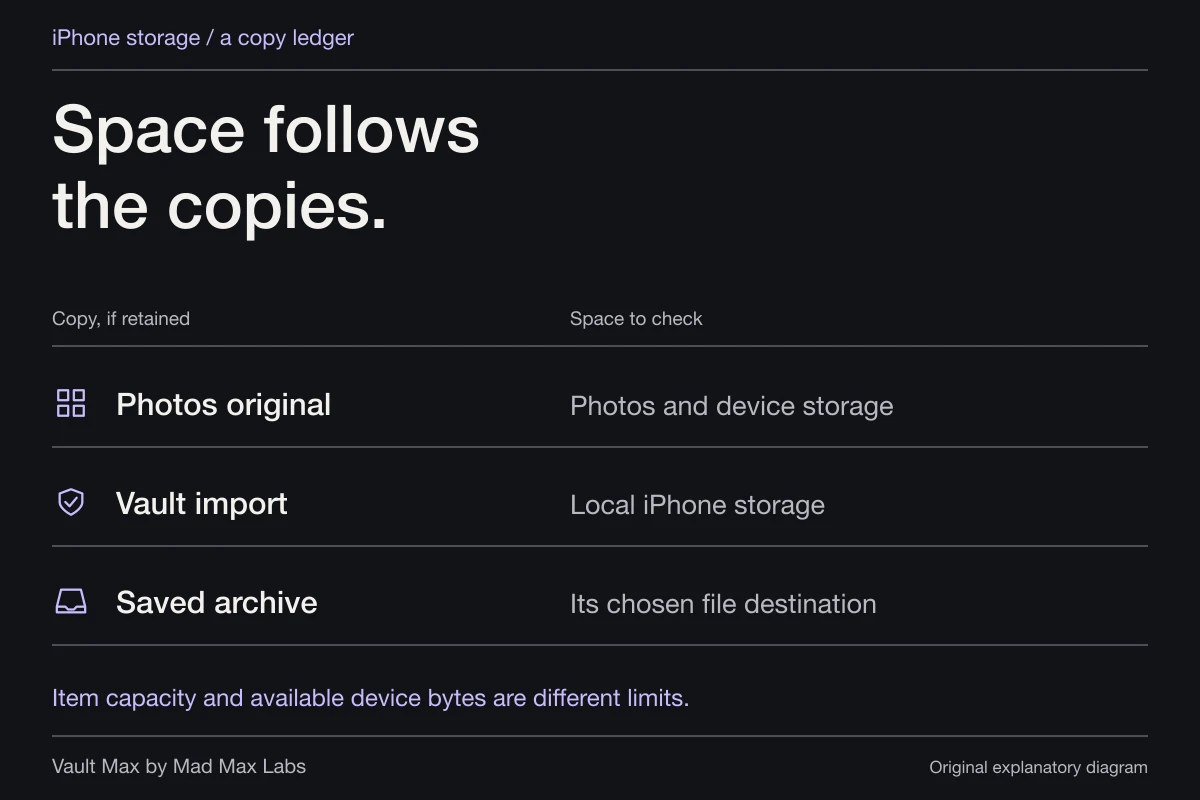
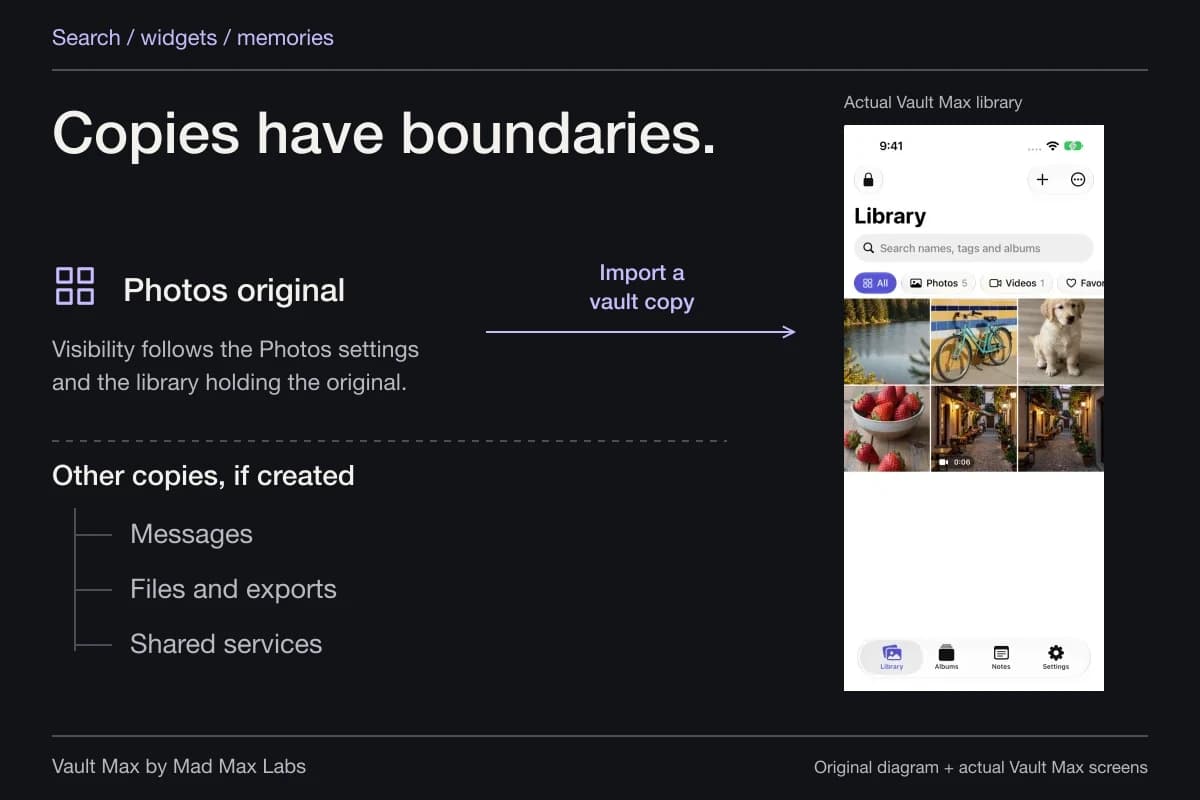
After verifying the private result, decide whether another copy belongs in Apple Photos or Google Photos. Keeping a second copy may be deliberate. Removing it should be equally deliberate, with its library's own backup, deletion and recovery behavior understood.
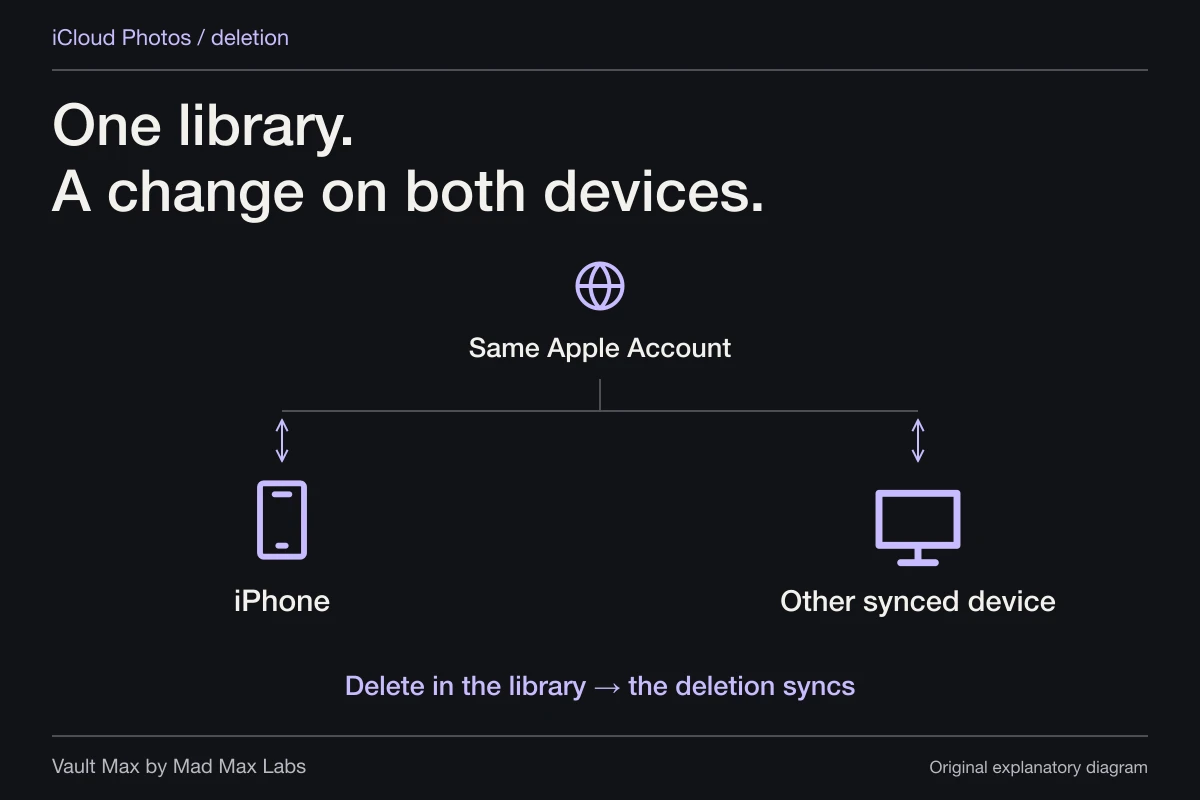
Apple's deletion guidance explains that iCloud Photos deletion affects its synced devices and normally moves items to Recently Deleted first. Google has its own cloud and device controls. Do not improvise a multi-app cleanup by deleting matching thumbnails until they disappear.
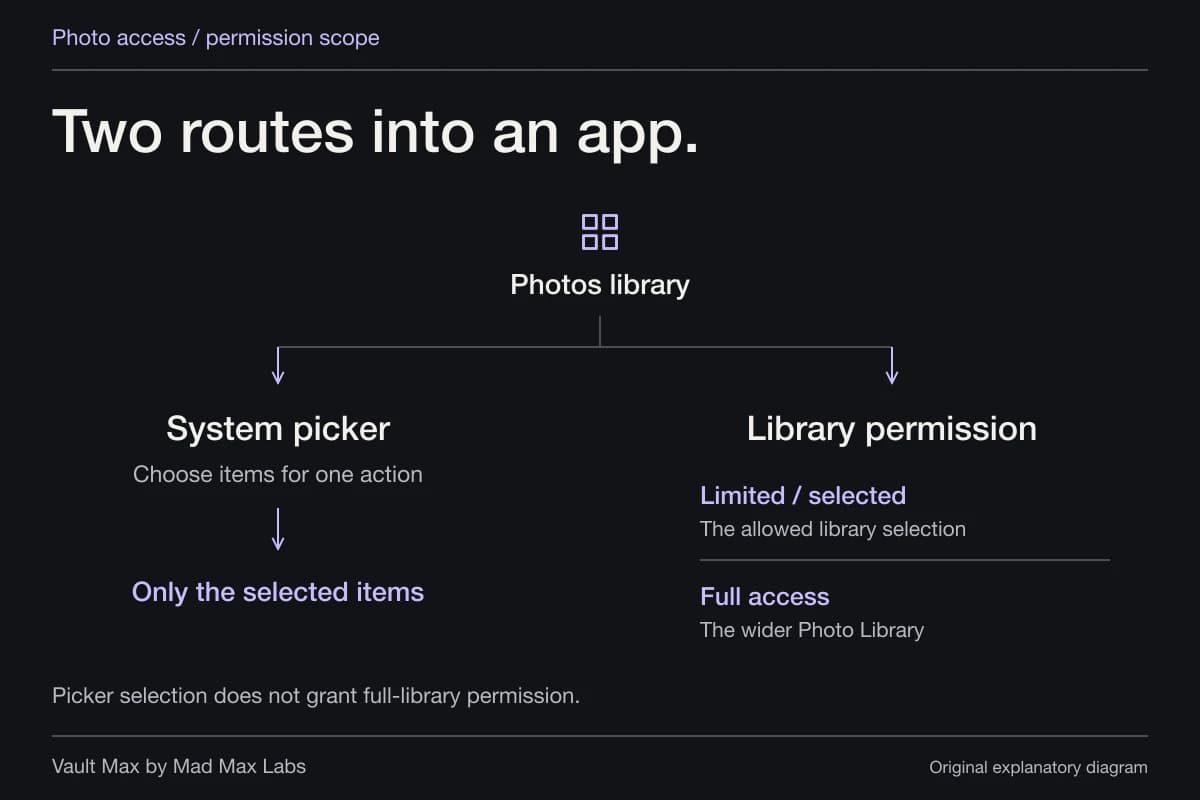
An app permission is another separate boundary. Changing future Photos access does not demonstrate that a service has deleted an earlier upload. A message recipient may also have saved an independent copy. Our photo-permissions guide explains why one control cannot administer all those locations.
Make recovery a visible completion step
For Google Photos, use its actual account and backup status rather than inferring success from a switch alone. Google's backup guide describes pending, paused and completed states. Establish the state of the important item before relying on another device or changing the only local copy.
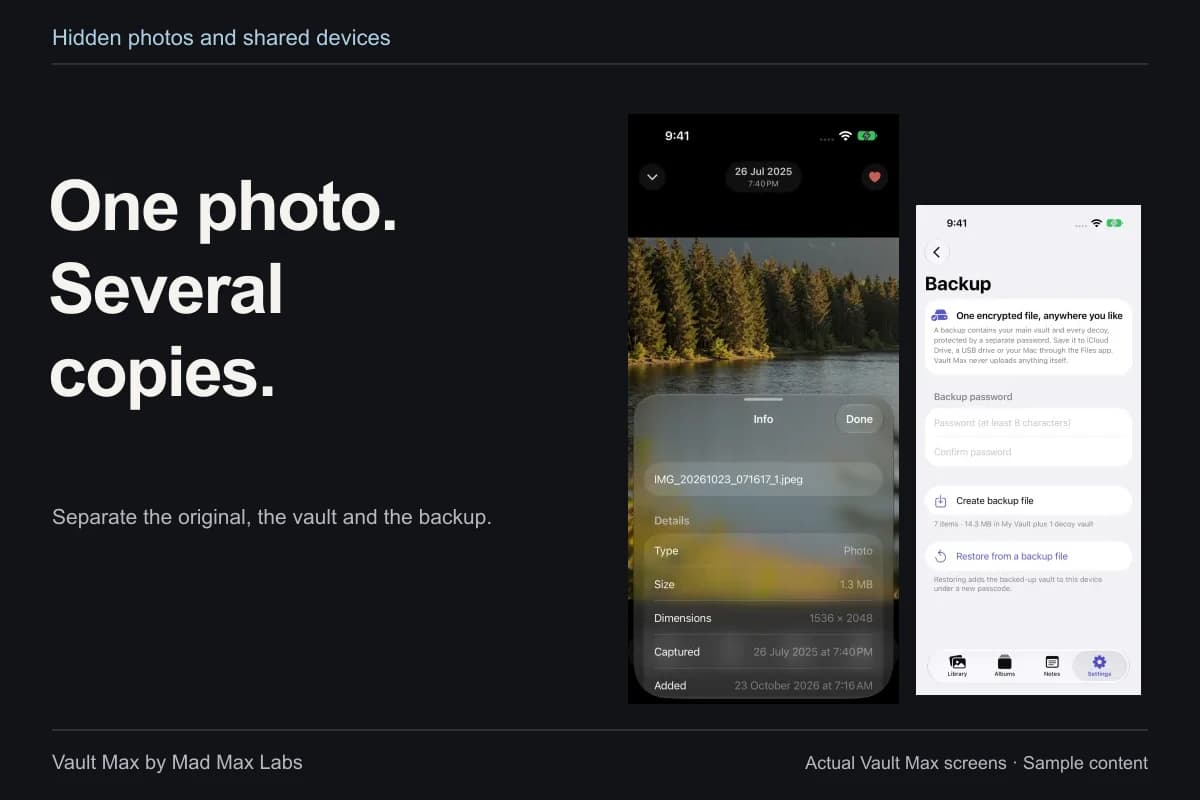
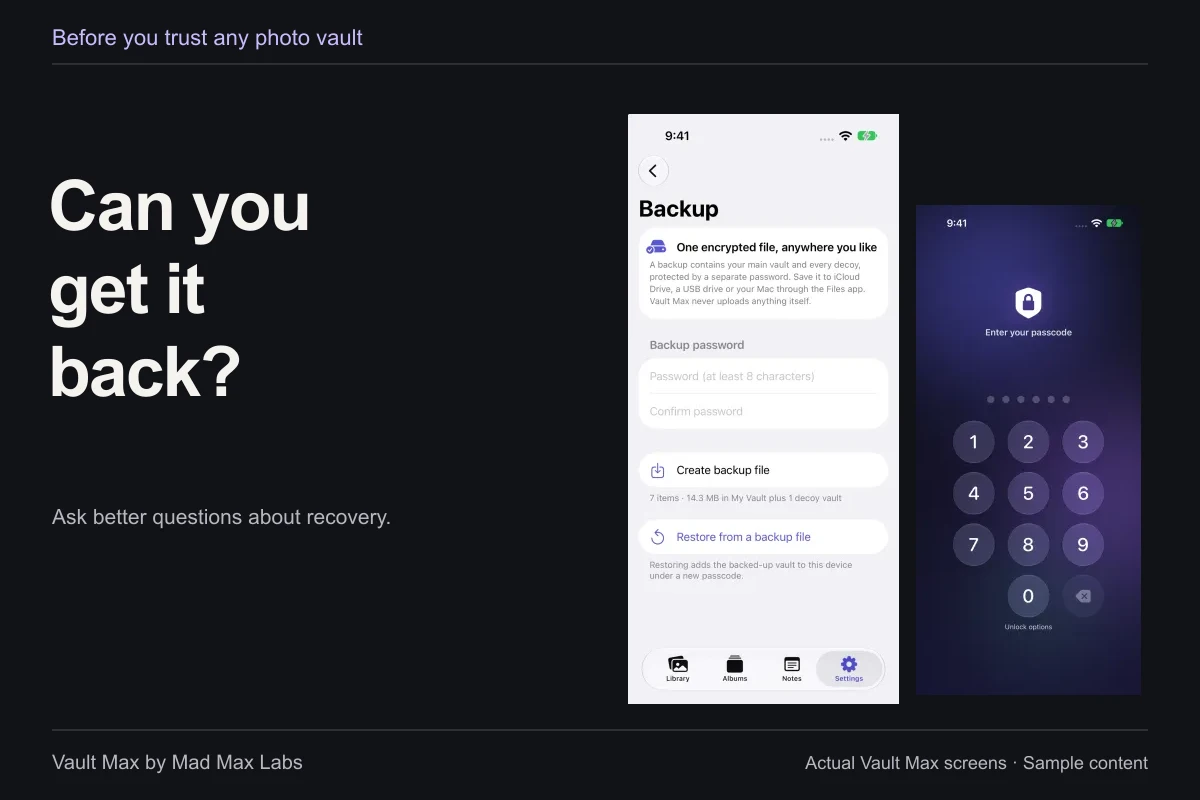
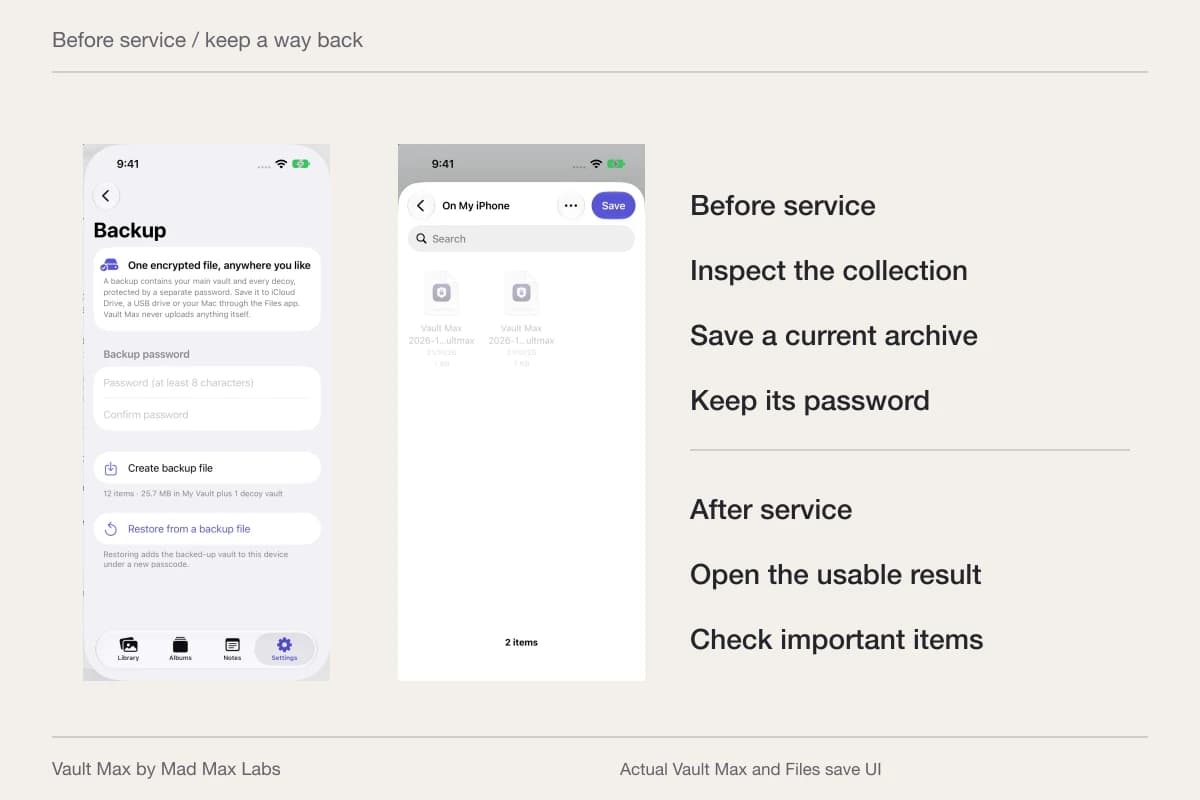
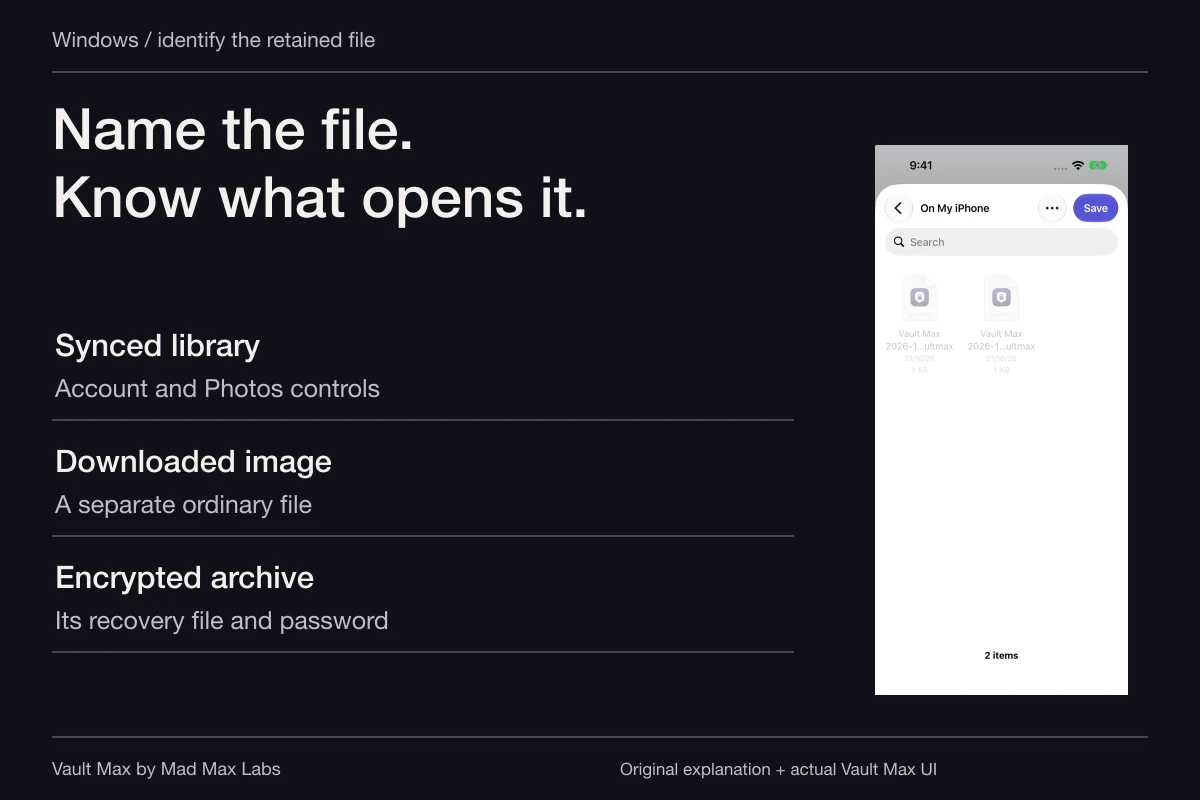
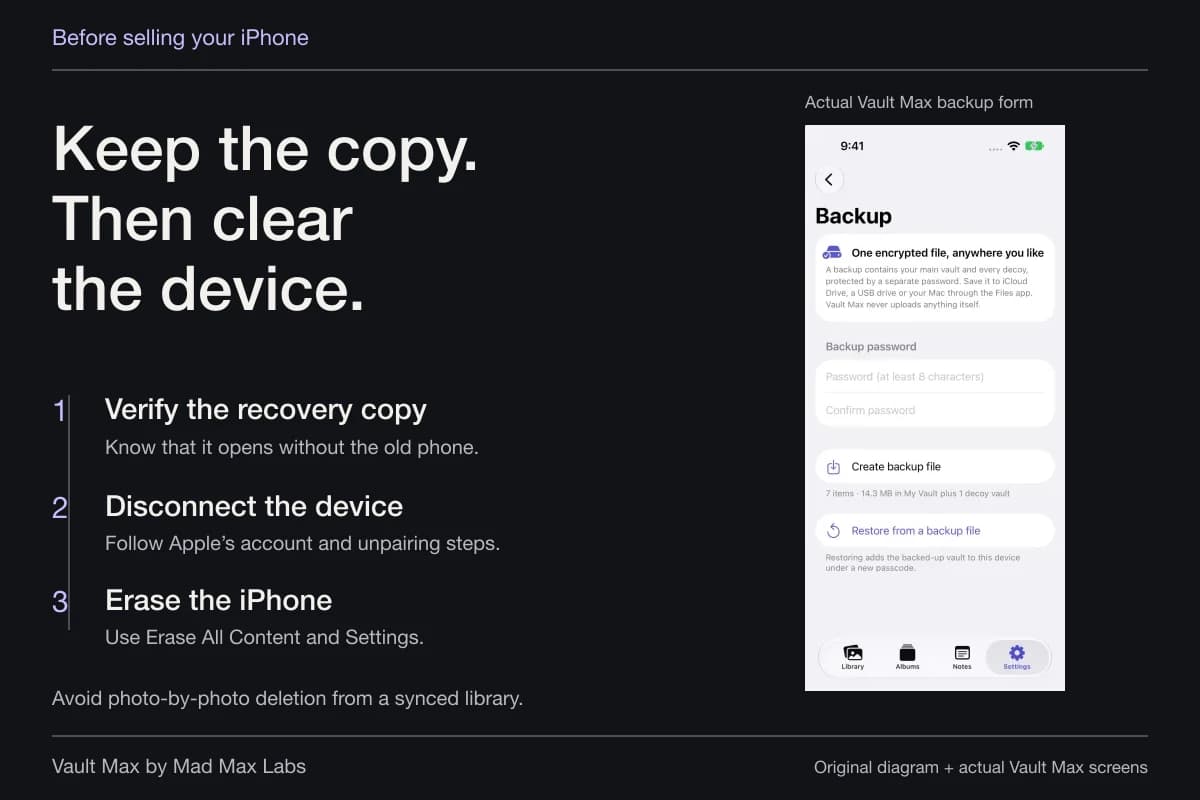
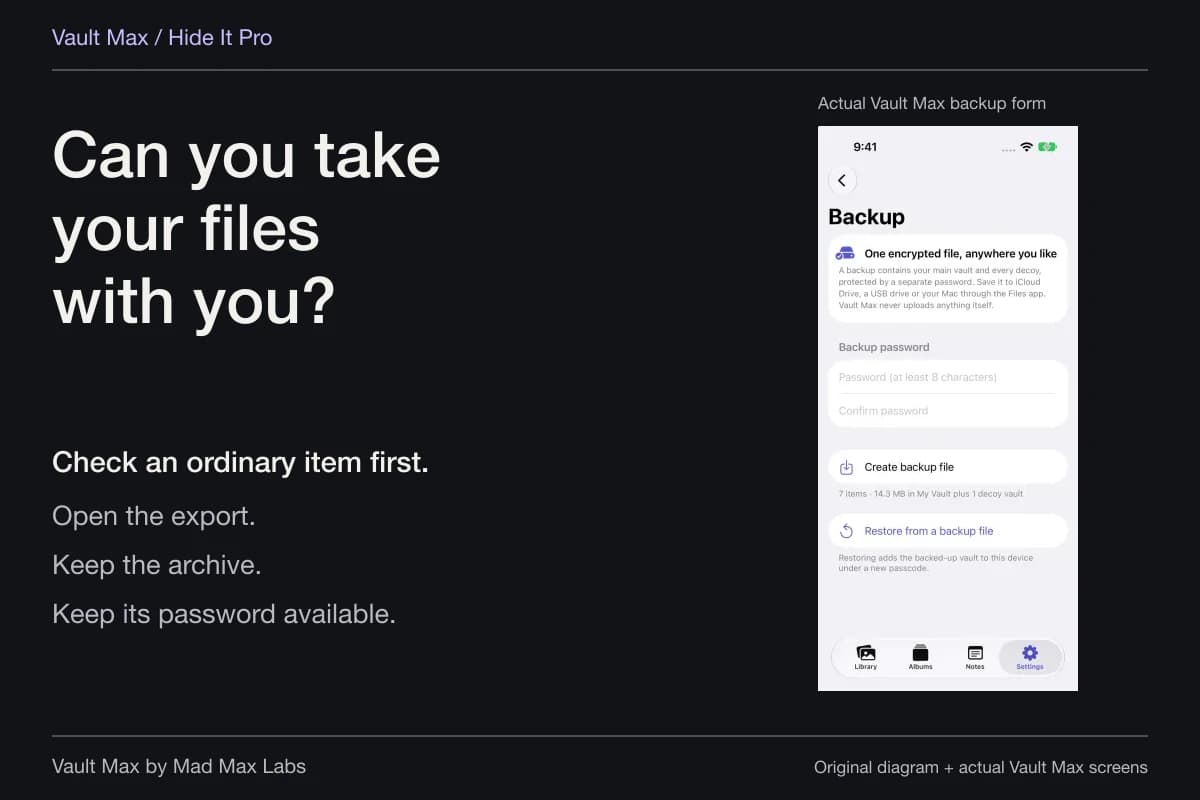
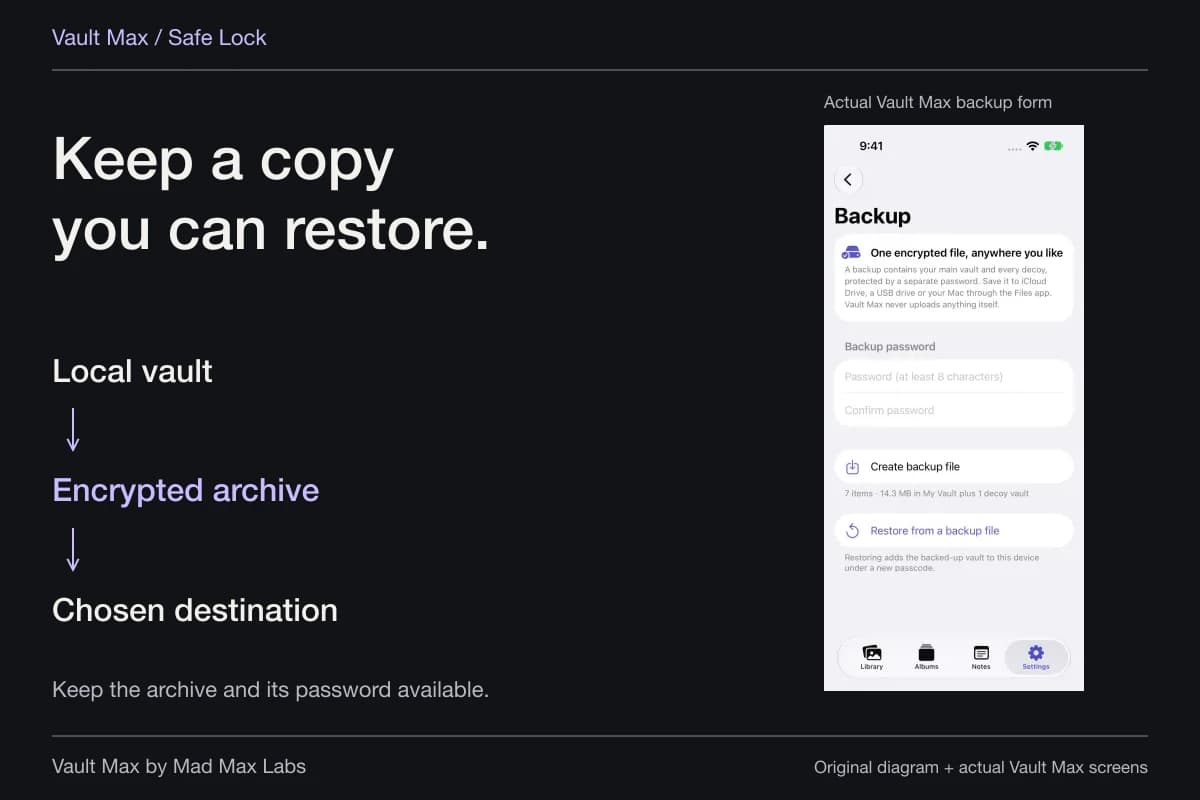
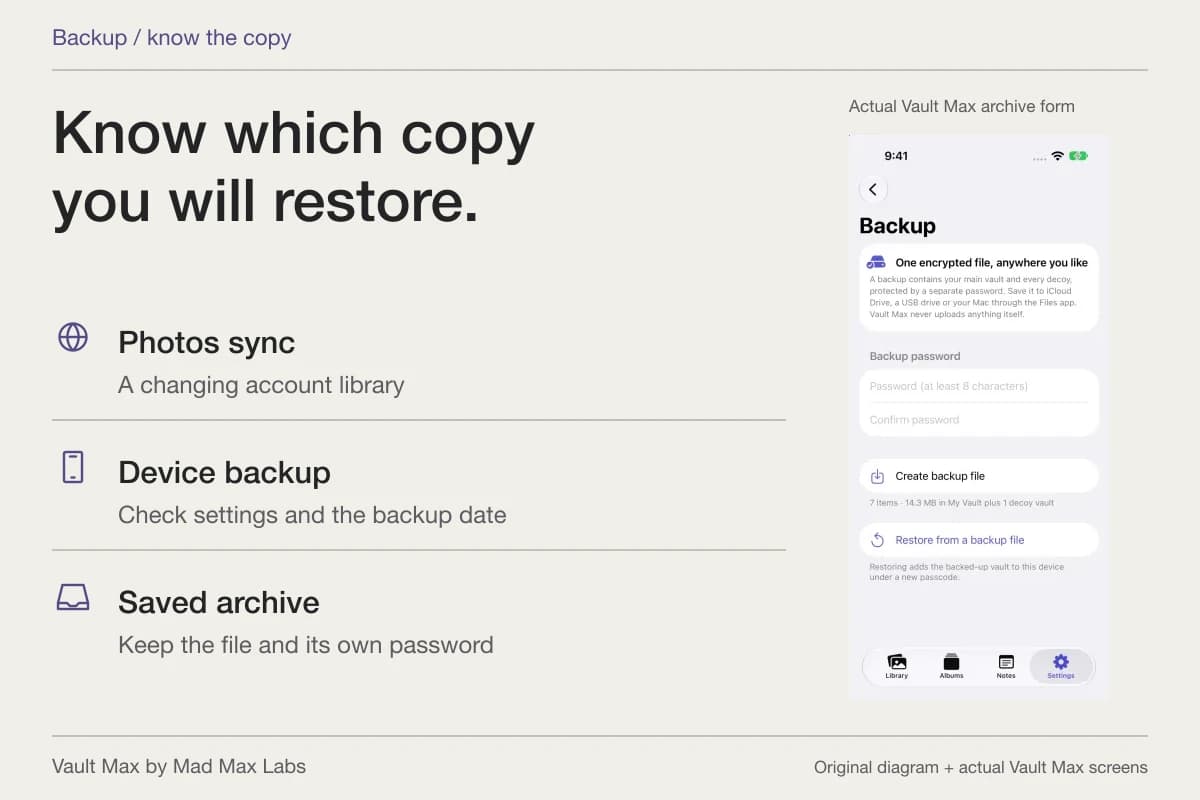
For Vault Max, make a fresh password-protected .vaultmax archive after important additions. Keep the archive accessible without the old phone and its password independently available. It is a snapshot, so a file made before the latest imports does not contain those later items.
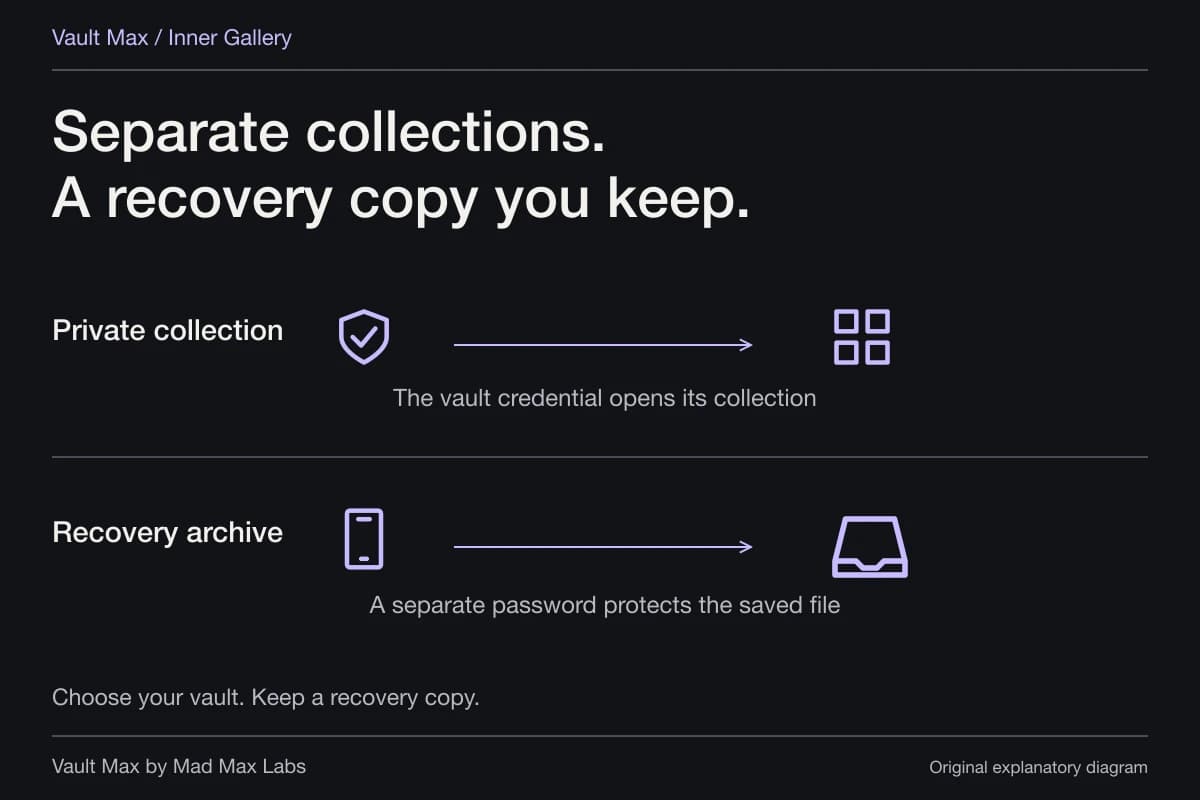
The archive password, vault credential and iPhone passcode are three different things to keep straight. Purchase restoration is also separate from content recovery. A usable archive and its password provide the recovery route; the backup checklist explains what to verify before changing devices.
- Open the intended image and note which library or conversation holds it.
- Decide whether device authentication or a separately chosen vault credential fits the collection.
- Read the current setting, item status and any move warning before changing needed material.
- Account for edits, source originals, messages and earlier shares.
- Open the retained picture, practice locking and preserve the appropriate recovery copy.
Tap a box as you go. Checks reset when you leave this page.
Common questions
Does Google's Locked Folder use a different password on iPhone?
Google's iPhone and iPad documentation says Locked Folder uses the device's Face ID, Touch ID or passcode and cannot have a different Locked Folder password. Vault Max lets you choose a separate vault credential for its collection.
Is Google Photos Locked Folder always stored only on the phone?
No. Google offers an optional Locked Folder backup and individual manual backups. Unbacked-up items stay on the device and can be lost if the app is uninstalled or the device is lost or damaged. Review the actual setting before moving items.
Does hiding a photo in one app protect every existing copy?
No. Inspect Apple Photos, Google Photos, edited versions, messages and earlier recipient copies separately. A control in one collection is not a general recall or password change for every version of the picture.
Continue reading
More guides
Practical tips for your private library. Swipe or scroll to choose your next guide.
74 guides to explore