
Privacy in practice
iPhone analytics: choose what Apple gets and what an app collects
Review iPhone analytics, Share With App Developers and tracking permissions. Learn which controls apply to Apple diagnostics and an app's own data use.
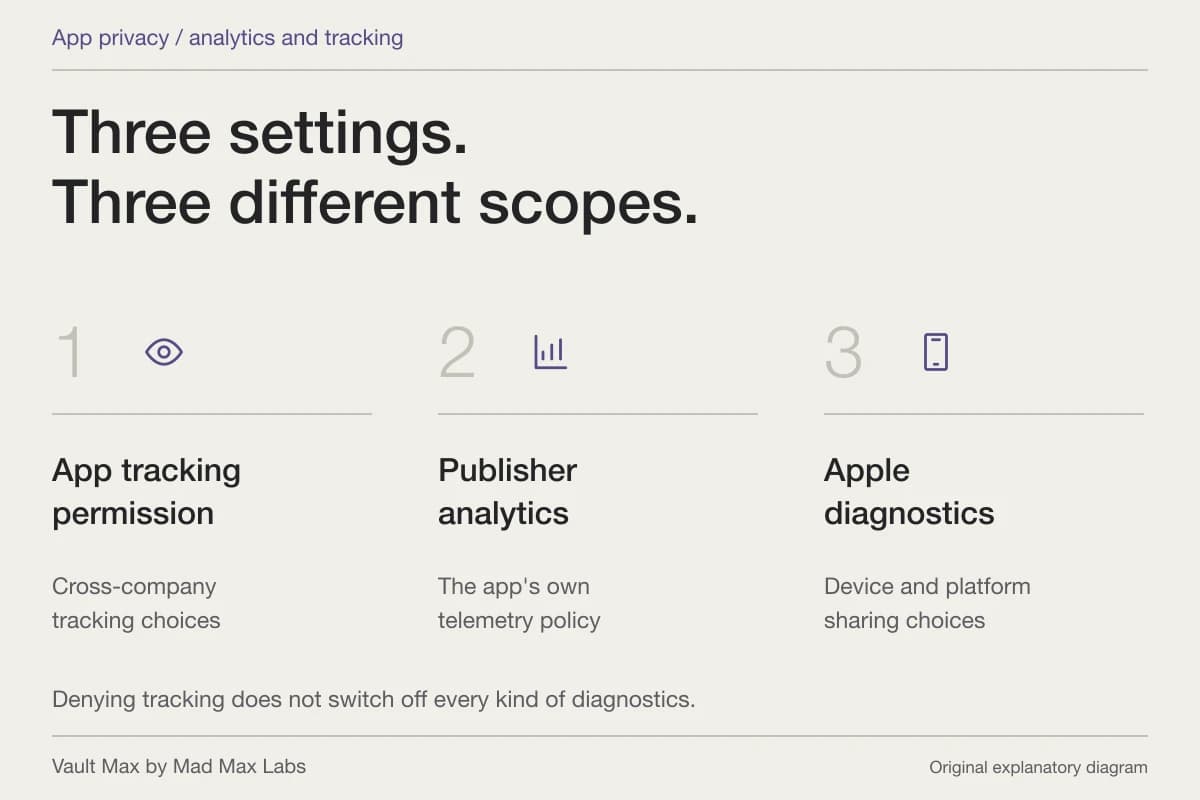
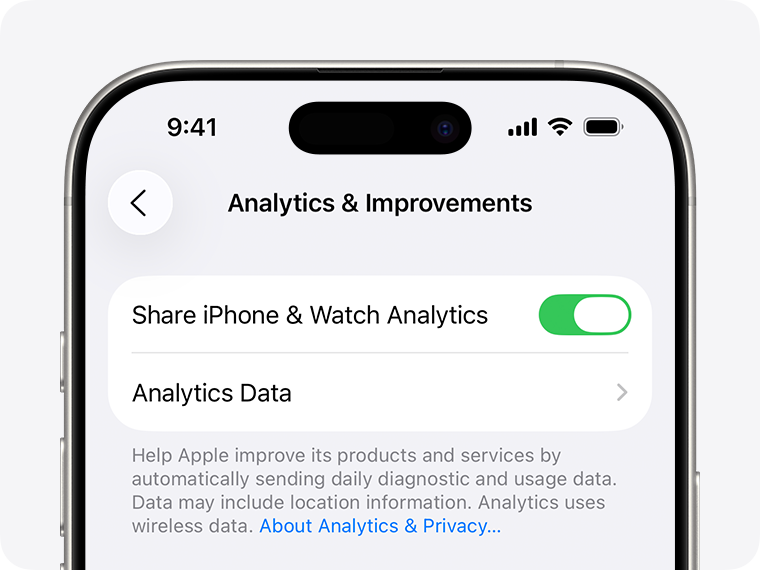
To review iPhone diagnostic sharing, open Settings → Privacy & Security → Analytics & Improvements. Look at both Share iPhone & Watch Analytics and Share With App Developers. Then review an app's own privacy practices separately. The Apple switch, an app's telemetry and advertising-related tracking are three different decisions.
This distinction matters when you are choosing a home for private pictures and documents. A developer can build an app without a usage-reporting service. A system diagnostic preference controls another route. Knowing which party receives which information gives you something concrete to change.
We make Vault Max. Its local private collection has no app analytics, account or developer-hosted library. Here is how to evaluate that arrangement alongside the privacy controls supplied by iOS.
- 1App tracking permission
Tracking across other companies’ apps and sites
A tracking choice does not switch off every kind of first-party analytics or device diagnostics.
- 2Publisher analytics
The app’s own diagnostics and telemetry
Check that app’s disclosure and settings. Vault Max has no app telemetry.
- 3Apple analytics sharing
Device and platform reporting
Review Apple’s analytics choices separately from the settings offered by an individual app.
Start with the Apple diagnostics setting
Apple's diagnostics instructions place the controls under Privacy & Security. Its App Analytics privacy explanation describes sharing relevant crash information and usage statistics with developers in aggregated or otherwise non-personally identifying form. It also explains the relationship between the two sharing switches.
Choose the setting you want for that purpose. If you prefer not to contribute diagnostic reports through Apple, review the main analytics option. If your question is specifically about Apple's developer-sharing route, review that control too. Read the explanation on your installed system before changing it; older instructions may use different names.
Publisher-supplied screenshots. Source material, not a hands-on test.
Apple’s iOS 26 support example shows the system diagnostics control. App-owned telemetry and tracking permission have separate controls.
Open the full-size source imageA diagnostic report is also a different object from the photograph an app stores. Avoid jumping from the word “analytics” to an assumption that a full private media collection is being uploaded. Find the actual data description. Equally, a reassuring label on one system page cannot describe every service inside an unrelated app.
Identify the app's own reporting choices
Some apps operate their own event or crash-reporting services. Their privacy policy may describe account identifiers, feature use, purchases or diagnostic information. The useful questions are who receives the data, which actions produce it and which choices the app gives you.
Start on the app's own privacy page and App Store listing. Look for a specific explanation of its data handling. If an app has an account, understand whether deleting the local installation also changes the account or its stored records. If it has an in-app analytics preference, read what that preference covers.
For a photo utility, follow an ordinary task. Selecting an item, importing it, editing it and uploading it to a service can involve different components. A permission to receive a selected photo does not explain whether the developer later collects it. Apple's privacy-label documentation distinguishes app access from developer collection; developer declarations still need an accurate reading.
This is useful buying work even before installing anything. You should be able to describe the proposed collection in one sentence: where the working files live, whether an account is needed and what the provider says it receives. If the policy leaves the question open, ask about that particular operation.
Tracking permission answers a narrower question
Apple's App Tracking Transparency guidance concerns linking activity across other companies' apps or websites for advertising purposes, or sharing it with data brokers. Review it under Settings → Privacy & Security → Tracking.
An app can have ordinary service logs or first-party analytics without that being the same cross-company tracking arrangement. Refusing tracking is therefore a useful choice with a defined scope. It does not replace reading the app's data policy.
For example, suppose you use an account-based photo service and refuse its tracking request. You still need to understand which pictures you intentionally upload to that account. The tracking choice and the upload choice operate at different stages. Writing down the action helps: “I refused advertising tracking” and “I uploaded this image” are compatible descriptions of the same session.
| Decision | Control or source | What to establish |
|---|---|---|
| Contribute Apple diagnostics | Analytics & Improvements | The system diagnostic-sharing preference |
| Allow Apple's developer sharing | Share With App Developers and Apple's explanation | The Apple-provided reports and statistics being shared |
| Allow cross-company tracking | Privacy & Security → Tracking | Permission for the defined advertising/data-broker purpose |
| Use an app's own reporting service | Its policy, app preferences and developer explanation | Which app-owned events or reports are collected |
| Give an app a photo | Picker, permission and import/upload action | Which file the app receives and where it stores it |
Use App Privacy Report to investigate a particular action
After you enable App Privacy Report, iOS can show relevant permission access and contacted domains over its reporting window. It begins recording after activation. A network entry can give you a specific domain or moment to ask about.
It does not expose every readable request body or tell you that every connection is an analytics upload. An App Store purchase, content loaded in an app and a reporting endpoint can have different purposes. Match the observation to what you did and the provider's explanation.
Use harmless sample content for an investigation. Note the action and approximate time, then inspect the corresponding report. You can learn which question to ask without experimenting on an irreplaceable private document. If you stop the report, read Apple's explanation of what happens to its stored history before expecting that history to remain available.
What the Vault Max arrangement gives you
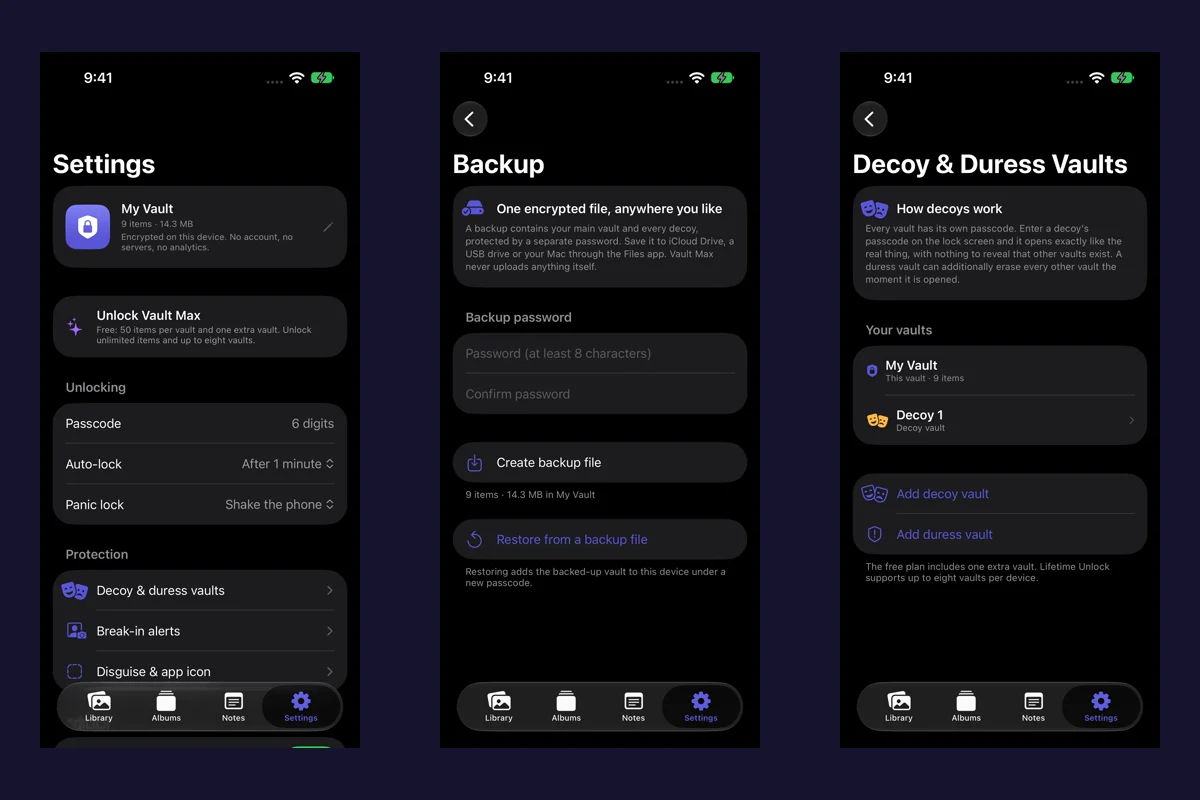
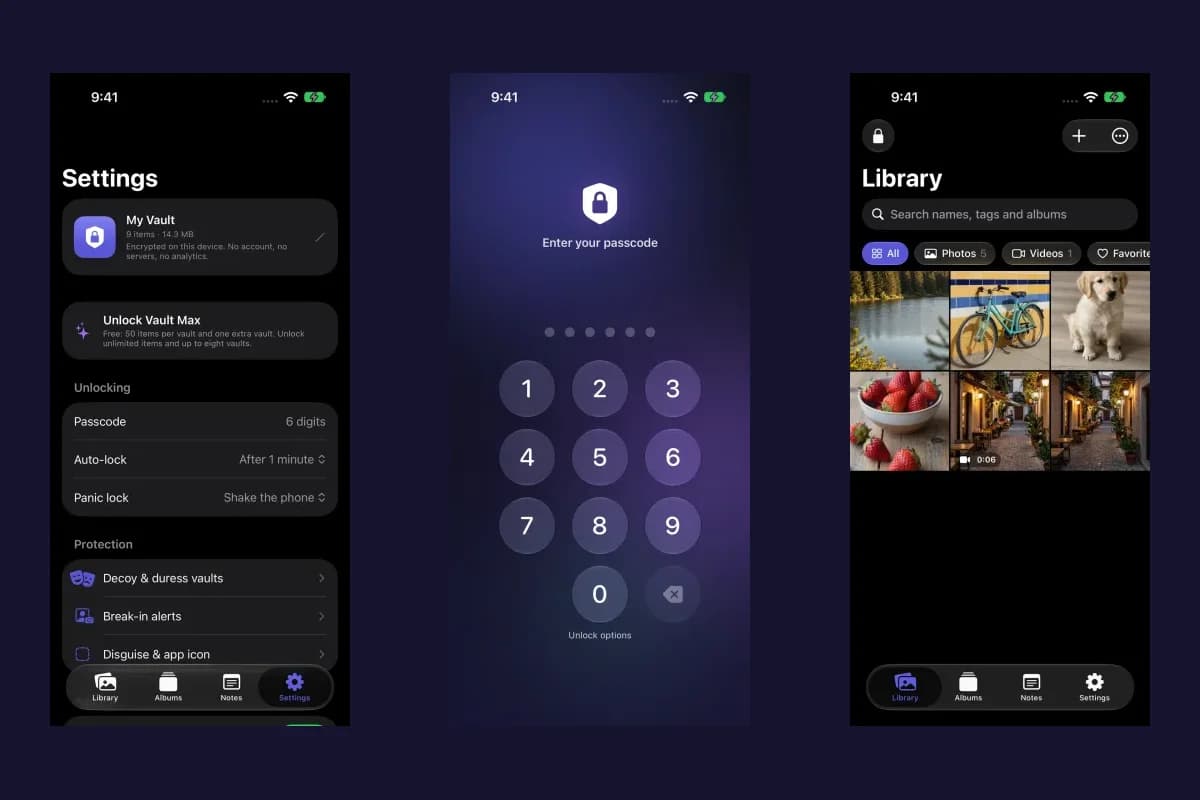
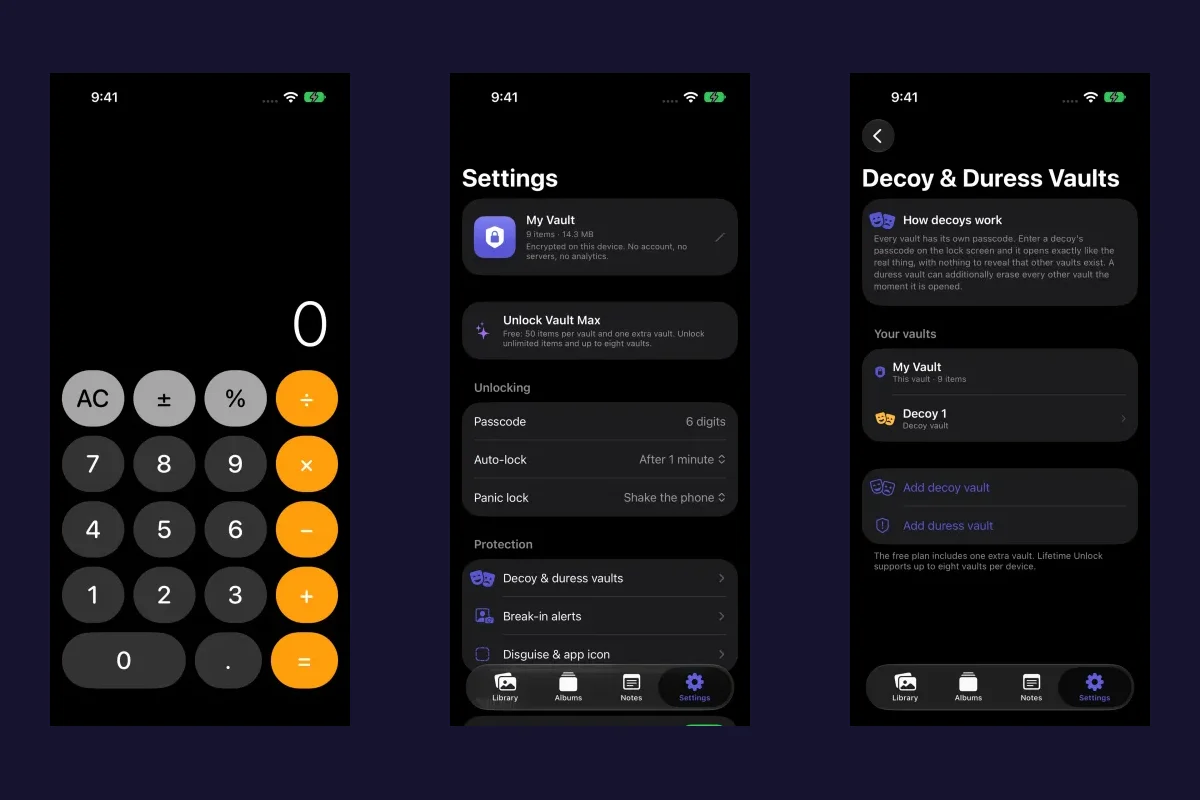
Vault Max keeps imported media, documents and written notes in an encrypted library on the device. The app has no analytics or crash-reporting SDK, no advertising service and no Vault Max account. Its network use is for the App Store's purchase and subscription functions. The app privacy policy describes those boundaries and permissions.
The app's own description
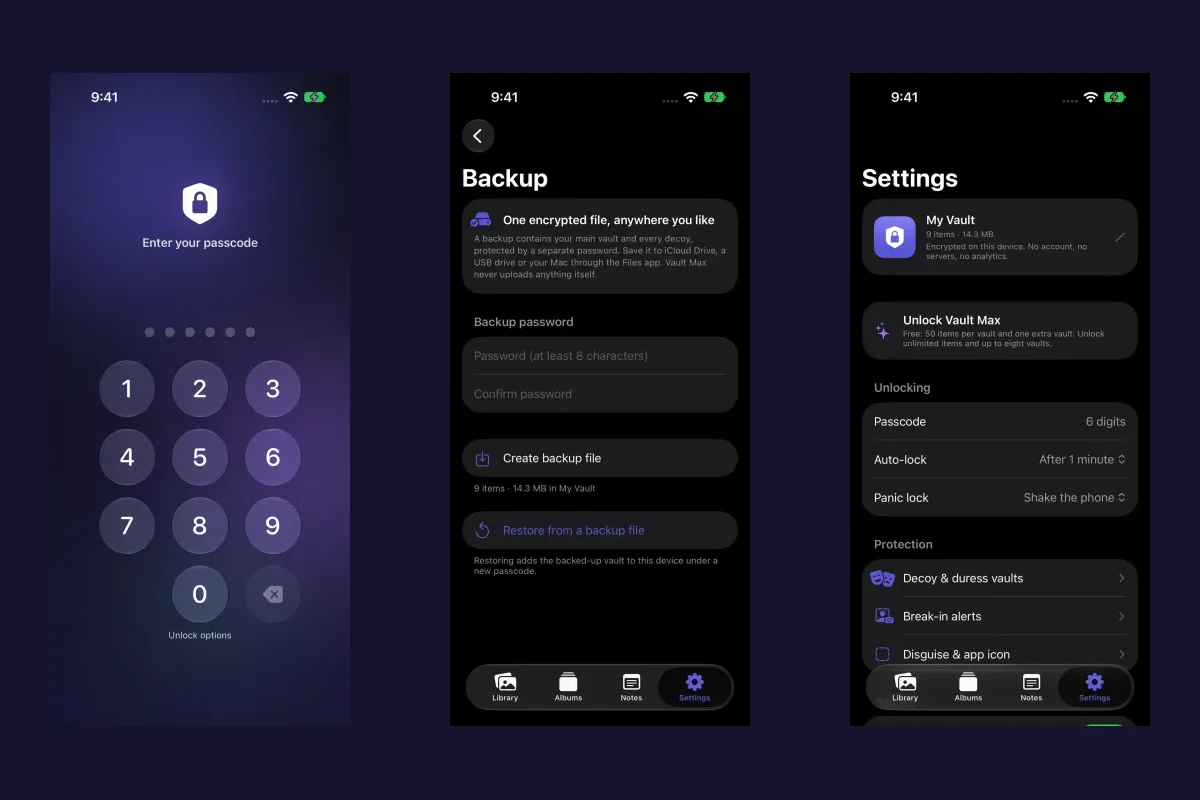
This actual sample-app screen identifies the encryption and App Store network purpose. The privacy policy supplies the fuller explanation of no app analytics; a Settings screenshot itself is not a network trace.
You can keep a picture and its written context together without creating a service account. Use the first-import guide and encrypted notes walkthrough to try that collection.
Apple's system settings remain yours to review. The website you are reading also has a separate website privacy notice. Visiting a website, using StoreKit and opening the native vault are separate activities; the app's no-analytics statement describes the native app.
Finish with a decision you can explain
Keep a short record of what you chose and why. That is more useful than switching off every unfamiliar control and later guessing which feature changed.
- Review Analytics & Improvements and the explanation attached to its developer-sharing option.
- Use the Tracking screen for its cross-company advertising and data-broker purpose.
- Identify the account, working-file location and app-owned reports, if any.
- If you use App Privacy Report, match an observation to a harmless task and a specific question.
Tap a box as you go. Checks reset when you leave this page.
For a private collection, the useful outcome is clear: know where the files live and whether the app adds a reporting service around them. Vault Max's local library and lack of app telemetry give you a straightforward arrangement to assess, while retaining your own archive and recovery responsibilities.
Common questions
How do I turn off Share With App Developers on iPhone?
Open Settings, Privacy & Security, Analytics & Improvements, then review Share With App Developers. Apple says turning off Share iPhone & Watch Analytics also turns off its sharing of crash data and usage statistics with third-party developers. Labels can vary by system version.
Does that stop analytics inside every app?
That control governs Apple's analytics-sharing route. An app's own telemetry, account service and privacy choices require separate review. Tracking permission also has a specific scope and is not a universal analytics switch.
Does Vault Max include an analytics or crash-reporting SDK?
No. The Vault Max app has no analytics or crash-reporting library and no server of ours to receive your collection or usage. Apple operates the App Store, purchase services and system diagnostic choices separately.
Continue reading
More guides
Practical tips for your private library. Swipe or scroll to choose your next guide.
74 guides to explore