
Privacy in practice
Hidden iPhone photos on Windows: find the picture without losing track of the copies
Find hidden iPhone photos on a Windows PC. Check browser and cable routes, then keep downloaded files separate from your private collection on the phone.
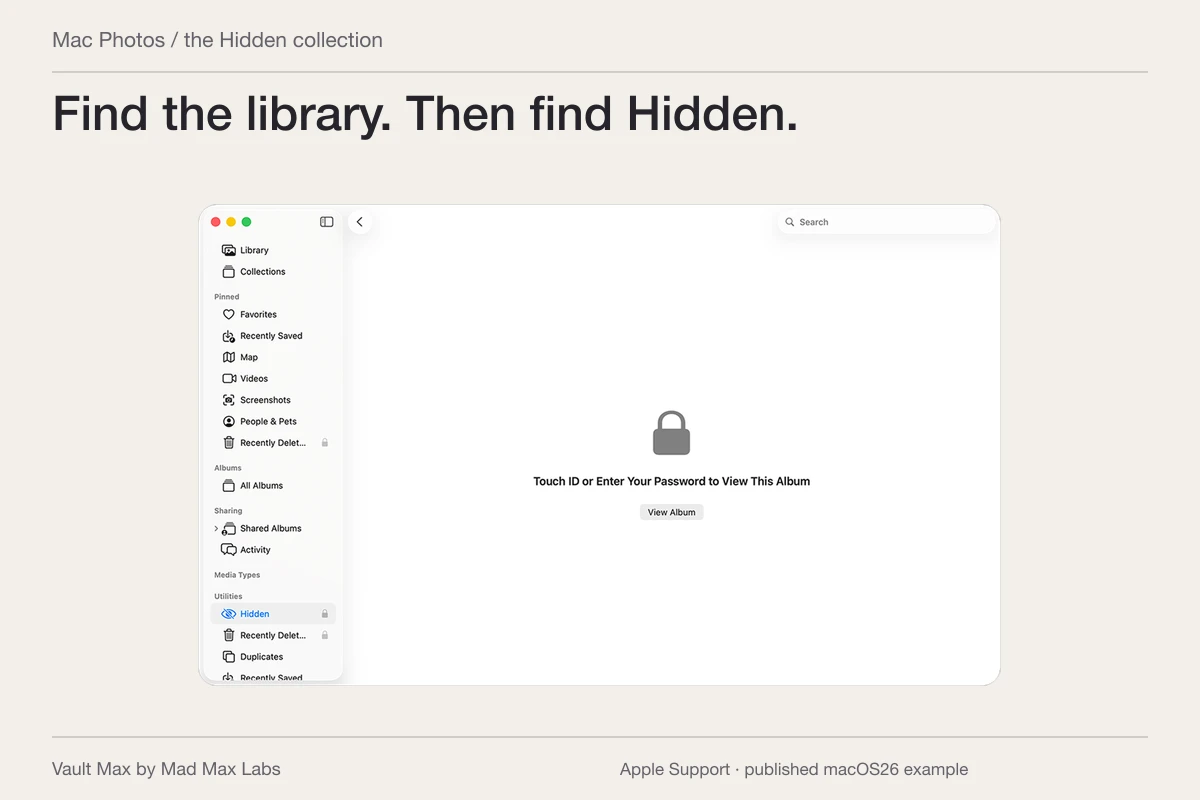
If the hidden picture is in iCloud Photos, use Photos at iCloud.com on your Windows PC. Open Hidden in the sidebar and choose Show Hidden Photos. You do not need to unhide the picture merely to inspect it through Apple's documented web route.
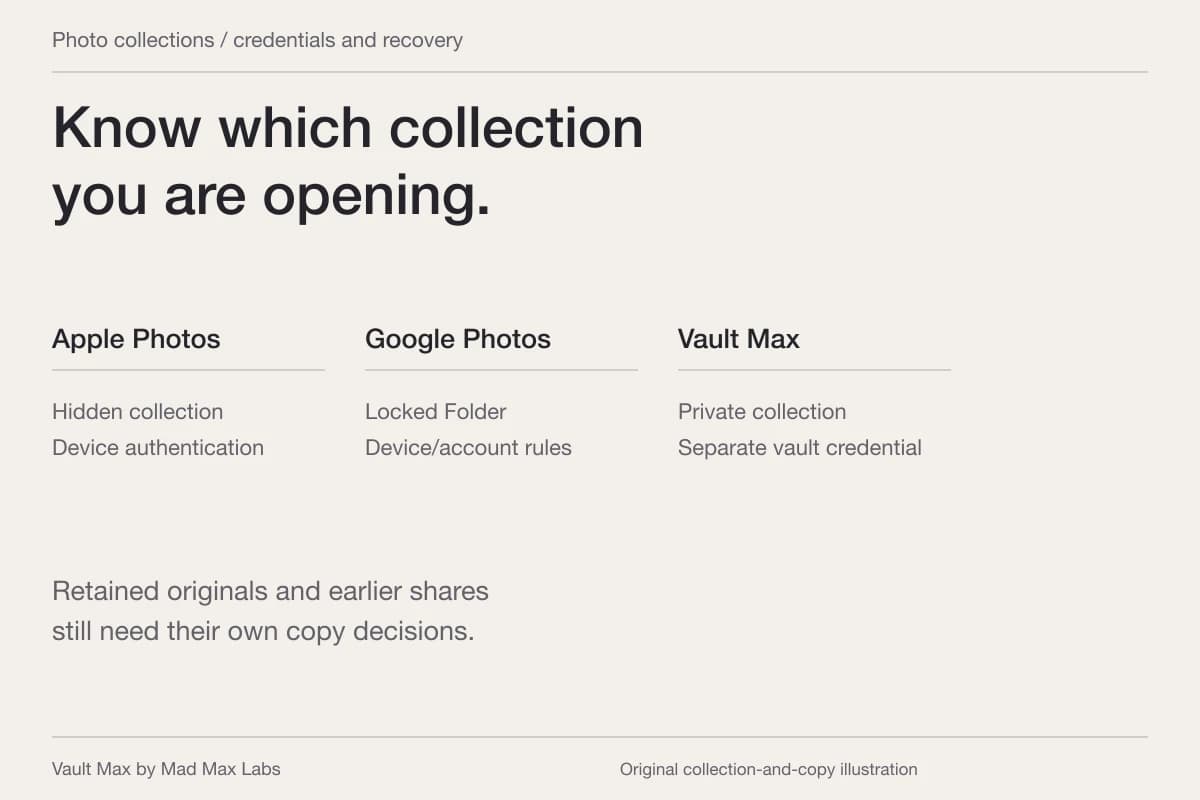
First establish where the photo lives. A picture in iCloud Photos, a phone-only original, a downloaded Windows file and a Vault Max item are four possible copies with different access paths. Windows cannot make a phone-only item appear by signing in to an account that never received it.
Open the hidden iCloud photo in a browser
On a computer you trust, go directly to iCloud Photos and sign in to the Apple Account used by the relevant library. Follow its authentication prompts. In the Photos sidebar, select Hidden, then Show Hidden Photos. Apple's iCloud.com instructions document that view separately from unhiding.
Find one recognizable image and open it before selecting a large group. If you choose Unhide, you are changing its library visibility. With iCloud Photos, that change can follow the synced item to your other devices. Viewing the hidden item is enough when your goal is simply to identify it.
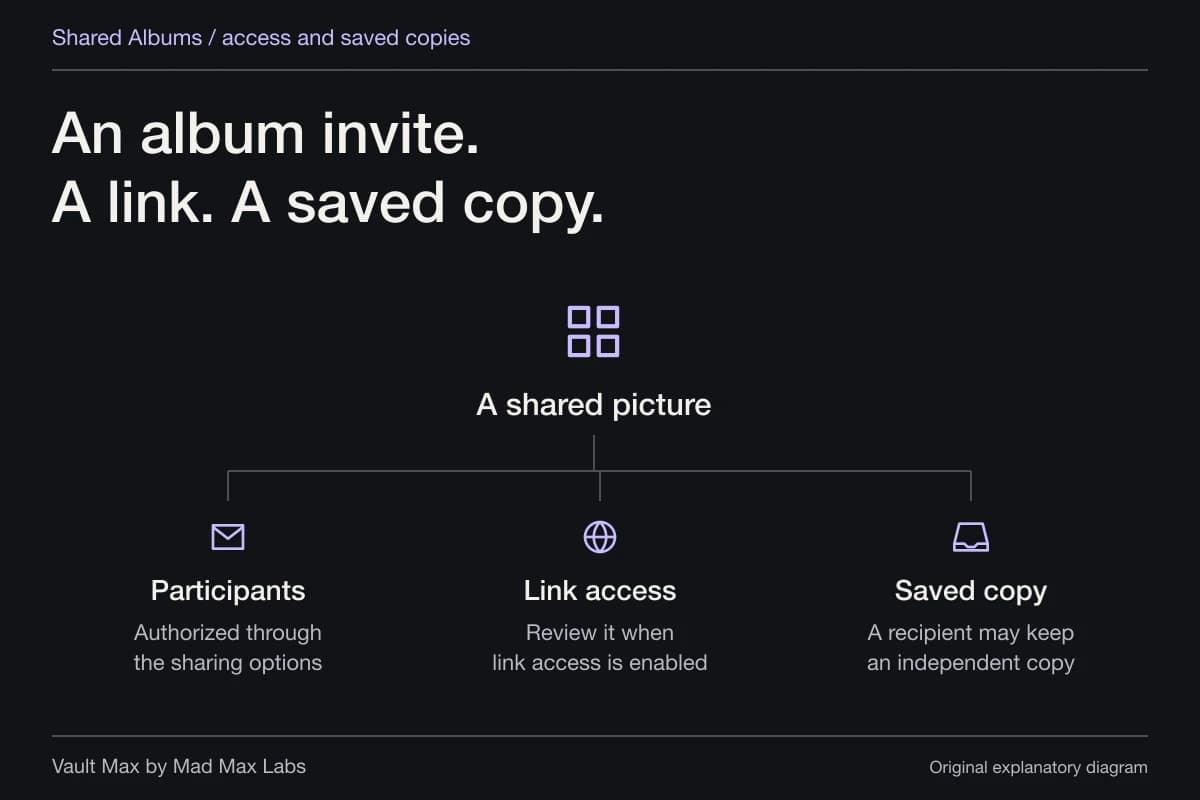
If this is an iCloud Shared Photo Library item, hiding it does not make it private from the participants. Apple says those participants can view or unhide it in Hidden. Check whose library you are working in before treating that label as a personal boundary.
iCloud Photos in the browser
For a picture stored in iCloud Photos, use Hidden → Show Hidden Photos. Account authentication and permitted web access still apply.
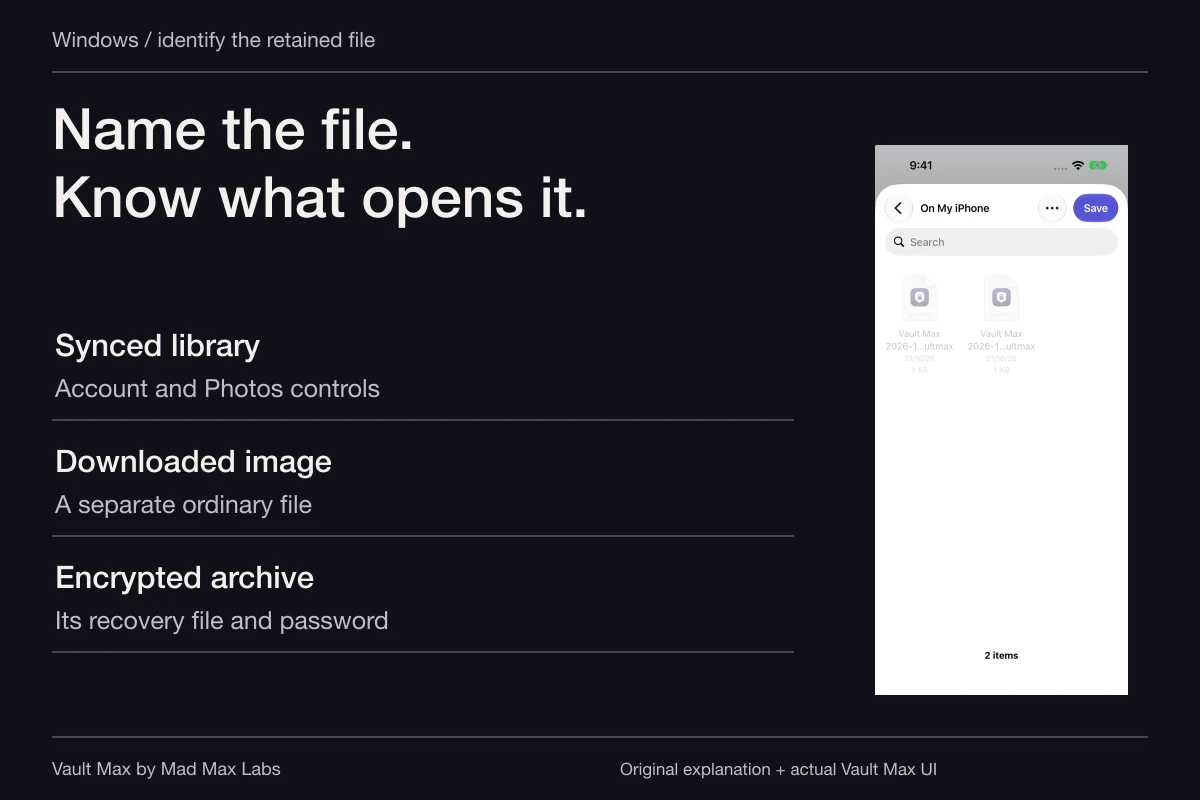
Viewing or changing the library is not an independent download.A photo in your chosen Windows folder
Open the saved file. Check whether its destination is independent or managed by another sync service.
Review its access and backup separately.A retained .vaultmax archive
- What the PC stores
- An encrypted recovery snapshot, if you choose to keep it there.
- How it becomes usable
- The archive password and Vault Max’s supported mobile restore workflow.
This is a separate recovery route, not decrypted Windows browsing or automatic vault sync.
If iCloud.com refuses access, check the web permission
An unavailable web library is not proof of deletion. Apple's web-access guidance documents a separate control: on current iOS, open Settings → your name → iCloud → icloud.com, then review Allow Data Access. Older software uses a differently named web-access switch.
Advanced Data Protection turns web access off by default. If you choose to enable it again, a trusted Apple device approves temporary access. You do not need to turn off Advanced Data Protection just to follow that supported process. If your goal is to keep browser access disabled, choose a different transfer route instead of treating the restriction as an error.
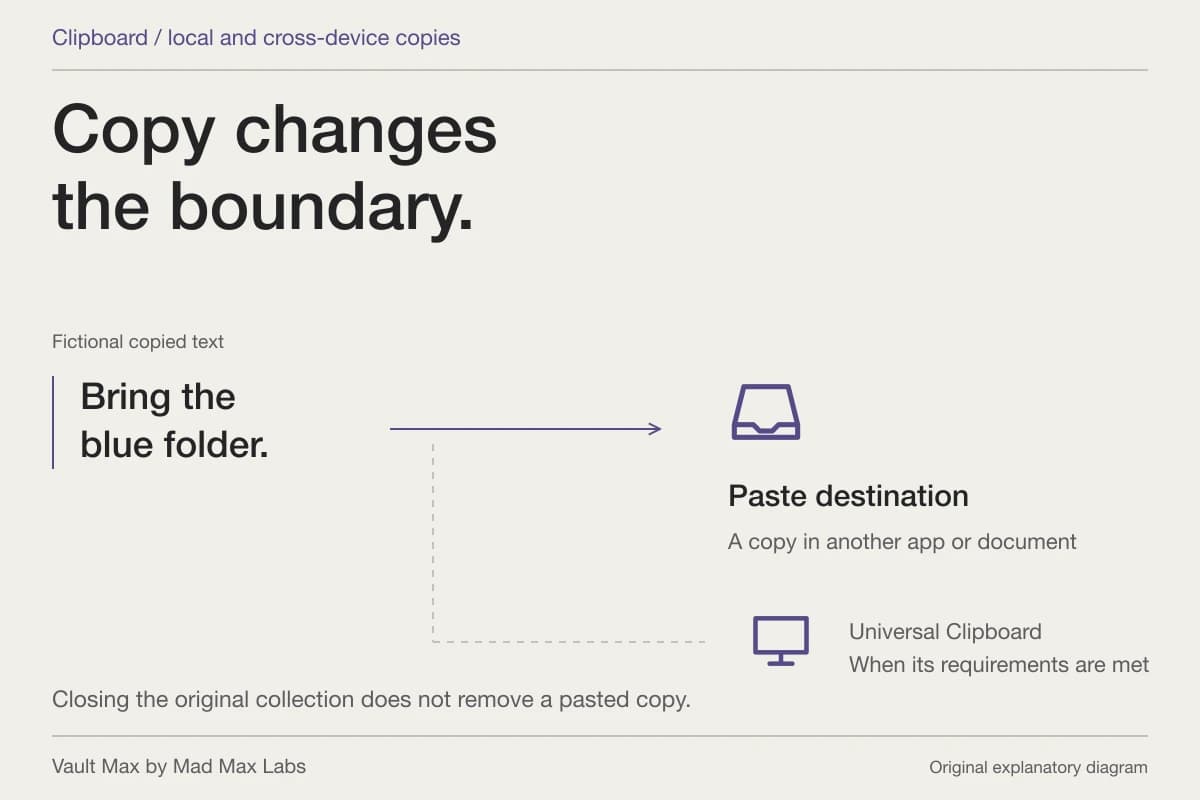
Finish browser work by signing out. Downloading a file is a separate action with a separate result; closing the tab does not remove an image already saved on the PC.
Download the version you actually need
Apple's download instructions describe the Download control and More Download Options. Those options include Unmodified Originals, Highest Resolution and Most Compatible. Choose according to the job rather than assuming every download produces the same format.
For example, you may want an ordinary compatible copy to open in a Windows application, or the original format for retention. After downloading, locate the resulting file and open it in the intended application. Check the subject and destination before deleting or moving any source. A successful thumbnail view in a browser does not establish that a complete independent file has been saved.
Also notice where the destination folder lives. A folder managed by another sync service can create another online copy. Choose the location intentionally and review its sharing settings if the image is private.
For a phone-only photo, prepare a small cable transfer
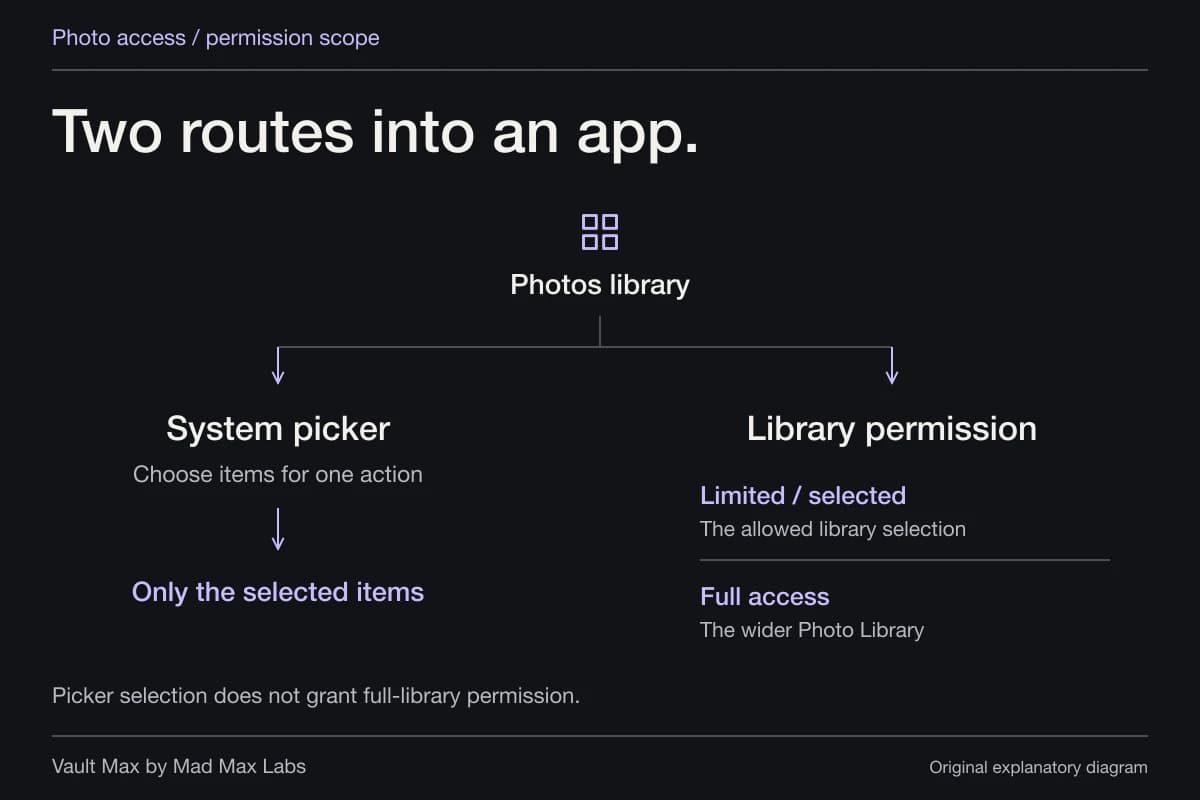
Apple's current PC transfer procedure starts with the Apple Devices app from Microsoft Store, a USB connection and an unlocked iPhone. Approve Trust or Allow if prompted. If iCloud Photos is enabled, Apple says the original full-resolution files must be downloaded onto the iPhone before importing by this route.
On Windows, Microsoft's Photos instructions use Photos → Import → connected device. Choose the items and destination, then wait for transfer. Use a cable that supports data, not just charging. Start with a harmless sample if you are learning the workflow.
Hidden requires an additional distinction. Apple's iOS18.4 release notes state that hidden items are excluded from Mac or PC imports when Use Face ID is enabled in Photos settings. Merely unlocking the phone is therefore not an all-hidden-items import guarantee.
For an intended export, you can deliberately unhide the selected item on the phone and rehide it afterward. Remember that unhiding can also change its visibility in the synced Photos library. Do not disable authentication across the whole library simply because one picture did not appear in an import list.
A synced Windows folder and an independent copy behave differently
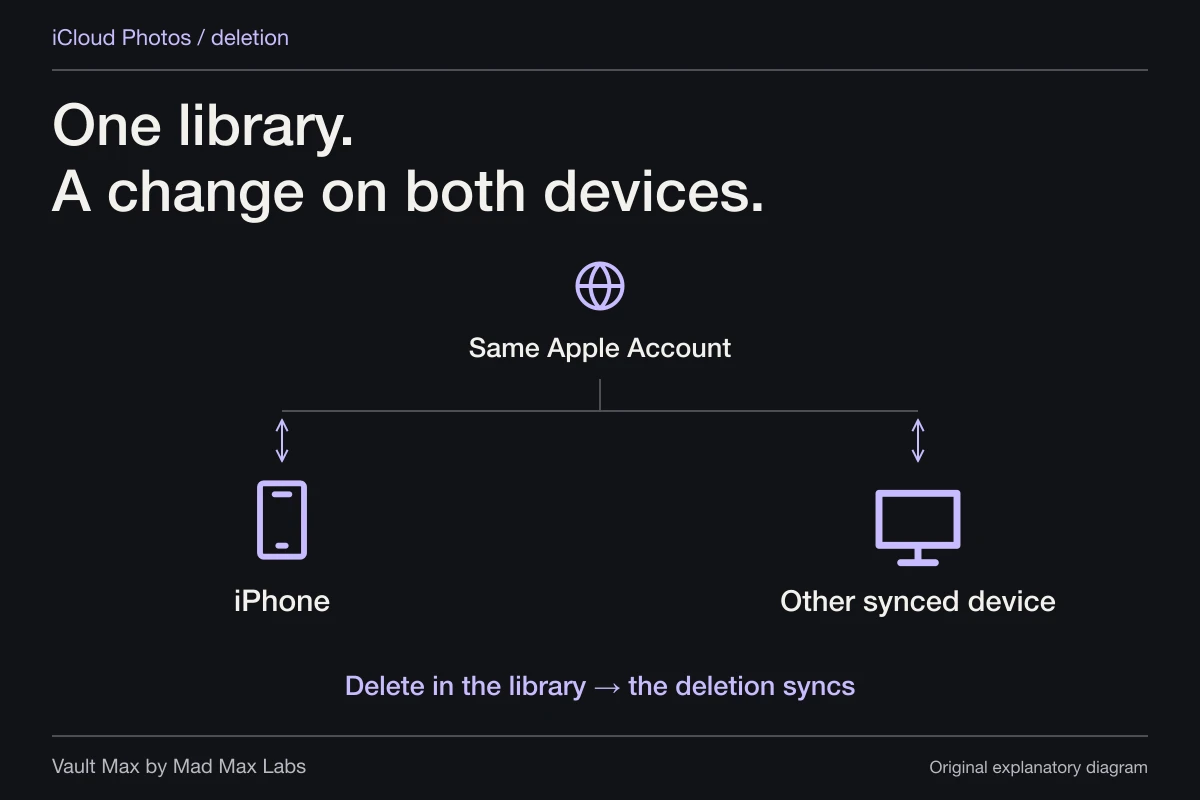
The name “iCloud Photos” in File Explorer is a reason to check the sync relationship before deleting anything. Apple's Windows troubleshooting reference describes version-dependent deletion behavior, including propagation back to iCloud in current versions.
For an independent retained copy, Apple's Windows archive procedure says to download the selected items, then copy them to another folder and include that folder in the computer's backup. Keep that retained destination distinct from the synced folder.
| Where you are working | What it represents | What to check before cleanup |
|---|---|---|
| Photos at iCloud.com | The account's online Photos library | A delete or unhide action changes the library |
| iCloud Photos in Windows | A managed synced/downloaded view | Version-specific deletion and download state |
| An independently copied file | A separate retained photo or video | Whether it opens and which service manages its folder |
| A saved .vaultmax file | An encrypted mobile-vault recovery snapshot | Archive date, separate password and restore plan |
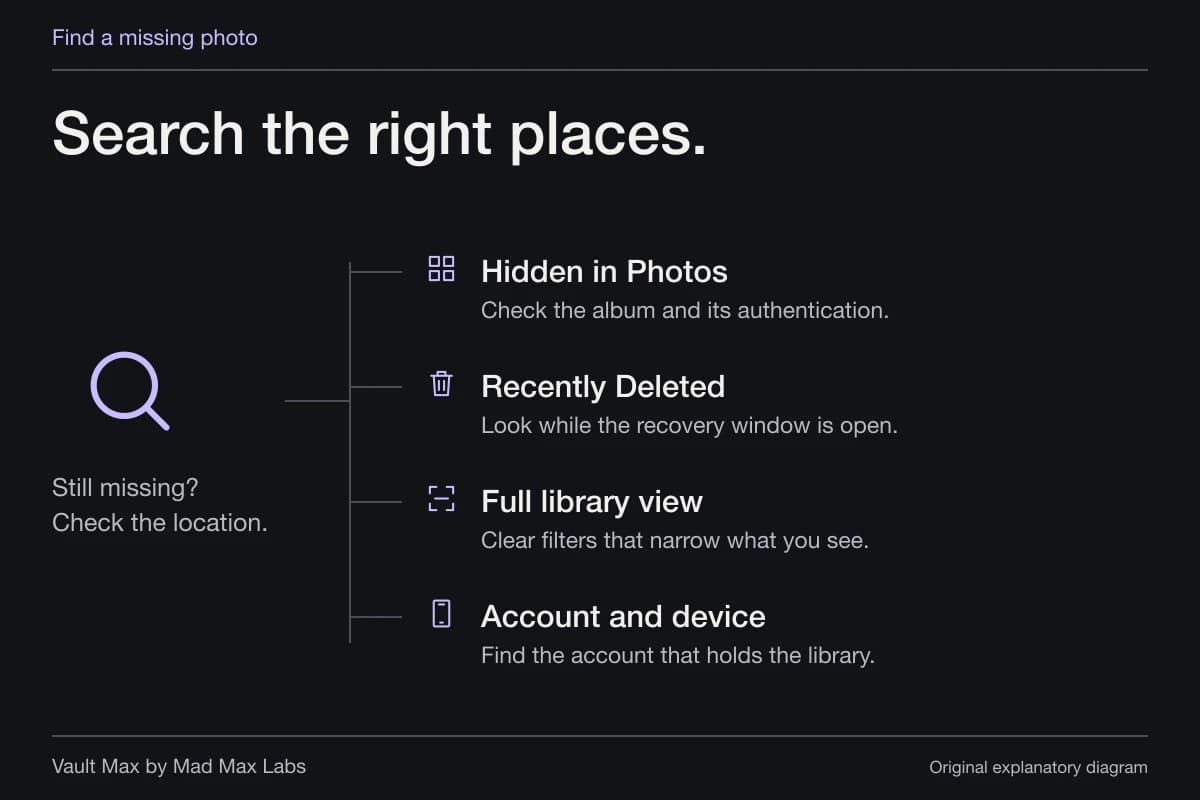
If you delete the wrong synced item, check the supported recovery location promptly and avoid emptying it. The missing-photo guide walks through Hidden, Recently Deleted and the account/library checks before assuming a picture is gone.
Keep everyday private browsing on the phone when that is enough
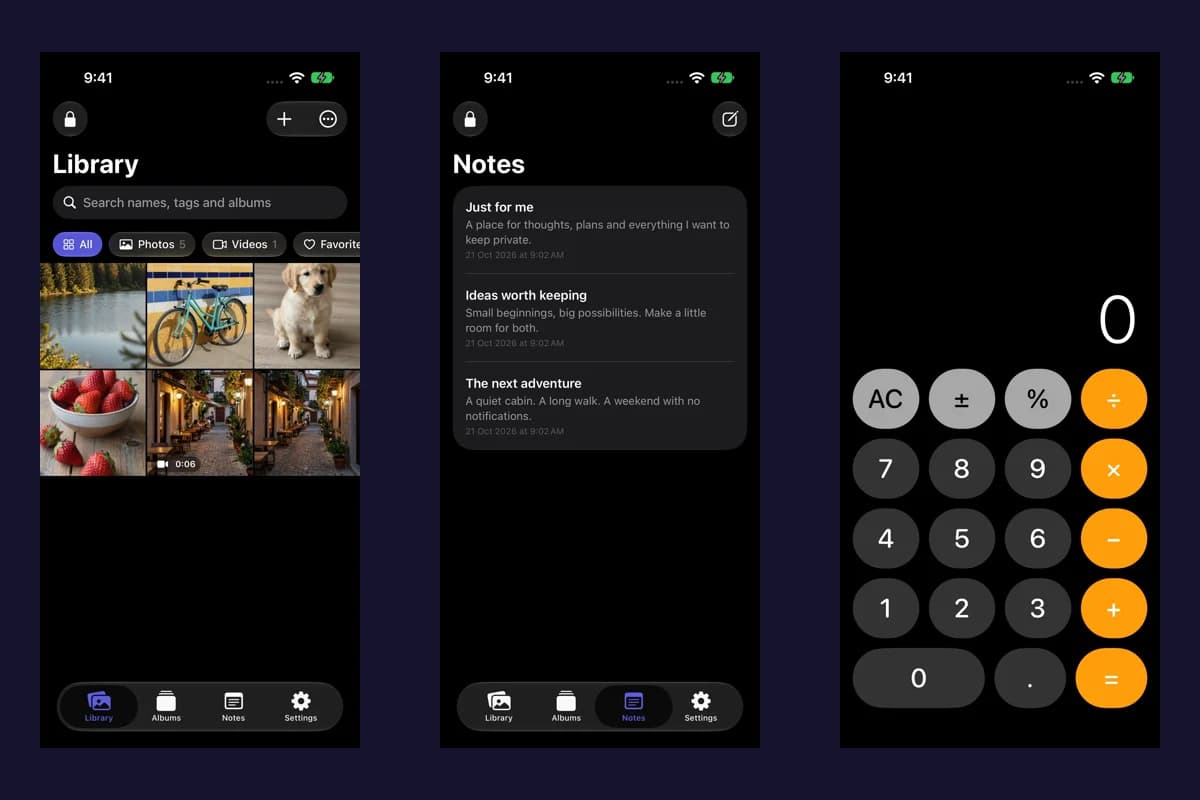
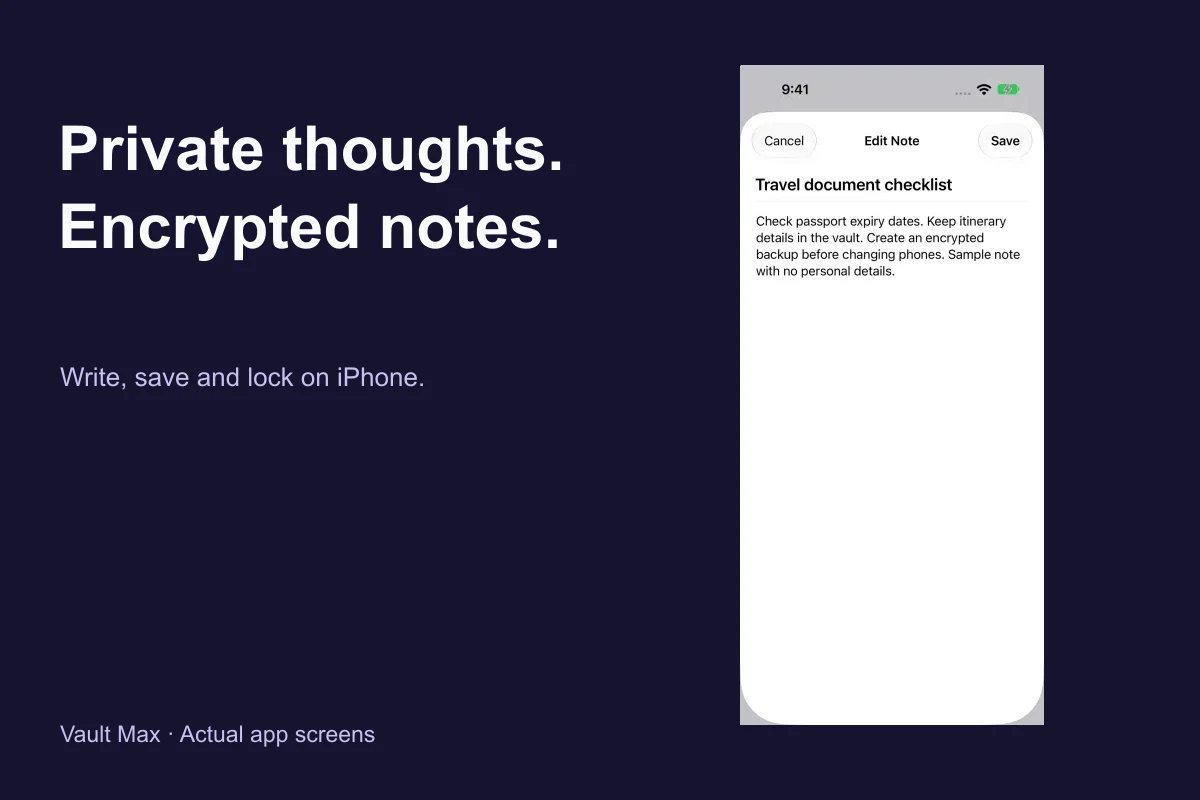
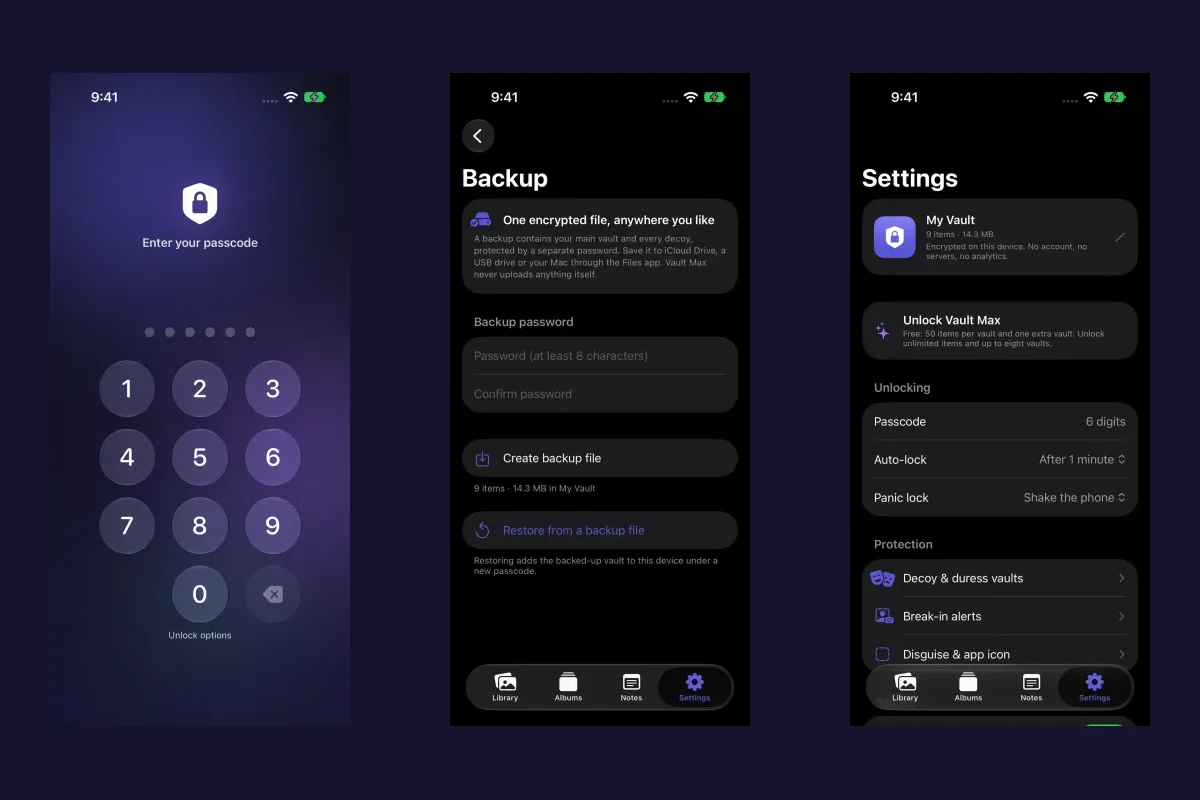
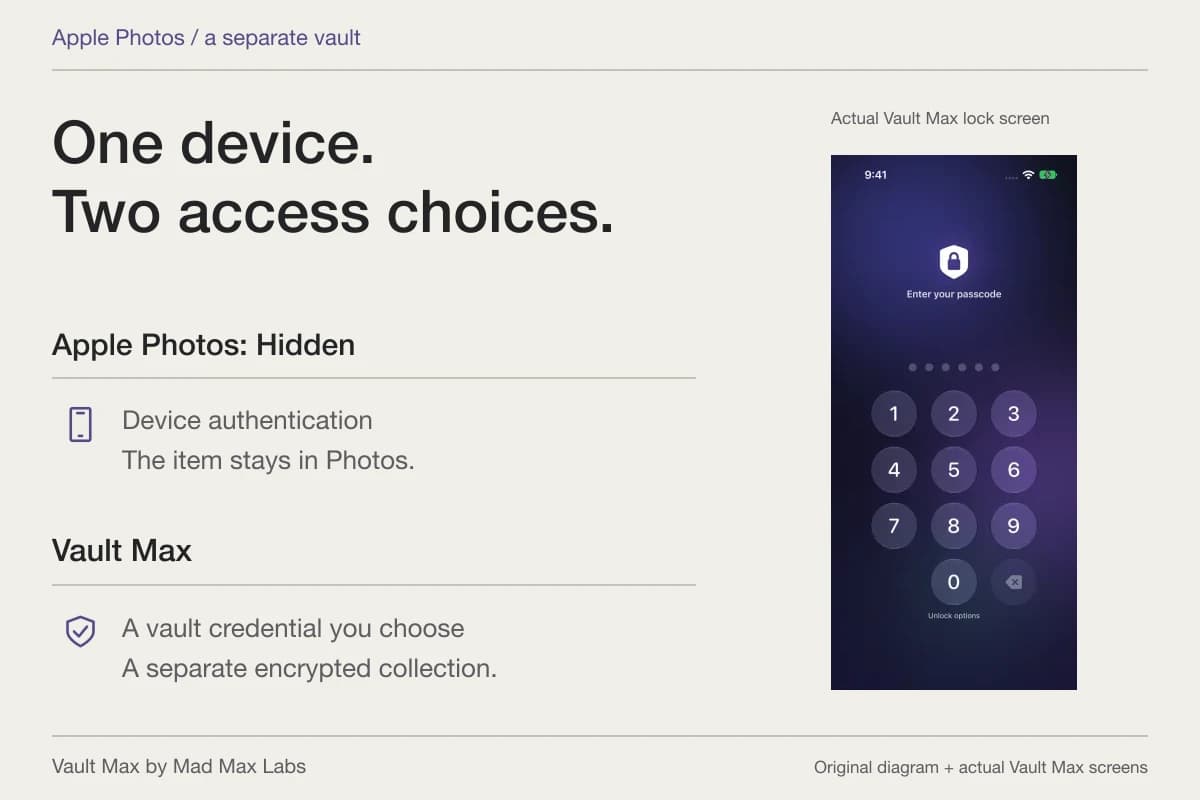
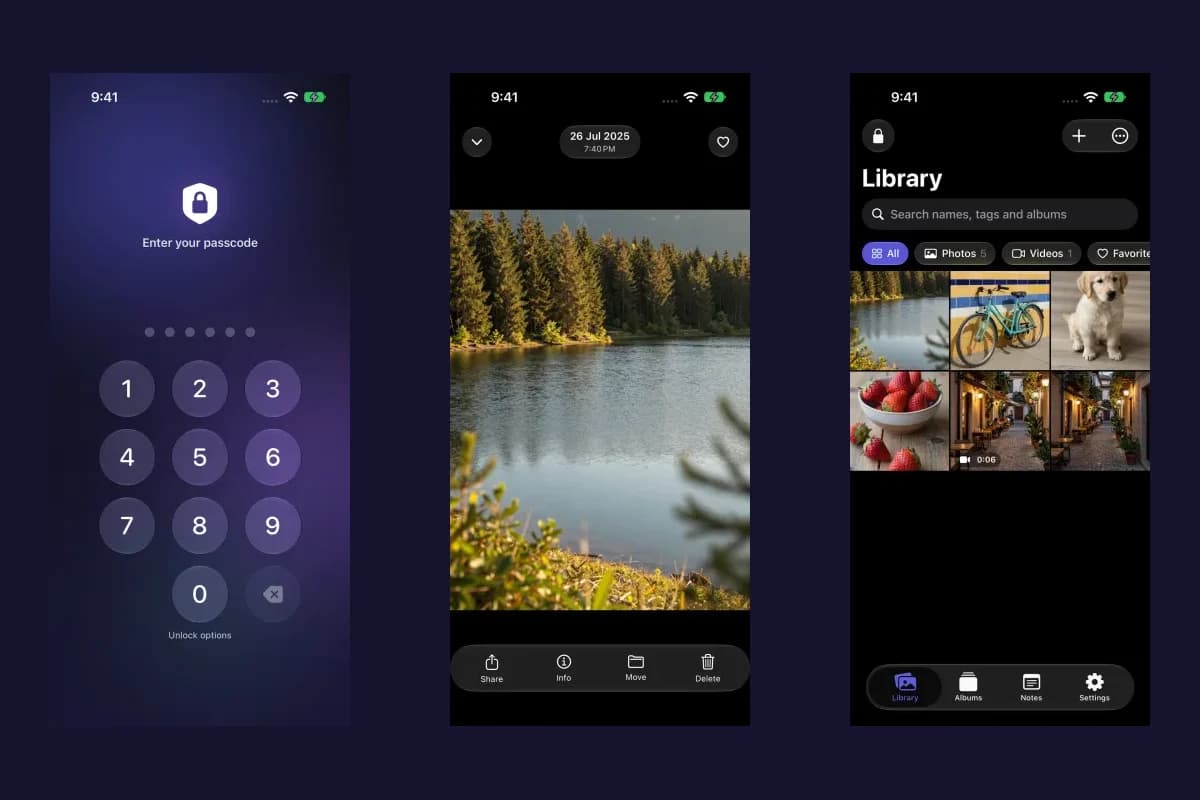
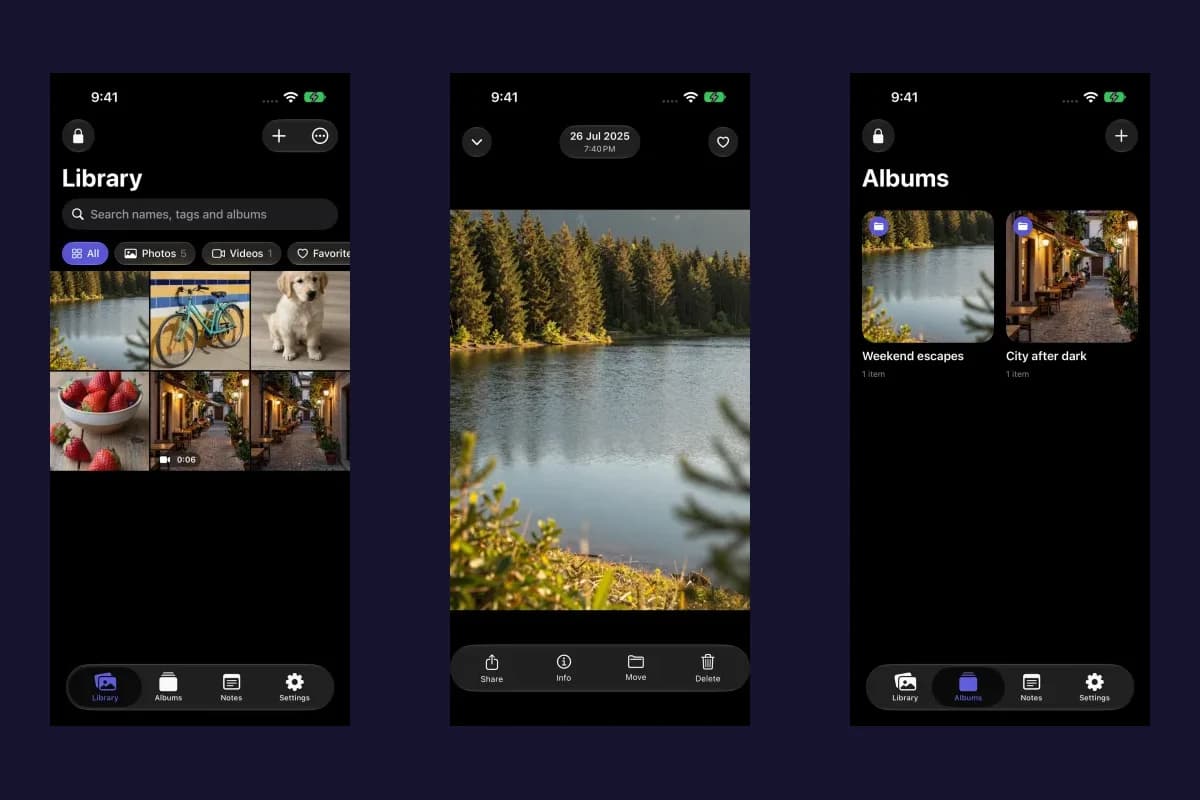
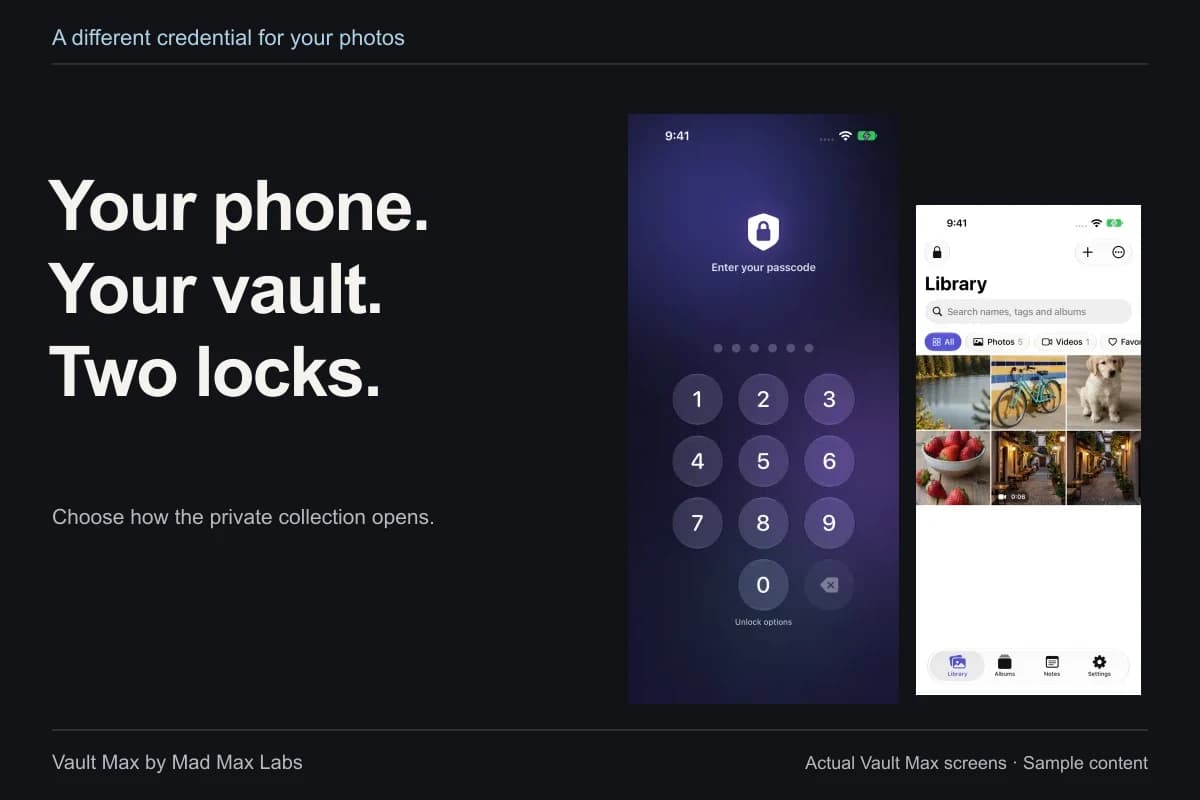
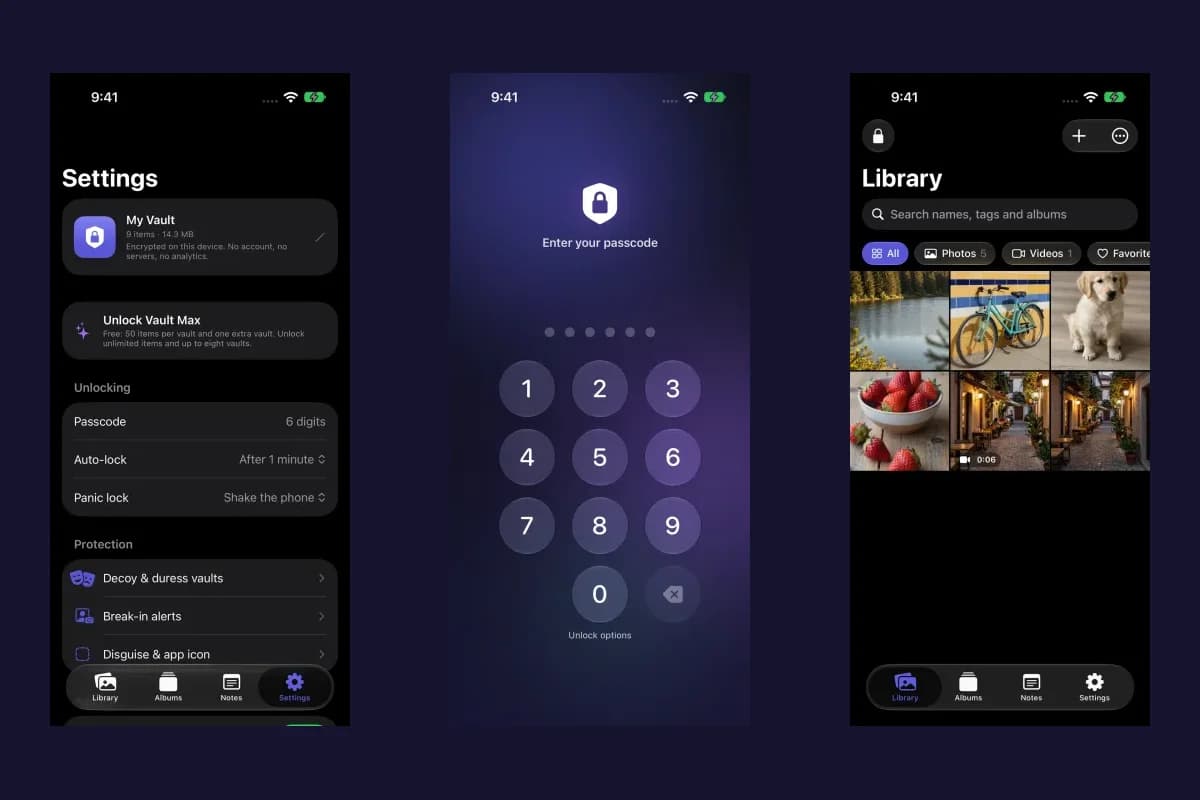
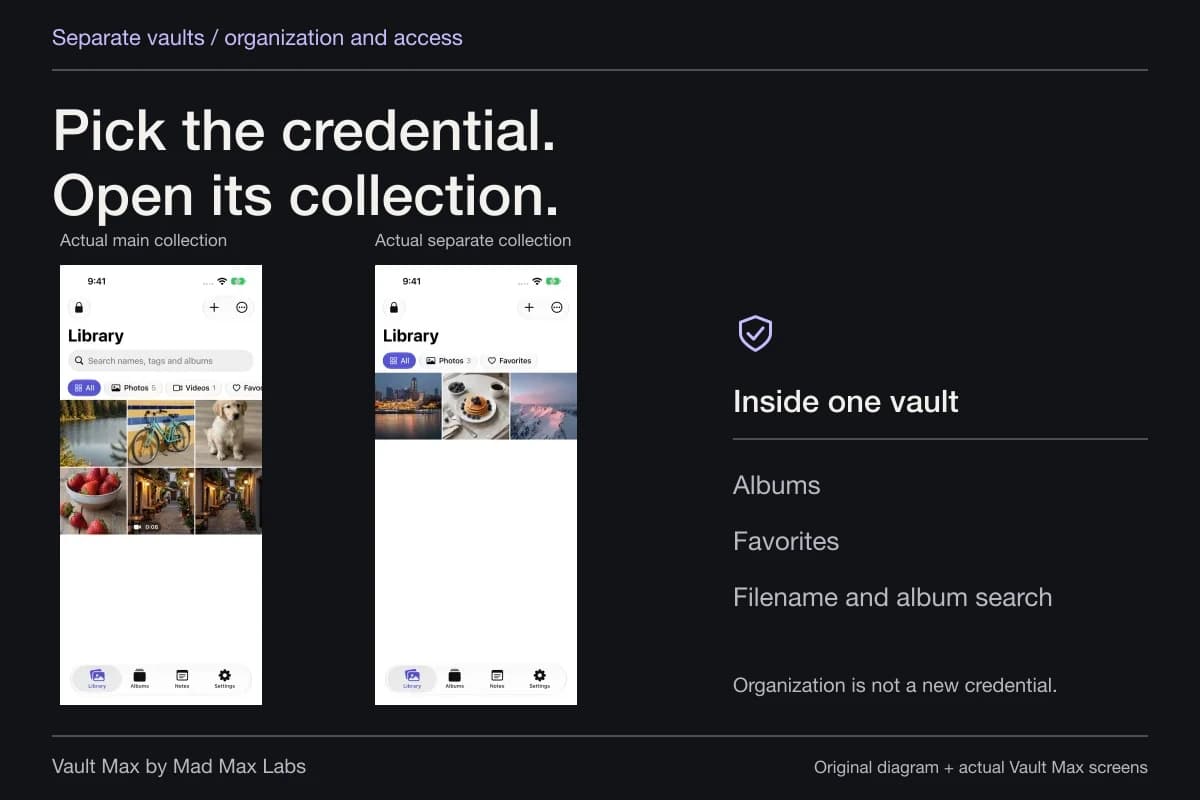
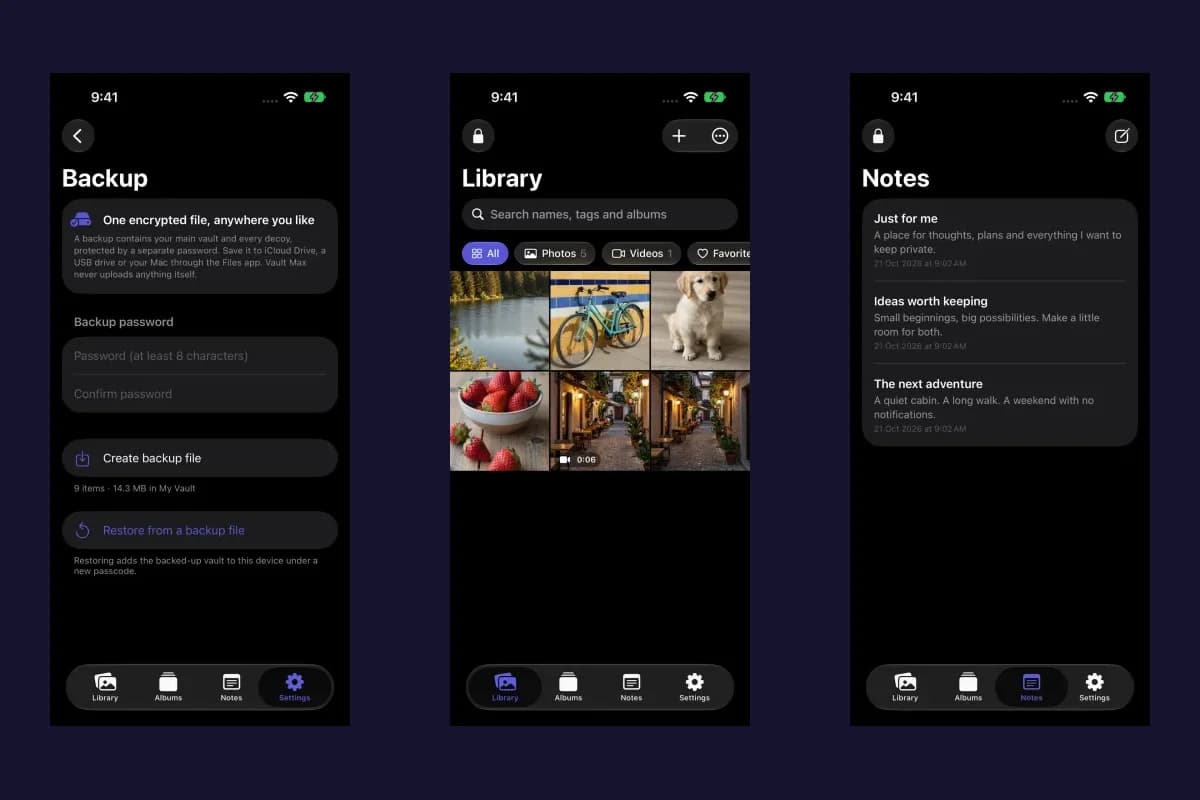
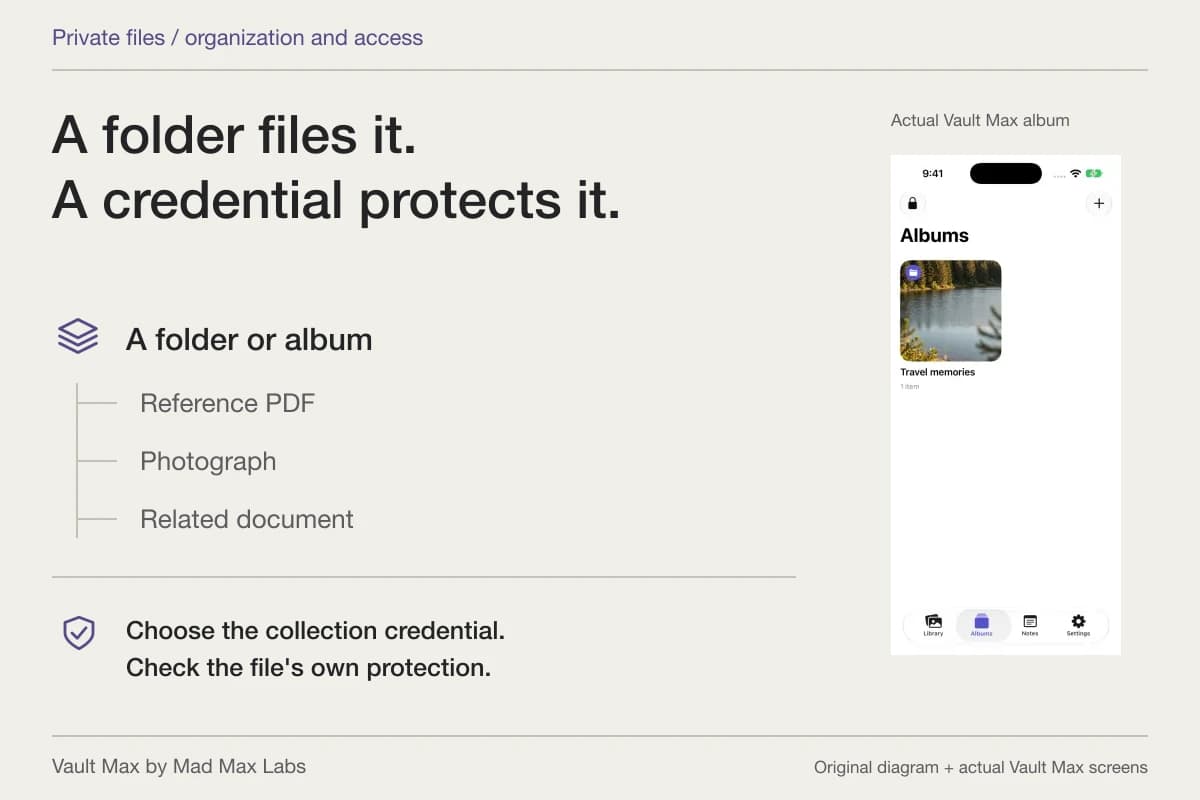
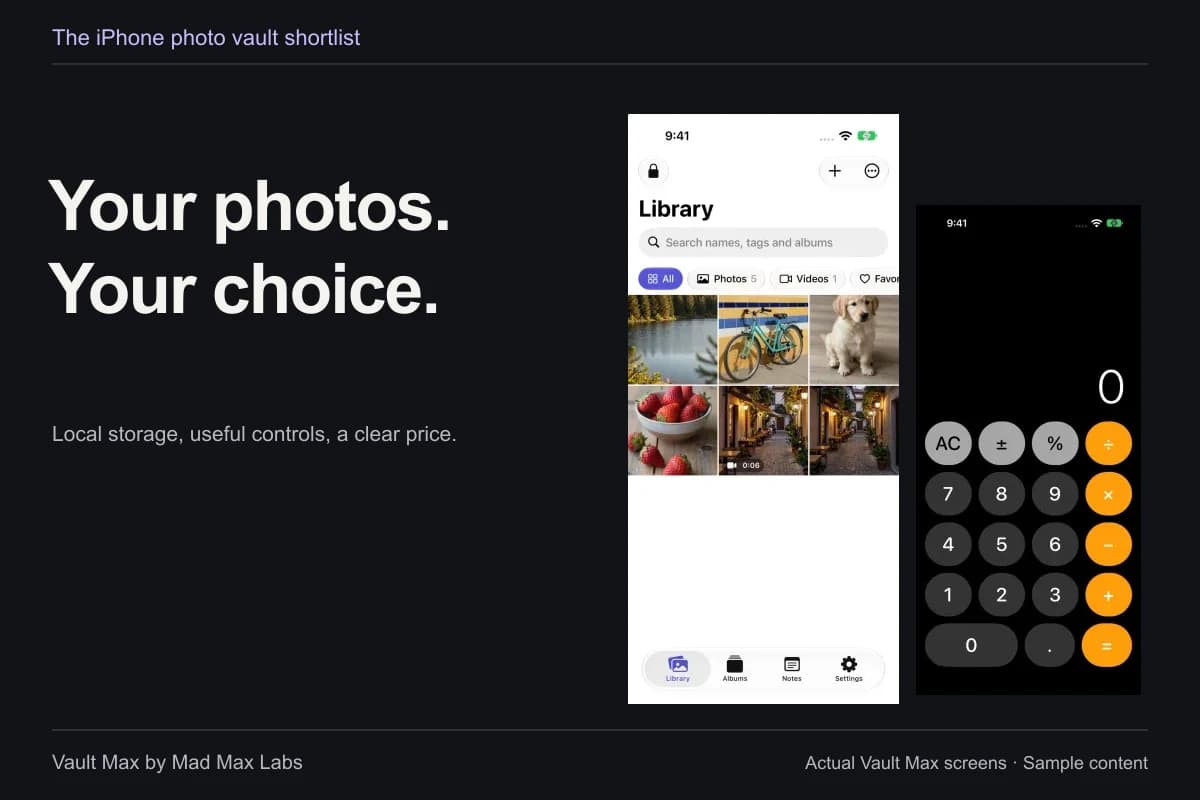
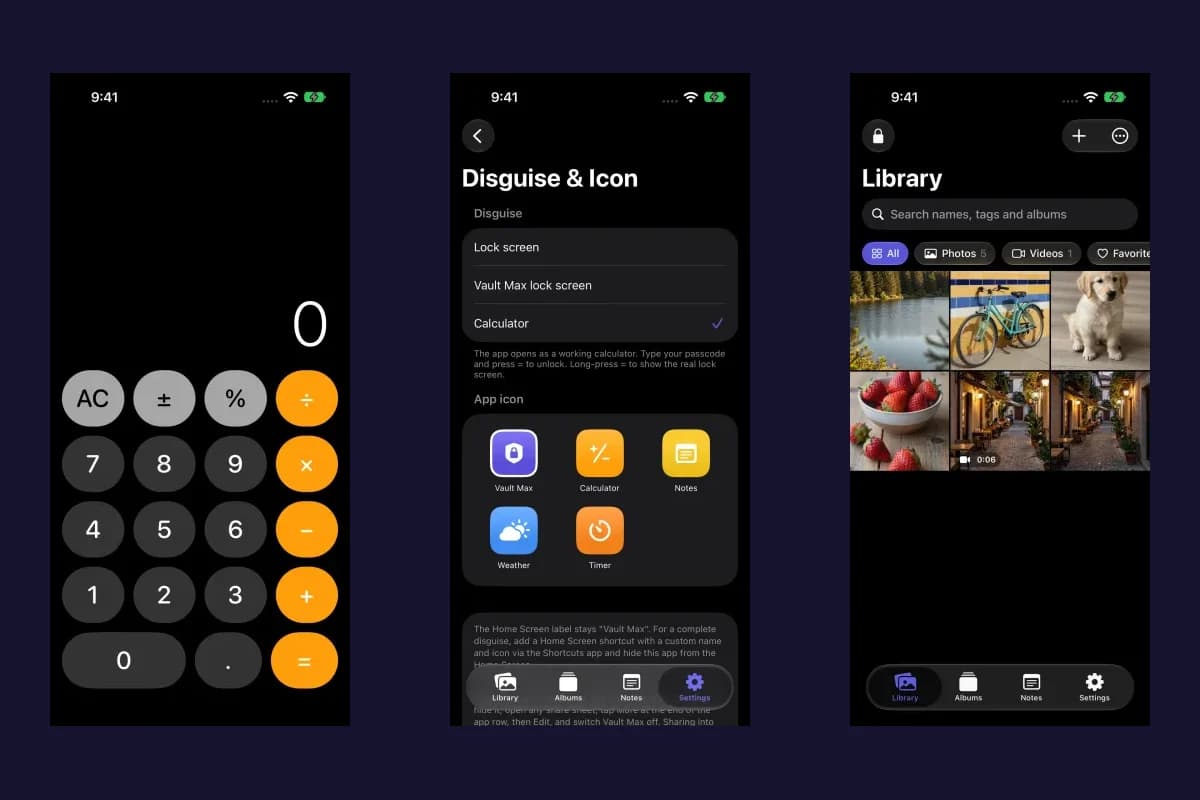
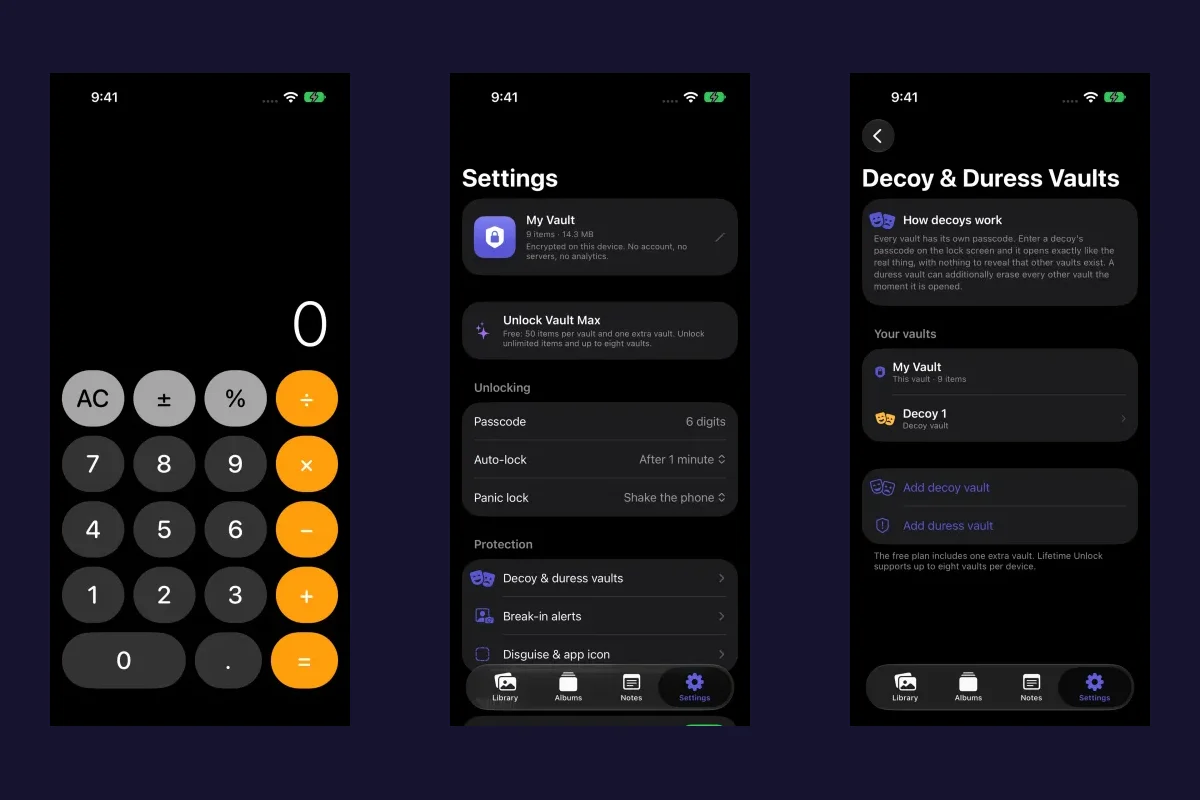
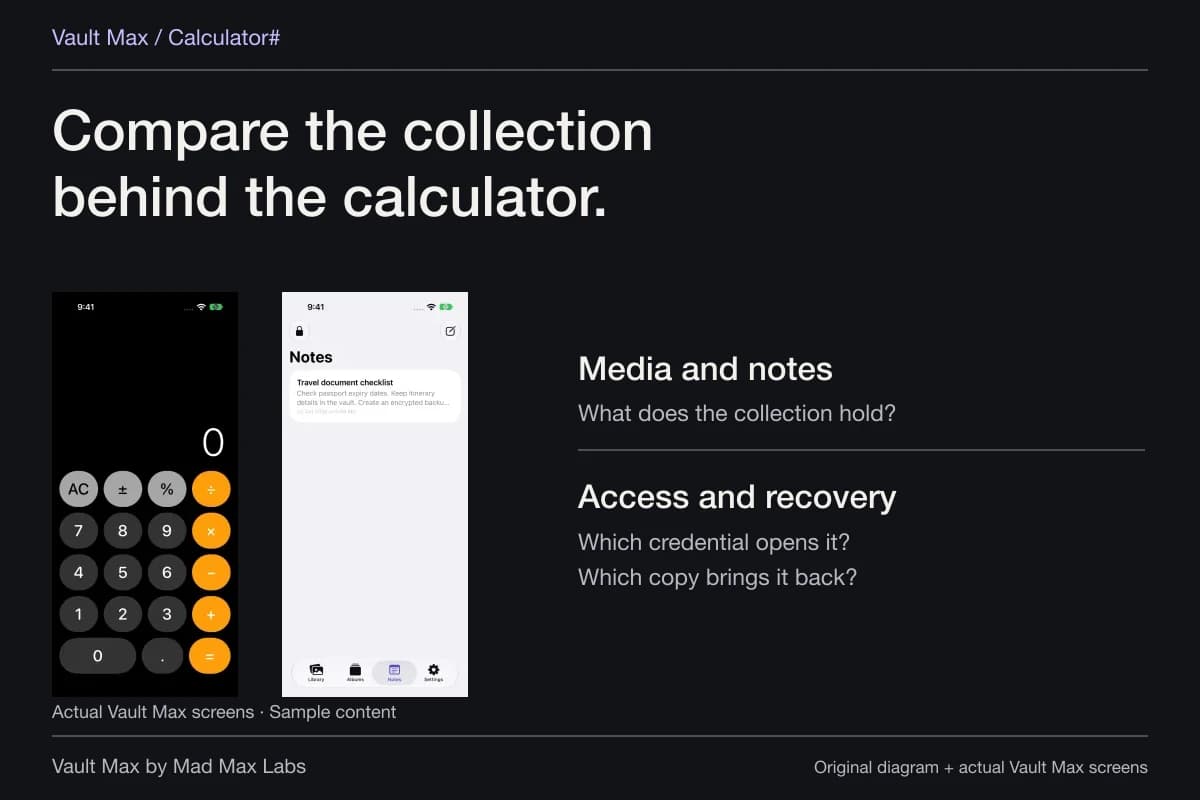
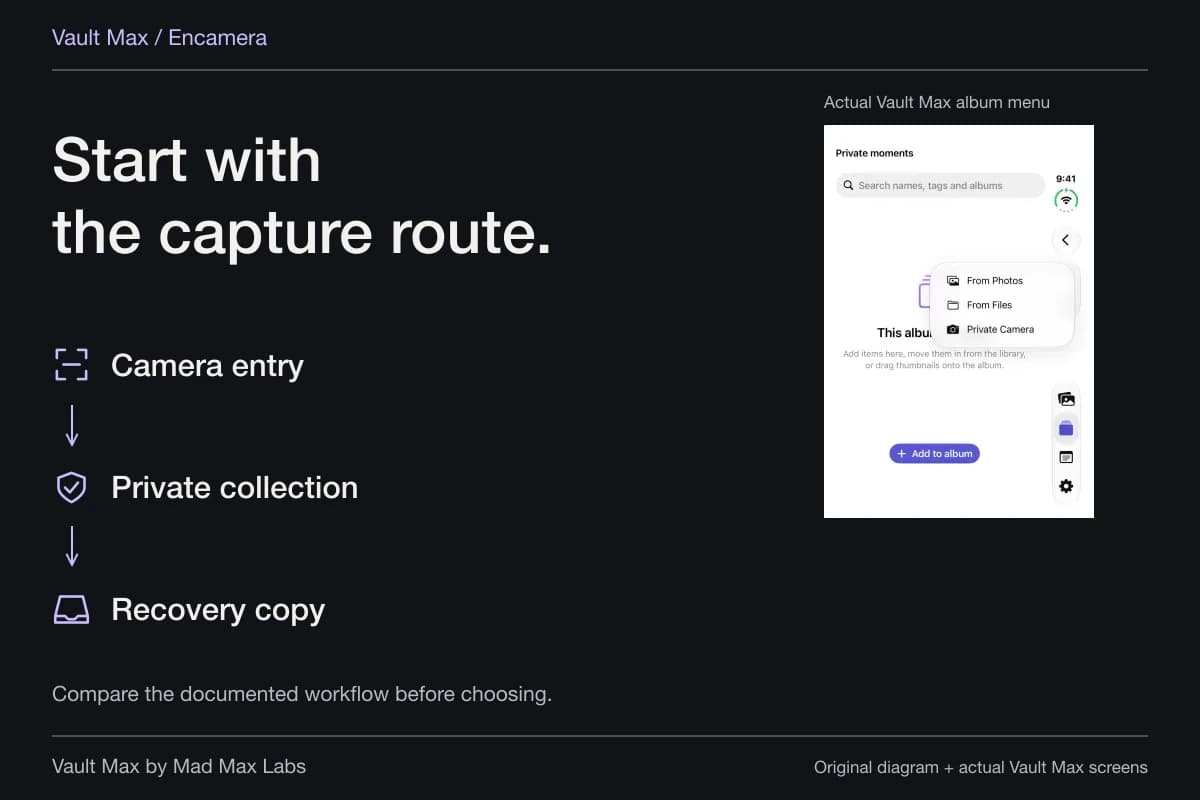
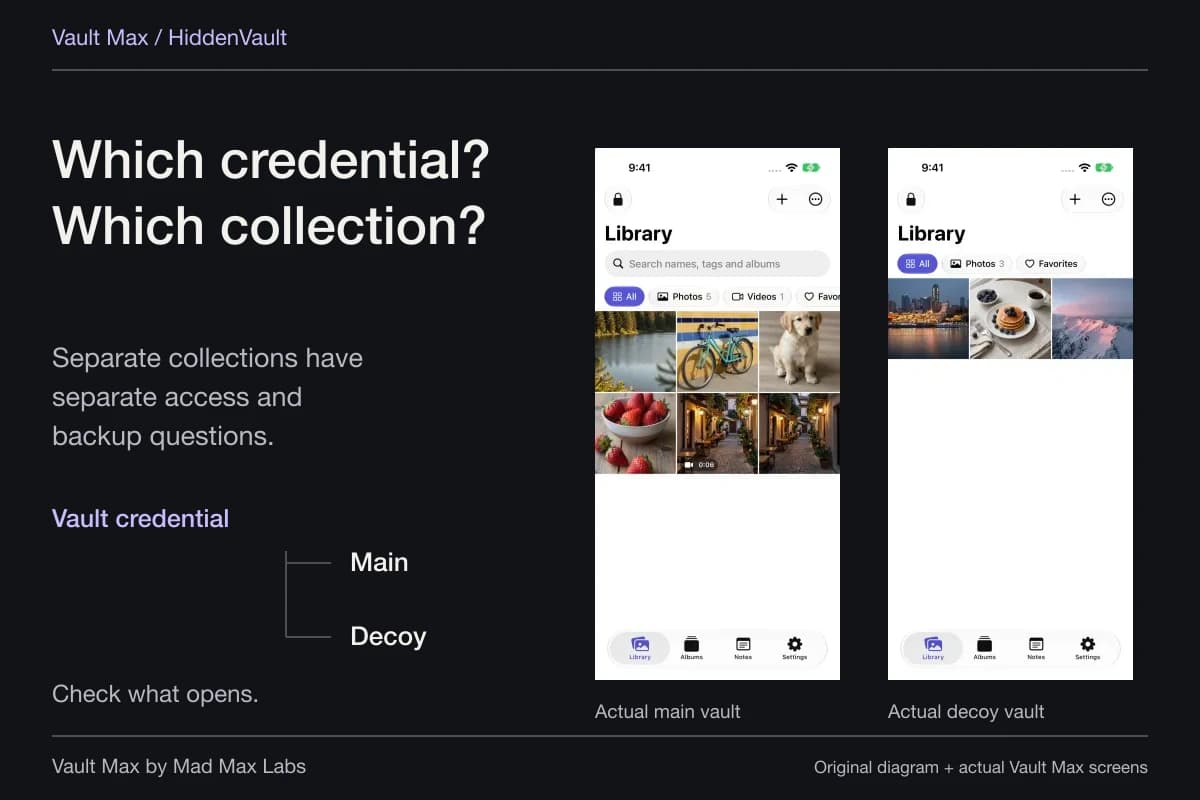
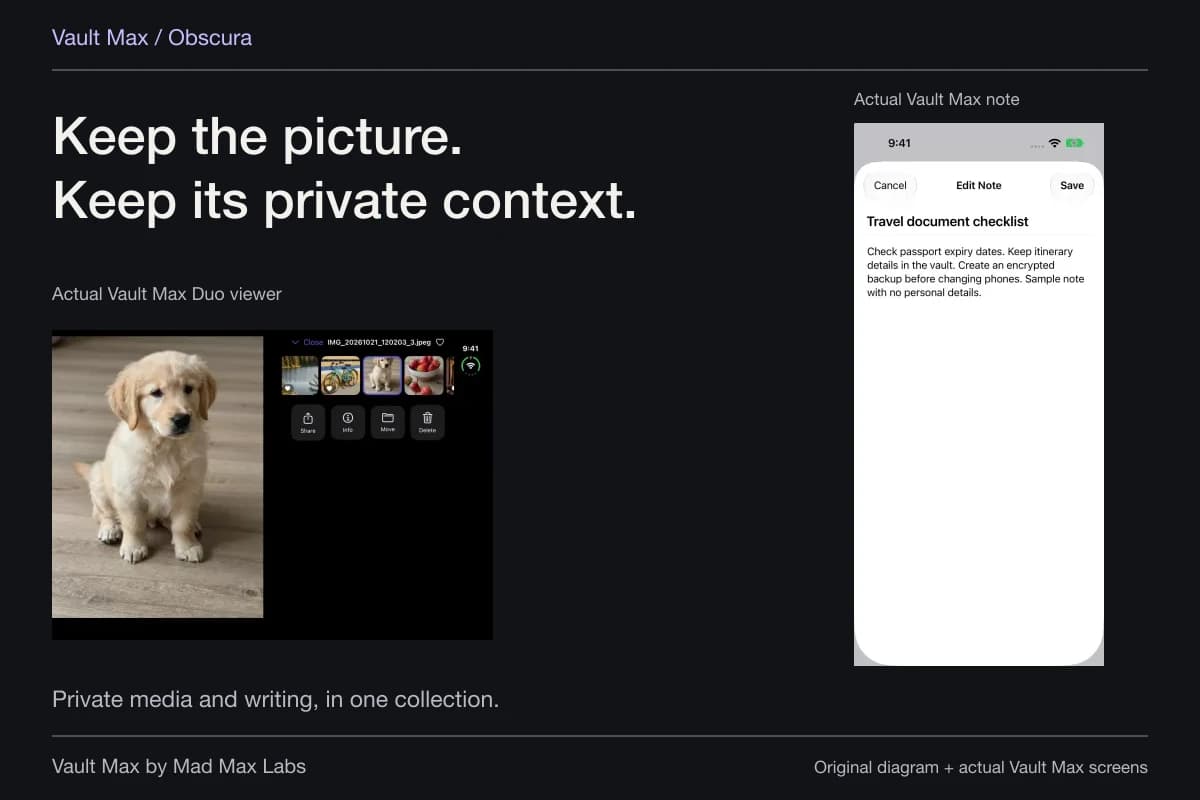
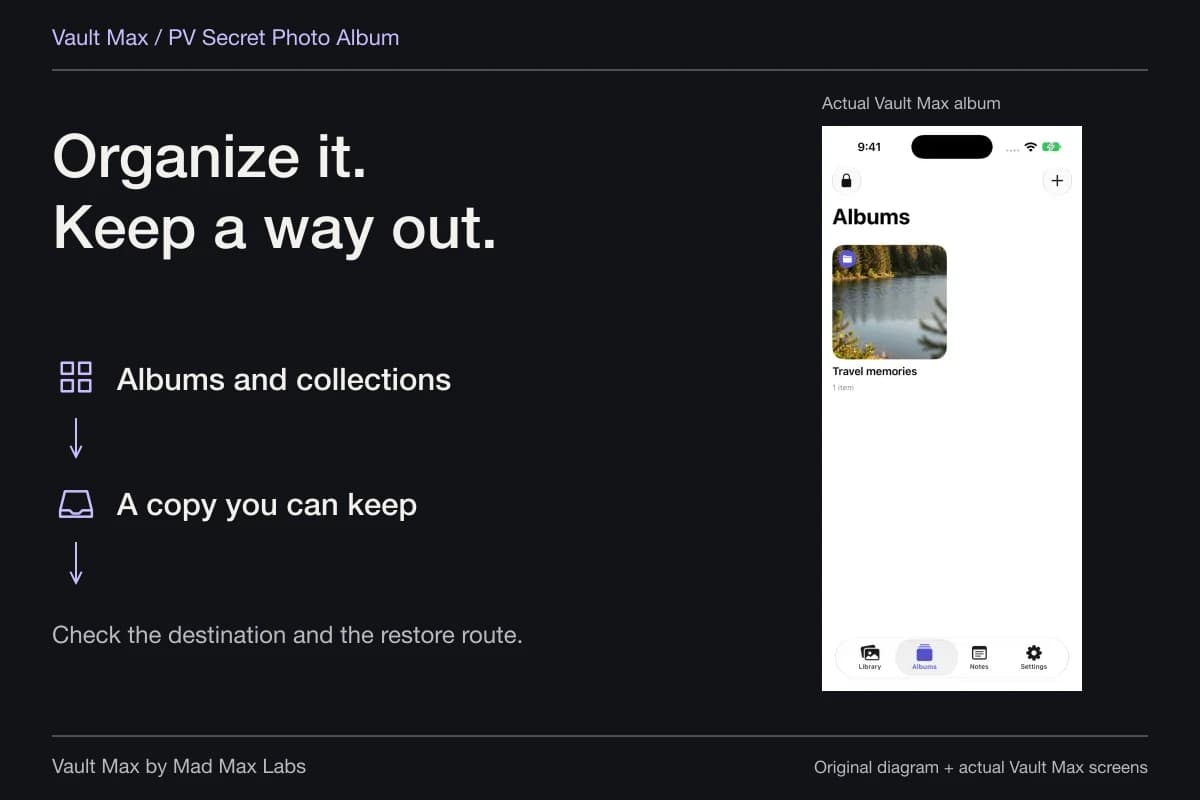
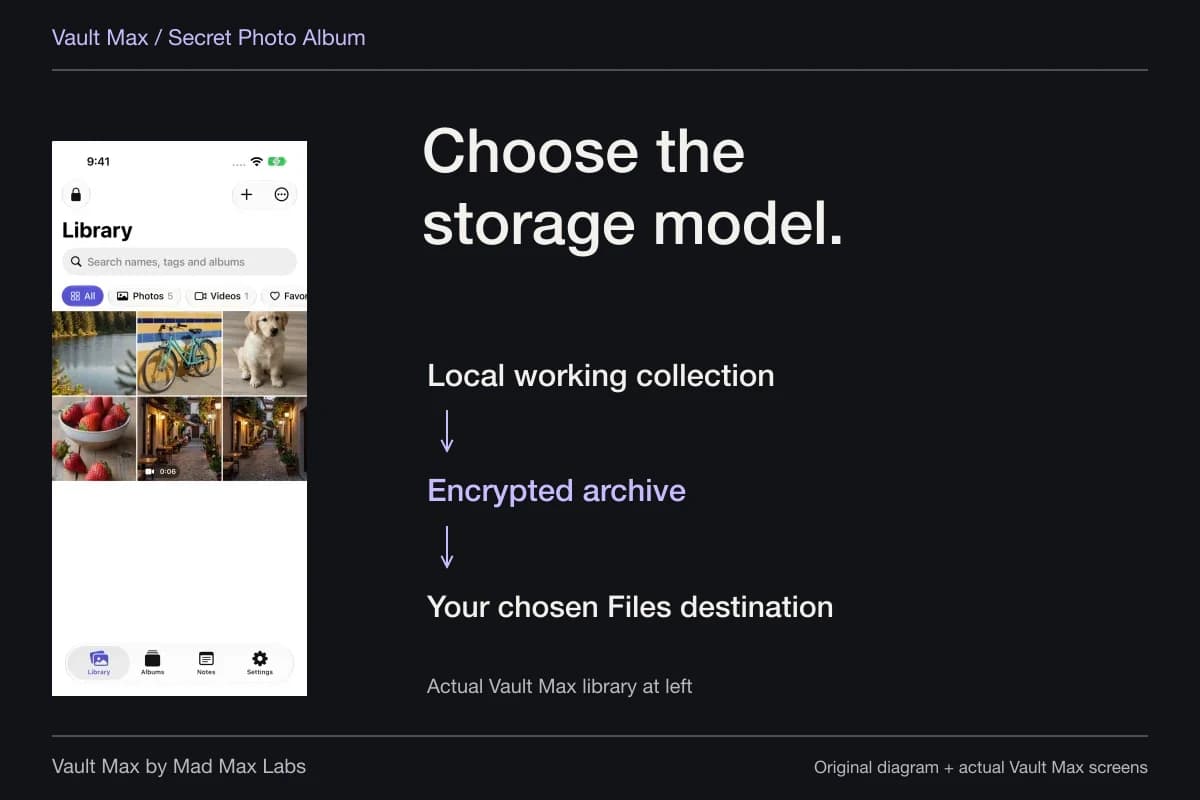
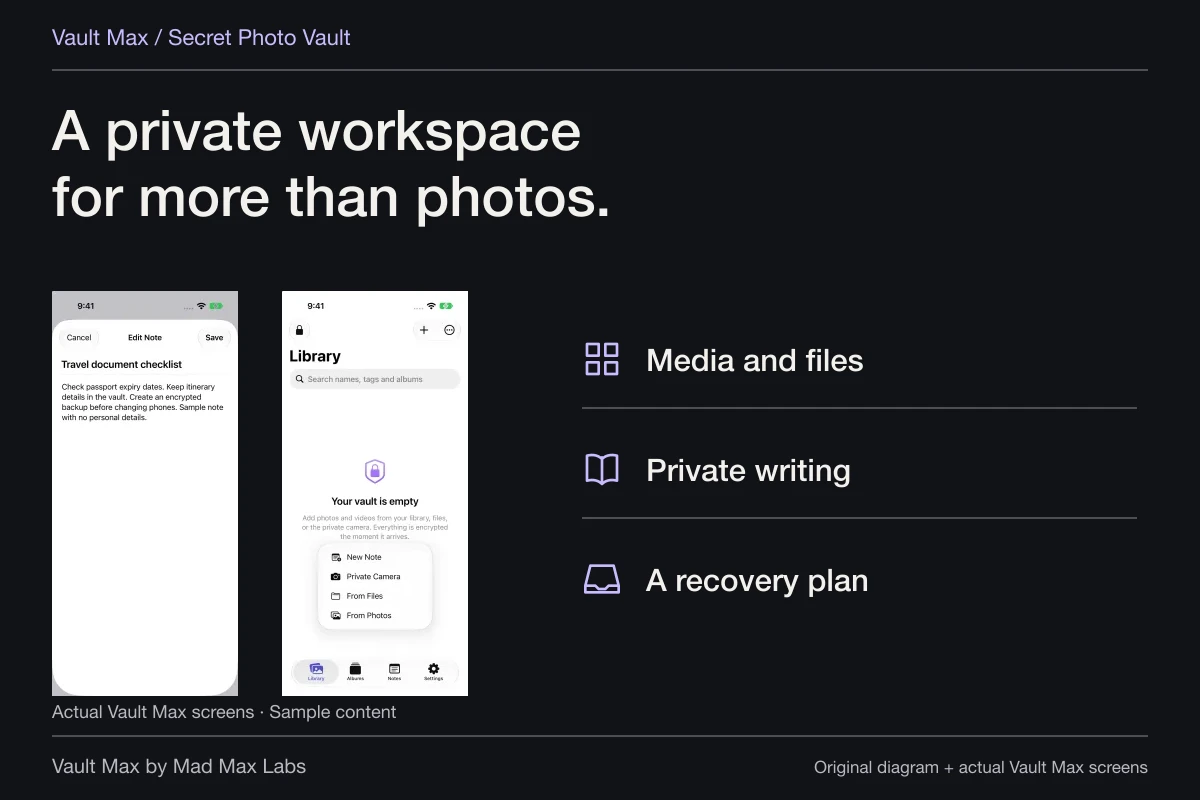
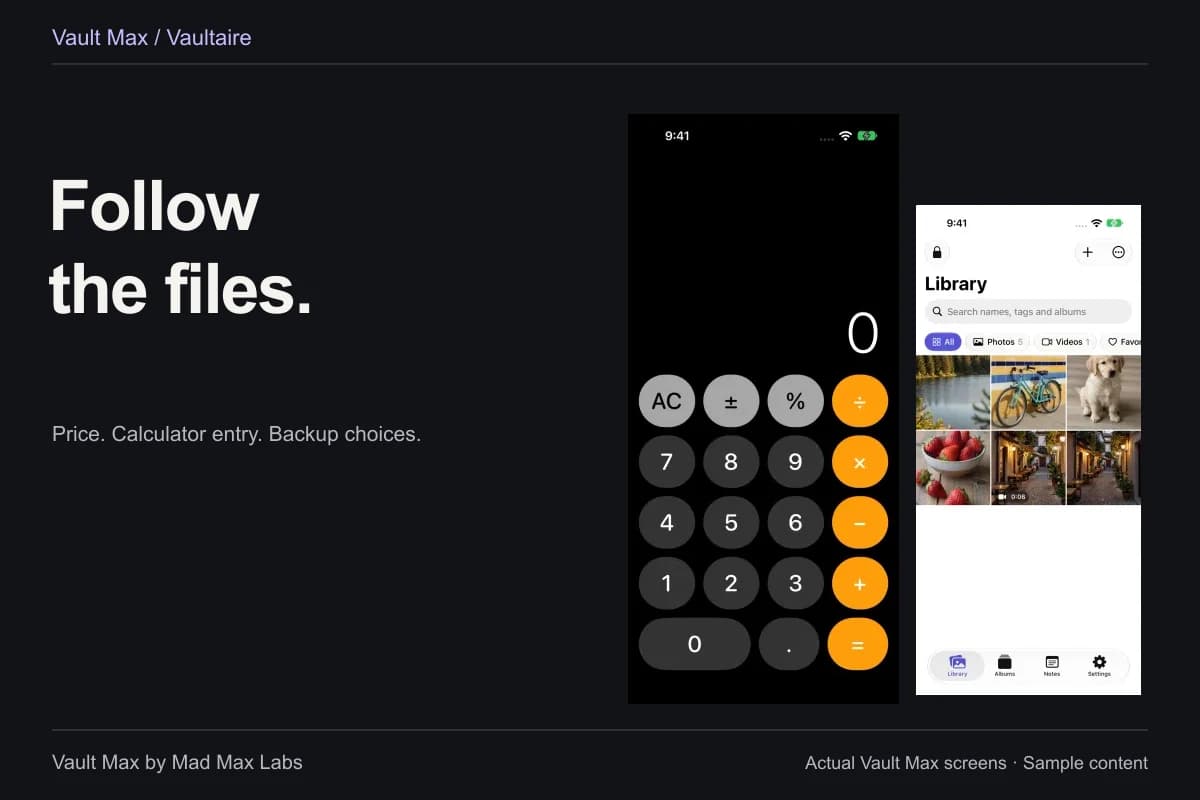
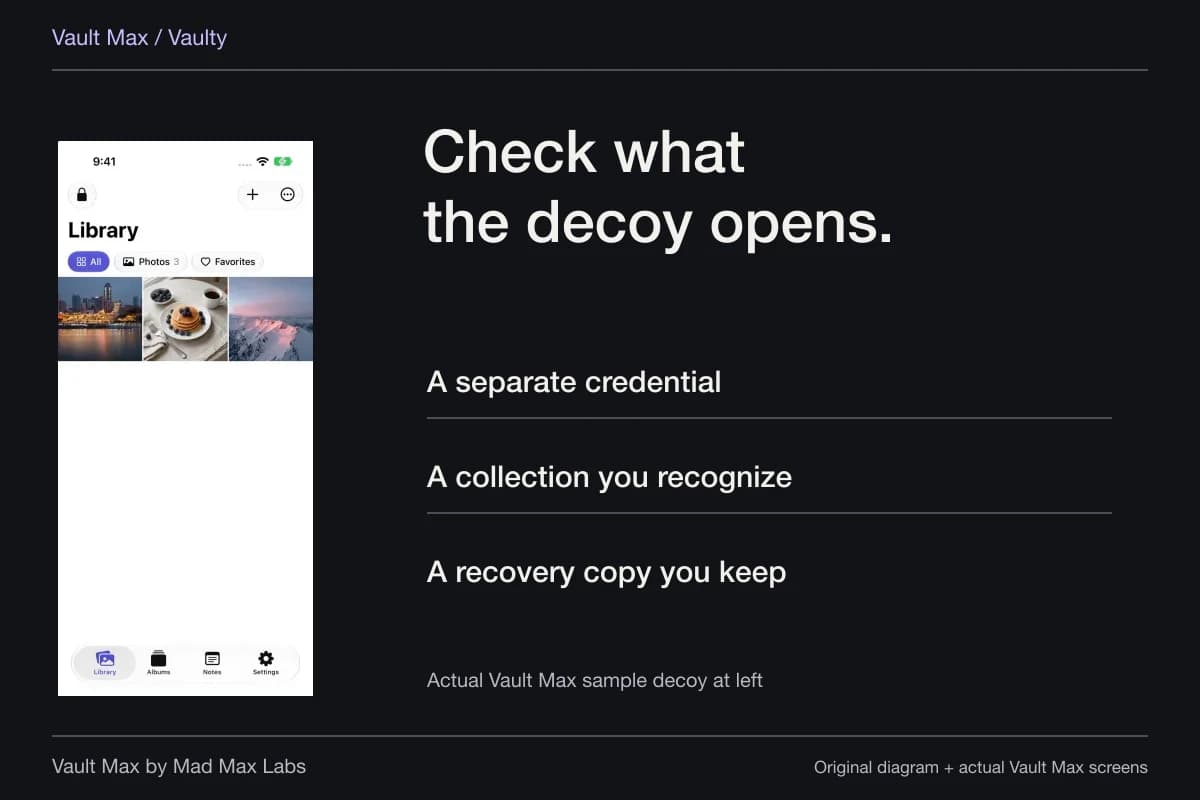
Vault Max gives selected media, files and text notes a separate encrypted working collection on iPhone and iPad. It needs no Vault Max account and does not create a Vault Max cloud photo library. Albums, recognizable filenames and Favorites make that local collection useful without sending the whole library to a desktop.
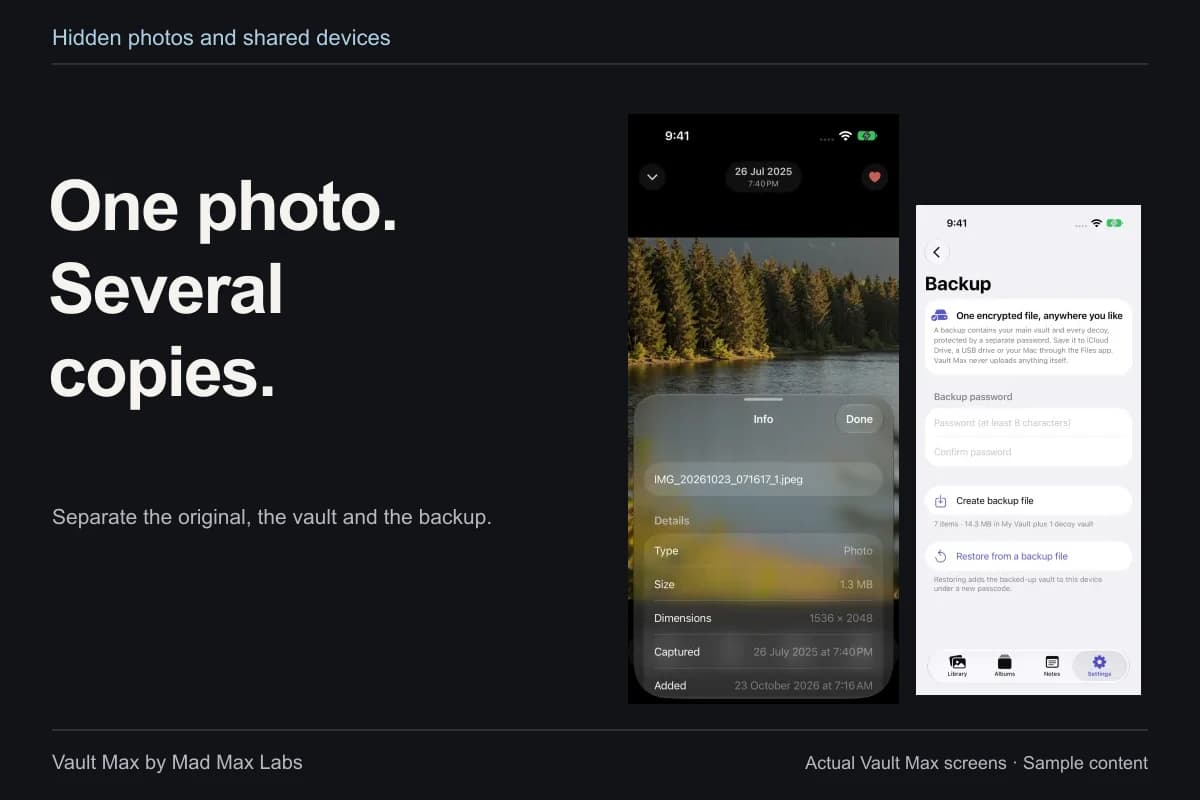
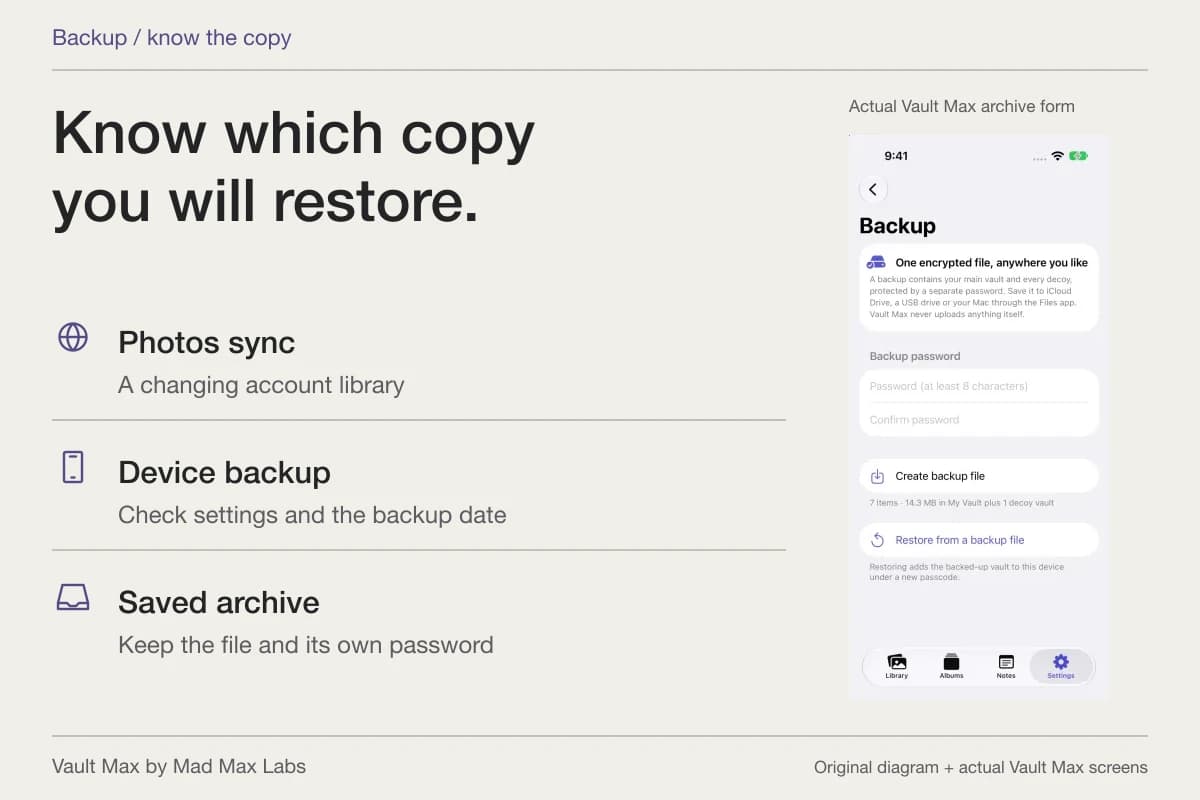
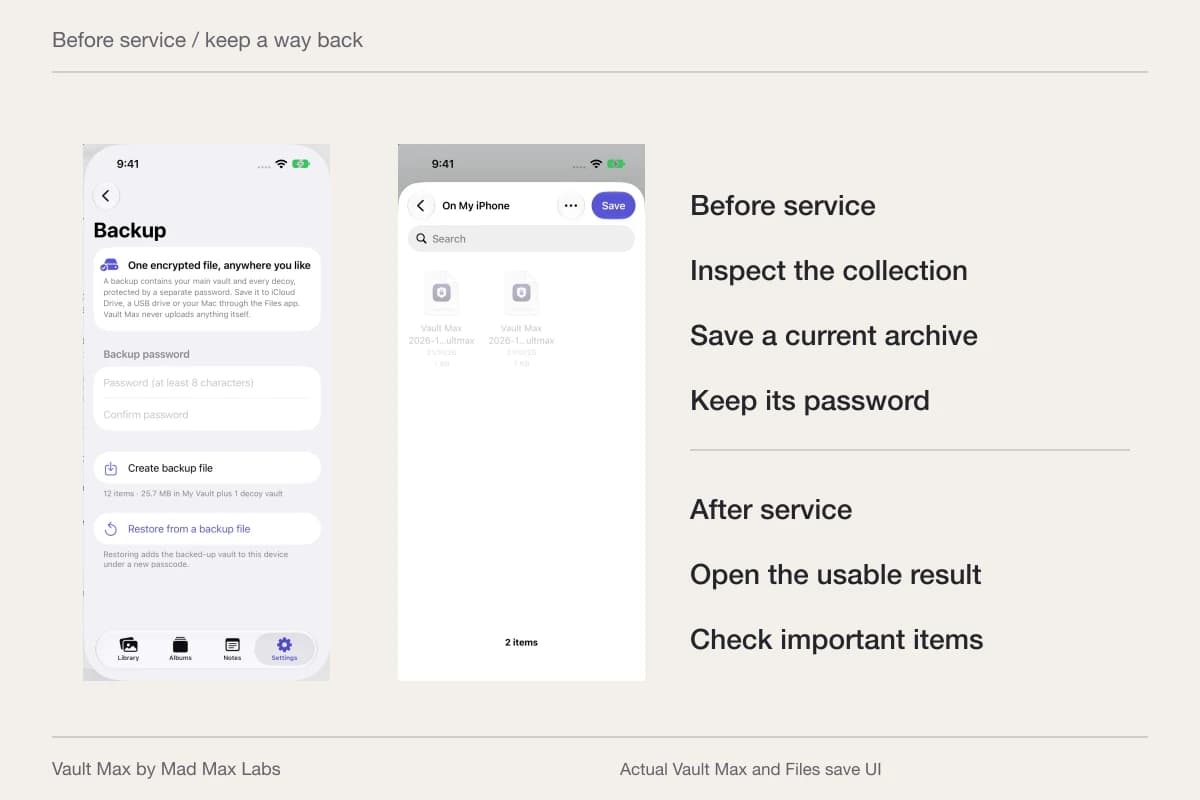
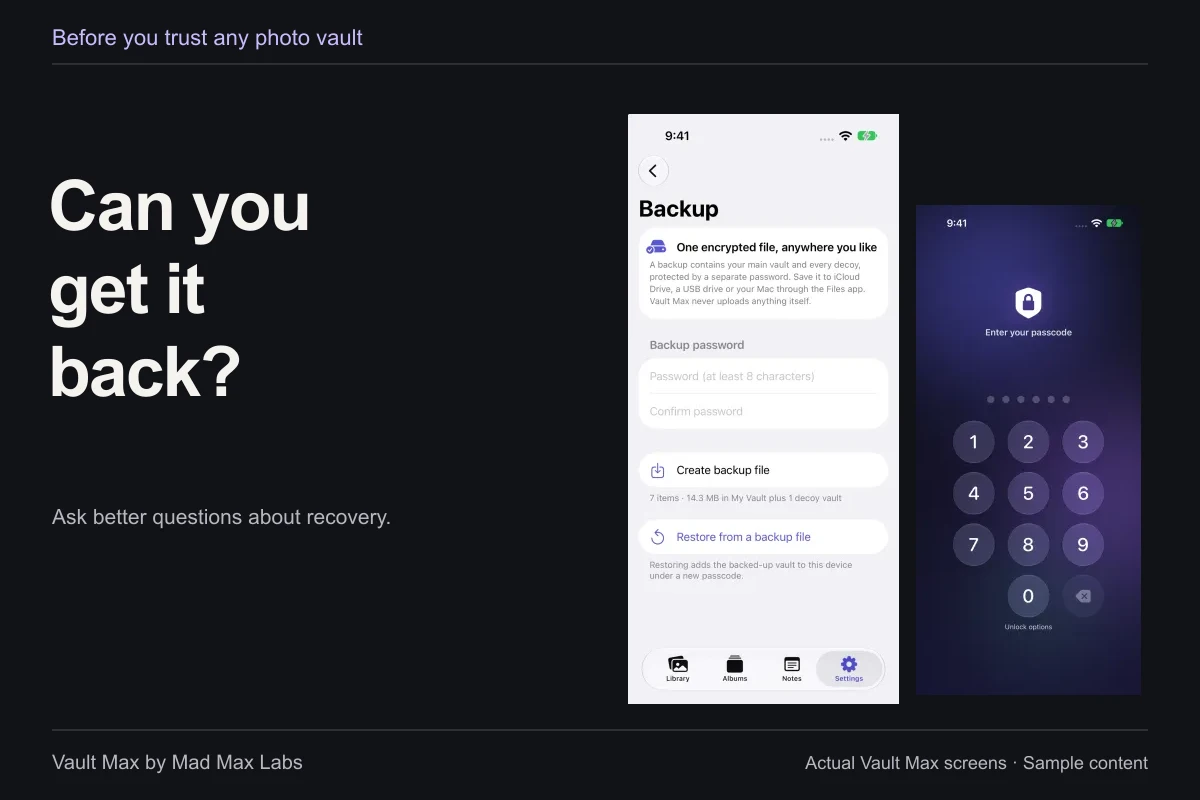
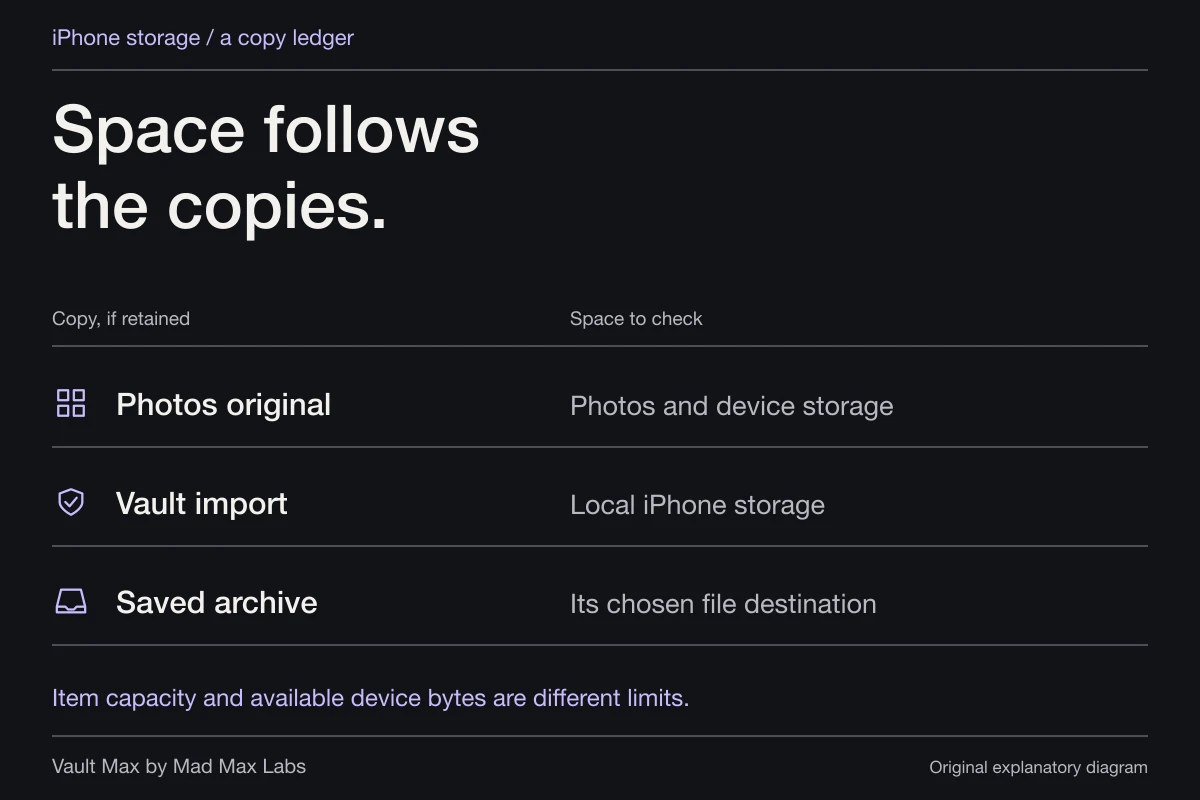
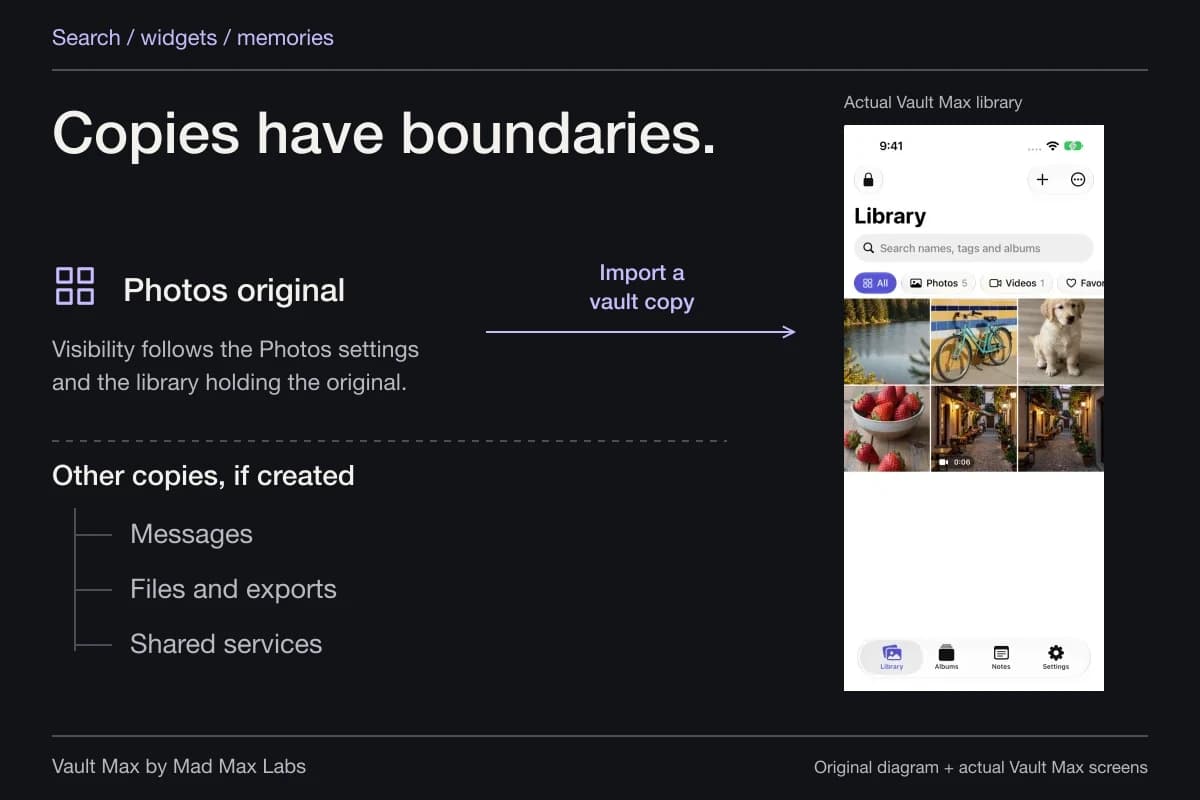
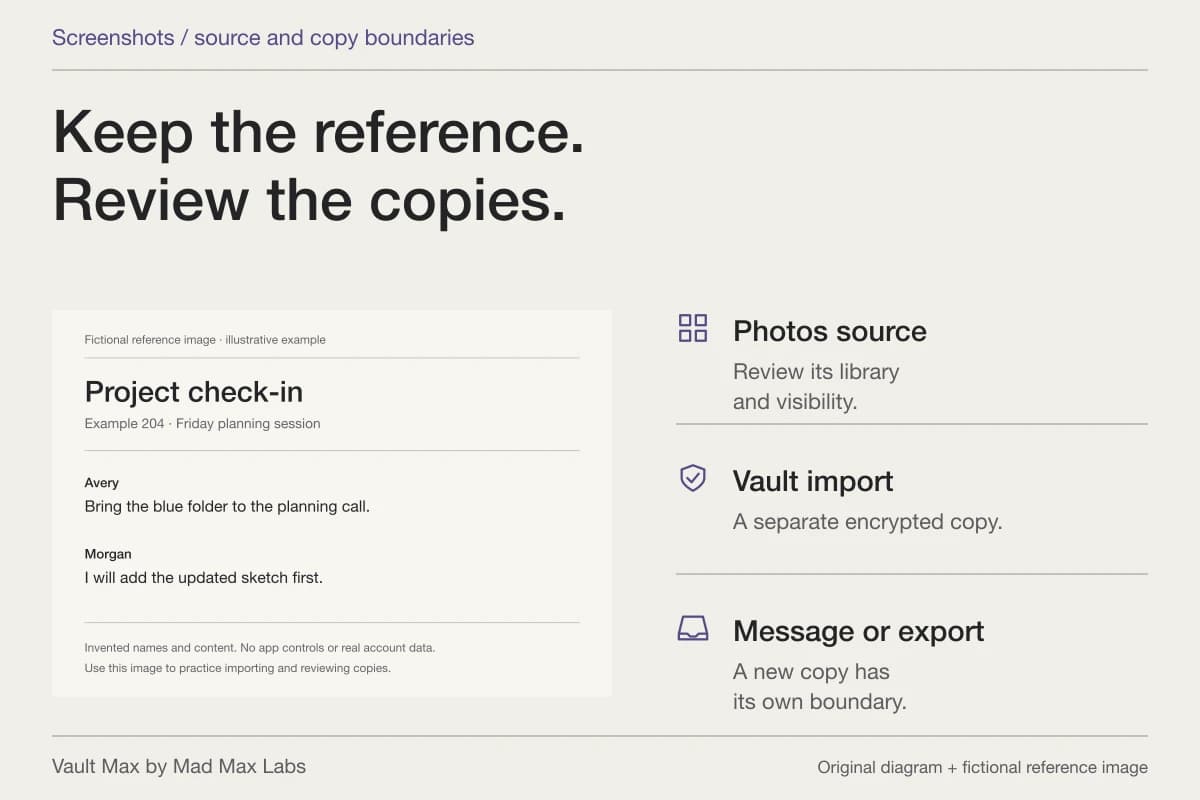
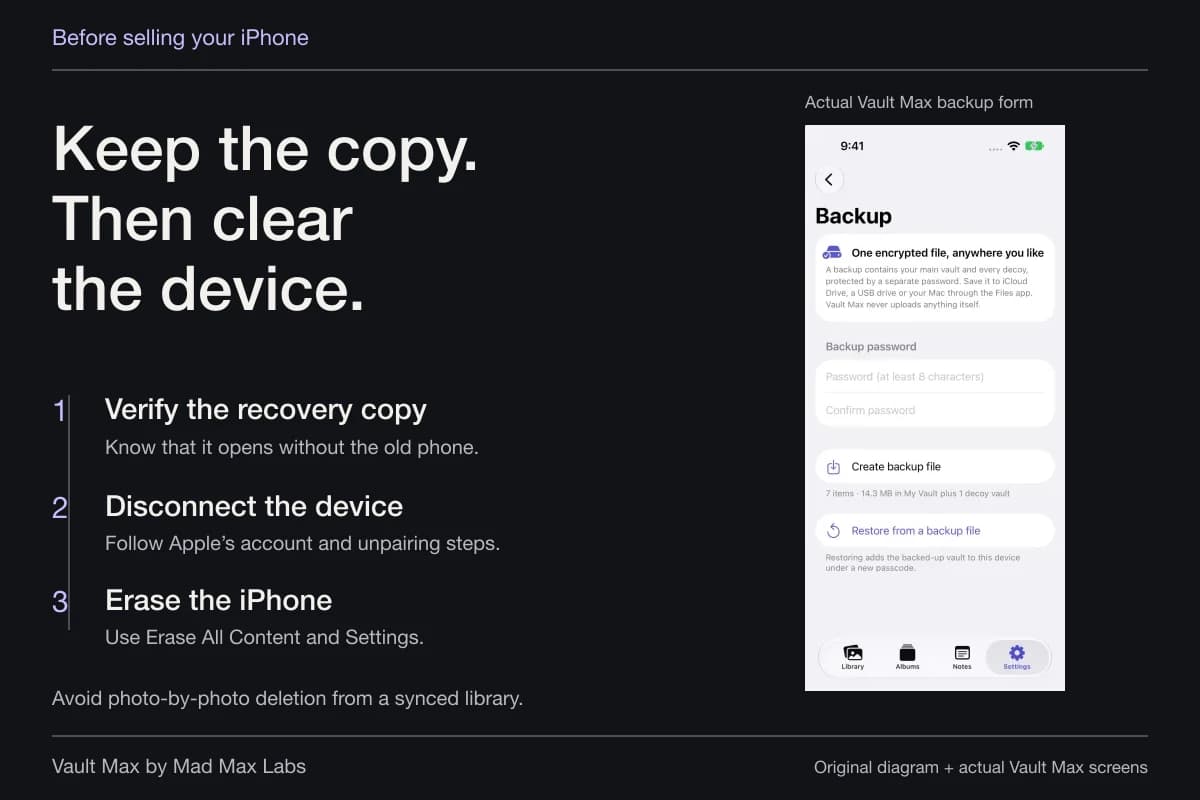
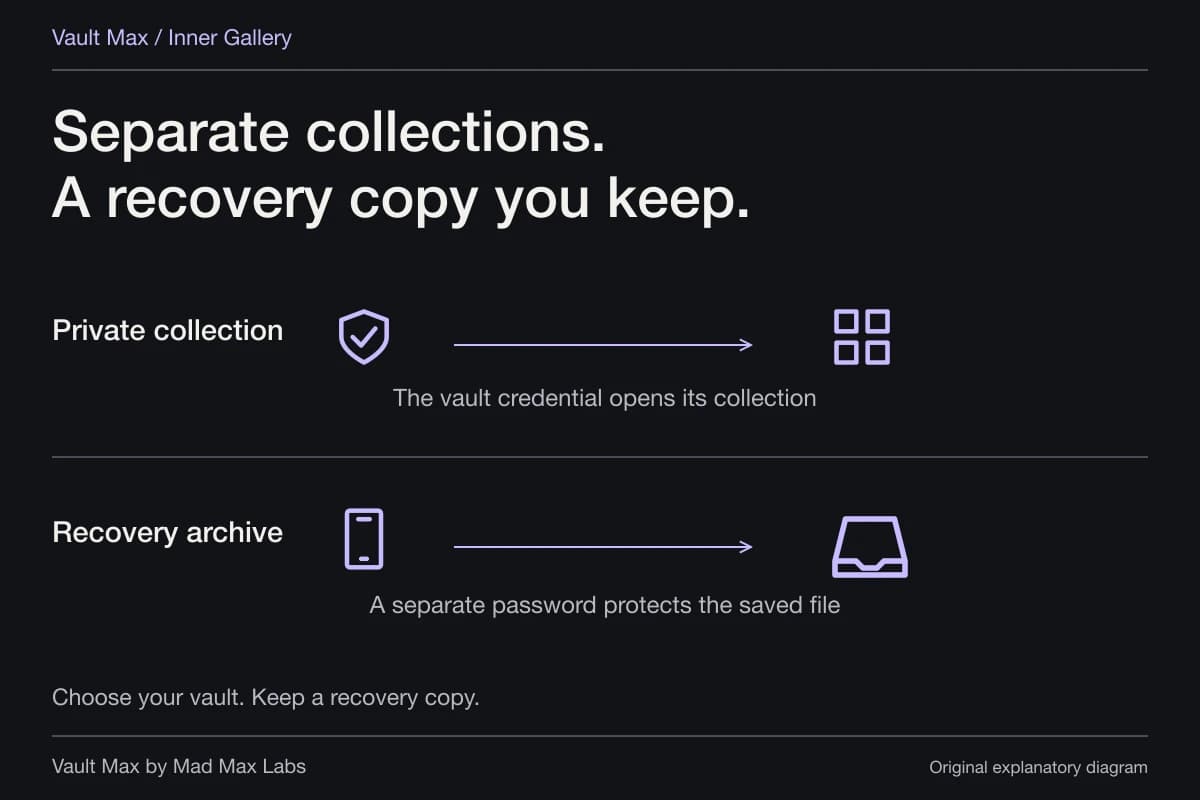
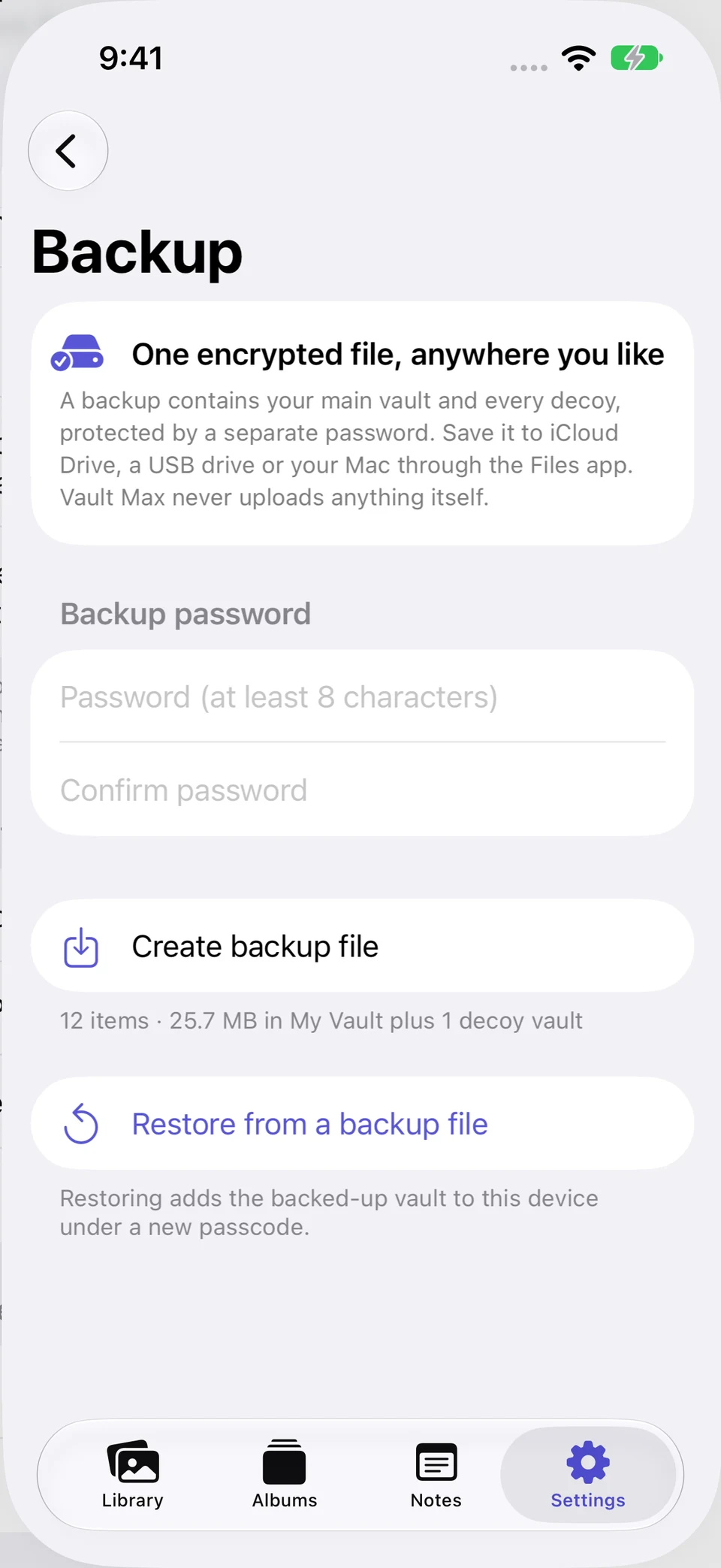
An import leaves the original's other locations to review. A normal Share export creates a usable file outside the vault, while a .vaultmax archive is a password-protected recovery snapshot. Those are intentional, different operations.
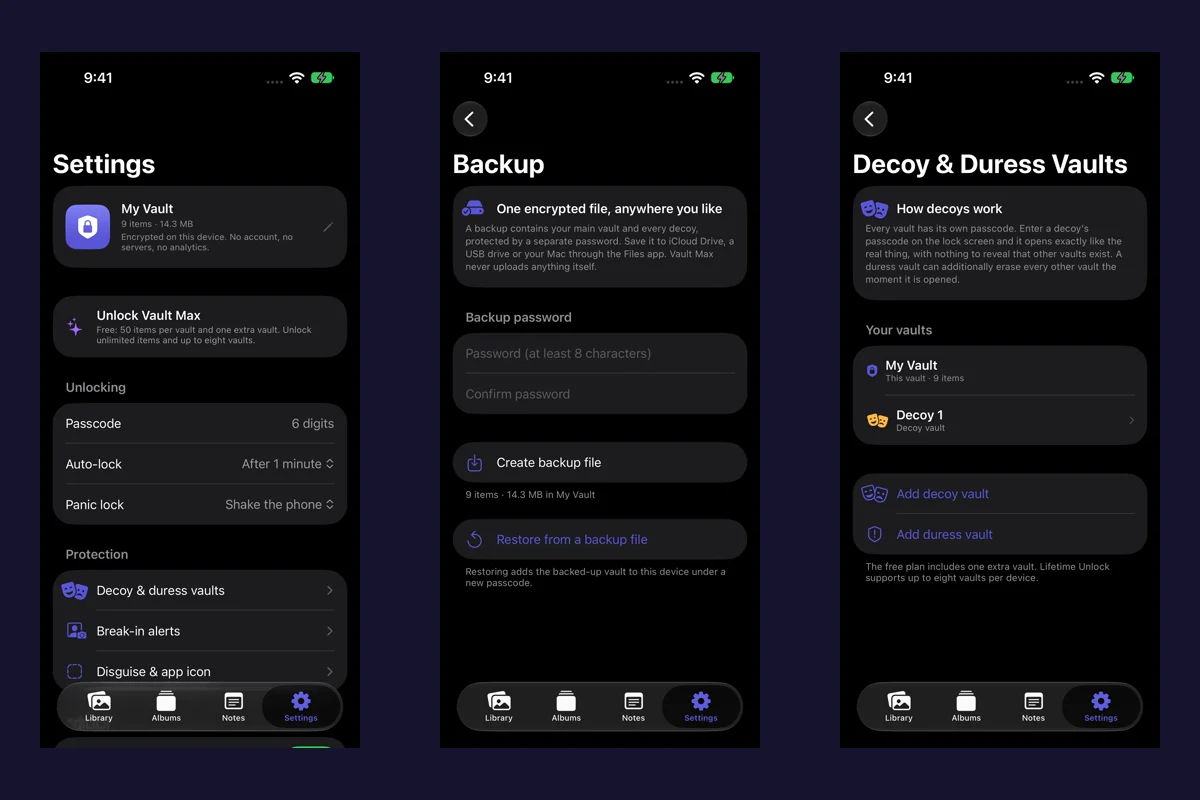
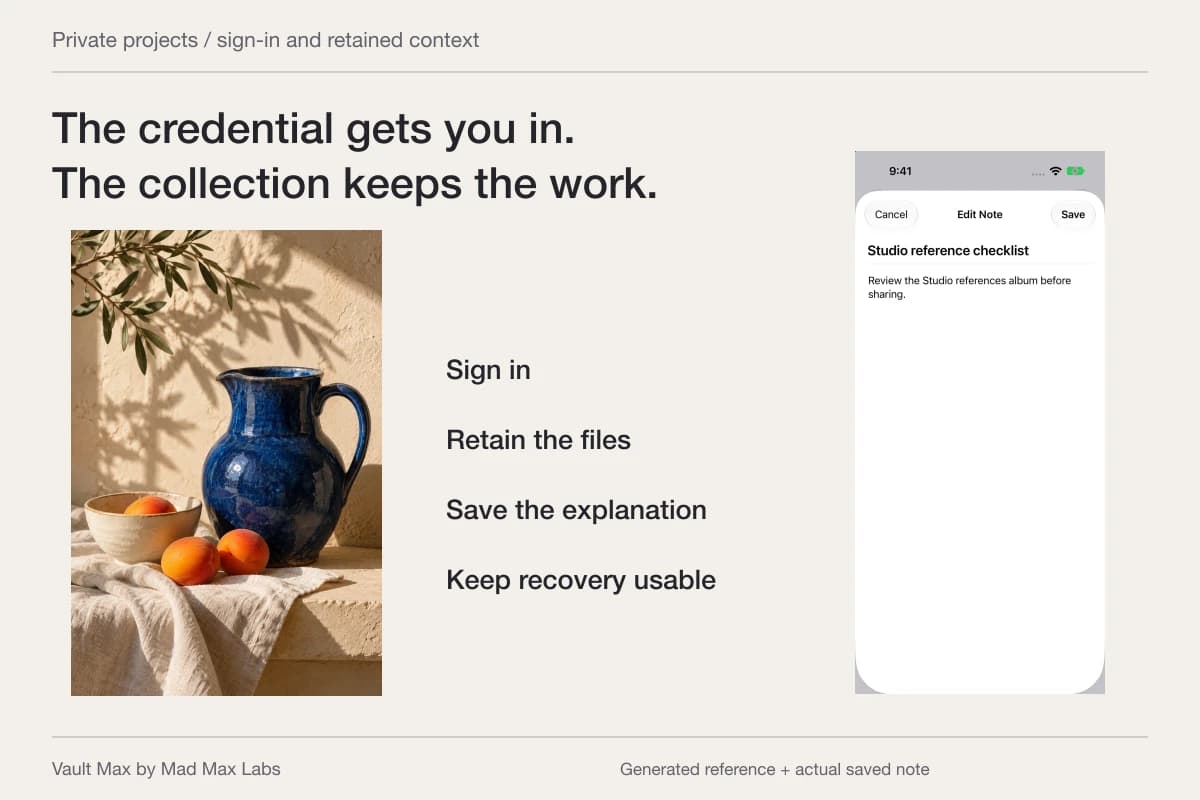
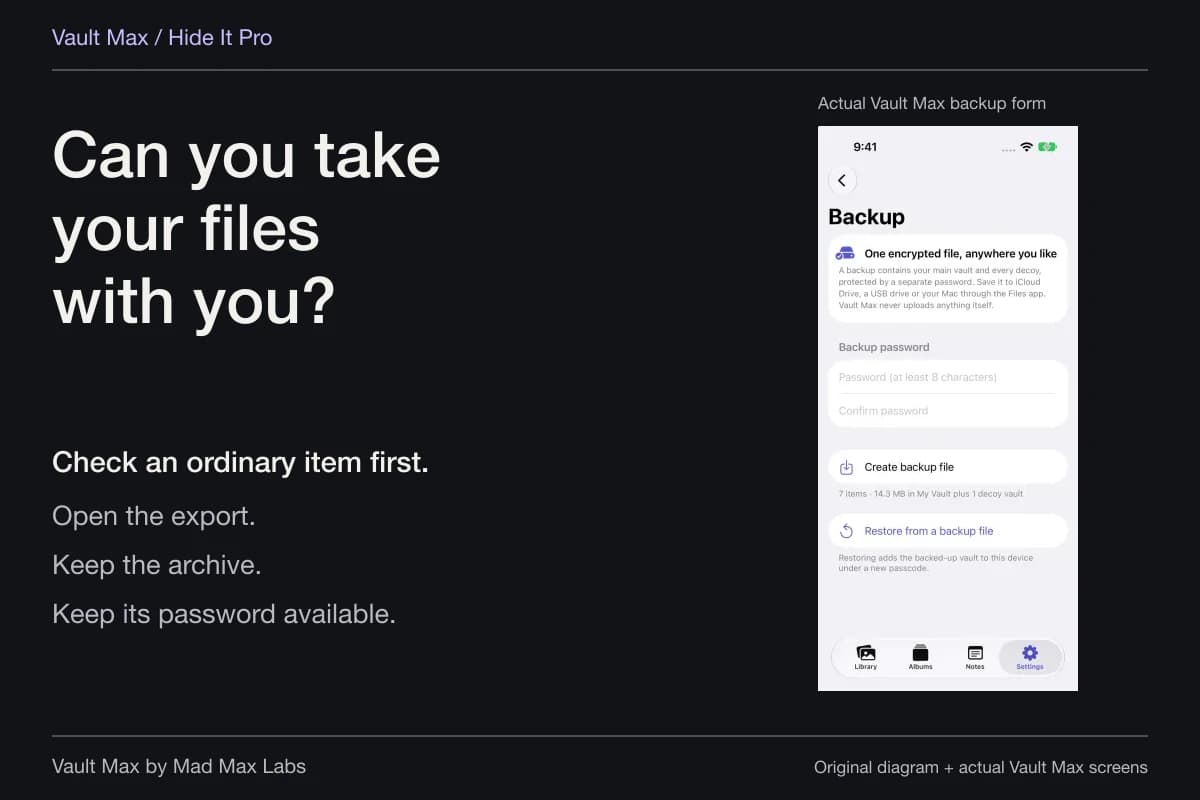
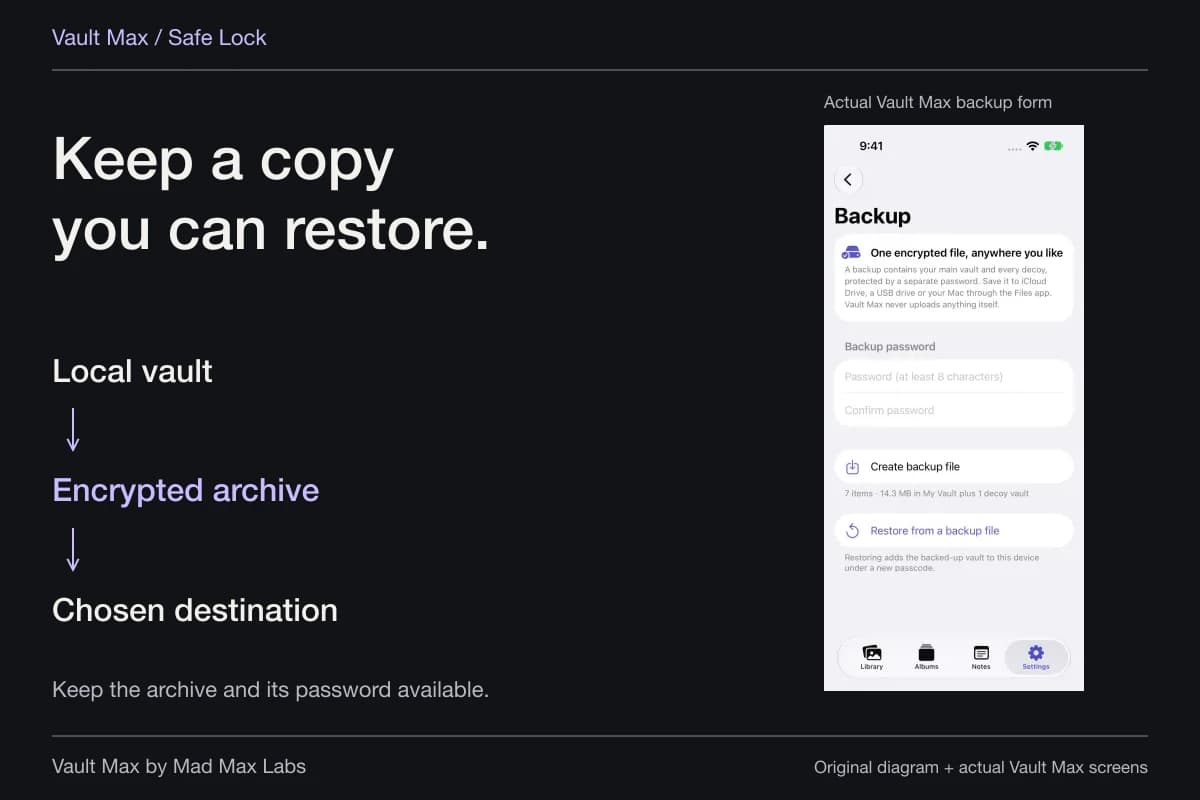
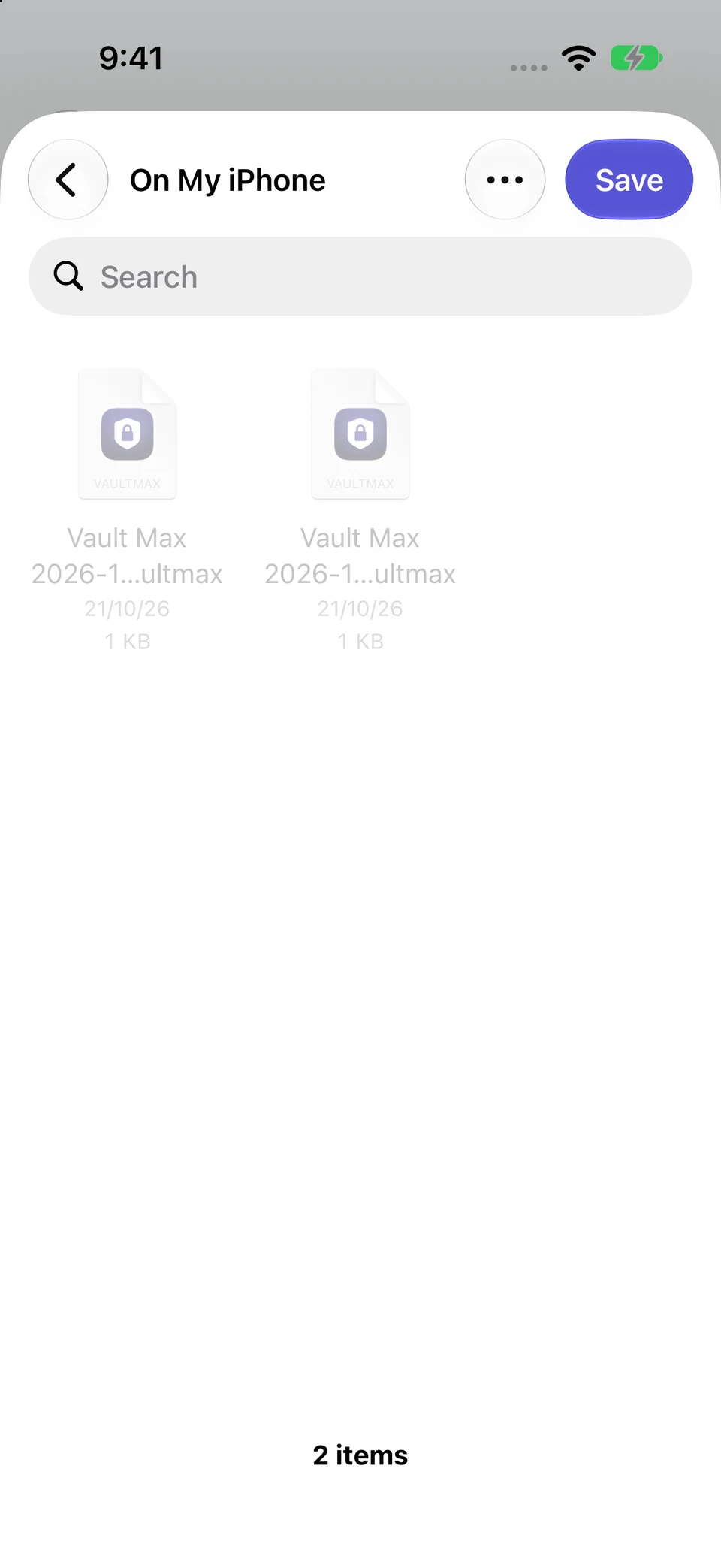
Actual QA screens show the archive form and Files save destination. A new archive file was created and verified to exist on the QA iPhone; it predates the corrected Studio note. No PC transfer or restore was performed. Choose an independently reachable destination for your own device-loss recovery plan.
Actual Vault Max and iPhone Files · QA captureCreate a separately protected file
Open original image: Create a separately protected fileChoose the file destination
Open original image: Choose the file destinationYou can retain an archive on a PC, but copying it there does not turn Windows into a Vault Max viewer. Keep the separate archive password reachable without the phone and use the supported mobile restore workflow when needed. Vault Max's normal device-backup inclusion is another arrangement; the backup inventory explains why the copies should be named separately.
- Confirm the account and whether the item is in iCloud or only on the phone.
- Open the intended downloaded or imported file.
- Distinguish a synced folder, an ordinary retained file and an encrypted archive.
- Sign out of the browser and decide which local downloads should remain.
Tap a box as you go. Checks reset when you leave this page.
Common questions
Can I see my iPhone Hidden album on a Windows PC?
For items stored in iCloud Photos, Apple documents opening Photos at iCloud.com, selecting Hidden in the sidebar and choosing Show Hidden Photos. You need the correct Apple Account and permitted web access. A photo kept only on the iPhone is a different case.
Why does a hidden photo fail to appear in a USB import?
Apple's iOS18.4 release notes state that hidden photos are excluded from Mac or PC import when Use Face ID is enabled in Photos settings. Unlocking the phone is not a promise that every hidden item will be offered. You also need originals present locally for the USB route.
Is an iCloud Photos folder on Windows an independent backup?
Do not assume so. Apple's current guidance warns that deletions can propagate through iCloud for Windows. To retain an independent file, download it and copy it to a separate destination, then include that destination in your recovery plan.
Continue reading
More guides
Practical tips for your private library. Swipe or scroll to choose your next guide.








74 guides to explore