
Privacy in practice
Safari Private Browsing and private photos: finish the job after the tab closes
Use Safari Private Browsing on iPhone, then check the photos and files you save. Follow downloads, screenshots, private notes and a separate vault session.
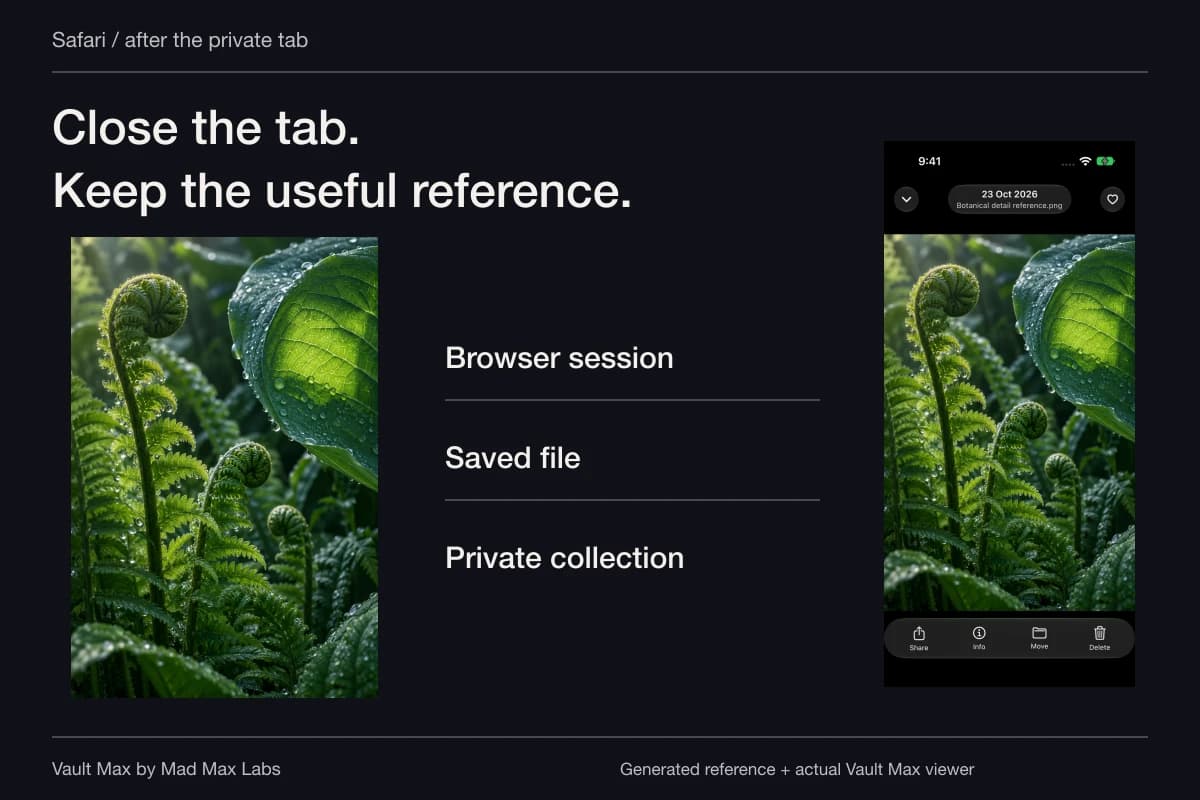
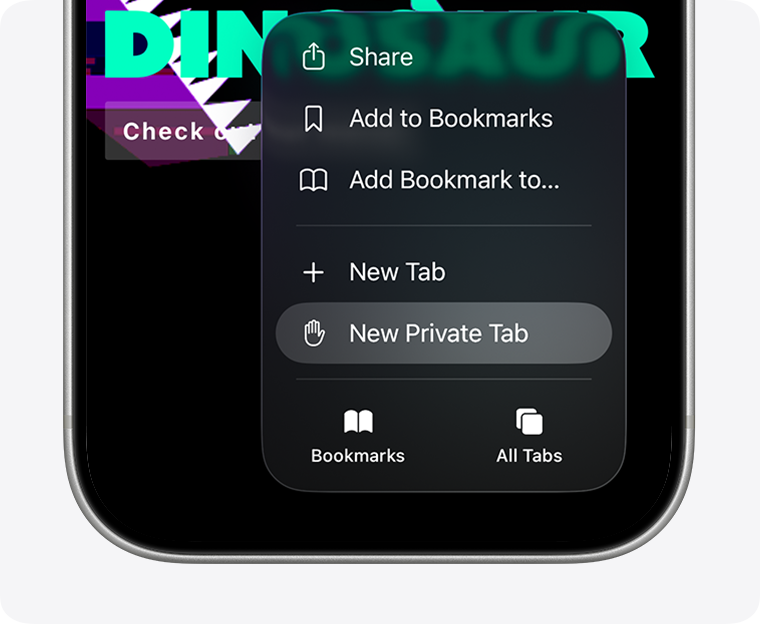
Safari Private Browsing helps with the browser session. A photo, screenshot or document you save needs its own home afterward. On current iPhone systems, Apple's instructions use Safari's More button → New Private Tab. When the task is finished, inspect any saved results in Photos, Files or the app where you deliberately retained them.
That final step is easy to miss. You can research a private project in a browser, close the tab and still have useful reference material scattered across several apps. Vault Max gives the material you choose to keep an encrypted local collection, with written context and a separate access routine.
Open the private session deliberately
Apple's current Private Browsing instructions explain the entry controls and the darker address bar. On older iOS versions, the route runs through the Tabs screen and Private tab group. Find the actual Private state before beginning, rather than relying on the appearance of a page you happen to have open.
Private Browsing changes Safari's handling of browsing history and related session information. It also adds particular tracking protections. Those are useful browser functions. Read them as a description of browser behavior, rather than as a storage policy for every file you later choose to keep.
If you are comparing instructions with your phone, check the system version and Safari layout. A missing older tab-group gesture does not mean the feature has disappeared. Use the current help and visible control names instead of making unrelated privacy changes until an old screenshot matches.
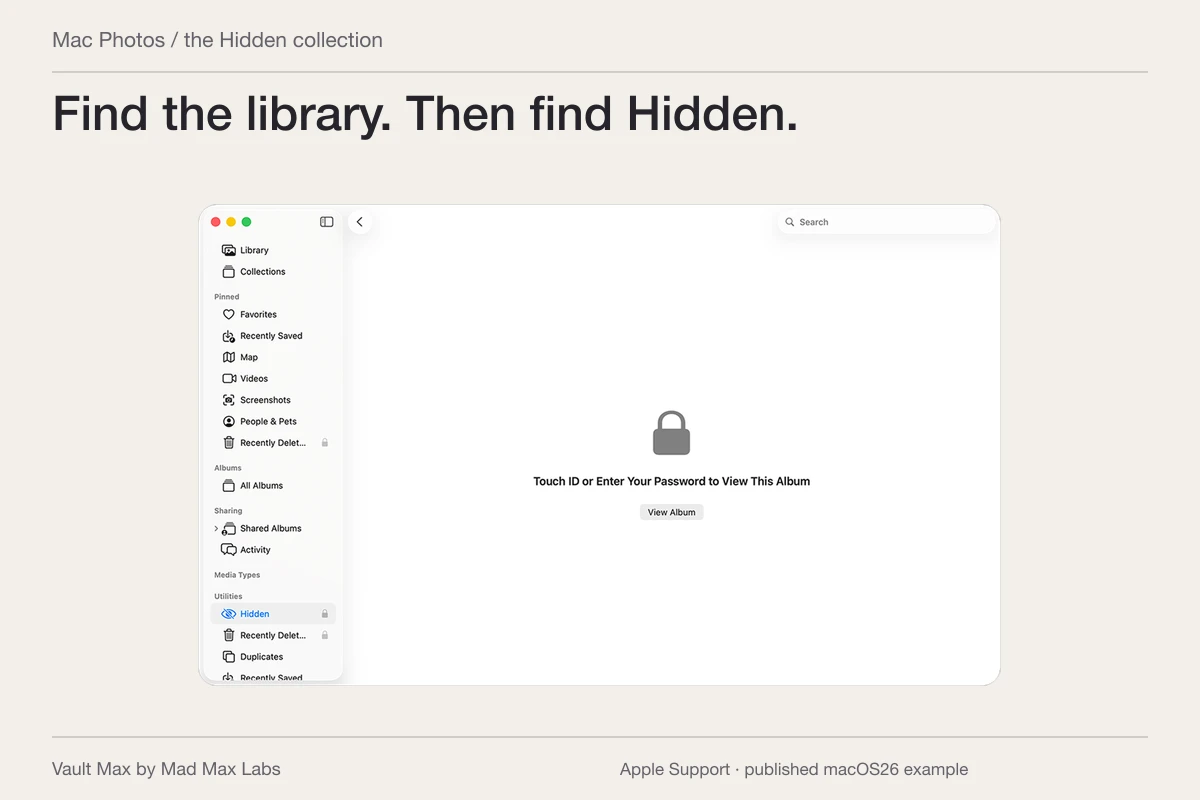
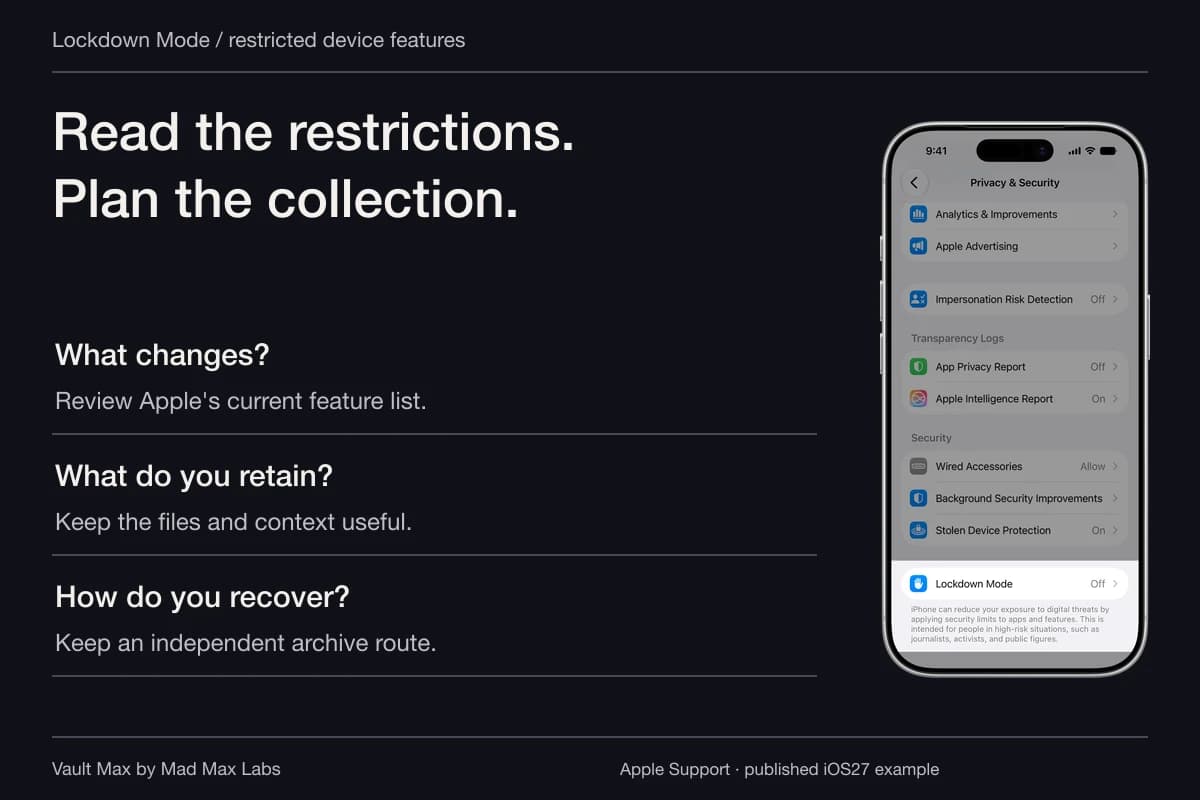
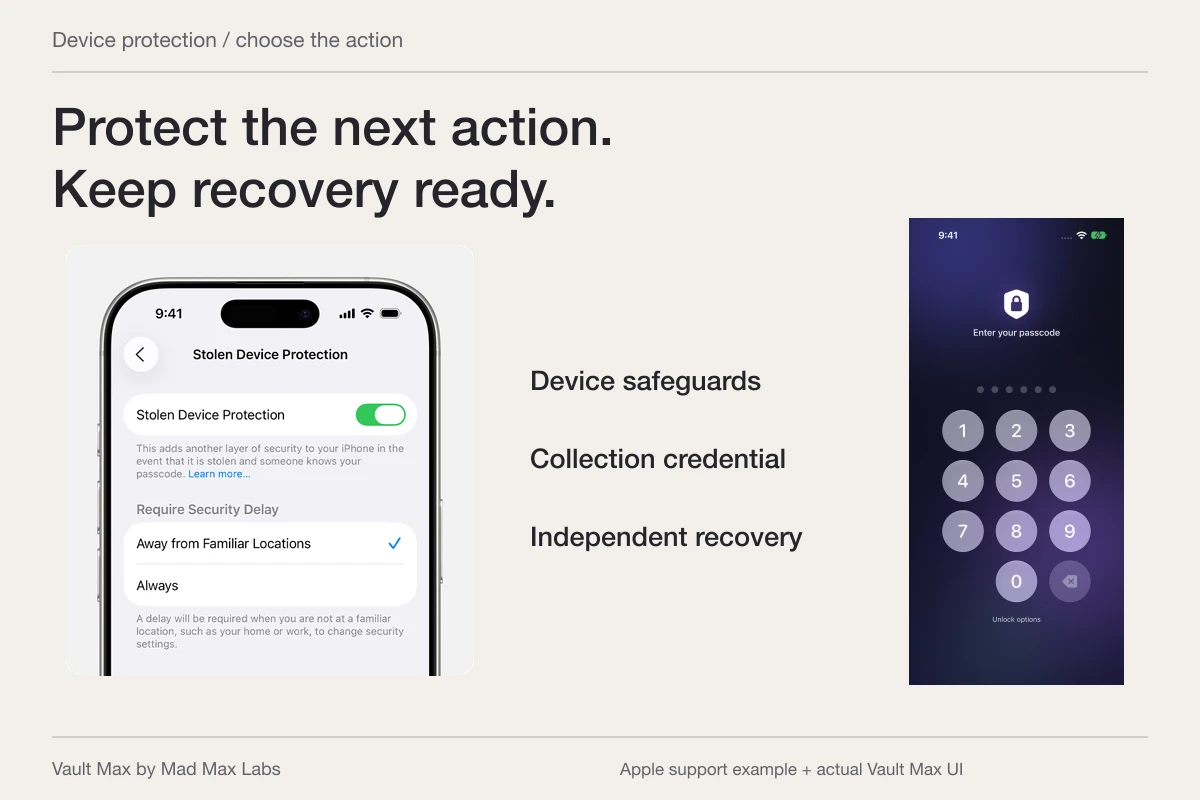
Apple’s iOS26 support artwork highlights New Private Tab in Safari’s More menu. Follow the controls for your installed system, then inspect any files you deliberately save outside the session.
Apple Support · published exampleFollow the useful result out of the browser
Imagine researching a home studio. You find a reference photograph, a supplier PDF and a short explanation you want to remember. You may save the picture, download the PDF and copy a sentence into a note. Each saved result now has a destination outside the tab.
Open that destination and inspect what arrived. A download indicator is not the same as an opened, readable document. A Photos thumbnail may not show the small detail that made the reference useful. A copied sentence is not a saved note until the intended editor has retained it.
Use the file's name and destination to keep track of the process. If two versions have nearly identical previews, reopen the full item before deciding which to retain. This small check makes later cleanup less of a guessing exercise.
| Action in or around the browser | Where to look afterward | What to verify |
|---|---|---|
| Save an image | The chosen photo or file destination | The full saved image is the reference you intended |
| Download a document | The configured download location in Files | The filename, version and readable contents |
| Take a screenshot | The screenshot destination and any subsequent copies | The full frame, including visible surrounding information |
| Copy a passage | The actual pasted editor or document | The intended text was saved in the right record |
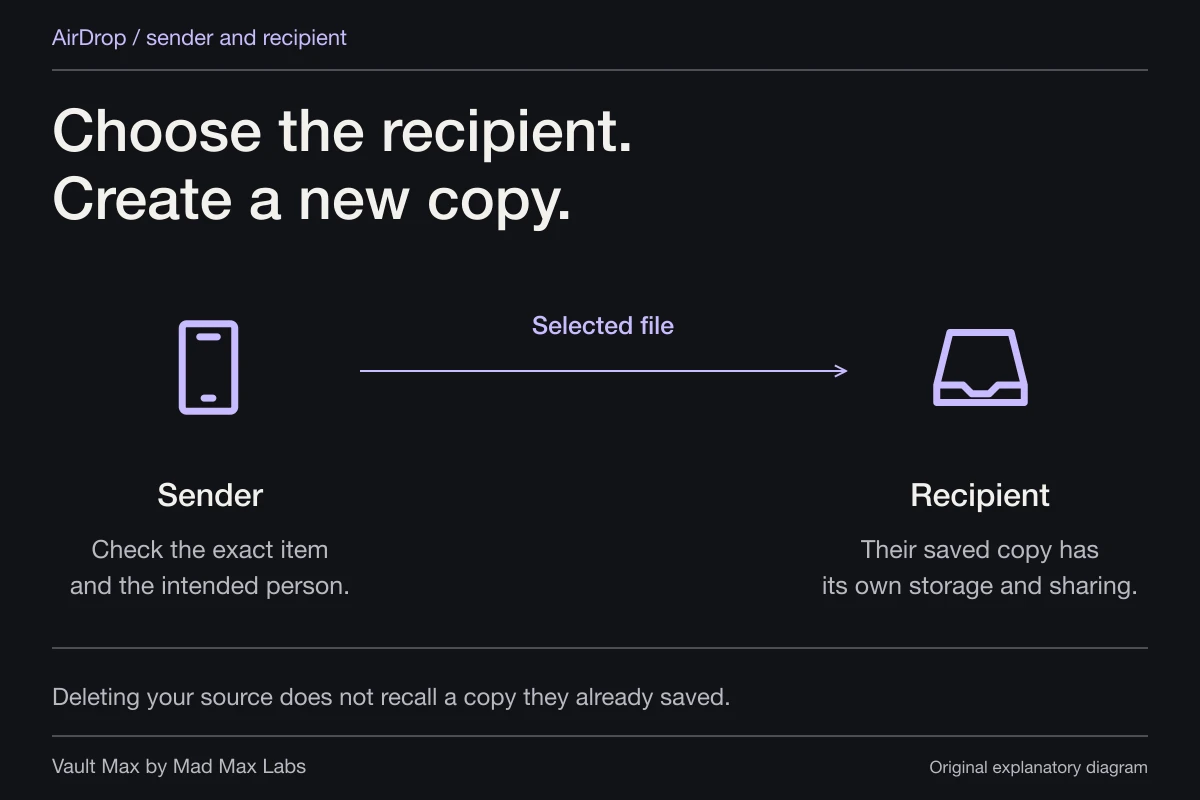
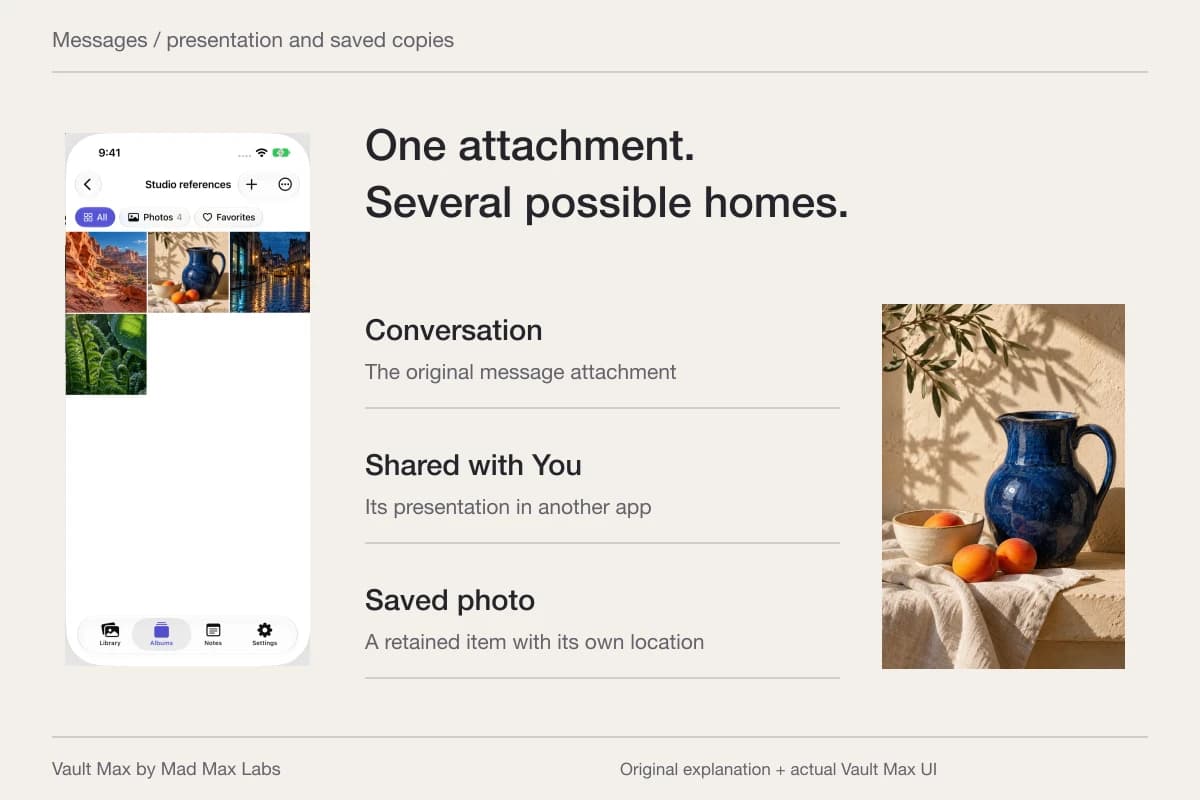
| Send a reference | The selected message or sharing destination | The correct item and recipient, including any delivered copy |
Locking private tabs is useful for the session itself
Safari can require authentication to reopen private tabs when the feature's lock applies. Apple's private-browsing guide explains the relevant settings and notes that the lock may not apply immediately.
Apple's Locked Private Browsing help adds two useful exceptions: private windows do not lock while audio or video is playing, or before a webpage has been loaded. Stop any playback before checking the lock behavior you expect. An unused blank private tab is a poor test of what happens after an actual browsing session.
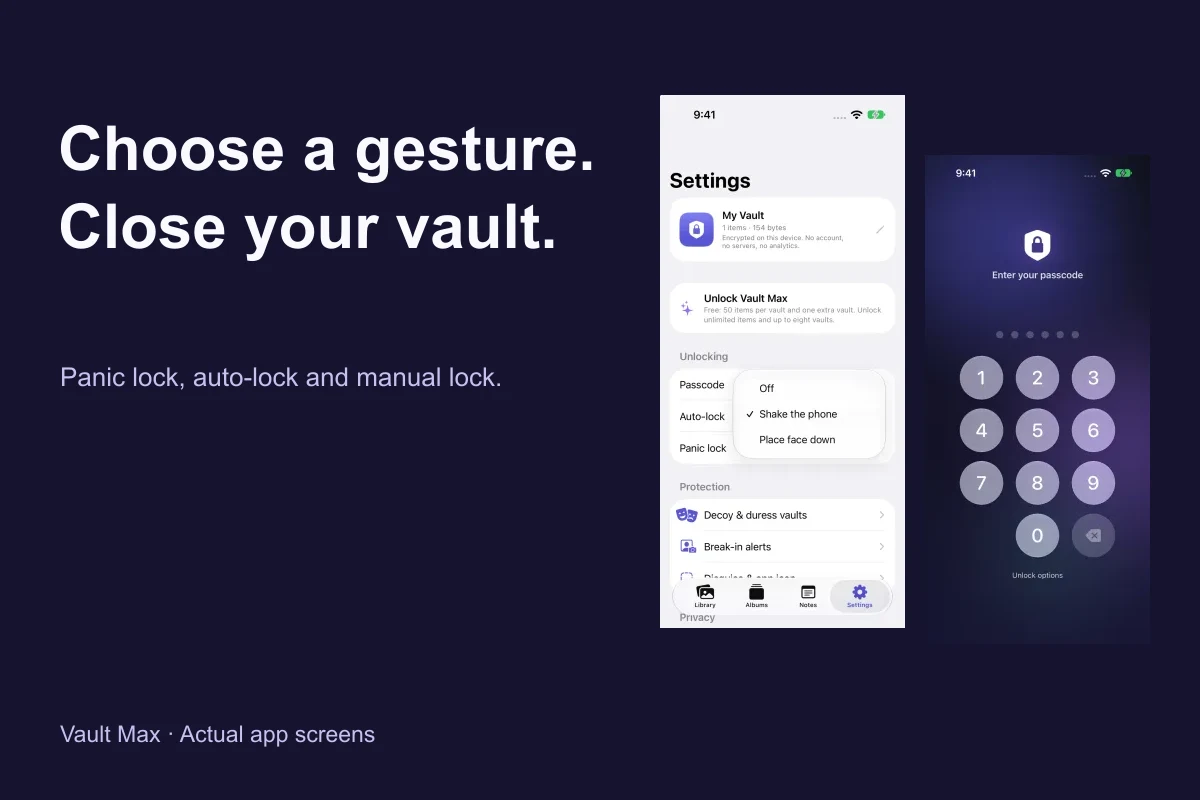
If your goal is to finish browsing before another person uses the phone, close the relevant tabs or leave them in the state you deliberately choose, then check the browser when you return. Know whether you are looking at Private or your ordinary tab group. That is a visible completion check you can perform on your own device.
A browser lock and a private-file collection still serve different tasks. You may want to keep a document long after its source tab has gone. Giving that document a recognizable place avoids depending on an old browsing session to find it again.
Build the private reference collection you will return to
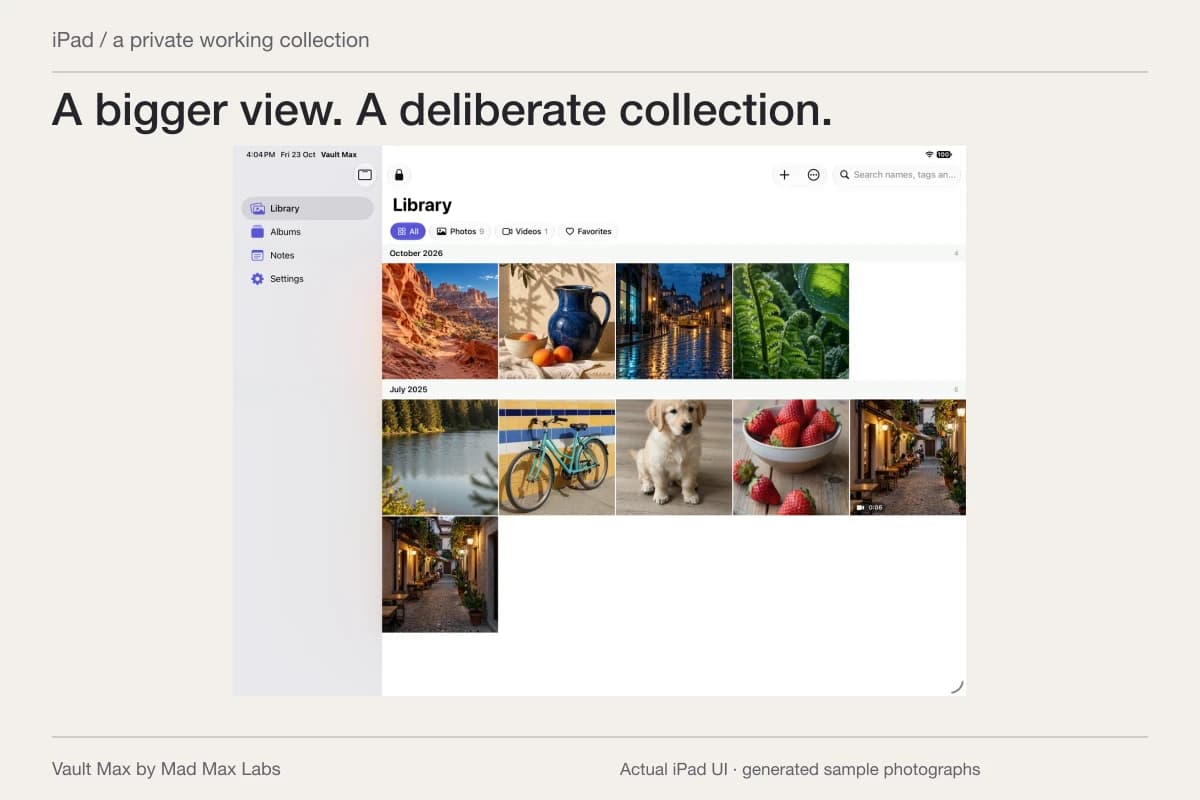
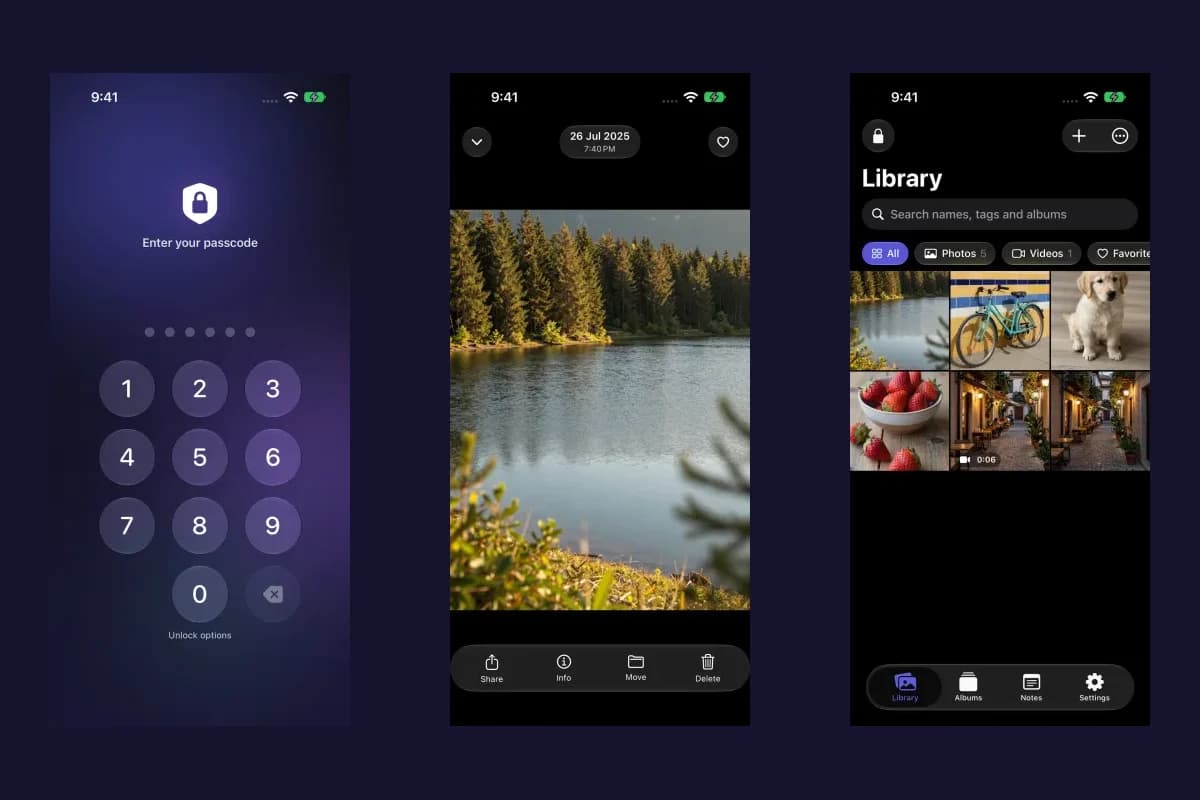
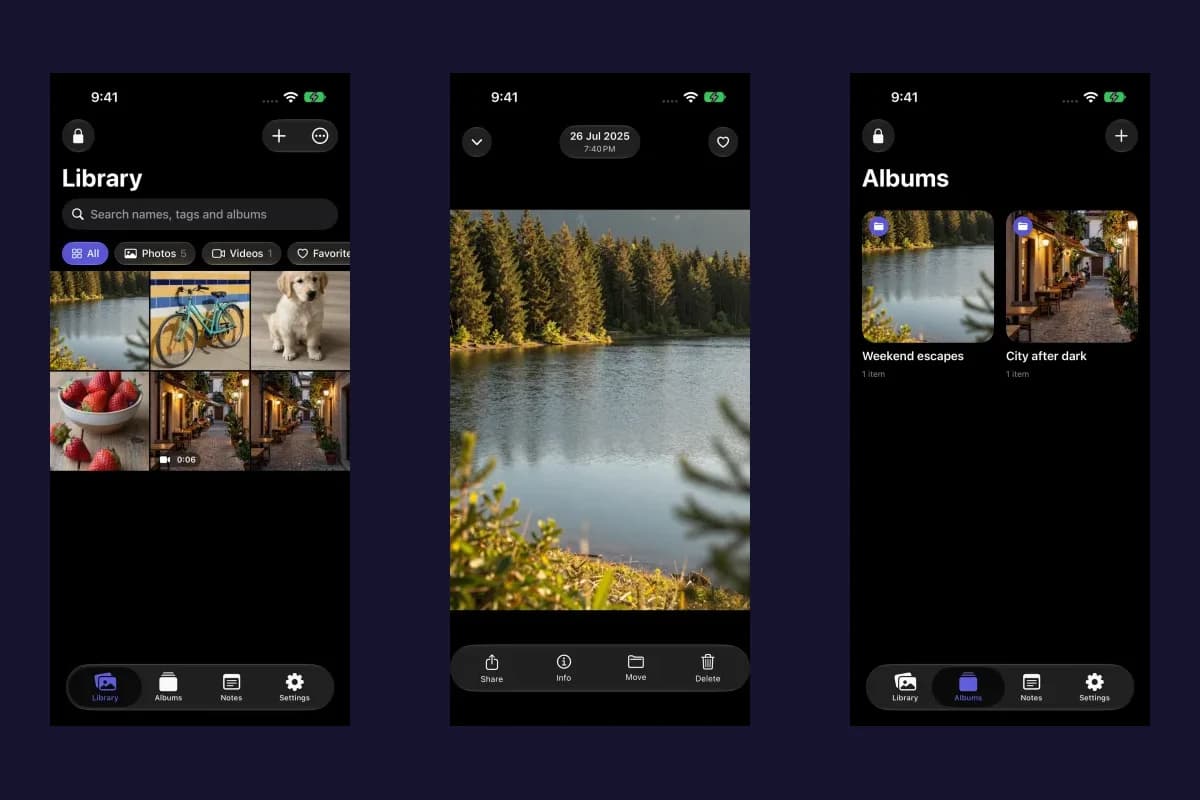
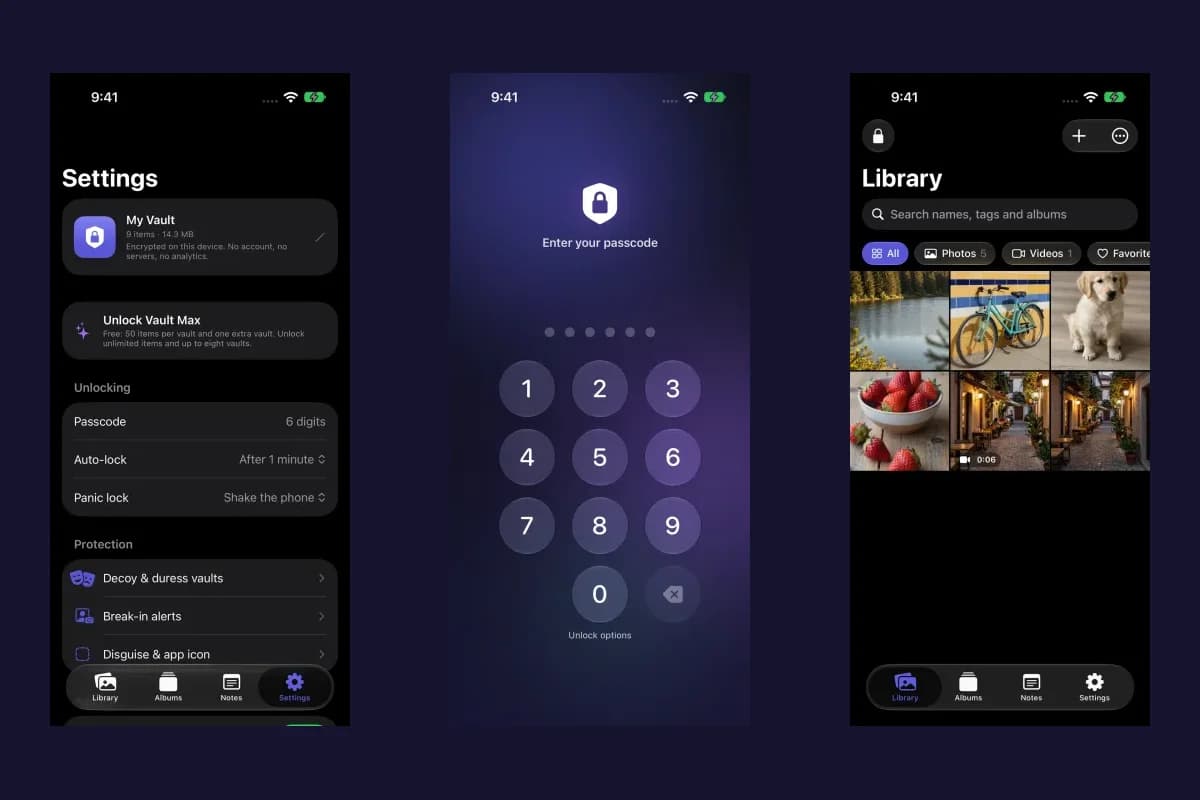
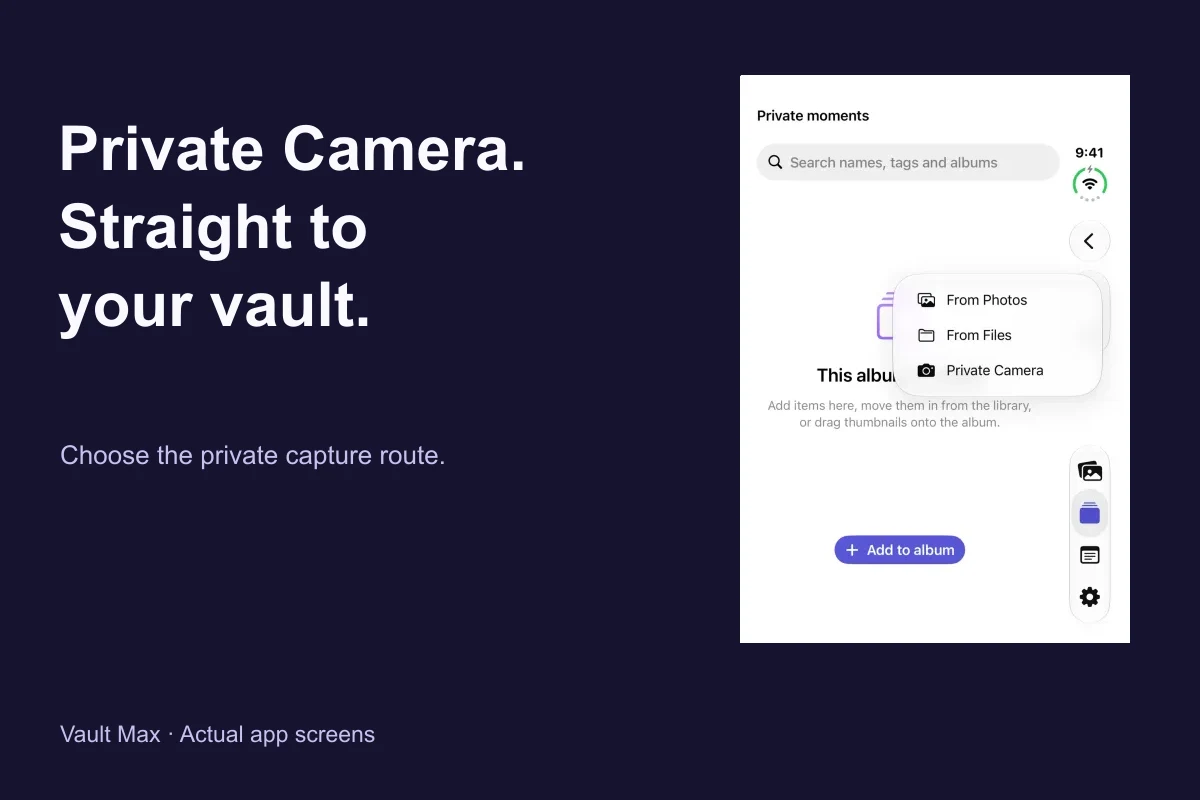
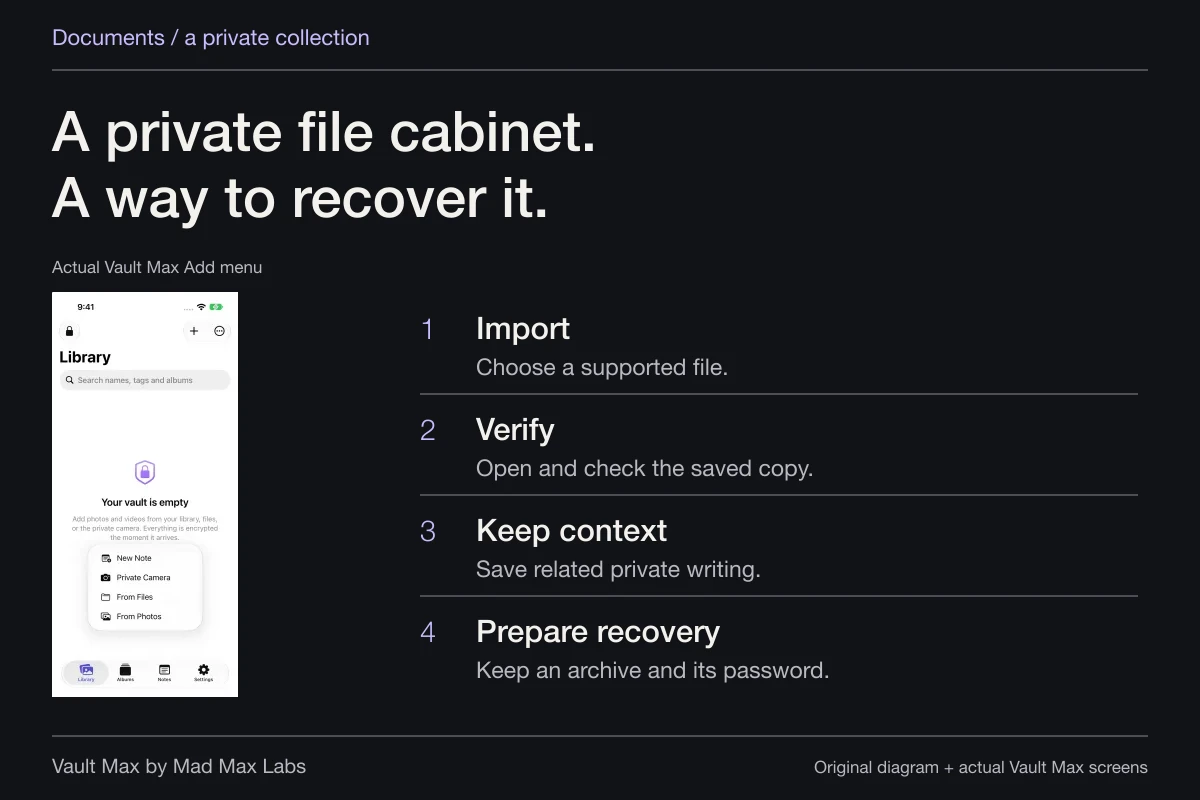
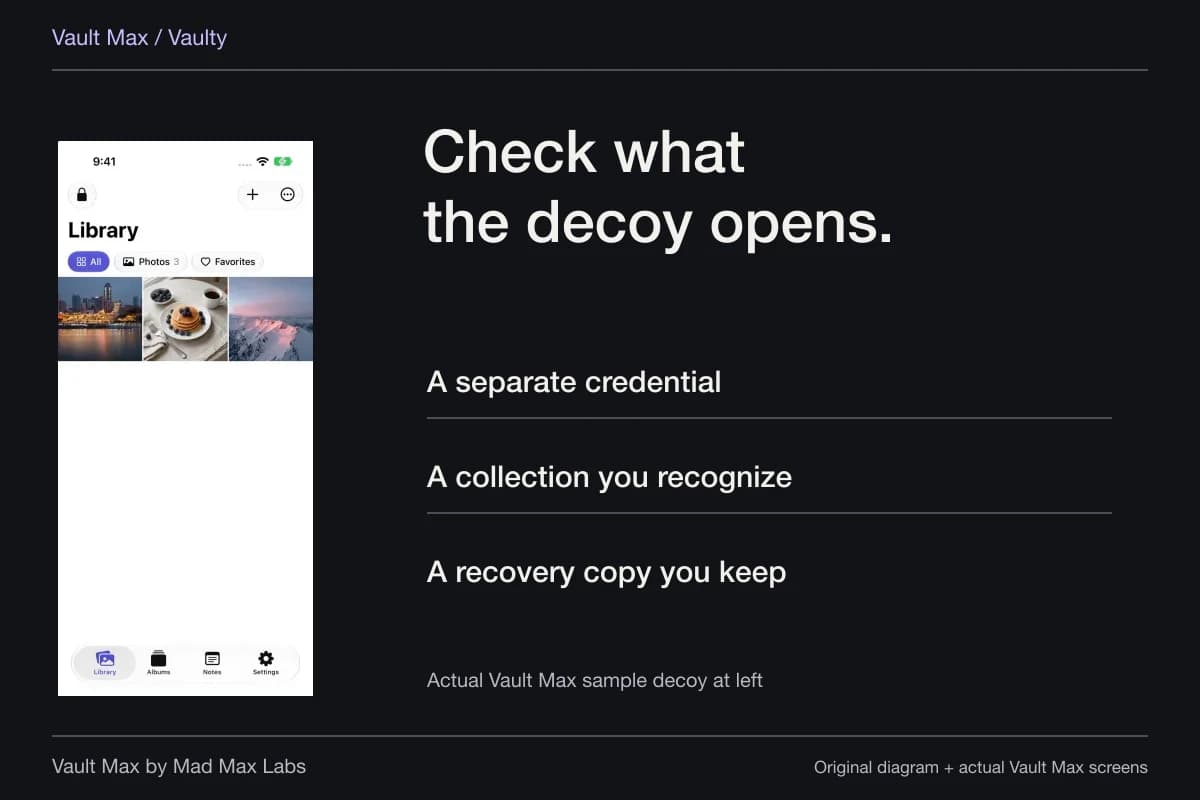
Vault Max imports selected Photos and Files items into its encrypted library. Try a harmless sample first. Open the imported item and check its detail, then give it a recognizable filename and album assignment. The source remains a separate copy until you decide what to do with it.
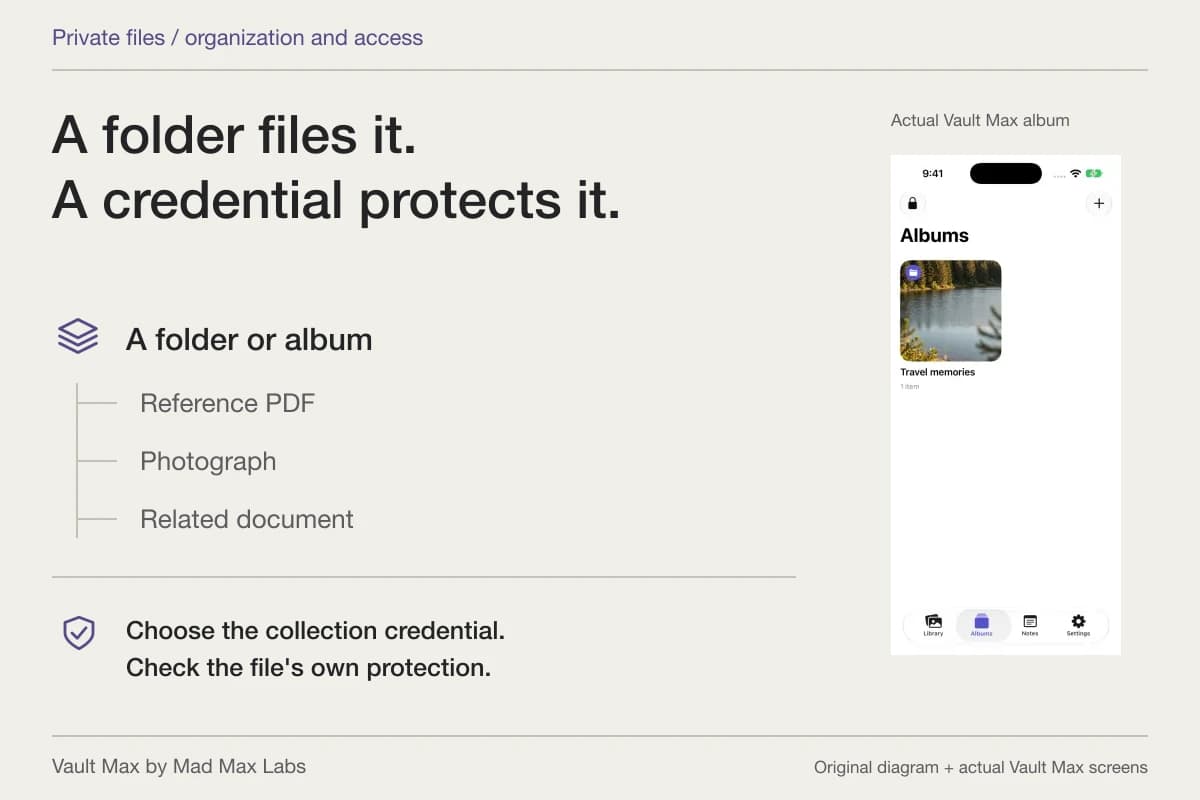
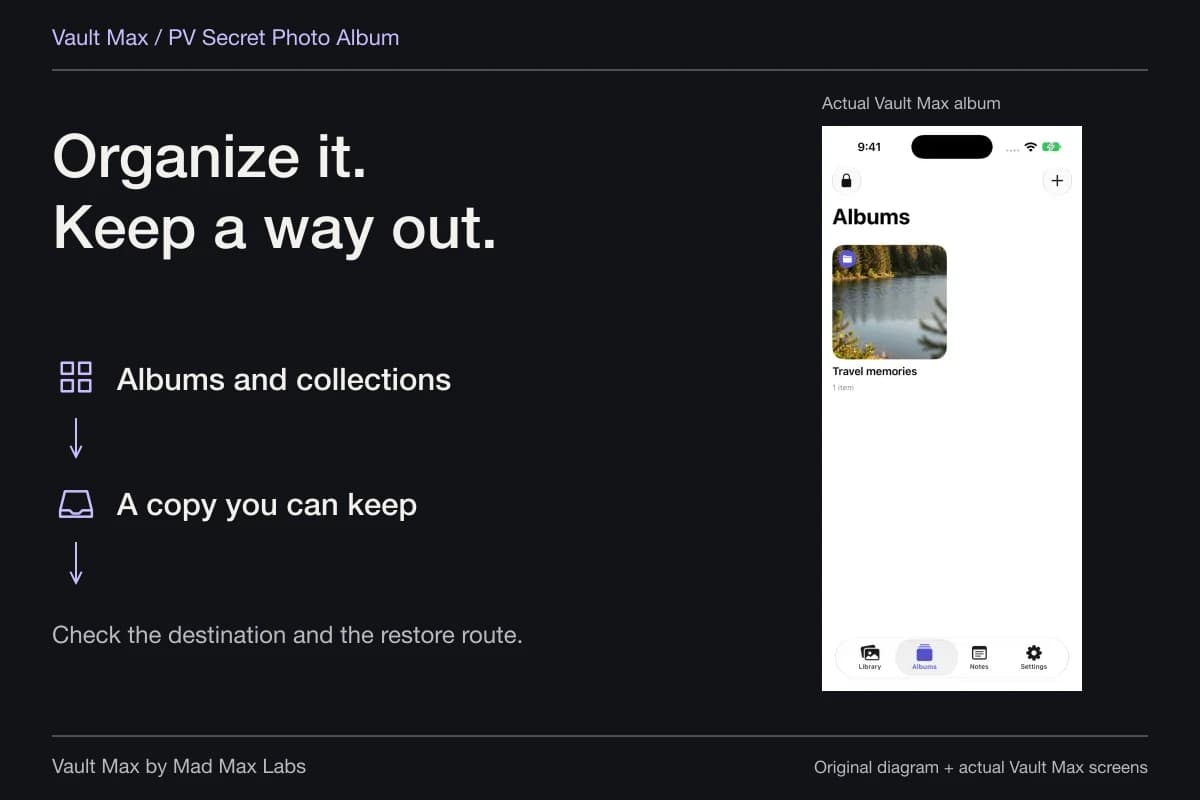
An album can hold the material for one project. Favorites can mark the reference you return to most often without importing it twice. The private-file guide covers supported viewing, ordinary export and recovery in more detail.
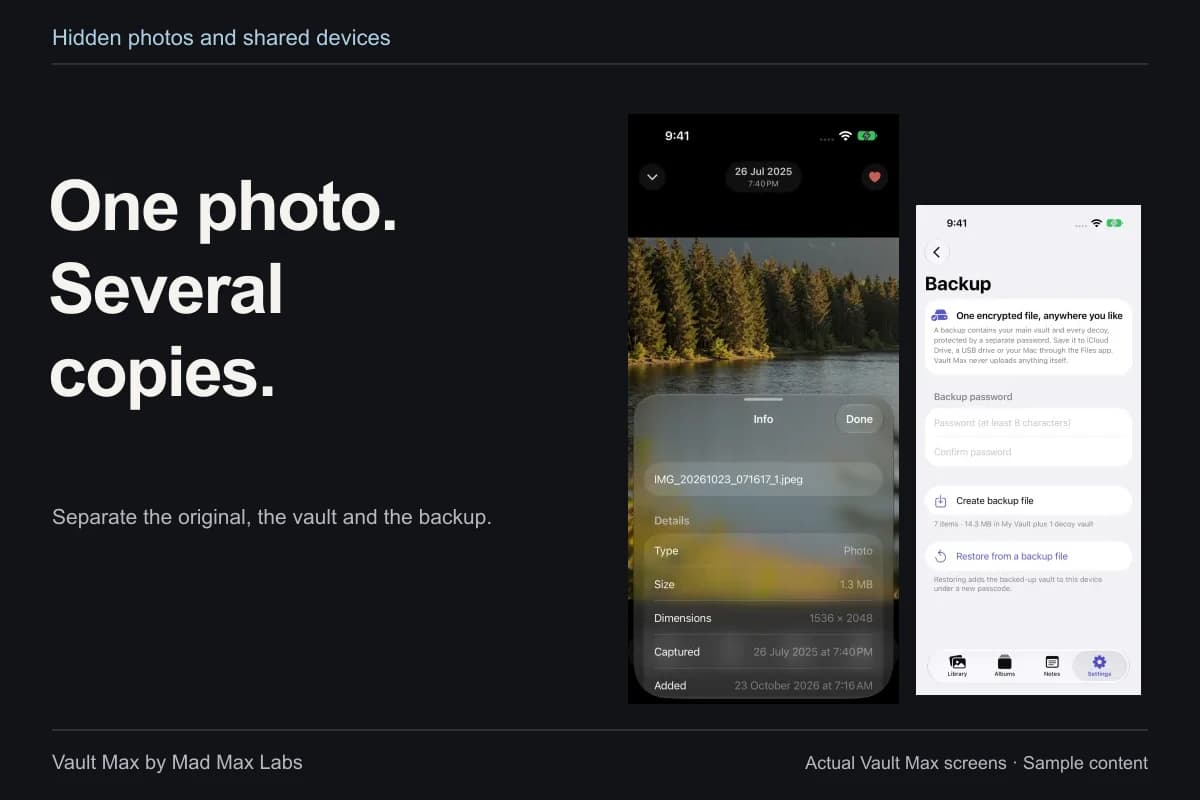
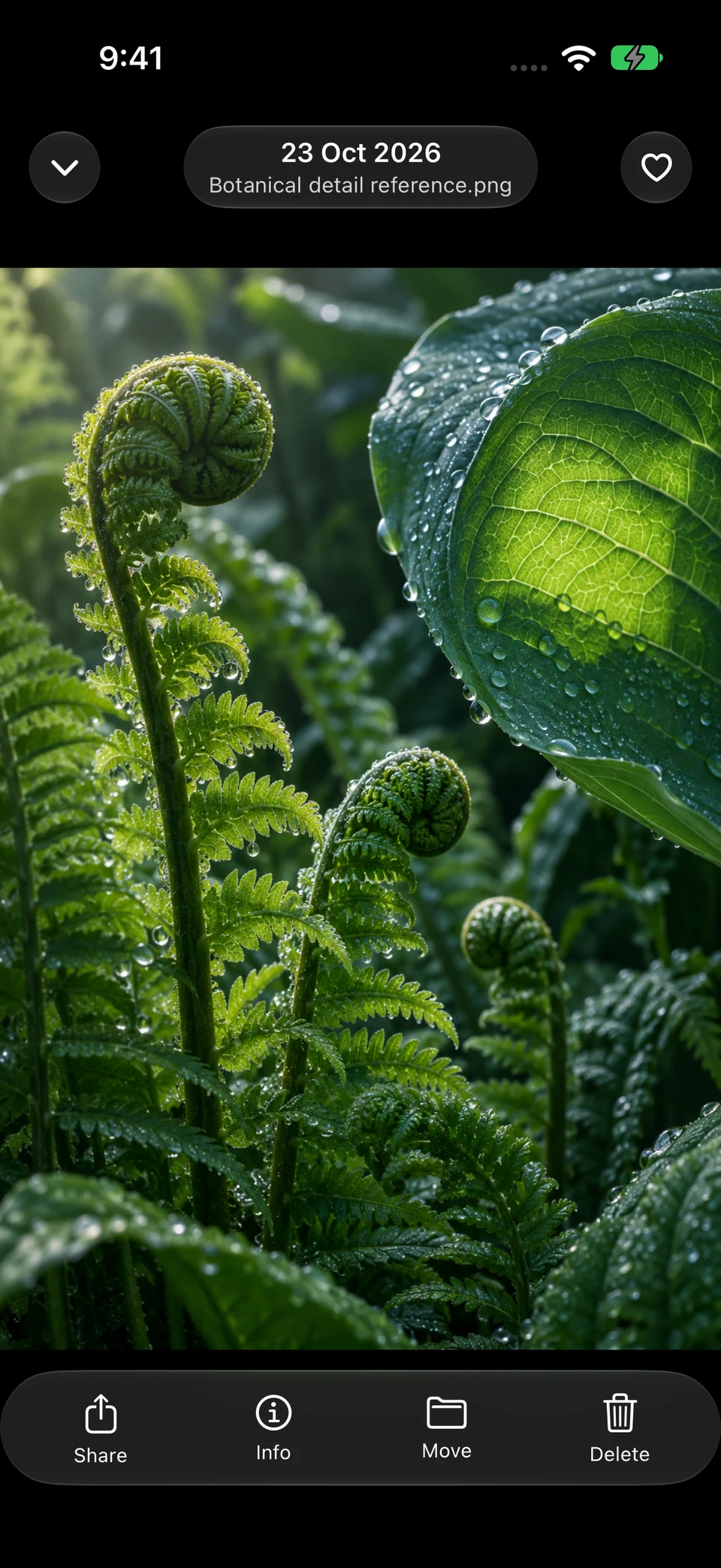
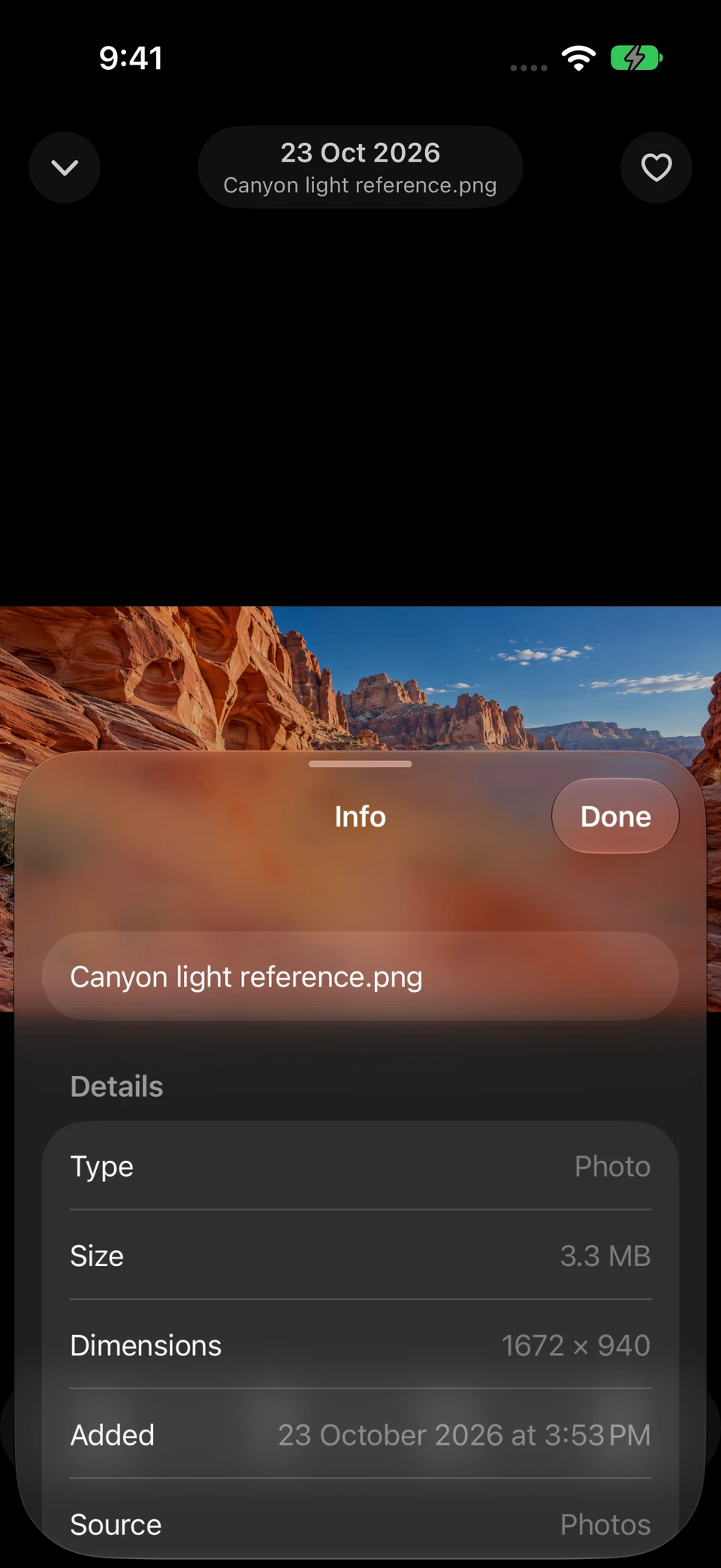
The botanical reference is generated sample content, opened in the actual Vault Max viewer. The Info capture identifies another saved sample by its renamed filename. These were imported through Photos, not downloaded from Safari during this walkthrough.
Actual Vault Max · QA simulator, generated sample photographsA retained reference
Open original image: A retained referenceIdentify the saved file
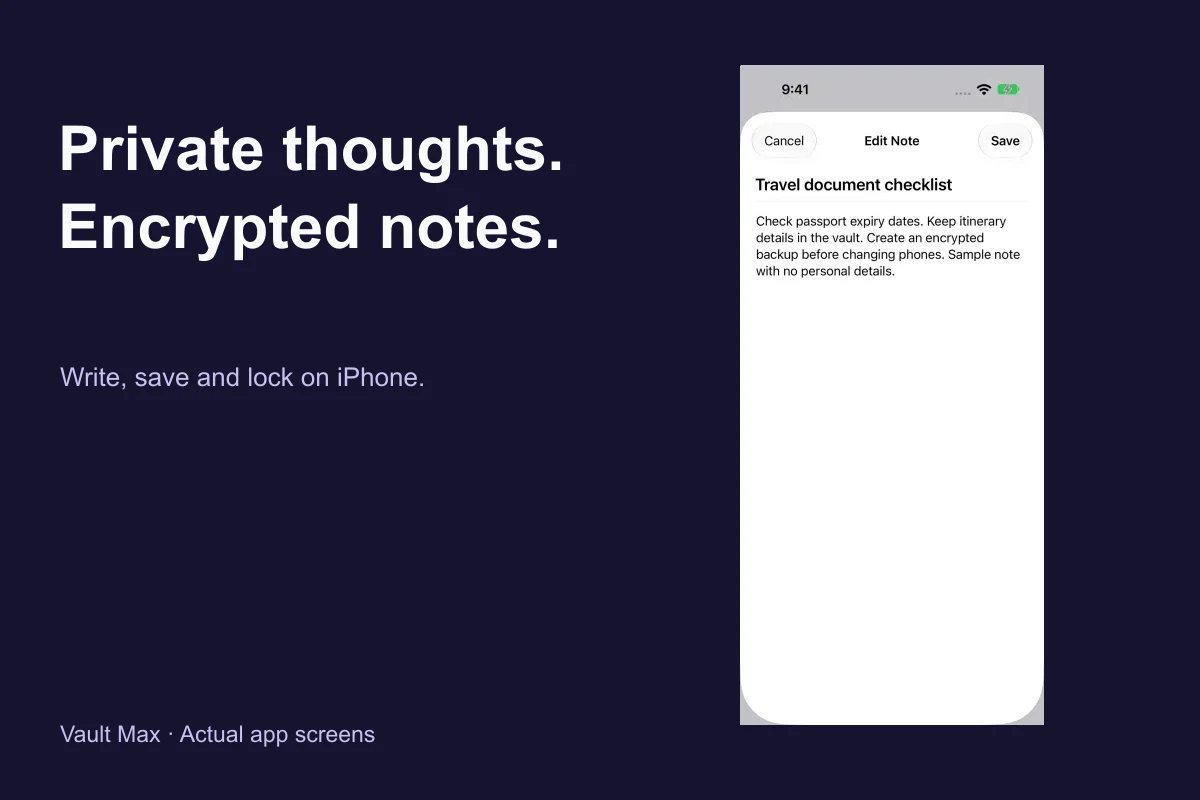
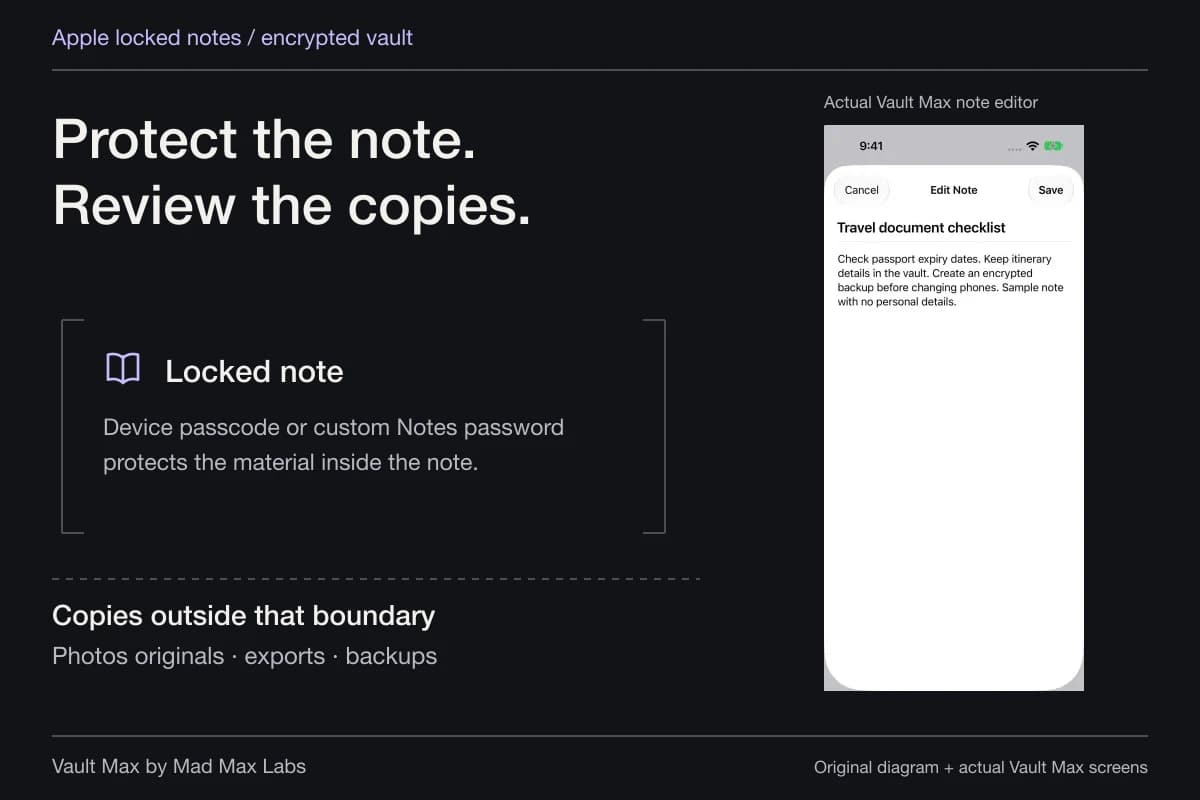
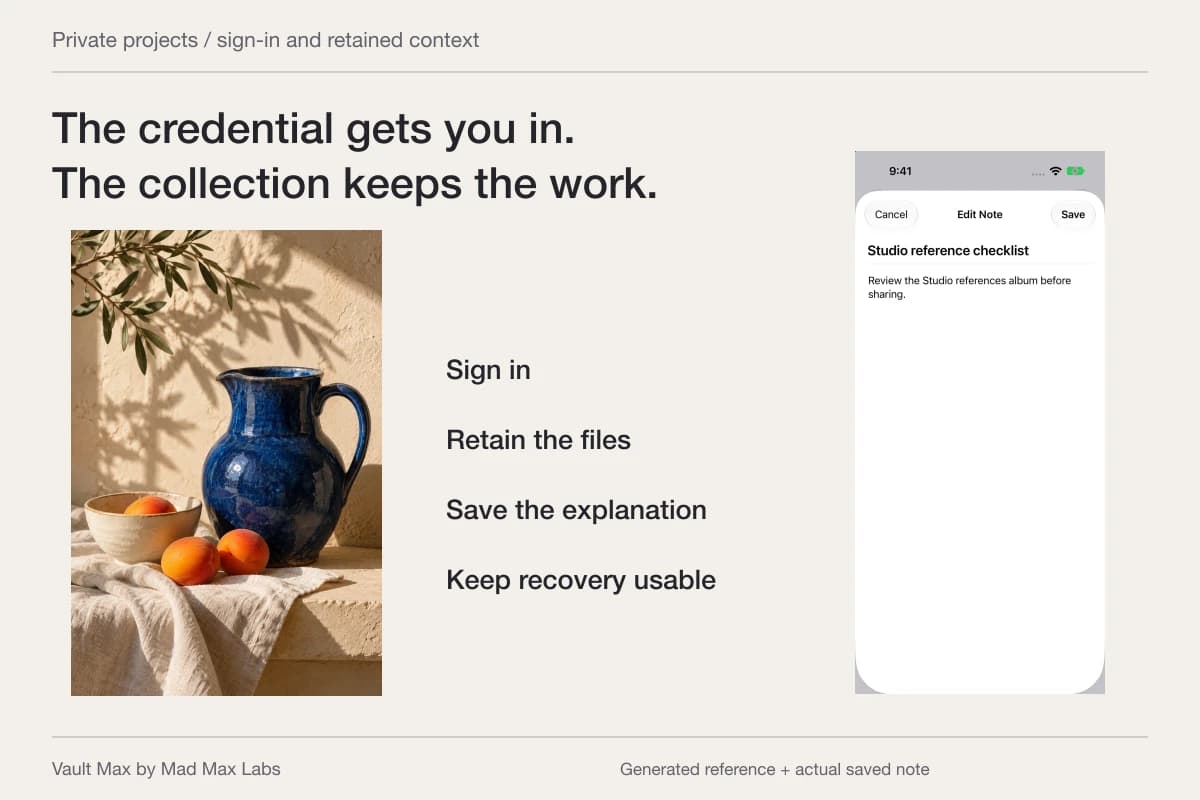
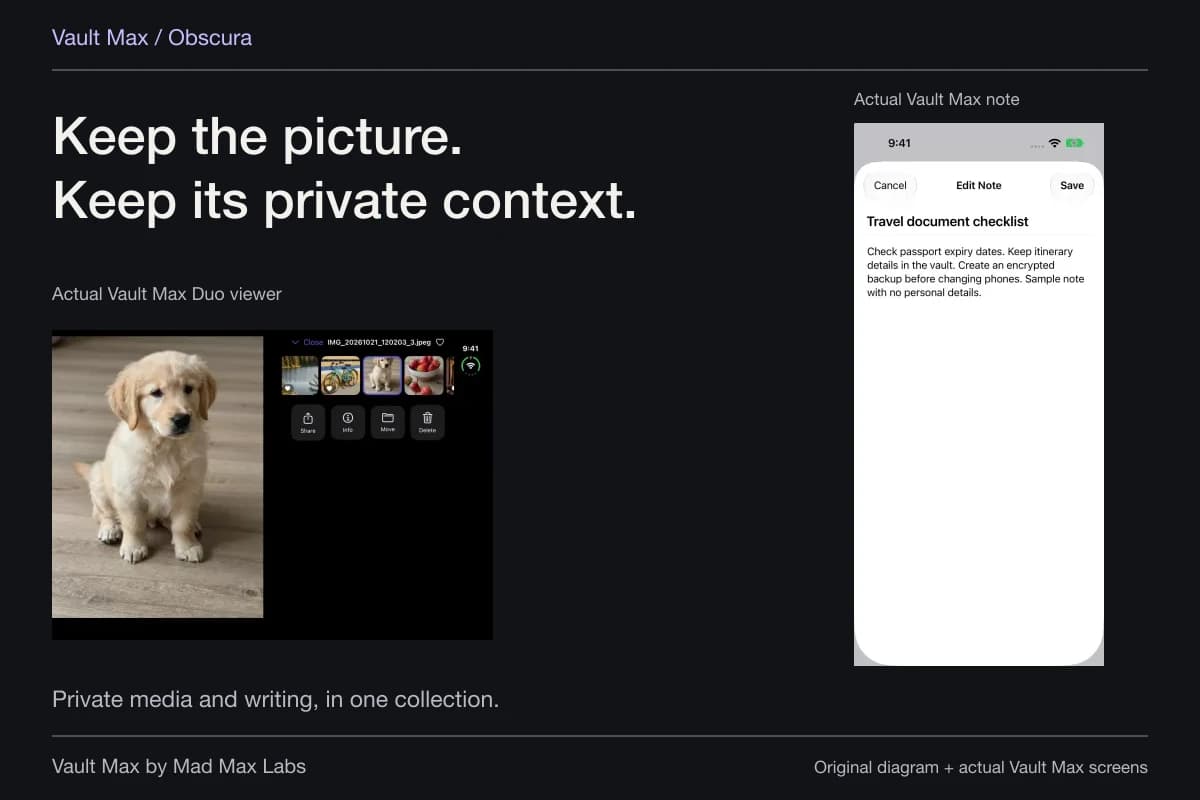
Open original image: Identify the saved fileThe source of a reference and the reason you kept it also matter. Write a short encrypted note with a title, a date and the relevant explanation. Save it, reopen it and confirm the text. A useful note can save you from repeating the same research simply because a row of unnamed pictures no longer means anything.
Review screenshots and copied text separately
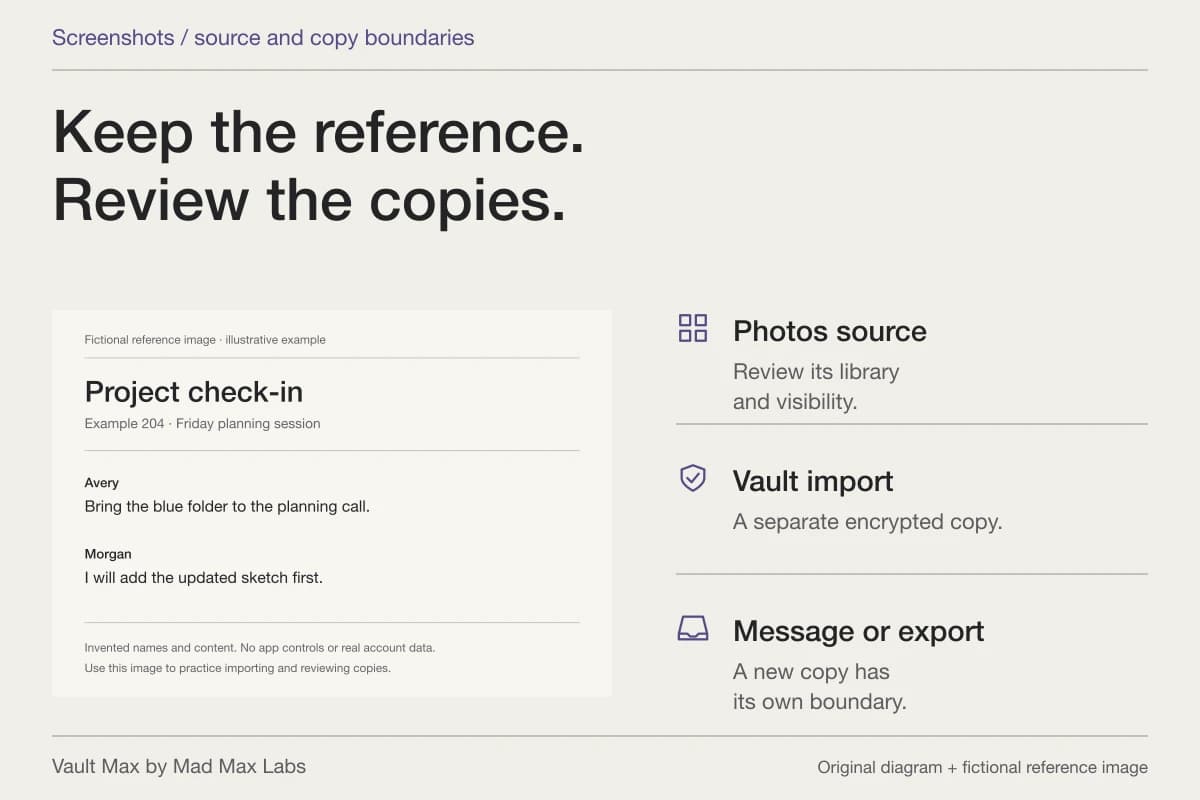
A screenshot can include more than the subject you intended: account names, a notification, another tab's title or a surrounding conversation. Inspect the complete frame. If you edit it, understand which original and edited versions you retain before relying on the new image.
The screenshots guide follows those copies. A vault import gives the selected result another location; it does not retrospectively change the original screenshot or the audience of something already sent.
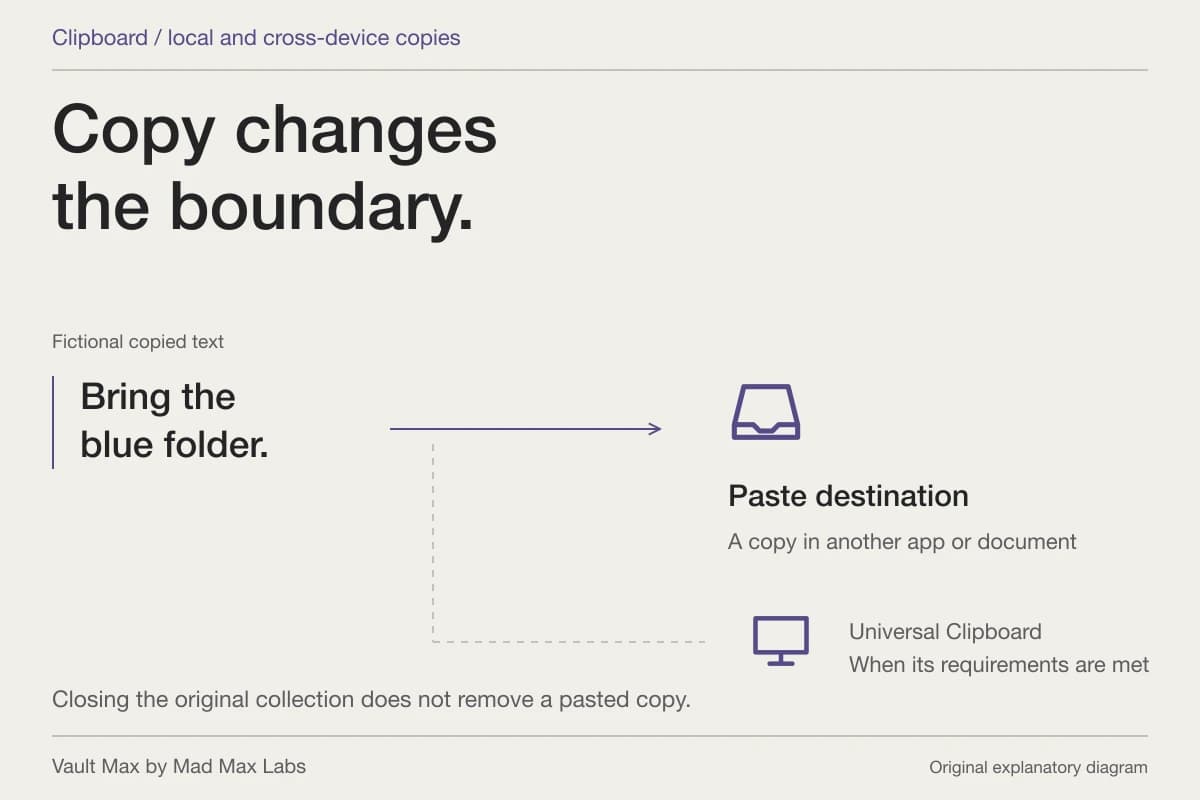
Copied text deserves a similar destination check. A sentence pasted into a draft can remain there after you copy something else. If you use nearby Apple devices, review the Universal Clipboard arrangement when relevant. Our clipboard guide explains how to retain useful writing without losing track of its destinations.
Keep selected references recoverable
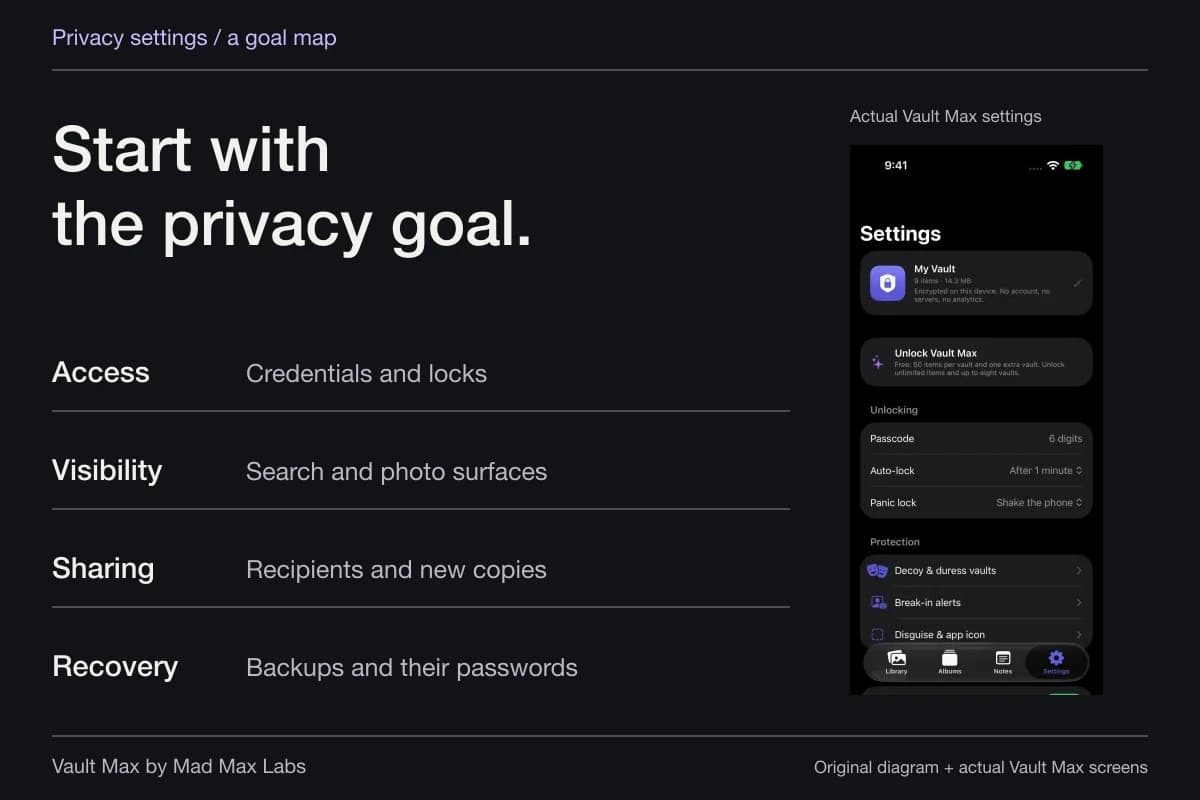
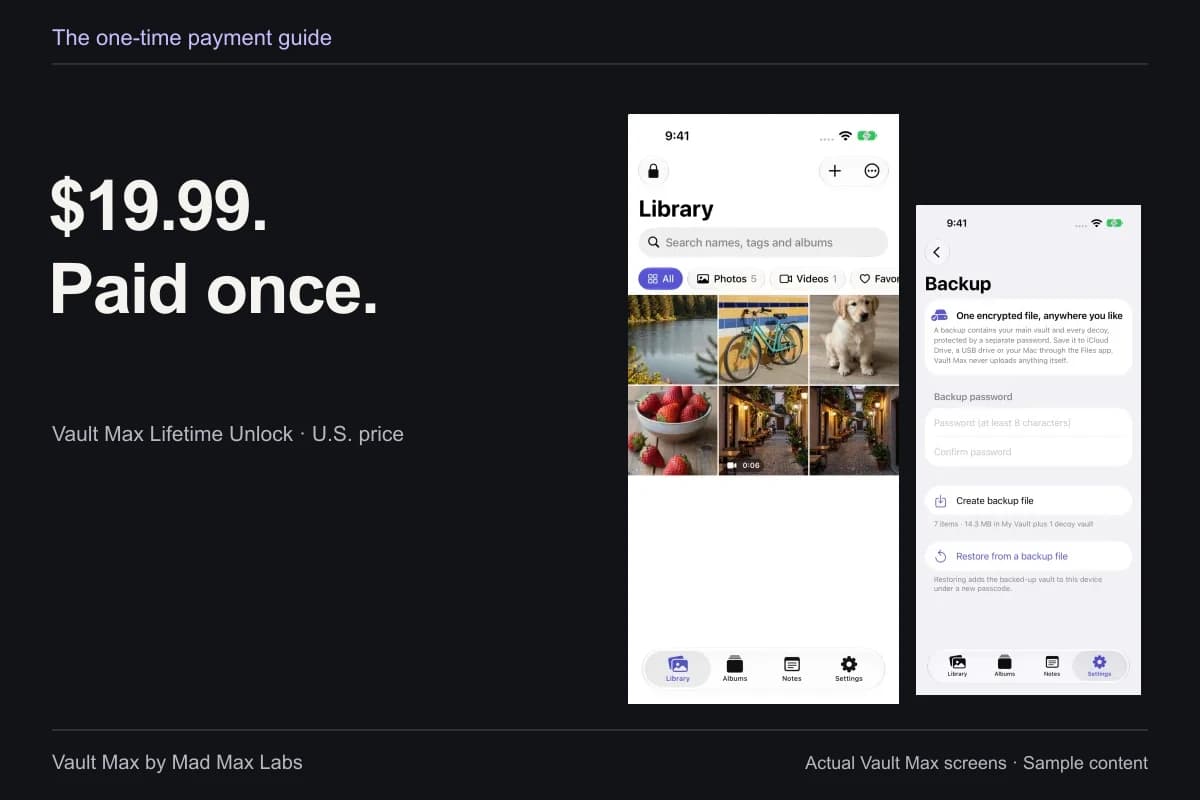
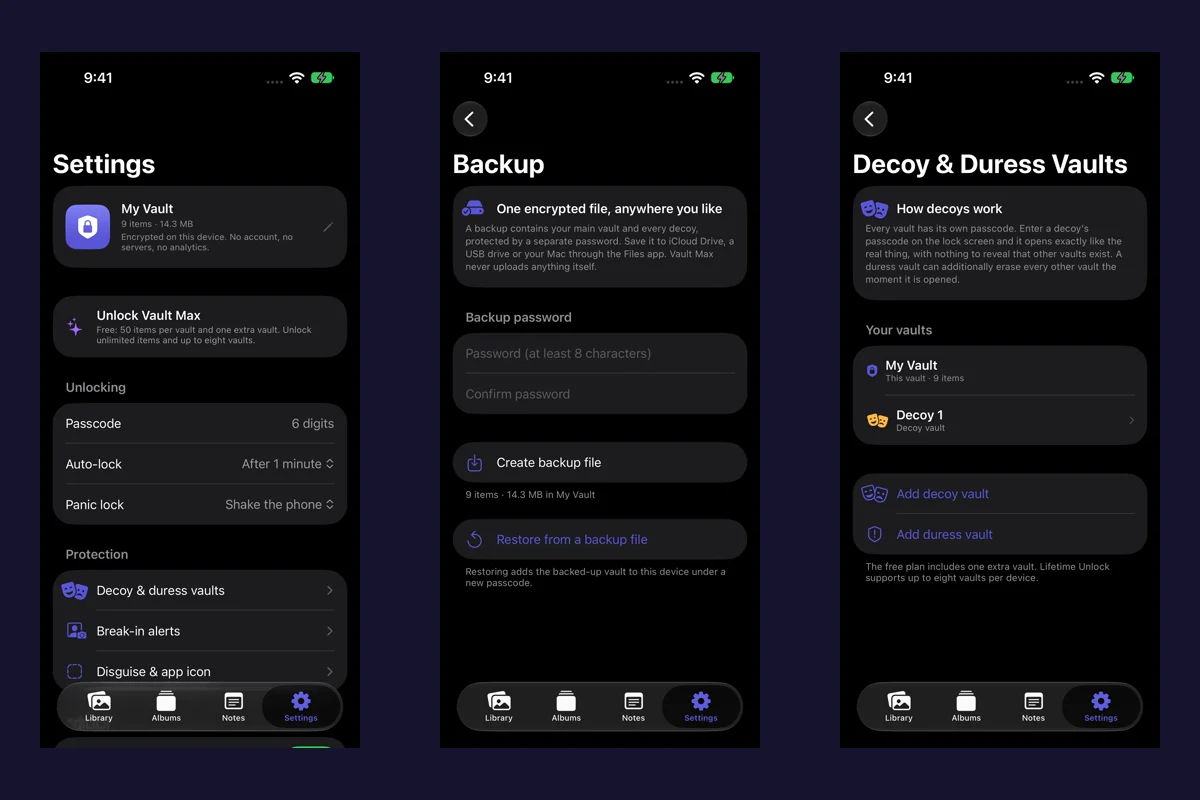
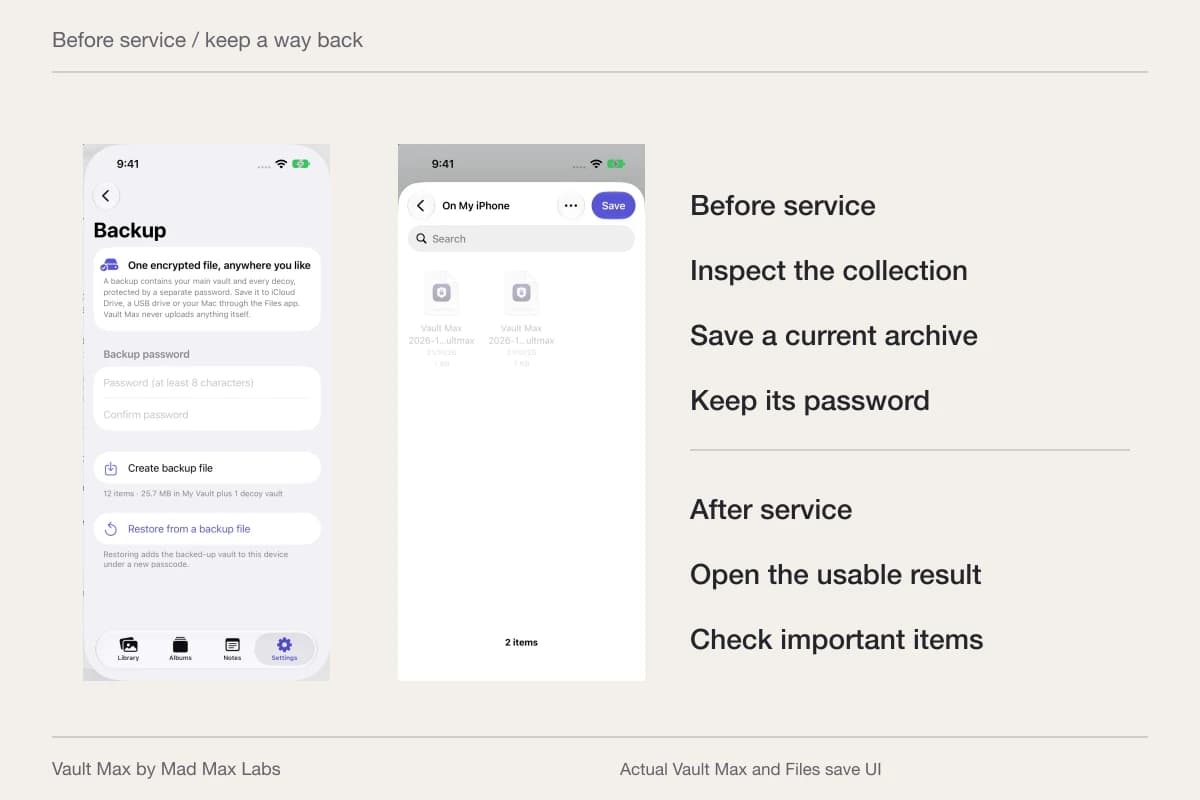
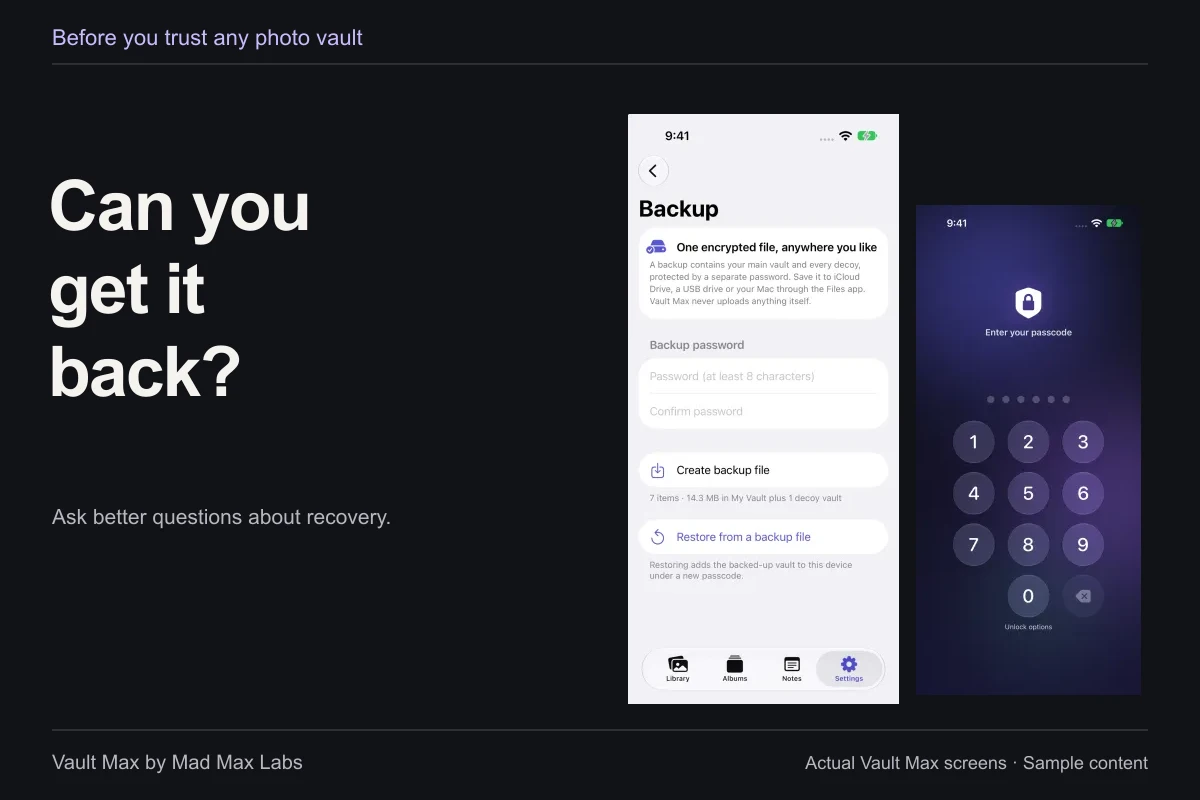
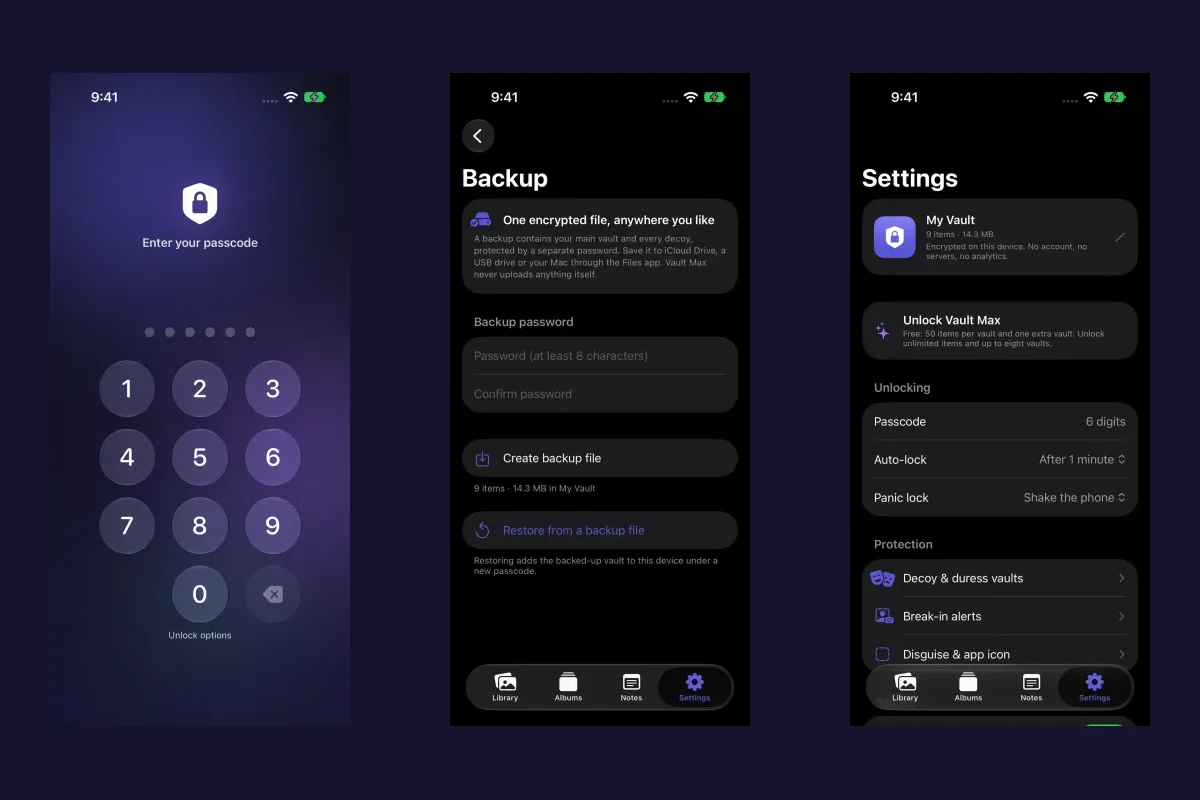
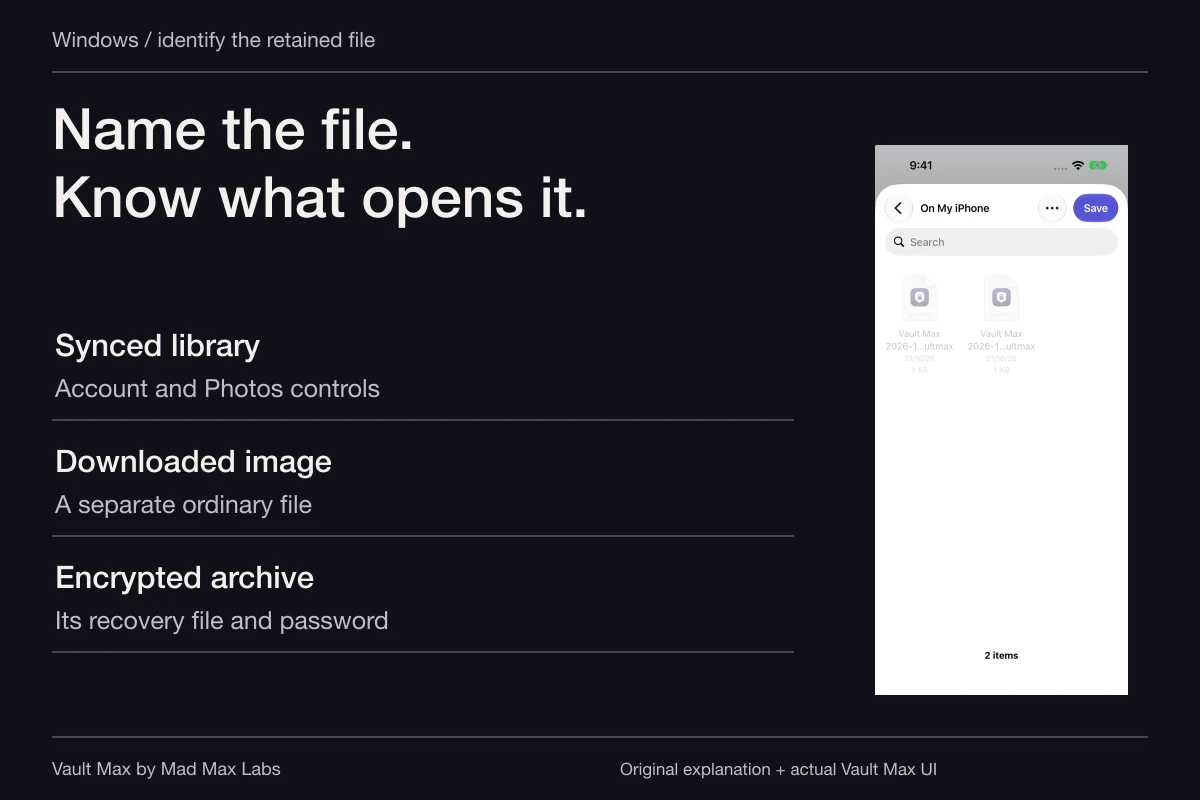
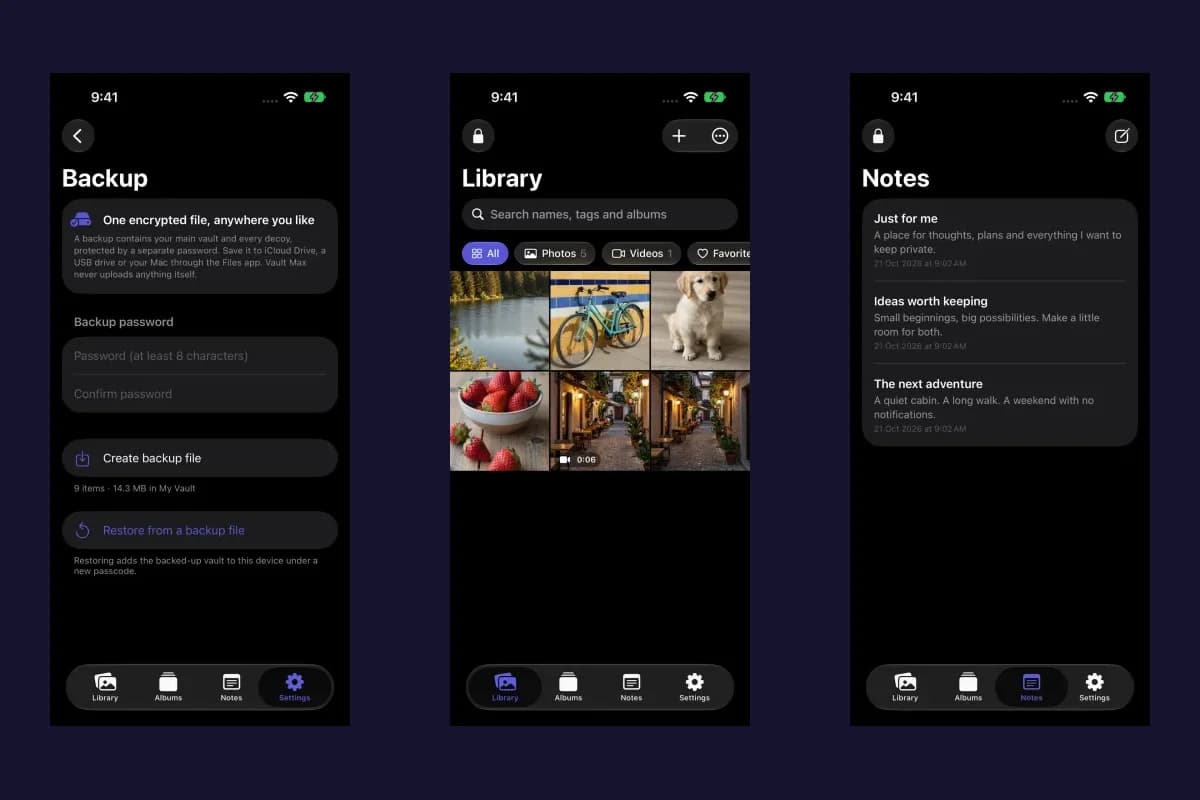
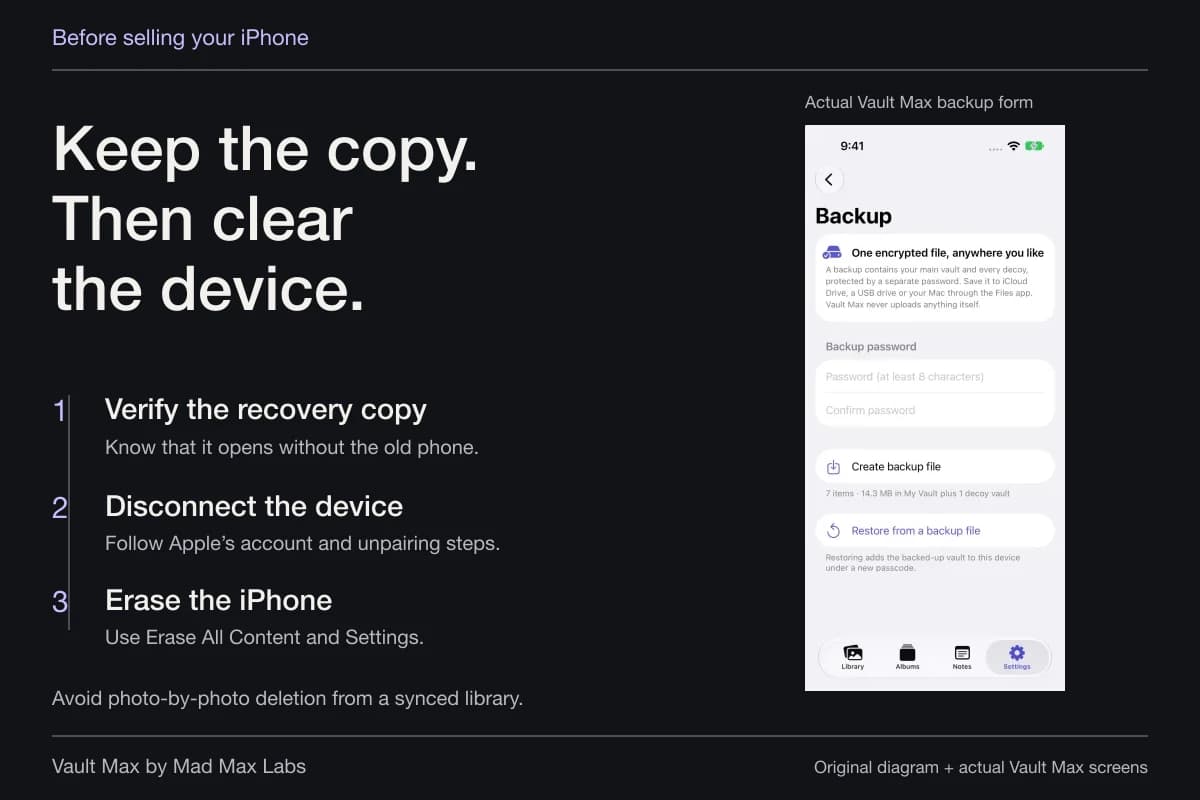
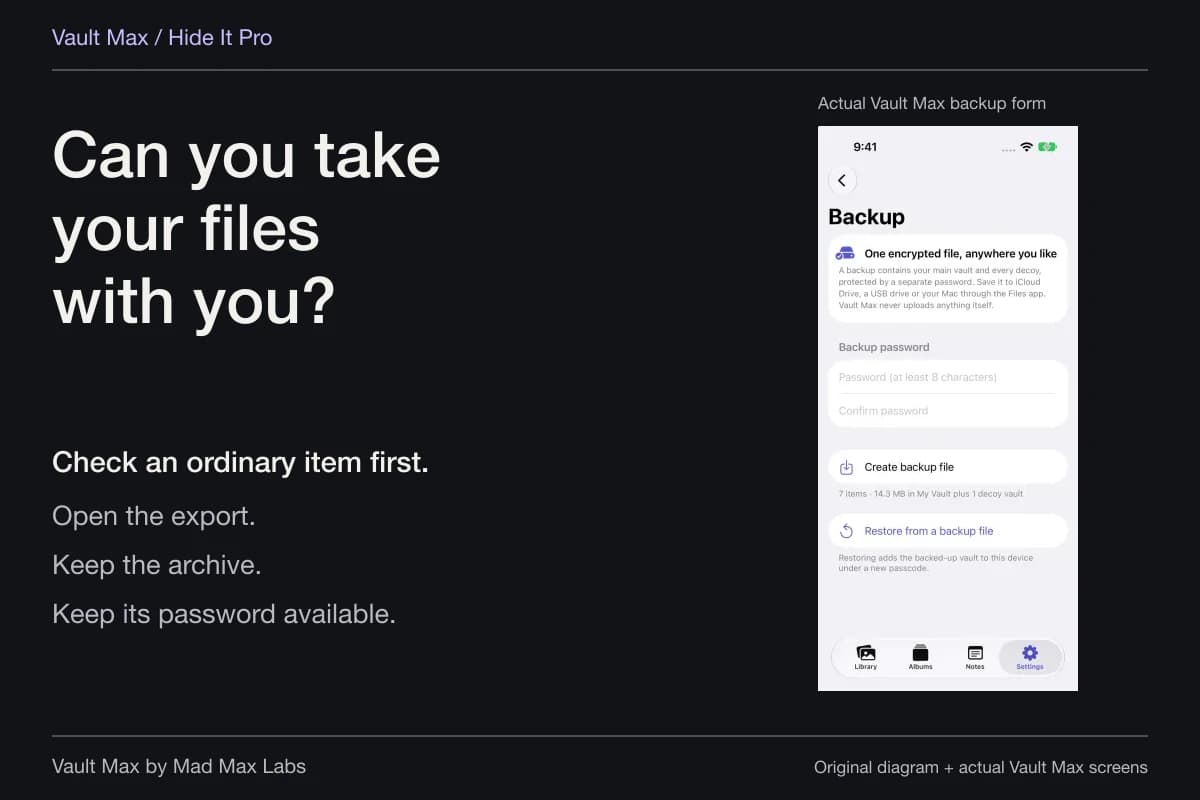
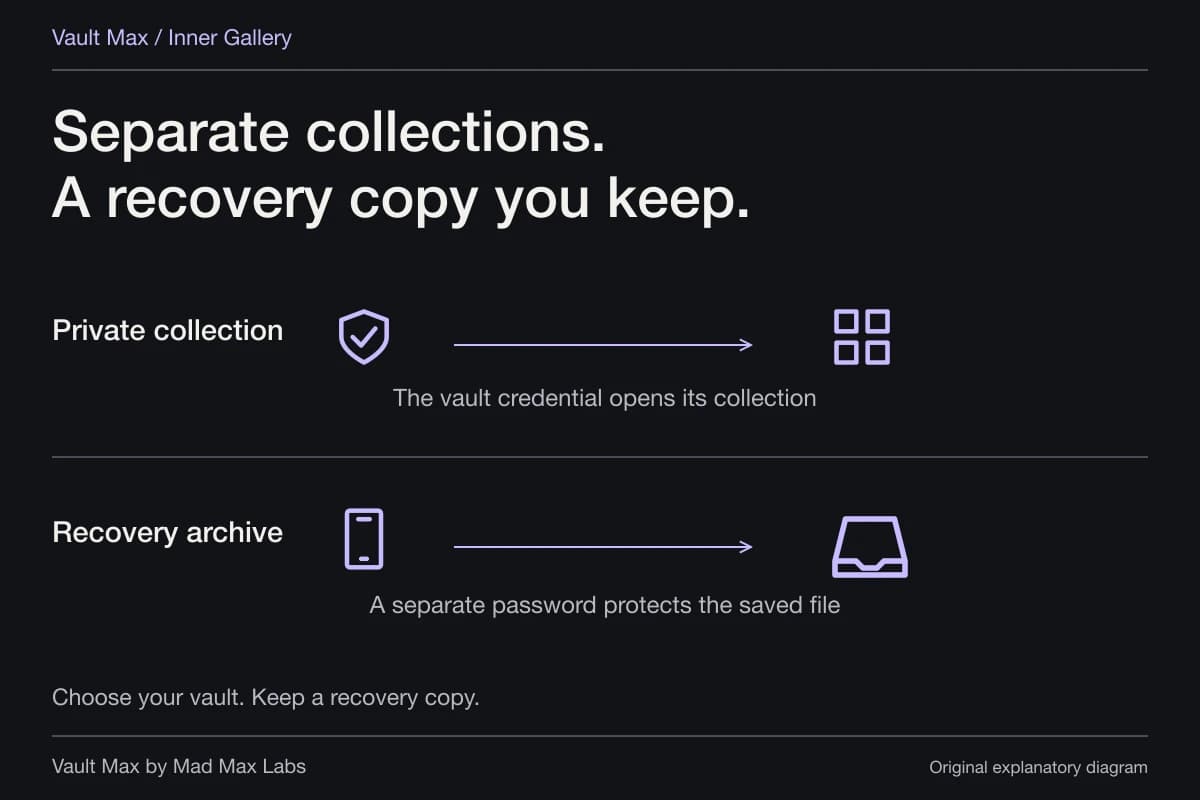
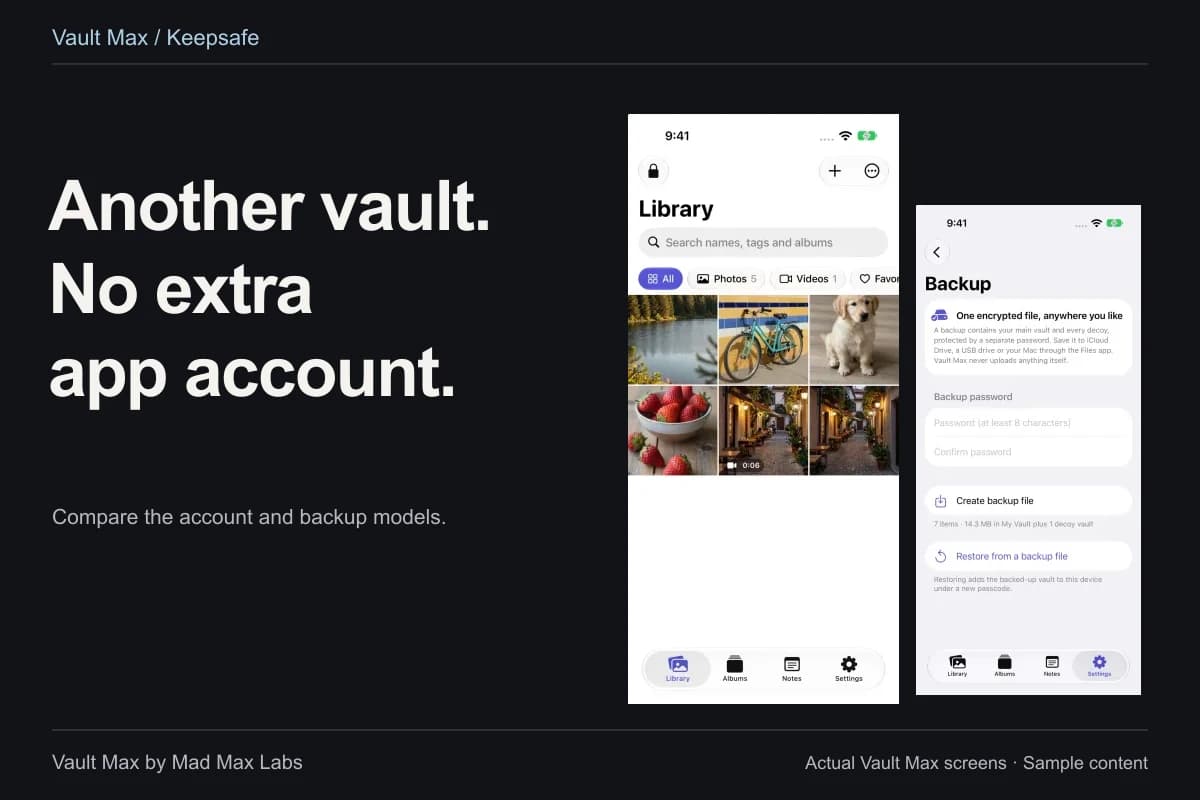
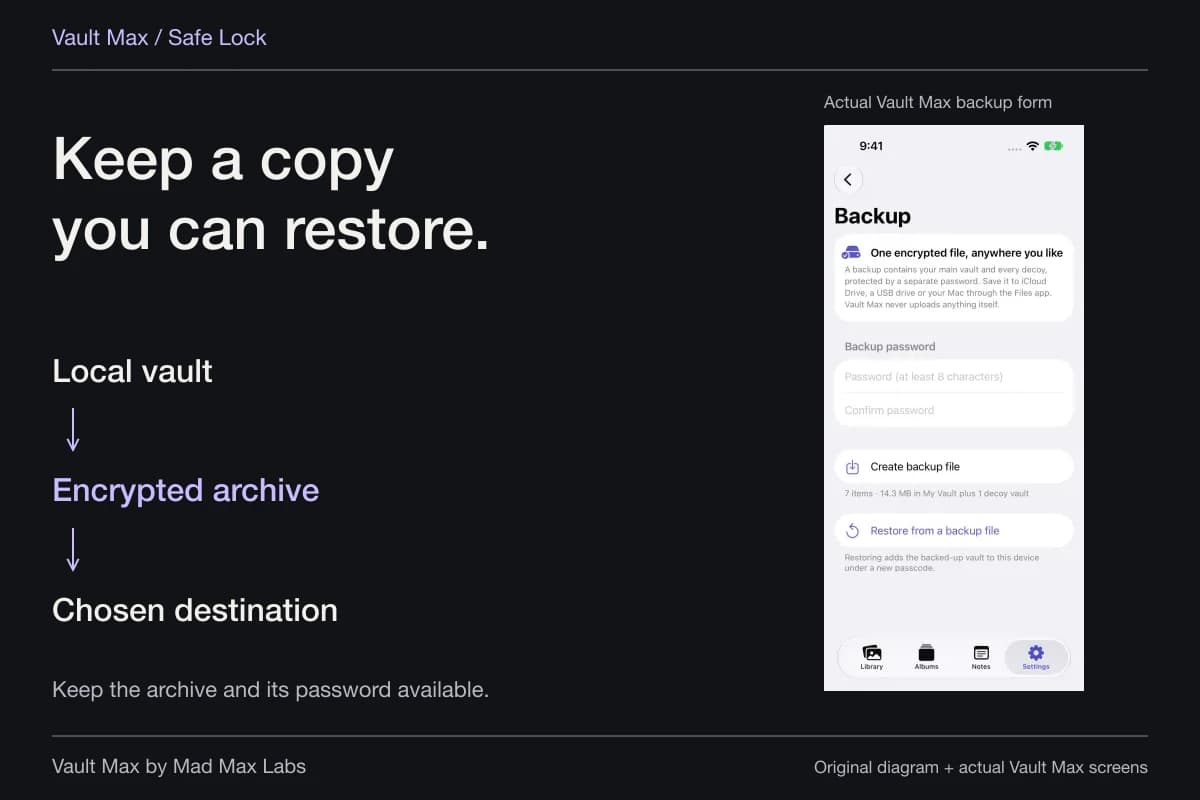
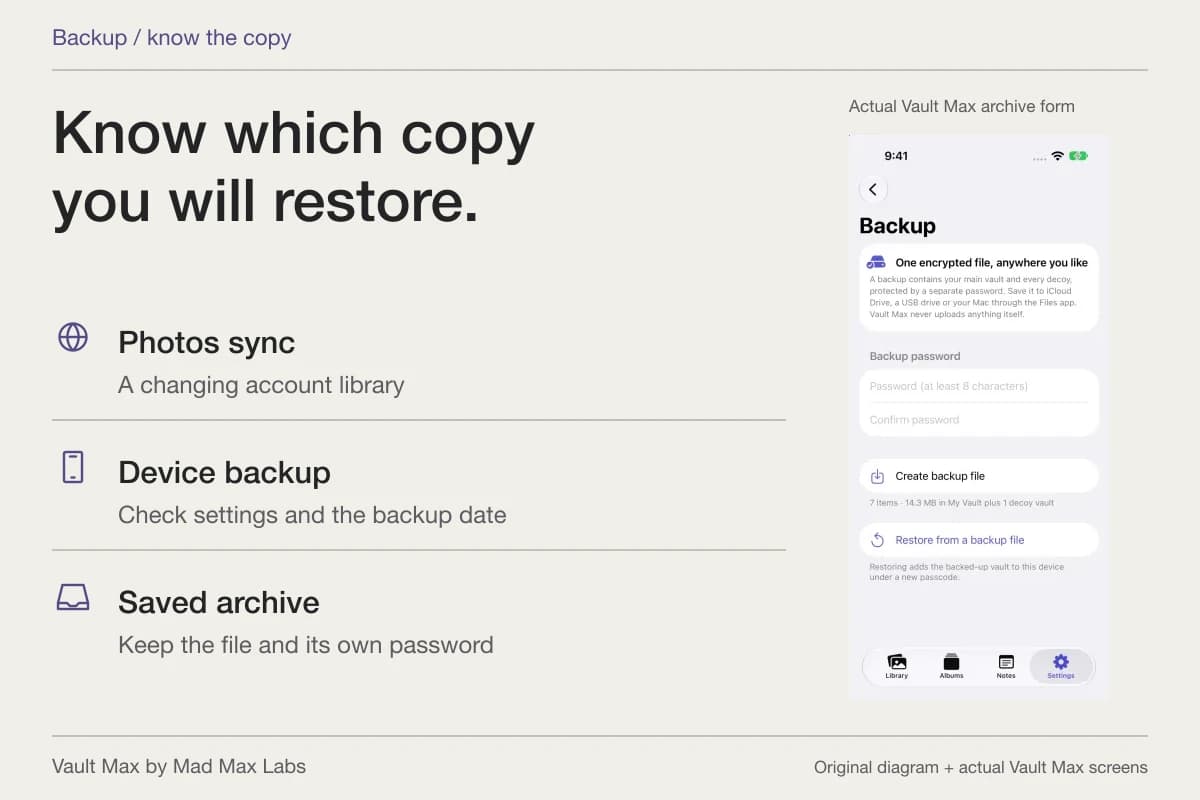
When a project is worth retaining, include its photographs, documents and saved writing in a current encrypted archive. Vault Max's .vaultmax archive uses its own password and a destination chosen through Files. Preserve that file and password independently of the phone when device loss is part of your recovery plan.
This is a better long-term arrangement than expecting every useful reference to remain accessible through an old tab or forgotten download name. Refresh the archive after important additions. Keep the source while investigating any uncertain import or recovery result.
- Know whether Safari is in Private Browsing and how you intend to close or lock that session.
- Inspect the photograph, document or screenshot in its actual destination.
- Save and reopen a recognizable note explaining the reference.
- Check original downloads, screenshots, drafts and any deliberate shares.
- Keep a usable archive, then lock the private collection when finished.
Tap a box as you go. Checks reset when you leave this page.
Private Browsing can be one useful part of a private workflow. Vault Max supplies the next part: a local collection of the material you chose to keep, with enough organization and writing to make it useful after the browser session ends.
Common questions
How do I open Private Browsing in Safari on iPhone?
Apple's current instructions use Safari's More button, then New Private Tab. Its older iOS 17-and-earlier instructions use the Tabs screen and Private tab group. Follow the interface and current help for your installed system.
Does closing a private tab remove a picture I saved?
Review the saved picture in its destination. A Photos item, Files download, screenshot or message attachment has its own storage and deletion behavior; the browser tab is a separate object.
Is Private Browsing a separate password for my photo collection?
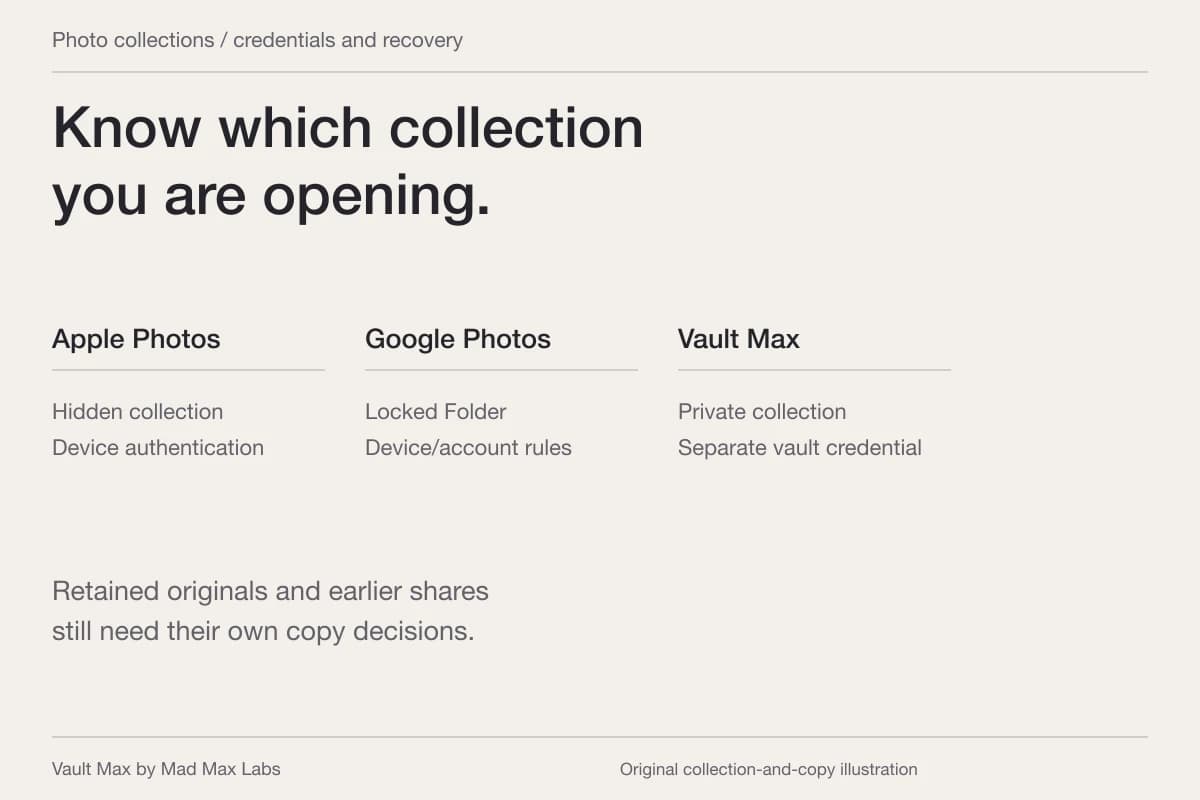
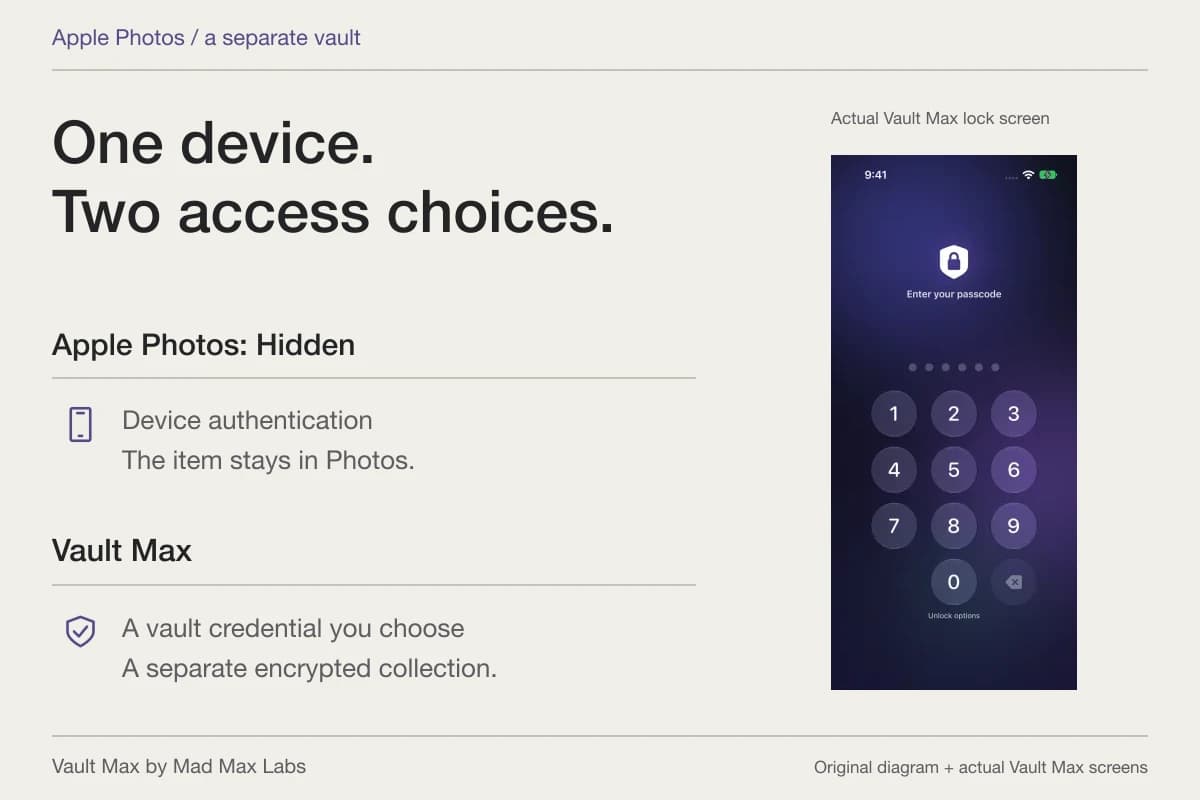
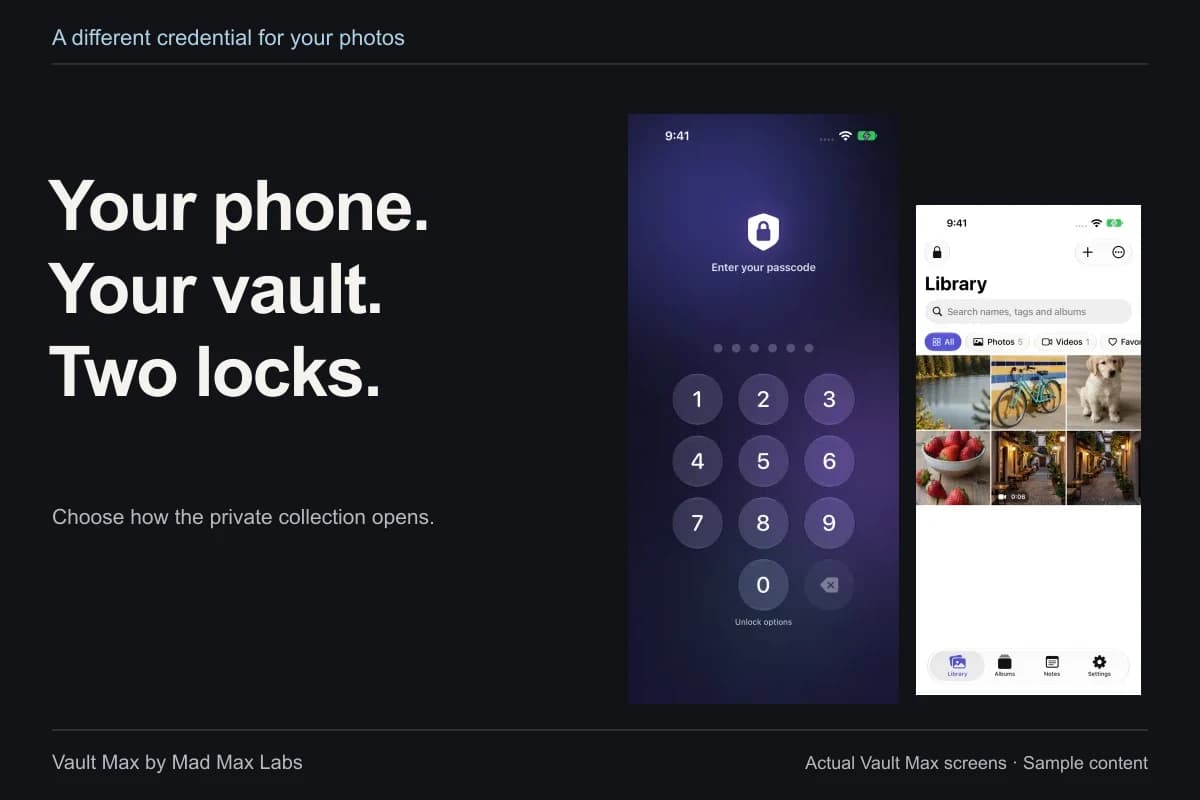
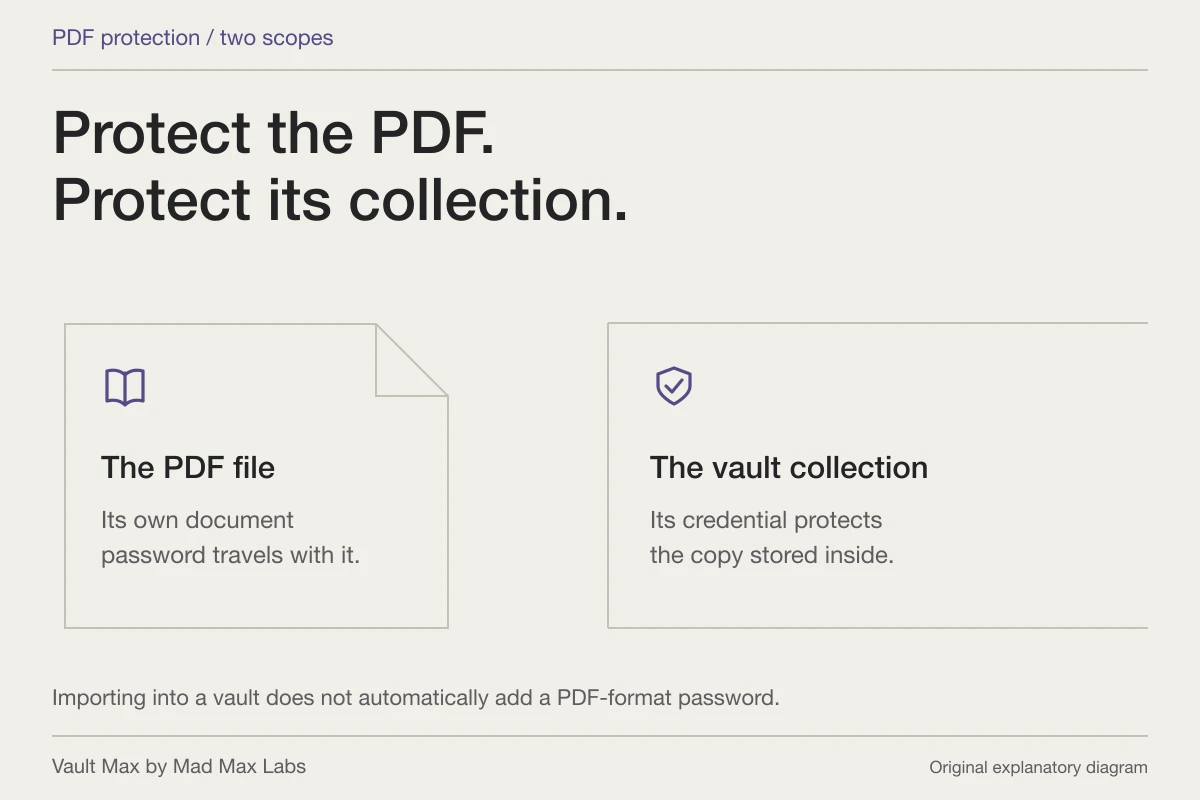
Private Browsing supplies browser-specific privacy and optional locking. A separately credentialed vault protects the collection stored in that app. Choose the control for the material you actually want to retain.
Continue reading
More guides
Practical tips for your private library. Swipe or scroll to choose your next guide.
74 guides to explore