
Privacy in practice
iPhone photo storage: make room without losing the private collection
Understand iPhone storage, Vault Max item limits and the copies created by imports and backups. Plan a private collection with clear capacity and space.
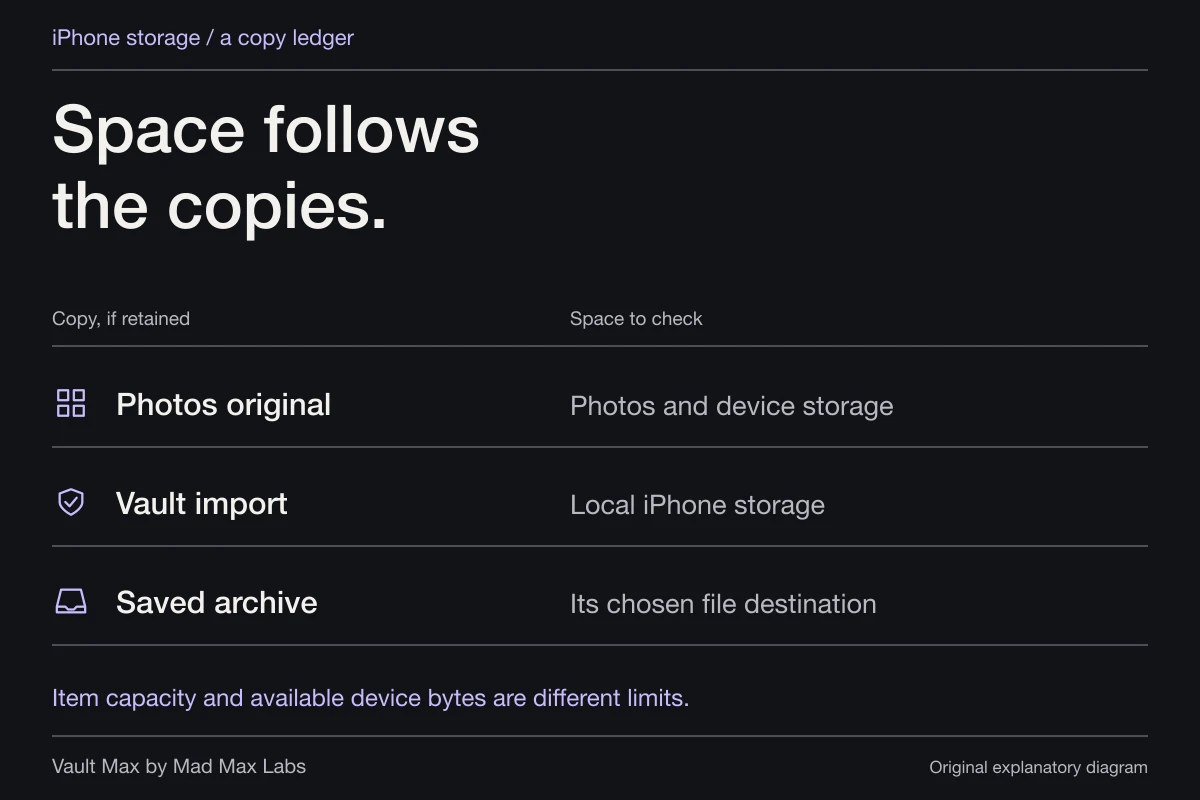
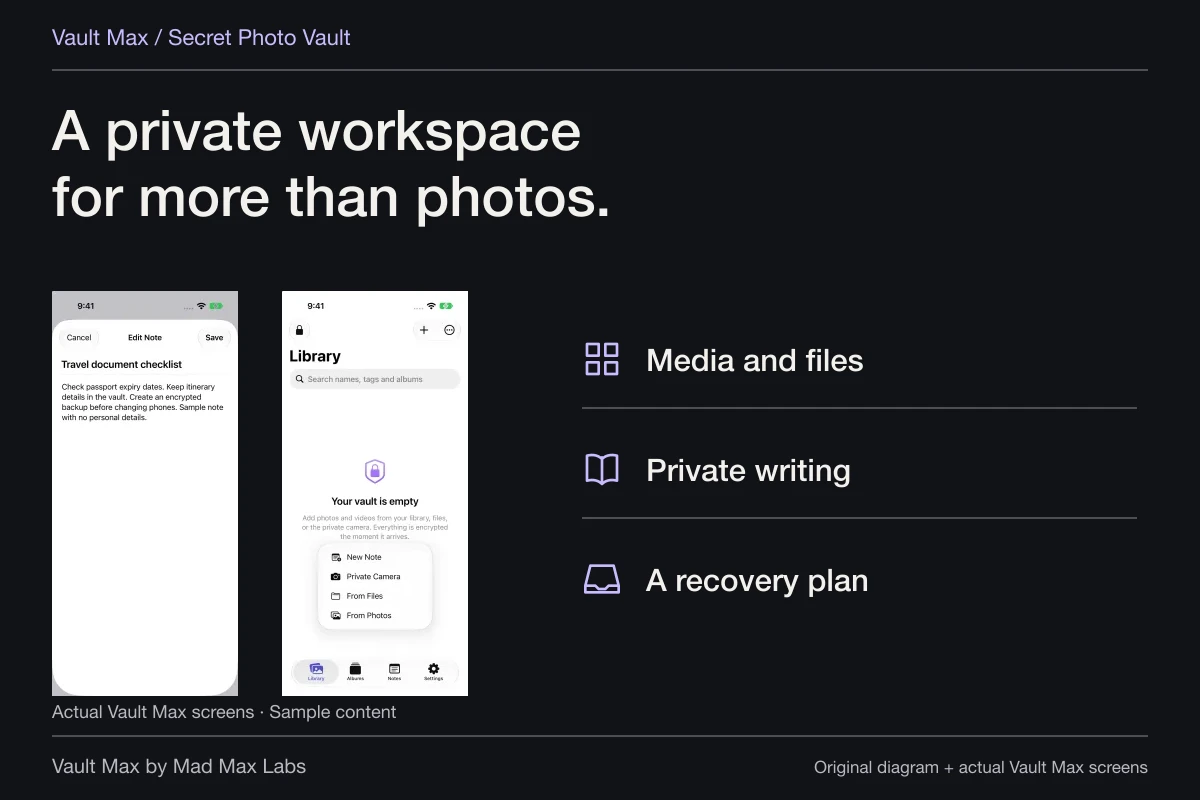
Plan a private photo collection around three separate numbers: available iPhone space, the app's item limit and the space needed for a recovery copy. Vault Max gives selected media, files and writing an encrypted local home without an app account or analytics. Its capacity purchase expands that collection; the files still need somewhere to live.
That distinction matters when the phone is nearly full. You can have room under a free item limit and little physical storage left. You can also have ample device storage while reaching an app's free capacity. Look at the number that is actually stopping the next action before paying, deleting or moving anything.
Possible copySpace to checkDecision
- Photos original
- Photos and device storageKeep, hide or delete it deliberately after verifying the import.
- Vault import
- Local iPhone spaceThe encrypted working collection still occupies device storage.
- Saved archive
- Chosen file destinationA local archive uses space too; a cloud destination has its own storage limits.
Read the phone's storage meter first
Open Settings → General → iPhone Storage. Apple's current storage instructions explain the app list, recommendations and per-app view. Read the recommendation before enabling it. This is the place to understand the phone's storage pressure, rather than estimating it from the number of thumbnails in a gallery.
Next, separate your private project from everything else using the device. A large game, downloaded media and a growing photo library can compete for the same remaining space. Importing ten private pictures does not require treating every other storage category as part of that project.
Avoid starting a large move while you are uncertain which copy you can afford to lose. Make a smaller selection, inspect its result and preserve a usable source. A nearly full phone is a reason to plan the sequence carefully, not to accept a deletion prompt before checking the protected item.
Item capacity and physical space answer different questions
Vault Max Free permits 50 counted photos, videos and documents per vault, with one extra vault and every security feature. Encrypted text notes do not count toward that media/document quota. They still contain data and therefore still occupy physical space.
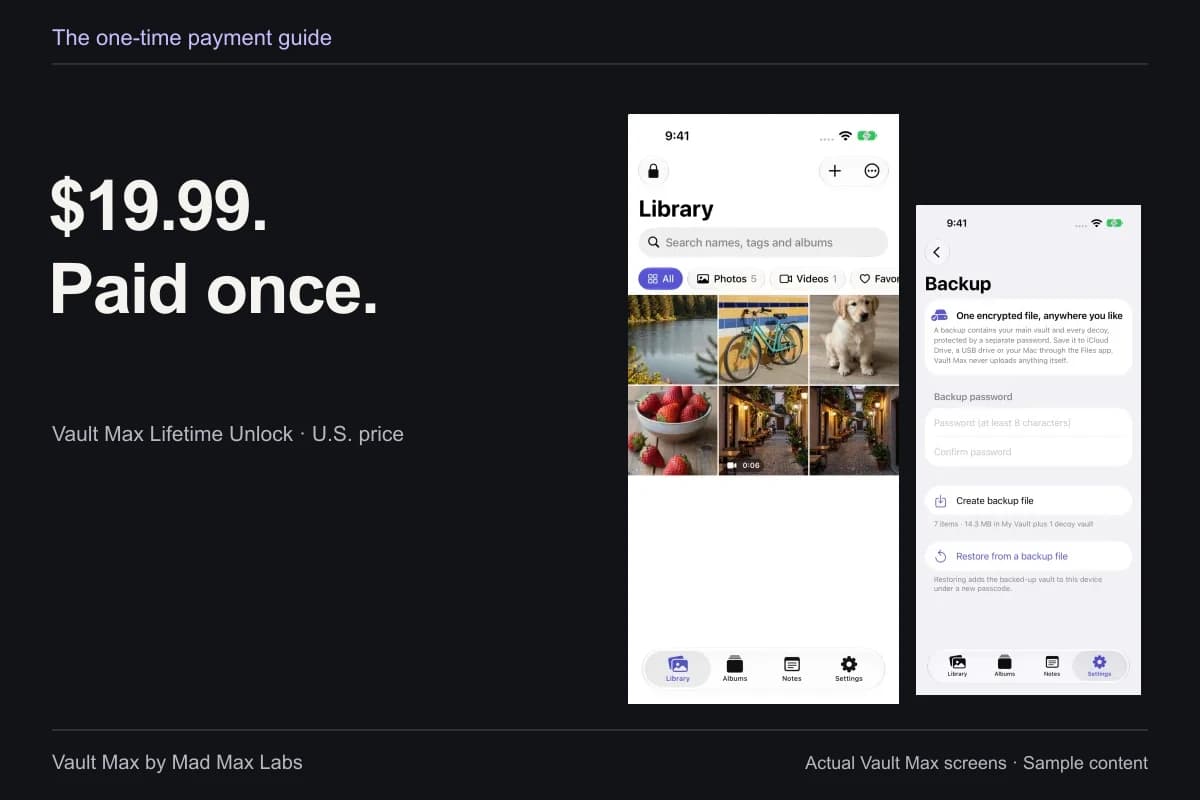
Paid plans permit unlimited counted items and up to eight total vaults per device, within available storage. The published U.S. Lifetime Unlock is $19.99; the subscription options provide the same paid capacity benefit for their stated duration. You are choosing an app entitlement, rather than renting a server library from Vault Max.
| Number | What it tells you | What to decide |
|---|---|---|
| Available iPhone storage | Physical room shared by the device's apps and content | Whether the next import and backup have working room |
| Vault Max counted items | Photos, videos and documents under the app's capacity rules | Whether free or paid capacity fits the collection |
| Live collection bytes | The size of the current items counted by the app | Which large items deserve review |
| Recovery archive space | Room needed wherever the snapshot is saved | Whether that destination remains usable without the phone |
For a small collection of reference pictures and written explanations, free capacity may already fit. For a larger collection, the one-time option keeps the entitlement clear. Neither decision should depend on guessing that a purchase will shrink existing files.
Also consider the collection after a subscription ends. Existing Vault Max content remains available to open, export, delete and back up; the paid capacity rules govern further additions. You can therefore evaluate the ordinary workflow with a small free collection and choose a duration for capacity, rather than treating renewal as a prerequisite for retrieving what you already saved.
Follow the copies made by an import
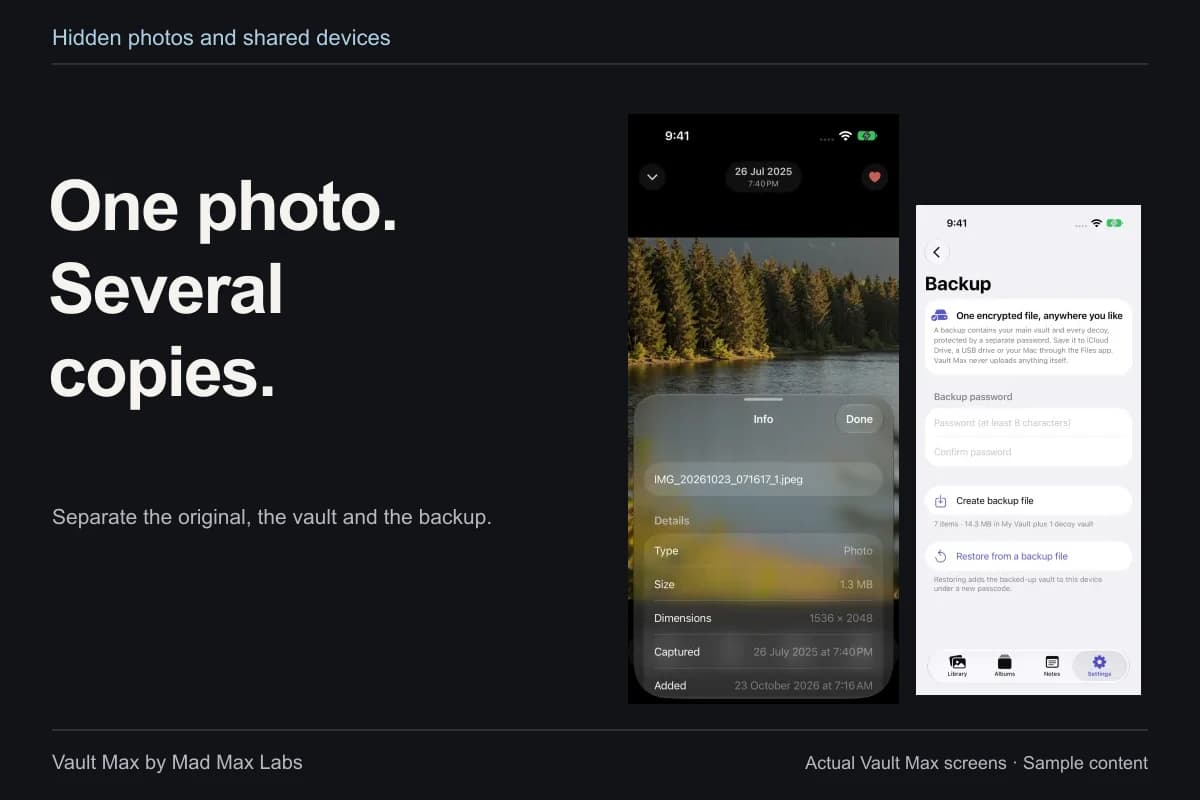
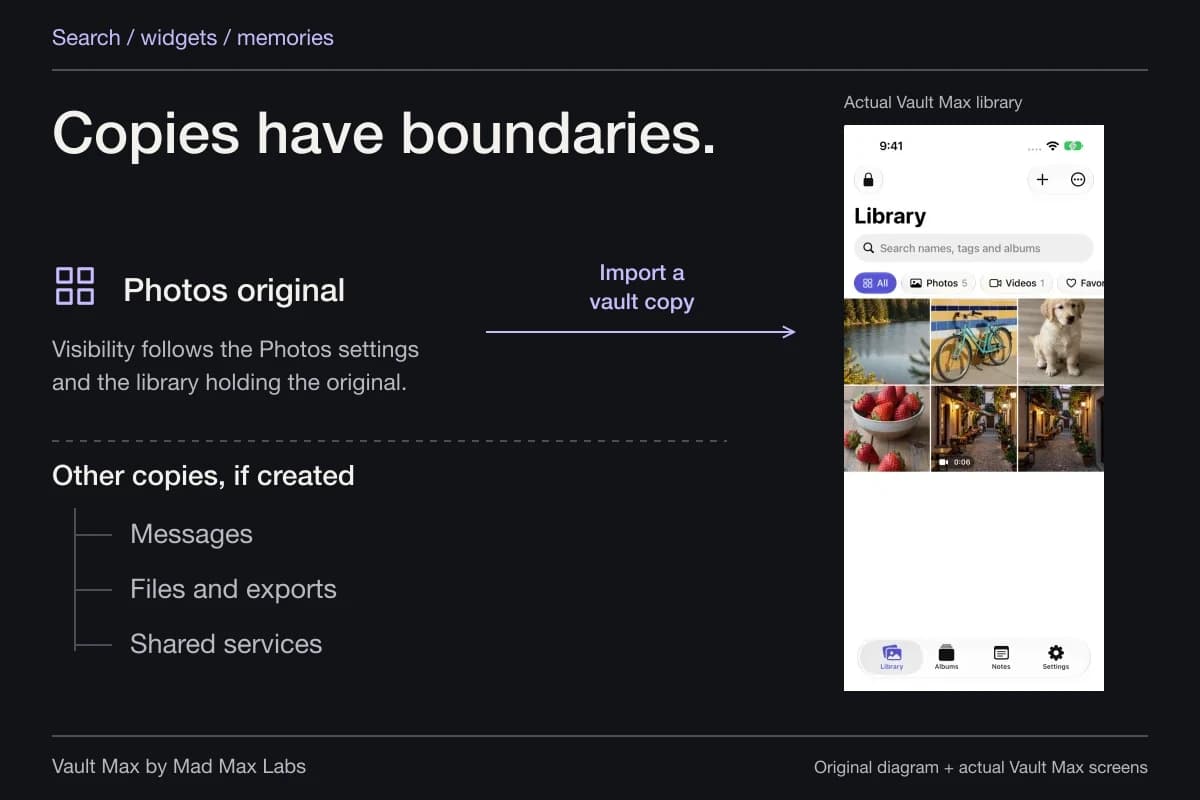
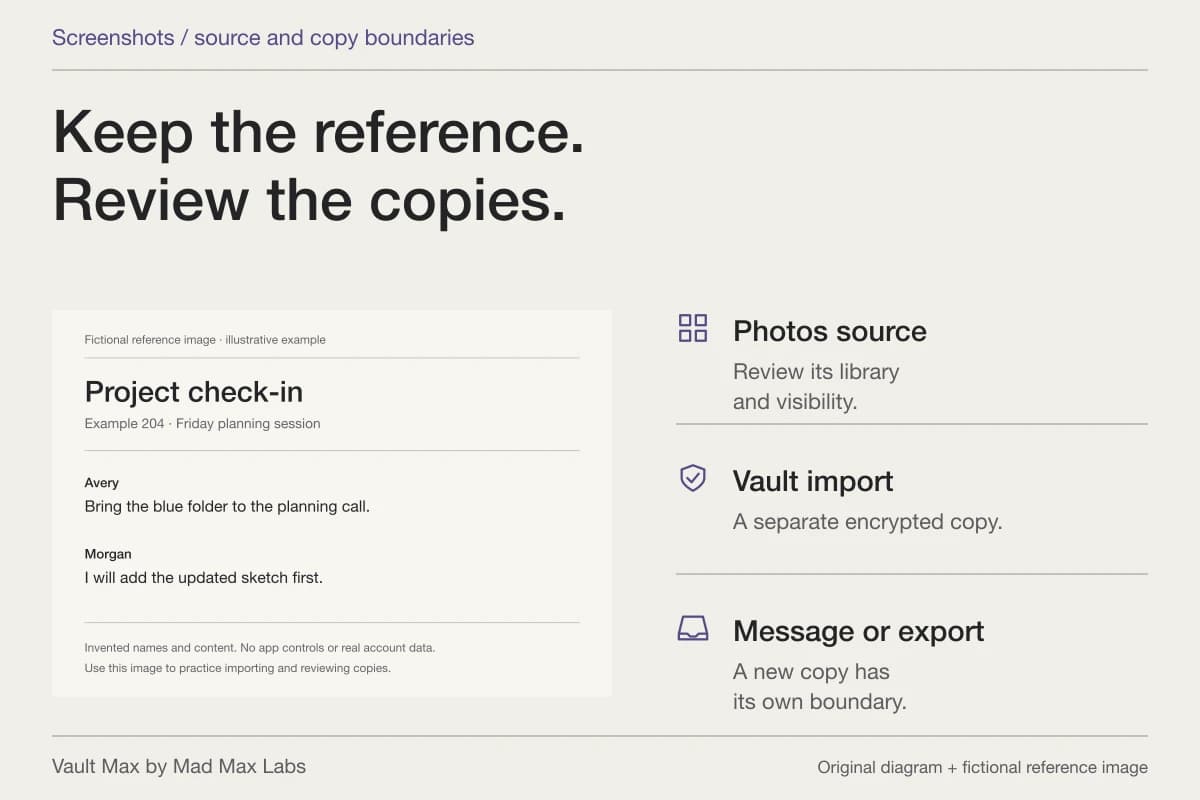
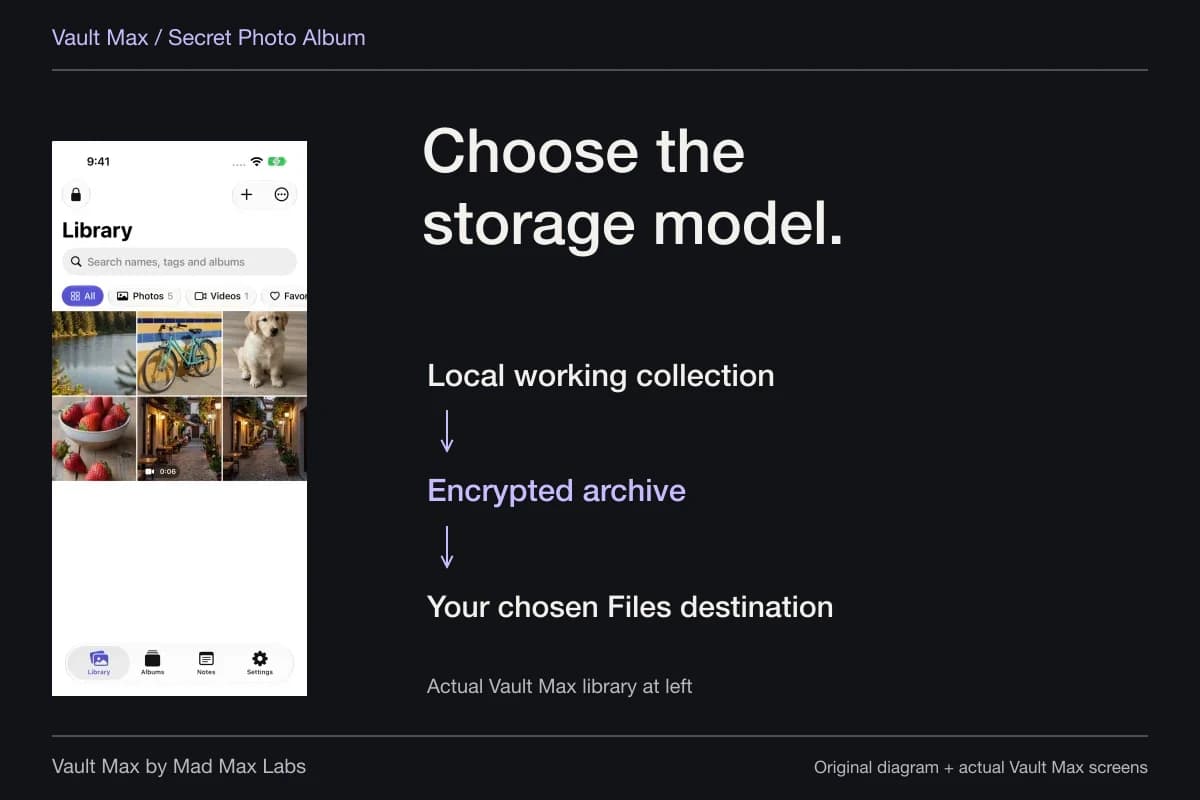
Importing from Photos creates a Vault Max item. If you retain the Photos original, both locations remain part of the plan. A later .vaultmax archive adds a recovery snapshot at the destination you choose. This is why privacy and space need to be considered together.
Do not assume an exact two-times or three-times multiplier. File formats, thumbnails, index data, temporary work and the chosen archive location affect actual usage. A diagram can help you identify the copies; it cannot substitute for measuring their sizes on your phone.
The useful question is which copy serves which job. Photos may be your ordinary library. Vault Max may be the private working collection. An independently accessible encrypted archive may be your recovery copy. Once those roles are clear, you can decide whether a retained original is intentional rather than deleting whatever appears easiest to reach.
Find the large items without dismantling the collection
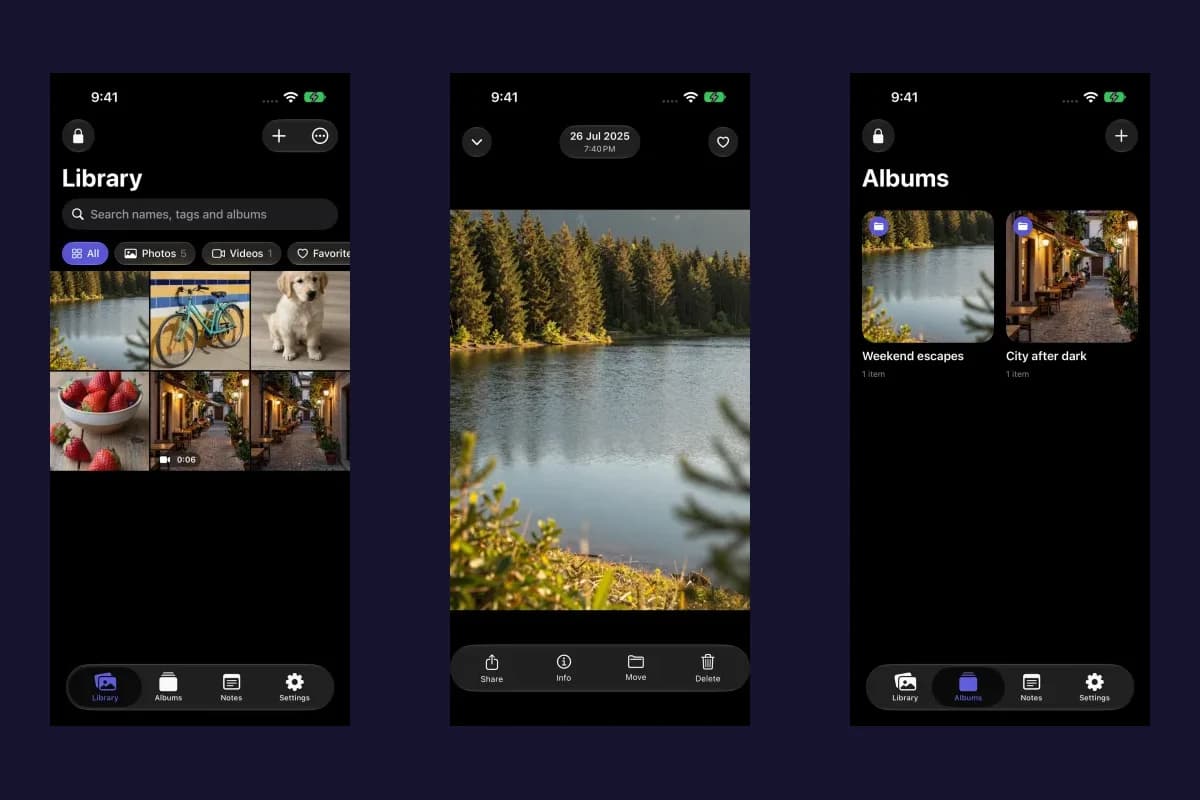
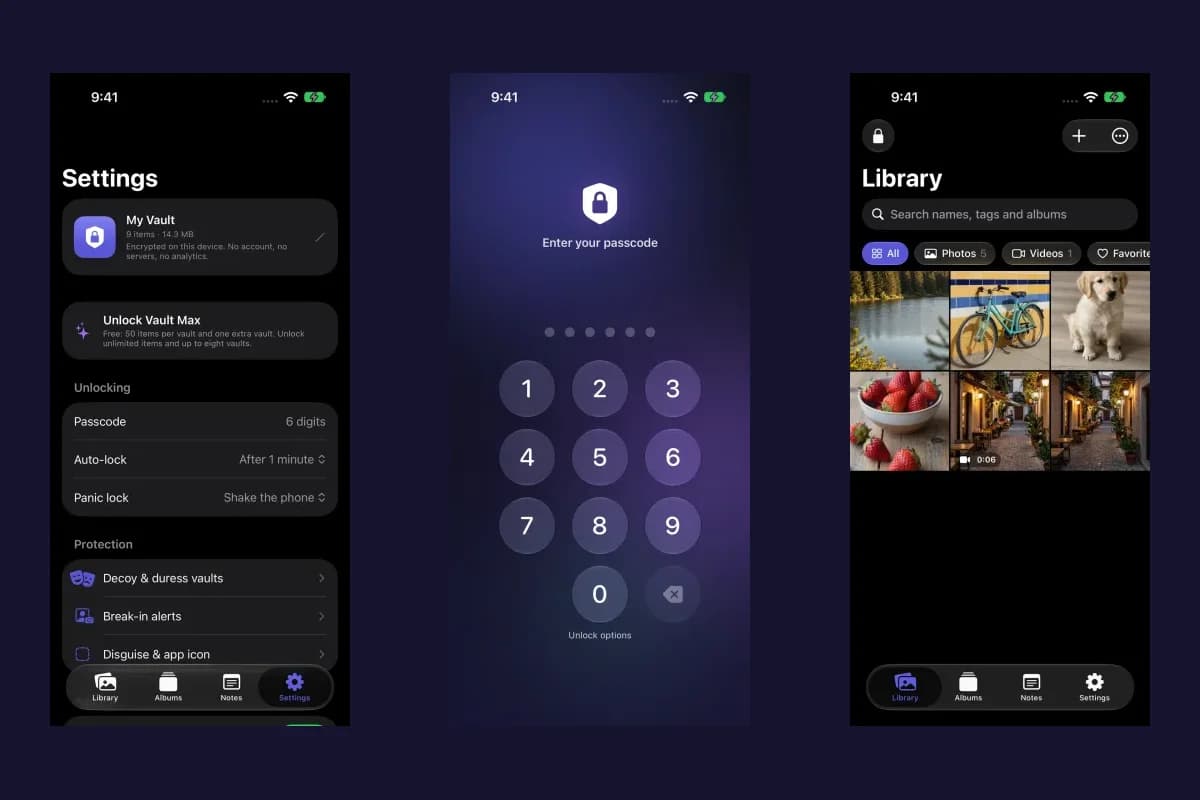
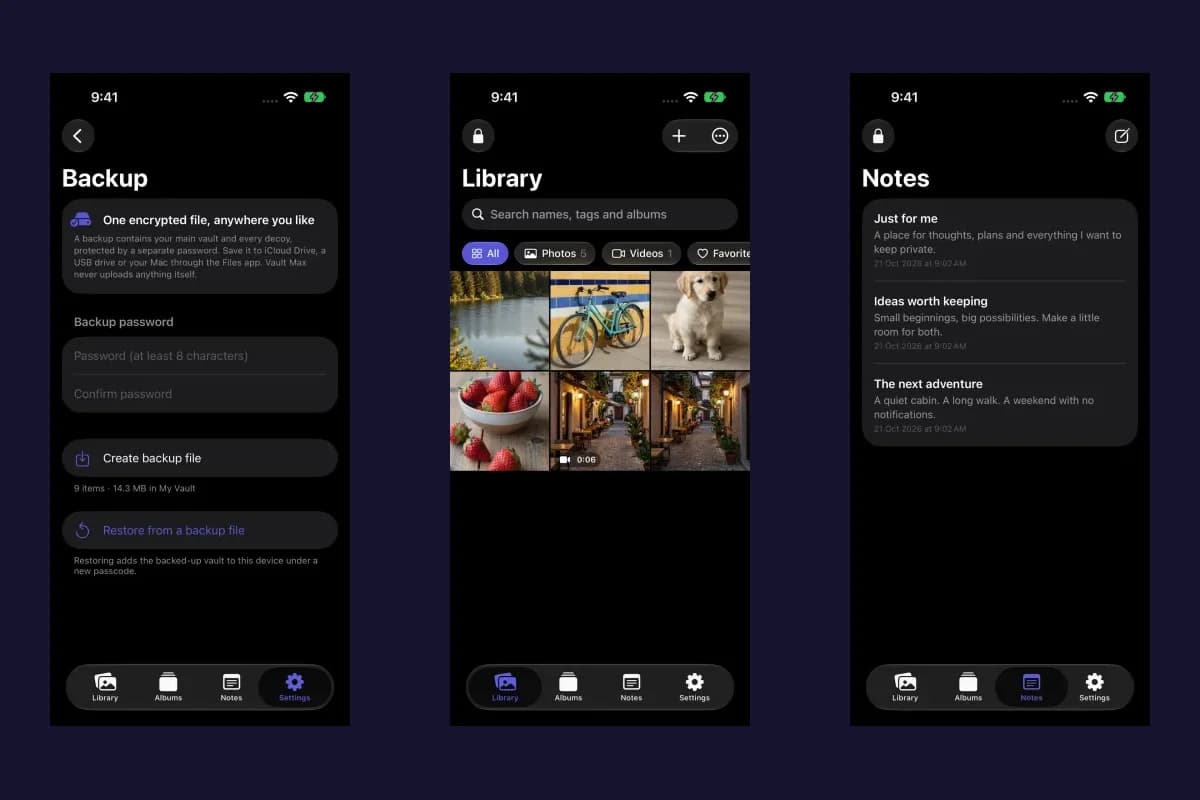
Vault Max offers media and Files filters, plus sorts including newest, oldest, name and largest. Use the relevant scope and filter, then review large items you recognize. A long video can deserve a different decision from a small written note, even when each appears as a single item in an interface.
Open an item before deciding what happens to it. Is this the complete clip you want? Is the document readable? Is it the only version with the information you need? The Info panel gives you a more concrete starting point than the visual size of its thumbnail.
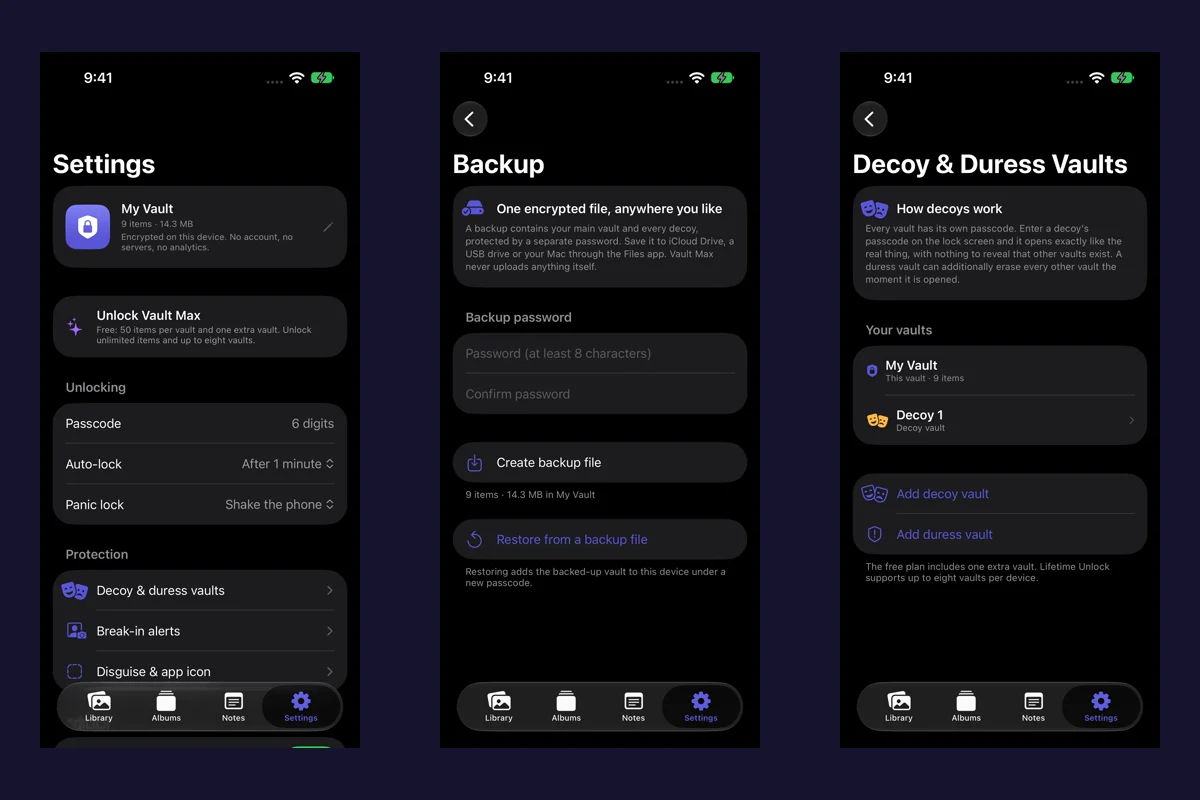
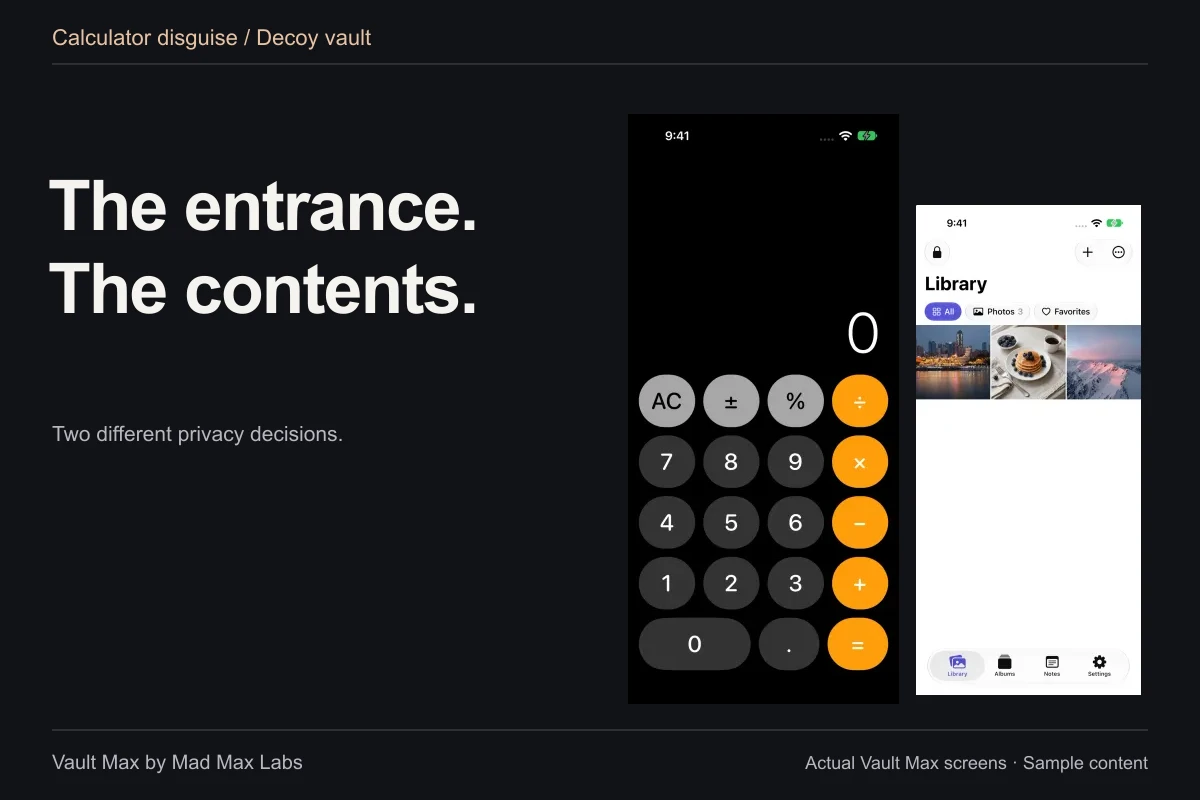
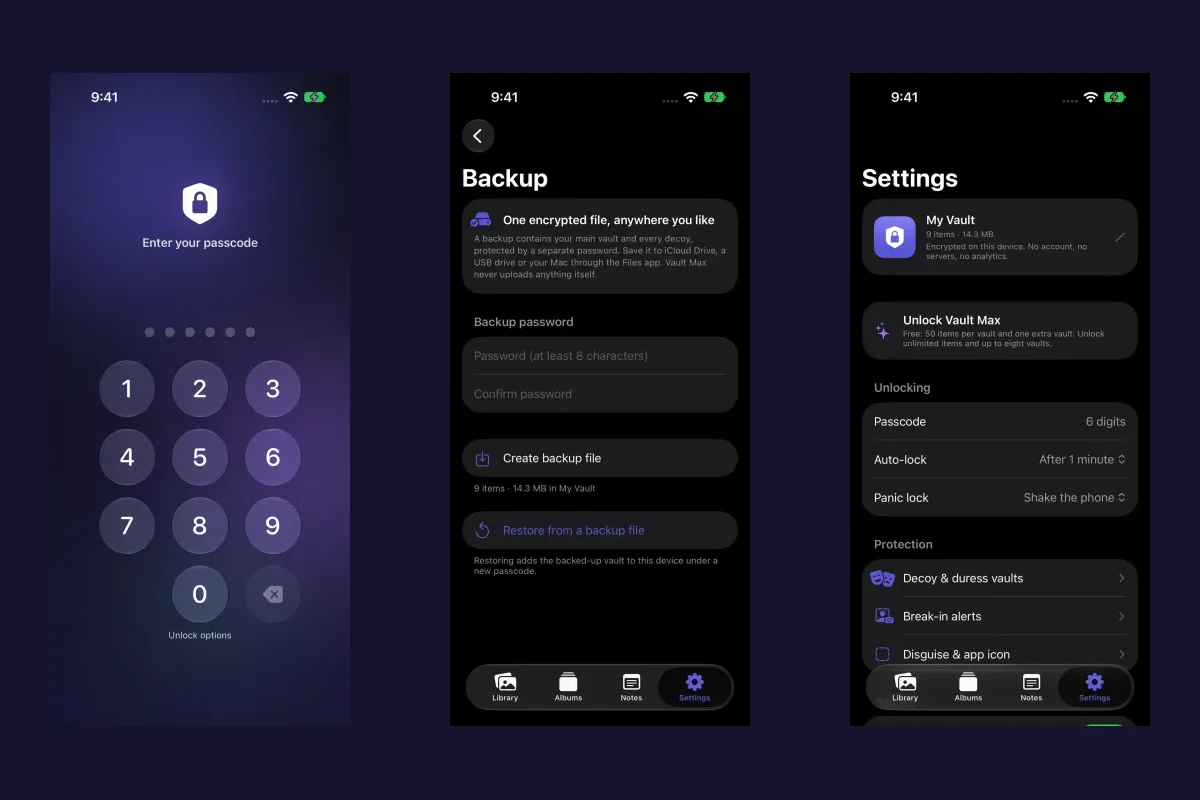
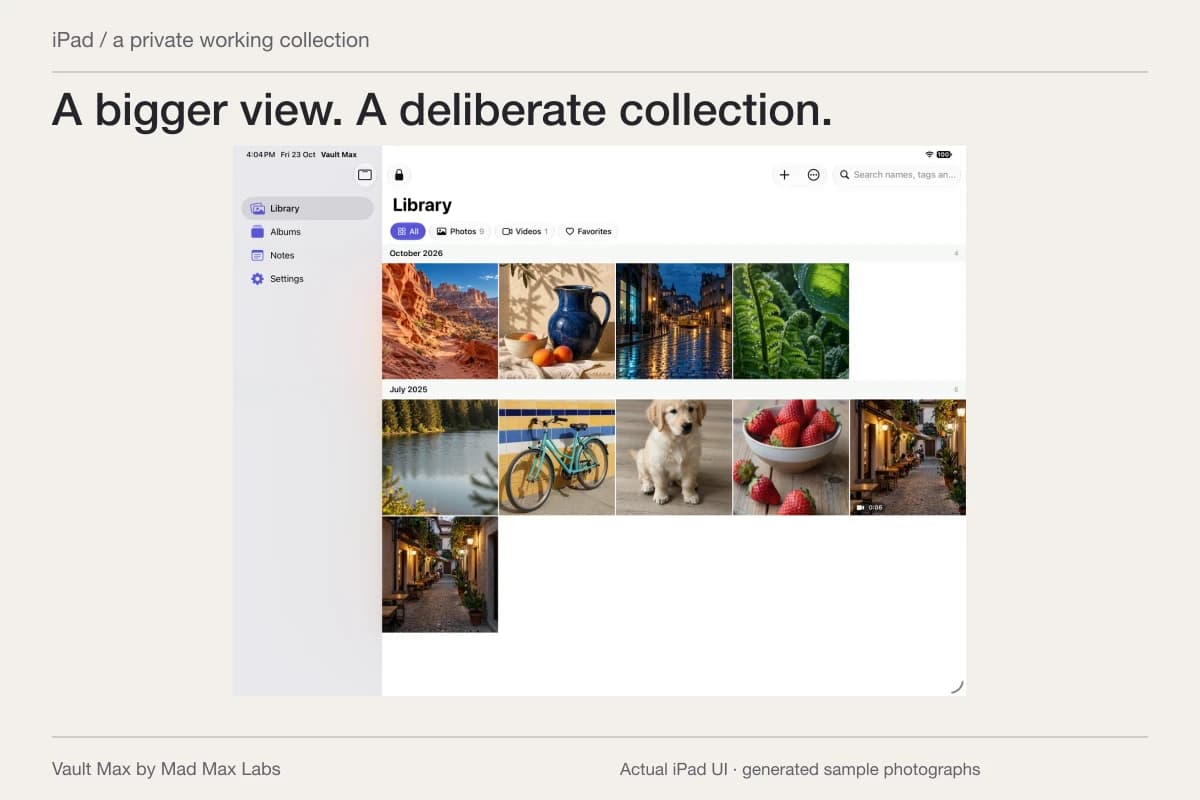
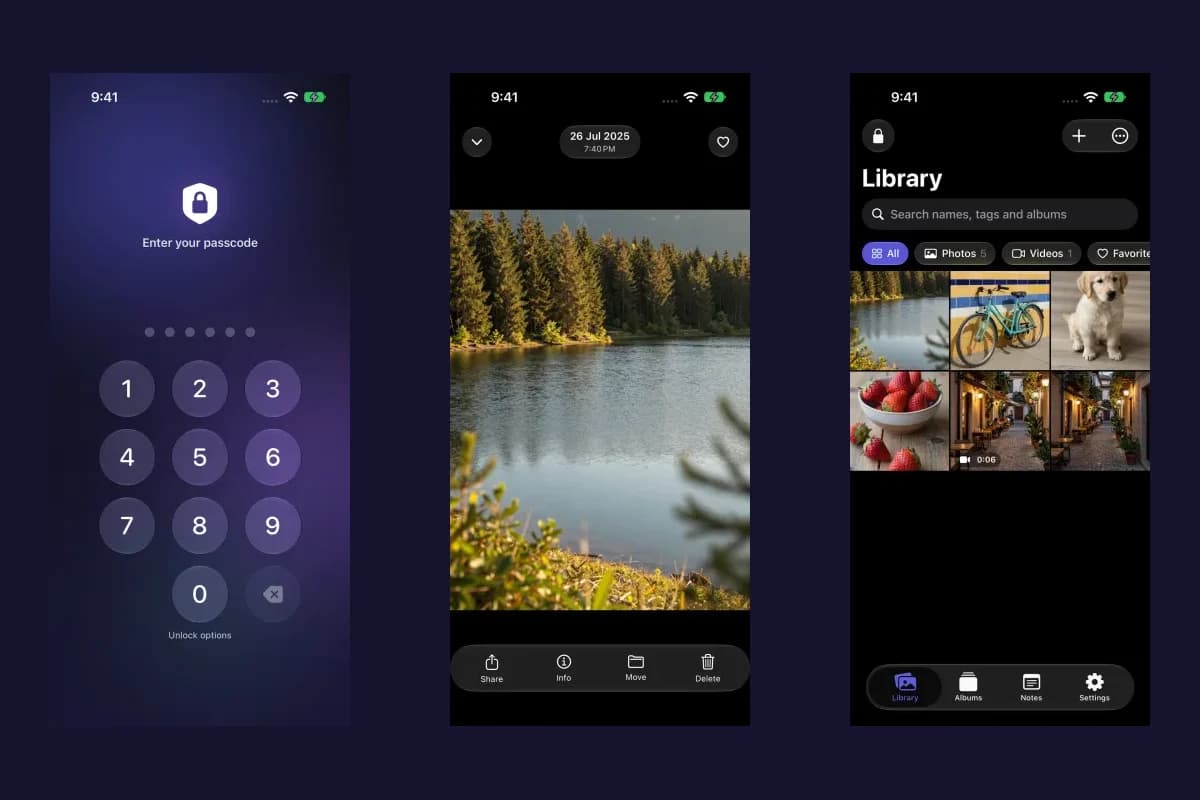
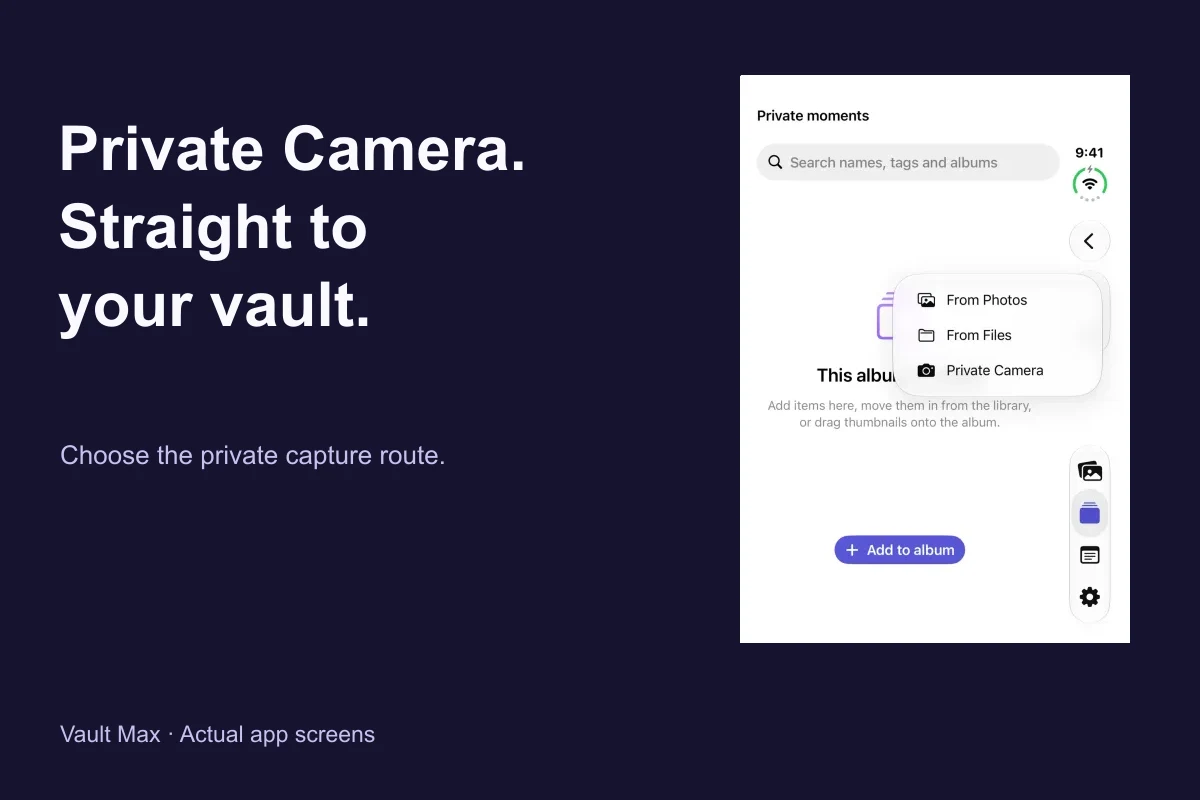
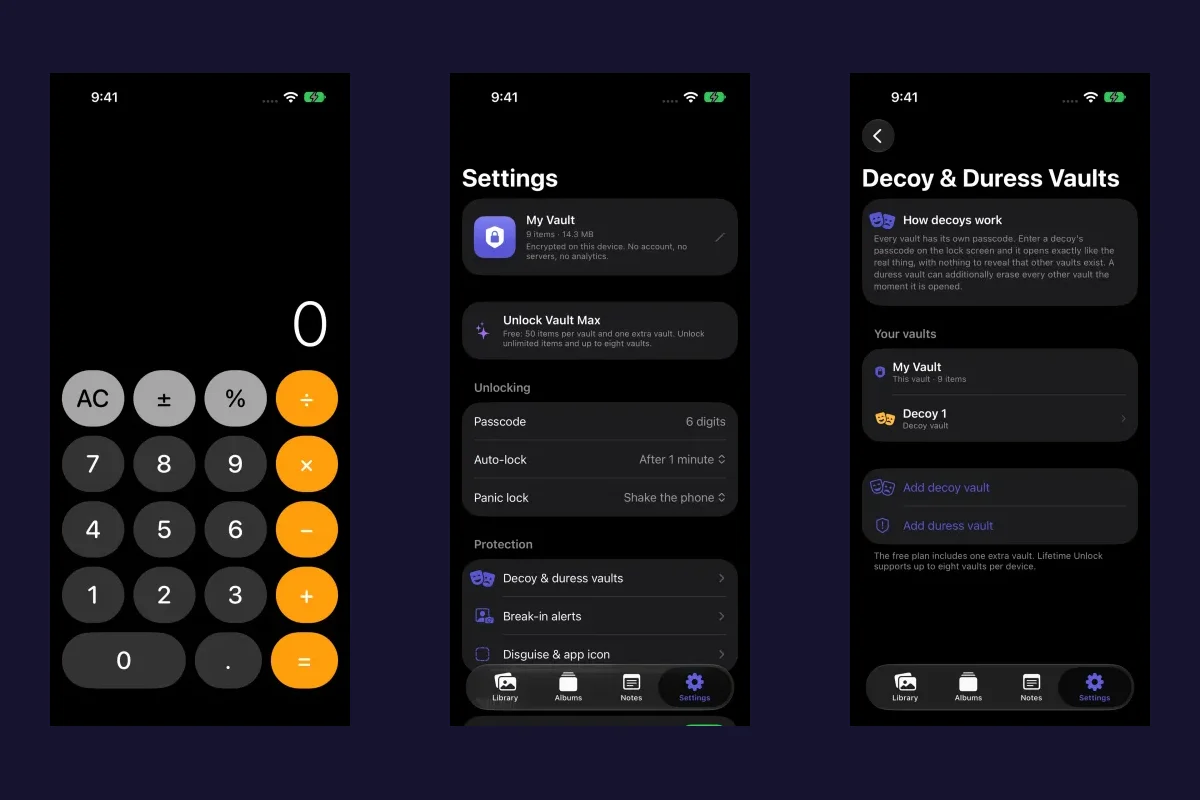
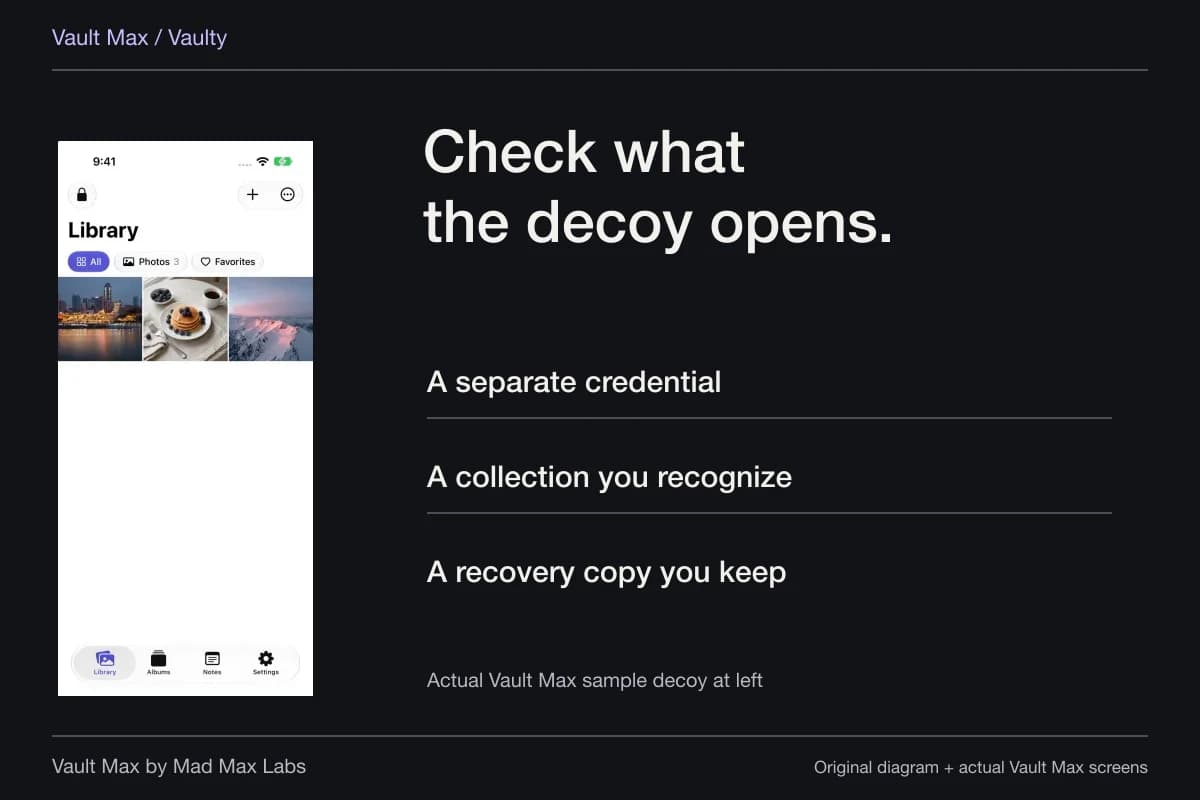
Sample Vault Max library. Select a screen for a closer look.
The collection total in Vault Max's settings sums live item bytes. It is not the app binary plus every thumbnail, Trash item, temporary file and archive elsewhere on the phone. A difference from iPhone Storage is not, by itself, evidence of a lost file or a failed encryption operation.
Organize existing items before importing them again
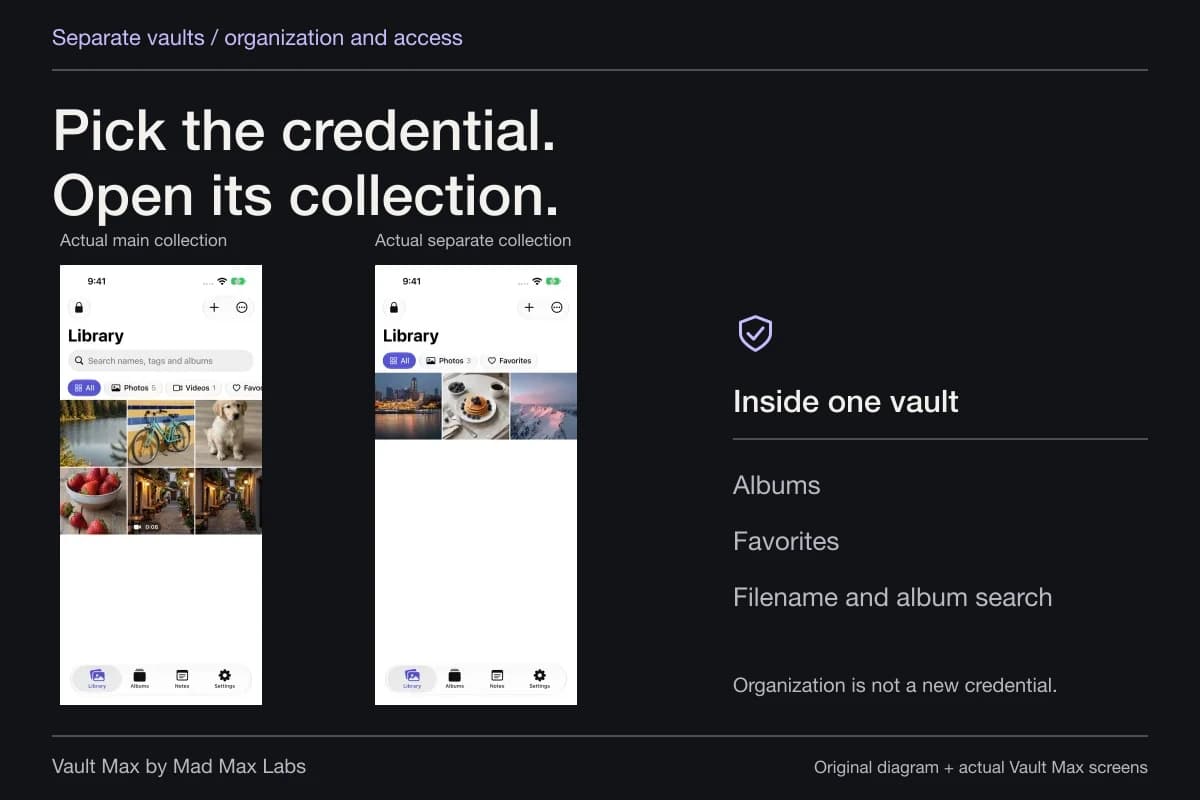
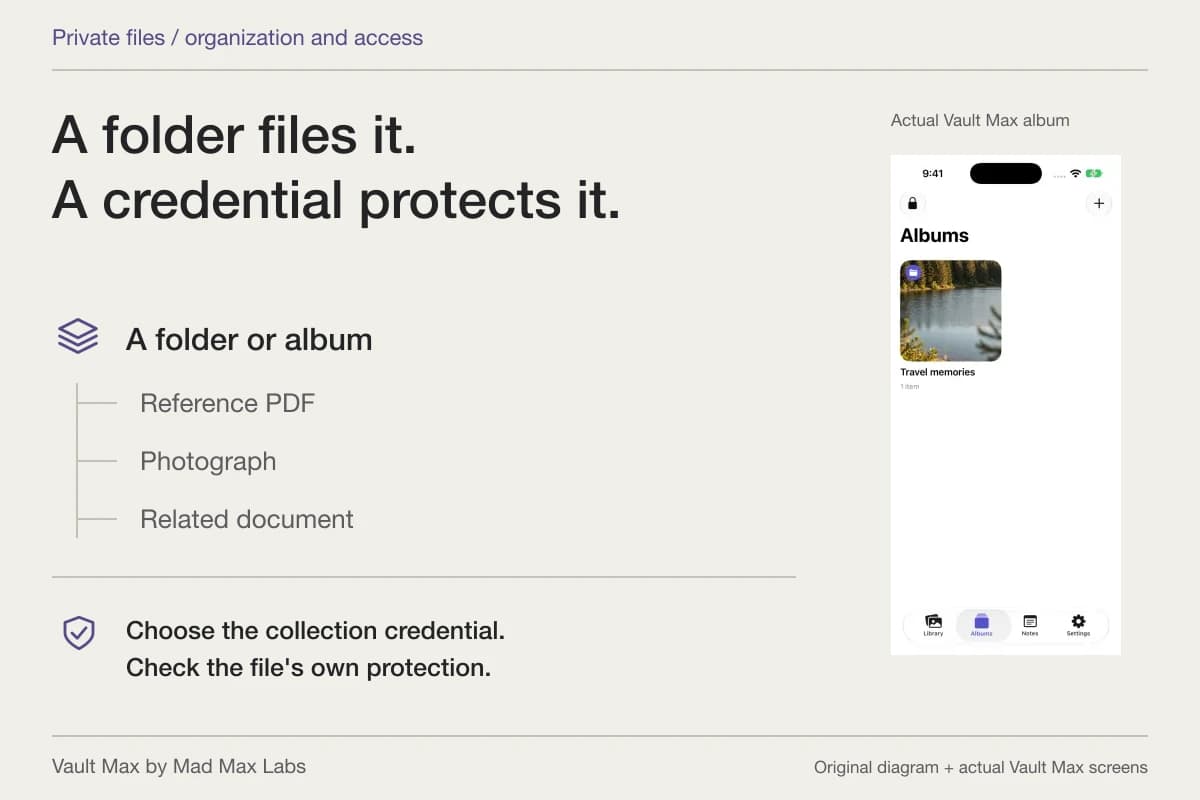
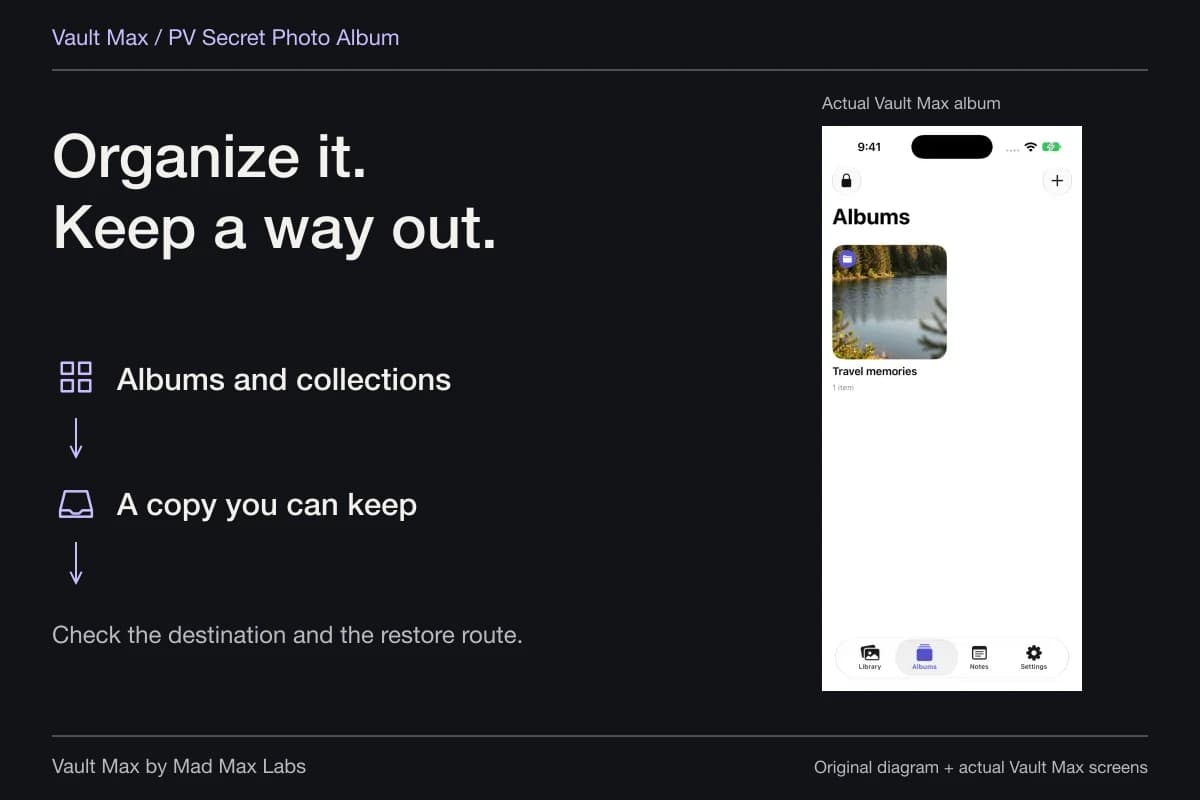
An album gives related items a recognizable place. Favorites gives selected items another useful route back. In Vault Max, moving an item into an album or marking it as a favorite does not import another copy of the underlying file.
That makes organization a sensible first response when the problem is finding something. Suppose you have the right reference picture but keep selecting it from Photos because you cannot locate it in the vault. Give the saved item a useful name, put it in the intended album and mark the version you use most. Reimporting it every time solves a different problem.
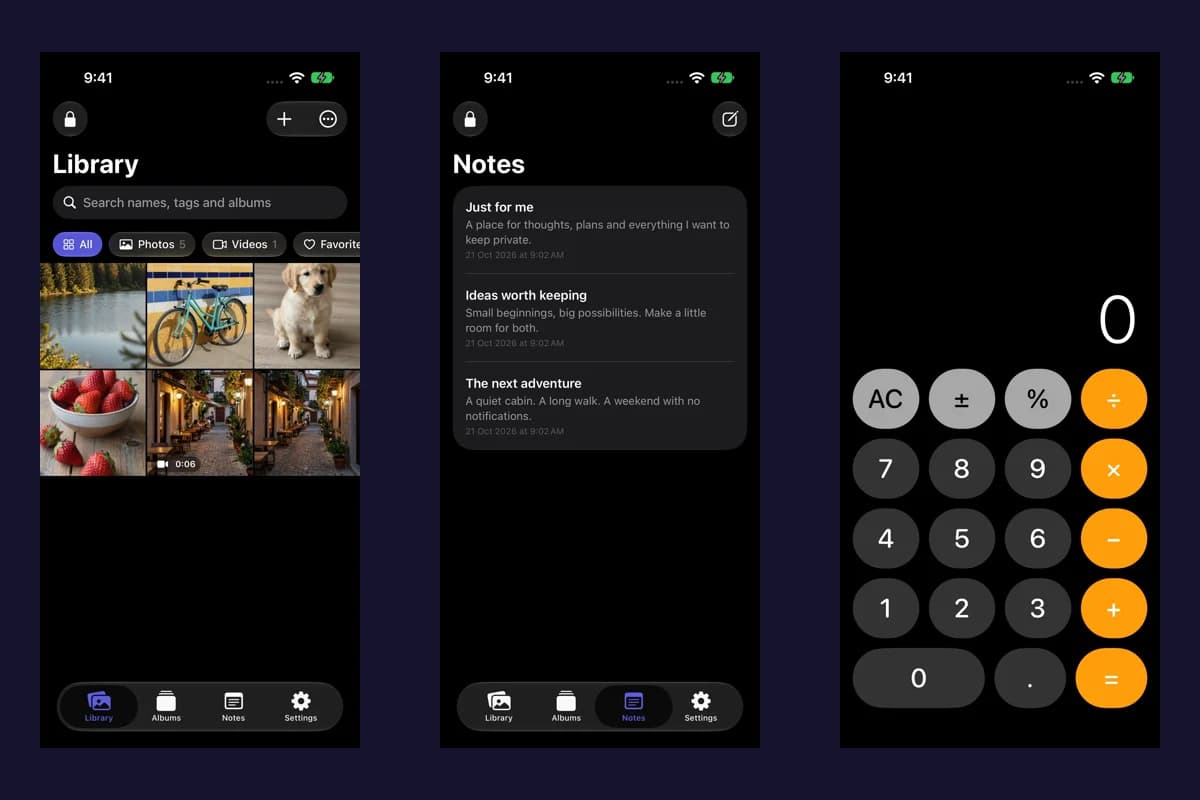
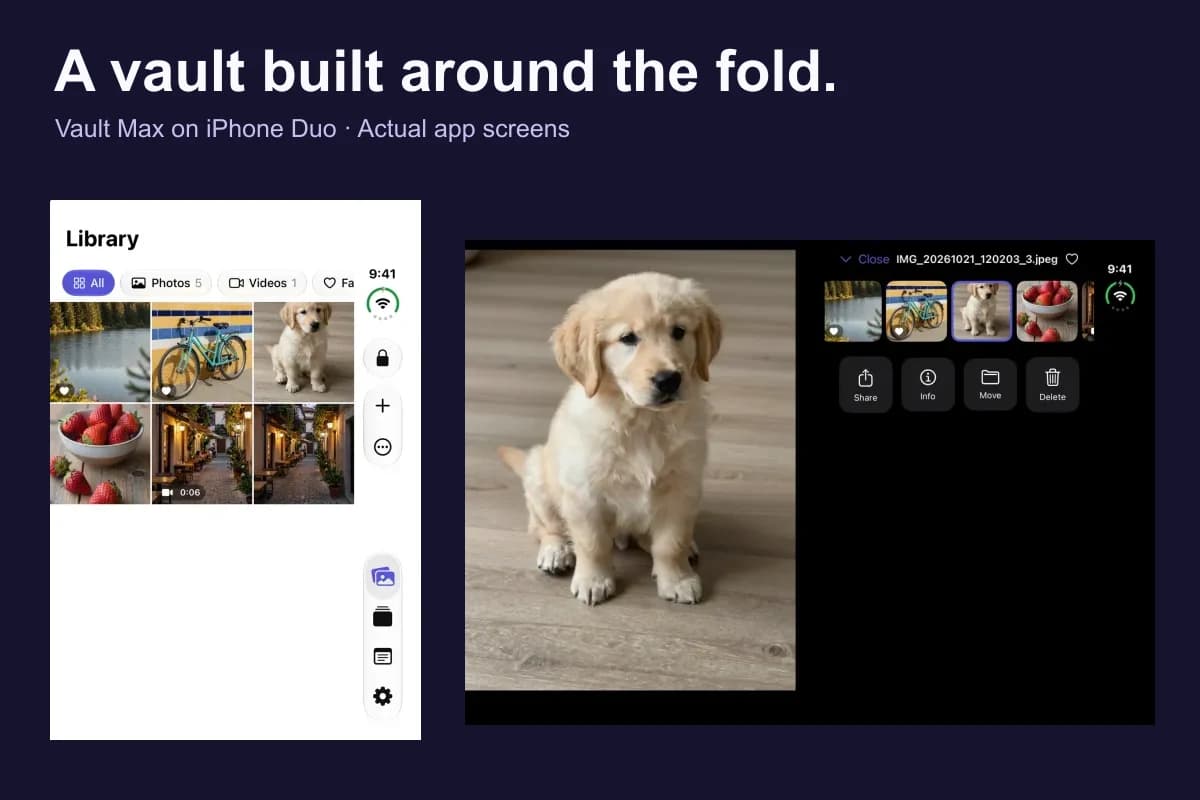
Sample Vault Max library. Select a screen for a closer look.
Understand what Photos optimization changes
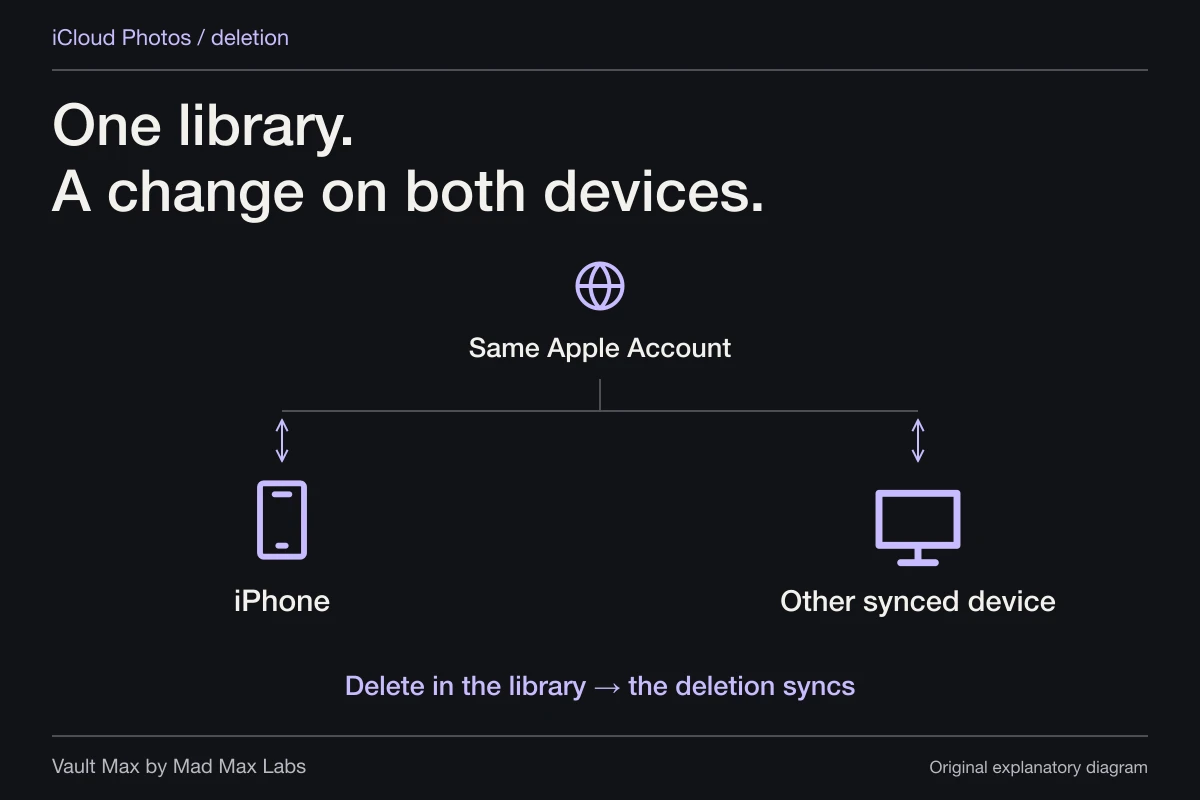
Apple's photo-storage guidance distinguishes iCloud space from device space. With optimization enabled, Photos can keep smaller local versions while originals remain in iCloud. In iOS 27, the documented path adds iPhone Storage inside the iCloud Photos settings before the optimization choice.
That setting applies to the Photos arrangement. It does not create a Vault Max cloud account or automatically move the vault's working library to a server. If your intention is specifically to keep iCloud photos while reducing their presence on one phone, use the dedicated deletion and optimization guide.
Leave working room for the backup you intend to keep
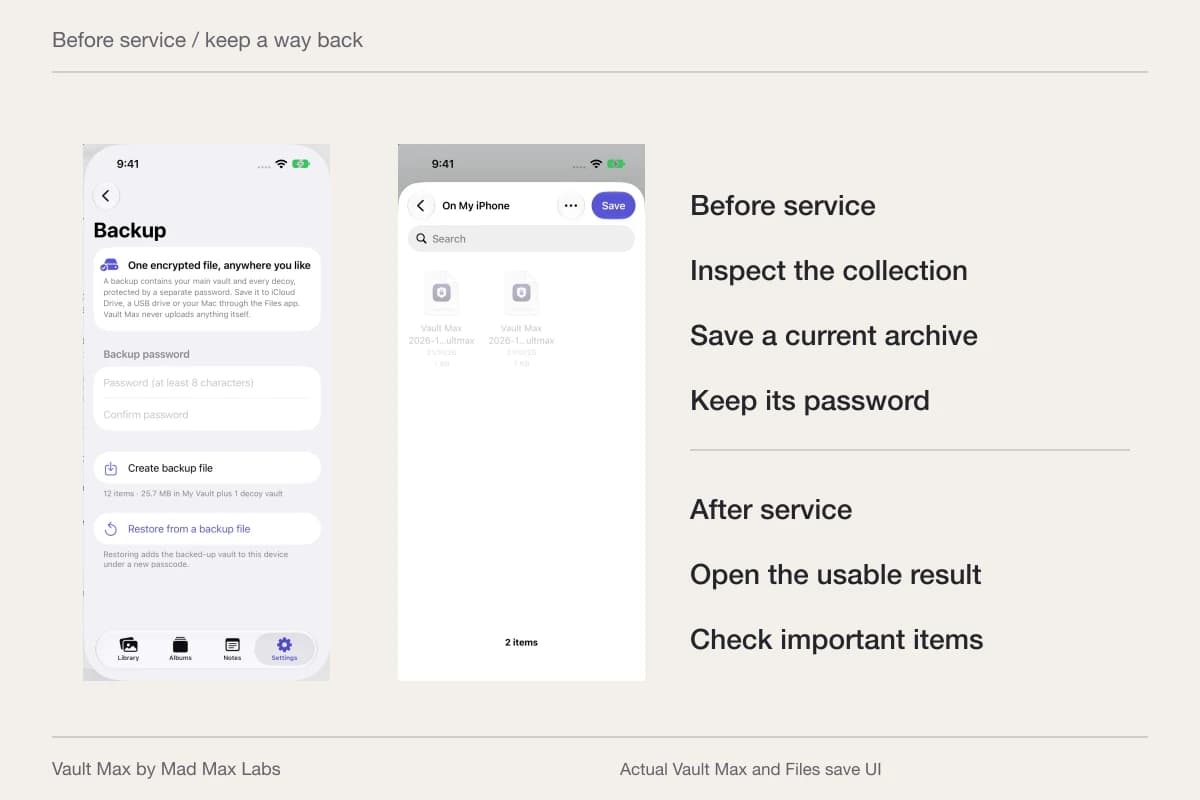
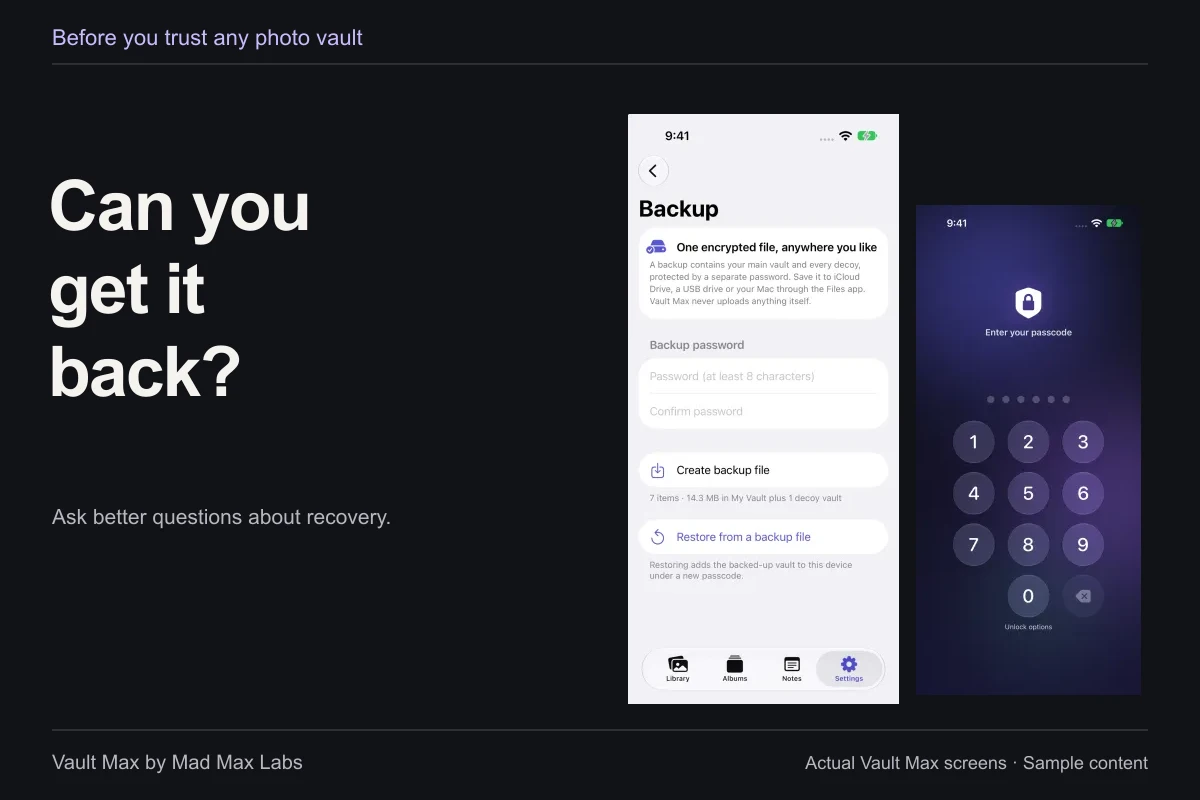
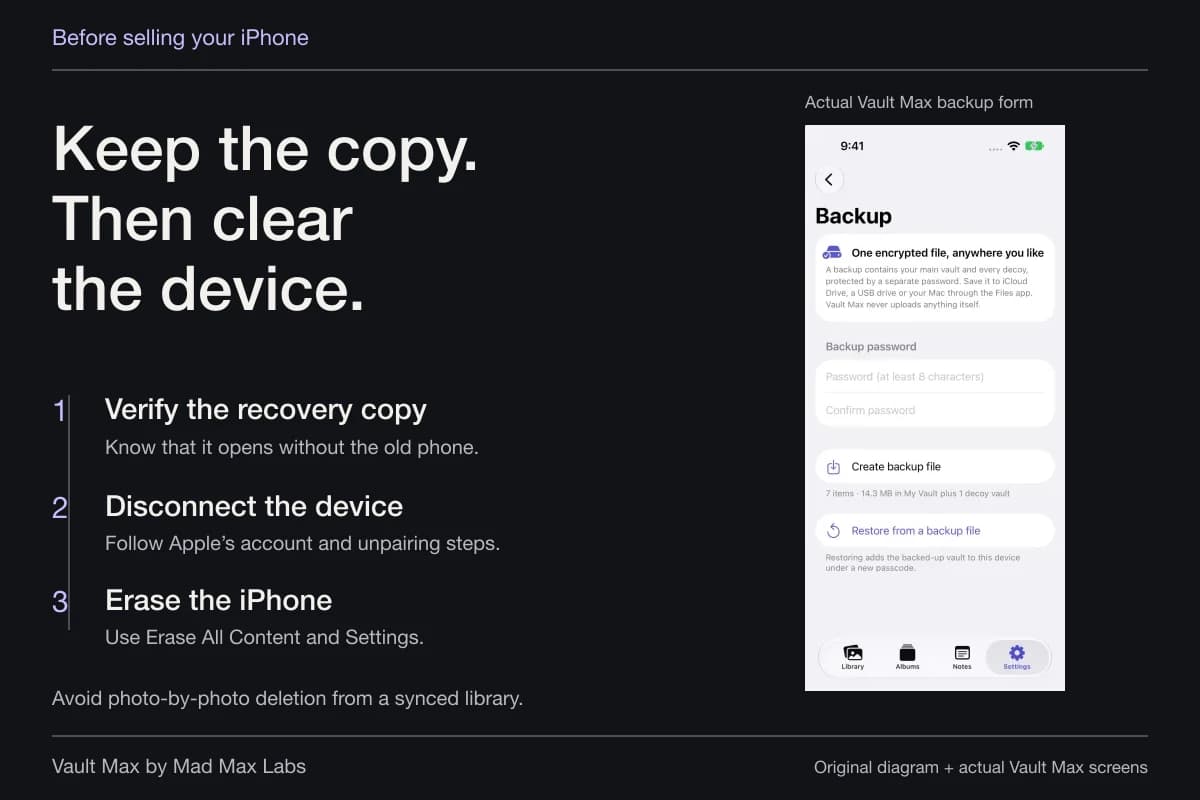
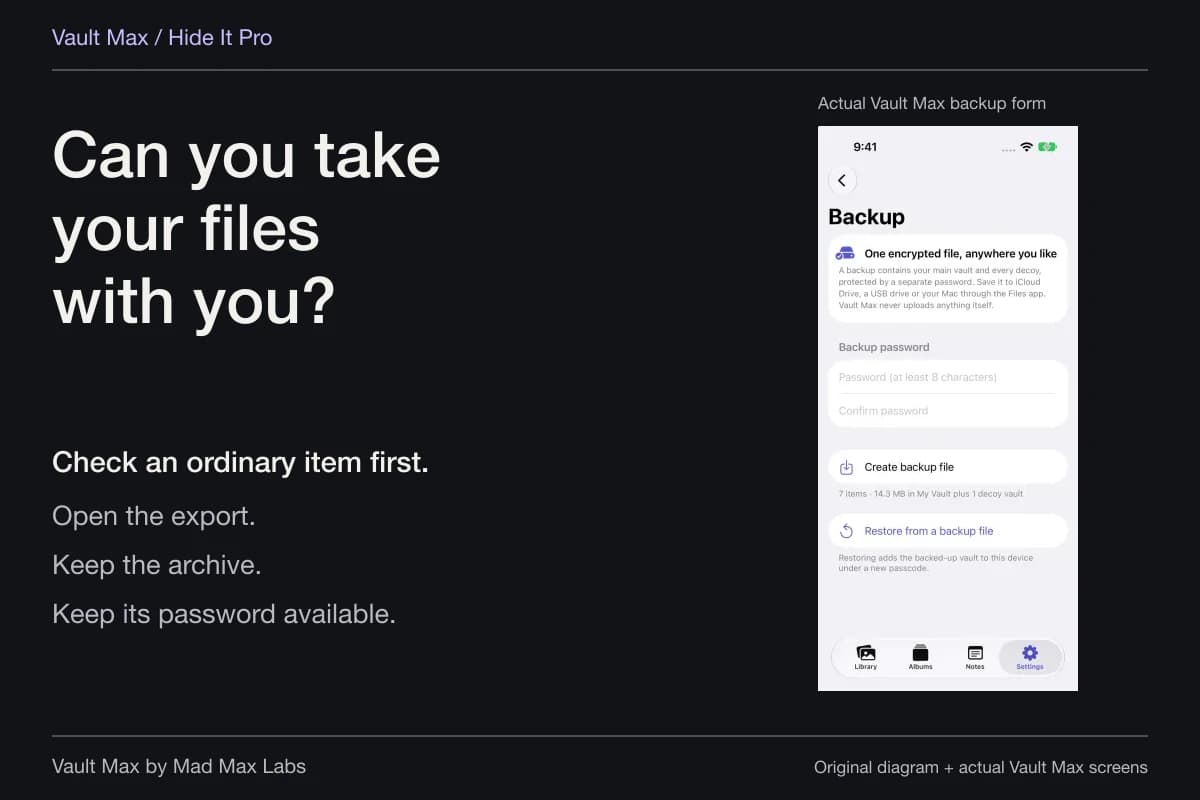
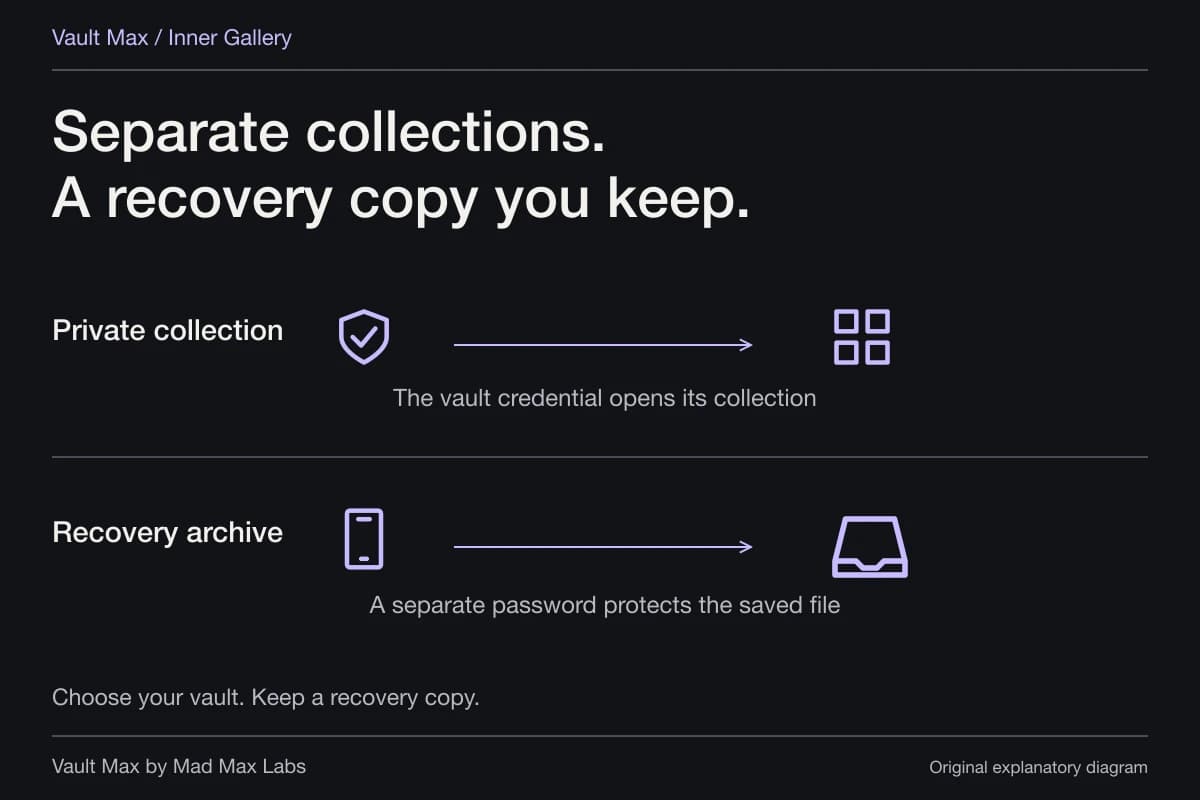
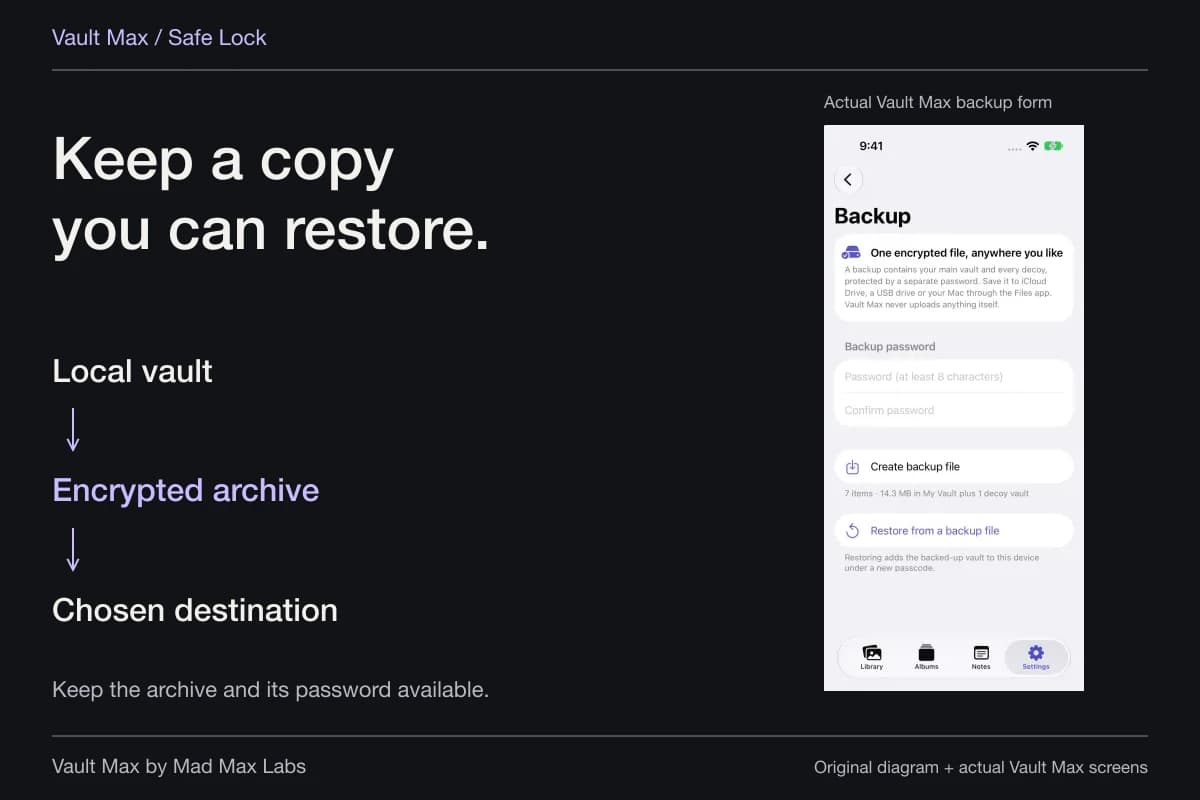
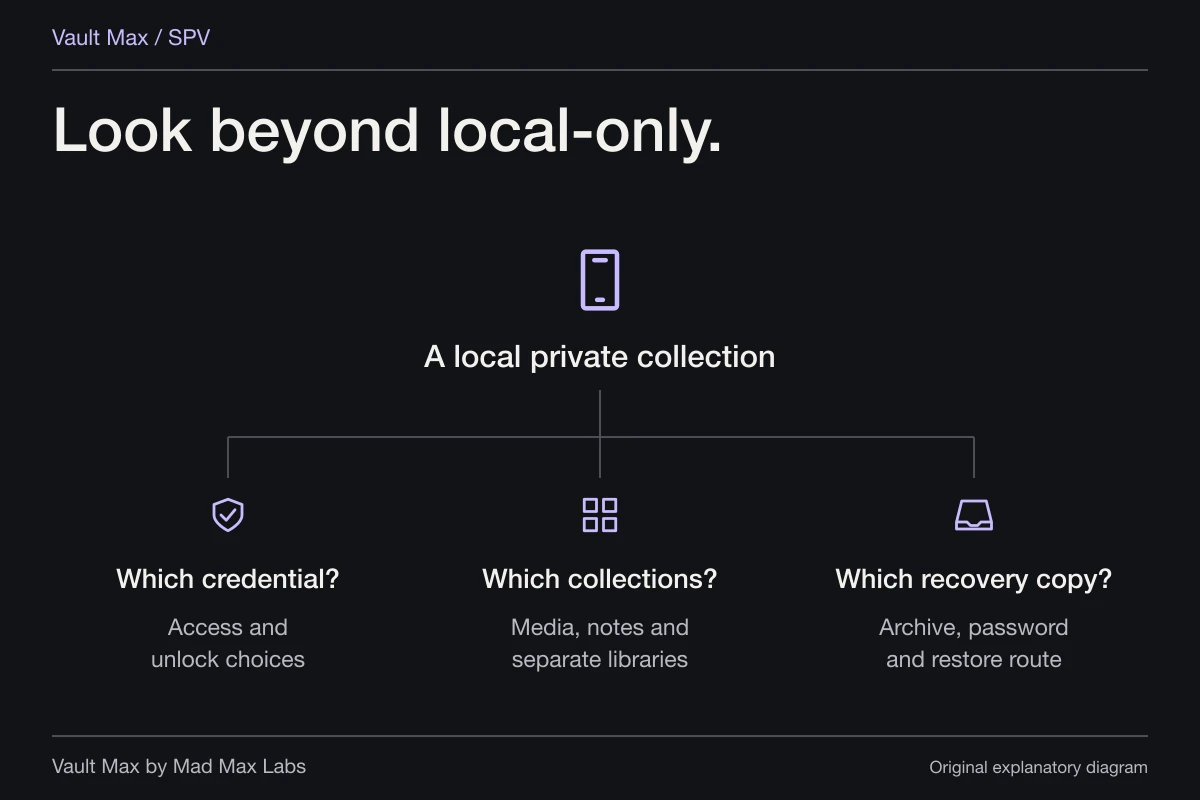
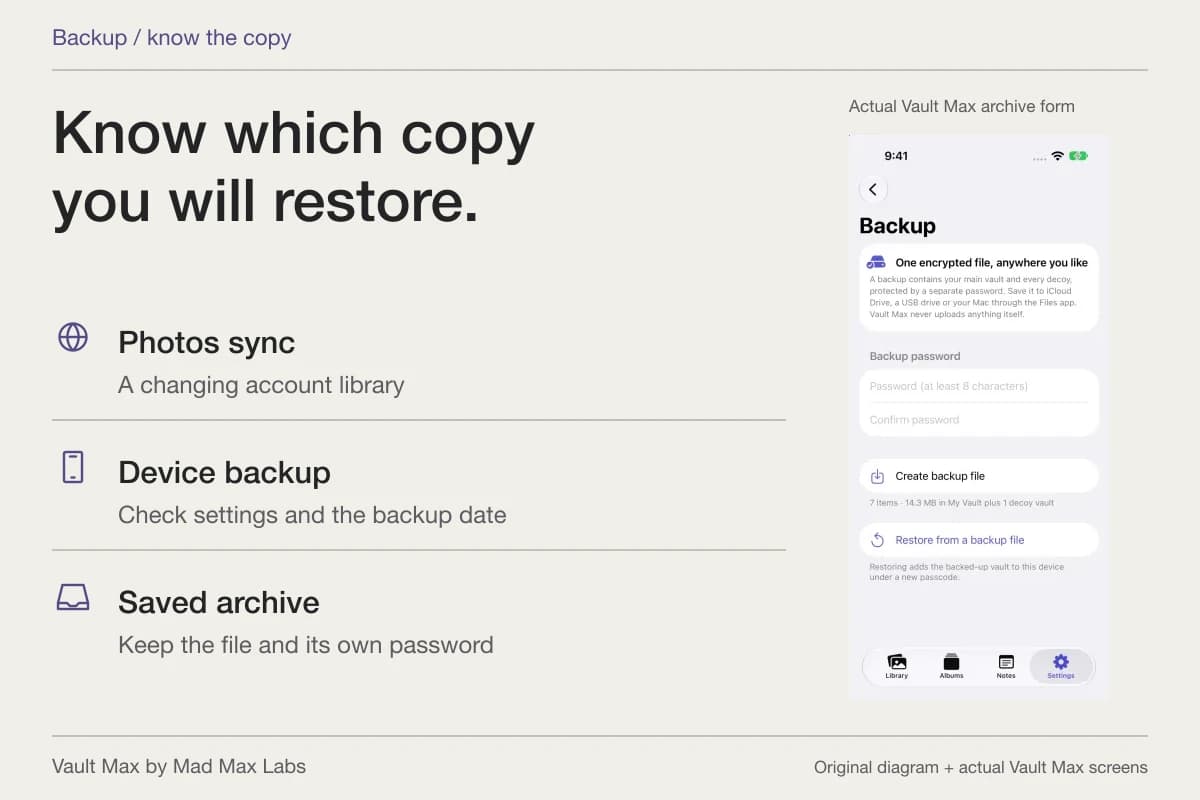
A recovery plan belongs in the capacity decision. An archive saved only on the same crowded phone cannot help after that phone is lost. Choose a Files destination you can reach independently, and keep the archive password independently available too.
Check the destination after saving, especially when a provider offers both cloud-backed and local locations. A folder name is less useful than knowing which account or device can reach the file. Do not count a newly created archive as space recovered from the working library: its purpose is preserving that library's saved state. If you make a newer archive, identify which version you intend to retain before removing an older one. A recognisable date and a private record of the destination make this a manageable task instead of another unexplained file accumulating on the phone.
Review Trash and its configured retention window when considering what remains stored. Do not treat removing a tile from the live gallery as a measured promise that a particular number of bytes disappeared immediately. Preserve the needed copy before taking an irreversible cleanup action.
- Check iPhone Storage before diagnosing an app's item limit.
- Open it, inspect it and organize the existing copy before reimporting.
- Know which original, private item and archive you intend to retain.
- Save a current archive and retain its password without relying on this phone.
Tap a box as you go. Checks reset when you leave this page.
Vault Max's value is a private collection you can organize, close and recover, with clear capacity terms and no app analytics. Choose the capacity that fits that routine, then make deliberate decisions about the space each retained copy needs.
Common questions
Does paying for Vault Max add storage to my iPhone?
Paid plans expand Vault Max's counted item capacity and allow up to eight total vaults per device. The encrypted collection still uses the phone's available physical storage. The purchase does not add device storage or hosted cloud capacity.
Do albums and favorites create extra copies in Vault Max?
Moving an item into an album changes its organization, and marking it as a favorite changes a flag. Those actions do not import a second copy. Importing the same source again is a different operation.
Why can Vault Max's item size differ from iPhone Storage?
The app's collection total sums live item bytes. System storage also accounts for the app and other data. Thumbnails, Trash, temporary work and saved archives make an item total different from a complete disk-usage measurement.
Continue reading
More guides
Practical tips for your private library. Swipe or scroll to choose your next guide.
74 guides to explore