
Privacy in practice
Hide videos on iPhone, then check the saved clip still plays
Choose Photos Hidden or a separate private vault, import a harmless video, check playback and seeking, then lock and return before deciding what to do with other copies.
To hide a video in Photos, open it, choose More → Hide and confirm. For a collection with its own vault credential, import a selected video into Vault Max instead. In either case, check the saved clip by playing it and seeking before changing the source.
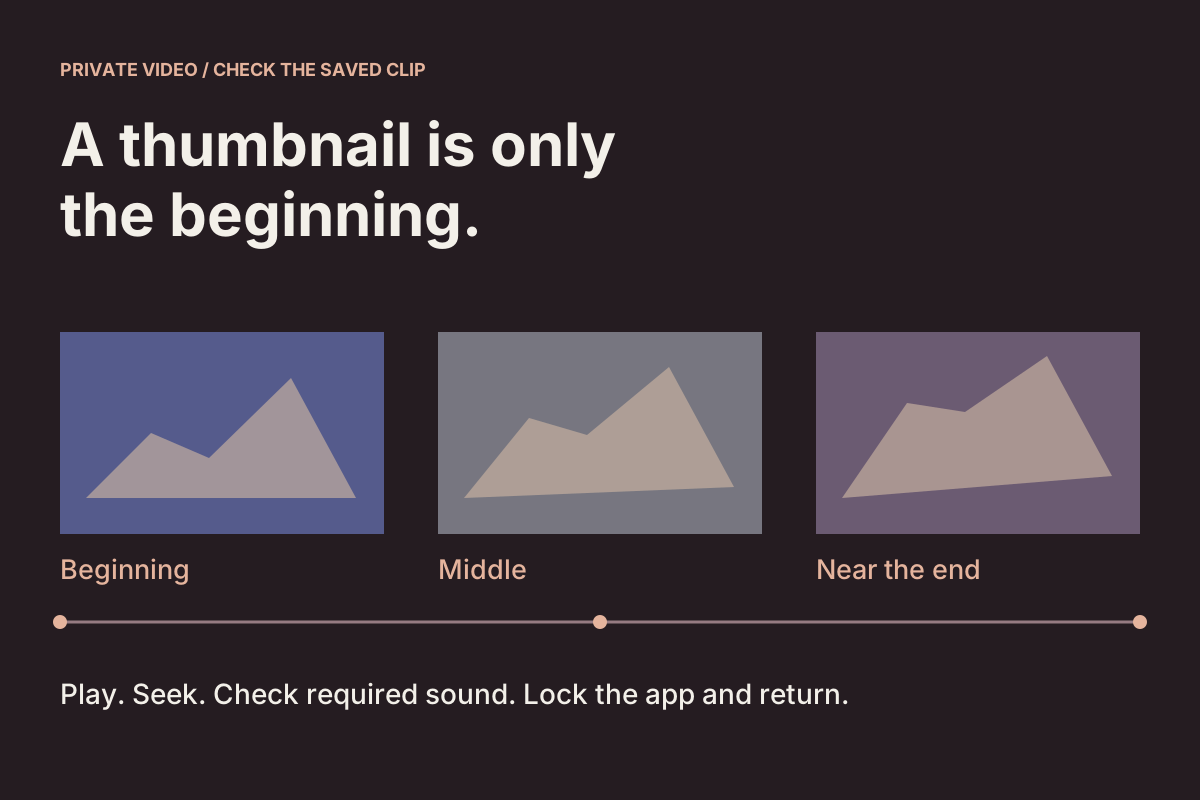
A still thumbnail can look convincing while telling you very little about the rest of a recording. The moment you need may be near the end; an important explanation may be in its sound. A useful private-video routine therefore finishes with a playable file you can find again, rather than stopping when an import tile appears.
This guide separates three jobs: choosing an access boundary, checking the saved video and accounting for the other copies. Start with harmless practice material so an unfamiliar control does not put the only important recording at risk.
Choose Photos Hidden or a separately credentialed collection
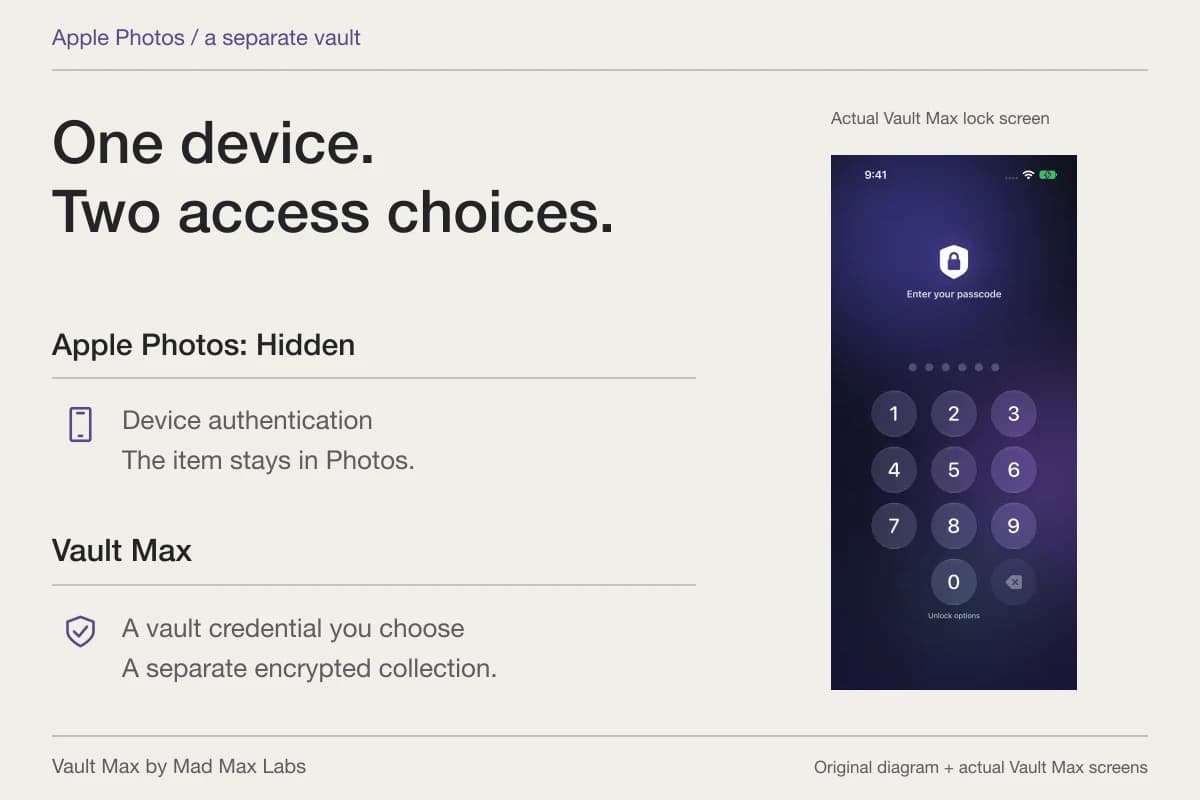
Apple's Hide instructions apply to videos as well as photos. Hidden items stop appearing in the ordinary library and other albums. On current systems Hidden is locked by default; the device's authentication opens it. Find Hidden under Photos' Utilities collections, with the exact layout depending on your system version.
If you use iCloud Photos, hiding follows that photo library on devices signed in to the same Apple Account. It is a way to organize and restrict access within Photos, rather than a separate account, password or independent recovery copy. Hiding also does not recall a video someone already received.
Vault Max is a different arrangement: its credential opens a private collection of selected media and files. Choose it when that separate collection and its recovery responsibilities fit your need. Our Hidden album comparison explains the access difference before you move a large library.
Practice the playback checks on an actual short file
The desk below contains a real, silent, fictional practice MP4. Use its player and inspect the beginning, middle and near the end. Mark what you actually observe; an uncertain result should remain uncertain.
A real, silent practice clip
Check more than the thumbnail
Play the fictional Loom clip, then inspect three positions. These are your observations of this website’s video in this browser. They do not test a file inside Vault Max or your phone.
Waiting for video metadataSilent · fictional test material
Visual reference: elapsed time increases while a dot moves from left to right. The stage labels are START, MIDDLE and NEAR END. Use the changing picture and time together when checking a seek.
Download the original practice MP4. The file is public and contains no audio. Keeping a downloaded source is separate from importing it into a private app.
01
Beginning
Does the opening image look right? Use Play as well: one paused frame does not establish moving playback.
02
Middle
Can you reach and read the middle? Use Play as well: one paused frame does not establish moving playback.
03
Near the end
Does the last part still display? Use Play as well: one paused frame does not establish moving playback.
An unchecked position stays unknown. Your reports are kept only in this page’s current state and reset on reload.
Read the complete playback and return checks
- Start with a retained source. Know which clip, duration and app you are testing. A filename extension or thumbnail alone does not establish supported playback.
- Open and play. Watch real motion at the beginning. Seek to the middle and near the end, then play there too. Check the content you need rather than only the opening picture.
- Check required sound separately. This practice clip is silent. For your own clip, use a suitable listening route and confirm the wanted audio; neither this silent fixture nor a screenshot tests it.
- Lock and return in the chosen app. Close the private session, unlock normally, find the same saved clip and play it again. A browser player does not perform this Vault Max check.
- Keep the other copies straight. Import, hiding, export and deletion affect specific locations. A successful play is separate from independent recovery or a verified backup.
If a clip will not play, keep the original and note its actual format and the failed step. Review the supported import route before trying another copy. Plan recovery separately.
No upload, camera, account or access to your library. The video controls act on this public sample only; the observation choices are not sent or saved.
You can keep the original Loom practice clip in a known Files location, then import it into the app you want to test. Playing this webpage's copy does not put the video into Vault Max or demonstrate native playback. The clip has no audio, so it cannot test a sound track.
Import from the location that actually holds the source
For a video in Photos, use Add to vault → From Photos and select the intended clip. For an existing video file in Files, use From Files and browse its actual folder or provider. Keep the source while checking that the import completes and the saved item is usable.
Select a small sample first. Distinguish the complete video from a still frame, poster image, messaging preview or shortened edited copy. A filename that looks right is a useful clue, but inspect the contents and duration as well. The import walkthrough covers the intake choices without treating a picker selection as a finished import.
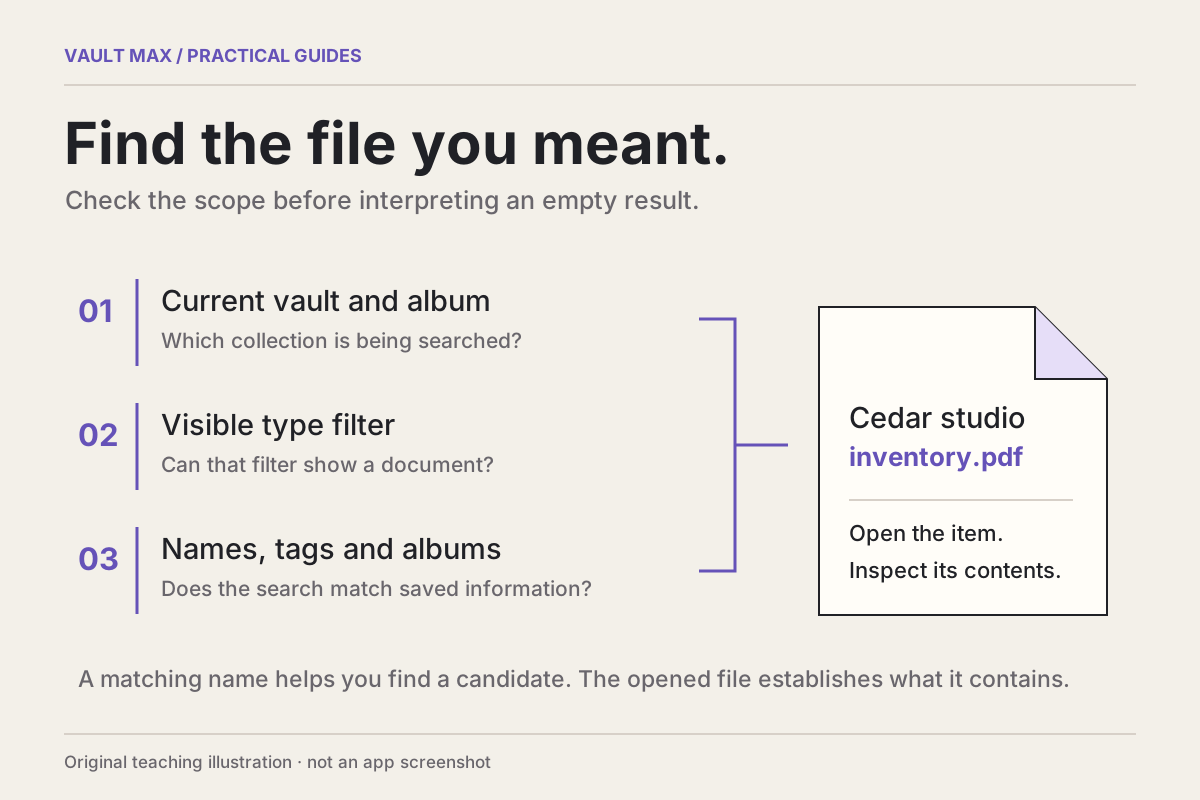
In the saved library, choose Videos or an appropriate broader view. If the clip seems missing, check the open vault, album and current query before repeating the import. The retrieval guide explains how a narrow view can exclude an item that exists elsewhere in the collection.
Open the saved video and inspect more than its first frame
Open the vault item itself. Start playback and watch enough movement to distinguish a working clip from a paused poster. Use the available playback controls to reach the middle and near the end, then play from those positions too.
For example, if the useful part is a demonstration's final step, opening its title frame is not a sufficient check. Confirm that the later step is present, readable and in the expected order. If exact duration matters, compare it with the retained source rather than assuming two similarly named clips are identical.
Apple documents playing and scrubbing videos in Photos. Those instructions describe Photos. A private app's controls and supported files may differ, so use the controls actually available in that app instead of assuming every player has the same editing or transport features.
If sound matters, check it through the listening route you intend to use. A silent test file, a moving picture or an audible system click does not establish that your recording's wanted audio track plays. Confirm the right clip and required sound directly.
Lock the private session, then find and play the clip again
After checking playback, lock Vault Max using its ordinary lock control. Unlock normally with the known credential, find the same saved clip and play it again. This checks the return trip you will actually need later.
An already-open player and a newly reopened private session are different states. The return check should reach the saved item from its library, rather than relying on an old outside source or the player left open before locking. Keep the original until this routine is understandable and the important parts of the clip are satisfactory.
In our recorded Duo exercise, the six-second silent Loom MP4 was imported, played, sought back near its midpoint, then opened again after locking and unlocking. A separate export saved to On My iPhone matched the original practice file byte for byte at 83,511 bytes. That is a controlled result for this H.264 sample, rather than a guarantee for another codec, sound track or edited recording. The local export still needs a separately reachable recovery location if the phone is lost.
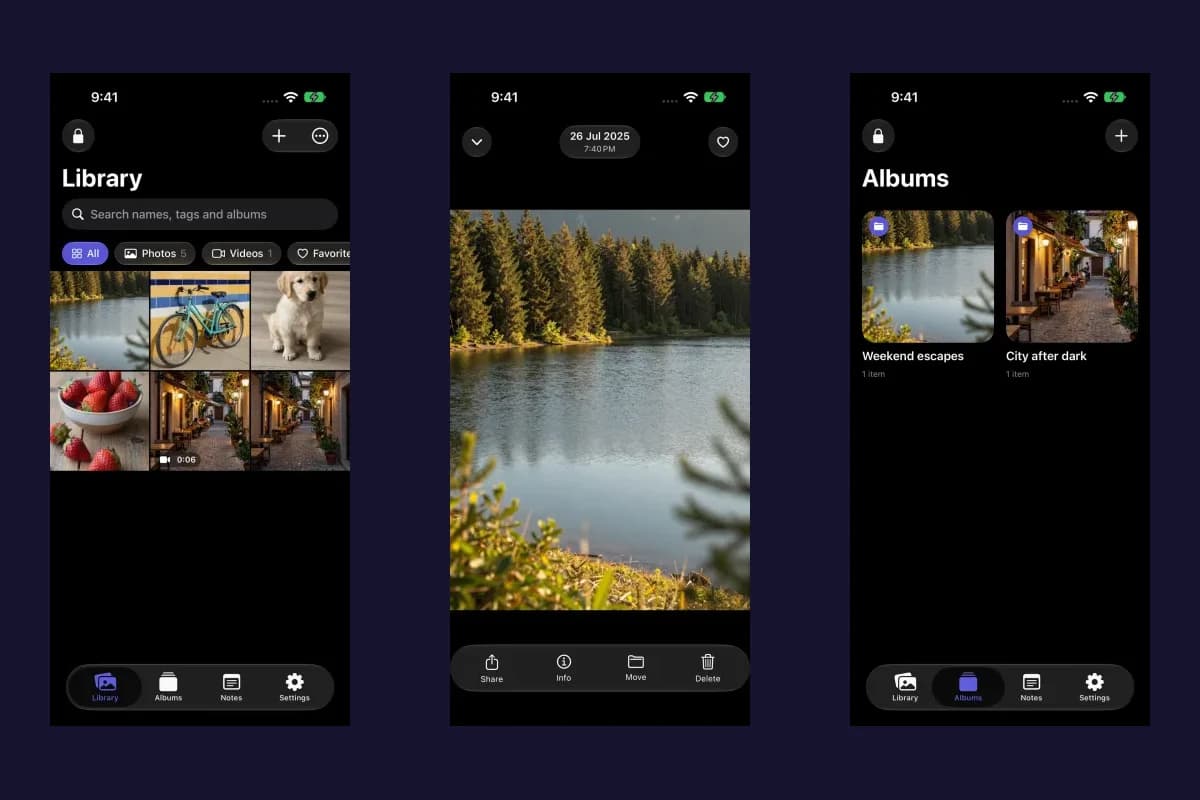
Vault Max · Actual Duo simulator screens, silent fictional practice clip. Select a screen for a closer look.
Vault Max · Actual iPad simulator screen, silent fictional practice clip. Select a screen for a closer look.
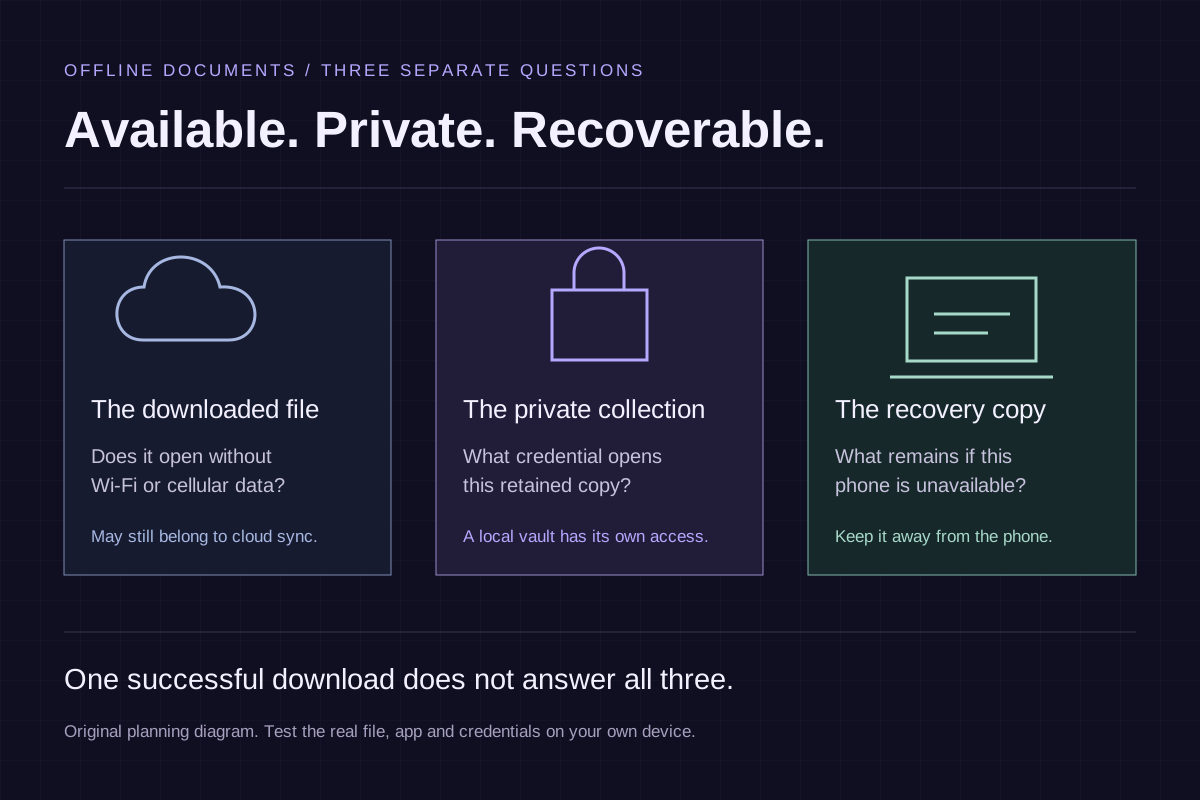
This is a working-copy check. It does not establish that another device received the video, that a recovery archive restores it or that every future system version will play it. If you need the material without a connection, repeat the actual opening routine under those conditions on your device. Our offline-file guide explains why availability and independent recovery remain separate questions.
If playback fails, keep the source and identify the failed step
Notice whether the failure occurs during import, when opening the item, while seeking or after returning to the vault. These observations are more useful than repeatedly importing the same file without checking which stage failed.
An .mp4 or .mov extension names a container; it does not promise a particular codec, resolution, frame rate or supported track arrangement. Apple's HEIF and HEVC guidance explains how support depends on applications and devices, and how some sharing routes can convert material for compatibility. Do not rename a suffix to try to convert the contents.
Keep the original before making a deliberately converted derivative in a suitable tool. Check that derivative independently. A smaller playable copy and an original recording can serve different purposes; neither should silently replace the other when original quality, timing or sound matters.
Decide what should happen to the other copies
Importing a video into a vault does not itself establish that its Photos source, a Files export or a message attachment has disappeared. Hiding in Photos changes that library's presentation and access, while sharing or exporting can create another copy outside the private collection.
When considering cleanup, identify the exact location first. If iCloud Photos is enabled, deleting from that library has synchronized consequences. Follow the iCloud copy guidance rather than treating a delete control as a universal “keep only this private copy” command. Retain a useful source until your required checks are complete.
Before permanently removing originals, verify both the retained clip and an independent recovery copy you can reach without this device. Keep the required recovery password available separately. A successful playback check alone does not meet that recovery need.
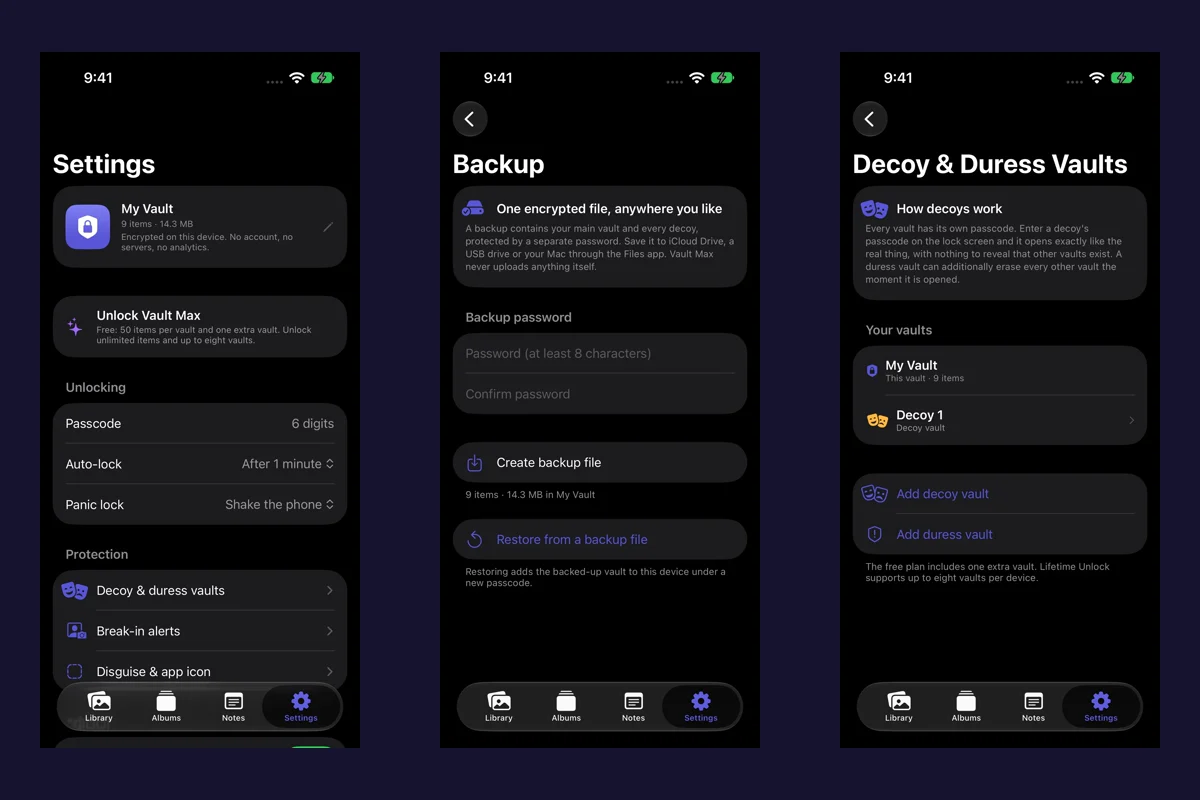
Finally, plan how the private collection comes back if this phone is lost or replaced. A clip that plays perfectly today can still be the only working copy on one device. The backup and restore walkthrough covers the separate recovery file, password and restored-item checks.
Common questions
Can I hide videos in the iPhone Photos app?
Yes. Apple's Hide control applies to photos and videos. Hidden is locked by default on current systems and uses device authentication. With iCloud Photos, the hidden state follows the same Apple Account's photo library; it is not a separate vault password or a new independent file.
Does a video thumbnail mean the whole imported clip will play?
No. Open it, play moving footage, seek to the middle and near the end, and check any sound you need. Then lock the private app, reopen normally and play the same saved clip again. Keep the source while checking.
Will every MP4 or MOV play in a private vault?
A filename extension alone cannot establish compatibility. Container, codec, device and application support matter. A successful test with one practice MP4 is not a promise about every video, audio track, HDR recording or edited export.
Continue reading
More guides
Practical tips for your private library. Swipe or scroll to choose your next guide.
5 guides to explore