
Privacy in practice
Keep Live Photos moving when you transfer them to a photo vault
Check a Live Photo's still, motion and sound before moving it to an iPhone vault. Distinguish a paired Live Photo from a still export or a saved video.
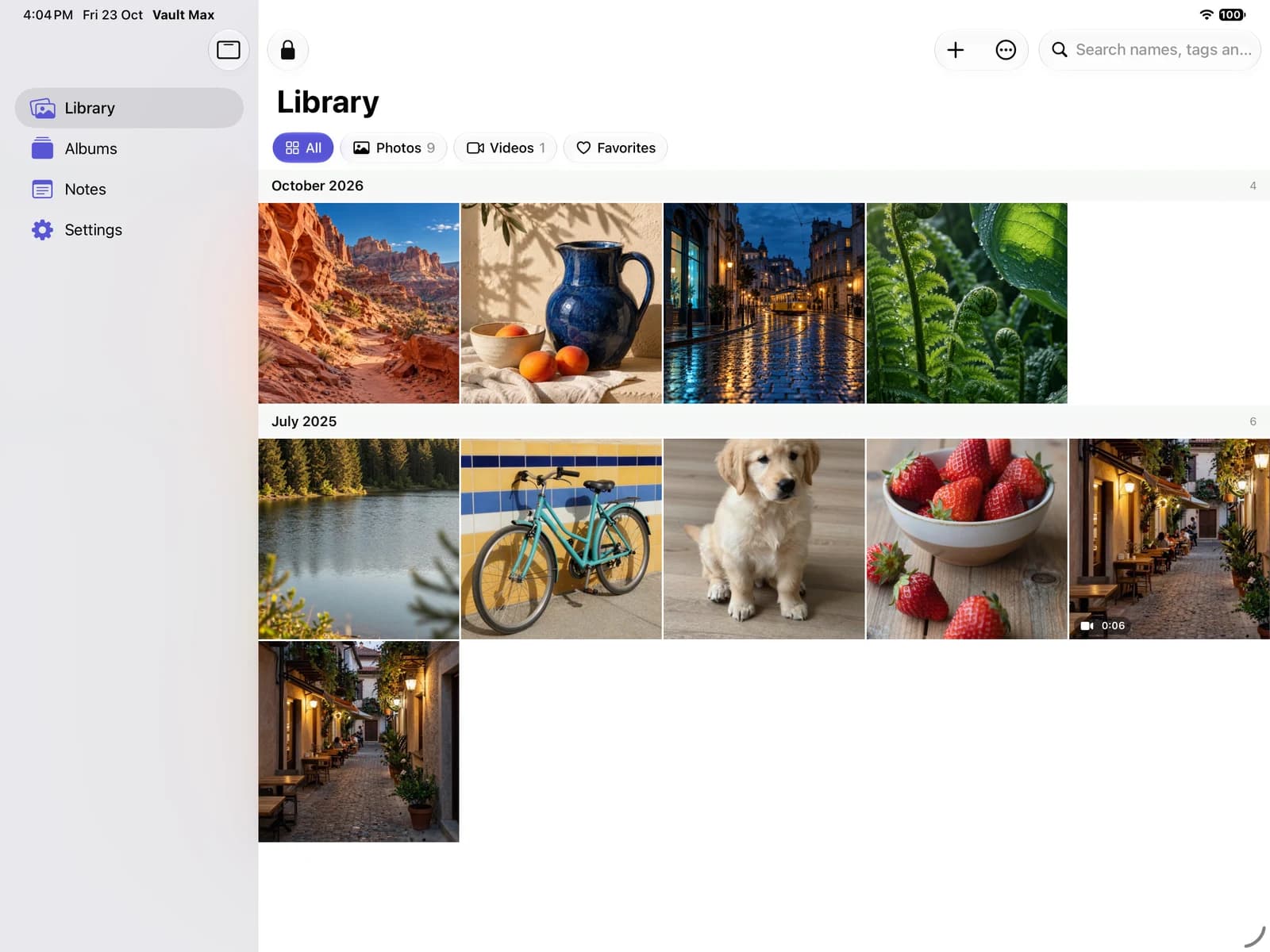
Keep the source Live Photo until the imported item plays the motion you expected and you have checked the recovery copy you intend to use. A thumbnail or a sharp still proves only part of the transfer.
Start by deciding what you want to keep: a Live Photo that responds to touch and hold, one still frame, or a conventional video. Each can be useful, but accepting one by accident can lose the behavior that made the picture important.
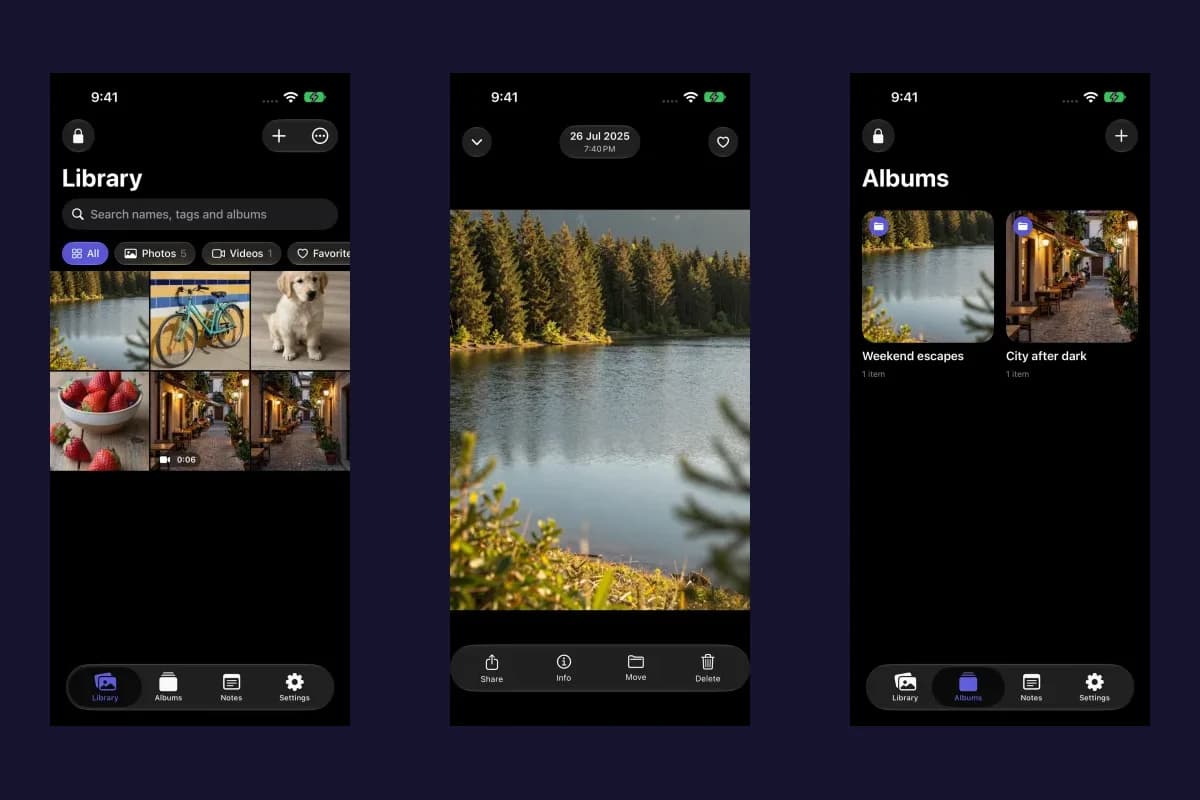
We make Vault Max. Its importer can retain the still and motion companion when the source supplies both. It can fall back to the still when the pair is unavailable. The existing screenshots and video below illustrate ordinary media review; they do not claim a new Live Photo device test.
Define the result before choosing an export
Apple's Live Photo editing guide distinguishes the key photo, motion, sound and effects. Those features make “the picture is there” an incomplete acceptance check.
| Intended result | What to inspect | What it does not establish |
|---|---|---|
| Paired Live Photo | The opened item responds to touch and hold with the expected motion | A matching still alone does not prove its companion arrived |
| Still image | The selected frame, detail and orientation | It does not preserve the moving moment |
| Ordinary video | Picture, playback, duration and sound where present | It is a separate result from an editable paired Live Photo |
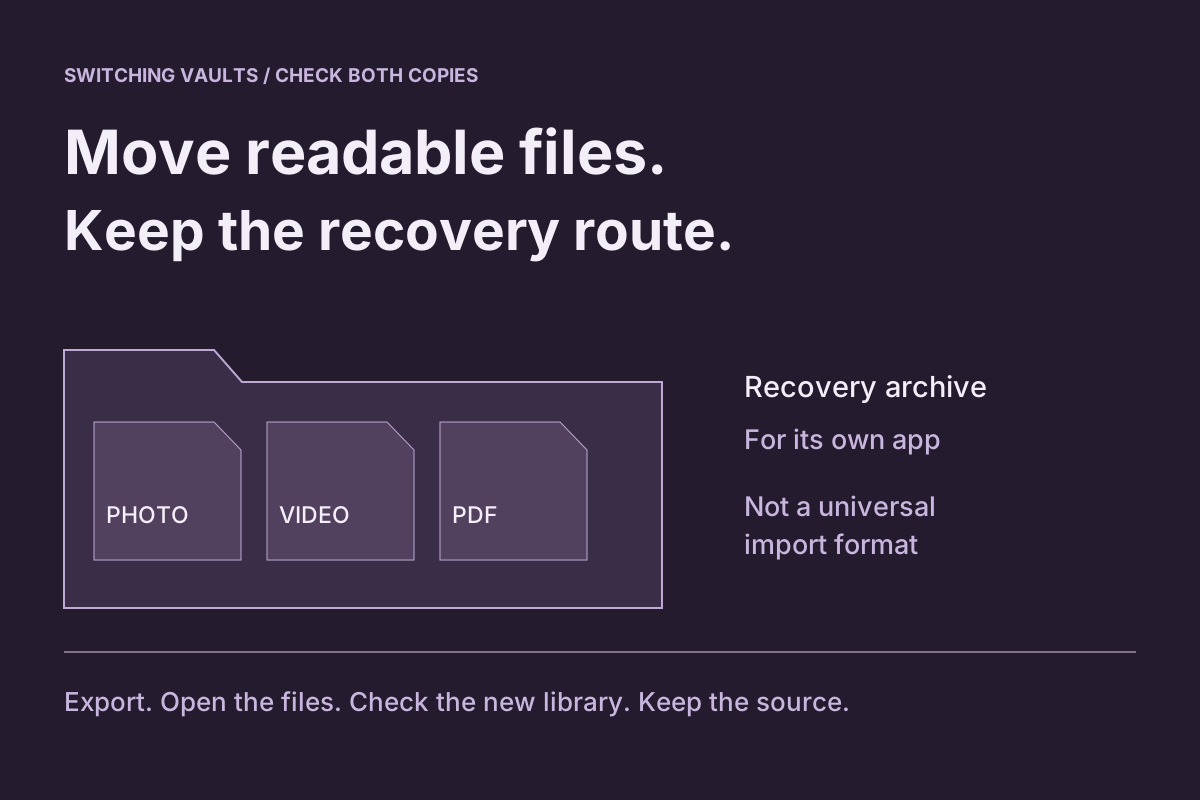
| Recovery archive | A supported restore containing the needed item and behavior | A saved archive filename does not demonstrate the restored result |
Make the choice per item when necessary. A reference picture might only need a readable still; a short family moment might depend on motion and sound. You do not need the same preservation requirement for every photograph.
Check the source in Photos first
Open a harmless Live Photo in Photos and confirm that it actually plays. Note the motion you expect and whether useful sound is present. Review the Live setting and any effects rather than assuming a static display means the original has no moving component.
If you edited the key photo or applied an effect, record which appearance matters to you. An original resource, a current edited presentation and a flattened export need not behave identically. Test the actual route instead of inferring preservation from a general “original quality” description.
Apple explains that iCloud Photos retains original formats, including Live Photos, while Optimize Storage can use smaller local versions. Give needed resources time to become available. Do not remove the cloud source or change whole-library sync settings merely to make one transfer retry.
Import one sample into the intended vault
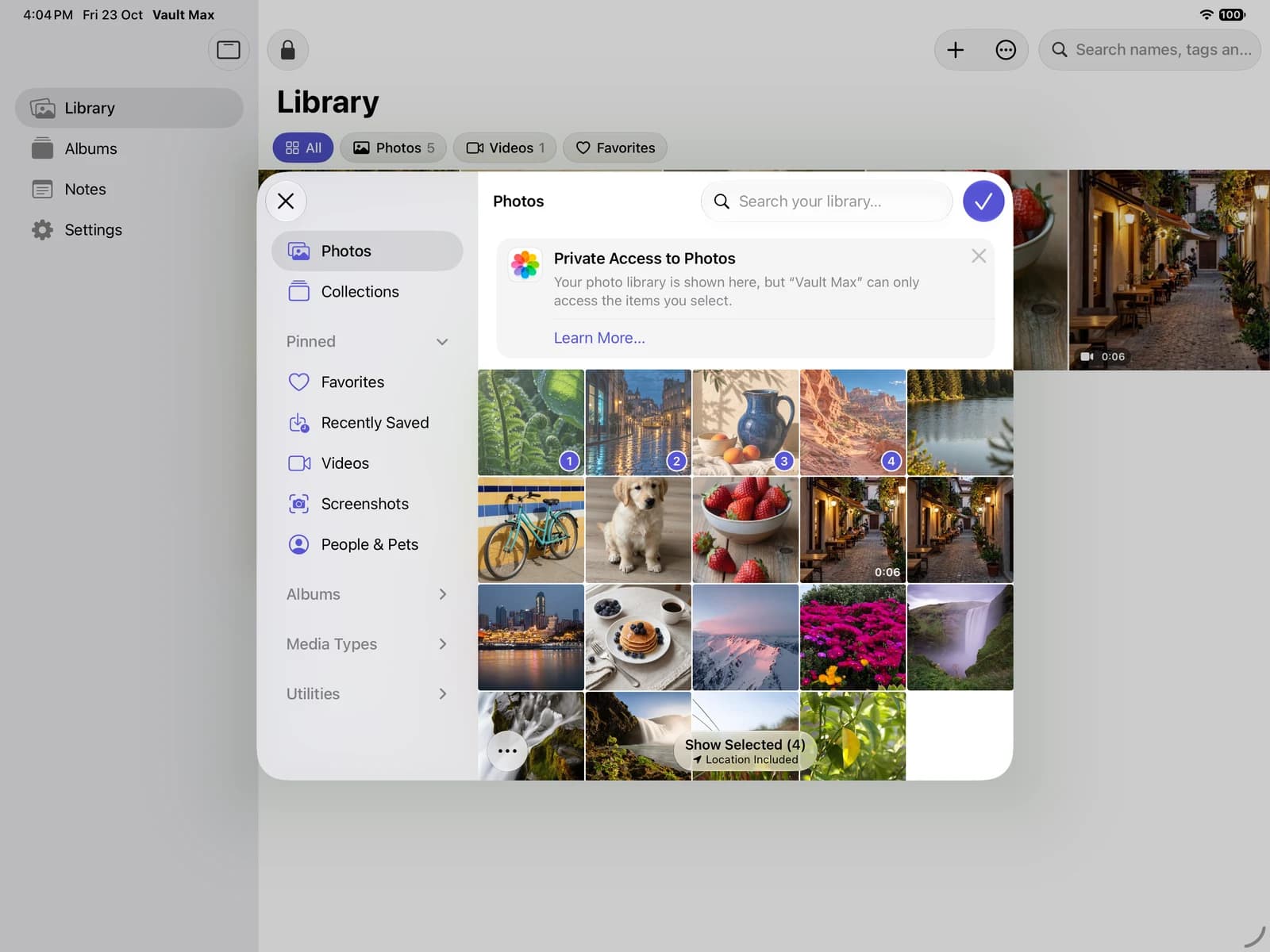
In Vault Max, unlock the receiving collection and choose Library → + → From Photos. Select one harmless Live Photo. Keep its source when the originals prompt appears, then open the saved item in the vault.
The system picker can provide the Live Photo's resources to the app. Vault Max tries to obtain the still and its companion and store them as one item. If that process cannot obtain the pair, the still can import by itself. A successful import message therefore needs a content check before you decide the moving original is expendable.
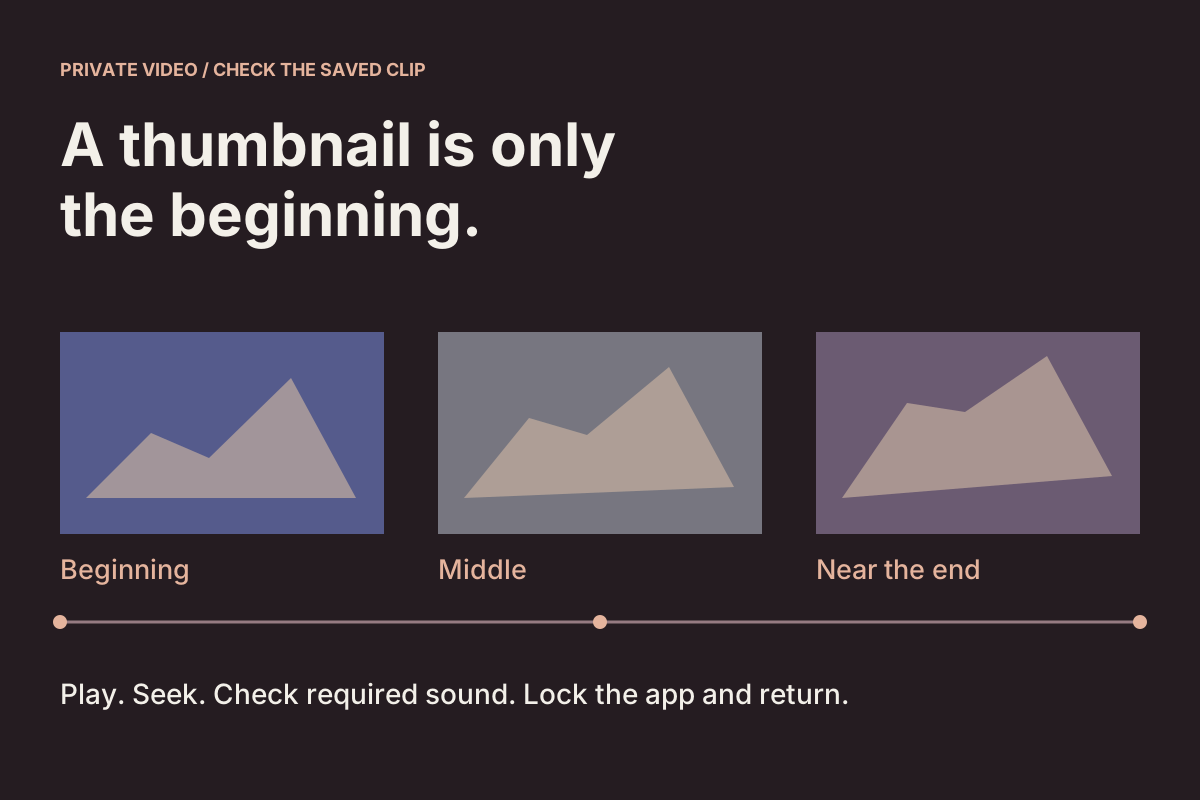
Touch and hold the opened result. Look for the motion you recognized in Photos and check sound if the source contains sound you need. A general video-playback control or a normal photo thumbnail is not a substitute for this check.
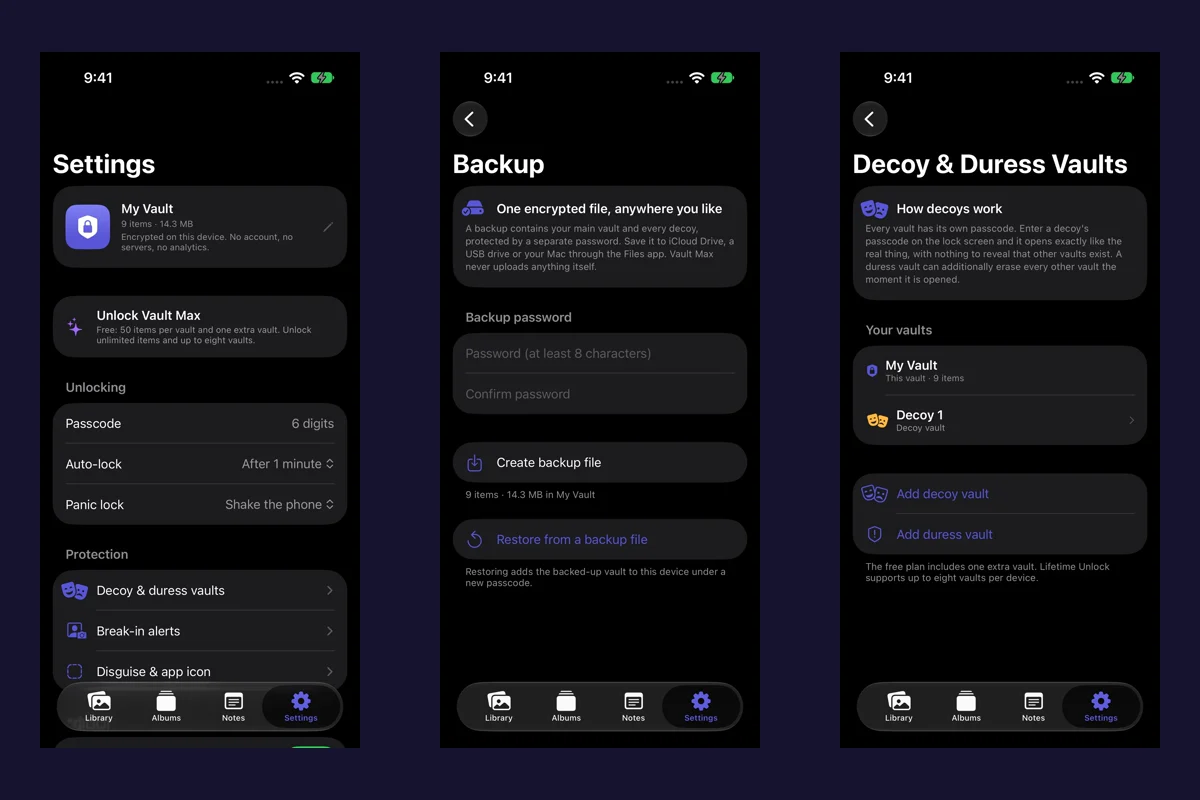
Sample Vault Max library. Select a screen for a closer look.
If motion is absent, keep the source and investigate resource availability or another documented route. Use the import-troubleshooting guide for a failed or partial transfer. Repeating a whole collection does not establish that the companion will appear next time.
Use Save as Video when a video is the result you want
Apple documents a separate Save as Video operation: open the Live Photo, use the More menu and choose Save as Video. The new video is separate, and the Live Photo remains in Photos.
That can be a useful compatibility choice when you want motion in a conventional video. It is not a full substitute for preserving Live Photo behavior. Inspect the created video's picture and sound, and retain the original if you still need its paired form or editing choices.
Vault Max with sample content. Use the controls to pause or replay.
Avoid converting everything solely because the first attempt imported a still. A conversion changes the output you are asking to keep. Decide whether that new output satisfies the job before using it as your only retained copy.
Check the return and the outgoing result separately
After a successful sample import, lock Vault Max, reopen the same vault and repeat the content check. This helps distinguish an item you can revisit from a result you only saw during an active import session.
If you expect to move the item out later, export or share the harmless sample through that intended route and inspect the saved destination. A receiving app may accept a still, a video or resources that it does not present as a Live Photo. Inspect the result in the receiving app that you will actually use.
Do not treat a pair of files in Files as proof that every destination will reconstruct their relationship. Likewise, a single visible library item can contain more than one resource. Filenames and item counts do not, by themselves, settle motion preservation.
Vault Max provides a Save Live Photo activity when its share sheet has a recognized still-and-motion pair. Use that specific activity when saving a pair back to Photos, then check the resulting item there. The ordinary Save Image activity is a different route and can save the still and clip as separate assets. The activity's presence is a useful route choice, not a replacement for checking its saved result.
If you enable metadata removal for sharing, recheck the output under that setting too. Vault Max's photo setting does not strip metadata from the Live Photo motion clip. Sharing preparation and preservation of the private source are different tasks. Use the location-removal guide when location is part of the decision.
Make the recovery test fit the thing you care about
Once the sample behaves correctly, include the imported collection in a fresh encrypted backup. Keep the archive password and an independent copy you can reach without the phone. Follow the backup guide for that workflow.
When you perform a supported restore check, include a representative Live Photo. Verify the moving behavior after restoration, not merely the presence of an item with the same name. A good ordinary-photo result cannot establish the state of every motion companion in a collection.
The endpoint is specific: you know which items remain Live Photos, which are intentionally stills or videos, and which independent recovery copy preserves the behavior you need. Keep irreplaceable sources until those results are clear.
Common questions
Does a photo vault keep Live Photo motion?
It depends on the app, source and route. Vault Max can store the still and motion companion as one item when both are available. If it cannot obtain the pair, the import can contain the still alone. Open and hold the result before deleting the source.
Is Save as Video the same as keeping a Live Photo?
No. Apple's Save as Video creates a separate video while leaving the Live Photo in Photos. A video can be useful for motion playback, but it is a different output from retaining a paired Live Photo.
Can a moving thumbnail prove the whole transfer worked?
No. Check the opened item, motion, sound if present, the return after locking and any exported or restored result you intend to rely on. Keep the original until those checks and a recovery plan are complete.
Continue reading
More guides
Practical tips for your private library. Swipe or scroll to choose your next guide.
5 guides to explore