
Backup & recovery
Photo vault won't open on iPhone? Keep the data while you investigate
Check a crashing or unresponsive photo vault on iPhone without jumping to deletion. Separate launch failures, forgotten codes, offloading and file recovery.
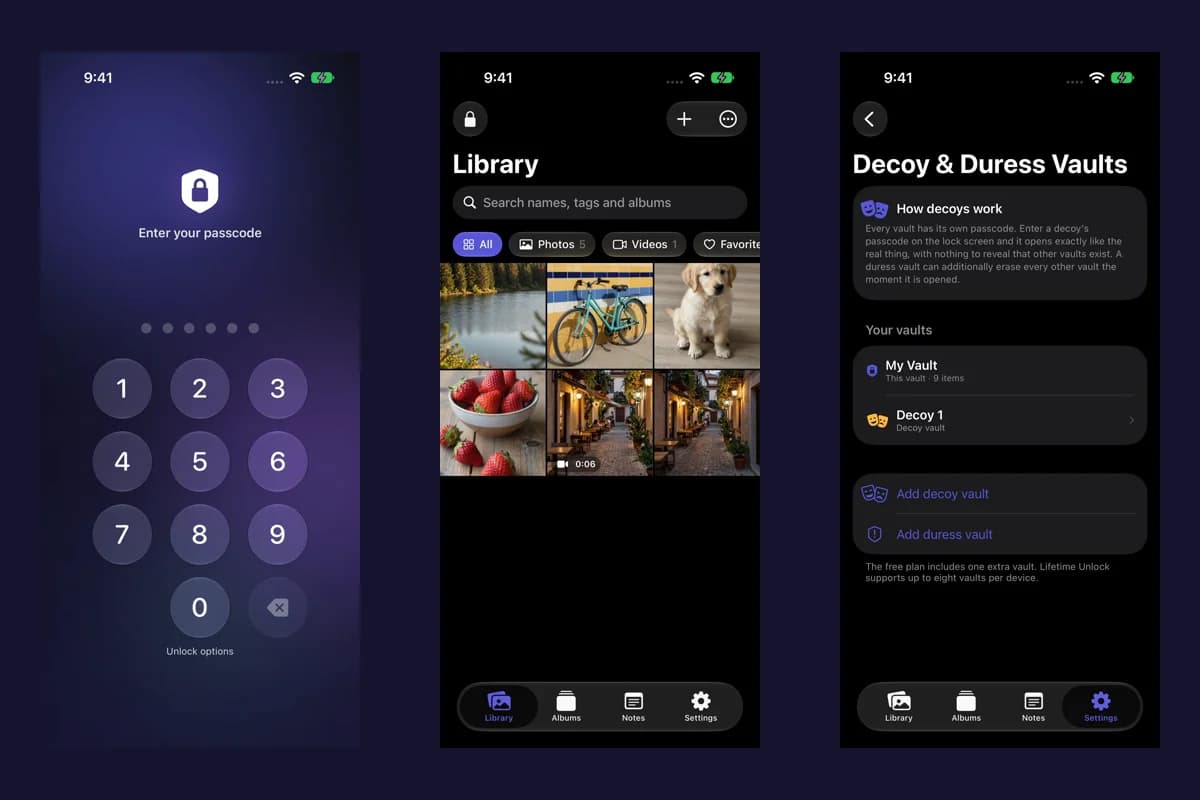
Keep the installed app and its data in place while you work out what “won't open” means. A crash before the lock screen, a forgotten code and an empty-looking library are three different problems. Reinstalling first can remove the very collection you are trying to reach.
We make Vault Max. This guide starts with Apple's app-troubleshooting advice and adds the data checks a private local collection needs. It cannot diagnose another publisher's encryption or recover files from an inaccessible app on its own.
Identify the last screen that works
Observe one attempt and record the result. Does the app close immediately? Remain on its opening screen? Reach a credential prompt? Open a library with unexpected contents? Avoid repeatedly trying different codes while diagnosing a launch problem.
| Observed result | What to investigate | Next useful action |
|---|---|---|
| Closes or freezes before credential entry | App launch or runtime failure | Try non-destructive app checks and record the version |
| Credential prompt appears but access fails | Unlock method or lockout | Use the app's documented credential-recovery path |
| Library opens with unexpected items | Collection, album, search or filter | Check the expected vault before altering data |
| Home Screen icon has a cloud symbol | An offloaded installation | Review the offloading distinction before deleting anything |
| App was already deleted | Retained originals or independent backup | Locate a supported recovery copy and its credentials |
A normal lock screen means the app has reached a different stage from a launch crash. If the code is the issue, use the Vault Max passcode guide. Guessing indefinitely is not a recovery plan.
Try the non-destructive app checks first
Apple's current troubleshooting guidance begins with closing and reopening the app, restarting the device, and checking available app or system updates. Try one change at a time and see whether the behavior changes.
Before restarting, make sure you know the credentials you normally need. Before a system update, follow Apple's preparation prompts and keep the device's wider backup arrangements current. An update is a maintenance step, not proof that a private collection has a recoverable copy.
For an app update, check the exact publisher and app listing. Do not replace the installed vault with a similarly named product. If the failure began after an update, record the version and timing without assuming that timing proves the cause.
Apple's same troubleshooting page also describes deletion and redownloading, with a warning that stored app data may be lost. For a vault holding the only readable copies, stop before that step and establish recovery with the publisher.
Inspect space without clearing the vault
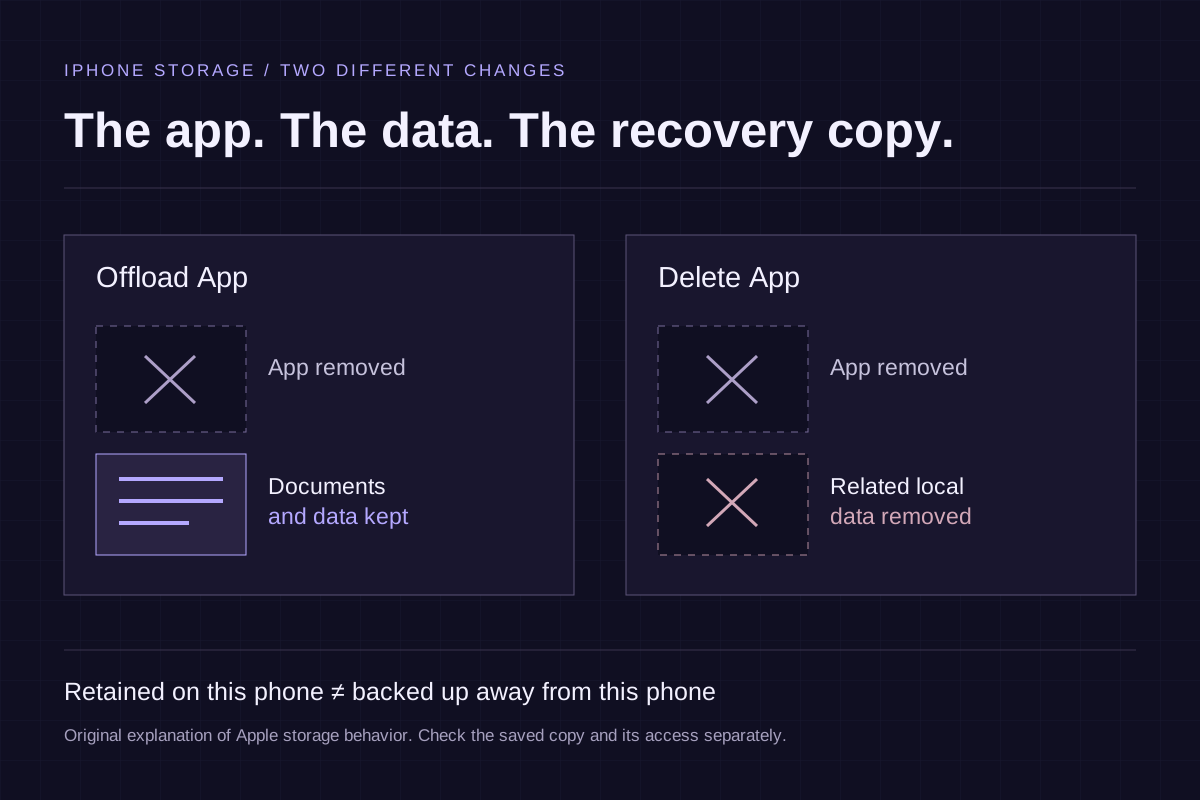
Use Settings → General → iPhone Storage to check the available space and the app's entry. Apple's storage documentation distinguishes offloading, which retains documents and data, from deleting an app and its associated data.
That distinction does not make offloading a backup or guarantee that a particular vault will reopen afterward. A vault can also depend on credentials and device-bound keys. Keep the existing installation while you investigate its requirements.
If the phone is nearly full, consider replaceable downloaded content elsewhere first. Do not remove vault files from a file-management tool, clear its data or erase the device as an experiment. Record the available space when asking for help; it is a useful observation, not a diagnosis by itself.
If the app opens, preserve the opportunity
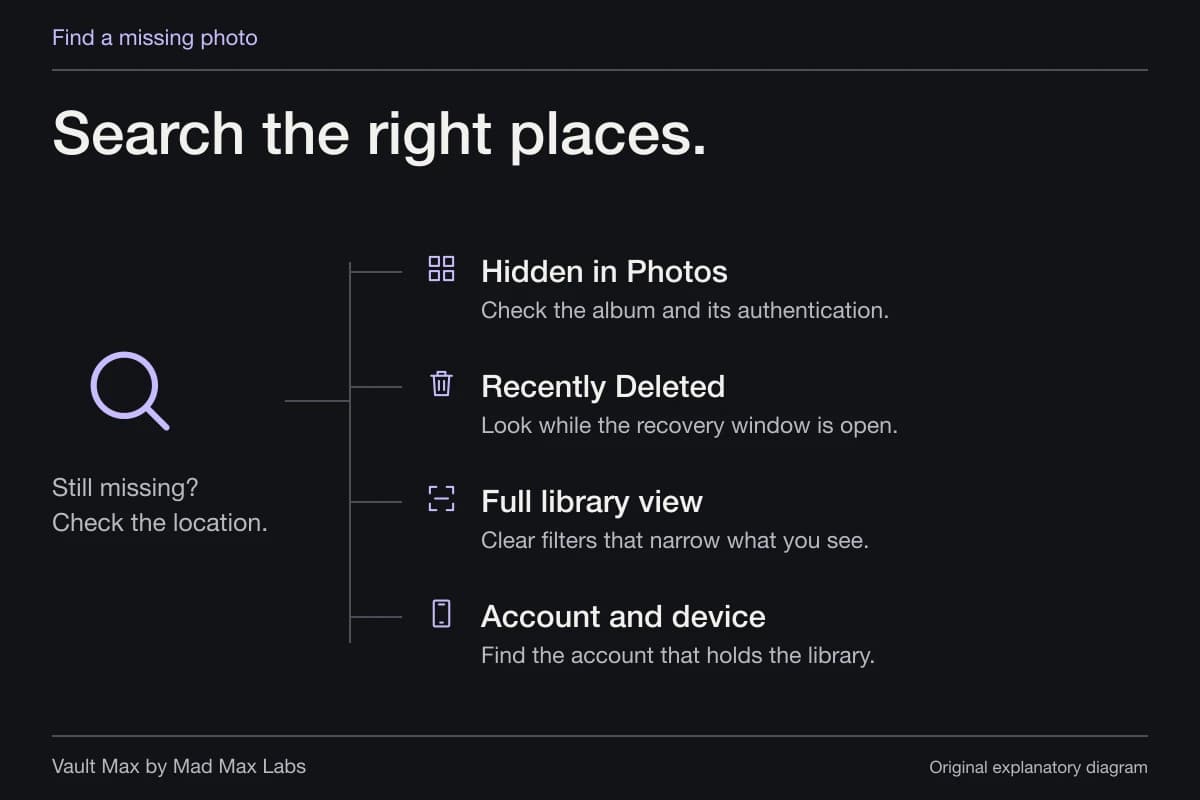
When access returns, check the collection before resuming normal use. Open several important items and inspect the content that matters. If the library appears unexpectedly empty, review the intended credential, album and filters using the missing-item guide.
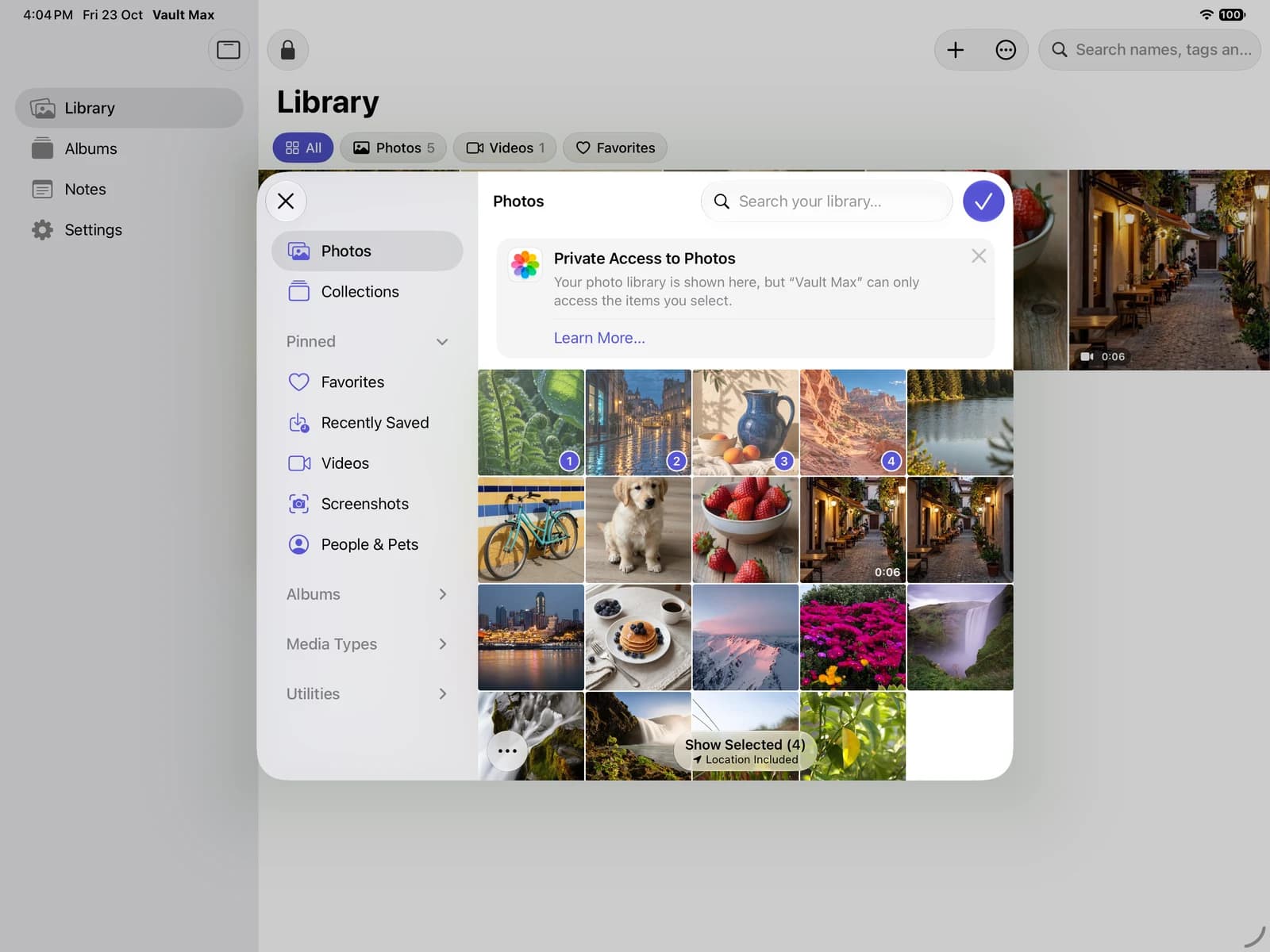
Vault Max with sample content. Use the controls to pause or replay.
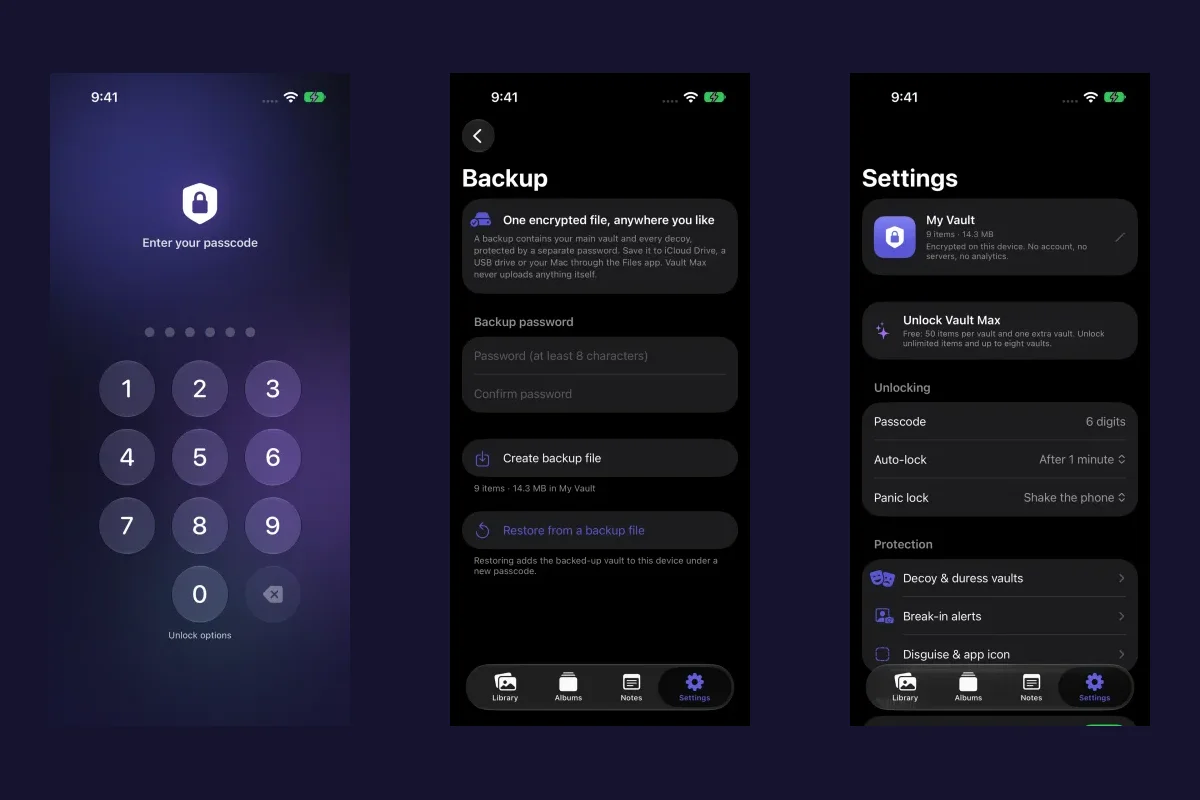
For Vault Max, create a fresh encrypted archive once the important collection is accessible, keep its separate backup password, and save the file somewhere reachable without this phone. If you also export ordinary files, inspect those saved outputs separately. An archive and a readable PDF or video serve different recovery jobs.
Avoid turning a brief successful opening into a large unverified transfer. Preserve the most important accessible material through supported operations, then continue the investigation with a recovery copy in place.
If the app still fails, prepare a useful support report
A short report can describe the failure without exposing the collection. Include the exact app and publisher, device model, iOS version, app version if available, the last screen reached and any displayed error. Note whether it began after an update, import or storage warning.
Describe the checks already tried and their outcomes. “Restarted once; still closes before credential entry” gives support a clear starting point. A cropped screenshot of an error can help when it contains no private content or account details.
Do not include a vault code, backup password, recovery secret or private archive in the first message. If support needs diagnostic information later, understand the request and use its verified channel. Keep the original app and candidate recovery files intact while awaiting instructions.
If deletion has already happened, inventory the remaining copies
Look for original pictures in Photos, exported documents in Files, independently saved archives and any recovery service the particular publisher actually supports. Do not assume an Apple purchase receipt represents a copy of the private collection.
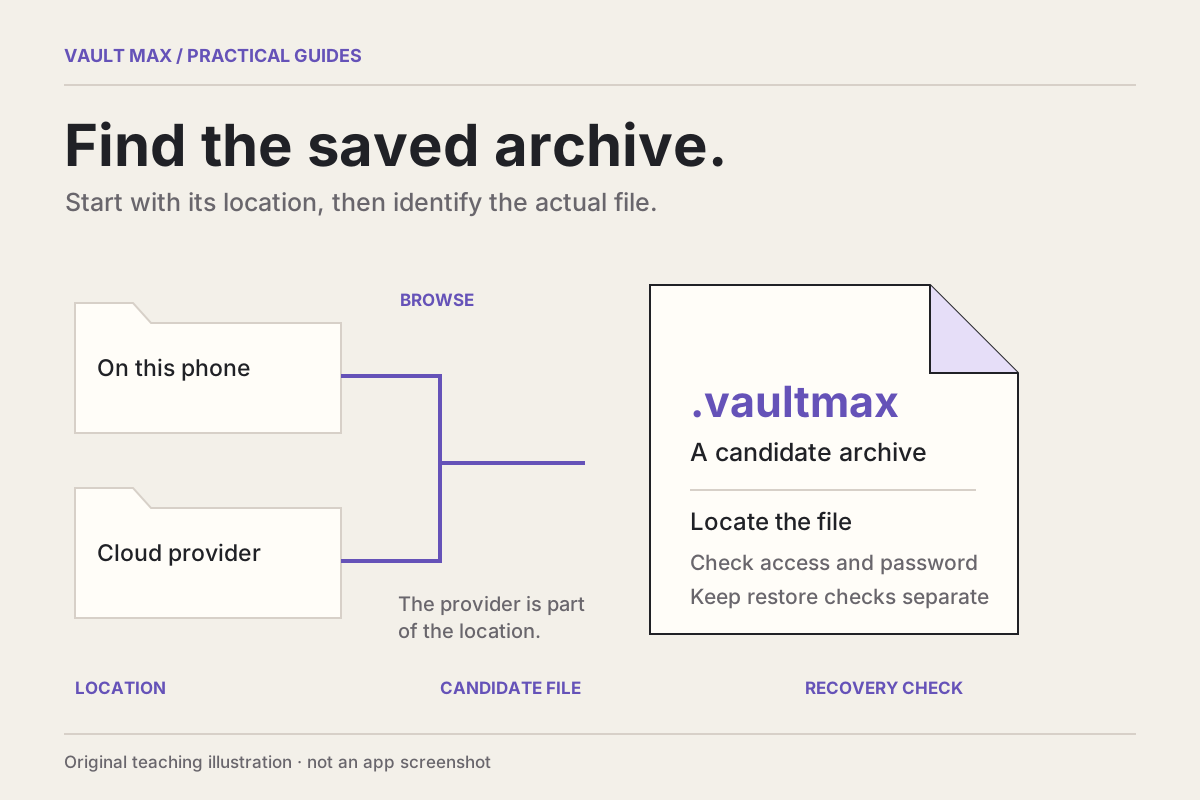
For Vault Max, a .vaultmax archive requires its own backup password and restores the saved snapshot. It cannot add material created after that archive or recreate a file that was never included. Use the saved-backup guide to find candidate files, and the backup checklist to assess what you have.
If no supported access path or usable copy remains, there may be no recovery. A recovery service's advertising does not establish that it can decrypt your particular vault. Preserve what still exists and ask the publisher about supported options before paying for a promise.
Finish with a recovery arrangement you understand
The goal is accessible content and a known way back if the device fails again. Record which important items open, where the independent recovery copy lives, when it was made and which credential it needs. Keep that credential outside the collection it is supposed to unlock.
If you decide to change apps afterward, use the migration guide while the old collection still works. A second vault cannot import files you cannot retrieve from the first. Choosing the next app comes after preserving the accessible collection.
Common questions
Should I delete and reinstall a photo vault that keeps crashing?
Keep the installation while investigating. Apple warns that deleting an app can lose data stored in it. For a vault, first establish the publisher's recovery process, a usable independent copy and the credentials required for that copy.
Does a crash mean my private photos were deleted?
A launch failure alone does not tell you whether the files remain. Record the behavior and preserve the installation. A successful return to the library or a supported recovery process is needed to establish what is accessible.
Will Restore Purchases bring back my vault photos?
Restore Purchases concerns eligible purchases. It does not reconstruct private media deleted with an app. Vault Max file recovery depends on a supported unlock path, retained sources or a usable encrypted backup and its password.
Continue reading
More guides
Practical tips for your private library. Swipe or scroll to choose your next guide.
5 guides to explore