
Privacy in practice
Caregiver documents on iPhone: prepare a private packet you can actually use
Prepare caregiver reference files for appointments: readable documents, clear source details, saved questions and a private collection with clear recovery.
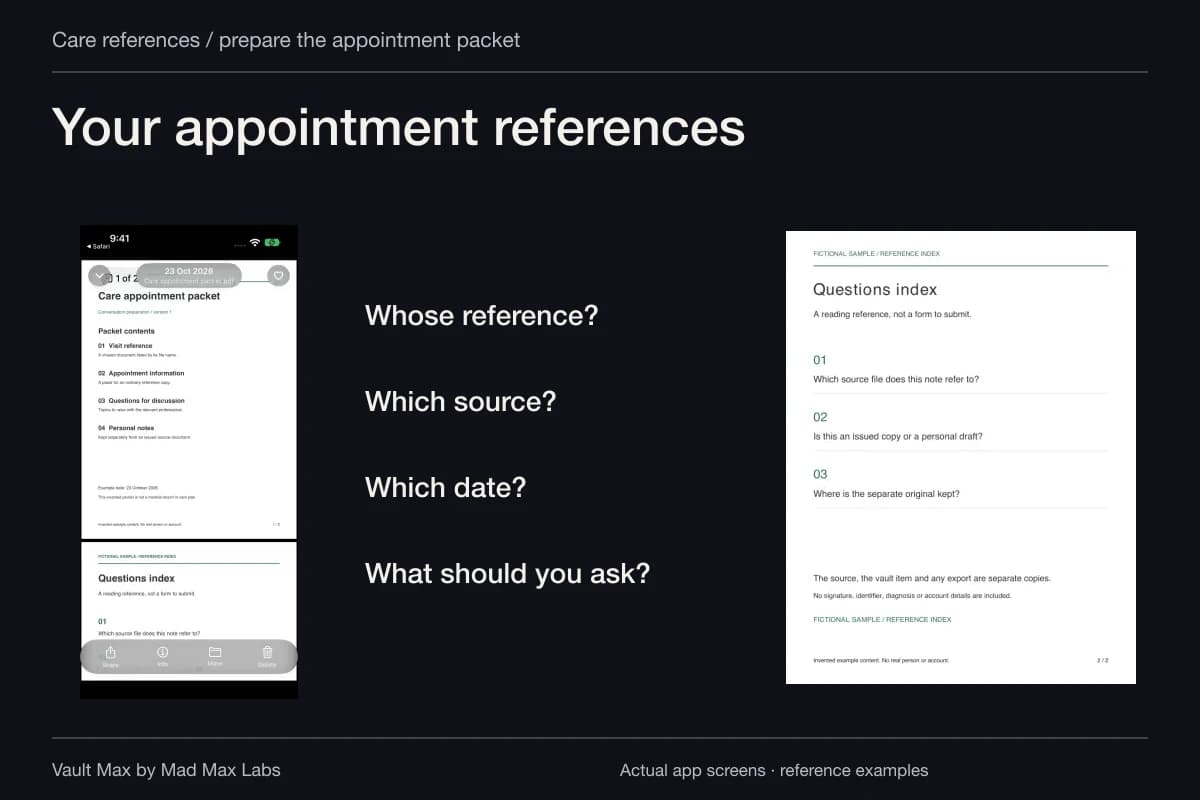
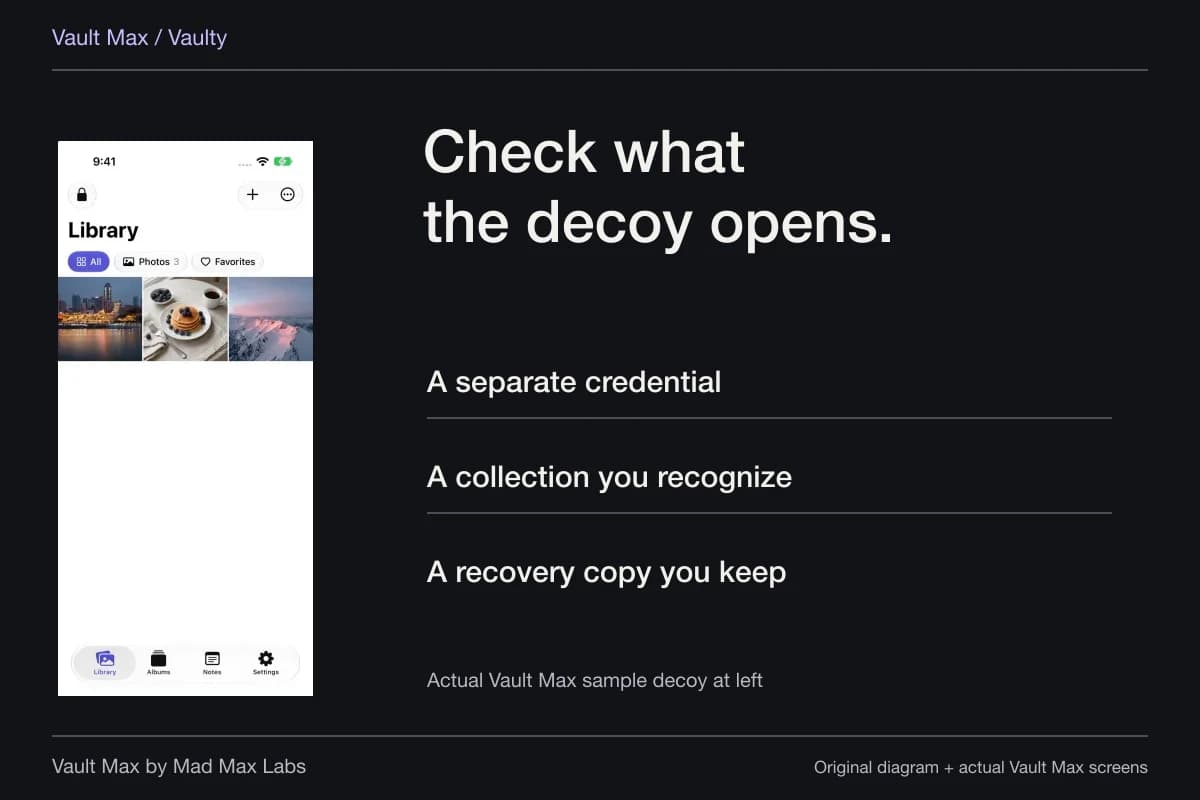
Prepare a small, recognizable reference packet before an appointment: the documents you are authorized to hold, their source and date, and the questions you want to ask. Vault Max can keep those files and your encrypted writing together in a local collection with its own credential. You can find the packet without scrolling past unrelated private photographs.
This is a practical filing task, not a clinical record system. The person receiving care, their providers and any applicable authorization determine what information you should have and how it should be used. A private app gives a retained copy a home; it does not grant access to somebody else's records.
Begin with the person's preferences and the provider's process
Ask which references the person wants you to carry and who should receive information. Keep that choice specific to the job: accompanying them to an appointment is different from managing a continuing document collection on their behalf.
HHS's family and friends guidance explains that providers can share relevant information in certain circumstances, including with the person's agreement. It also distinguishes a personal representative from ordinary family involvement. Do not assume that a family relationship, a copied form or possession of a phone settles those questions.
Use the provider's normal process for access and permission. Keep an already obtained reference copy of a relevant authorization document when appropriate, while preserving its authoritative original and the provider's own record. A filename such as “proxy” does not create or validate that authority.
Ask what will be useful at the actual appointment
Start with the appointment's own instructions. A clinic may ask for particular records, identification or a current list. The reference packet should follow that request rather than become a complete duplicate of everything in the person's history.
The National Institute on Aging's caregiver appointment guidance describes bringing useful records and preparing questions. The MedlinePlus caregiver guide offers a similar appointment-focused approach. Use those resources for preparation, and the care team for clinical interpretation.
For a practical filing exercise, choose an insurance-reference image, an already supplied visit summary and a question note. Keep the list supplied by the care team as received. If its currency is uncertain, write a question to confirm it rather than silently treating an old copy as current instructions.
Separate one person's packet from another person's paperwork
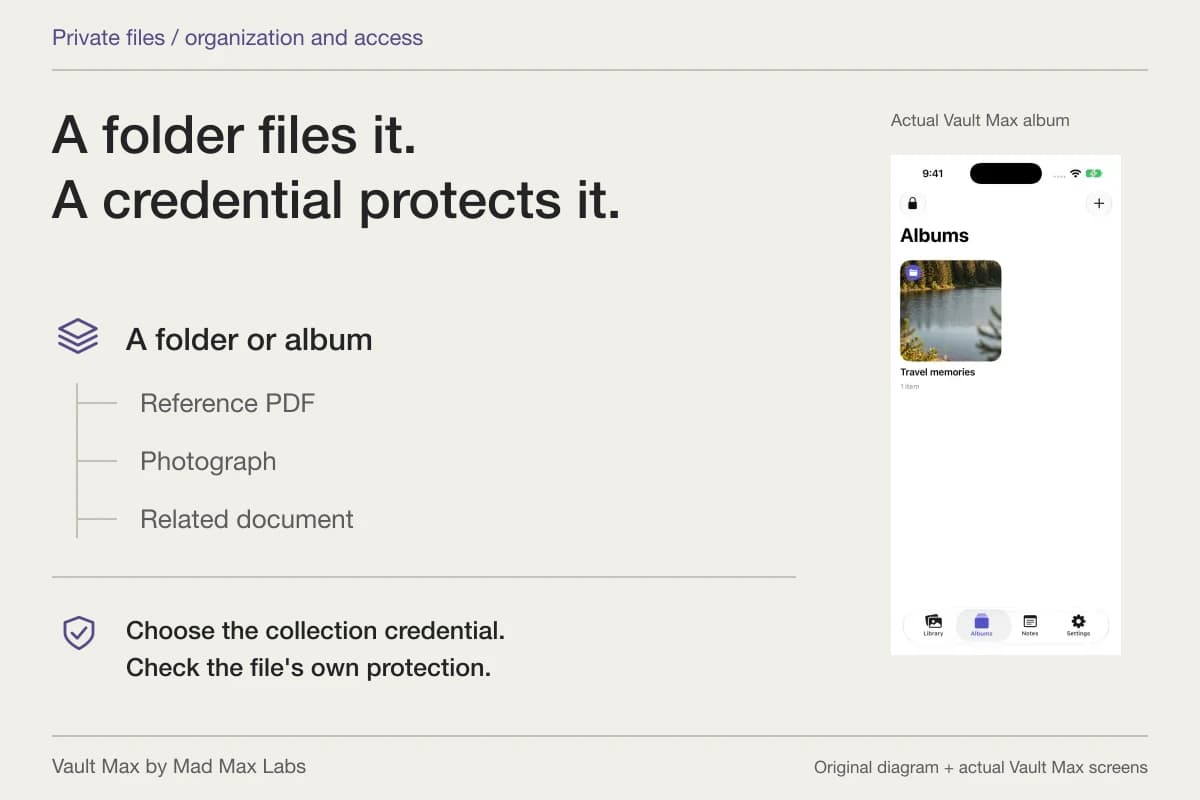
Use a recognizable album inside the appropriate vault. Avoid ambiguous groups such as “Medical” if you hold references for several people. The title should help you choose the correct packet without placing unnecessary identifying details in a filename.
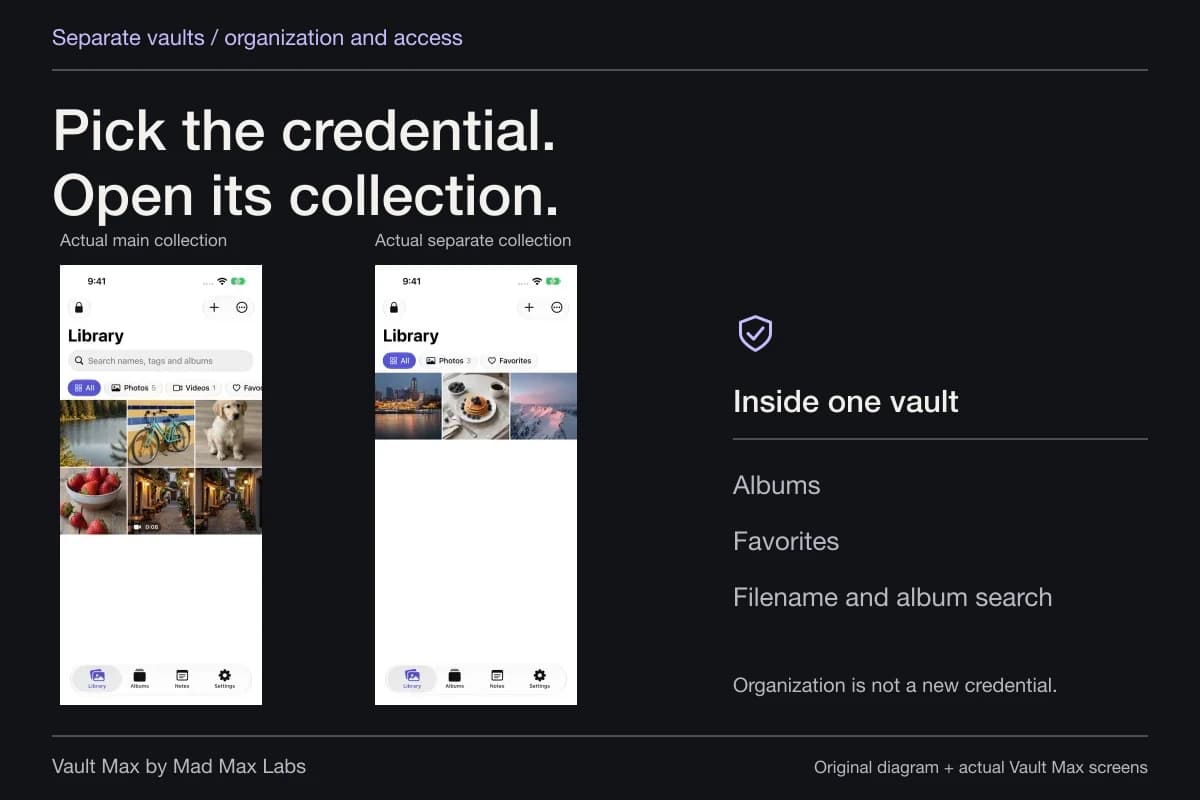
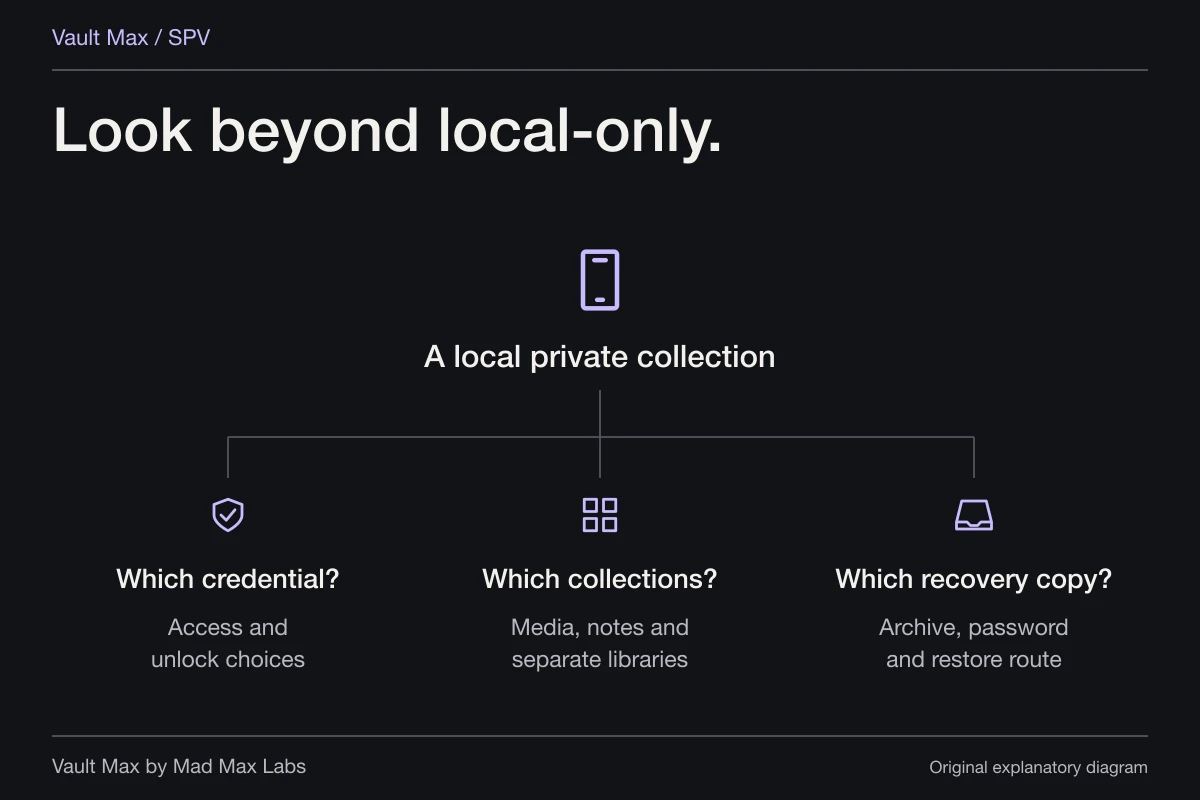
Albums organize items inside the open vault; they do not establish separate permissions. If two collections genuinely need different access credentials, a separate vault is the relevant boundary. Vault Max is not a role-based care-team system, so do not model several people as though each album supplied its own login and sharing policy.
Prefer a simple arrangement you can maintain. Keep the source name and document date visible in filenames where useful. A favorite can bring the one reference needed today into quicker reach without creating another physical copy.
Check that the file is complete before relying on the phone copy
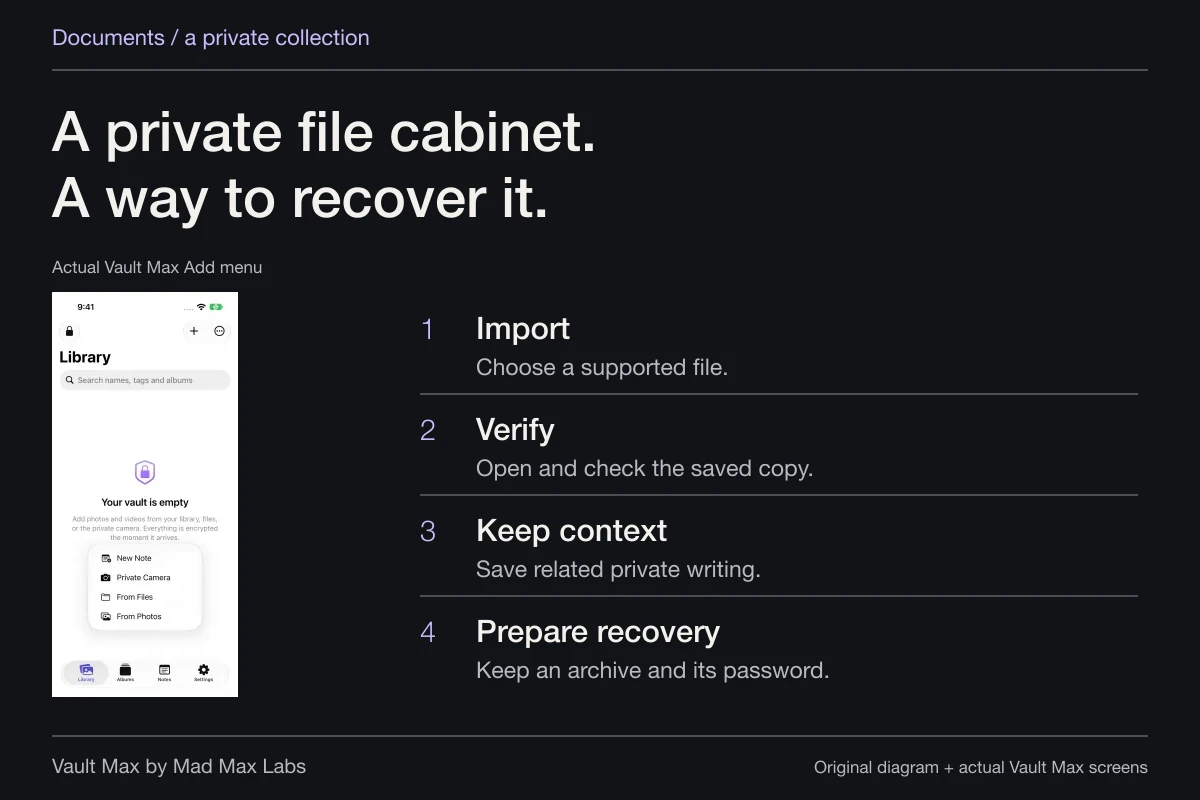
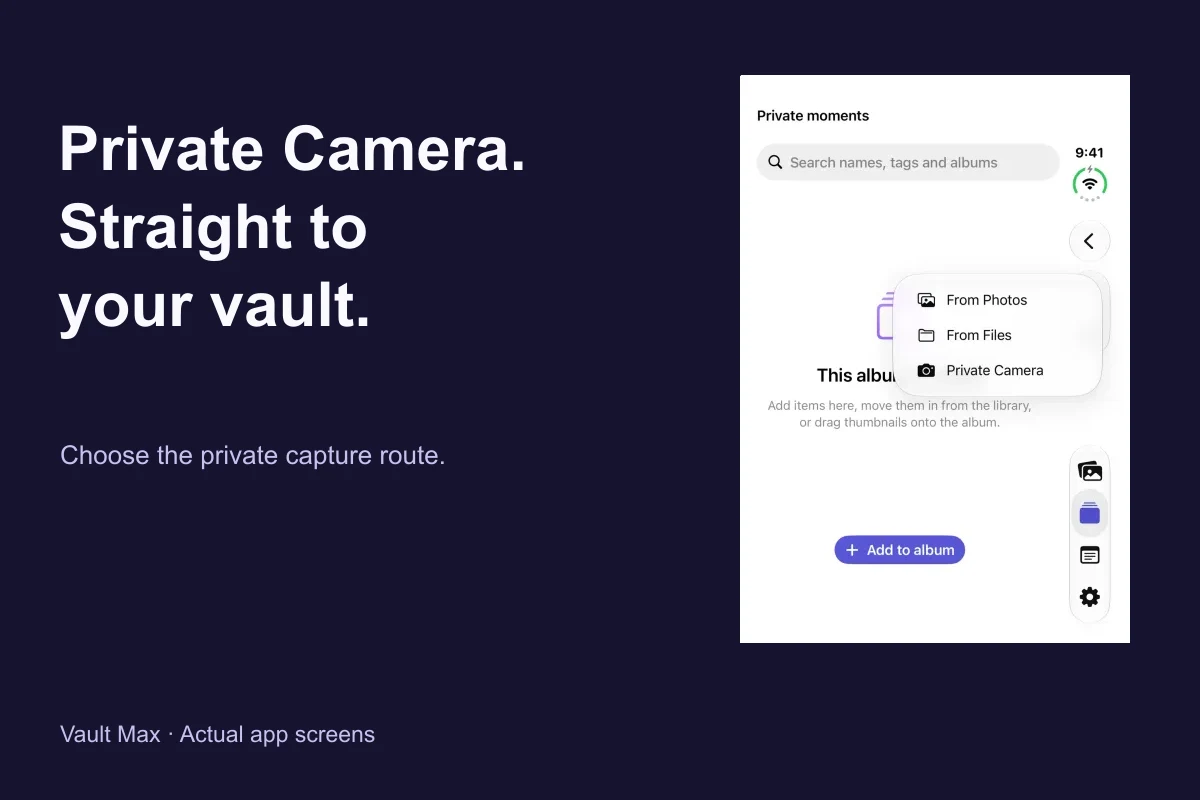
Import a supplied PDF through Add → From Files. Use From Photos for an existing reference photograph. Wait for import, then open the saved item rather than relying on its thumbnail.
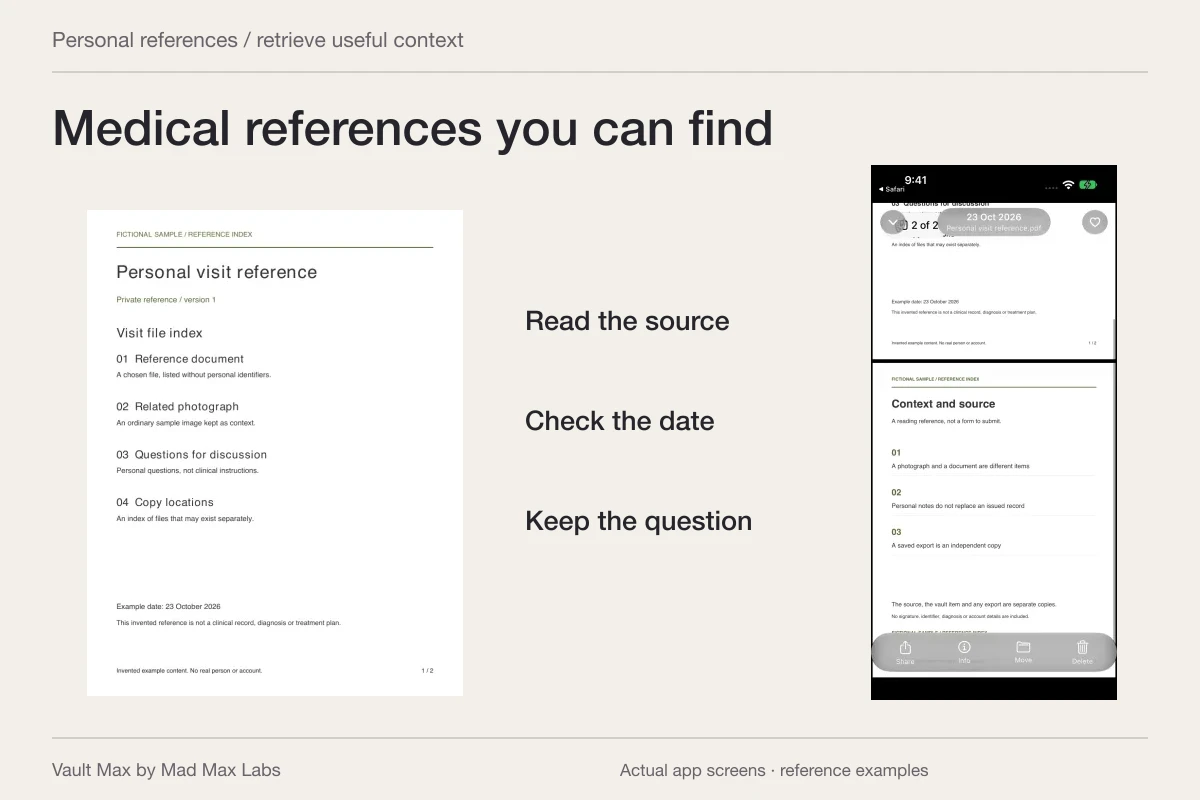
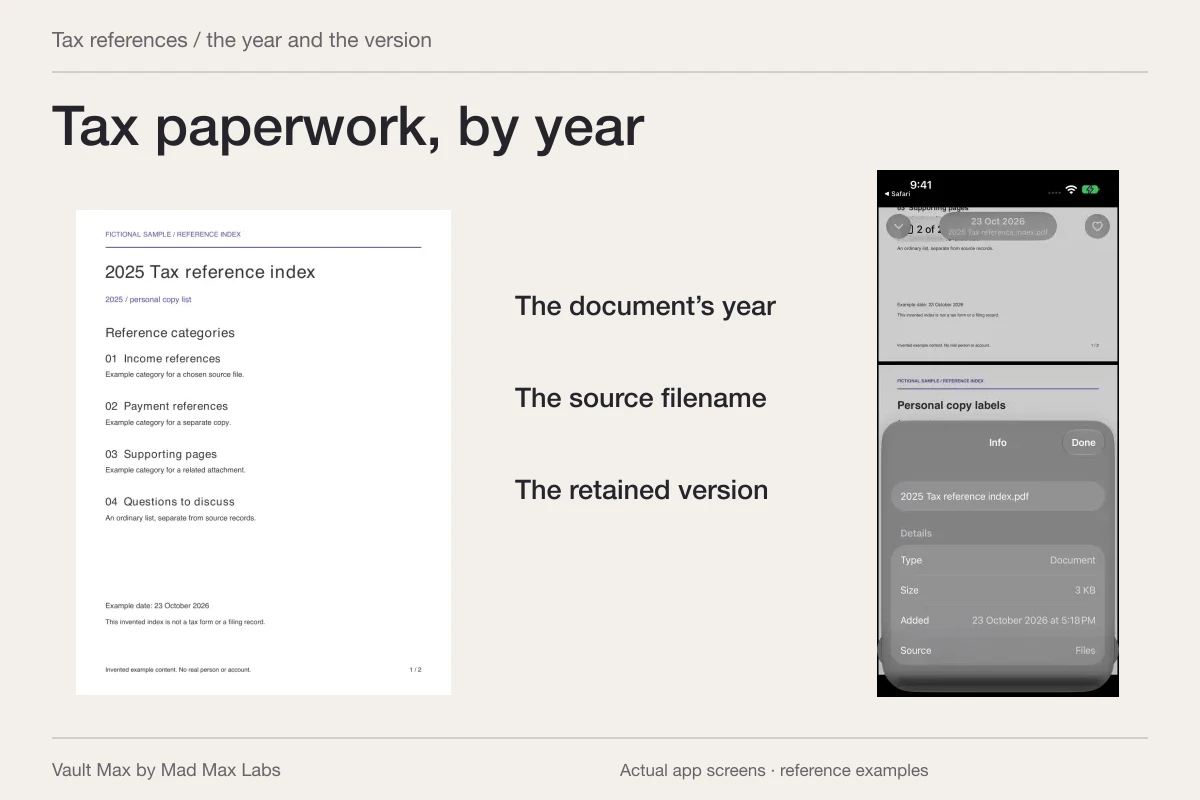
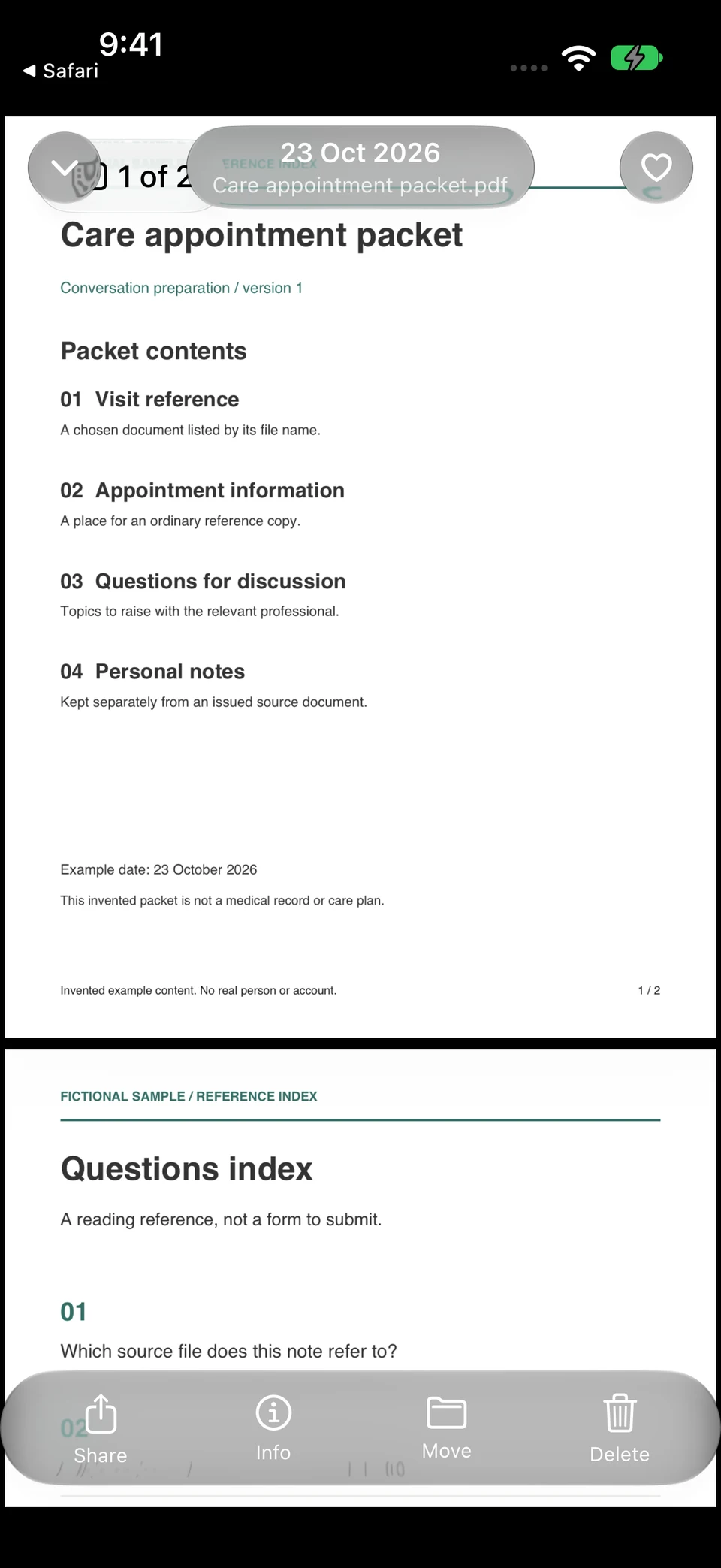
Inspect the name, date and readable pages through the supported document preview. Confirm that the file belongs to the intended person and contains what you expected. Keep the source available while investigating an incomplete or unsupported preview.
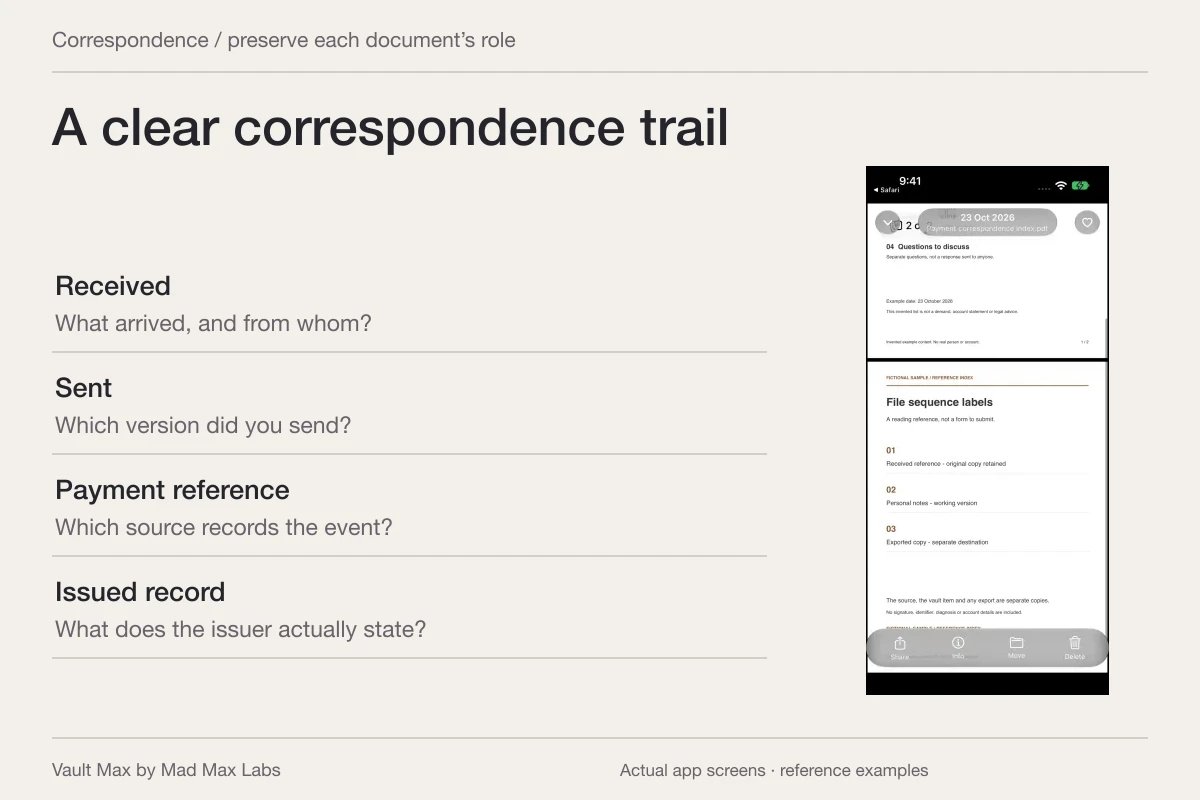
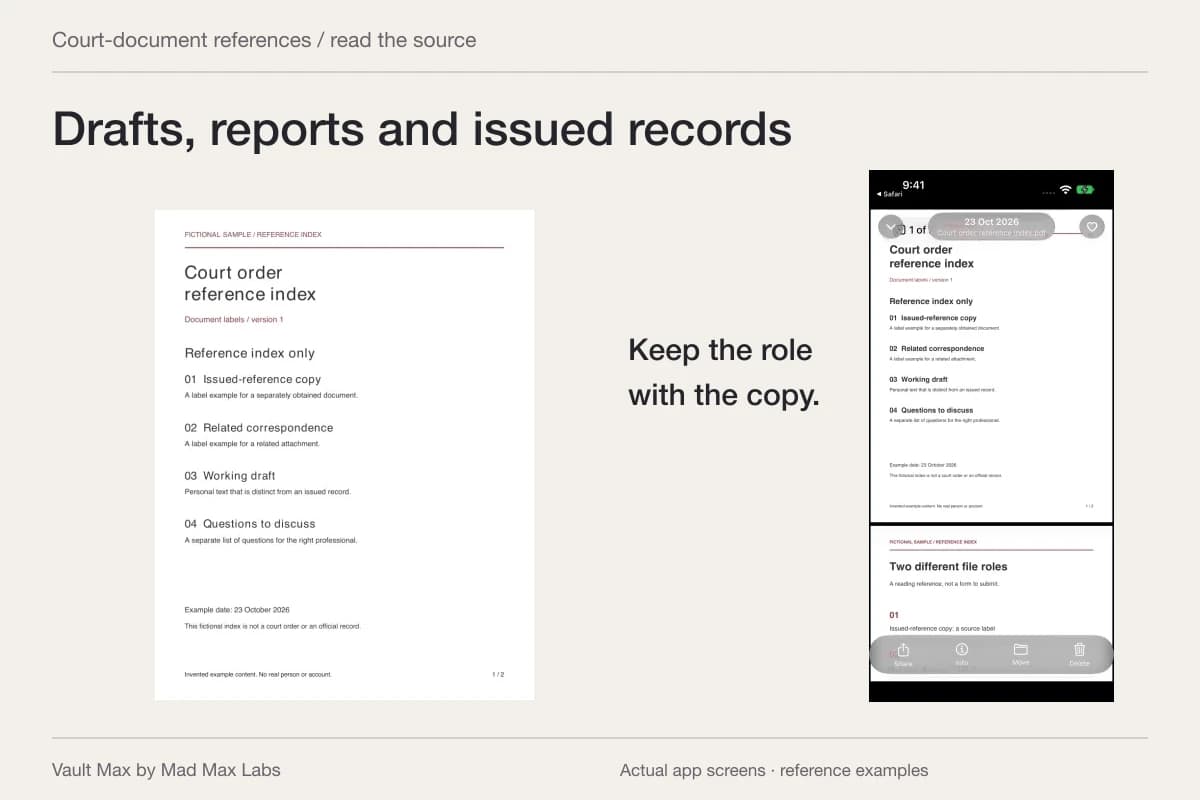
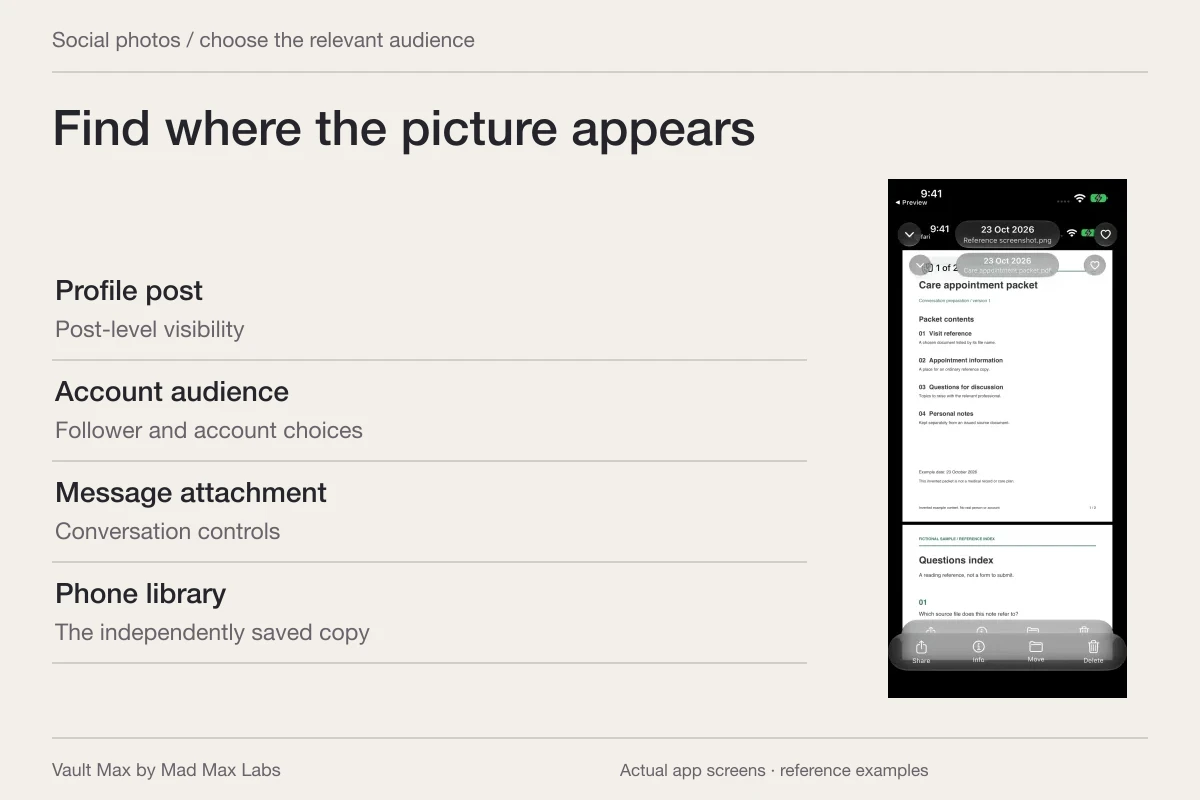
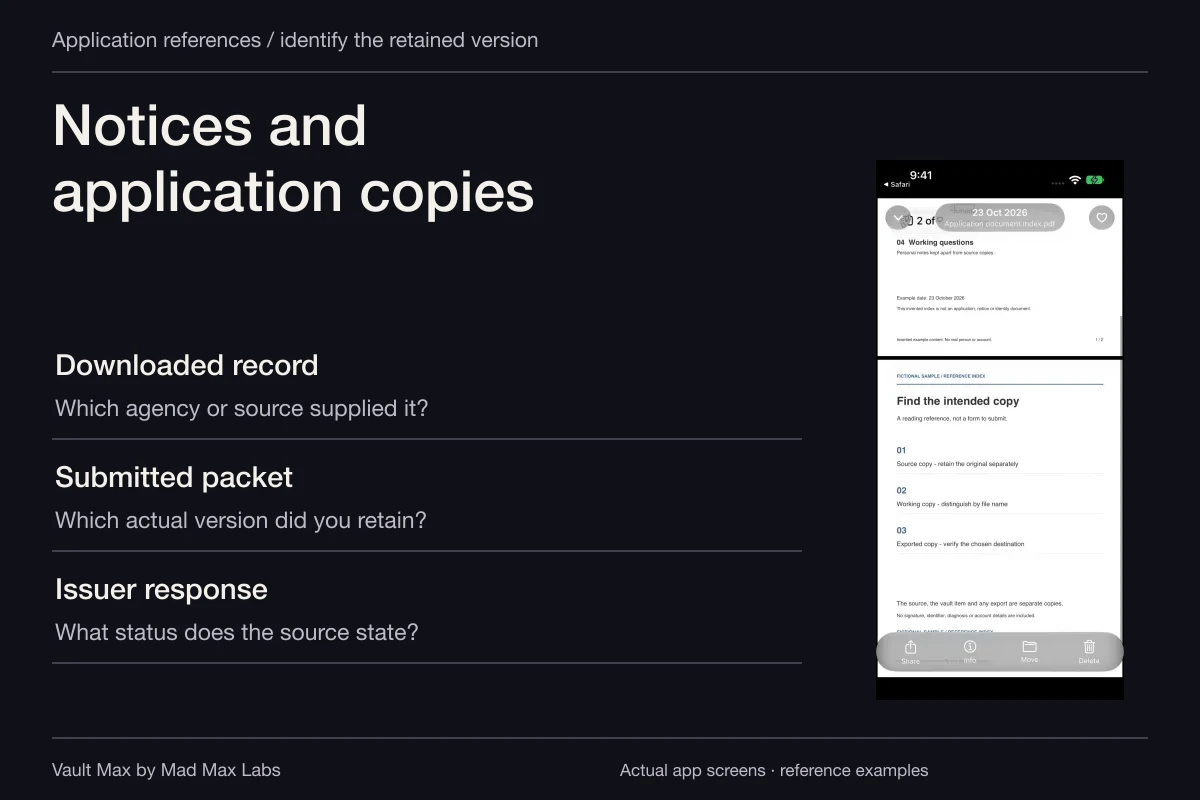
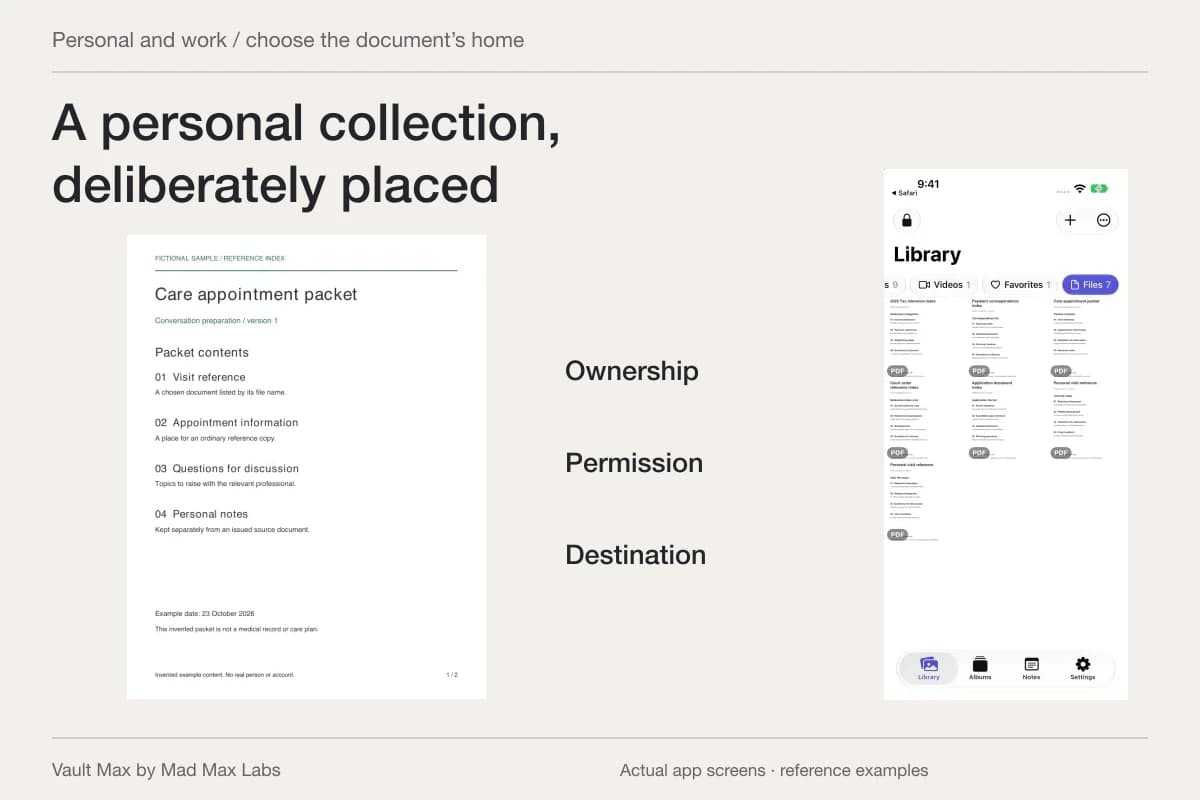
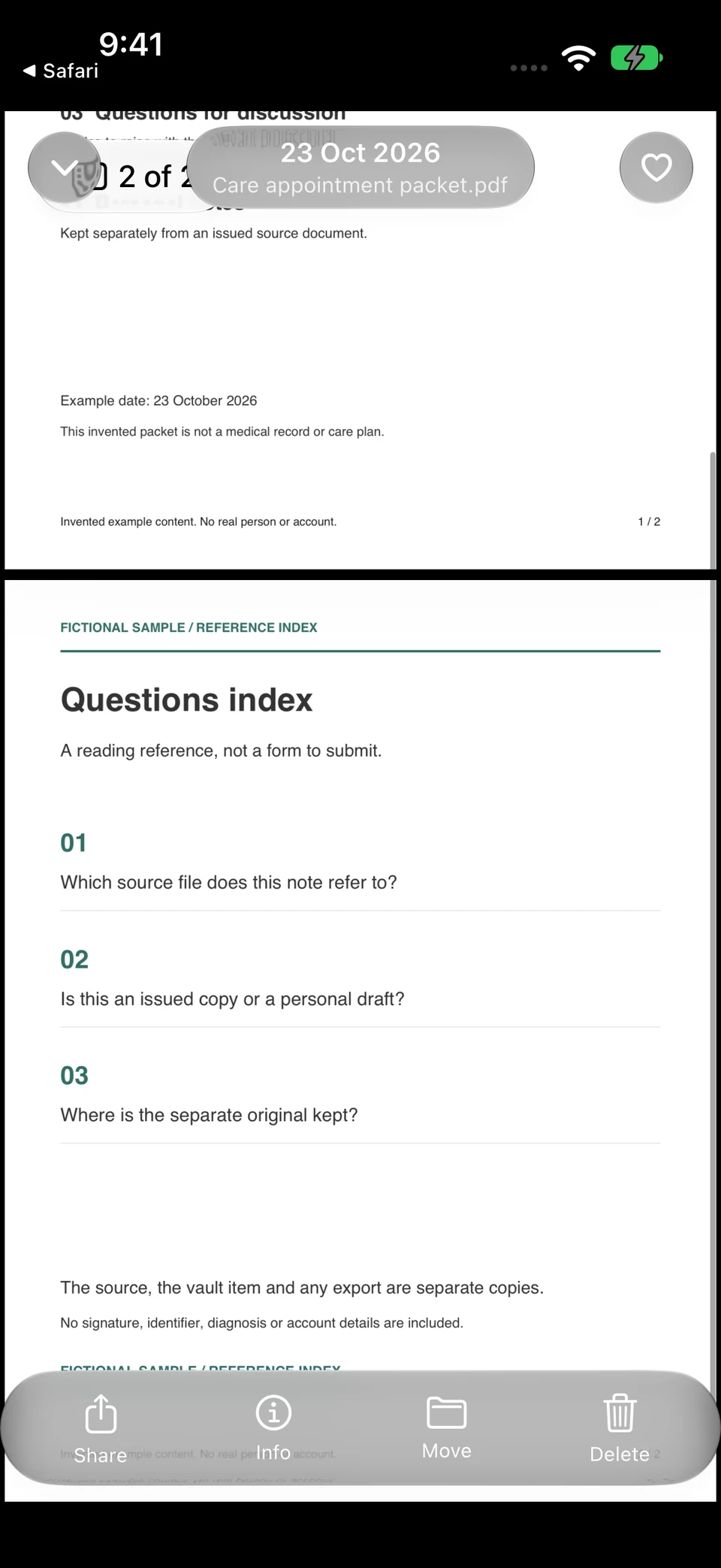
These are the two pages of a fictional appointment index opened inside Vault Max. The second page keeps source questions distinguishable from the retained reference.
Vault Max · Actual app screens, fictional sample contentStart with the reference
Open original image: Start with the referenceInspect the following page
Open original image: Inspect the following pageOpen the fictional two-page reference PDF used in this walkthrough. It is a sample index for inspecting the file workflow, rather than an official form or a real record.
Vault Max uses Quick Look for document viewing. If a provider supplies a specialized format, keep the appropriate viewing application available. Check that your retained reference opens usefully before the appointment, while the original delivery channel is still easy to revisit.
Save questions without rewriting the provider's document
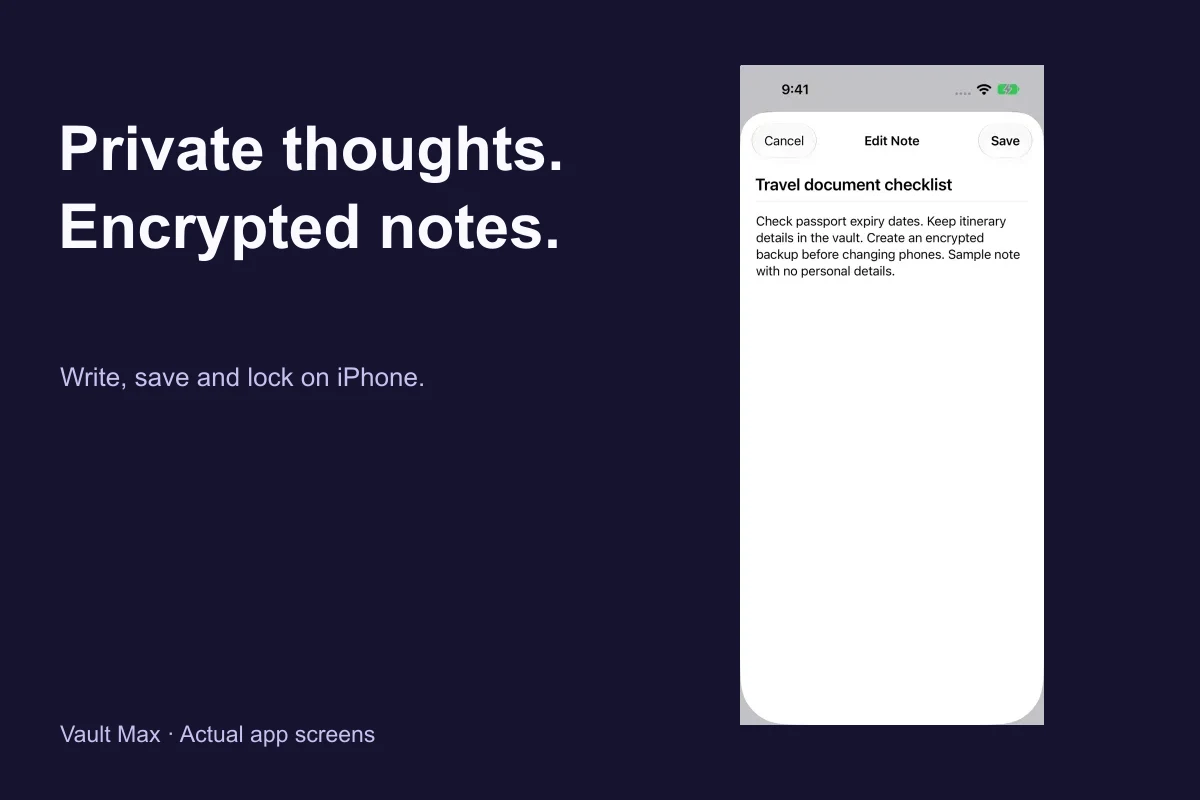
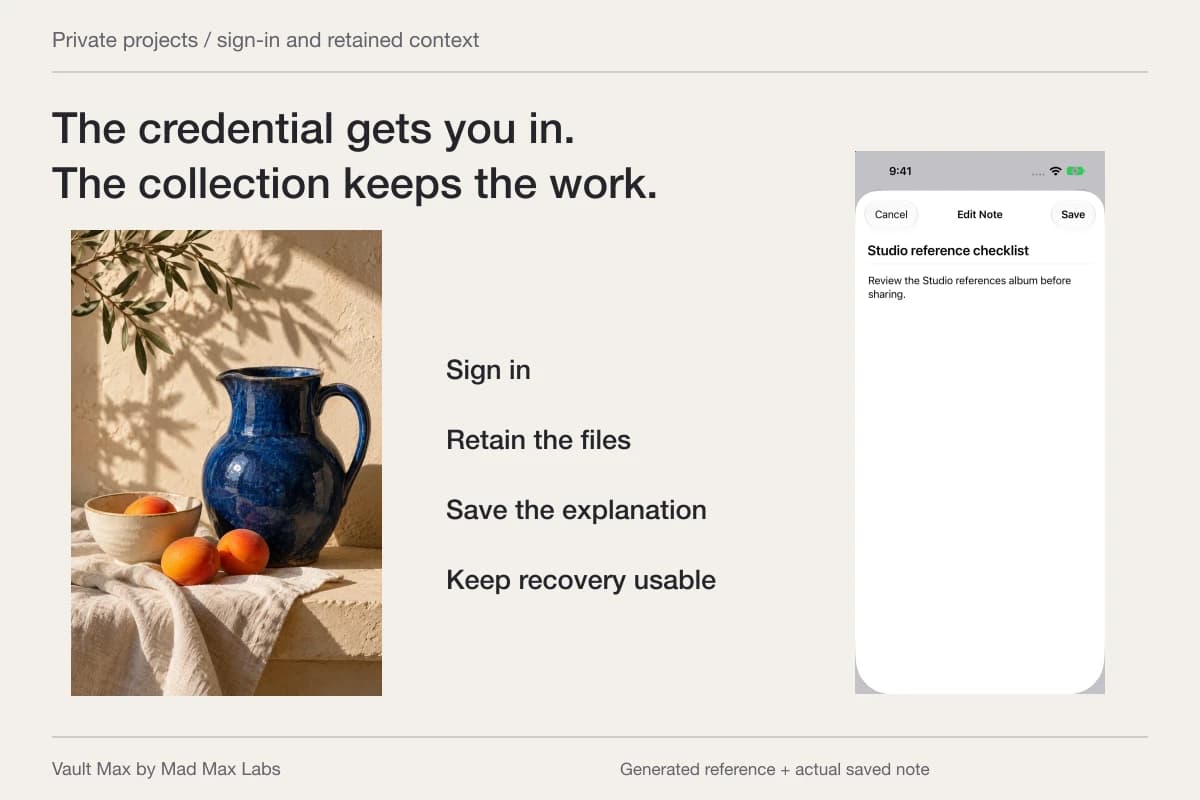
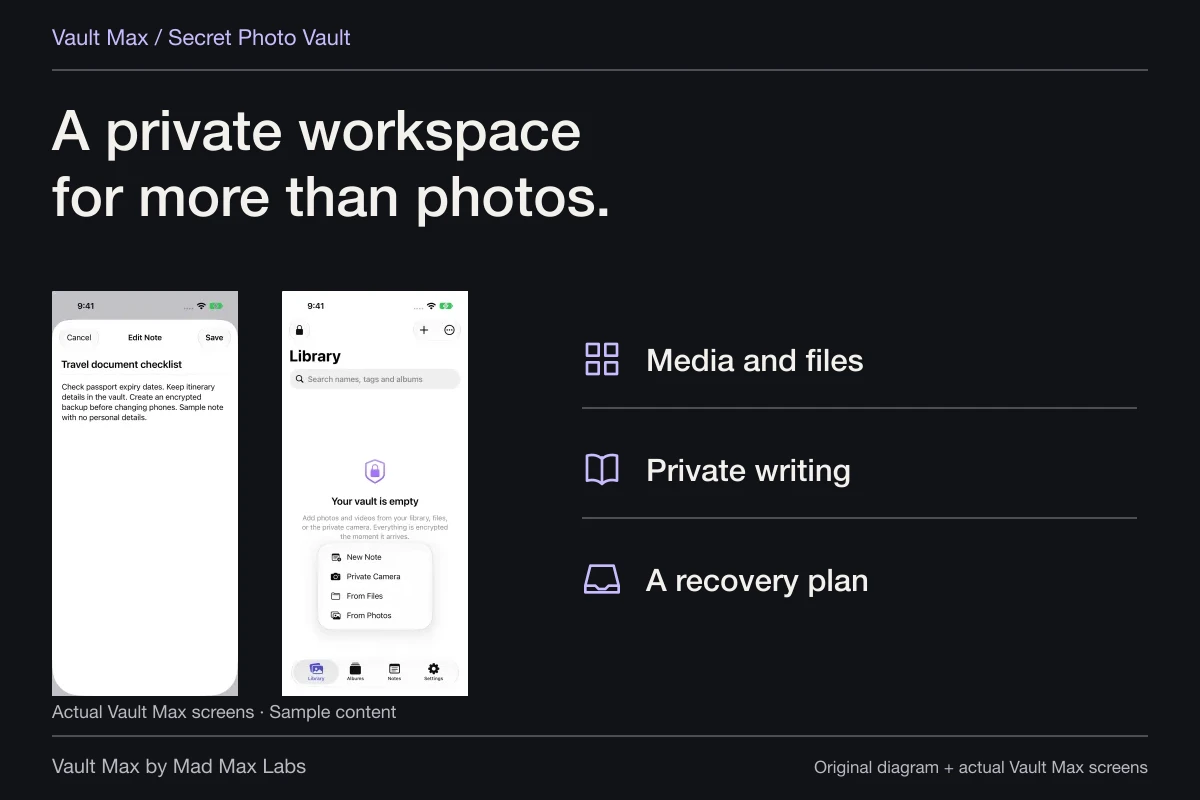
Create a note with a clear title, such as “Questions for next appointment.” Record the question, the document it concerns and the point you need clarified. Choose Save and reopen it to confirm the intended text.
Keep your own observations distinguishable from the provider's statements. A dated personal note can say what you wanted to discuss. It should not silently become a revised medication instruction or an altered report. The source document remains its own item.
The note has a plain-text title and body, and saved notes are included in Vault Max archives. Give the writing an explicit date when that context matters. Check the current source when the appointment or care instructions require it.
| Reference | Useful filing detail | Keep distinct |
|---|---|---|
| Provider-supplied list or summary | Source, document date and version | Your questions versus the provider's actual wording |
| Insurance-reference image | The intended person's current supplied reference | A mobile copy versus whatever original the appointment requires |
| Authorization reference | Which already obtained document it copies | Storage versus legal authority or provider acceptance |
| Appointment questions | A saved title and readable list | Personal writing versus clinical advice |
Open only the reference needed for the conversation
Before presenting the phone, locate the relevant file yourself. A mixed private collection may include documents unrelated to the appointment. Preparing the one item reduces unnecessary browsing during the conversation.
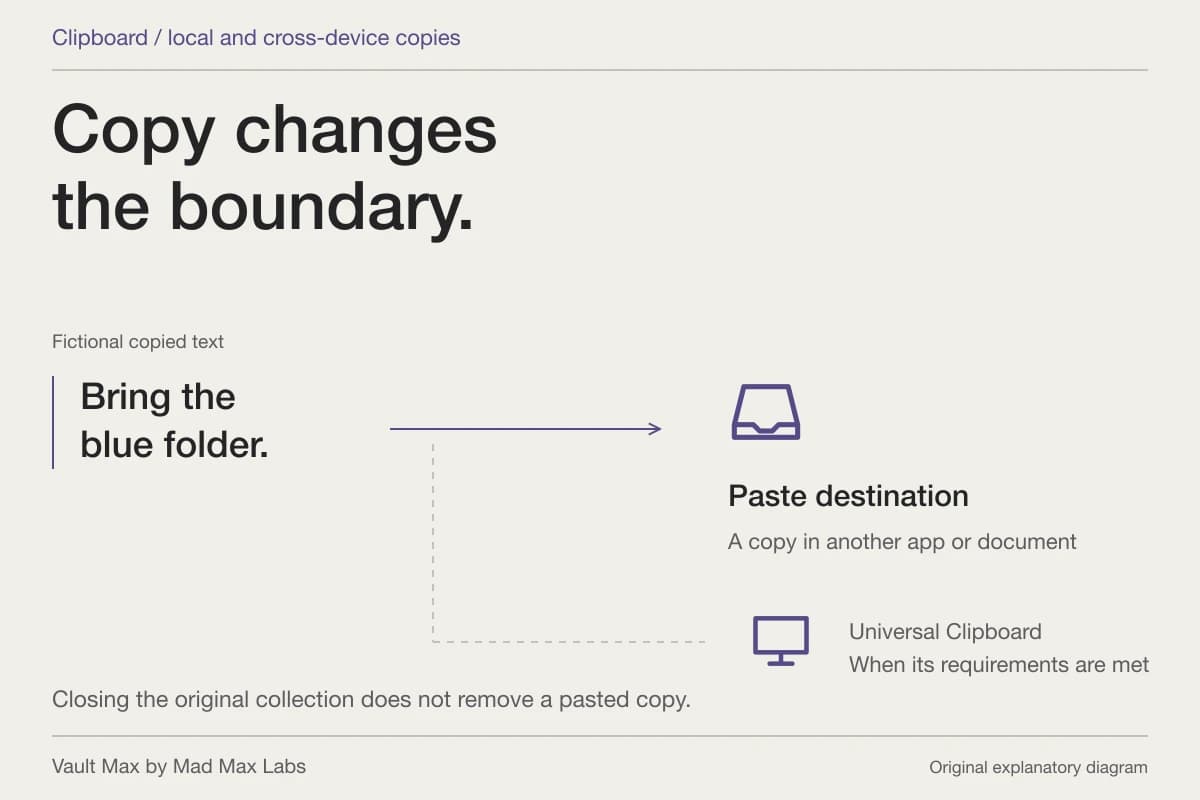
Use an appropriate provider channel when a file must be delivered. An ordinary export from the vault produces a usable copy outside it; check the attachment and intended recipient. The recipient's system and access rules then govern that delivered copy.
If another caregiver needs information, agree on the appropriate communication route rather than assuming your local album is a shared live record. Review what the person receiving care wants shared. Vault Max's own credential is not a substitute for that decision.
Rehearse the short retrieval routine
Before leaving, close the document, lock the vault and find it again. This checks your own routine: opening the intended collection, choosing its album or Files filter and reading the right reference. Search with part of the filename if several summaries look similar.
Keep the appointment question note easy to recognize in Notes. A title such as “Next visit — questions about supplied summary” is more useful than “New note.” If you prepare on another device, remember that this is a local collection: opening Vault Max elsewhere does not automatically bring this packet with it.
Update the reference packet after the visit
Save newly supplied paperwork with a name that distinguishes it from the earlier version. Record the source and date. Keep personal questions or explanations in the note, without editing a provider's PDF to make it appear updated.
Check that you can find the new item through its filename or album. Gallery search does not search the body of a report or the writing in Notes. Open Notes to revisit the questions and save any intended changes there.
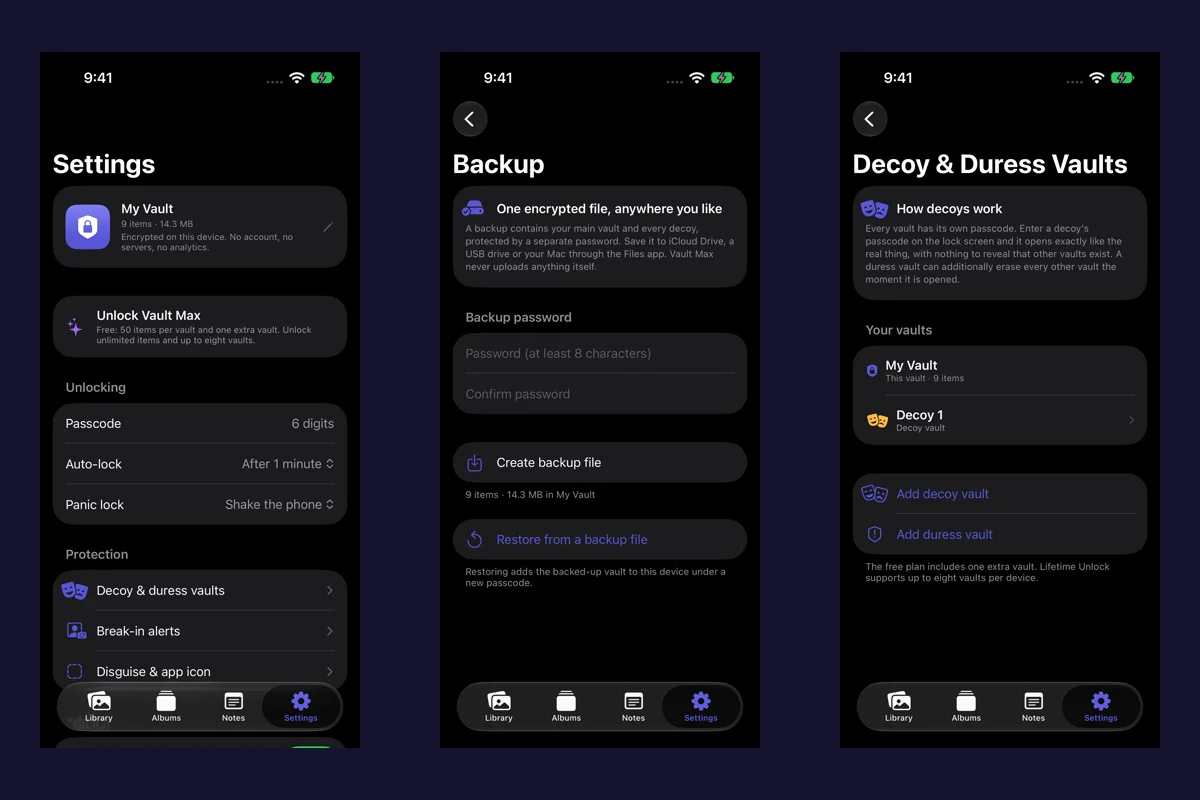
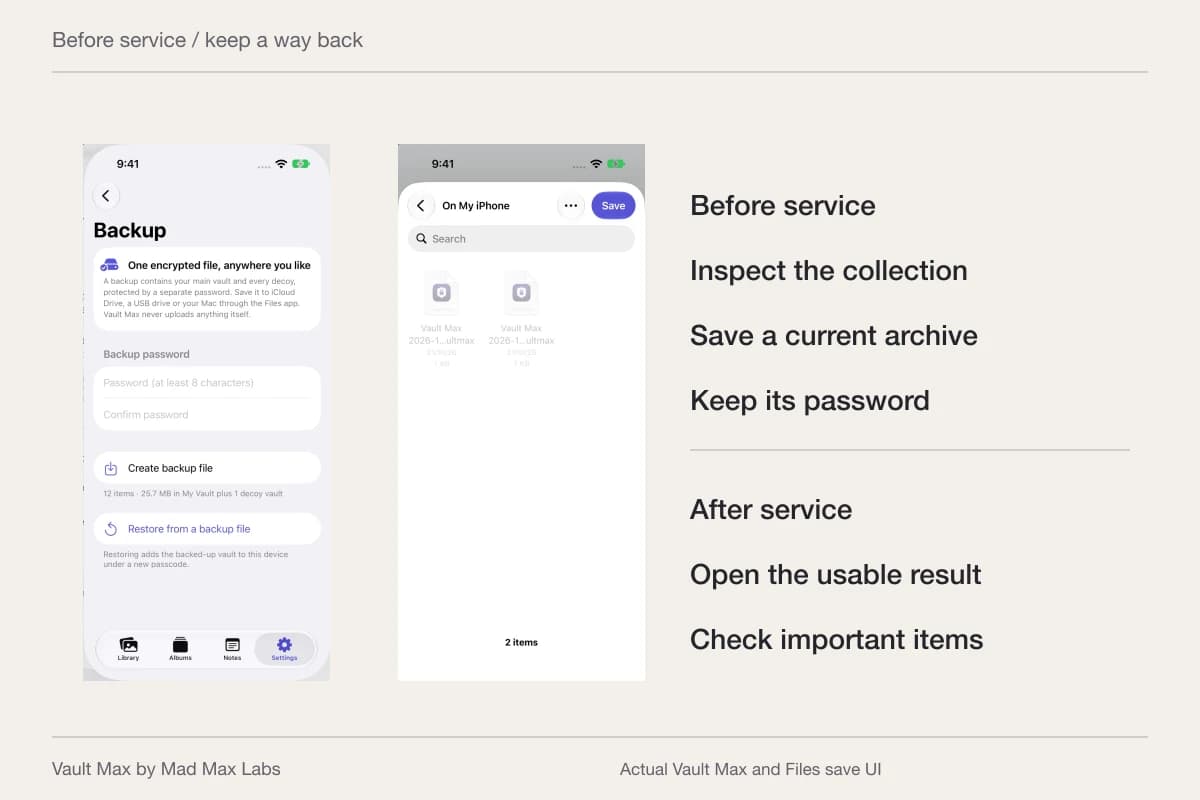
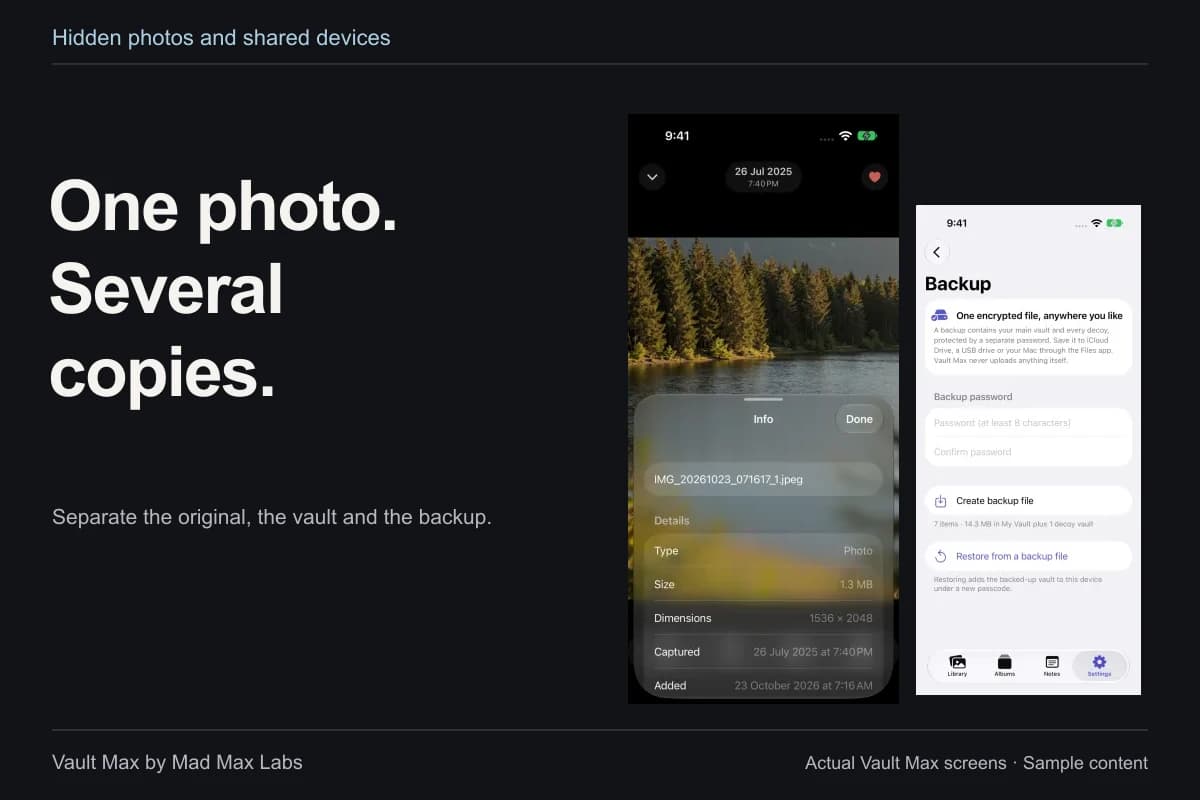
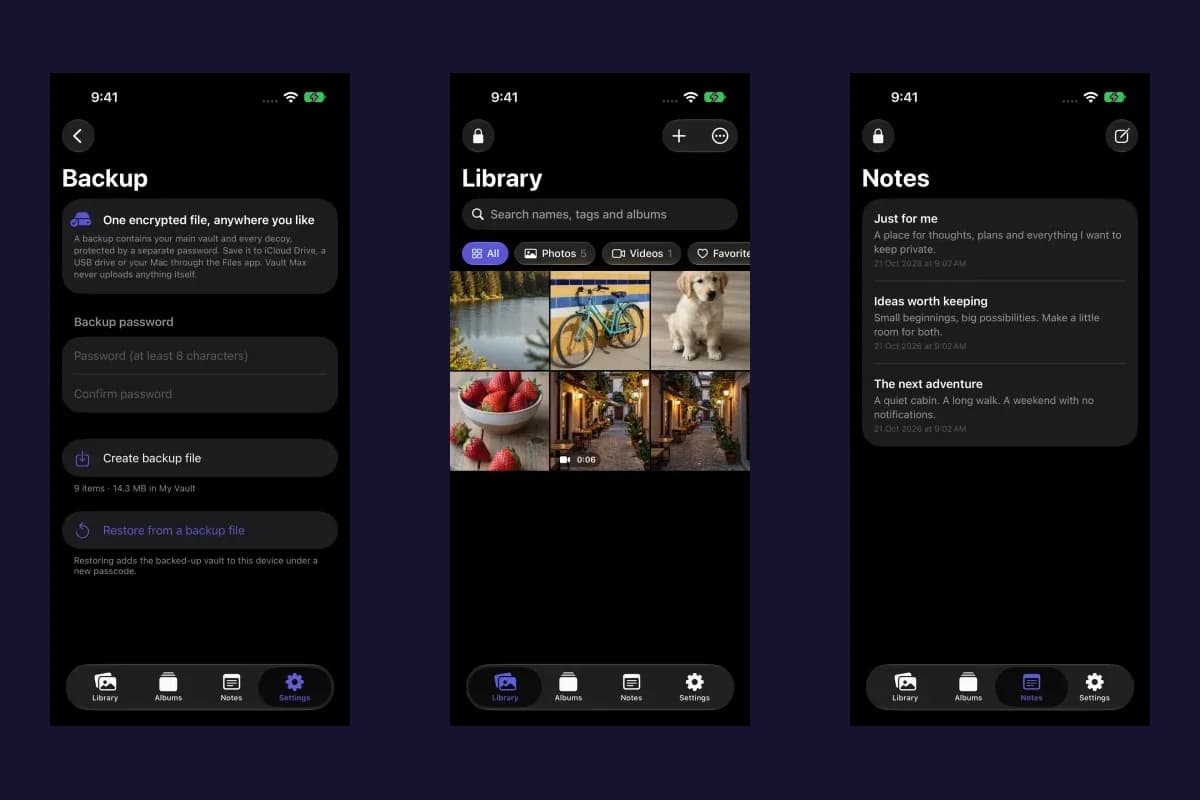
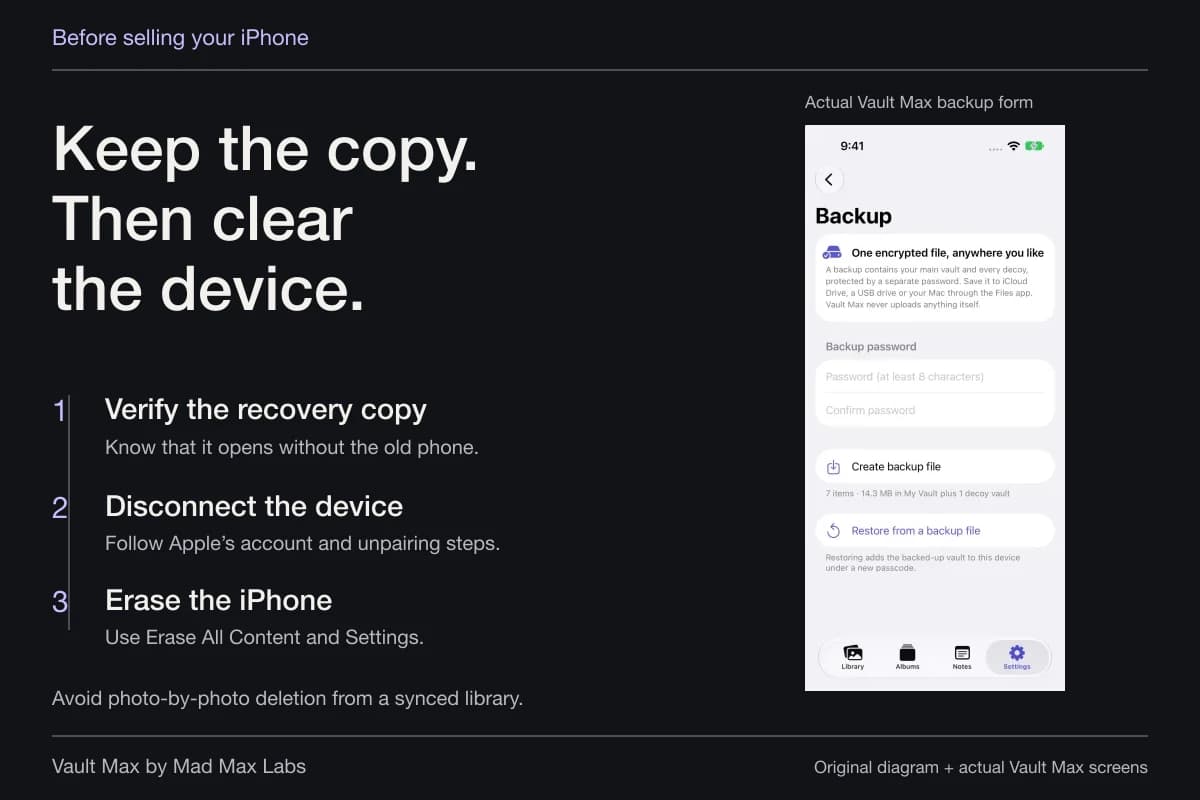
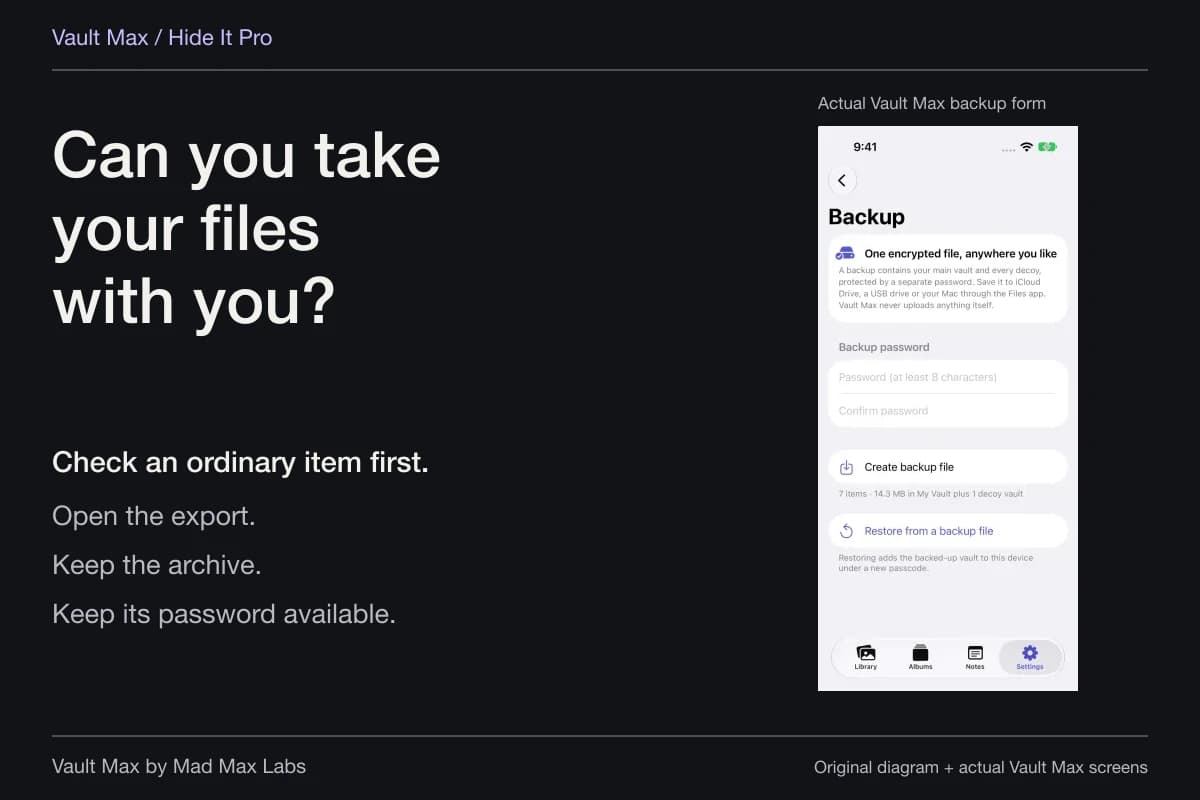
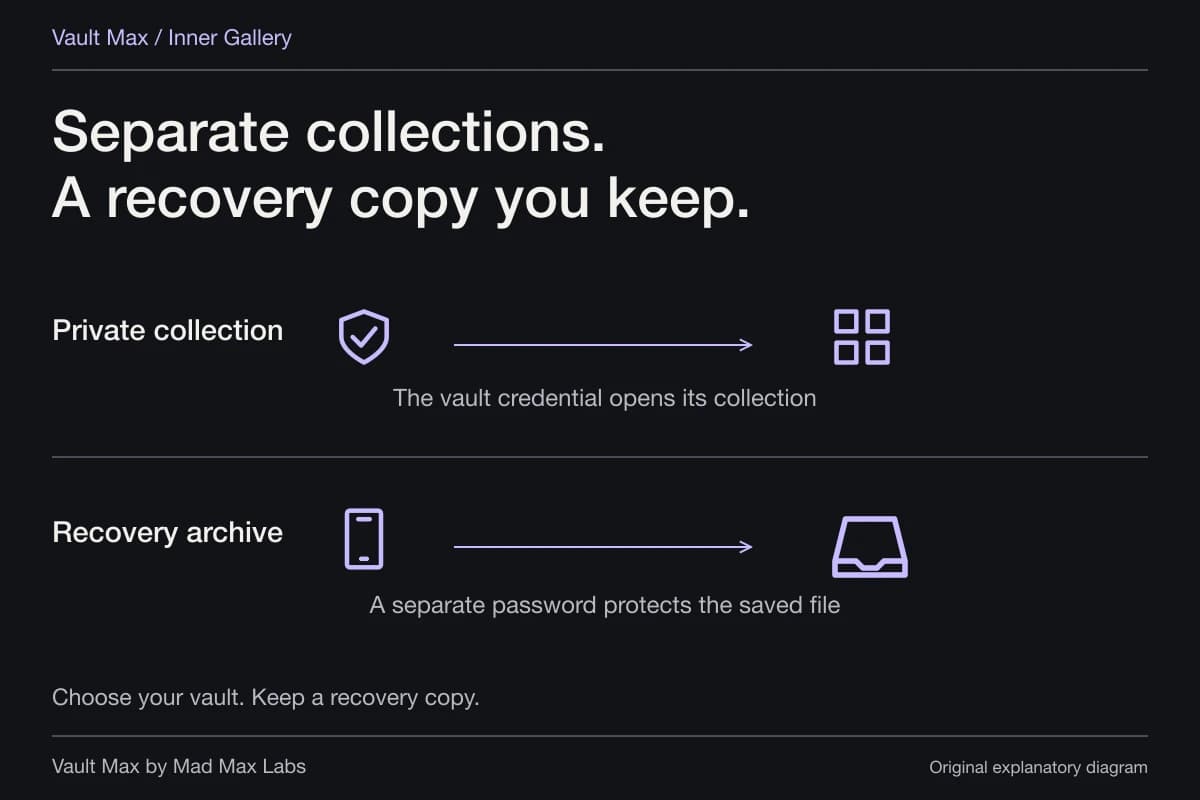
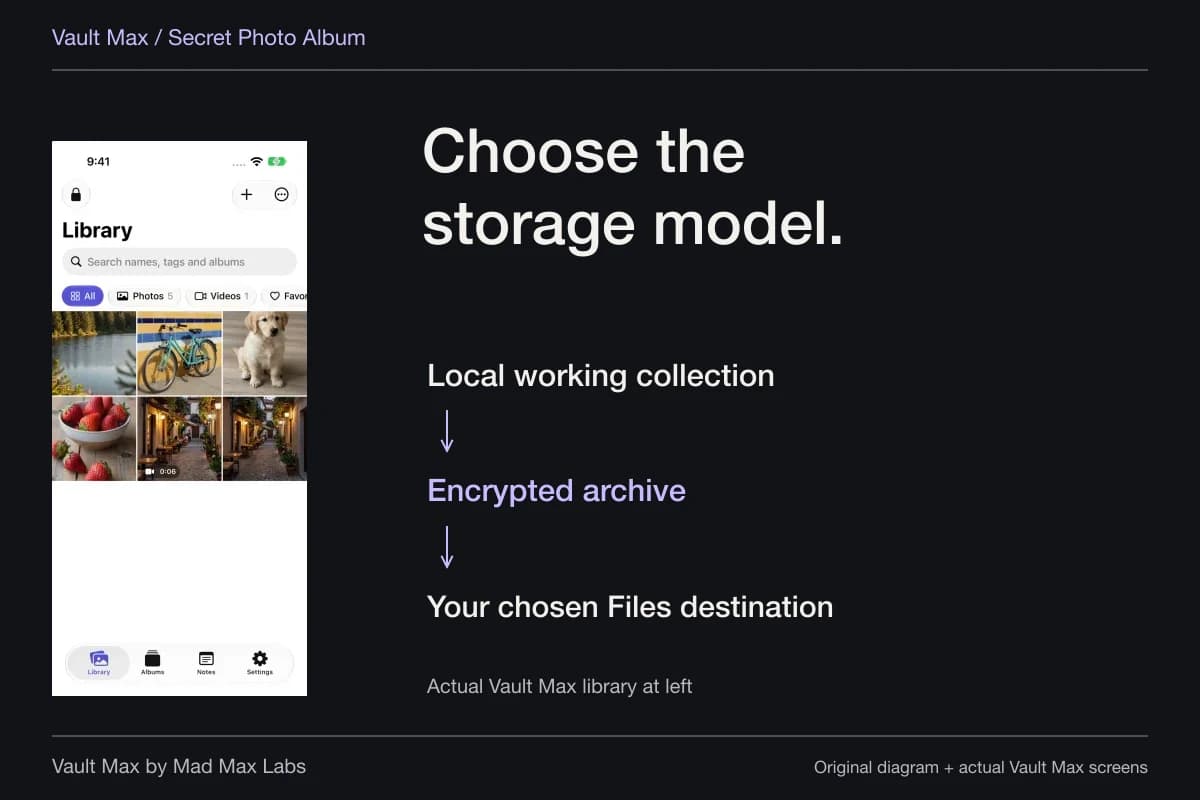
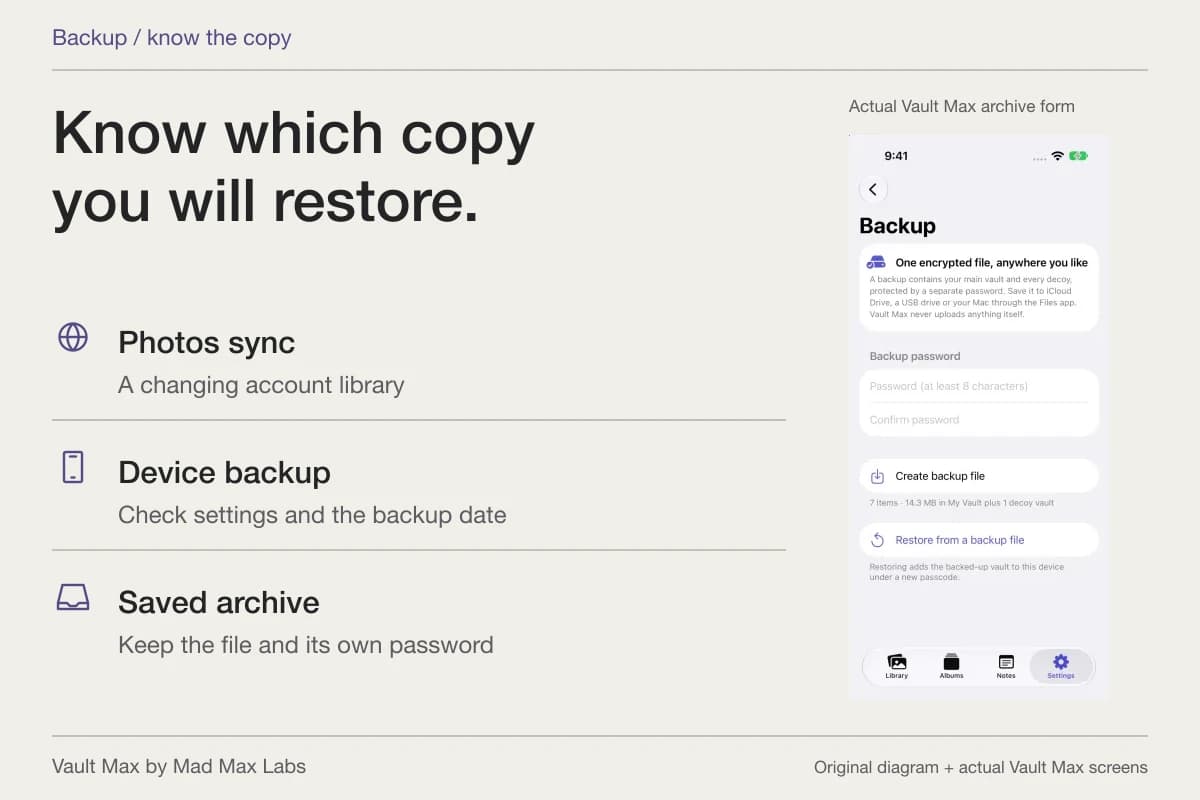
Create a current encrypted archive after meaningful additions and keep its separate password independently available. A local archive saved only on the same phone shares that phone's loss risk. Your personal reference packet also remains separate from any information the care team needs in its official system.
- Hold and share the references appropriate to the person's preferences and provider process.
- Identify the correct person's actual document.
- Check the readable pages before the appointment.
- Keep personal writing separate from the provider's words.
- Refresh the archive, preserve its password and close the vault session.
Tap a box as you go. Checks reset when you leave this page.
Common questions
Does storing a document make me authorized to access another person's medical records?
The file's storage location does not establish authority or consent. Follow the person's preferences and the provider's applicable authorization process. HHS describes family involvement and personal representatives separately.
How can I keep appointment questions beside the paperwork?
Save a plain-text encrypted note with a recognizable title and identify the document or page each question concerns. Reopen it before the appointment. Notes remain separate from the provider-supplied documents.
How do I keep the packet available if I lose the phone?
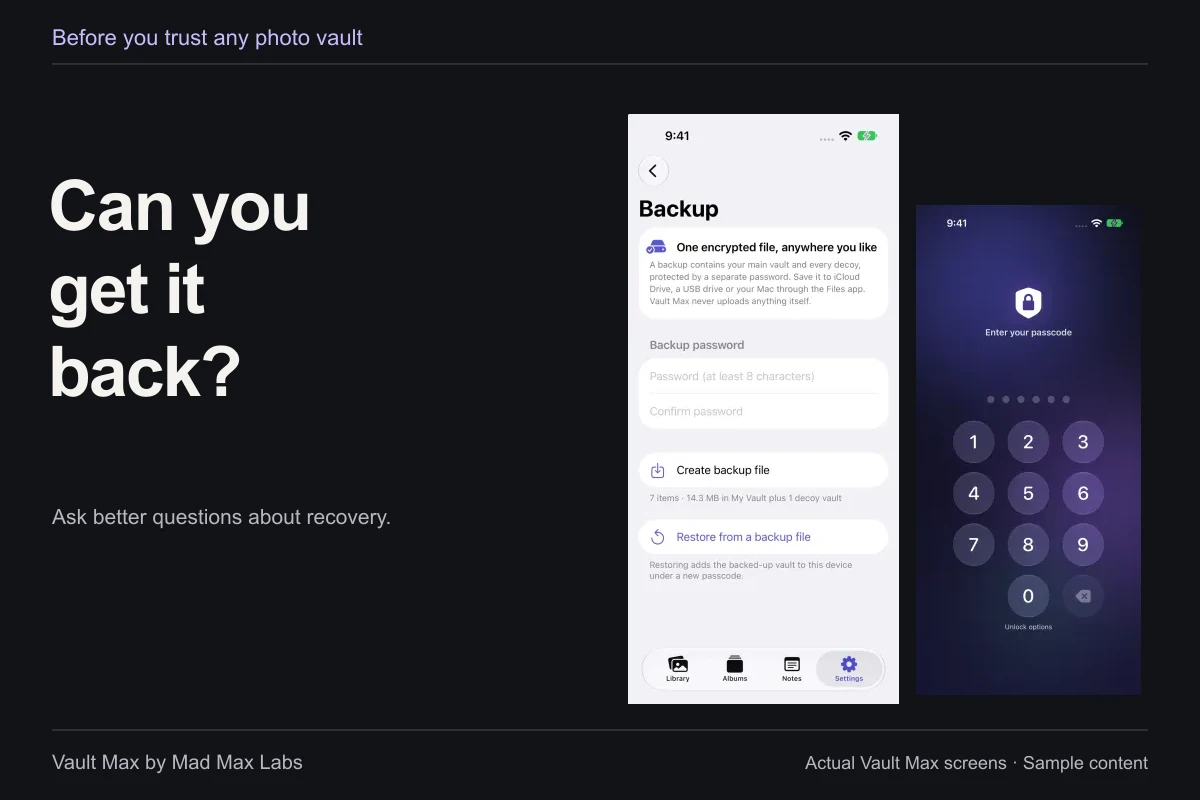
Create a current encrypted archive, choose a destination you can reach without that phone and retain the separate archive password. The snapshot includes saved notes as well as the selected vault collection.
Continue reading
More guides
Practical tips for your private library. Swipe or scroll to choose your next guide.
86 guides to explore