
Privacy in practice
Hide photos on Instagram and other social apps deliberately
Review Instagram, Facebook, TikTok, X and Snapchat photo controls. Separate audience changes from saved copies, then organize private originals you retain.
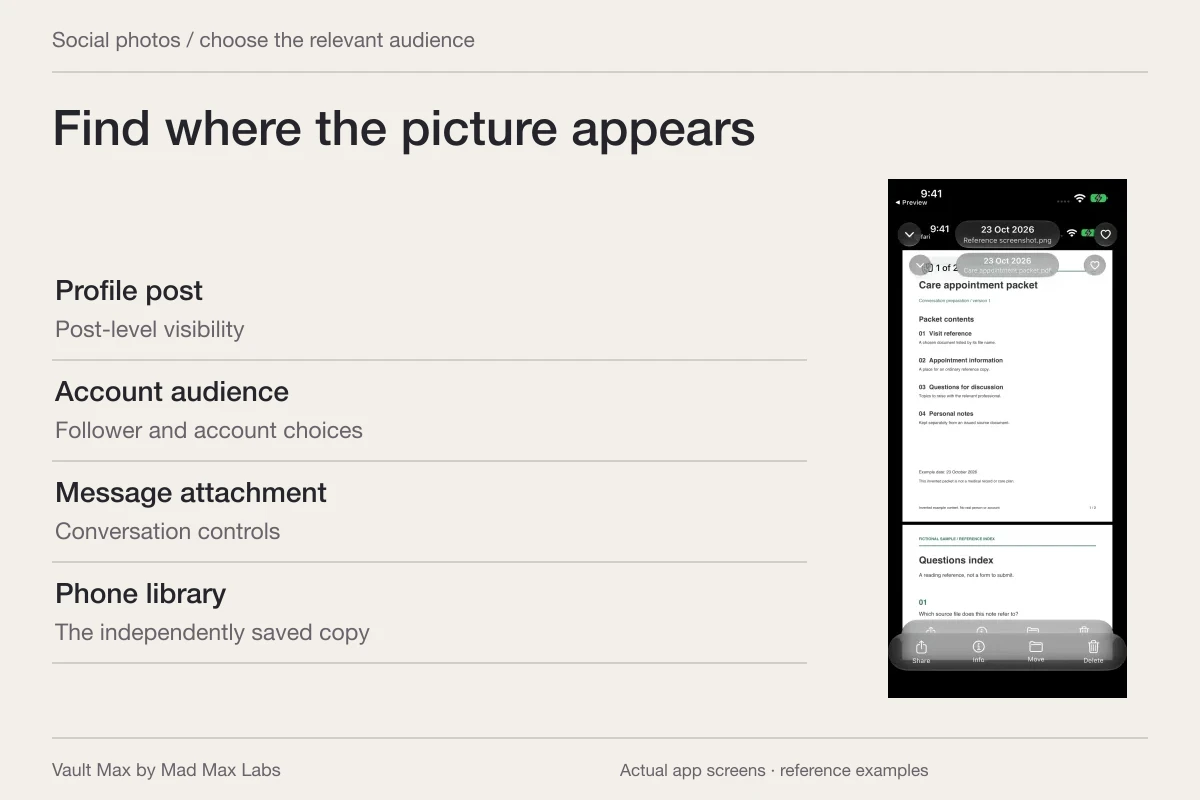
Use the social app's own audience or archive controls for a post that is already online, and keep private originals in a separate collection before the next upload. Those are different tasks. A vault import does not unpublish a post, and an audience change does not retrieve a screenshot someone already saved.
Start with one picture and one service. Identify whether you are looking at your own post, another person's post, a message attachment or a file in your phone's library. A control that hides something from your profile may answer a narrower question than who can still see the underlying material.
Instagram: separate one post from the account audience
For a particular post you shared, inspect Archive in that post's options. Meta's original Archive announcement explains the feature's purpose: retain a feed post in a space only you can see and remove it from the profile. Read the action's description before confirming; do not substitute Delete merely because your installed layout differs from a tutorial.
The announcement is historical, so use Instagram's current Archive help or in-app help for the menu layout you have. After archiving, inspect both the profile and the retained item. A post, Story and Reel should not be assumed to expose identical options.
For the account audience, Meta's private-account explanation describes posts, Stories and Reels being available to followers rather than everyone. Review the account's privacy control and who follows it. Do not interpret Private as a collection visible only to you.
If your goal is to keep a photograph for personal reference, you may not need it on the service at all. Keep a readable original, decide what should remain posted, and inspect the resulting profile separately from the original on your phone.
Facebook: review the audience and public profile images
Facebook's privacy-settings help points to Settings & privacy → Settings → Audience and visibility. Review the relevant category, such as Posts or Stories, rather than assuming one preference changes every kind of photo. The publisher notes that available settings depend on profile type.
Check older content individually through its available audience controls or the activity-management tools. A preference used for a new post is not sufficient evidence about a photo uploaded years earlier. Read the audience shown for the actual item you are trying to change.
There is an important exception for profile images. Facebook's profile-picture and cover-photo help says the current profile picture and cover photo are public. It distinguishes those from pictures used in the past, whose privacy can be adjusted. Choose an appropriate current public image instead of assuming an ordinary post setting makes it private.
TikTok: change the audience of the actual post
TikTok's post privacy guide documents the existing-post route as Profile → open the post → More options → Privacy settings. Inspect the audience choices offered for that account and post. Available audiences differ between public and private accounts.
Choose Only you if that is the intended audience and the option is offered. If you choose Friends, read what the service means by that relationship; do not equate a familiar label with your phone contacts. Reopen the post's privacy setting to confirm the choice.
The guide gives a different entry point for Stories. Follow that content type's instructions rather than changing a regular post and assuming a Story changed too. A social account can contain several surfaces carrying the same photograph.
A post, an account audience, a message and a saved phone image are separate review tasks.
X: protect posts and review existing followers
X's protected-post instructions place the control under Settings and privacy → Privacy and safety → Audience and tagging → Protect your posts. Inspect the final setting and review the audience already following the account.
The publisher's public-versus-protected explanation says existing followers retain access unless you block them. It also warns that followers can capture images, and that links to shared media can be passed along and viewed by someone holding the link. A protected audience is not a promise that the image cannot travel.
Blocking is another distinct control. X's safety-control guide says blocked accounts can still see public posts. If visibility is the concern, inspect the post's audience rather than relying only on the blocked-account list.
Snapchat: understand the separate My Eyes Only credential
Snapchat's My Eyes Only guide describes a separate passcode for selected Memories content. Its documented viewing route is Camera, swipe up to Memories, then the My Eyes Only tab. This is a retained-collection control within Snapchat, rather than a general command recalling pictures already sent.
Read its eligibility and recovery limits before moving important material. The current guide specifies photo Snaps and video Snaps shorter than ten seconds for moving into My Eyes Only. It also says support cannot recover forgotten-passcode access and advises checking that Memories backup has completed before logging out or uninstalling.
Learning a private-storage feature is easiest with an ordinary sample. Do not make an irreplaceable picture your first experiment with a passcode or backup process you have not understood.
| What you are changing | Useful check | What needs separate attention |
|---|---|---|
| One post | Its own archive or audience action and resulting state | Other posts, Stories and message attachments |
| An account audience | The privacy setting and existing followers | Screenshots and earlier downloads |
| A public profile image | The service's rule for the current image | Older profile images and ordinary posts |
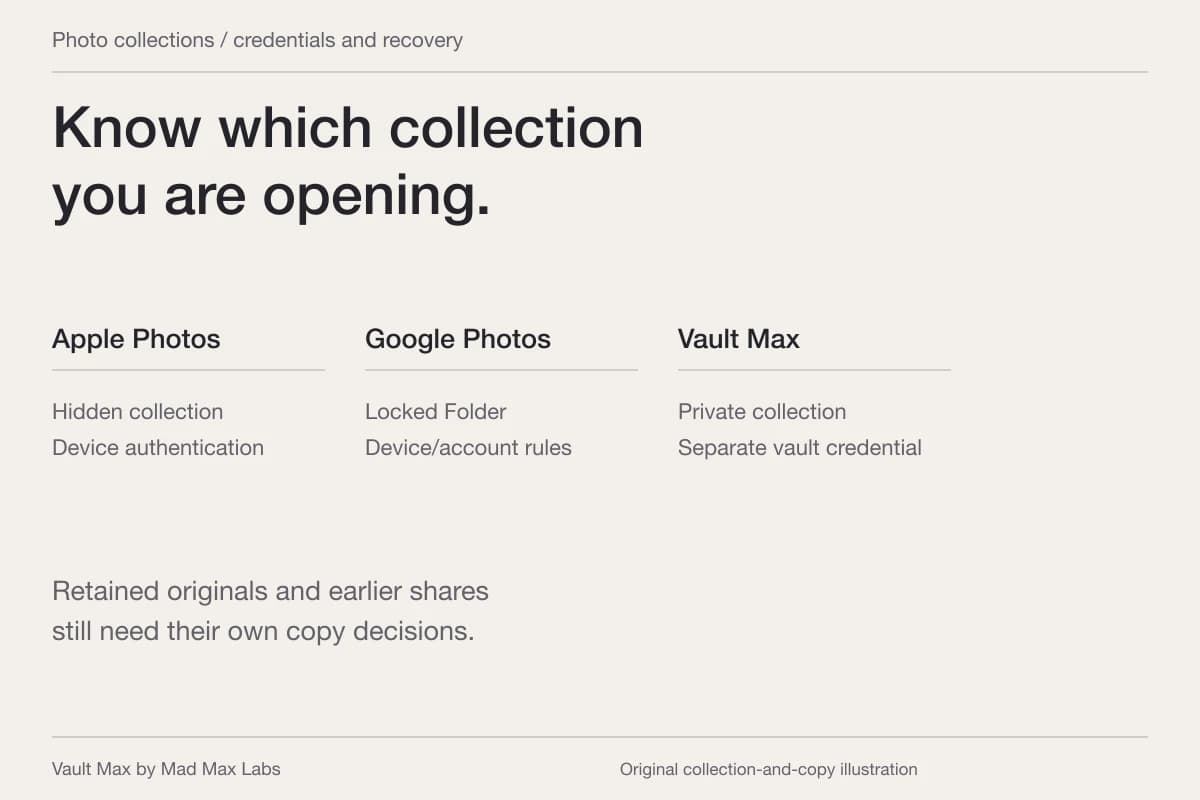
| A retained private collection | Its credential, saved contents and recovery plan | Material already posted or sent elsewhere |
Keep private originals out of the routine upload selection
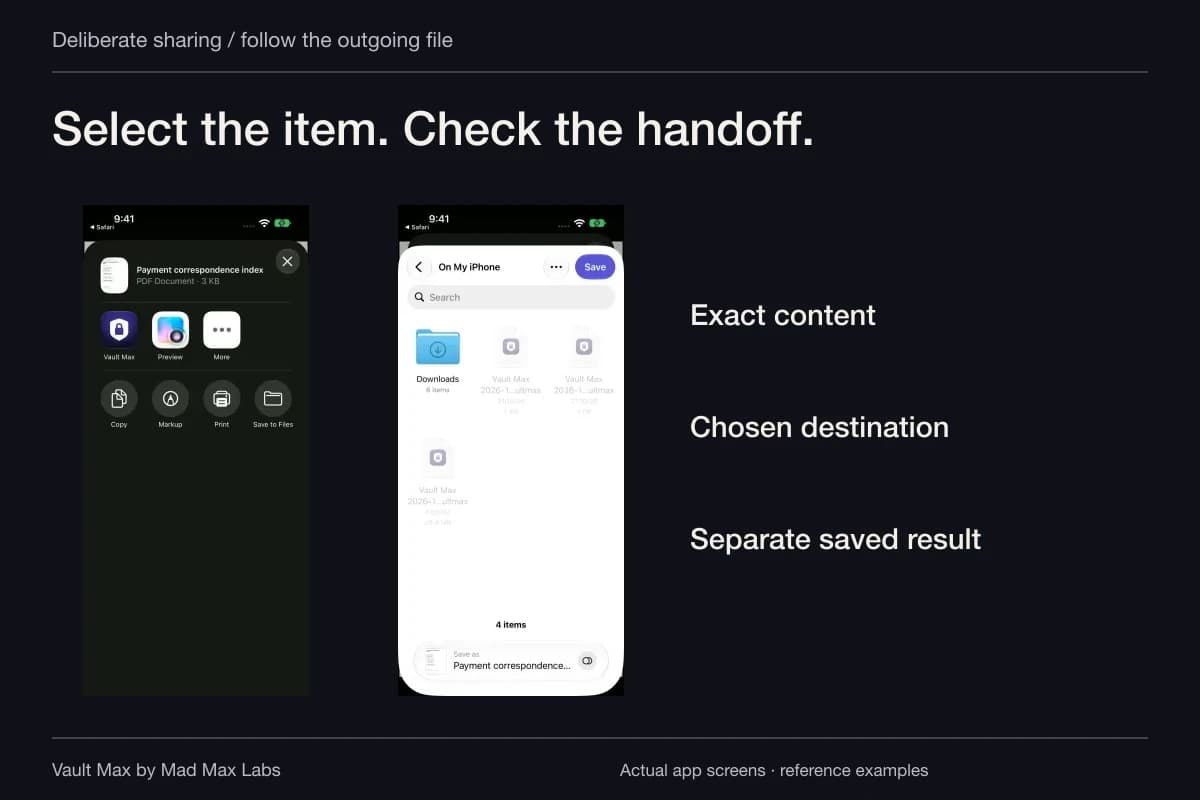
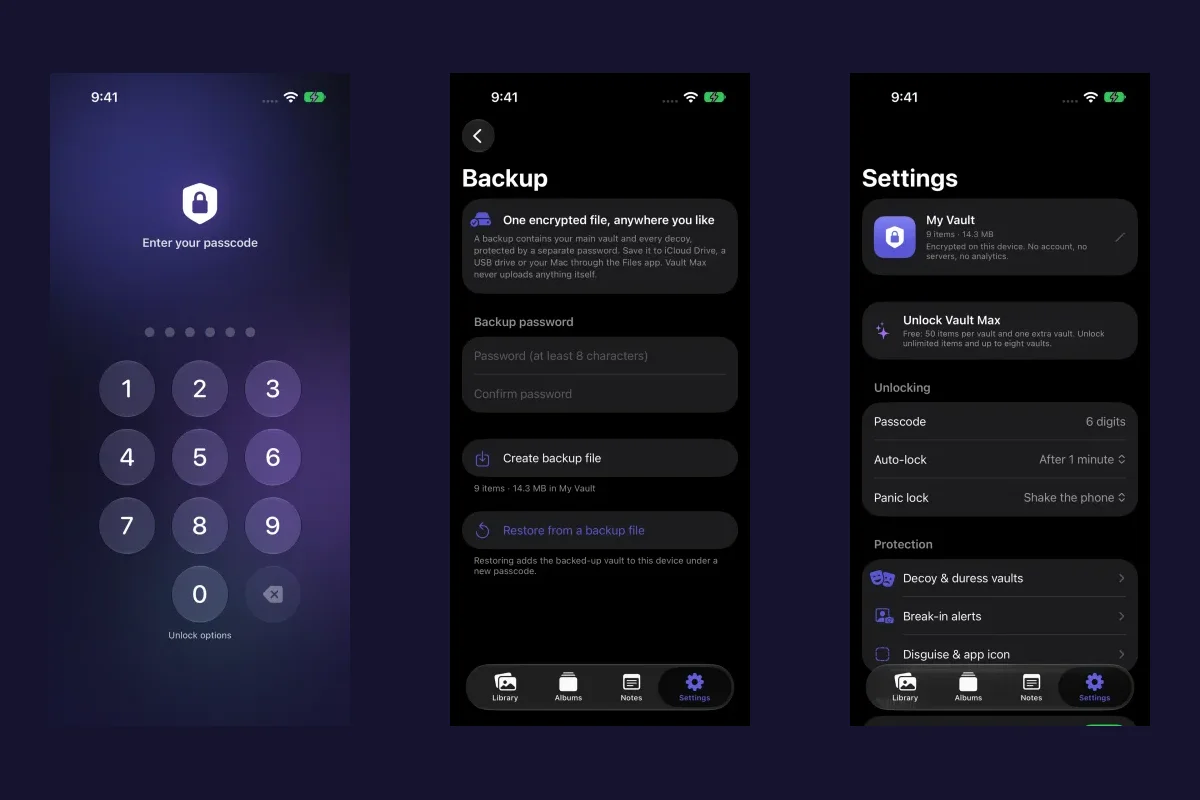
For pictures you want to retain privately, import the intended originals into Vault Max, then open and inspect the saved results. Use an album and recognizable filenames so you can find a reference without scrolling through unrelated material. A short encrypted note can hold the reason you kept it.
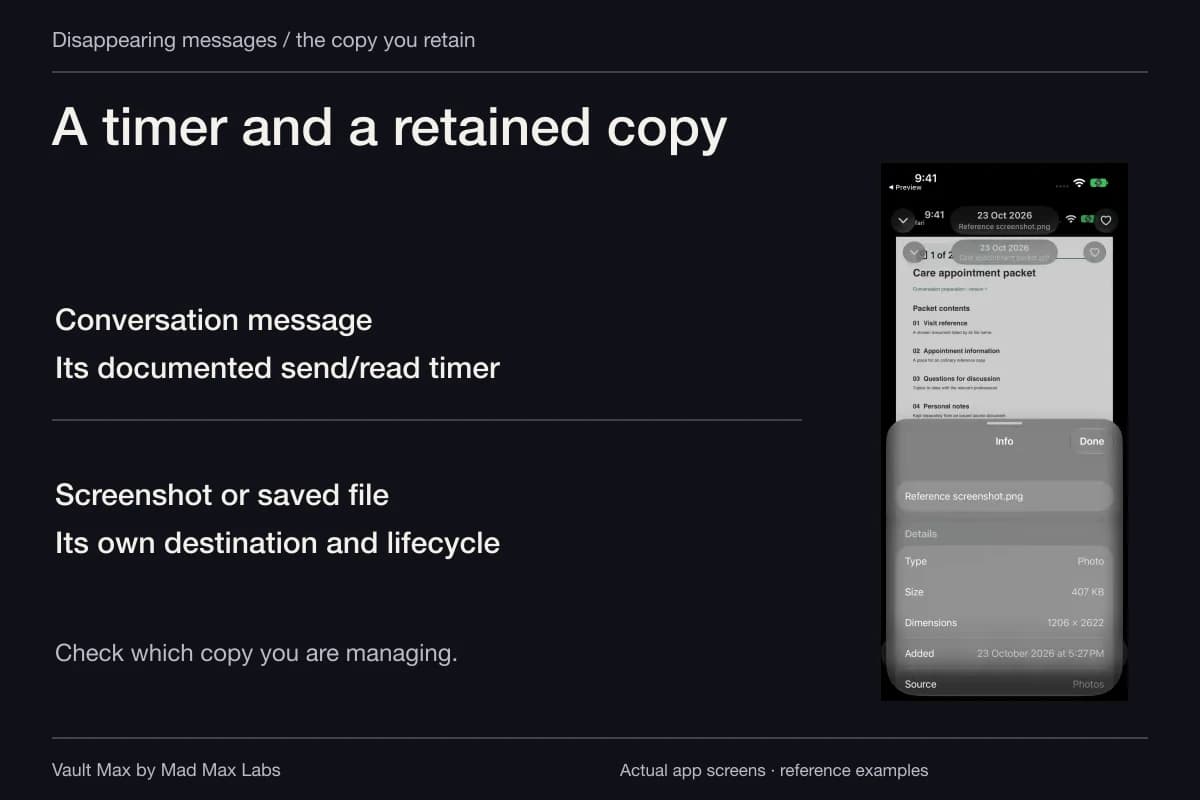
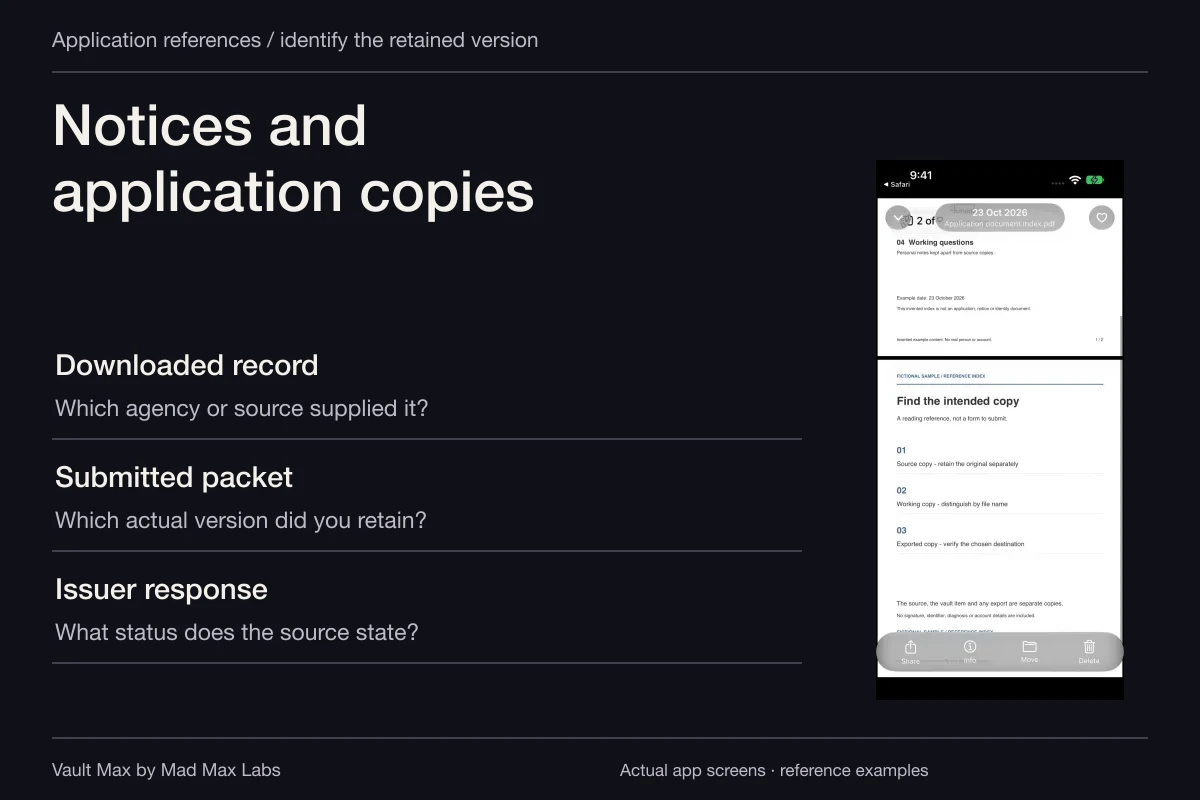
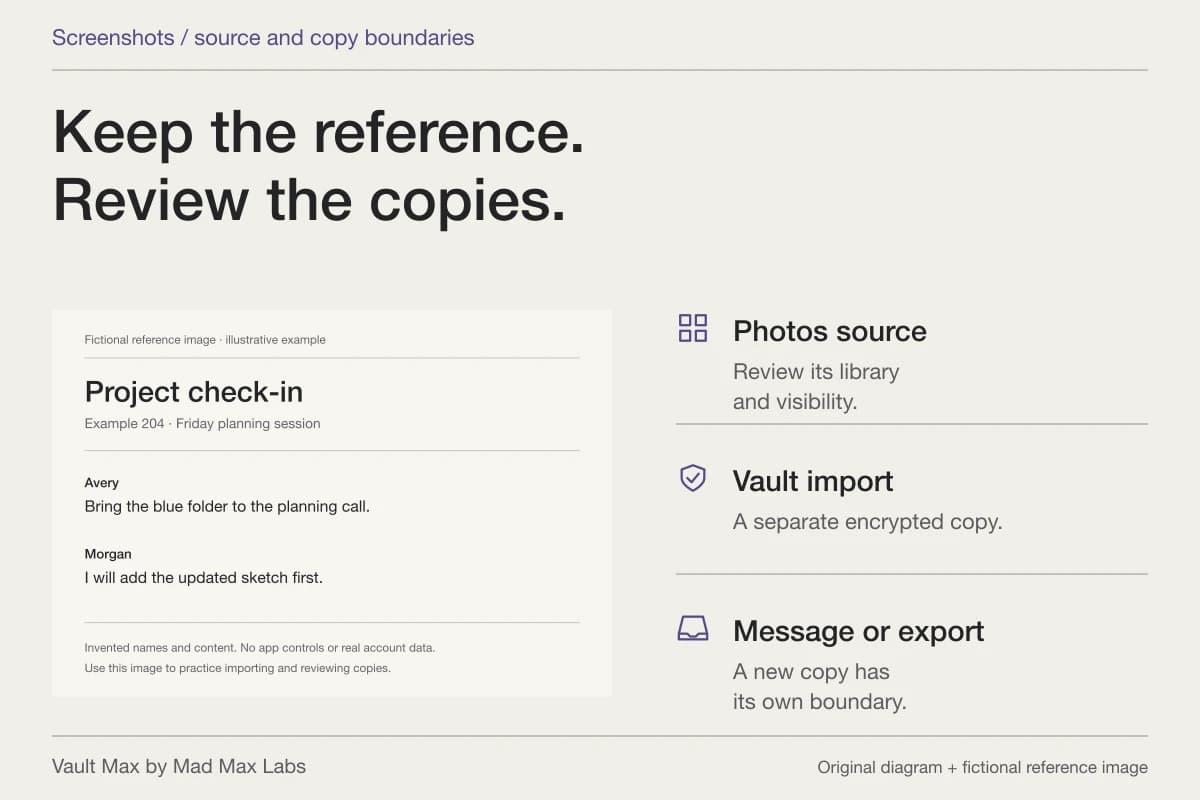
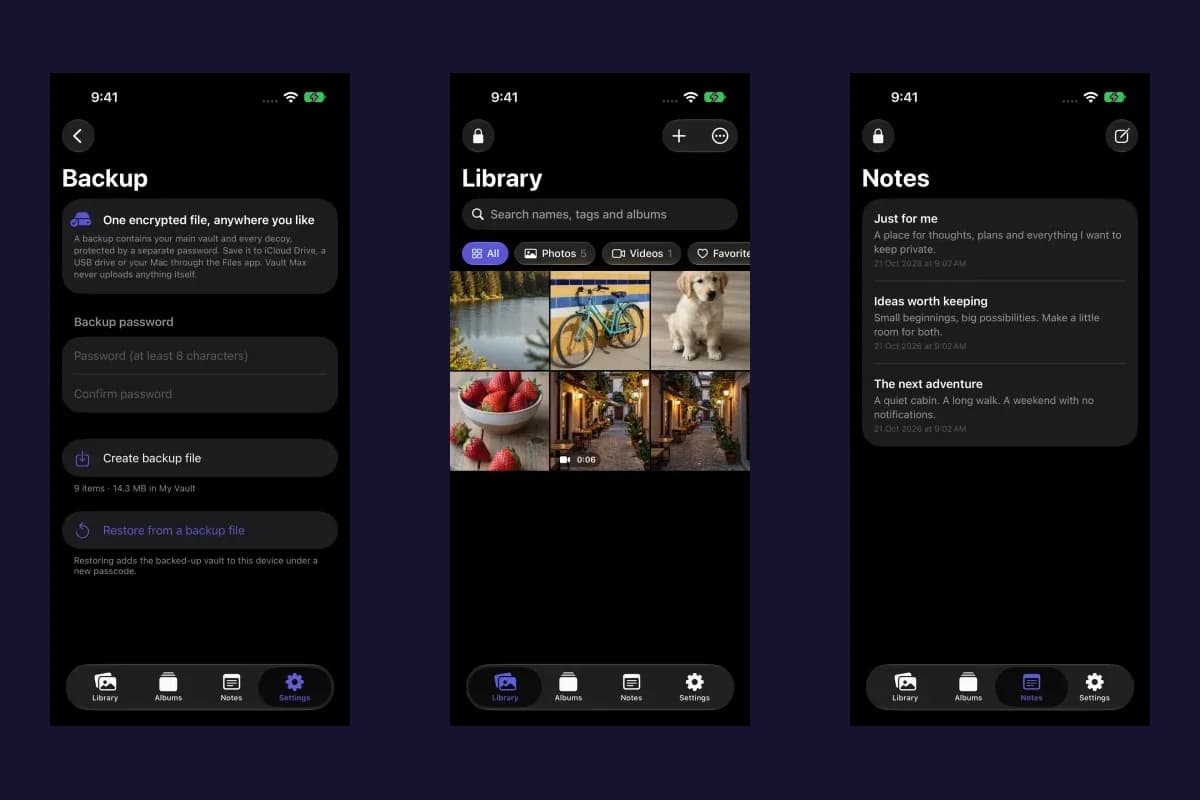
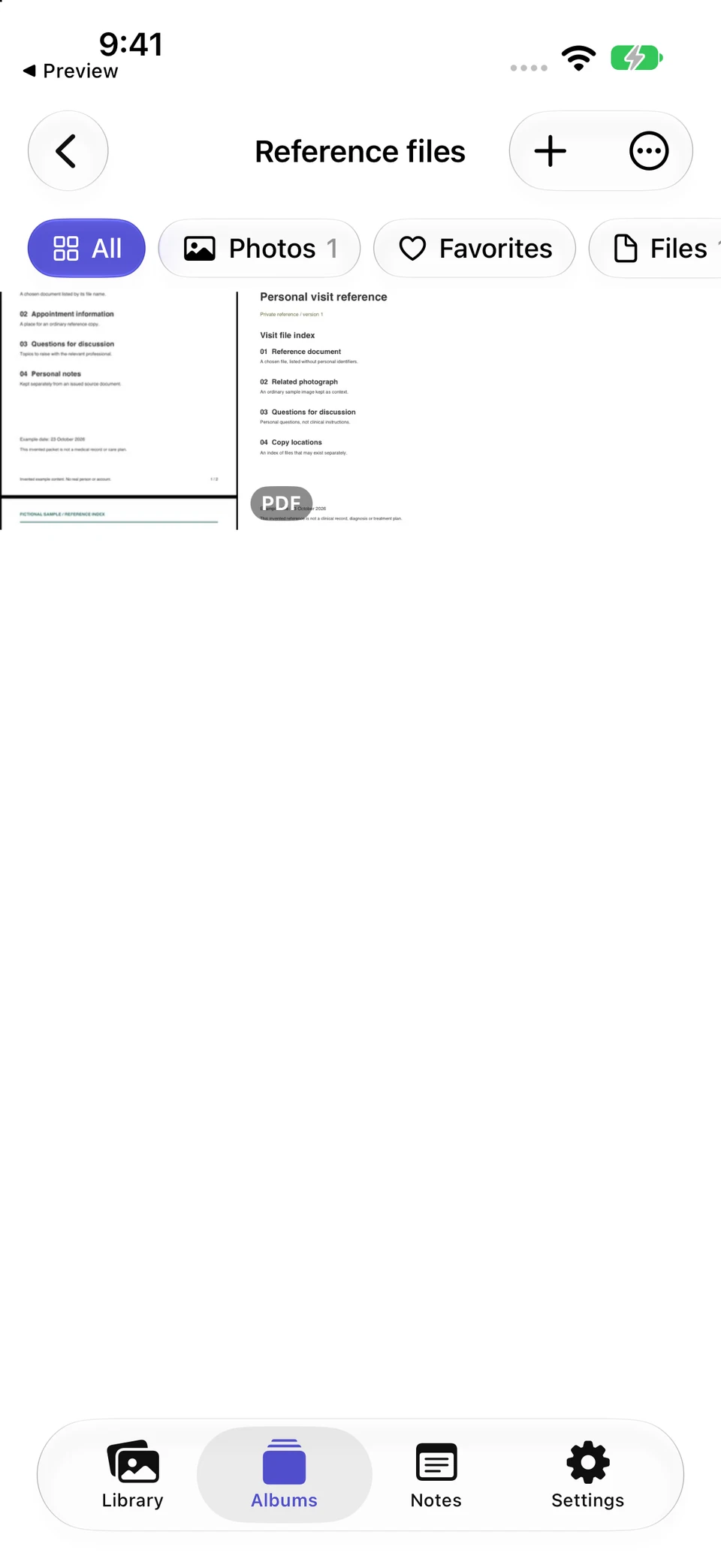
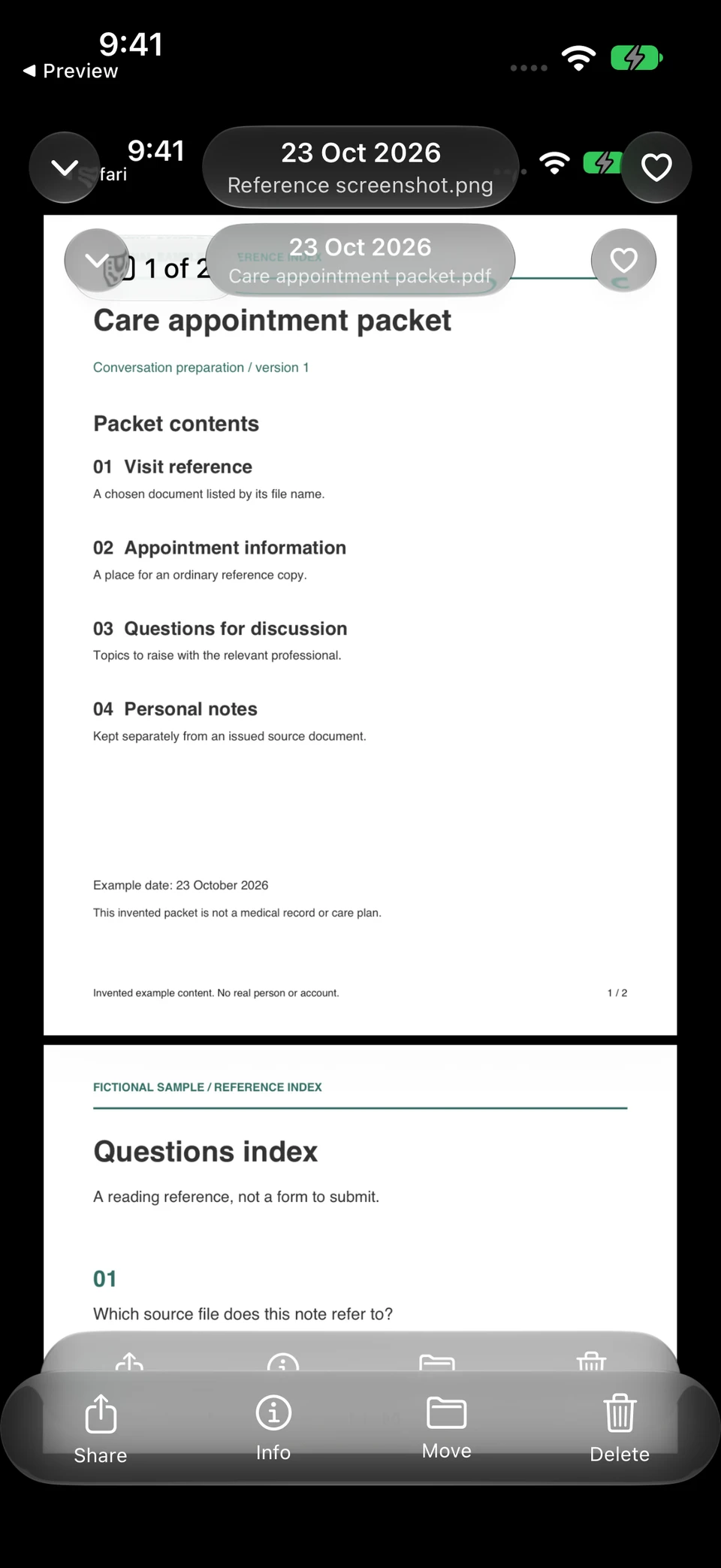
The actual Reference files album groups a sample screenshot and PDF. Opening the screenshot shows the complete retained image; social-app visibility remains a separate choice in the source platform.
Vault Max · Actual app screens, fictional sample contentChoose the relevant album
Open original image: Choose the relevant albumInspect the full local image
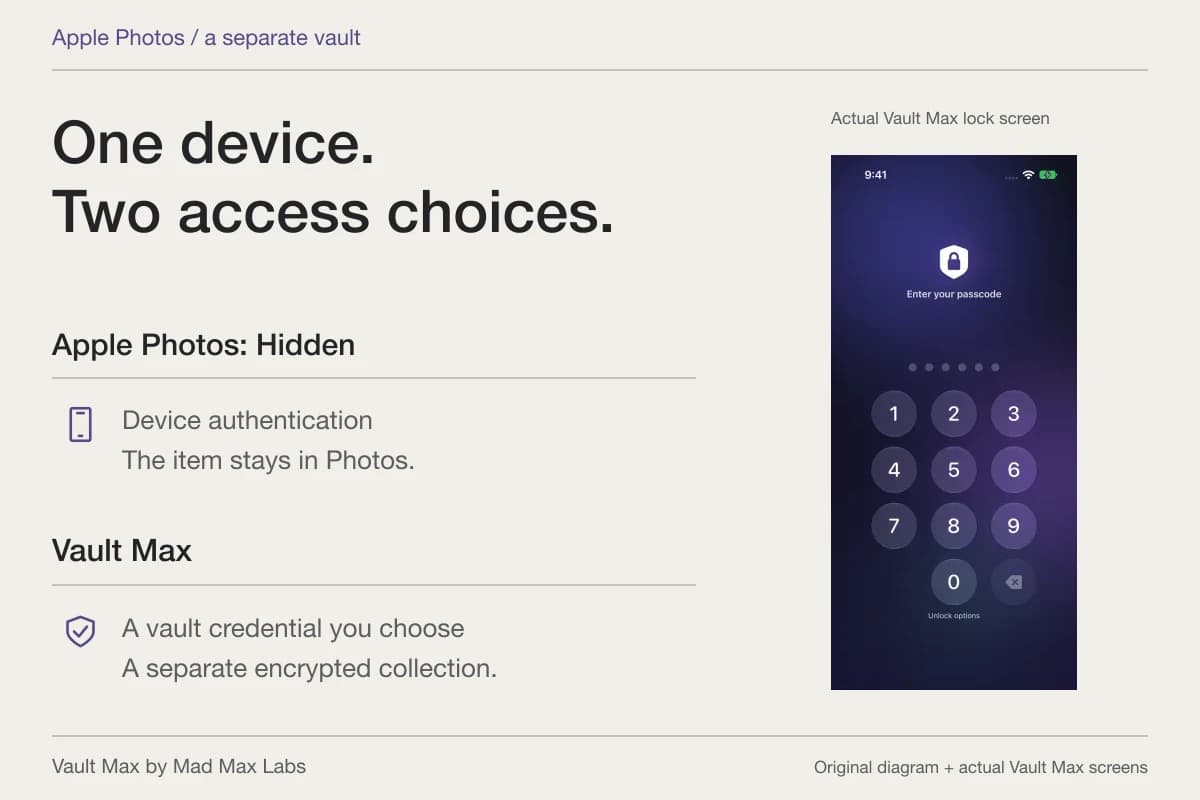
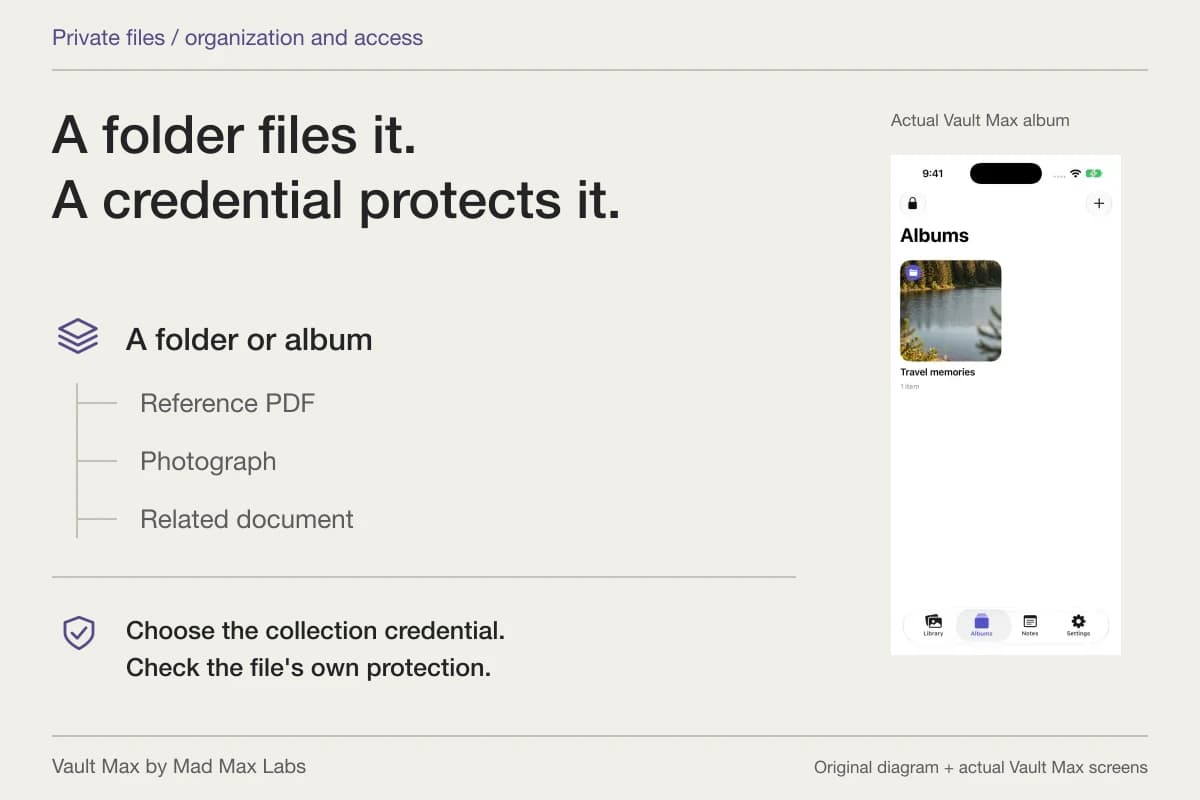
Open original image: Inspect the full local imageMad Max Labs makes Vault Max. Its separate credential and local encrypted collection give those retained originals a deliberate home without a Vault Max account. Ordinary albums organize items inside that credential boundary; they do not each add a different password.
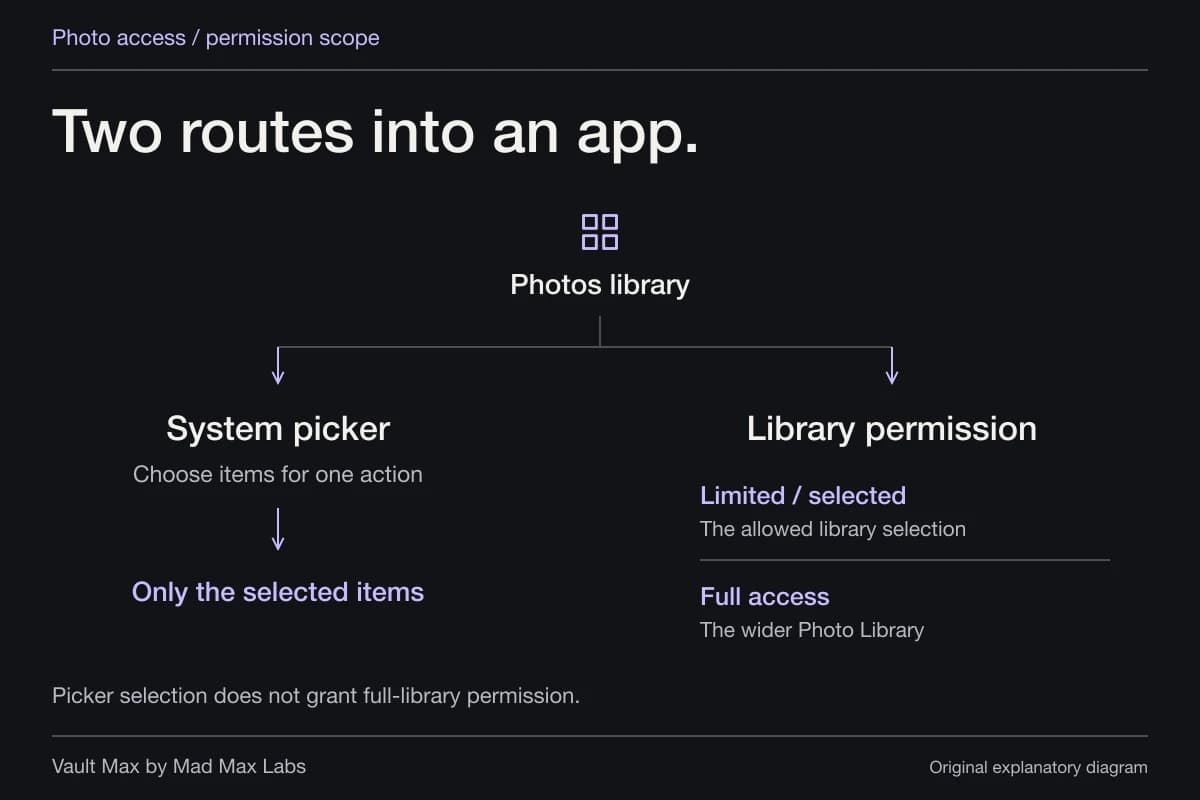
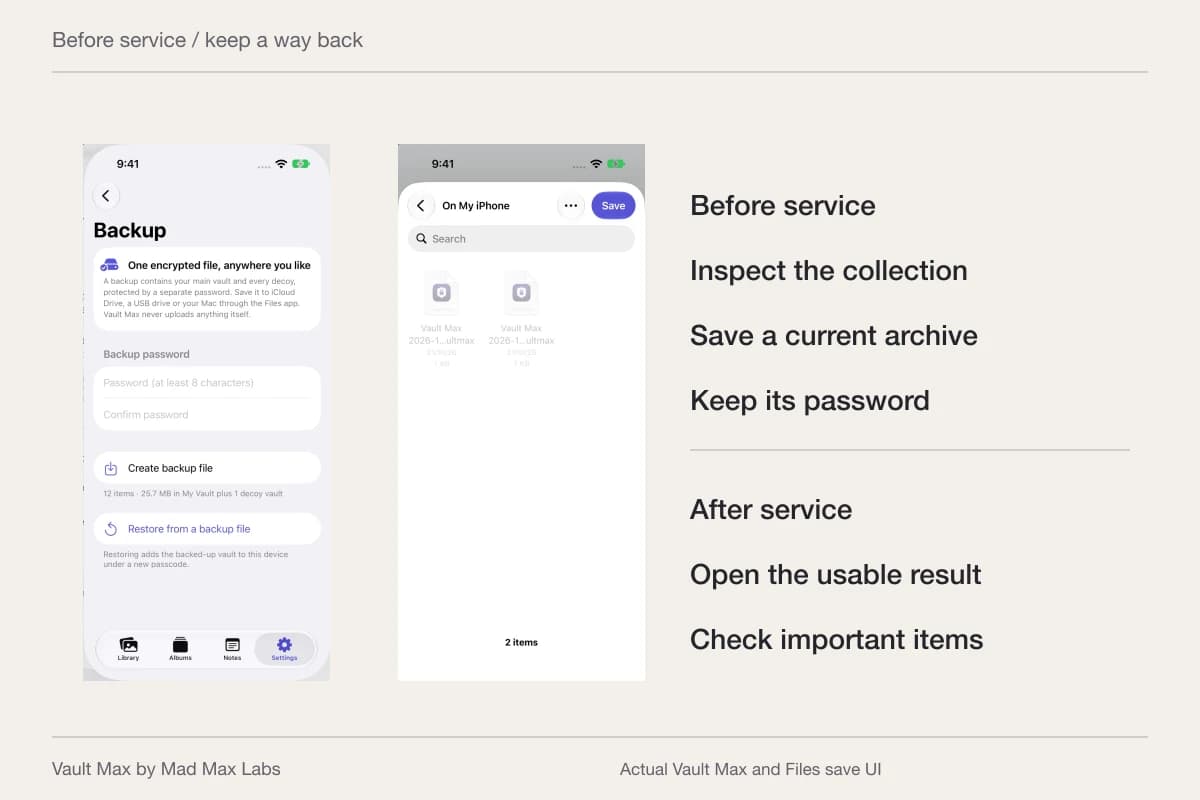
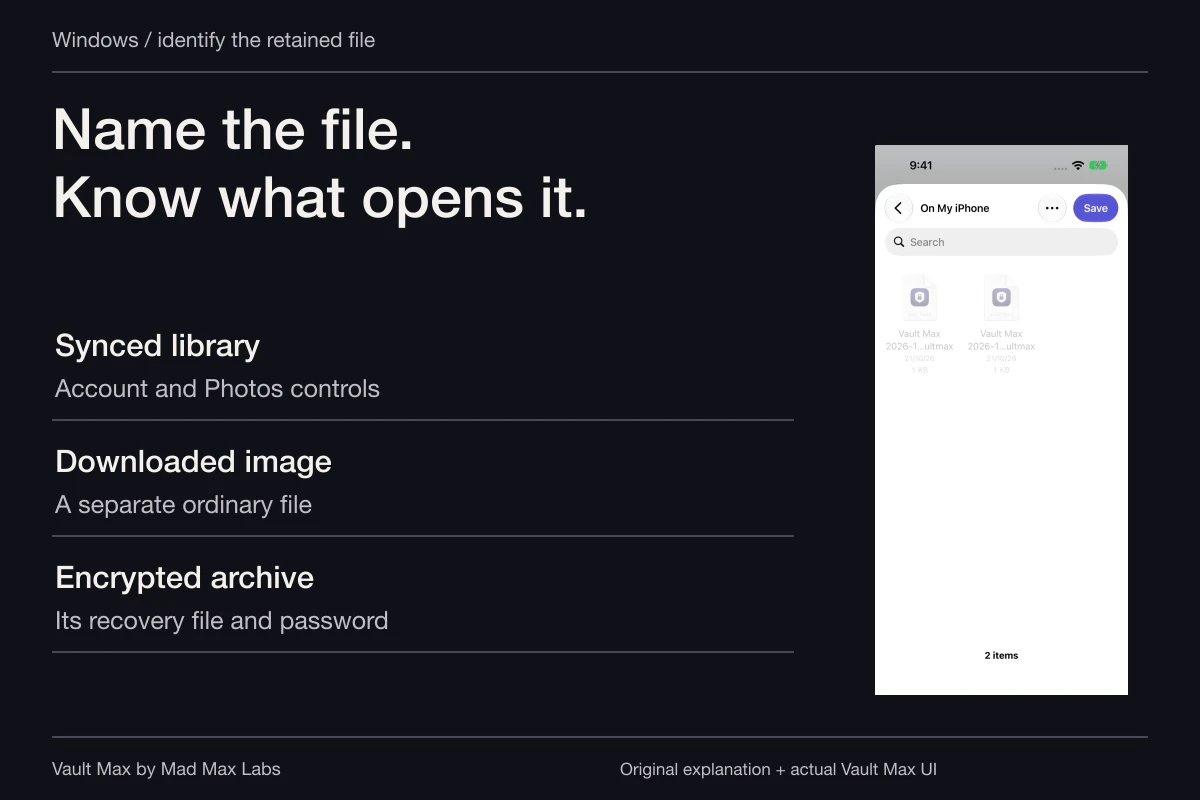
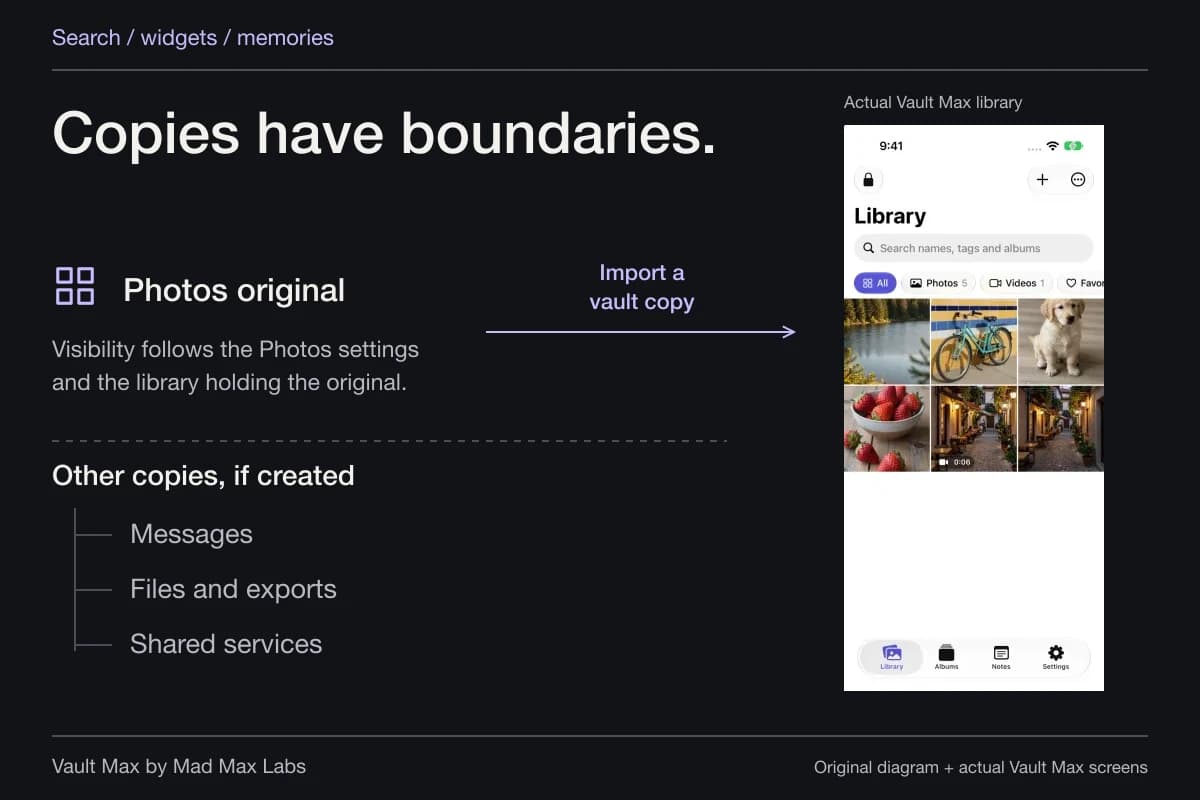
After verifying the import, decide what remains in Photos and in each social service. Our app-permissions guide explains why restricting future library access does not recall material an app already received. Keep a current encrypted archive before removing the only other usable source.
Check the particular outcome you wanted
Return to the original question. If you wanted one post off your profile, inspect that post's resulting state. If you wanted a smaller audience, reopen the setting and review the people included. If you wanted a private original off the everyday camera roll, inspect the imported item and make the source-copy decision separately.
When checking with a trusted person, identify their relationship to the account: an approved follower and a person outside the audience are different checks. Use an ordinary example if you need to learn a feature. Neither view establishes that an earlier recipient has discarded a copy.
- Name the service, account and post or collection involved.
- Inspect that item's audience or supported archive action.
- Check existing followers and the service's public-image exceptions.
- Confirm the actual setting or resulting post state.
- Verify the private import, source-copy decision and usable recovery archive.
Tap a box as you go. Checks reset when you leave this page.
Common questions
Is making an Instagram account private the same as keeping photos in a vault?
No. A private account controls the social audience for its content. A separate vault controls access to the collection you retain on your device. Review already posted material and previously received copies separately.
Does blocking someone hide every social photo from them?
Check the service and the actual post's audience. X explicitly says blocked accounts can still see public posts. Blocking should not be treated as deletion of a download, screenshot or copy held by another account.
Can Snapchat recover a forgotten My Eyes Only passcode?
Snapchat says it cannot recover access to My Eyes Only content when its passcode is forgotten. Understand that limit before moving the only usable copy of an important picture.
Continue reading
More guides
Practical tips for your private library. Swipe or scroll to choose your next guide.
86 guides to explore