
Privacy in practice
Disappearing messages still need a screenshot plan
Set Signal timers and view-once photos on iPhone, understand screenshot limits, and respond to an unwanted copy while keeping your own records organized.
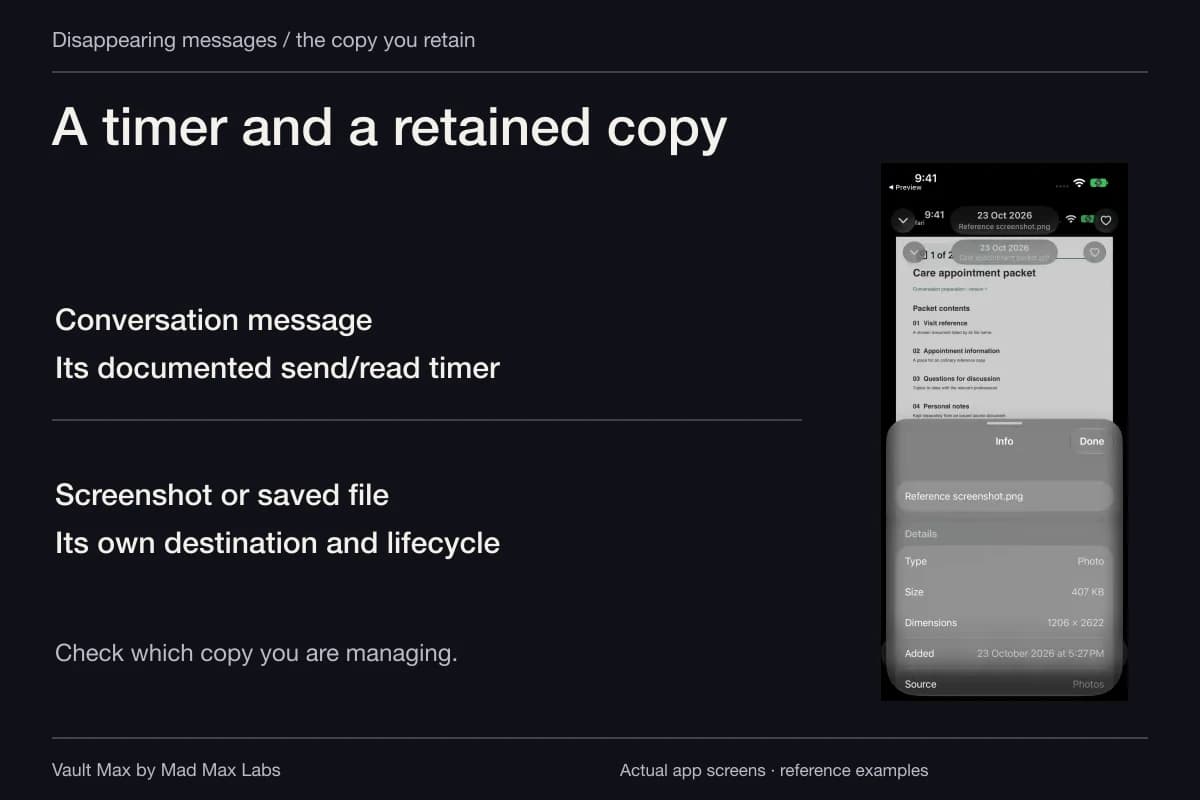
Disappearing messages reduce the history left in a conversation; they do not give you control over every copy a recipient can make. Set a timer when a shorter conversation history is useful, use view-once media when it fits, and decide what you are comfortable disclosing before sending the image.
This guide uses Signal's current iPhone documentation for the actual controls. Other messengers have different timers and capture rules. If someone has already taken a screenshot, changing a timer now is a future-sharing decision; responding to that existing copy is a separate task.
Start with what the photograph reveals
A picture can communicate more than its subject. A project reference may include a customer's name on a nearby page. A casual photo can show an address or another person's face. Review the whole outgoing image at a readable size before deciding whether the recipient needs it.
Sometimes a short description answers the question without sending the photograph. Sometimes the image is necessary, but only to one person. Choose the smallest useful disclosure. A shorter timer does not make an unnecessary disclosure useful or change who is standing beside the recipient's screen.
For example, you may share an ordinary paint sample to settle a choice and want the chat to stay tidy afterward. That is a practical timer use. Sending a confidential record to someone you do not trust is a different decision that the timer cannot resolve for you.
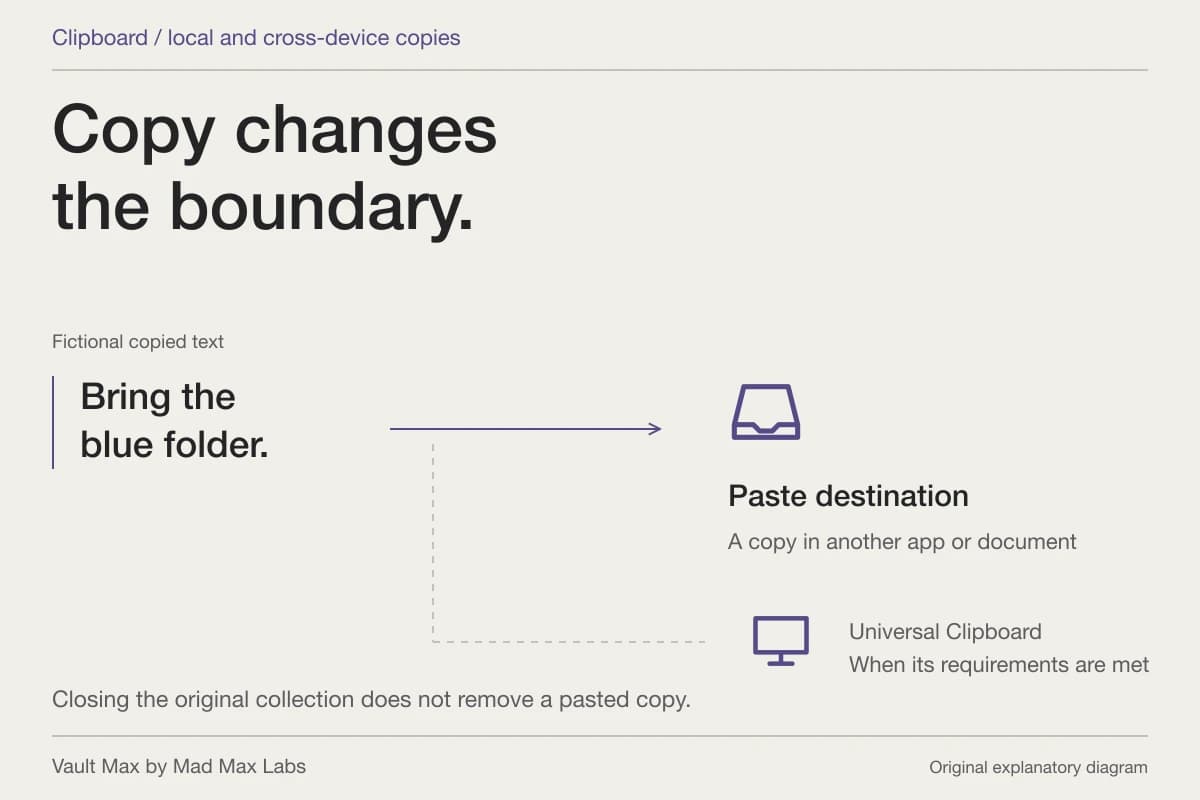
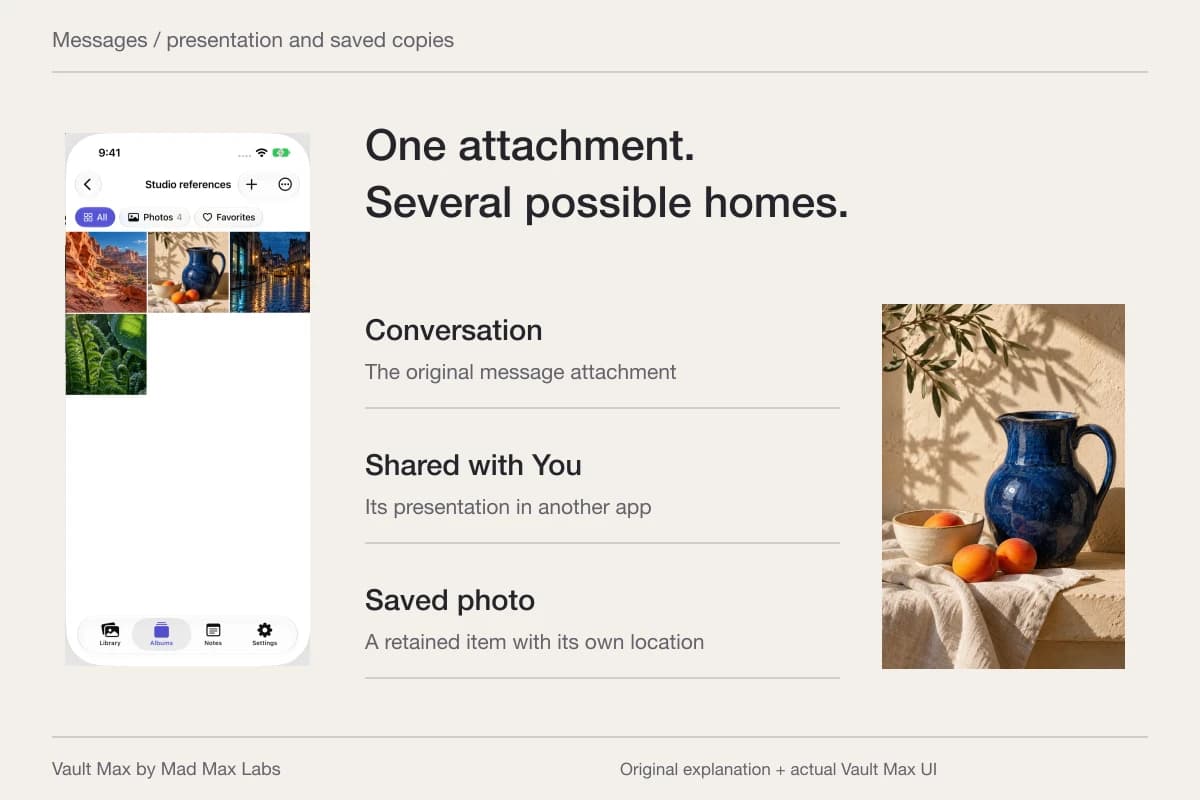
A separately retained screenshot or file has a different location and lifecycle.
Disappearing conversation message
The chosen timer applies under Signal’s documented send/read rules.
A screenshot or saved attachment
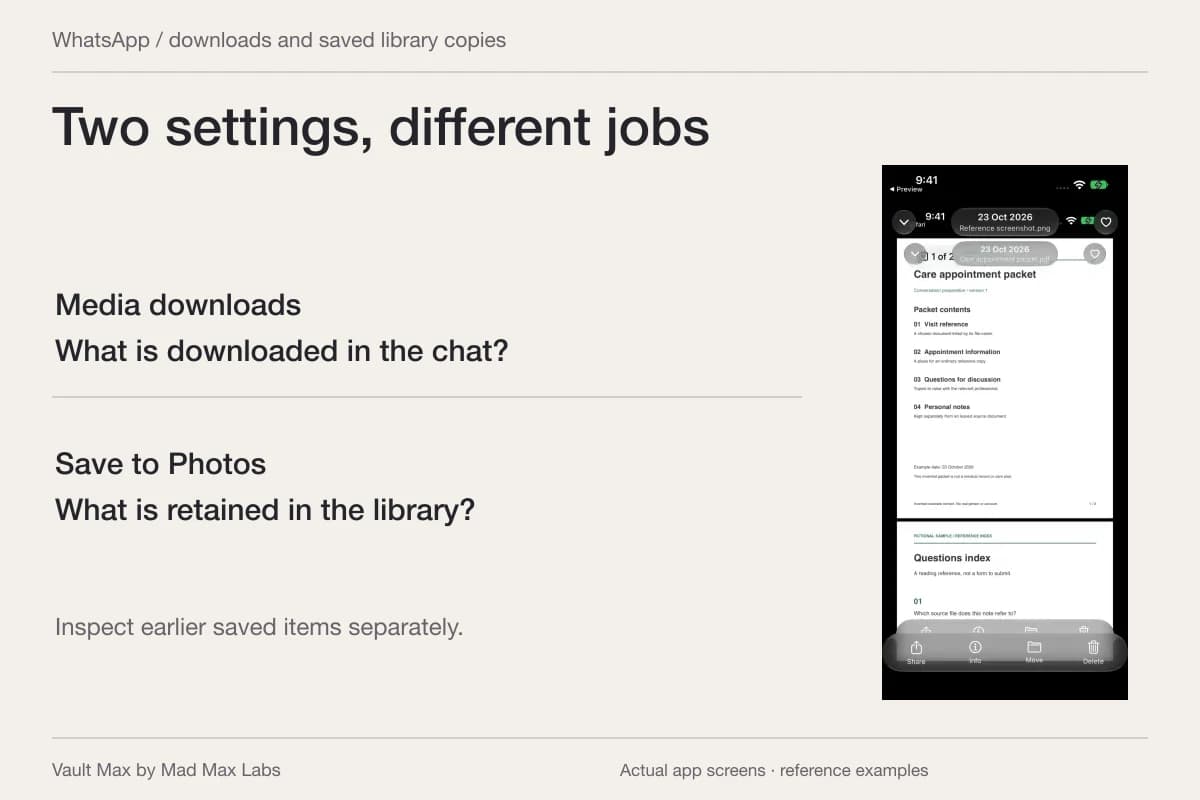
The retained file belongs to its own destination. Inspect Photos, Files or the recipient’s copy separately.
Closing or expiring the message does not make that file part of its timer.Set the timer in the right place
Signal's dedicated disappearing-messages guide gives two routes: Signal Settings → Privacy → Default timer for new chats, or a particular conversation's chat settings → Disappearing messages. Choose the duration and tap Set on iOS. Group administrators can govern who changes a group's timer.
Check the chat's timer icon and change notice. The setting governs new messaging after it is changed. Sent-message timing starts after sending; received-message timing starts after reading. Signal cautions that a timer is not a read or delivery receipt.
Signal's published example shows a one-day timer confirmation. It helps identify the setting change; it does not establish that the recipient read an attachment.

Agree on a duration that lets the other person do the task. A reference that disappears before they can use it may lead to another send or an unnecessary saved duplicate. For something you must retain yourself, make that retention decision explicitly rather than depending on an expiring chat to remain your filing system.
Use view-once for the particular attachment
View-once is a choice for a photo or video, rather than just another name for the chat timer. Signal's view-once instructions say to choose media in the conversation, change the infinity control to the 1 icon, and send.
The sender cannot reopen it after sending, so inspect it first. On the receiving side, removal occurs after viewing, an applicable disappearing timer expires, or 45 days pass unopened, whichever happens first. The conversation shows a placeholder instead of keeping the viewable attachment in its history.
That can be useful for a fleeting reference that neither person needs filed in the chat. It still should not be treated as proof that the visible information could never be recorded by another means. Signal's own disappearing-message warning gives the straightforward example of a second camera.
| Control | Useful purpose | Separate decision |
|---|---|---|
| New-chat default timer | Set a retention preference for new conversations | What to disclose in each conversation |
| A conversation's timer | Shorten new-message history in that chat | Older messages and independently retained copies |
| View-once attachment | Avoid leaving that viewable media in the conversation history | Whether the recipient should see its contents |
| Local app-switcher privacy | Reduce previews on your own phone | What happens on the recipient's device |
Check your own screen privacy separately
Signal's Screen Security help identifies the iPhone setting as Hide Screen in App Switcher, under Privacy. Its purpose is to cover the local preview when you switch apps. The same help page distinguishes local controls from somebody else's device.
Do not infer that a screen hidden on your phone is hidden on theirs. Likewise, a screenshot notification, where a particular service provides one, reports a particular event; it is not a complete inventory of cameras and copies.
If you sent it to the wrong Signal chat
Open the conversation promptly. Signal's Delete for everyone instructions apply to a message you sent within the past 24 hours: press and hold it, choose delete, then Delete for everyone.
Signal describes this as a best effort across devices in that chat and says quoted replies remain. If only Delete for me appears, check that you selected your own message and are within the documented window. Do not substitute Delete for me and assume it performed the broader action.
Afterward, inspect the conversation state and consider what was disclosed. A deletion action cannot demonstrate that nobody opened, copied or photographed the content first. Contacting a trusted recipient to explain the mistake may help resolve the practical problem, but their cooperation is not a technical recall mechanism.
If someone already captured your private photo
First distinguish a feared capture from a copy you have actually found. Note where it appeared, the account or conversation involved, and any report reference. You can keep non-explicit context such as dates and URLs without circulating the image again. Avoid forwarding it to several people merely to ask whether they have seen it.
Use the service's reporting tools for the actual post, message or account involved. Blocking future contact and reporting a published copy answer different questions; neither should be treated as automatic removal from every other destination. Keep track of the report rather than assuming that submitting it proves a removal occurred.
If the image is intimate and was taken when you were 18 or older, review StopNCII's eligibility and how its service works. It generates a fingerprint on your device for participating platforms. It does not remove material from the whole internet or promise to erase a person's private phone copy.
If you were under 18 in the image, NCMEC's Take It Down explains its separate service. It specifically says to use images already on your device: do not download, send or share an image to submit it. Its coverage is participating public or unencrypted platforms. These services concern intimate imagery, not every ordinary screenshot of a conversation.
Keep your own retained records understandable
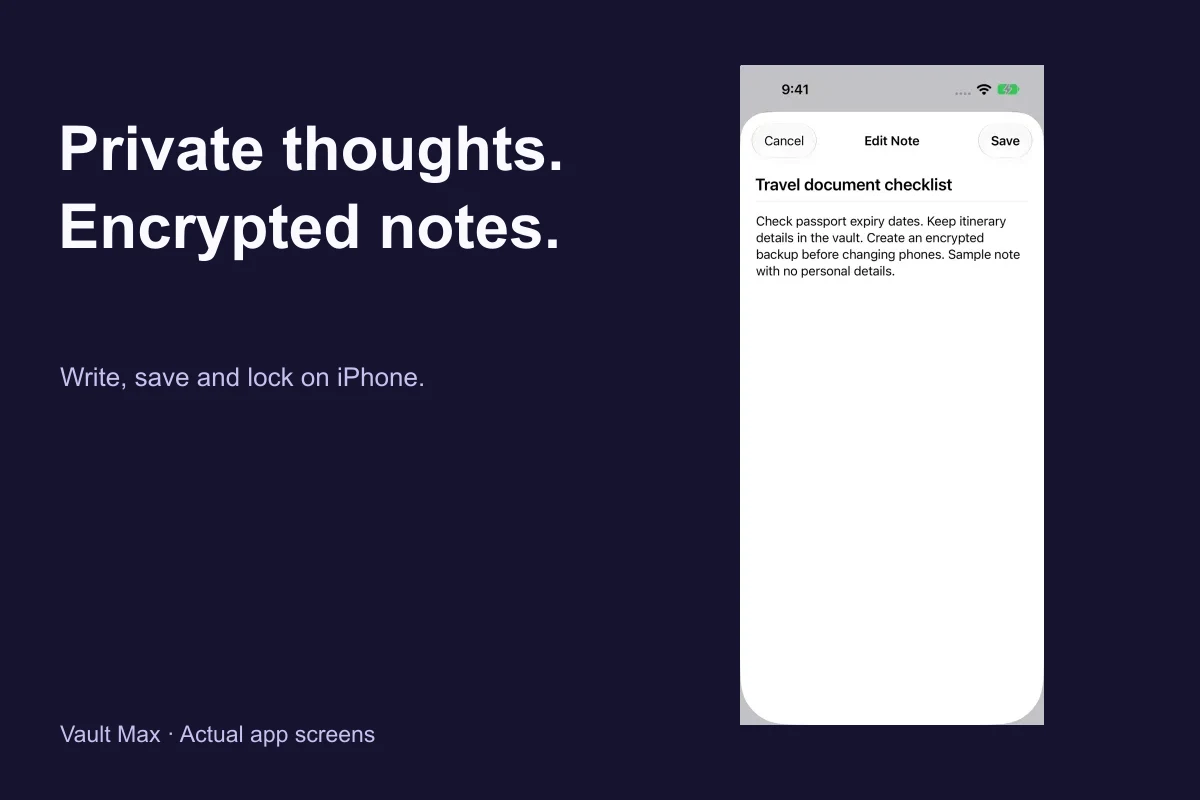
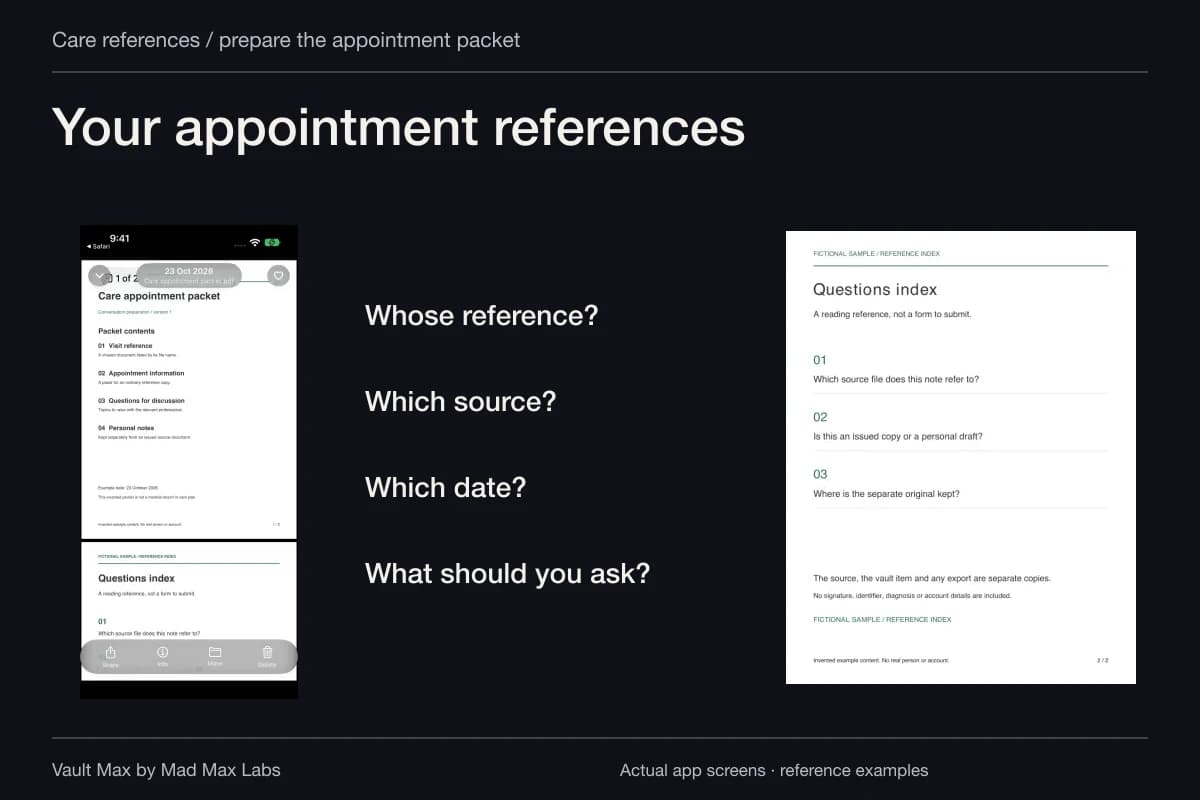
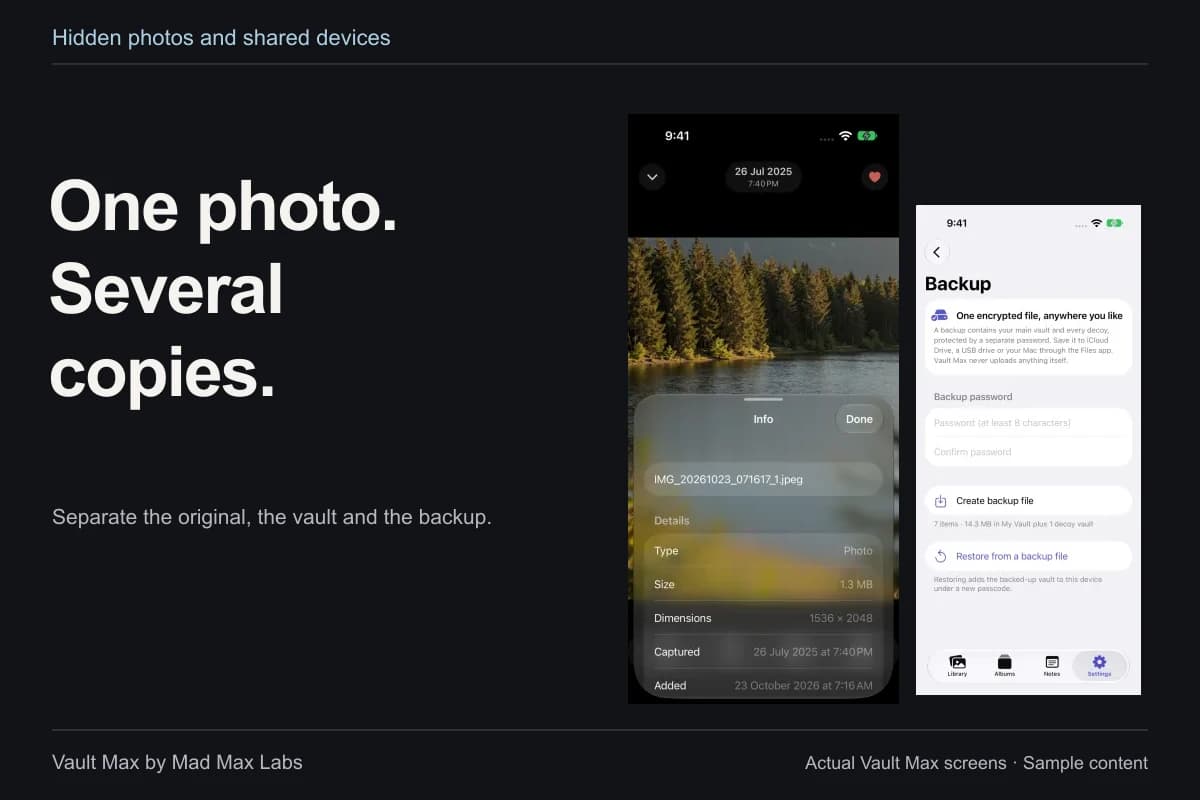
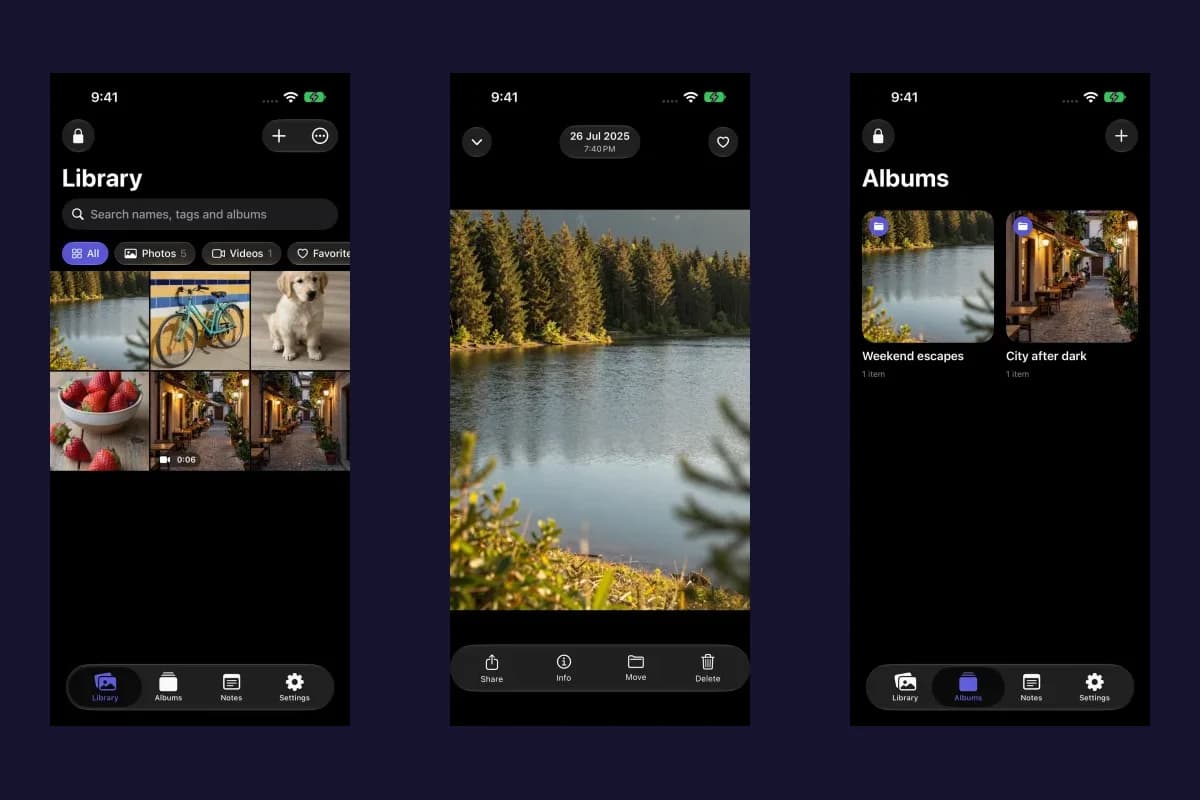
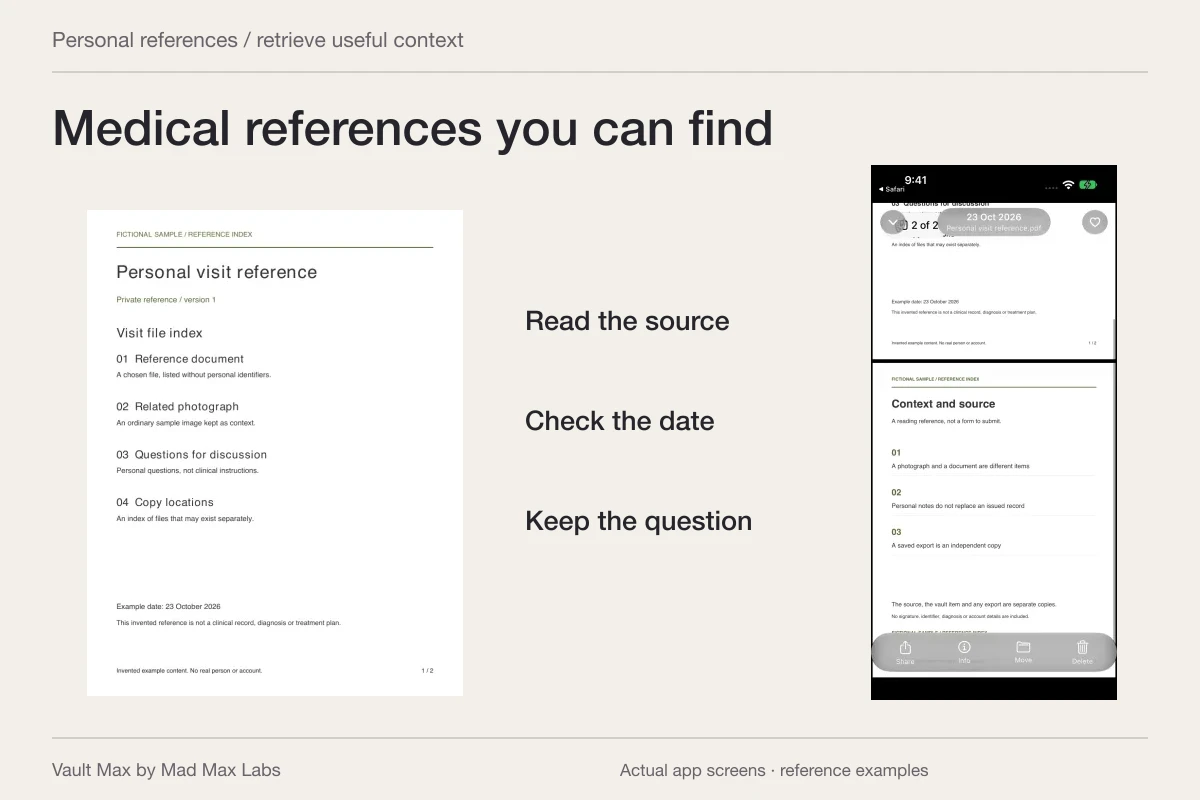
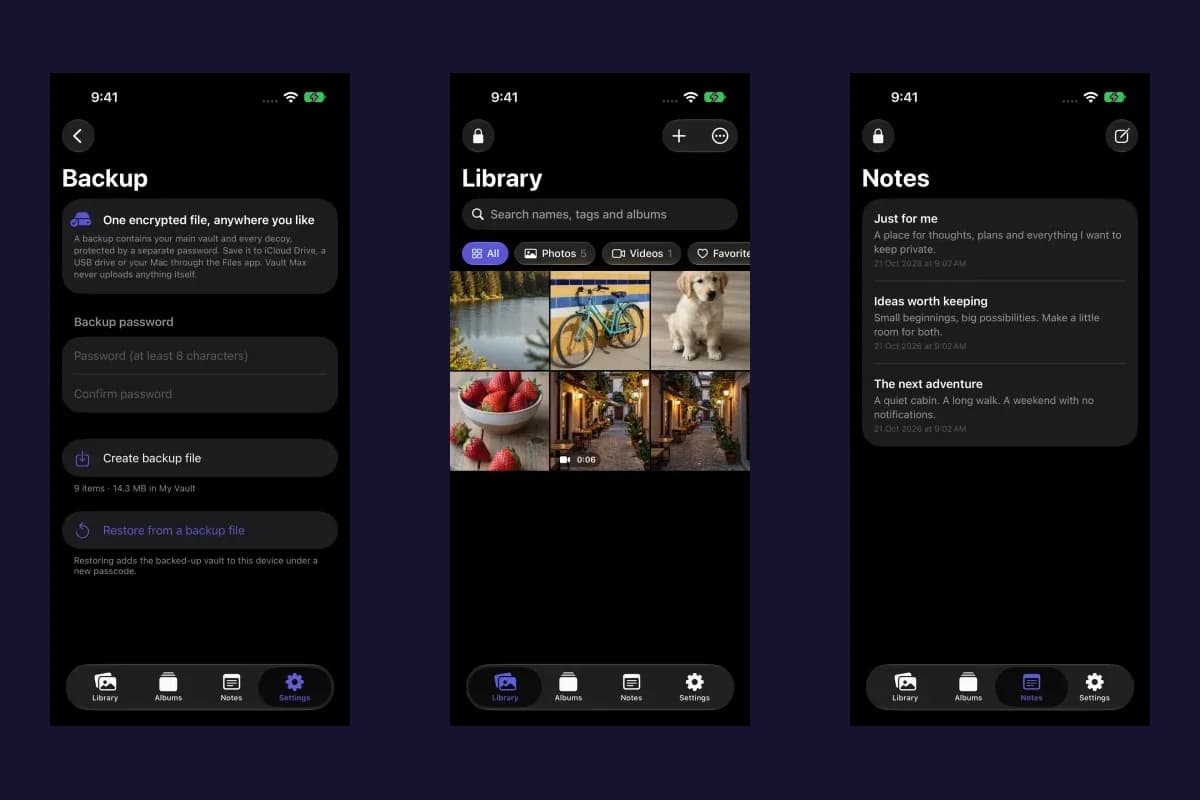
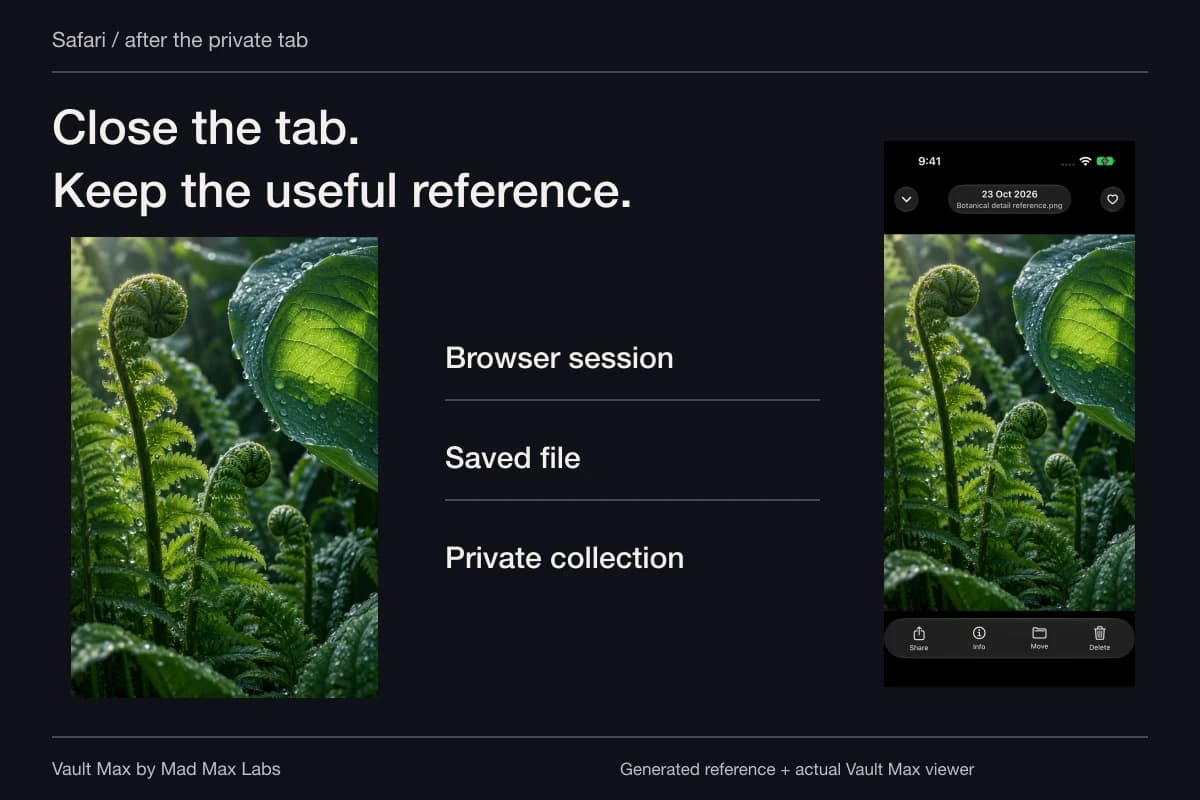
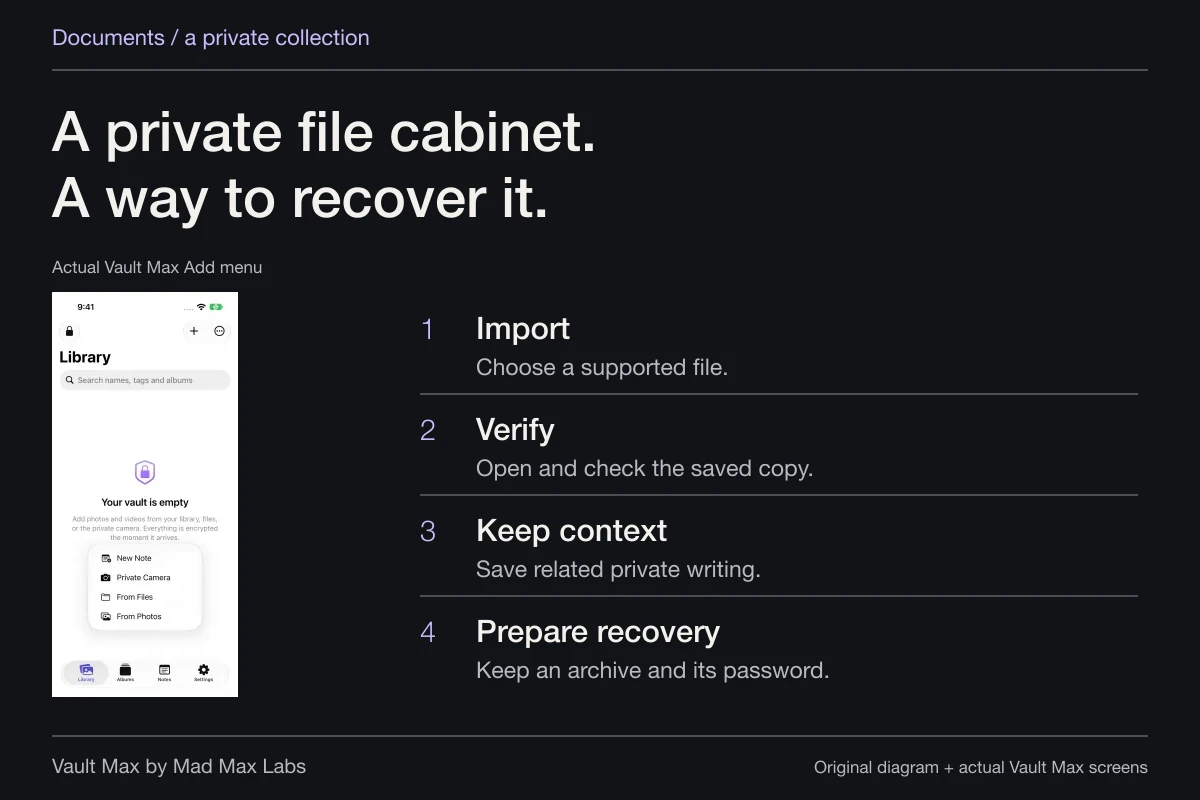
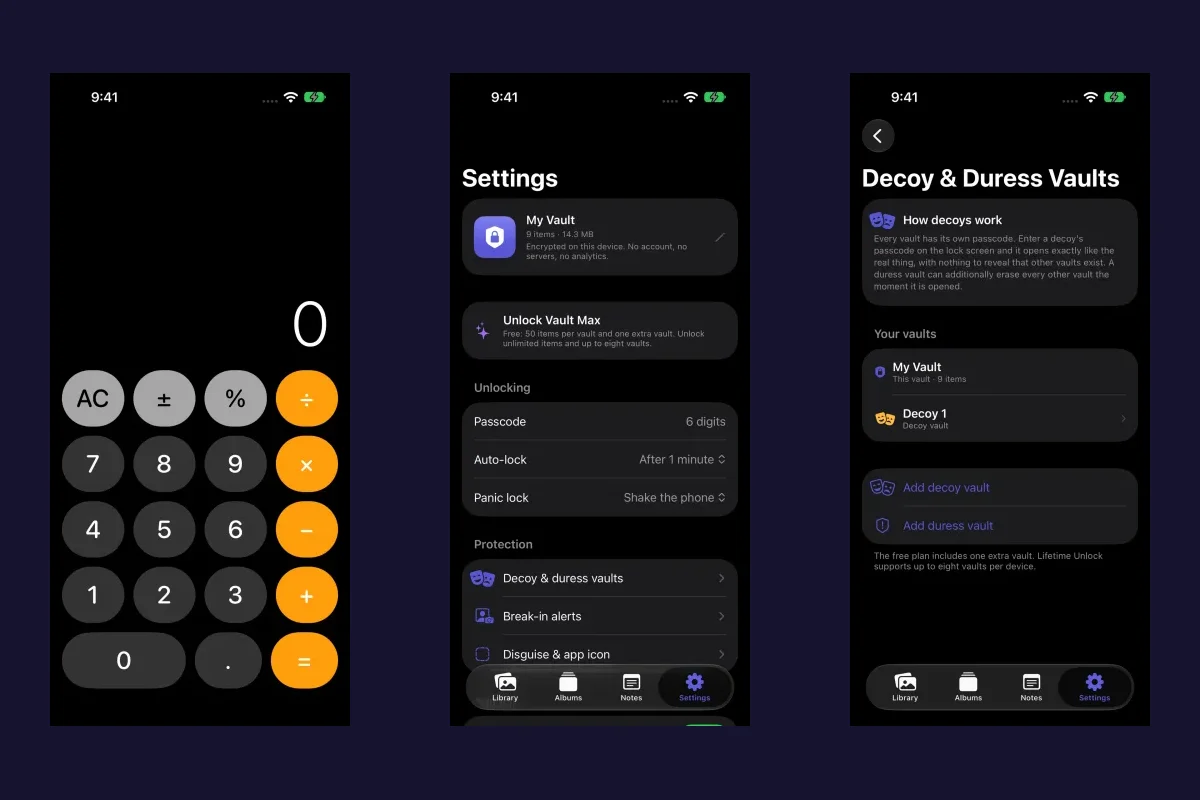
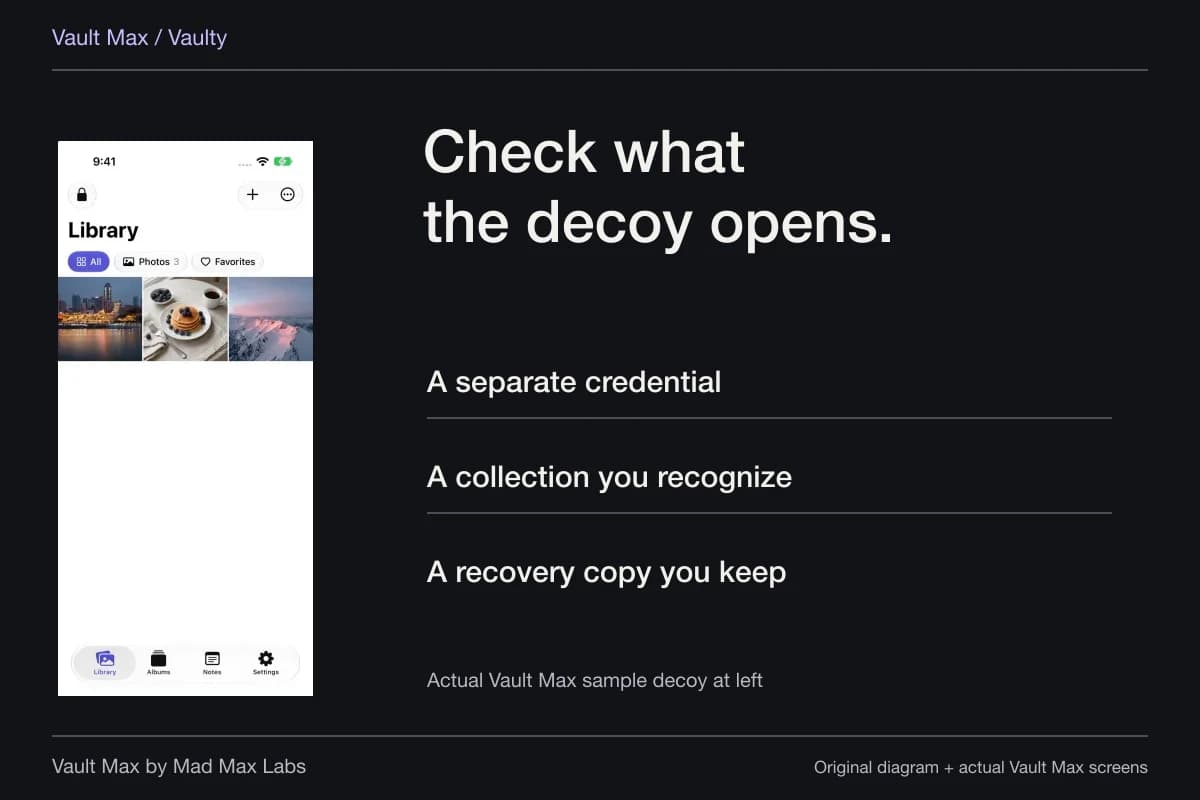
A reference you legitimately need may deserve a deliberate home outside an expiring conversation. Vault Max can hold selected imported images and encrypted notes under a separate credential. Save the useful context, give the item a recognizable filename and check the full imported result before relying on it.
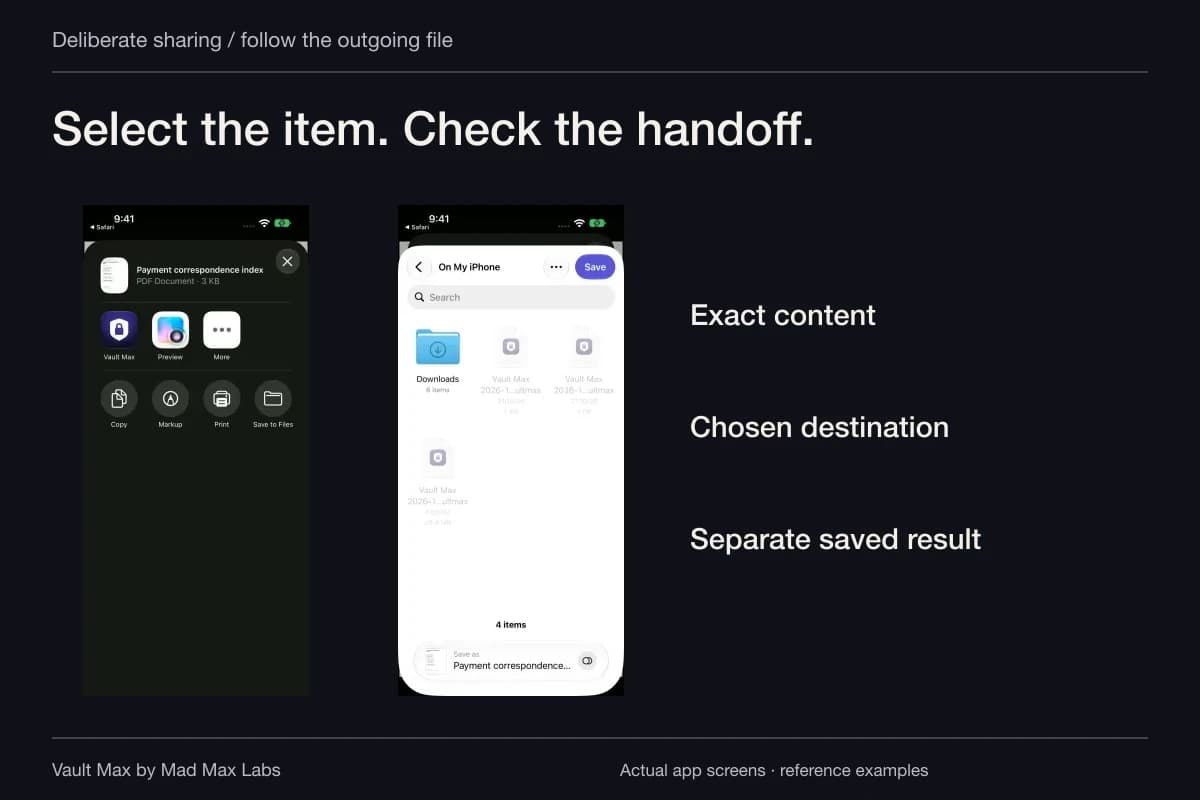
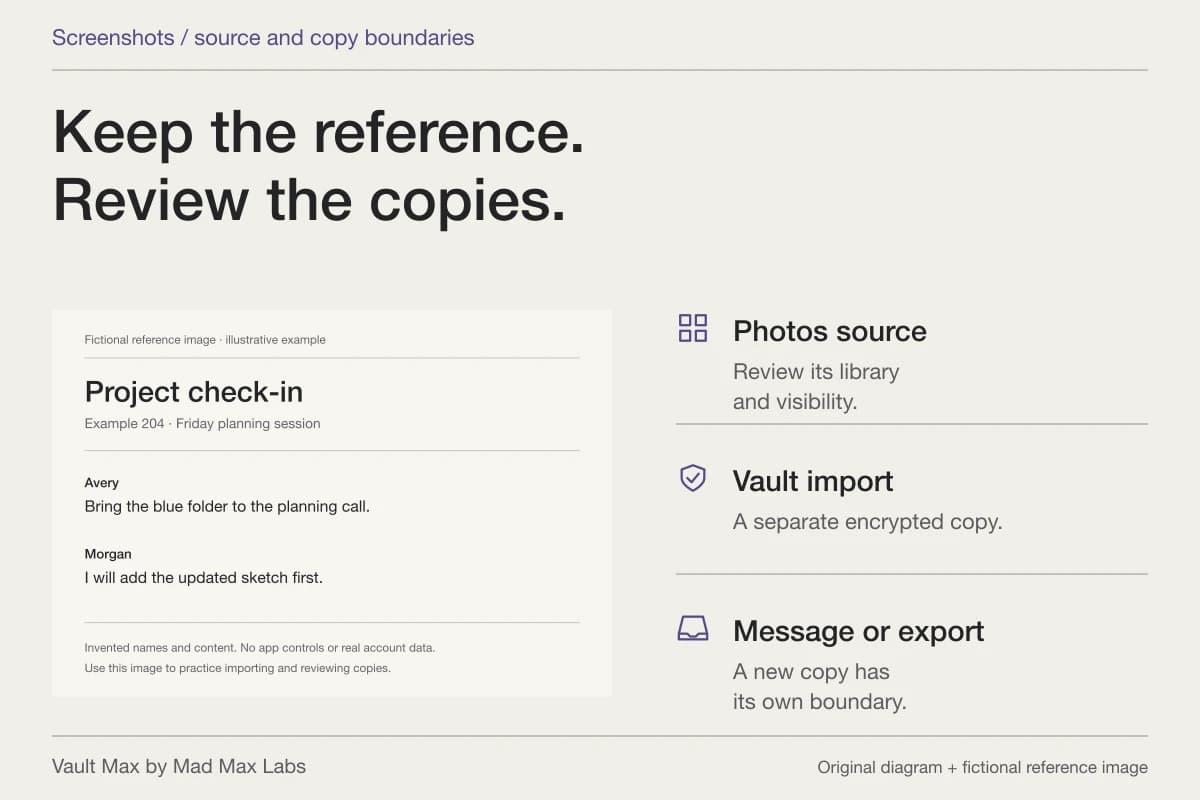
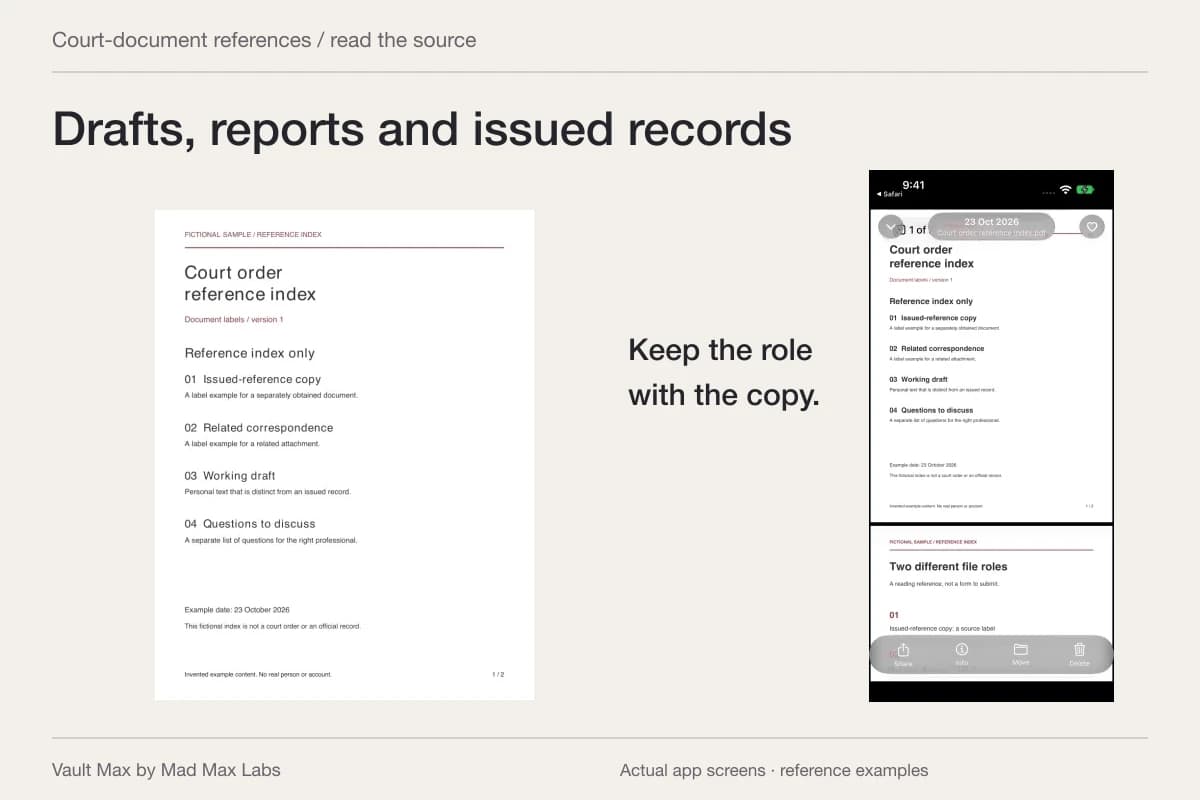
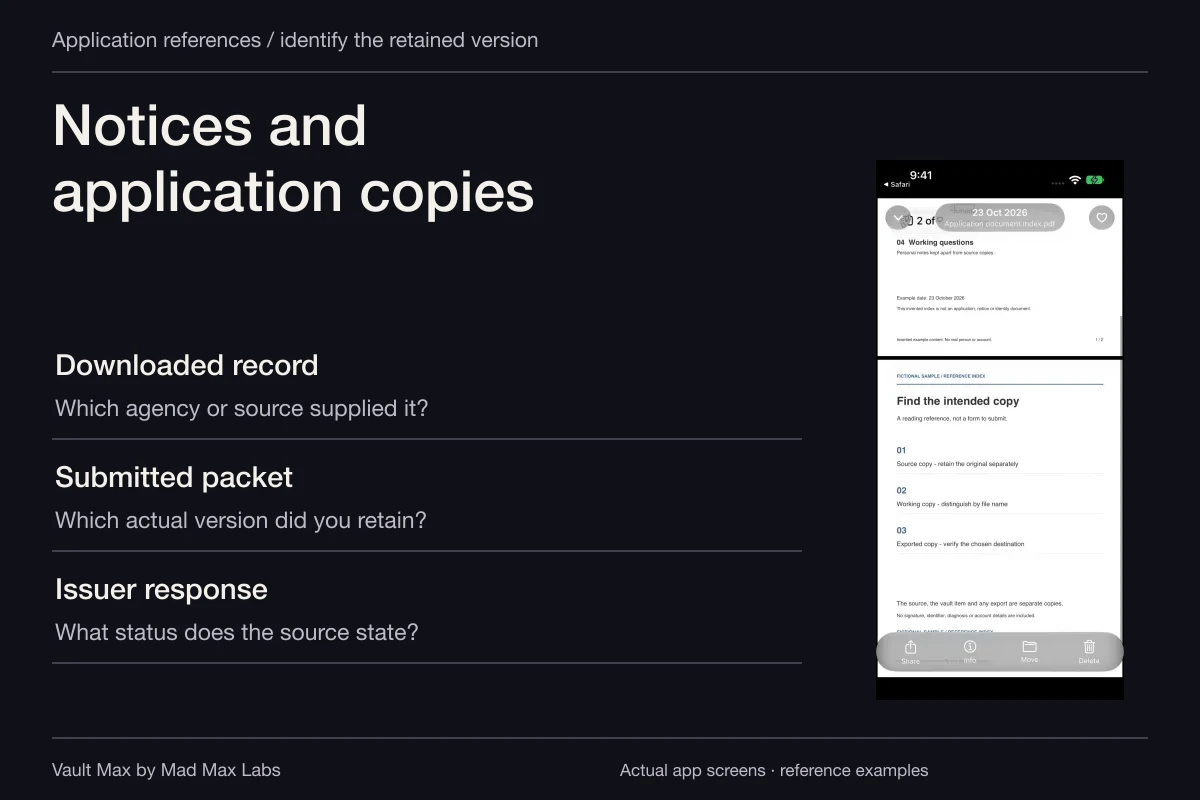
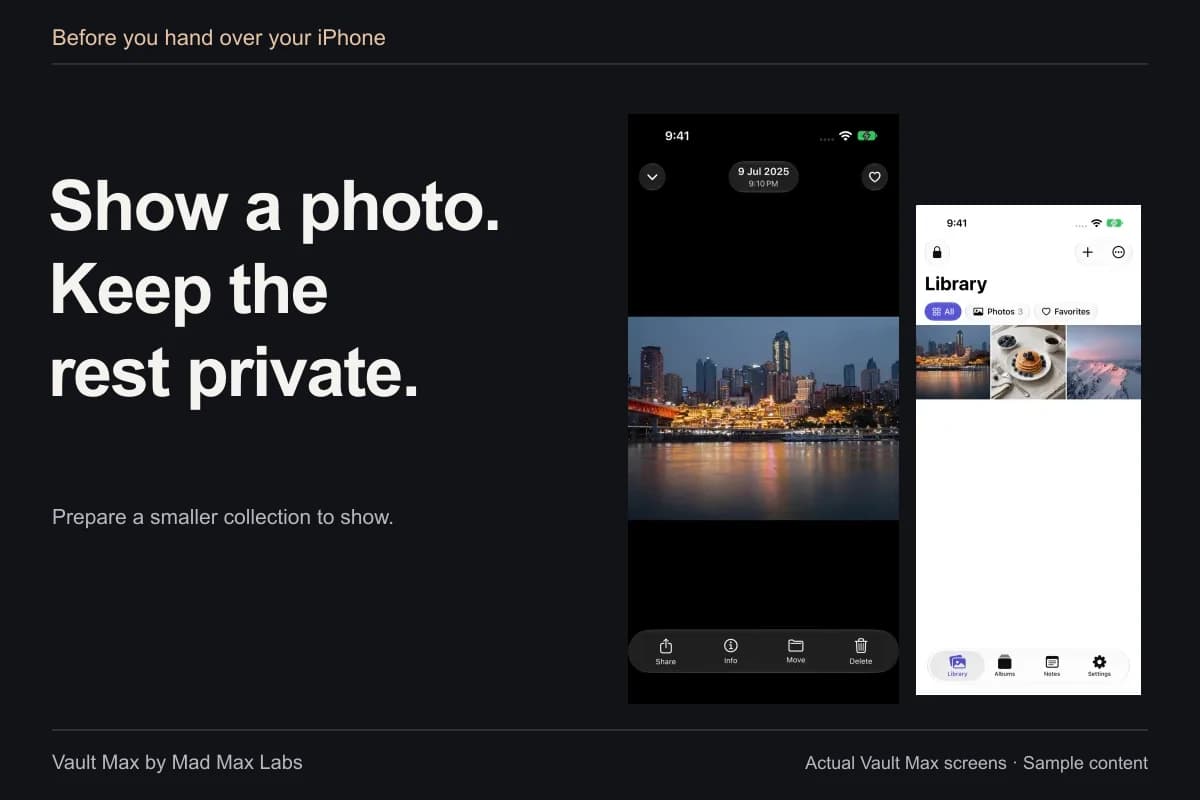
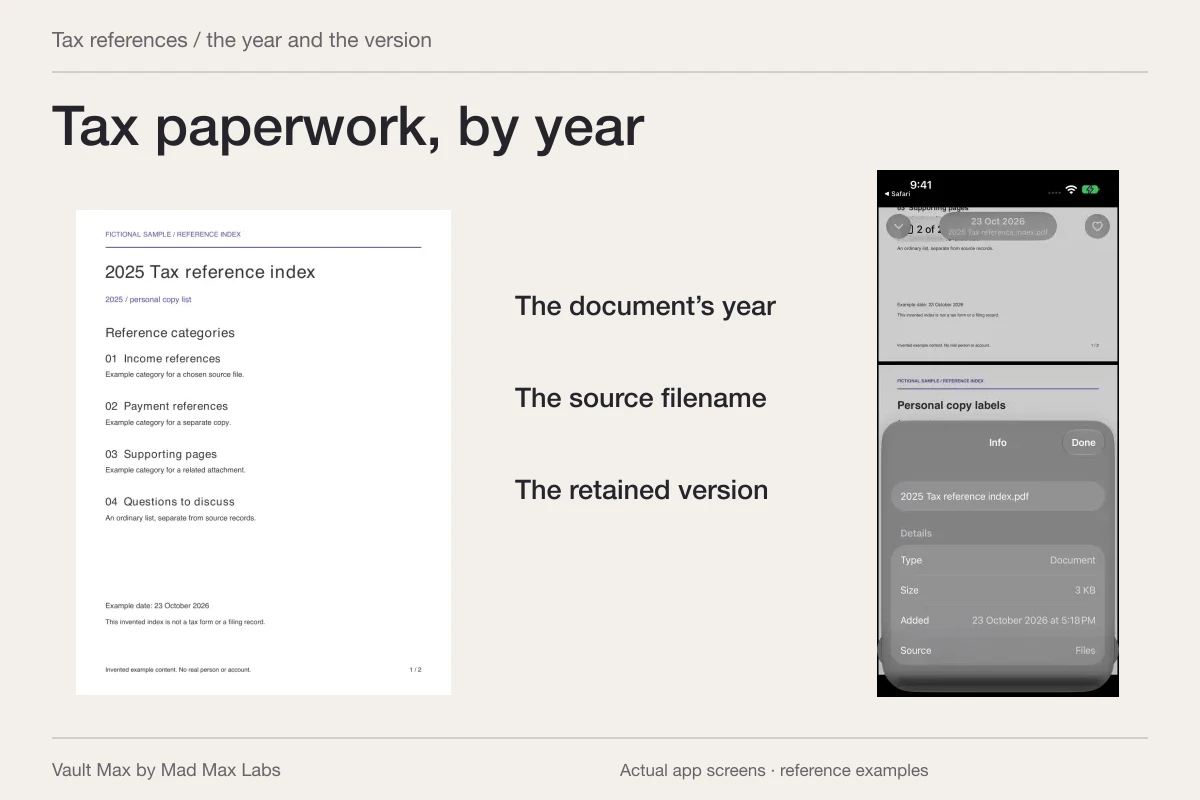
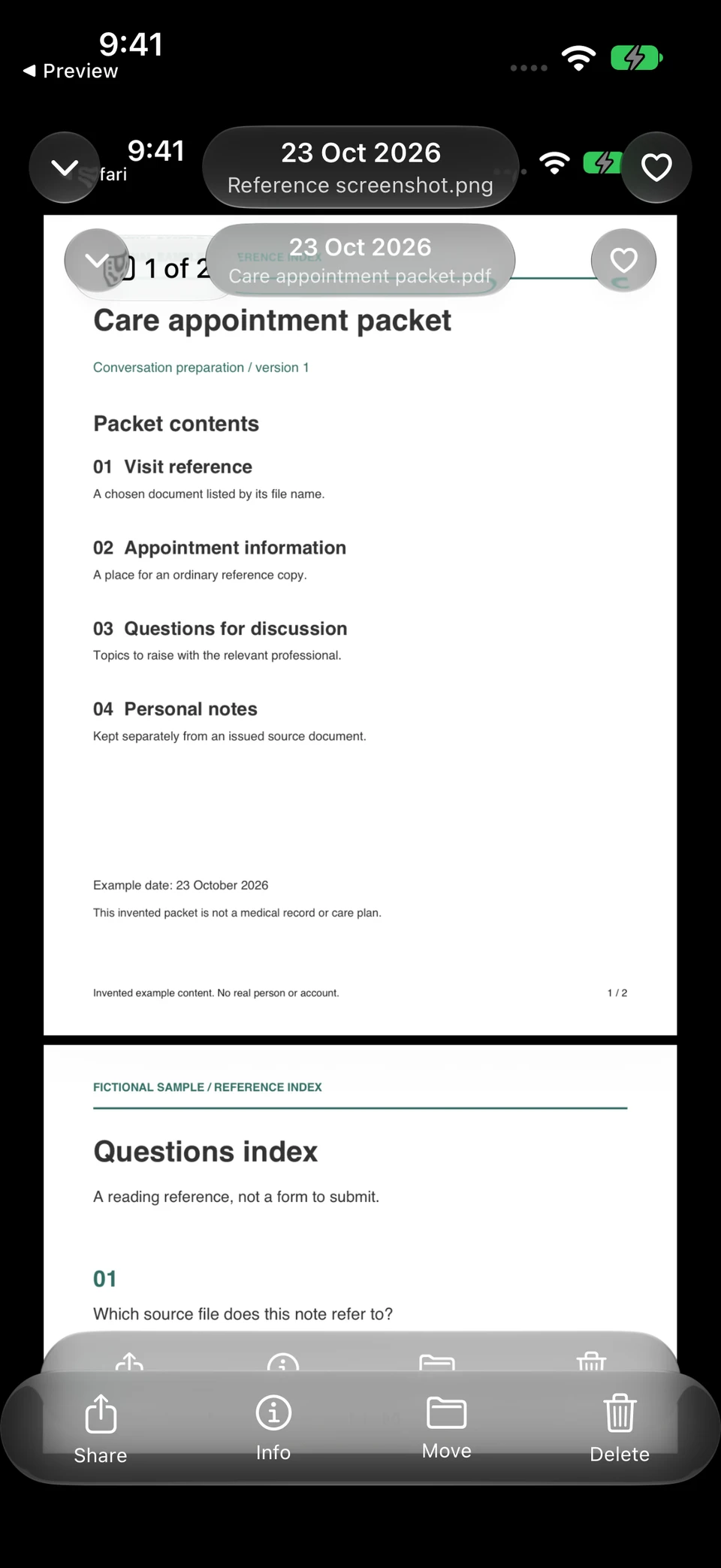
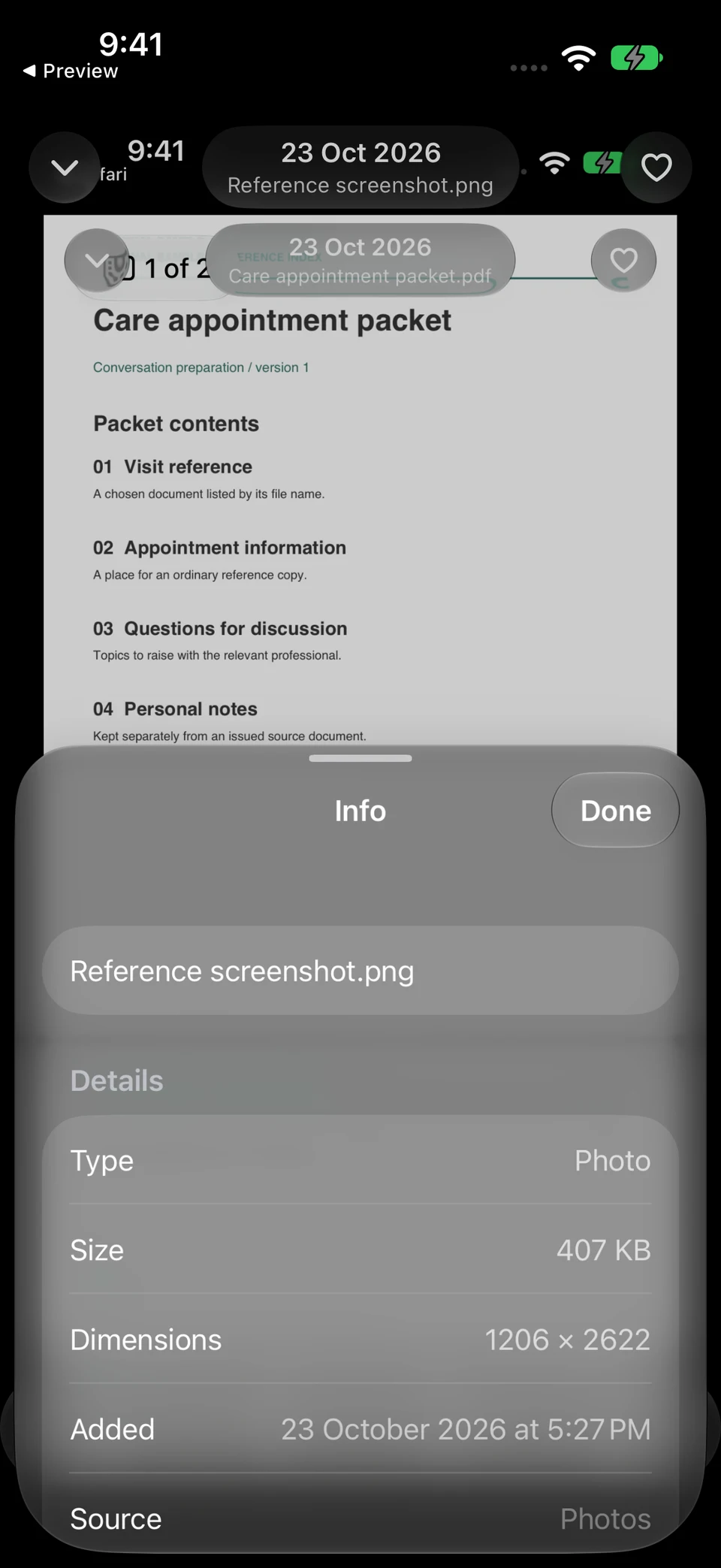
The image is a real screenshot of a fictional reference page, opened in Vault Max. Info identifies that retained image as its own file. It illustrates local organization after capture, rather than a Signal conversation or timer test.
Vault Max · Actual app screens, fictional sample contentRead the complete retained image
Open original image: Read the complete retained imageIdentify this particular copy
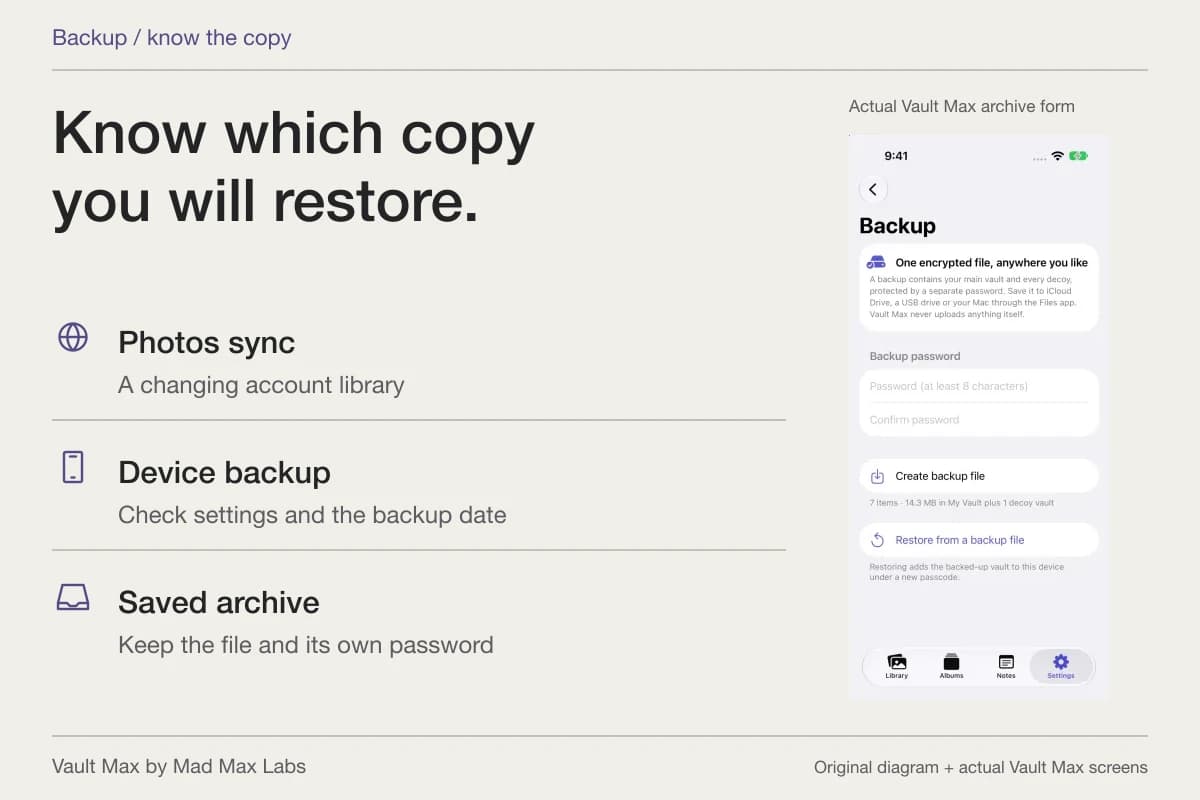
Open original image: Identify this particular copyMad Max Labs publishes Vault Max. Its local collection helps organize the records you choose to retain. It cannot reach into another person's device or recall an ordinary file you previously shared. Keep a current encrypted recovery archive for important retained material and its password independently available.
- Inspect the entire image and choose the intended recipient.
- Confirm whether you changed a new-chat default or this conversation.
- The sender cannot reopen that attachment afterward.
- Use the relevant deletion, reporting and support route without promising recall.
- Verify your retained record and its recovery plan instead of relying on an expiring chat.
Tap a box as you go. Checks reset when you leave this page.
Common questions
Do Signal disappearing messages prevent screenshots?
A timer is not a guarantee against a recipient retaining what they see. Signal explicitly warns that someone can photograph the screen with another camera before the message disappears.
Does Signal's default timer change older messages?
The default applies to new chats. In a particular conversation, a timer change applies to new messaging after the change. Inspect the timer notice rather than assuming an older attachment gained a new expiry.
Can I recall a Signal message I sent by mistake?
Signal documents Delete for everyone for your own messages sent within the past 24 hours. It calls deletion a best effort, and quoted replies are not deleted. It cannot establish that no separate copy was made.
Continue reading
More guides
Practical tips for your private library. Swipe or scroll to choose your next guide.
86 guides to explore