
Privacy in practice
Expungement and background-check records: keep the private copies in order
Organize retained expungement documents and background reports on iPhone. Distinguish drafts, issued records and private notes, then prepare recovery.
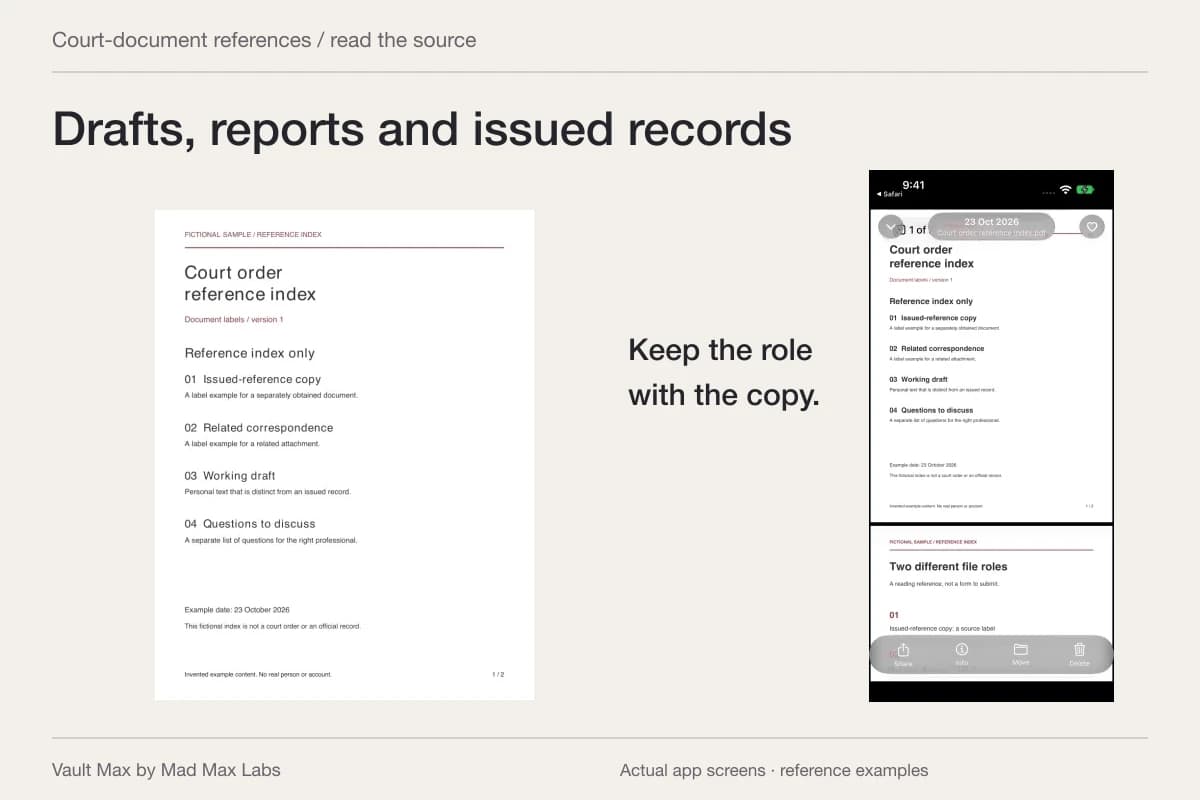
Keep a draft, a background report and an issued court document clearly distinguishable. They may concern the same matter, but they do not say the same thing. Vault Max can hold the reference files and your private notes in an encrypted local collection with its own credential, so you can retrieve the correct version without browsing an ordinary photo library.
This is a guide to copies you already have. Storing a file does not seal a public record, correct a reporting company's data or determine what you must disclose. The practical goal is to preserve a recognizable, readable reference and know where its authoritative source is.
Inventory the documents before making a filing scheme
Start by opening what you actually received. You may have an arrest-record reference, a report from a screening company, a request prepared elsewhere, correspondence and an issued order. Assign each its actual document role rather than calling the entire group “expunged.”
Write down the source and date shown by the document. If you are unsure what its title or status means, retain that uncertainty as a question. A strong-sounding filename cannot answer it.
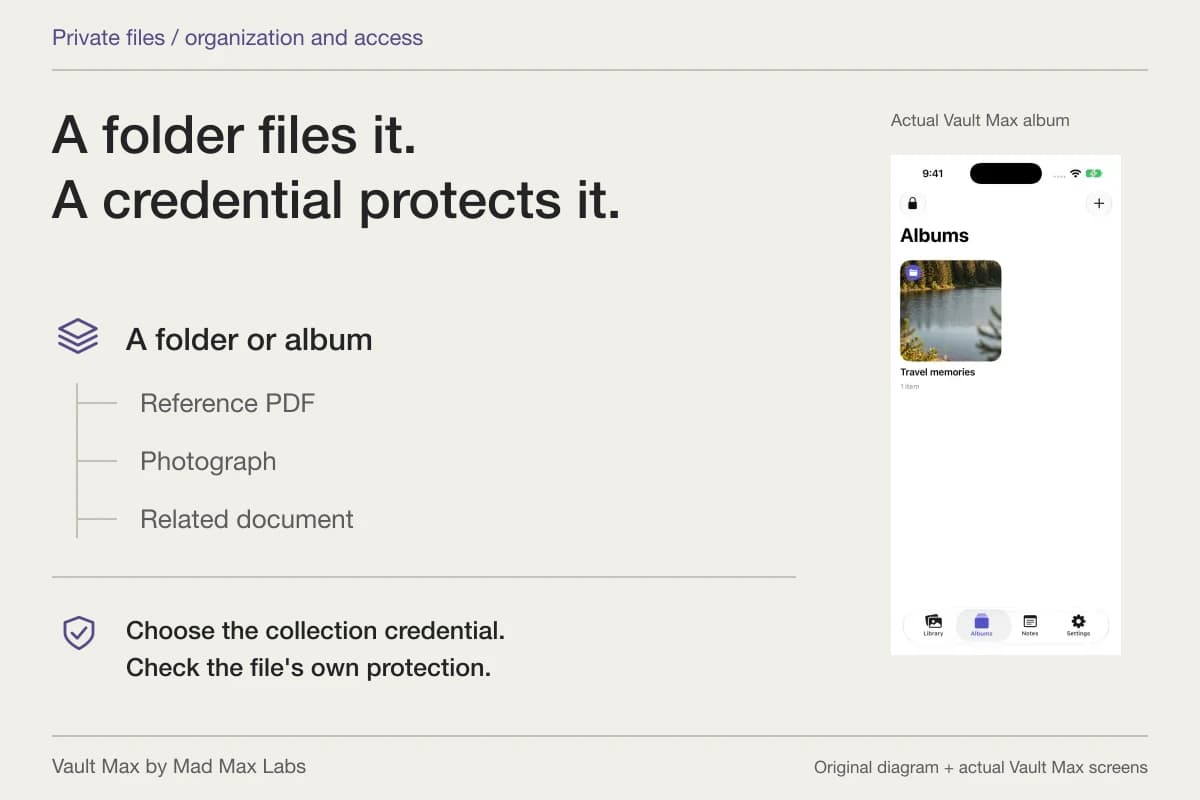
Avoid mixing different matters merely because the documents contain the same person's name. Use a recognizable album or reference label that lets you choose the correct group. Keep unnecessary identifiers out of the visible naming scheme while retaining the document itself intact.
Preserve the authoritative version outside the filing exercise
Some courts give specific reasons to retain their documents. For example, Maryland Courts' consumer tip sheet tells people to keep case documents, including the final order. That is a useful reason to take your reference collection seriously, not a nationwide statement about every court's process.
Keep the original or certified document according to the instructions applying to it. A photograph of a seal or signature is still your reference image. Do not assume a mobile preview will meet a request for an official or certified copy.
Record how to reach the source: the issuing court, the reporting company or the adviser who supplied the file. If you need an authoritative version later, that relationship matters more than the folder name on the phone.
Use names that show what the document actually is
Choose a pattern with the date, source and document type. Add “draft” when it is a draft. Use “issued order” only when that describes the actual document supplied to you. If the status is unclear, preserve the source's title instead of inventing a conclusion.
The following labels are fictional organizational examples. They do not identify a form to file or a step that applies to a case.
| Example reference | What to retain | What to keep separate |
|---|---|---|
| 2026-04 report supplied-copy.pdf | The complete report as received | Your explanation of a possible discrepancy |
| 2026-05 request draft.pdf | The prepared draft's actual version | Any later submission or issued decision |
| 2026-06 court issued-document.pdf | The supplied document and source details | A claim about its legal effect |
| 2026-06 correspondence.pdf | The specific communication | An assumption that another system changed its records |
Import the file and inspect the readable pages
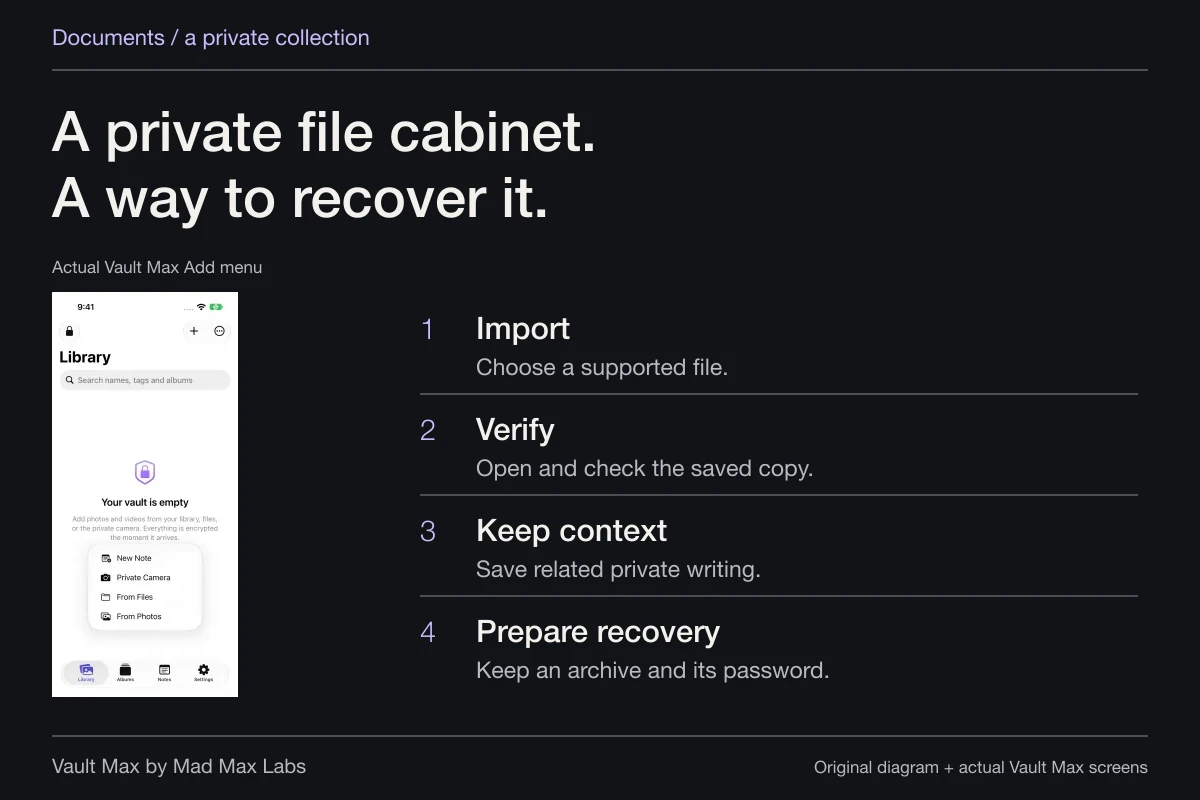
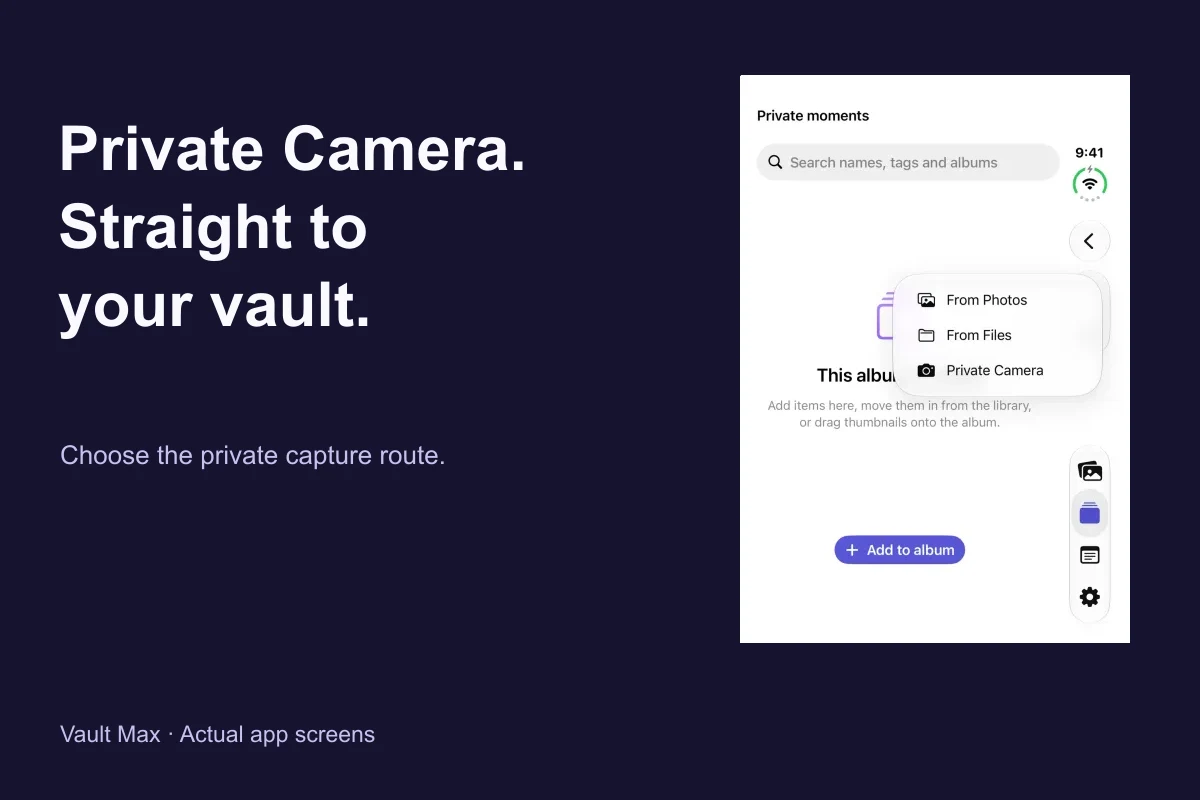
Use Add → From Files for an existing PDF. Use From Photos for an already obtained document photograph. Import a small group first, then open the saved item and compare its contents with the source.
Check the page sequence, document title and legibility through the available Quick Look preview. If you photographed paper, inspect the edges and any area needed to identify the reference. A thumbnail cannot establish that every page or detail was retained.
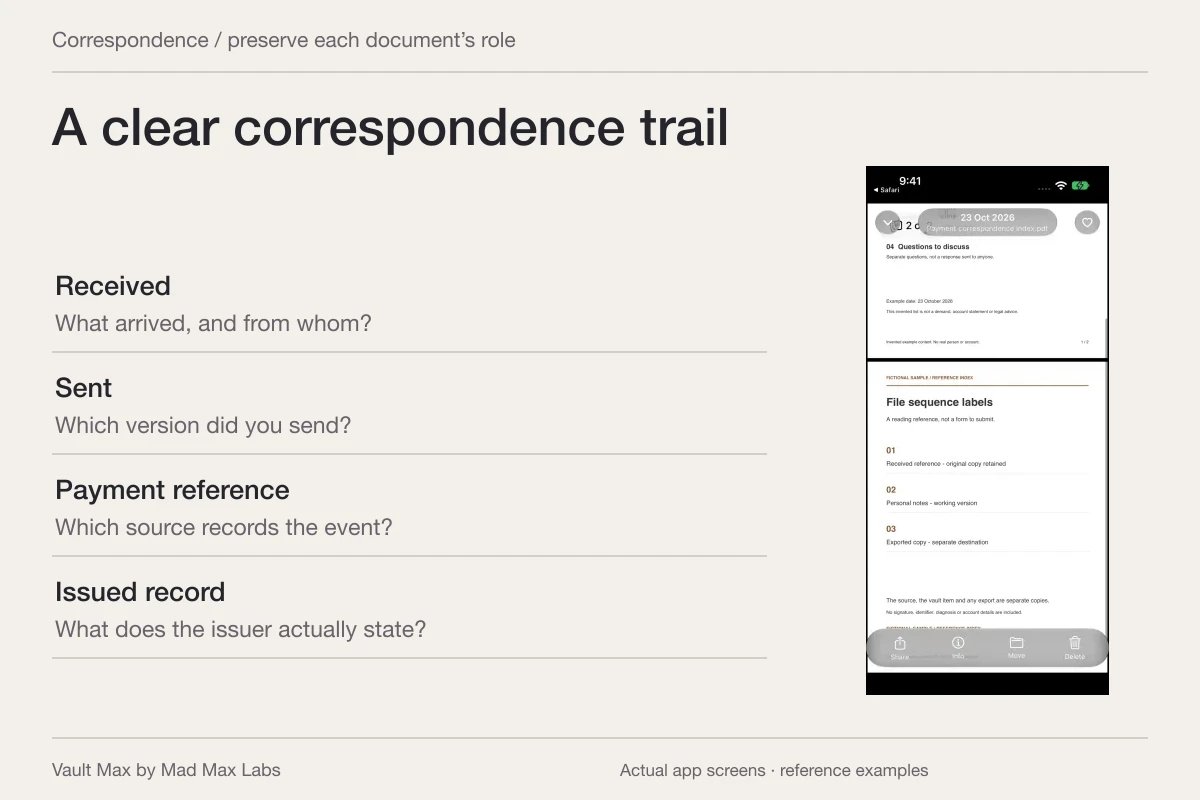
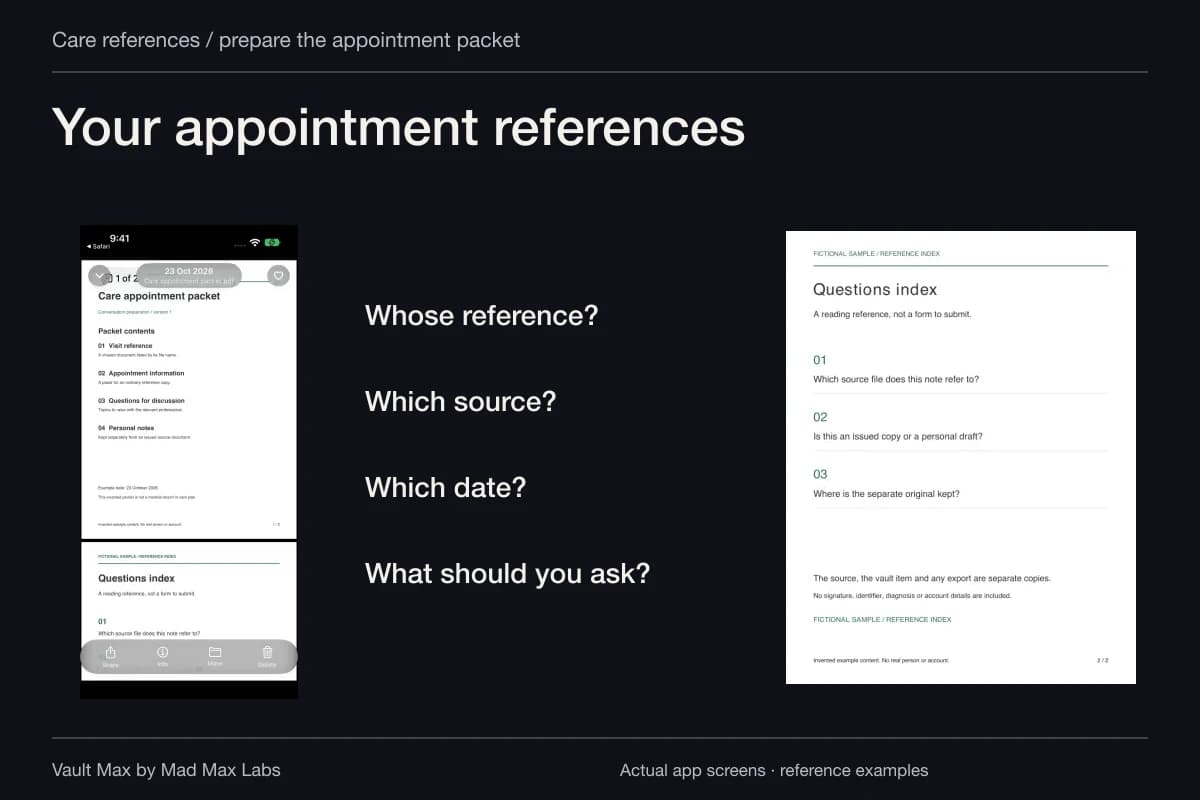
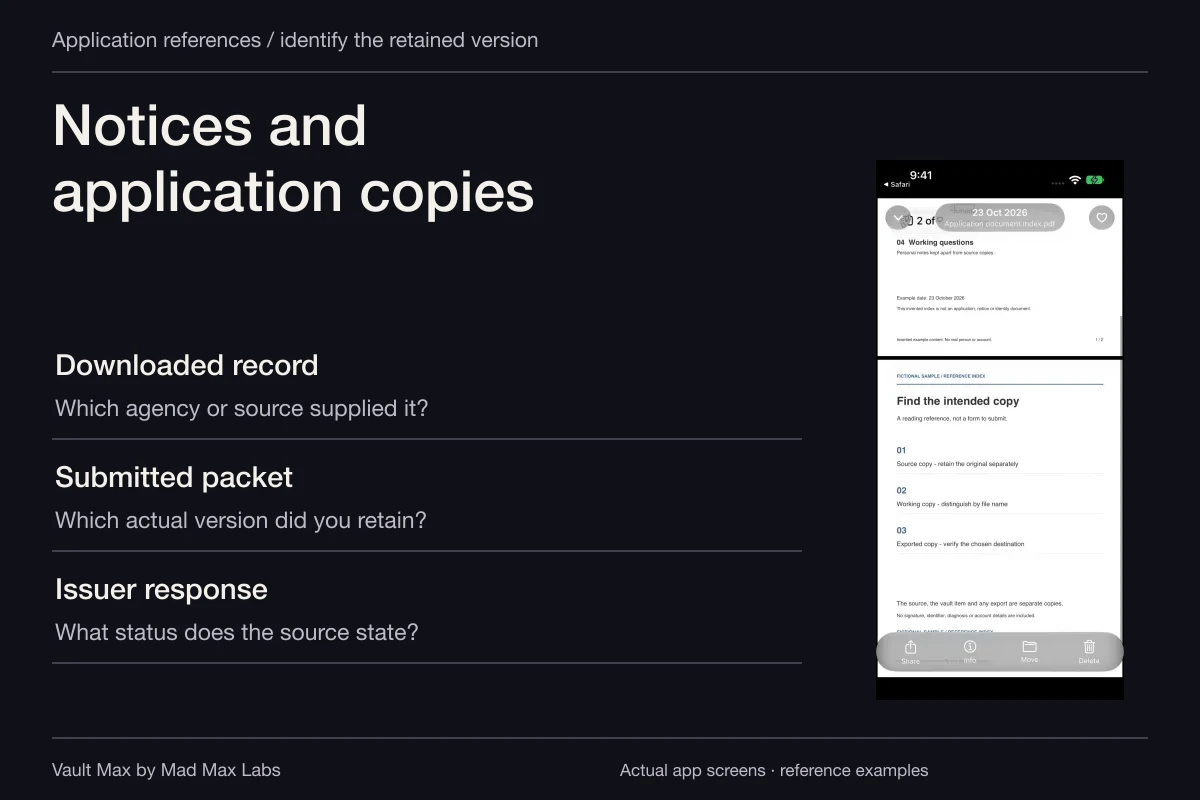
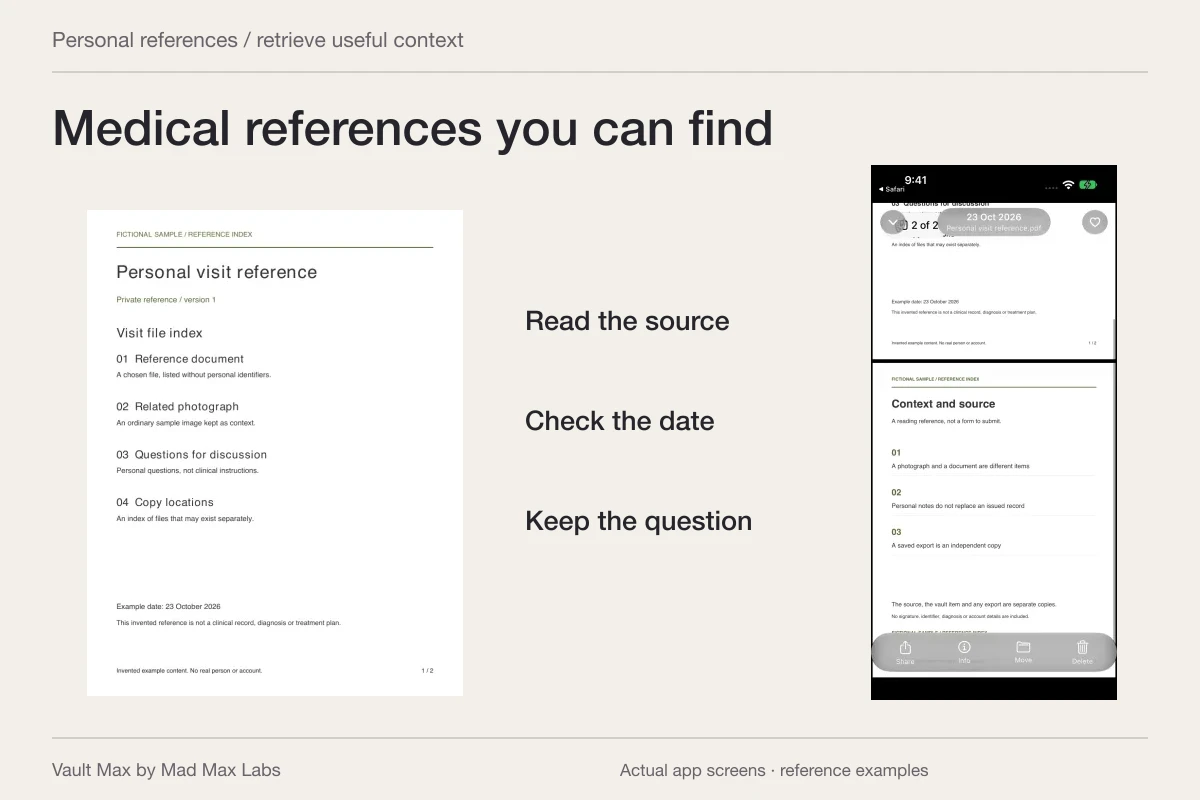
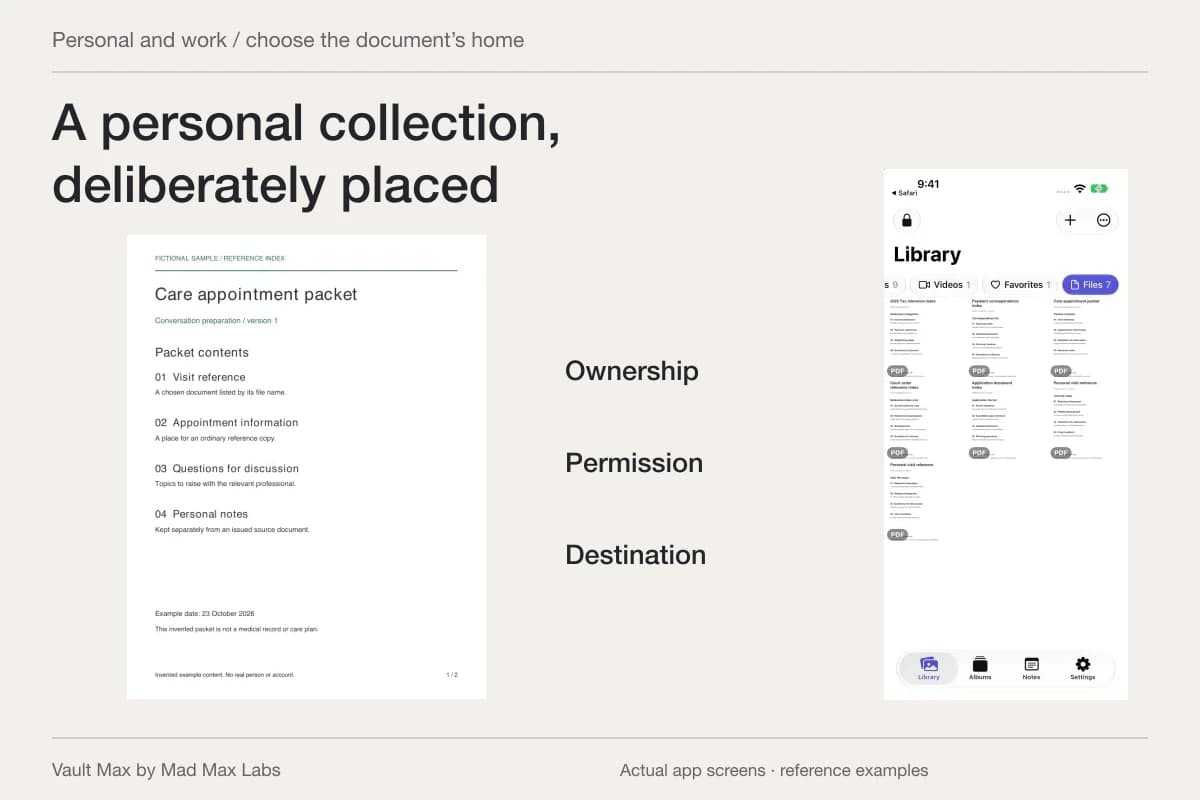
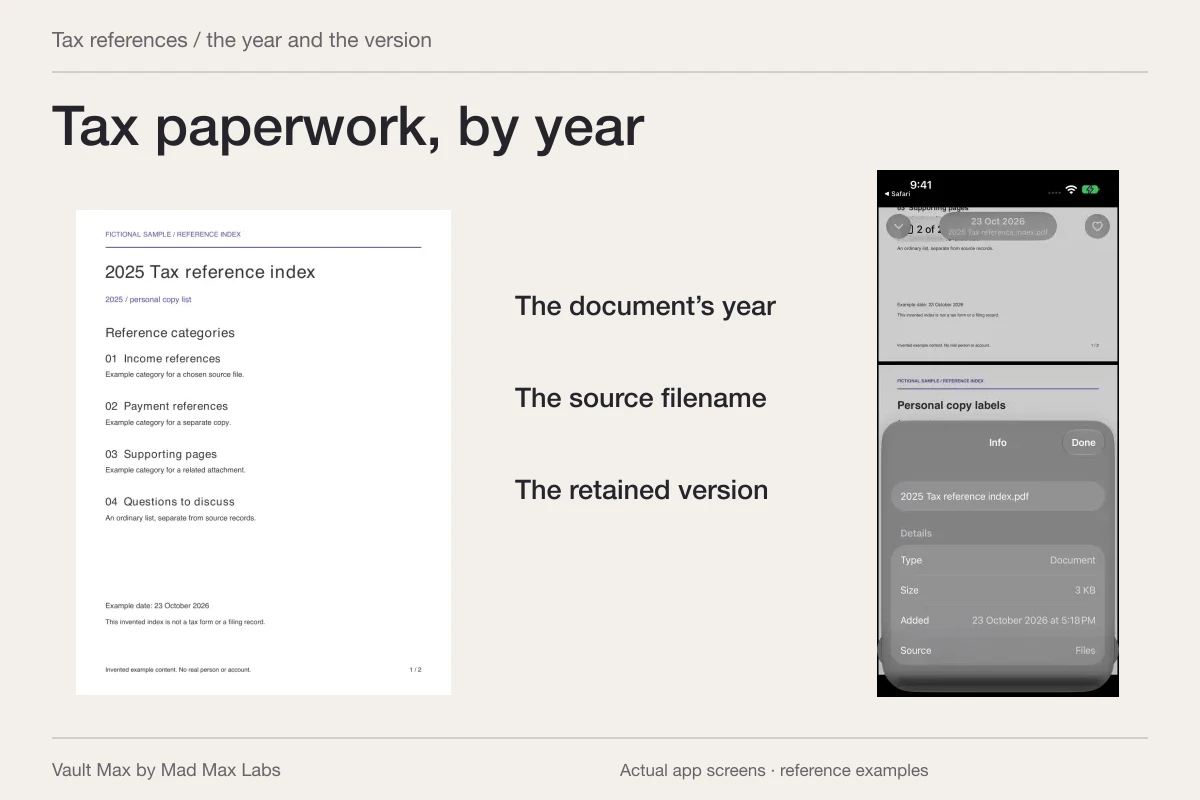
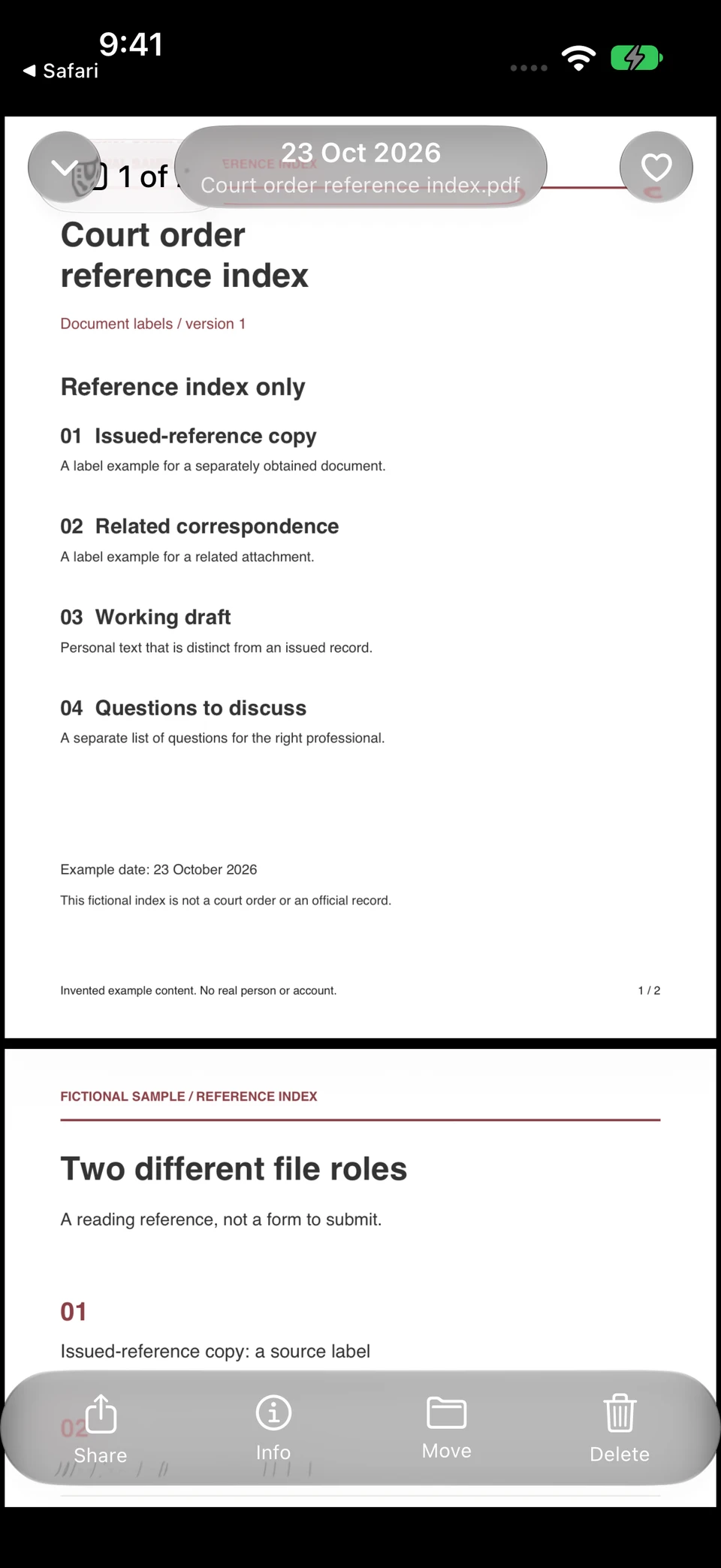
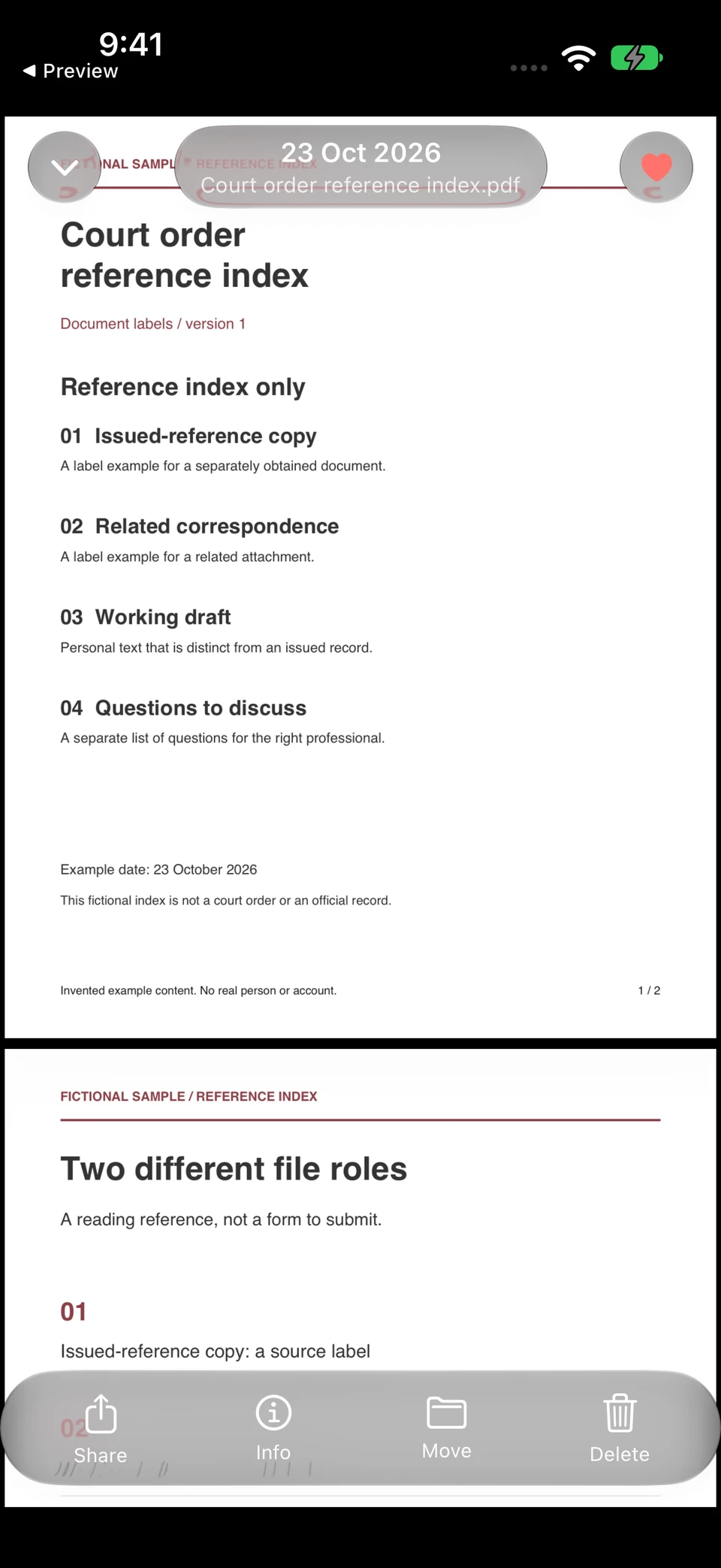
The fictional court-reference index opens in Vault Max. Favorites flags that same retained file for retrieval; it does not create a second copy or change what the document represents.
Vault Max · Actual app screens, fictional sample contentRead the document role
Open original image: Read the document roleFlag the retained reference
Open original image: Flag the retained referenceOpen the fictional two-page reference PDF used in this walkthrough. It is a sample index for inspecting the file workflow, rather than an official form or a real record.
Vault Max stores an encrypted copy and uses the system's supported preview. If a format does not preview as needed, preserve the usable source and use an appropriate viewing route before relying on the phone copy. Check readability while that source is available.
Keep the report separate from your questions about it
The FTC's background-check guidance distinguishes the report, related notices and the reporting company's role. For this collection, keep each received document identifiable. Follow the appropriate official process for any substantive question about it.
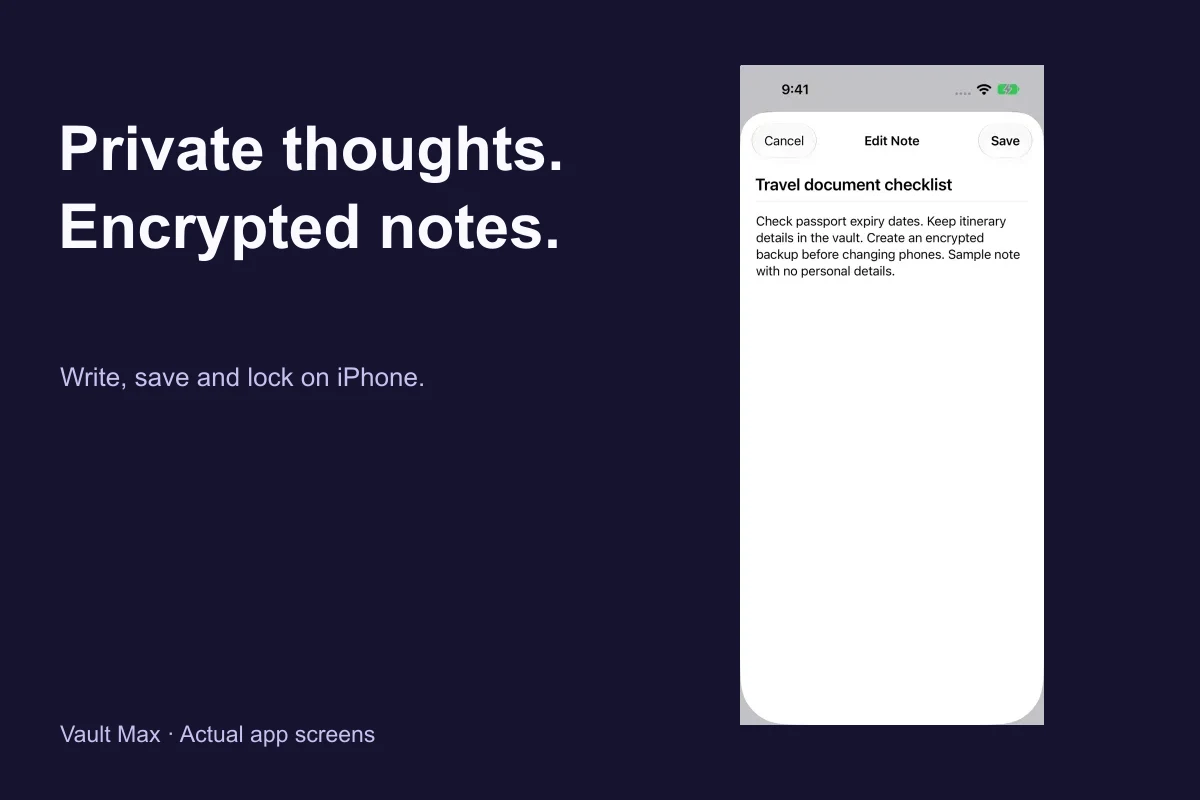
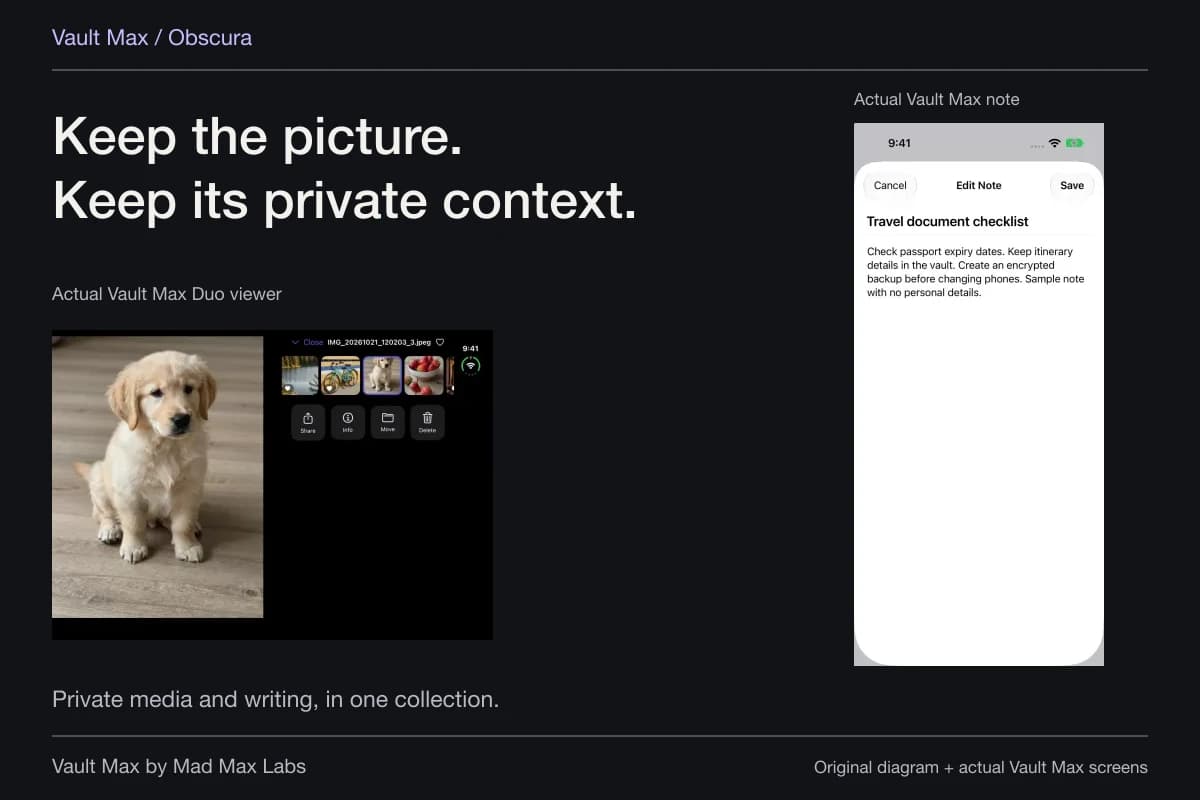
Write your question in an encrypted note: which report, which page and what you need clarified. Save the note and reopen it. Do not alter a PDF to make your comment appear to be part of the report or court document.
For example, a note can identify two different dates appearing in different sources. That preserves a useful observation for a discussion. It does not decide which date has legal significance or whether a reporting company must change anything.
Retrieve the correct item before presenting it
Search by a distinctive part of the filename or album name. Vault Max's gallery search uses those names within the active scope and filter. It does not search the PDF's body or interpret the words inside a scanned record.
If you regularly revisit one document, mark it as a favorite. That flag helps retrieval without making another imported copy. Reopen it after locking the vault so you know the access and finding routine before an important conversation.
The CFPB's background-report review resource gives consumers questions to examine in a report. Use the relevant resource for that review. The vault's job is making your retained copy available, not determining the answer or correcting the report for you.
Keep a small index of the reference group
A short note can identify which file came from which source and how you recognize it. Use a title you will find in Notes, then list the document names in ordinary language. That is especially helpful when an emailed attachment arrived with an unhelpful name or two reports have similar covers.
Reopen the index after saving and check one reference against it. Keep uncertainty visible: “ask source which version this is” is more useful than confidently assigning an unsupported status. The index is your explanation of the collection, while the unchanged source files remain available to inspect.
Understand what leaves the vault during a share
When a court, adviser or other appropriate recipient asks for a copy, read the actual request. Select the version and format they need through the permitted delivery channel. Do not infer acceptance from a file opening on your own phone.
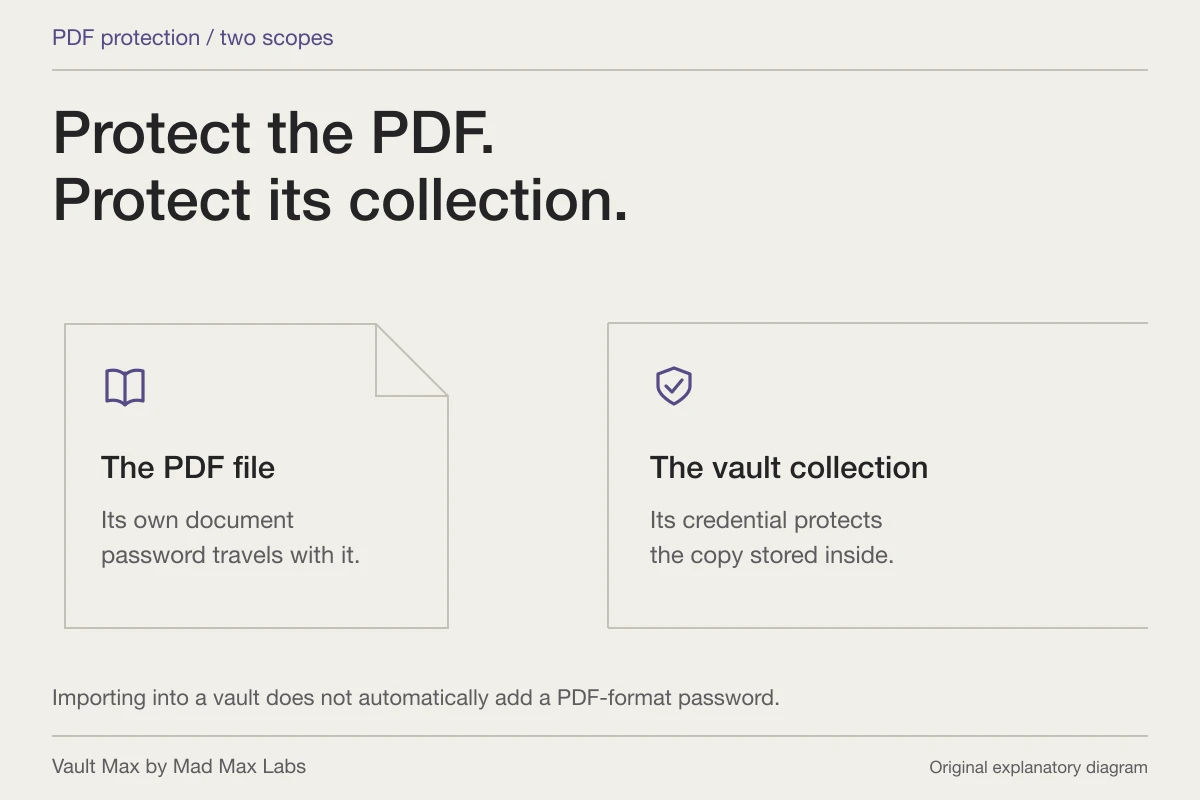
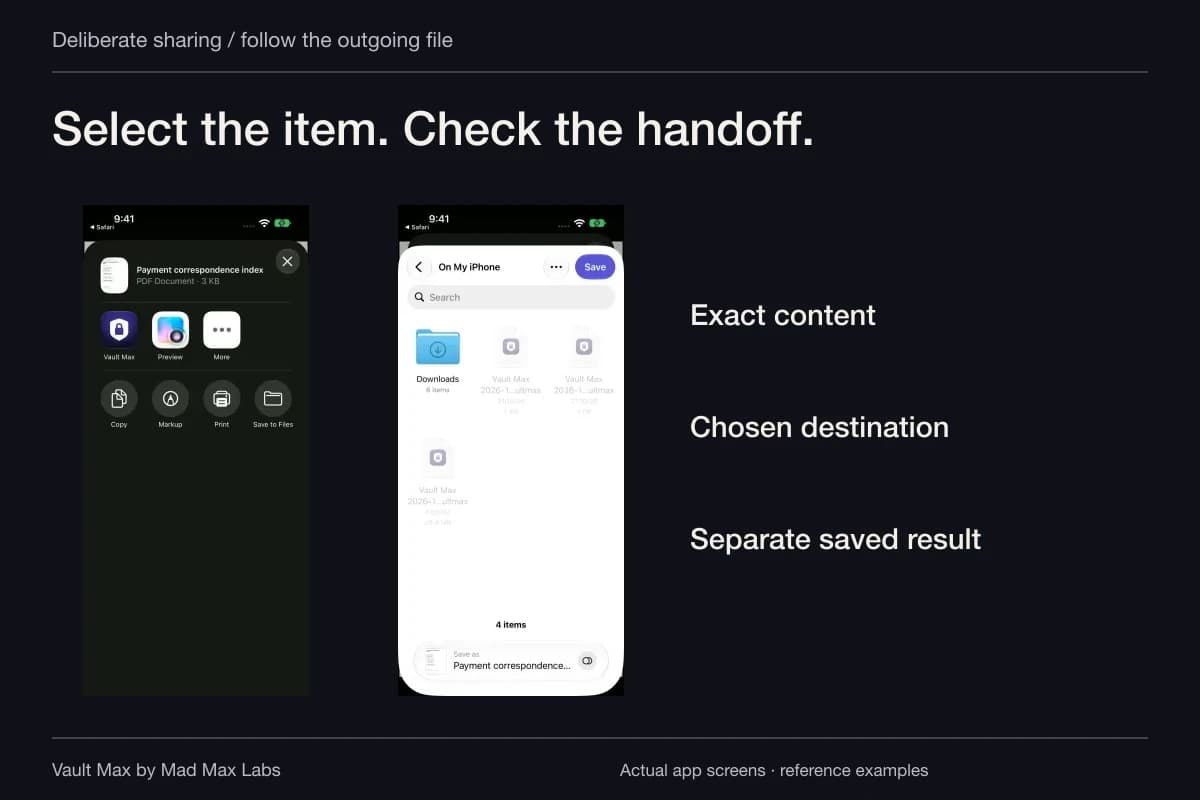
Ordinary Share output is a usable file outside Vault Max. The vault credential does not become a password or certification on the exported PDF. The recipient's access and retention arrangements apply to the delivered copy.
Keep your own reference to what was sent and any confirmation provided by that channel. A personal note can record the event without claiming that the app has independently verified delivery or a legal result.
Keep recovery independent of the phone
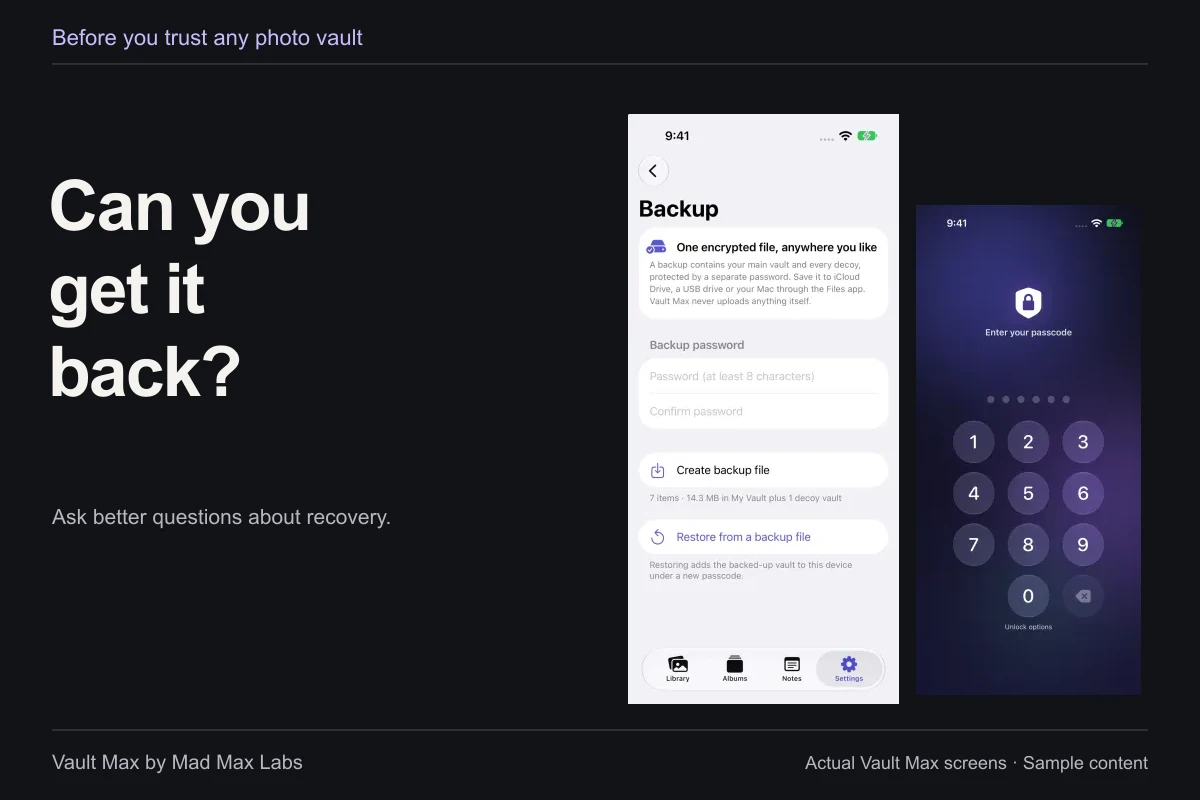
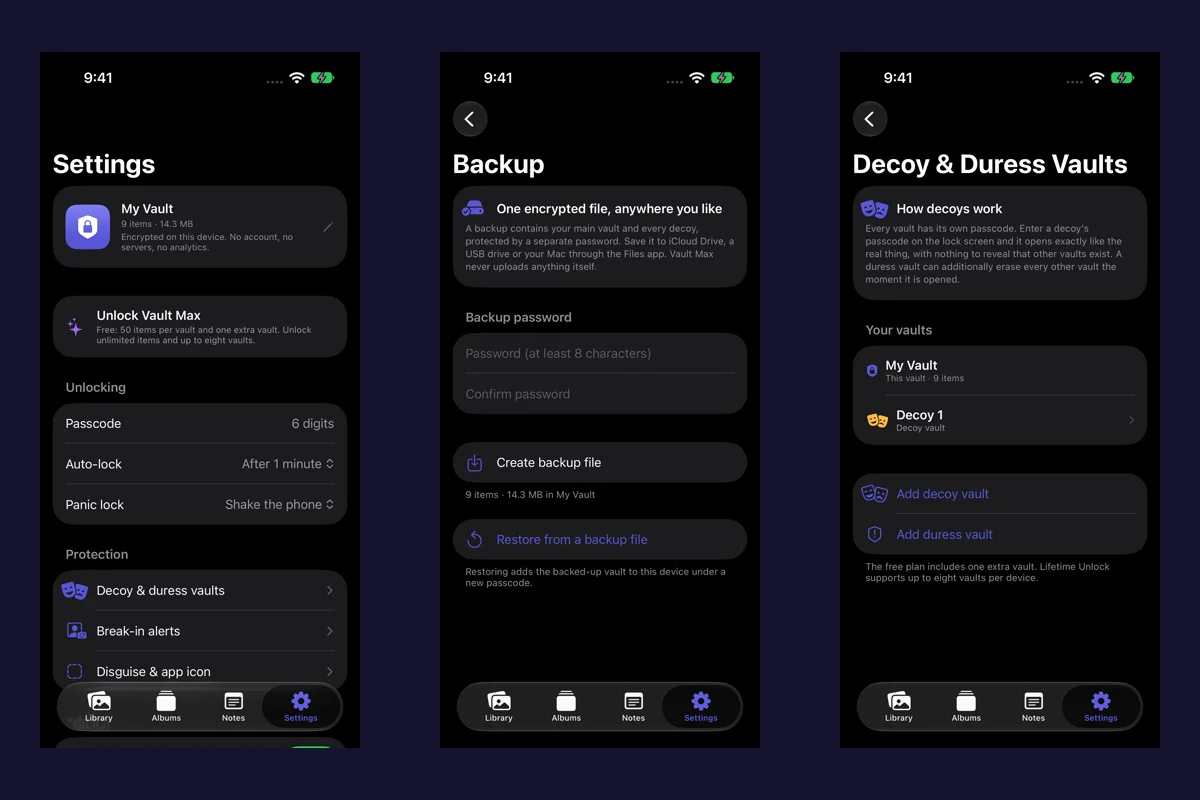
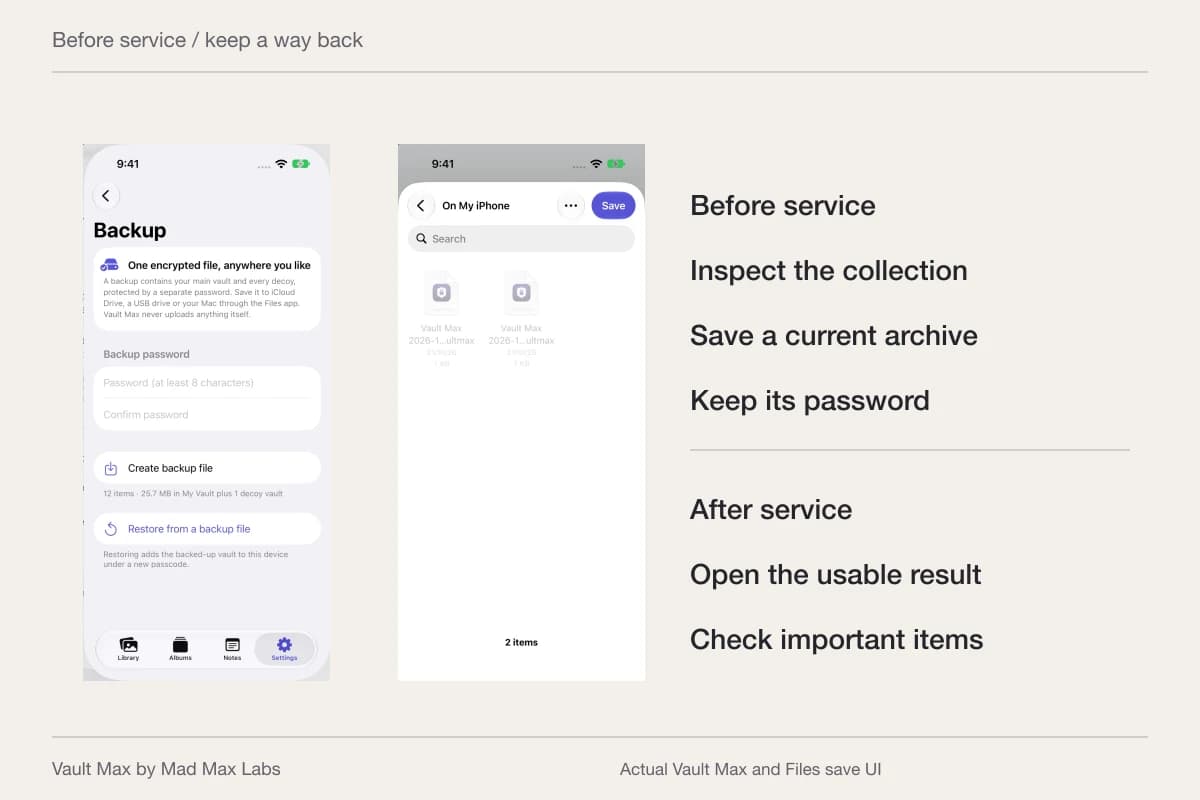
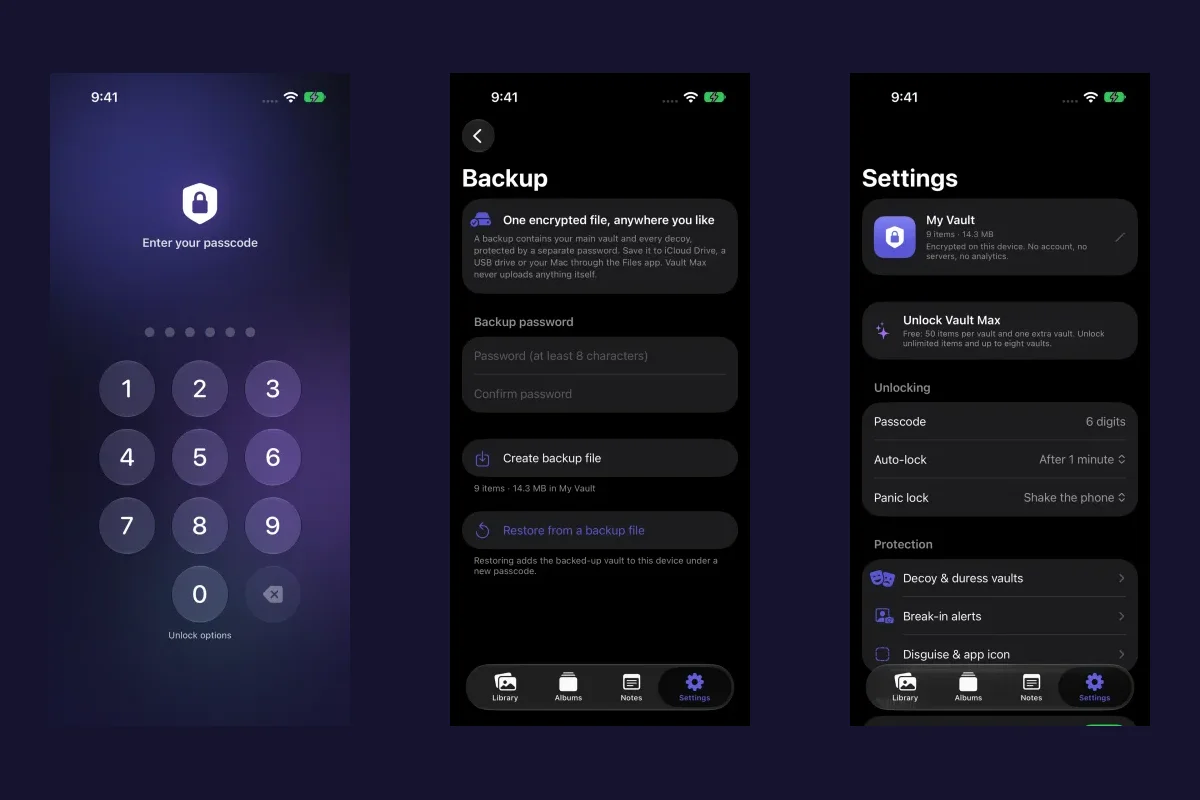
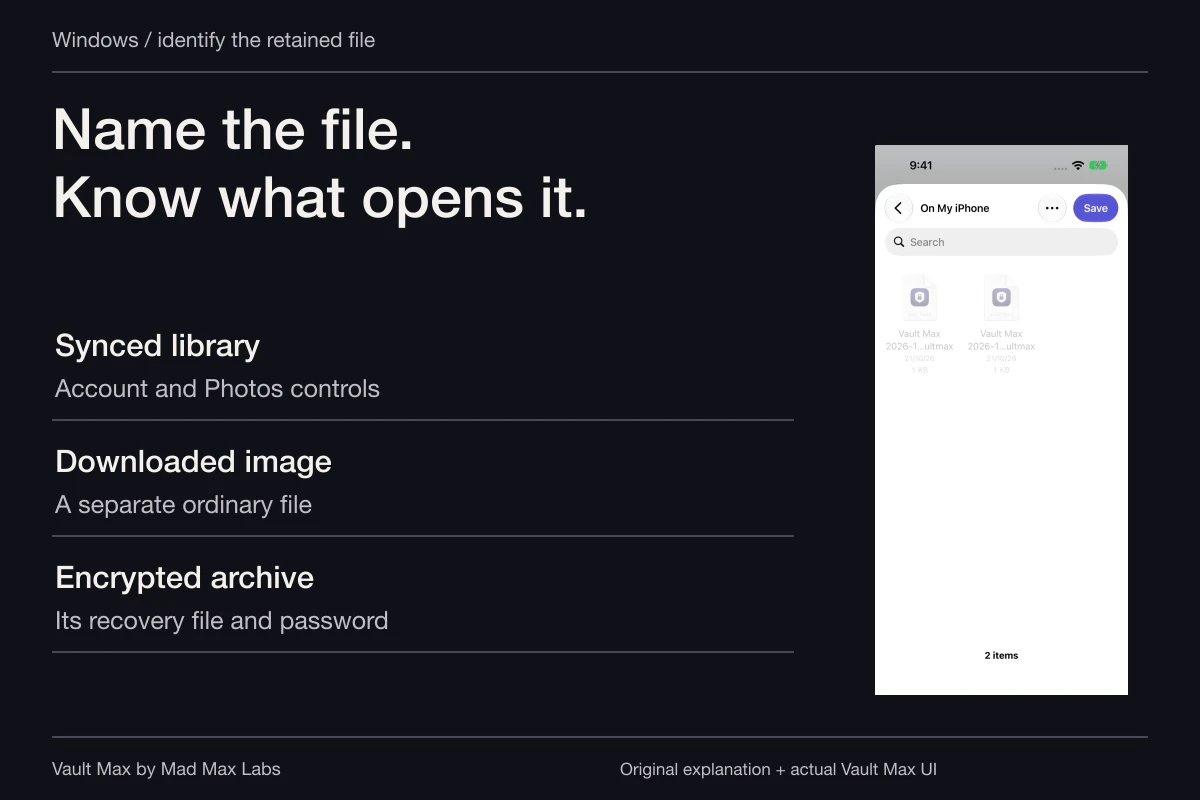
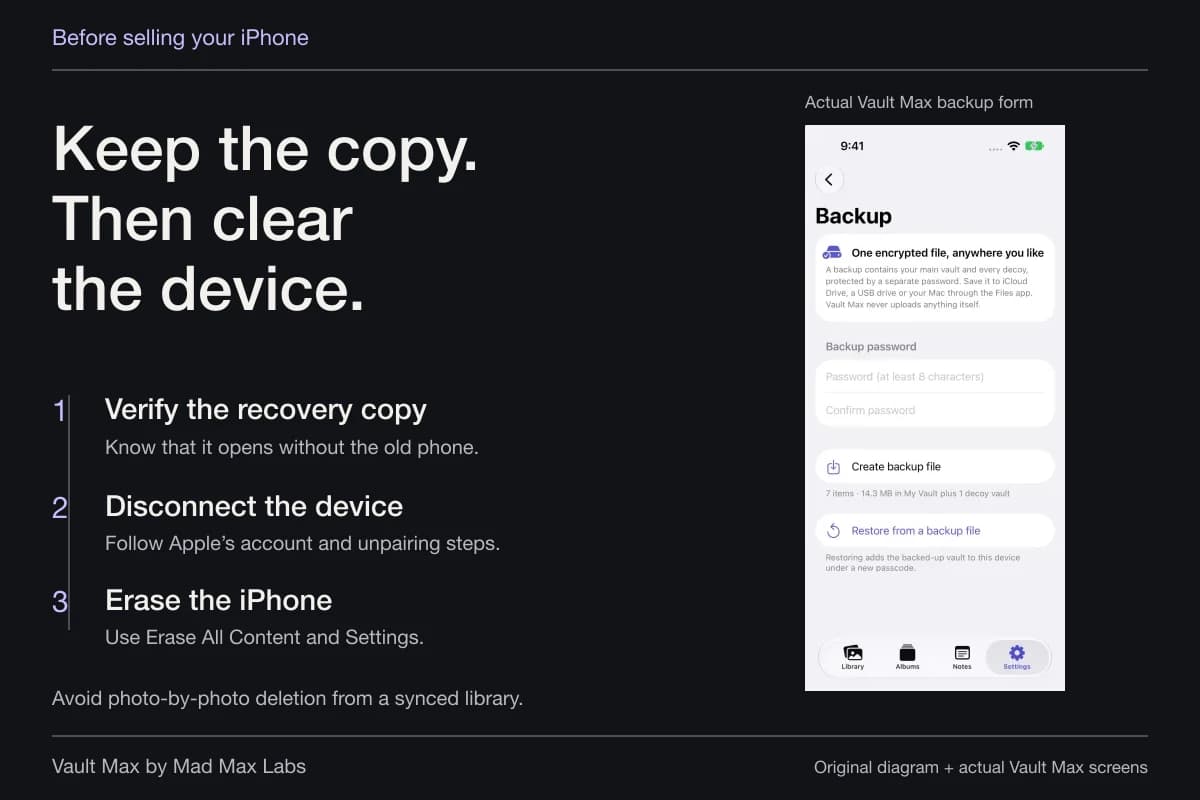
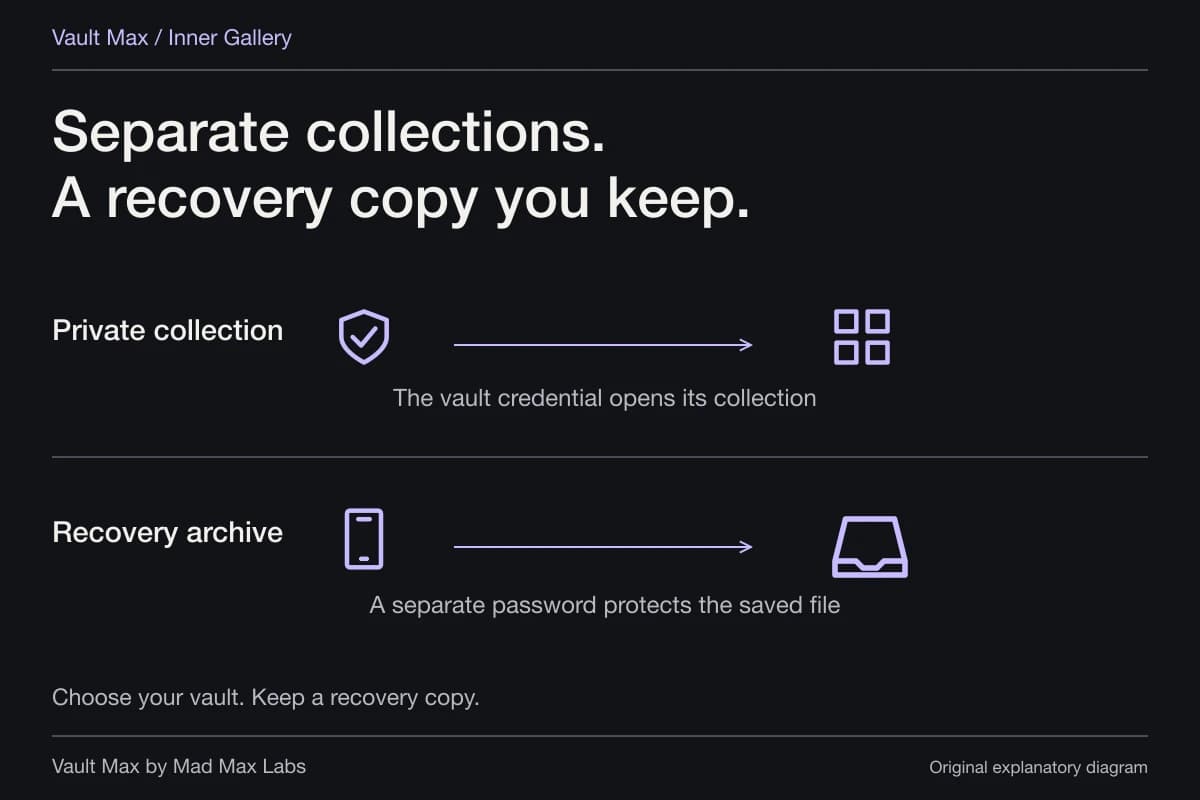
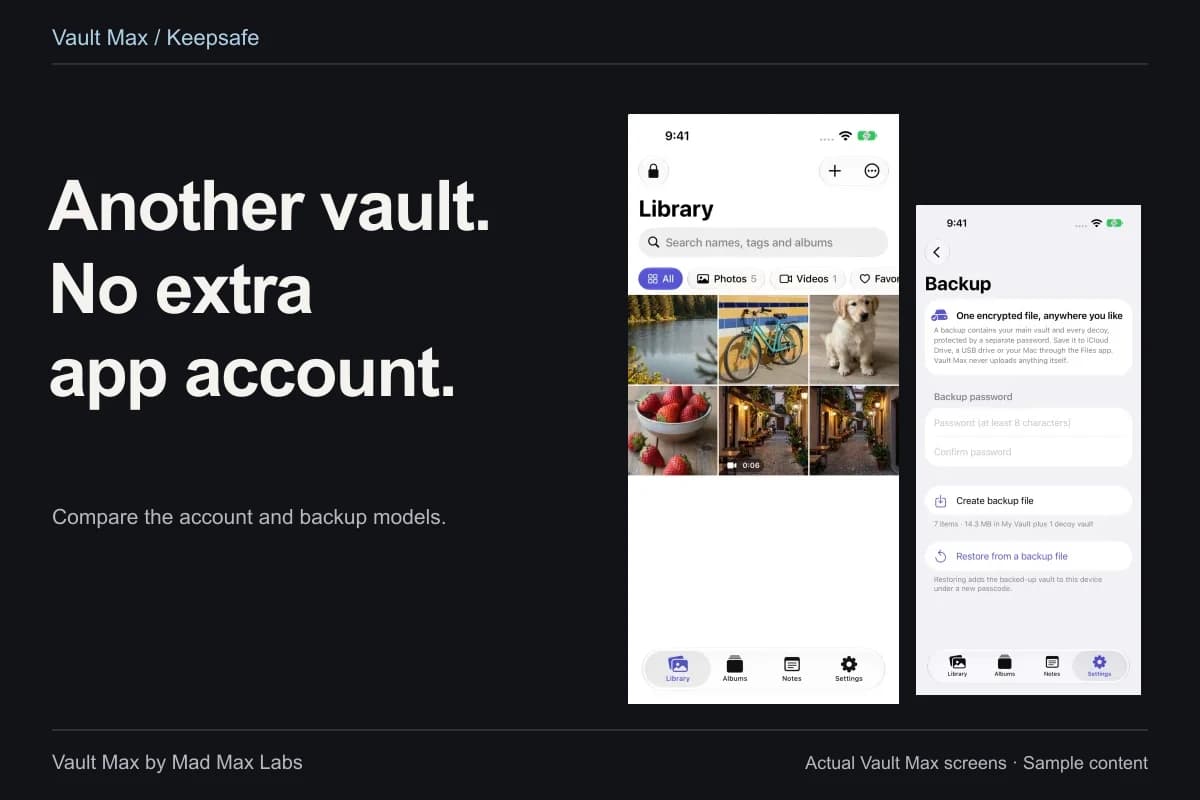
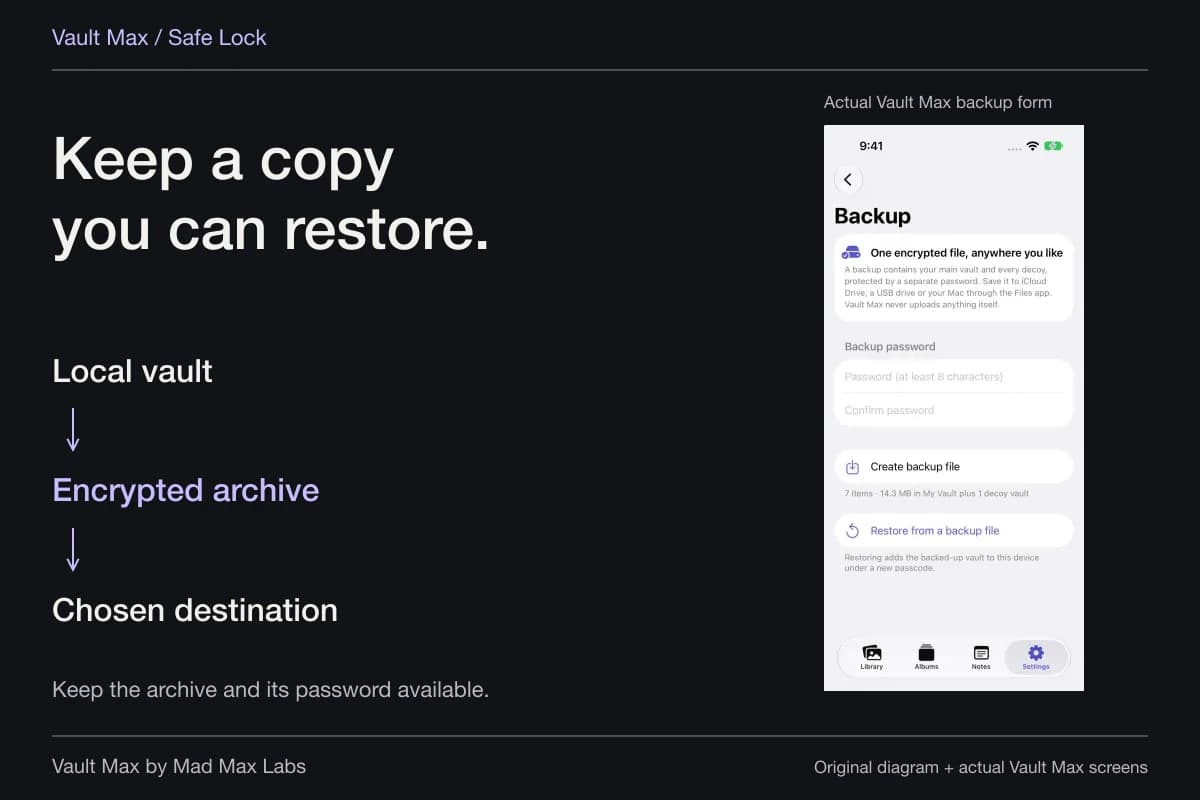
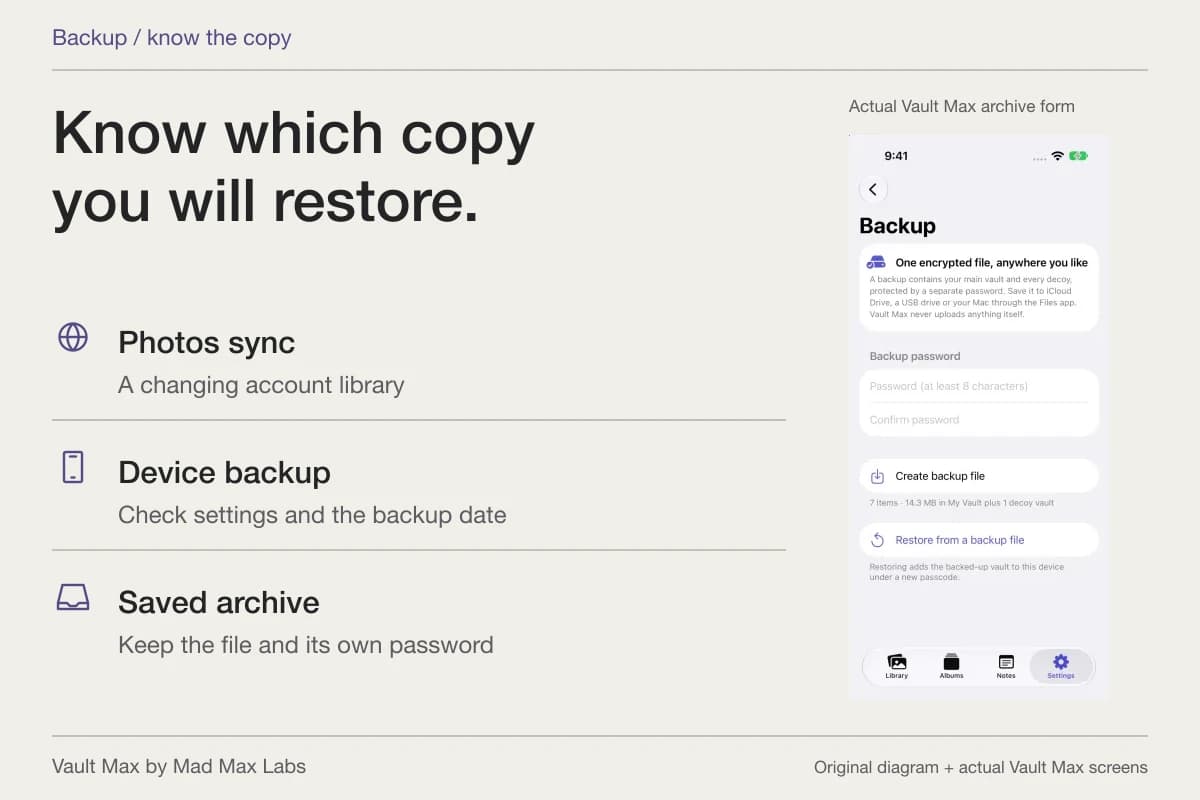
Create a password-protected .vaultmax archive after meaningful additions. Choose a Files destination you can reach if the phone is unavailable, and keep the archive password independently accessible. A file held only on the same phone shares its loss risk.
The archive preserves a snapshot of the collection, including saved notes. Later additions require a refreshed snapshot. This gives the private working file a recovery route while the authoritative originals and official systems retain their separate roles.
- Distinguish reports, drafts, correspondence and issued records.
- Know where the original or required official copy belongs.
- Check readable pages and a recognizable filename.
- Keep personal writing distinct from source statements.
- Retain a current archive and its separate password.
Tap a box as you go. Checks reset when you leave this page.
Common questions
How do I distinguish a draft from an issued document?
Keep the document's actual title, source and date in view. Label a draft explicitly, and use an issued-document label only when it describes the supplied source. A filename helps retrieval; it does not establish a legal result.
Is a scan of a certified document itself a certified copy?
Treat the scan as a reference image of the document you retained. It does not acquire the issuing authority's certification merely by being stored or exported. Keep the authoritative document and follow the recipient's requirements.
Can I keep a report and my own explanation together?
Yes. Store the document in the appropriate album and save the explanation as an encrypted note with a recognizable title. Keep your writing separate from the report's actual contents.
Continue reading
More guides
Practical tips for your private library. Swipe or scroll to choose your next guide.

86 guides to explore