
Privacy in practice
Medical photos and records on iPhone: keep the right reference ready
Keep personal medical photos, report PDFs and appointment references together on iPhone. Check dates, save questions and maintain a private recovery copy.
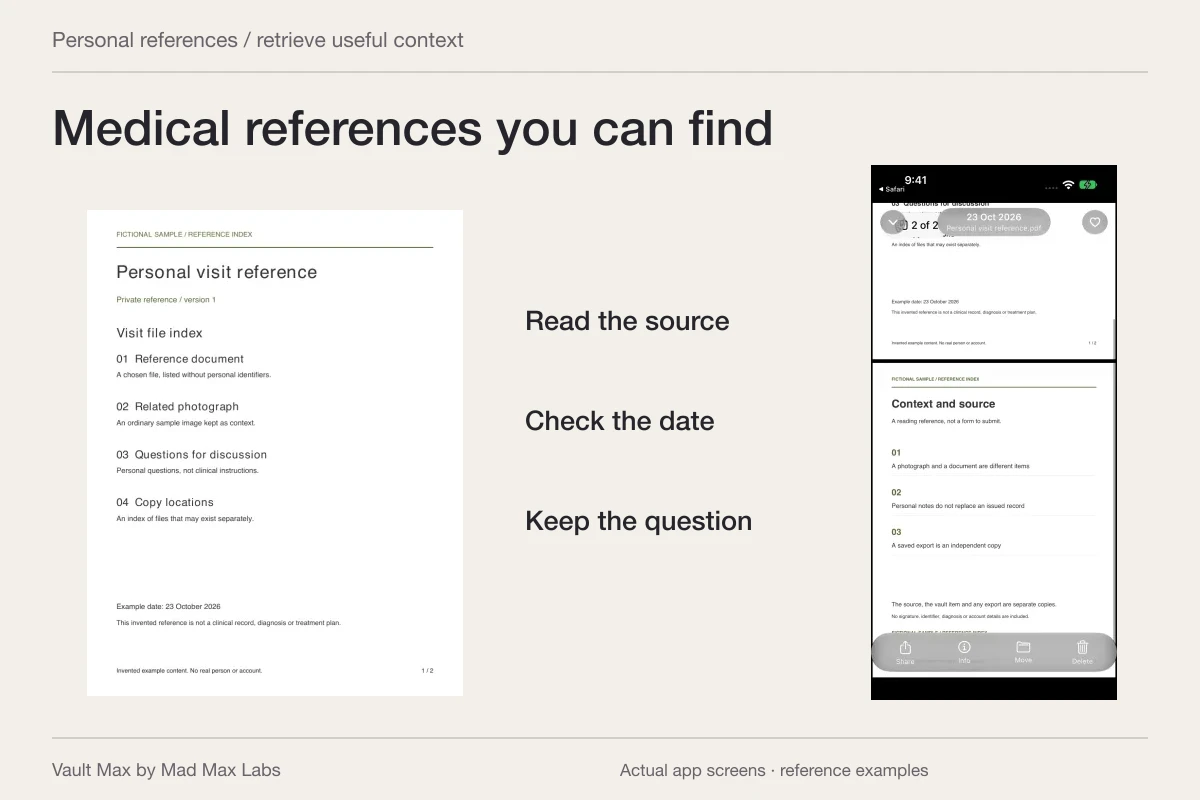
Keep the photograph, the report and your own questions distinguishable, but easy to find together. Vault Max can hold selected medical-reference images, PDFs and encrypted writing in a local collection behind its own credential. That makes a private appointment reference easier to retrieve than a loose picture mixed into everyday Photos.
The aim is personal record handling. A saved image is not a diagnosis, and a readable PDF is not necessarily the provider's latest version. Build a collection whose dates and sources you understand, while keeping clinical interpretation and communication in the appropriate care channel.
Choose the reference you will actually need
Start with a purpose: revisiting an already supplied report, finding an appointment summary or keeping an image you intend to discuss with a clinician. Name that purpose before importing a large group of unrelated files.
MedlinePlus's personal health record overview describes keeping your own information gathered from different sources. It is a useful reason to organize retained references, especially when records arrive through several offices or formats.
Keep the source distinct from your own observations. A report supplied by a provider, an insurance letter and a personal photograph do different work. You can keep them in one private collection without turning them into a single clinical record or assuming that every file is current.
Read the source and date before choosing a filename
Open the supplied document or image and identify what you know. A report can show a document date, a visit date and a download date. Preserve the meaningful distinctions instead of treating the order in the gallery as a clinical timeline.
Use a recognizable filename with the date, source and kind of reference. If two reports have similar names, include enough detail to distinguish the versions. Avoid putting unnecessary personal identifiers into every visible label.
For a personal image, record known context in a note rather than assuming the app can infer it. A filename is a retrieval aid. It does not certify the capture date, prove what an image shows or explain a change in health.
Retain the complete supplied file
When a provider supplies a PDF, begin with that file rather than a screenshot of the first page. Open it in its source location and check that the relevant pages are present. Keep accompanying explanations identifiable when they are part of what you received.
A medical image can also use a specialized format. Use the appropriate provider or viewing tool for that format rather than assuming a general document preview offers diagnostic capabilities. A supplied report PDF and the underlying clinical imaging data are different records.
The federal health-information guide's Check It section encourages reviewing records and raising questions about problems with the provider. Preserve the supplied reference while seeking clarification instead of silently rewriting its contents to make them appear corrected.
Import the image and document into the intended collection
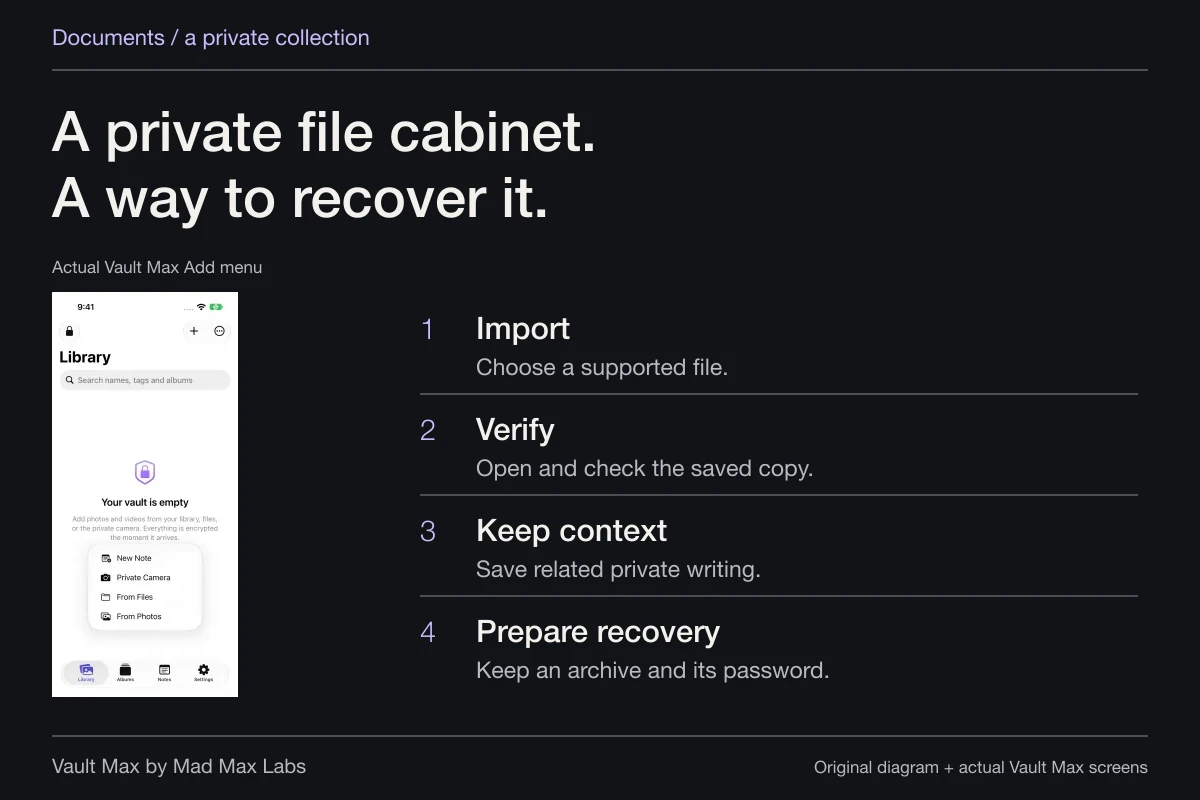
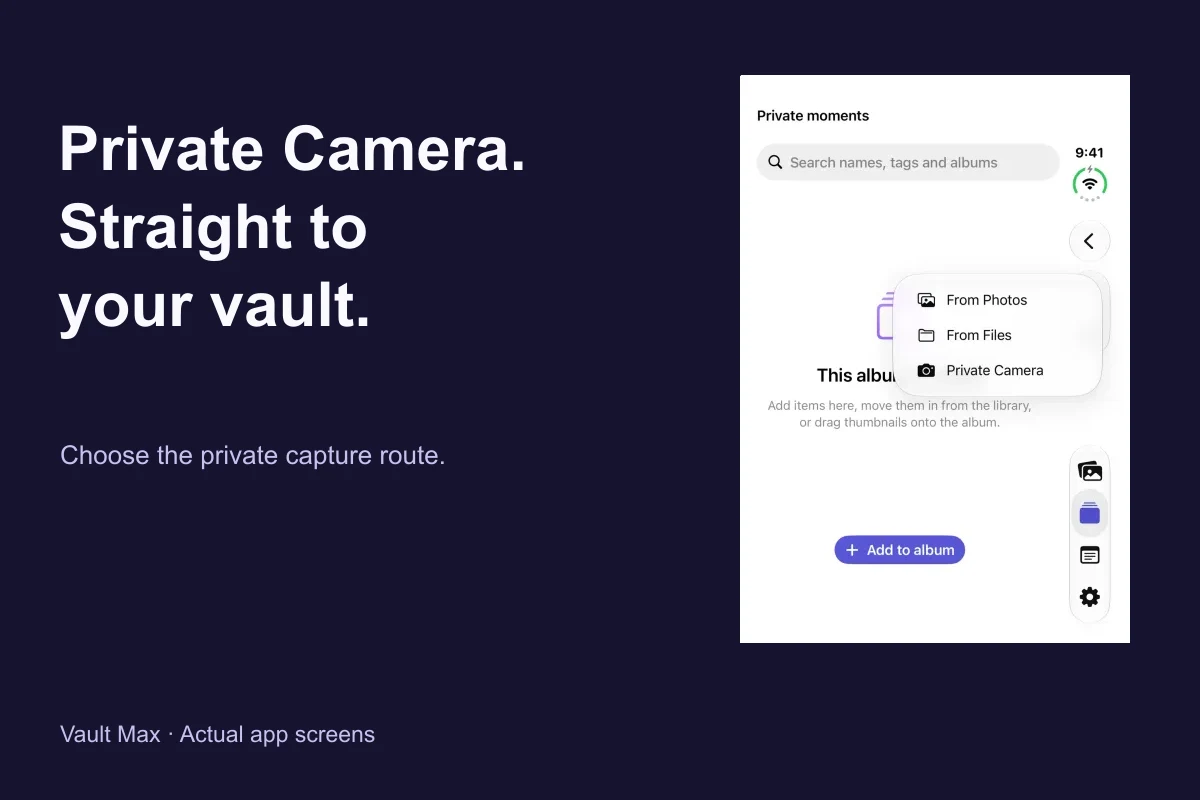
In Vault Max, choose Add → From Files for the saved PDF and From Photos for an existing photograph. Select the intended items and wait for import. Then open the results inside the vault.
Inspect the full image, not just the thumbnail. For the document, check the readable pages through the available Quick Look preview. If the expected content is unclear or a preview is unsupported, retain the usable source and investigate before relying on the copy.
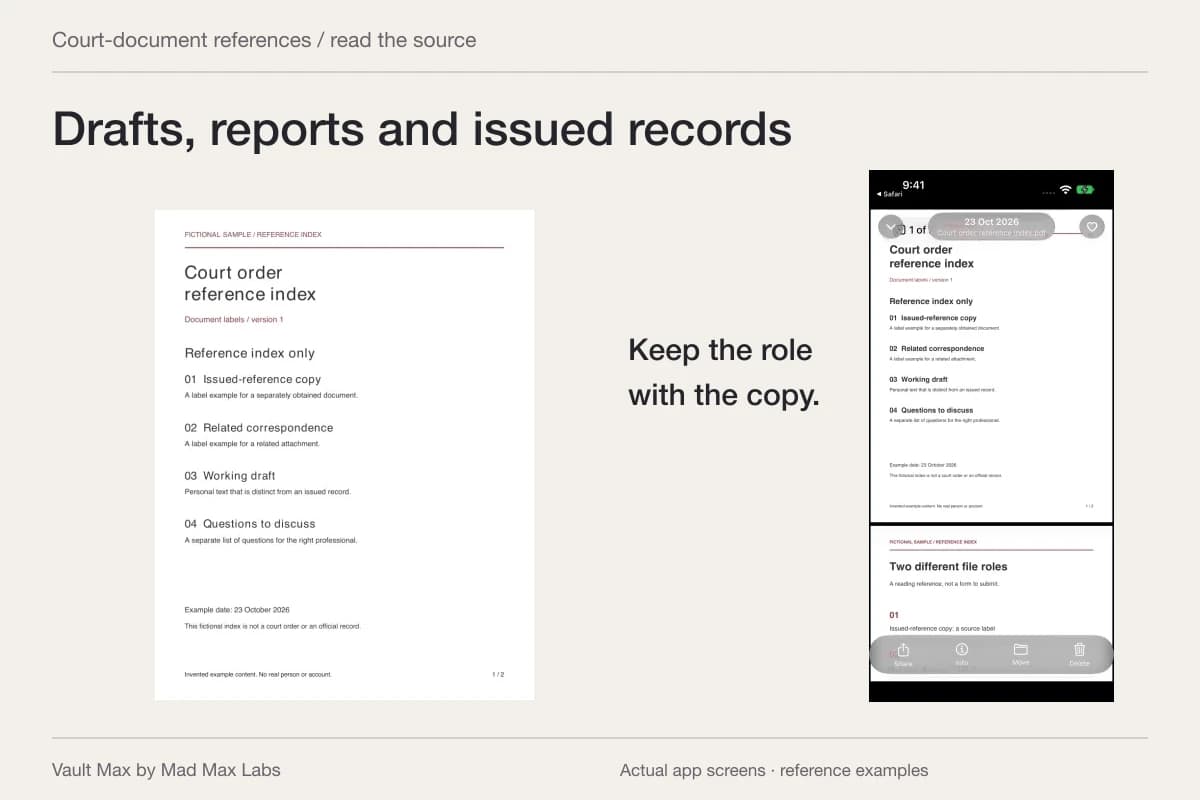
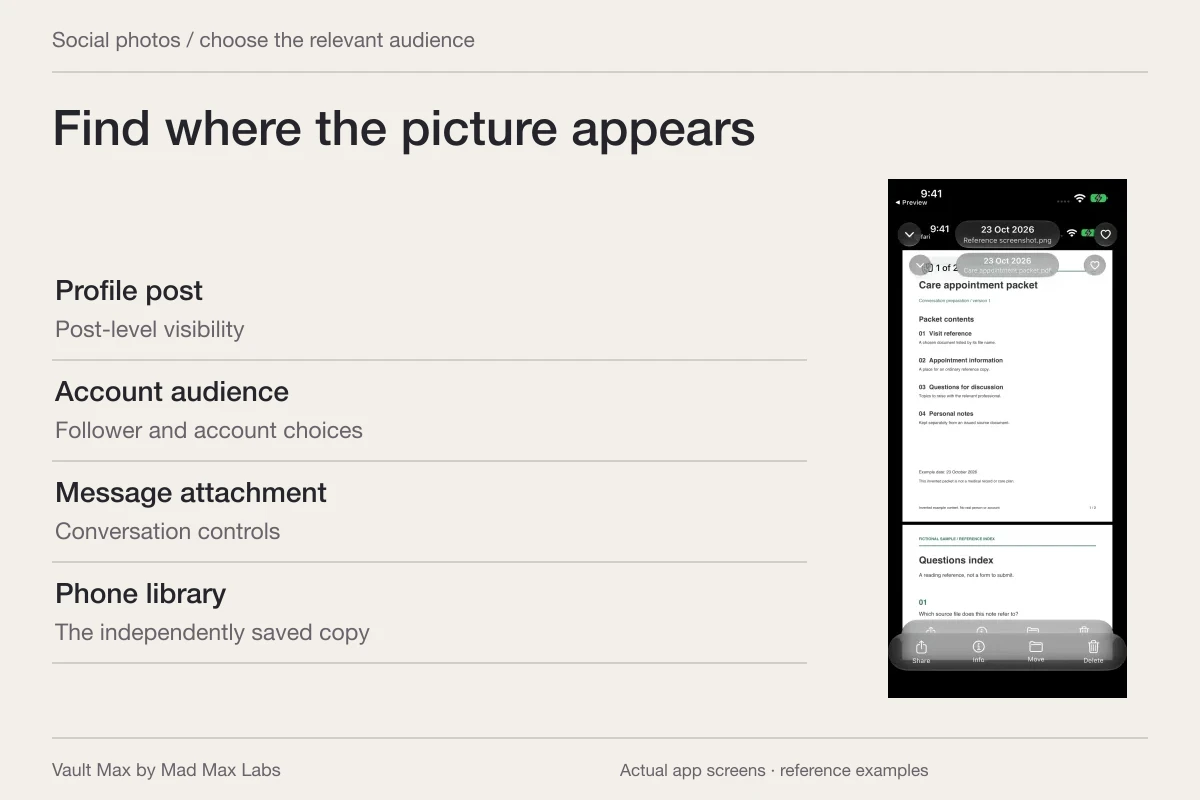
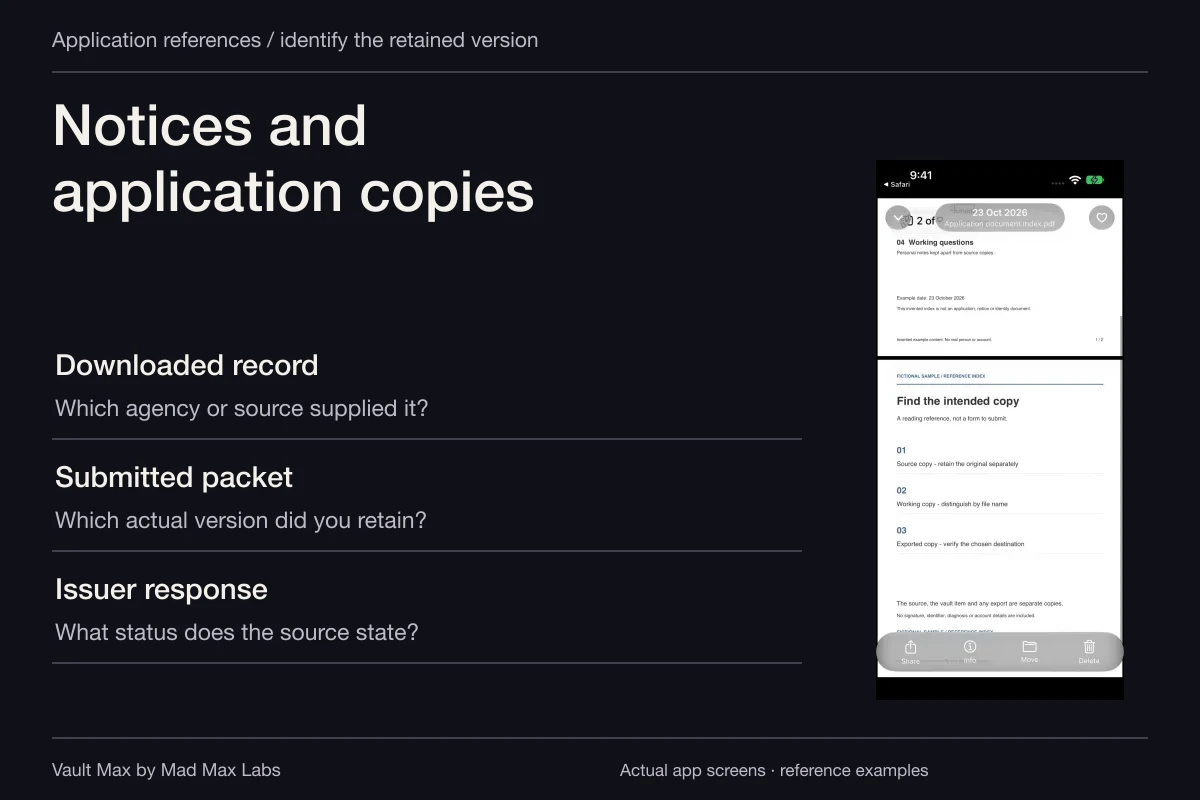
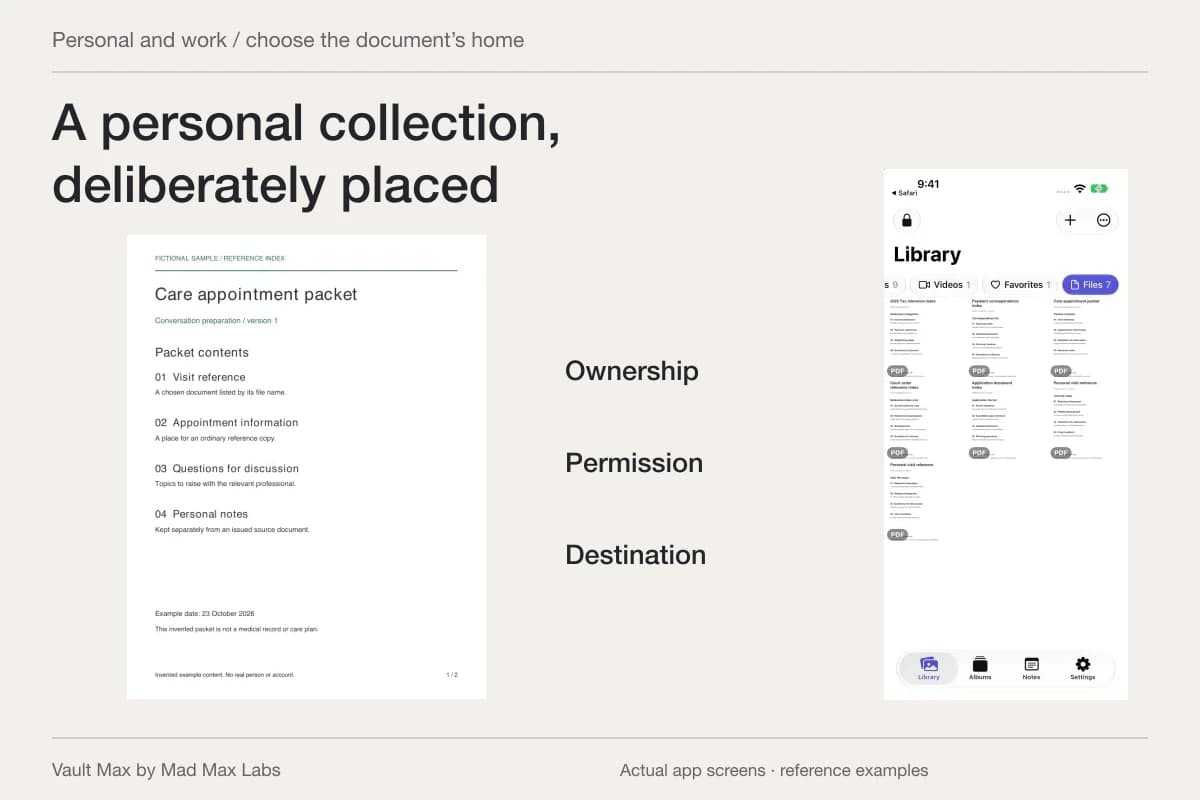
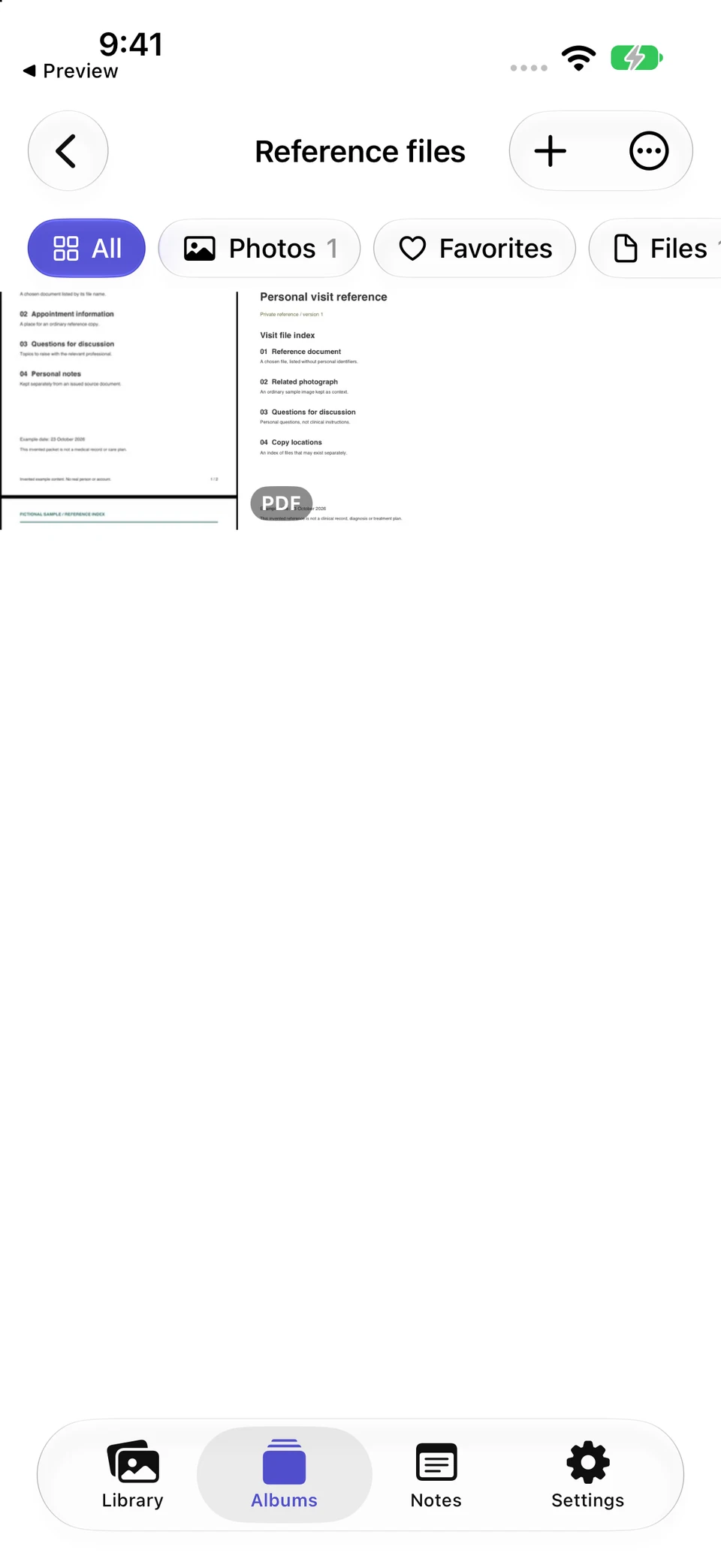
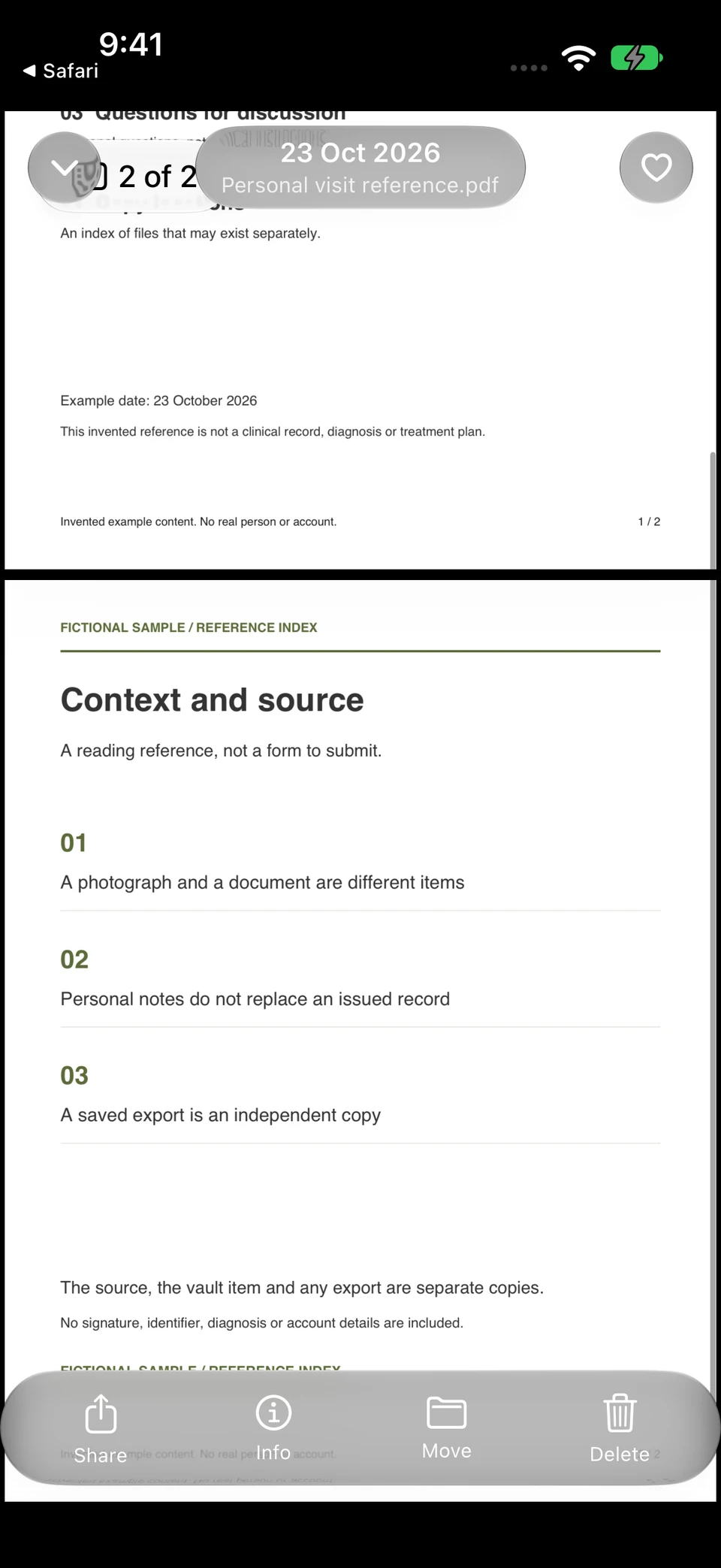
The Reference files album contains an image and a PDF. Here the image is an actual screenshot of fictional sample content, while the PDF opens as its own two-page file. The example demonstrates organization without using patient information.
Vault Max · Actual app screens, fictional sample contentKeep the two file types together
Open original image: Keep the two file types togetherRead the complete document
Open original image: Read the complete documentOpen the fictional two-page reference PDF used in this walkthrough. It is a sample index for inspecting the file workflow, rather than an official form or a real record.
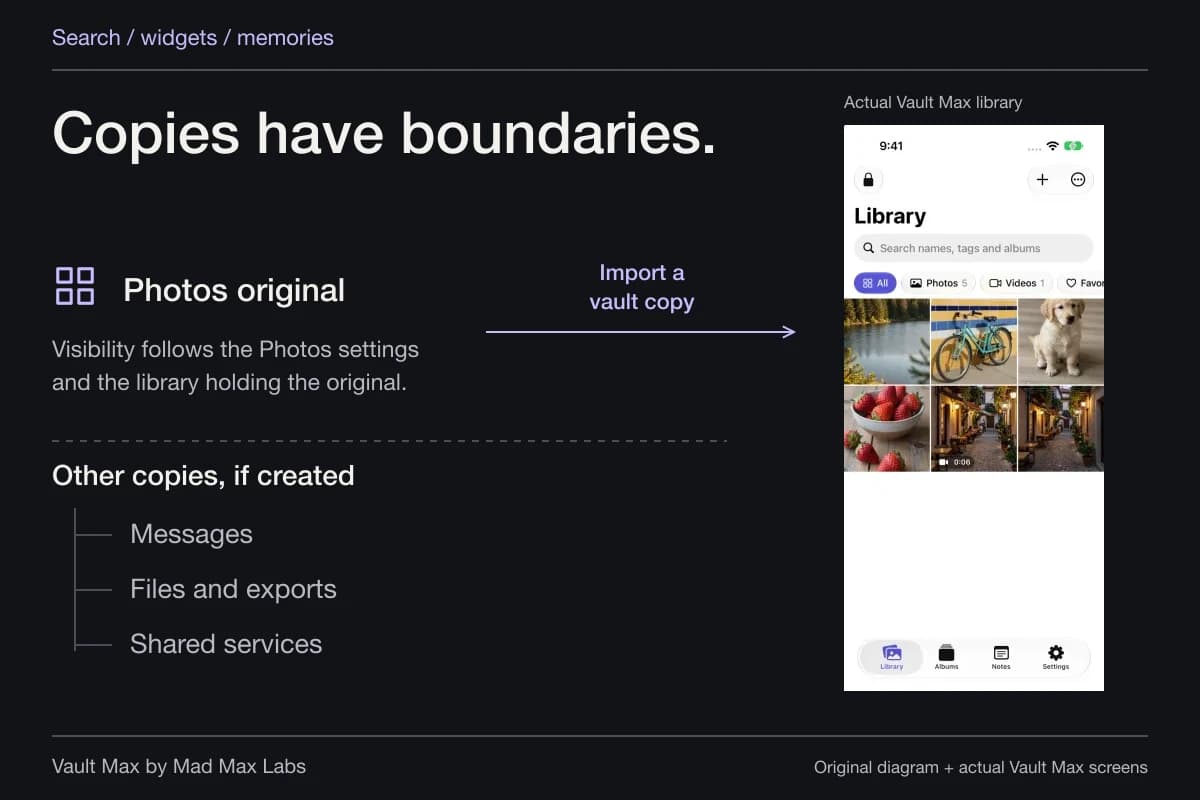
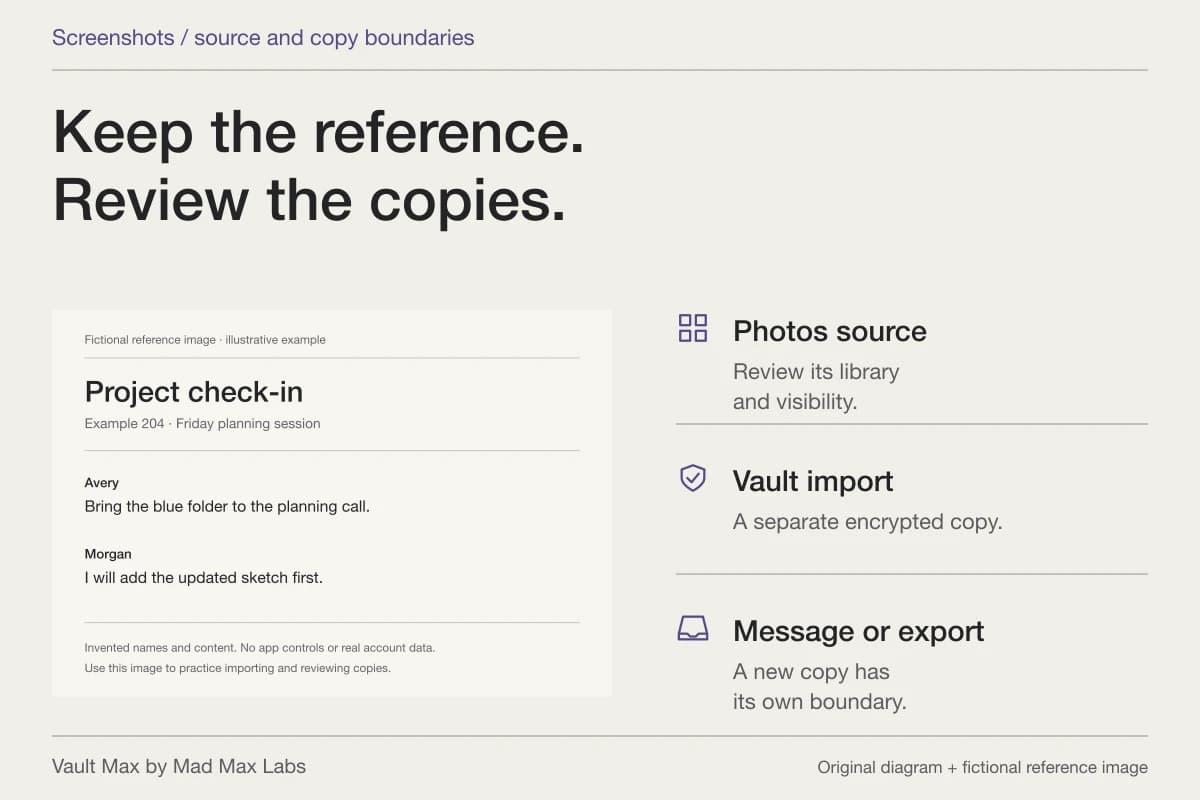
Import adds a separate encrypted item. The Photos original, a portal download and any previously sent attachment keep their own locations. The local collection helps you manage the chosen reference; it does not administer those other copies.
Organize by the question you are trying to answer
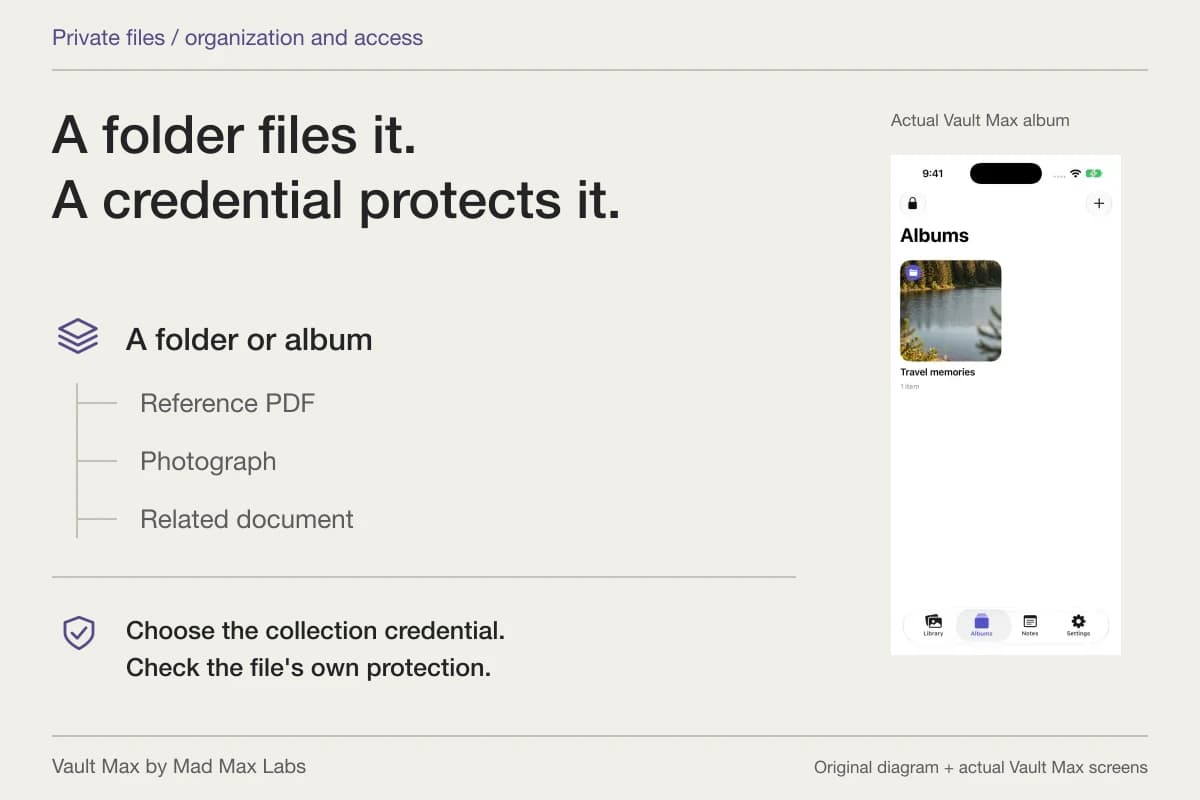
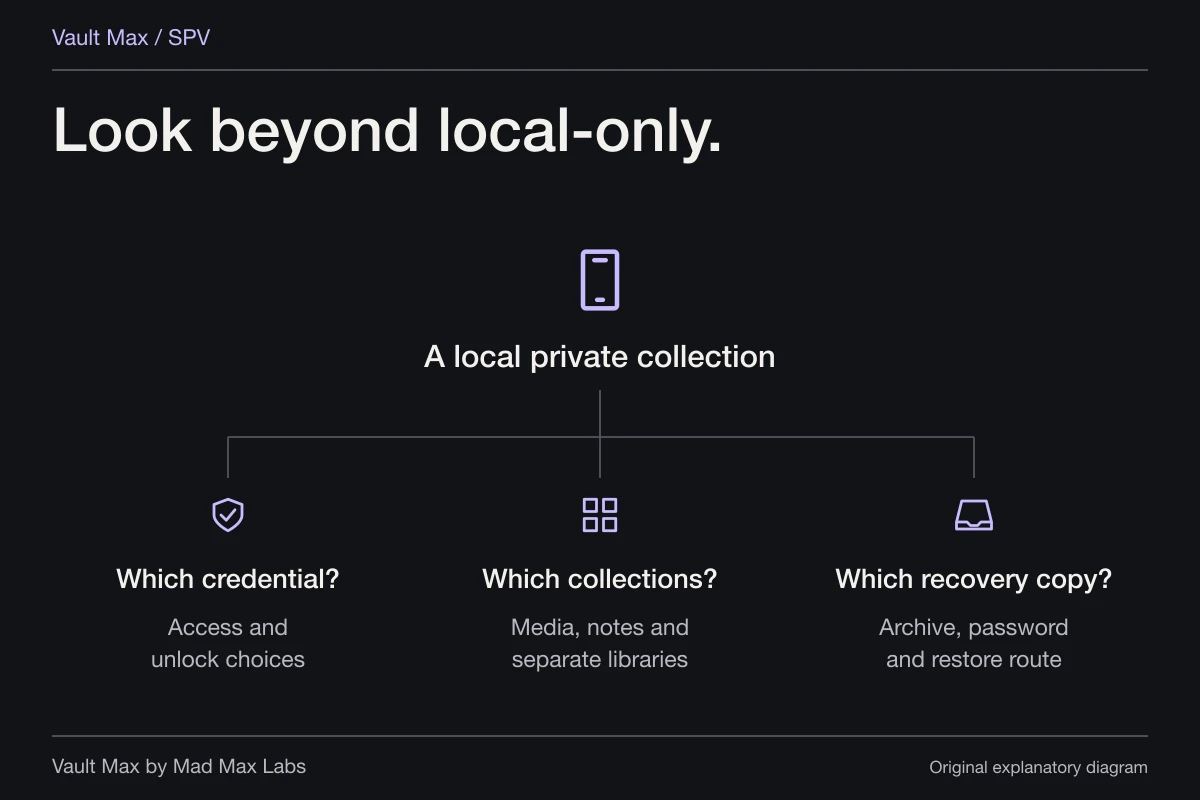
Choose an album name that makes sense when you return. A group for a particular appointment or provider may be more useful than one huge “Important” album. Keep the grouping about retrieval rather than trying to express a medical conclusion through the title.
Vault Max lets an item have one album assignment. Favorites is independent, so you can flag a frequently used reference without importing it again. Use those controls to reduce the browsing needed when you want one document.
Gallery search matches filenames and album names within the current scope and filter. It does not read a report's paragraphs or interpret numbers inside a photograph. Use a known part of the filename, and check the Files filter when retrieving a document.
| What you retained | What to identify | Where the explanation belongs |
|---|---|---|
| Provider-supplied report | Source, date and supplied version | A separate personal question note |
| Personal reference image | The known subject and context | Your observations, kept distinct from diagnosis |
| Appointment summary | Which visit and document it represents | Questions to raise through the provider's channel |
| Insurance correspondence | Issuer, date and actual document type | Your own administrative follow-up context |
Write a question note you can reopen
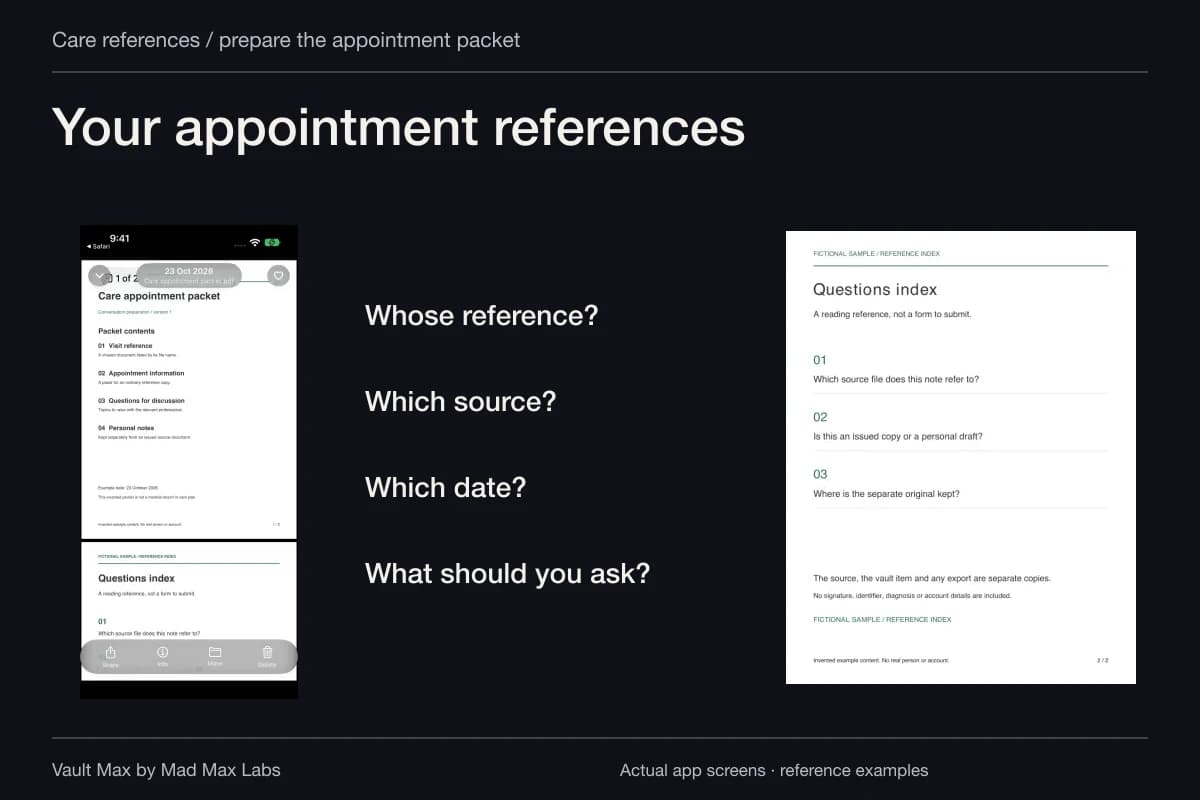
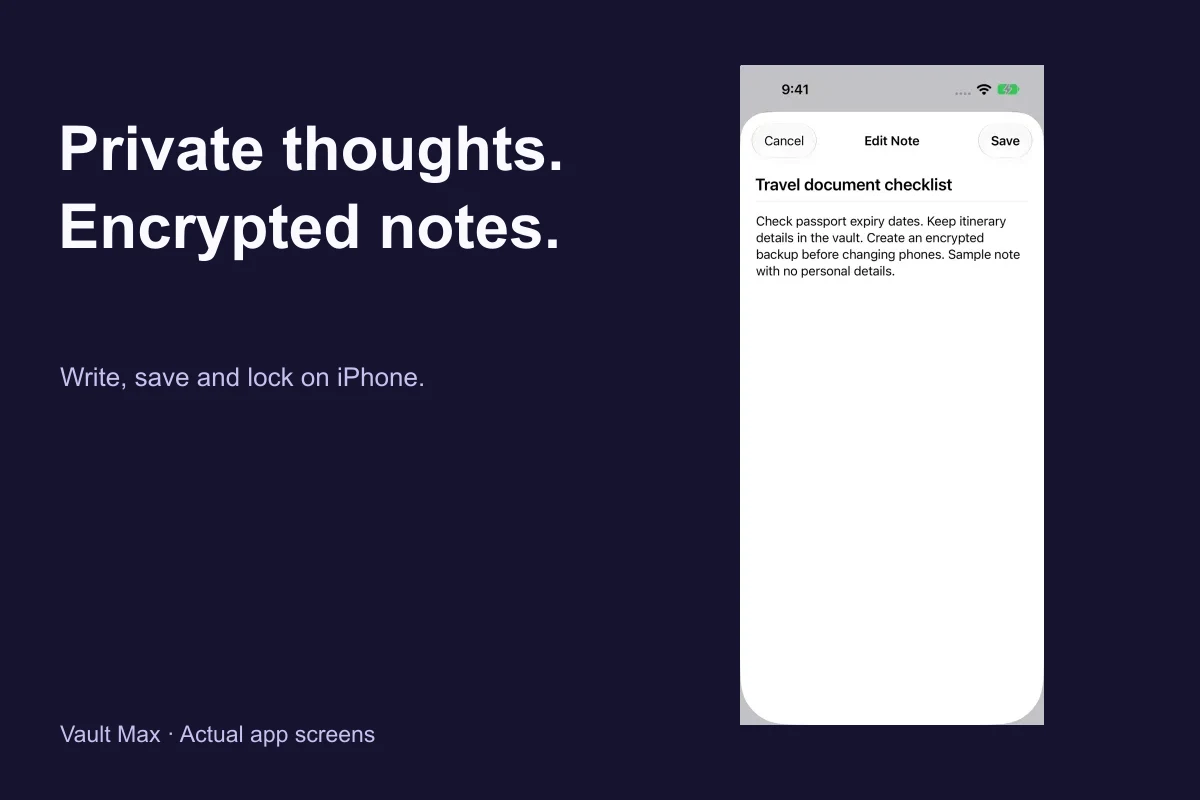
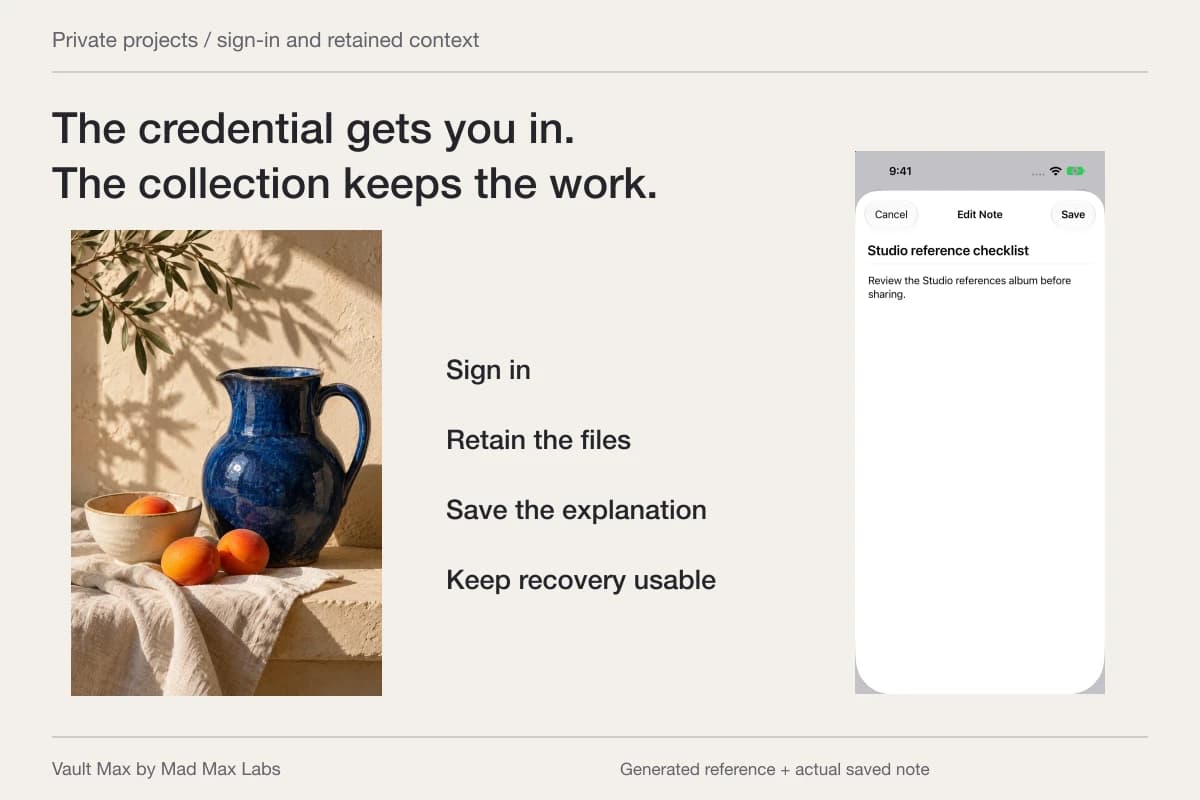
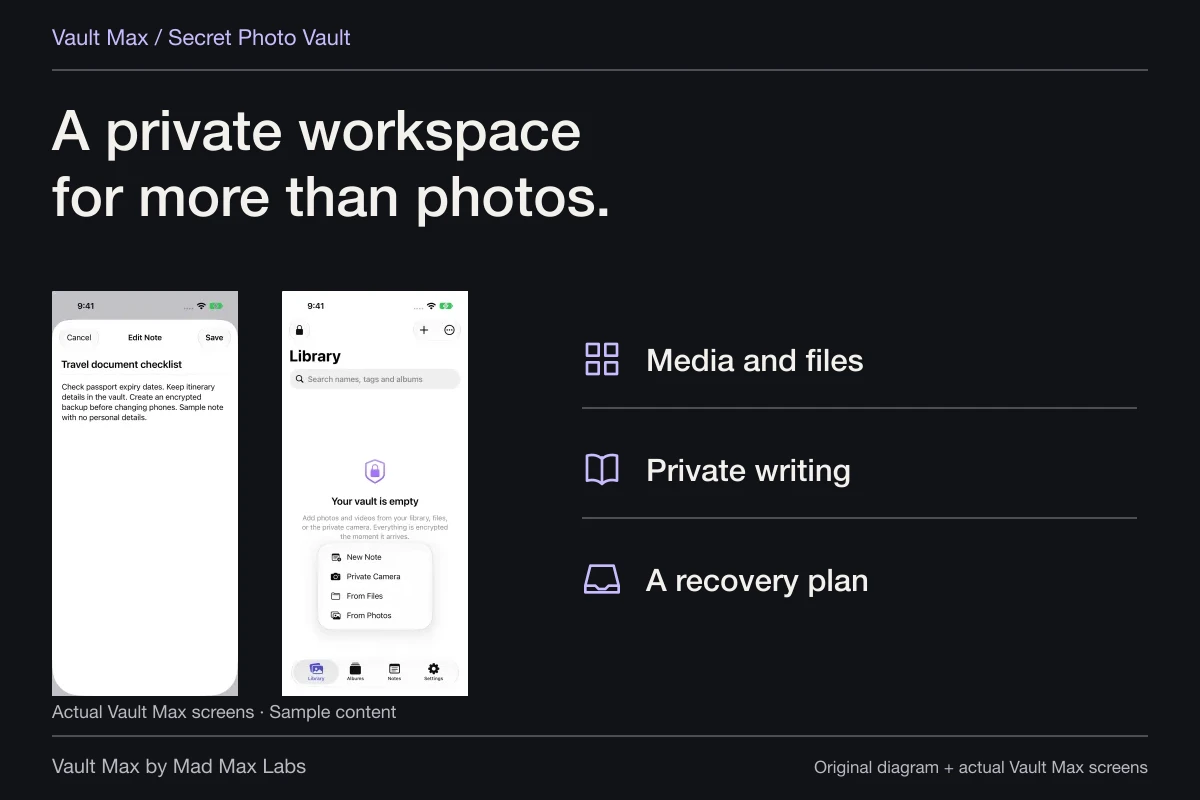
Give the note a clear title, such as “Questions about June report.” Record the document and page you mean, then write the question in your own words. Choose Save and reopen it to check the text.
Keep personal observations separate from the provider's statements. A note can preserve what you wanted to discuss without changing the report or representing a new treatment instruction. Vault Max's editor saves a plain-text title and body, so write the question in a form that will still make sense when reopened later.
The federal Use It guide describes notes and photos as useful context when managing personal references. Its discussion covers many kinds of health apps. Only the actual file, organization and writing workflow described here is being attributed to Vault Max.
Check the reference before the conversation
Reopen the album and choose the specific image or report you intend to discuss. Check that its filename matches the source and date you expect. If you imported several related photos, open the full frame of each candidate rather than choosing solely by a small thumbnail.
Open the question note separately and confirm which document it refers to. This short rehearsal catches a common filing problem: the correct report is present, but the question points to a differently named copy. Fix the label or your own note while keeping the supplied report intact.
Keep delivery to the care team deliberate
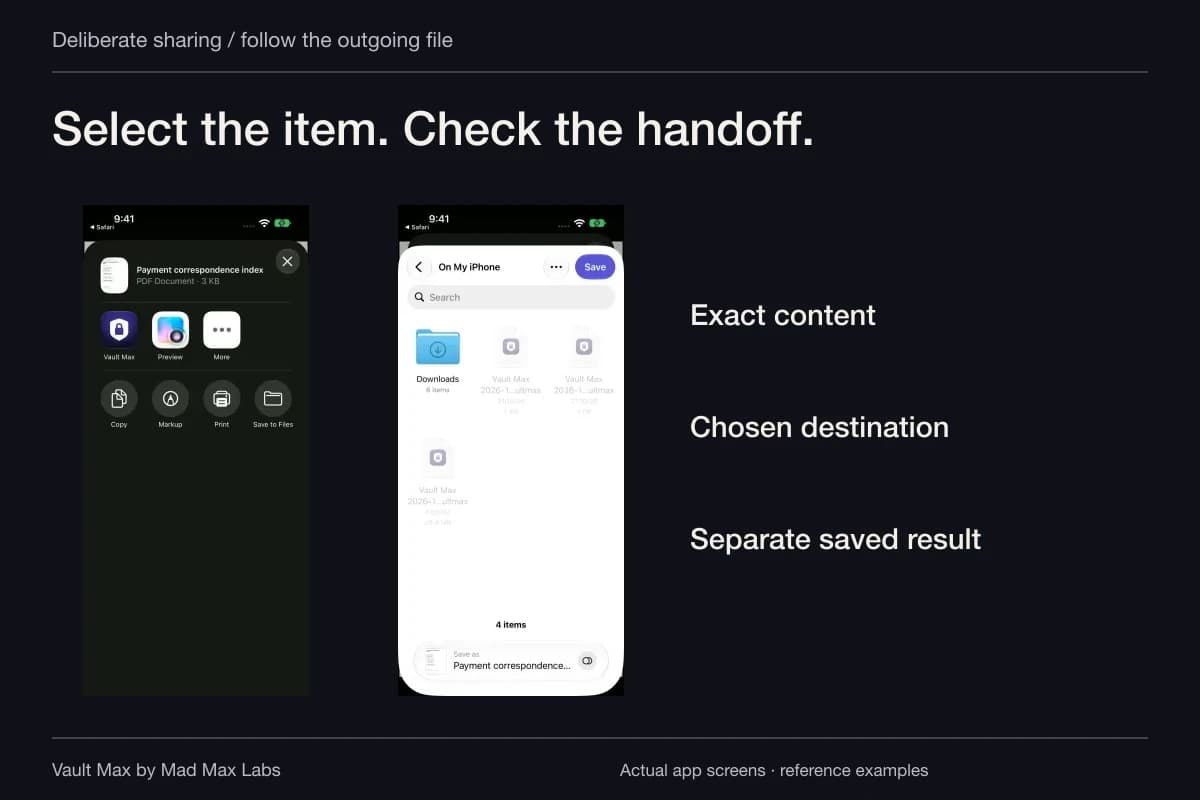
If a provider asks for a file, use its requested channel and choose the exact item. An ordinary export from Vault Max is a usable copy outside the vault. Check the file and recipient; the destination's access and retention rules apply afterward.
Do not assume your local note has reached the care team merely because you saved it. Personal reference storage and provider communication remain separate actions. Keep information the care team needs available through its appropriate process.
HHS's personal-device privacy guidance explains why personal apps and provider-held records have different privacy arrangements. Review the app's actual policy and storage model rather than treating a general encryption claim as a medical-compliance certification.
Preserve the context in a current recovery archive
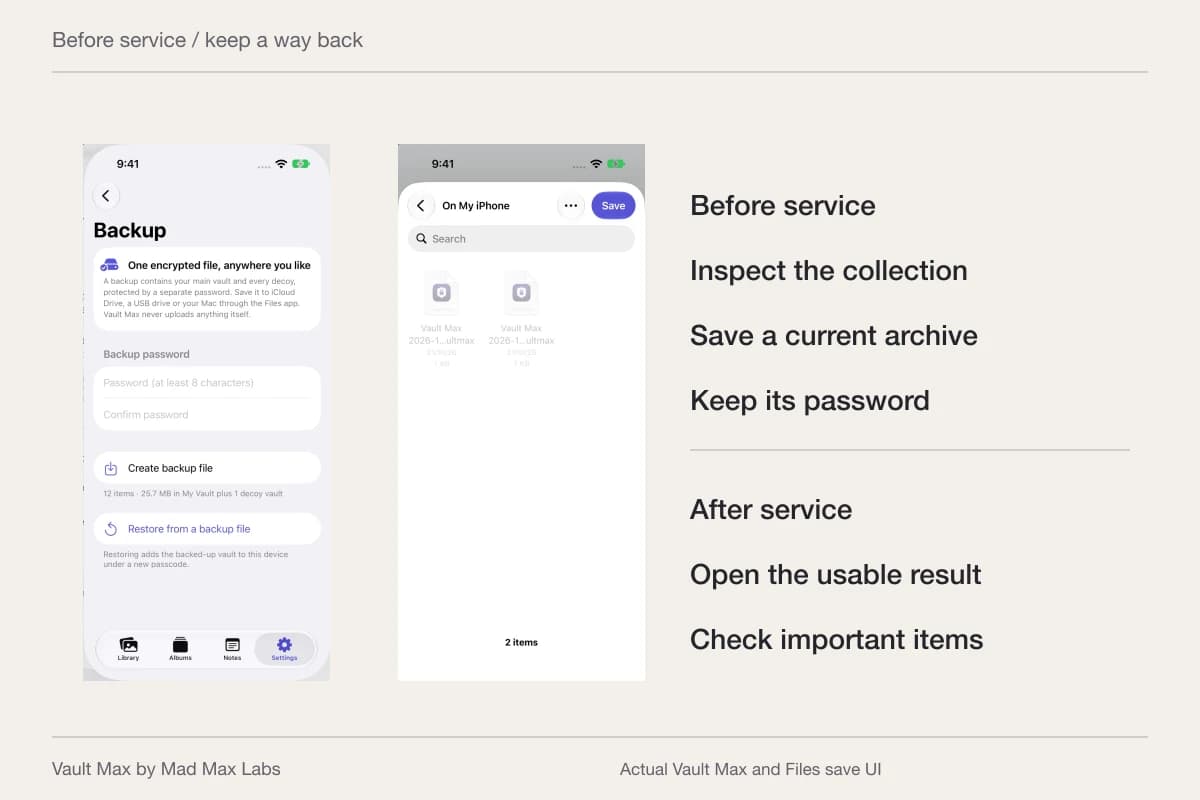
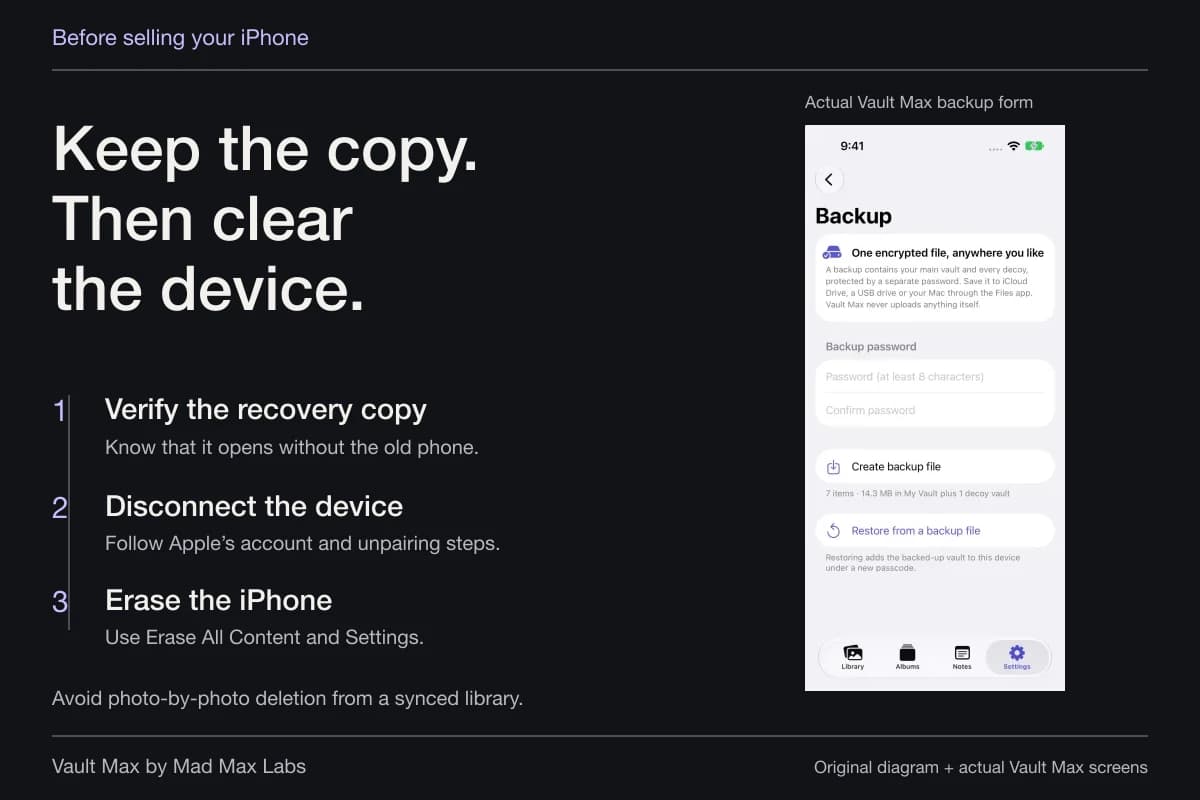
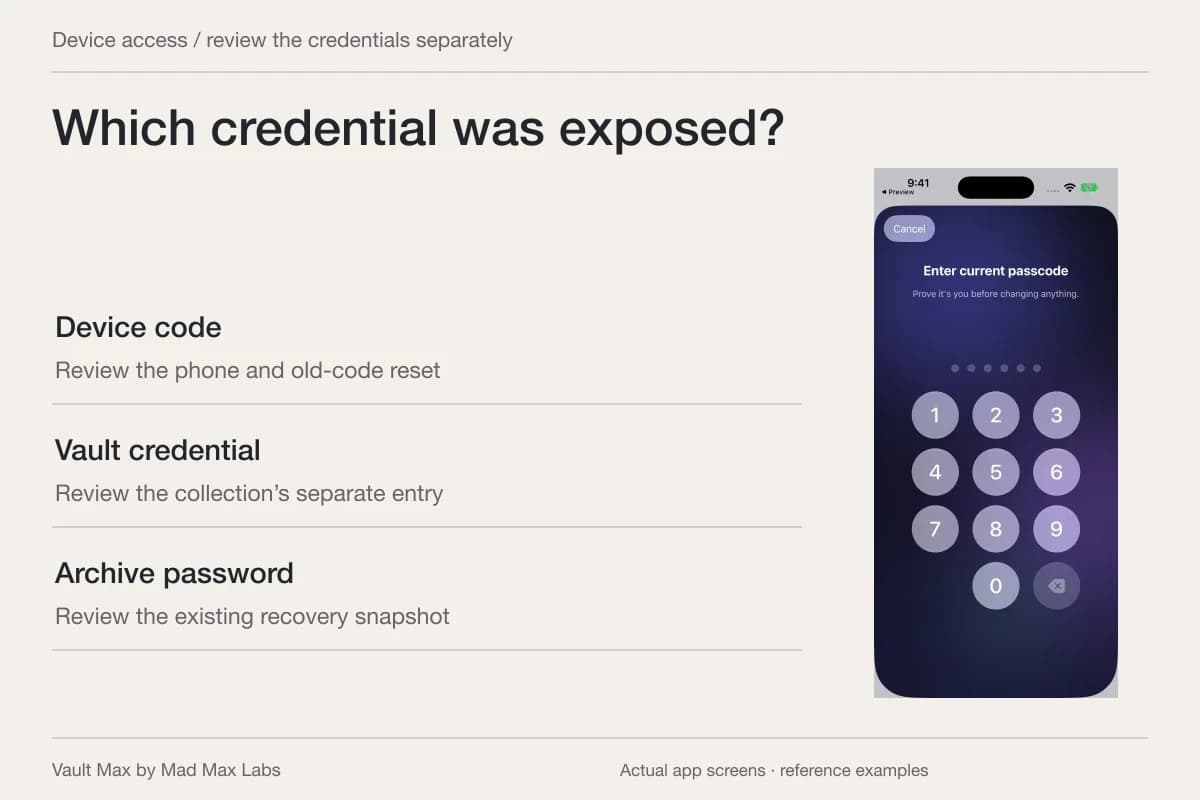
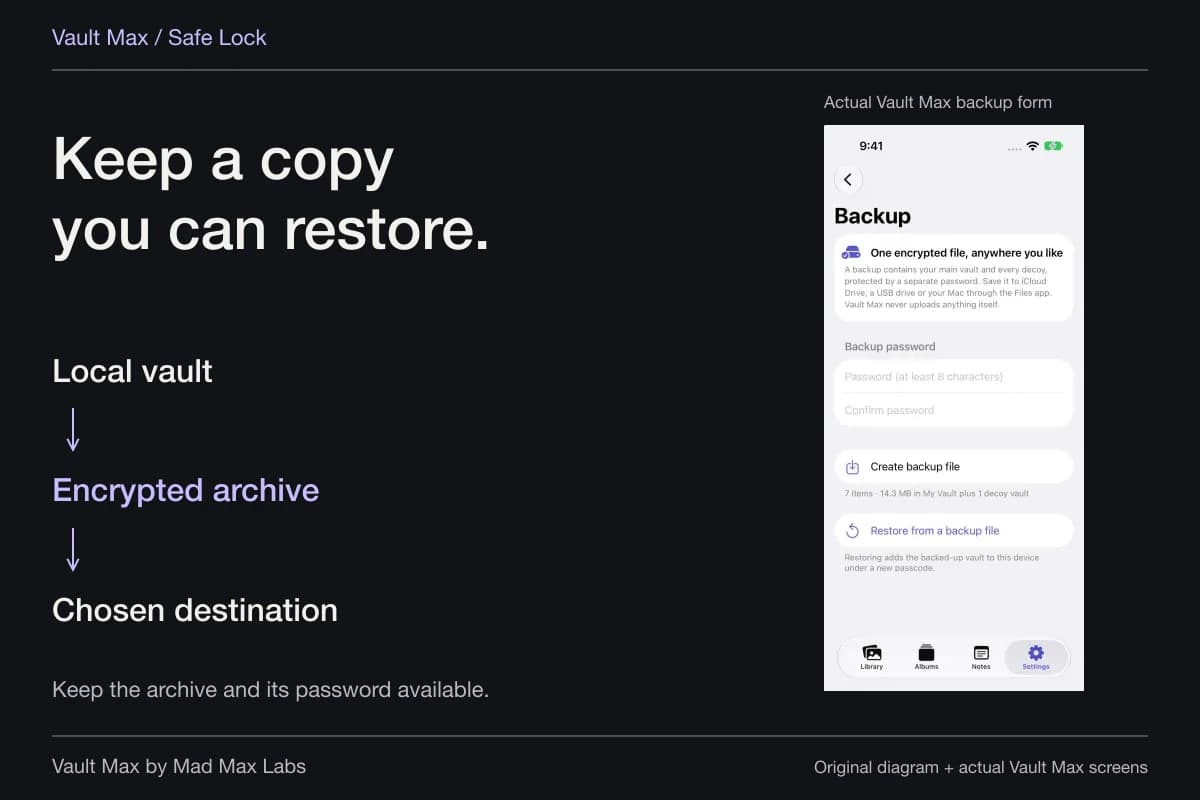
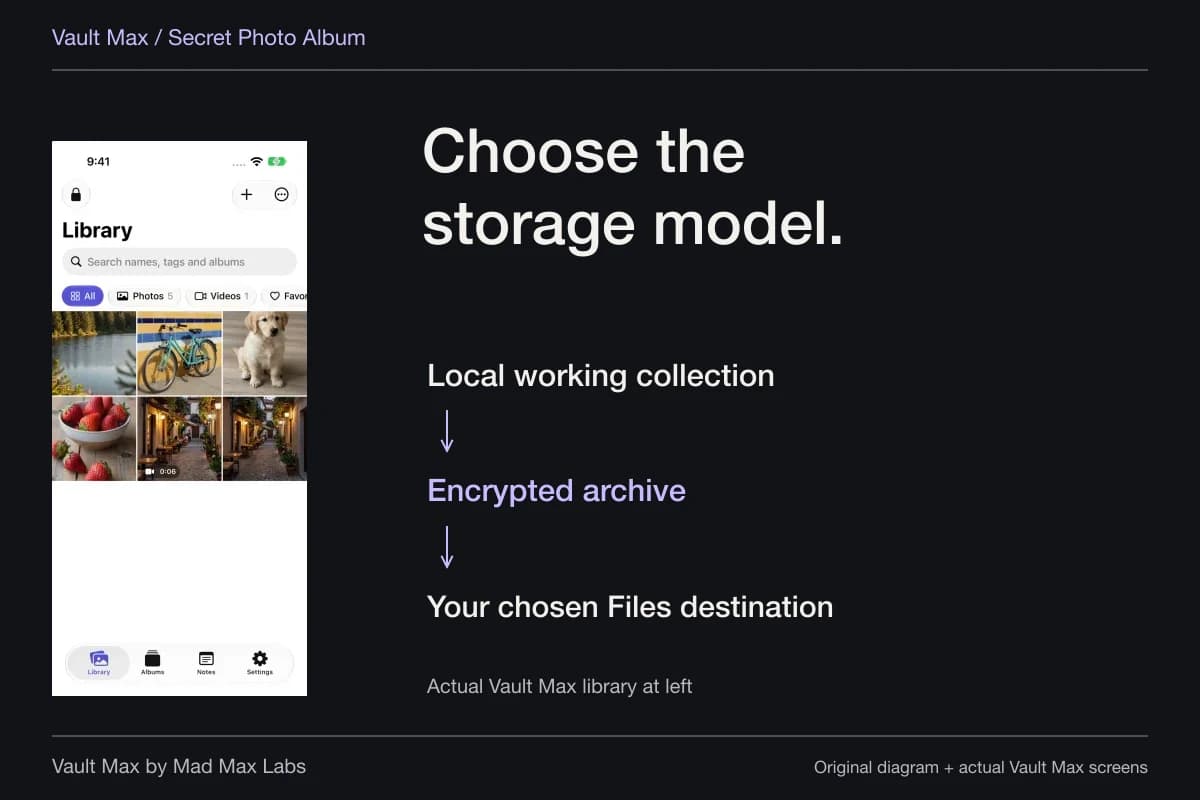
Vault Max needs no account for its encrypted local working collection. Create a password-protected .vaultmax archive when meaningful new files or writing should be included in recovery. Notes are part of that snapshot.
Choose a Files destination and keep the archive password accessible independently of the phone. A snapshot made before a new report cannot contain that later addition. Record what date the recovery file represents, then close the vault session when finished.
- Distinguish the supplied document, your image and personal observations.
- Check full images and readable document pages.
- Use the intended album, filename and filter.
- Reopen the note and use the provider's channel when communication is needed.
- Retain an accessible archive and its separate password.
Tap a box as you go. Checks reset when you leave this page.
Common questions
Can I put a medical photograph and a report PDF in the same album?
Yes. Vault Max albums can organize imported images and documents inside the current vault. Keep any explanation as a separately saved encrypted note with a recognizable title.
How do I find a report when several files look similar?
Give the file a name that distinguishes its source, date and supplied version. Search part of that filename within the intended vault and filter. Gallery search does not read the report's body or interpret the image.
Does my private collection automatically update from a provider?
This is a local working collection of the files you import and notes you save. Check the source and date when a current version matters, and use the provider's own channel for its records and communications.
Continue reading
More guides
Practical tips for your private library. Swipe or scroll to choose your next guide.
86 guides to explore