
Privacy in practice
Someone knows your iPhone passcode: secure access, then separate the private collection
Respond to a shared or exposed iPhone passcode. Review old-code reset, account access and a separate Vault Max credential, then check your recovery copies.
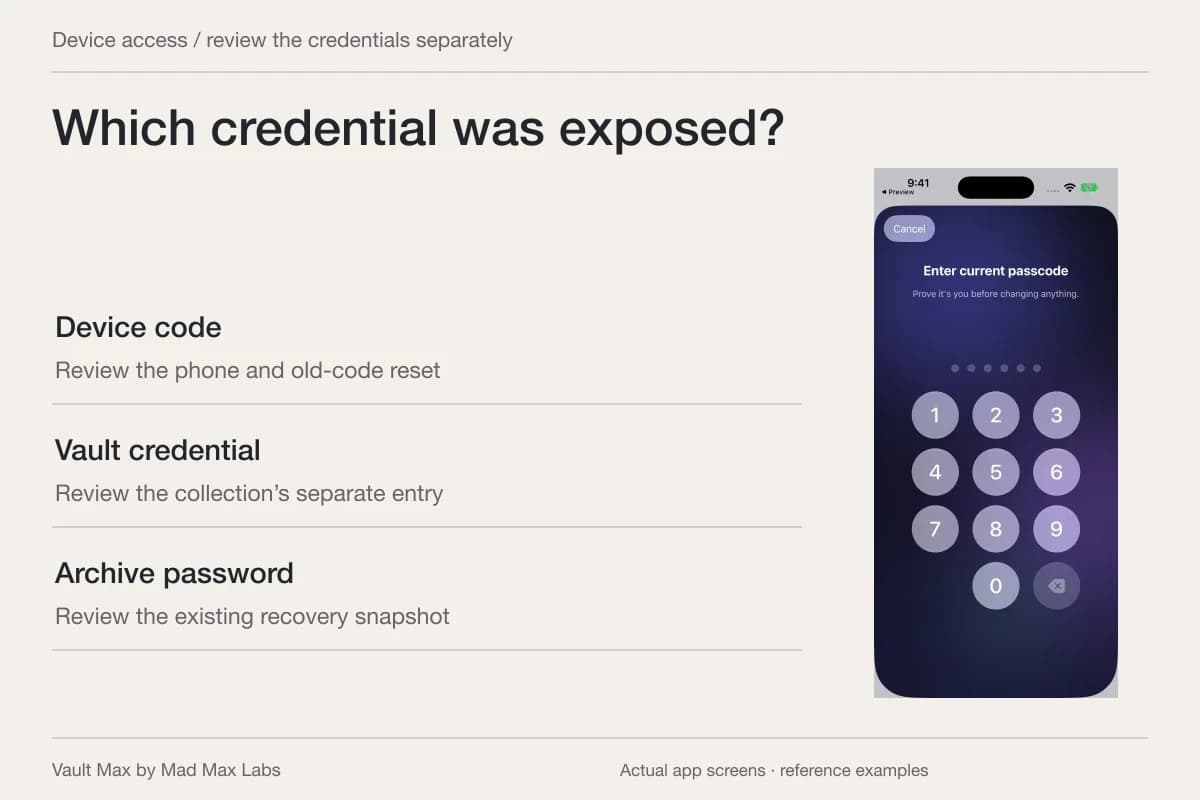
If someone knows your iPhone passcode, start with who currently controls the phone. When it is still with you, review device access and the accounts connected to it. When it has been stolen, begin Apple's lost-device response immediately. A separately protected photo collection is useful preparation, alongside those device and account controls.
The important question is which credential the other person knows. A phone code, Apple Account password, private-vault code and archive password can open different things. Reusing one secret across them erases some of the separation you intended. Work through the actual access paths rather than changing one number and assuming every saved copy has acquired a new lock.
If the phone has already been stolen
Use Apple's current stolen-device instructions: go to iCloud.com/find, choose the device and mark it as lost. Apple says this sign-in does not require a verification code. Do it even if you enabled Stolen Device Protection. Keep the device in Find My so Activation Lock remains; follow the guidance for reporting the theft and contacting your carrier.
If Find My was not enabled beforehand, that remote path is unavailable. Follow Apple's account-protection guidance instead. Never provide your passcode to a message or caller claiming Apple found the phone. Installing a vault afterward cannot move the stolen device's photos into a collection it did not already hold.
Review whatever independent recovery material you actually have. A saved archive on another reachable destination is different from the only copy remaining on the stolen phone. Record what is available before attempting recovery changes.
If you still have the phone, replace the known device code
Apple's personal-safety passcode guide walks through changing the device code and reviewing continued access. Use a new value the other person does not know. Check the relevant Face ID or Touch ID information and connected-device access too, rather than treating a passcode change as a complete account review.
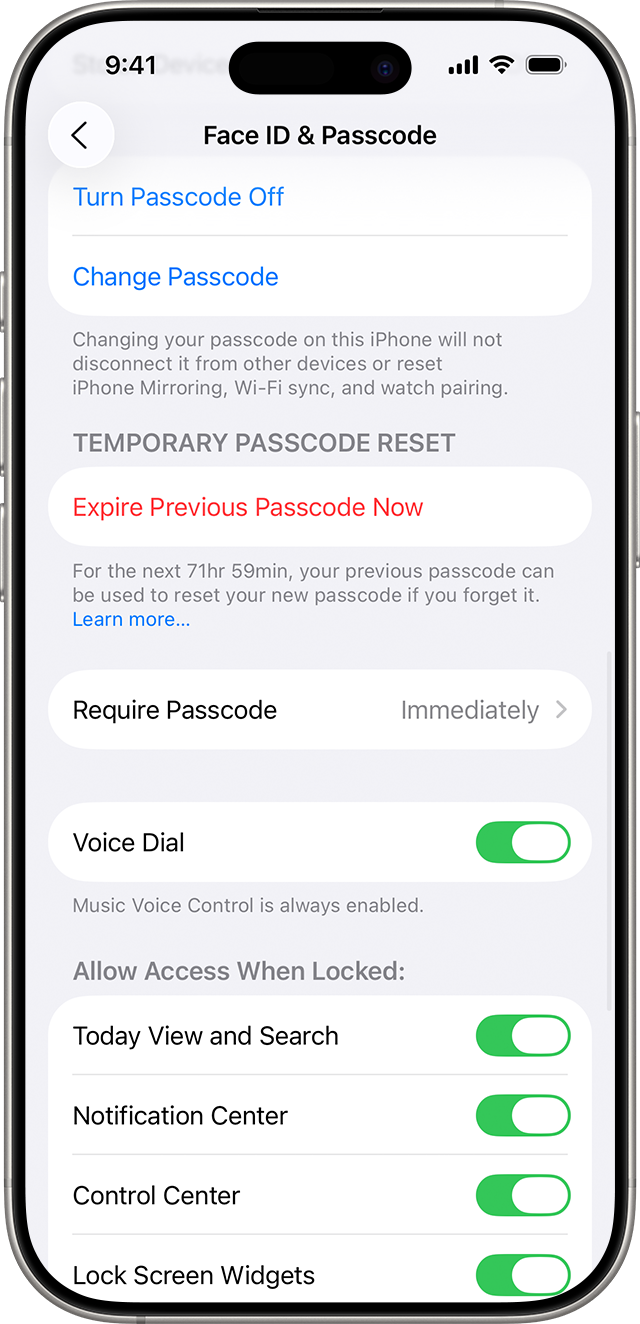
A specific detail matters after the change: Apple documents a 72-hour old-code reset window on supported systems. If the old value is exposed, read the Expire Previous Passcode Now instructions. The control is in Settings → Face ID & Passcode or Touch ID & Passcode. Confirm the new code is known and usable before ending that old-code recovery route.
Do not deliberately trigger repeated failed entries to test the reset feature. Follow the normal Settings path on a device you control. The goal is to remove an access route you no longer want while retaining a recovery plan you understand.
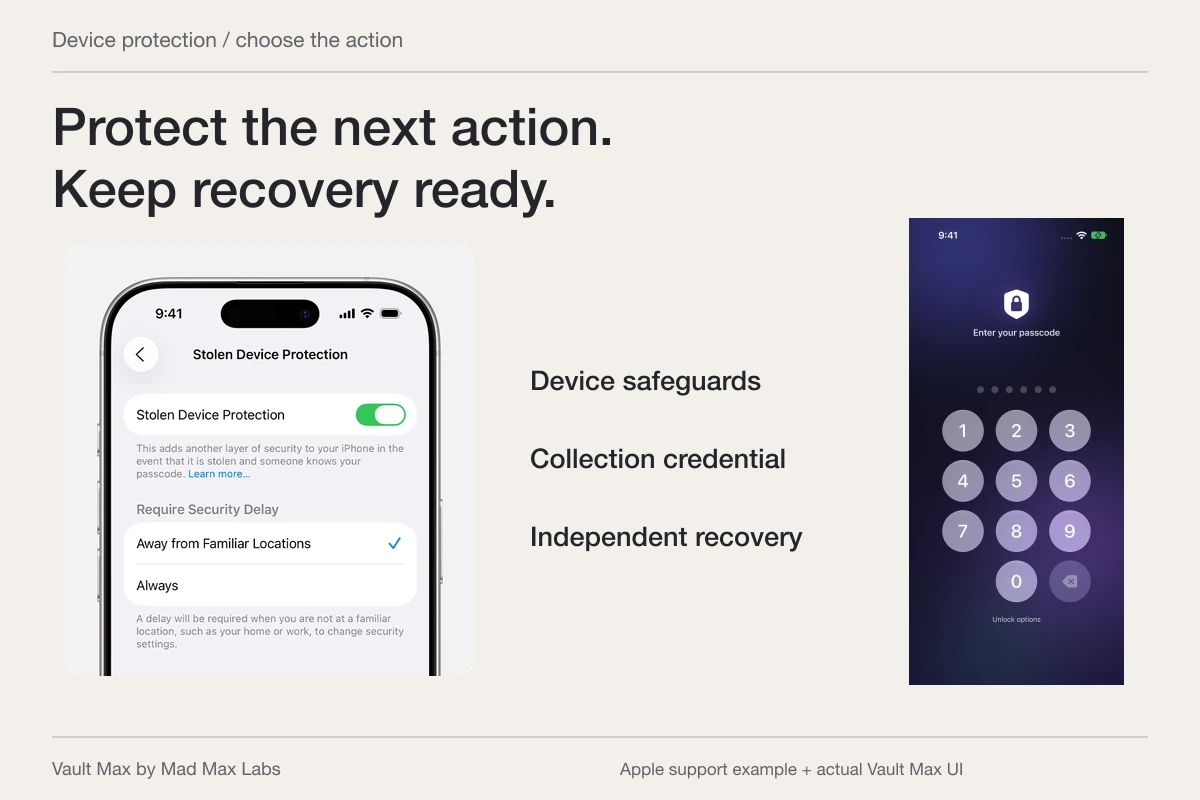
Apple’s iOS 26 support example shows the old-code reset control and its remaining window. Follow the route for your installed system, and confirm the new code before ending this recovery option.
Apple Support · published iOS26 exampleReview sharing separately from unlocking
A partner may know the phone code and also have access through a shared account, an existing album or another signed-in device. Changing the phone code does not automatically undo those arrangements. Apple's Safety Check provides a guided review of supported sharing, account devices and access. Its Manage Sharing & Access option supports a more deliberate review than assuming everything needs an emergency reset.
If another person's reaction could affect your safety, use Apple's personal-safety guidance from a device and setting you can use safely. Sharing changes can become noticeable. Safety Check also has limits: third-party accounts and social sharing need their own review. Keep this account work distinct from organizing an encrypted local collection.
| What the person knows or holds | What to review | Useful next check |
|---|---|---|
| The iPhone passcode | Device access, enrolled biometrics and old-code reset | Can the old value still be used through an enabled route? |
| An account password or signed-in device | That account's access and sharing | Which devices and recipients remain connected? |
| The Vault Max credential | The actual vault's credential | Does the private collection use a different secret? |
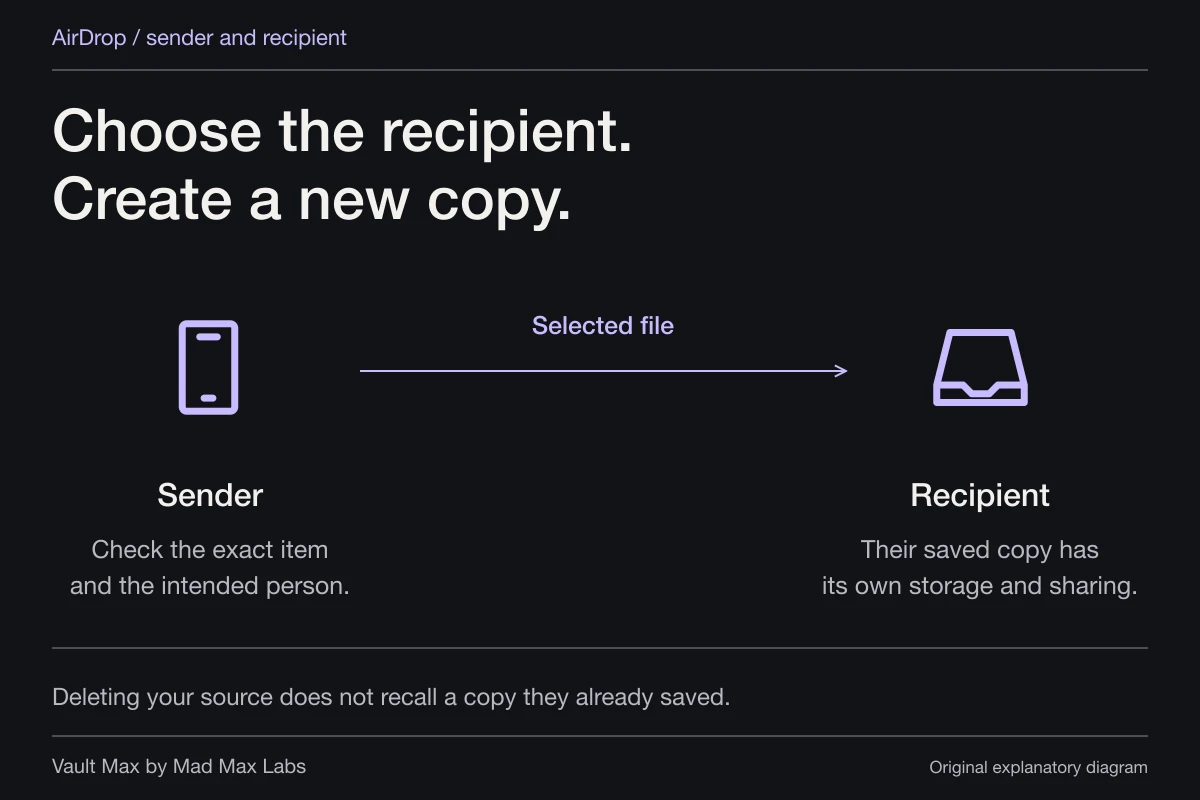
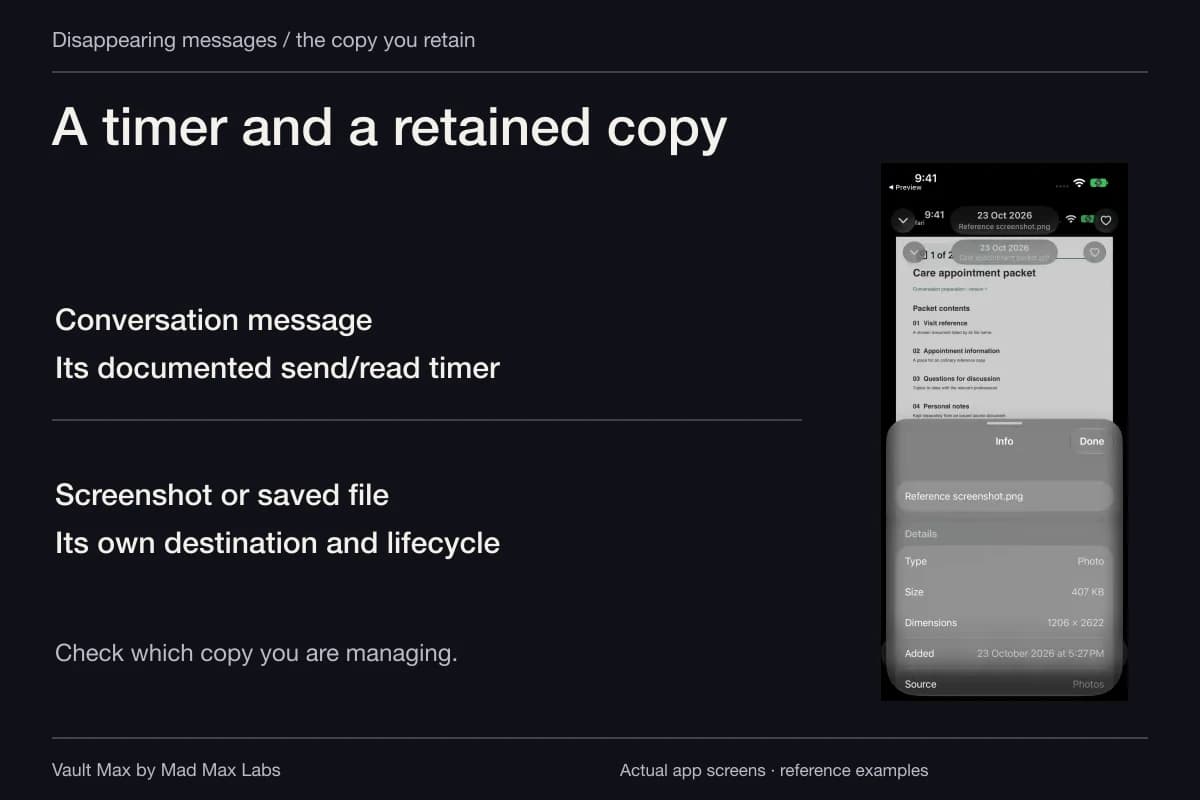
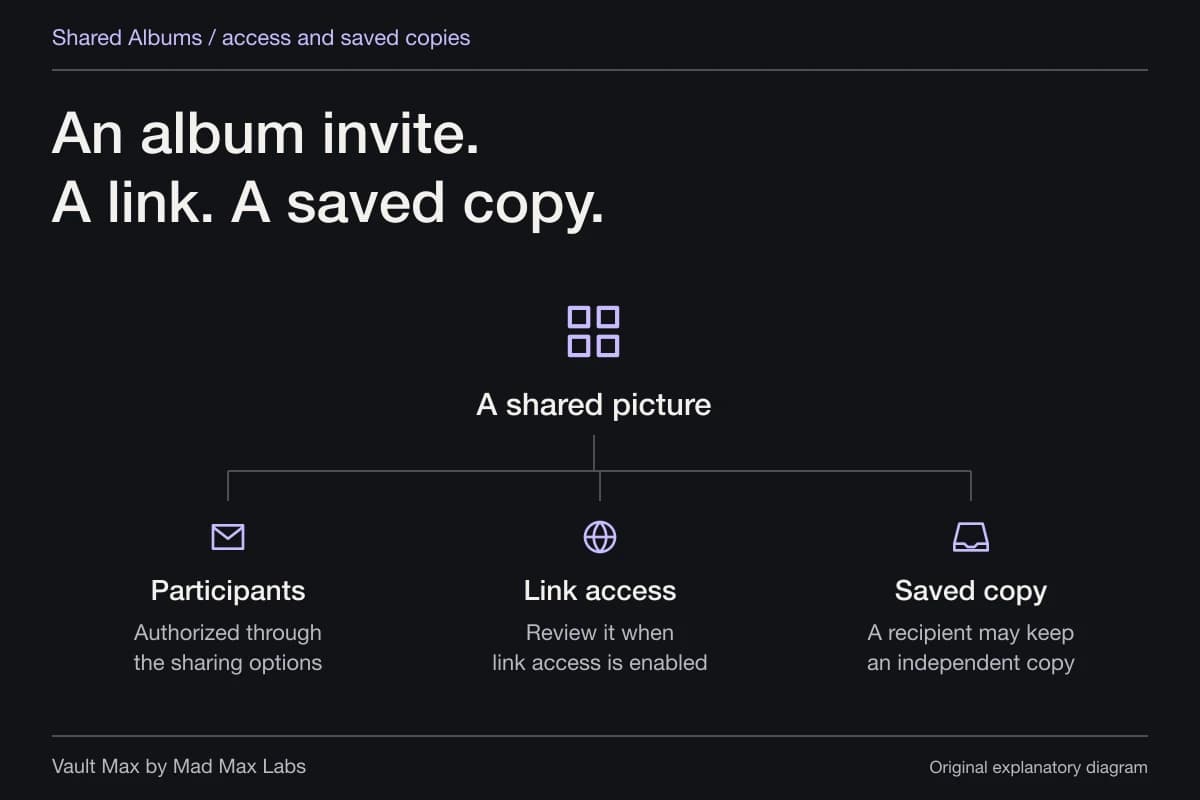
| An exported picture or PDF | The retained recipient copy | A new lock on your phone does not recall that file |
| An archive and its password | That recovery snapshot | A later vault-code change does not rewrite an earlier archive |
Give the local collection a genuinely separate credential
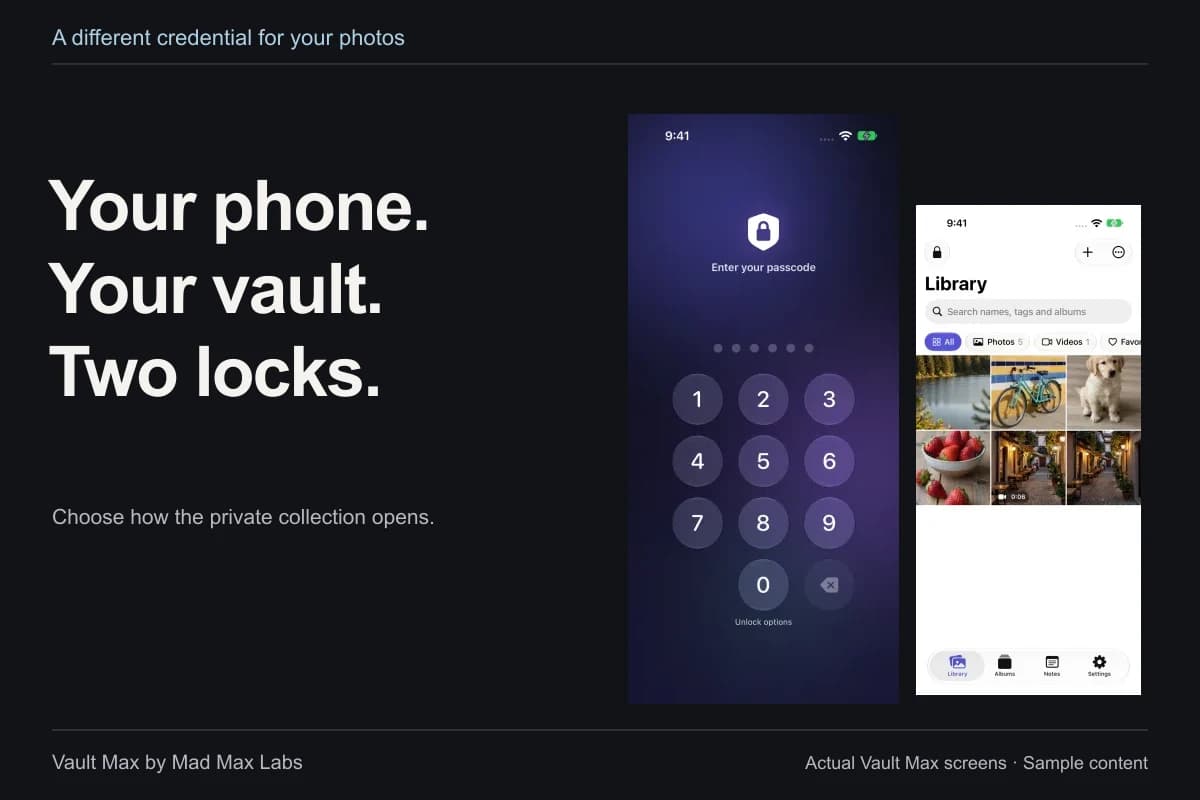
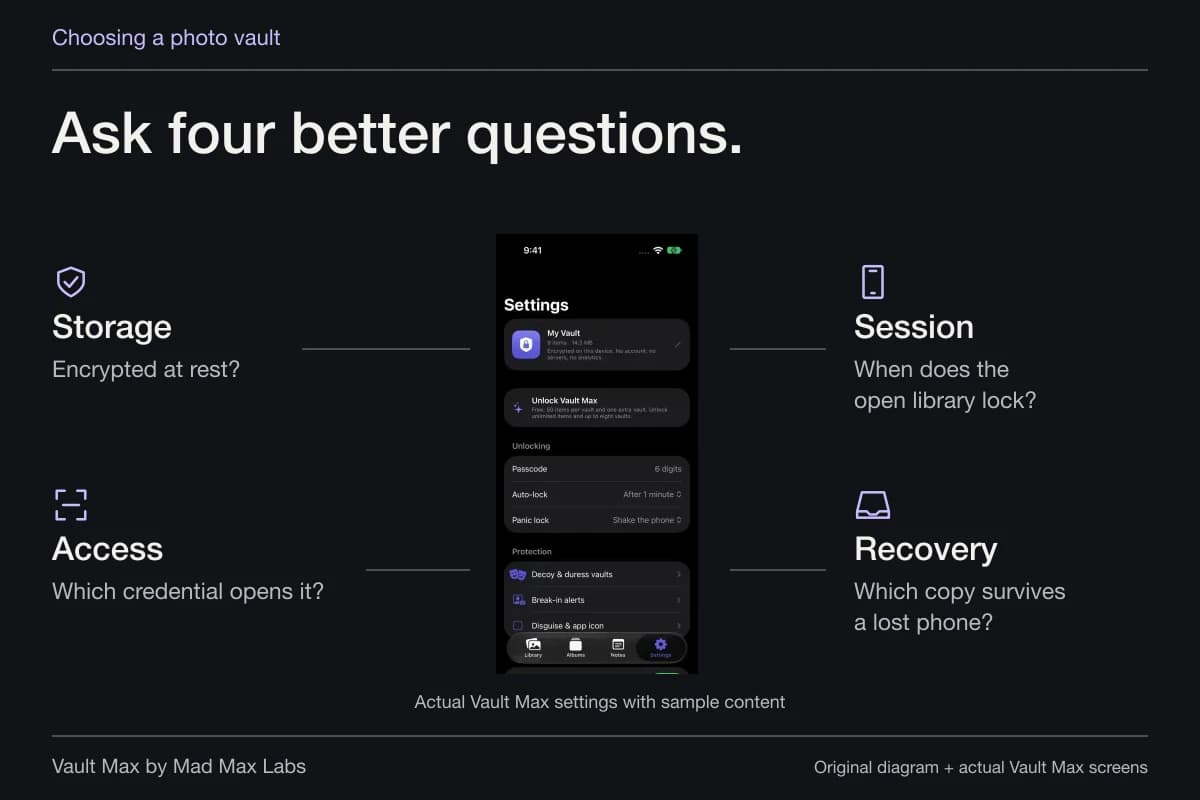
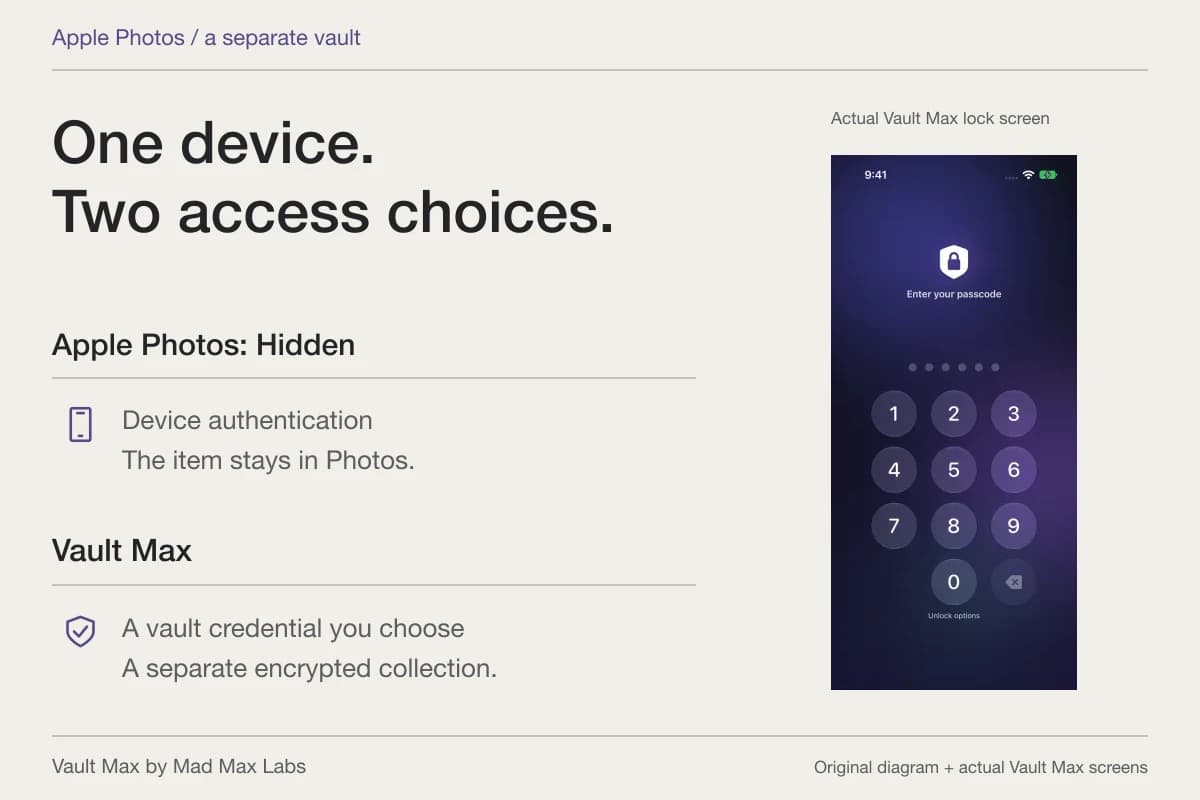
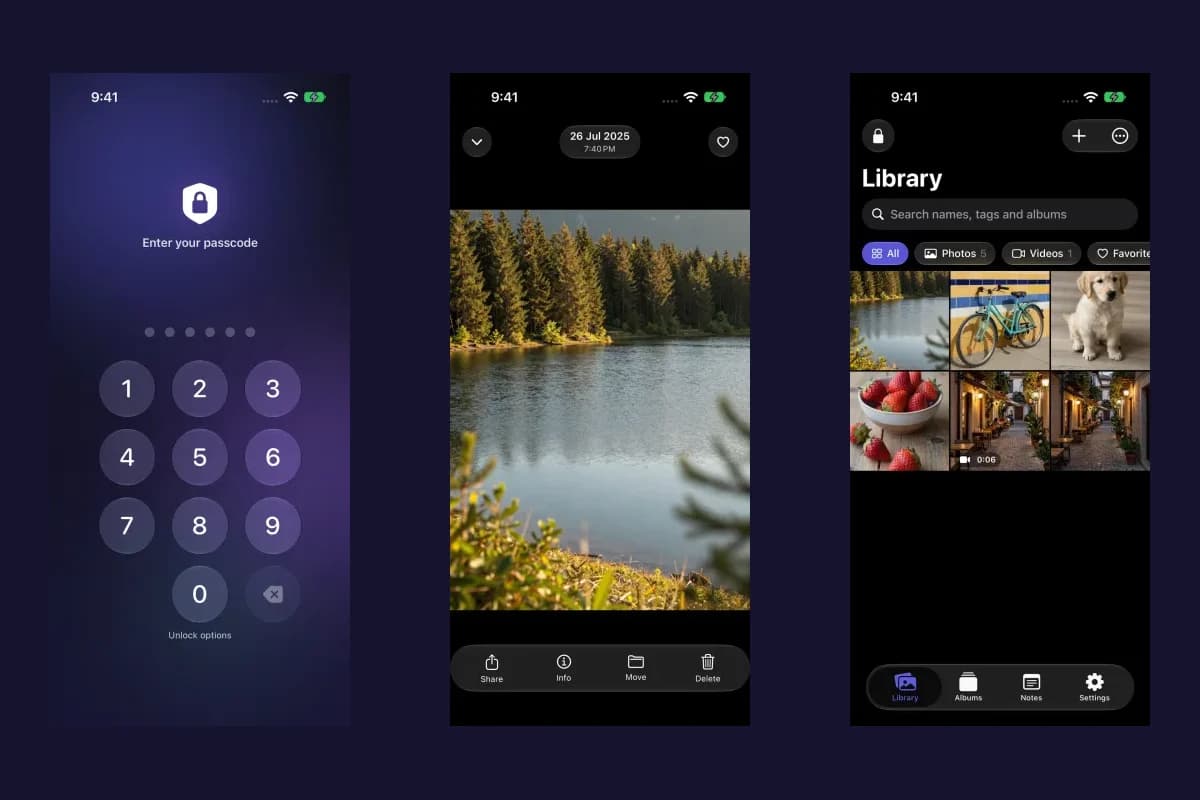
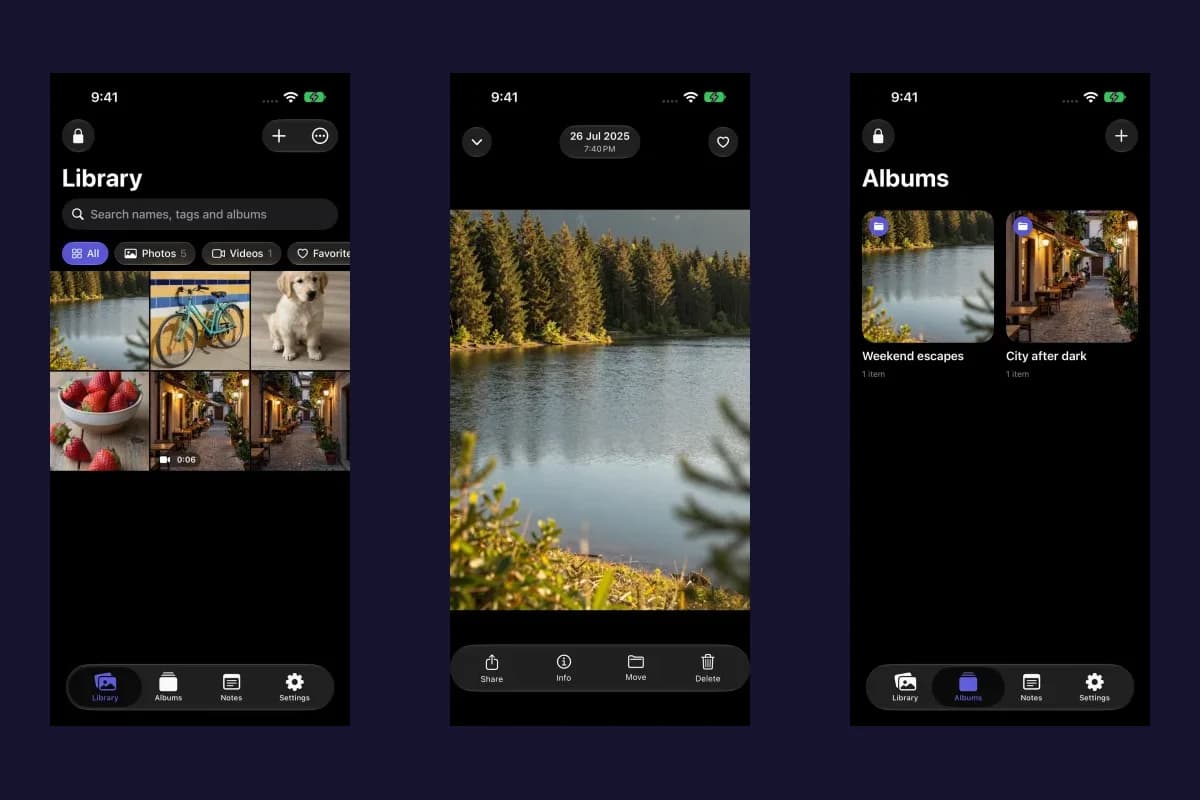
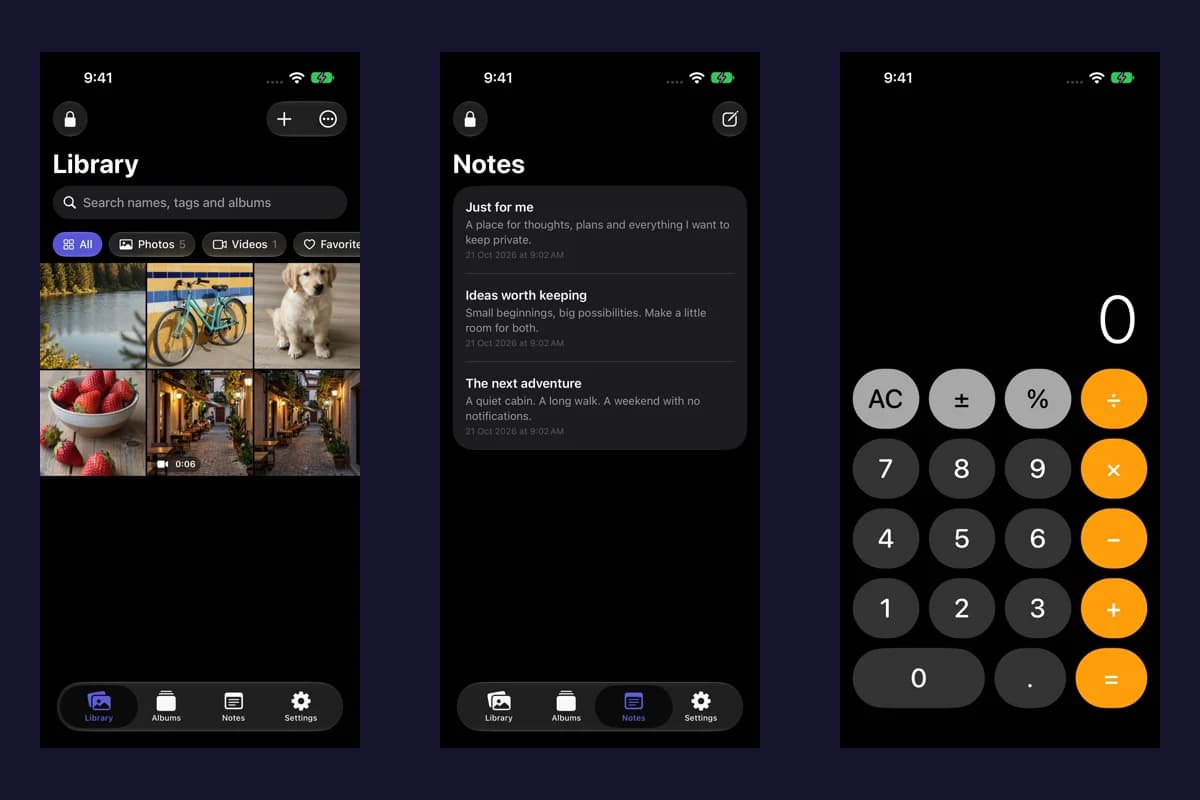
On a phone you control, Vault Max keeps imported media, files and saved notes in its encrypted local collection. Choose a vault credential different from the device code. The app does not need a Vault Max account or a server-side photo library to maintain that collection.
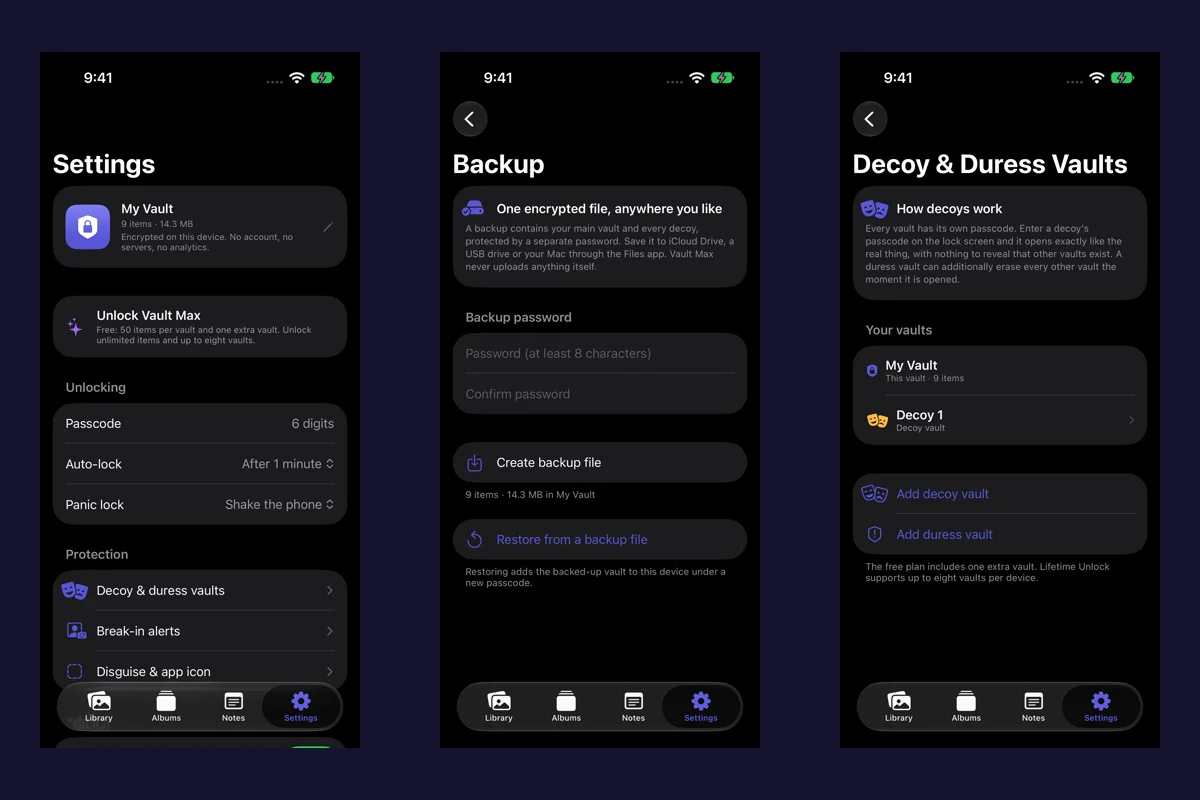
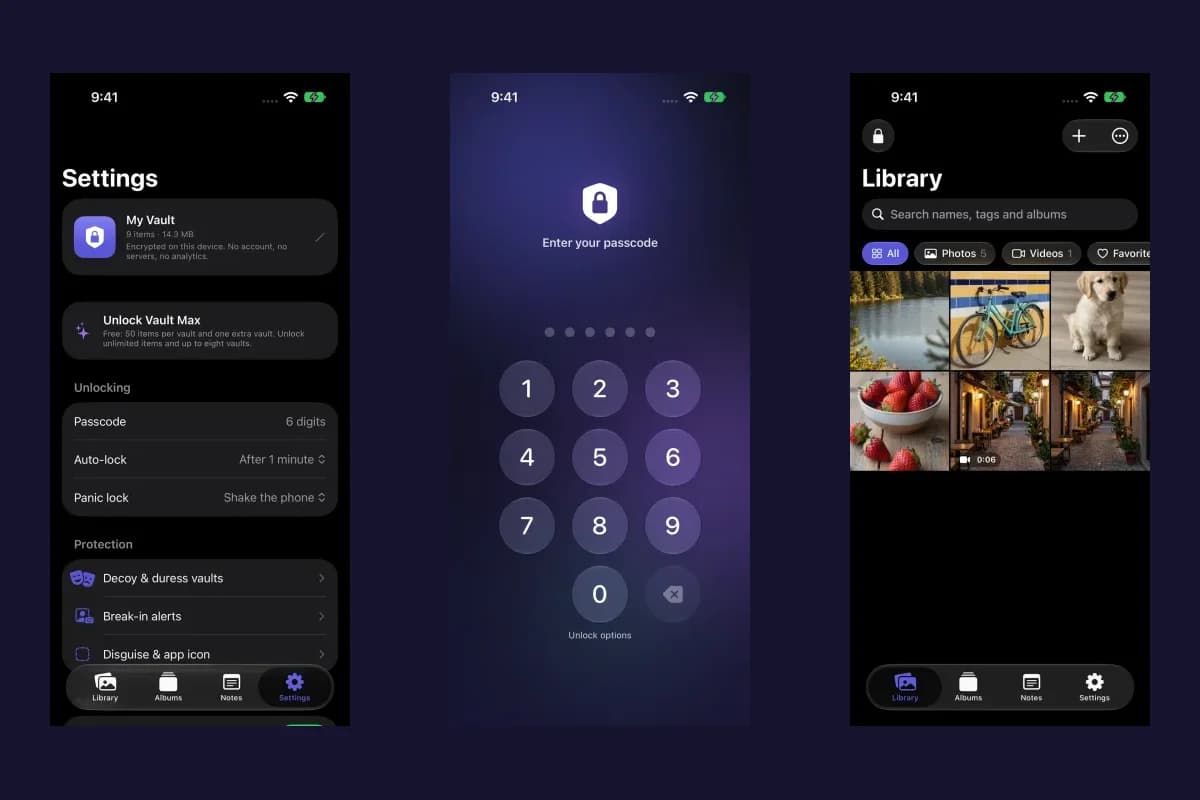
For an existing vault, review its own credential while access is available. Changing the vault passcode requires the current vault credential. Already-enabled biometrics may help you open the collection, but they do not remove that current-code requirement from the change flow. If you are unsure of the code, preserve an encrypted recovery archive while you can still access the app and read the recovery walkthrough.
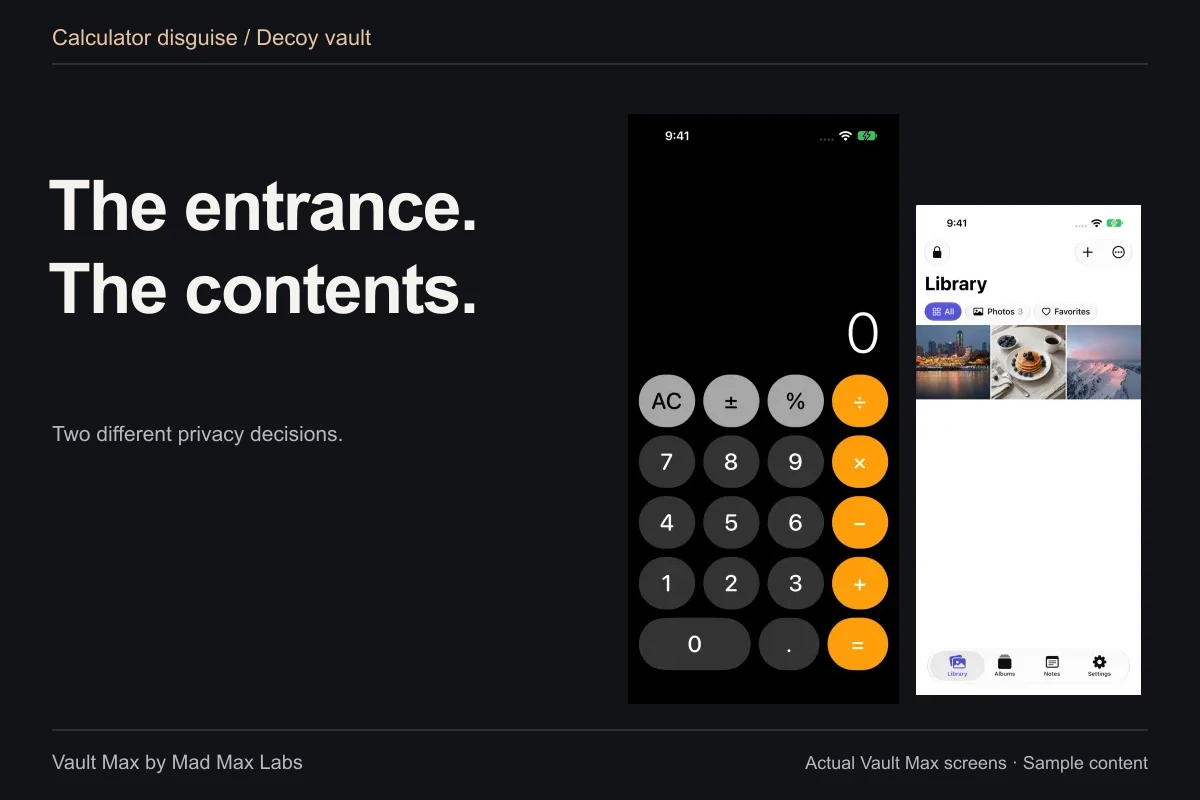
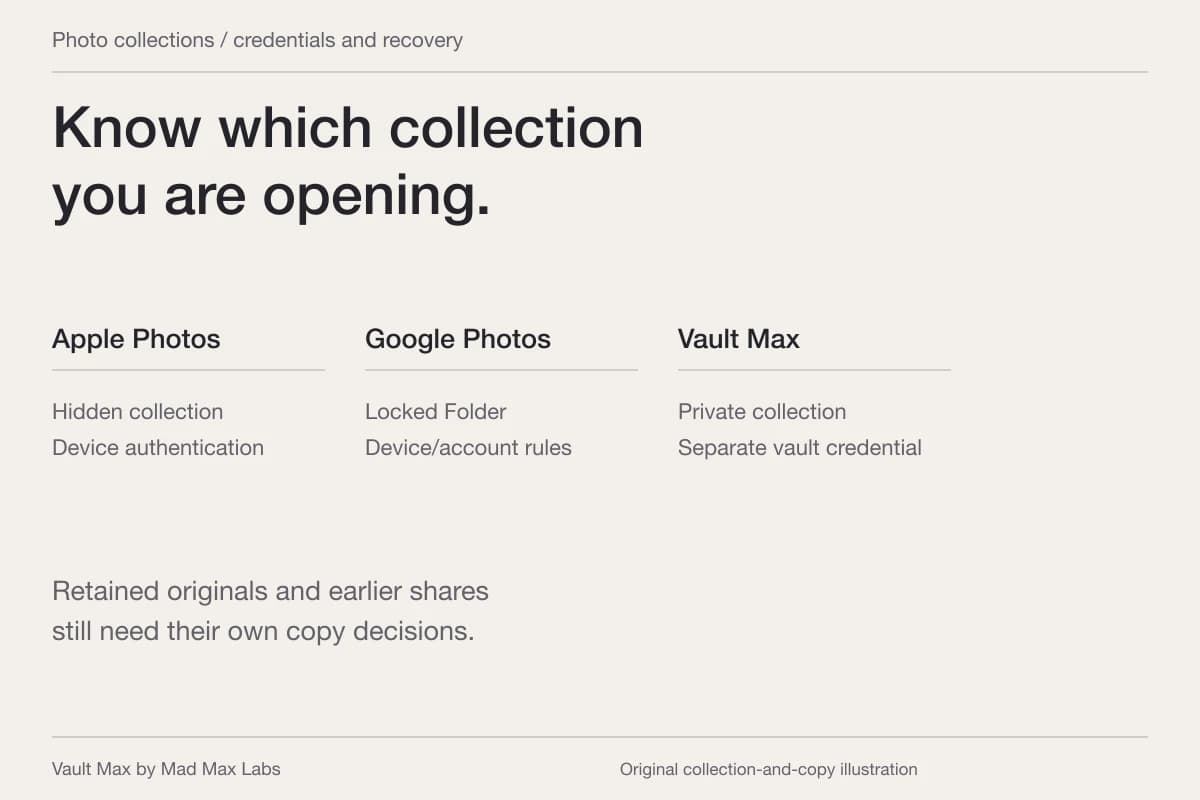
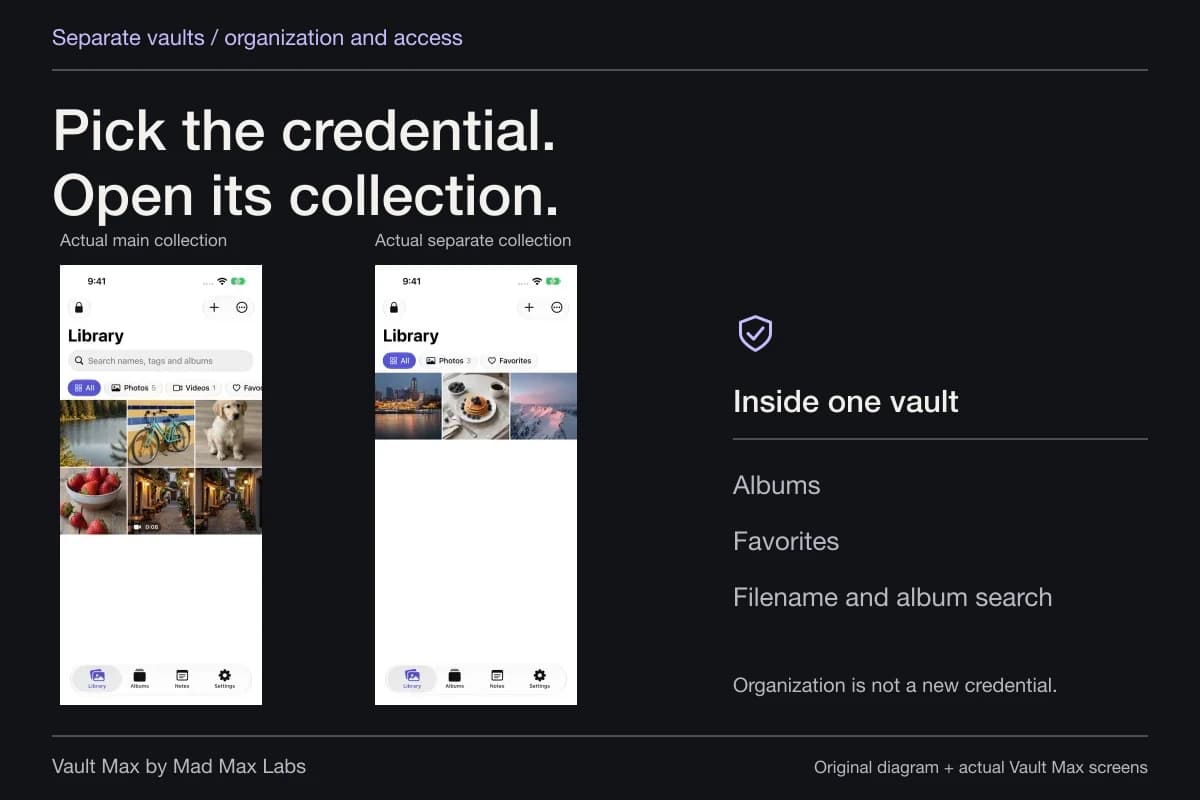
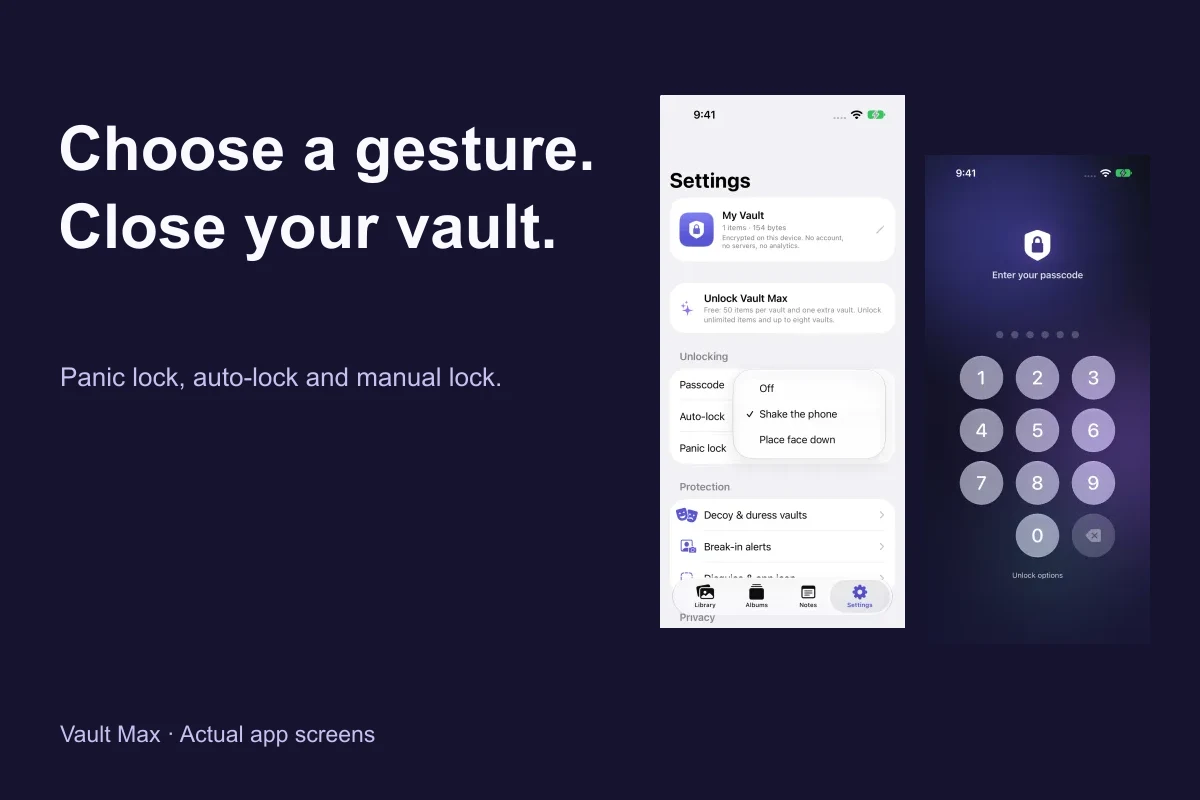
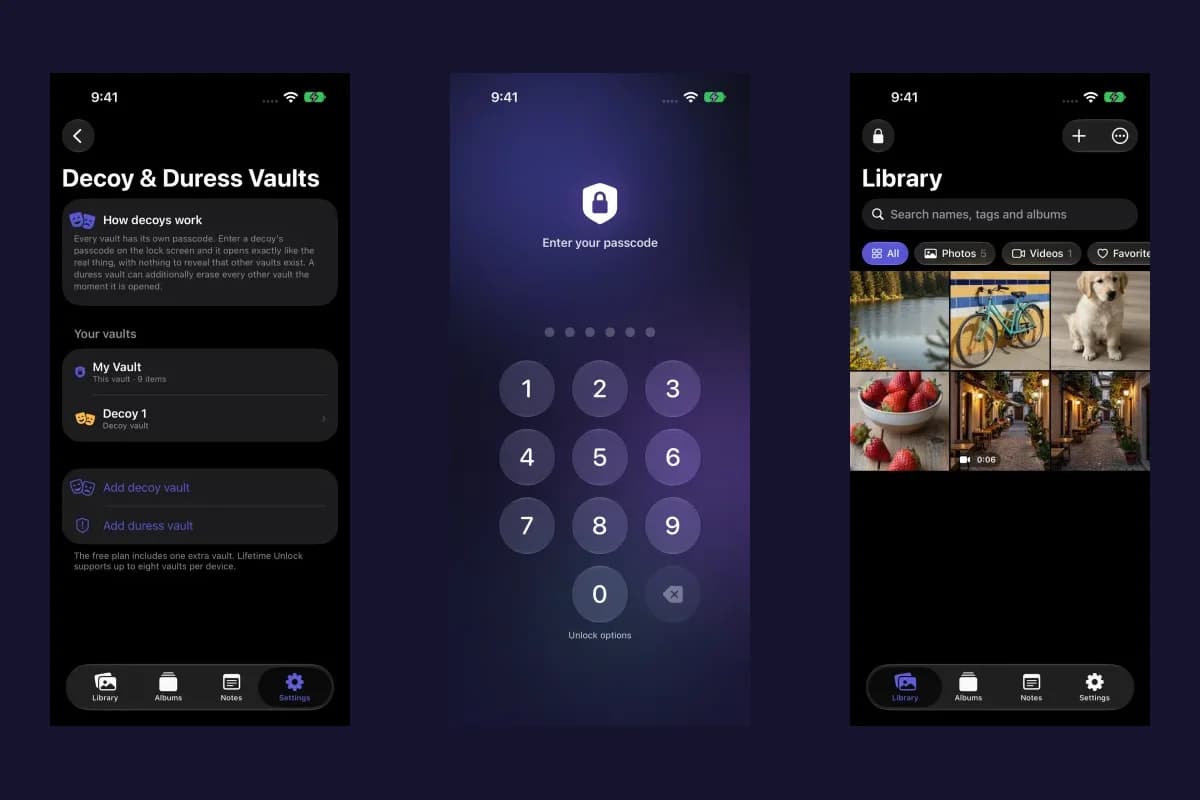
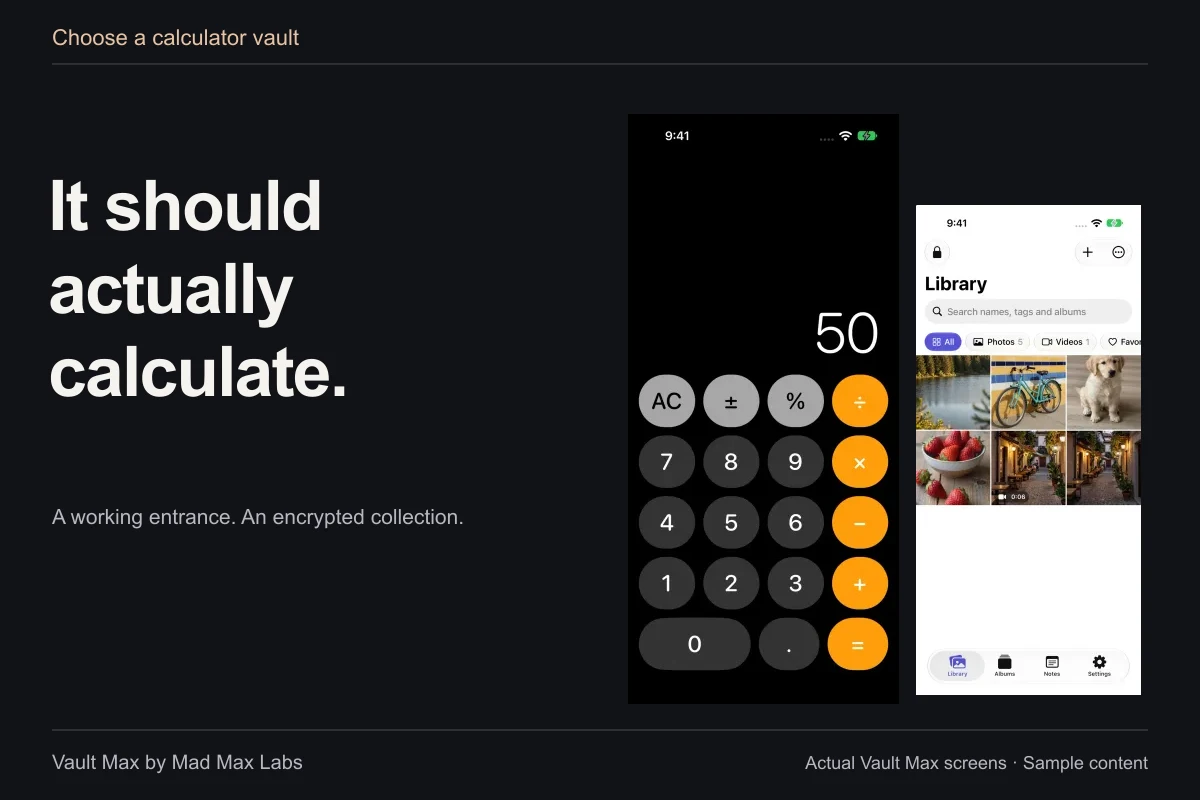
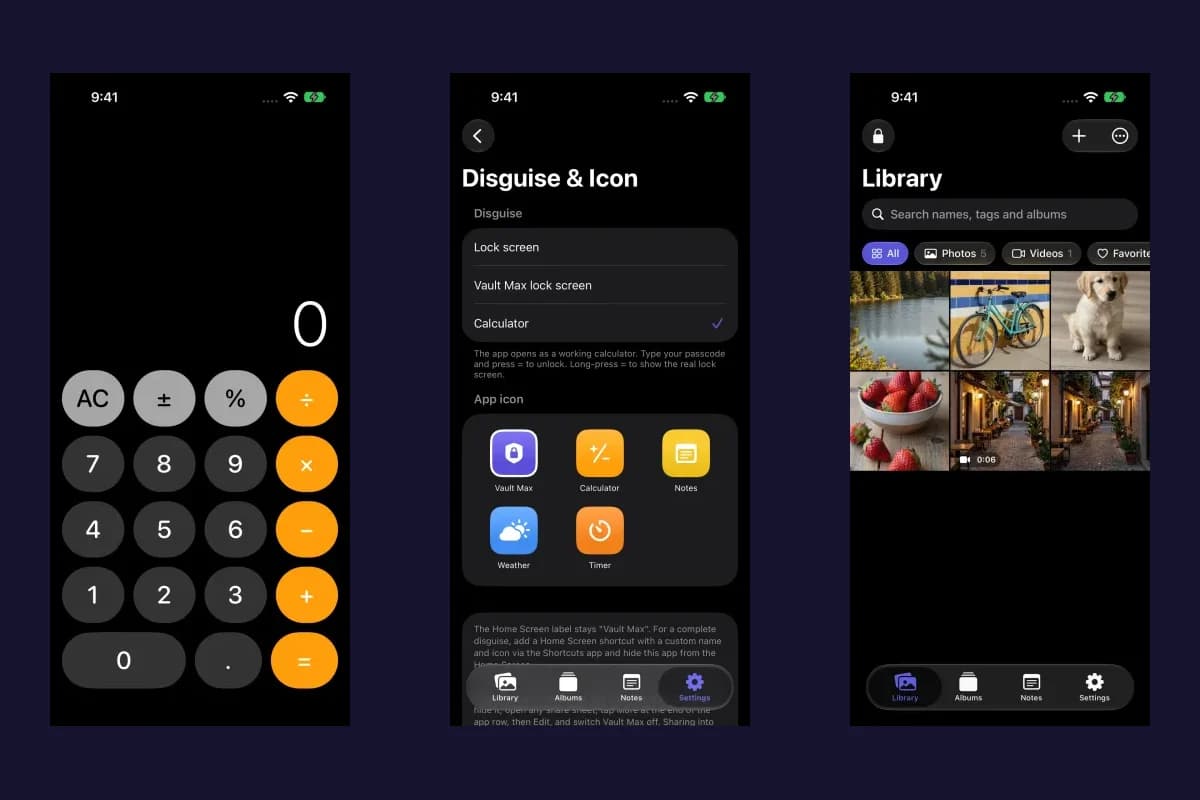
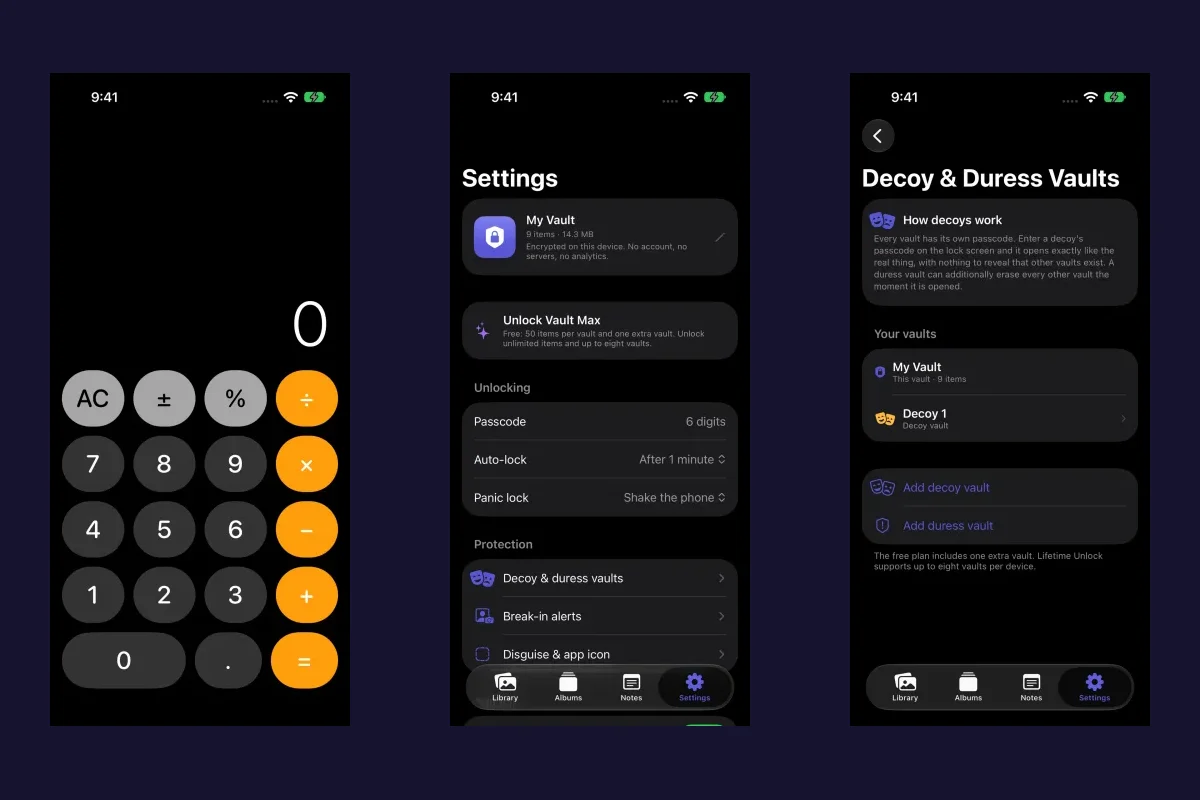
You can choose the working calculator entrance for everyday discretion and an ordinary decoy for a separate collection. Those features are most useful when you understand which library each code opens. They are additional entry routines, not a reason to leave the phone's known passcode or account access unresolved.
Inspect one useful item, then close the session
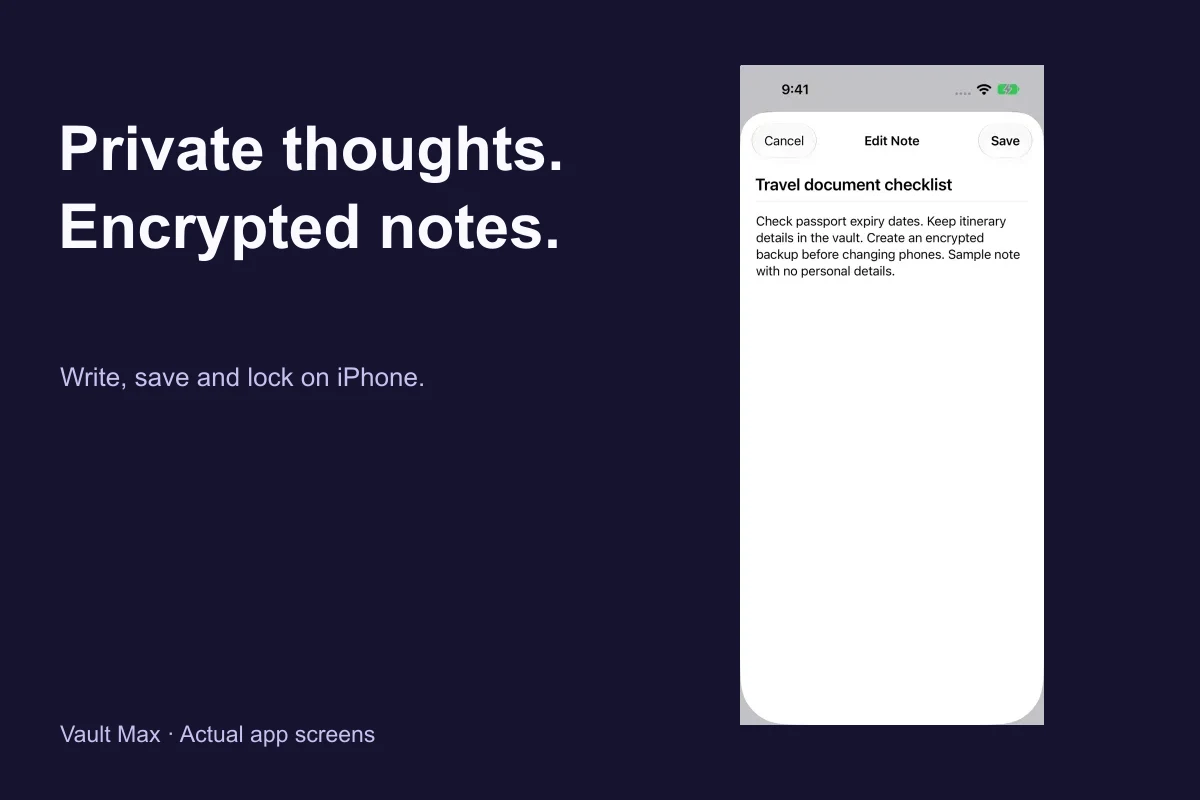
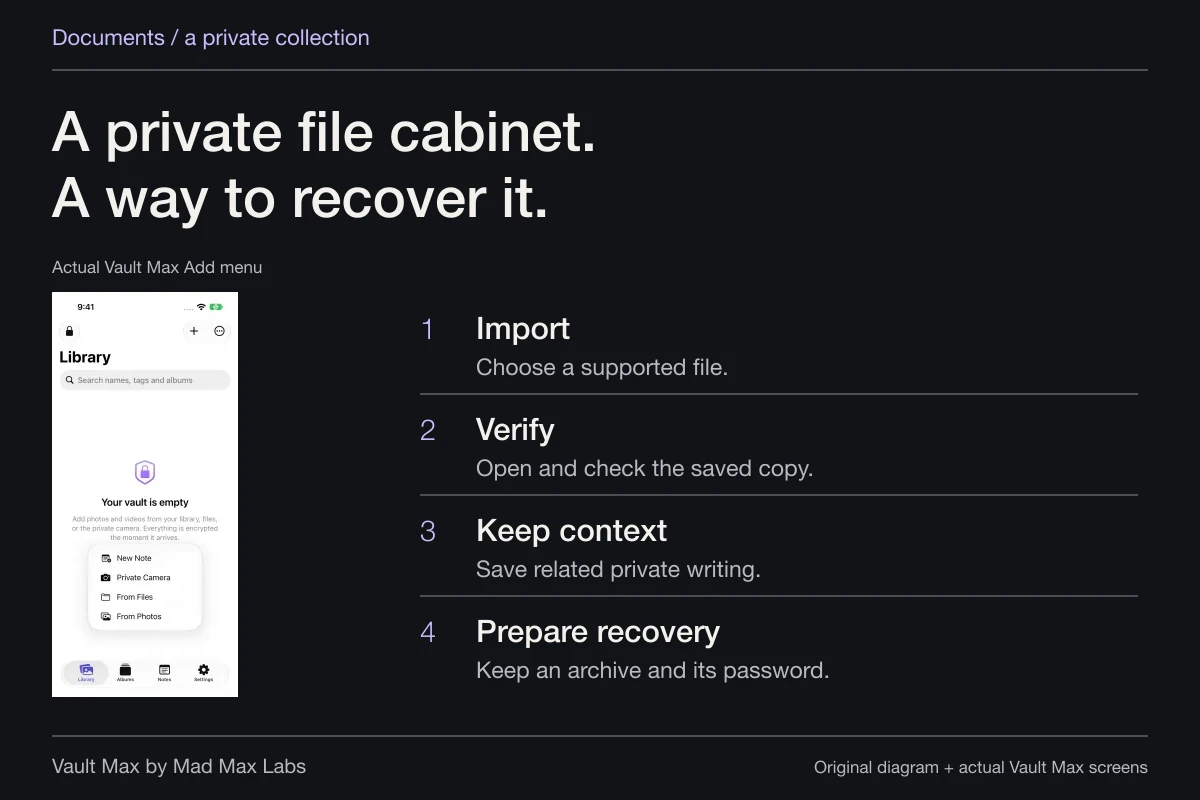
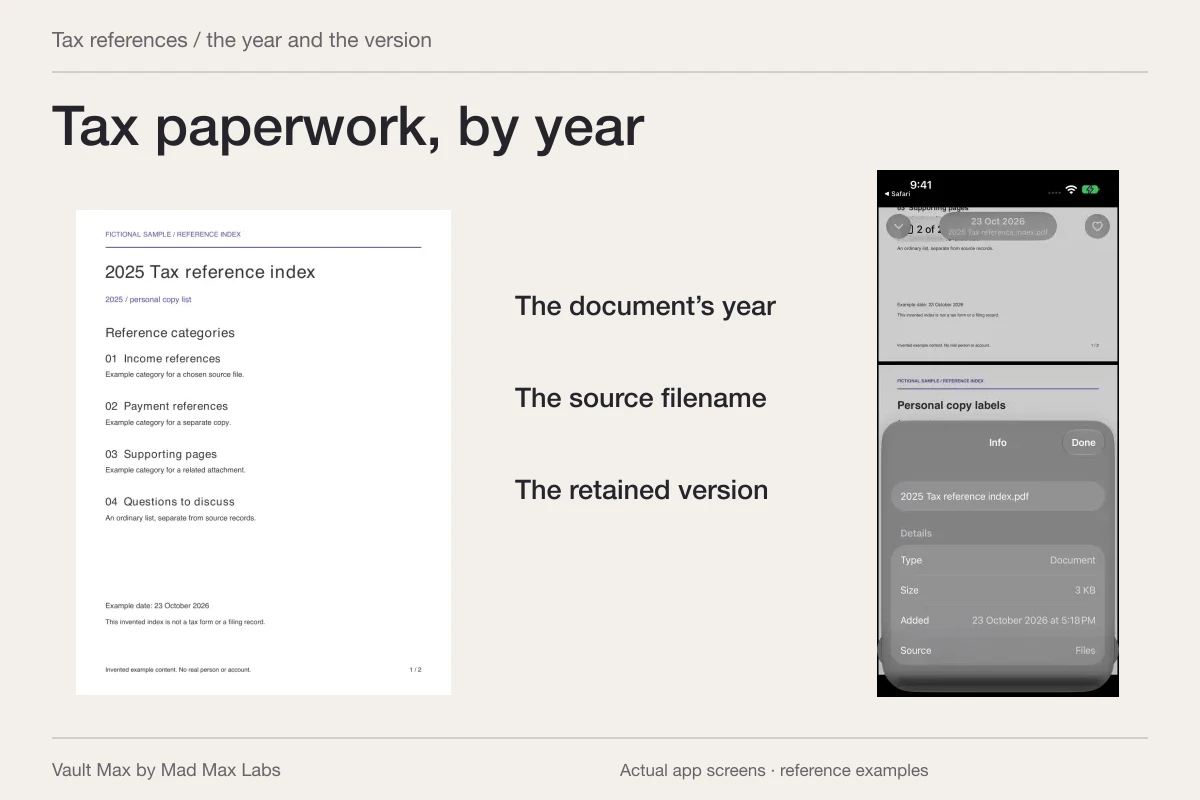
Begin with a harmless reference. Import it, open the full saved item and confirm its filename. Give related documents a recognizable album and keep useful context in a private note. This creates a collection you can retrieve without scattering explanations through messages or ordinary screenshots.
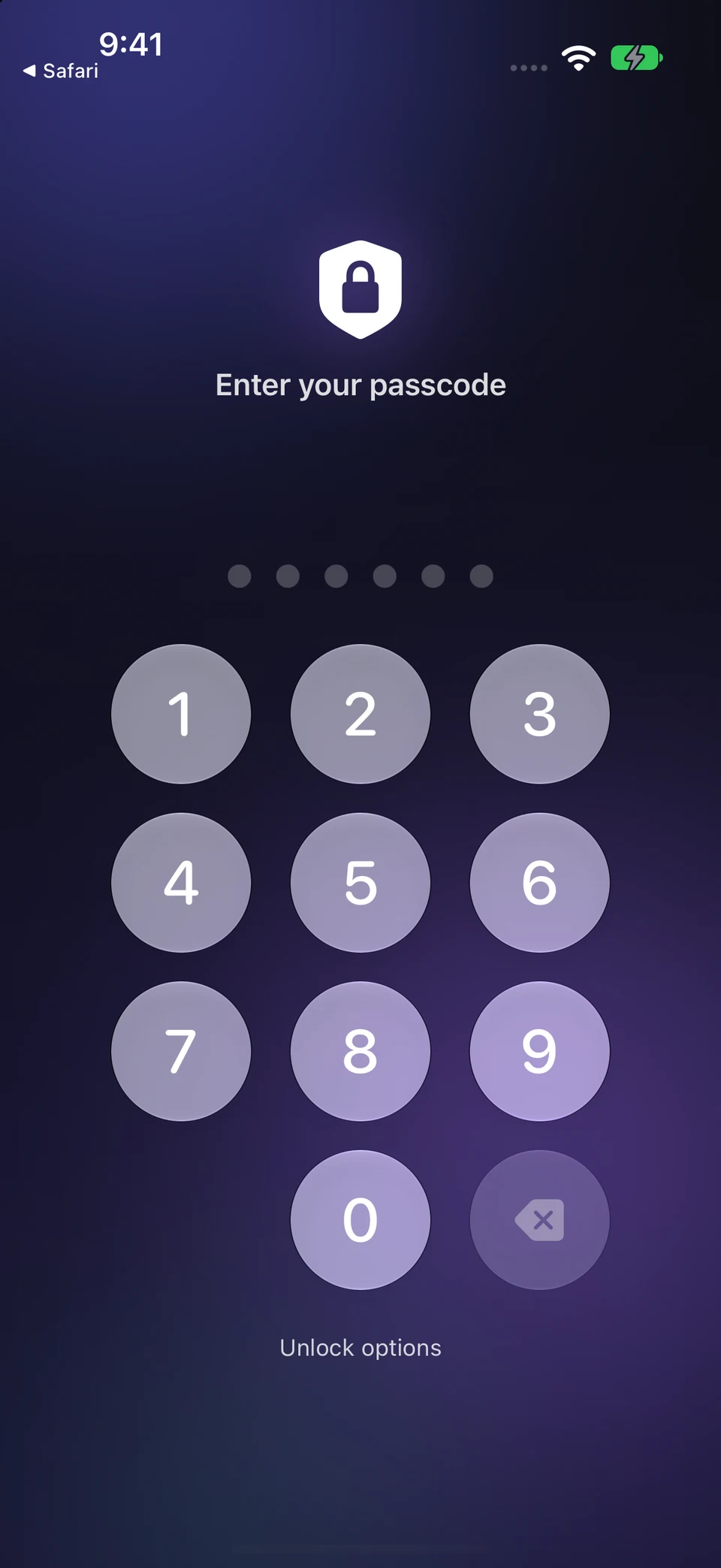
Then use the app's lock action and confirm the collection is closed. Review the auto-lock setting for your routine. A saved preview is not a closed session, and an album inside the vault is an organizational group rather than another independent password boundary.
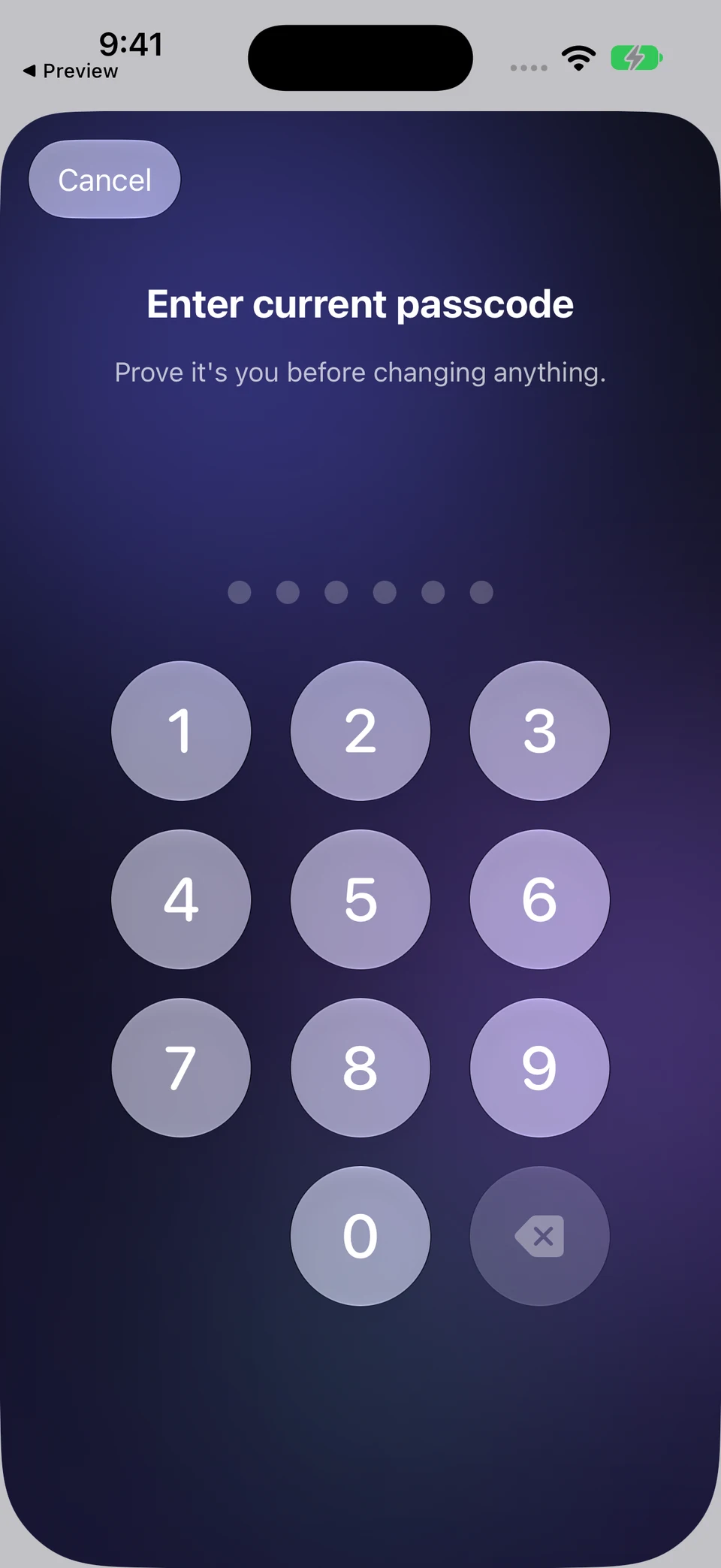
Vault Max asks for the current vault credential before a passcode change. Closing the collection returns it to credential entry. The change screen shown here was canceled without entering or changing a code.
Vault Max · Actual credential controls, no code enteredVerify the existing credential first
Open original image: Verify the existing credential firstFinish with the collection closed
Open original image: Finish with the collection closedKeep recovery independent of the exposed code
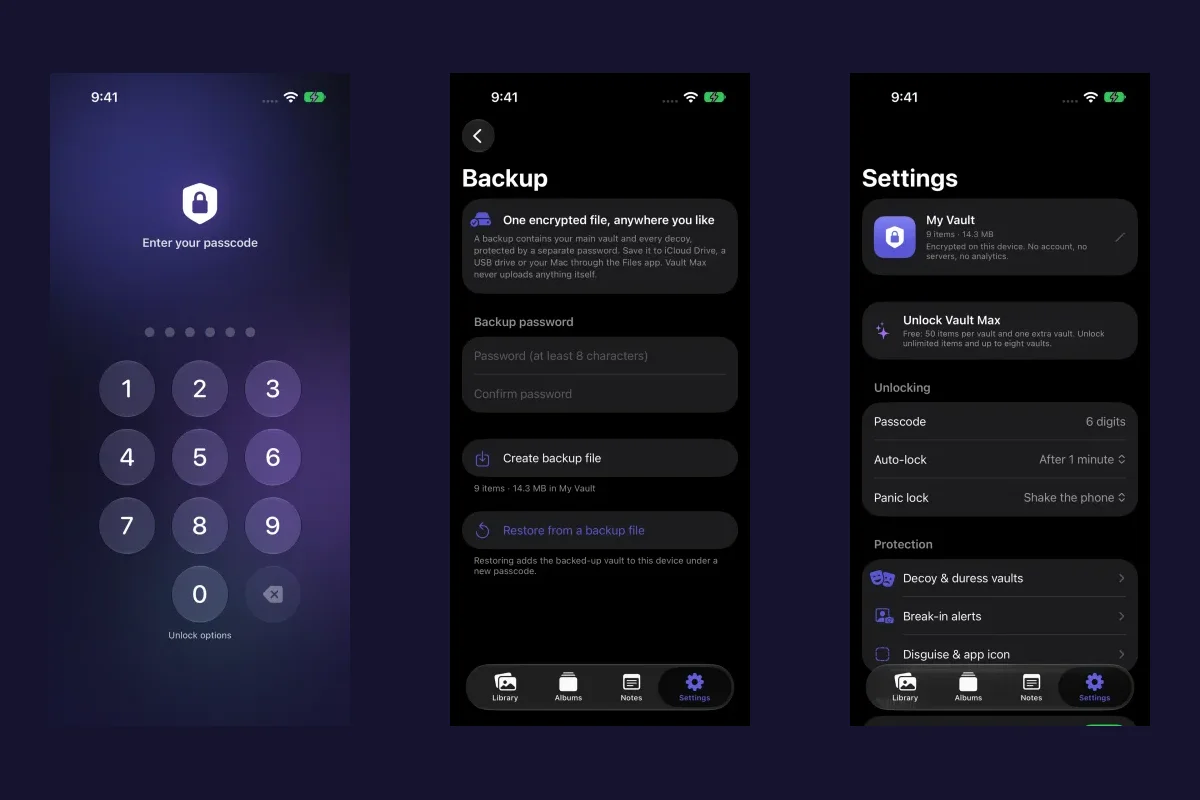
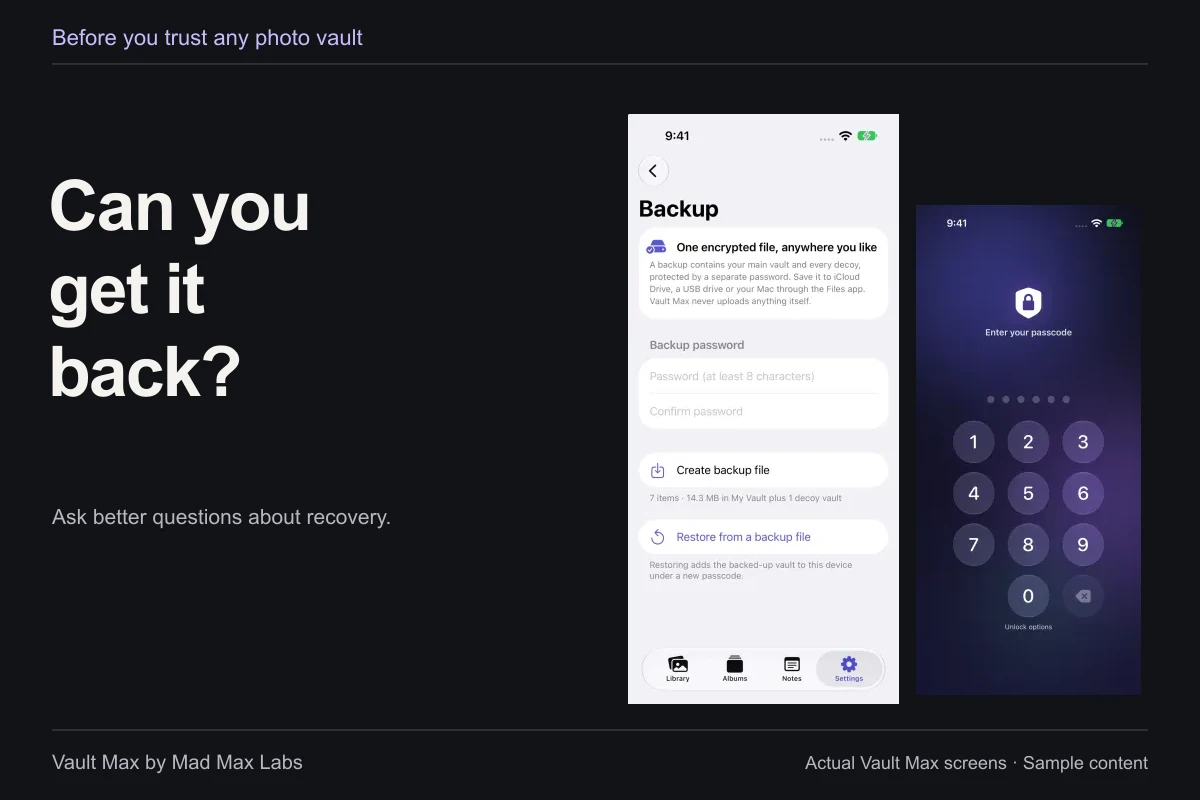
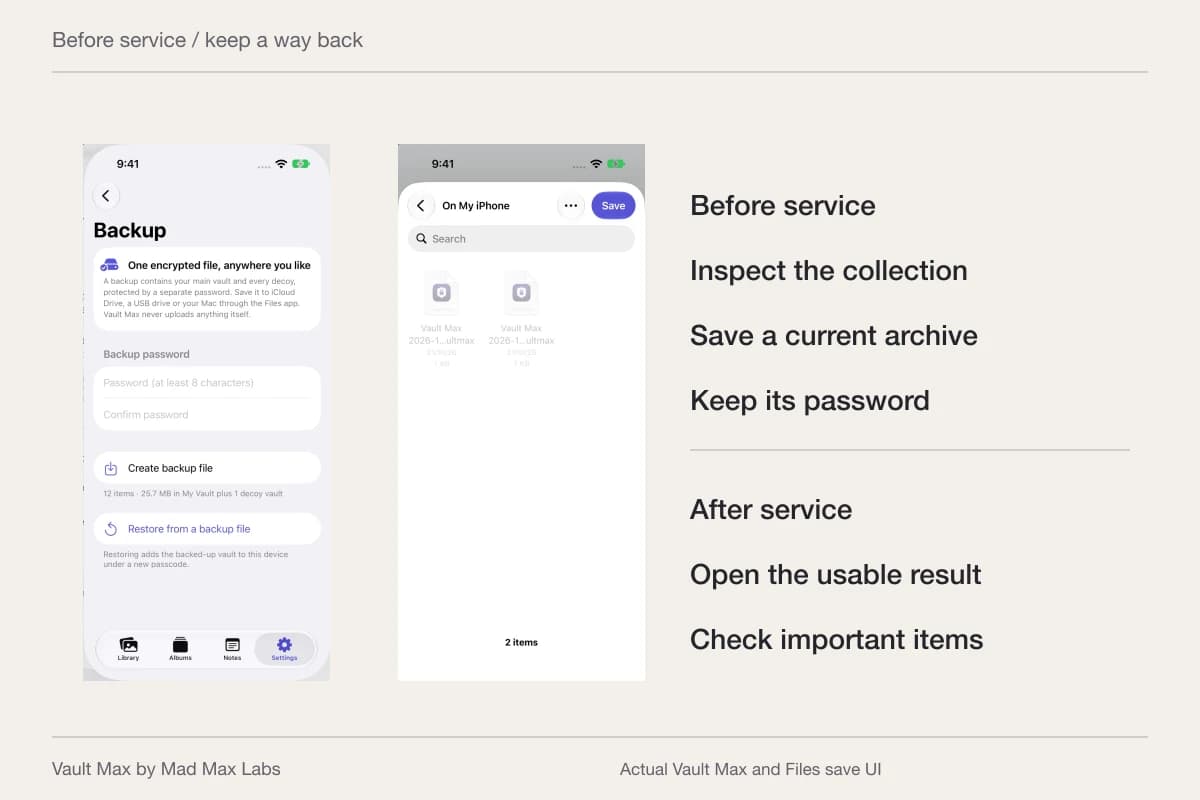
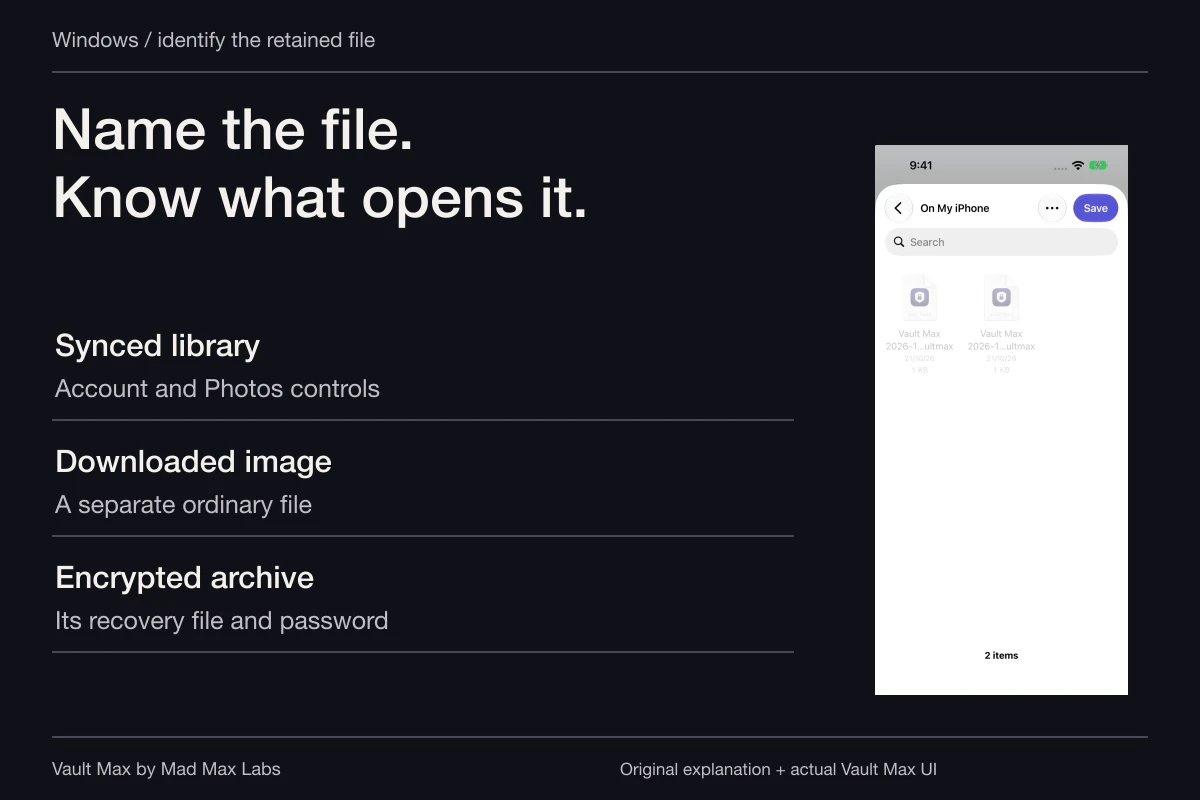
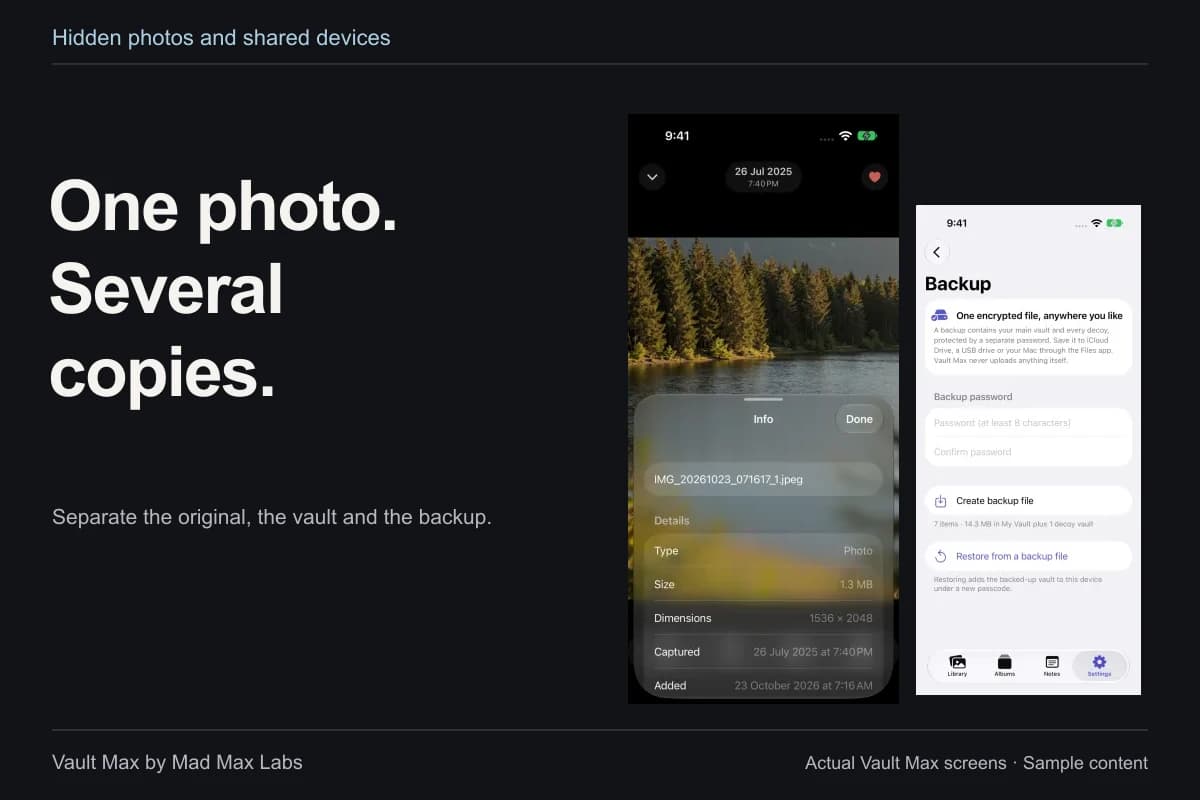
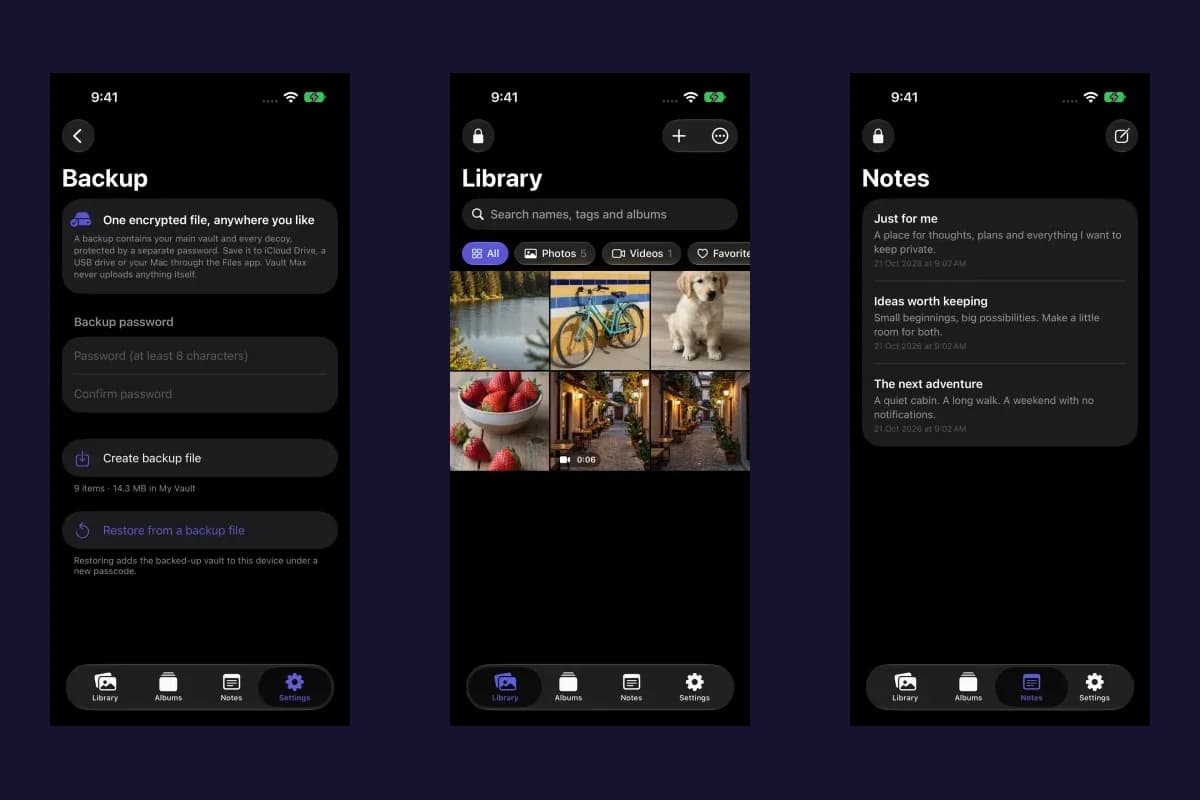
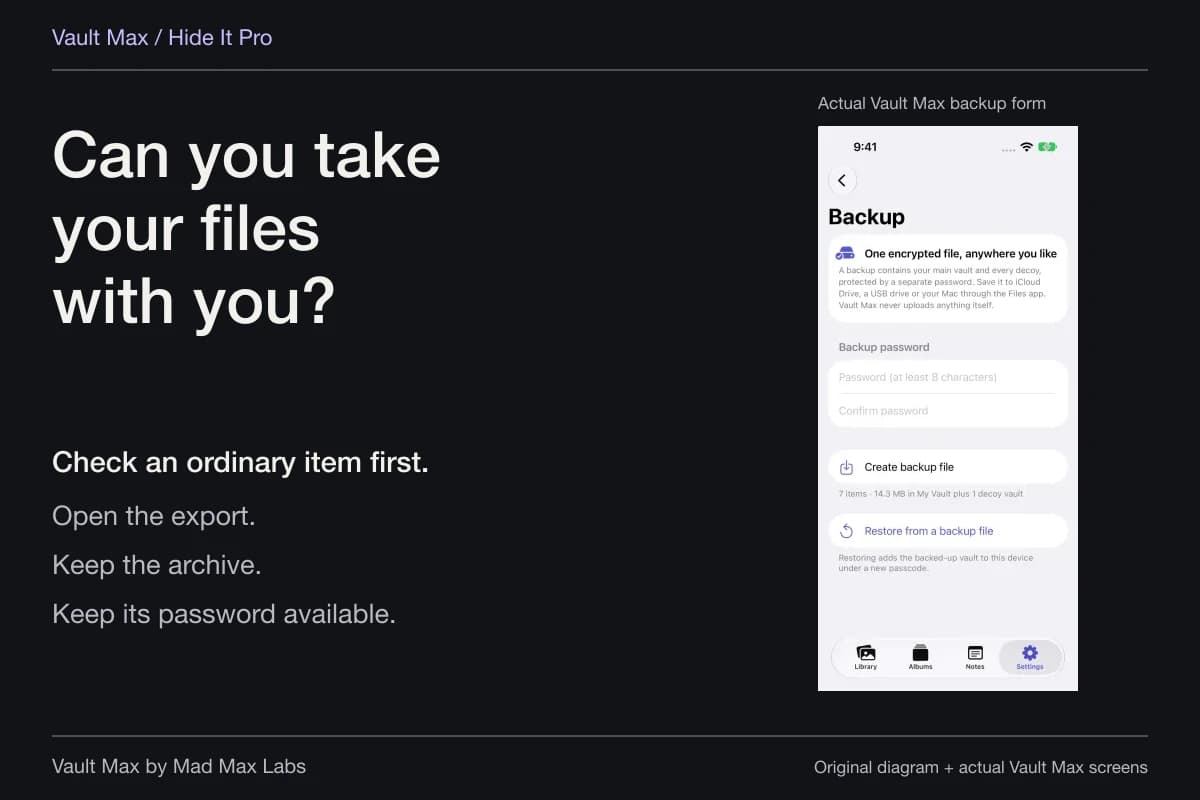
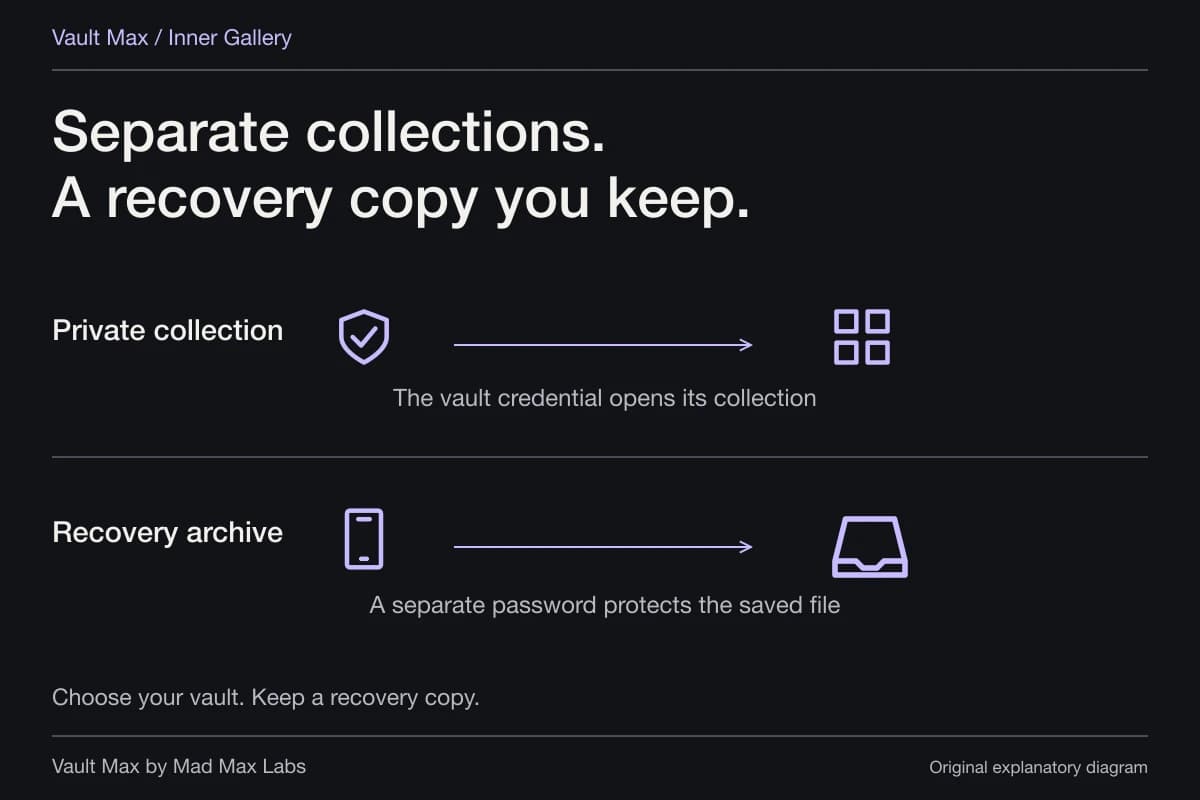
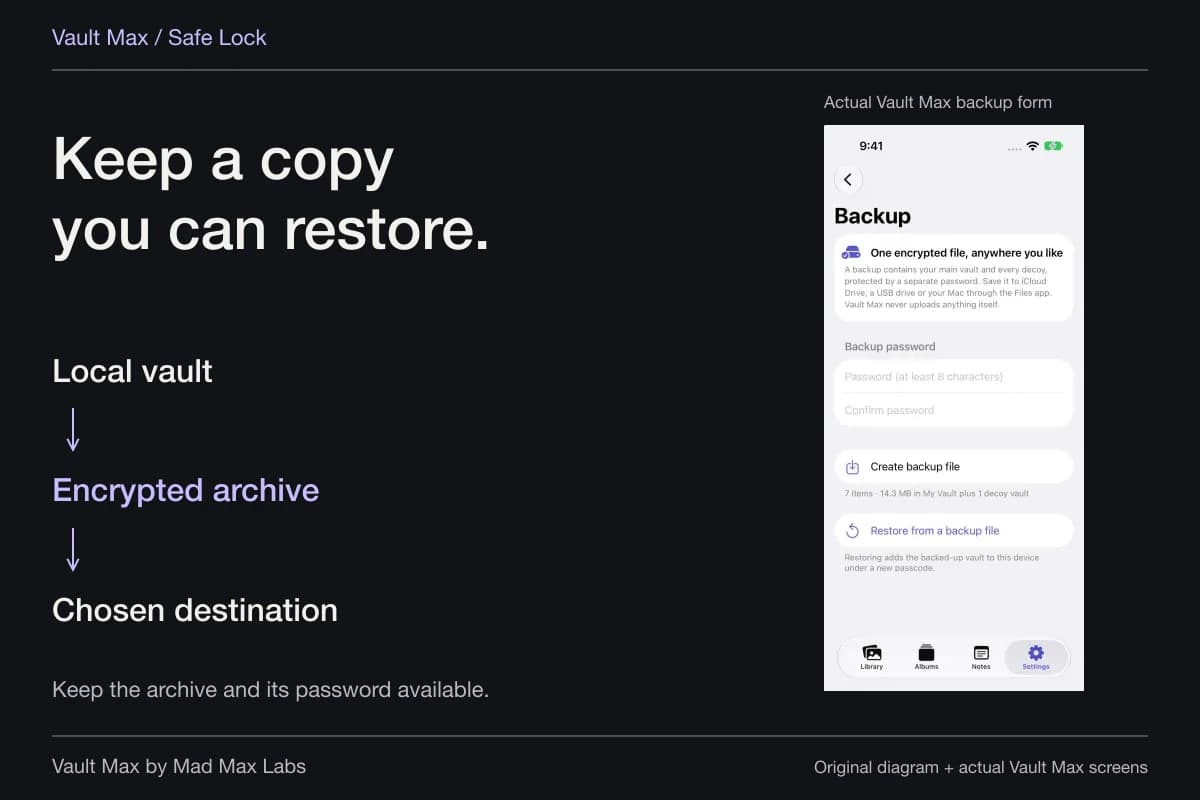
A manual .vaultmax archive uses its own password and the Files destination you choose. Keep that file and password reachable without depending on this phone. Earlier archives are snapshots; changing today's vault credential does not transform a previously exported archive or revoke someone else's ordinary photo copy.
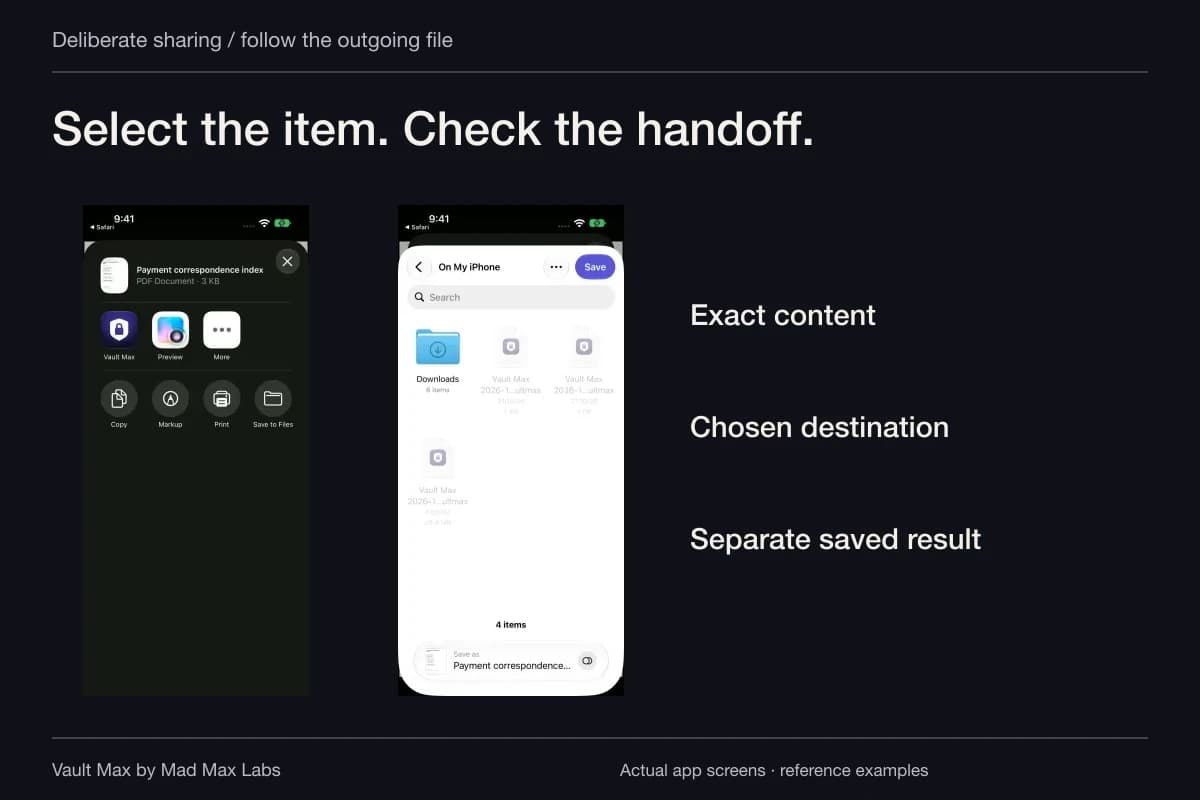
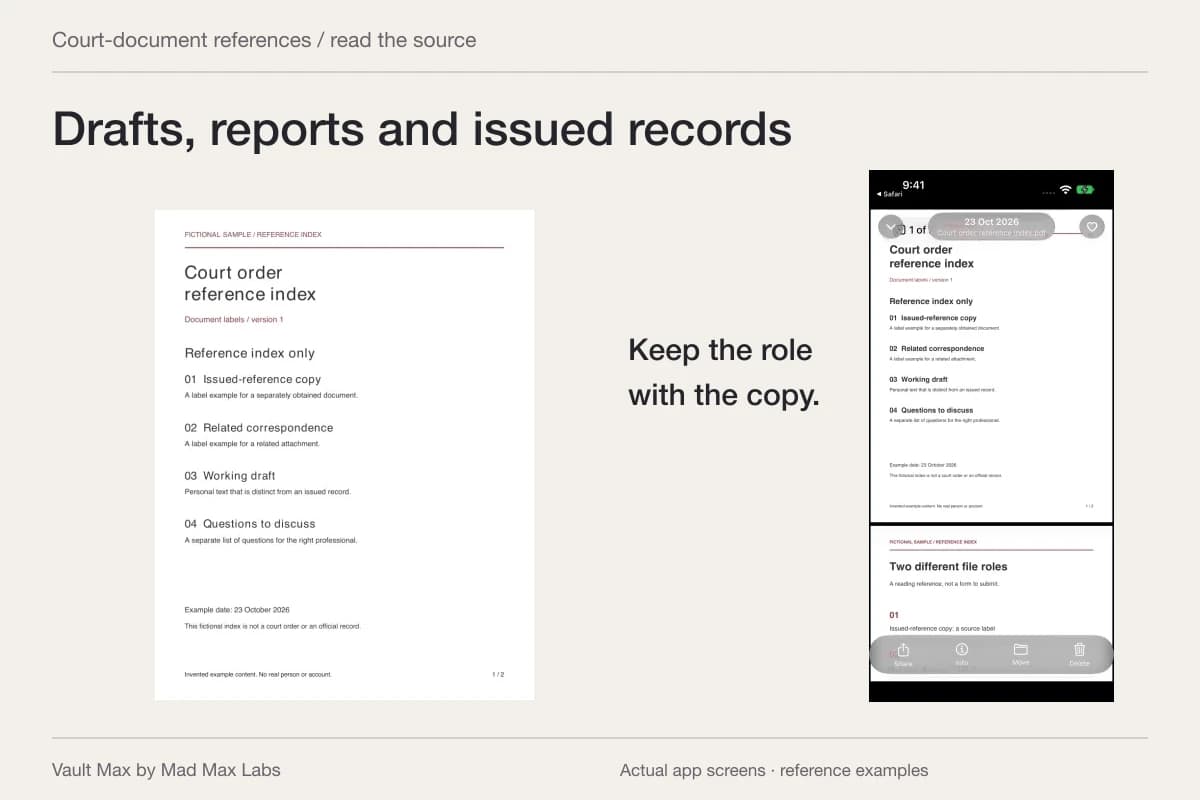
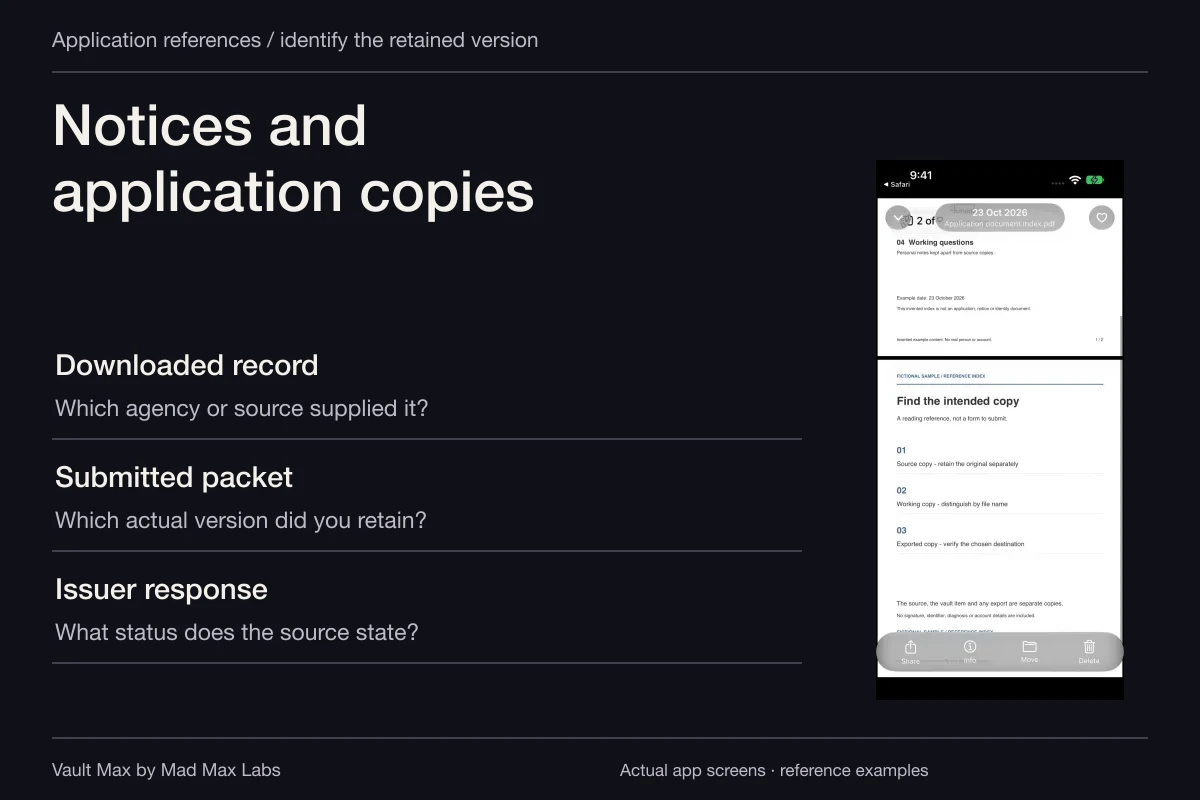
After access is corrected, review the copies you deliberately retained elsewhere. Preserve the records you need, then make separate decisions about unnecessary Photos originals, downloads and recipient copies. Avoid deleting the only useful version just to make the library look tidy. The finished result is a usable private collection, a closed session and a recovery route you can actually reach.
- Use the stolen-device route if the phone is missing; use normal Settings on a device you control.
- Check the new passcode, supported old-code reset control and relevant biometric/account access.
- Review the Vault Max credential without reusing the exposed device code.
- Know which archive exists, what opens it and how to reach it without this phone.
Tap a box as you go. Checks reset when you leave this page.
Common questions
Does changing my iPhone passcode change the Vault Max code?
They are different credentials. Review each separately. If you reused the same digits, change the relevant vault credential while you know its current value; changing the phone's code alone does not update that separate credential.
Can the old iPhone passcode still work after a change?
Apple documents a 72-hour Passcode Reset period on supported systems. Expire Previous Passcode Now ends that old-code recovery option early. Confirm that you know the new code before removing a recovery path.
Can I move photos into a vault after my phone was stolen?
A new vault cannot relocate content on a phone you no longer control. Use Apple's stolen-device response and existing independent recovery copies. Vault setup is preparation performed while the device is available.
Does a decoy code replace securing a known device passcode?
No. An ordinary decoy opens a separate collection inside Vault Max. It does not change the device passcode, Apple Account access or already shared copies. Destructive duress options have a different purpose and are not a casual test.
Continue reading
More guides
Practical tips for your private library. Swipe or scroll to choose your next guide.


86 guides to explore