
Privacy in practice
Debt and bankruptcy records on iPhone: keep the correspondence understandable
Keep debt letters, payment references and bankruptcy copies organized on iPhone. Find readable files, retain their context and prepare private recovery.
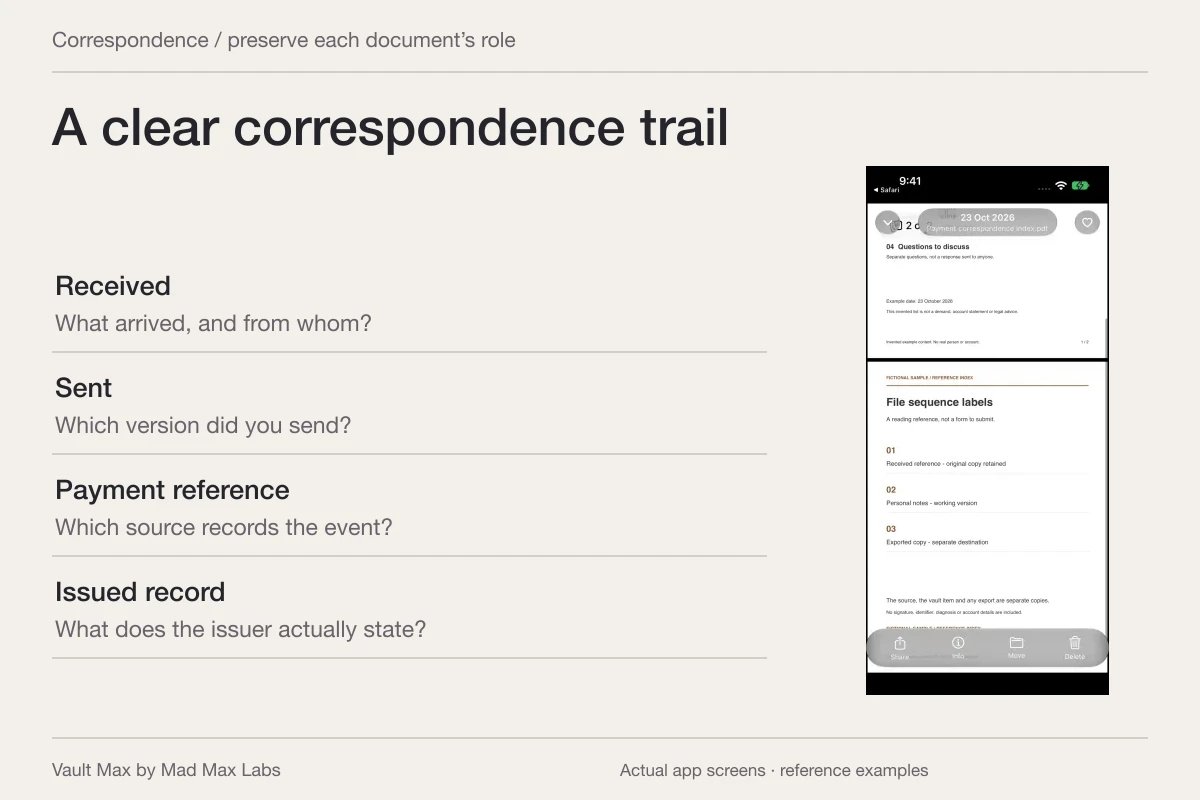
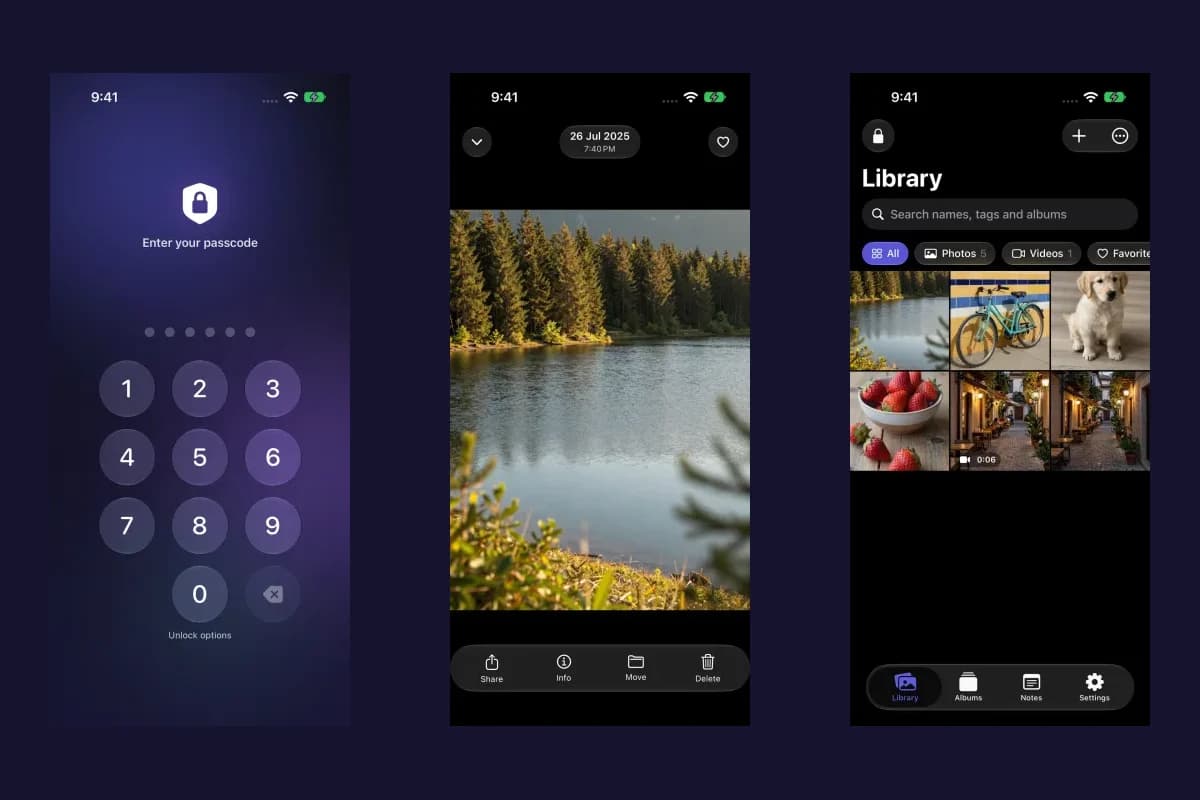
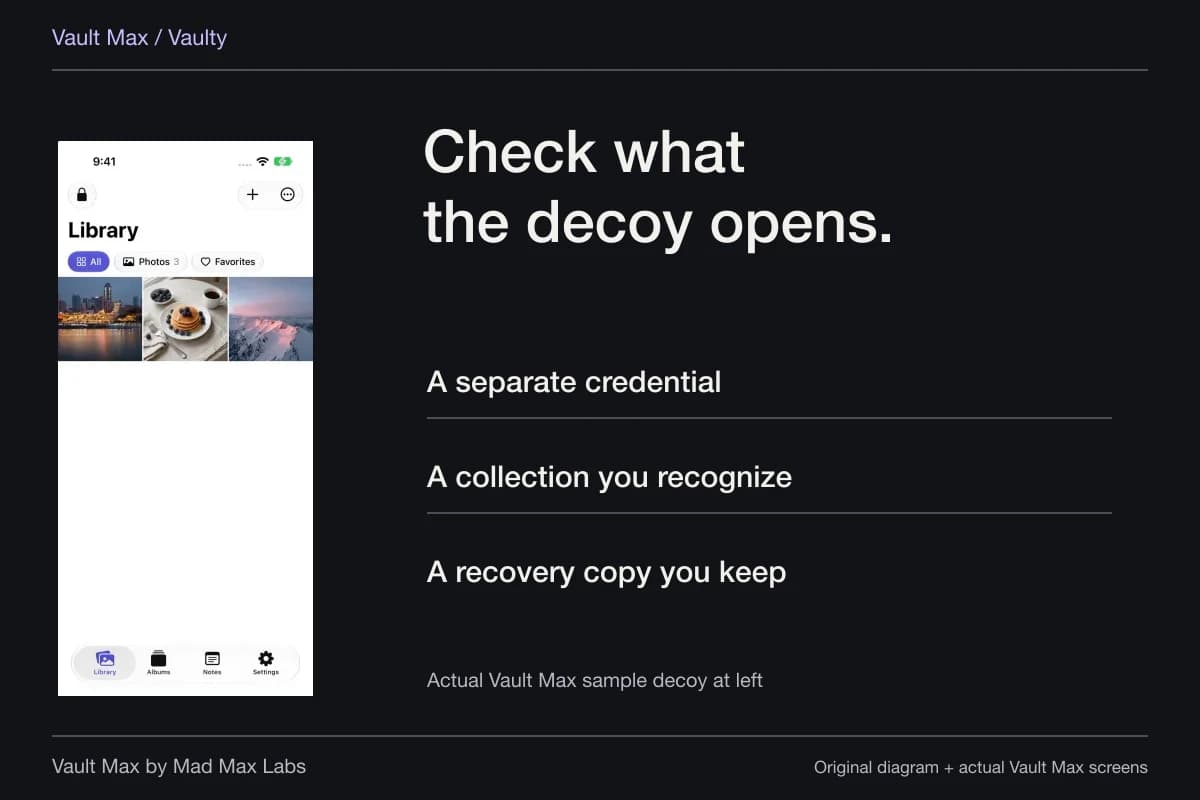
Keep the correspondence, the payment references and your own notes distinguishable. A useful debt-record collection lets you find a particular letter and understand where it came from without searching through ordinary Photos. Vault Max gives those selected PDFs, screenshots and encrypted notes a local home behind their own credential.
The job here is maintaining already obtained reference copies. It does not determine whether a debt is owed, which response to make, or what a bankruptcy document means for your case. Those decisions belong with the appropriate official guidance or adviser. Clear filing makes the material easier to discuss when you use those channels.
Start with one account or matter
Choose a small group whose relationship you understand. A statement, a collection letter and a saved message may concern the same account, but similar amounts or names do not prove that they do. Read the source before assigning the item.
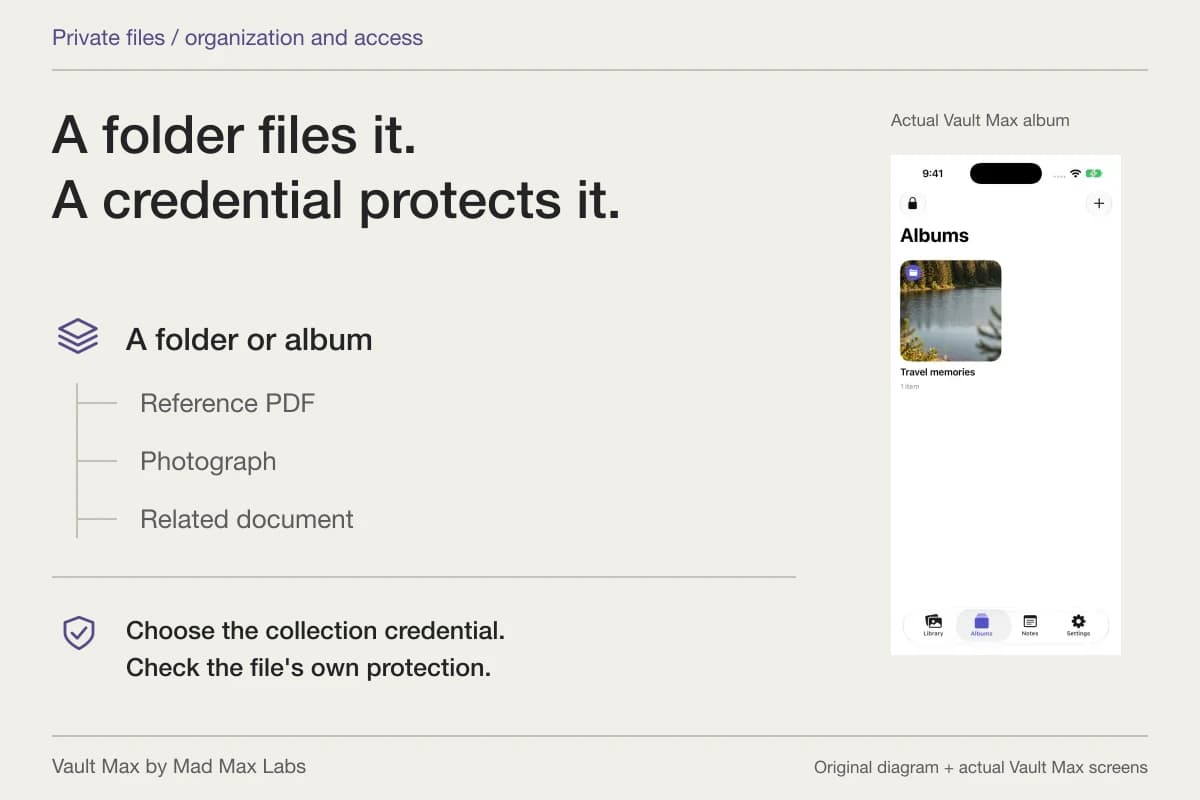
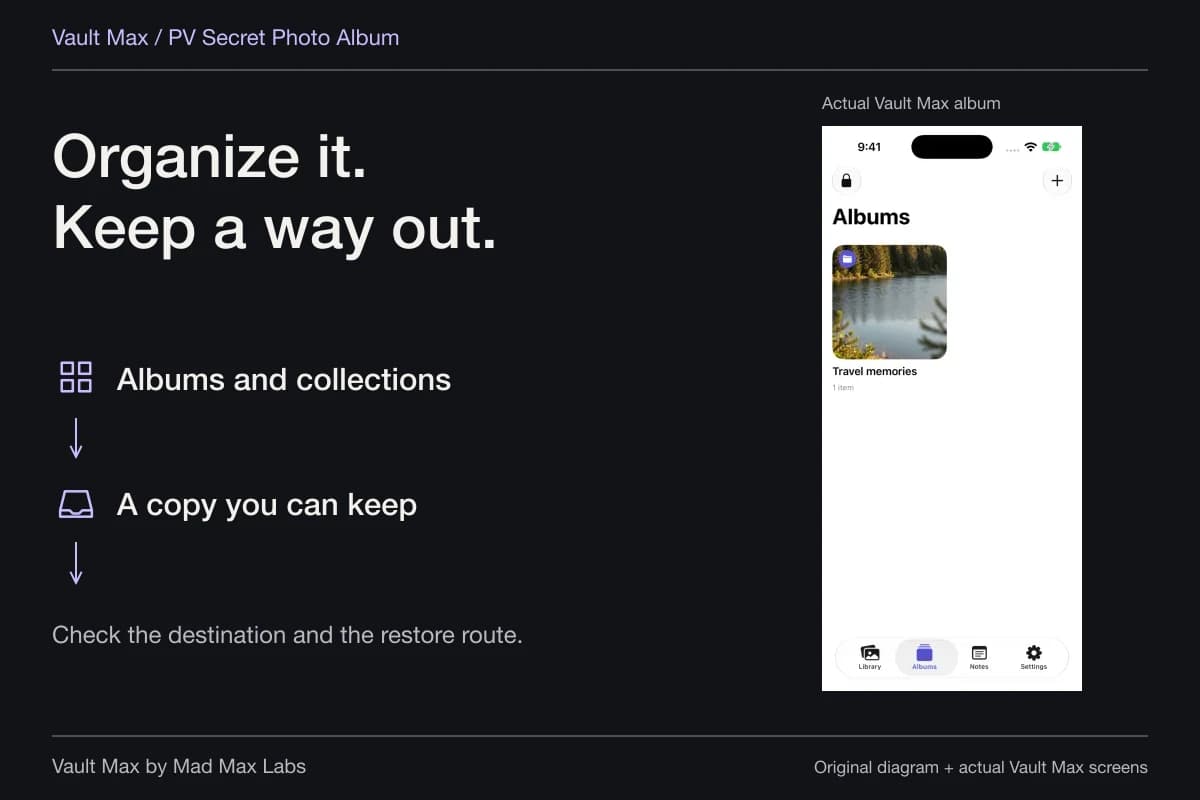
Use a short recognizable album name. If you need an account identifier to distinguish two groups, avoid copying the full number into every filename. Keep the document itself intact and use only enough label detail to retrieve it privately.
The Consumer Financial Protection Bureau recommends keeping communications and related records, including letters, documents and notes about conversations. That supports a coherent reference file. It does not make the vault a debt-resolution service.
Preserve the kind of record, not just the amount on it
A payment reference, a proposed plan and a confirmation can look similar in a small preview. Name the file according to what the document actually states. Do not call a proposal “paid” because you hope it will become the final arrangement.
Likewise, distinguish something you received from something you drafted. Keep the source, date and document type visible. A short dated note can record how you obtained a file without pretending to verify its authenticity.
| Record | Useful reference detail | What the file alone does not establish |
|---|---|---|
| Incoming letter or notice | Sender, date and document title | Whether the underlying claim is correct |
| Outgoing correspondence copy | The exact retained version | Delivery or acceptance by its recipient |
| Payment reference | Issuer, date and the status actually shown | How every related balance or obligation is treated |
| Bankruptcy document | Court/source, document title and date | An interpretation of the order or case outcome |
| Personal conversation note | Date, participants and your recorded context | A certified transcript or complete event history |
Prefer a complete supplied document over a partial screenshot
If an institution supplies a PDF, retain that file when it is the reference you need. A screenshot may capture only the visible portion of a letter or account page. Open the complete source before deciding what the picture represents.
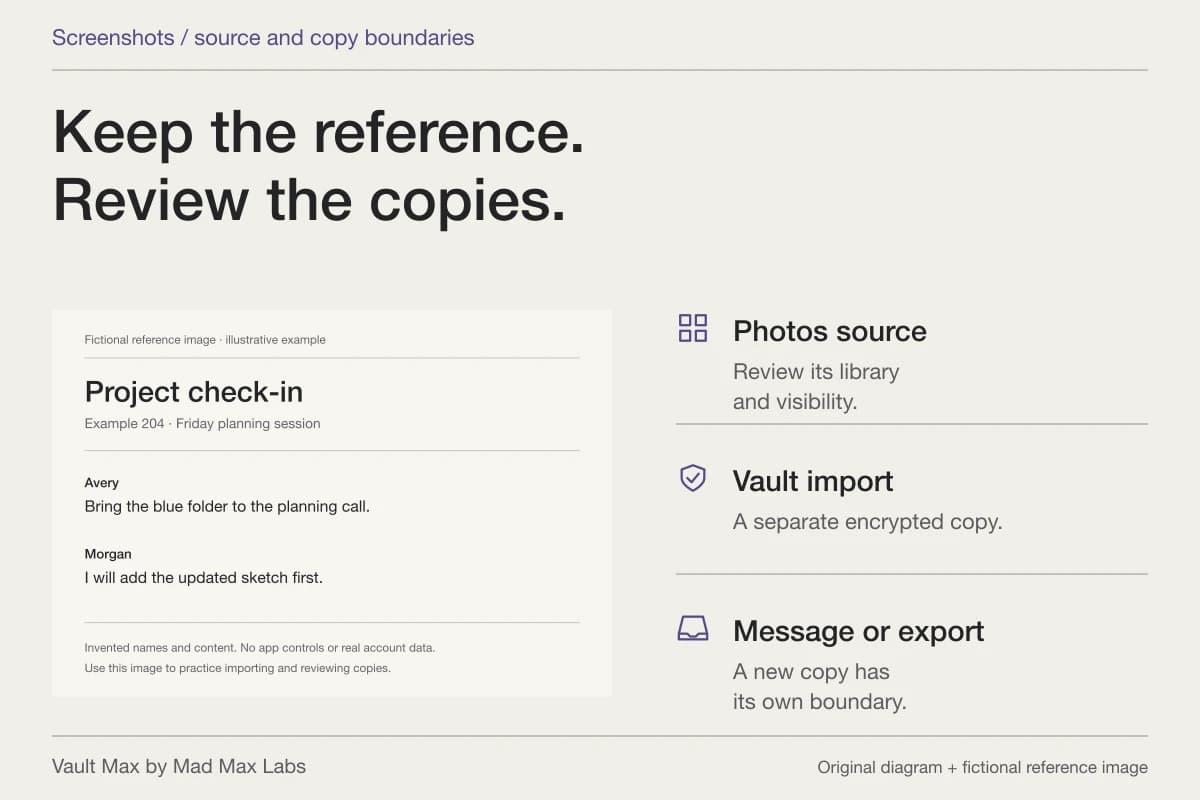
For a screenshot you already have, inspect the full frame. Check whether the date, sender and relevant surrounding context are visible. Keep its connection to the underlying correspondence clear. A personal explanation belongs in a note rather than as an invented addition to the source image.
For paper material, prepare a readable reference scan before importing. Preserve the original and use the appropriate source for any official copy you need. The private phone collection is where you find and open the retained reference.
Import and verify the document you intend to keep
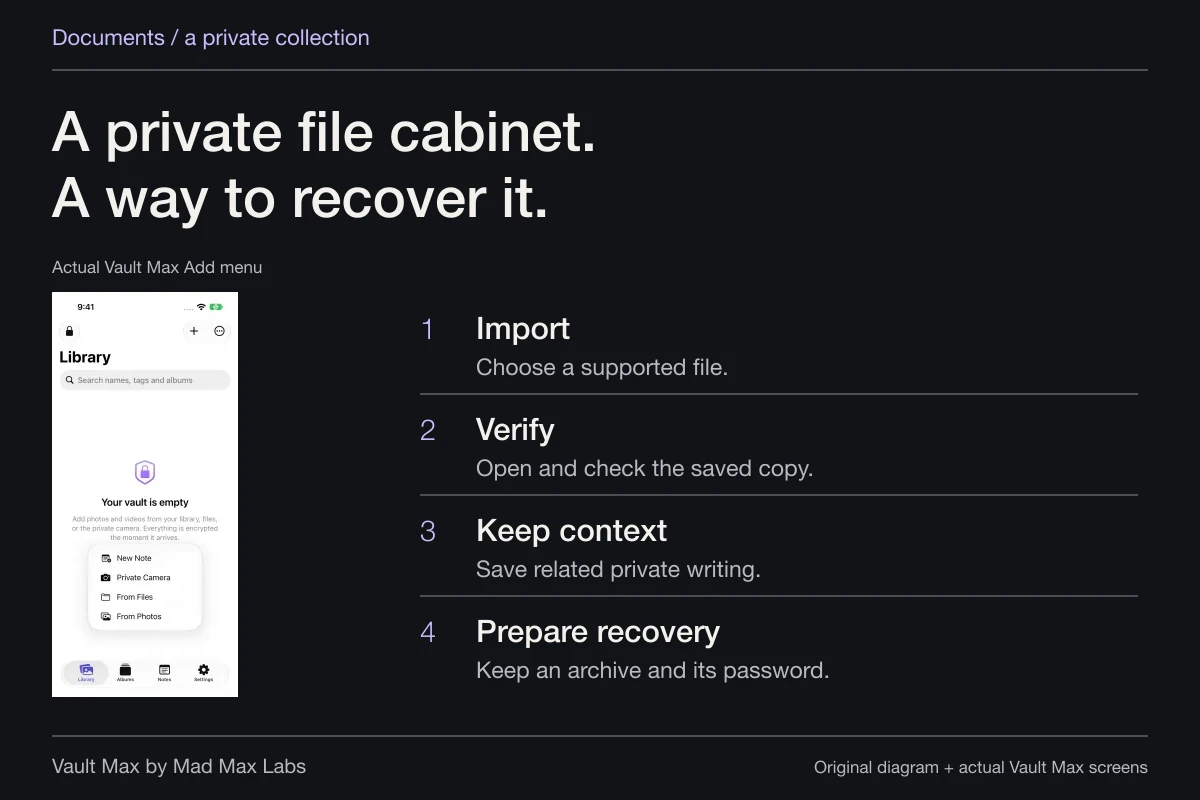
Choose Add → From Files for a PDF, or From Photos for an existing screenshot or photograph. Select the intended material and let import complete. Open the saved item and inspect its readable contents.
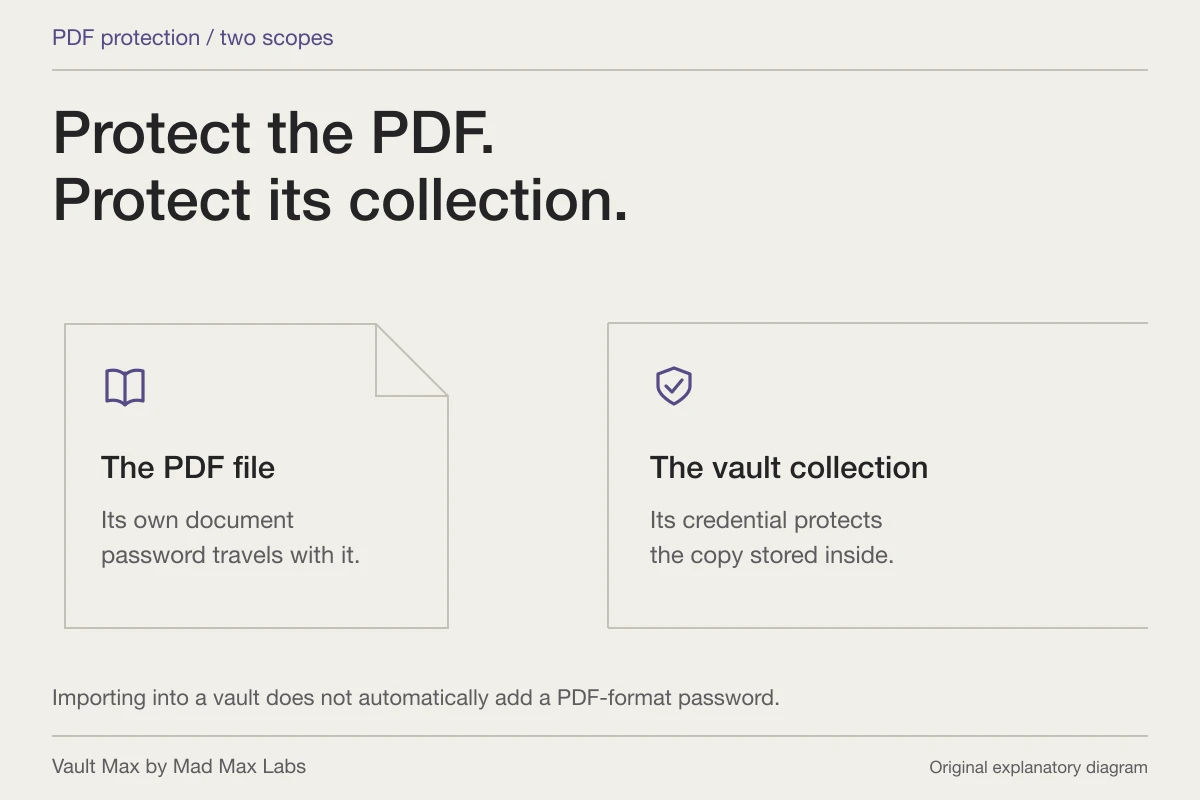
Check the title and page sequence through the available Quick Look preview. If the document is password-protected, its own password is separate from the vault credential. Keep the source available if you cannot establish a usable preview.
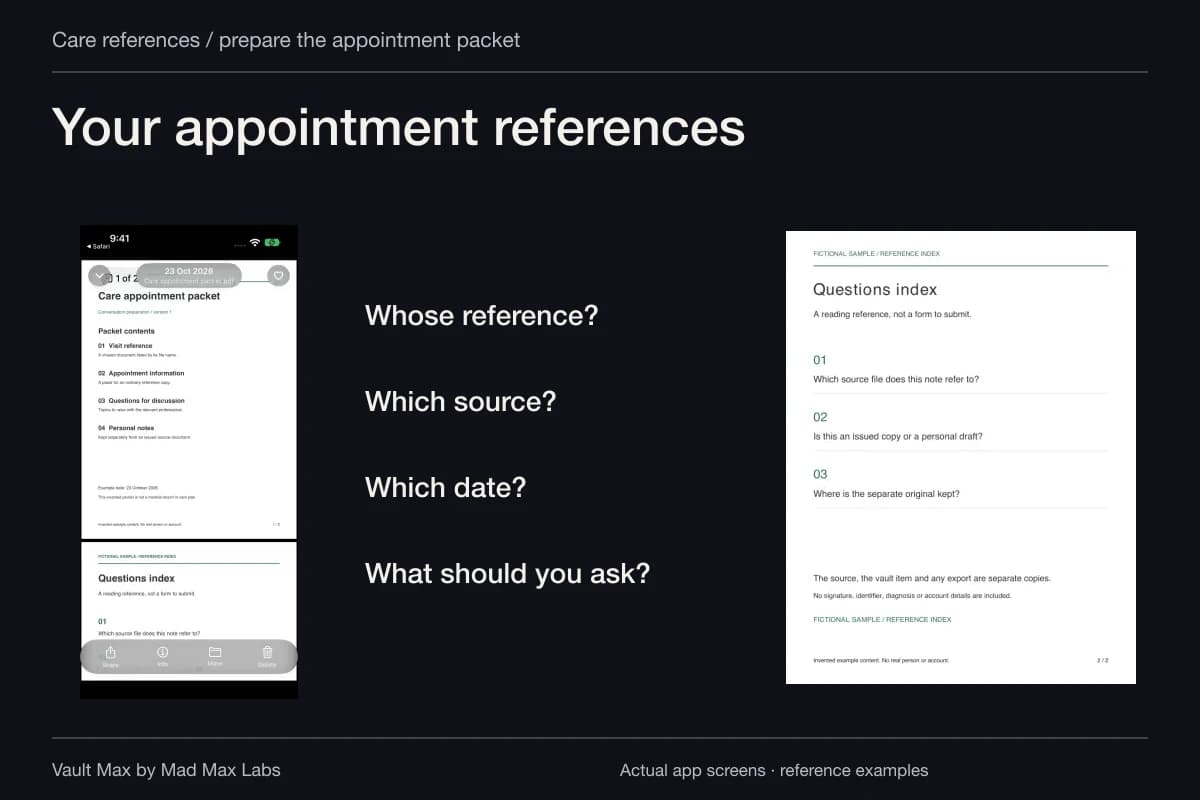
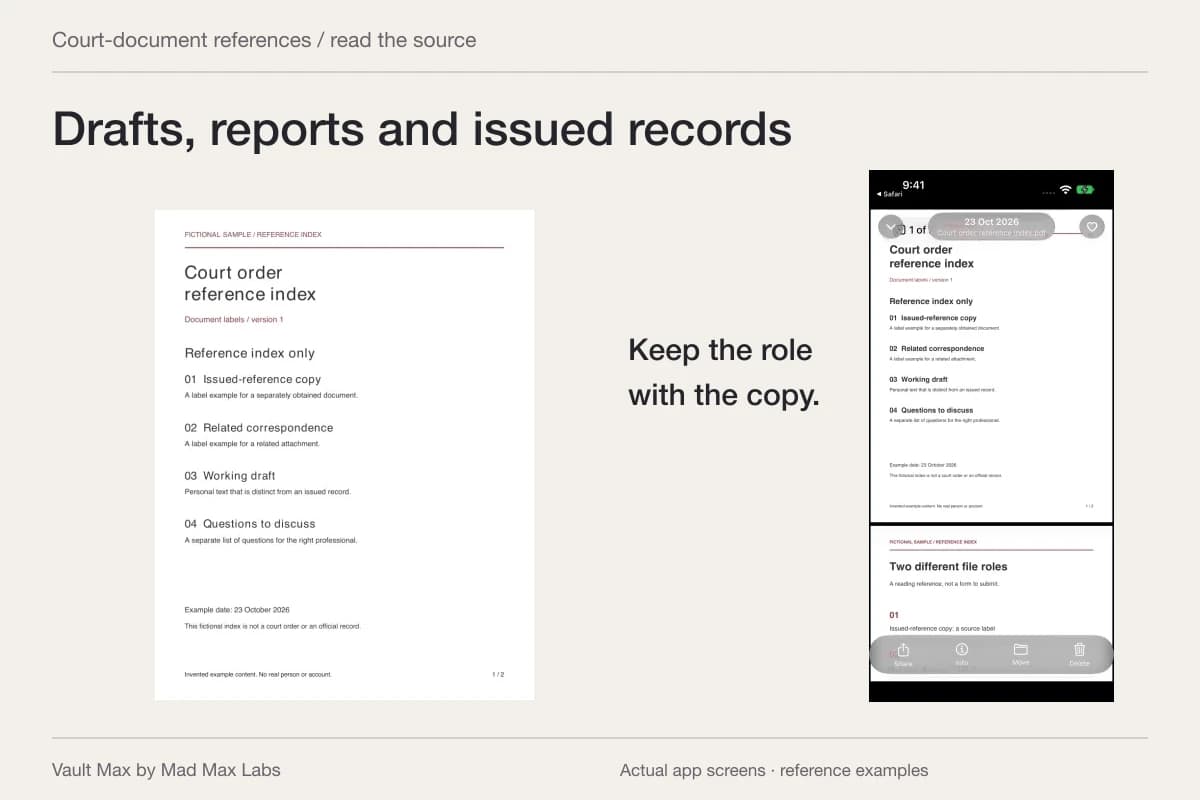
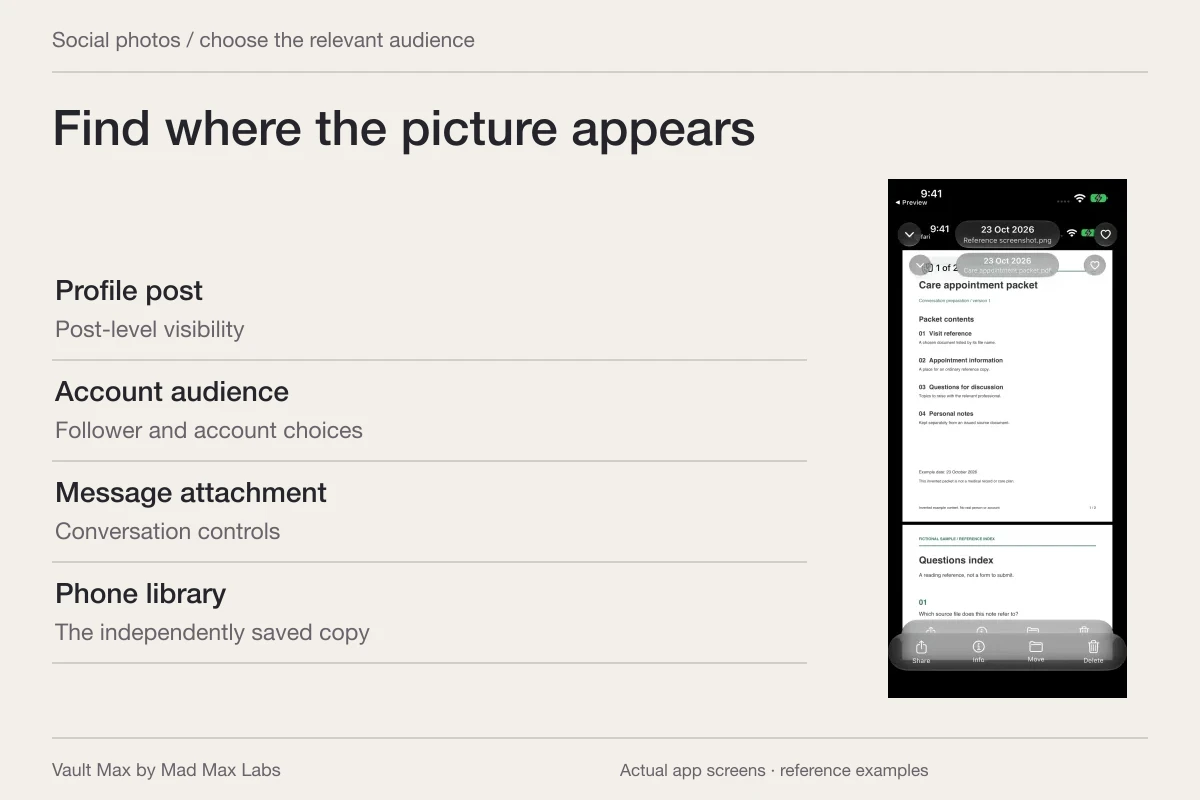
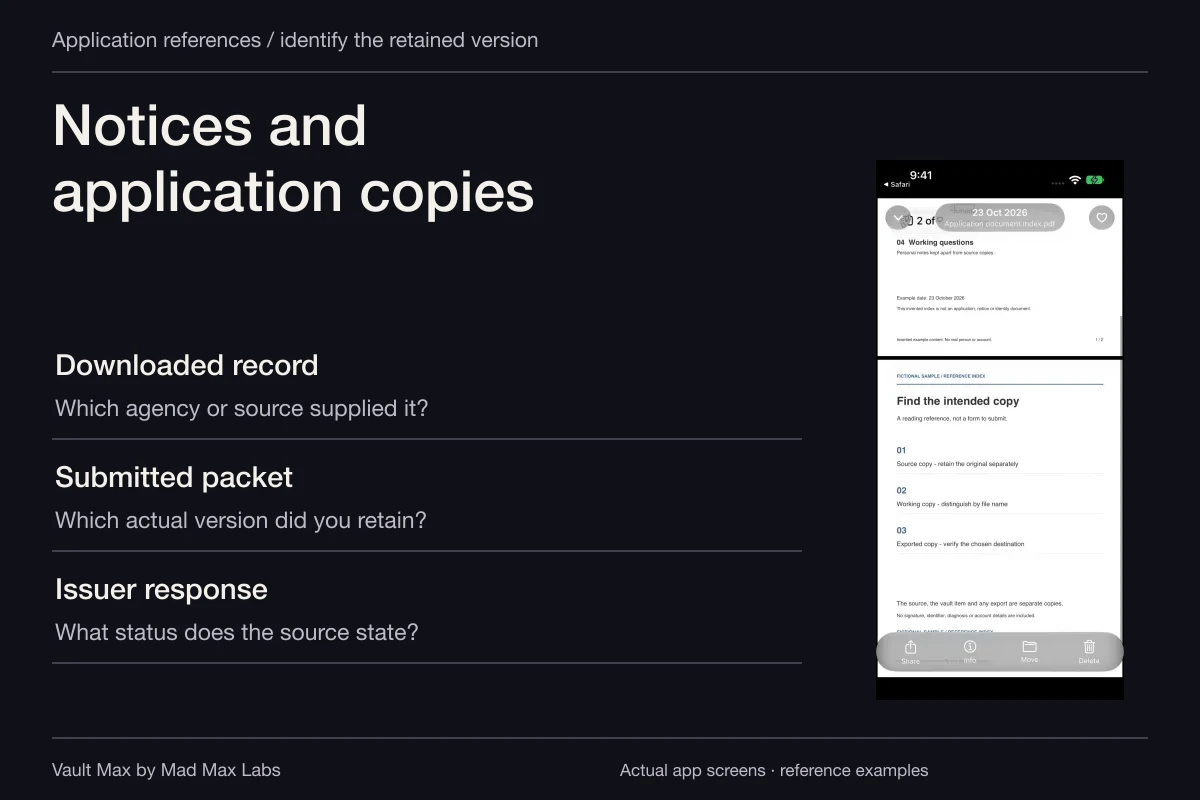
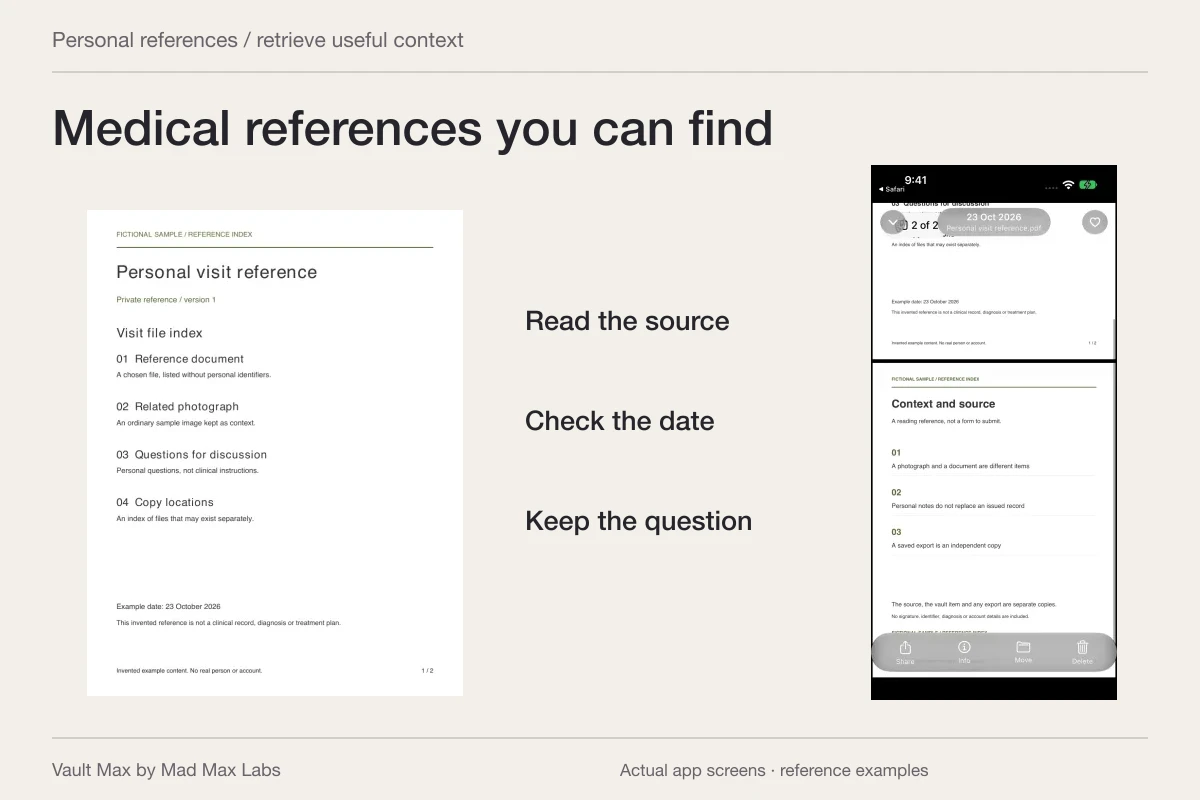
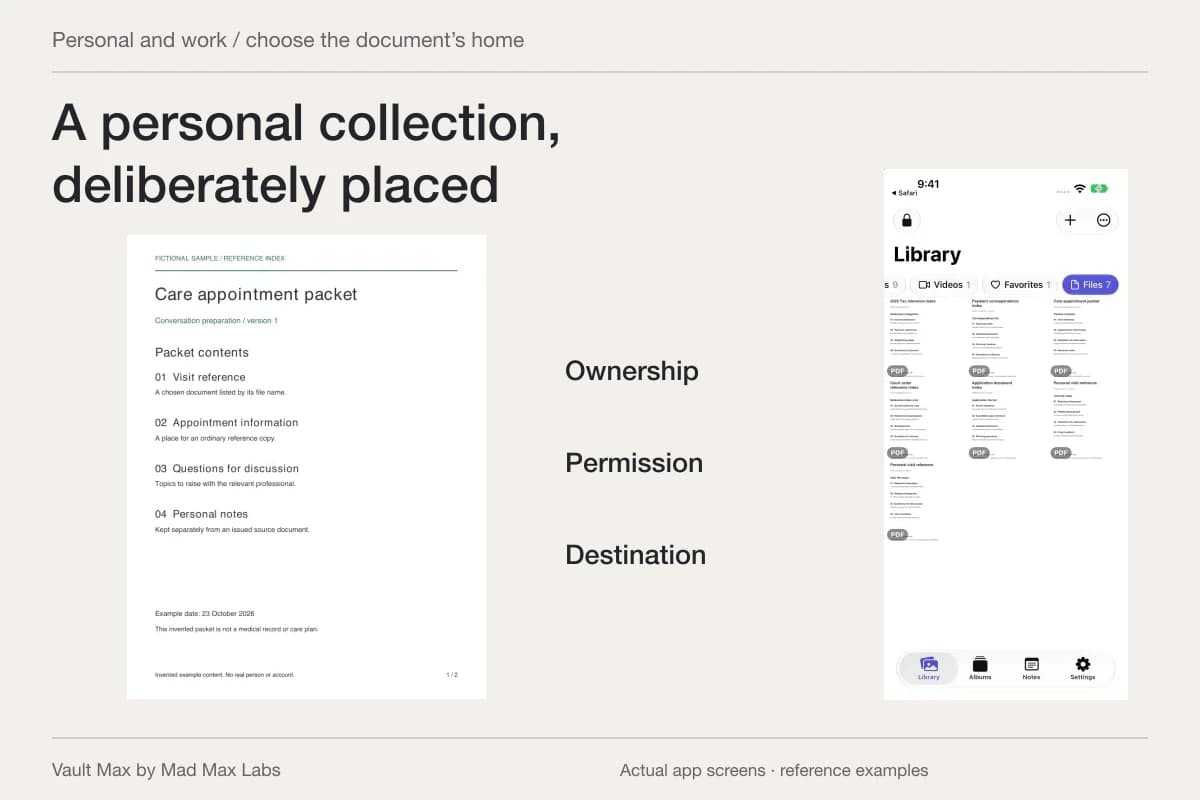
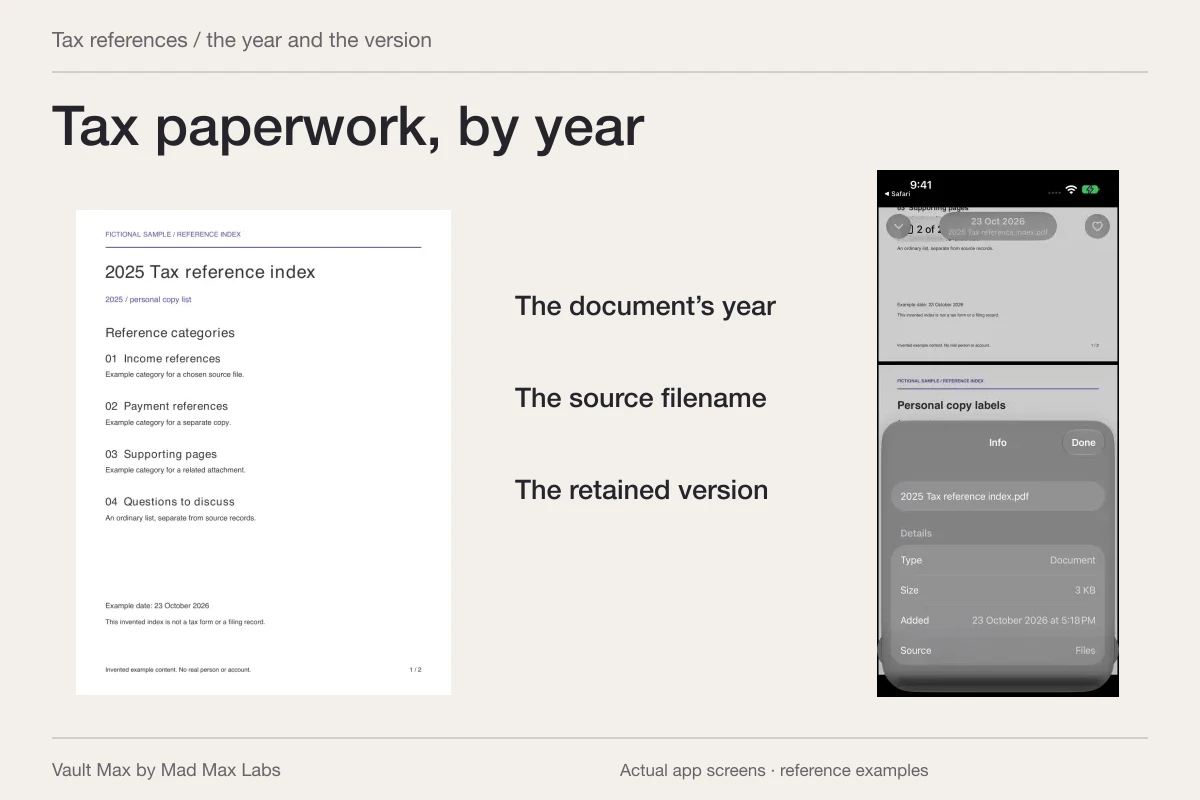
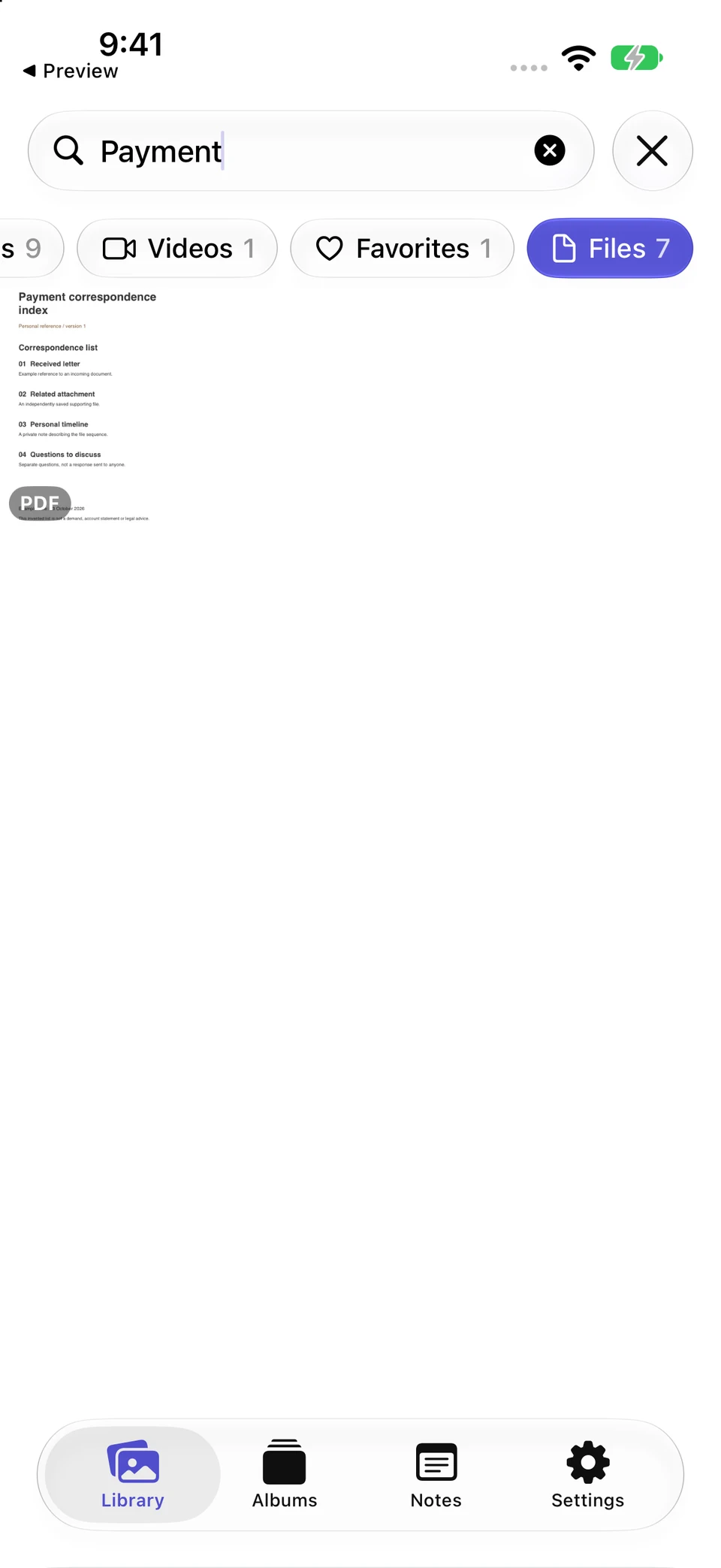
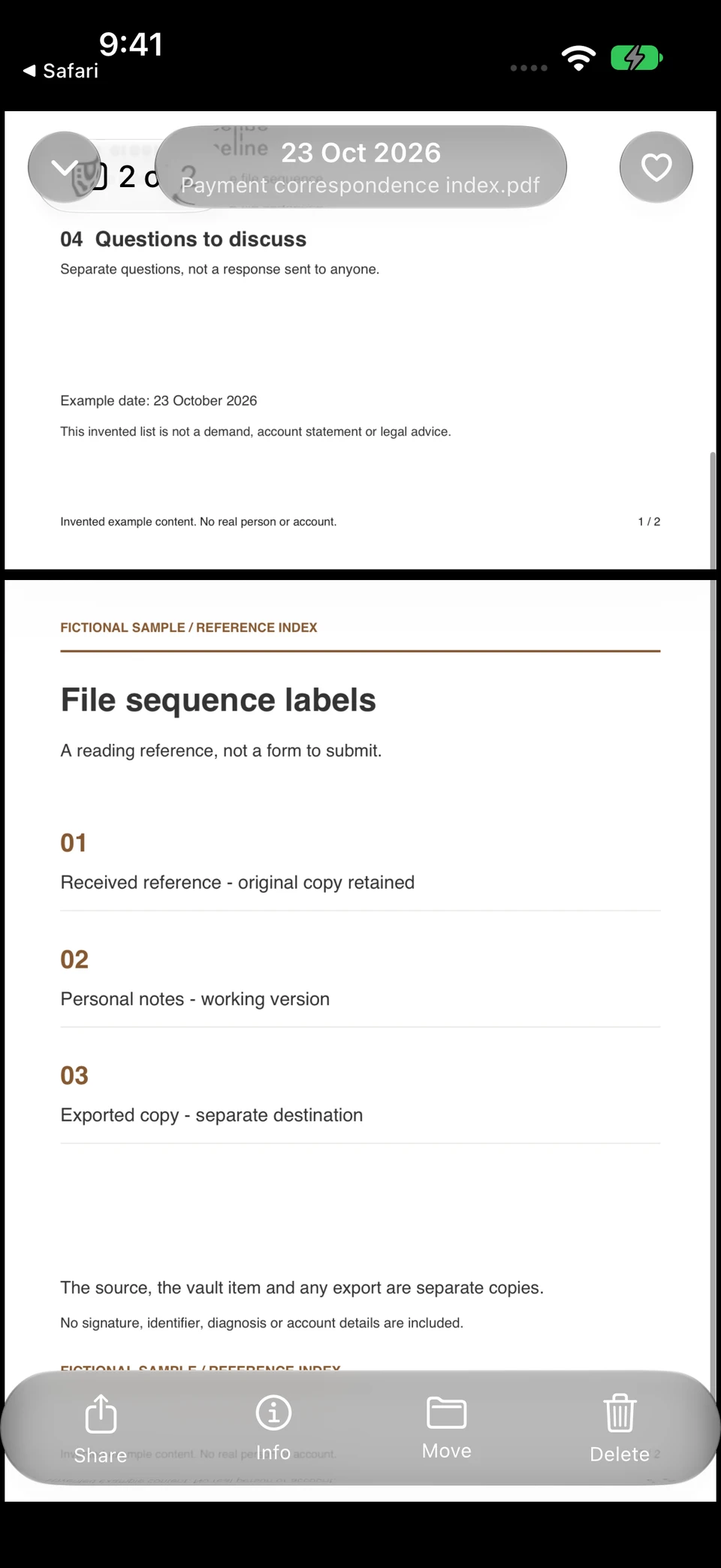
A filename query retrieves the fictional payment-reference PDF. Opening page two reveals which source and copy-location questions the index preserves.
Vault Max · Actual app screens, fictional sample contentFind the named file
Open original image: Find the named fileInspect its reference context
Open original image: Inspect its reference contextOpen the fictional two-page reference PDF used in this walkthrough. It is a sample index for inspecting the file workflow, rather than an official form or a real record.
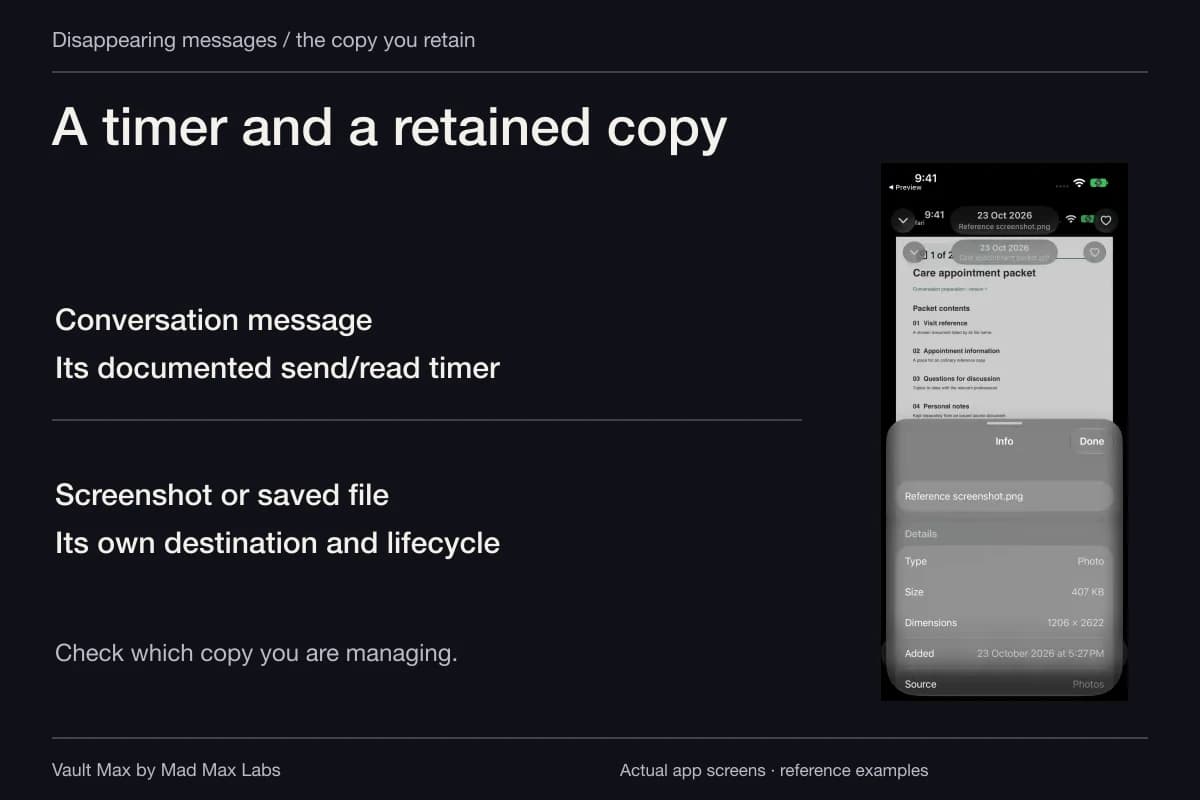
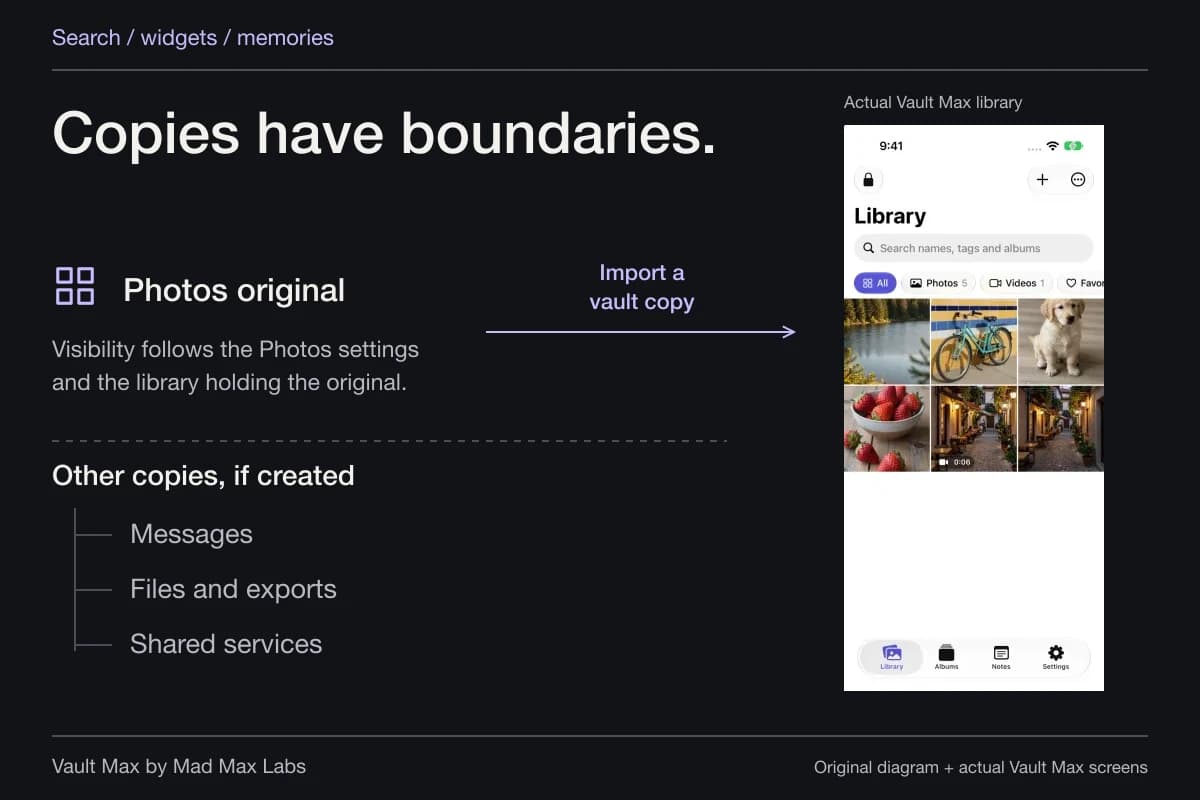
An import is another copy. The source in email, a provider portal or Files remains subject to that location's own controls. Use the vault to keep the reference organized without assuming it administers those other systems.
Keep your explanation separate from the paper trail
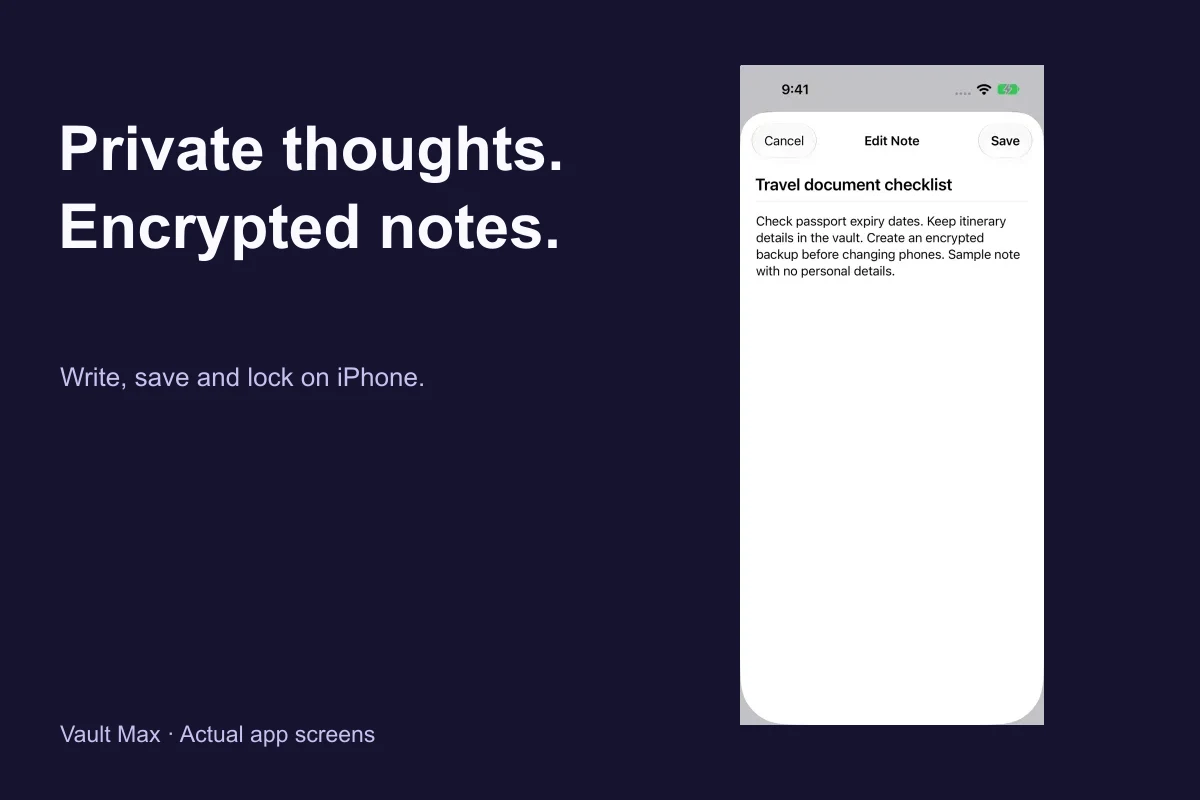
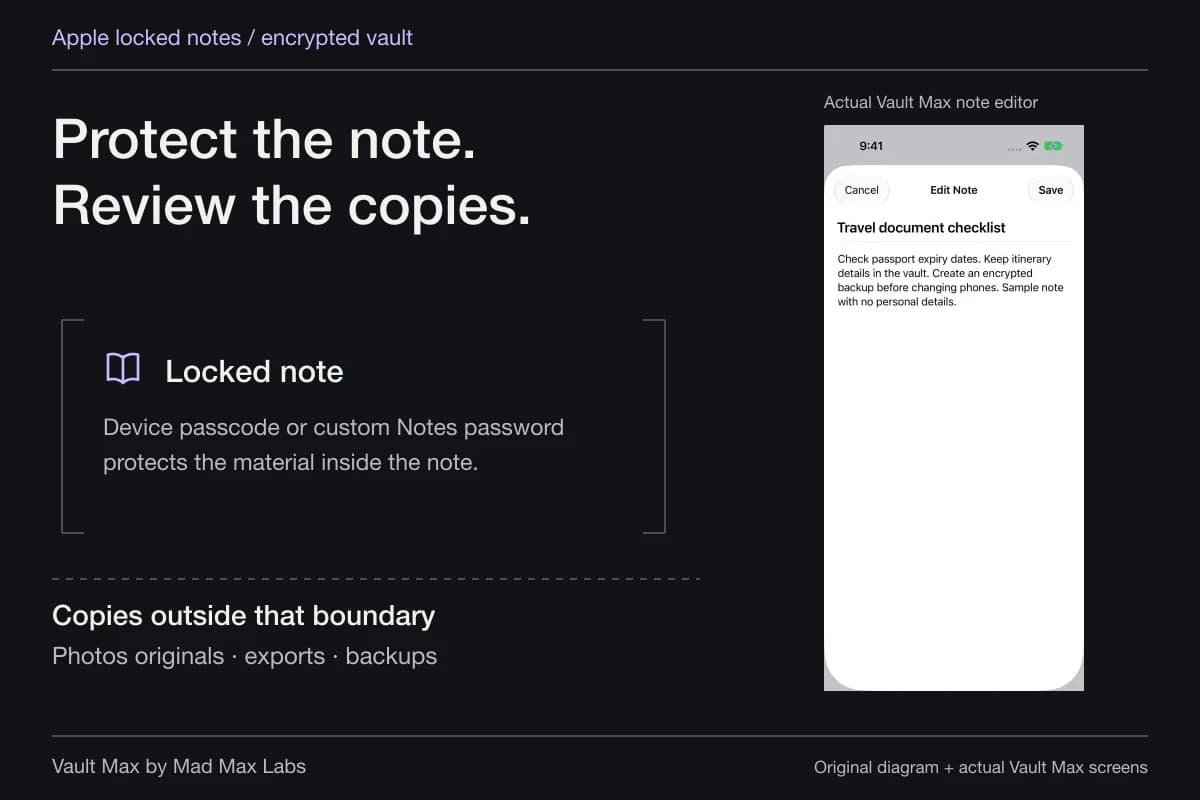
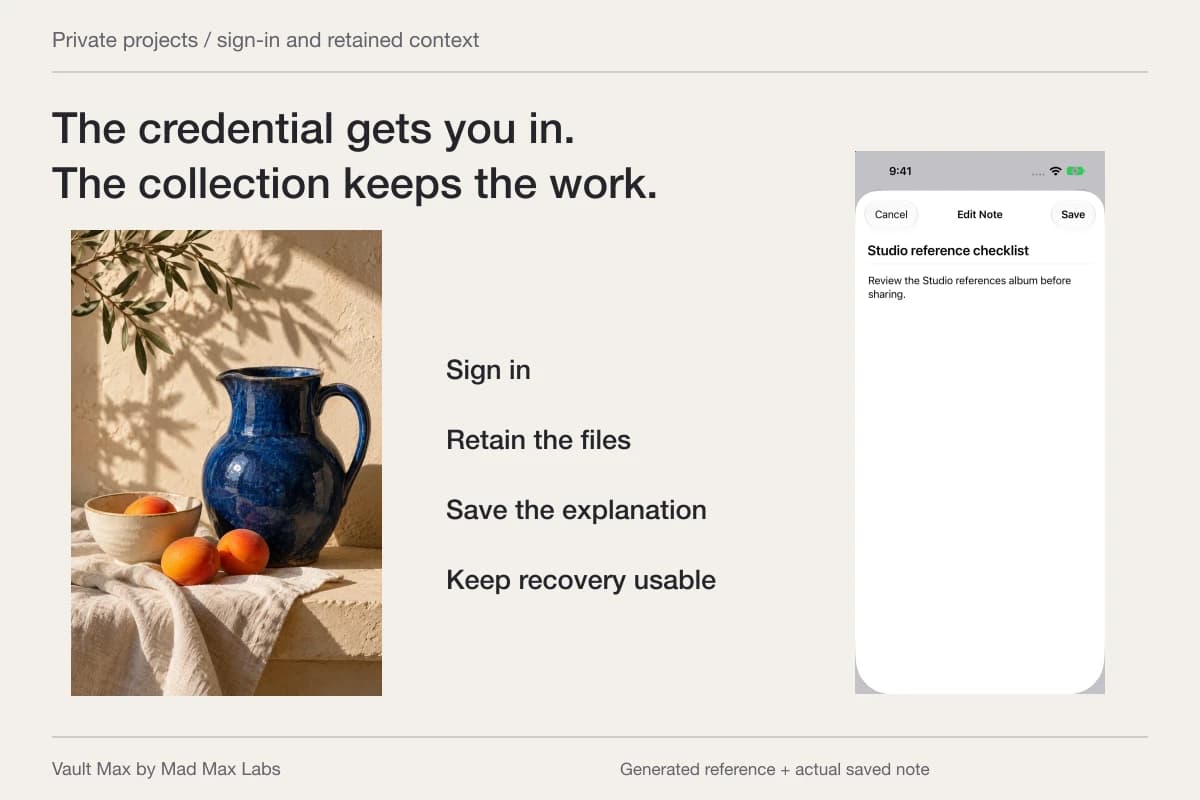
Create an encrypted note with a recognizable title. Record the date, which file you were considering and the question you want to raise. Save it and reopen the text to confirm the intended wording.
For example, you might record that two letters use different reference numbers and that you need to ask how they relate. That is a useful question to retain. It does not require deciding the answer yourself or altering either document.
Vault Max's note editor is plain text with explicit saving. Keep the note focused enough to read alongside the source: one question, a document name and the context you want to remember. Date your own writing when that helps distinguish later additions.
Find the version you need before sharing it
Use filename and album-name search within the appropriate vault and filter. Search does not read PDF paragraphs or recognize numbers inside a screenshot. If the expected document is absent, check the Files filter and album before importing again.
A favorite can keep one currently useful document easy to revisit without adding another copy. Keep older and newer versions distinguishable in their names. “Final” is less informative than the actual source, date and document title.
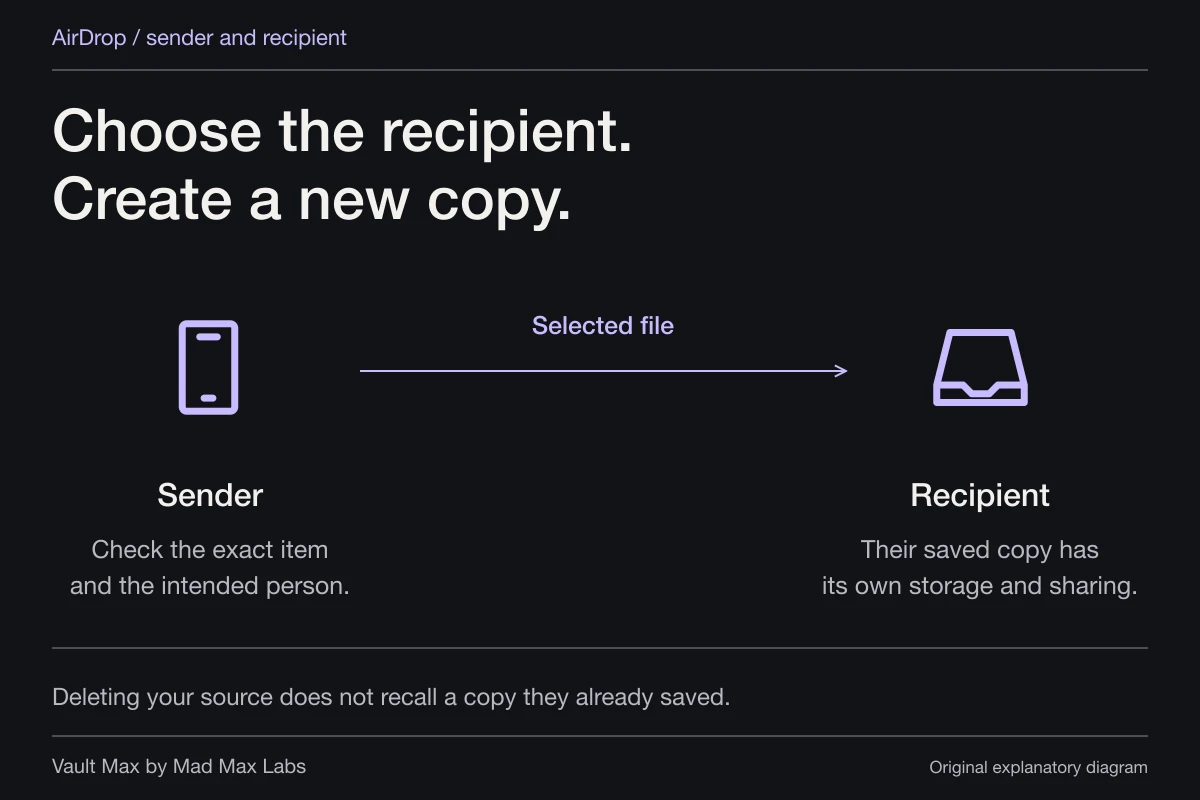
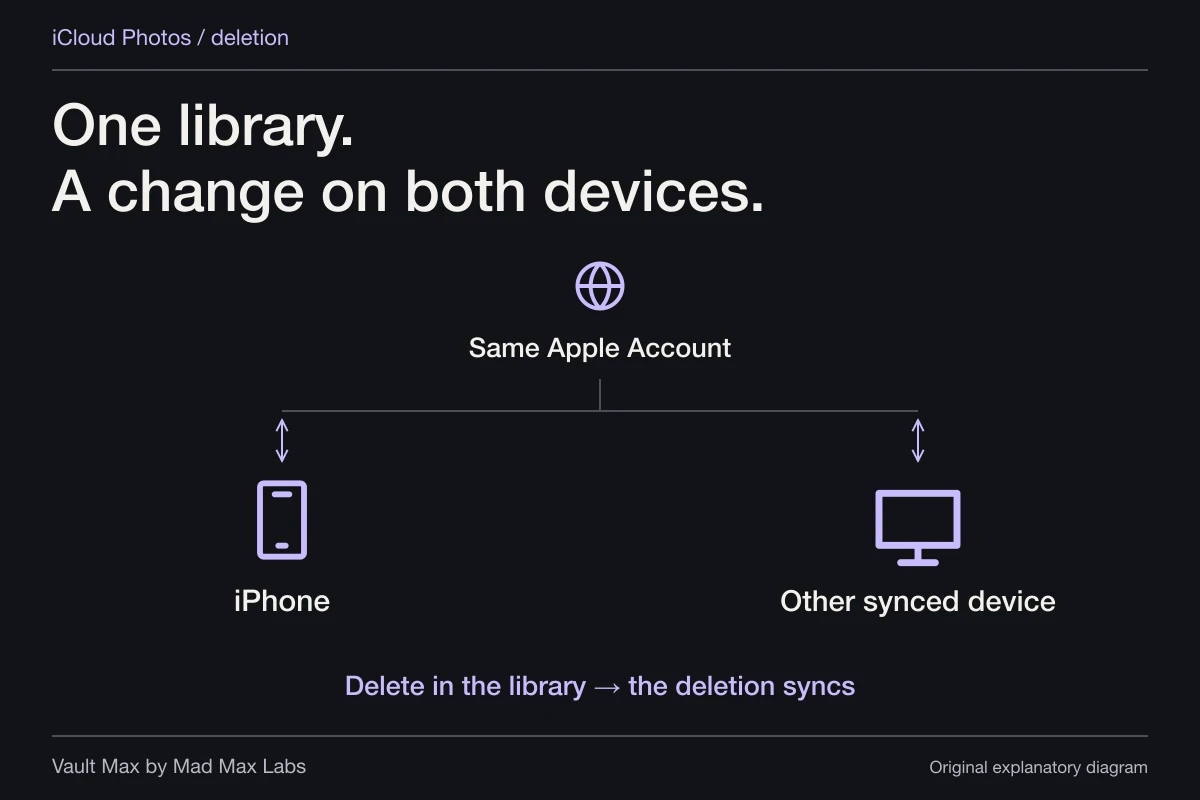
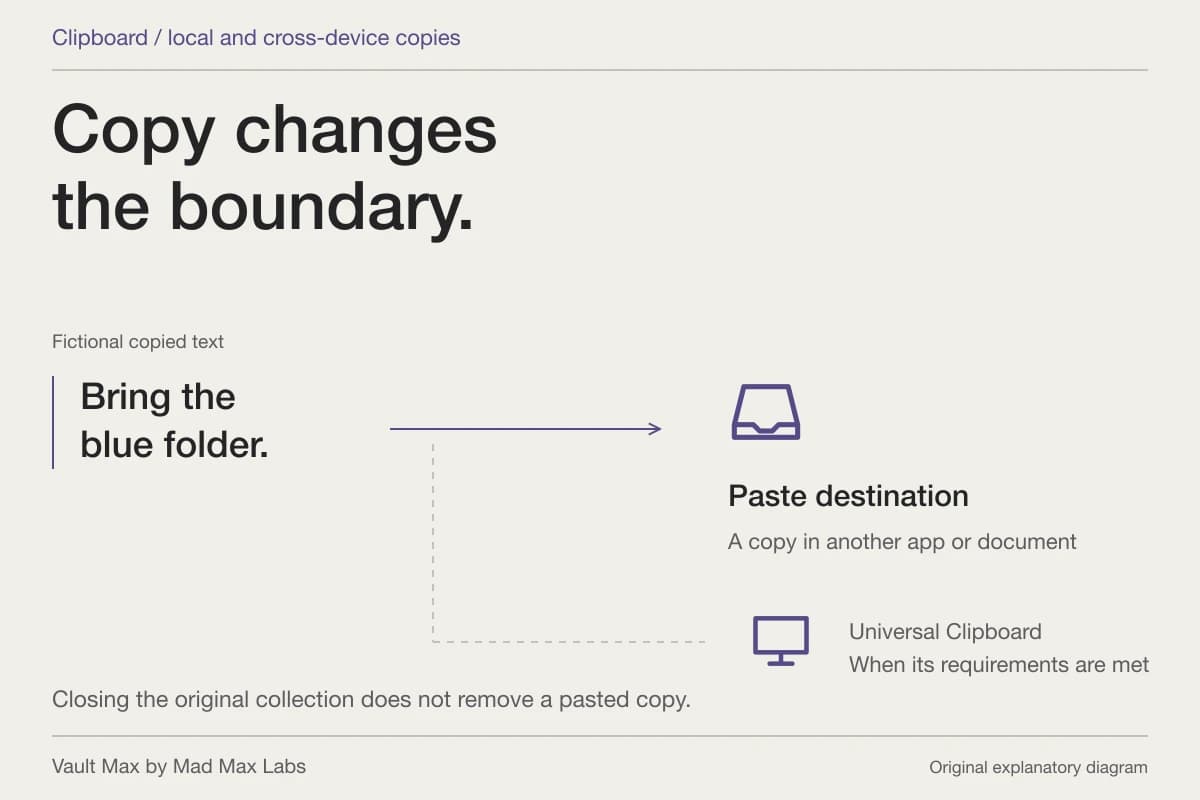
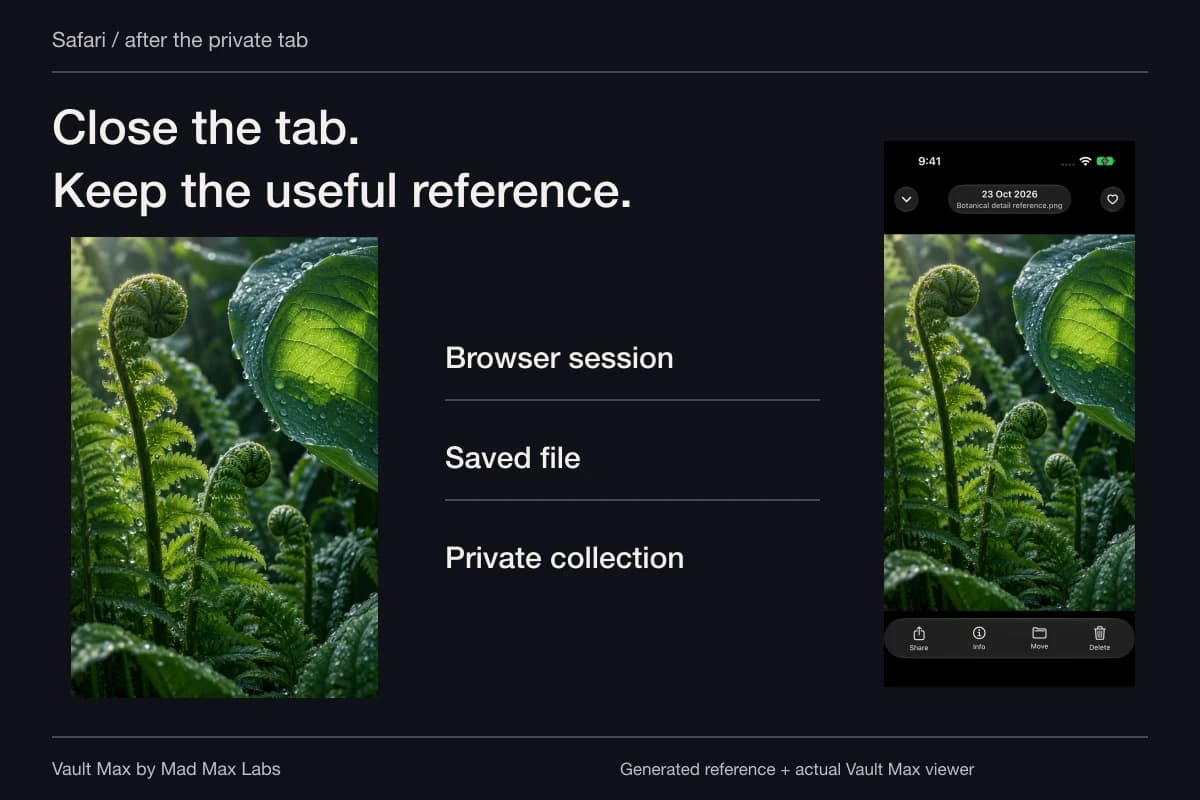
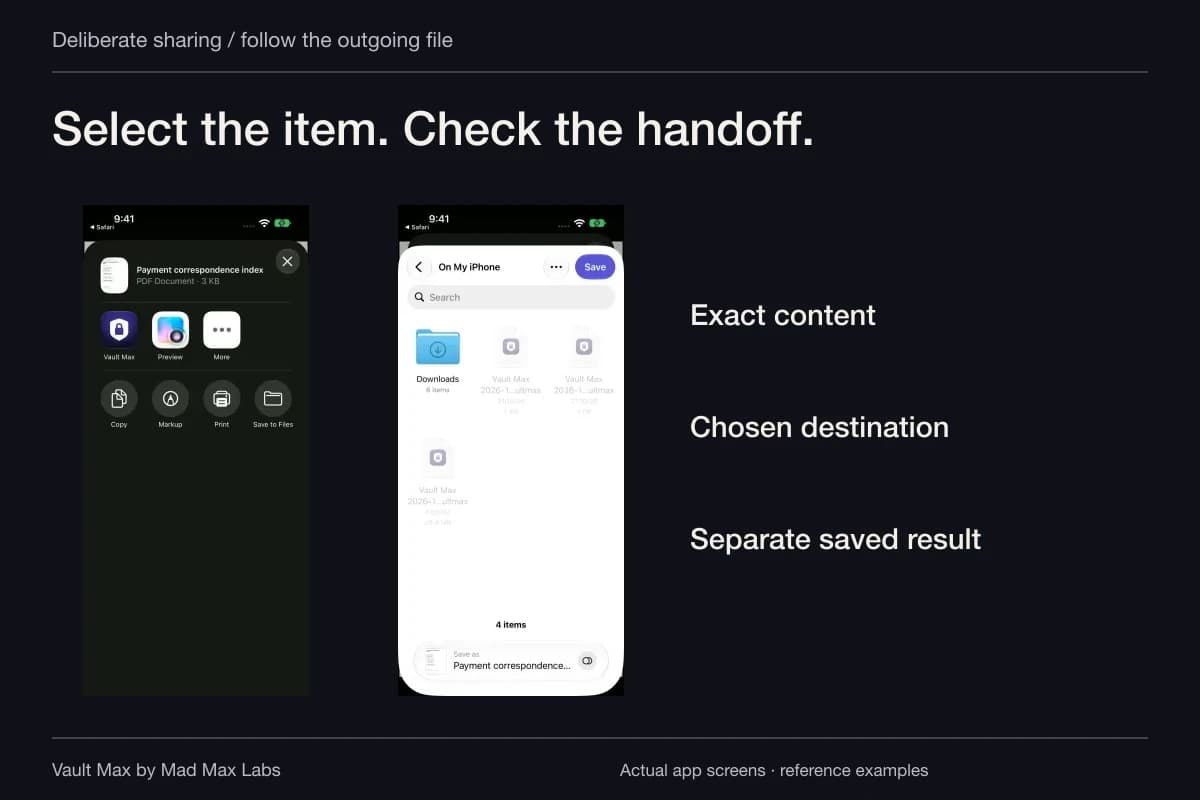
If an adviser or institution requests a file, use the appropriate delivery channel and select the exact reference. Ordinary Share output is a usable file outside the vault. Its destination and recipient govern that copy; the vault credential does not follow it as document protection.
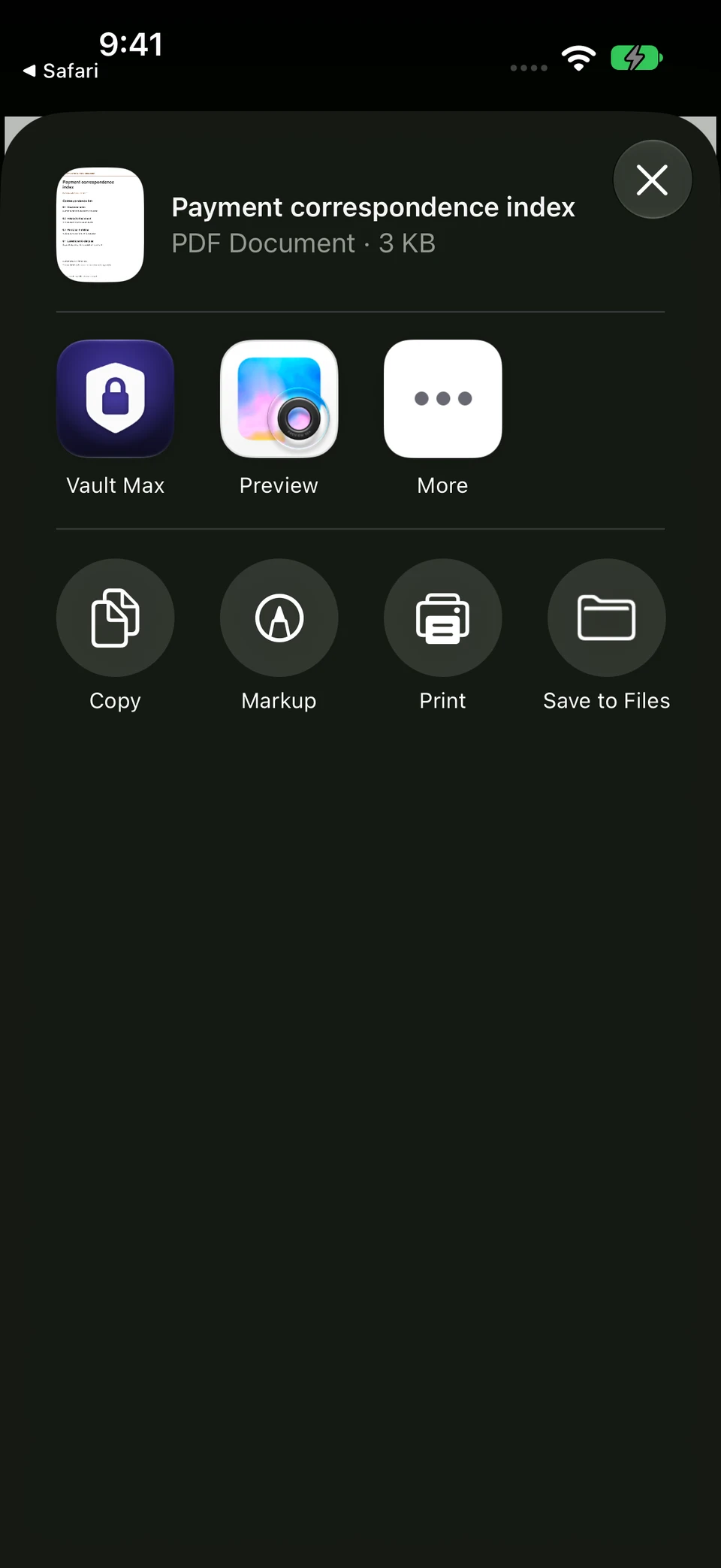
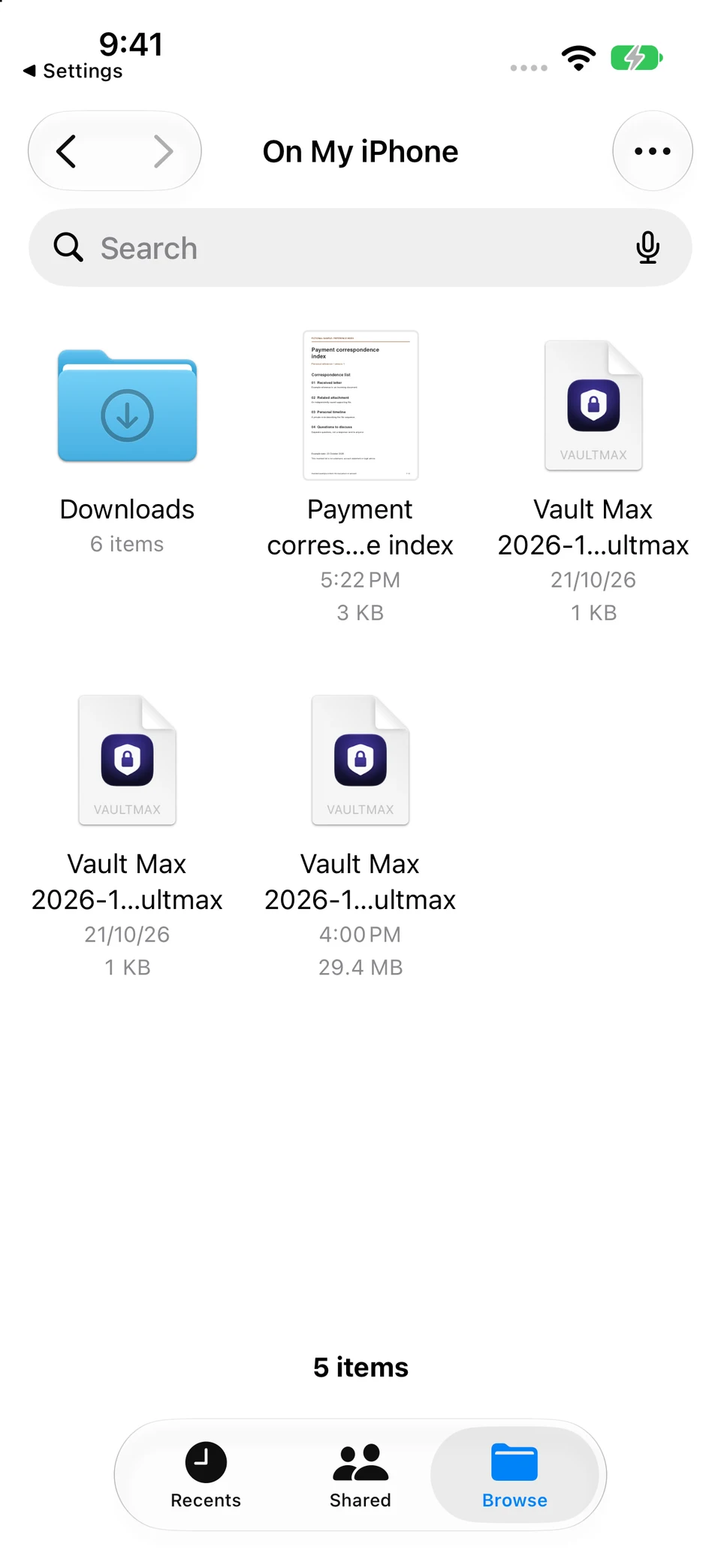
Share prepares an ordinary PDF. In this walkthrough, Save to Files created a separate copy that appeared in Files and matched this sample source byte for byte. Its destination is separate from the encrypted collection.
Vault Max and iOS Files · Actual screens, fictional sample PDFChoose the outgoing route
Open original image: Choose the outgoing routeFind the saved result
Open original image: Find the saved resultTroubleshoot a confusing duplicate
If the collection contains two nearly identical letters, open both before renaming either. Compare the source, printed date, page count and the actual wording you can identify. A later import date only tells you when a copy entered the app; it does not prove the underlying document is newer.
Keep both versions recognizable while you resolve the difference through the appropriate source. A note can identify the two filenames and the question you need answered. Once the relationship is clear, use accurate labels instead of accumulating files called “latest,” “latest2” and “really final.” This makes the next retrieval quicker without changing the documents themselves.
Treat a court-issued document as its own reference
Bankruptcy paperwork can contain several kinds of documents. Keep an issued order separate from a draft, a notice or your own interpretation. Use the document's actual title rather than assigning a legal effect through a filename.
The U.S. Courts' bankruptcy basics reference explains that copies of a discharge order come from the issuing court. If an authoritative or certified version is required, use that court's current instructions. A phone preview is useful access to your retained copy, not a replacement for the official record.
The FTC's consumer debt guidance also reinforces keeping correspondence and payment records. Consult the relevant source for the substantive question; this collection helps you locate the material without supplying an answer about your obligations.
Keep the collection available if the phone is not
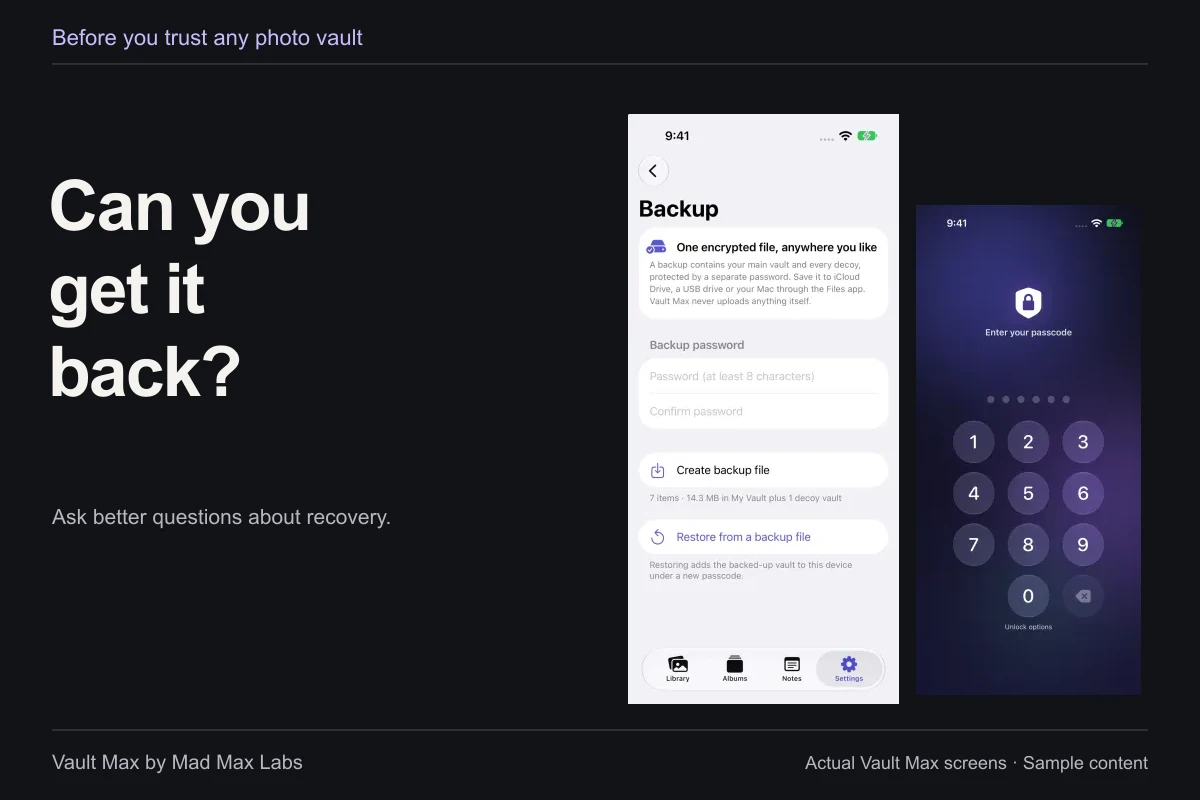
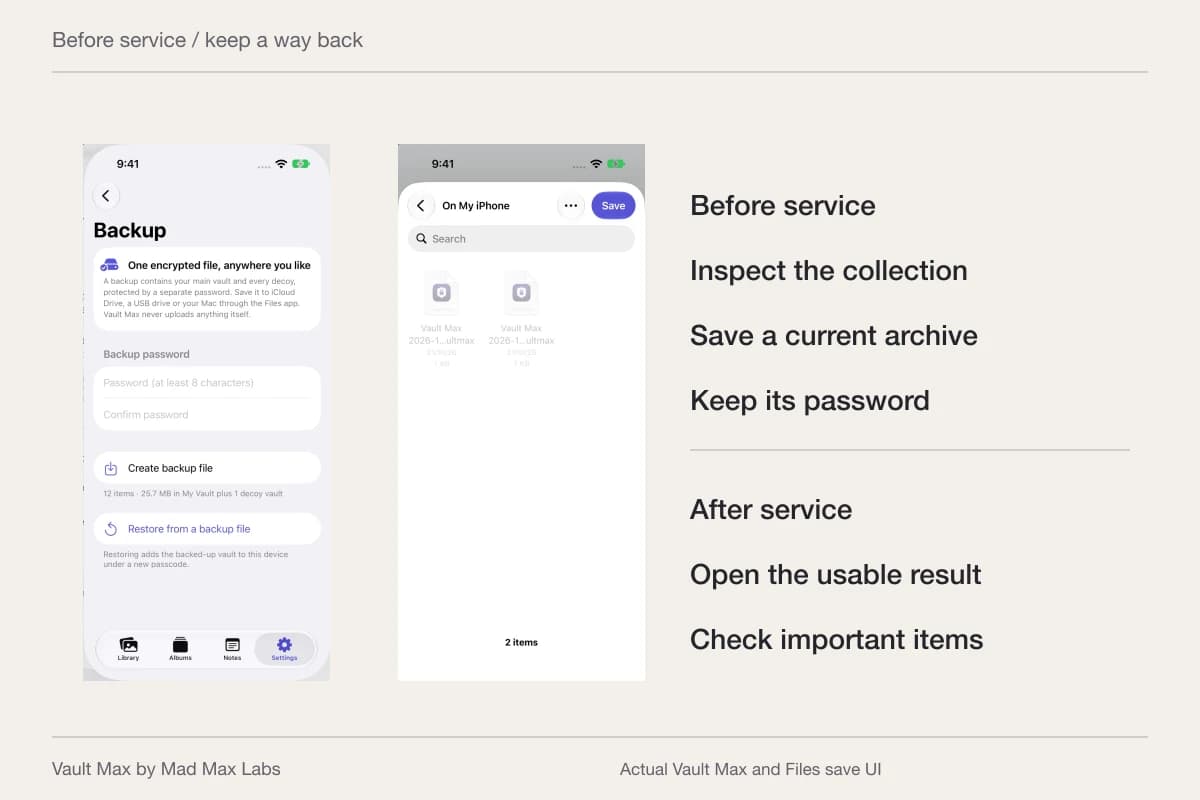
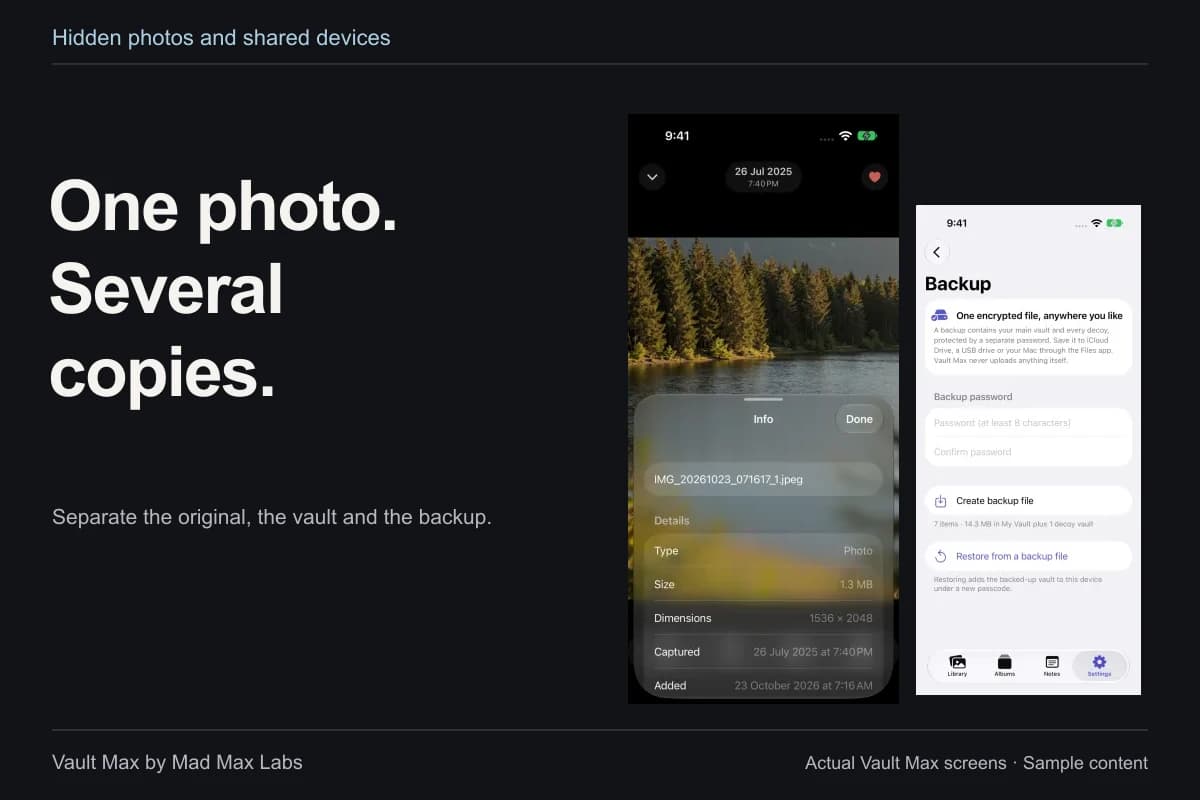
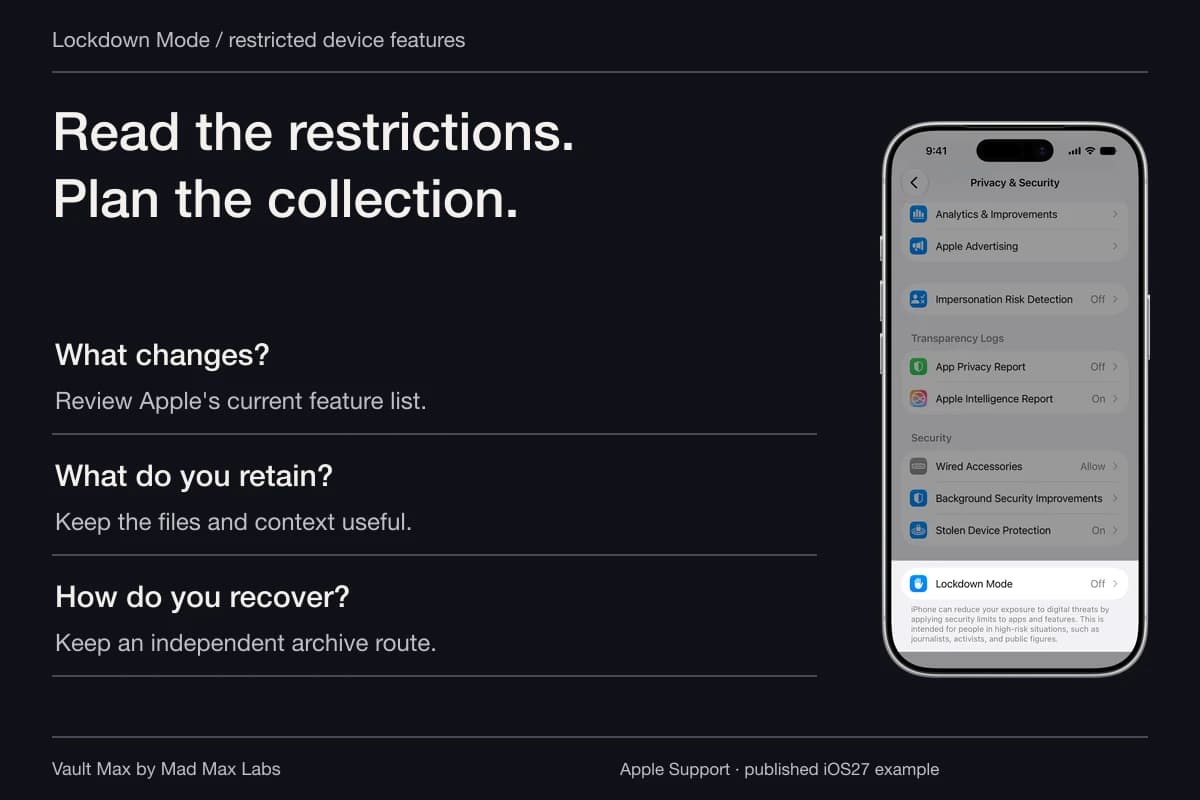
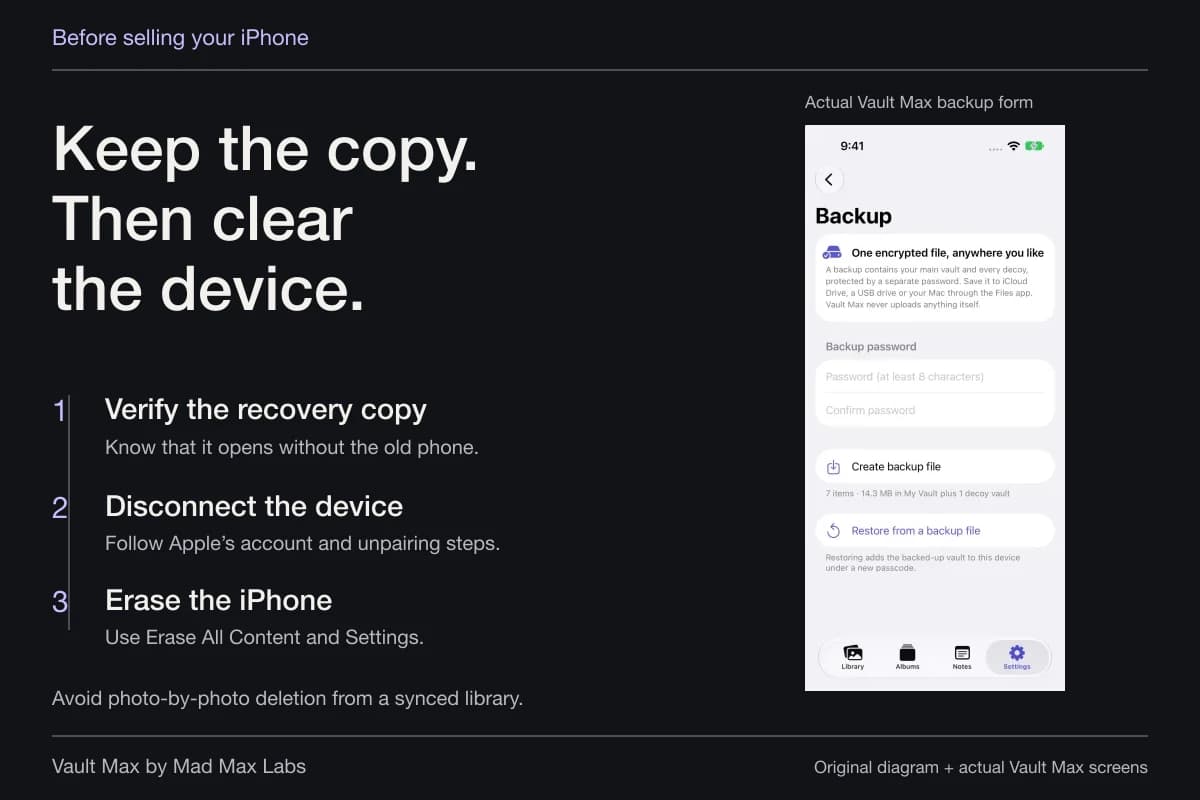
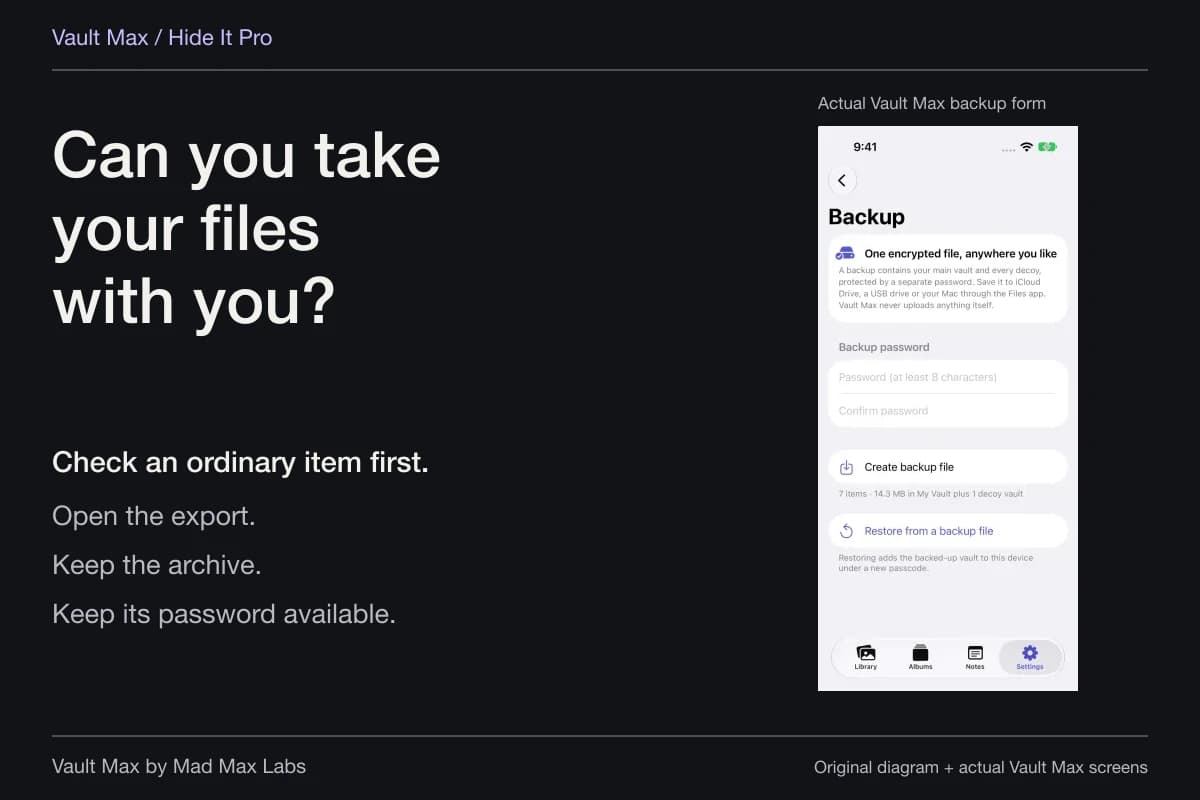
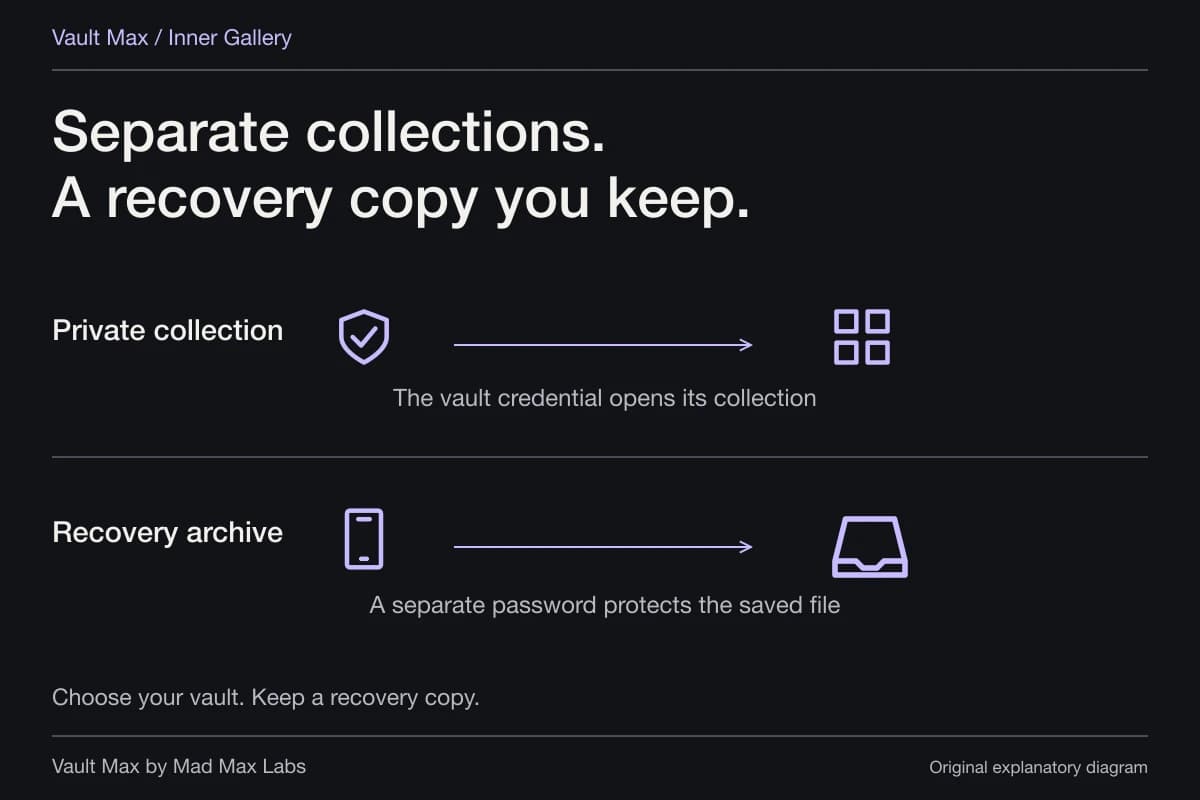
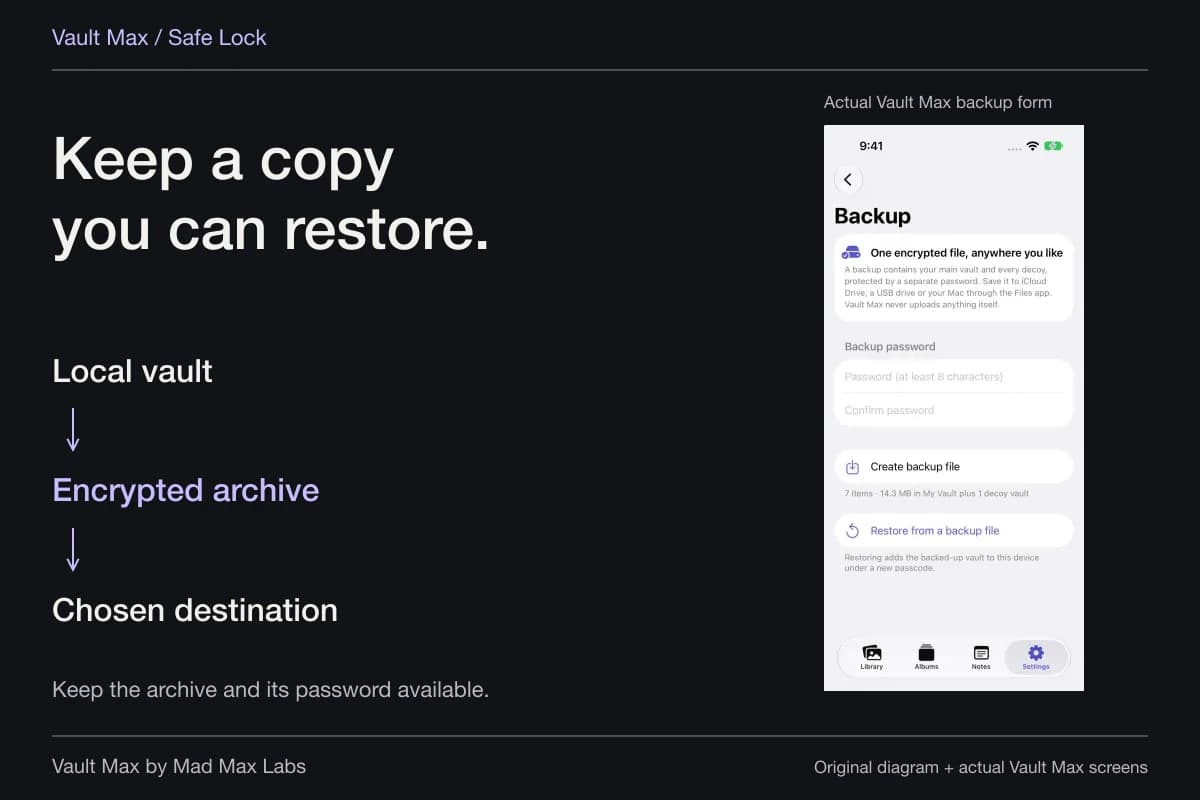
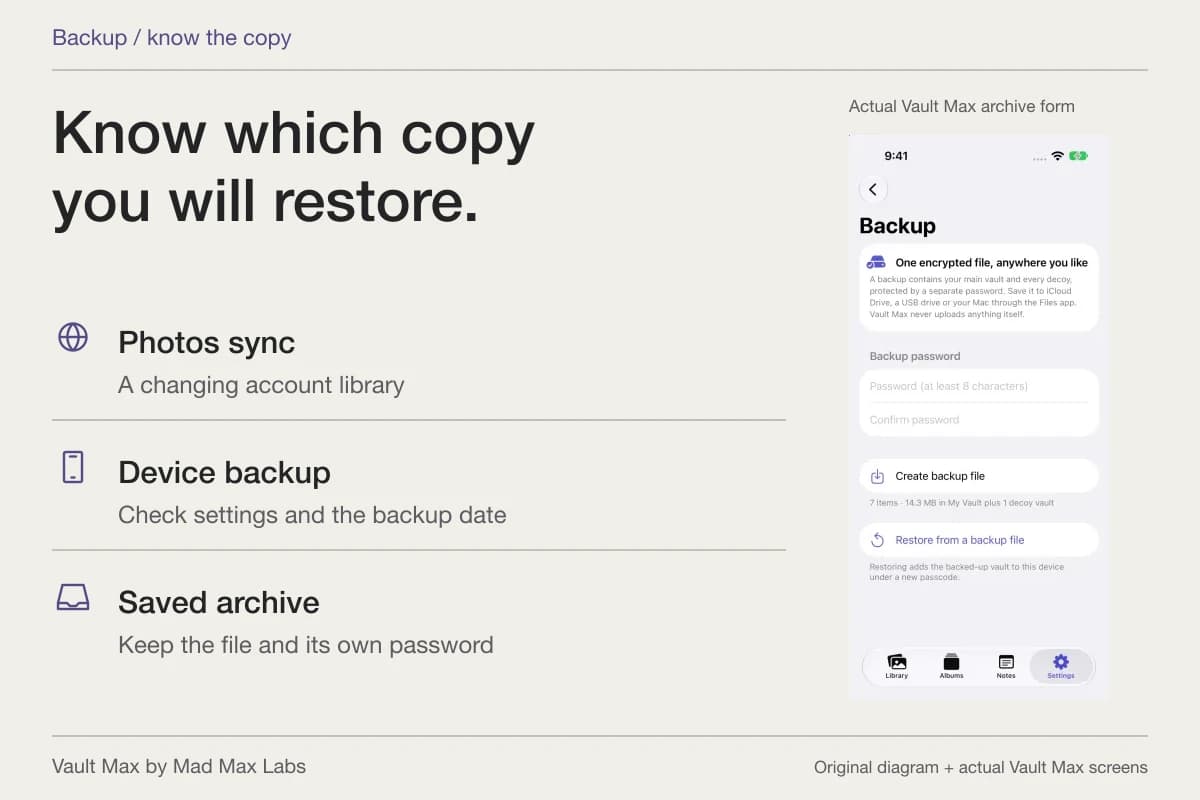
Create a current encrypted .vaultmax archive after meaningful additions. It has a separate password and a destination you choose through Files. Retain both in an arrangement that remains usable without the phone.
Notes are included in the snapshot. Record which date it represents so a later addition is not mistakenly assumed to be backed up already. Keep recovery distinct from an ordinary file sent to somebody else.
- Read the source before grouping similar-looking documents.
- Distinguish incoming, drafted, sent, payment and issued-record copies.
- Check readable pages and the correct version.
- Keep your own writing distinct from the source's statements.
- Keep a current archive and its independent password.
Tap a box as you go. Checks reset when you leave this page.
Common questions
How do I find one letter among similar account records?
Use a filename that identifies the source, date and document type, then search part of that name inside the relevant collection. Check the Files filter if the item is a PDF. Search does not read the letter's paragraphs.
Can I keep payment-plan screenshots and PDF letters together?
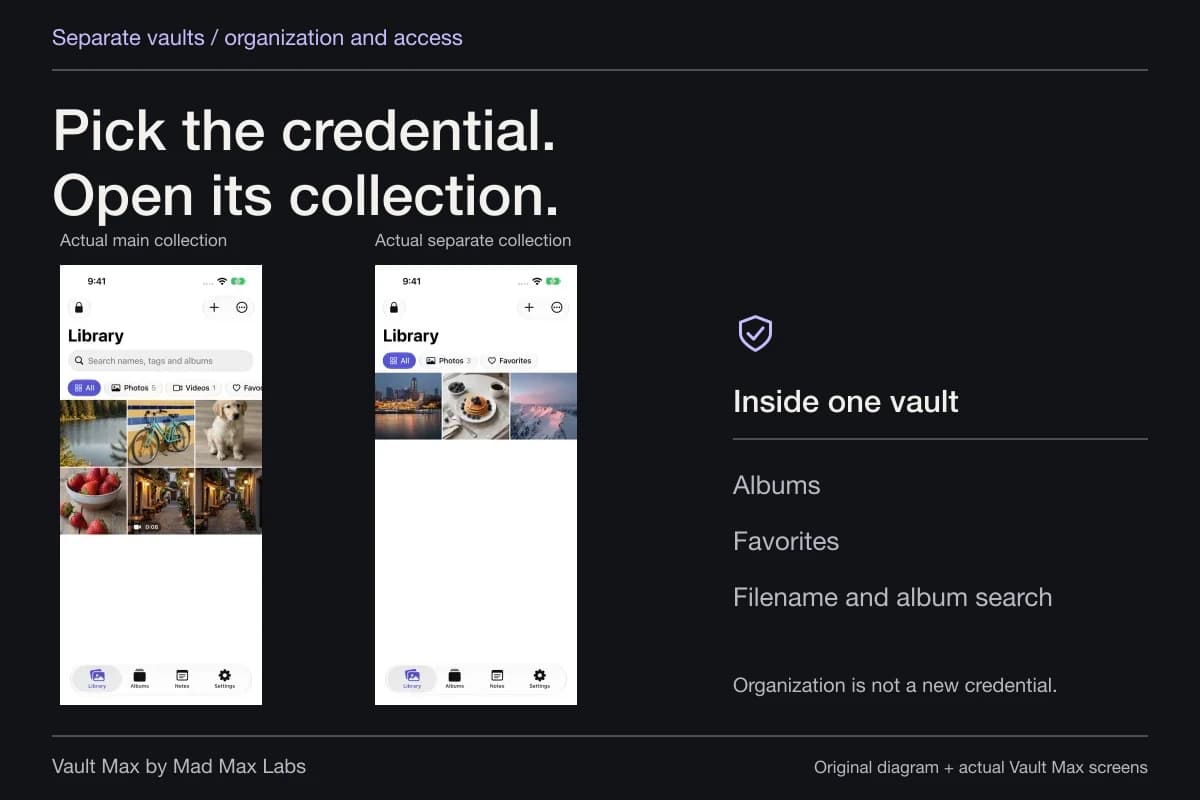
Yes. Vault Max can hold selected images and documents in the same album, with separate encrypted notes for your context. Inspect the full source and readable pages instead of relying on thumbnails alone.
Is my copy of a bankruptcy order the official court record?
It is the reference copy you retained. The issuing court and its records remain authoritative. Follow the court's instructions when an official or certified copy is needed.
Continue reading
More guides
Practical tips for your private library. Swipe or scroll to choose your next guide.
86 guides to explore