
Privacy in practice
Immigration documents on iPhone: keep the notices, copies and context together
Organize retained immigration notices, document copies and reference photos on iPhone. Find the right version, keep context and prepare private recovery.
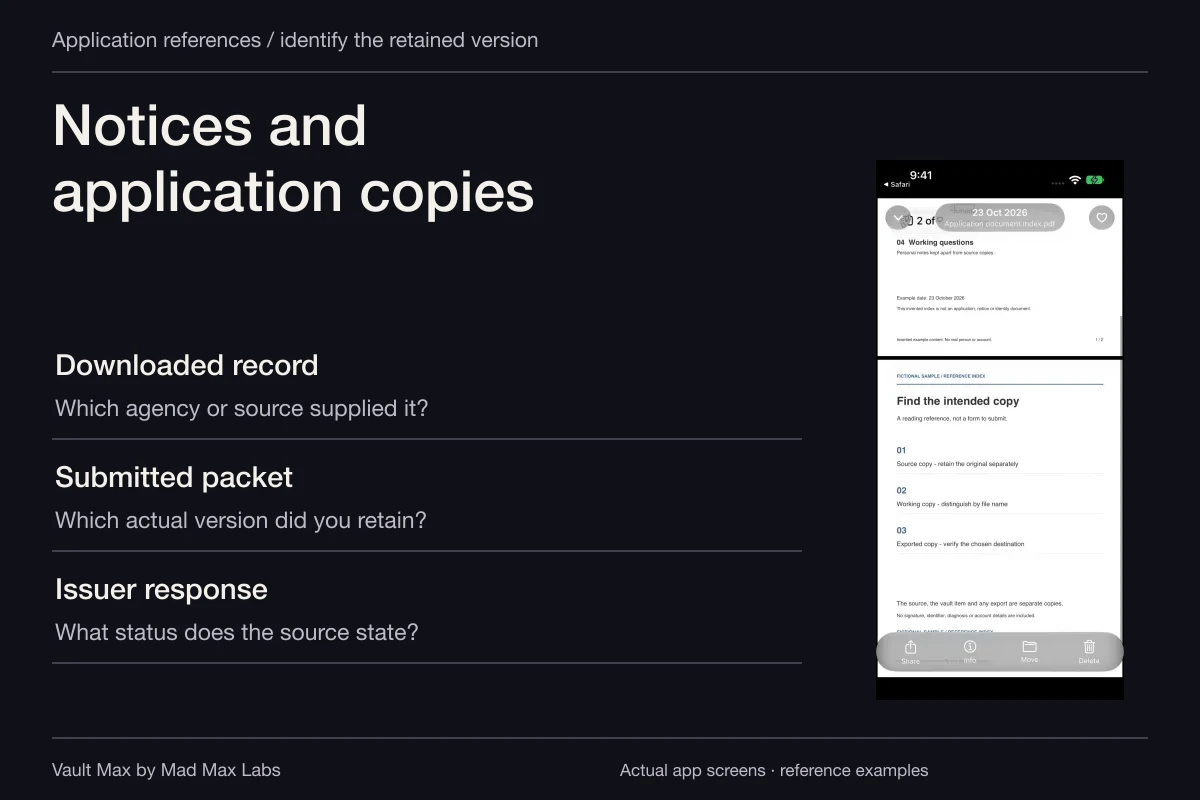
Organize immigration paperwork around the document you actually received, its source and its version. A notice, an identity reference, an application copy and a photograph can belong to the same personal collection without being interchangeable records. Vault Max keeps those selected files and your encrypted writing together locally behind a credential you choose.
This guide concerns reference copies you already hold, including material connected with an asylum matter. It does not select evidence, interpret a notice or explain how to make a filing. A well-kept phone collection helps you locate the right document when using the appropriate official or professional channel.
Separate the official source from the personal collection
Begin with where the file came from: an agency notice, a court record, a representative's supplied copy or an original document you hold. Record that source before importing. Two similar PDFs can have different roles even when they contain the same name.
USCIS applications and EOIR immigration-court proceedings have their own systems and instructions. Do not treat a document saved from one as proof of an action in the other. Keep the source's actual title and any accompanying explanation available.
EOIR's Respondent Access FAQ distinguishes downloading a copy of case documents from electronically submitting a filing and its acceptance or rejection. That is the distinction to preserve in your local collection: possessing a file is different from an official system accepting it.
Make a small inventory of already obtained references
Choose the group you need to organize now. It may include a supplied notice, an application copy, identity-document references, correspondence and relevant photographs already in your possession. You do not need to duplicate every file on the phone to begin.
For each item, identify its date, source and role. If you cannot tell whether it is a draft or a supplied final copy, keep that as a question for the source. Do not resolve the uncertainty by renaming it “approved.”
Keep authoritative identity documents and required originals in their appropriate arrangement. A readable photograph on a phone is useful reference access. It does not become the original, a certified copy or an accepted travel document because it is stored in an encrypted collection.
Name files so that similar versions stay distinguishable
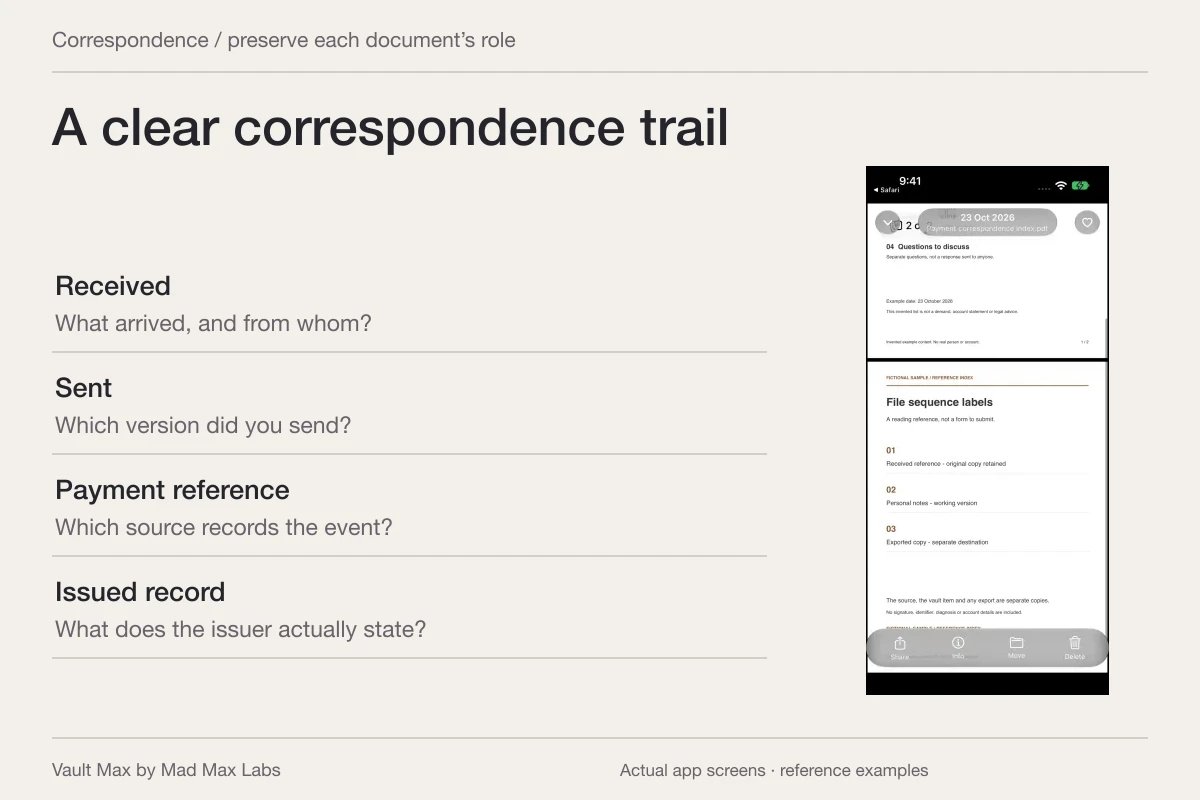
Use a consistent combination of date, source and document type. The date printed on a notice can differ from the day you downloaded it. Choose labels that preserve that distinction rather than relying solely on the file's import order.
Avoid unnecessary full identity or case numbers in every filename. Use enough detail to recognize the group privately, while keeping the actual source document intact. For related source-language and translated files, a shared descriptive stem can make their relationship easier to recognize.
| Retained item | Useful label detail | Keep separate |
|---|---|---|
| Agency or court notice | Source, printed date and actual title | Your interpretation of what it requires |
| Application or request copy | The supplied version or explicit draft label | A confirmation of official receipt or acceptance |
| Source-language document and translation | Related recognizable names | Any certification or submission requirements |
| Reference photograph | What it depicts and its known context | A conclusion about evidentiary significance |
| Personal question note | Which document and page you mean | The source document's own statements |
Open every part of the saved reference
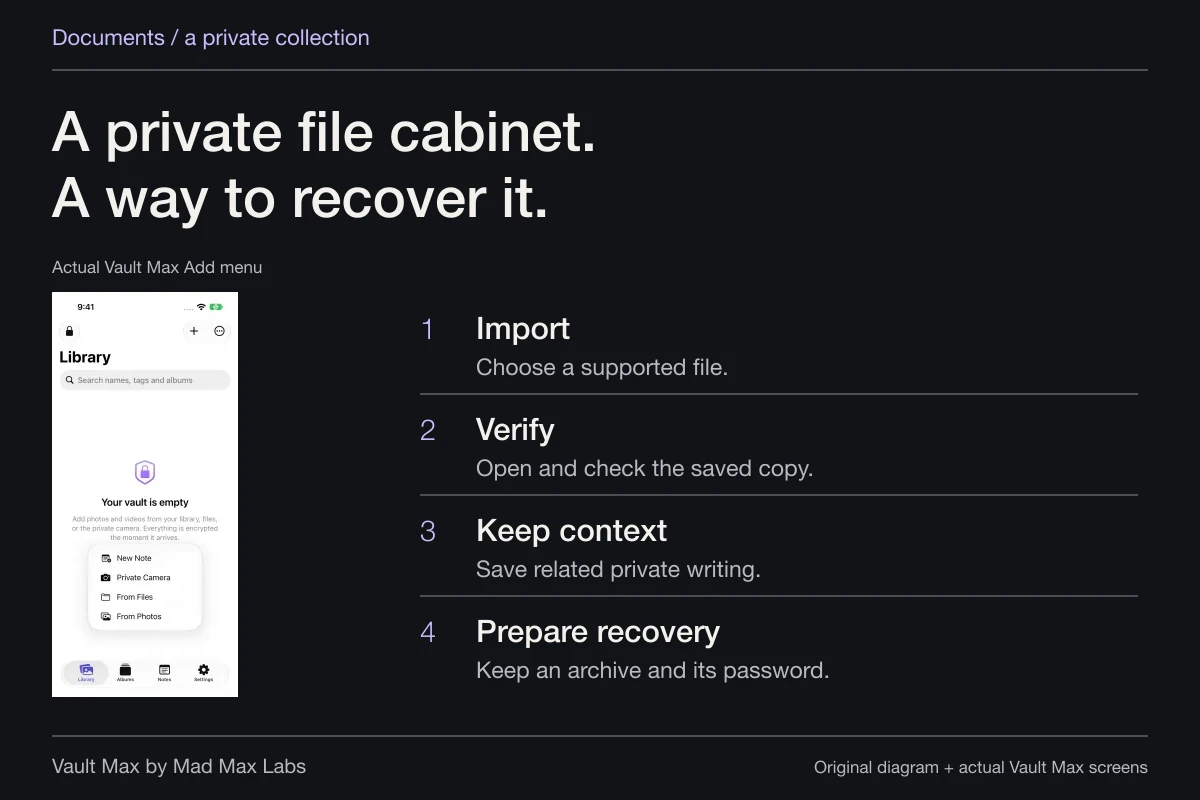
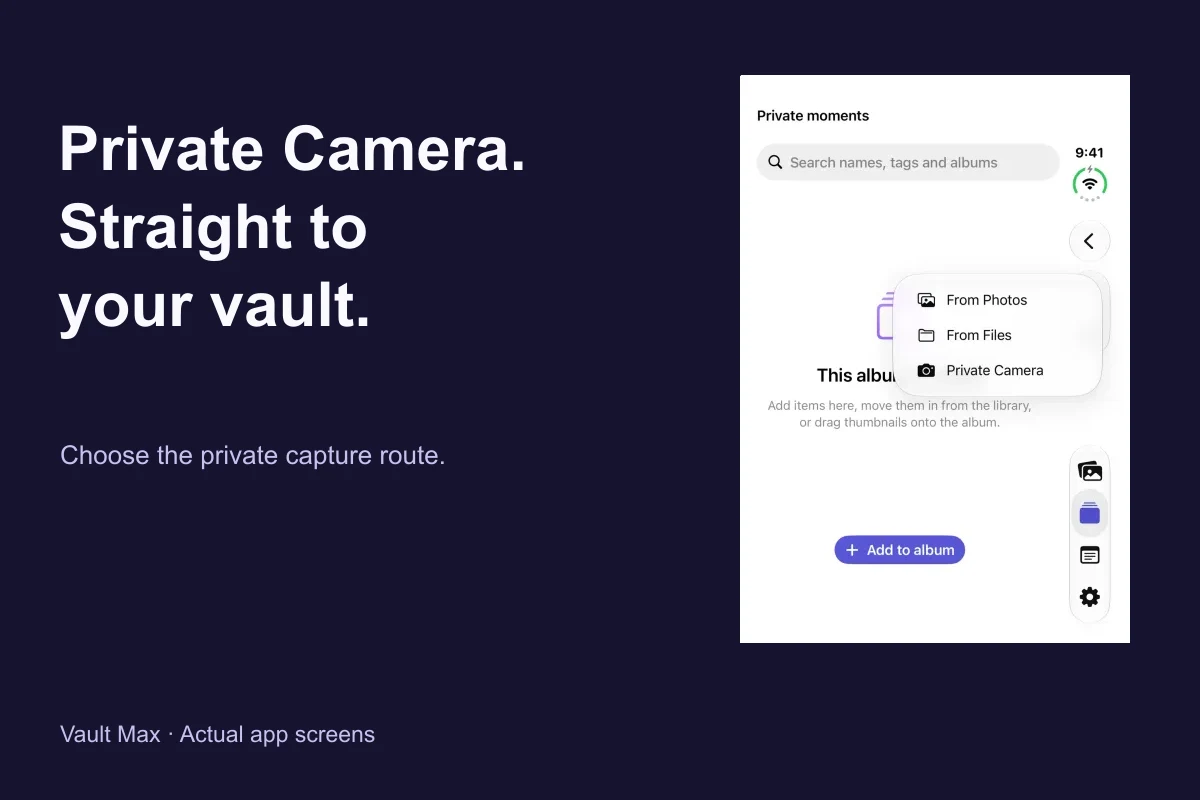
Import an existing PDF through Add → From Files. Use From Photos for existing photographs. Select the intended items, wait for import and open the results inside Vault Max.
Check the title, readable pages and expected attachments through the available Quick Look preview. A thumbnail of the first page can conceal a missing attachment. If a file does not preview as expected, retain the usable source and investigate the format before relying on the phone copy.
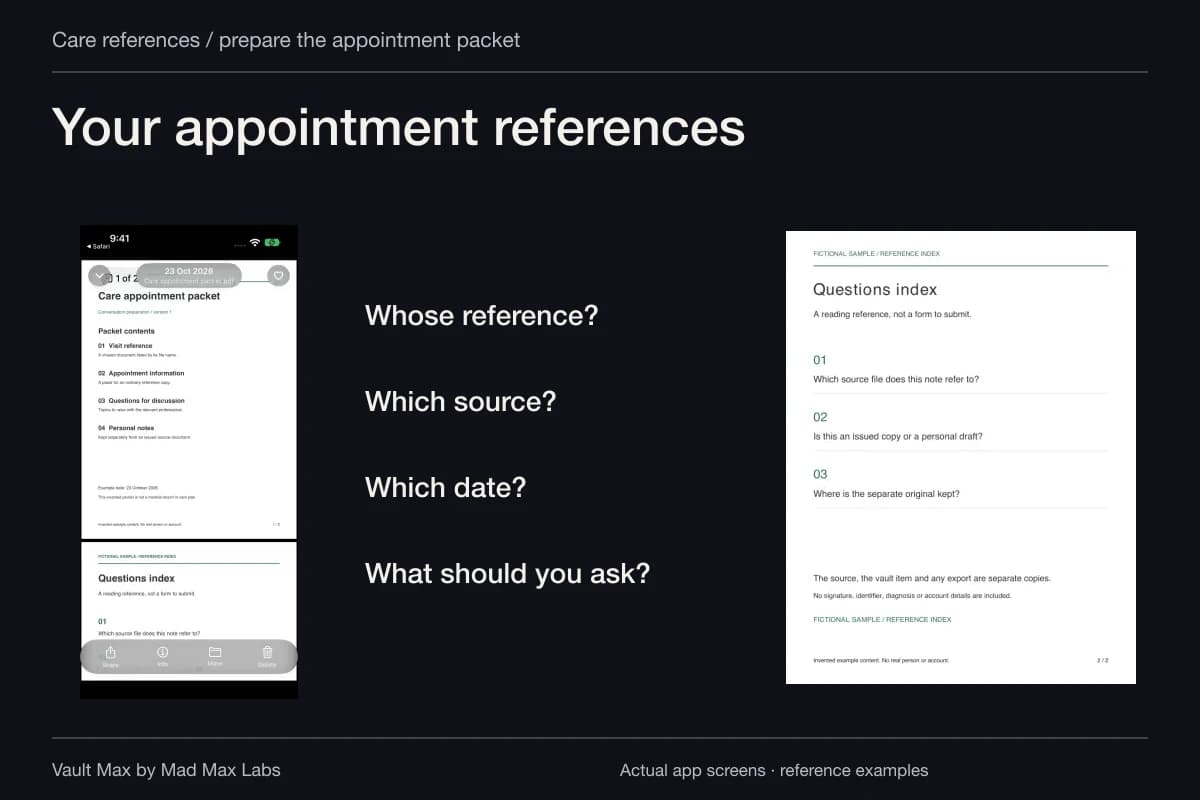
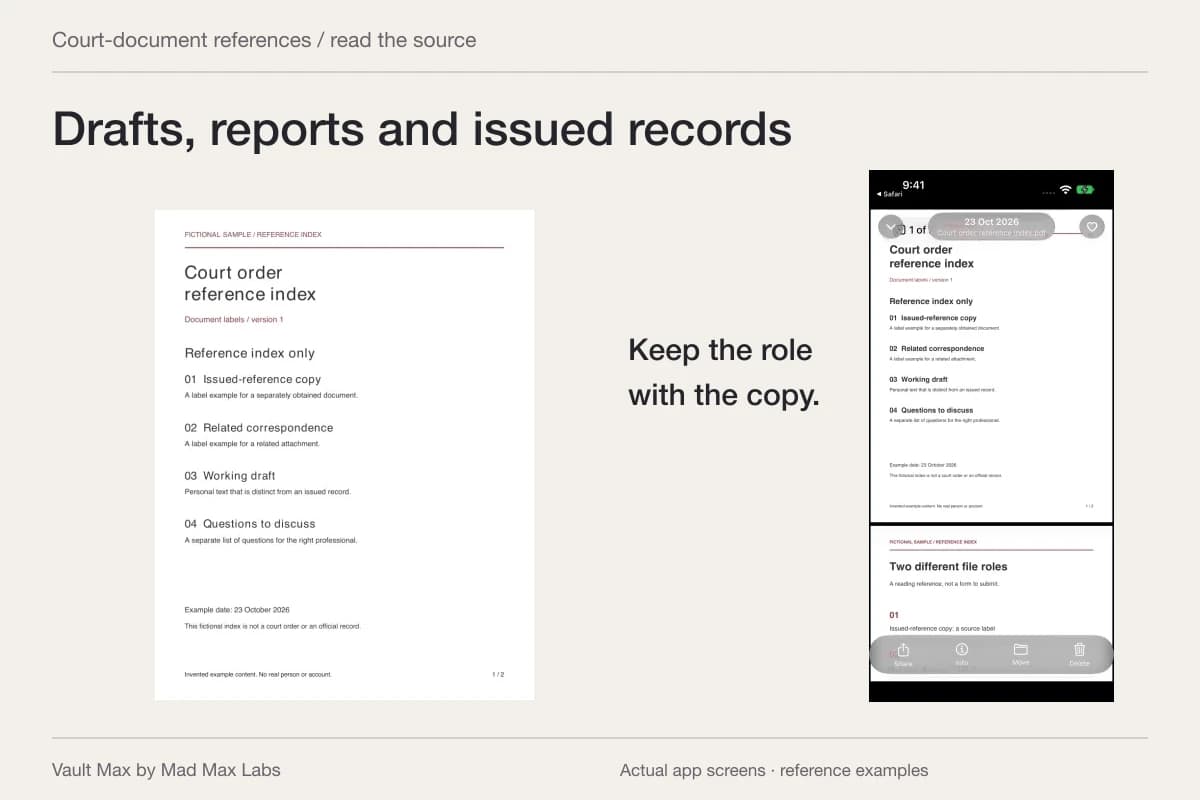
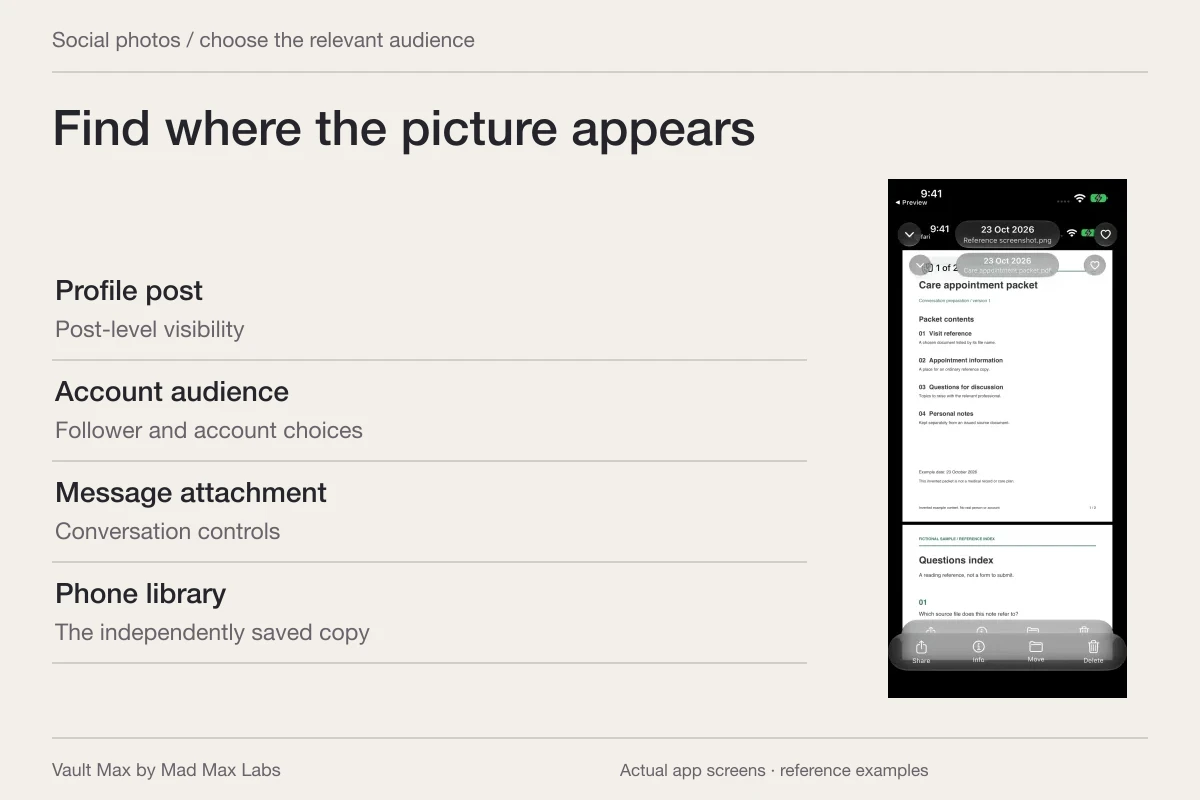
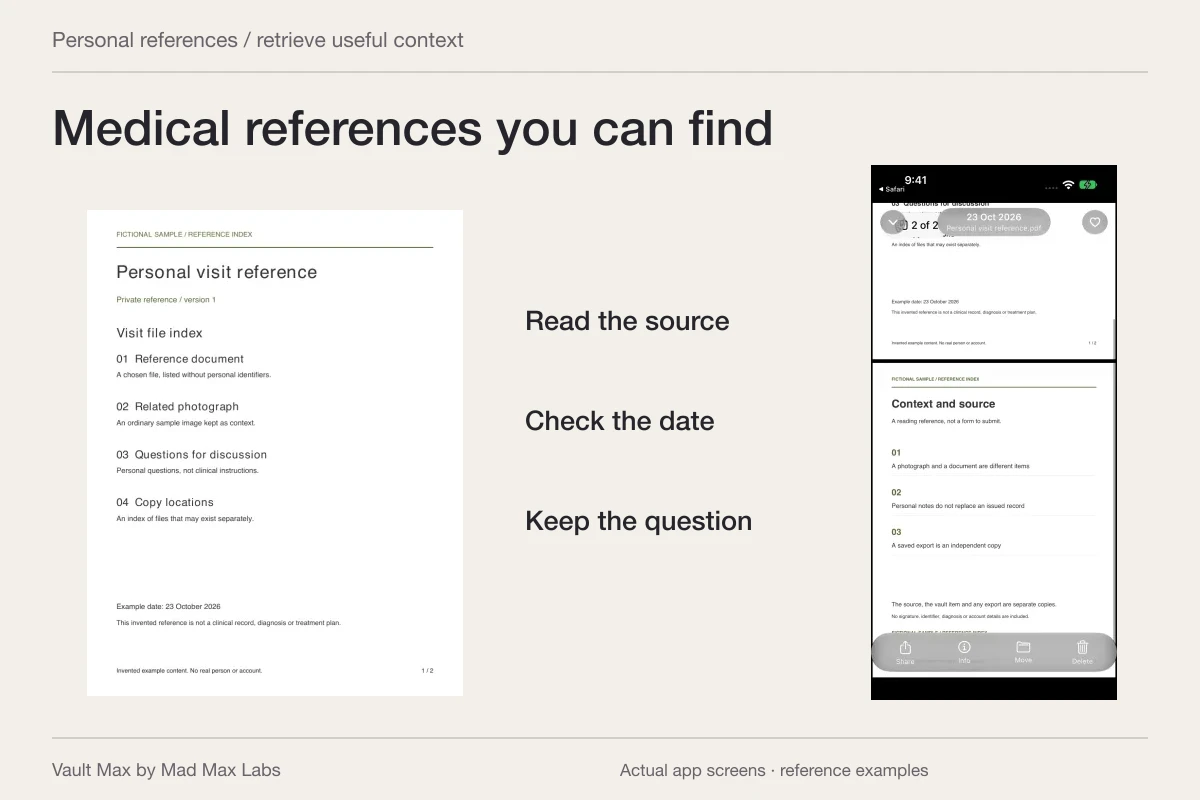
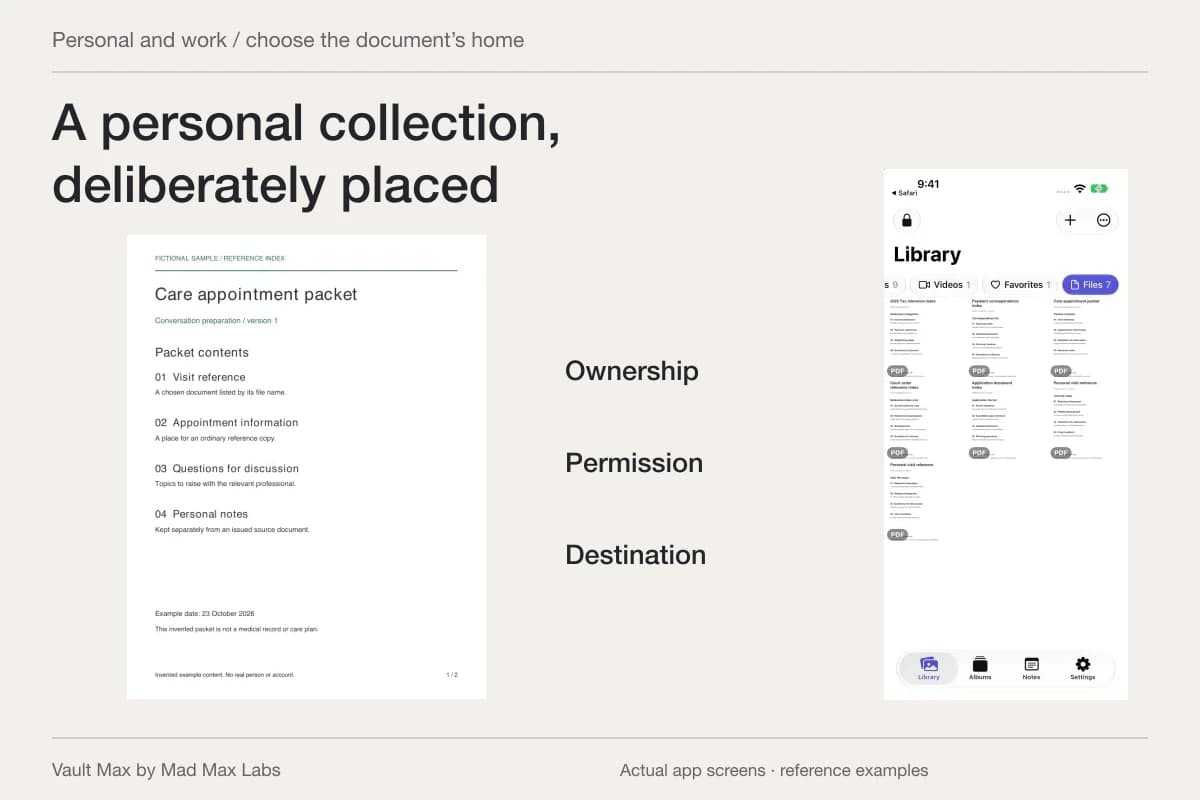
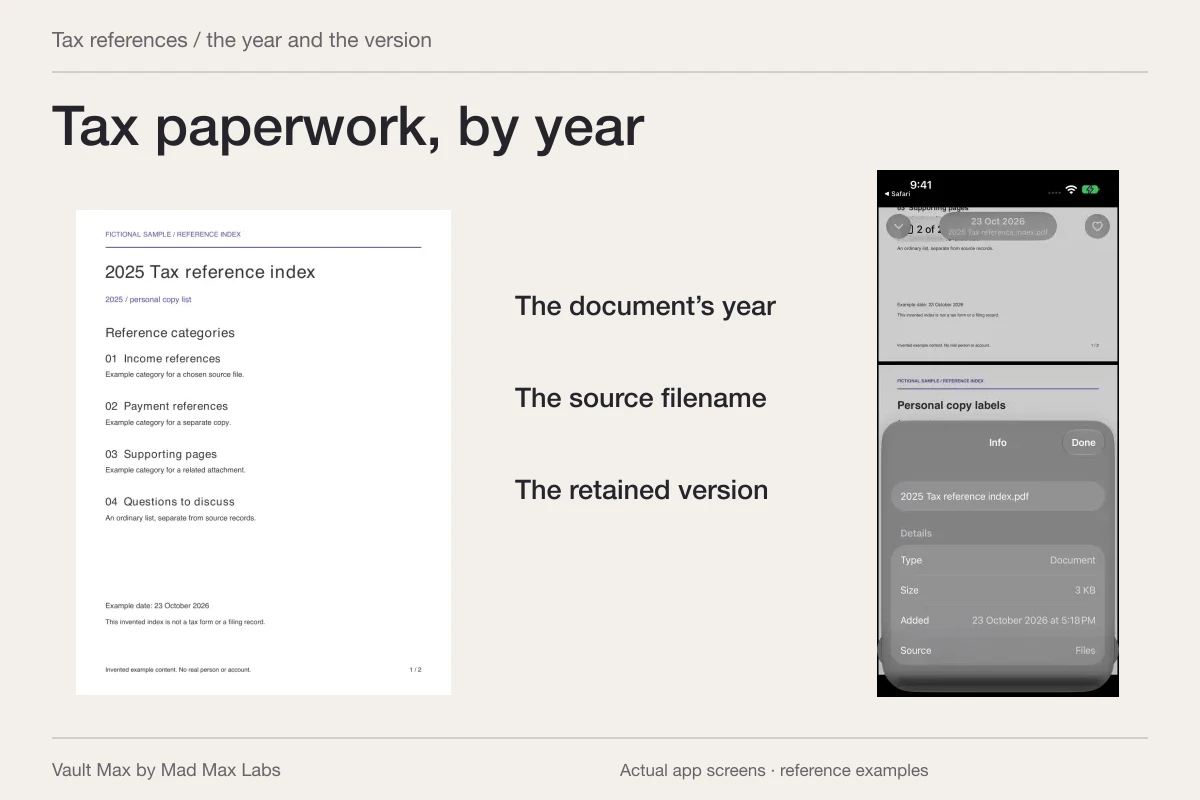
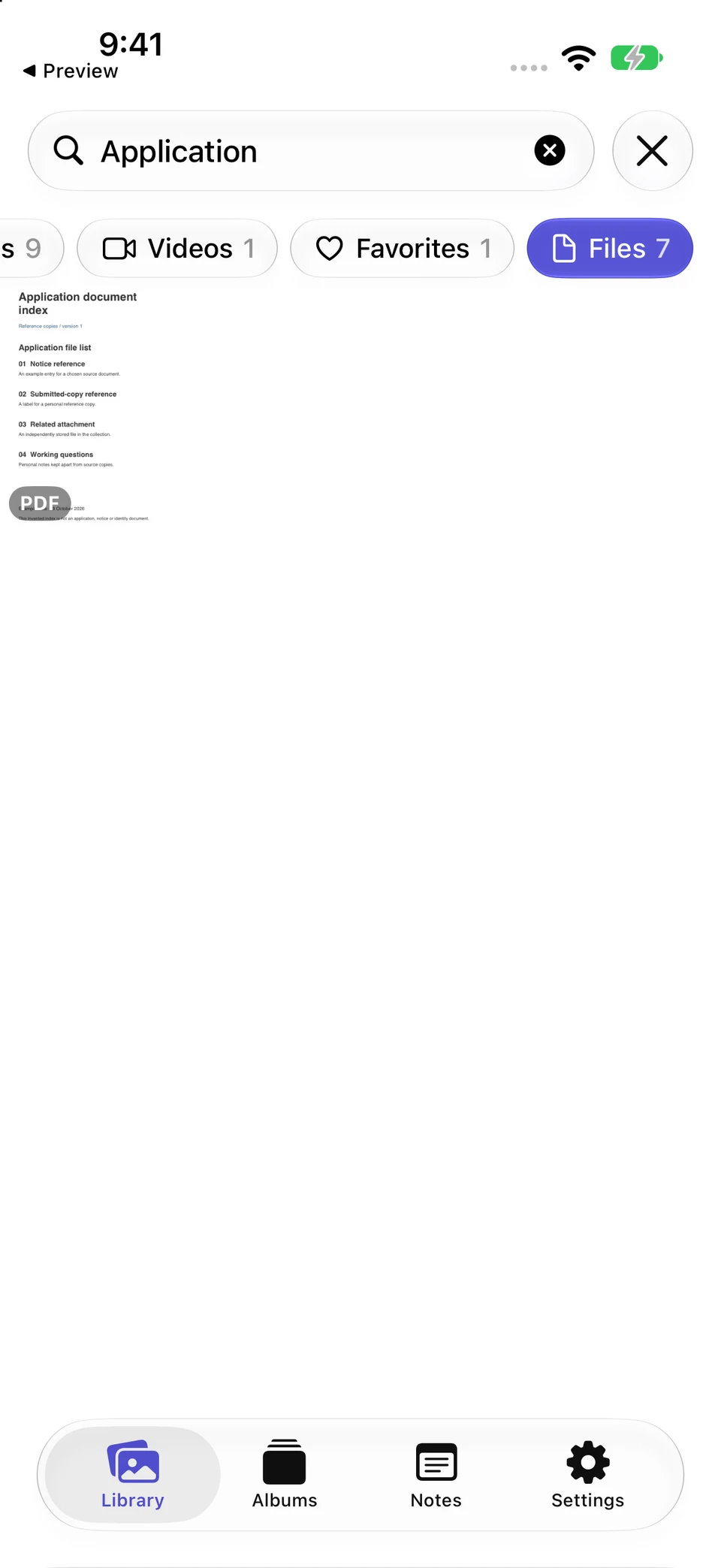
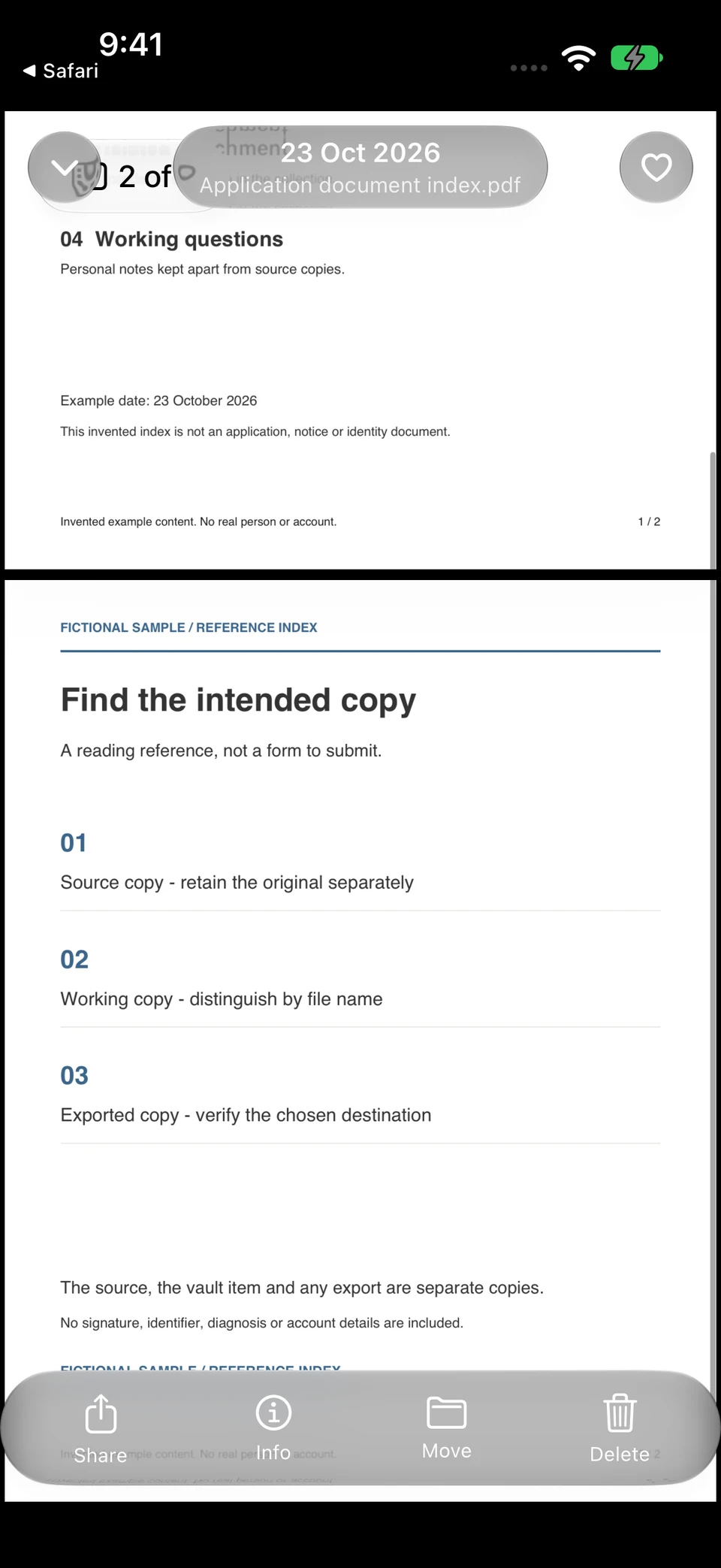
The actual filename query retrieves a fictional application index. Its second page separates source, version and response questions so similar-looking documents stay distinguishable.
Vault Max · Actual app screens, fictional sample contentRetrieve by its name
Open original image: Retrieve by its nameRead its source and version context
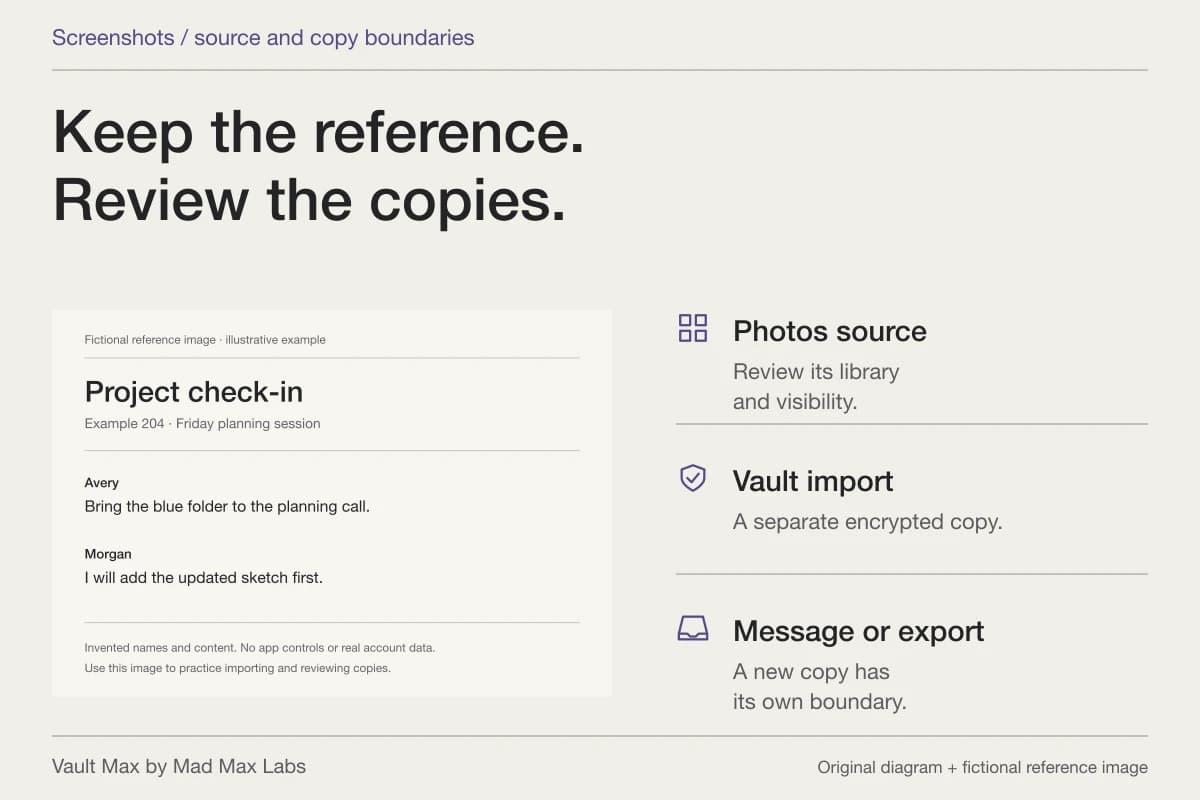
Open original image: Read its source and version contextOpen the fictional two-page reference PDF used in this walkthrough. It is a sample index for inspecting the file workflow, rather than an official form or a real record.
Keep the document as received and place your own explanation in a separate note. If an official channel requires translation, certification or a particular version, follow that channel's requirements separately from organizing your phone copies.
Give photographs context without assigning them legal meaning
A picture can be recognizable today and puzzling months later. Save a short note identifying what you know about it, the source and the document group it accompanies. Keep observations distinguishable from assumptions.
For photographs connected with an asylum matter, use the requirements and advice relevant to that matter for any evidence decision. This collection does not assess credibility, prove a date, validate metadata or recommend which image should be submitted. Its practical job is preserving the reference you already chose to hold.
Use ordinary fictional examples while learning the import and organization routine. You can establish that a photo and its explanatory note are easy to find without putting a real person's sensitive history into a public demonstration.
Save the questions you need to take back to the source
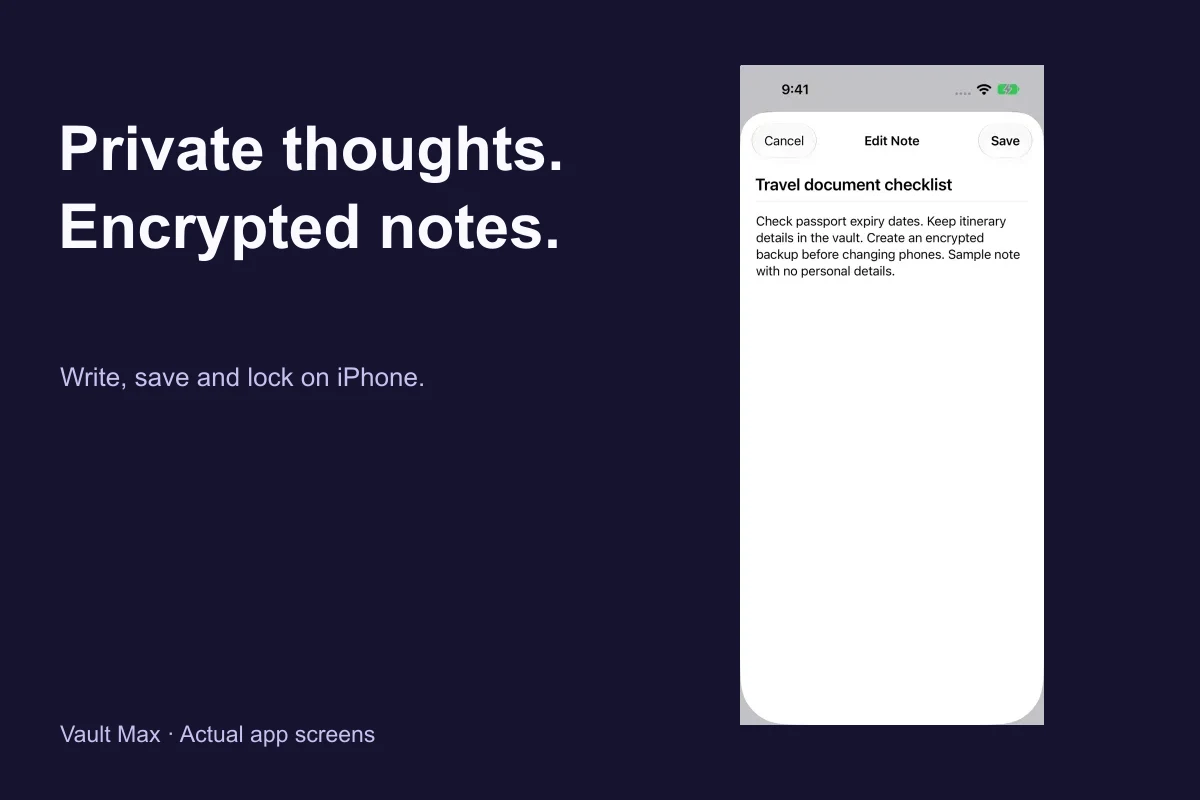
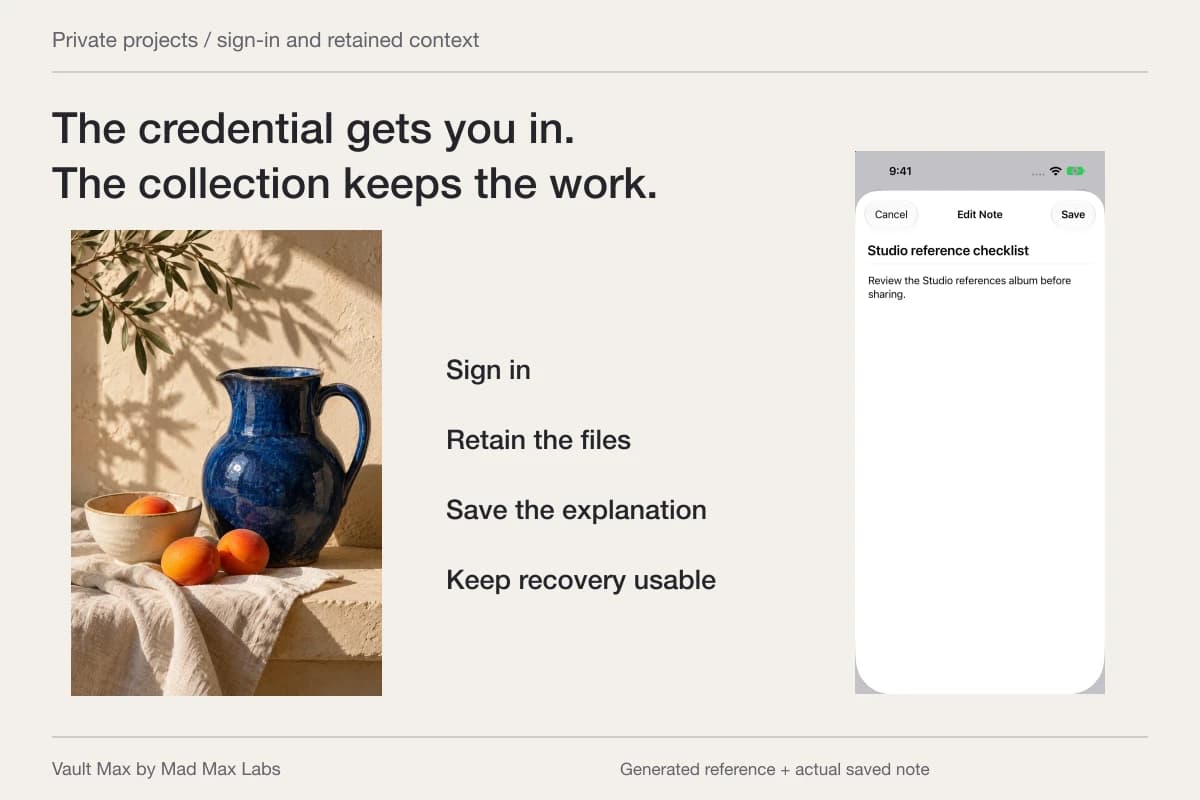
Create a note with a recognizable title. Record the specific document, page and point you need clarified. Choose Save, then reopen it to confirm the intended wording.
A note can say that a received date differs from a printed date, or that two files have similar names. It does not need to calculate a response deadline or decide which record controls. Those are questions for the relevant instructions or adviser.
Vault Max notes are plain text with an explicit Save action. Use a concise title and identify the source document in the first line. Keeping the question easy to recognize makes the next conversation easier without confusing private writing with an official record.
Find a notice when you only remember its source
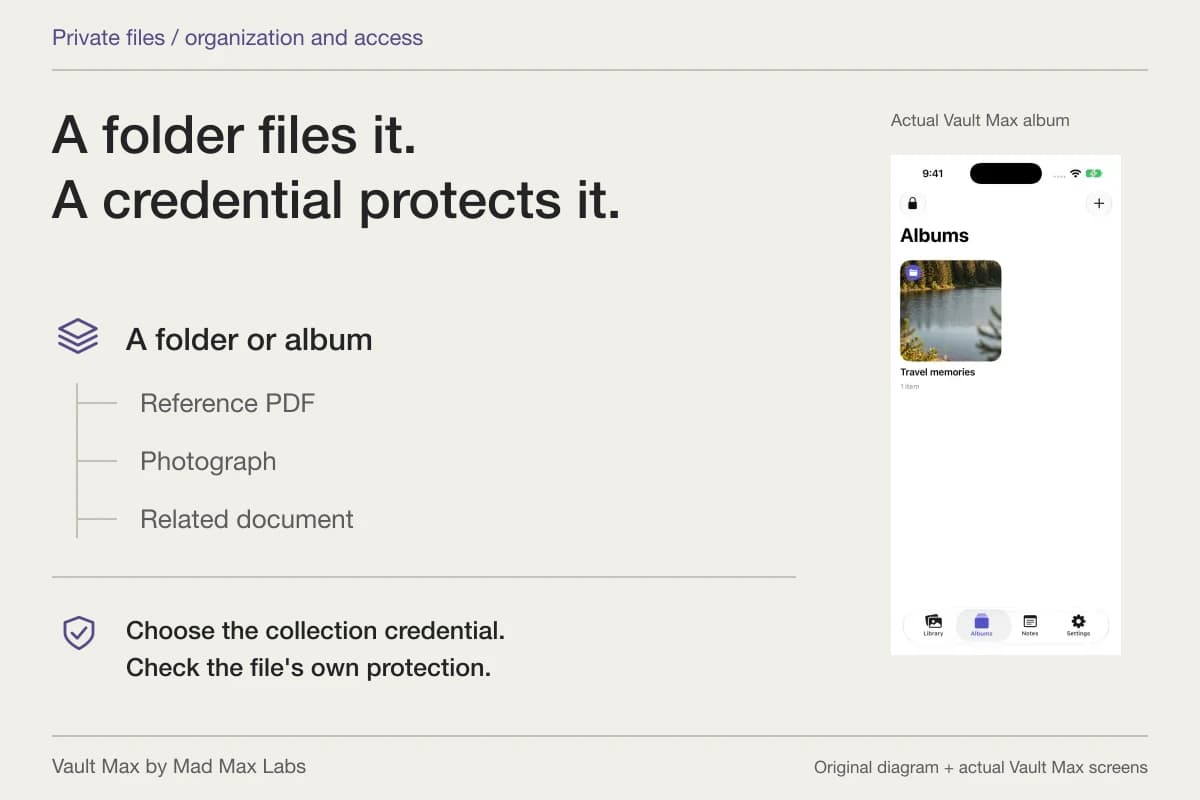
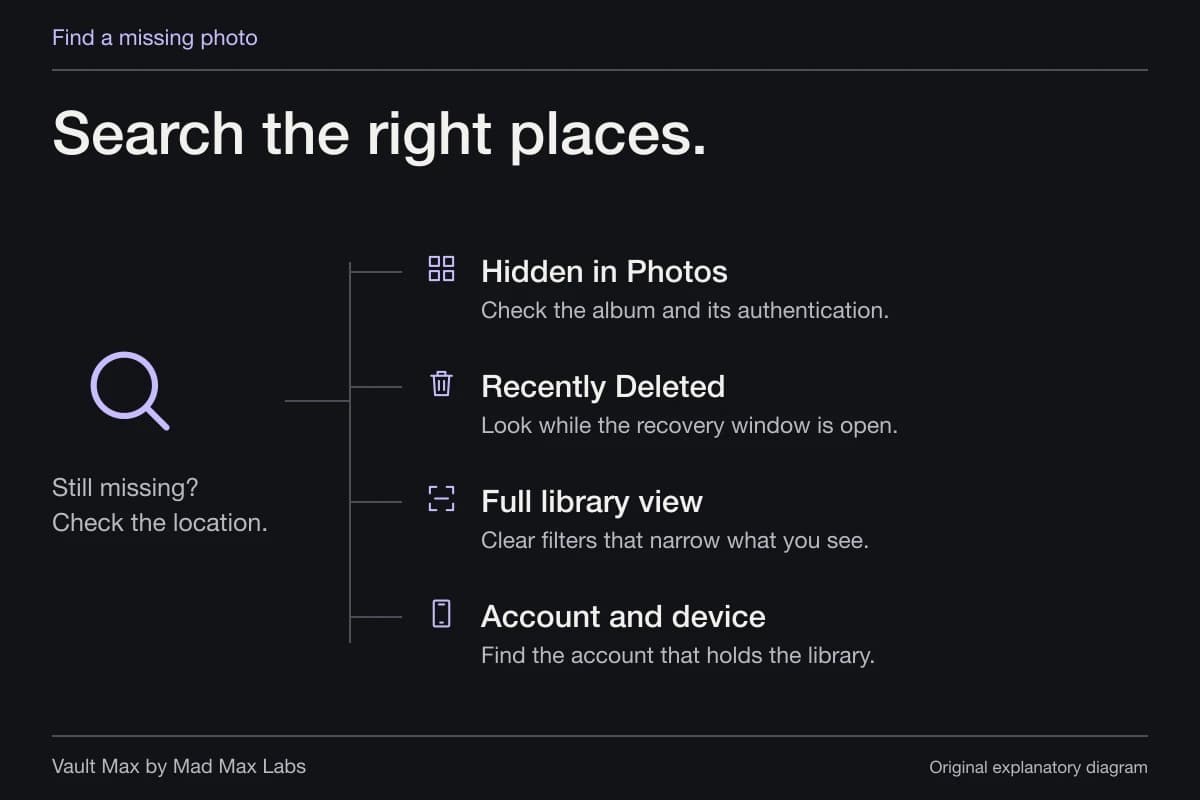
Start with a known part of the filename: the agency or source name, a printed date or a document-type label you chose. Check that you are in the correct vault and album, then use the Files filter for PDFs. A photo-only view can hide a document from the current results without removing it from the collection.
If you remember a phrase inside the notice rather than its name, open the likely references and inspect them. Gallery search does not read PDF paragraphs. Once you identify the file, give it a more recognizable name so the next lookup does not depend on remembering its first page.
Choose the exact copy when a document is requested
Locate and open the exact file before preparing a share. Revisit a question through Notes if you need its context, and check that the source file matches the version requested.
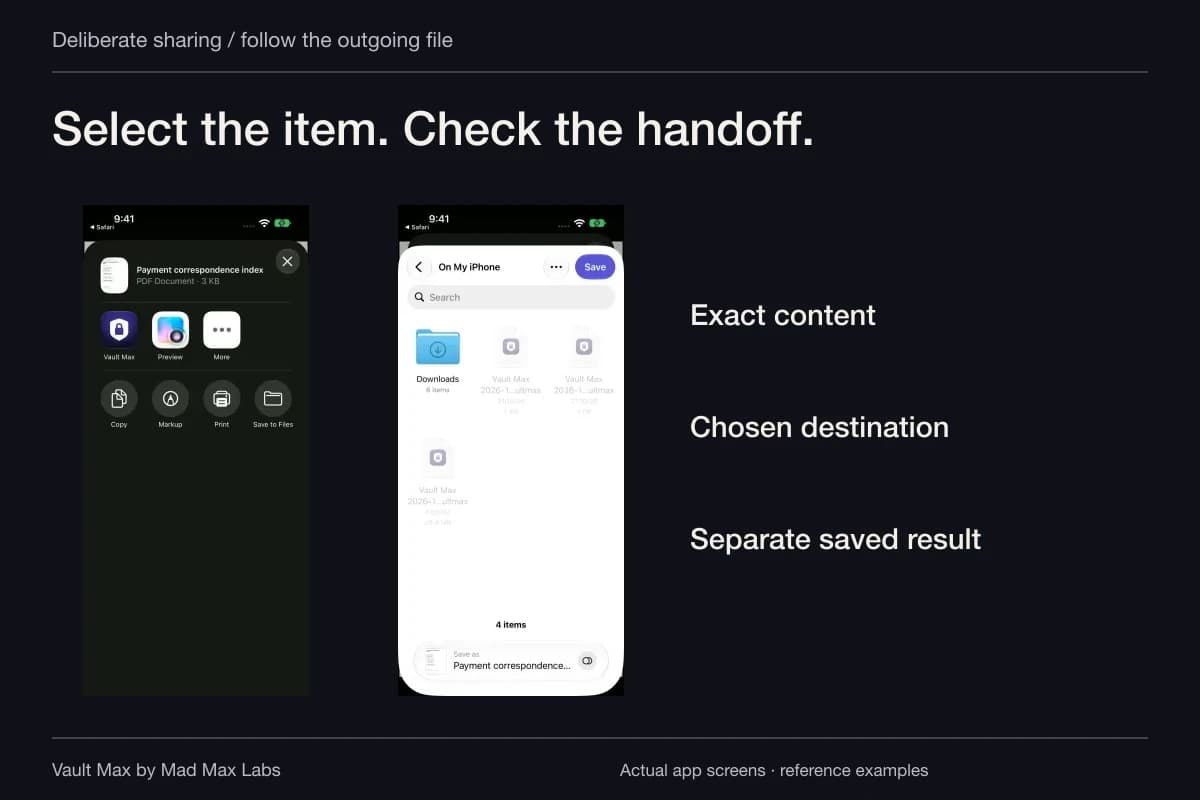
Read the actual request for format and delivery. Ordinary Share output is a usable file outside the vault. Its destination has its own access rules; your vault credential does not travel with the PDF.
EOIR's delivery and receipt reference discusses keeping copies and official receipt. Follow the relevant current system for your matter. A local note saying “sent” and a file prepared for sharing are not substitutes for the confirmation that system provides.
Keep the reference collection recoverable
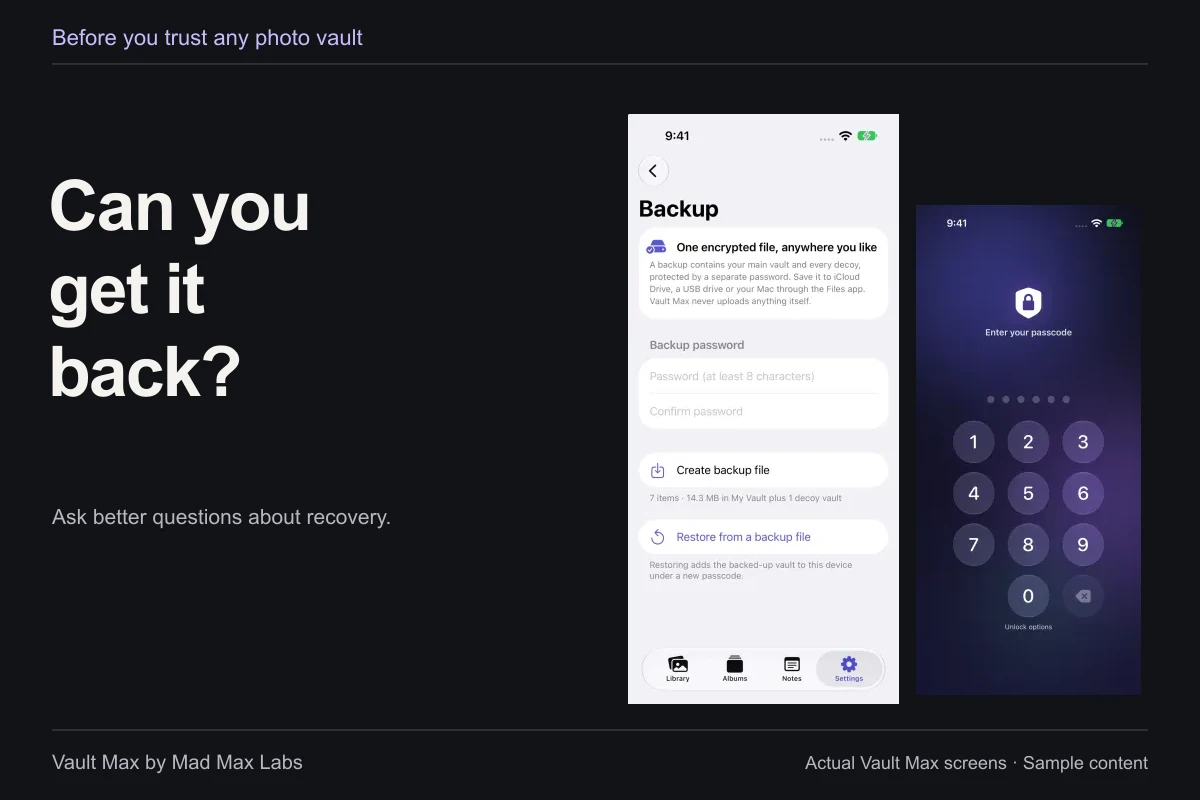
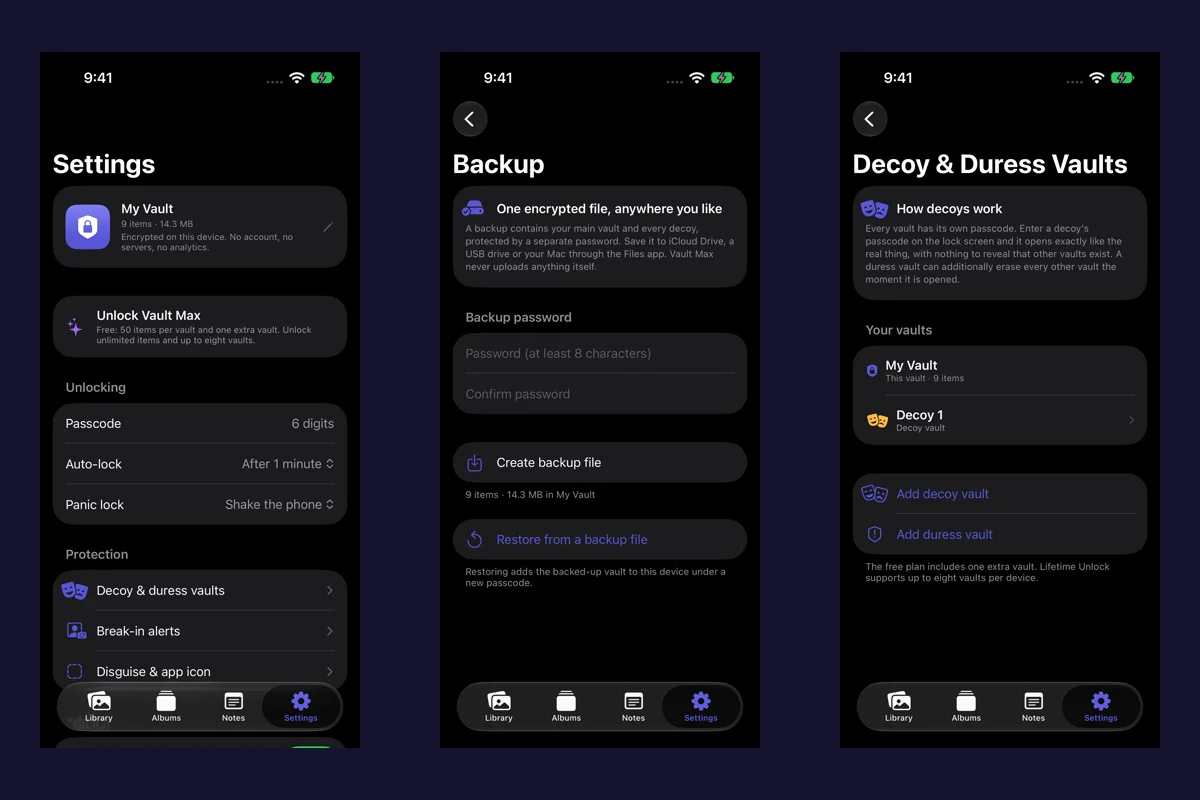
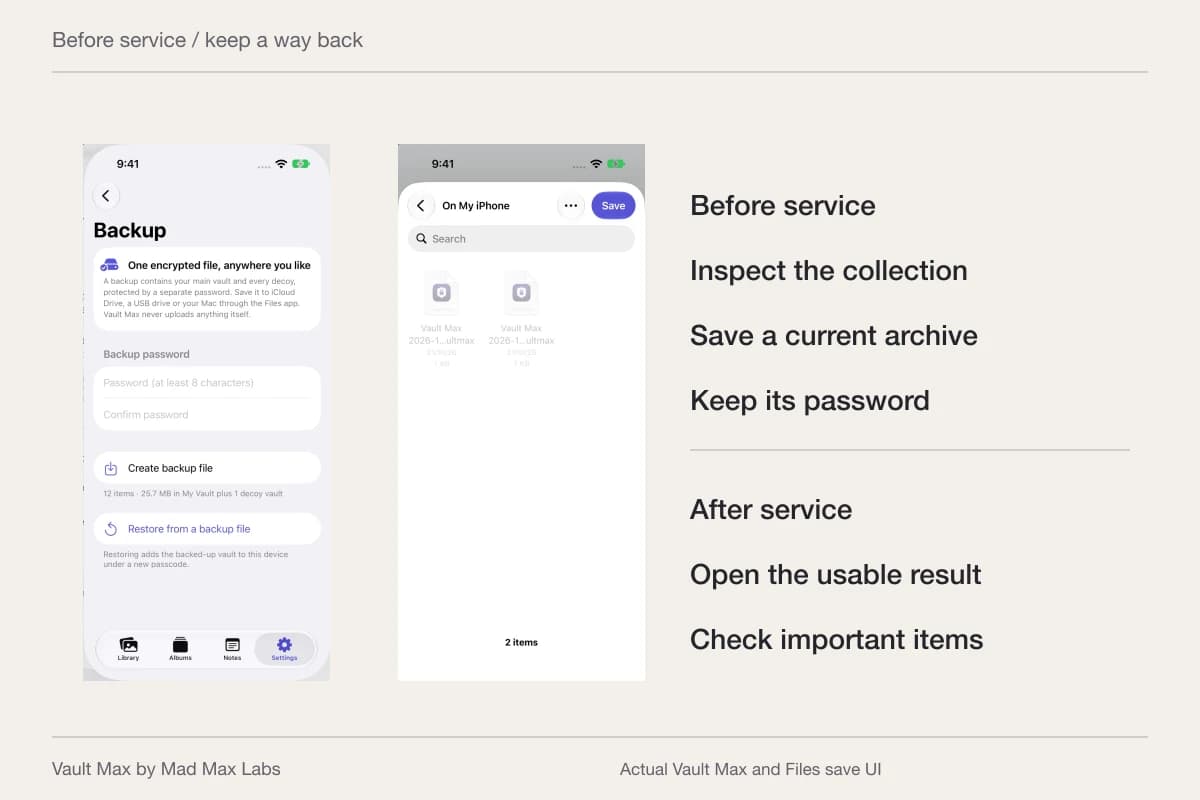
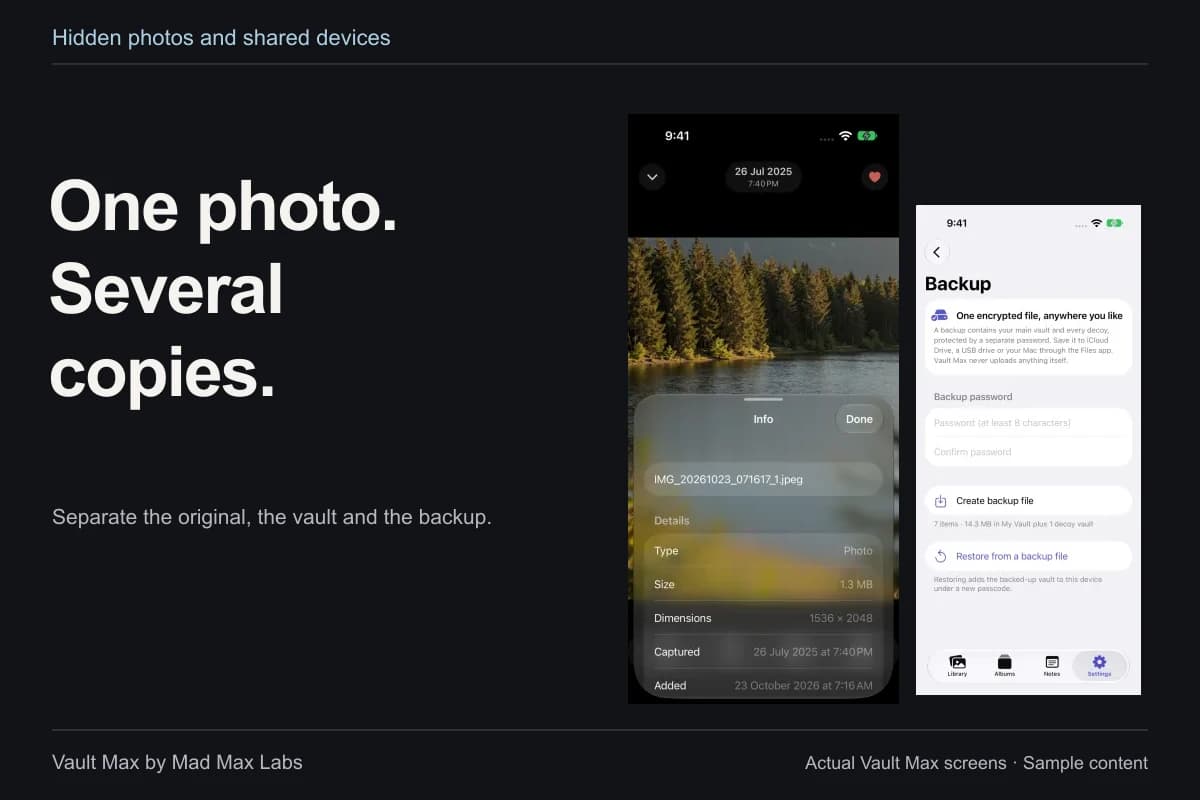
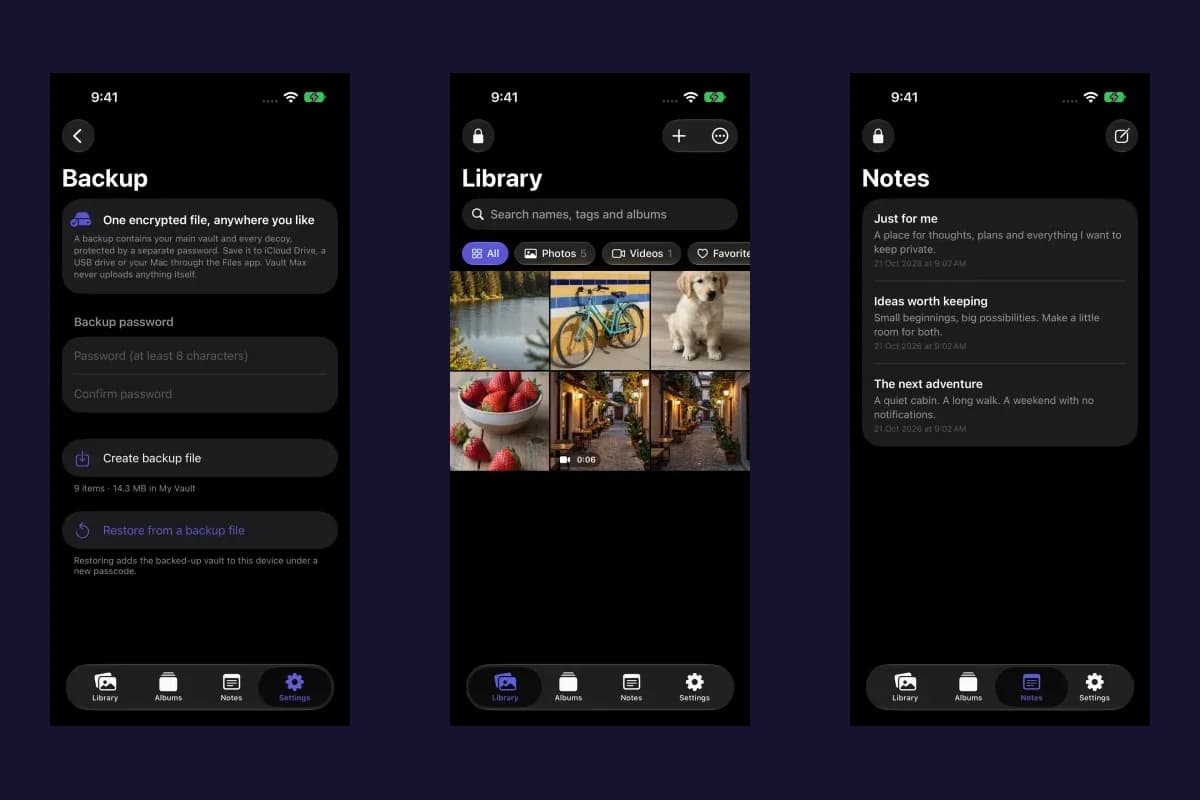
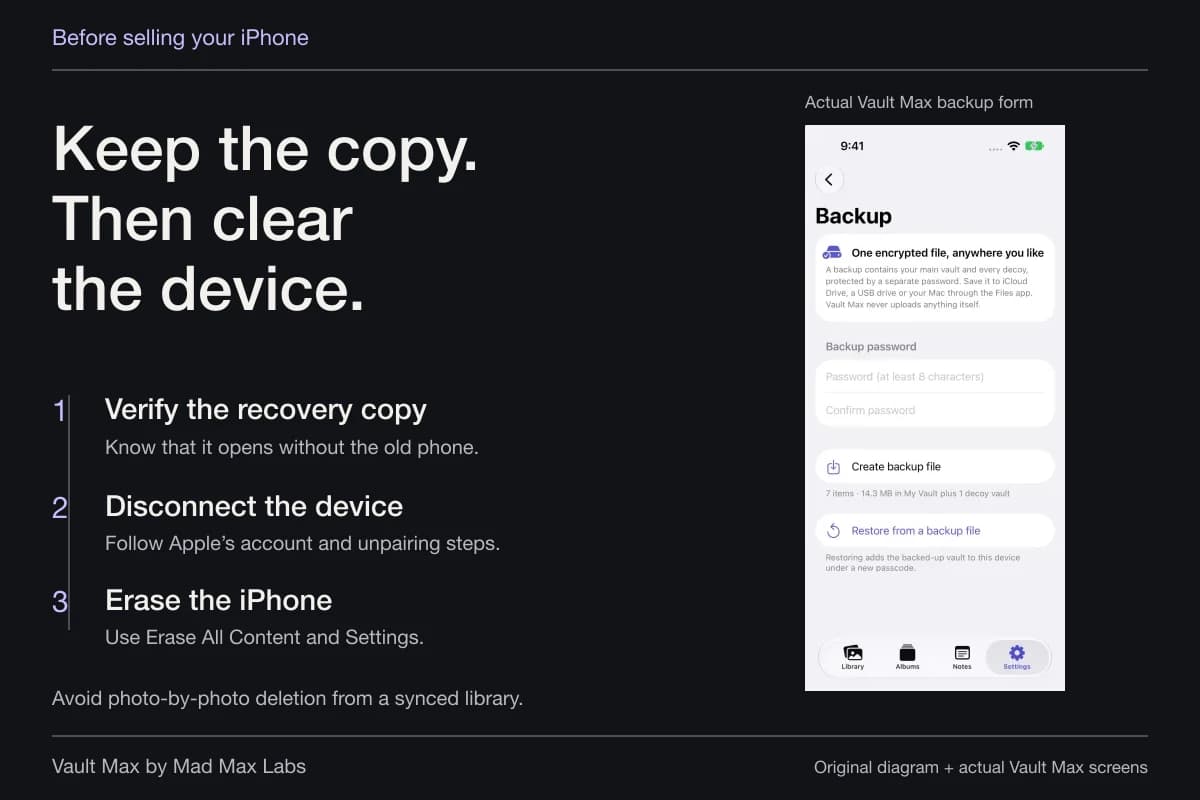
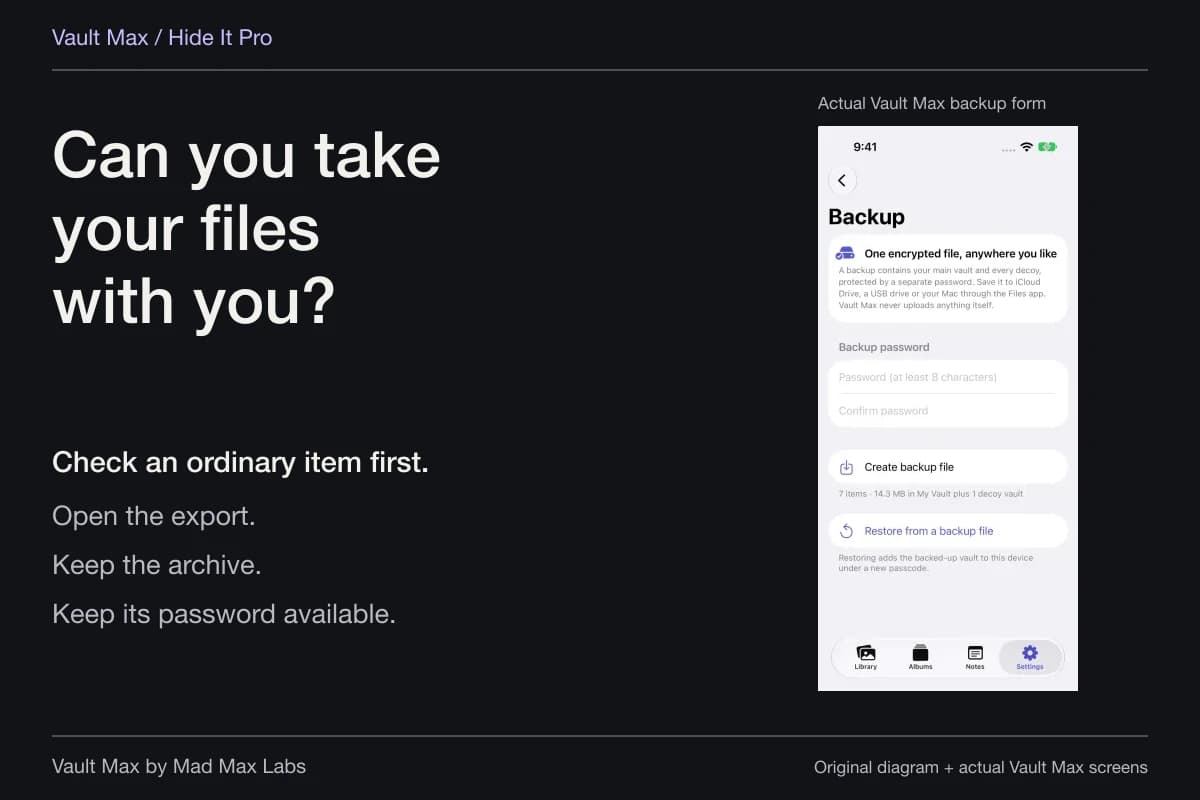
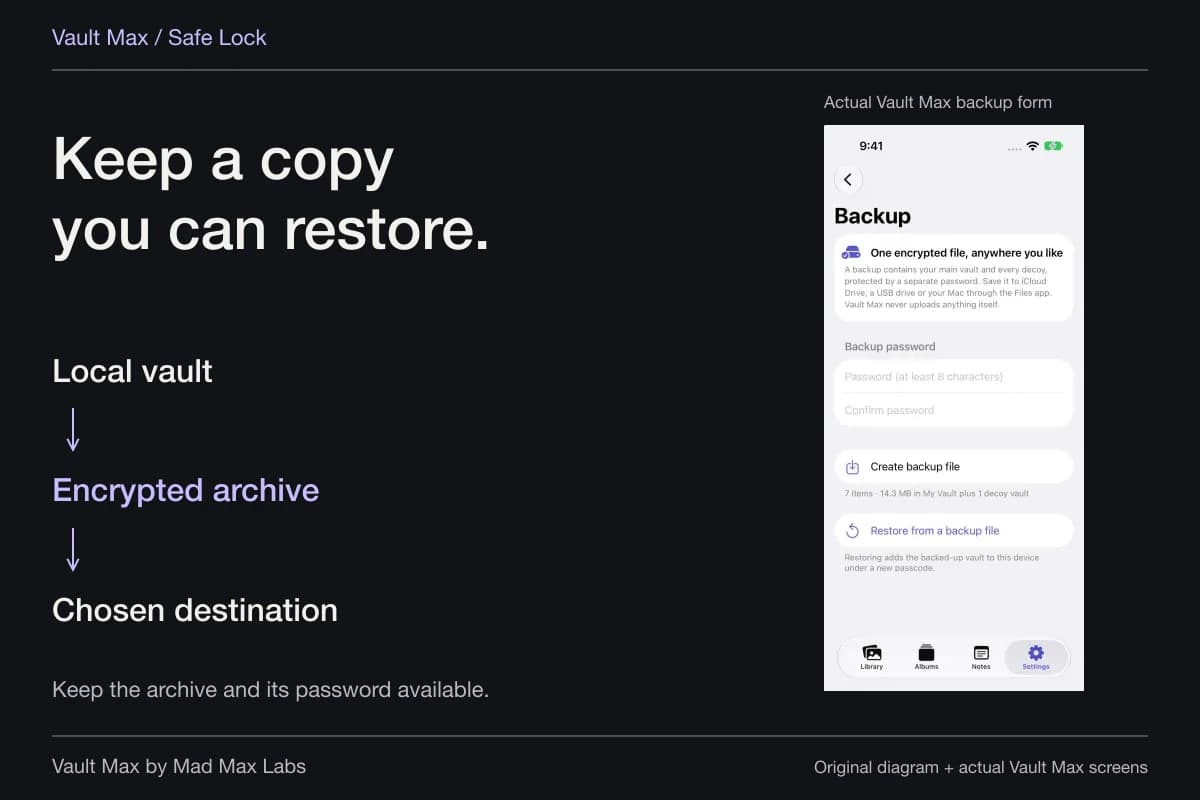
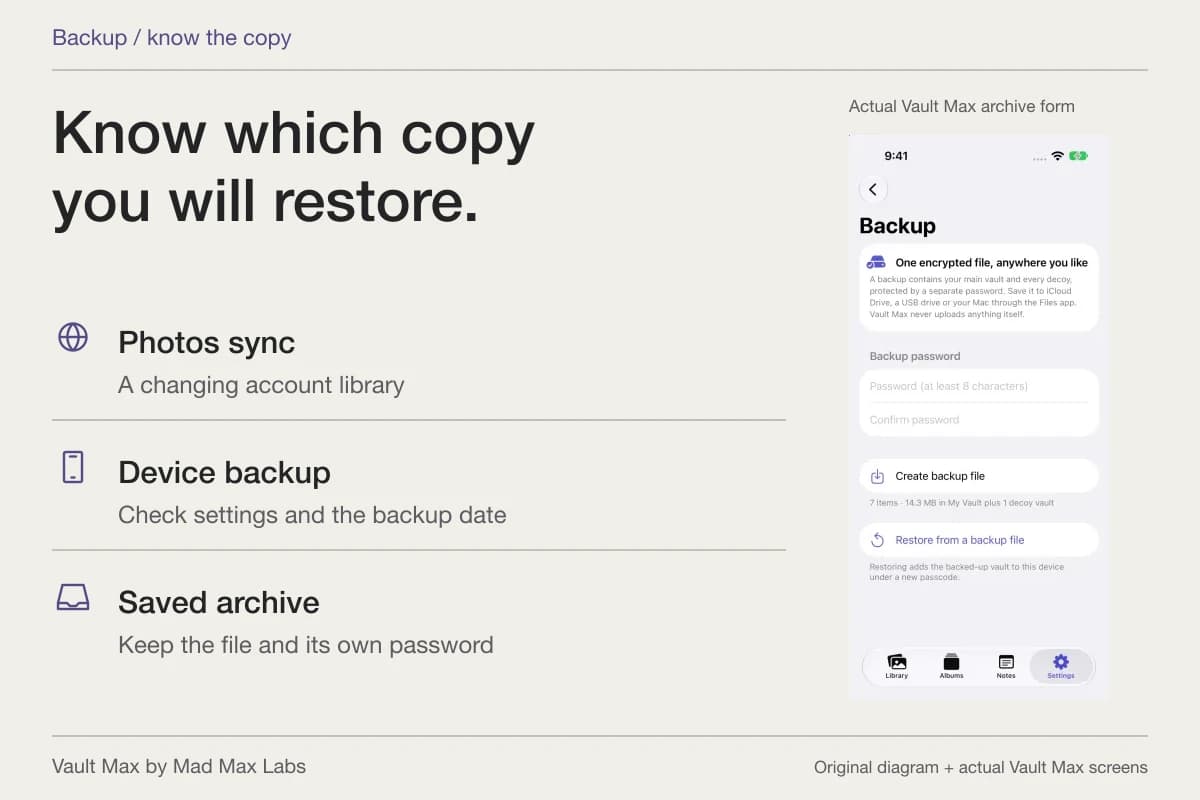
Create a current password-protected .vaultmax archive after important additions. Choose a Files destination you can reach if the phone is unavailable and keep its separate password independently accessible. The saved notes are included in the snapshot.
Record which date the archive represents. A later notice or revised file requires a refreshed archive if it should be included. Keep this recovery plan alongside the authoritative originals and official records, each with its own purpose.
- Know which agency, court, representative or original supplied the file.
- Keep notices, drafts, retained submissions and confirmations separate.
- Check readable pages, photographs and related files.
- Keep personal writing distinct from official instructions.
- Retain an accessible archive and its separate password.
Tap a box as you go. Checks reset when you leave this page.
Common questions
How do I keep a notice distinguishable from an application copy?
Use the source, printed date and document type in the filename. Keep drafts, received notices, supplied application copies and official confirmations separately identifiable. Record your own questions in an encrypted note.
Can a phone scan replace an original identity document?
Treat it as a reference copy. Keep authoritative originals and follow the actual requirements of the organization requesting a document. Storage in a vault does not certify a scan or determine which version will be accepted.
Can I keep source-language documents and translations together?
You can place the separately obtained files in the same album and use related filenames to retrieve them. Vault Max does not translate, certify or decide the requirements for an official submission.
Continue reading
More guides
Practical tips for your private library. Swipe or scroll to choose your next guide.

86 guides to explore