
App comparisons
Coming from Samsung Secure Folder? Rebuild the right boundary on iPhone.
Compare Samsung Secure Folder, iPhone Hidden, locked apps and Vault Max by the job they do. Plan a cautious file transfer without assuming app containers migrate.
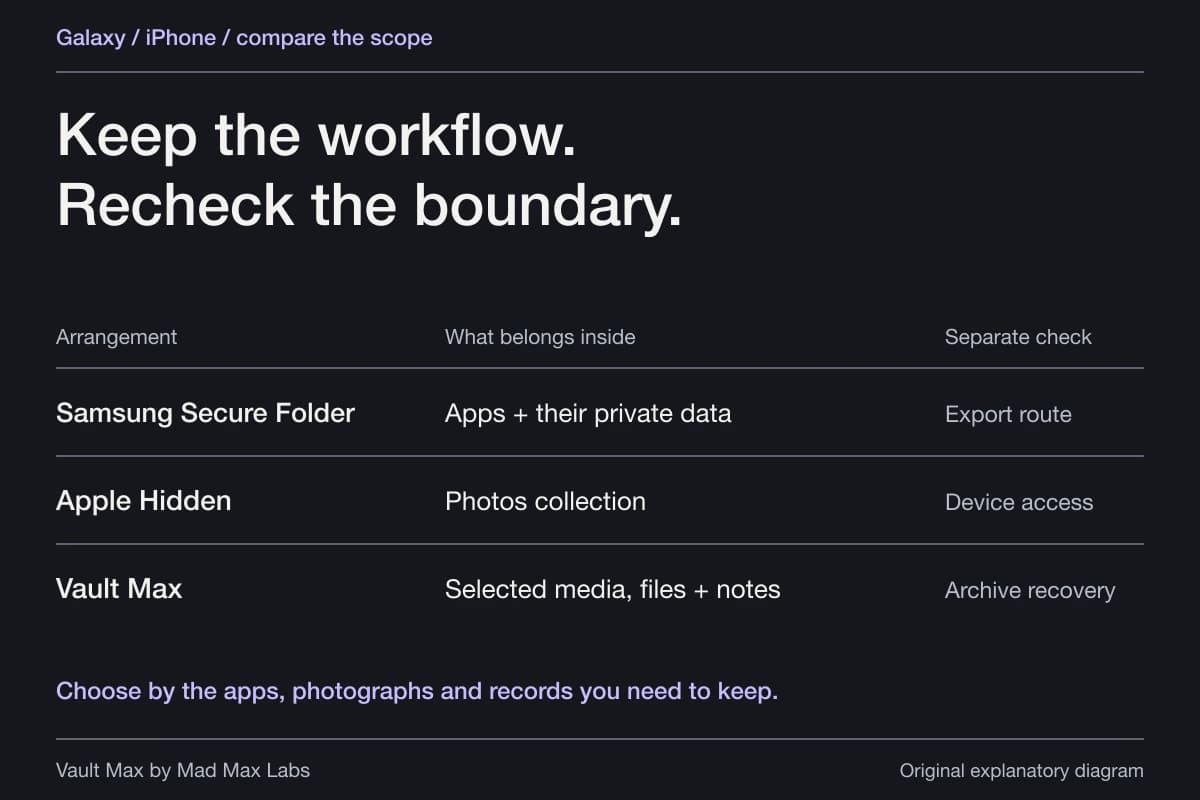
The right iPhone replacement for Samsung Secure Folder depends on what you used it for. For hidden photographs, compare Apple's Hidden collection and a separate photo vault. For a second copy of an app with another login, a photo vault is a different product. For a phone switch, identify the export and destination for each kind of content before retiring the Galaxy.
Mad Max Labs makes Vault Max. This comparison uses current Apple and Samsung documentation and our app's documented behavior. It is not an independent security audit, a hands-on Galaxy test or evidence that a Secure Folder container successfully migrated to an iPhone.
Try the decision
See where a copy crosses the boundary
Compare Copy, Move and Import before planning a switch. This diagram explains file locations; it is not a phone-to-phone transfer tool.
- Source
- Original remains outsideCheck the source on the relevant device rather than inferring removal from the destination.
- Destination
- Copy inside Secure FolderCopy leaves the source in ordinary storage. Review synced copies separately.
Copy leaves the source in ordinary storage. Review synced copies separately.
Samsung operations follow its support documentation. Device compatibility, recovery settings and export formats need their own checks. No Galaxy-to-iPhone migration was tested here.
A browser teaching example. These controls do not access your photos, change your settings, or save your choices.
Start with the job your folder was doing
Samsung's Secure Folder explanation describes private files and copies of apps. A copied app can use a different account from the version outside the folder. That is a broader environment than an album whose task is showing photographs.
List what you need to keep: several private photographs, a folder of documents, written context or a particular app account. Separate the content from the application that used to display it. A PDF can be a transferable file; an app's signed-in state may need that service's own supported account and export process.
For example, someone might keep travel records and a separate messaging login inside Secure Folder. On iPhone, private document storage and the messaging account become two planning tasks. Installing a vault answers the first task; it does not establish a second installation of that messaging app.
Compare the iPhone options by scope
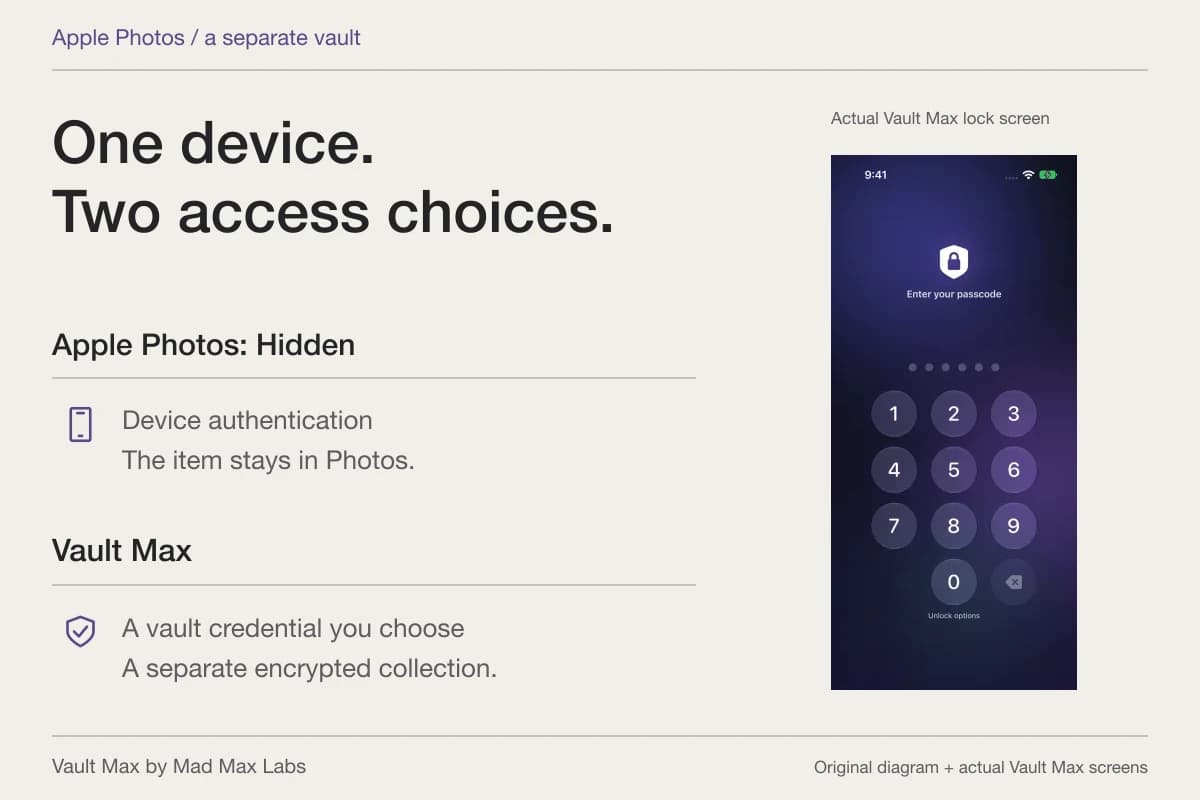
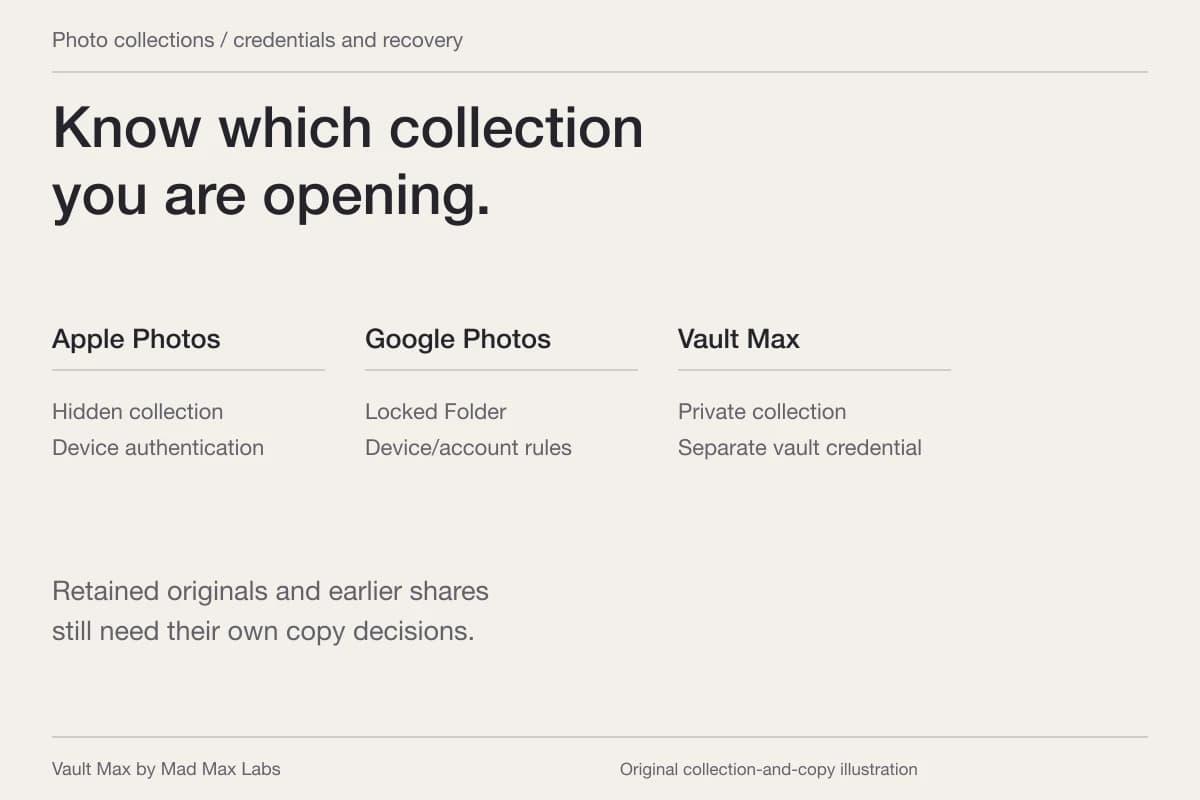
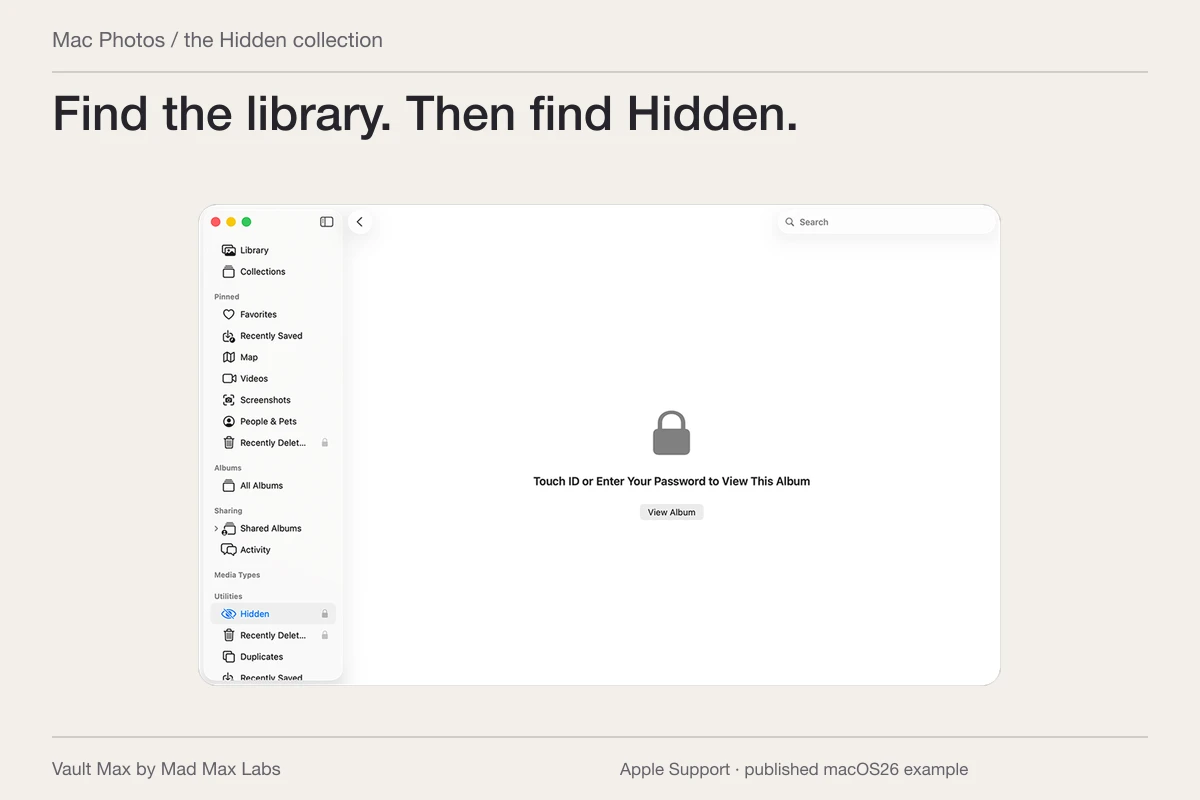
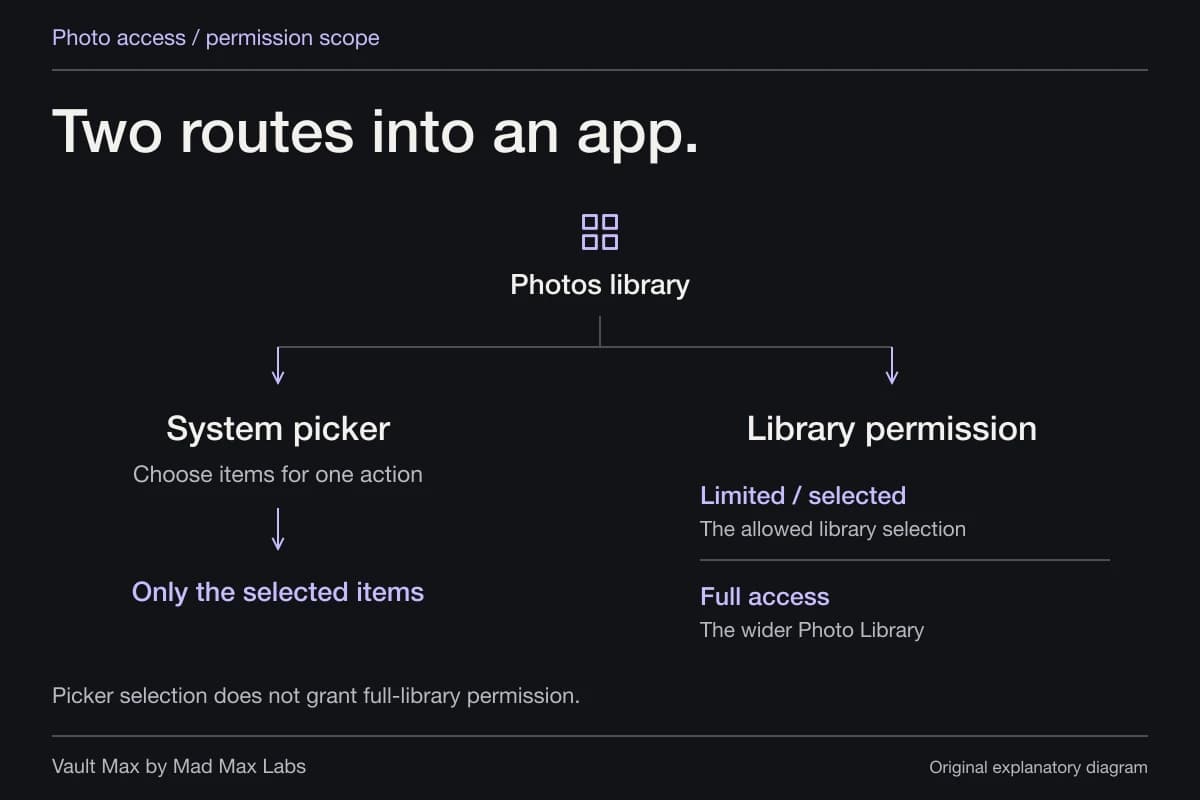
Apple's Hidden collection belongs to Photos and uses Face ID, Touch ID or the device passcode. It is a useful built-in route when you want media out of ordinary library browsing and that authentication matches your needs.
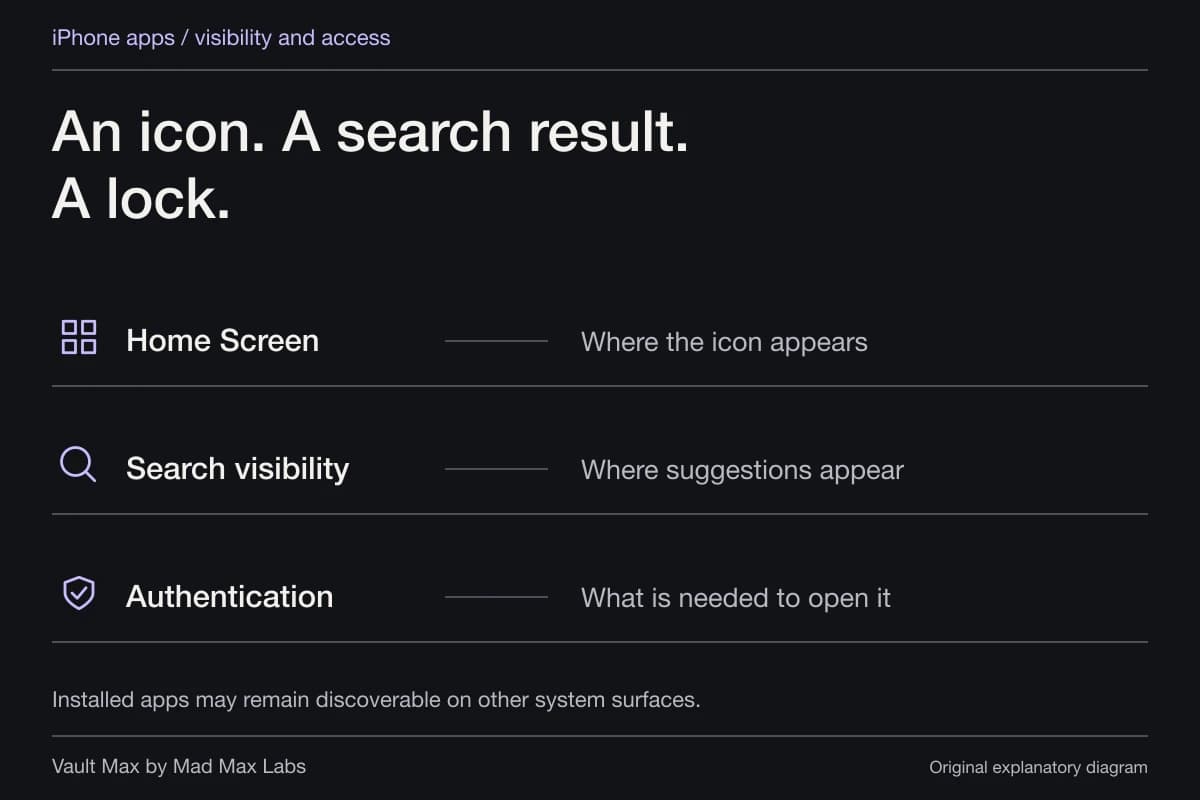
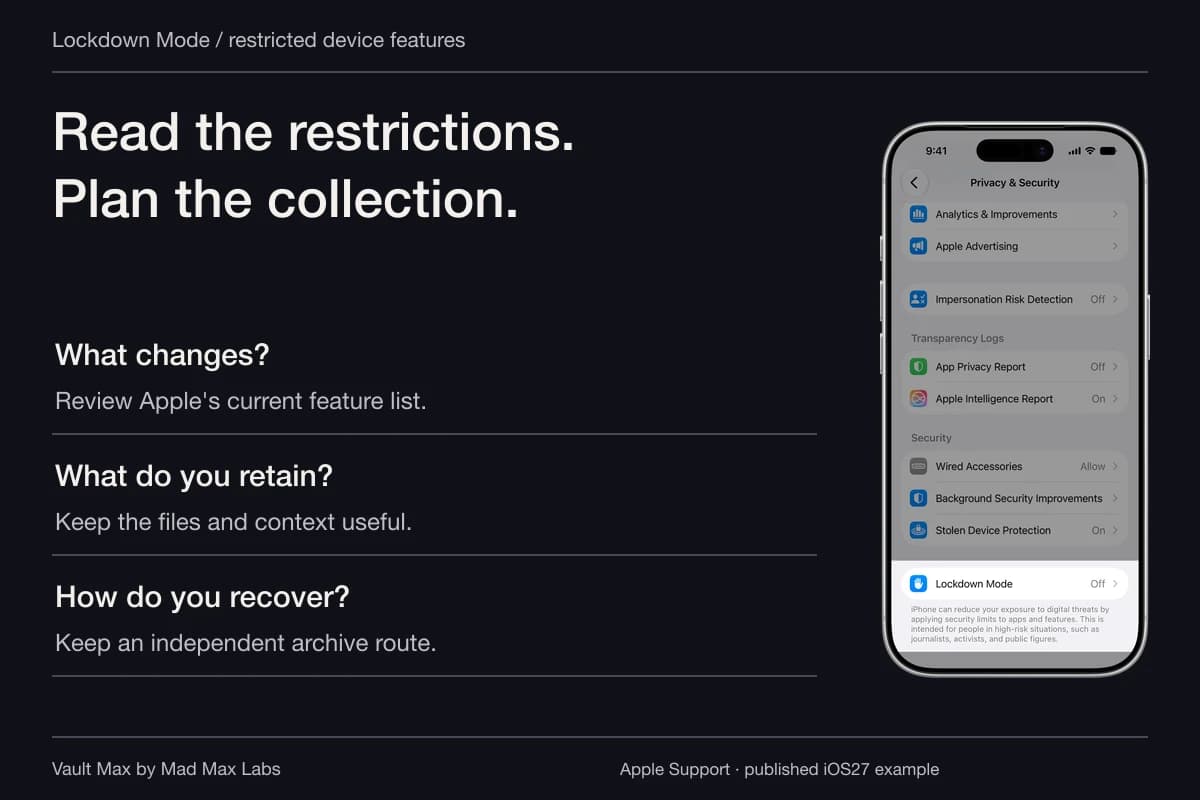
Apple also supports locking or hiding eligible apps. Review the restrictions and authentication for the particular app. Hiding its icon does not create a separately configured copy of it with a new account inside a Galaxy-style container.
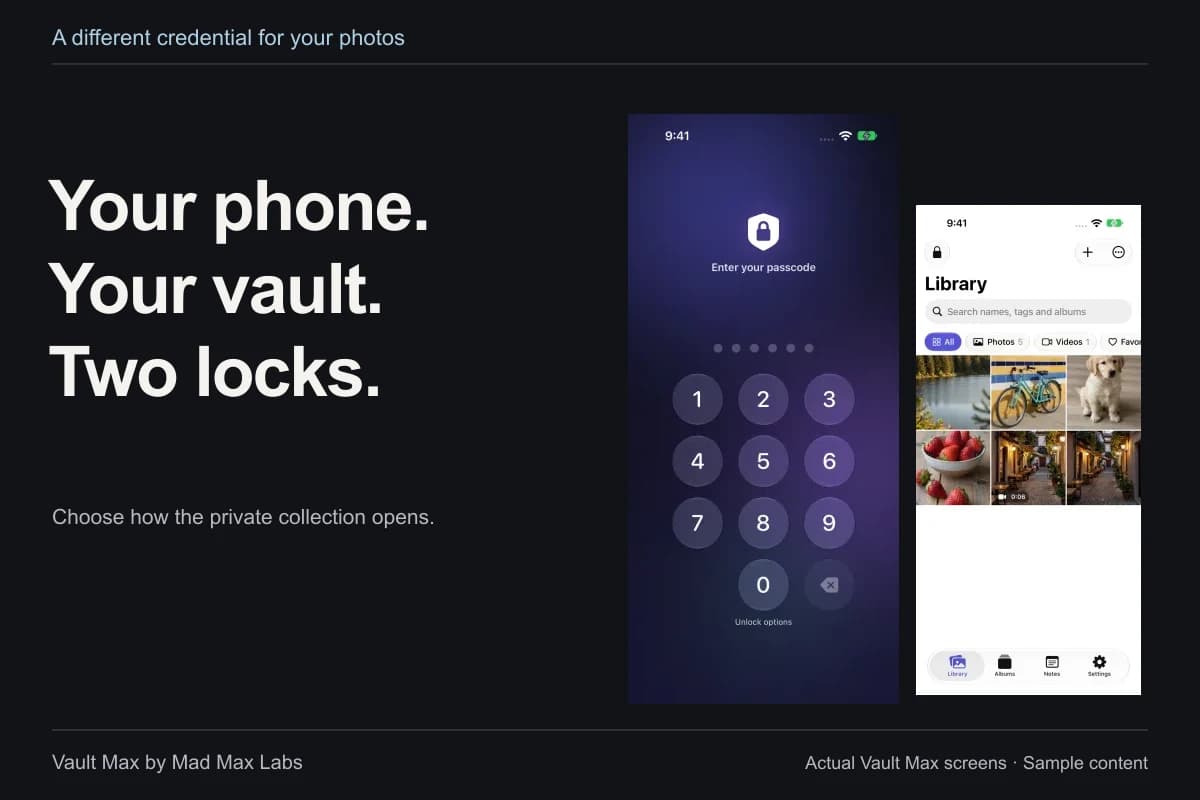
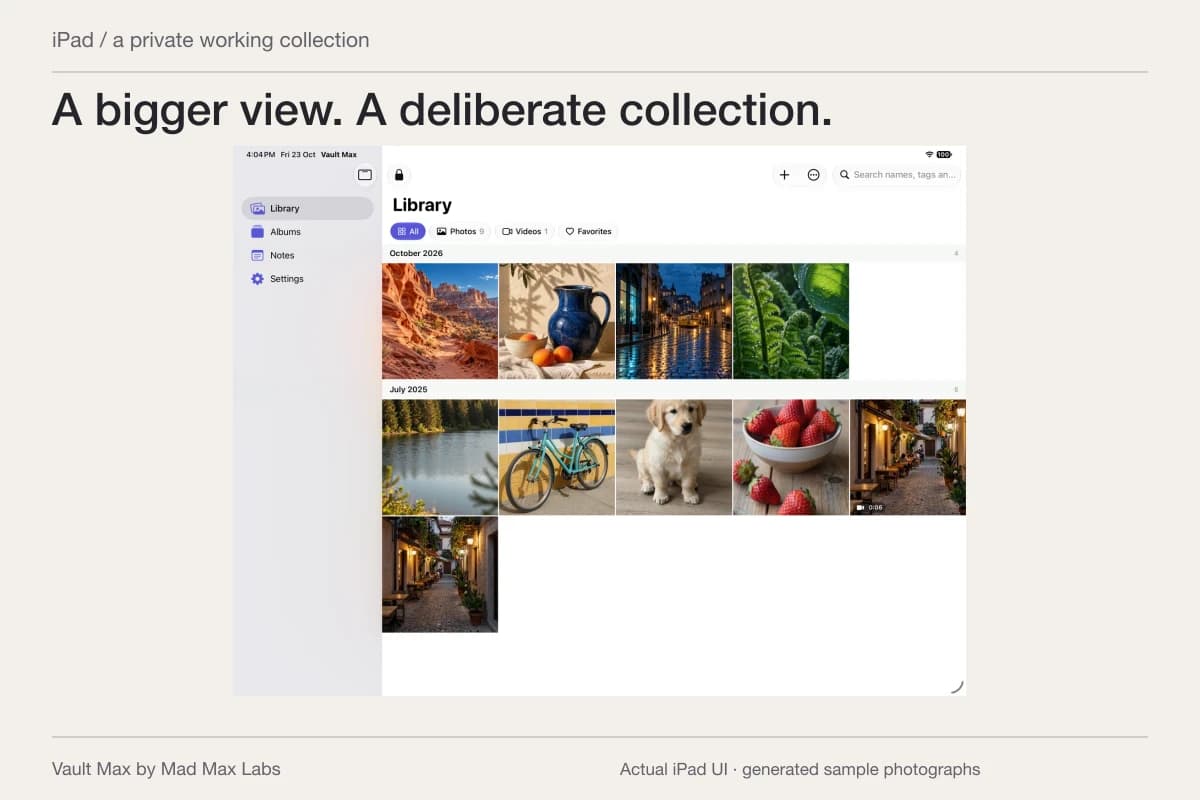
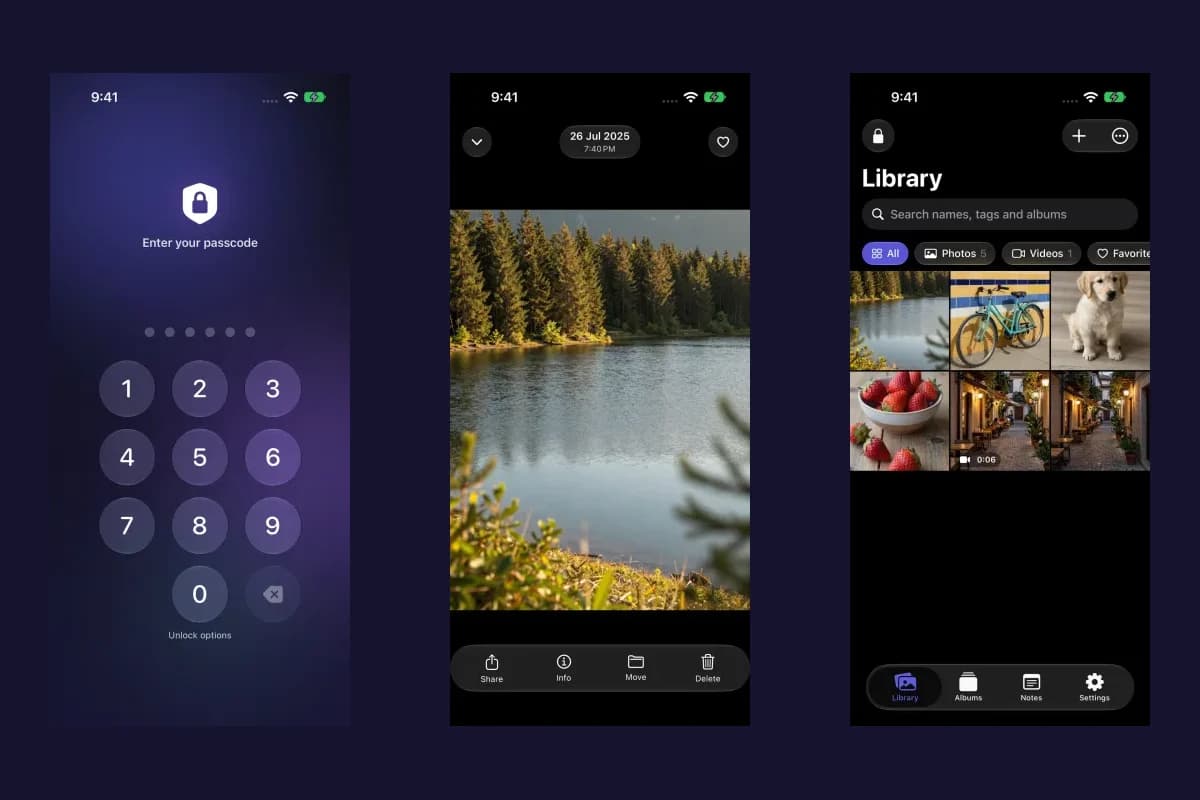
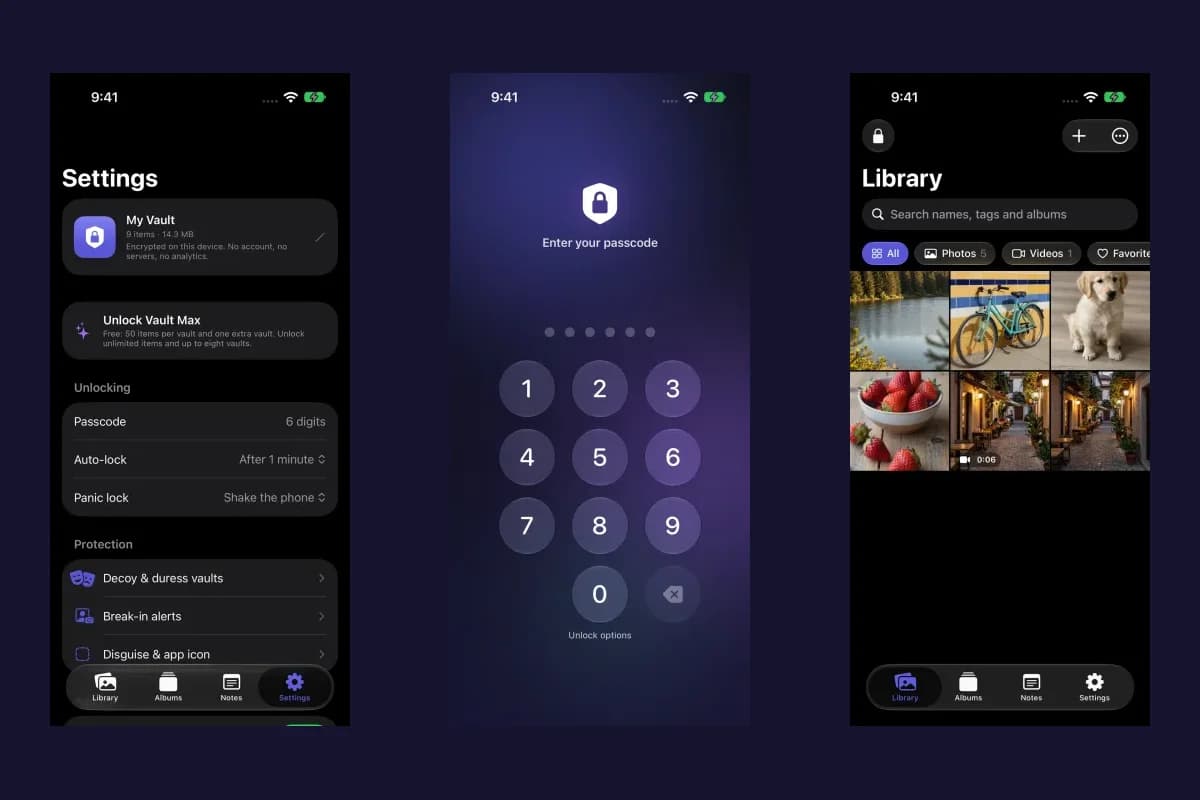
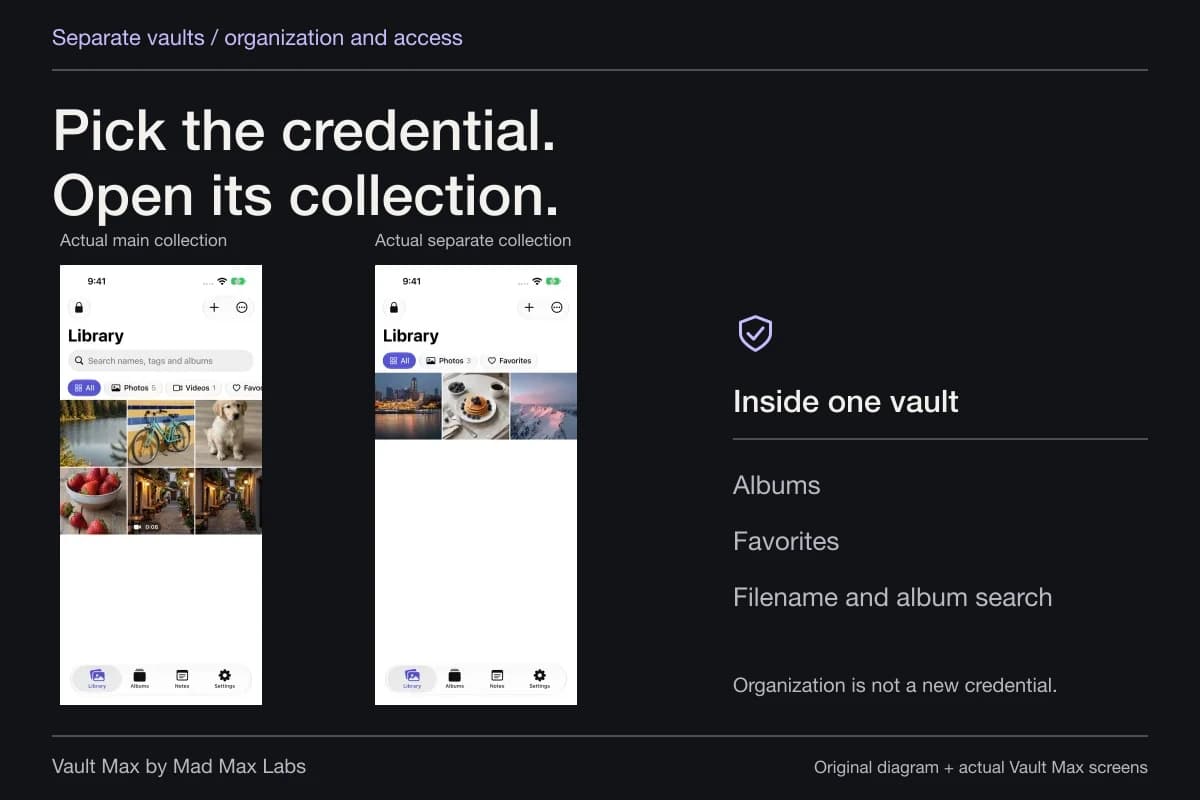
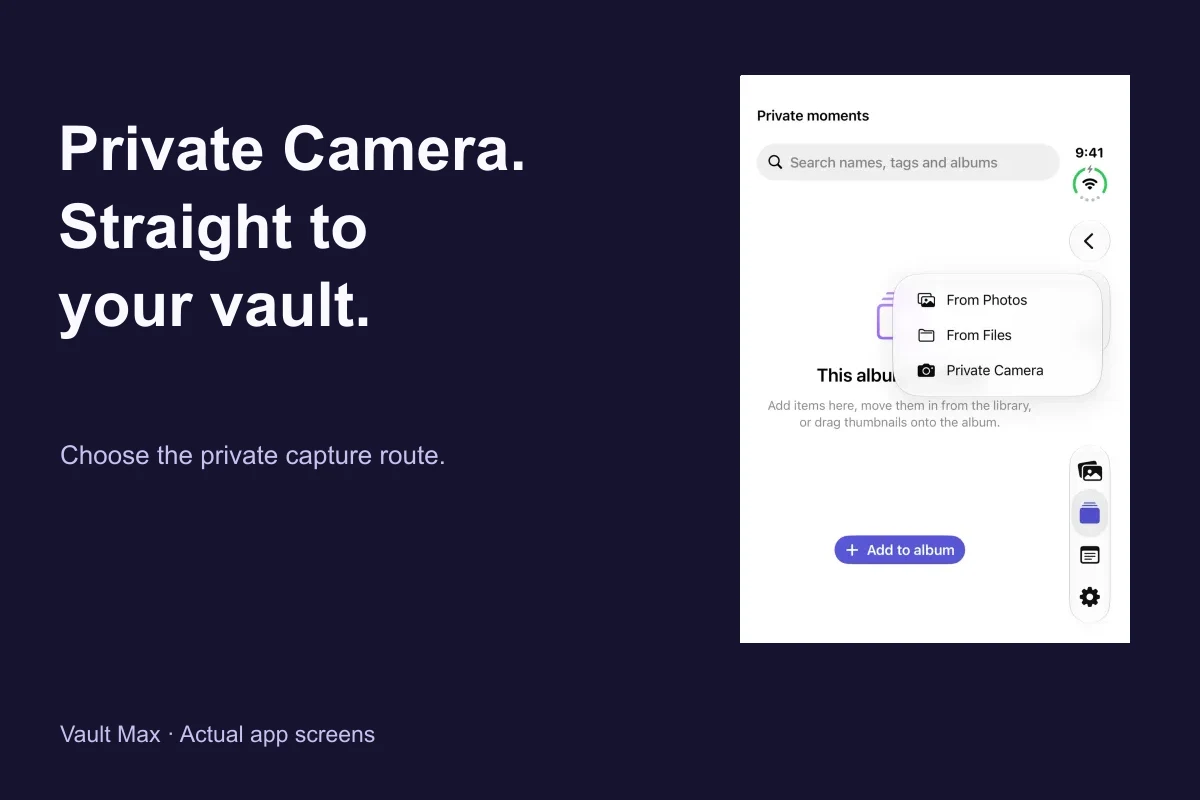
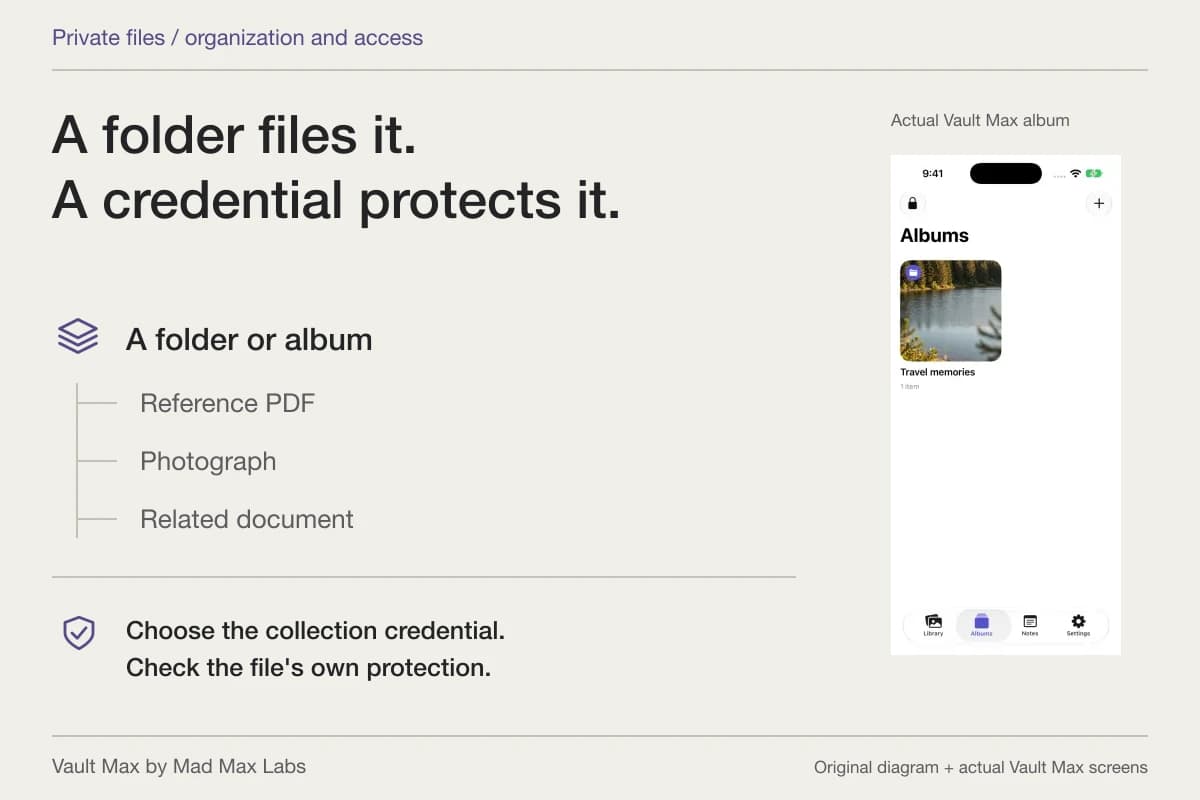
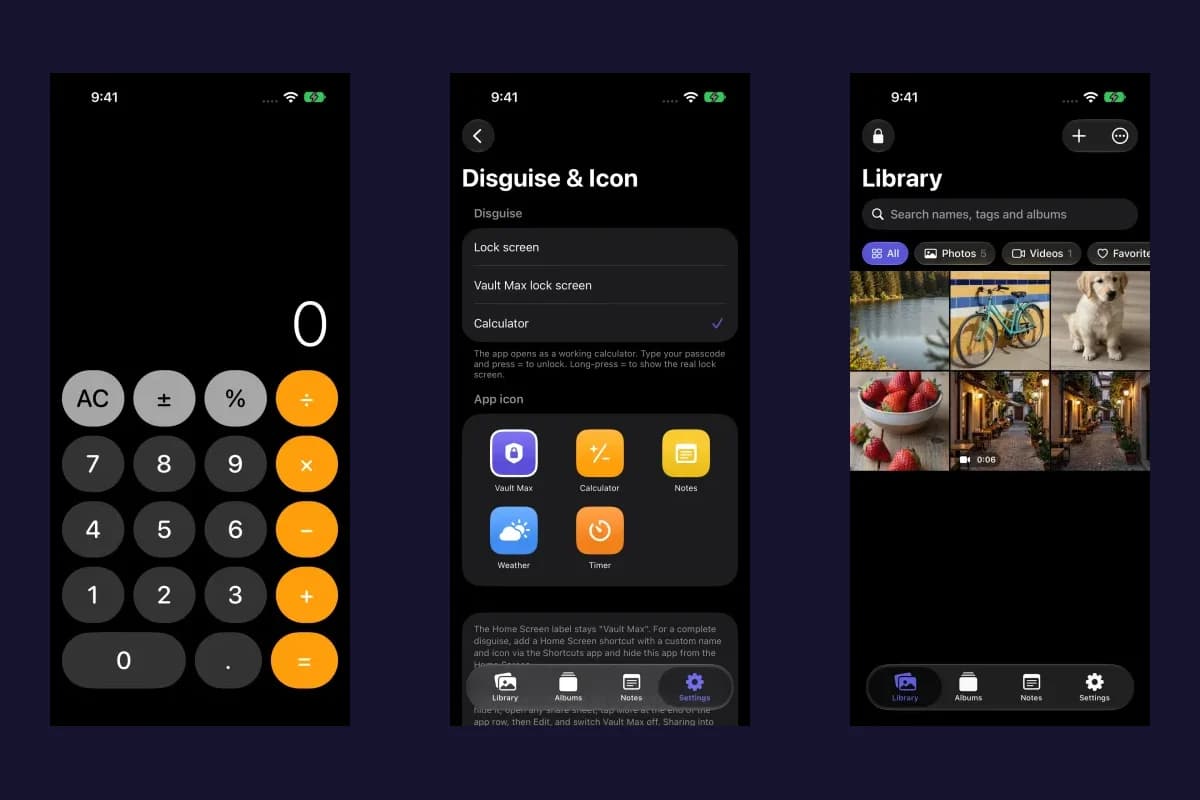
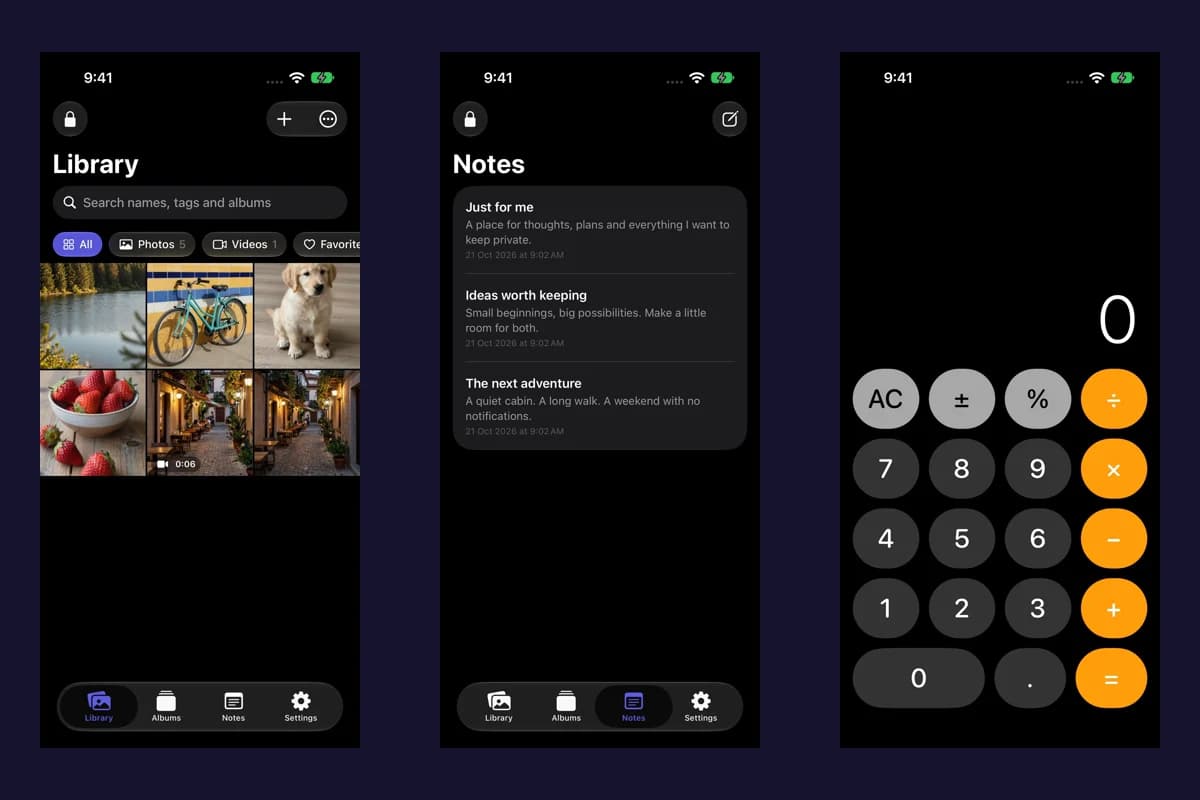
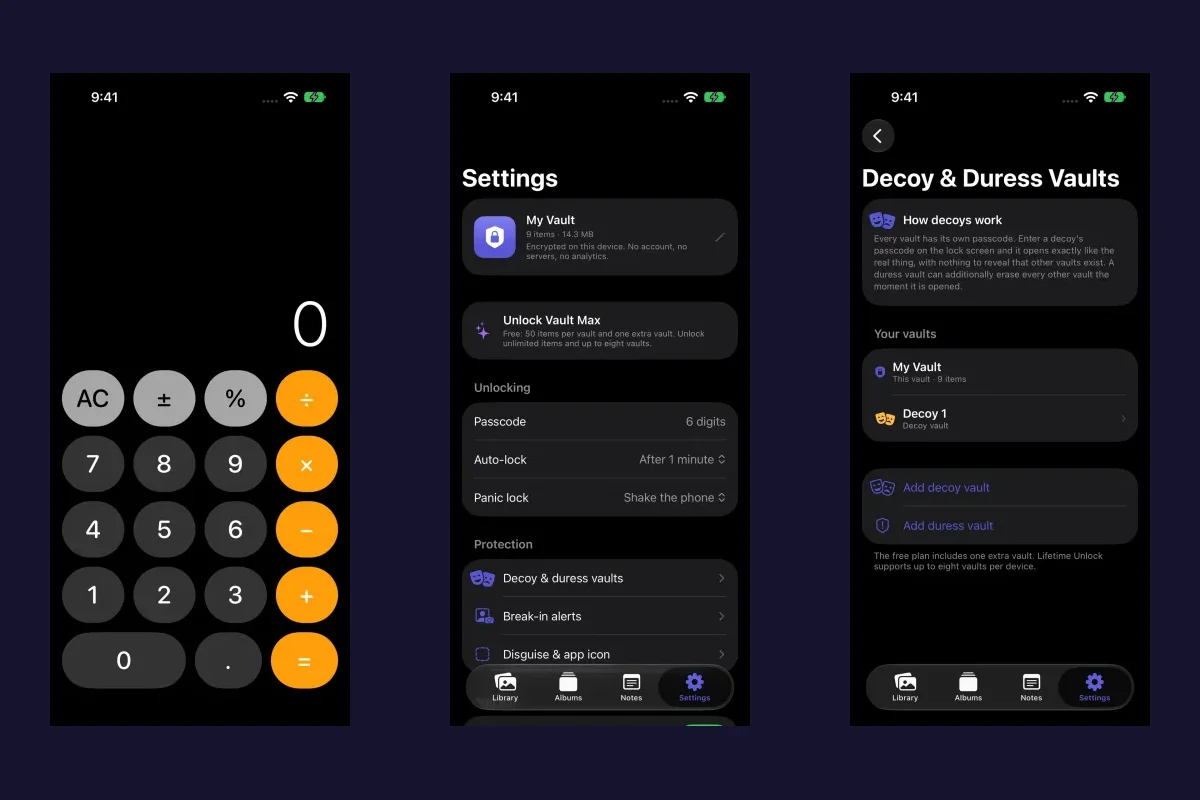
Vault Max holds selected media, files and encrypted notes behind its own vault credential. It stores that working collection locally without a Vault Max account or developer-hosted library. Its separate vaults can organize different collections, but they do not run arbitrary third-party apps inside them.
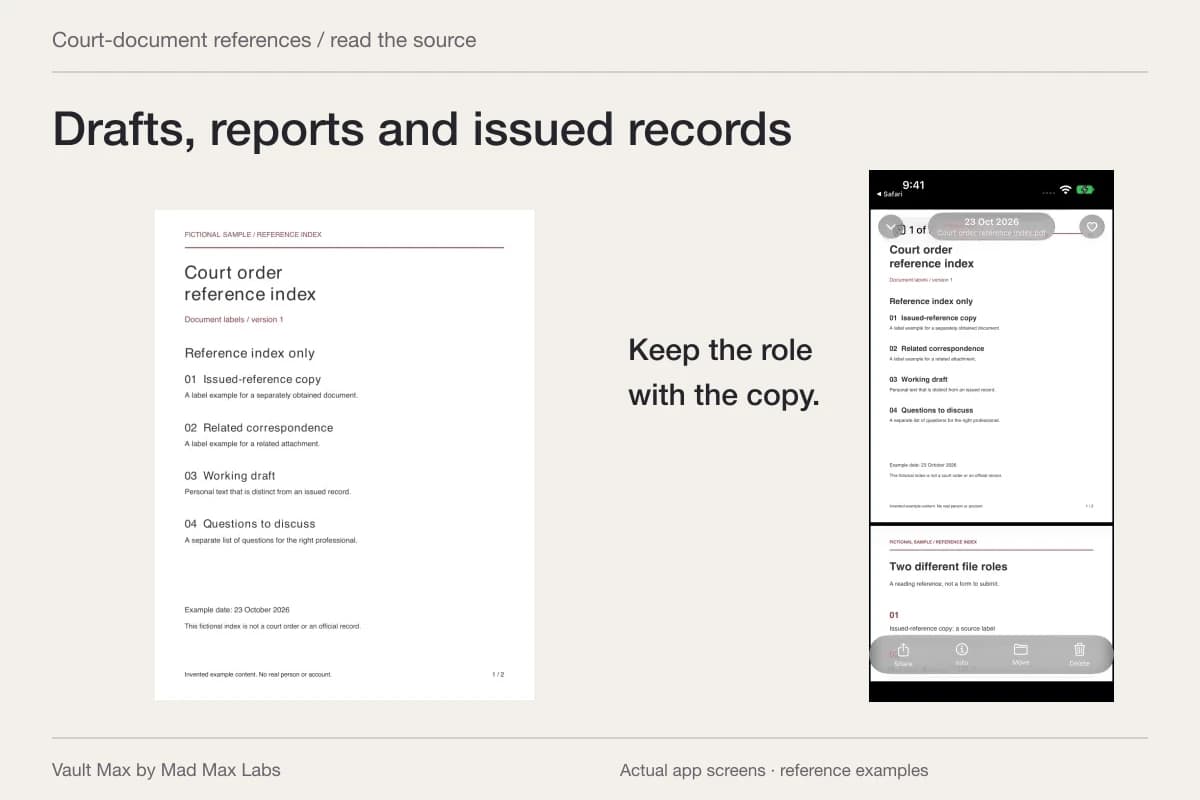
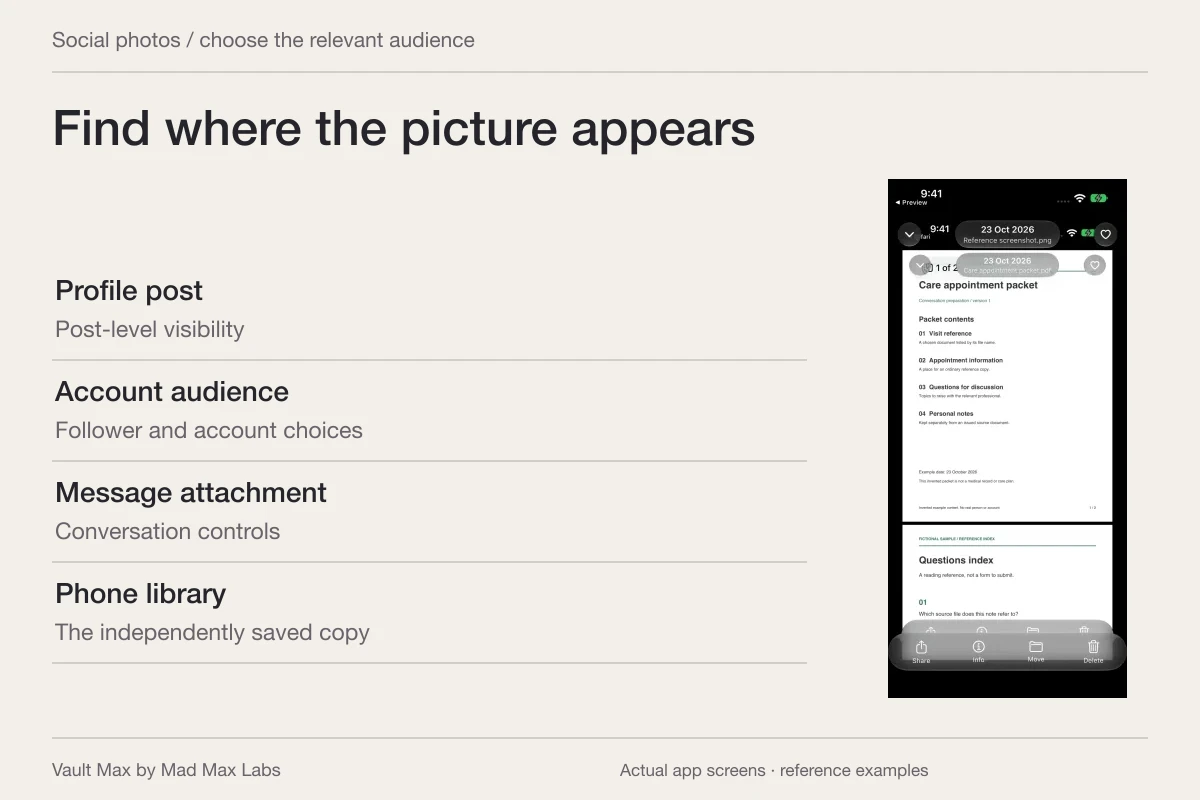
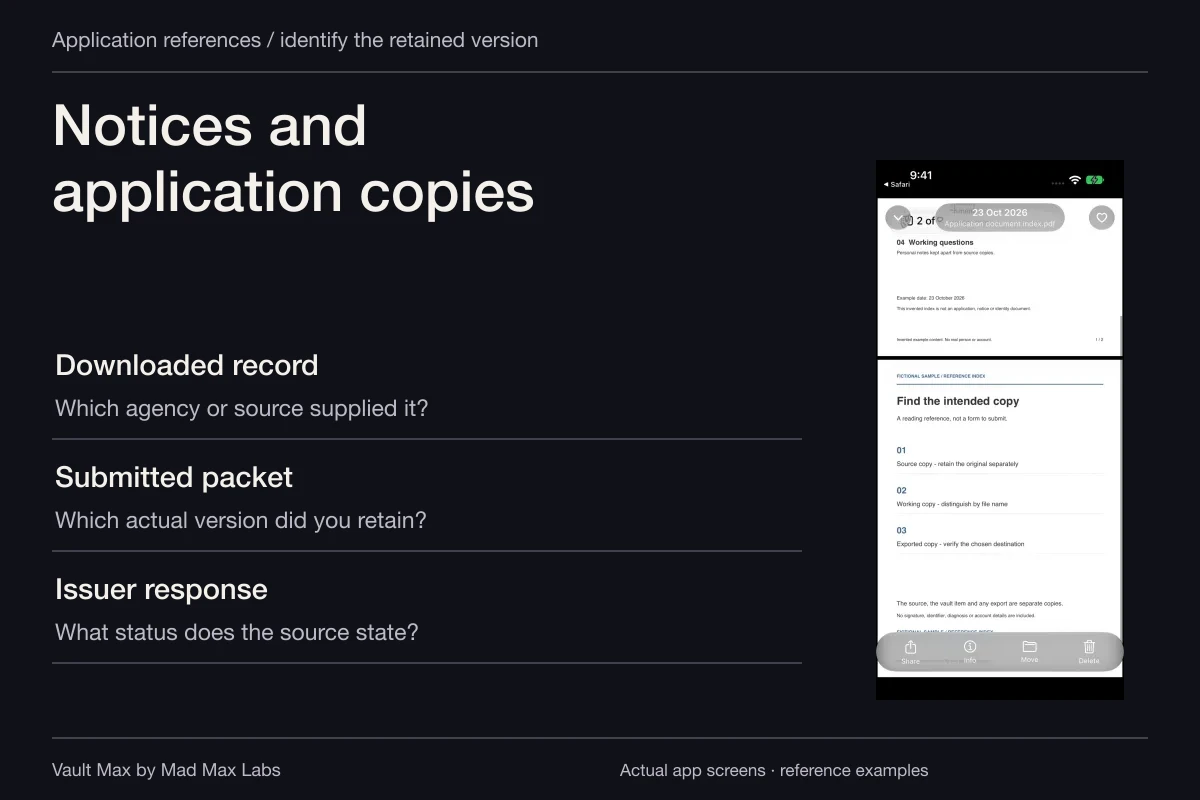
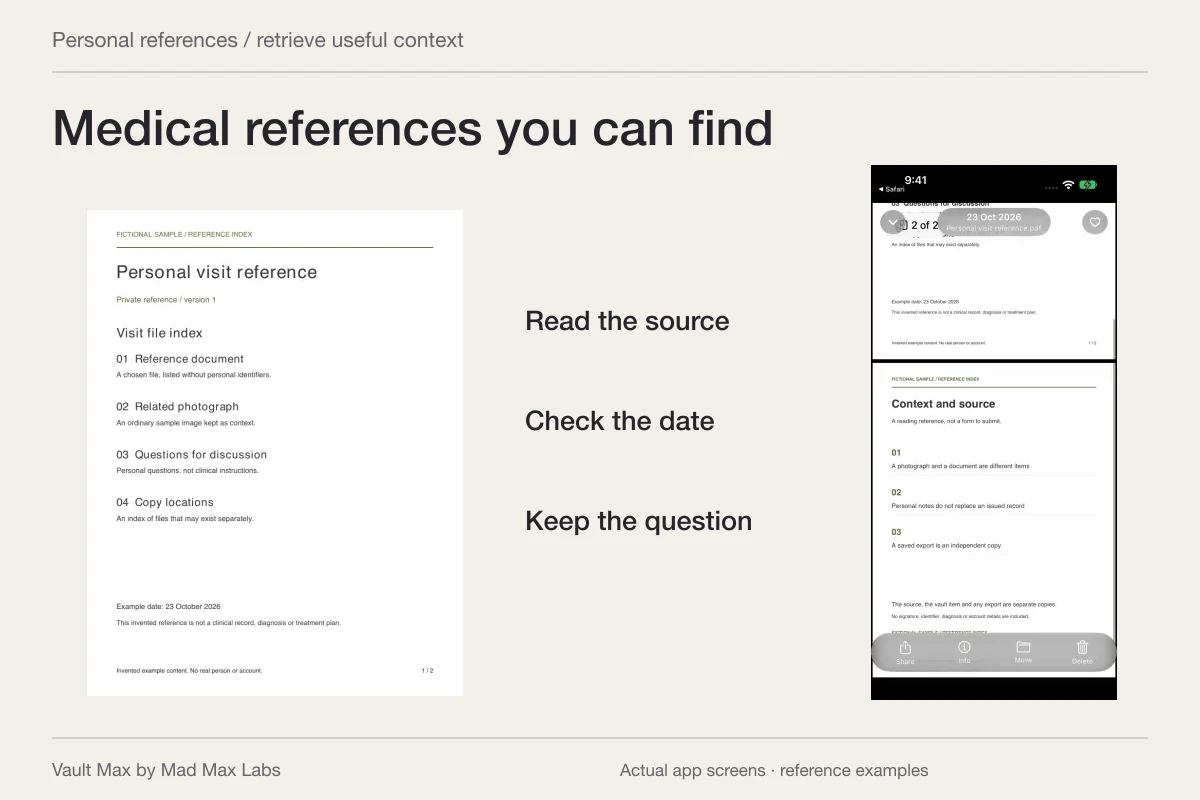
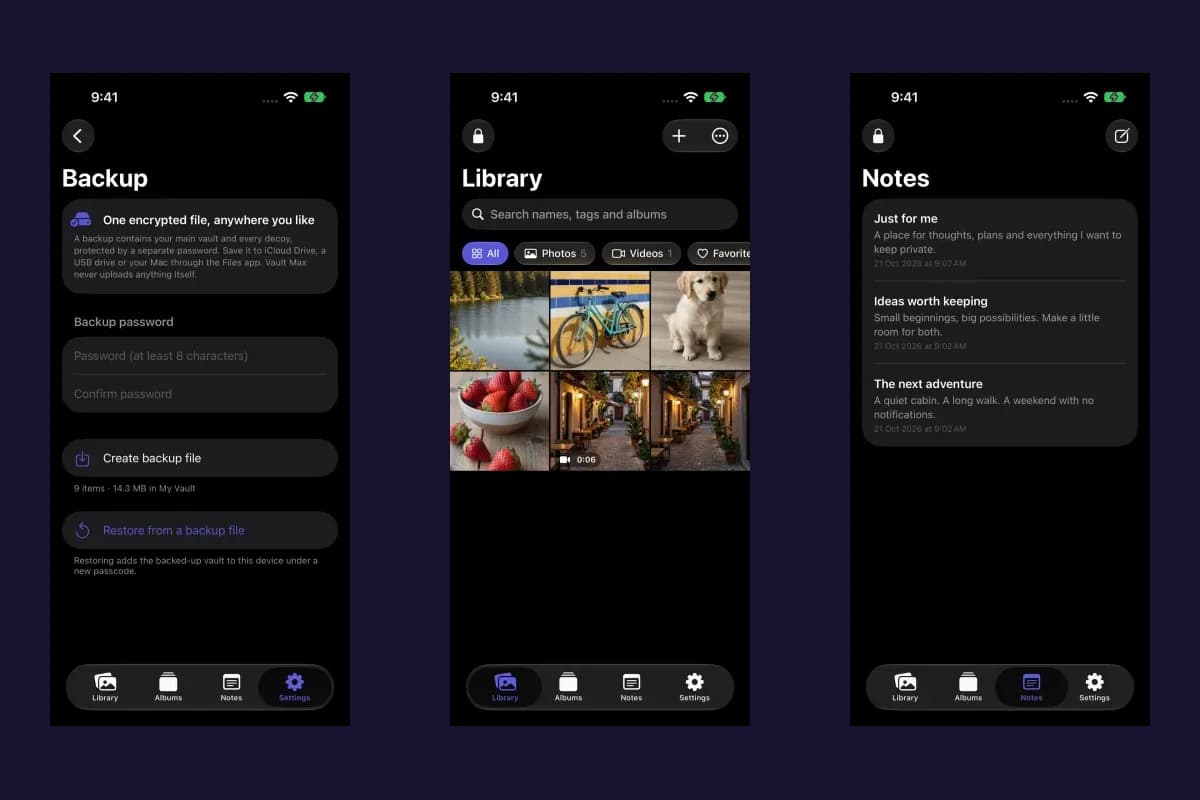
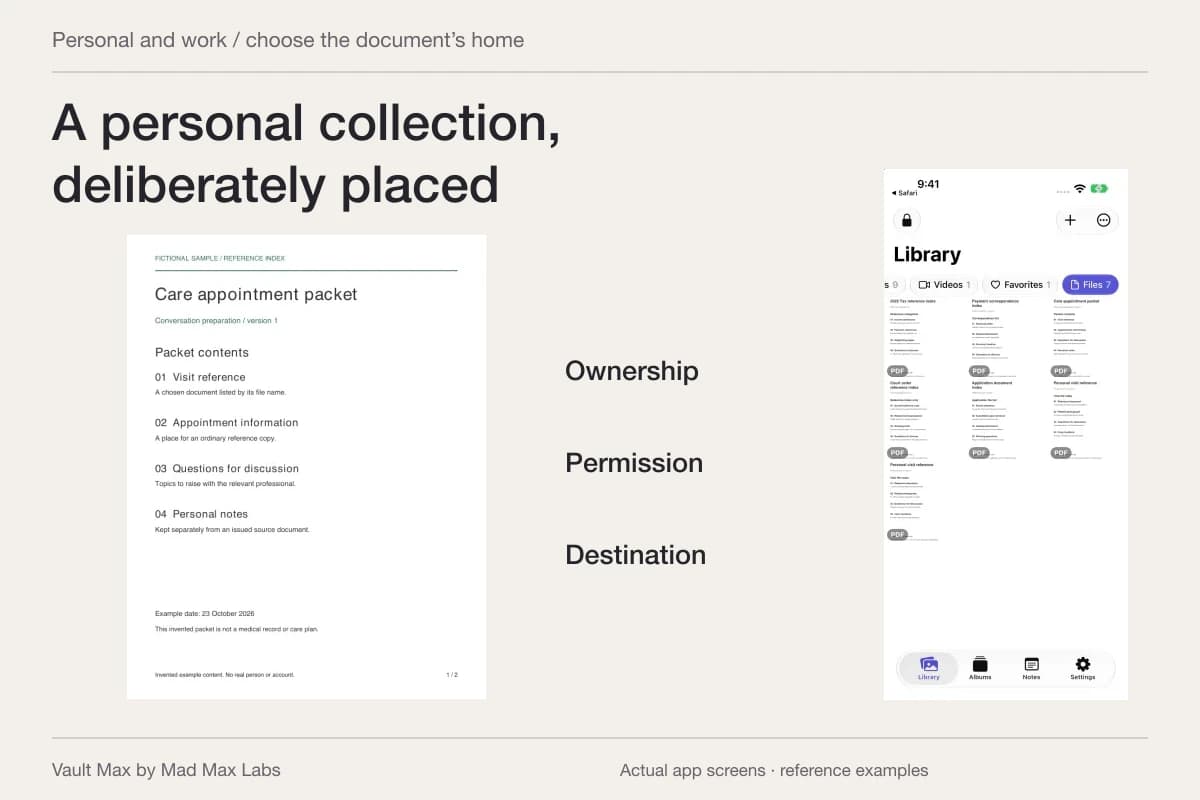
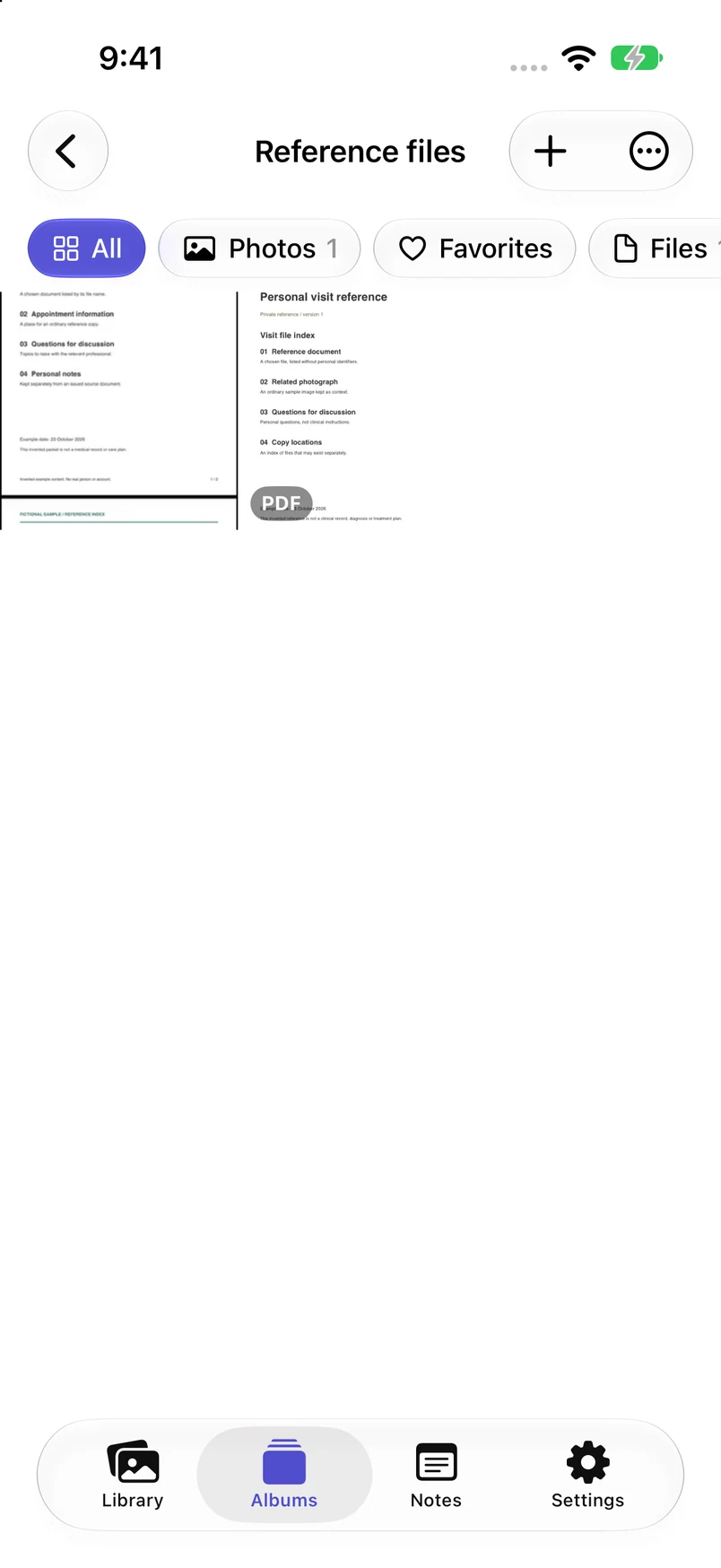
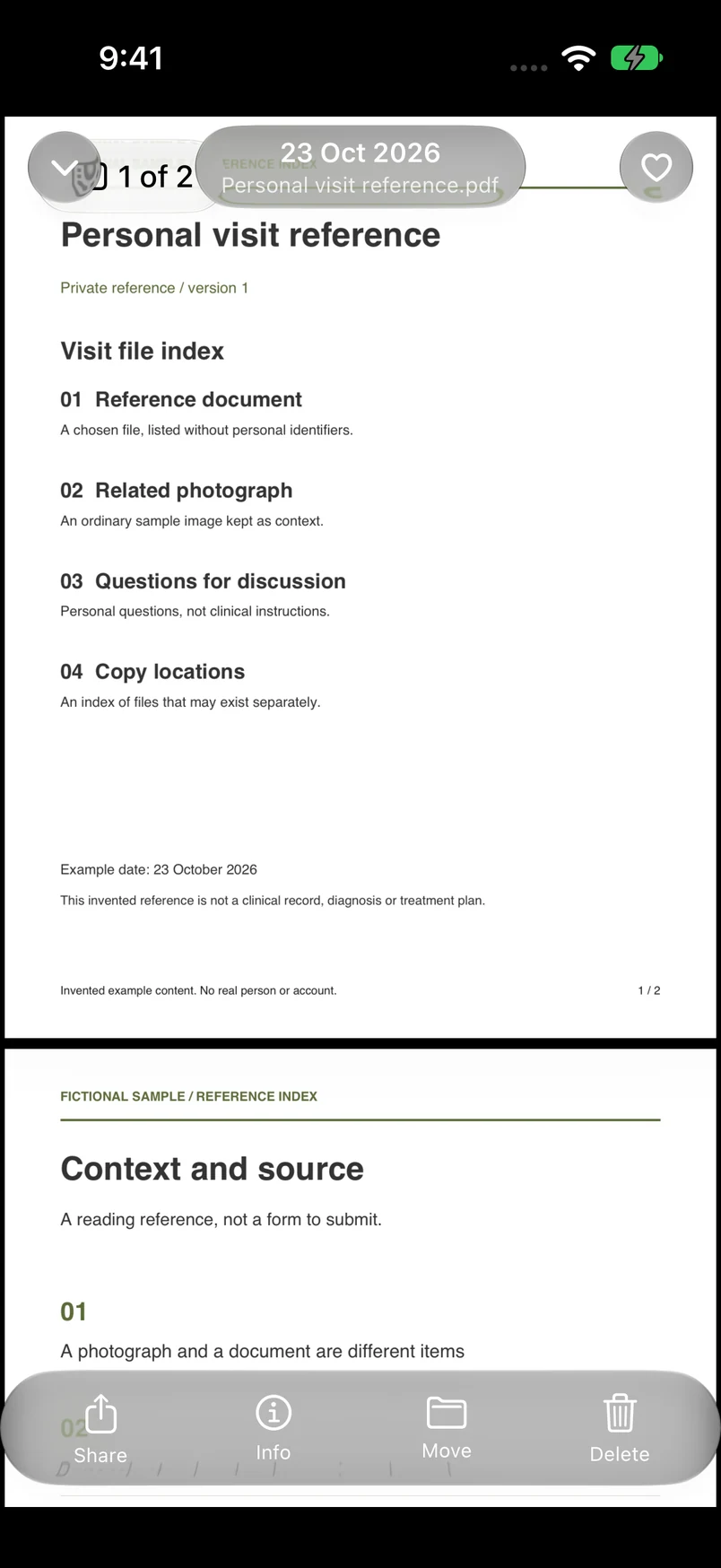
Fresh actual Vault Max screens show one sample photograph and one fictional PDF in the Reference files album, then the PDF's readable first page. This establishes the observed selected-content interface on installed build 2. It does not show Samsung UI, copied app installations or a Galaxy-to-iPhone transfer.
Actual Vault Max · QA simulator, October 24Selected media and documents
Open original image: Selected media and documentsOpen the actual retained file
Open original image: Open the actual retained file| Your task | A relevant arrangement | A separate question |
|---|---|---|
| Keep photographs out of everyday Photos browsing | Apple Hidden collection | Does device authentication meet your access goal? |
| Restrict opening an eligible iPhone app | Apple app lock or hide controls | What account and content remain inside that app? |
| Keep selected photos, documents and notes together | Vault Max with its own vault credential | Where is the usable recovery archive? |
| Keep a second app installation and login | Check that service's supported iPhone options | A photo vault does not create the second app |
Read Copy and Move as different operations
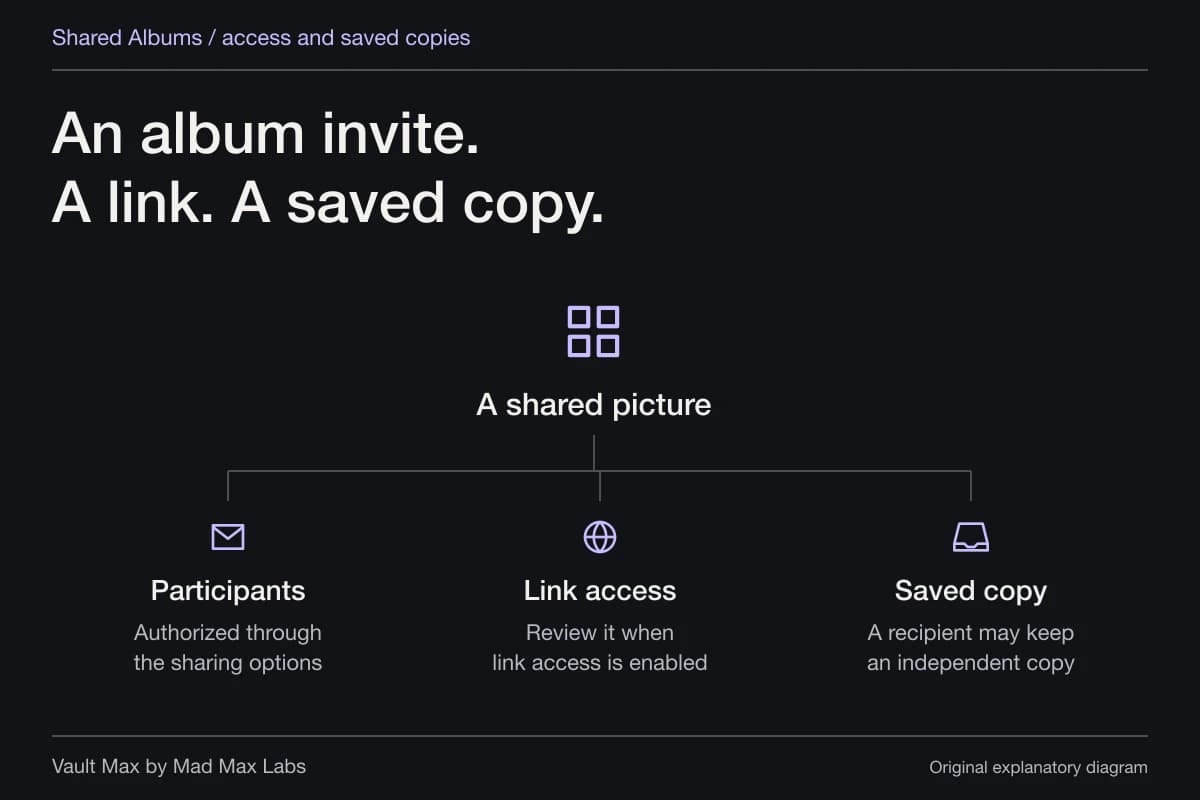
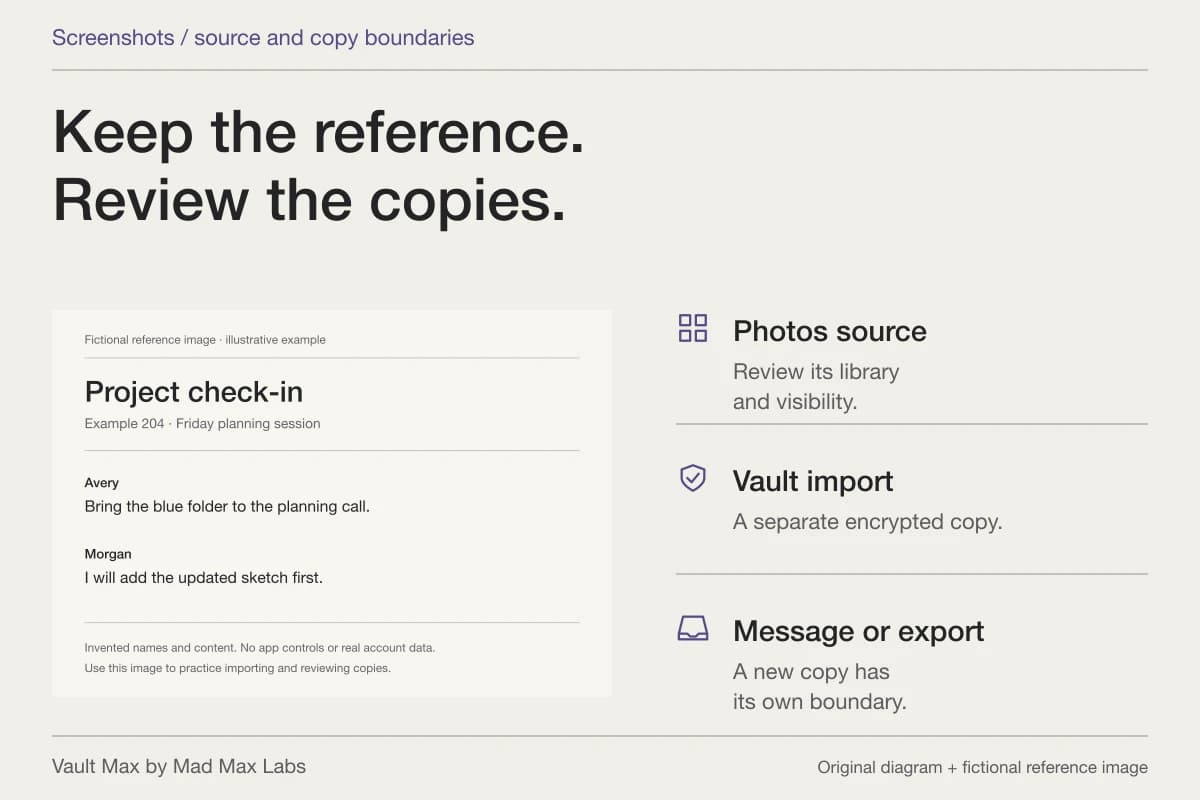
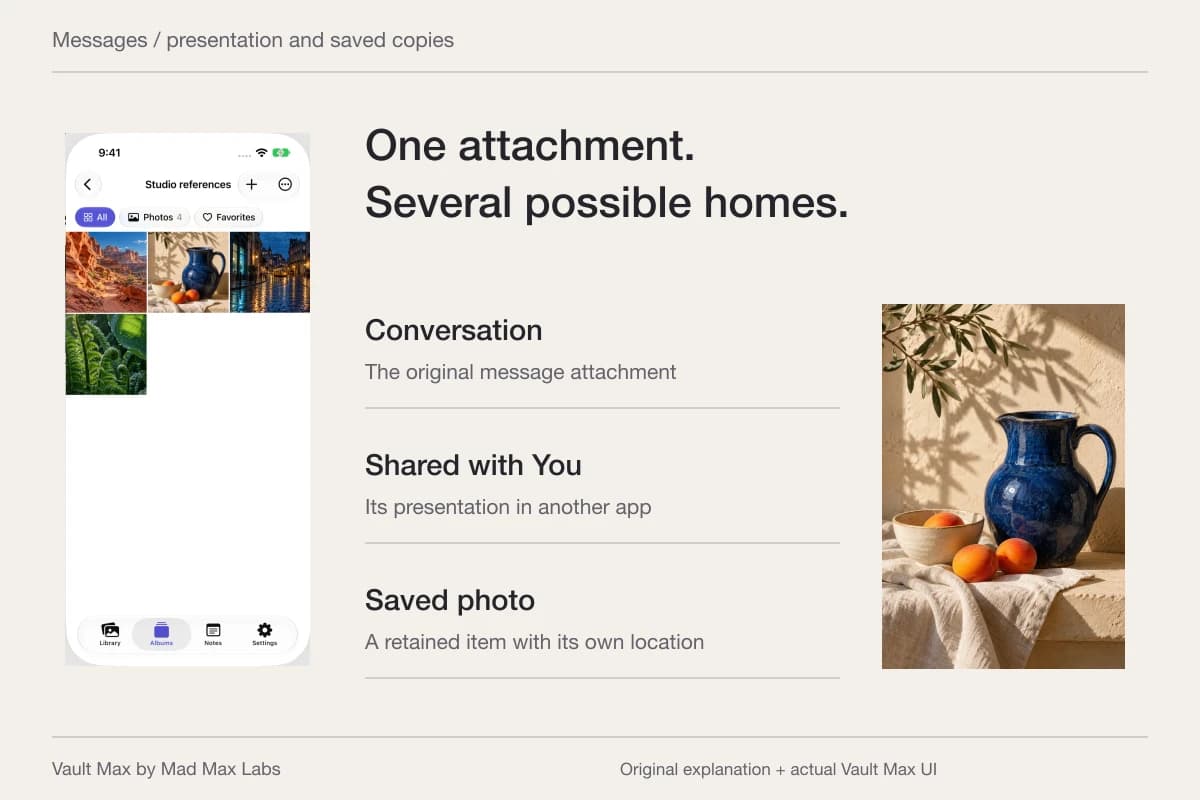
Samsung's UK guide distinguishes Copy, which makes another file version in Secure Folder, from Move, which moves the original. Check which operation you used before deciding that a picture exists only in the protected location. Review other cloud, message or export copies separately.
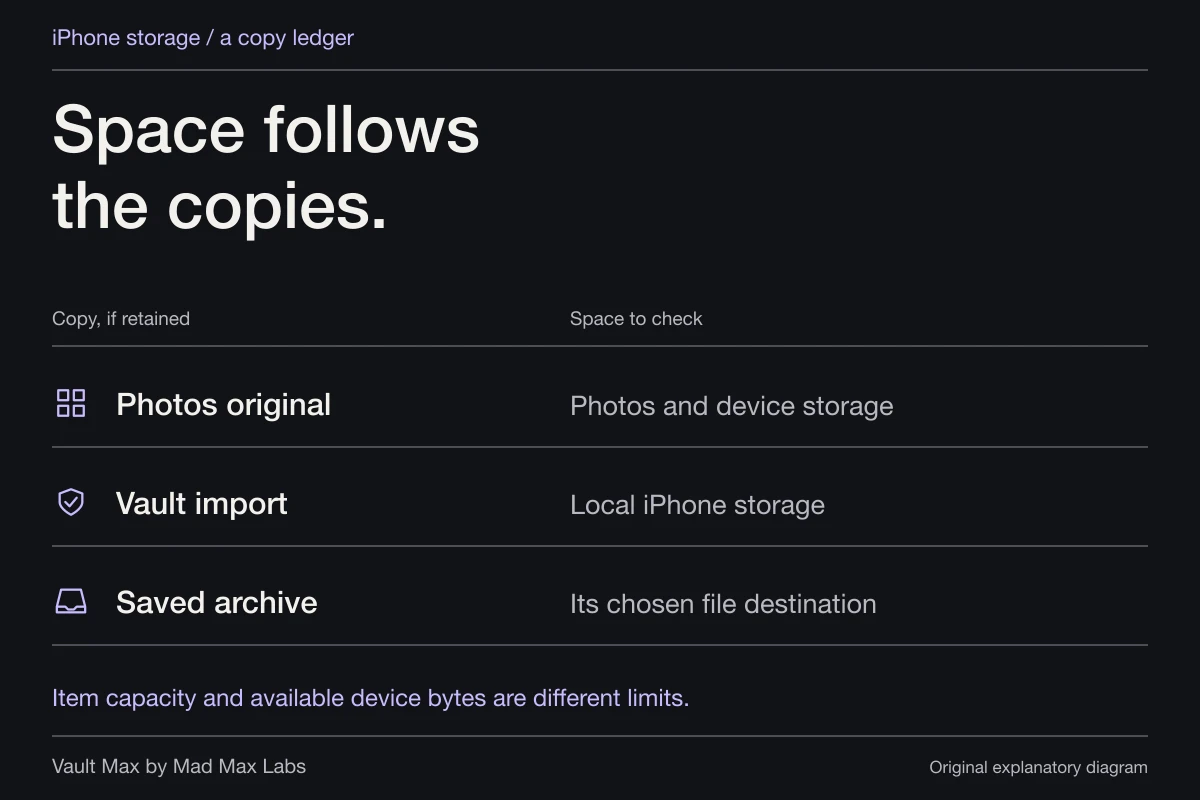
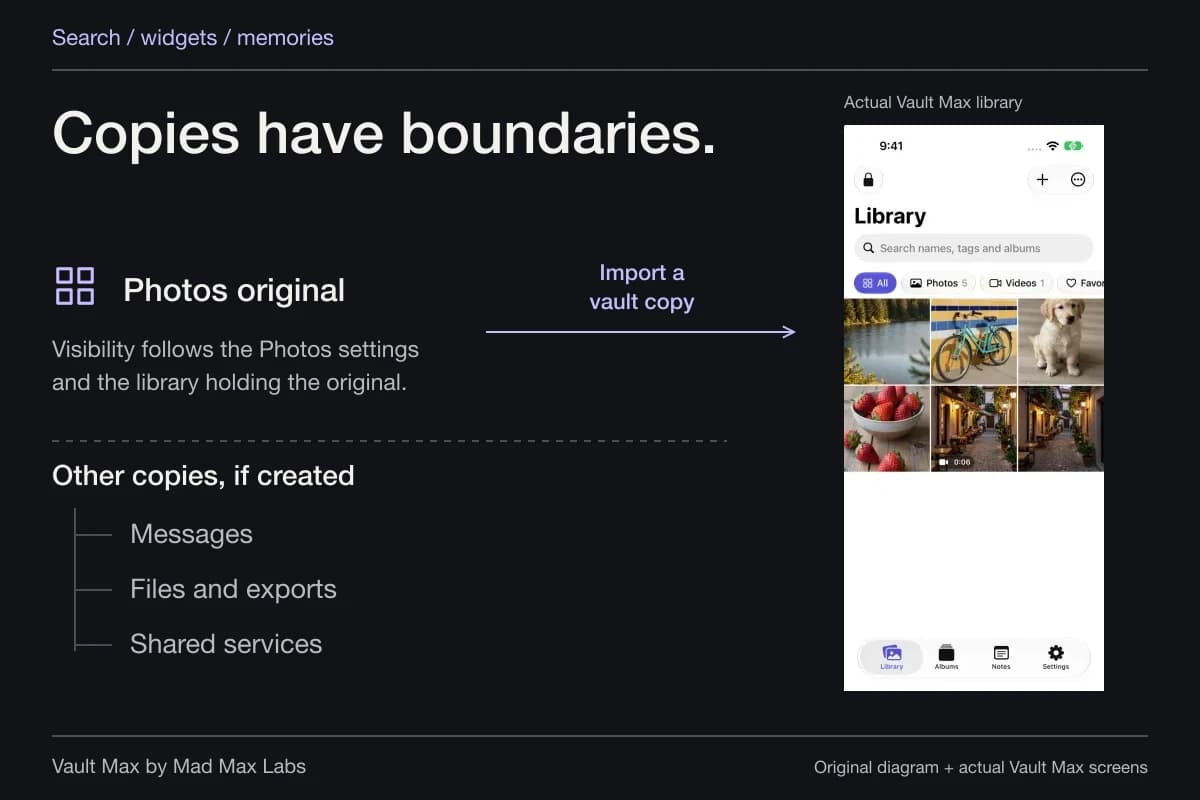
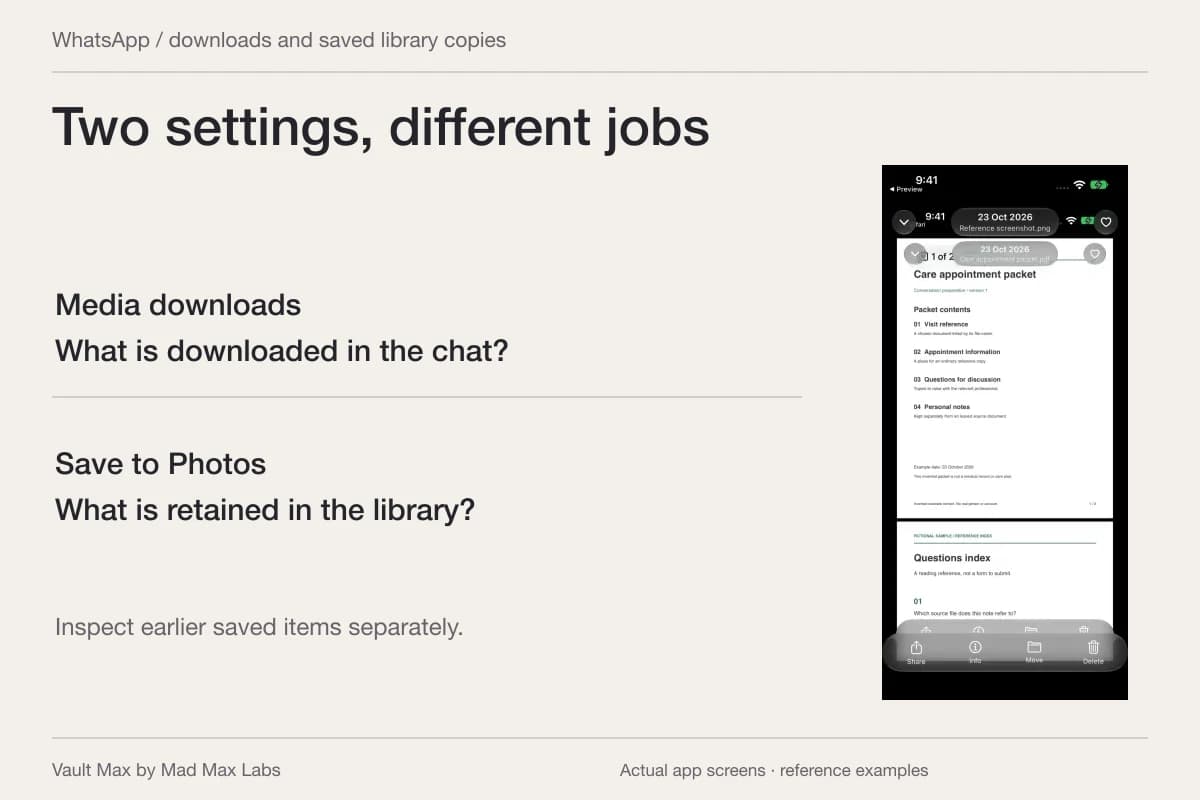
Vault Max import should likewise be checked as a destination operation. Select the intended source, wait for the saved result and open it in the vault. Then inspect the original location independently. A successful import does not establish that the source disappeared or that an earlier cloud upload was withdrawn.
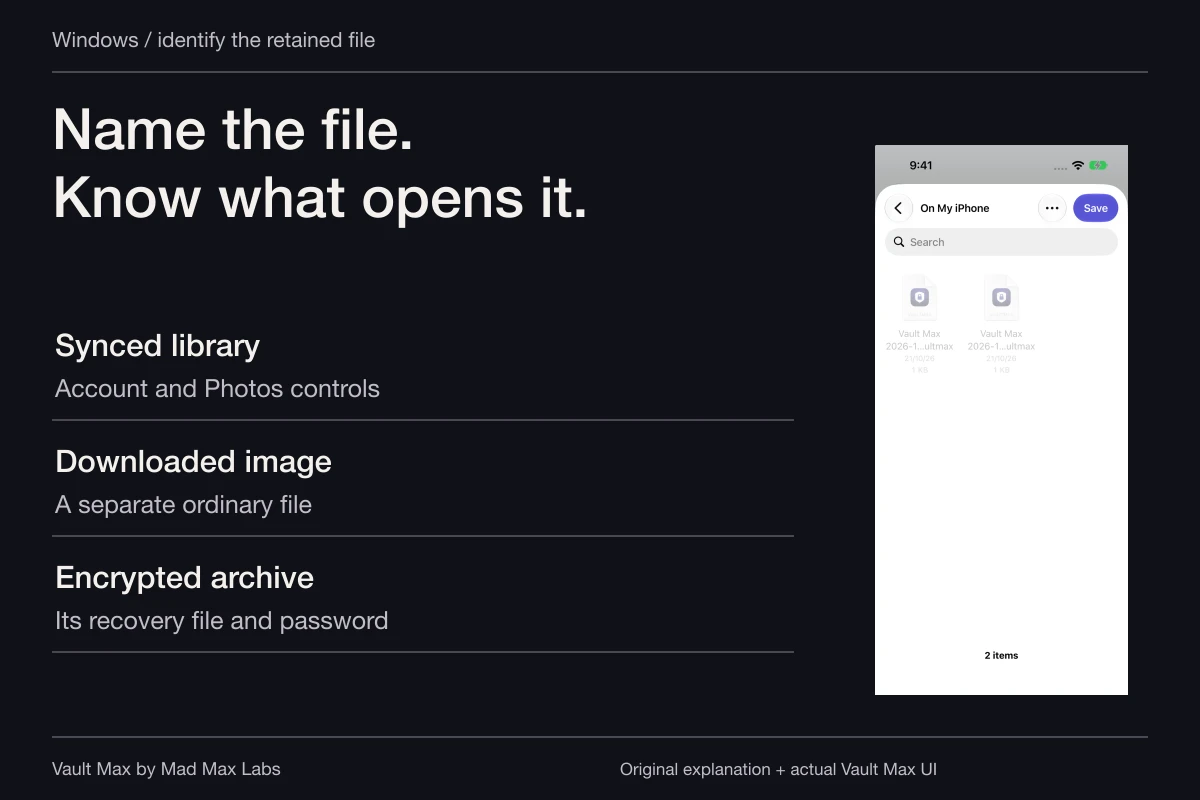
This matters during a switch because temporary export locations can outlive the migration session. Write down the places you used: the Galaxy's ordinary storage, a computer folder, a transfer service or iPhone Photos. Keep useful copies while checking the result; remove unneeded temporary copies only after you understand which locations hold them.
Try one harmless file before a private batch
Begin with a non-sensitive photo and a small document you can recognize. Use Samsung's supported method for making the files available outside Secure Folder, then the supported transfer route you choose for those files. We have not verified that route for every format, device or system version.
On the iPhone, open the arrival before importing it into the private collection. Compare the photograph's visible detail and orientation; read the document and check its page count. If your task depends on metadata, original formats or editing history, inspect those properties explicitly rather than treating a matching thumbnail as proof of preservation.
After importing into Vault Max, open the same sample again. This separates arrival verification from vault-import verification. Keep the Galaxy copy until the specific properties you care about have been checked on the destination.
Plan recovery for the product you are actually using
Samsung's current US guide says Secure Folder no longer supports creating new backups. It documents legacy-backup restoration and Smart Switch transfer to another Galaxy. A transfer instruction for that destination does not establish an iPhone restore route.
The same Samsung guide describes Reset with Samsung account as an option to enable for credential recovery. Inspect the actual setting while you can still open the collection. Do not assume every existing installation has an account-reset route just because another tutorial shows one.
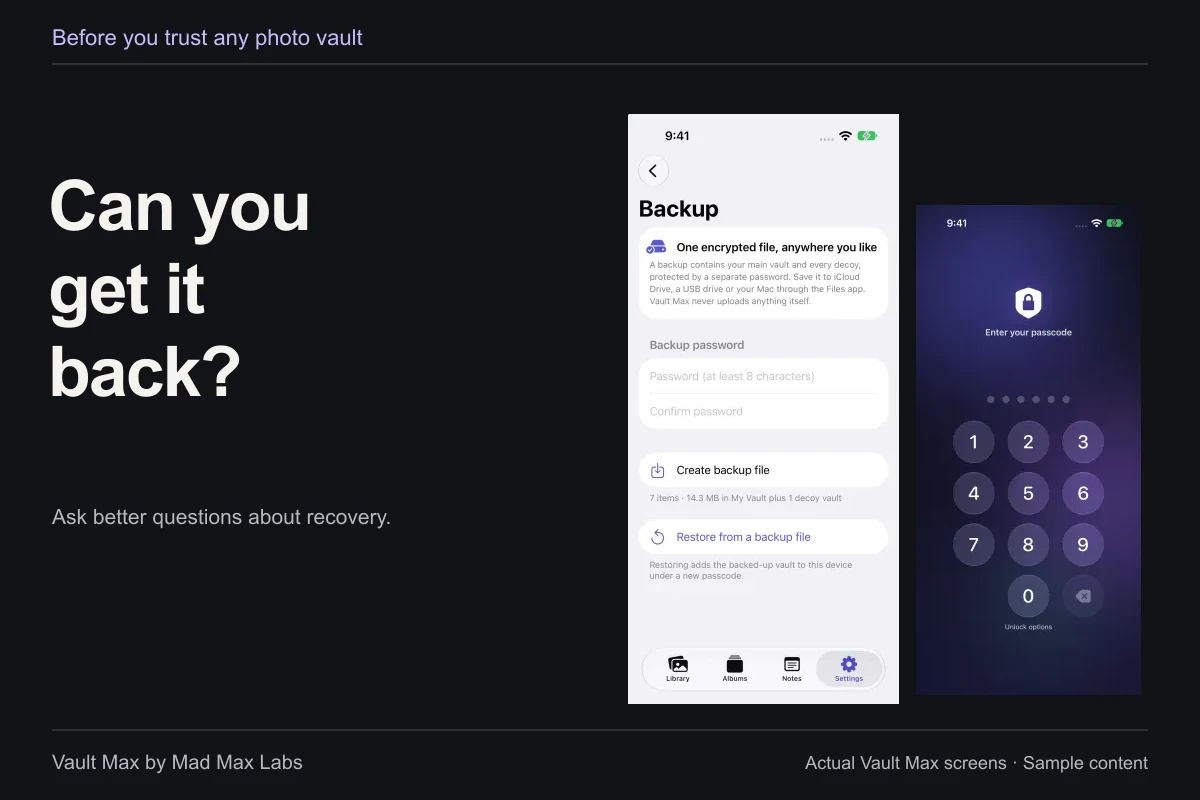
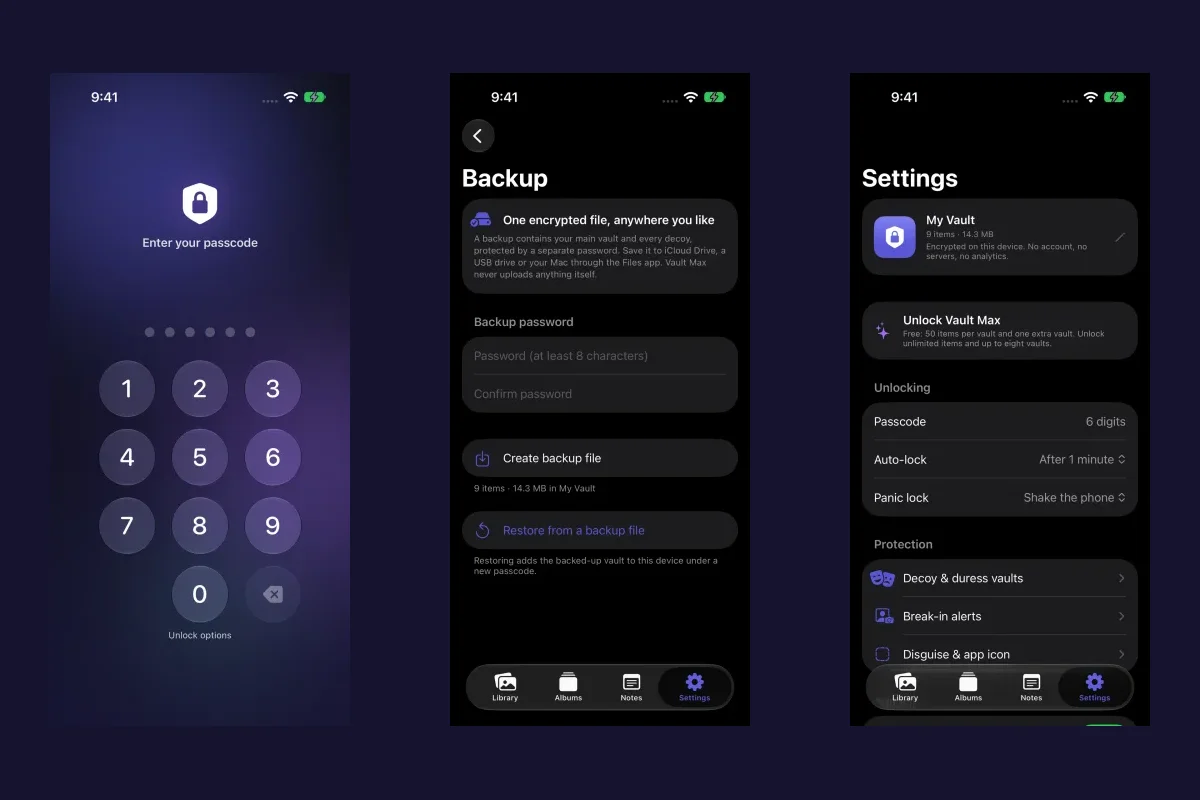
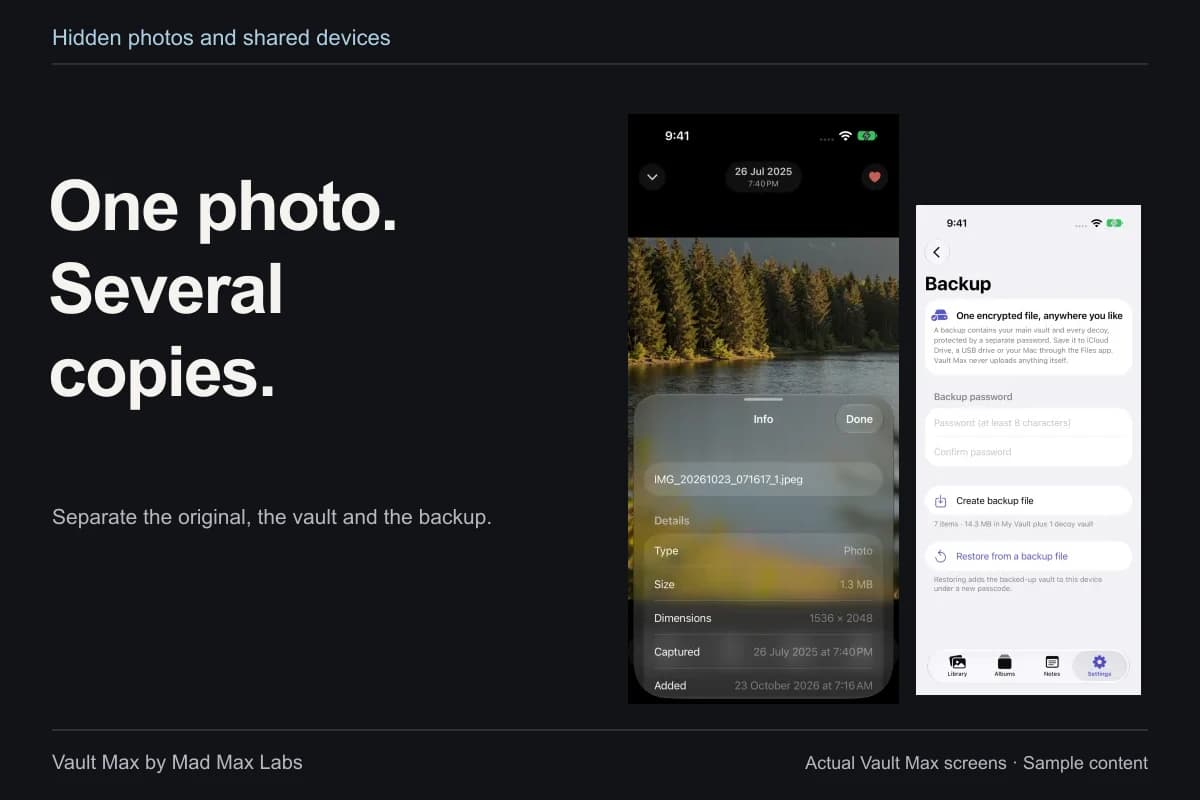
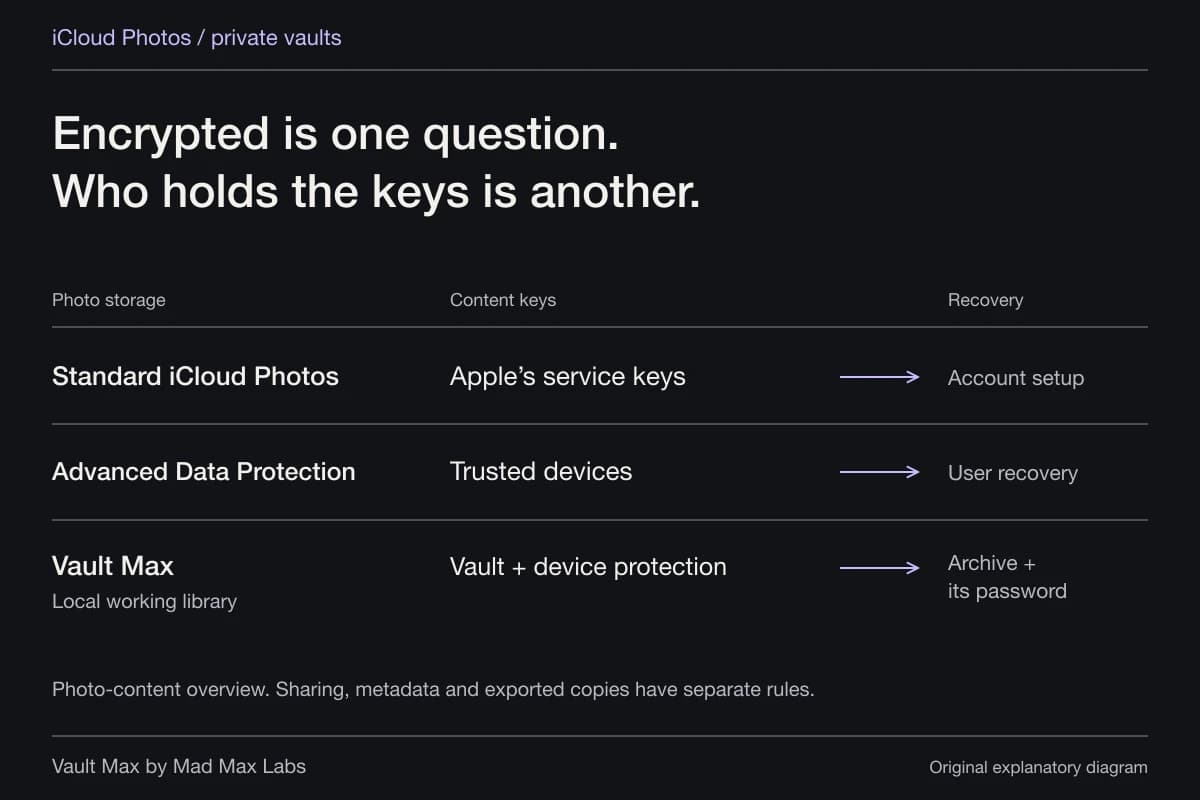
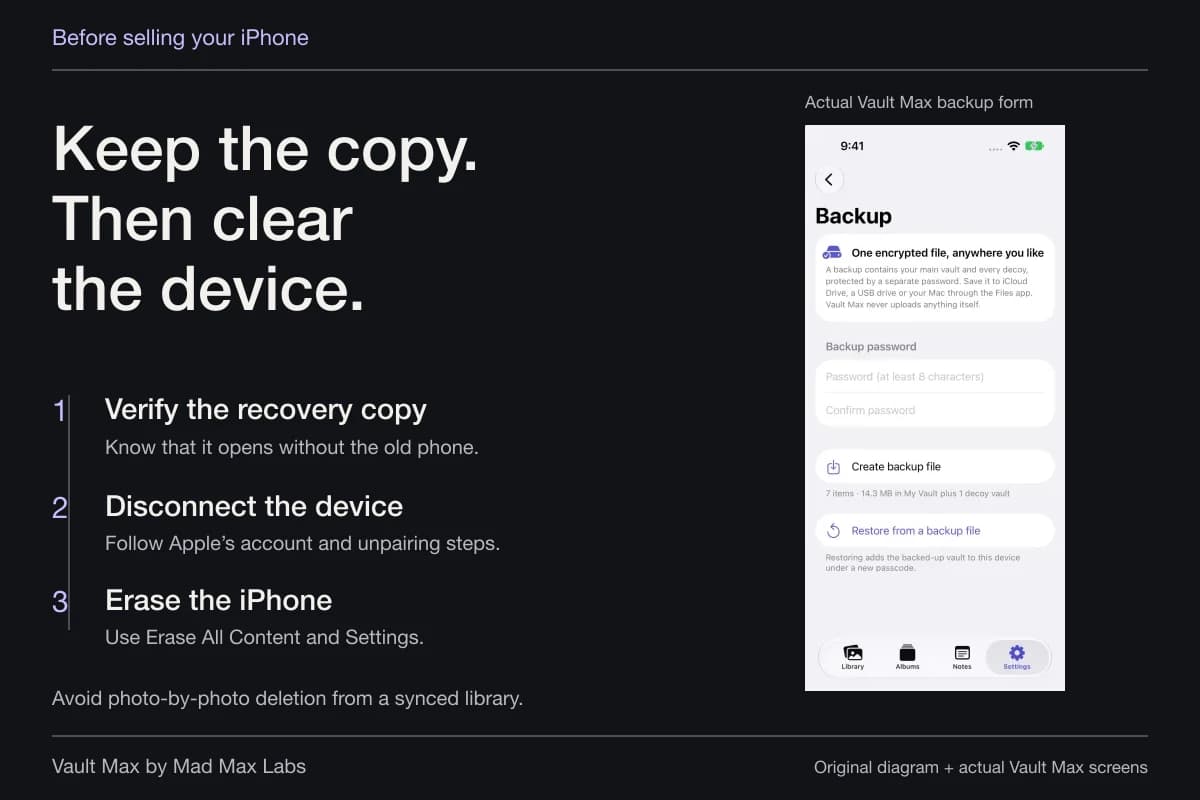
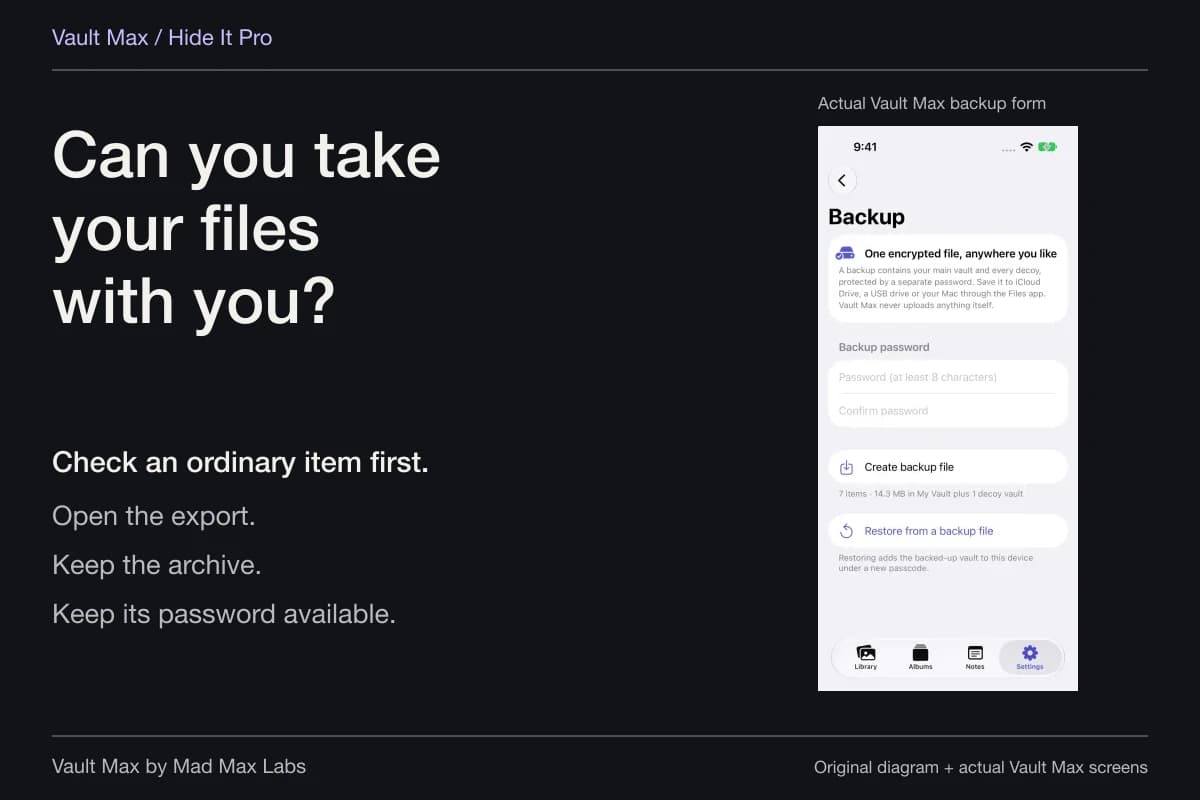
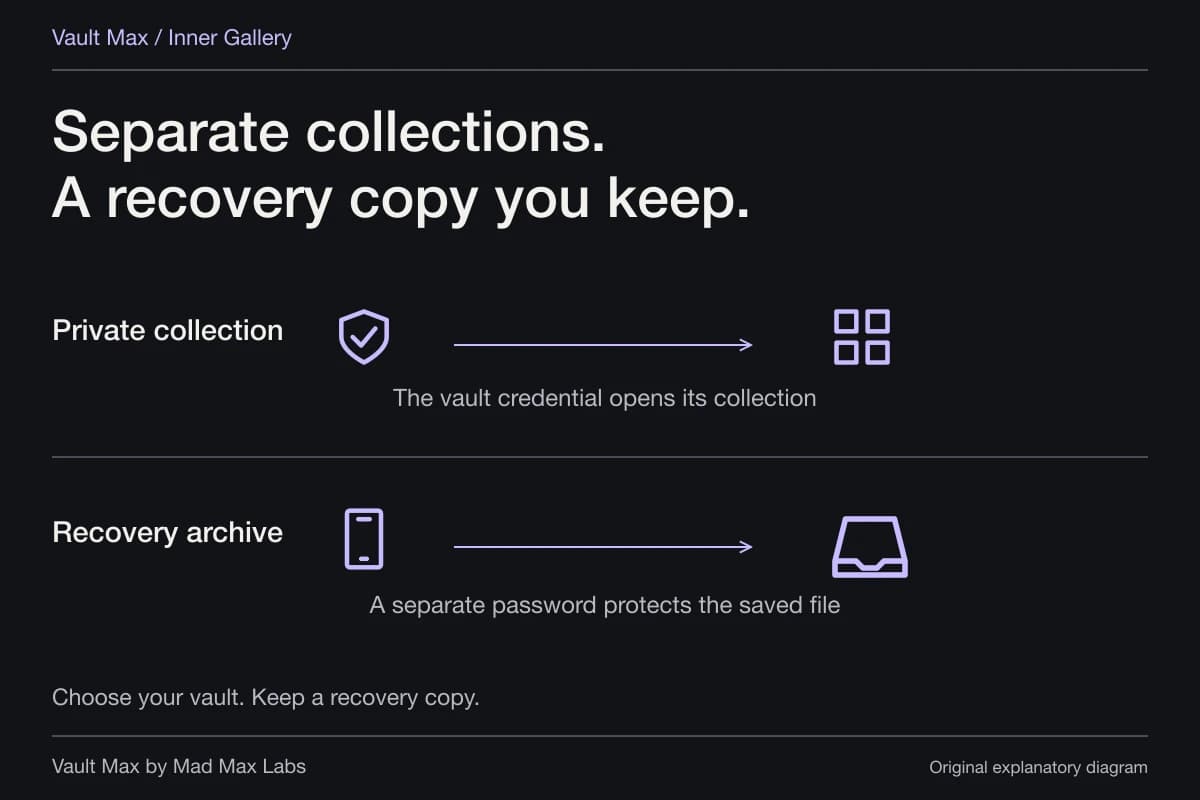
For Vault Max, create an explicit password-protected archive and retain its independent password. A local working library needs a copy that survives loss of the phone. Our backup guide explains the archive's scope and the distinction between file creation and a verified destination restore.
Choose the credential without losing the recovery route
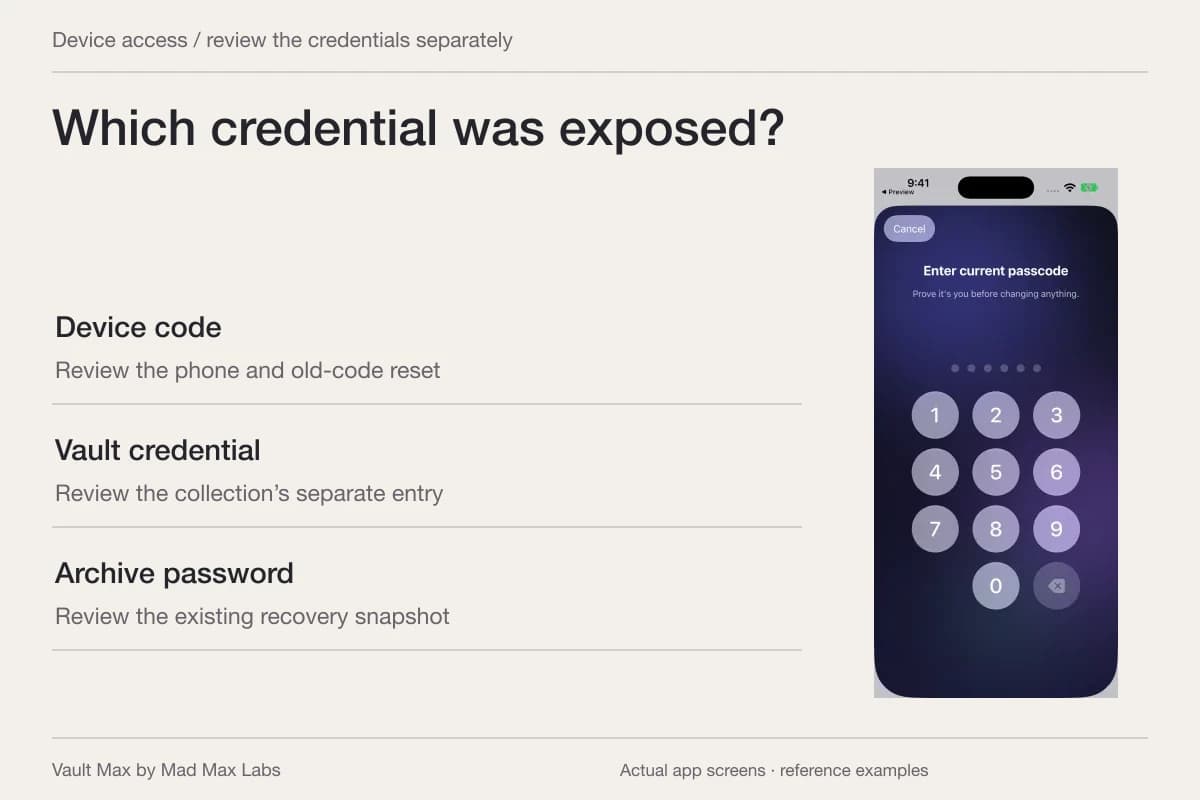
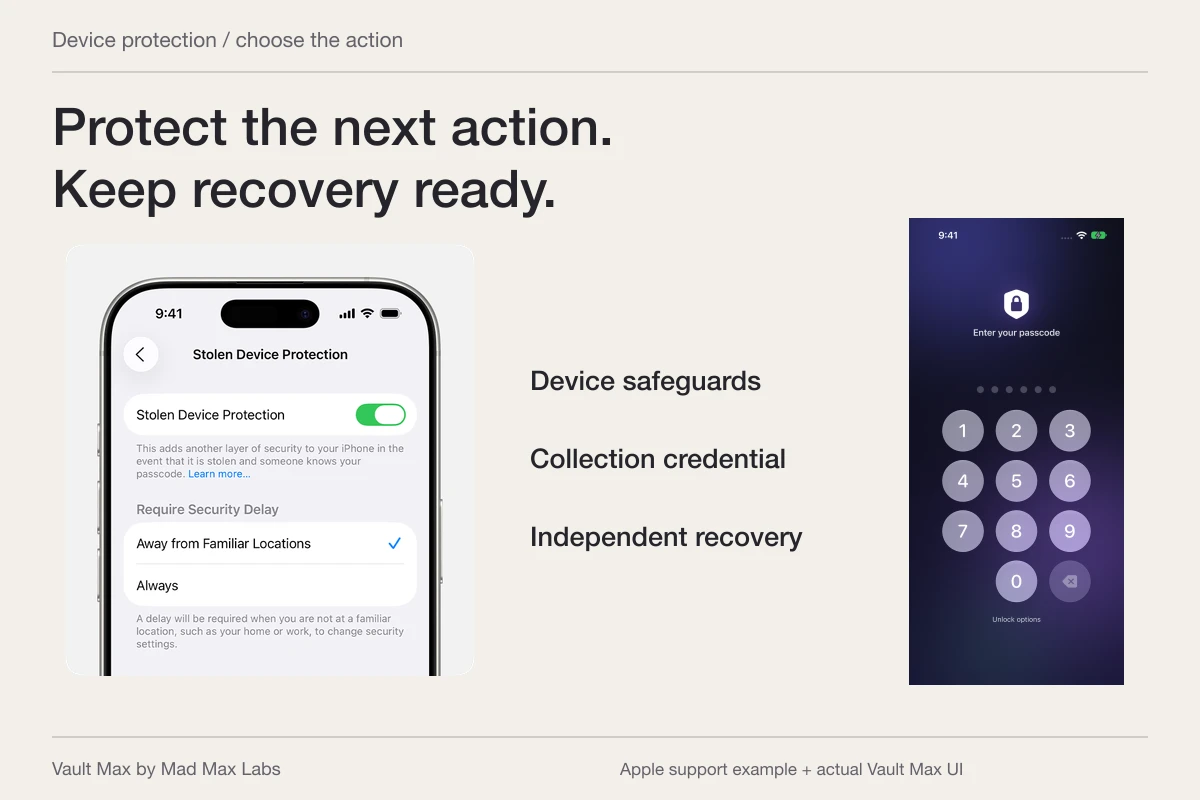
If the reason for moving private media is that someone knows your device code, choose a different vault credential. Keep it separate from the archive password in your recovery plan. An app lock that falls back to the same device code may solve a different access problem.
If you can still open an existing vault using enabled biometrics but do not remember its code, preserve access and create a usable backup before attempting cleanup. Vault Max's change-passcode screen requires the current code. Do not erase the only accessible copy as a first recovery step.
When the move is complete, retain the original until your chosen destination checks and recovery checks are complete too. The useful outcome is a private collection you can open and recover, together with a clear account plan for any apps that used to live beside those files.
- Distinguish transferable media and documents from app accounts and state.
- Compare Hidden, app locking and a separately credentialed vault by scope.
- Inspect its export, arrival and private import before processing important files.
- Track temporary storage and cloud or message copies independently.
- Preserve useful originals until destination content and recovery are checked.
Tap a box as you go. Checks reset when you leave this page.
Common questions
Is the iPhone Hidden album the same as Samsung Secure Folder?
They cover different scopes. Secure Folder can contain apps and data in its Galaxy environment. Apple's Hidden collection is part of Photos. Vault Max is a selected-content vault; it does not host separate copies of arbitrary iPhone apps.
Does moving to iPhone transfer Secure Folder as a working container?
Do not assume so. This guide does not establish a Galaxy-to-iPhone container migration. Identify the supported export for each file or app, transfer a small sample and inspect the result before removing the source.
Can I still back up Samsung Secure Folder?
Samsung's current US support guide says creating new Secure Folder backups is no longer supported. It documents restoring older backups and transferring Secure Folder to another Galaxy using Smart Switch. Those instructions do not establish import into iPhone or Vault Max.
Continue reading
More guides
Practical tips for your private library. Swipe or scroll to choose your next guide.
92 guides to explore