
Privacy in practice
Stop an ex-partner's photo access: check the album, library and saved copies
Remove the right Shared Album access, distinguish a Shared Library and review links and saved copies. Keep a private record without assuming a photo recall.
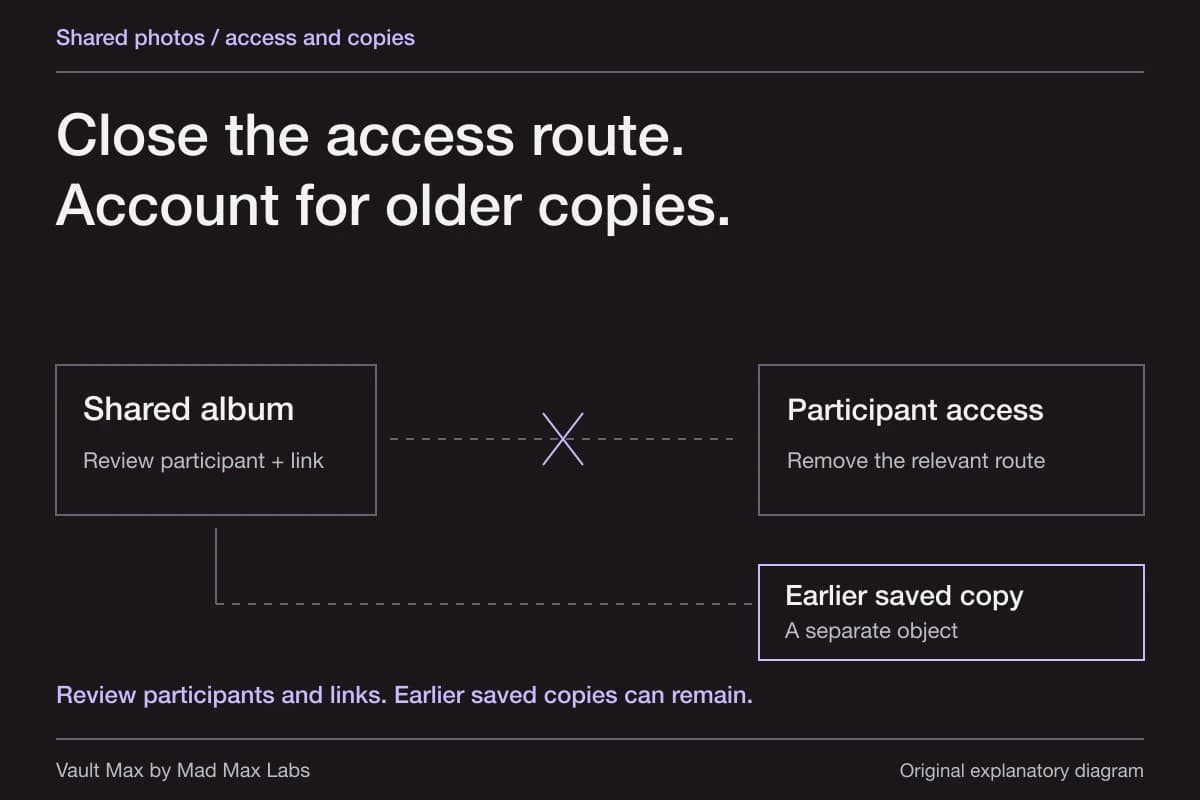
First identify the sharing arrangement. For a Shared Album you manage, remove the person's participant access and review the album's link or web settings. For an iCloud Shared Photo Library, use its separate participant controls. Then review what you retain privately, remembering that revoking a route does not recall pictures already saved elsewhere.
You do not need to delete an entire personal history to stop a current sharing arrangement. A useful outcome is narrower and easier to check: the unwanted access route is closed, other relevant routes have been reviewed and the records you want to keep have a deliberate home.
Try the decision
Close the sharing path you actually control
Try a fictional Shared Album with another participant, link access and an earlier saved copy. Change the album type and your role to see which controls apply.
- Album participation
- Other person still participatingThe owner or a participant with Can Manage Album and Photos can remove a participant.
- Sharing Options
- Anyone with the link can joinThe owner chooses link access. Restricting new joins is separate from reviewing existing participants.
- Earlier saved copy
- Still outside your controlRemoving access does not recall files already saved to another library or device.
- Your private vault
- Separate storage decisionImporting your retained copy into Vault Max does not revoke a Shared Album invitation or public link.
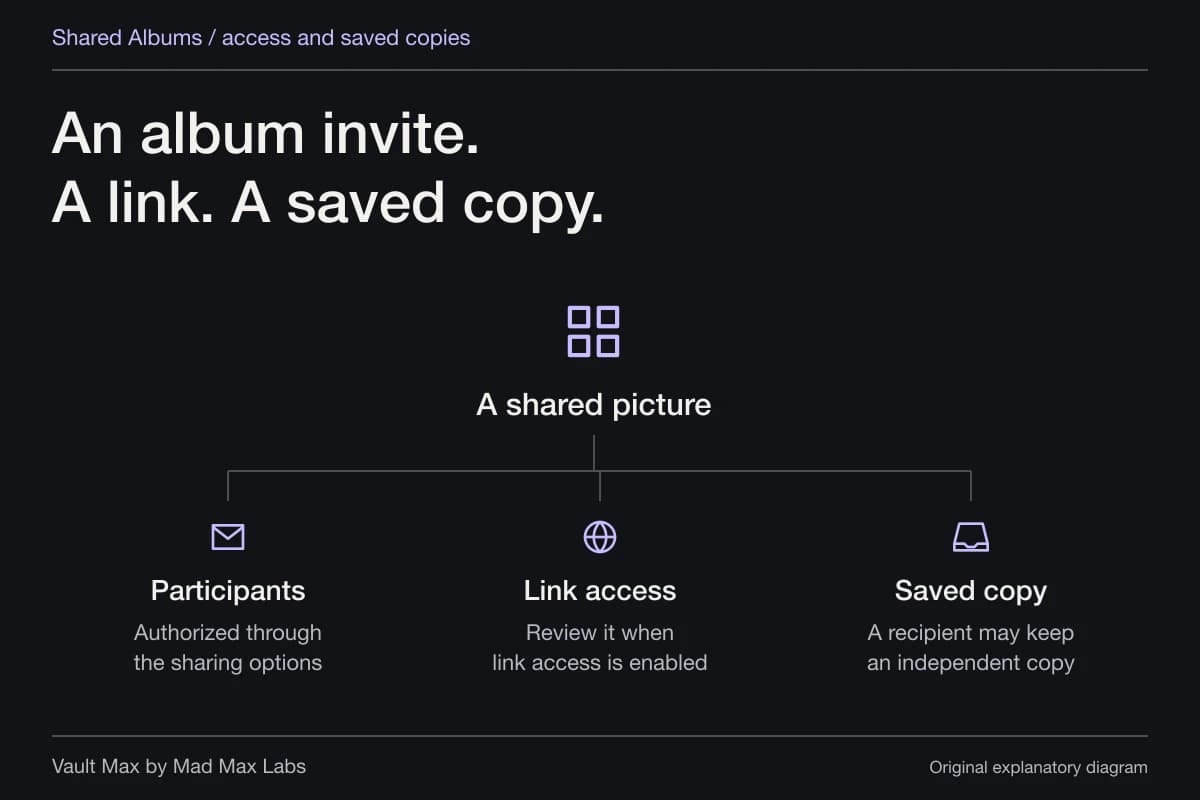
Review existing participants and link access as two separate paths into the same shared album. An earlier saved file is still assumed.
This tool covers Shared Albums. iCloud Shared Photo Library and account/device access use different controls; follow their separate instructions in the article.
A browser teaching example. These controls do not access your photos, change your settings, or save your choices.
Identify what is actually shared
Open the album or library where the concern begins. Check its name, participants and your role. A Shared Album, Shared Photo Library, message attachment and another device signed into the same Apple Account are different ways a person can see pictures.
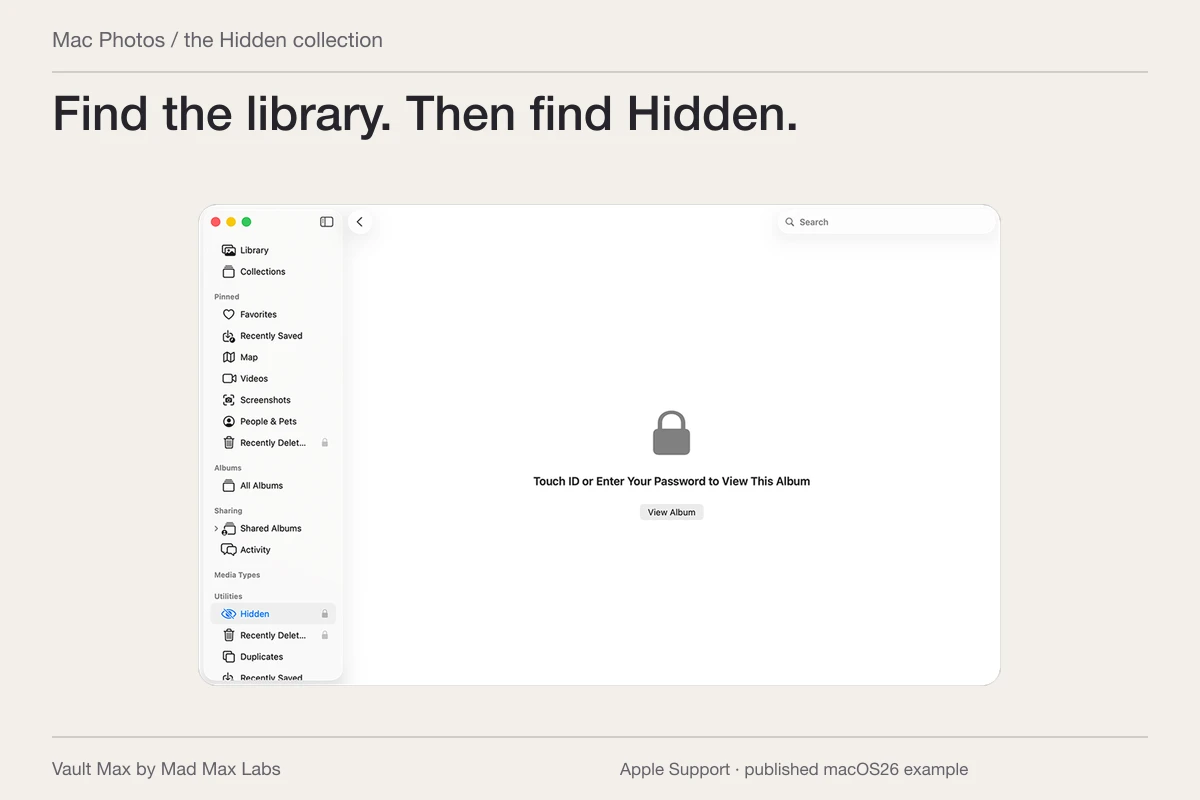
Apple's Photos sharing settings guide distinguishes Shared Albums from Shared Photo Library. If you see a participant list for one album, start there. If the whole library changes between Personal, Shared and Both views, inspect the Shared Library arrangement instead.
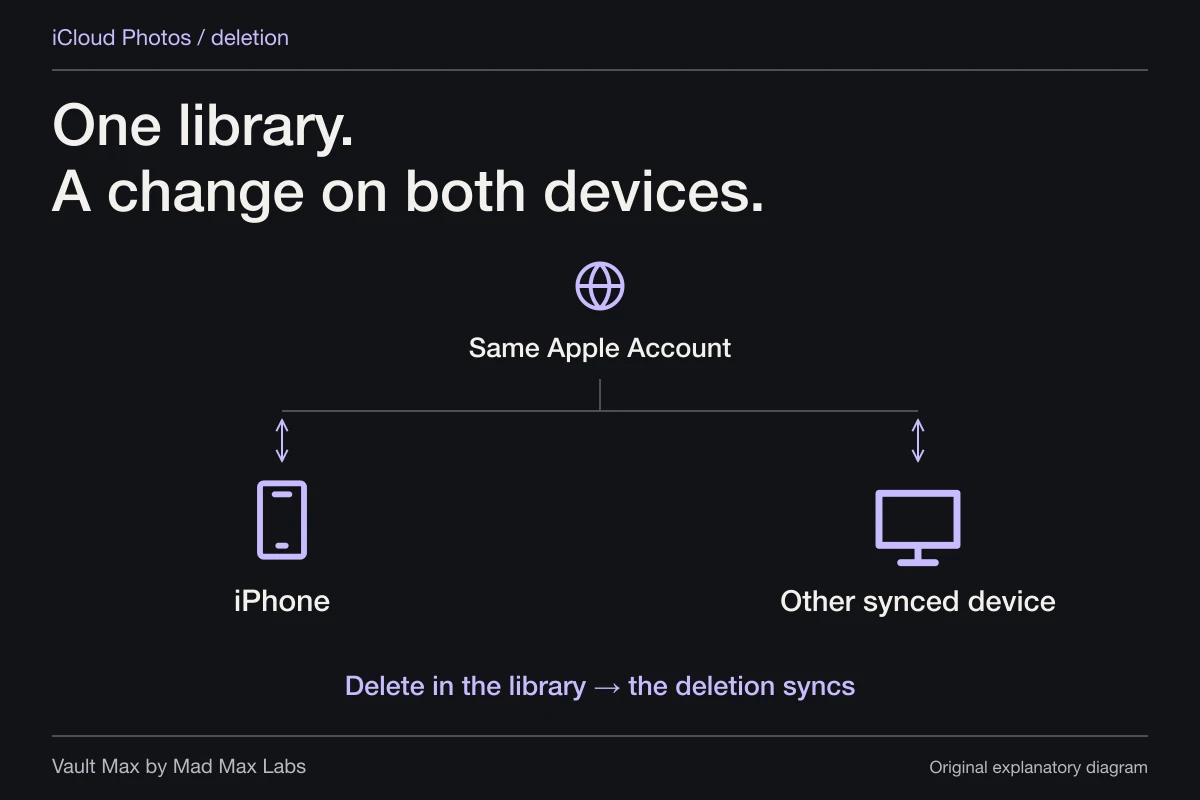
If both devices use the same Apple Account, removing a subscriber from one album does not explain the other device's account access. Use the iCloud and shared-device guide to inventory those connections. Avoid deleting library photos while you are still unsure which copy and account you are looking at.
Remove Shared Album access when you can manage it
Apple's current Shared Albums guide separates interface versions. In iOS 27 or later, open the album, tap Manage Shared Album, select the participant and choose Remove Participant. In iOS 26, open the album, choose More → album name, select the participant and choose Remove Subscriber.
The same guide identifies the owner or a participant with Can Manage Album and Photos permission as able to manage access. If you cannot find the removal control, check your role rather than assuming a hidden setting will grant you ownership.
After removal, revisit the participant list and inspect the resulting access configuration. This verifies what your account now shows. Do not claim you inspected the other person's device unless you actually have independent evidence of that state.
Review the link and web route too
Apple's current guide documents join-by-link choices for newer albums, including access limited to invitees or approved people and broader anyone-with-the-link options. Inspect the actual Sharing Options rather than assuming a removed participant has no possible way to request or regain access through an open link.
For older Shared Albums, review Public Website where it is available. Apple's personal-safety Photos guide explains that people with the public URL can view and download the contents. Removing a named participant and changing a public route address different audiences.
Read the current album's prompts before changing or deleting it. You may still want other family members to retain access, or you may prefer a new, deliberately limited album for future sharing. Keep any wanted records before undertaking an album deletion.
If you are a subscriber, use your own controls
When you do not manage the album, you cannot assume the owner's participant-removal power. Apple documents Unsubscribe for subscribers and deletion of their own shared contributions. Inspect your role and the choices available on the actual album.
Before leaving, save any material you are entitled to keep and still need. If an image matters as a record, open it and check its completeness rather than relying on the album's thumbnail remaining accessible later.
Leaving an album changes your participation. It does not establish that another participant lost an earlier saved copy, or that your own contribution disappeared from every place it had already been sent. Keep that distinction explicit when deciding what the change accomplished.
Use Shared Library rules for a Shared Library
For iCloud Shared Photo Library, Apple's sharing guide documents Photos → Collections → account → Manage beside Shared Library. The creator can remove a participant; participants can leave. Follow the route for that feature rather than applying a Shared Album menu by analogy.
Read the consequences before confirming. Apple's Shared Photo Library guide explains that leaving or deleting a Shared Library can allow content to be retained in Personal Libraries, with specific rules depending on the circumstance and participation duration. Removing a person is not a general remote-wipe command for shared history.
Check automatic sharing choices as well. The same guide describes camera sharing and turning the Shared Library camera button off to send new captures to the Personal Library. A completed participant change and the destination of the next picture are separate things to inspect.
Keep saved-copy expectations realistic
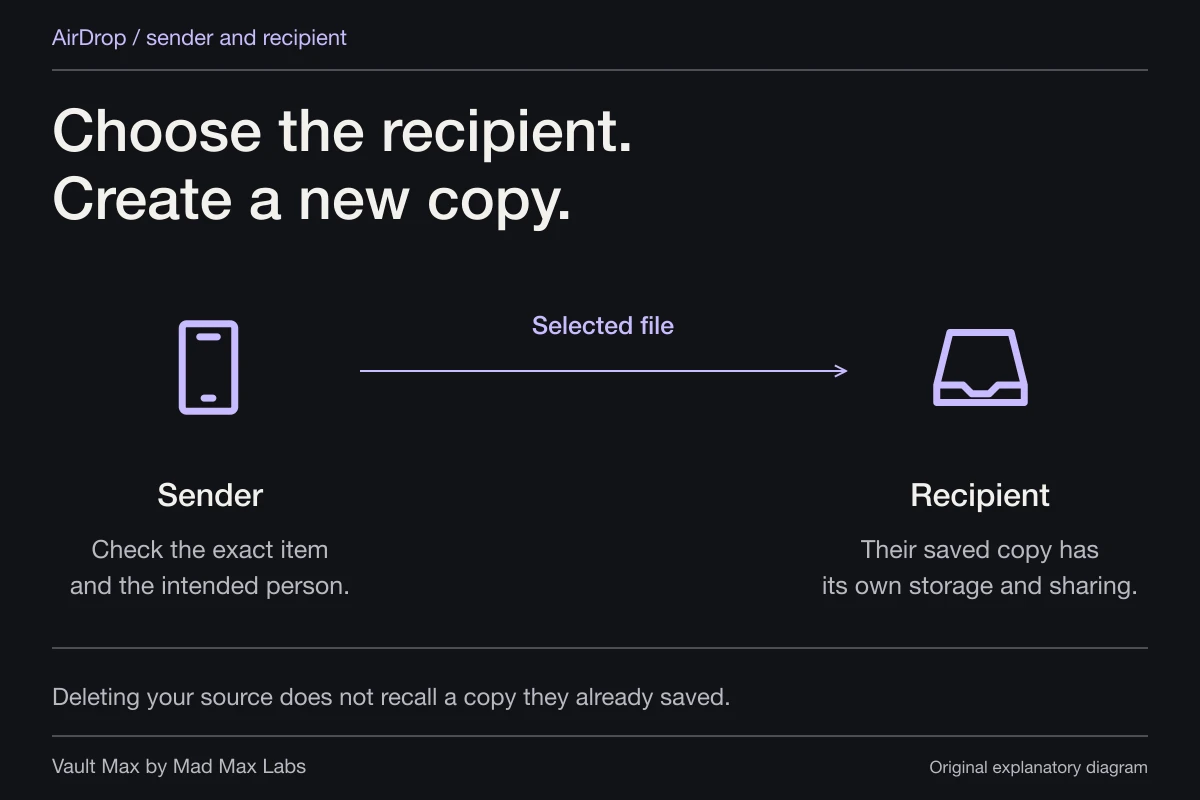
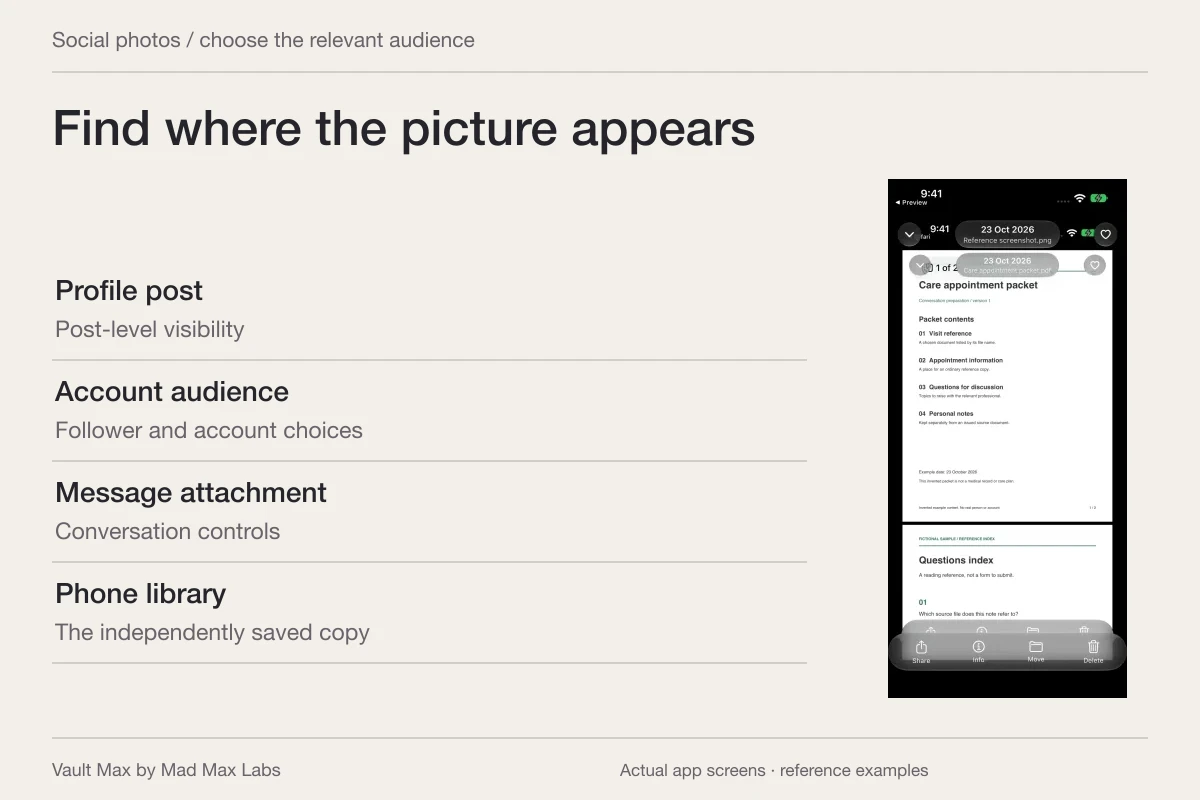
Apple's iCloud terms explain that Shared Album invitees can save, copy and share material. A separately retained picture may remain after the album relationship changes. The same practical limit applies to screenshots and files you deliberately sent through other services.
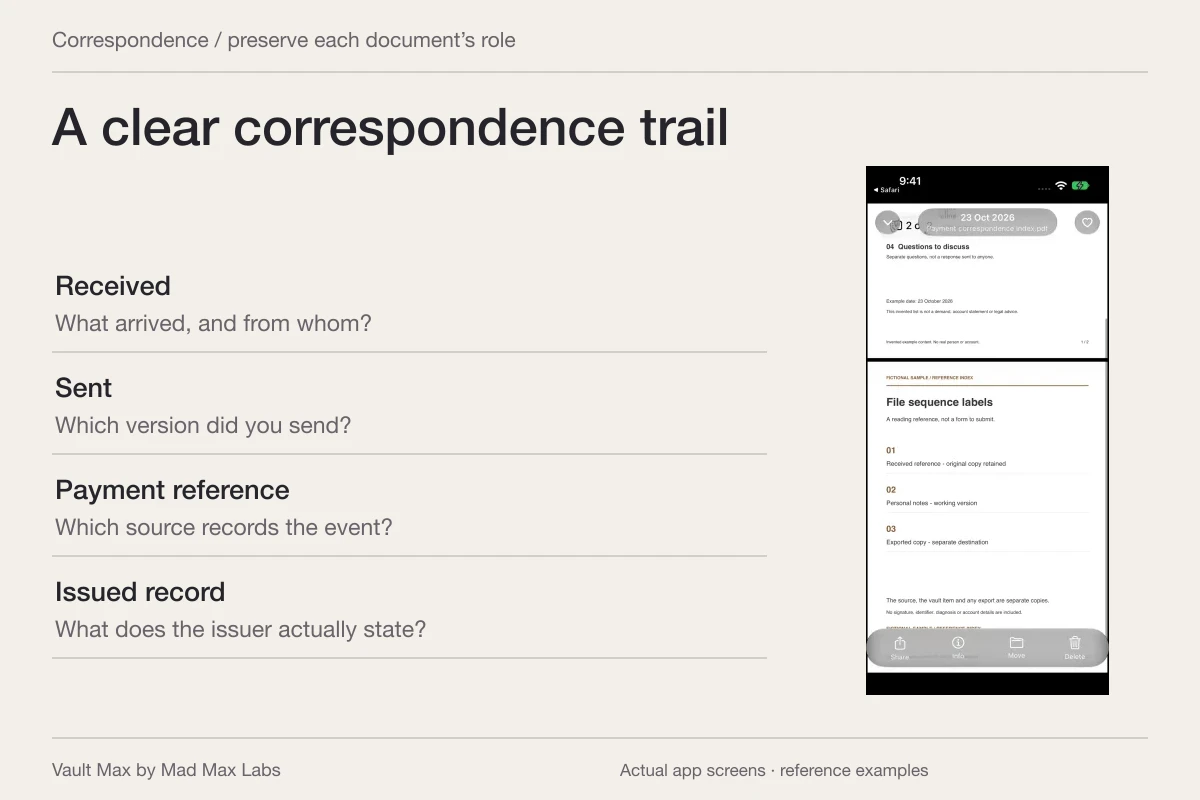
Write down the routes you have actually closed: a named album participant, an open link, a Shared Library membership or an account session. That is a more reliable record than writing “all photos removed” when you have no way to establish what the other person saved.
If your concern is ongoing sharing across several Apple services, Apple's Safety Check guide offers Settings → Privacy & Security → Safety Check → Manage Sharing & Access. It also describes Emergency Reset. Review the option that fits your situation and Apple's documented limits; some services and accounts still need their own review.
Retain a private collection deliberately
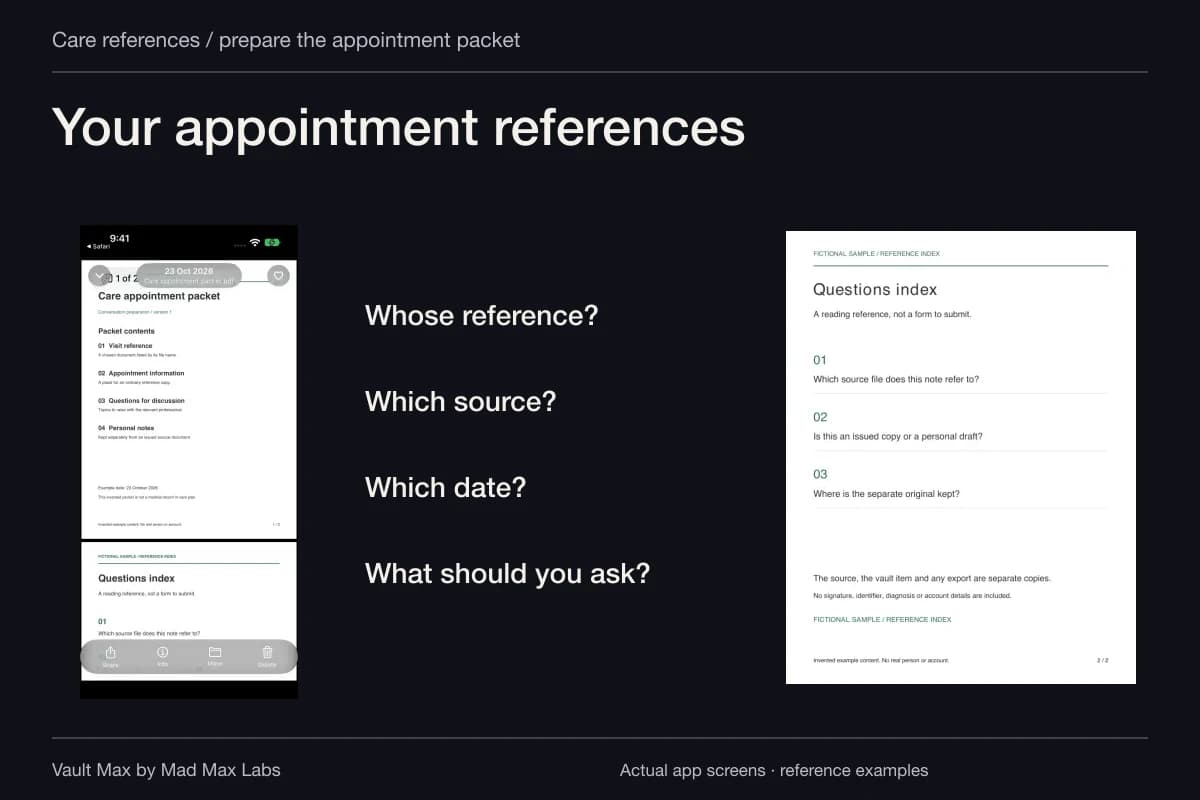
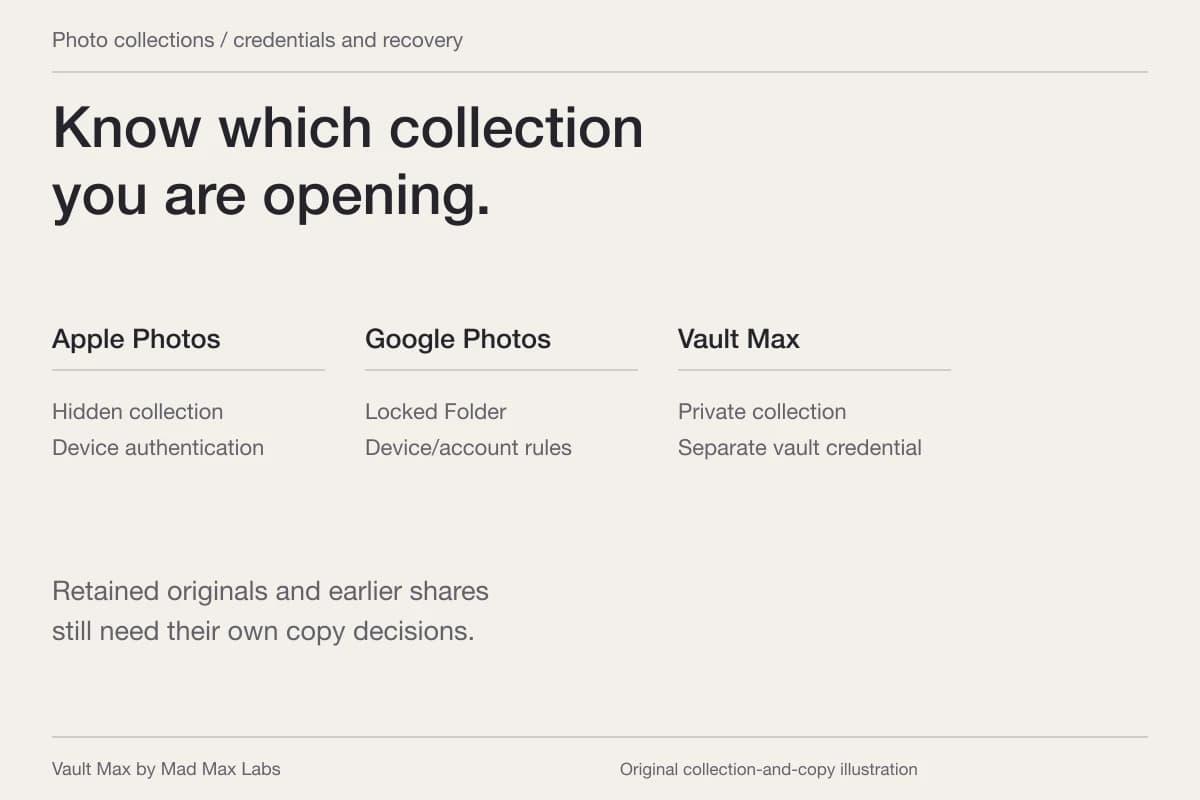
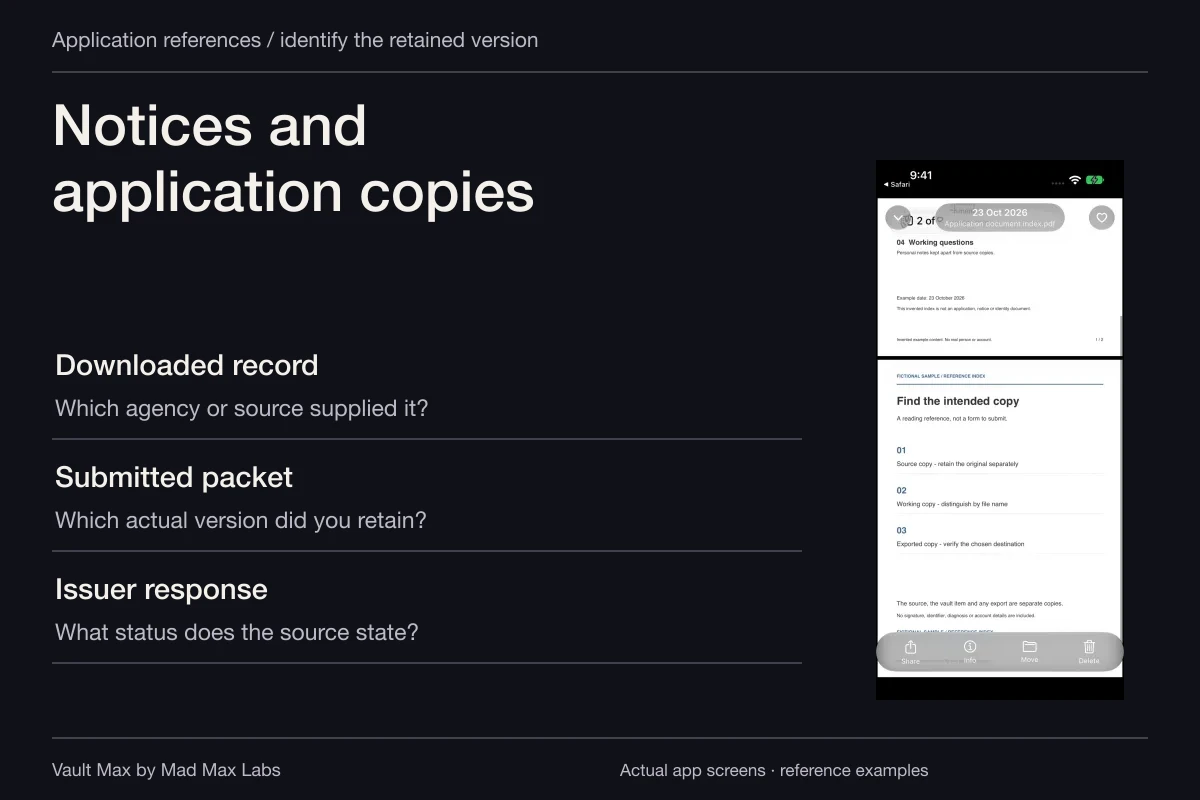
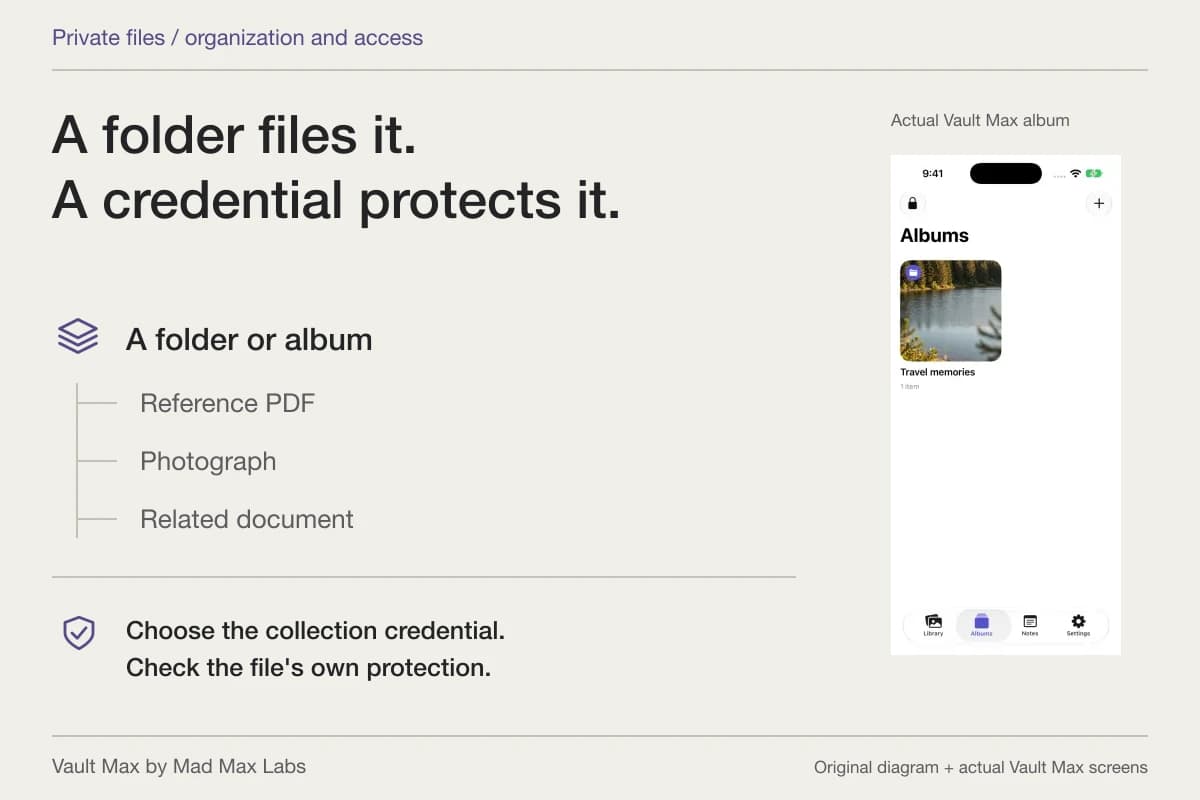
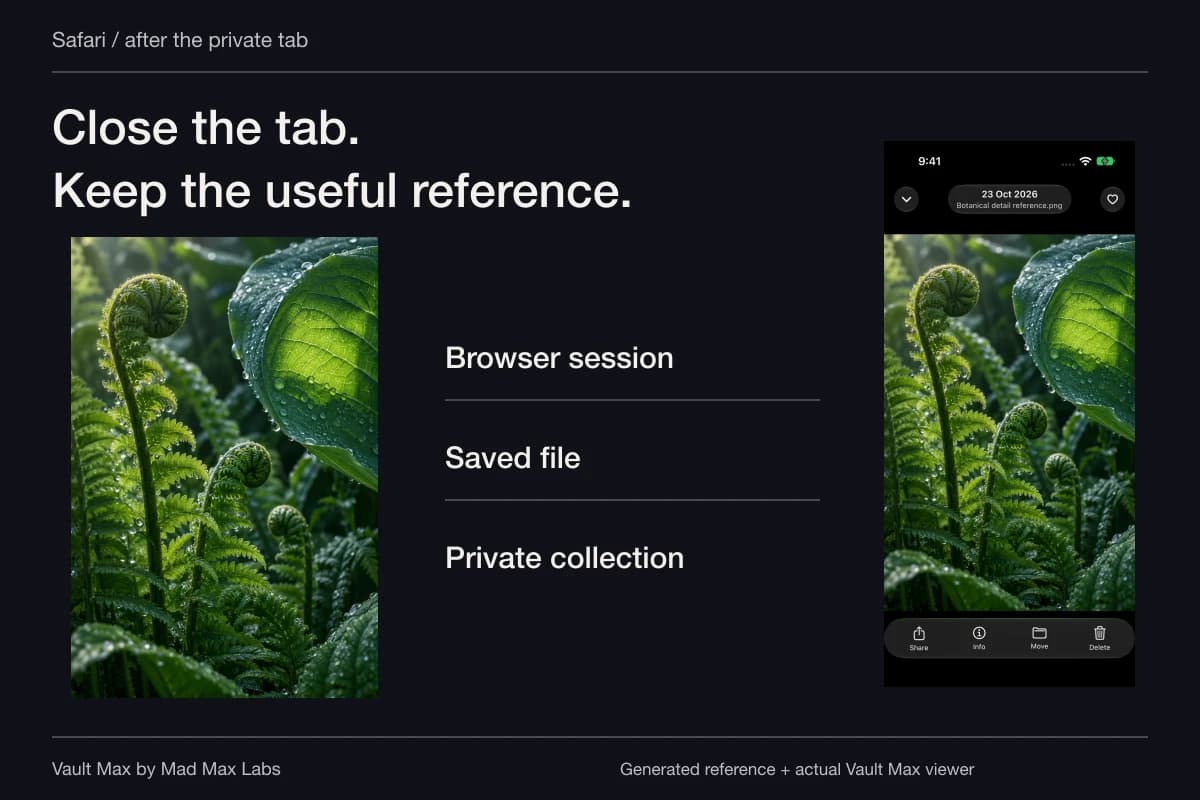
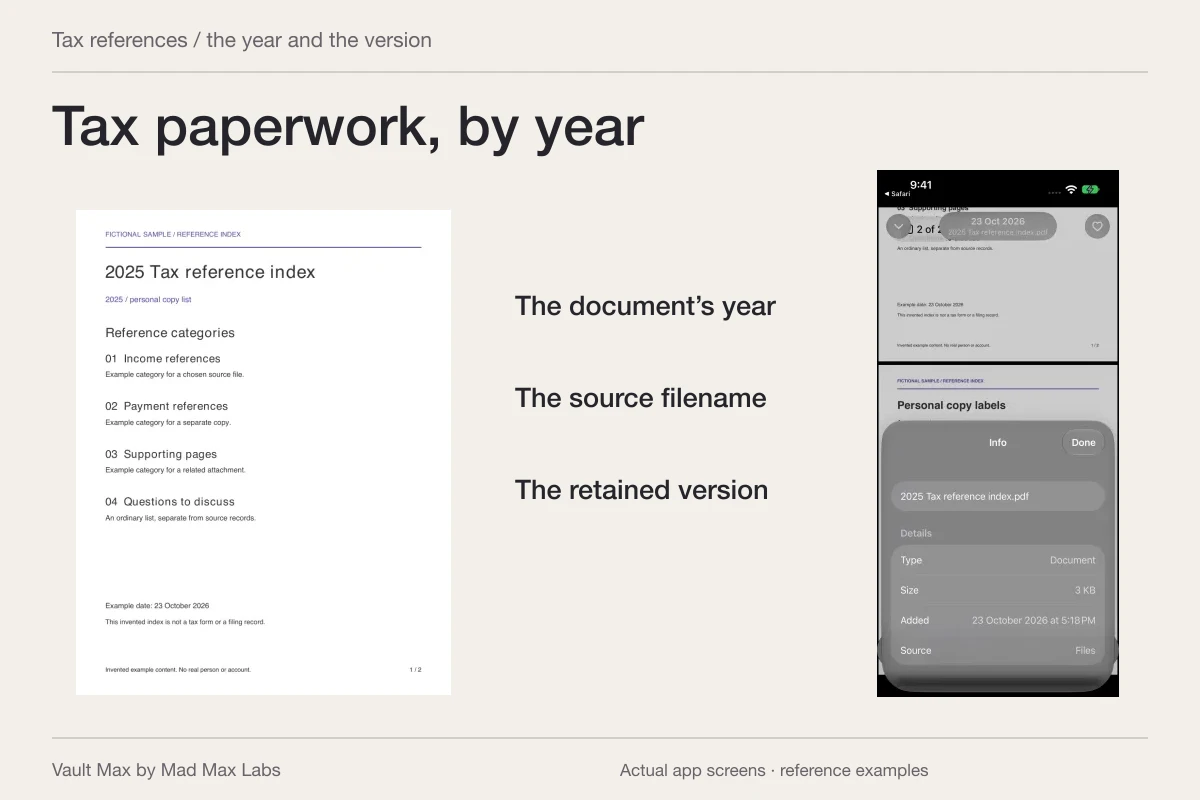
You may want to keep travel pictures, financial references or other personal records without seeing them in everyday browsing or continuing to share them. Decide what you need before deleting the shared source. Keep the full record where completeness matters, including an actual document rather than only its cover screenshot.
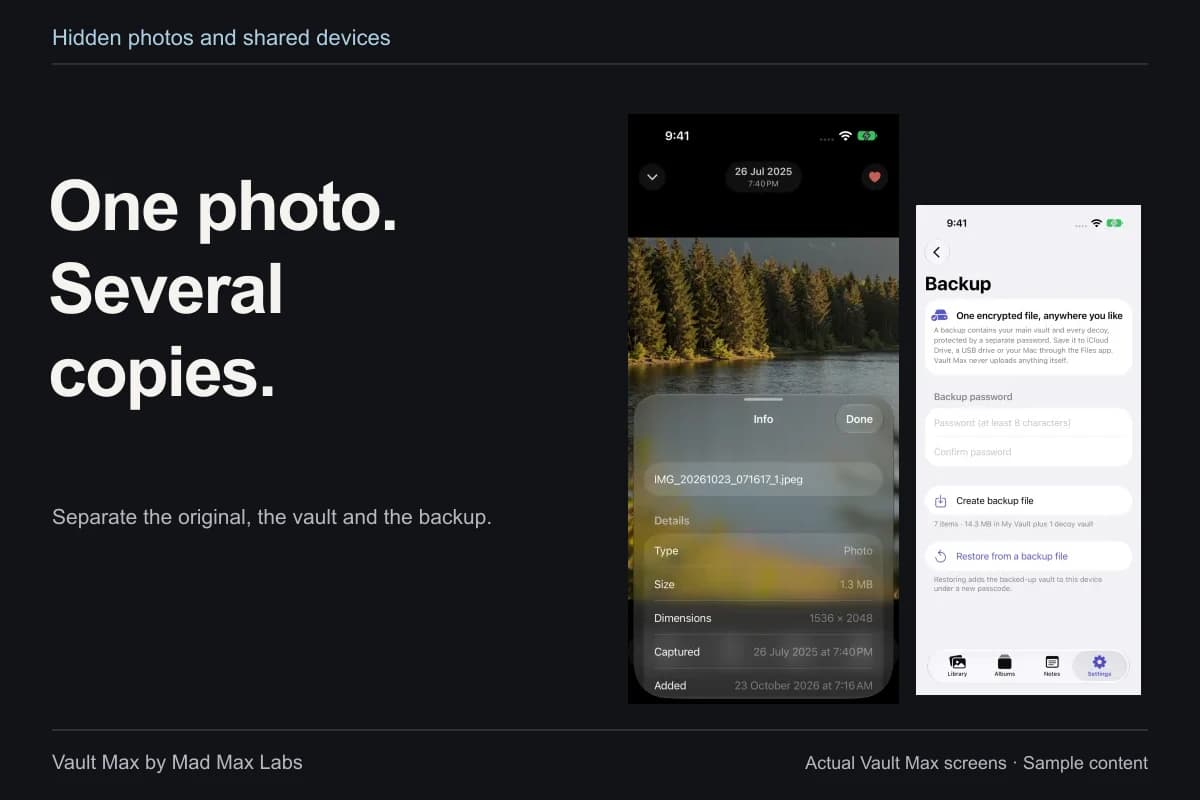
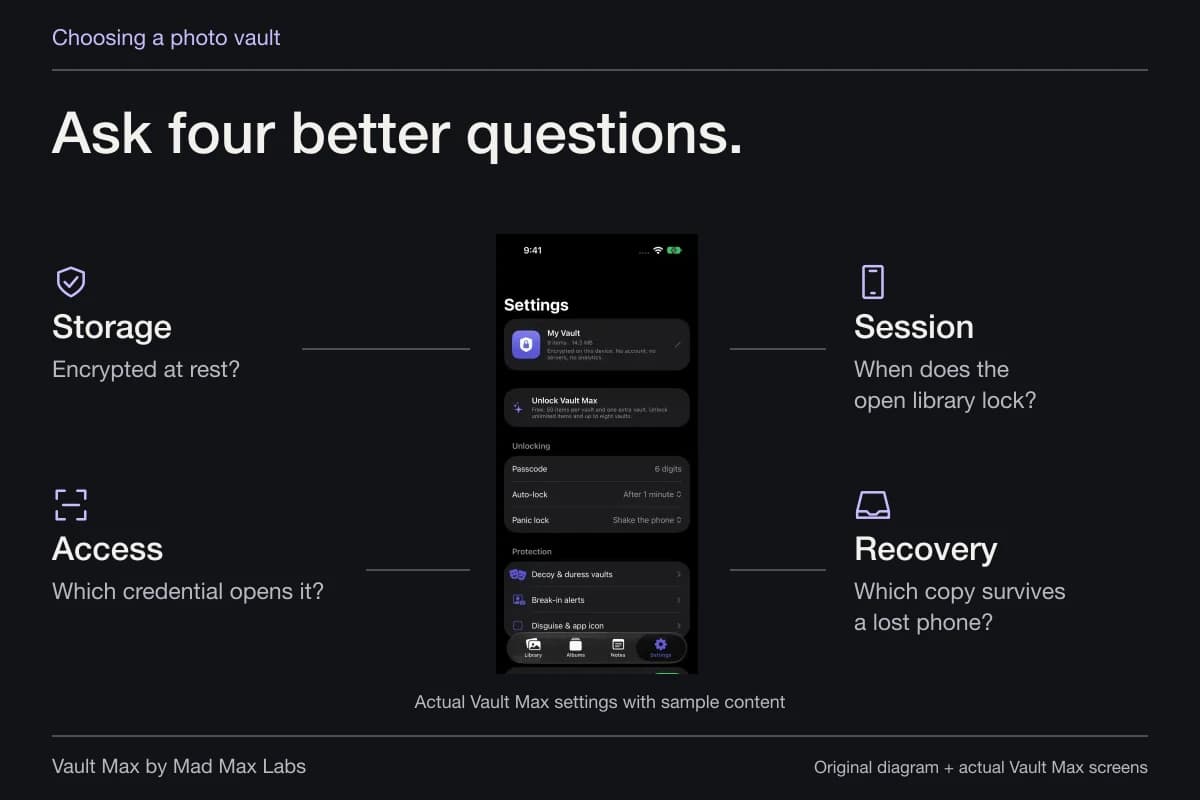
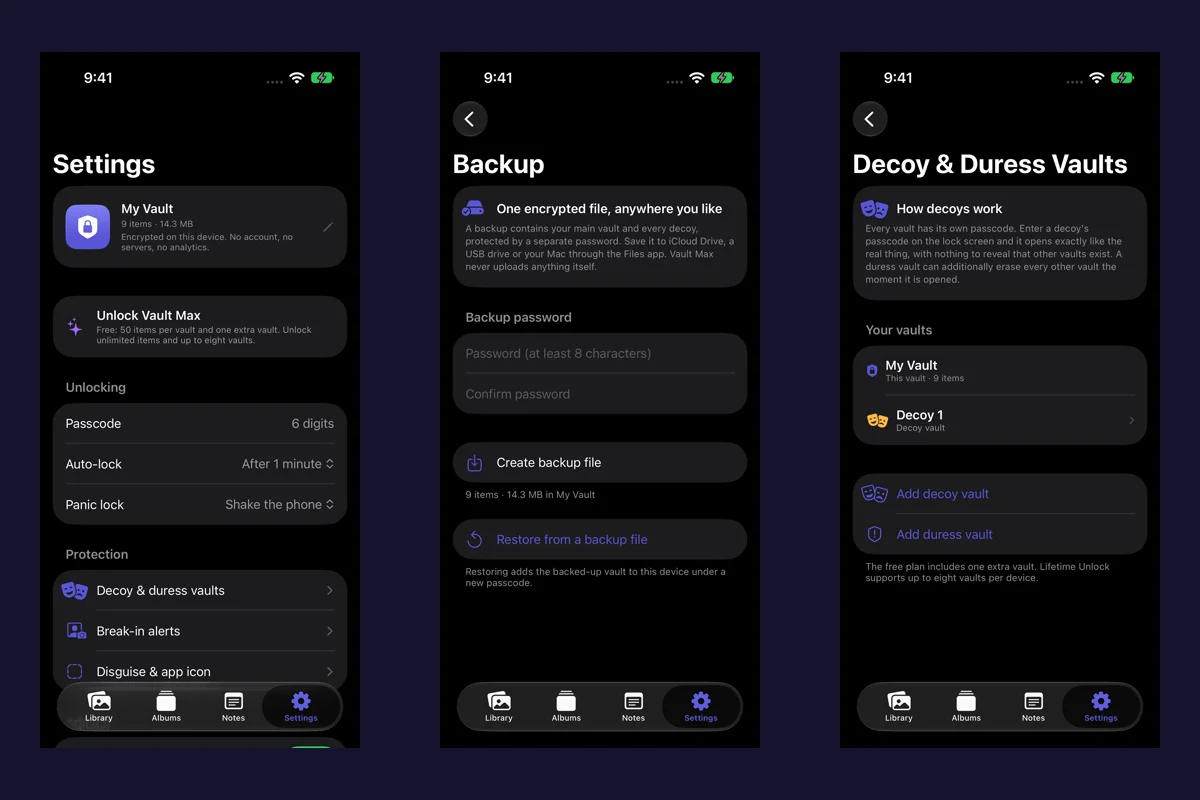
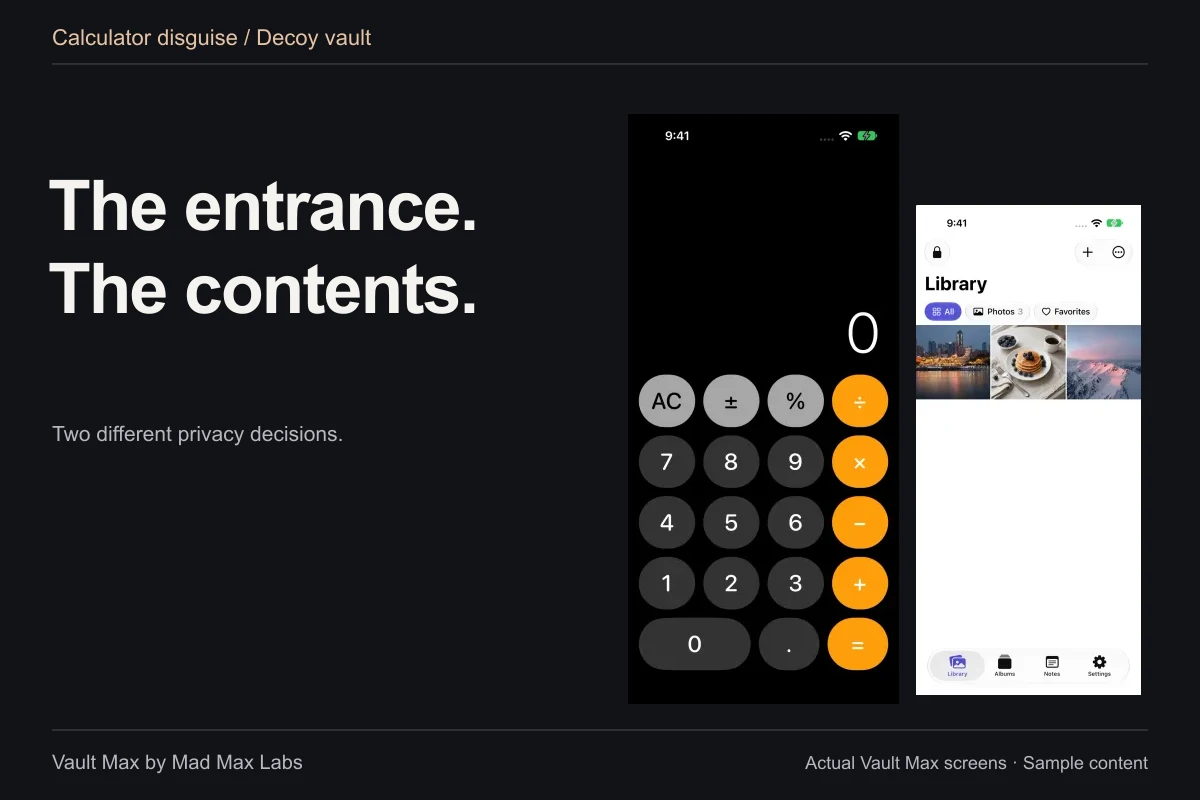
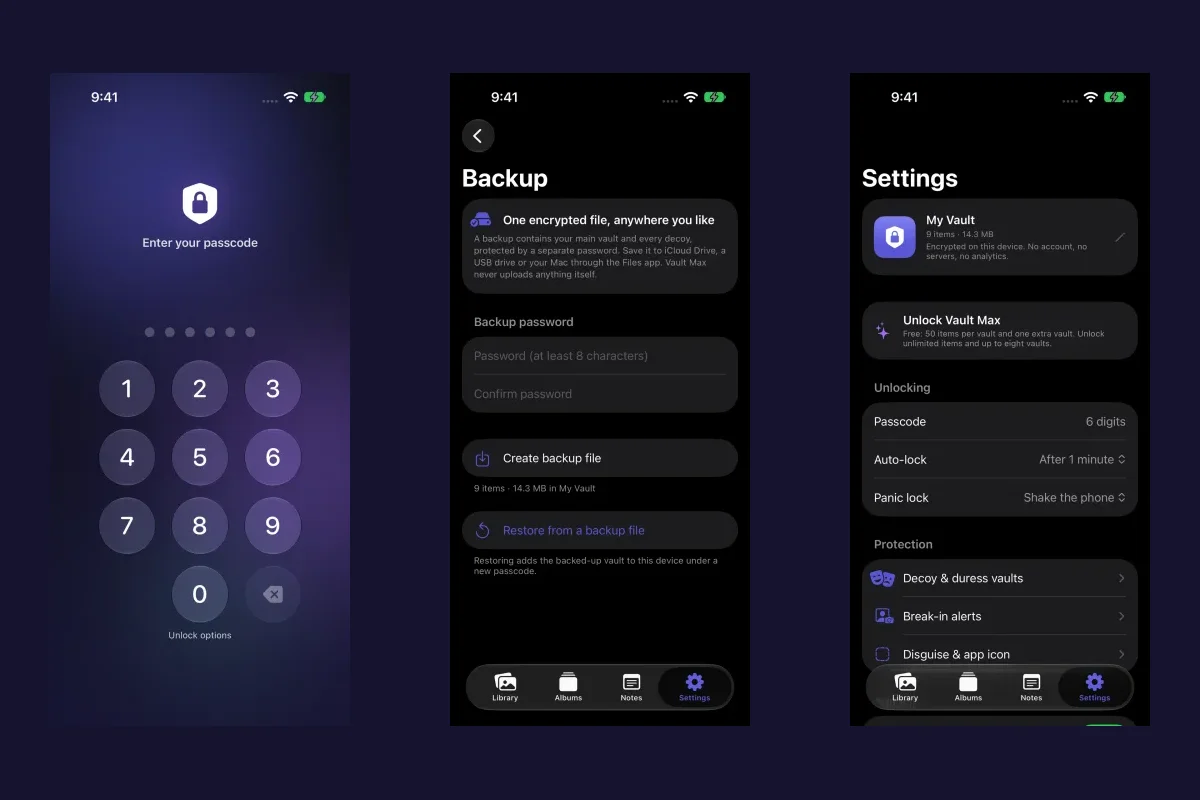
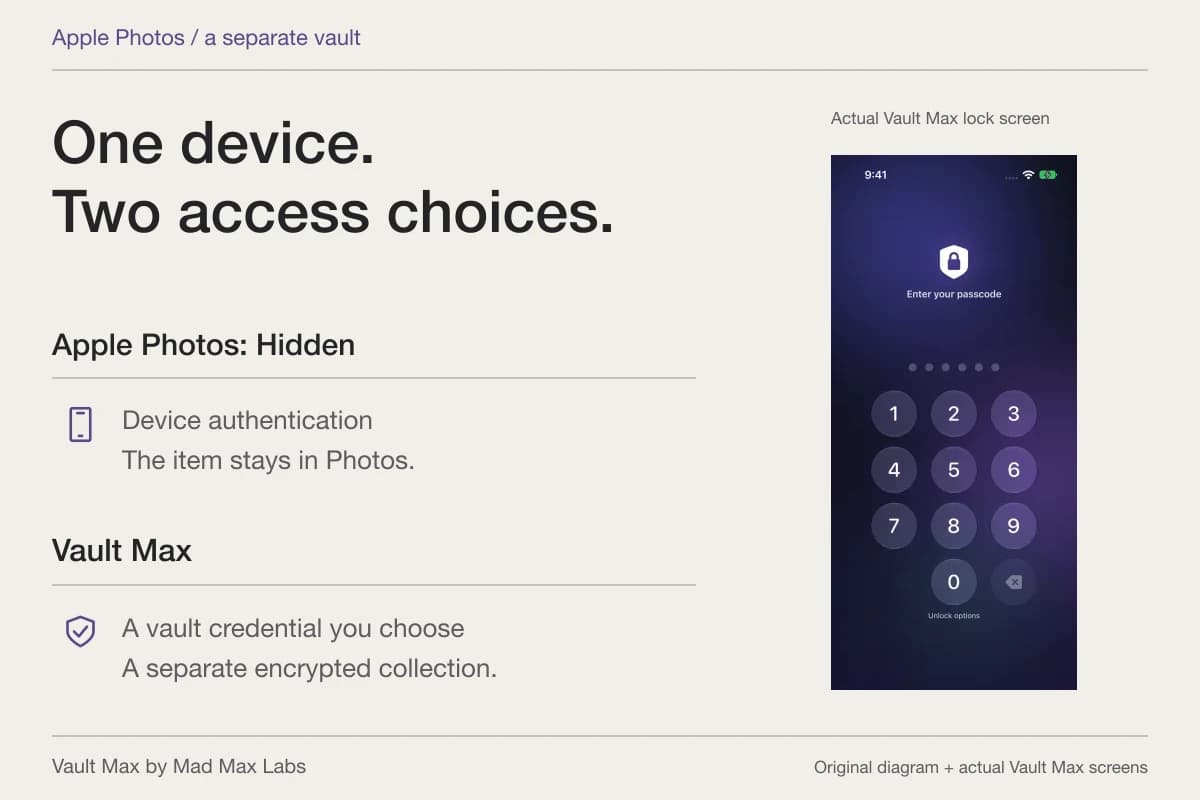
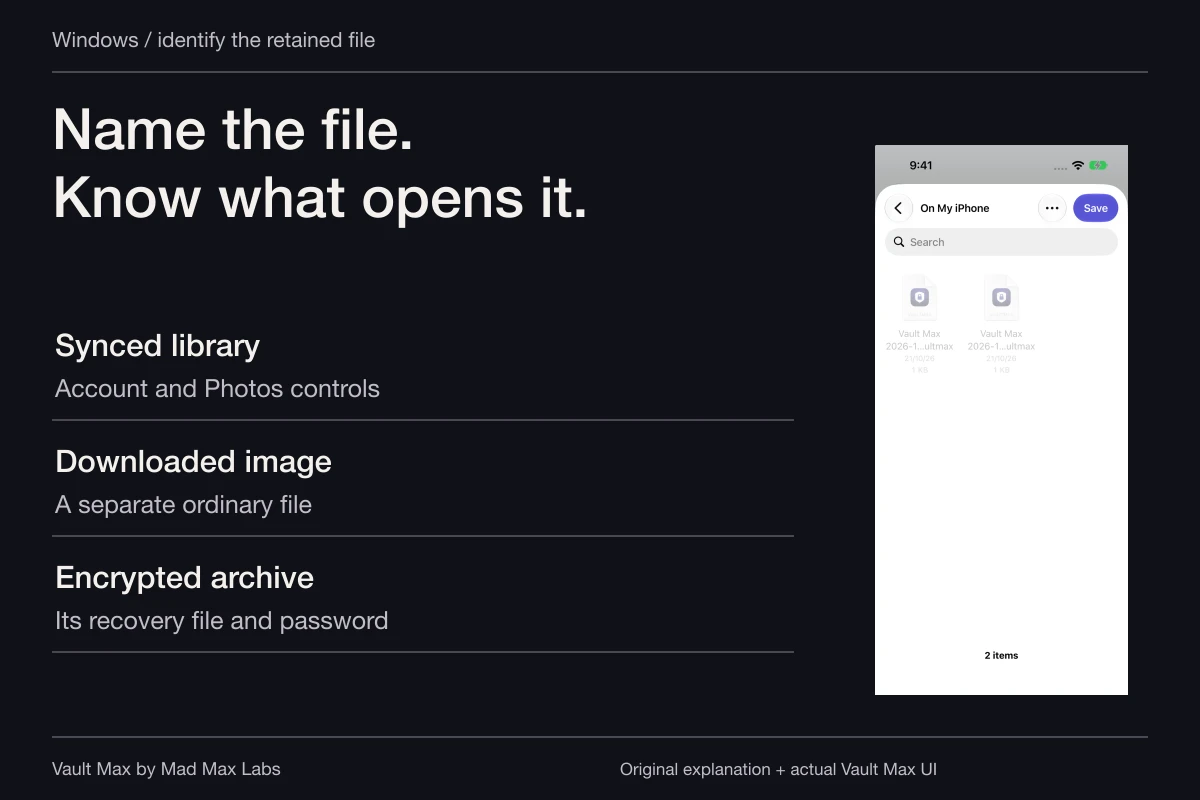
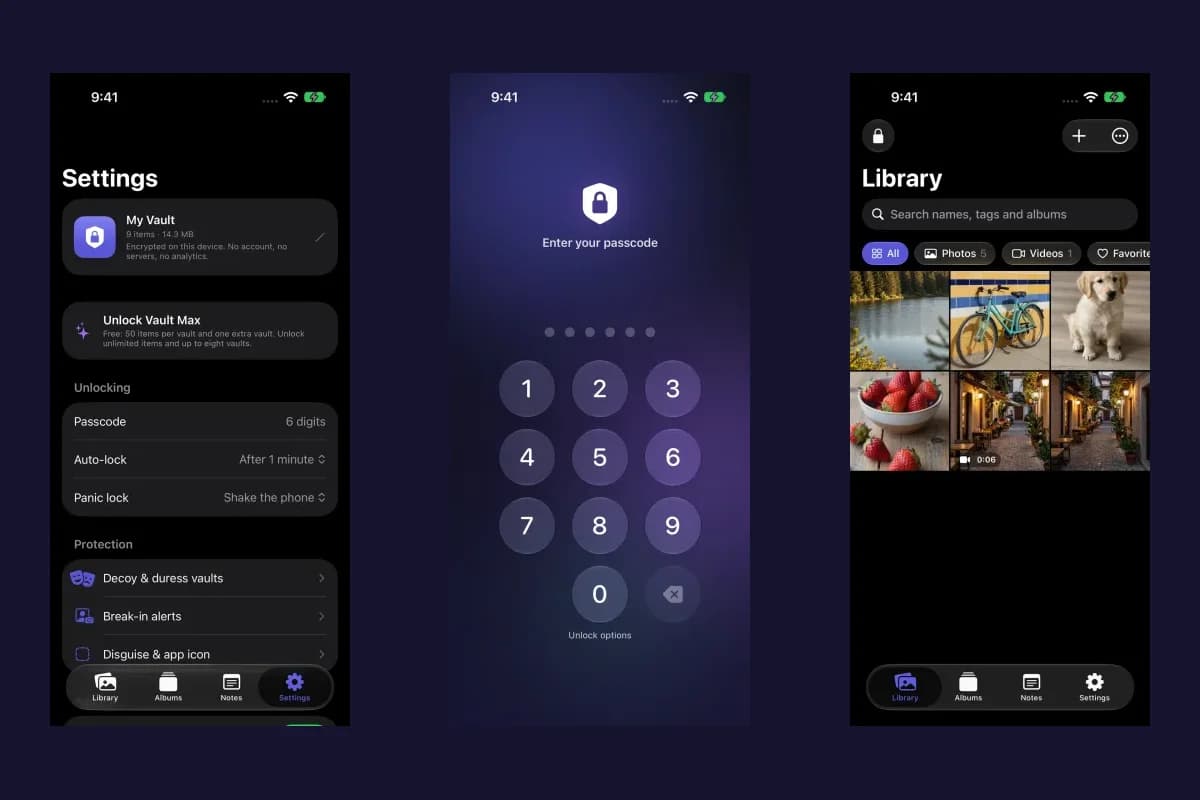
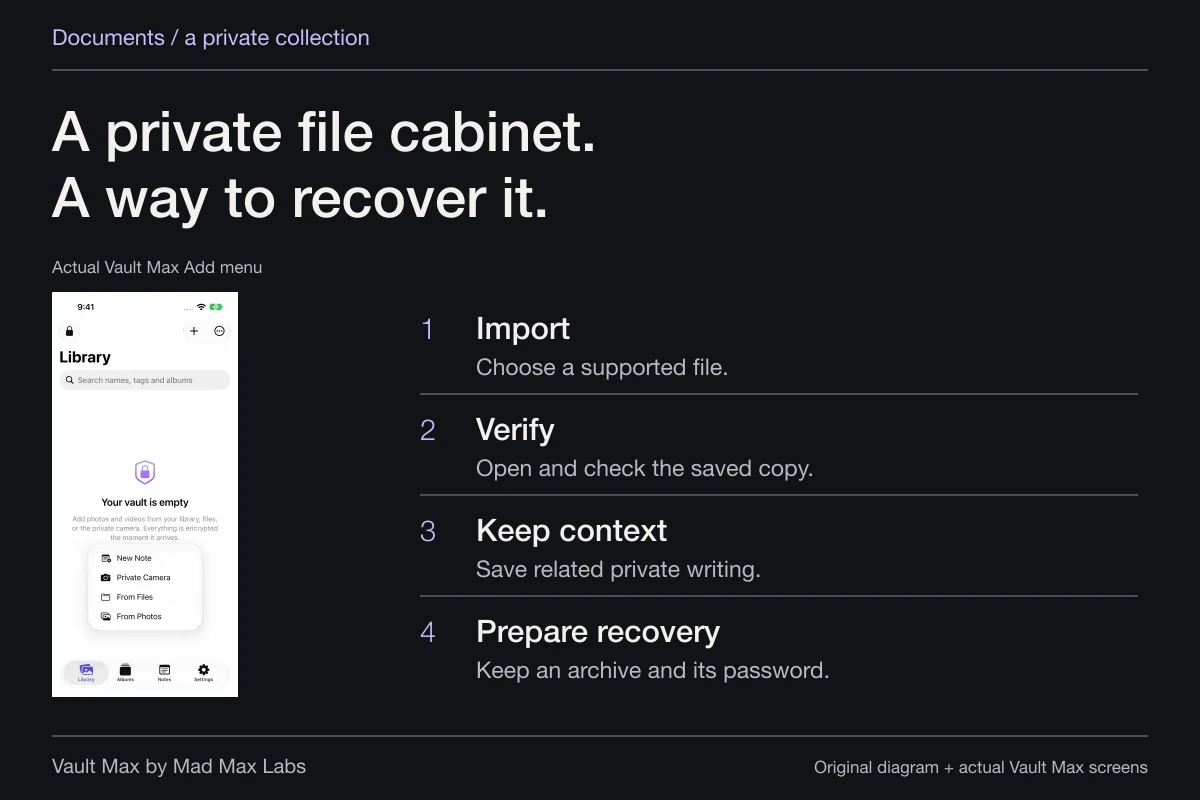
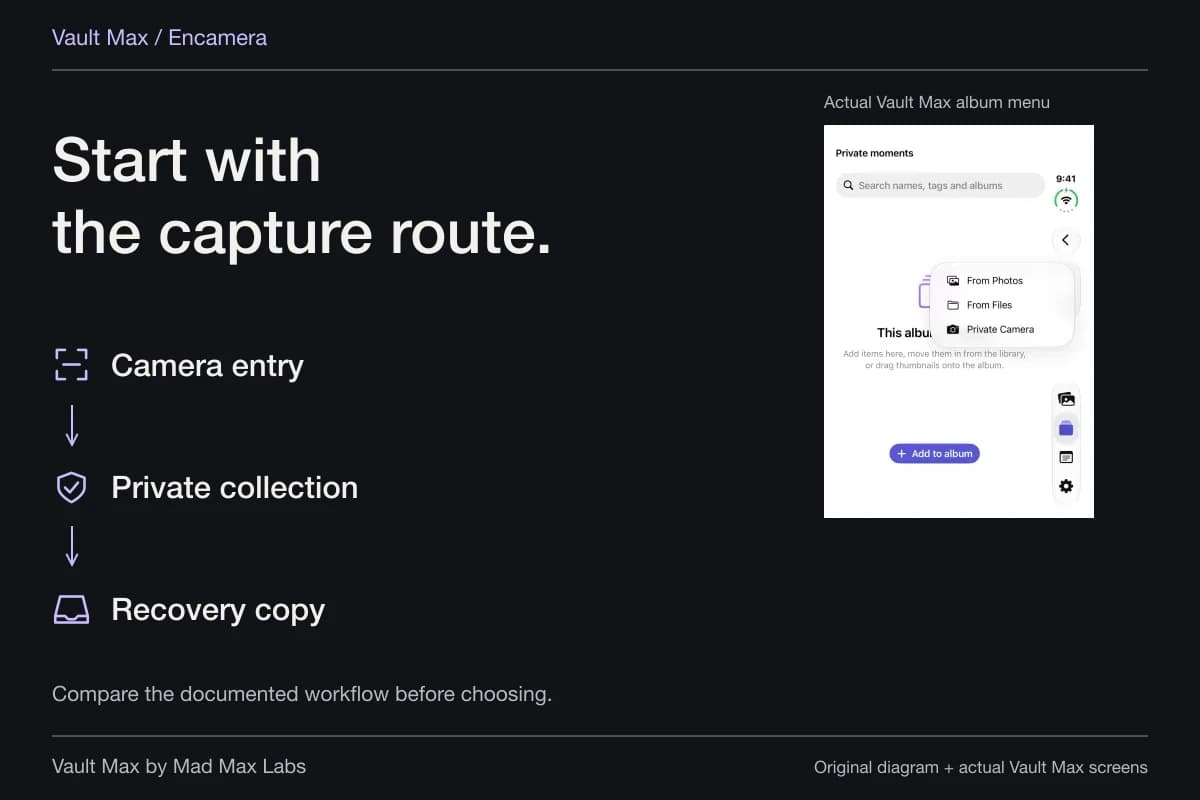
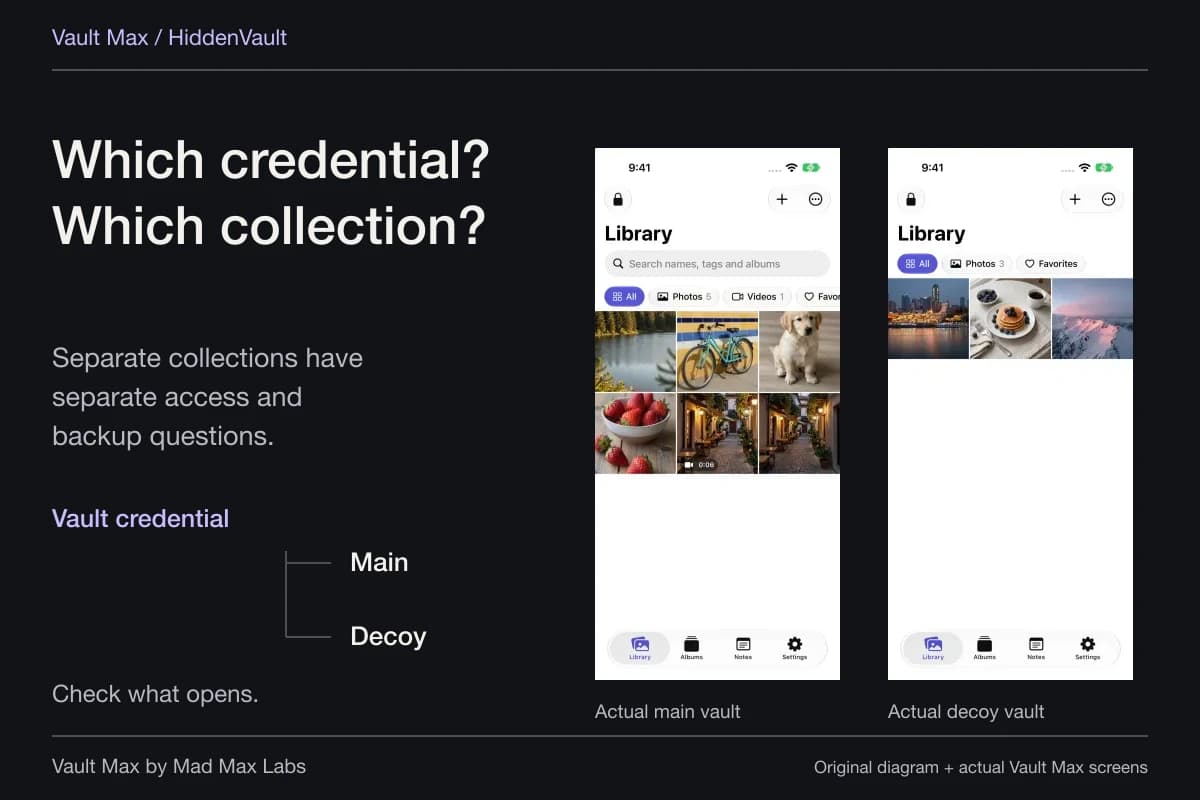
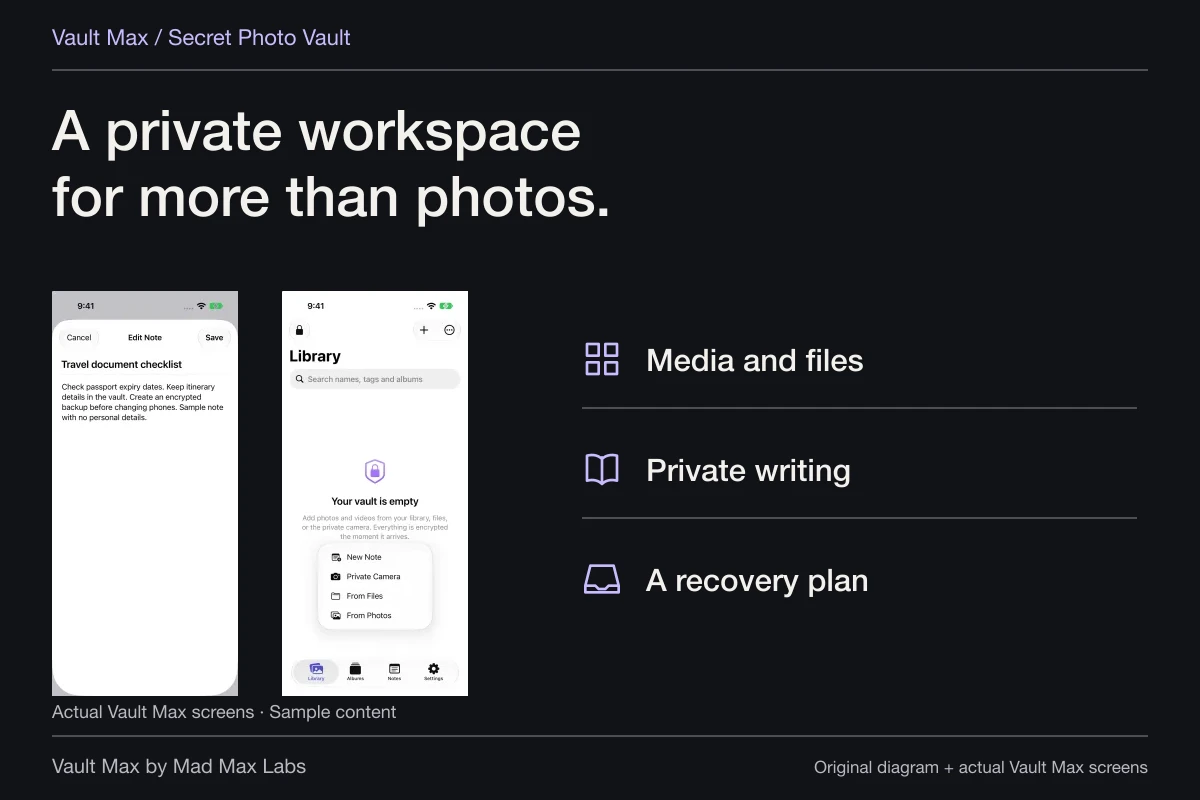
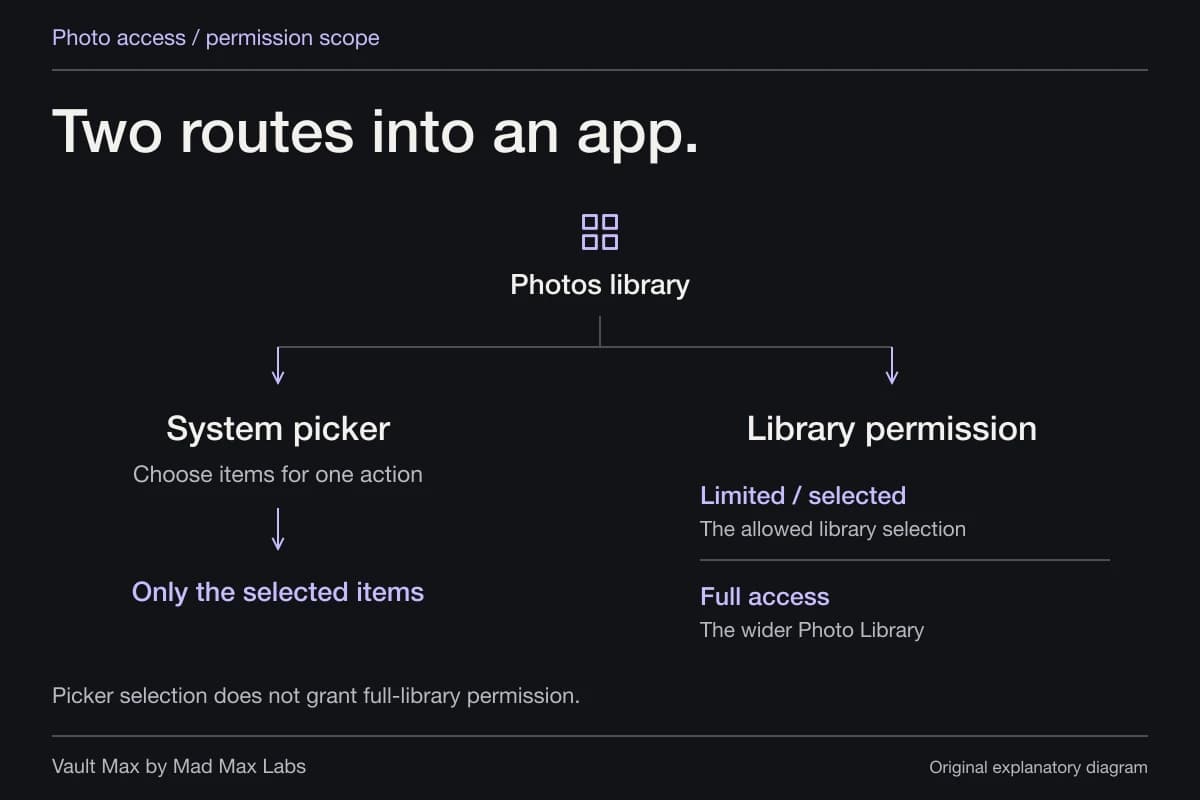
Vault Max stores selected photos, files and encrypted notes locally behind a vault credential you choose. Mad Max Labs makes Vault Max. It provides a private home for retained material; it does not administer iCloud participant lists, notify you of every recipient download or erase older remote copies.
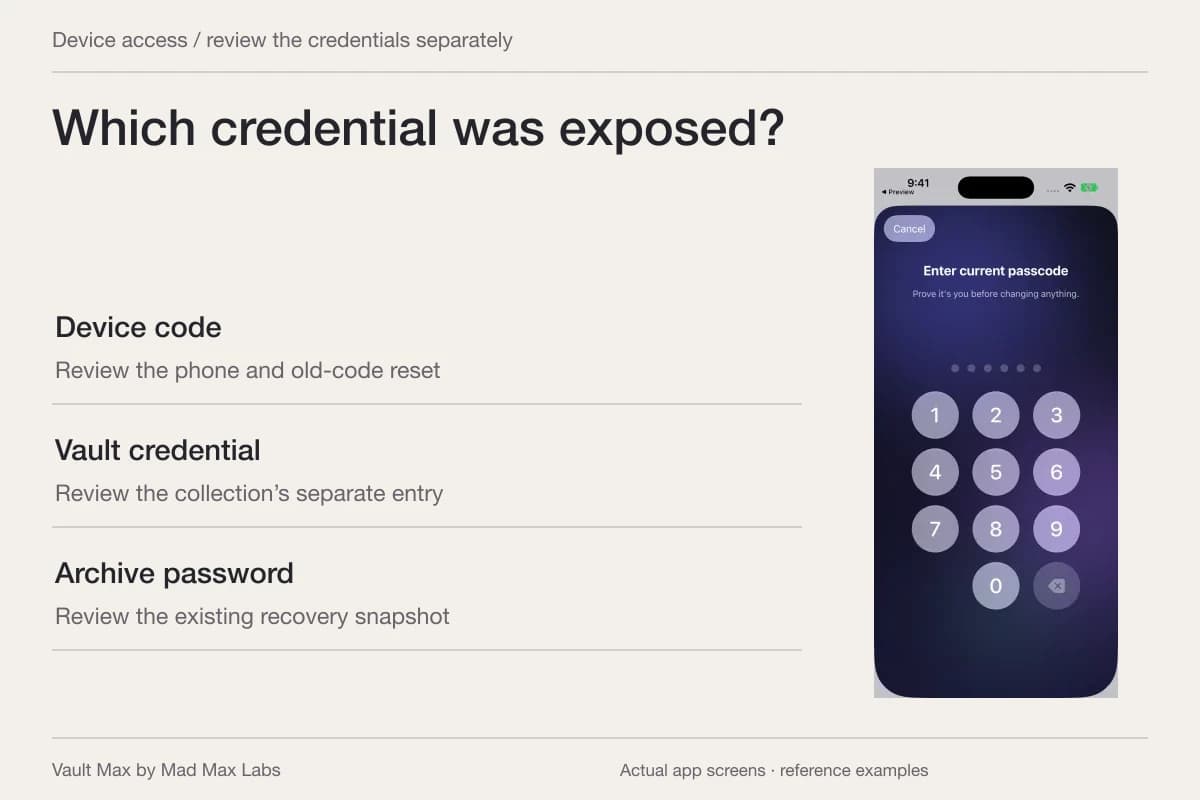
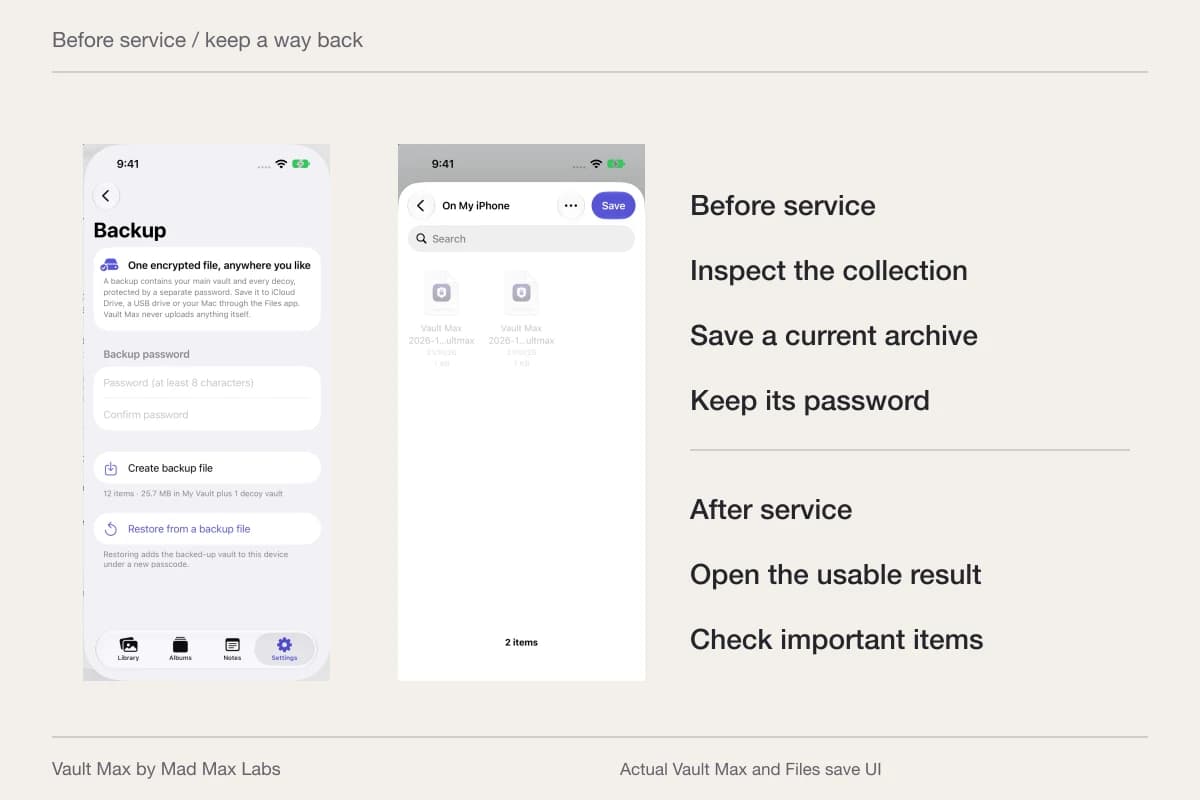
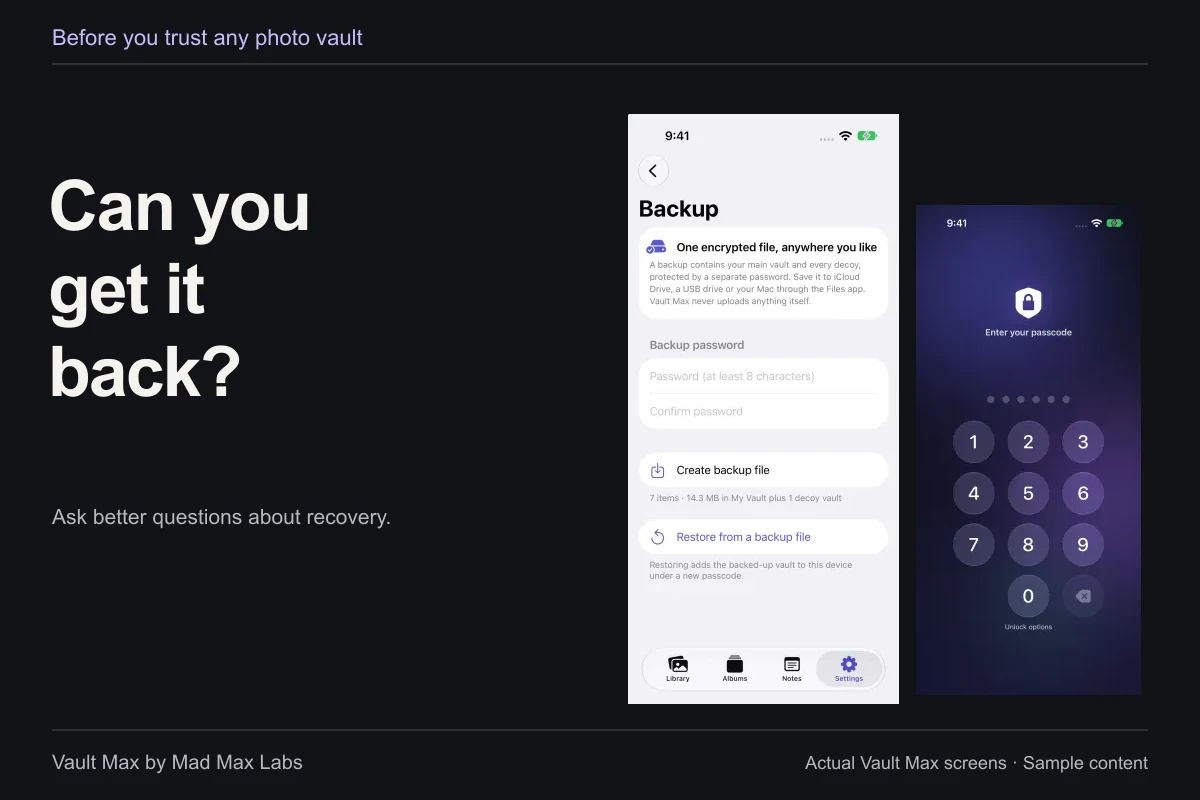
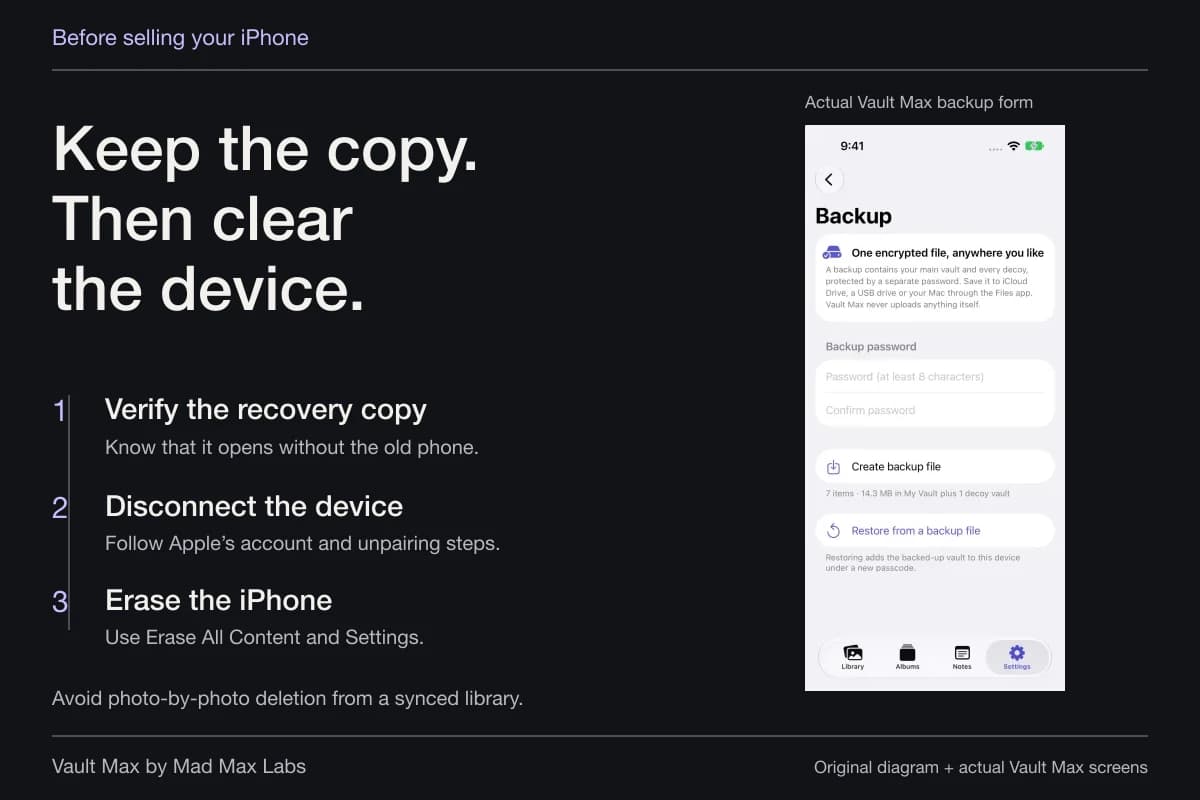
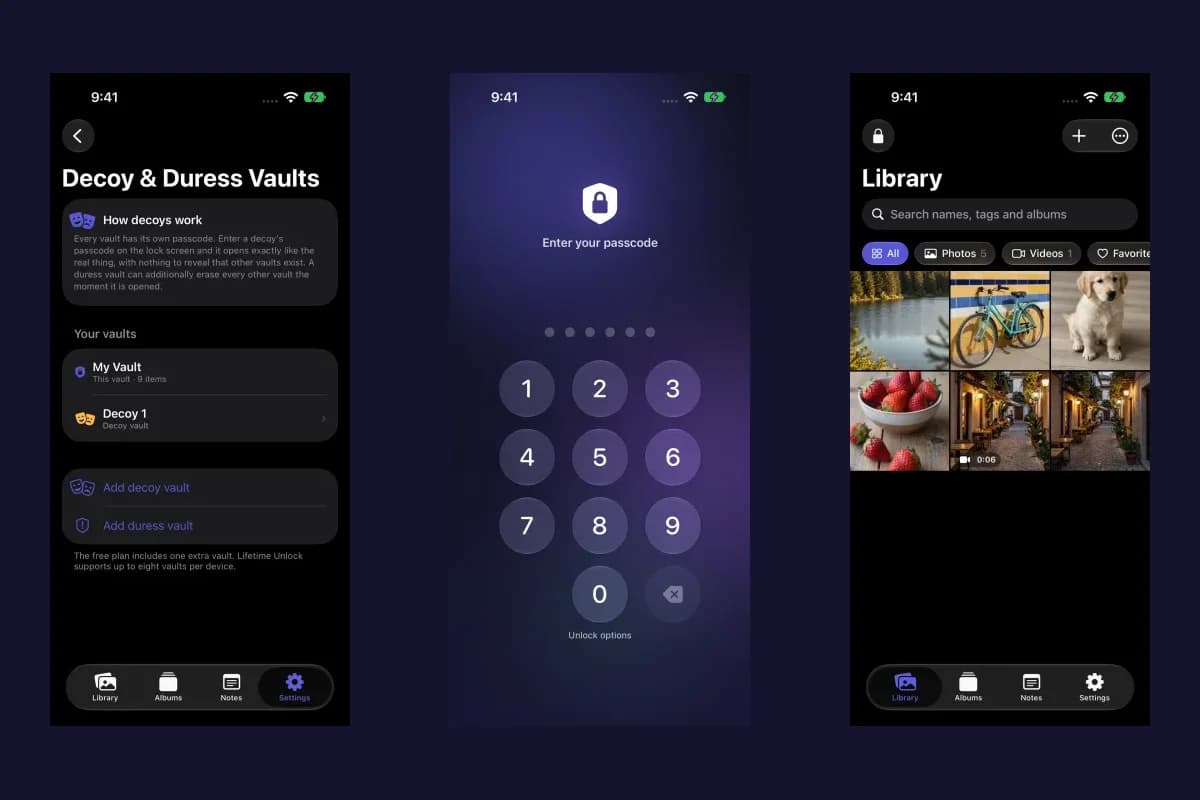
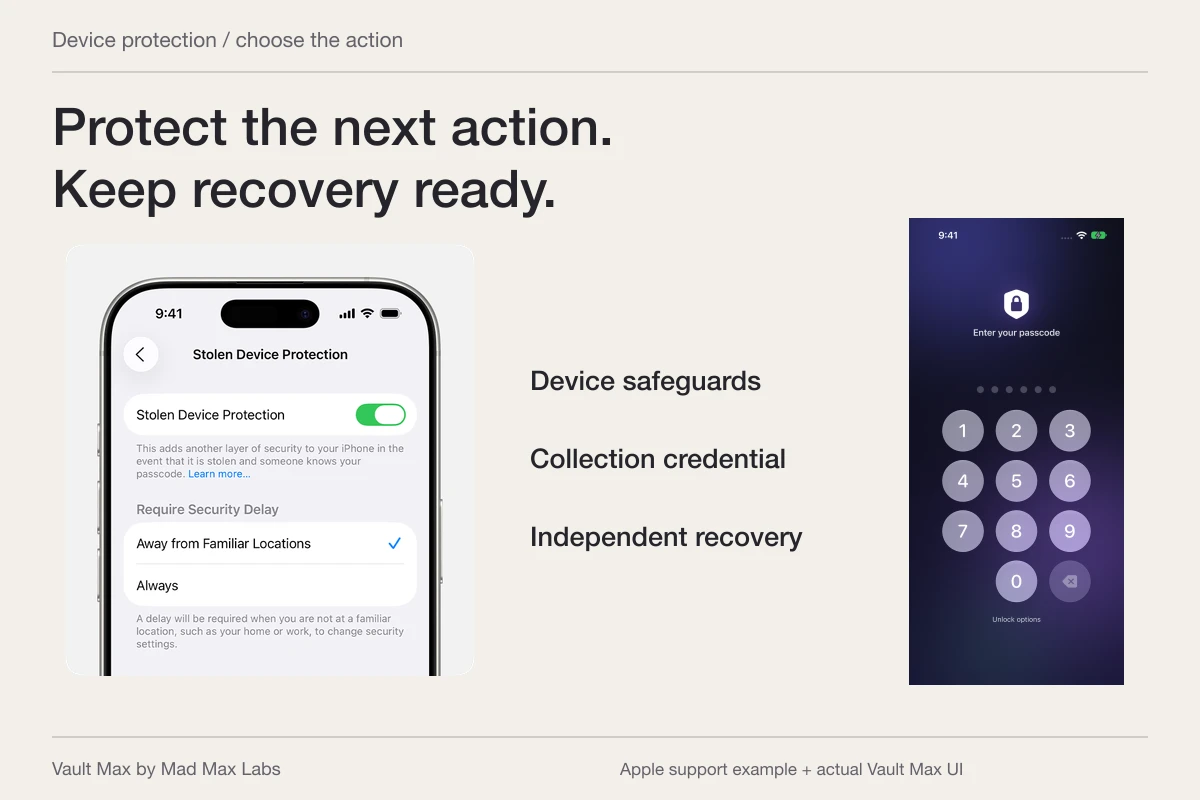
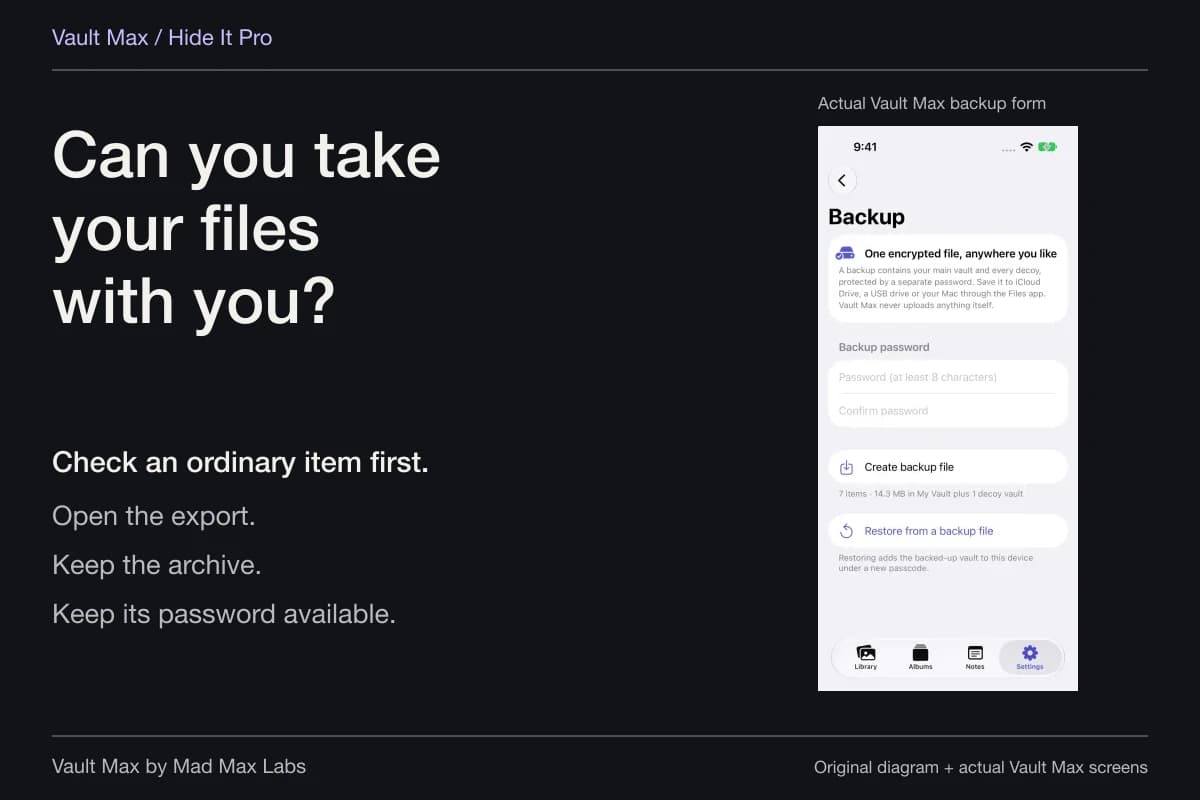
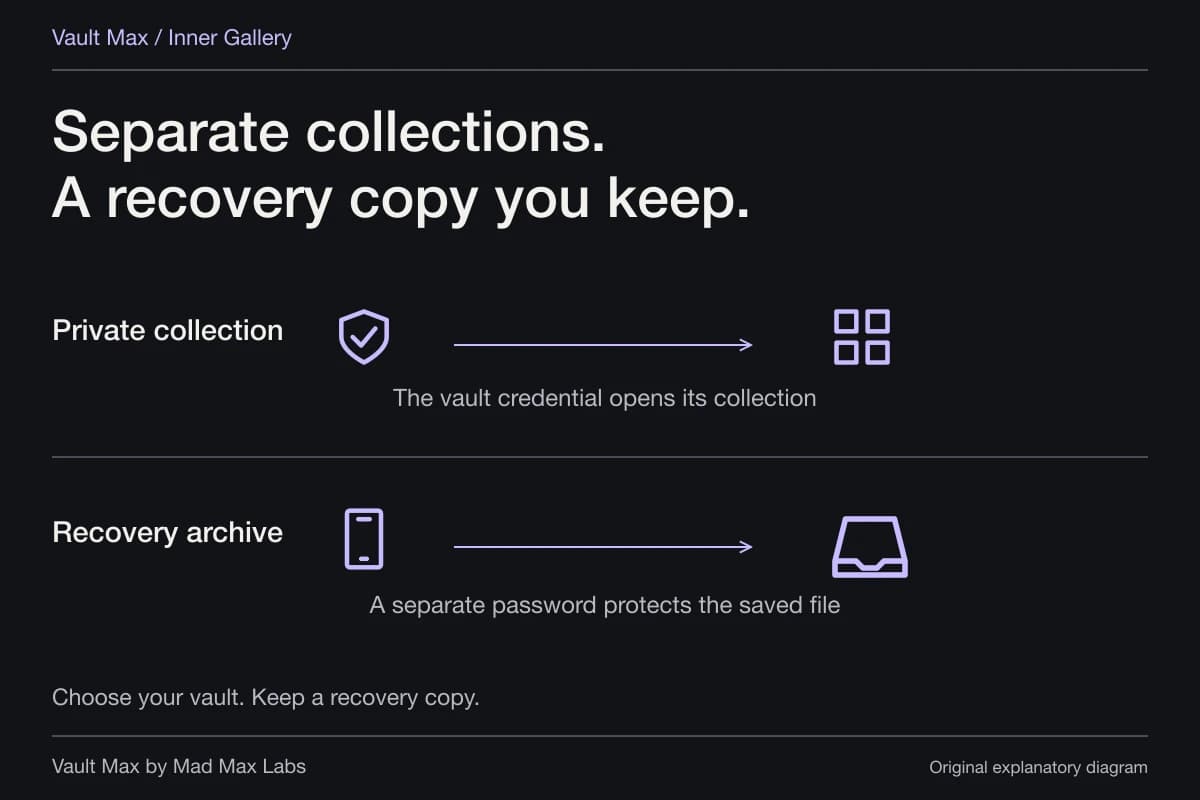
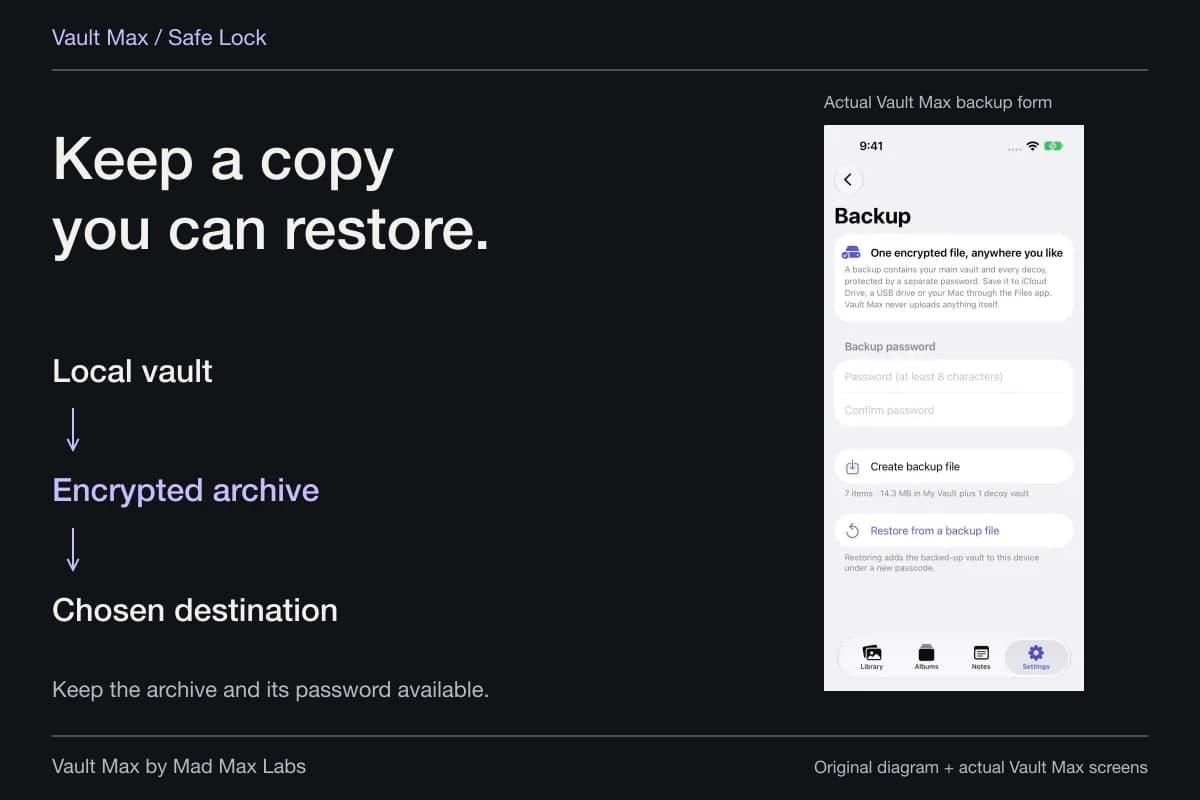
Import a small selection first and open the saved results. If someone knows your iPhone code, choose a different vault credential and review the exposed-passcode guide for the wider account task. Create a usable recovery archive before making a local vault your only retained copy.
Check the configuration and the next sharing decision
Return to the participant list, link settings or Shared Library controls you changed. Record the date and the scope in language you can verify. If you keep an ordinary note about the change, avoid copying unnecessary private material into it.
For future sharing, start from the selected item and intended recipient. Inspect the attachment and the destination before sending. Keeping a private collection and choosing a particular export are separate decisions; neither should silently reopen an old sharing relationship.
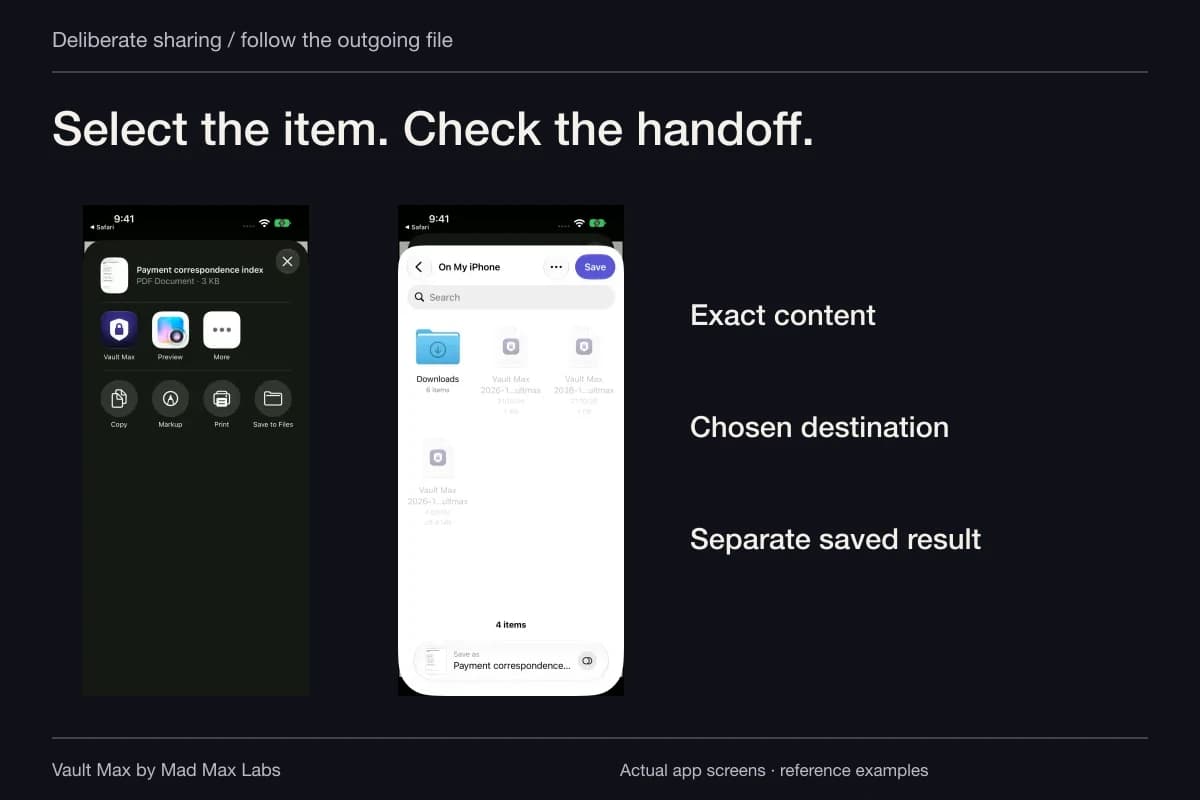
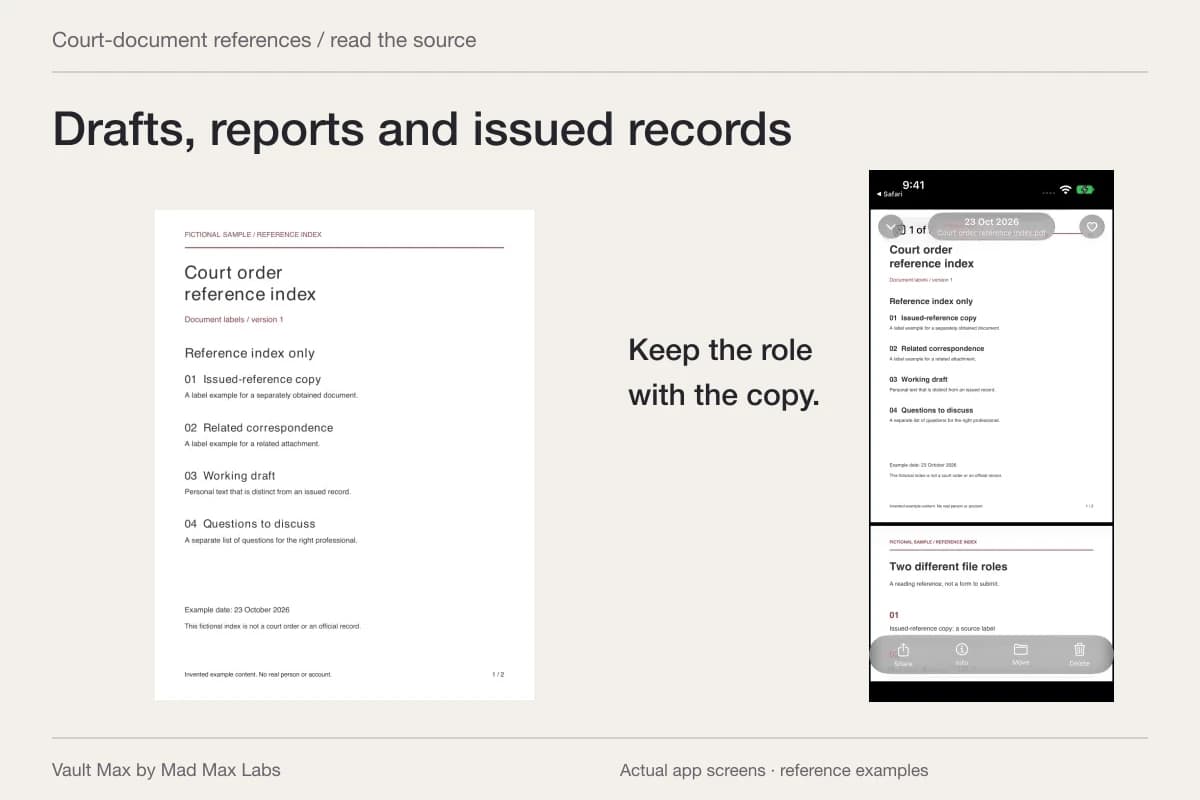
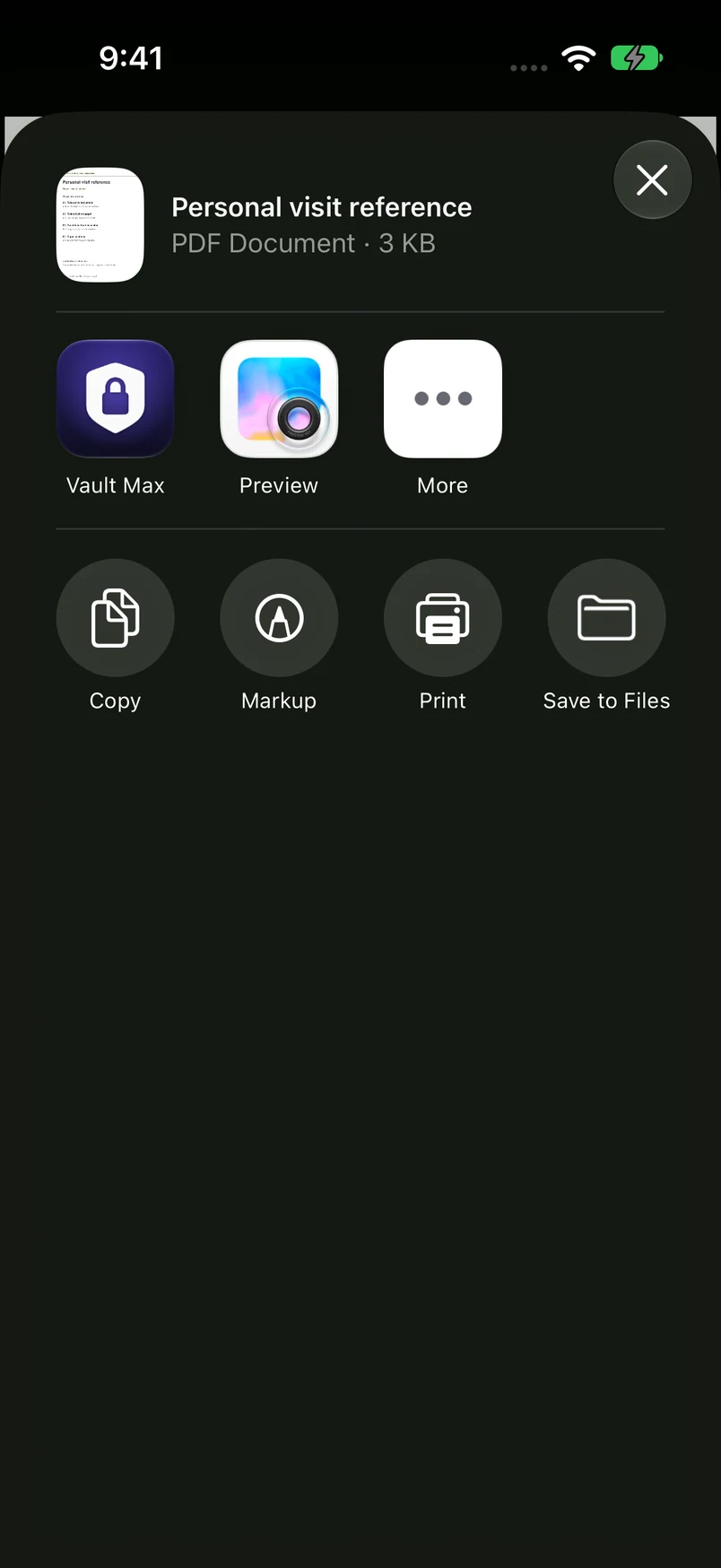
Fresh actual Vault Max and iPhone Share UI shows the fictional Personal visit reference PDF prepared for an explicit export. No destination was selected and no file was delivered. It illustrates the point at which you choose another copy's destination; it is not Shared Album removal or a recipient-deletion test.
Actual Vault Max and iPhone Share sheet · QA simulator, October 24Review the selected item and destination before sending
Open original image: Review the selected item and destination before sending- Distinguish Shared Album, Shared Library, messages and same-account devices.
- Remove a participant, unsubscribe or manage Shared Library using the correct route.
- Inspect open links, Public Website where applicable and other connected accounts.
- Verify selected retained items and prepare recovery before deletion.
- Record revoked access without claiming a recall of separately saved copies.
Tap a box as you go. Checks reset when you leave this page.
Common questions
Does removing an ex from a Shared Album delete pictures they saved?
Removing album access does not recall separately saved copies. Apple allows participants to save shared material; treat a download, screenshot or earlier export as a separate copy beyond that album's access control.
Can a Shared Album subscriber remove another subscriber?
Use the controls appropriate to your role. Apple's current guide gives access management to the owner or someone with Can Manage Album and Photos permission. A subscriber can unsubscribe and manage their own contributions under Apple's supported controls.
Is iCloud Shared Photo Library the same as a Shared Album?
No. It has different roles, contribution and departure rules. Identify which feature you are using before removing a participant or leaving; do not assume album instructions or saved-copy consequences apply unchanged.
Continue reading
More guides
Practical tips for your private library. Swipe or scroll to choose your next guide.
92 guides to explore